OpsFlow: Automated Operations Workflow Builder
A no-code/low-code SaaS platform that enables SMBs to build, automate, and optimize their daily operational workflows (like employee onboarding, inventory checks, customer follow-ups, and approvals) using drag-and-drop tools, integrations with common business apps (Slack, QuickBooks, Shopify), alerts/reminders, and detailed analytics. Solves the problem of scattered manual processes and helps businesses become more efficient without dedicated IT staff.
Understanding the underlying need for operations workflow automation
For countless small and midsize businesses (SMBs), day-to-day operations are the engine that powers growth — but also the source of ongoing headaches. Manual processes like employee onboarding, inventory management, customer follow-ups, and approval chains eat up valuable hours, introduce errors, and create costly delays. With limited IT resources, most SMBs struggle to standardize or automate these workflows.
OpsFlow: Automated Operations Workflow Builder directly addresses this pain point. As a no-code/low-code SaaS solution for B2B operations automation, OpsFlow empowers SMBs to design, automate, and monitor complex operational workflows using a user-friendly drag-and-drop interface. It integrates seamlessly with widely-used business apps (Slack, QuickBooks, Shopify), offers visual alerts and reminders, and provides detailed analytics for continuous optimization.
Let's dive deep into why this solution is necessary, how it serves its audience, and what sets OpsFlow apart from the competition.
Target audience analysis: Who benefits from OpsFlow?
OpsFlow is engineered for a wide range of SMBs who find themselves mired in scattered, manual, or semi-automated operation processes but lack the IT resources for custom development.
Primary user personas
- Operations managers: Struggling to coordinate multiple repetitive tasks among distributed teams.
- HR professionals: Managing onboarding and offboarding, PTO approvals, and compliance checklists.
- Inventory and logistics coordinators: Overseeing stock checks, supplier communication, and restocking processes.
- Customer support and account managers: Needing automated customer follow-ups or escalation flows without involving a developer.
- Business owners and GMs: Looking for clear operational visibility and efficiency without hiring process consultants or a dedicated IT expert.
- Non-technical staff: Want simple drag-and-drop tools to digitize their own workflows.
Common industry sectors include:
- Retail & e-commerce
- Hospitality and food services
- Professional services (law, accounting, consulting)
- Light manufacturing/distribution
- Healthcare clinics and practices
These users typically seek:
- Efficiency: Reduce manual, repetitive tasks
- Accuracy: Minimize human error
- Visibility: Gain insights through analytics/reporting
- Agility: Change processes quickly with minimal technical barriers
Industry insight
Gartner has consistently reported that hyperautomation — automating as many business processes as possible — is a top priority for midsize companies. [Reference: Gartner’s Top Technology Trends]
Identifying the market opportunity and gaps
Despite the growing market for automation tools, most options remain either overly technical, limited in integrations, or priced out of reach for SMBs. Let's analyze the current landscape.
Key market gaps
- Complexity bias: Many current workflow automation tools assume a high degree of technical literacy or require IT/admin setup.
- Integration limitations: Platforms often force businesses into using a limited ecosystem or charge extra for each key integration.
- Lack of real operational insight: Basic process automation is common, but few solutions offer actionable analytics tailored to SMB use-cases.
- SMB budget mismatch: Enterprise-grade process automation (like traditional BPM tools) is prohibitively expensive for smaller teams.
The growing demand for workflow automation
According to recent forecasts, the global workflow automation market is projected to reach $26 billion by 2028, with SMB adoption accelerating due to the rise of no-code technology and remote work. [Reference: Verified Market Research]
Core features of OpsFlow
OpsFlow distinguishes itself through a robust set of features, emphasizing no-code accessibility, powerful integrations, and operational analytics.
No-code/low-code workflow builder
- Intuitive drag-and-drop editor: Users create and visualize workflows as a series of steps, triggers, and actions, without code.
- Reusable workflow templates: Pre-built solutions for common use-cases (e.g., onboarding, approvals, inventory checks).
- Visual branching and conditional logic: Accommodate real-world decision-making paths easily.
Deep third-party integrations
- Native connections: Out-of-the-box integrations with Slack, QuickBooks, Shopify, Google Workspace, email, calendar, SMS gateways, and more.
- Webhooks and API access: Enable connection with virtually any modern SaaS tool or custom in-house system.
Smart alerts and notifications
- Customizable triggers: Create email, SMS, or in-app alerts for deadlines, approvals, exceptions, or manual intervention points.
- Real-time reminders: nudge users to complete steps and flag bottlenecks.
Detailed analytics and optimization
- Step-level analytics: Track completion rates, average times, exceptions, and user activity.
- Bottleneck identification: Visual cues for steps consistently delayed or causing rework.
- Exportable reports: Simple, shareable dashboards for performance tracking and continuous improvement.
Collaboration and permissions
- Role-based access: Ensure sensitive actions can only be performed by authorized team members.
- Team comments and logs: Allow communication directly on workflow steps for clear audit trails.
Example workflow: Employee onboarding
// Example structure for a visual no-code workflow builder
const onboardingWorkflow = createWorkflow('Employee Onboarding')
  .addStep('Collect new hire documents', { assignee: 'HR', dueWithin: '2 days' })
  .addStep('Set up payroll in QuickBooks', { integration: 'QuickBooks', auto: true })
  .addDecision('Background check passed?', {
    yes: 'Send welcome email via Gmail integration',
    no: 'Notify HR via Slack'
  })
  .finalStep('Provide company resources', { assignee: 'IT', dueWithin: '1 day' });
Recommended tech stack (and architectural trade-offs)
Building a powerful, reliable, and scalable workflow automation platform requires careful tech selection — balancing speed, flexibility, and ease of use.
Core technologies
- Frontend: React for dynamic UIs and component-driven design, combined with TailwindCSS for rapid, consistent styling.
- Workflow engine: Node.js/TypeScript backend for asynchronous workflow processing, event scheduling, and integrations.
- Integration framework: Leverage widely-used open protocols (like OAuth 2.0) and a pluggable connector system for app integrations (Slack, QuickBooks, Shopify APIs, etc.).
- Database: PostgreSQL or MongoDB for flexibility in storing workflow definitions, histories, and analytics data.
- Notifications: Built-in support for email (SendGrid), SMS (Twilio), and in-app notifications (Socket.io or WebSockets).
- Analytics layer: Embedded analytics dashboards powered by open-source BI libraries or integrations with tools like Metabase.
- Hosting: Offer as a multi-tenant SaaS on cloud platforms like AWS or GCP — ensuring robust security, data separation, and scalability.
Trade-offs and considerations
- Pro: React and modern CSS utilities enable fast, responsive UIs with extensive reusability.
- Con: Managing complex workflow execution at scale demands sophisticated orchestration and monitoring.
- Pro: Using pluggable connectors allows rapid expansion of third-party integrations.
- Con: Each new external integration demands ongoing maintenance for API and security updates.
- Pro: Real-time analytics require careful data modeling but are crucial for actionable insights.
Tech stack caution
While no-code tools lower barriers, they increase complexity on the backend. Prioritizing scalability and real-time reliability from day one prevents future bottlenecks.
Monetization strategy options for OpsFlow
OpsFlow can adopt several proven monetization models for SMB-oriented SaaS, each with distinct advantages.
Freemium with feature tiers
- Core free plan: Allows creation of a limited number of workflows, basic integrations, and standard analytics.
- Premium tiers: Unlock advanced integrations (e.g., QuickBooks, Shopify), expanded workflow quotas, automation limits, collaboration/permissions, and detailed analytics.
Per-user or per-workflow pricing
- User-based pricing: Works well for SMBs that tie automation to headcount.
- Workflow/automation-based pricing: Better aligned for businesses running a small number of high-impact processes.
Add-on marketplace for integrations
- Charge for premium connectors (ERP, CRMs, niche tools), facilitating a marketplace ecosystem.
Implementation/training services
- Offer optional paid onboarding or support packages for process mapping, template creation, and team training.
| Monetization Model | Pros | Cons | User Fit | Scalability |
|---|---|---|---|---|
| Freemium | ✅ Large user base | ❌ Lower initial revenue | ✅ SMBs & startups | ❌ Requires robust onboarding |
| Per-user pricing | ✅ Predictable revenue | ❌ Not usage-centric | ✅ Growing teams | ✅ Easy to scale |
Risks and mitigation strategies
Launching an operations workflow automation platform for SMBs involves several risks — from technical hurdles to market education.
Potential risks
- Integration challenges: Maintaining compatibility across fast-changing third-party APIs.
- User adoption friction: Non-technical users may be skeptical of “yet another tool” and slow to digitize manual processes.
- Workflow complexity: Overly flexible builders can overwhelm users with too many options.
- Security/data privacy: Handling sensitive business process data demands strong compliance and security practices (GDPR, SOC 2, etc.).
- Platform fatigue: Competing with existing tools (Zapier, Monday.com, Asana) means differentiation is crucial.
Mitigation tactics
- Ongoing integration QA: Regularly test and update connectors for critical third-party apps.
- Guided onboarding: Offer workflow templates, wizards, and contextual help to simplify adoption for new users.
- Opinionated defaults: Start with best-practice templates and hide advanced controls until needed.
- Transparent security: Publish security controls and compliance posture to build trust.
- USP marketing: Aggressively highlight ease-of-use, SMB focus, and unique analytics benefits in marketing literature.
OpsFlow is designed with role-based permissions, encrypted data storage, and regular compliance assessments in mind. All data is processed using secure cloud practices, following SOC 2 and GDPR requirements.
Yes. OpsFlow supports webhooks, custom API connectors, and a developer portal, allowing even legacy systems to be integrated with the workflow engine.
Competitive advantage: What makes OpsFlow stand out?
To win in a crowded market, OpsFlow needs an undeniable unique selling proposition (USP). Here’s how OpsFlow distinguishes itself:
Comparative strengths
True no-code accessibility
Designed for operations, HR, and business users, not just IT admins. Real drag-and-drop, not scripted logic.
Deep, native integrations
Out-of-the box connectors for SMB-critical tools like Slack, QuickBooks, and Shopify — with no need for paid extras.
Actionable analytics
Unlike generic automation, OpsFlow provides workflow-specific performance data, surfacing bottlenecks and process delays automatically.
SMB-first pricing
Flexible plans that match SMB budgets and avoid enterprise 'gotchas' — no hidden per-connector fees.
Rapid onboarding
Pre-built templates and smart wizards enable teams to automate core processes in minutes, not weeks.
Feature-by-feature comparison: OpsFlow versus generic automation tools
| OpsFlow | Zapier | Monday.com | Pipefy | Kissflow | |
|---|---|---|---|---|---|
| True no-code workflow builder | ✅ | ❌ | ❌ | ✅ | ❌ |
| Deep SMB-specific integrations | ✅ | ❌ | ✅ | ✅ | ❌ |
| Step-level analytics & optimization | ✅ | ❌ | ✅ | ✅ | ❌ |
| SMB-first pricing model | ✅ | ❌ | ❌ | ✅ | ❌ |
| Pre-built operational templates | ✅ | ❌ | ✅ | ✅ | ✅ |
Each competitor has its merits, but none blend operations-centric design, deep analytics, affordable pricing, and rapid onboarding for non-technical SMB users as effectively as OpsFlow.
Implementation steps: How to build and launch OpsFlow
Rolling out a B2B operations workflow automation platform is a complex but achievable journey. Here are expert-recommended steps for a successful launch:
Actionable next steps and opportunities
OpsFlow solves a real, pressing need for SMBs to automate and optimize their operational workflows without the burden of complex IT projects or expensive consultants. By focusing on no-code usability, deep app integrations, actionable analytics, and SMB-friendly pricing, this platform is uniquely positioned to capture and delight its audience.
To move forward:
- Engage real SMB users early and often: Your best roadmap insight comes from observing real-world teams as they automate processes.
- Build with scalability and compliance in mind: It’s much easier to add workflows, integrations, and seats when the foundation is strong.
- Prioritize ease-of-use and practical value in marketing: Showcasing fast time-to-value will drive adoption and referrals.
- Partner with ecosystem apps: Co-market with leading SMB SaaS partners to boost reach and trust.
OpsFlow exemplifies how modern SaaS like TurboStarter can rapidly deliver high-impact automation to businesses that need it most—efficiently, affordably, and without sacrificing control or visibility.
Frequently asked questions
No. OpsFlow is specifically designed for non-technical users, with a drag-and-drop editor and pre-built connectors handling all the technical details.
Yes. Prospective customers can sign up for a free tier with core features, upgrade to paid plans only as their needs grow.
Most new users can launch their first automated workflow within 30-60 minutes, thanks to guided templates and onboarding wizards.
Absolutely. The platform supports custom triggers, actions, and integrations, making it adaptable to nearly any business process.
Ready to bring order, efficiency, and actionable insights to your operations? OpsFlow is the workflow builder that empowers SMBs—no code required.
More 🏢 B2B Application SaaS ideas
Discover more innovative b2b application SaaS ideas that are trending in 2026. Each idea is AI-generated with market validation and growth potential to help you find your next profitable venture faster than competitors.
Your competitors are building with TurboStarter
Below are some of the SaaS ideas that have been generated and built with our starter kit.
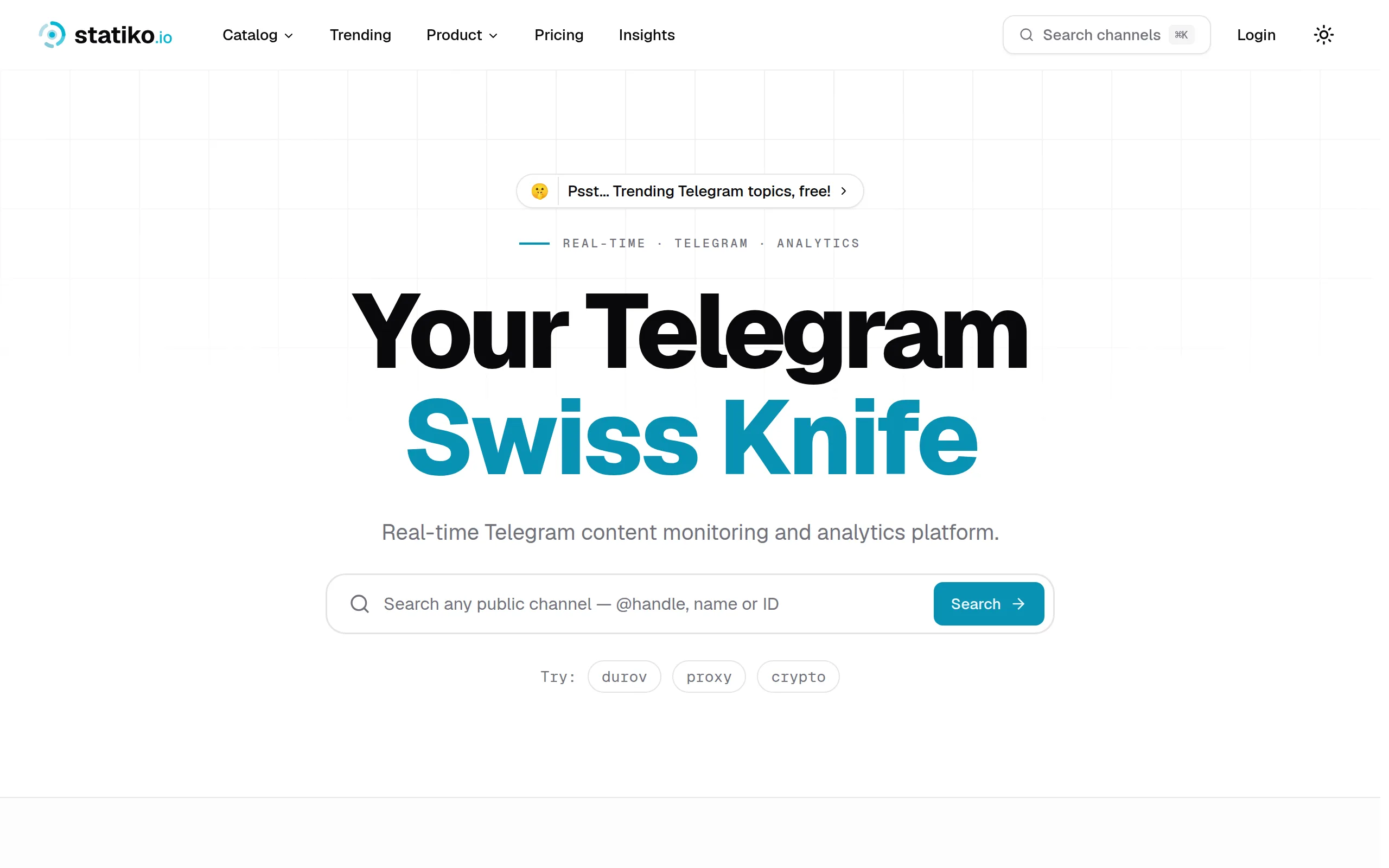
Statiko
Monitor any Telegram channel in real time - track posts, edits, deletions, and growth with AI recaps 📡

Shibui
AI website builder - describe your business, pick a niche template, edit by chatting, and publish instantly ✨

Pro Service
Find verified home service professionals, compare quotes, and pay securely through escrow - built for Brazilians across the US 🏠
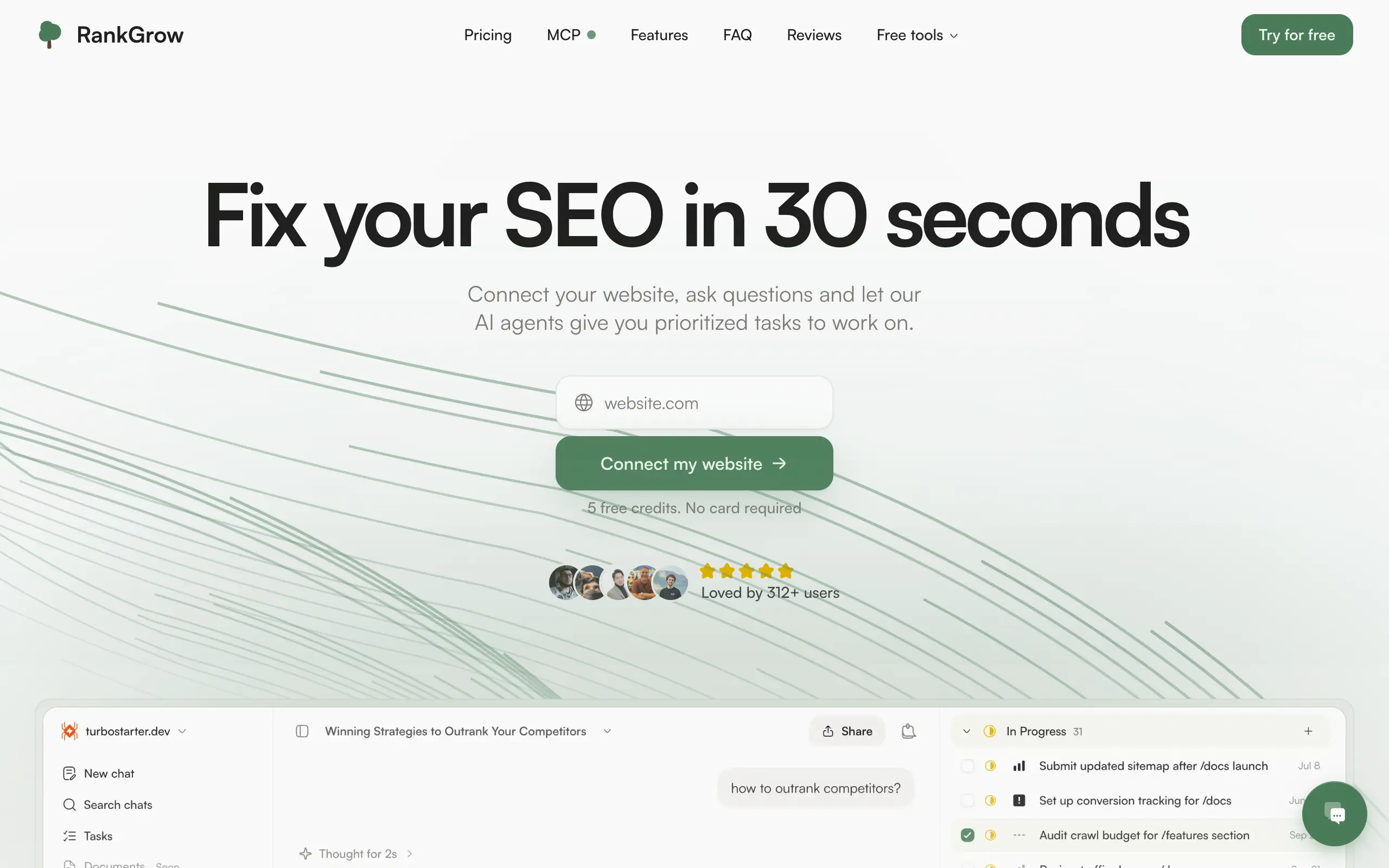
RankGrow
Fix your SEO with AI agents - connect Search Console, get prioritized tasks, and grow organic traffic 📈
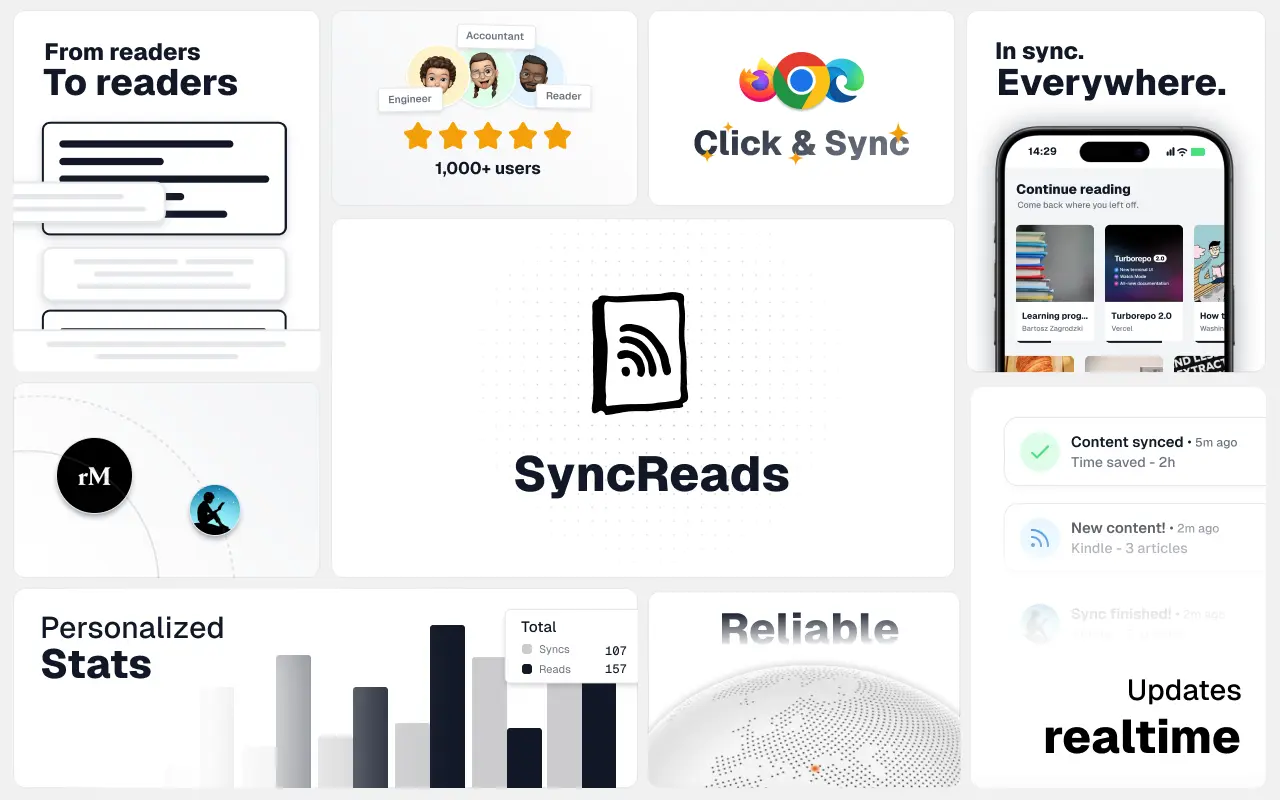
SyncReads
Sync your favorite content for distraction-free reading, save time and replace multiple apps. Anytime, anywhere 🔄
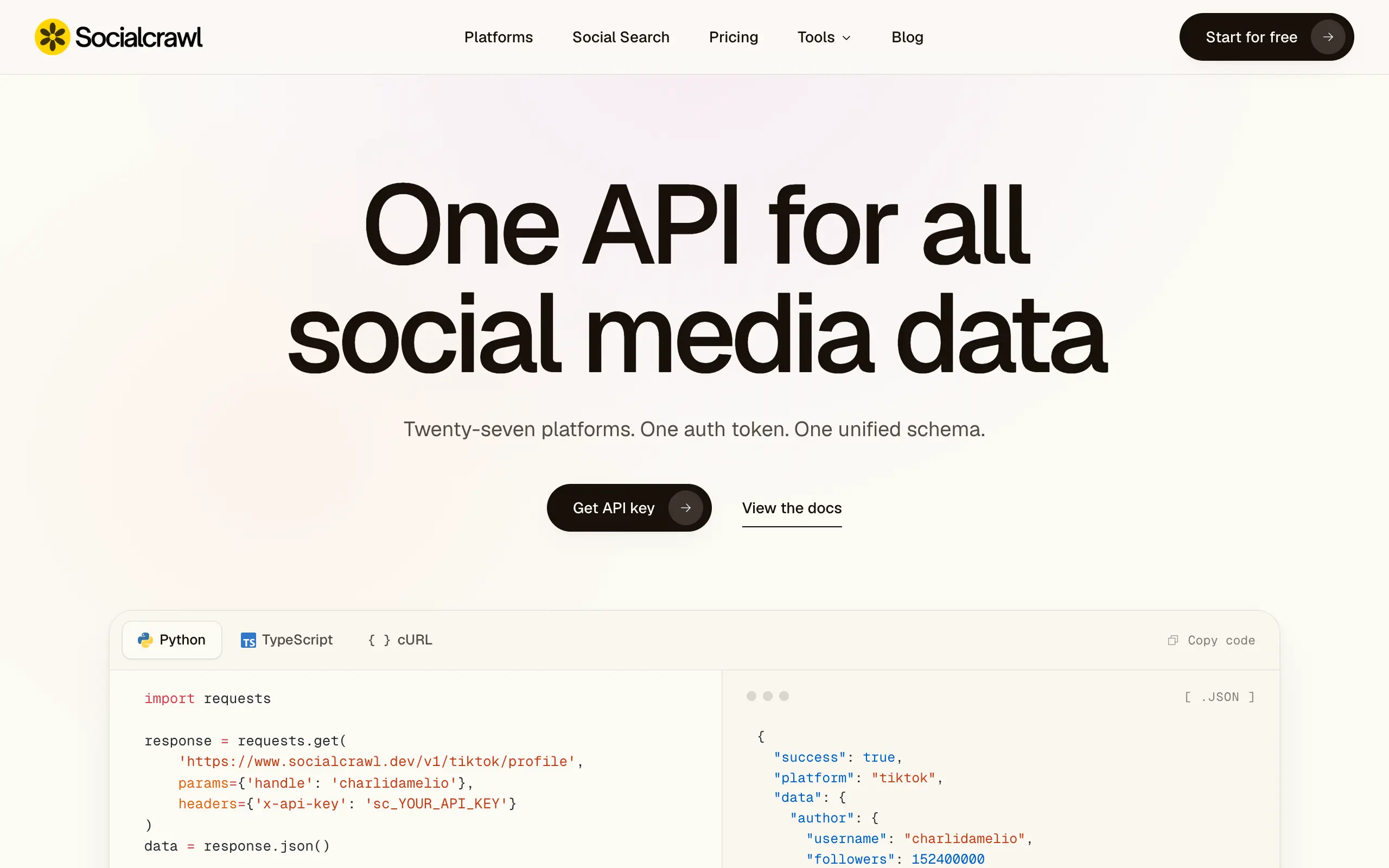
Socialcrawl
Get clean, structured data from 21 platforms like TikTok, Instagram, and YouTube with a single request 📊
Statiko
Monitor any Telegram channel in real time - track posts, edits, deletions, and growth with AI recaps 📡
Shibui
AI website builder - describe your business, pick a niche template, edit by chatting, and publish instantly ✨
Pro Service
Find verified home service professionals, compare quotes, and pay securely through escrow - built for Brazilians across the US 🏠
RankGrow
Fix your SEO with AI agents - connect Search Console, get prioritized tasks, and grow organic traffic 📈
SyncReads
Sync your favorite content for distraction-free reading, save time and replace multiple apps. Anytime, anywhere 🔄
Socialcrawl
Get clean, structured data from 21 platforms like TikTok, Instagram, and YouTube with a single request 📊
Statiko
Monitor any Telegram channel in real time - track posts, edits, deletions, and growth with AI recaps 📡
Shibui
AI website builder - describe your business, pick a niche template, edit by chatting, and publish instantly ✨
Pro Service
Find verified home service professionals, compare quotes, and pay securely through escrow - built for Brazilians across the US 🏠
RankGrow
Fix your SEO with AI agents - connect Search Console, get prioritized tasks, and grow organic traffic 📈
SyncReads
Sync your favorite content for distraction-free reading, save time and replace multiple apps. Anytime, anywhere 🔄
Socialcrawl
Get clean, structured data from 21 platforms like TikTok, Instagram, and YouTube with a single request 📊
Statiko
Monitor any Telegram channel in real time - track posts, edits, deletions, and growth with AI recaps 📡
Shibui
AI website builder - describe your business, pick a niche template, edit by chatting, and publish instantly ✨
Pro Service
Find verified home service professionals, compare quotes, and pay securely through escrow - built for Brazilians across the US 🏠
RankGrow
Fix your SEO with AI agents - connect Search Console, get prioritized tasks, and grow organic traffic 📈
SyncReads
Sync your favorite content for distraction-free reading, save time and replace multiple apps. Anytime, anywhere 🔄
Socialcrawl
Get clean, structured data from 21 platforms like TikTok, Instagram, and YouTube with a single request 📊
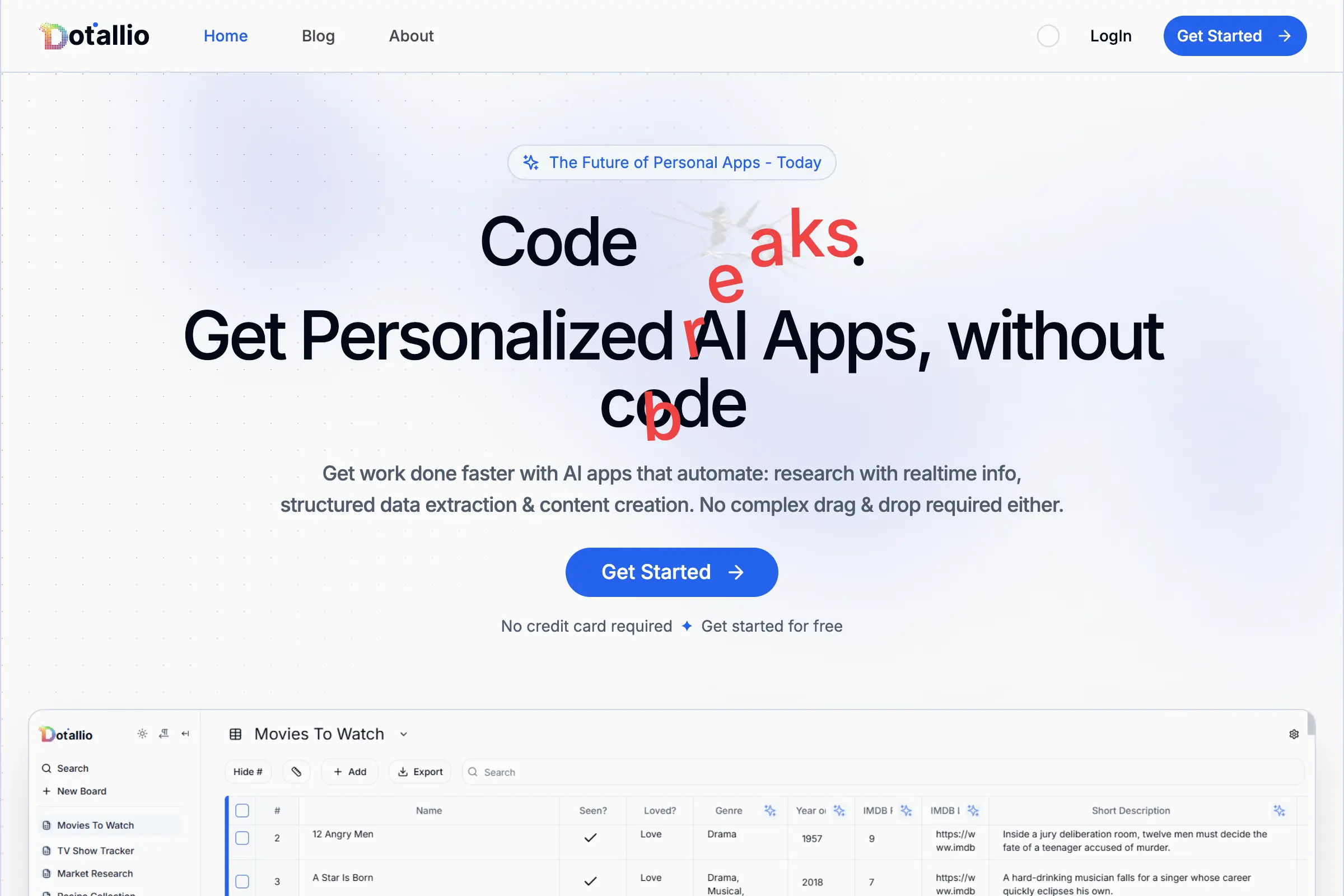
Dotallio
Personalized AI apps that automate research, data extraction, and content creation without code 🤖

Talk to Santa
Enjoy a magical live video chat or receive a unique AI-generated video greeting from Santa Claus 🎅
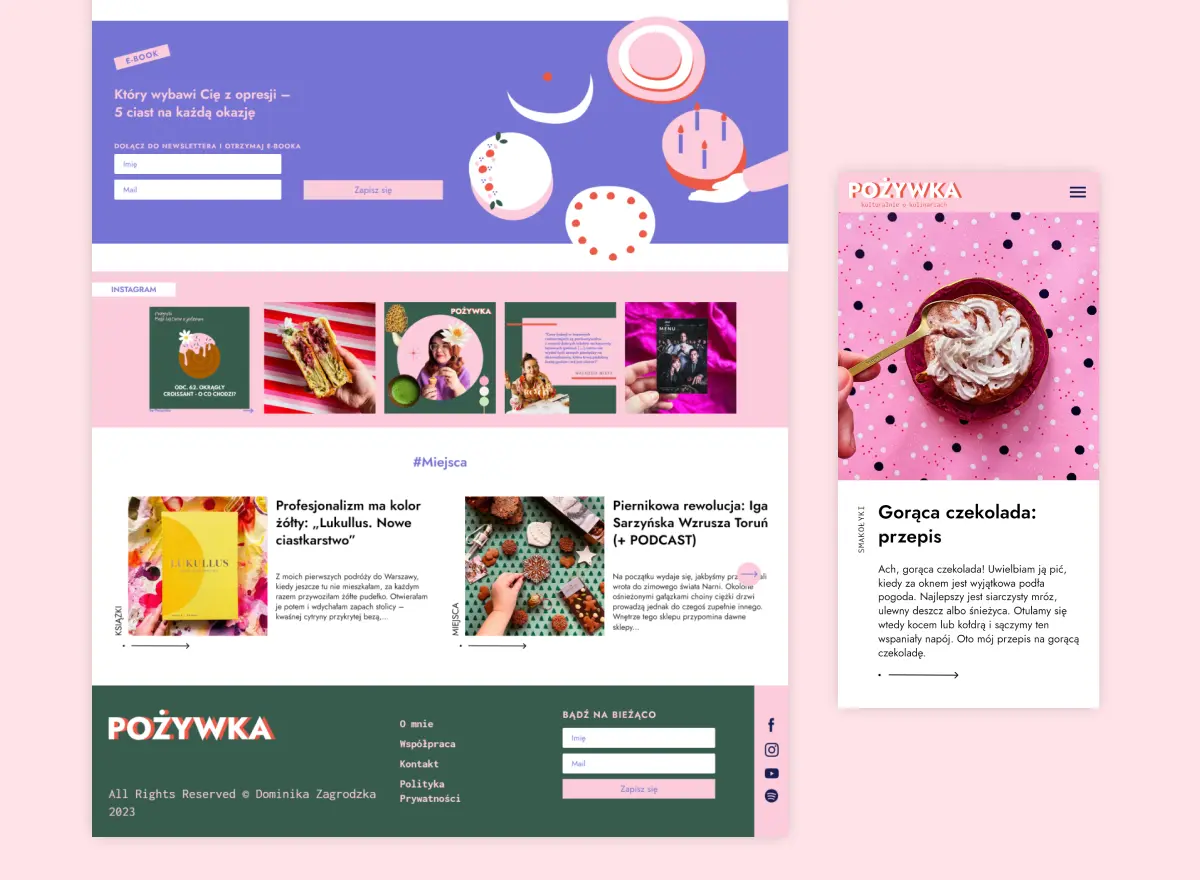
pozywka.pl
Scalable blog for food journalist, focused on performance and user experience 🌭
zagrodzki.me
Personal blog and portfolio of Bart Zagrodzki, where he shares his knowledge and work 💼
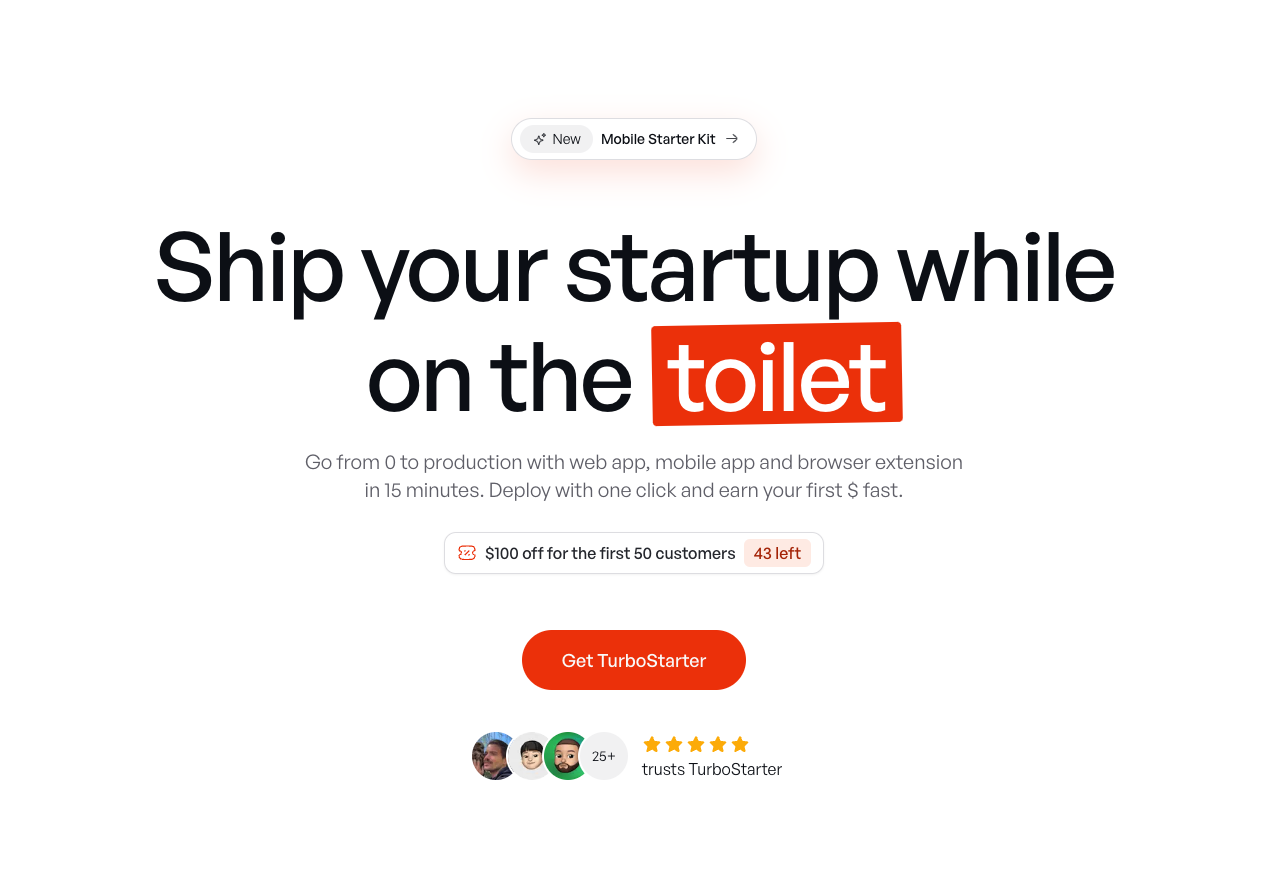
TurboStarter
Ship your startup everywhere. In minutes.
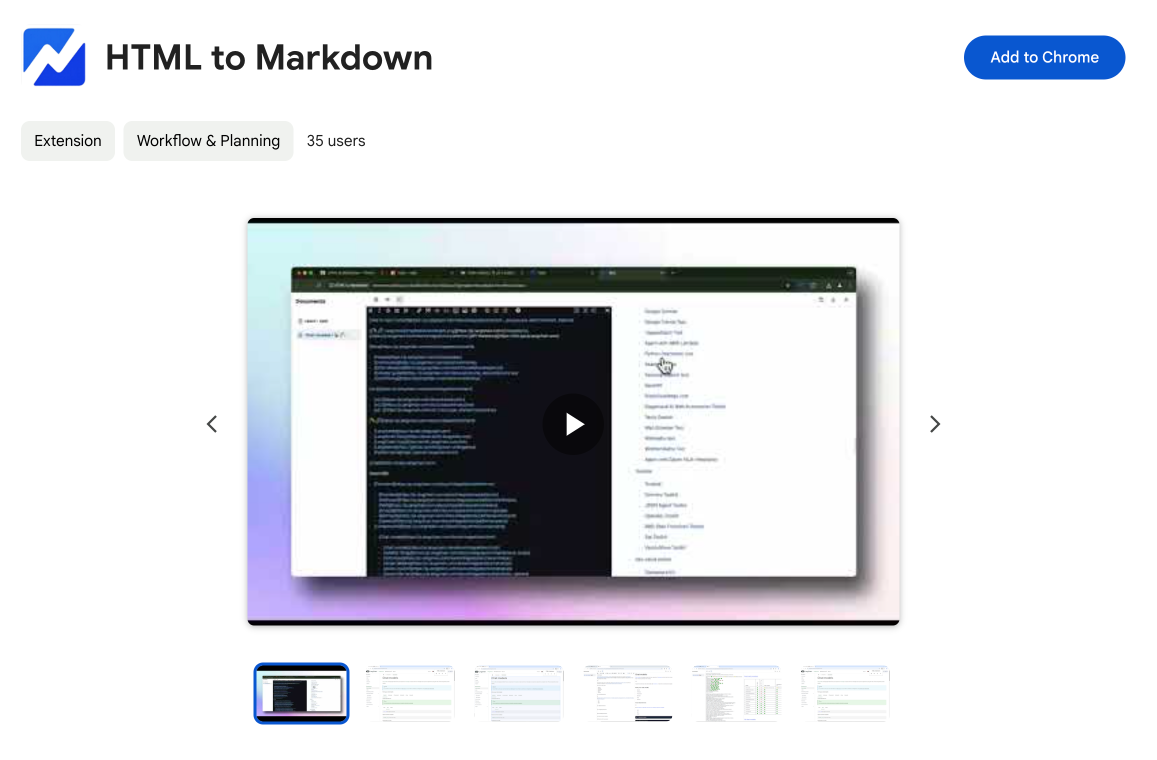
HTML to Markdown
Convert HTML to Markdown with ease, directly in your browser 📄
Dotallio
Personalized AI apps that automate research, data extraction, and content creation without code 🤖
Talk to Santa
Enjoy a magical live video chat or receive a unique AI-generated video greeting from Santa Claus 🎅
pozywka.pl
Scalable blog for food journalist, focused on performance and user experience 🌭
zagrodzki.me
Personal blog and portfolio of Bart Zagrodzki, where he shares his knowledge and work 💼
TurboStarter
Ship your startup everywhere. In minutes.
HTML to Markdown
Convert HTML to Markdown with ease, directly in your browser 📄
Dotallio
Personalized AI apps that automate research, data extraction, and content creation without code 🤖
Talk to Santa
Enjoy a magical live video chat or receive a unique AI-generated video greeting from Santa Claus 🎅
pozywka.pl
Scalable blog for food journalist, focused on performance and user experience 🌭
zagrodzki.me
Personal blog and portfolio of Bart Zagrodzki, where he shares his knowledge and work 💼
TurboStarter
Ship your startup everywhere. In minutes.
HTML to Markdown
Convert HTML to Markdown with ease, directly in your browser 📄
Dotallio
Personalized AI apps that automate research, data extraction, and content creation without code 🤖
Talk to Santa
Enjoy a magical live video chat or receive a unique AI-generated video greeting from Santa Claus 🎅
pozywka.pl
Scalable blog for food journalist, focused on performance and user experience 🌭
zagrodzki.me
Personal blog and portfolio of Bart Zagrodzki, where he shares his knowledge and work 💼
TurboStarter
Ship your startup everywhere. In minutes.
HTML to Markdown
Convert HTML to Markdown with ease, directly in your browser 📄
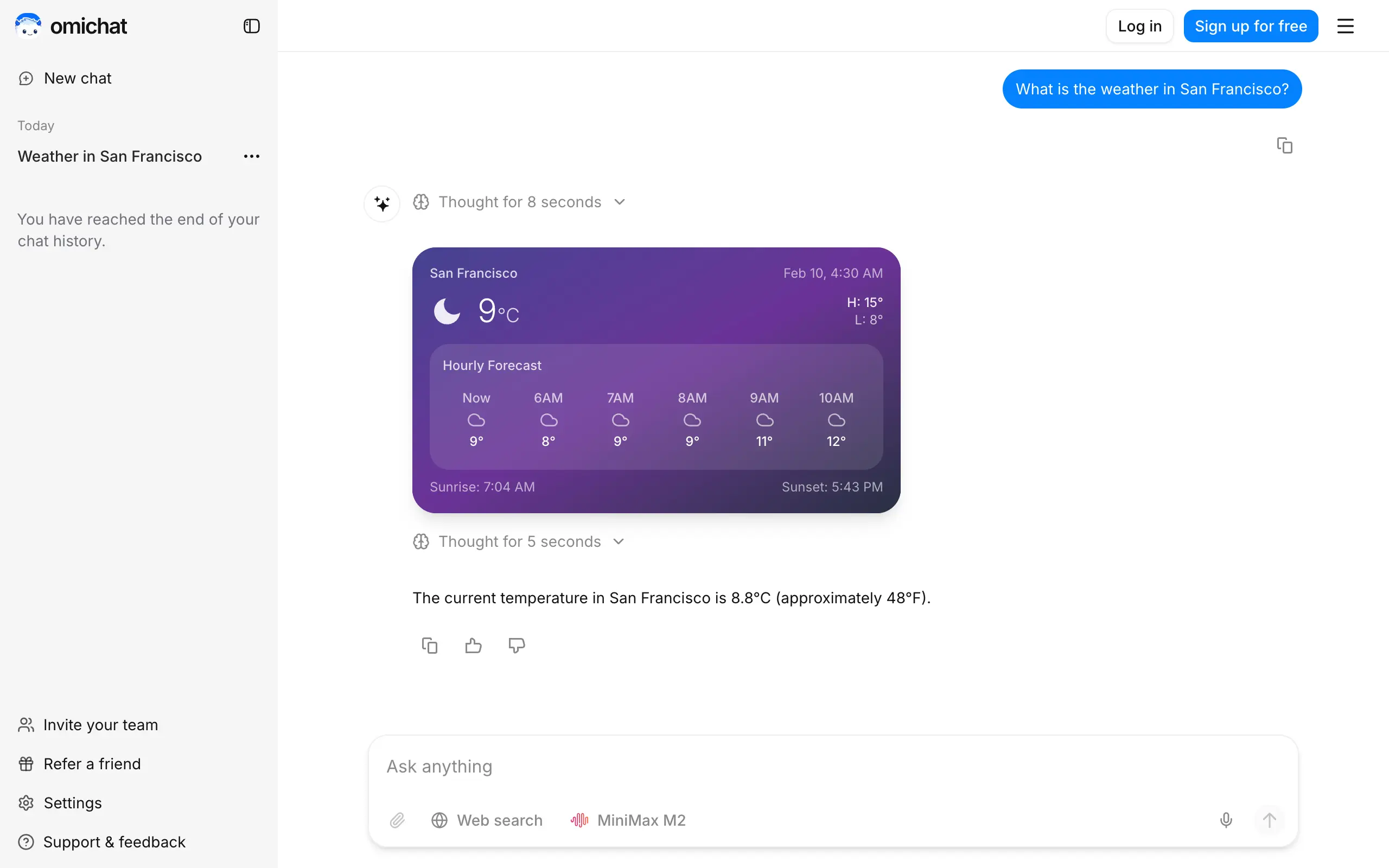
Omichat
Chat with 50+ AI models, including ChatGPT and Claude, in one place - switch models anytime without losing context 🤖
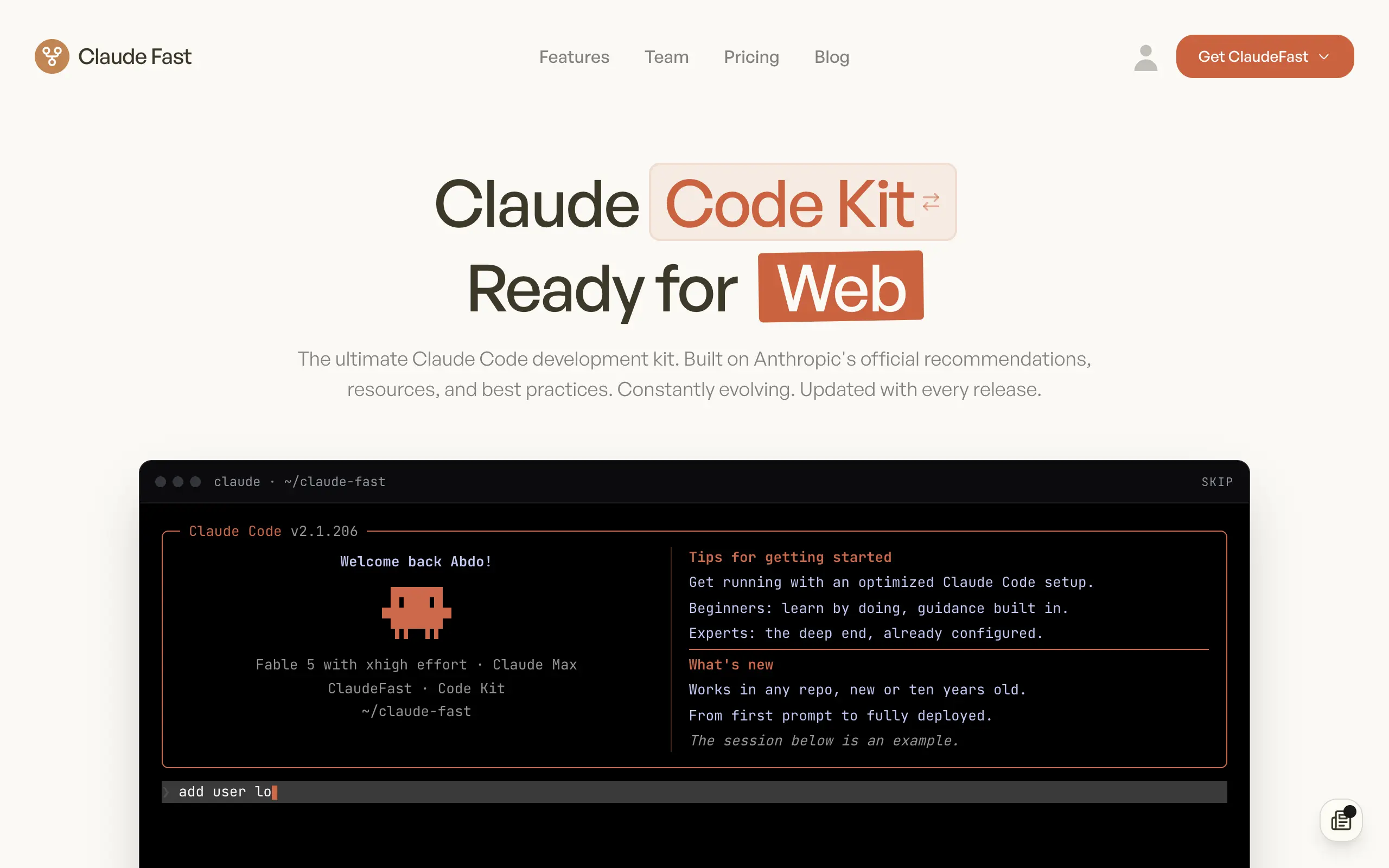
Claude Fast
Supercharge your Claude Code with 6x effective context window and specialized AI agents 🤖
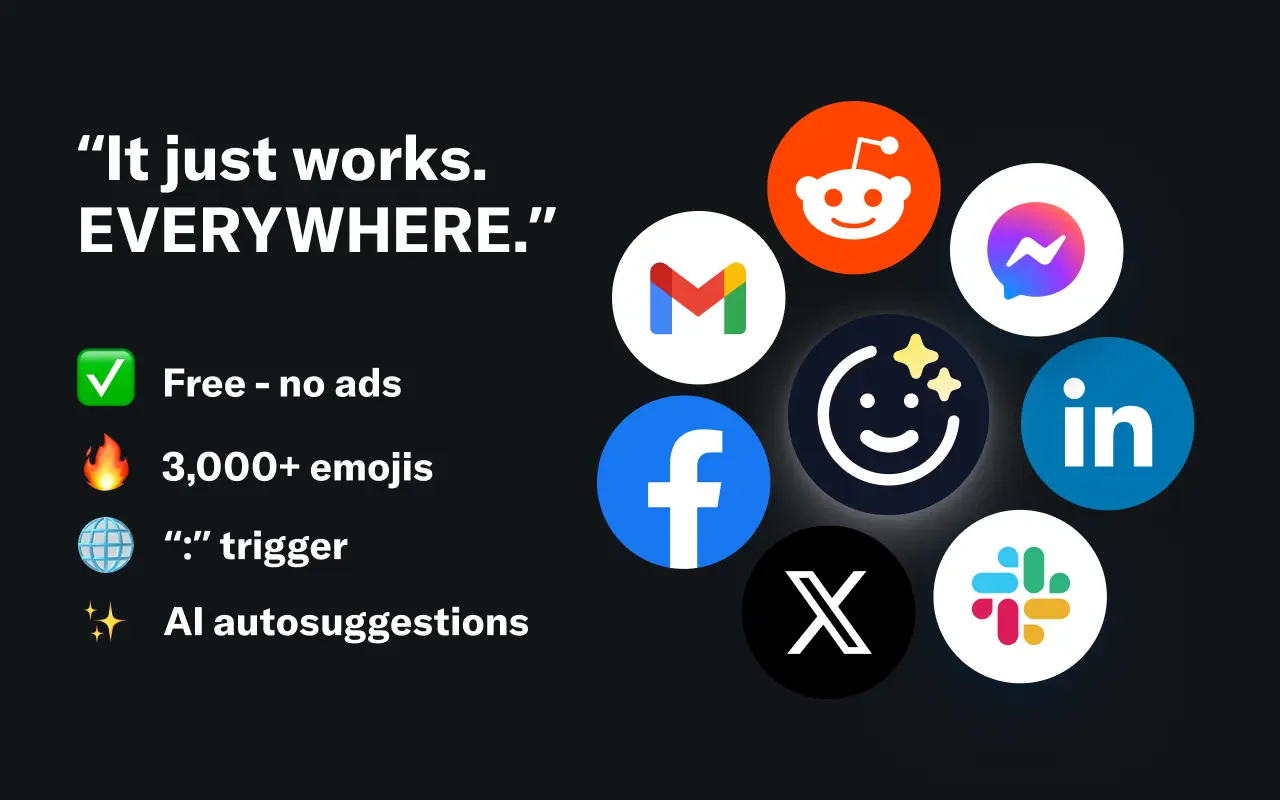
EmojAI
AI-powered emoji picker with smart, context-aware suggestions 🤖
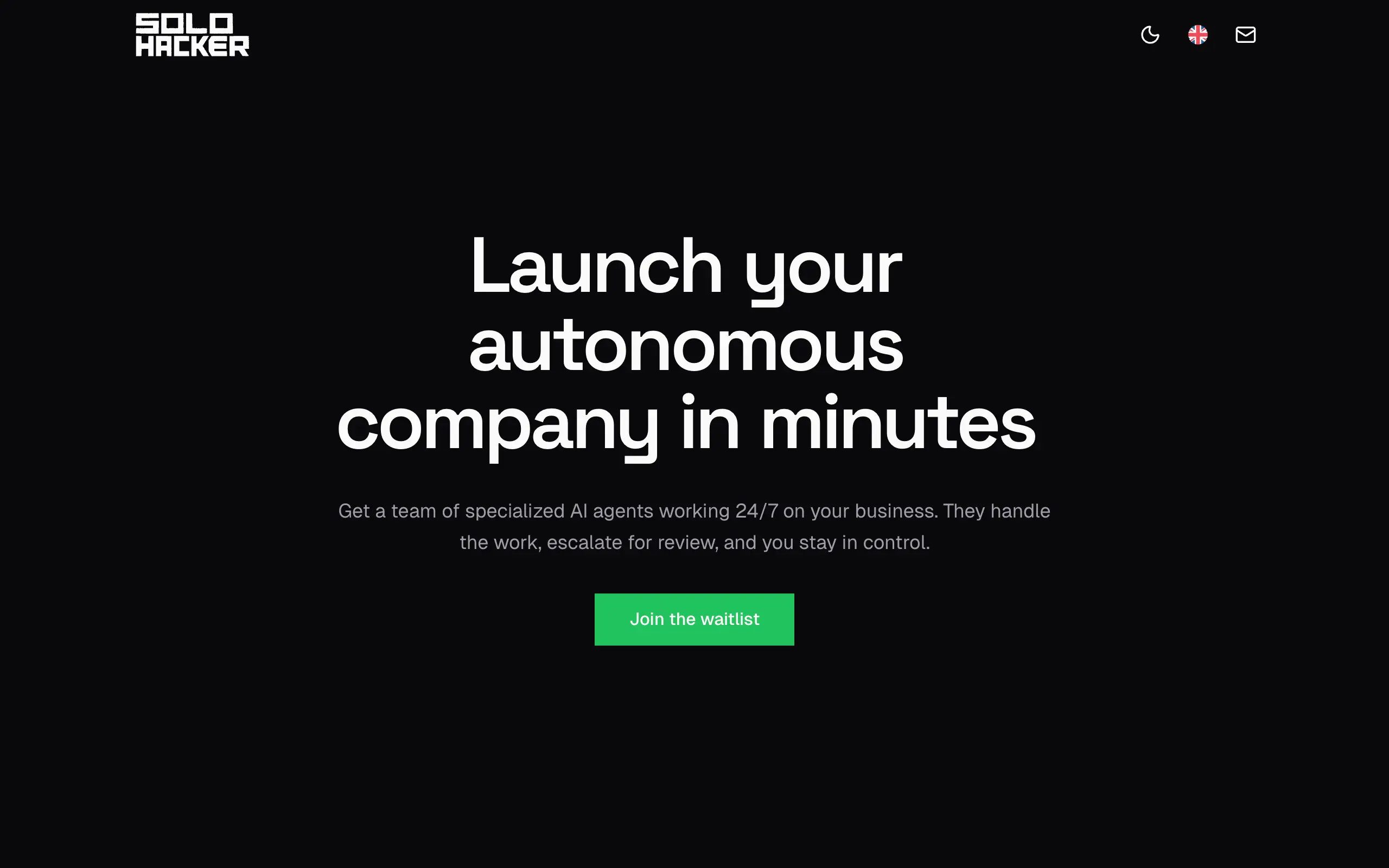
Solohacker
Autonomous company launcher - AI agents work 24/7, escalate what matters, and you stay in control 🤖

BeRawi: Storytelling Coach
Practice storytelling daily with instant feedback to sound clearer, more engaging, and confident 🎤
Omichat
Chat with 50+ AI models, including ChatGPT and Claude, in one place - switch models anytime without losing context 🤖
Claude Fast
Supercharge your Claude Code with 6x effective context window and specialized AI agents 🤖
EmojAI
AI-powered emoji picker with smart, context-aware suggestions 🤖
Solohacker
Autonomous company launcher - AI agents work 24/7, escalate what matters, and you stay in control 🤖
BeRawi: Storytelling Coach
Practice storytelling daily with instant feedback to sound clearer, more engaging, and confident 🎤
Omichat
Chat with 50+ AI models, including ChatGPT and Claude, in one place - switch models anytime without losing context 🤖
Claude Fast
Supercharge your Claude Code with 6x effective context window and specialized AI agents 🤖
EmojAI
AI-powered emoji picker with smart, context-aware suggestions 🤖
Solohacker
Autonomous company launcher - AI agents work 24/7, escalate what matters, and you stay in control 🤖
BeRawi: Storytelling Coach
Practice storytelling daily with instant feedback to sound clearer, more engaging, and confident 🎤
Omichat
Chat with 50+ AI models, including ChatGPT and Claude, in one place - switch models anytime without losing context 🤖
Claude Fast
Supercharge your Claude Code with 6x effective context window and specialized AI agents 🤖
EmojAI
AI-powered emoji picker with smart, context-aware suggestions 🤖
Solohacker
Autonomous company launcher - AI agents work 24/7, escalate what matters, and you stay in control 🤖
BeRawi: Storytelling Coach
Practice storytelling daily with instant feedback to sound clearer, more engaging, and confident 🎤

Connect with like-minded people
Join our community to get feedback, support, and grow together with 1,000+ builders on board, let's ship it!
Join usShip your startup everywhere. In minutes.
Don't burn tokens on setup and start building features on day one.