PermitNest
Keep restaurant permits, inspections, and renewals organized by location. Get clear checklists and reminders before deadlines disrupt service.
Why restaurant permit management software is a promising SaaS opportunity
Restaurants operate under a web of local, state, and federal requirements. A single location may need to track business licenses, food service permits, fire inspections, health inspections, signage approvals, grease-trap servicing, alcohol licenses, and other location-specific obligations. Requirements vary by jurisdiction, and each record can have its own renewal schedule, documentation needs, and responsible agency.
That creates a practical problem for operators: compliance information is often scattered across email, shared drives, spreadsheets, paper files, and individual employees’ calendars. When a deadline is missed or a document cannot be found quickly, the result may be an avoidable scramble that distracts managers from service.
PermitNest is a B2B restaurant permit management software concept designed to bring those records and tasks together. It gives restaurant teams a location-based workspace for permits, inspections, renewals, checklists, and reminders. The central promise is simple: help teams stay organized before a deadline disrupts operations.
The opportunity is not to replace regulators, legal advisers, or official application portals. It is to make the operational work around permits and inspections easier to manage. That distinction is important for building a product that is useful, trustworthy, and realistic about what software can and cannot do.
The restaurant compliance problem PermitNest addresses
Restaurant compliance work is unusually fragmented. A restaurant group may have several locations in different cities, each subject to different processes. Even within one location, responsibilities can be split between the owner, general manager, facilities lead, bookkeeper, and outside service providers.
The day-to-day challenges tend to fall into a few categories:
- Renewal tracking: Teams need to know what expires, when to start renewing, and who owns the next step.
- Document retrieval: Managers may need to locate a current permit, inspection report, or proof of service quickly.
- Inspection preparation: Staff need clear, repeatable checklists and a way to assign follow-up work.
- Location-level variation: A checklist that works for one city or restaurant may not apply to another.
- Staff turnover: Important knowledge can disappear when a manager leaves or changes roles.
- Multi-location visibility: Owners need to spot missing documents and upcoming deadlines across a portfolio without asking every manager for an update.
A generic calendar can help with dates. A shared drive can store files. A task manager can assign follow-ups. But restaurant teams still have to connect those tools manually and decide which records belong to which location. PermitNest’s product opportunity is to organize those tasks around the restaurant’s compliance records and locations.
Who should use restaurant permit management software?
PermitNest is best suited to businesses that have enough locations, documentation, or operational complexity for informal tracking to become unreliable. A single independent restaurant may be able to manage its obligations with a spreadsheet. A small group with multiple venues, different local authorities, and several managers may need a more structured system.
Independent restaurant groups
Small and midsize groups are a strong starting audience. They often lack a dedicated compliance department but still need consistent oversight across locations. PermitNest could help an owner or operations lead maintain a shared view without asking every manager to build and maintain their own tracking system.
Franchise operators and franchise teams
Franchise businesses need consistent processes while accounting for local differences. A central team may define the company’s documentation standards, while individual franchisees or location managers handle local tasks. PermitNest could support that model with shared templates, role-based access, and location-specific records.
Multi-unit hospitality operators
Operators with restaurants, bars, cafés, food halls, or catering kitchens may face a wider mix of permits and inspections. They may also need to track equipment, service records, or third-party documents that support operational readiness. A location-based compliance workspace can help them standardize administrative work without assuming every venue has identical requirements.
Restaurant consultants and service partners
Compliance consultants, facilities vendors, and other service providers may help restaurant clients prepare documents or complete recurring work. They could become useful partners or secondary users, provided the restaurant remains in control of its records and access permissions.
Who is less likely to buy at first?
A single-location restaurant with few records and an owner who personally handles every renewal may not feel enough pain to pay for a dedicated tool. Very large national chains may already have internal compliance platforms, procurement requirements, and custom reporting systems.
The initial target customer should therefore be specific: small and midsize restaurant groups that manage multiple locations but do not have a dedicated compliance operations platform.
Market opportunity and the product gap
PermitNest sits at the intersection of several established software categories: restaurant operations, document management, task management, regulatory compliance, and multi-location reporting. That position creates a product challenge and an opportunity.
The challenge is that customers may already use tools that handle parts of the problem. They may track deadlines in a spreadsheet, store files in cloud folders, and manage inspection tasks in a general project tool. The opportunity is to reduce the effort required to keep those pieces connected.
A compelling product should answer questions that generic tools do not answer clearly:
- Which permits belong to this location?
- What is the expiration date, and how confident are we in it?
- What steps should the team complete before renewal?
- Who owns each action?
- Where is the supporting document?
- What is overdue, incomplete, or awaiting review?
- Which locations need attention this month?
The product gap is not simply “a place to upload permits.” It is a repeatable operating system for location-based restaurant compliance administration. The more effectively PermitNest turns a document into a clear, owned workflow, the more distinct it becomes from generic storage or calendar software.
Treat regulatory coverage as a product capability
Requirements differ by location and can change. PermitNest should not imply that one universal checklist guarantees compliance. Instead, it can provide structured templates, configurable fields, and reliable links or references to official sources where available.
For foundational research, product teams can consult the FDA Food Code and the U.S. Small Business Administration’s guidance on licenses and permits. These sources are useful starting points, but they do not replace local agency guidance or professional advice.
A trustworthy product can make uncertainty visible. For example, a record might distinguish between a date entered by a user, a date extracted from a document, and a date confirmed against an official source. That kind of transparency is more valuable than presenting every checklist item as universally authoritative.
PermitNest’s core features and solution design
The product should begin with a focused workflow that helps operators answer three questions: what does each location have, what needs attention, and who is responsible?
1. A location-based compliance dashboard
Each restaurant location should have its own profile containing key details such as address, operating status, location manager, jurisdiction, and relevant contacts. Users should be able to see a summary of records and tasks for a single location, then switch to a portfolio view for multiple venues.
A useful dashboard could show:
- Permits and licenses nearing renewal
- Inspections scheduled or awaiting follow-up
- Overdue tasks and missing documents
- Records with dates that need confirmation
- Recent activity and ownership changes
The dashboard should prioritize exceptions rather than overwhelm users with every record. A manager should be able to recognize the next action quickly.
2. A searchable permit and document repository
Permit records should include structured fields, not just uploaded files. At minimum, a record might contain:
- Permit or document type
- Issuing authority
- Location
- Issue and expiration dates
- Renewal lead time
- Assigned owner
- Current status
- Notes and supporting documents
Users should be able to search by location, document type, status, or date. A document history can preserve prior versions and help teams understand what changed.
3. Renewal workflows and reminders
A reminder should prompt action early enough to be useful. PermitNest can let administrators configure lead times based on document type, such as notifying an owner 90, 60, and 30 days before a renewal date. The precise intervals should be configurable rather than hard-coded.
Notifications could be delivered in the product and by email. Later, integrations with business communication tools may make sense, but notification channels should not distract from the core workflow. The first goal is to ensure that reminders are understandable, assigned, and actionable.
A strong renewal workflow might include:
- A reminder is created from a verified expiration date.
- A designated person receives an assigned renewal task.
- The task includes a checklist, relevant prior documents, and notes.
- The user records progress or identifies a blocker.
- A new document is uploaded and reviewed.
- The record is updated, with an activity trail showing who made the change.
4. Inspection checklists and follow-up tasks
Restaurant teams benefit from checklists that turn preparation into manageable steps. PermitNest could support reusable checklists for common operational routines, while allowing each organization to adapt them to its locations and internal policies.
Inspection follow-up should be more than a pass/fail note. A useful workflow includes the observation, the location, the owner, the due date, supporting evidence, and a completion status. Teams should also be able to link follow-up items to an inspection record.
To reduce the risk of misleading users, templates should be labeled clearly. For example, a checklist could be described as an internal preparation aid rather than a guarantee of passing an official inspection.
5. A multi-location operations view
Owners and operations leads need a portfolio-level view, while location managers need a focused list of their own responsibilities. PermitNest should support both without forcing users to navigate through unnecessary screens.
Useful portfolio filters include:
- Location
- Permit or checklist category
- Due date range
- Status
- Assigned owner
- Missing or unverified information
The value of this view grows as a customer adds locations. That creates a natural expansion path from a handful of restaurants to a larger group.
6. Role-based access and audit history
Not every user needs permission to edit every record. A restaurant manager may update local tasks, while an operations administrator manages templates and organization-wide settings. Owners may need read access across all locations.
Role-based permissions can protect sensitive records and reduce accidental changes. An activity history should show important events such as record edits, file uploads, status changes, and task completion. This supports accountability and makes the system easier to trust.
7. Document extraction with human confirmation
Optical character recognition and language models may help extract document names, dates, issuing authorities, and other fields from uploaded files. This could reduce manual data entry, especially during onboarding.
However, extracted information should be treated as a suggestion, not a verified fact. Documents may be blurry, scanned, inconsistent, or formatted differently across jurisdictions. PermitNest should show users the source document alongside the extracted values and ask them to confirm important fields before reminders are generated.
This approach uses automation where it can save time while keeping people responsible for consequential records.
The competitive advantage: organize compliance around locations and action
PermitNest’s strongest potential advantage is not a long list of features. It is the combination of three product choices:
- Restaurant-specific workflows: The product is organized around permits, inspections, renewals, and operational follow-up rather than general-purpose project work.
- Location-first organization: Records and tasks map directly to the venues that managers operate.
- Actionable records: A document can lead to a reminder, an assigned owner, a checklist, and a clear status.
A generic file repository may store the document but not drive the renewal process. A calendar may show a date but not explain what must happen next. A broad compliance platform may offer deep capabilities but require more configuration than a smaller restaurant group can manage.
| Capability | Spreadsheet and shared drive | General task manager | PermitNest concept |
|---|---|---|---|
| Store permit documents | ✅ | ⚠️ | ✅ |
| Organize records by restaurant location | ⚠️ | ⚠️ | ✅ |
| Track expiration dates and reminders | ⚠️ | ✅ | ✅ |
| Connect inspections to follow-up tasks | ⚠️ | ✅ | ✅ |
| Provide a portfolio view across locations | ⚠️ | ⚠️ | ✅ |
The table describes product positioning, not a claim about every existing competitor. Before launch, PermitNest should conduct direct customer interviews and evaluate current products in restaurant operations, compliance management, and document workflows. The purpose is to identify where customers still rely on manual work, not to assume that no alternatives exist.
A defensible product moat
A checklist or reminder feature is easy to copy. A more durable advantage could come from:
- A well-designed library of adaptable restaurant workflows
- A high-quality location and document data model
- A reliable onboarding process for importing existing records
- Trust earned through transparent handling of regulatory uncertainty
- Operational history that makes the product more useful over time
- Partnerships with consultants, restaurant associations, or service providers
PermitNest should avoid claiming that its database is a complete or definitive source of legal requirements unless it can continuously verify that information and clearly explain its scope. Trust is a competitive asset, and overpromising can undermine it quickly.
Recommended tech stack for PermitNest
The initial architecture should support secure multi-tenancy, searchable records, reliable notifications, and straightforward product iteration. A lean stack is preferable to a complex infrastructure before the product has validated demand.
Front end and application framework
React is a strong choice for building a responsive, interactive dashboard. Pairing it with Next.js can provide application routing, server rendering where useful, and a conventional full-stack development workflow.
Tailwind CSS can help a small team build a consistent interface quickly. The trade-off is that design systems still require discipline; utility classes do not automatically create accessible or coherent product design.
Data storage
PostgreSQL is a good fit for structured records such as organizations, locations, users, permits, tasks, and audit events. Relational constraints can help preserve important relationships. For example, a permit record should belong to an organization and a location, and a task should have a clear owner and status.
Uploaded documents should live in object storage, with metadata and access permissions managed in the application database. The system should use private storage by default, signed access where appropriate, and clear retention rules.
Authentication and tenant isolation
PermitNest needs reliable organization-level access control. Each customer’s users should see only their organization’s data, and permissions should be checked on the server for every sensitive operation.
Tenant isolation should be designed into the data model and tested with automated checks. A simple mistake in a multi-tenant system can expose one customer’s records to another. Organizations, locations, and users should have explicit relationships, and authorization rules should be enforced consistently across APIs and background jobs.
Notifications and background jobs
Renewal reminders should not depend on a user keeping a browser tab open. Use scheduled background jobs for due-date checks, notification delivery, and retry handling. The system should log delivery attempts and avoid sending duplicate reminders if a job runs more than once.
Email is an appropriate first channel. In-app alerts can provide a central activity view. Additional channels should be added only when customer research shows that they improve completion rates enough to justify the maintenance cost.
Payments and subscriptions
A subscription billing provider can handle recurring plans, invoices, and payment methods. Stripe’s documentation is a practical starting point for subscription billing. The product should still define its own entitlement logic, such as how many locations, users, or records are included in each plan.
Security and reliability trade-offs
For an early product, managed services can reduce operational burden. The trade-off is less infrastructure control and a need to understand the provider’s security configuration, data processing terms, backups, and service limits.
Regardless of provider, prioritize:
- Encryption in transit and at rest
- Least-privilege access
- Secure document uploads
- Audit logging for important record changes
- Automated backups and restore testing
- Rate limiting and abuse monitoring
- A documented incident response process
Security is not just an infrastructure concern. It is part of the product’s trust proposition because customers may store permits, inspection records, and operational documents in the platform.
Monetization strategy options
PermitNest should price around the value customers receive and the complexity they manage. The most natural pricing unit is likely the restaurant location, with plan differences based on workflow depth and administrative controls.
Per-location subscription
A base subscription per active location is easy for restaurant operators to understand. It scales with the customer’s footprint and connects price to the number of venues being managed.
The risk is that very small customers may see a location-based fee as expensive if they have few records. A lower entry plan can help validate willingness to pay without making the product uneconomical to support.
Tiered plans
A tiered model could distinguish plans by capabilities:
- Starter: Core document records, renewal reminders, and a limited number of users.
- Growth: Multiple locations, portfolio reporting, reusable checklists, and role-based access.
- Enterprise: Advanced controls, custom onboarding, integrations, and organization-wide reporting.
The exact packaging should be based on customer interviews and observed usage, not guesswork. Avoid putting essential security or basic reminders behind a premium tier.
Annual contracts for larger groups
Larger restaurant groups may prefer annual agreements, centralized invoicing, and onboarding support. Annual plans can improve revenue predictability but may create a longer buying process. PermitNest should first prove the value for smaller teams before committing to complex enterprise sales requirements.
Paid onboarding and migration
Importing permits, dates, and documents from spreadsheets or shared drives can be time-consuming. A paid onboarding service may be valuable for customers with many locations, especially if it includes data cleanup and team training.
This service should complement the software rather than become the entire business. The product should progressively make customers more self-sufficient through guided imports, templates, and clear setup flows.
Add-ons and integrations
Possible future revenue opportunities include advanced analytics, custom workflow templates, consultant access, and integrations with restaurant operations systems. These should follow validated customer demand. Building integrations too early can increase support burden without improving retention.
Risks and how to mitigate them
Regulatory information can be incomplete or outdated
A checklist that is wrong can damage trust. PermitNest should distinguish between official requirements, customer-defined procedures, and general operational guidance. It should show source dates where possible and encourage users to confirm requirements with the relevant authority.
If the product provides jurisdiction-specific guidance, define how it is researched, reviewed, and updated. Do not imply that software guarantees compliance or replaces legal advice.
Customers may not keep records current
A compliance workspace is only useful if dates, owners, and documents are maintained. PermitNest should reduce the effort of keeping records current through clear ownership, import tools, reminders, and simple confirmation flows.
Onboarding is especially important. The product should help new customers identify missing information instead of presenting an empty dashboard that feels like more administrative work.
The product could become a generic document manager
If PermitNest focuses only on uploading files, customers may compare it with cloud storage and question the extra subscription. The product should connect each record to its next action, deadline, owner, and location.
Notification fatigue can reduce engagement
Too many reminders teach users to ignore them. Let customers configure lead times, consolidate low-priority notifications, and distinguish urgent tasks from informational updates. Measure whether reminders lead to completed tasks, not just whether emails were delivered.
Long and complex sales cycles
Restaurant groups may have limited time for software evaluation, and larger buyers can require security review or procurement approval. Start with an onboarding flow that a small operations team can complete quickly. Offer a clear explanation of the product’s data handling and security practices before pursuing larger accounts.
Document privacy and account security
Uploaded records may contain sensitive business information. Protect files with access controls, use secure storage, provide account-level permissions, and make it easy to remove data when a customer leaves. Maintain a clear privacy policy and data retention process.
How to validate the idea before building too much
A useful validation process should test the problem, the workflow, and willingness to pay.
Interview restaurant operators
Speak with owners, operations leads, and location managers from businesses with different numbers of venues. Ask about the last time they renewed a permit, prepared for an inspection, or searched for a missing document.
Questions should focus on actual behavior:
- Where do you keep permits and inspection records today?
- Who tracks renewal dates?
- What happens when a manager leaves?
- How do you know whether every location is up to date?
- What work takes the most time before an inspection?
- Have you paid for help with this problem?
Avoid asking only whether someone “likes the idea.” Past behavior is a stronger signal than a polite expression of interest.
Test a manual prototype
Before building a complete platform, create a clickable prototype or concierge workflow. Ask a few restaurant groups to provide sample records and show how PermitNest would organize them. Observe whether users can identify missing information, assign work, and understand the location dashboard.
Measure activation and retention signals
Early success should be measured by whether customers complete setup and return to the product. Useful indicators include:
- Time required to add a location
- Percentage of records with confirmed dates and owners
- Tasks completed after a reminder
- Number of locations actively managed
- Weekly or monthly return usage
- Renewal of paid accounts
Do not treat sign-ups alone as proof of product-market fit. The product must become part of the customer’s operating routine.
Actionable implementation steps
Choose a narrow initial customer segment. Start with a clearly defined group, such as regional restaurant operators managing several locations without a dedicated compliance team. A focused audience makes interviews, onboarding, and product decisions more useful.
Map the real workflow. Document how customers currently collect permits, record expiration dates, prepare for inspections, and assign follow-ups. Identify the most common failure points before deciding which features to build.
Create a location and permit data model. Define organizations, locations, users, records, documents, reminders, inspections, and tasks. Include audit history and explicit ownership from the beginning.
Build the minimum useful product. Prioritize location profiles, document records, searchable fields, renewal reminders, and assigned tasks. Defer complex integrations and broad regulatory databases until customer evidence supports them.
Run a design-partner pilot. Work with a small group of restaurant operators to import existing records and use PermitNest for real renewals or inspection preparation. Track where users get confused and which tasks they complete.
Strengthen trust and security. Test tenant isolation, document access, backups, and notification reliability. Make it clear which data is customer-provided and which guidance is reviewed or sourced externally.
Refine pricing using observed value. Compare per-location pricing, tiered plans, and onboarding fees. Ask customers what they would replace or reduce by adopting PermitNest, then align pricing with the operational value delivered.
A practical launch principle
Launch PermitNest as a reliable workflow and recordkeeping product before positioning it as a comprehensive source of regulatory truth. Customers need clear ownership, accurate dates, and useful reminders; credibility grows when the product is transparent about its limits.
The bottom line on PermitNest
PermitNest addresses a concrete operational problem: restaurant teams need a dependable way to organize permits, inspections, renewals, and follow-up work across locations. The strongest initial opportunity is among small and midsize restaurant groups that have outgrown spreadsheets but do not want a heavyweight compliance platform.
Its unique selling proposition is a location-first compliance workspace that turns restaurant records into clear, assigned actions. To stand out, PermitNest must do more than store documents. It needs to make deadlines visible, responsibilities explicit, and inspection preparation repeatable.
The best path is to validate the workflow with operators, build a narrow product around records and reminders, and earn trust through careful handling of regulatory uncertainty and customer data. If you are building the product and want a starting point for your SaaS foundation, TurboStarter can help accelerate the application setup so you can focus on validating PermitNest’s customer workflows.
Frequently asked questions about restaurant permit management software
Restaurant permit management software helps operators organize permits, licenses, inspection records, renewal dates, documents, and related tasks. A product such as PermitNest can group that information by restaurant location and assign follow-up work to the right people.
No. Software can help teams organize records and complete internal workflows, but it cannot guarantee compliance with every applicable rule. Requirements vary by jurisdiction and may change. Restaurant operators should confirm obligations with the appropriate agency or qualified professional.
A spreadsheet may be sufficient for a single location with few records and a consistent owner. As a business adds locations, managers, and recurring workflows, spreadsheets can become harder to maintain and audit. Dedicated software may help by connecting records, reminders, owners, and follow-up tasks.
Start with each location’s active permits and licenses, issuing authorities, expiration dates, renewal owners, inspection records, and important supporting documents. Then identify recurring tasks and assign clear responsibilities.
More 🏢 B2B Application SaaS ideas
Discover more innovative b2b application SaaS ideas that are trending in 2026. Each idea is AI-generated with market validation and growth potential to help you find your next profitable venture faster than competitors.
Your competitors are building with TurboStarter
Below are some of the SaaS ideas that have been generated and built with our starter kit.
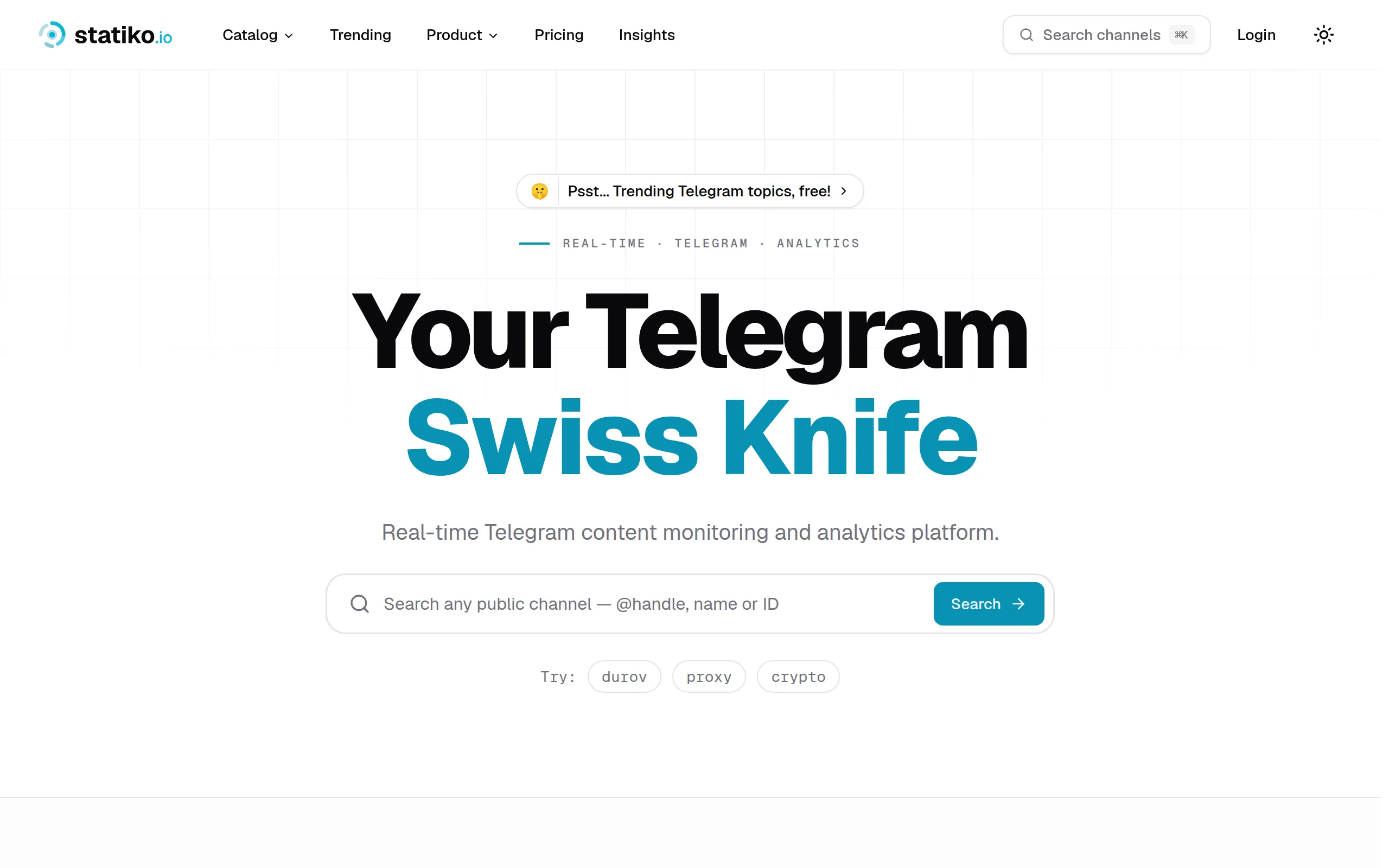
Statiko
Monitor any Telegram channel in real time - track posts, edits, deletions, and growth with AI recaps 📡

Shibui
AI website builder - describe your business, pick a niche template, edit by chatting, and publish instantly ✨
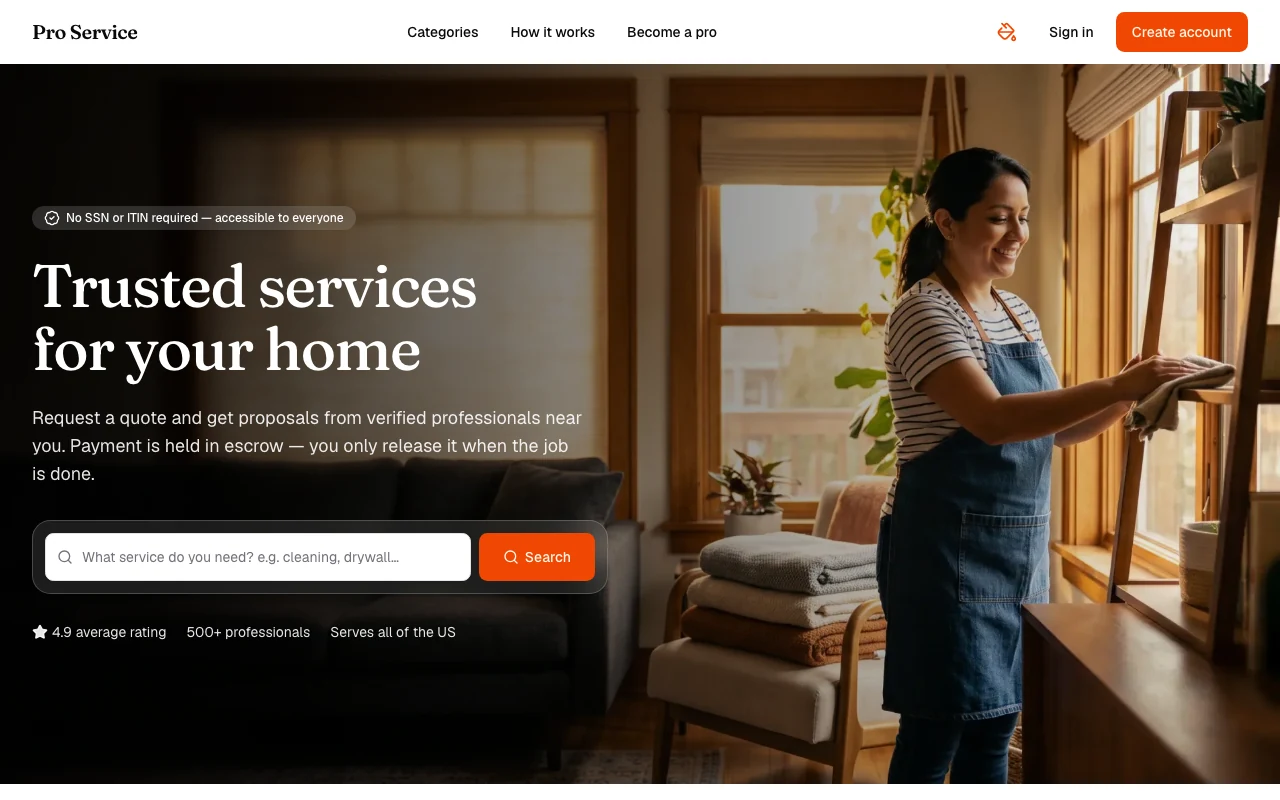
Pro Service
Find verified home service professionals, compare quotes, and pay securely through escrow - built for Brazilians across the US 🏠
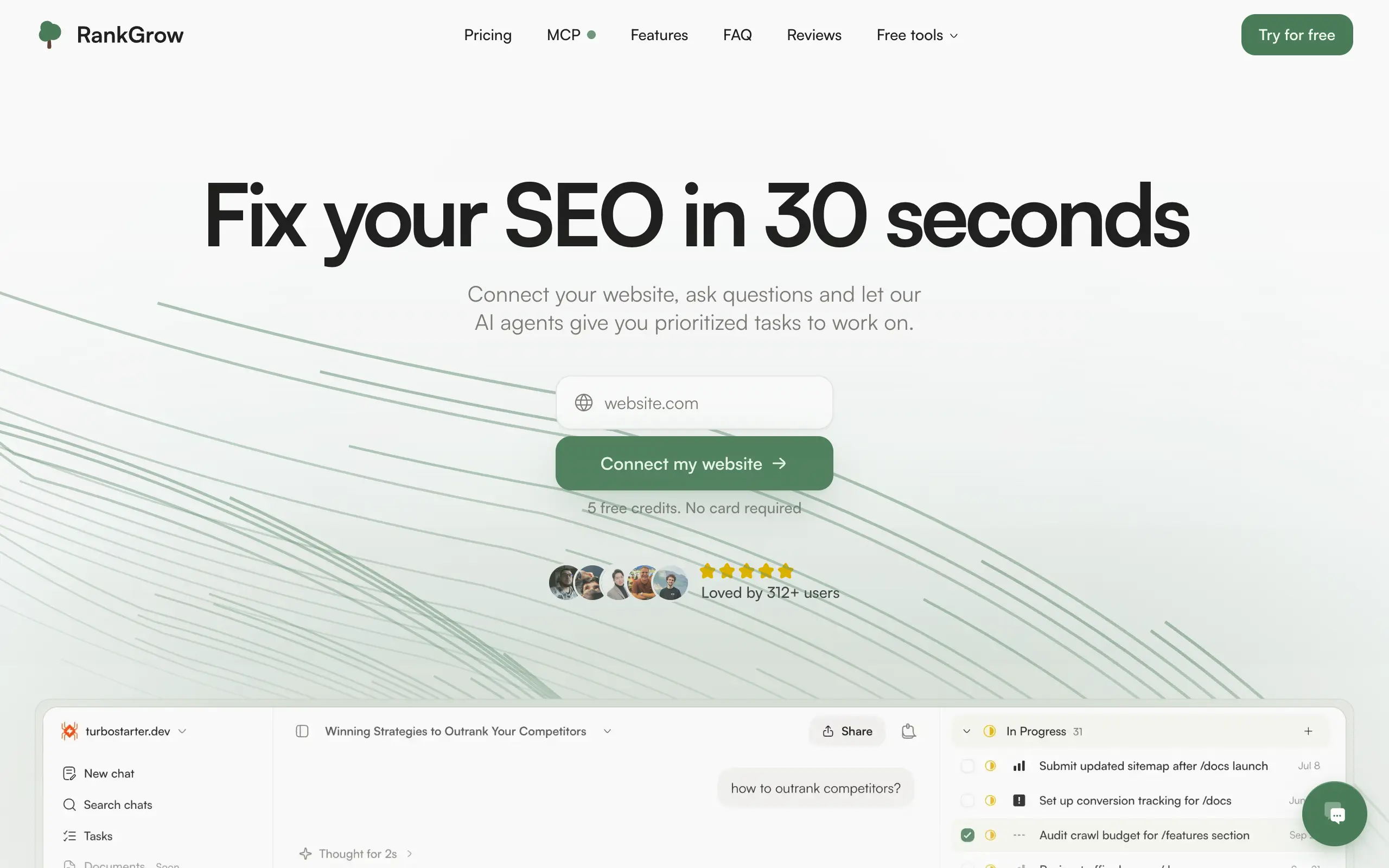
RankGrow
Fix your SEO with AI agents - connect Search Console, get prioritized tasks, and grow organic traffic 📈
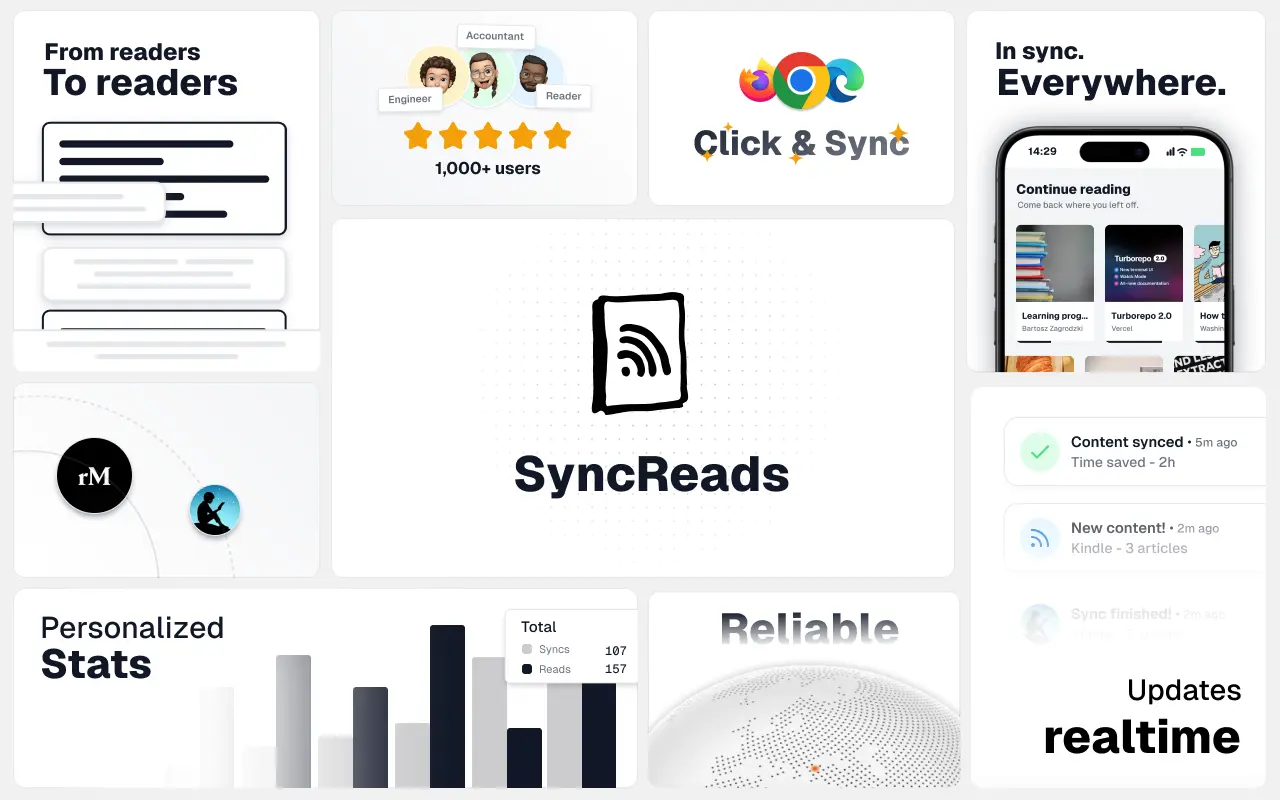
SyncReads
Sync your favorite content for distraction-free reading, save time and replace multiple apps. Anytime, anywhere 🔄
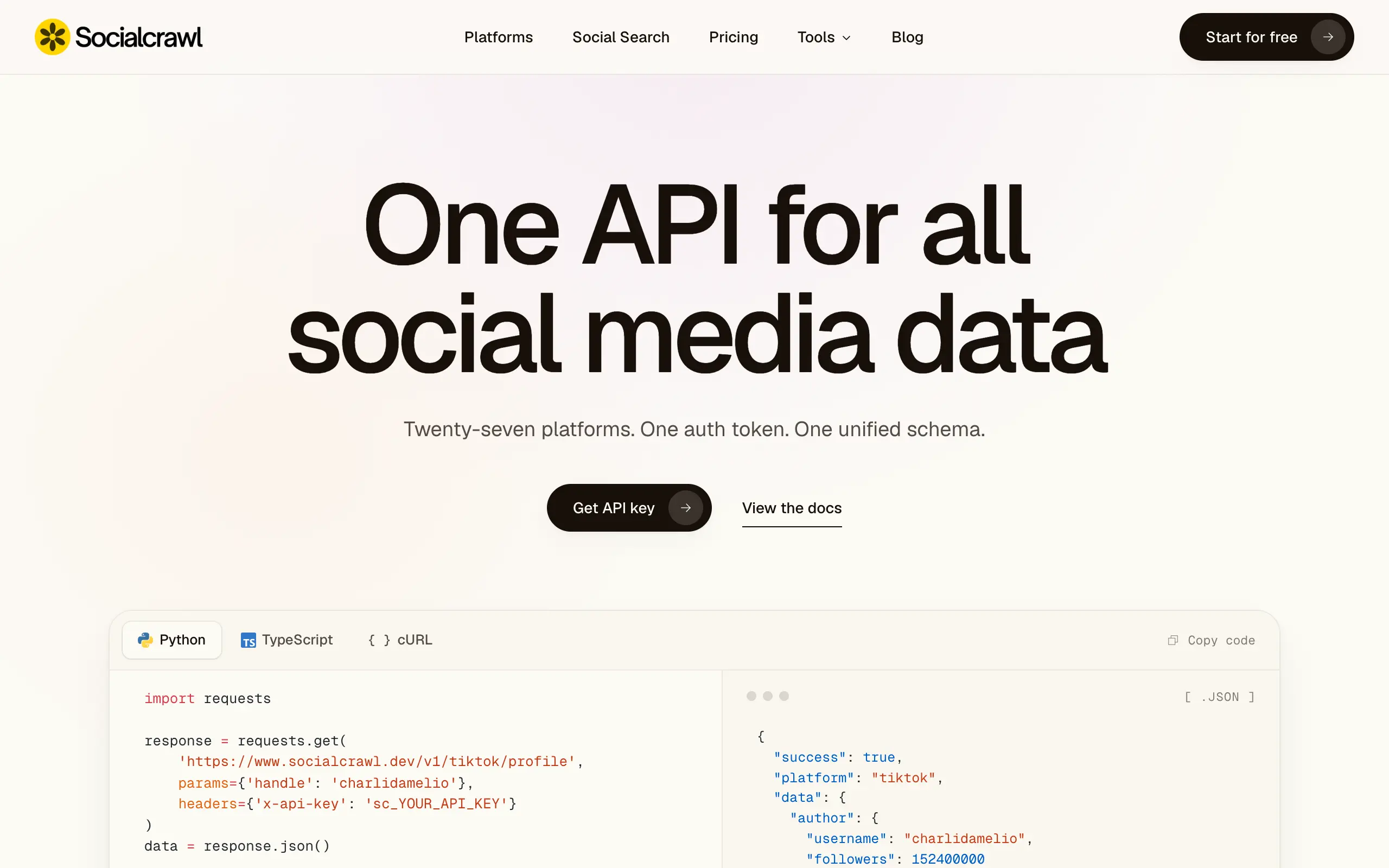
Socialcrawl
Get clean, structured data from 21 platforms like TikTok, Instagram, and YouTube with a single request 📊
Statiko
Monitor any Telegram channel in real time - track posts, edits, deletions, and growth with AI recaps 📡
Shibui
AI website builder - describe your business, pick a niche template, edit by chatting, and publish instantly ✨
Pro Service
Find verified home service professionals, compare quotes, and pay securely through escrow - built for Brazilians across the US 🏠
RankGrow
Fix your SEO with AI agents - connect Search Console, get prioritized tasks, and grow organic traffic 📈
SyncReads
Sync your favorite content for distraction-free reading, save time and replace multiple apps. Anytime, anywhere 🔄
Socialcrawl
Get clean, structured data from 21 platforms like TikTok, Instagram, and YouTube with a single request 📊
Statiko
Monitor any Telegram channel in real time - track posts, edits, deletions, and growth with AI recaps 📡
Shibui
AI website builder - describe your business, pick a niche template, edit by chatting, and publish instantly ✨
Pro Service
Find verified home service professionals, compare quotes, and pay securely through escrow - built for Brazilians across the US 🏠
RankGrow
Fix your SEO with AI agents - connect Search Console, get prioritized tasks, and grow organic traffic 📈
SyncReads
Sync your favorite content for distraction-free reading, save time and replace multiple apps. Anytime, anywhere 🔄
Socialcrawl
Get clean, structured data from 21 platforms like TikTok, Instagram, and YouTube with a single request 📊
Statiko
Monitor any Telegram channel in real time - track posts, edits, deletions, and growth with AI recaps 📡
Shibui
AI website builder - describe your business, pick a niche template, edit by chatting, and publish instantly ✨
Pro Service
Find verified home service professionals, compare quotes, and pay securely through escrow - built for Brazilians across the US 🏠
RankGrow
Fix your SEO with AI agents - connect Search Console, get prioritized tasks, and grow organic traffic 📈
SyncReads
Sync your favorite content for distraction-free reading, save time and replace multiple apps. Anytime, anywhere 🔄
Socialcrawl
Get clean, structured data from 21 platforms like TikTok, Instagram, and YouTube with a single request 📊
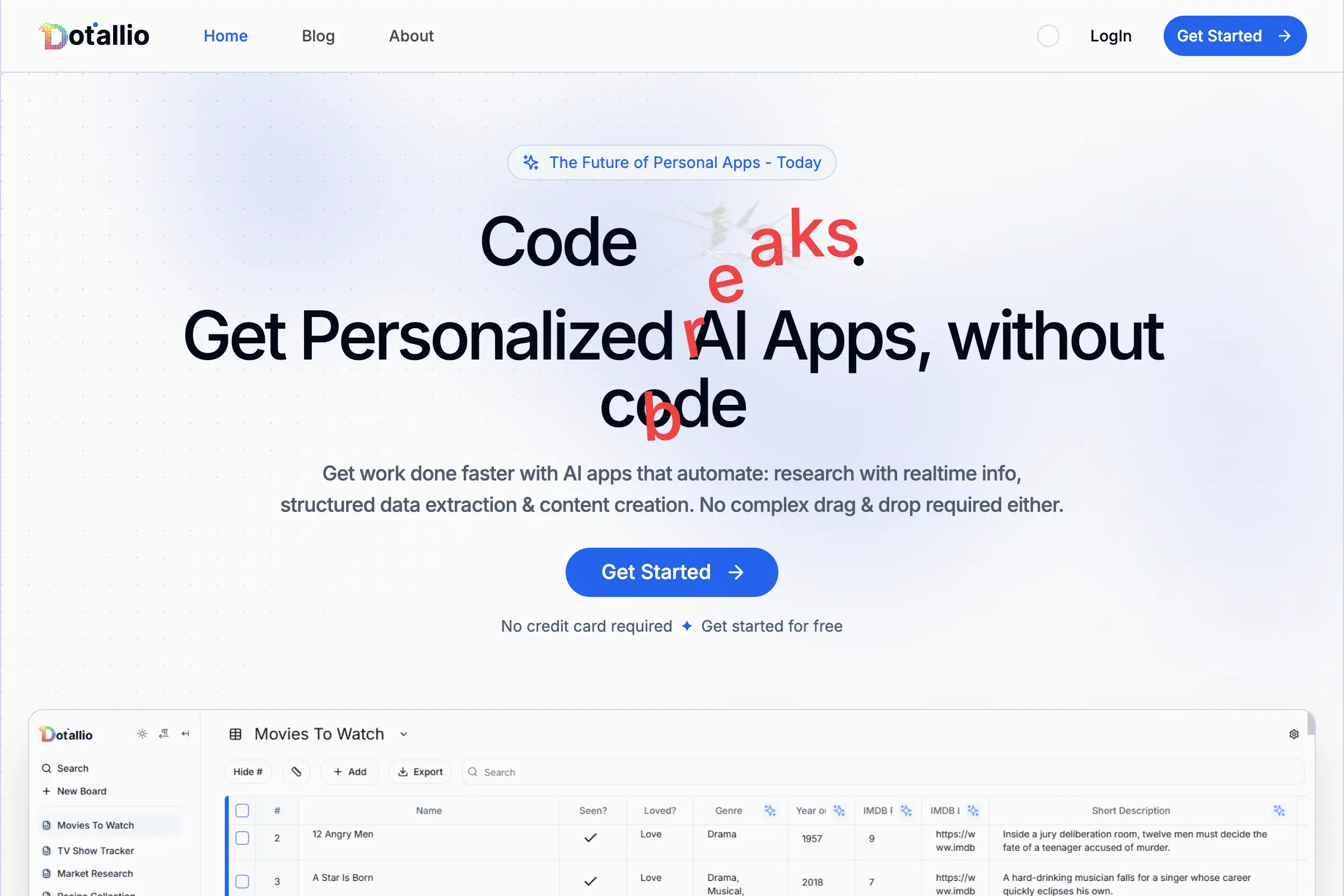
Dotallio
Personalized AI apps that automate research, data extraction, and content creation without code 🤖

Talk to Santa
Enjoy a magical live video chat or receive a unique AI-generated video greeting from Santa Claus 🎅
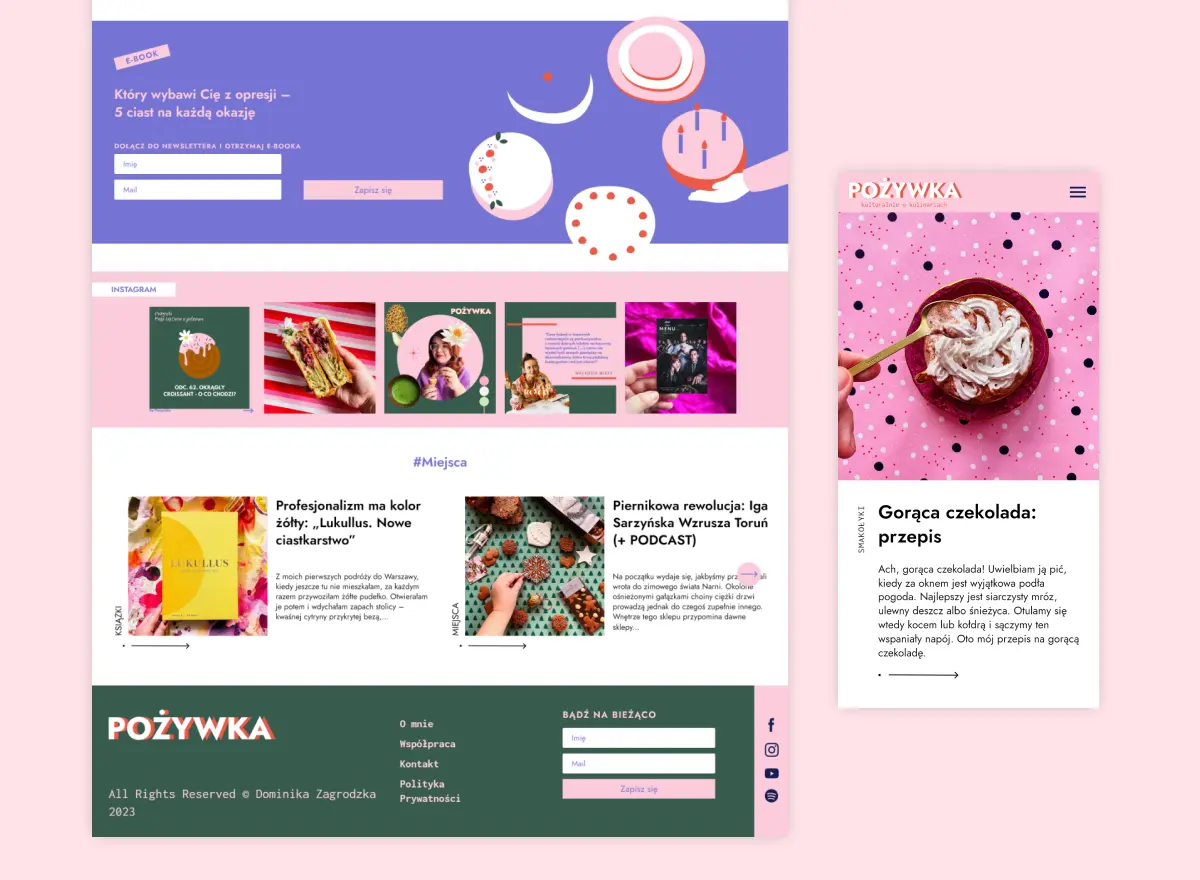
pozywka.pl
Scalable blog for food journalist, focused on performance and user experience 🌭
zagrodzki.me
Personal blog and portfolio of Bart Zagrodzki, where he shares his knowledge and work 💼
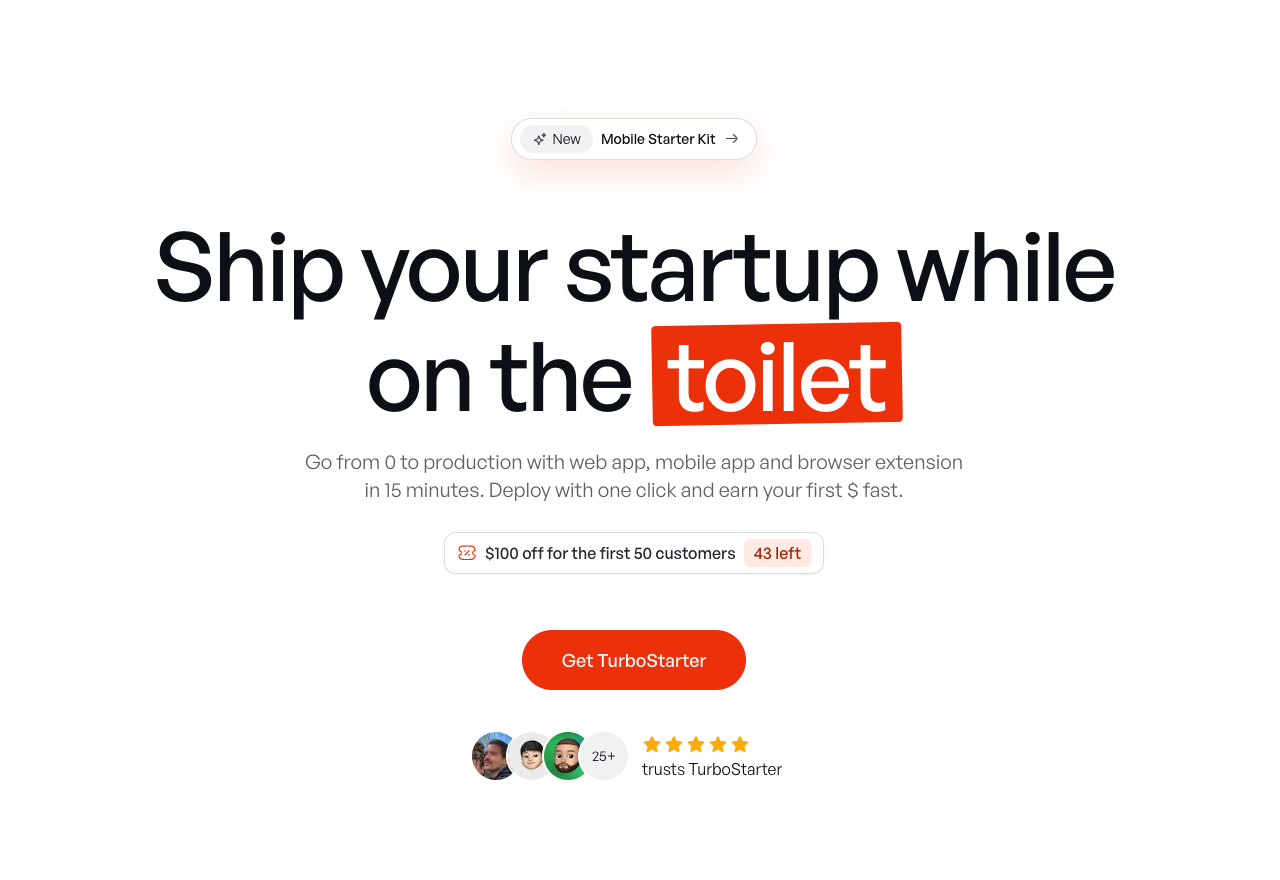
TurboStarter
Ship your startup everywhere. In minutes.
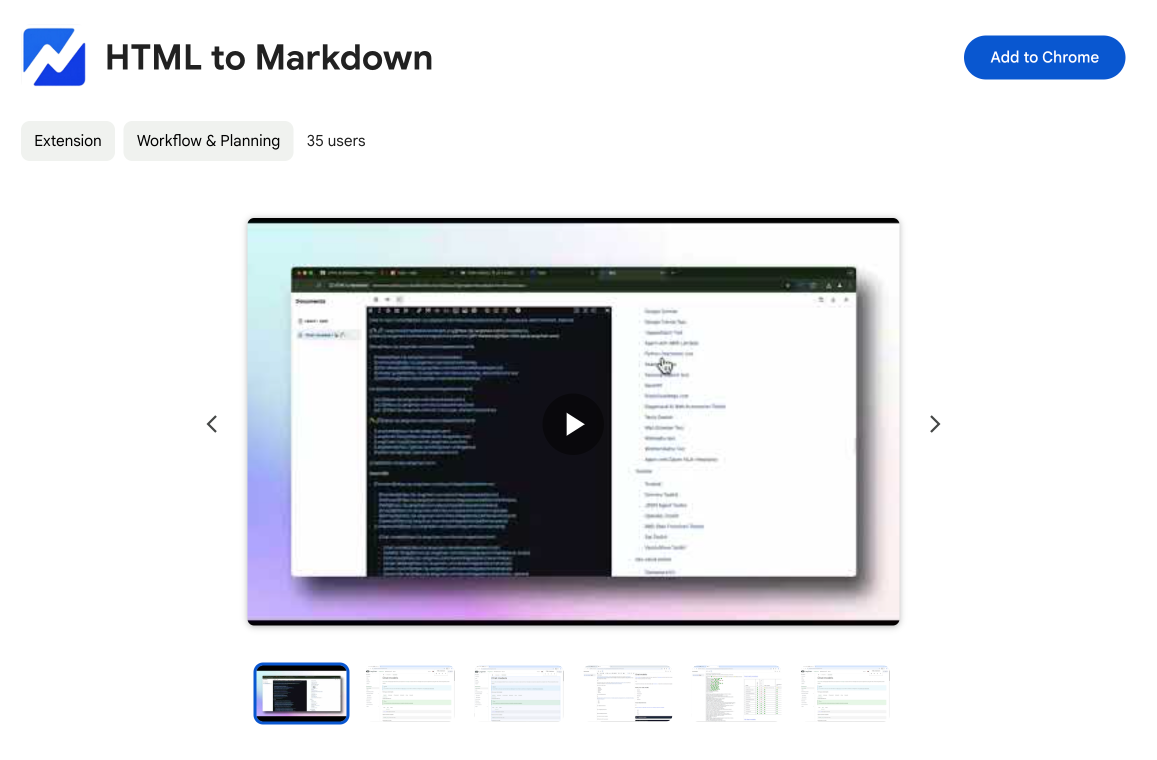
HTML to Markdown
Convert HTML to Markdown with ease, directly in your browser 📄
Dotallio
Personalized AI apps that automate research, data extraction, and content creation without code 🤖
Talk to Santa
Enjoy a magical live video chat or receive a unique AI-generated video greeting from Santa Claus 🎅
pozywka.pl
Scalable blog for food journalist, focused on performance and user experience 🌭
zagrodzki.me
Personal blog and portfolio of Bart Zagrodzki, where he shares his knowledge and work 💼
TurboStarter
Ship your startup everywhere. In minutes.
HTML to Markdown
Convert HTML to Markdown with ease, directly in your browser 📄
Dotallio
Personalized AI apps that automate research, data extraction, and content creation without code 🤖
Talk to Santa
Enjoy a magical live video chat or receive a unique AI-generated video greeting from Santa Claus 🎅
pozywka.pl
Scalable blog for food journalist, focused on performance and user experience 🌭
zagrodzki.me
Personal blog and portfolio of Bart Zagrodzki, where he shares his knowledge and work 💼
TurboStarter
Ship your startup everywhere. In minutes.
HTML to Markdown
Convert HTML to Markdown with ease, directly in your browser 📄
Dotallio
Personalized AI apps that automate research, data extraction, and content creation without code 🤖
Talk to Santa
Enjoy a magical live video chat or receive a unique AI-generated video greeting from Santa Claus 🎅
pozywka.pl
Scalable blog for food journalist, focused on performance and user experience 🌭
zagrodzki.me
Personal blog and portfolio of Bart Zagrodzki, where he shares his knowledge and work 💼
TurboStarter
Ship your startup everywhere. In minutes.
HTML to Markdown
Convert HTML to Markdown with ease, directly in your browser 📄
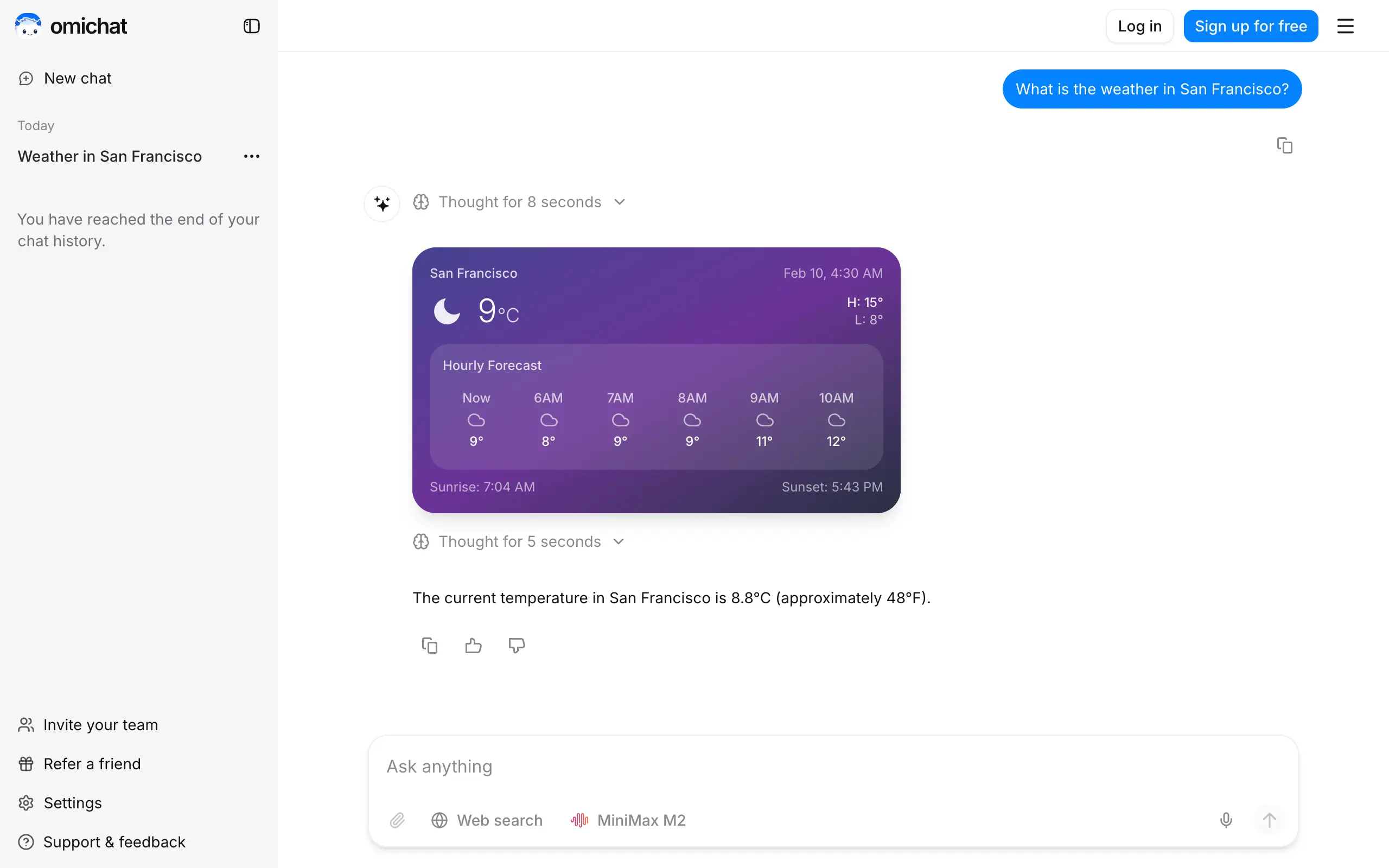
Omichat
Chat with 50+ AI models, including ChatGPT and Claude, in one place - switch models anytime without losing context 🤖
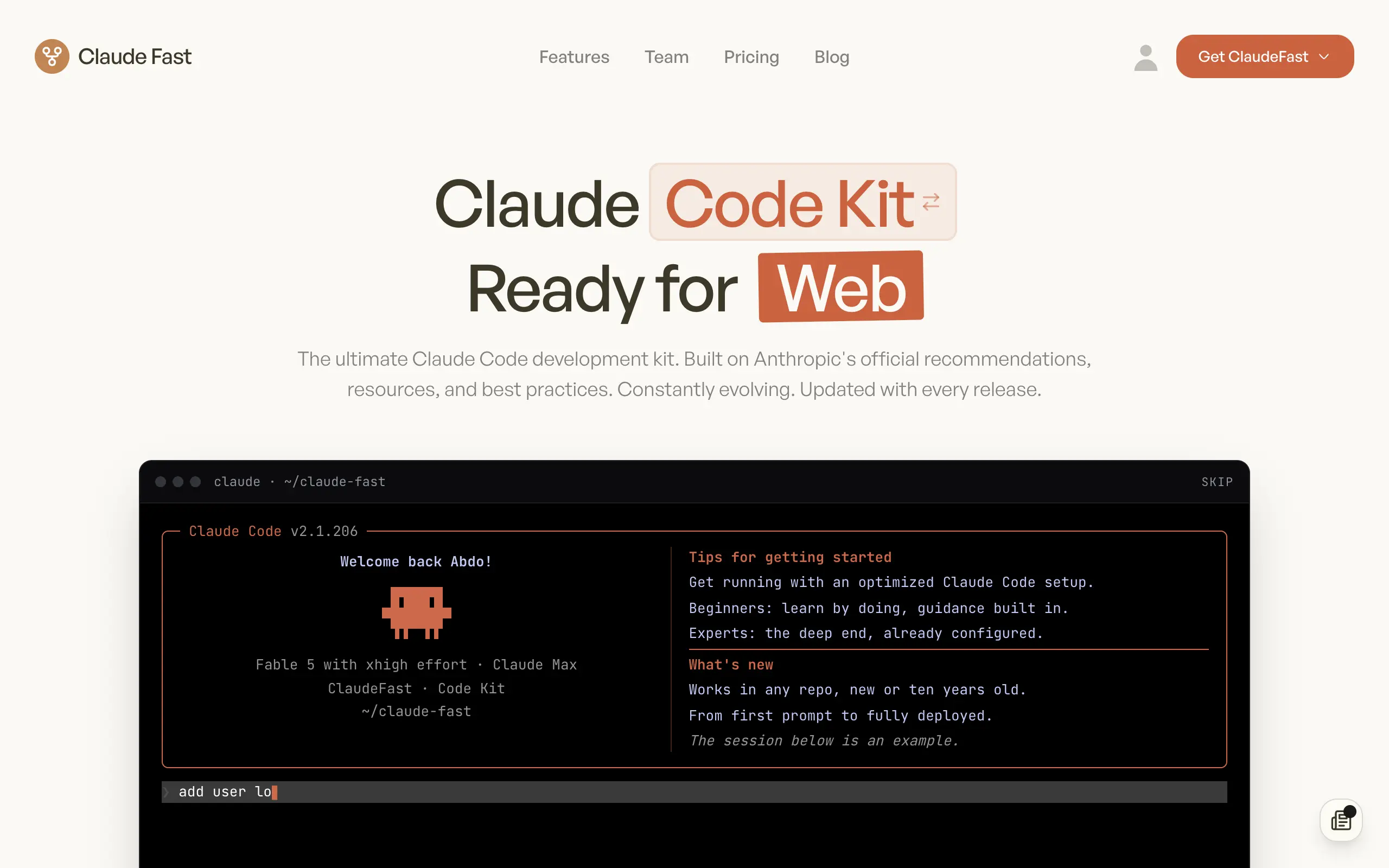
Claude Fast
Supercharge your Claude Code with 6x effective context window and specialized AI agents 🤖

EmojAI
AI-powered emoji picker with smart, context-aware suggestions 🤖
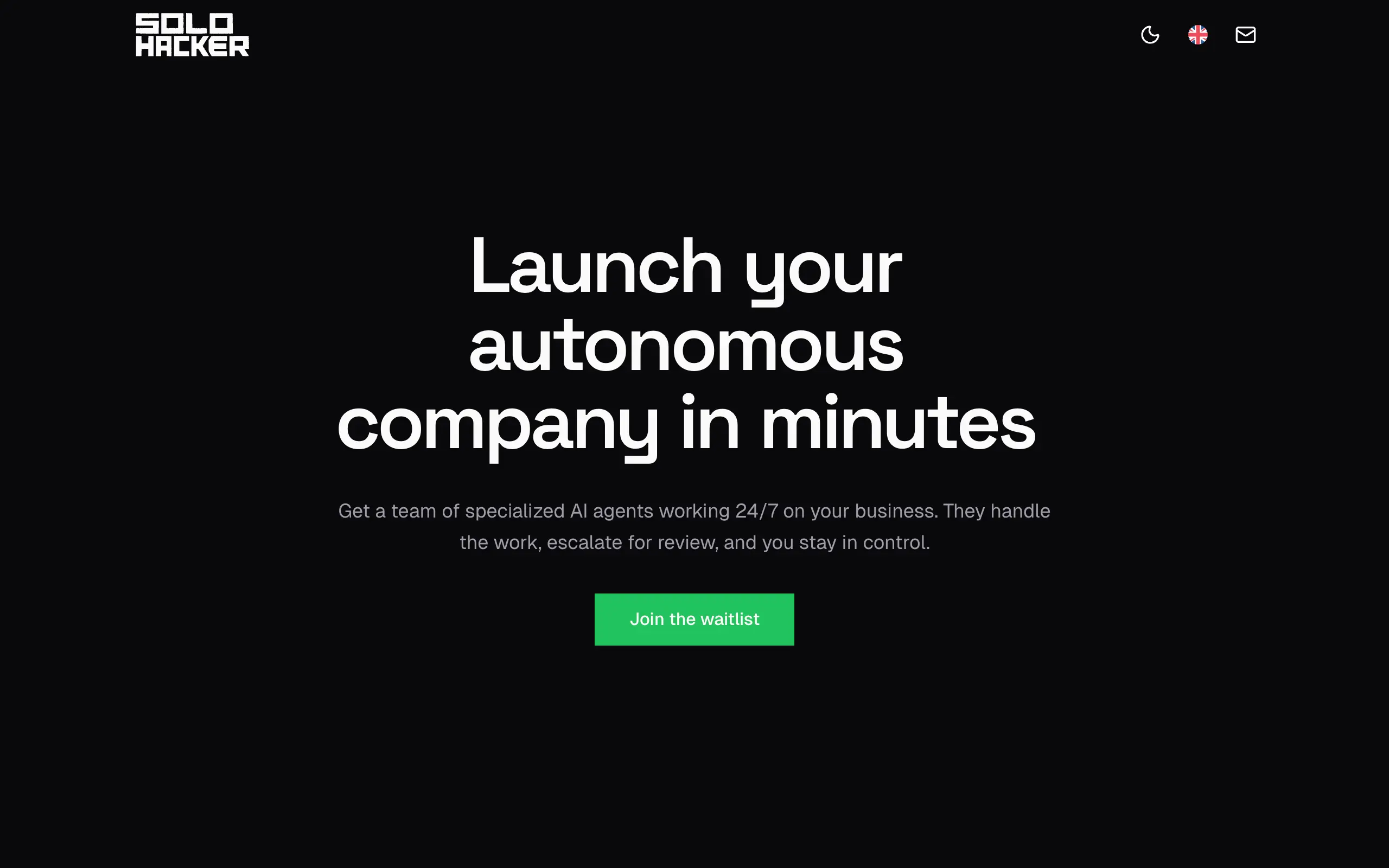
Solohacker
Autonomous company launcher - AI agents work 24/7, escalate what matters, and you stay in control 🤖

BeRawi: Storytelling Coach
Practice storytelling daily with instant feedback to sound clearer, more engaging, and confident 🎤
Omichat
Chat with 50+ AI models, including ChatGPT and Claude, in one place - switch models anytime without losing context 🤖
Claude Fast
Supercharge your Claude Code with 6x effective context window and specialized AI agents 🤖
EmojAI
AI-powered emoji picker with smart, context-aware suggestions 🤖
Solohacker
Autonomous company launcher - AI agents work 24/7, escalate what matters, and you stay in control 🤖
BeRawi: Storytelling Coach
Practice storytelling daily with instant feedback to sound clearer, more engaging, and confident 🎤
Omichat
Chat with 50+ AI models, including ChatGPT and Claude, in one place - switch models anytime without losing context 🤖
Claude Fast
Supercharge your Claude Code with 6x effective context window and specialized AI agents 🤖
EmojAI
AI-powered emoji picker with smart, context-aware suggestions 🤖
Solohacker
Autonomous company launcher - AI agents work 24/7, escalate what matters, and you stay in control 🤖
BeRawi: Storytelling Coach
Practice storytelling daily with instant feedback to sound clearer, more engaging, and confident 🎤
Omichat
Chat with 50+ AI models, including ChatGPT and Claude, in one place - switch models anytime without losing context 🤖
Claude Fast
Supercharge your Claude Code with 6x effective context window and specialized AI agents 🤖
EmojAI
AI-powered emoji picker with smart, context-aware suggestions 🤖
Solohacker
Autonomous company launcher - AI agents work 24/7, escalate what matters, and you stay in control 🤖
BeRawi: Storytelling Coach
Practice storytelling daily with instant feedback to sound clearer, more engaging, and confident 🎤

Connect with like-minded people
Join our community to get feedback, support, and grow together with 1,000+ builders on board, let's ship it!
Join usShip your startup everywhere. In minutes.
Don't burn tokens on setup and start building features on day one.