PermitPatch
Give multi-location restaurant operators one place to track permits, inspections, renewal dates, and the documents each location needs.
Why restaurant permit tracking software is a timely opportunity
Restaurant operators manage more than food, staffing, and customer experience. Each location may also need to maintain business licenses, health permits, fire inspections, grease-trap records, occupancy approvals, alcohol licenses, and other location-specific requirements. These obligations can come from different agencies, follow different schedules, and depend on local rules that change over time.
For a restaurant group with several locations, keeping track of those details in spreadsheets, email, and shared folders creates a fragile process. A renewal date can be missed. A document can be saved under the wrong location. A manager can leave without handing off important context. Even if the business ultimately resolves an issue, the time spent finding records and coordinating people can distract from operating restaurants.
PermitPatch is a B2B SaaS idea for bringing permits, inspections, renewal dates, and required documents into one place for multi-location restaurant operators. Its core promise is not simply “store documents online.” It is to give the people responsible for compliance a dependable, location-aware system for knowing what is required, what is coming due, and what needs attention next.
The opportunity is compelling because it addresses an operational pain with direct consequences. But the product must be designed around a critical reality: permit requirements are not uniform. They vary by jurisdiction, permit type, business activity, and sometimes even the characteristics of a specific property. A trustworthy product should help operators manage their process without pretending that one universal checklist can replace local verification.
The product in one sentence
PermitPatch helps restaurant groups organize location-level compliance records and coordinate renewals and inspections before they become urgent.
The target audience for PermitPatch
PermitPatch should begin with a clearly defined customer rather than trying to serve every business that holds a permit. Its strongest initial audience is likely a restaurant organization with multiple locations, a small operations or compliance team, and enough complexity that informal tracking has become unreliable.
Primary buyers and users
The people involved in a purchase may include:
- Operations leaders who need a portfolio-wide view of location readiness.
- Compliance or risk managers who coordinate renewals, inspections, and documentation.
- Regional managers who oversee multiple sites and need to see upcoming obligations.
- General managers who collect documents, prepare for visits, and complete location-level tasks.
- Finance or administrative staff who may manage license fees, certificates, and renewal paperwork.
- Owners and executives who need confidence that responsibilities are visible and assigned.
A useful product must serve both central teams and local restaurant staff. A corporate administrator may want a consolidated dashboard, while a general manager needs a short, practical list of tasks for one location. If PermitPatch is designed only for headquarters, it may become a reporting tool that frontline teams do not maintain. If it is designed only for local managers, corporate leaders may still lack a reliable portfolio view.
Ideal early customer profile
The first customer profile should be specific enough to guide product discovery and sales. A promising starting point could be:
- A regional or growing restaurant group with multiple operating locations.
- A small central operations team without dedicated software for permit tracking.
- Locations spread across more than one city, county, or state.
- Existing records distributed across spreadsheets, email, paper binders, and cloud storage.
- A recurring need to coordinate documents and deadlines across different people.
- A clear internal owner who can sponsor a new process and encourage adoption.
The best early customer is not necessarily the largest chain. Large enterprises may have complex procurement, established governance systems, and integration requirements. A smaller group can offer a faster route to feedback, provided it has enough locations to feel the coordination problem.
Who is less likely to be an early customer
A single independent restaurant may be able to manage its requirements with a calendar and a simple folder. That does not mean independent operators are never a fit. It means the initial product should focus on organizations where location count and coordination make the problem more acute.
Likewise, a large brand with an established enterprise compliance platform may need integrations, custom reporting, identity management, and procurement reviews before it can adopt PermitPatch. Those capabilities may become important later, but they can add unnecessary complexity to an early product.
The market gap in restaurant compliance management
Restaurant operators already use many kinds of business software: point-of-sale systems, workforce platforms, accounting tools, maintenance systems, and document storage. The existence of these systems does not mean the permit-management workflow is solved. General-purpose tools can hold information, but they often do not model the relationships that matter for location compliance.
Why spreadsheets and shared drives fall short
A spreadsheet can list permit names and renewal dates. A shared drive can store copies of documents. Together, they can appear sufficient until the organization grows or an employee leaves. Common weaknesses include:
- Renewal dates are entered manually and may not be reviewed consistently.
- A deadline is visible in one file but not connected to the underlying document.
- Staff cannot easily tell whether a record is current, expired, or awaiting confirmation.
- A central team has limited visibility into what is missing at each location.
- Local managers may not know which version of a checklist applies to their site.
- Inspection preparation tasks are scattered across email and informal messages.
- An undocumented handoff can leave an important responsibility without an owner.
The problem is not that spreadsheets are inherently bad. They are useful for lightweight processes. The gap appears when multiple locations, users, document types, and renewal cycles need to stay coordinated over time.
Why generic document management is not enough
A shared folder can store a permit, but it generally does not answer operational questions such as:
- Which location does this document apply to?
- When should the team start preparing for renewal?
- Who owns the next action?
- Is the latest version available?
- What is the status of the required inspection?
- Which items are overdue, incomplete, or awaiting review?
PermitPatch can differentiate itself by organizing work around locations, requirements, evidence, deadlines, and owners, rather than treating each file as an isolated attachment.
A narrow category with room for a focused product
Permit management is part of a broader operational compliance landscape. Existing solutions may focus on enterprise governance, general document storage, safety workflows, licensing services, or industry-specific consulting. PermitPatch does not need to replace all of them. It can focus on the practical layer between a requirement and the people responsible for completing it.
The key market question is not whether operators have permits. It is whether enough multi-location operators feel the cost of fragmented tracking strongly enough to adopt and pay for a specialized workflow. That question should be tested through interviews and pilots before building an expansive feature set.
The PermitPatch solution and its core workflow
A strong version of PermitPatch should make it easy to answer three questions: What does each location need? What is due next? Who is responsible? The product should guide users through a repeatable workflow from setup to renewal, with an audit-friendly record of what happened.
1. Create a structured location profile
Each restaurant location should have a durable record containing information that helps users organize its compliance activity. Depending on the customer’s needs, that may include its address, operating status, internal location code, relevant contacts, and jurisdiction details.
Location data must be easy to correct. Restaurants relocate, change ownership, add services, and update operating details. The product should record meaningful changes without making ordinary edits burdensome.
2. Add requirements and documents
Users need a clear way to create a requirement, associate it with one or more locations, upload relevant files, and record important dates. A requirement record might include:
- Permit or document name.
- Applicable location or locations.
- Issuing authority, if known.
- Issue date and expiration or renewal date, when applicable.
- Internal owner and backup owner.
- Current status.
- Related documents and notes.
- Links to the source or internal reference used to verify the requirement.
PermitPatch should distinguish between verified information and user-entered information. If the platform does not independently confirm a deadline, it should not present that date as authoritative. A clear source field and verification status can help users understand what has been checked and what still needs confirmation.
3. Turn dates into action
A renewal date alone is not a workflow. A practical system should let teams plan backward from a deadline, set reminders, assign preparation tasks, and track progress. For example, the workflow might include an early reminder to review the requirement, a task to gather supporting documents, and a final confirmation that the renewal was submitted or completed.
Reminder settings should be configurable. Some customers may want a long lead time for complicated renewals, while others may prefer a short alert for routine tasks. Users should be able to choose notification frequency and identify who receives an alert.
4. Prepare for inspections
Inspection readiness can involve more than a permit record. A location may need to prepare documents, confirm staff responsibilities, address prior findings, and make sure relevant records are accessible. PermitPatch can support this work with reusable inspection checklists, assigned actions, due dates, and links to supporting evidence.
A checklist should remain adaptable. Requirements can differ by location and inspection type, so the product should avoid implying that one generic checklist guarantees compliance. It can provide a consistent process while allowing operators to configure items based on local guidance and professional advice.
5. Close the loop after an inspection or renewal
When an inspection is completed or a renewal is processed, users should record the outcome, update the status, and attach relevant documents. If a follow-up action is required, it should become a tracked task rather than a note that can disappear in a file.
A clear history can help teams understand what happened, who completed each step, and when. This is useful for internal continuity and preparation, but PermitPatch should describe its records accurately. A product-generated activity log is not automatically equivalent to a legally sufficient audit record in every jurisdiction or context.
Feature roadmap for a practical MVP
The first version should solve the coordination problem before attempting to automate regulatory interpretation. A focused MVP is more testable, safer to operate, and easier for customers to understand.
Essential MVP features
- Multi-location workspace with a clear hierarchy for organizations and sites.
- Requirement records for permits, licenses, inspections, and supporting documents.
- Document uploads linked to the relevant location and requirement.
- Renewal and inspection dates with configurable reminders.
- Task assignment with owners, due dates, and status.
- Portfolio dashboard showing upcoming, overdue, and incomplete items.
- Search and filtering by location, requirement type, status, and date.
- Role-based access for administrators, regional managers, and location users.
- Activity history for changes to important records and tasks.
- Exportable reports that help customers review their data or prepare for internal discussions.
Features to consider after validation
Once customers use the basic workflow consistently, PermitPatch can evaluate additional capabilities:
- Reusable templates for common requirement categories.
- Bulk import from spreadsheets.
- Location-level onboarding checklists.
- Mobile-friendly document capture for staff working on-site.
- Escalation rules for overdue tasks.
- Calendar integrations.
- Integrations with identity providers or operations platforms.
- Custom reporting for portfolios, regions, and requirement categories.
- Renewal workflow automation, such as recurring tasks and document requests.
- An optional advisory or managed-service layer for customers who need help organizing their processes.
Automation should be introduced carefully. A reminder that a user configured is straightforward. Automatically asserting that a specific business needs a specific permit is a much higher-risk feature and requires reliable, current, jurisdiction-specific information and a transparent source trail.
What not to build first
PermitPatch should resist expanding into a full restaurant operations suite. Point-of-sale functionality, staff scheduling, payroll, food-safety training, maintenance dispatch, and general-purpose document management are distinct product problems. Adding them too early can dilute the product’s value proposition.
It should also avoid promising “complete compliance” or guaranteed prevention of fines. A software tool can help teams organize information and follow up on tasks. It cannot, by itself, ensure that every legal obligation has been identified or satisfied.
Competitive advantage and positioning
PermitPatch’s potential advantage is not that no other tool can store a date or file. Its advantage must come from combining the right workflow, structure, and user experience for multi-location restaurant compliance administration.
| Product approach | Strength | Common limitation PermitPatch can address |
|---|---|---|
| Spreadsheet tracking | Familiar and flexible | Manual reminders and limited accountability |
| Shared cloud folders | Convenient document storage | Weak connection between files, deadlines, and owners |
| General task management | Flexible assignment and follow-up | Requirements may not be structured by location and permit |
| Enterprise compliance software | Broad governance capabilities | May feel complex or costly for smaller restaurant groups |
| PermitPatch | Location-centered tracking and renewal workflows | Must earn trust through accuracy, usability, and clear scope |
A defensible, focused USP
A concise positioning statement could be:
PermitPatch gives multi-location restaurant teams one reliable workspace for tracking location-specific permits, inspections, renewal dates, and supporting documents.
That statement emphasizes the audience and workflow without overclaiming regulatory expertise. The product can build a stronger position through:
- A location-first data model that mirrors how restaurant groups operate.
- A workflow designed for both headquarters and local managers.
- Clear ownership, reminders, and status visibility.
- Document organization connected to real operational tasks.
- Transparent records of information sources and verification status.
- A practical onboarding process that helps customers move from spreadsheets.
How PermitPatch can build defensibility
At launch, the software itself may be relatively straightforward to reproduce. Long-term differentiation is more likely to come from execution and customer learning:
- Workflow depth built around actual restaurant-team behavior.
- Reliable onboarding that turns inconsistent records into useful structured data.
- Trustworthy change management for dates, documents, and requirement updates.
- Customer-specific operating knowledge gained through repeated use and feedback.
- Integrations and exports that fit into customers’ existing processes.
- A carefully maintained reference layer, if the company later chooses to offer verified jurisdictional information.
Any reference library should be treated as an ongoing operational commitment, not a static launch feature. The business would need processes for sourcing information, confirming updates, documenting uncertainty, and correcting errors.
Recommended technology stack
PermitPatch needs a secure, maintainable web application with dependable file handling, reminders, and role-based access. The initial architecture should favor a fast path to customer learning while leaving room for stronger controls as the business grows.
Application and interface
A web application built with Next.js and React is a reasonable option for a product that needs authenticated dashboards, forms, filtering, and responsive views. The ecosystem is mature and supports server-rendered and client-rendered experiences.
The trade-off is that a full-stack framework introduces conventions and architectural choices that the team must understand. A simpler client application can be sufficient for an MVP, but PermitPatch will still need a secure backend for permissions, file access, scheduled jobs, and data integrity.
A utility-first styling approach such as Tailwind CSS can help a small team build and iterate on a consistent interface quickly. The design should prioritize clarity over density: users need to identify urgent work and missing information without decoding a crowded dashboard.
Data model and backend
A relational database such as PostgreSQL is a strong fit because the product’s core entities have clear relationships:
- Organizations contain locations.
- Locations have requirements and documents.
- Requirements have owners, dates, and statuses.
- Tasks are associated with locations or requirements.
- Users belong to organizations and have roles.
Relational constraints can help preserve data consistency. The team should design tenant isolation carefully so that one customer can never access another customer’s records. A managed backend platform can reduce operational work early, while a custom service may provide more control as requirements become more complex. The trade-off is between speed of implementation and control over infrastructure, authorization, and operational behavior.
File storage and security
Permit documents may contain sensitive business information. File storage should be private by default, with access checks performed on every retrieval. Use short-lived signed access links where appropriate, enforce file-size and file-type limits, and consider malware scanning for uploaded files.
A managed object-storage provider can simplify durable file storage and backups. The team should still define retention, deletion, backup, recovery, and customer export policies. A document being stored successfully does not mean it is safely governed.
Reminders and background jobs
Renewal reminders should not depend on a user keeping a browser tab open. Use a reliable scheduled-job or queue system that can identify upcoming deadlines, send notifications, retry transient failures, and record delivery outcomes.
Email is a sensible first notification channel. In-app alerts can support daily workflow, while SMS or messaging integrations should be considered only if customers demonstrate a need and consent requirements are addressed. Give users control over reminder timing and recipients to reduce alert fatigue.
Authentication, permissions, and auditability
Authentication should support secure sign-in and account recovery. Authorization needs to reflect the organization’s structure: a location manager may need access to one site, while a regional leader may manage several. Role-based access should be tested explicitly, not treated as an interface-only feature.
For enterprise readiness, consider support for single sign-on and stronger administrative controls when customer demand justifies the investment. Important record changes should have a clear history, including who changed what and when. Avoid storing unnecessary personal information, and define an incident response process before handling customer documents at scale.
A practical architecture trade-off
A lean MVP can use managed hosting, managed database services, a trusted email provider, and private object storage. This reduces the operational burden on a small team. The downside is vendor dependence and the need to understand each provider’s security controls, export options, service limits, and pricing.
A self-managed infrastructure can offer more control but adds maintenance, monitoring, security patching, backup testing, and on-call responsibility. The right decision depends on team expertise and customer requirements—not on a preference for “modern” architecture in the abstract.
Monetization strategies for PermitPatch
Pricing should reflect the value of reliable coordination while remaining simple enough for restaurant operators to evaluate. The product should test willingness to pay with real buyers rather than treating a proposed price as validated market evidence.
Per-location subscription
A per-location subscription is easy to understand and aligns with the number of sites being managed. It can work well when customer value grows with portfolio size. However, pricing solely by location may discourage customers from adding sites or may feel unfair when locations have very different levels of complexity.
Tiered plans
Tiered plans can package functionality for different customer needs:
- Starter for a small group that needs location records, documents, and reminders.
- Growth for regional teams that need task assignment, reporting, and more advanced workflows.
- Enterprise for larger operators that need enhanced permissions, integrations, administrative controls, and onboarding support.
The tiers should correspond to meaningful differences in use and service. Avoid arbitrary feature gates that make a core compliance workflow unreliable on a lower plan.
Paid onboarding and migration
Many prospects will have existing data in spreadsheets, inboxes, and shared drives. A paid onboarding service can help organize location records, import data, and establish ownership. This can improve activation and generate early revenue, but it should be standardized enough to avoid turning every customer into a custom consulting project.
Optional managed support
An optional service could help customers collect documents, review data completeness, or coordinate a structured onboarding process. If PermitPatch offers services involving interpretation of regulatory obligations, it should define the scope, qualifications, limitations, and liability arrangements with qualified legal and compliance advisers.
Pricing experiments
During pilots, test:
- Whether buyers prefer per-location, per-organization, or tiered pricing.
- How much they value onboarding and data migration.
- Whether corporate administrators or regional teams control the budget.
- Which usage limits feel natural.
- Whether annual commitments are attractive after the workflow proves useful.
A good pricing model should be easy to explain, predictable as a customer grows, and aligned with the value customers receive.
Risks and how to mitigate them
PermitPatch operates near regulatory processes, sensitive business records, and operational deadlines. Credibility depends on acknowledging those risks and building safeguards into the product and company.
Regulatory variation and outdated information
A national checklist can be misleading when requirements differ by location, business type, or authority. If the product provides regulatory reference content, that content needs a documented source, a review process, an update cadence, and a visible last-verified date.
Mitigation: Start with customer-managed records and workflow support. Make it clear when information was entered by a user and when it has been independently reviewed. Do not imply that a template is a definitive legal determination.
Missed reminders or incorrect dates
If a deadline is entered incorrectly or a reminder fails, a customer may lose confidence in the platform.
Mitigation: Let users verify important dates, configure multiple reminders, assign backup owners, and view an upcoming-deadline report. Monitor delivery failures and give administrators a way to review notification settings. Do not make a reminder the sole control for a critical obligation.
Sensitive documents and unauthorized access
Business licenses, inspection records, and related files should not be exposed to unauthorized users.
Mitigation: Apply least-privilege access, tenant isolation, private file storage, secure authentication, encryption in transit and at rest where supported, backup testing, and a documented security incident process. Review access controls regularly.
Low adoption by location staff
A central team may purchase the tool, but local users must supply or update information. If the experience is difficult, PermitPatch can become another stale system.
Mitigation: Minimize required fields, make mobile use practical, offer clear task ownership, and show each user why an action matters. Design onboarding around the actual work of managers rather than assuming every user is a compliance specialist.
Long sales cycles and unclear ownership
A restaurant group may recognize the problem but lack a single person responsible for buying a solution. Larger buyers may also require security reviews and procurement approvals.
Mitigation: Identify a focused buyer persona, sell an outcome the operations team understands, offer a low-friction pilot, and prepare clear answers about data handling, permissions, exports, and support.
Overbuilding before product-market evidence
The company may be tempted to build a large regulatory database, integrations, or complex analytics before confirming the core workflow.
Mitigation: Track whether customers consistently add locations, complete tasks, and return to review deadlines. Prioritize features that remove observed friction rather than features that merely sound impressive.
Be precise about compliance claims
PermitPatch can organize records and support follow-through, but customers remain responsible for confirming applicable requirements with the relevant authorities and qualified advisers. Product messaging should never imply guaranteed compliance.
Measuring whether the product is working
A product that stores many documents is not necessarily solving the problem. PermitPatch should measure whether customers can maintain useful records and act on upcoming obligations.
Potential product and business metrics include:
- Activation rate measured by the share of new organizations that add locations, requirements, and users.
- Time to first useful view measured by how quickly a customer can see upcoming and incomplete work.
- Record completeness measured by the share of active requirements with an owner, status, and relevant date.
- Task completion rate measured by the share of assigned tasks completed by their due dates.
- Overdue item trends measured over time, interpreted carefully because better tracking may initially reveal more overdue work.
- Location-level engagement measured by whether local managers use the system, not just headquarters.
- Retention and expansion measured by continued use and additional locations added.
- Support burden measured by the time required to onboard and maintain each account.
Metrics should be interpreted in context. An increase in recorded overdue items may indicate improved visibility rather than worsening operational performance. Customer interviews should explain what the numbers mean.
Actionable implementation steps
The most effective path is to validate the workflow with restaurant operators before investing in a broad feature set.
Interview multi-location operators
Talk with operations leaders, regional managers, compliance staff, and location managers. Ask them to show how they currently track permits and inspections. Explore recent examples: what was hard to find, what needed a handoff, and how they knew a renewal was complete. Avoid asking only whether they “like the idea.”
Map the current process
Document the steps from identifying a requirement to storing evidence, assigning responsibility, receiving reminders, and closing the task. Record differences between locations and jurisdictions. Separate confirmed requirements from assumptions that need further research.
Test a narrow prototype
Create a clickable prototype or lightweight pilot focused on locations, requirements, documents, owners, and dates. Test it with the people who will use it every week. Watch for confusion around terminology, status, permissions, and reminder settings.
Recruit design partners
Find a small group of restaurant operators willing to share their current process and test a working version. Agree on what success means before the pilot begins, such as faster record retrieval, clearer ownership, or fewer unassigned upcoming tasks.
Build the secure MVP
Implement the core location-based data model, role permissions, private document handling, reminders, and an activity history. Prioritize reliable fundamentals over advanced automation. Verify tenant isolation and test file and notification workflows before onboarding customer records.
Measure behavior and improve onboarding
Observe whether users add accurate information, assign owners, and return to the dashboard. Identify where they abandon setup or rely on workarounds. Improve data import, explanations, and defaults based on observed behavior.
Expand only after repeatable value
Add templates, integrations, advanced reporting, or a verified reference library only when customers show recurring demand and the company can support those features responsibly. Use customer evidence to guide the roadmap and pricing.
A small team can use a SaaS starter kit to accelerate common product foundations, but it should still evaluate the fit of its authentication, billing, database, and deployment patterns. TurboStarter is one option to consider for speeding up SaaS development; the team should confirm that its architecture supports PermitPatch’s permission model, data handling needs, and planned customer experience.
The opportunity for PermitPatch
PermitPatch has a focused opportunity to make a recurring administrative burden more visible and manageable for multi-location restaurant teams. The strongest version of the product will not try to replace regulators, lawyers, or every operational system a restaurant uses. It will give the people responsible for locations a shared, dependable way to organize requirements, documents, deadlines, and follow-up.
Its success will depend on a few practical choices: starting with the operators who feel the coordination pain, designing for both headquarters and local staff, protecting customer records, and communicating clearly about what the software does and does not verify. If early pilots show that teams maintain the system and use it to act sooner, PermitPatch can build a durable product around a specific and important operational workflow.
More 🏢 B2B Application SaaS ideas
Discover more innovative b2b application SaaS ideas that are trending in 2026. Each idea is AI-generated with market validation and growth potential to help you find your next profitable venture faster than competitors.
Your competitors are building with TurboStarter
Below are some of the SaaS ideas that have been generated and built with our starter kit.
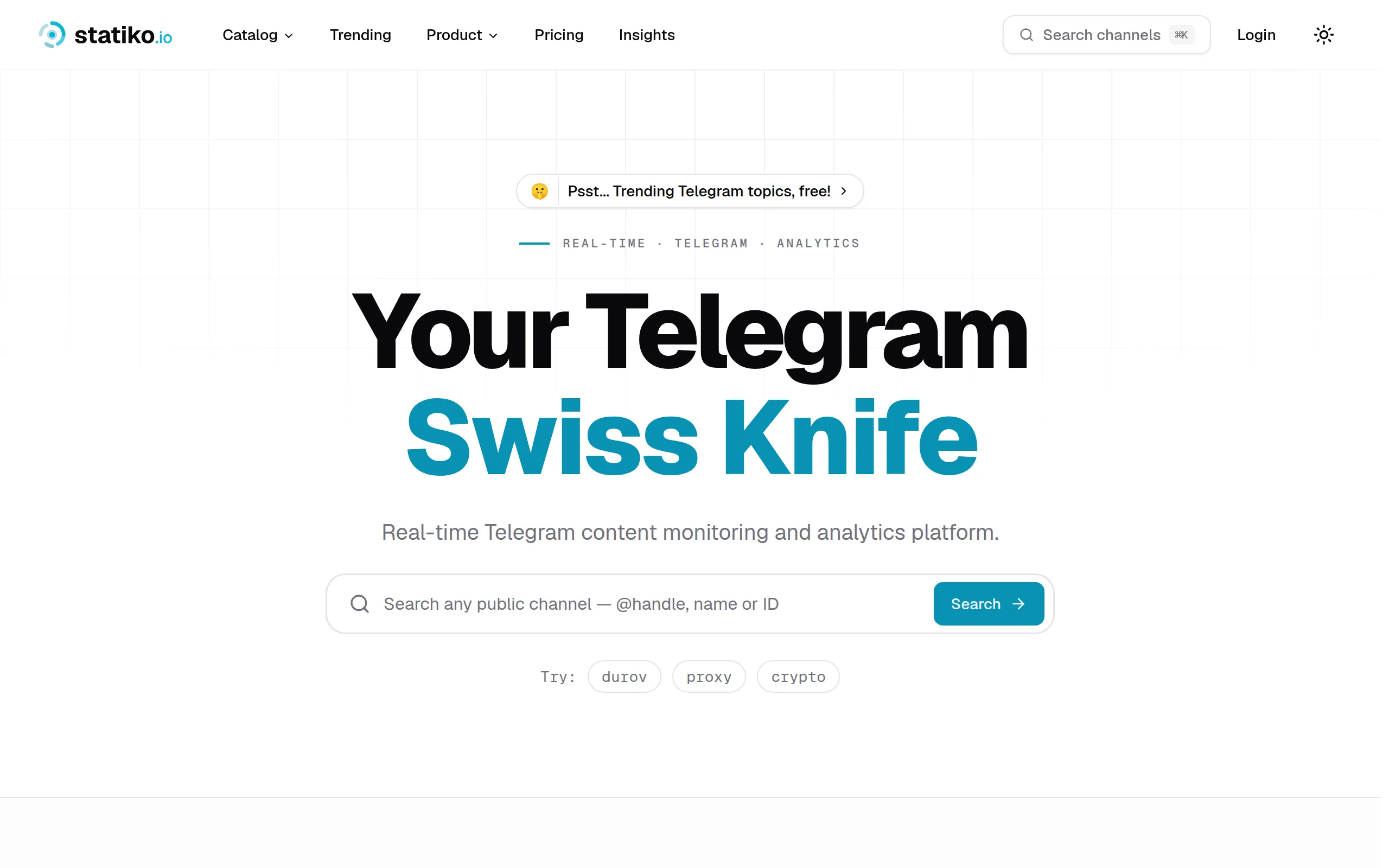
Statiko
Monitor any Telegram channel in real time - track posts, edits, deletions, and growth with AI recaps 📡

Shibui
AI website builder - describe your business, pick a niche template, edit by chatting, and publish instantly ✨

Pro Service
Find verified home service professionals, compare quotes, and pay securely through escrow - built for Brazilians across the US 🏠
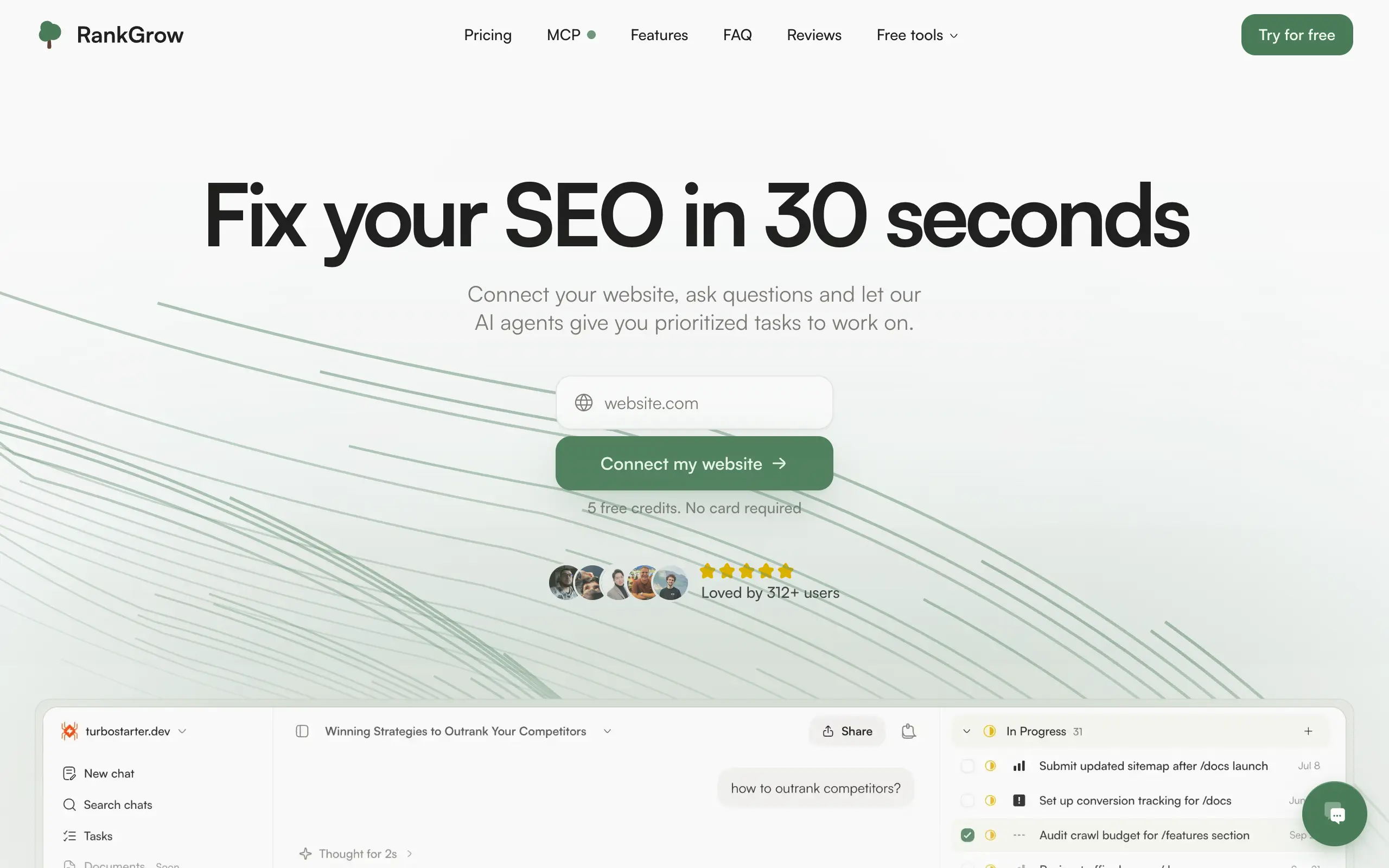
RankGrow
Fix your SEO with AI agents - connect Search Console, get prioritized tasks, and grow organic traffic 📈
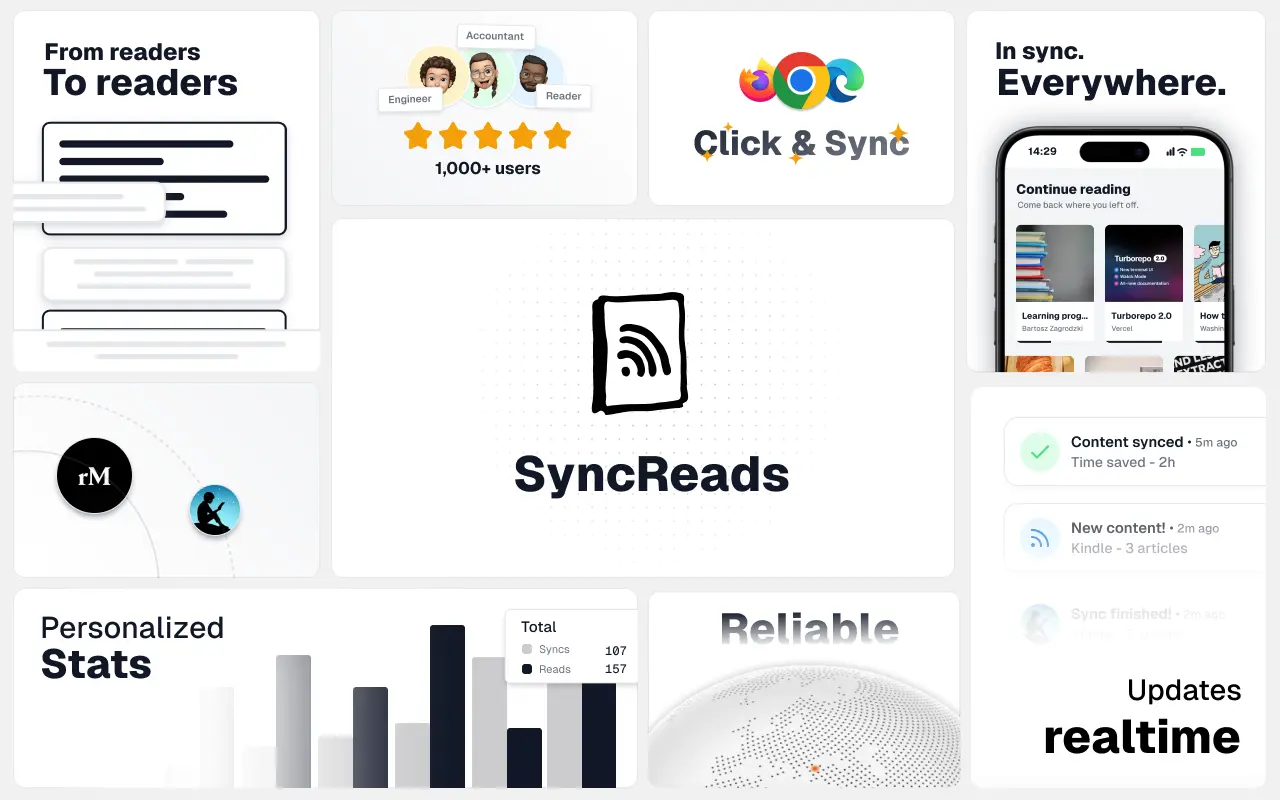
SyncReads
Sync your favorite content for distraction-free reading, save time and replace multiple apps. Anytime, anywhere 🔄
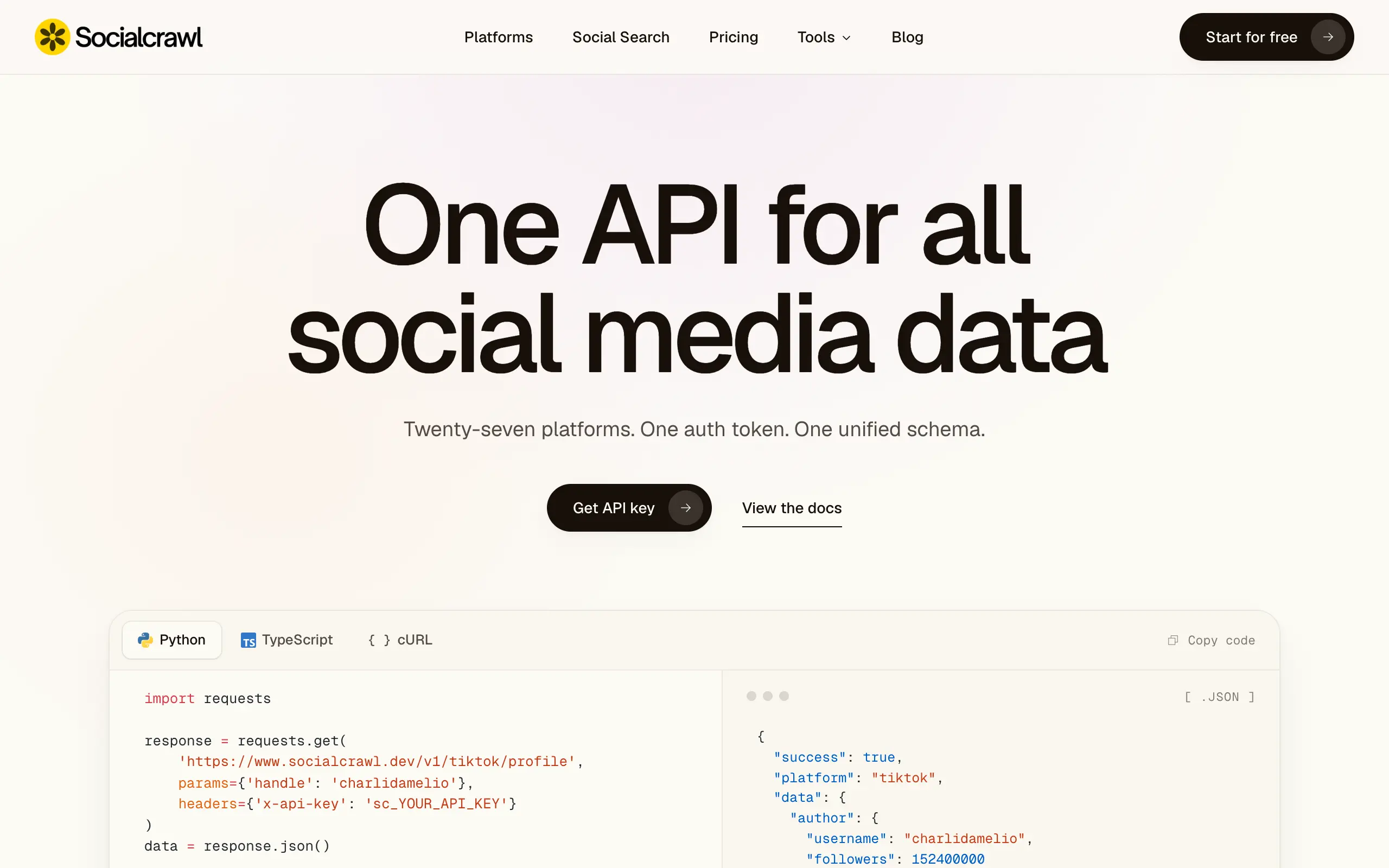
Socialcrawl
Get clean, structured data from 21 platforms like TikTok, Instagram, and YouTube with a single request 📊
Statiko
Monitor any Telegram channel in real time - track posts, edits, deletions, and growth with AI recaps 📡
Shibui
AI website builder - describe your business, pick a niche template, edit by chatting, and publish instantly ✨
Pro Service
Find verified home service professionals, compare quotes, and pay securely through escrow - built for Brazilians across the US 🏠
RankGrow
Fix your SEO with AI agents - connect Search Console, get prioritized tasks, and grow organic traffic 📈
SyncReads
Sync your favorite content for distraction-free reading, save time and replace multiple apps. Anytime, anywhere 🔄
Socialcrawl
Get clean, structured data from 21 platforms like TikTok, Instagram, and YouTube with a single request 📊
Statiko
Monitor any Telegram channel in real time - track posts, edits, deletions, and growth with AI recaps 📡
Shibui
AI website builder - describe your business, pick a niche template, edit by chatting, and publish instantly ✨
Pro Service
Find verified home service professionals, compare quotes, and pay securely through escrow - built for Brazilians across the US 🏠
RankGrow
Fix your SEO with AI agents - connect Search Console, get prioritized tasks, and grow organic traffic 📈
SyncReads
Sync your favorite content for distraction-free reading, save time and replace multiple apps. Anytime, anywhere 🔄
Socialcrawl
Get clean, structured data from 21 platforms like TikTok, Instagram, and YouTube with a single request 📊
Statiko
Monitor any Telegram channel in real time - track posts, edits, deletions, and growth with AI recaps 📡
Shibui
AI website builder - describe your business, pick a niche template, edit by chatting, and publish instantly ✨
Pro Service
Find verified home service professionals, compare quotes, and pay securely through escrow - built for Brazilians across the US 🏠
RankGrow
Fix your SEO with AI agents - connect Search Console, get prioritized tasks, and grow organic traffic 📈
SyncReads
Sync your favorite content for distraction-free reading, save time and replace multiple apps. Anytime, anywhere 🔄
Socialcrawl
Get clean, structured data from 21 platforms like TikTok, Instagram, and YouTube with a single request 📊
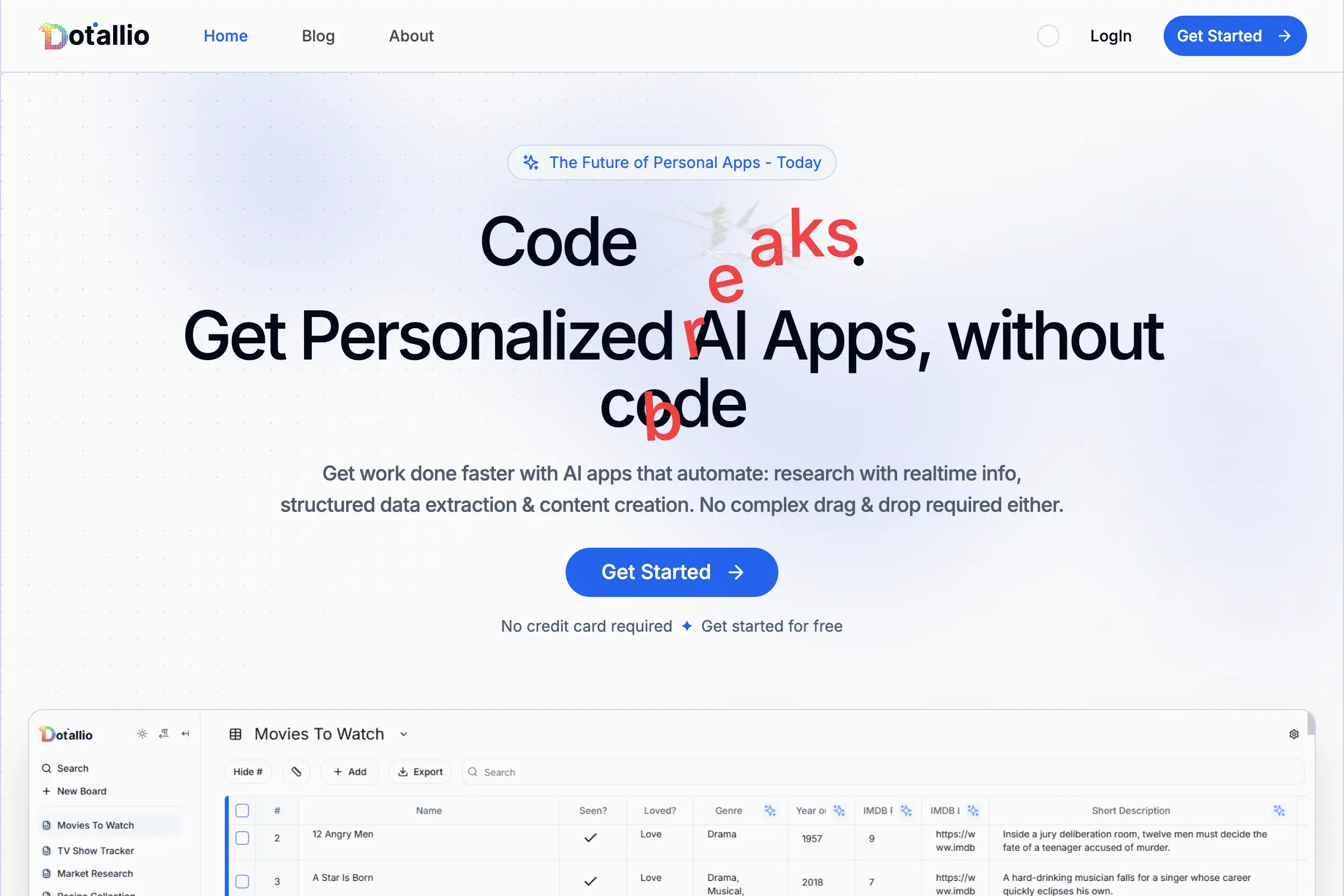
Dotallio
Personalized AI apps that automate research, data extraction, and content creation without code 🤖

Talk to Santa
Enjoy a magical live video chat or receive a unique AI-generated video greeting from Santa Claus 🎅
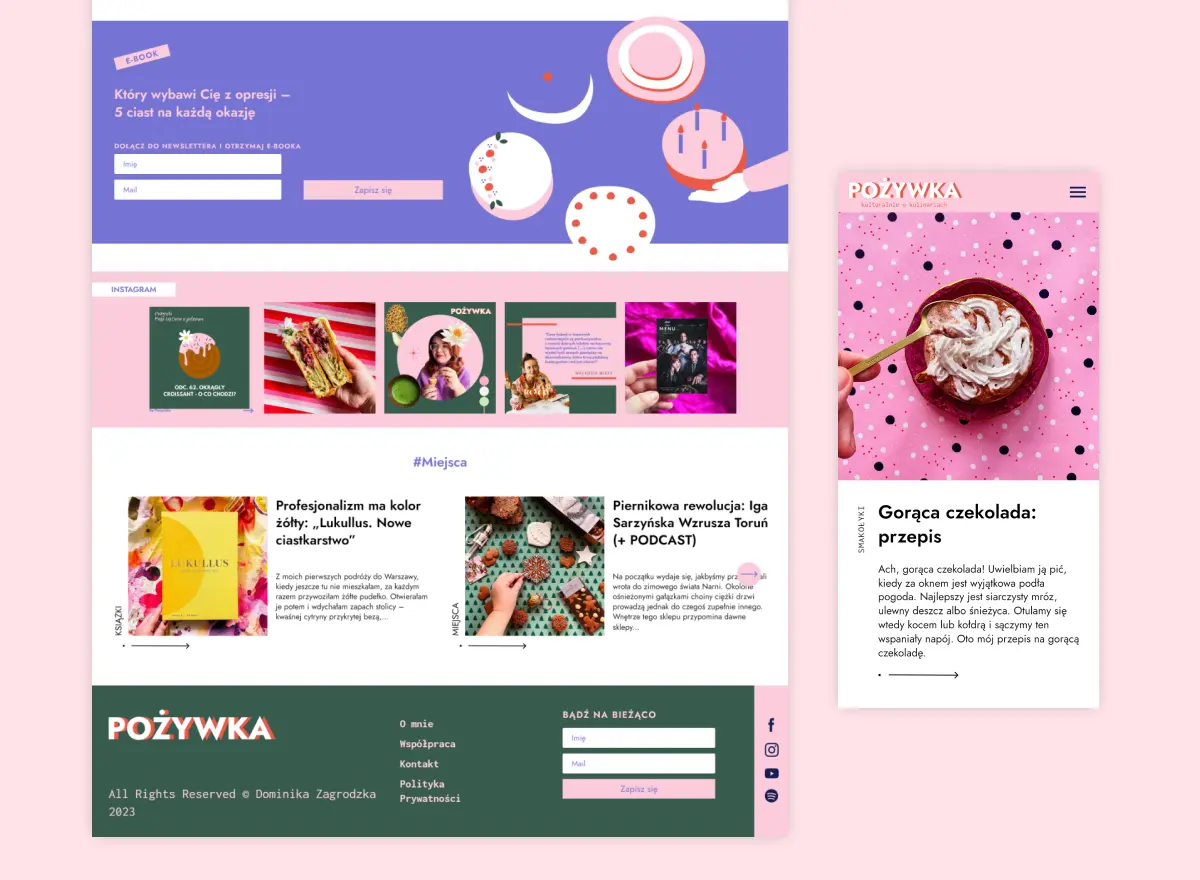
pozywka.pl
Scalable blog for food journalist, focused on performance and user experience 🌭
zagrodzki.me
Personal blog and portfolio of Bart Zagrodzki, where he shares his knowledge and work 💼
TurboStarter
Ship your startup everywhere. In minutes.
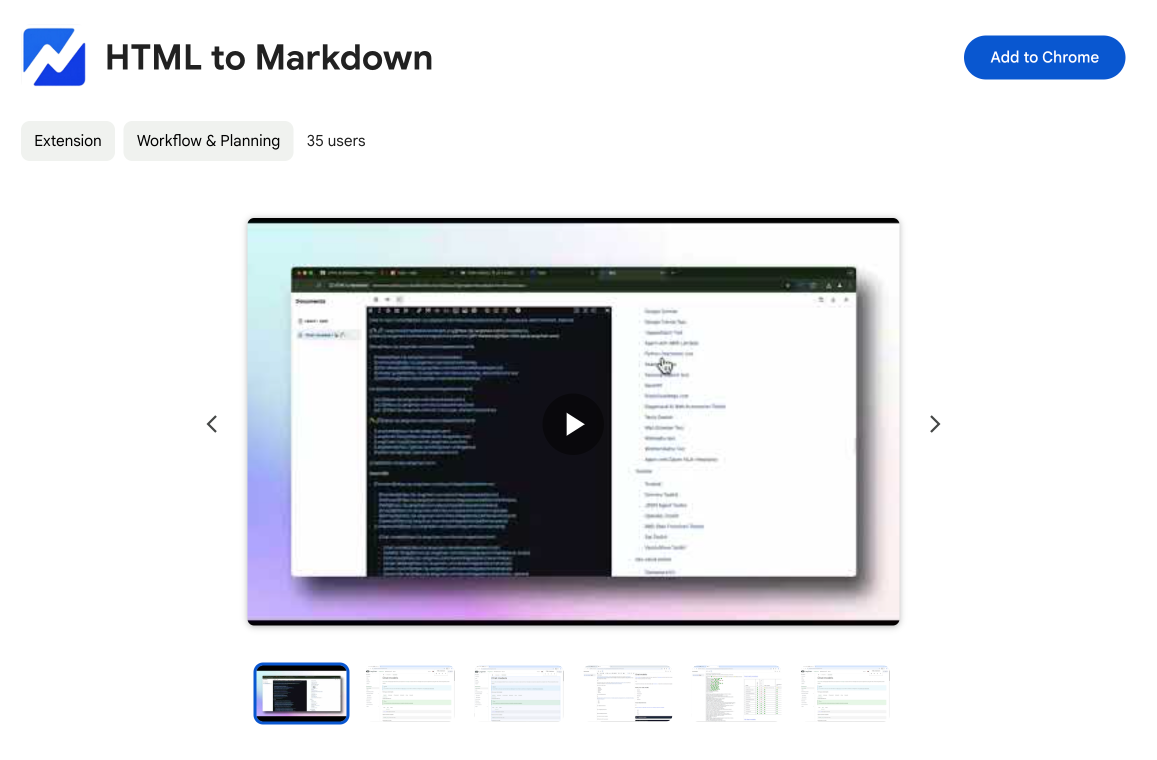
HTML to Markdown
Convert HTML to Markdown with ease, directly in your browser 📄
Dotallio
Personalized AI apps that automate research, data extraction, and content creation without code 🤖
Talk to Santa
Enjoy a magical live video chat or receive a unique AI-generated video greeting from Santa Claus 🎅
pozywka.pl
Scalable blog for food journalist, focused on performance and user experience 🌭
zagrodzki.me
Personal blog and portfolio of Bart Zagrodzki, where he shares his knowledge and work 💼
TurboStarter
Ship your startup everywhere. In minutes.
HTML to Markdown
Convert HTML to Markdown with ease, directly in your browser 📄
Dotallio
Personalized AI apps that automate research, data extraction, and content creation without code 🤖
Talk to Santa
Enjoy a magical live video chat or receive a unique AI-generated video greeting from Santa Claus 🎅
pozywka.pl
Scalable blog for food journalist, focused on performance and user experience 🌭
zagrodzki.me
Personal blog and portfolio of Bart Zagrodzki, where he shares his knowledge and work 💼
TurboStarter
Ship your startup everywhere. In minutes.
HTML to Markdown
Convert HTML to Markdown with ease, directly in your browser 📄
Dotallio
Personalized AI apps that automate research, data extraction, and content creation without code 🤖
Talk to Santa
Enjoy a magical live video chat or receive a unique AI-generated video greeting from Santa Claus 🎅
pozywka.pl
Scalable blog for food journalist, focused on performance and user experience 🌭
zagrodzki.me
Personal blog and portfolio of Bart Zagrodzki, where he shares his knowledge and work 💼
TurboStarter
Ship your startup everywhere. In minutes.
HTML to Markdown
Convert HTML to Markdown with ease, directly in your browser 📄
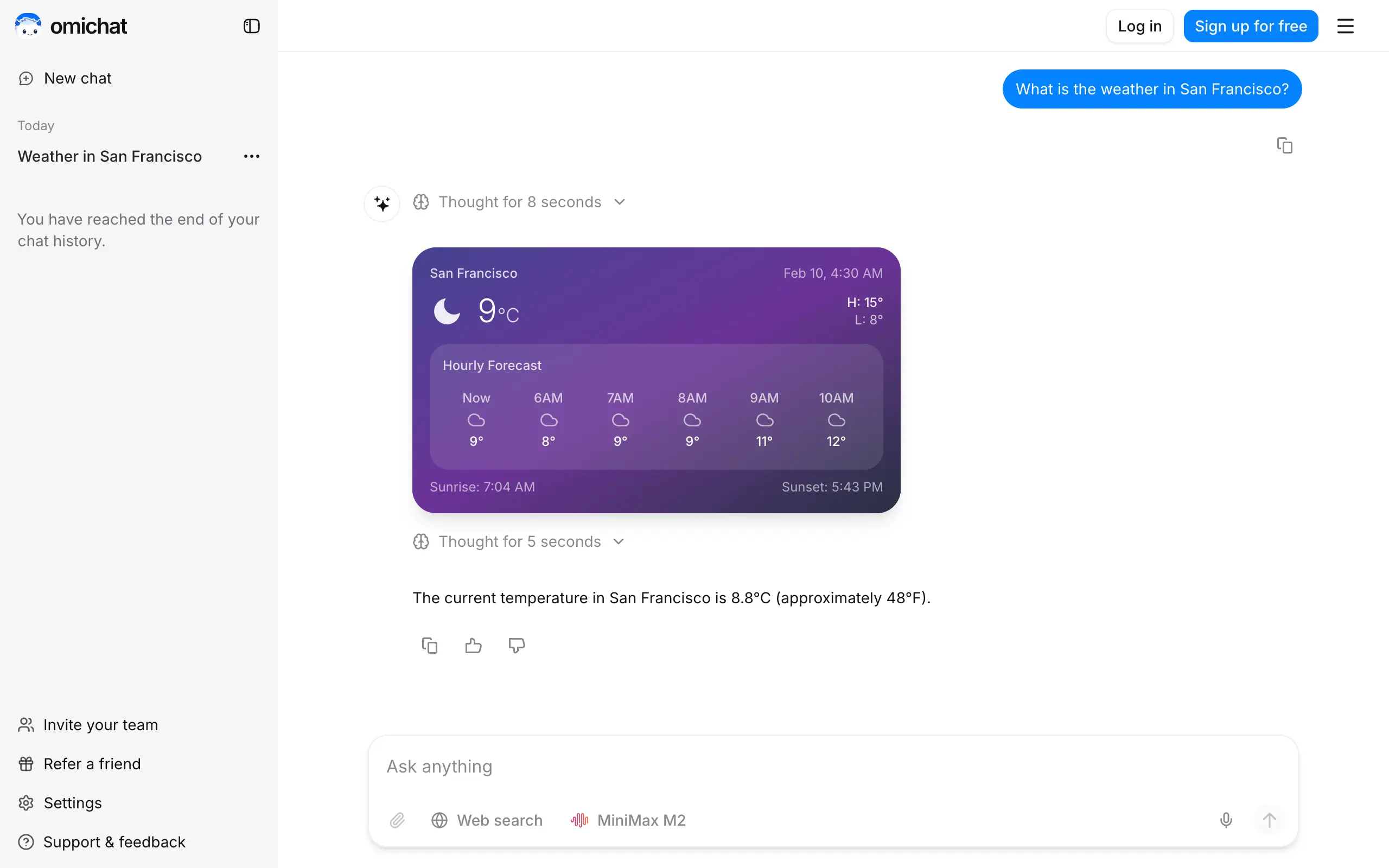
Omichat
Chat with 50+ AI models, including ChatGPT and Claude, in one place - switch models anytime without losing context 🤖
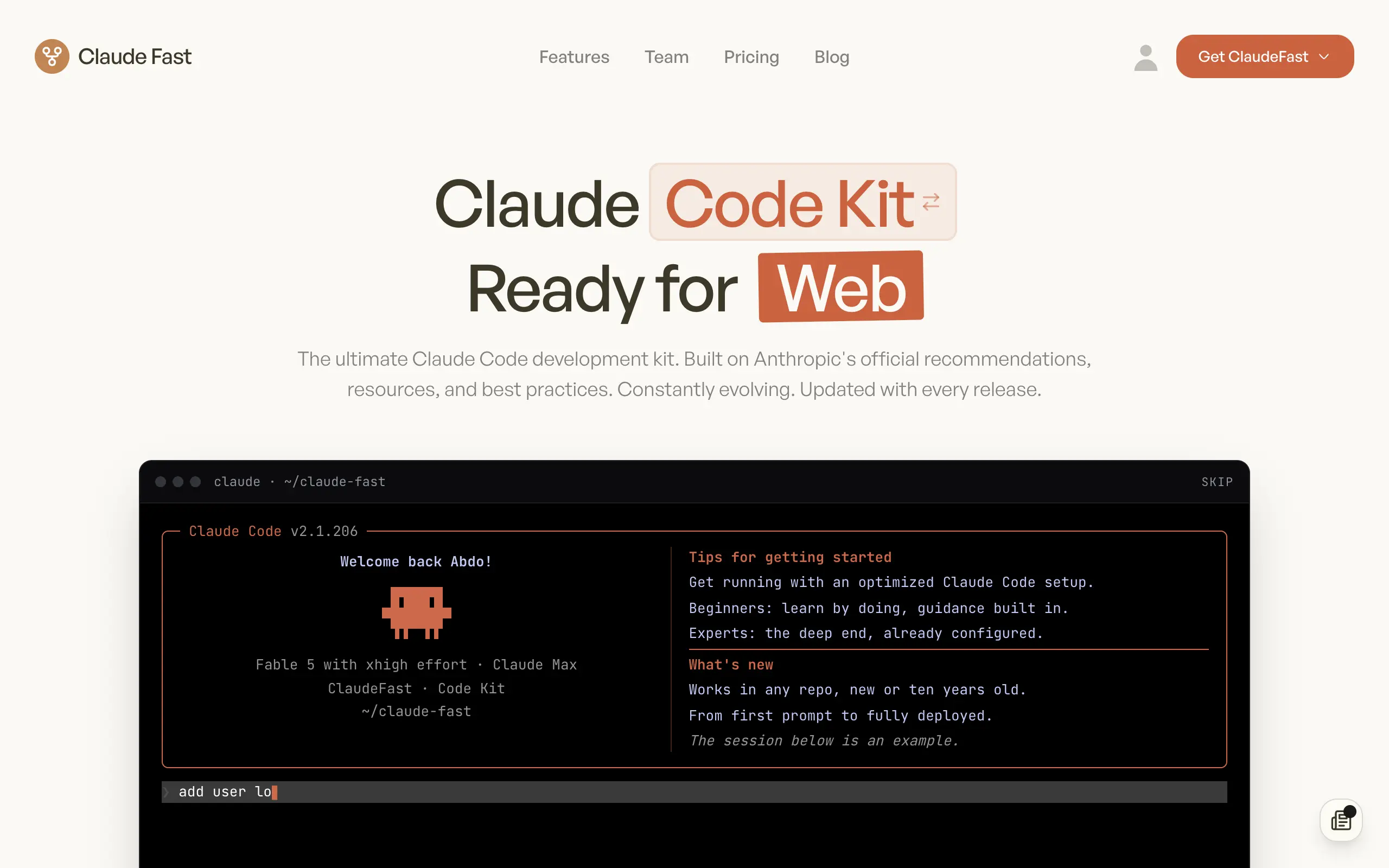
Claude Fast
Supercharge your Claude Code with 6x effective context window and specialized AI agents 🤖

EmojAI
AI-powered emoji picker with smart, context-aware suggestions 🤖
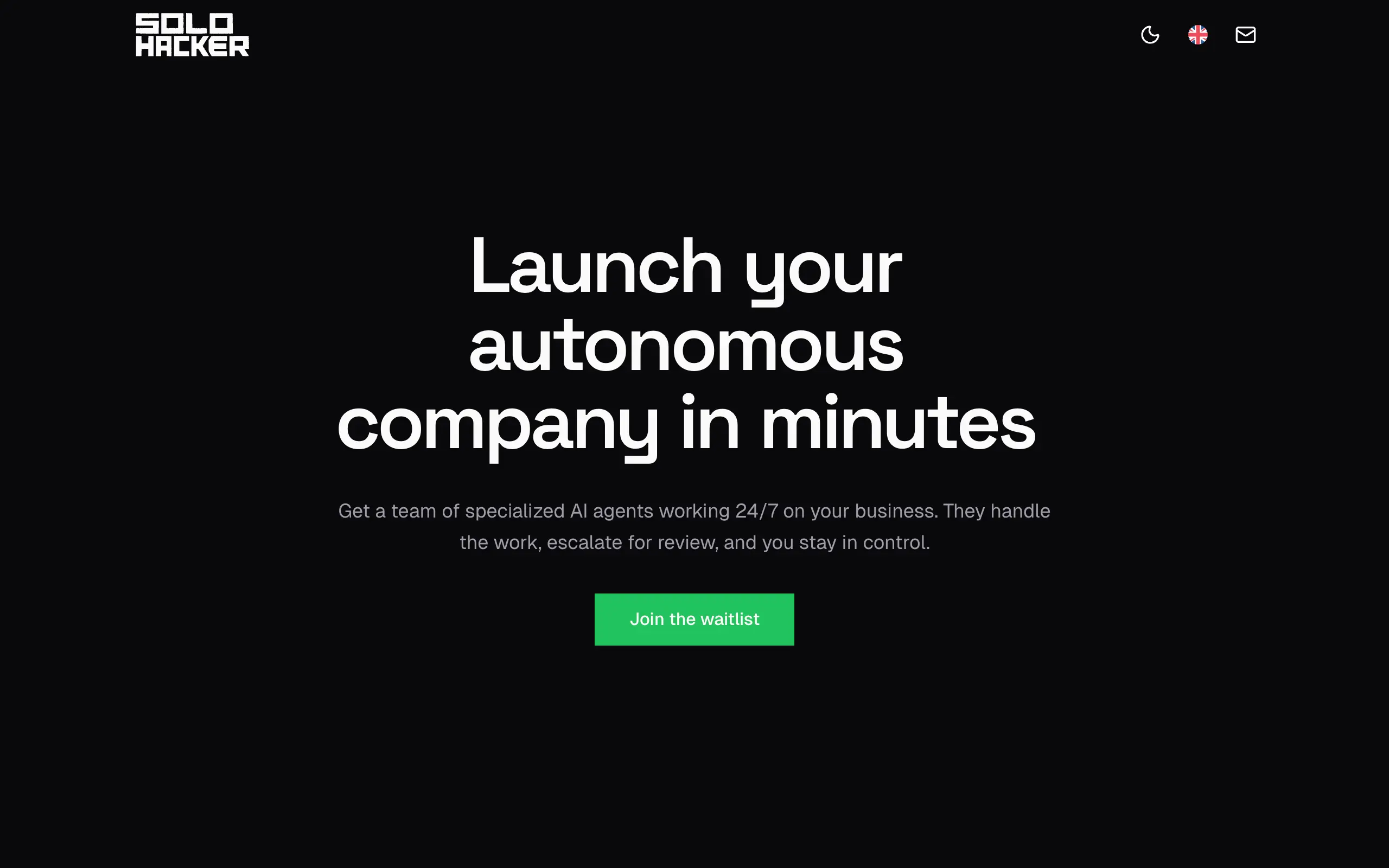
Solohacker
Autonomous company launcher - AI agents work 24/7, escalate what matters, and you stay in control 🤖

BeRawi: Storytelling Coach
Practice storytelling daily with instant feedback to sound clearer, more engaging, and confident 🎤
Omichat
Chat with 50+ AI models, including ChatGPT and Claude, in one place - switch models anytime without losing context 🤖
Claude Fast
Supercharge your Claude Code with 6x effective context window and specialized AI agents 🤖
EmojAI
AI-powered emoji picker with smart, context-aware suggestions 🤖
Solohacker
Autonomous company launcher - AI agents work 24/7, escalate what matters, and you stay in control 🤖
BeRawi: Storytelling Coach
Practice storytelling daily with instant feedback to sound clearer, more engaging, and confident 🎤
Omichat
Chat with 50+ AI models, including ChatGPT and Claude, in one place - switch models anytime without losing context 🤖
Claude Fast
Supercharge your Claude Code with 6x effective context window and specialized AI agents 🤖
EmojAI
AI-powered emoji picker with smart, context-aware suggestions 🤖
Solohacker
Autonomous company launcher - AI agents work 24/7, escalate what matters, and you stay in control 🤖
BeRawi: Storytelling Coach
Practice storytelling daily with instant feedback to sound clearer, more engaging, and confident 🎤
Omichat
Chat with 50+ AI models, including ChatGPT and Claude, in one place - switch models anytime without losing context 🤖
Claude Fast
Supercharge your Claude Code with 6x effective context window and specialized AI agents 🤖
EmojAI
AI-powered emoji picker with smart, context-aware suggestions 🤖
Solohacker
Autonomous company launcher - AI agents work 24/7, escalate what matters, and you stay in control 🤖
BeRawi: Storytelling Coach
Practice storytelling daily with instant feedback to sound clearer, more engaging, and confident 🎤

Connect with like-minded people
Join our community to get feedback, support, and grow together with 1,000+ builders on board, let's ship it!
Join usShip your startup everywhere. In minutes.
Don't burn tokens on setup and start building features on day one.