QuotePebble
Independent service contractors often forget to revisit open estimates. Automate polite follow-ups and spot quotes going cold before revenue slips away.
Independent service contractors can lose profitable work without ever receiving a clear “no.” A homeowner requests an estimate, the contractor sends a quote, and then the conversation goes quiet. The estimate stays open in a spreadsheet or inbox while the contractor moves on to the next job.
QuotePebble is a SaaS idea designed to close that gap. It would help independent service contractors organize open estimates, send polite follow-ups automatically, and spot quotes that may be going cold before potential revenue slips away.
The opportunity is not simply to send more reminders. It is to help small service businesses follow up consistently without adding another administrative burden or making customers feel pressured. This guide explores QuotePebble’s target market, product strategy, feature set, technical architecture, monetization options, competitive position, risks, and a practical path to launch.
The core product thesis
QuotePebble should make estimate follow-up feel like a natural part of running a service business: timely, personal, easy to manage, and simple to measure.
What QuotePebble does
QuotePebble is an estimate follow-up and quote-tracking platform for independent service contractors. It gives a contractor a simple place to see which estimates are:
- Waiting for a customer response
- Due for a follow-up
- Recently opened or revisited
- Accepted, declined, or expired
- Potentially at risk of going cold
The product then helps the contractor take the next appropriate action. That could mean sending a polite email or text, making a call, adjusting a follow-up date, or closing out an estimate that is no longer active.
The distinction matters. A basic reminder tool tells a contractor that something is due. A useful quote follow-up tool connects that reminder to the estimate, customer, conversation history, and next step.
QuotePebble’s primary keyword opportunity is quote follow-up software for contractors. Related search themes include estimate follow-up automation, contractor estimate tracking, quote management software, sales follow-up for small businesses, and estimate reminder software.
The problem behind forgotten estimates
Independent contractors often sell and deliver work at the same time. The owner may be estimating jobs during the day, coordinating materials between appointments, and responding to customers after hours. Follow-up is important, but it rarely feels as urgent as the next job on the schedule.
That creates a predictable pattern:
- A customer requests a quote.
- The contractor prepares and sends an estimate.
- The customer does not respond immediately.
- The estimate becomes harder to find among messages, paperwork, and active jobs.
- The contractor either follows up late or does not follow up at all.
This is not necessarily a motivation problem. It is a workflow problem. The contractor may have every intention of checking in, but the information needed to do so is split across tools or stored in memory.
There is also a customer experience issue. A single timely check-in can help a customer who is comparing options or has questions. Repeated, generic messages can feel intrusive. A good system must therefore balance consistency with judgment.
Why existing habits often fail
Many small businesses manage estimates using some combination of:
- Email and text message threads
- A calendar reminder
- A spreadsheet
- Paper notes
- A field-service or invoicing system
- Memory and end-of-day catch-up
These methods can work when quote volume is low. They become less reliable when estimates are numerous, customers communicate through different channels, or the owner is frequently on-site.
A spreadsheet can record a quote’s amount and date, but it does not necessarily prompt the right person at the right time. A calendar reminder can create a task, but it may not include the customer’s latest message or the quote being discussed. A broad customer-management system may support follow-up, but its setup and sales terminology can feel excessive for a small contractor.
QuotePebble’s opportunity is to make the smallest useful workflow the easiest one: know what is still open, know what needs attention, and take a suitable next step.
Target audience for QuotePebble
The initial audience should be narrow enough to support a focused product and broad enough to include a meaningful variety of contractors.
The best early customer profile
A strong early customer is an owner-led service business that:
- Sends estimates regularly
- Has a small office team or no dedicated sales employee
- Gets leads through calls, referrals, websites, or local directories
- Manages customer communication across email and text
- Has a visible delay between sending an estimate and knowing the customer’s decision
- Is willing to pay for a tool that saves administrative time or helps recover missed opportunities
Potential verticals include:
- Plumbing and drain services
- HVAC installation and maintenance
- Electrical contractors
- Residential painting
- Landscaping and hardscaping
- Roofing and exterior services
- Cleaning and restoration
- Pest control
- Remodeling and home improvement
- Independent repair and installation specialists
Not all of these should be targeted at once. A contractor who sends a few small estimates each month may not feel the problem strongly enough to adopt a new tool. A business that sends many estimates, has longer decision cycles, and follows up inconsistently is more likely to recognize the value.
Different users, different needs
QuotePebble may have several user types within one small company.
- Owner-operators need a fast workflow, mobile access, and minimal configuration.
- Office administrators need a shared pipeline, clear ownership, and a complete customer history.
- Estimators and sales staff need to see quote status, next actions, and relevant customer context.
- Bookkeepers or operations managers may need reporting on open estimates and outcomes, even if they do not send follow-ups themselves.
The product should support collaboration without assuming a large sales department. That means shared visibility and simple permissions, not a complex enterprise hierarchy.
Who is probably not the first customer
QuotePebble may be a poor fit initially for:
- Large contractors with established sales operations and custom CRM workflows
- Businesses that rarely send estimates
- Companies that require highly specialized estimating or job-costing features
- Contractors whose existing field-service platform already handles follow-up well
- Businesses that do not have permission to contact leads through their chosen channels
This does not mean those customers can never be served. It means the first version should avoid becoming a full CRM, estimating suite, or field-service platform before the core follow-up workflow is proven.
Market opportunity and product gap
QuotePebble sits between simple reminders and all-in-one business software. That middle position can be valuable, but it needs validation rather than assumption.
A focused workflow can be easier to adopt
Many small businesses do not need a comprehensive sales platform. They need an answer to a few practical questions:
- Which estimates are still open?
- Which ones need attention today?
- What has the customer already been told?
- What should I send next?
- Did the estimate turn into work?
A focused product can make those answers faster to find than a general-purpose system. Its value is not that it has the most features; it is that the important action is easy to take.
A plausible gap between tools
The market includes CRMs, estimating software, scheduling platforms, invoicing products, and field-service management systems. Some products combine several of these categories. QuotePebble should not claim that contractors have no alternatives. Instead, it can investigate whether a specific segment finds existing options too broad, too difficult to configure, or insufficiently focused on open-estimate follow-up.
The product gap to test is:
Contractors need a lightweight way to turn sent estimates into visible, timely follow-up actions without replacing their estimating, scheduling, or invoicing systems.
That hypothesis can be validated through interviews and workflow observation. Ask contractors to show how they handle the last five estimates they sent. Look for gaps between the claimed process and the actual process, including missed reminders, scattered records, and unclear ownership.
How to research the opportunity
A practical discovery process should examine both behavior and willingness to pay.
- Interview contractors in one or two initial verticals.
- Ask them to walk through real recent estimates, rather than asking only what features they want.
- Measure how many estimates remain unanswered and how long they typically stay open.
- Identify the existing tools involved in preparing, sending, and tracking each quote.
- Ask what happens when a customer replies by text, email, or phone.
- Test a clickable prototype of the open-estimate queue and follow-up flow.
- Offer a paid pilot to businesses that already demonstrate the problem.
Useful evidence includes repeat usage, follow-up actions completed, time required to onboard, and conversion from a trial to a paid account. Feature requests are informative, but they are weaker evidence than a customer using the product repeatedly or paying to continue.
For market sizing, avoid inventing a top-down number based on a broad industry category. Build a bottom-up estimate from reachable contractor businesses, the share that send relevant estimates, and a realistic monthly price. Any published industry statistics should be cited using a credible source, with the publisher, report title, publication date, and relevant section included in the final research notes.
Core features for quote follow-up software
QuotePebble should begin with a compact set of features that support the entire follow-up loop.
1. A clear open-estimate pipeline
Every estimate should have a visible status, such as:
- Draft
- Sent
- Follow-up due
- Customer replied
- Accepted
- Declined
- Expired or closed
The contractor should be able to filter by status, age, owner, customer, or estimated value. The default view should answer the most important operational question: what needs attention next?
The pipeline should not require a business to recreate its full sales process. A small number of understandable statuses is more likely to be adopted than a customizable stage system that demands setup.
2. Fast estimate creation or import
Requiring users to rebuild estimates in QuotePebble could make adoption difficult. The initial product should consider multiple ways to create a record:
- Manual entry of customer, amount, and send date
- Forwarding an estimate email to a unique address
- Importing a spreadsheet
- Connecting to an existing estimating or field-service platform
- Creating a quote record from a mobile device
The right starting point depends on discovery. If contractors already create estimates in another system, integration or import may matter more than a built-in estimate editor.
3. Follow-up schedules that remain under user control
A basic schedule might suggest a first check-in after a configurable period and a later follow-up if the customer has not responded. The timing should be adjustable by business, estimate type, and customer context.
Automation should never assume that every quote deserves the same treatment. A large remodel, an urgent repair, and a routine maintenance estimate may require different approaches. Users should be able to pause or reschedule a follow-up in seconds.
4. Personal, reviewable message templates
Templates can make follow-up easier without making messages sound robotic. A useful template should include the customer’s name, estimate reference, contractor identity, and a natural invitation to ask questions.
For example:
Hi Jordan, I wanted to check whether you had any questions about the estimate I sent for the kitchen faucet replacement. No rush—just let me know if you’d like to talk through any part of it.
The message should be editable before sending, and users should be able to create templates that match their own tone. QuotePebble should make it clear when a message is automated and should not encourage false urgency, invented scarcity, or misleading claims.
5. A reliable activity history
Each estimate should show a concise timeline of relevant events:
- When the quote was created and sent
- Follow-up reminders and messages
- Customer replies, if the channel integration supports them
- Internal notes
- Status changes
- The person responsible for the next action
This history reduces duplicate messages and helps a team member step in without asking the customer to repeat information.
6. A useful “going cold” signal
The product promise includes spotting quotes that may be going cold. That does not require a complicated artificial-intelligence model in the first release.
An explainable risk indicator can start with simple, observable signals:
- The estimate has been open longer than the business’s usual follow-up window.
- A scheduled follow-up was skipped.
- No response has been logged.
- The estimate is high value relative to the company’s typical quote.
- The customer opened or replied, where the relevant integration provides reliable data.
The interface should explain why an estimate is flagged. A label such as “At risk because it has been open for 10 days with no logged follow-up” is more actionable and trustworthy than an unexplained score.
7. Outcome tracking and lightweight reporting
QuotePebble should track whether estimates are accepted, declined, or still pending. Over time, the business can see:
- Number and value of open estimates
- Average time to follow up
- Follow-up completion rate
- Accepted estimates by source or category
- Estimates that remain unresolved
- Revenue associated with accepted quotes
The product should distinguish between correlation and causation. If a contractor’s close rate improves after adoption, that does not automatically prove the software caused the change. Reporting should describe observed outcomes without promising guaranteed revenue.
8. Mobile-first actions
Contractors may be away from a desk when a reminder appears. The first version should make core actions practical on a phone: view the estimate, send or edit a follow-up, record a customer response, and change the next follow-up date.
A responsive web application may be sufficient for an MVP. A native mobile app can wait until usage data shows that mobile-specific functionality is important.
A practical MVP scope
A strong MVP should test whether contractors will consistently use a dedicated open-estimate workflow. It does not need every integration or an advanced analytics suite.
A reasonable first release could include:
- Business account and team setup
- Customer and estimate records
- Manual entry and CSV import
- A pipeline of open and closed estimates
- Follow-up dates and reminders
- Editable email templates
- Manual logging of calls, texts, and customer replies
- Basic outcome reporting
- A simple mobile-friendly interface
Automated SMS, deep integrations, quote creation, and predictive scoring can follow after validating the core workflow. Each additional channel introduces operational and compliance requirements, so it should be added because users need it, not because it sounds impressive.
Recommended technology stack
The right stack for QuotePebble is one that supports dependable reminders, secure customer records, and fast iteration. It does not need an elaborate microservice architecture at launch.
Frontend and application framework
A TypeScript application built with React can support a responsive dashboard and reusable interface components. A framework such as Next.js can provide routing, server-side functionality, and deployment flexibility.
Trade-off: A full-stack framework can speed up development, but it also introduces conventions that the team must understand. A simpler client-side application may be enough for an internal prototype, while a production SaaS needs careful handling of authentication, server-side access, and data boundaries.
For the interface, a utility-first styling approach such as Tailwind CSS can help a small team build consistent screens quickly. The design should prioritize readable status labels and one-click actions rather than visual complexity.
Database and backend
A relational database such as PostgreSQL is a sensible foundation. QuotePebble’s data is naturally relational: businesses have users, customers, estimates, events, templates, and communication records.
A managed backend such as Supabase can reduce infrastructure work for a small team, while a custom API may provide greater control as requirements grow.
Trade-off: Managed services accelerate setup and reduce routine operations, but they can create vendor dependency and require a clear understanding of pricing, data export, and service limits. Whatever the hosting choice, tenant isolation must be designed and tested from the beginning.
Authentication and permissions
Use a well-maintained authentication solution rather than building password handling from scratch. Support business workspaces, invitations, role-based access, and account recovery. The authorization model must ensure that a user in one business cannot access another business’s customer or estimate data.
Access control should be enforced on the server or database layer, not only by hiding interface elements.
Background jobs and reminders
Follow-up reminders require dependable background processing. A queue or scheduled-job system should handle:
- Reminder scheduling
- Email delivery
- Retry behavior for temporary failures
- Duplicate prevention
- Cancellations when an estimate is closed
- Time-zone-aware delivery
Do not rely on a user keeping a browser tab open. Jobs should be idempotent, meaning a repeated execution does not accidentally send duplicate messages or create duplicate actions.
Email and SMS delivery
Email can be a sensible first communication channel. A provider such as Resend can support transactional email workflows, while SMS can be added through a provider such as Twilio.
Trade-off: Sending messages from a contractor’s own email address can improve familiarity but involves authentication, consent, deliverability, and mailbox-provider complexity. Sending from a shared platform address is easier to operate but may feel less personal. The product should explain the sender identity clearly and handle replies in a deliberate way.
SMS should not be treated as a simple technical toggle. Requirements vary by jurisdiction and message type. Before launching automated text follow-ups, establish consent collection, opt-out handling, sender registration where applicable, message logs, and clear user controls. Consult qualified legal counsel for the markets served.
Billing and observability
A payment provider such as Stripe can support subscription billing, trials, and invoices. Billing events should be handled through verified webhooks and stored in a way that supports reconciliation.
For reliability, monitor scheduled job failures, email bounce rates, SMS delivery errors, and unusual account activity. A reminder that silently fails can damage the product’s core promise, so operational observability is part of the user experience.
Faster validation with a starter kit
A starter platform can reduce time spent on routine SaaS infrastructure such as authentication, billing, and workspace setup. TurboStarter may be useful if its supported stack and workflows match the product’s requirements.
A starter kit is not a substitute for product decisions. Review how it handles tenant isolation, permissions, background jobs, data export, and deployment before adopting it. The goal is to accelerate the validated product workflow, not to inherit infrastructure that does not fit.
Monetization strategy options
QuotePebble should price around the value of consistent follow-up and the number of people or estimates a business needs to manage.
Per-business subscription
A flat monthly plan per business is easy to understand and may suit owner-operators. It avoids penalizing a contractor for adding an office assistant or estimator.
The risk is that a flat plan can underprice larger teams or businesses with high usage. Feature limits or usage tiers can help, but should remain transparent.
Tiered plans by team size or workflow needs
Possible tiers might include:
- A solo plan for one user and a limited number of active estimates
- A team plan with shared ownership, templates, and reporting
- A higher tier with integrations, advanced permissions, or expanded automation
The metric should align with customer value. Pricing per sent message alone may make customers reluctant to follow up. If usage-based charges are necessary for SMS, separate pass-through messaging costs from the core subscription and make them visible.
Free trial versus freemium
A time-limited trial can let contractors experience a complete workflow without requiring them to configure a permanent free account. A limited free tier may encourage adoption, but it can also attract users who do not send enough estimates to understand the product’s value.
The right model should be tested with real prospects. Track activation events such as adding a first estimate, scheduling a follow-up, and recording an outcome—not merely account creation.
Avoid unsupported revenue promises
QuotePebble should not promise that it will recover a specific amount of revenue or increase close rates by a fixed percentage unless robust, relevant evidence supports that claim. A more trustworthy value proposition is that the product helps users see open estimates, follow up consistently, and measure outcomes.
Competitive advantage and positioning
QuotePebble will compete with more than direct software competitors. Its alternatives include spreadsheets, calendar reminders, inbox search, general CRMs, and built-in features in field-service platforms.
A useful positioning statement is:
QuotePebble helps independent service contractors keep estimates moving, with a focused follow-up workflow that fits alongside the tools they already use.
Where QuotePebble can stand out
Focused setup: Users should be able to reach a useful open-estimate view without designing a sales process.
Contractor-friendly language: Use terms such as estimate, customer, job, and follow-up rather than forcing small businesses into generic sales terminology.
Human-centered automation: Make reminders and drafts easy to review, pause, and personalize. The system should support a contractor’s judgment, not override it.
Explainable risk signals: Show the specific reason an estimate needs attention instead of presenting a mysterious lead score.
Works with existing systems: Start with imports and simple workflows, then build integrations based on evidence. Contractors should not have to replace their current estimating or invoicing platform to test QuotePebble.
Outcome visibility: Help owners understand whether estimates were followed up and what happened next, without claiming that every accepted quote resulted from an automated message.
Competitive comparison framework
The table below describes the types of alternatives QuotePebble should evaluate, not claims about any specific vendor’s features.
| Alternative | Easy to start | Open estimate visibility | Automated follow-up | Primary limitation to test |
|---|---|---|---|---|
| Spreadsheet | ✅ | ✅ | ❌ | Needs manual updates and reminders |
| Calendar reminders | ✅ | ❌ | ❌ | Context can be separated from the estimate |
| General CRM | ❌ | ✅ | ✅ | May require setup beyond the contractor’s needs |
| Field-service platform | Varies | Varies | Varies | Fit depends on the customer’s existing workflow |
| QuotePebble concept | ✅ | ✅ | ✅ | Must prove value through adoption and reliable execution |
QuotePebble’s defensibility will not come from reminders alone. Competitors can build reminders. A stronger advantage could come from a smooth contractor-specific workflow, trustworthy delivery, useful integrations, and accumulated knowledge about which follow-up processes work for different business contexts.
Risks and how to mitigate them
Contractors may not maintain the data
If users forget to add estimates or update outcomes, the pipeline becomes incomplete and the product loses credibility.
Mitigation: Reduce manual work through imports, email capture, integrations, and mobile quick actions. Make the value visible before demanding detailed data entry. Track setup friction during onboarding.
Automation may damage customer relationships
Too many messages or poorly timed reminders can annoy customers and reflect badly on the contractor.
Mitigation: Provide conservative defaults, editable templates, quiet hours, pause controls, and an easy way to stop follow-ups. Show the next scheduled action clearly. Never treat every customer as an automated sequence.
Message delivery and consent create operational risk
Email deliverability, SMS consent, opt-outs, and regional regulations can be complex. A message may be technically sent but not delivered, or a user may contact someone without appropriate permission.
Mitigation: Begin with a narrow channel strategy. Record consent and opt-out events, offer suppression controls, monitor delivery failures, and seek legal review for the countries and message types supported. Do not launch automation without reliable audit logs.
Integrations can consume the roadmap
Contractors may use many estimating, invoicing, and field-service tools. Building every requested connector can delay product validation and create ongoing maintenance work.
Mitigation: Start with manual entry and robust CSV import. Prioritize an integration only when multiple qualified customers use the same platform and the integration removes a documented adoption barrier. Define support and failure behavior for every integration.
Existing platforms may add similar features
A contractor’s current platform may improve its follow-up capabilities or bundle them into an existing subscription.
Mitigation: Avoid competing only on a single reminder feature. Build a fast, channel-aware workflow, support cross-tool visibility where practical, and develop a reputation for making follow-up easy for a specific audience.
The product may not produce measurable financial impact
Some contractors may follow up more often without seeing a meaningful change in accepted estimates. Quote values and sales cycles vary by trade and customer type.
Mitigation: Position the initial product around process visibility and reliable follow-up. Measure outcomes by cohort and avoid promising guaranteed revenue. Use pilot data to learn which segments have enough volume and estimate value to justify a subscription.
Data security and privacy matter
Customer names, contact information, job details, and estimates are sensitive business data. A small SaaS still needs responsible access controls and operational safeguards.
Mitigation: Collect only necessary information, restrict access by business, encrypt data in transit and at rest through appropriate infrastructure, maintain audit trails for important actions, and document backup and incident response practices. Review privacy and retention requirements for each operating market.
How to measure whether QuotePebble is working
The most useful early metrics connect product usage to the customer’s workflow.
Activation metrics
- Time from account creation to first estimate added
- Percentage of new accounts that schedule a follow-up
- Percentage that complete a first follow-up action
- Percentage that invite a second team member, where relevant
Engagement metrics
- Weekly active businesses with open estimates
- Follow-up actions completed on time
- Estimates updated after customer responses
- Share of open estimates with a defined next action
- Rate of paused, rescheduled, or canceled follow-ups
Business outcome metrics
- Estimates accepted, declined, or still pending
- Time from estimate sent to first follow-up
- Estimate aging by status
- Subscription conversion and retention
- Support requests related to missed or duplicate messages
Interpret these metrics carefully. A rise in logged follow-ups may indicate better usage, but it does not automatically mean higher revenue. Compare similar groups over time and ask customers what changed in their actual process.
Actionable implementation steps
A disciplined launch should reduce uncertainty before the product becomes technically broad.
Choose one initial contractor segment. Select a vertical where estimates are frequent enough to create a recurring workflow. Interview owners and office staff about recent estimates, current tools, and follow-up habits.
Map the current journey. Document how a lead becomes an estimate, how the estimate is sent, what triggers a follow-up, and how the business records an outcome. Note where communication moves between phone, email, text, and field-service software.
Validate the core promise. Show a simple prototype of the open-estimate queue, next-action reminders, and message review. Ask prospective users to complete realistic tasks and identify what would stop them from using it.
Run a concierge pilot. Before building extensive automation, help a small group track estimates using a lightweight prototype or carefully managed workflow. Learn which reminders are useful, what information is missing, and how users want to communicate.
Build the smallest reliable product. Implement business accounts, estimate records, follow-up scheduling, an activity history, and a mobile-friendly action flow. Include permissions, logging, and error handling from the start.
Test reminders and messaging safely. Begin with user-visible reminders and reviewable email drafts. Add automated sending only after consent, sender identity, suppression, retry, and audit requirements are clear.
Measure activation and retention. Watch whether customers add estimates, complete follow-ups, return each week, and keep using the workflow after the first month. Interview users who stop engaging to understand why.
Expand based on repeated evidence. Add integrations, SMS, advanced reporting, or more complex risk indicators only when usage and customer research establish a clear need.
A practical launch sequence
The first month can focus on discovery, not a large codebase. Recruit contractors from one or two selected verticals and gather examples of the estimates and communication workflows they already use. Avoid collecting unnecessary customer data during research.
The next phase should turn repeated problems into a low-fidelity prototype. Test whether a contractor can identify the estimates needing attention, understand why they are flagged, and complete a follow-up without assistance.
After that, build a small pilot product around the most common workflow. Keep integration scope limited, but make data export and manual updates possible. A contractor should not feel locked into the product just to test it.
Finally, review pilot evidence before expanding. If businesses add estimates but do not return, investigate whether reminders are poorly timed, the workflow is too demanding, or the underlying problem is not frequent enough. If users repeatedly ask for the same integration, assess whether it is a genuine adoption blocker or simply a convenience request.
Frequently asked questions
Quote follow-up software helps contractors track estimates after they have been sent, organize next actions, and remind users when a customer may need a check-in. Depending on the product, it may also support message templates, activity history, and reporting on estimate outcomes.
QuotePebble is conceived as a focused estimate follow-up workflow rather than a broad customer relationship management platform. The goal is to help contractors manage open quotes with minimal setup. Whether it is meaningfully easier than an existing CRM must be validated with target users.
Not necessarily in the first release. Automated SMS can be useful, but it requires careful handling of consent, opt-outs, delivery records, and applicable rules. A safer initial product may provide reminders or reviewable drafts before enabling automated text delivery.
No responsible product should guarantee a higher close rate without evidence that supports the claim. QuotePebble can aim to help contractors follow up consistently and see what happens to open estimates. Results will depend on the business, customer, estimate, timing, and market.
The bottom line
QuotePebble addresses a concrete operational problem: independent service contractors often send estimates and then struggle to keep track of what needs a response. Its strongest opportunity is to make follow-up visible and manageable without asking small businesses to adopt a complicated sales system.
The product should begin with a focused audience, an easy open-estimate pipeline, dependable reminders, and human-reviewed communication. It should explain why a quote is flagged, work alongside existing tools, and report outcomes without making unsupported revenue claims.
For founders, the key question is not whether contractors say follow-up is important. It is whether a clearly defined group will repeatedly use and pay for a simpler way to manage it. Validate that behavior first, then invest in automation and integrations where customer evidence points.
More 🏢 B2B Application SaaS ideas
Discover more innovative b2b application SaaS ideas that are trending in 2026. Each idea is AI-generated with market validation and growth potential to help you find your next profitable venture faster than competitors.
Your competitors are building with TurboStarter
Below are some of the SaaS ideas that have been generated and built with our starter kit.
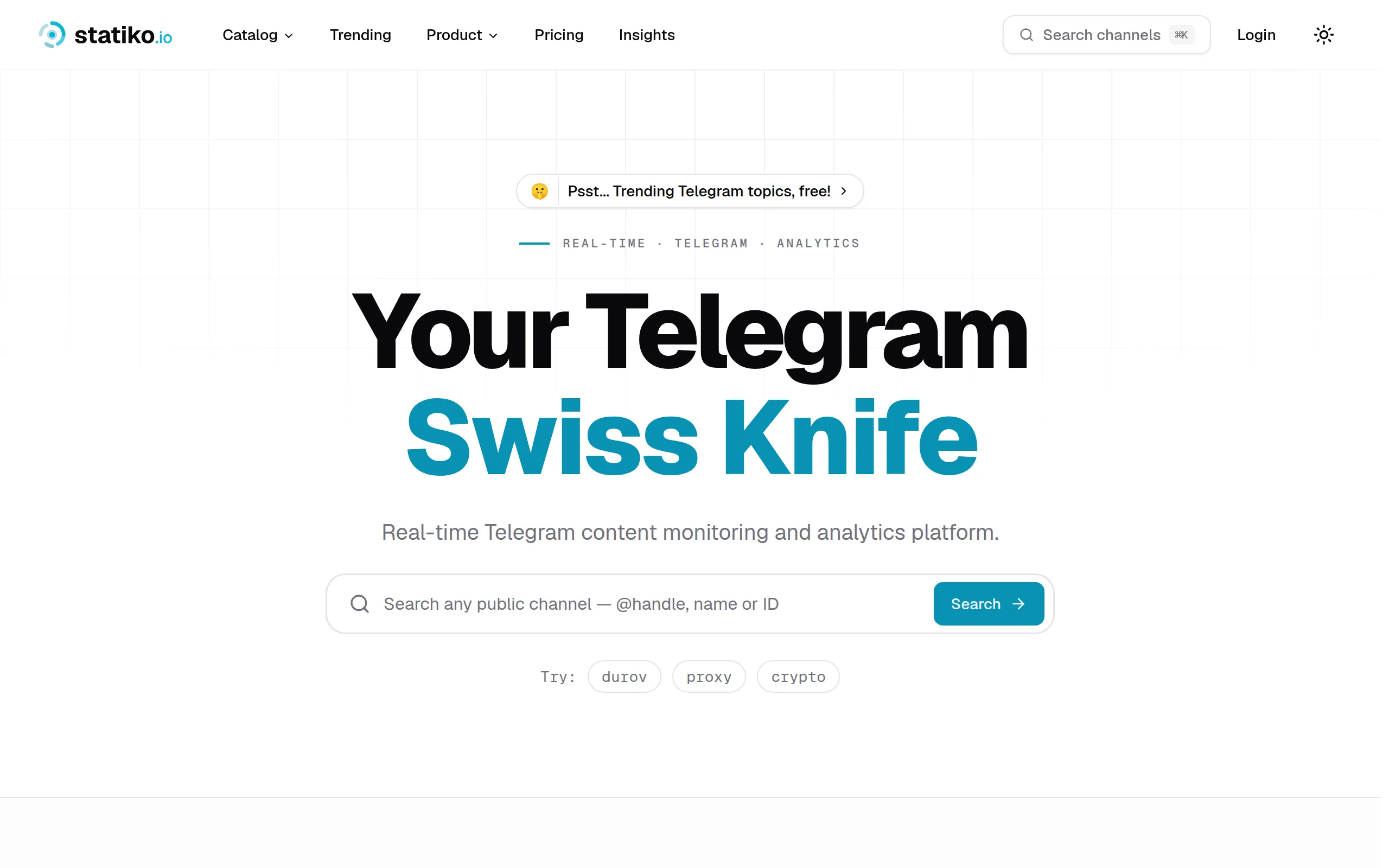
Statiko
Monitor any Telegram channel in real time - track posts, edits, deletions, and growth with AI recaps 📡

Shibui
AI website builder - describe your business, pick a niche template, edit by chatting, and publish instantly ✨

Pro Service
Find verified home service professionals, compare quotes, and pay securely through escrow - built for Brazilians across the US 🏠
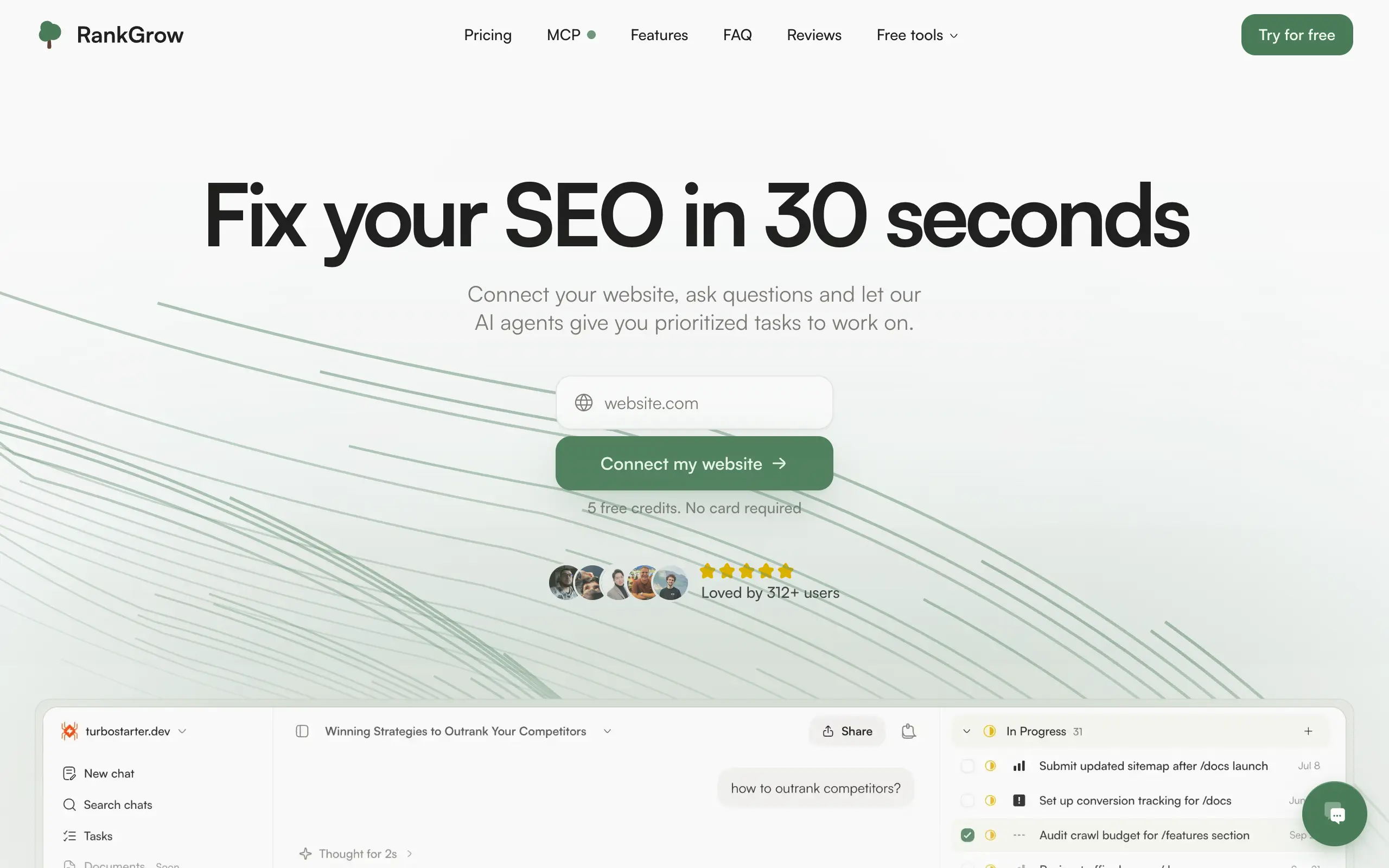
RankGrow
Fix your SEO with AI agents - connect Search Console, get prioritized tasks, and grow organic traffic 📈
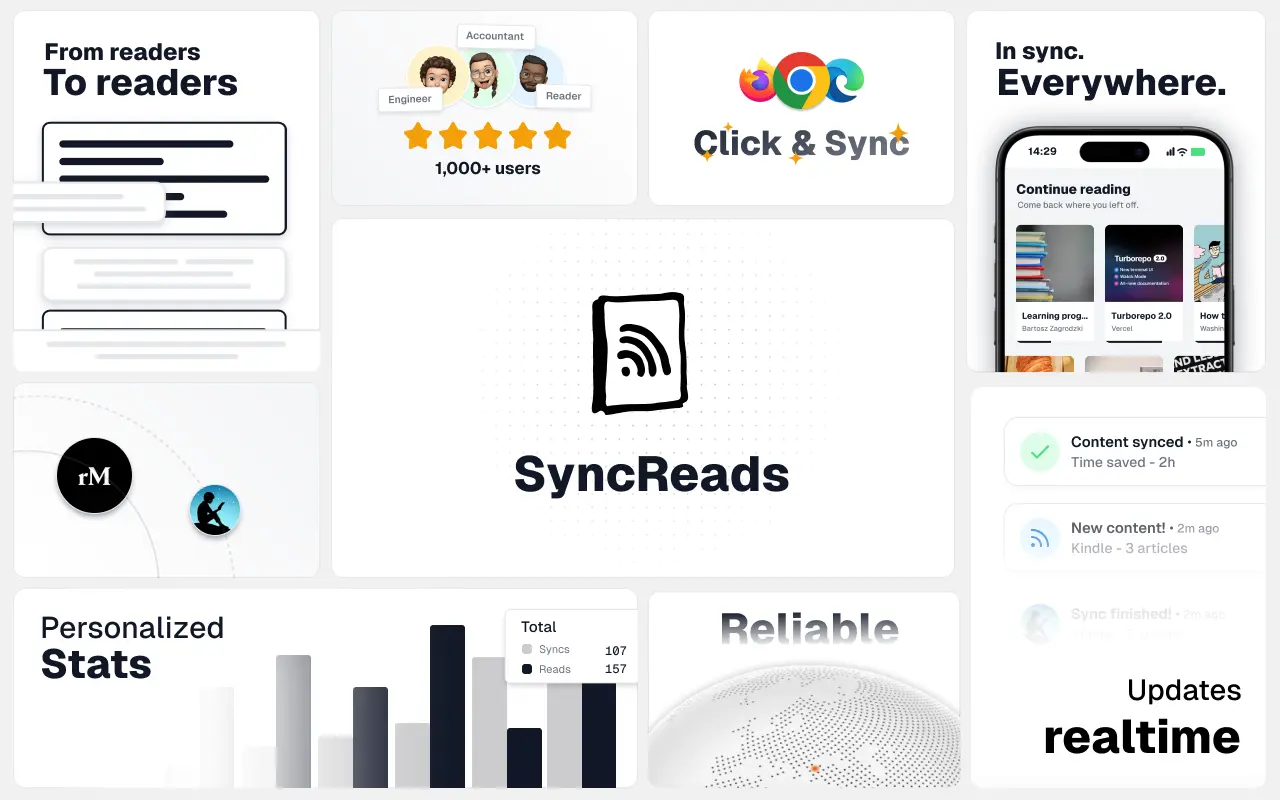
SyncReads
Sync your favorite content for distraction-free reading, save time and replace multiple apps. Anytime, anywhere 🔄
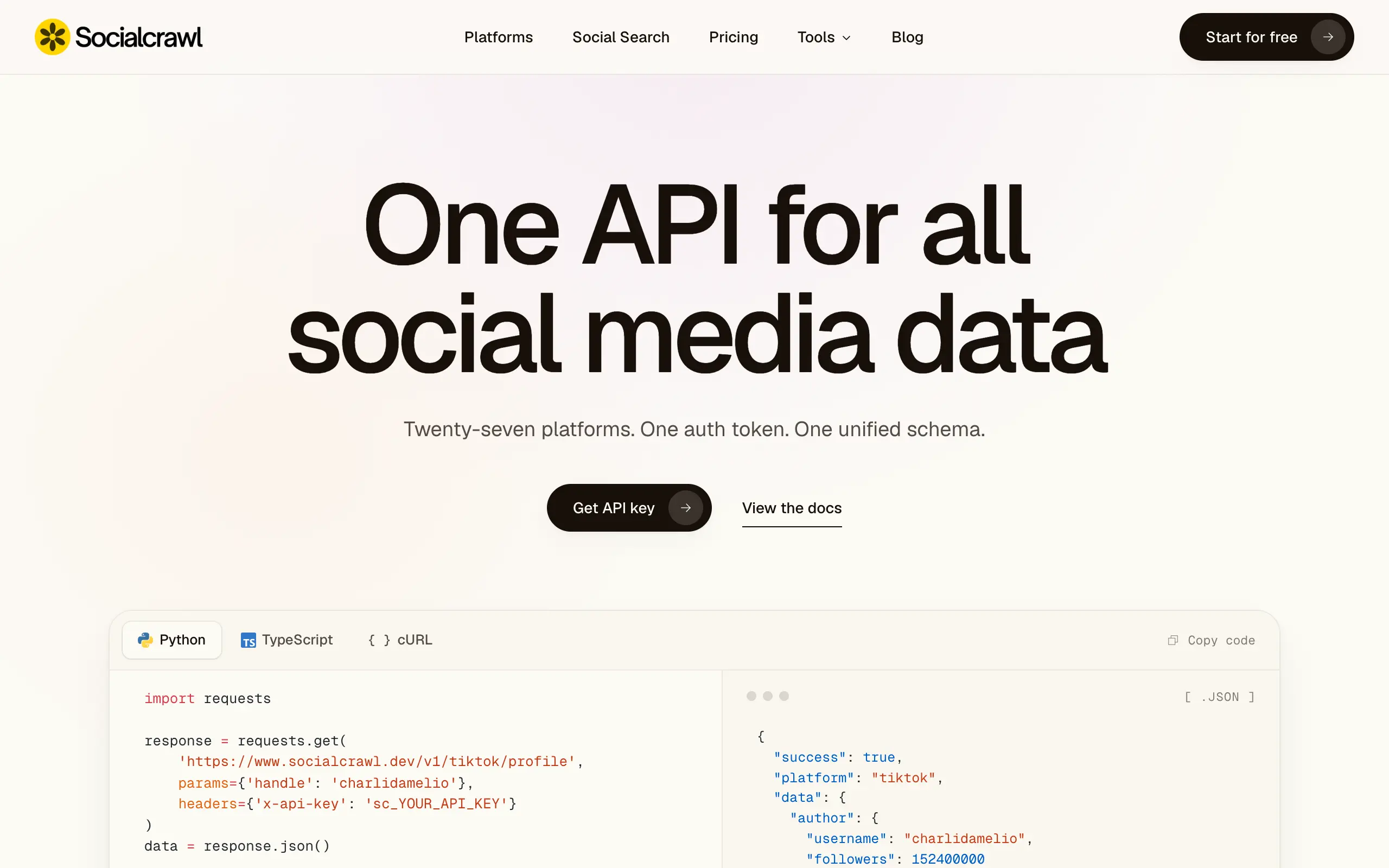
Socialcrawl
Get clean, structured data from 21 platforms like TikTok, Instagram, and YouTube with a single request 📊
Statiko
Monitor any Telegram channel in real time - track posts, edits, deletions, and growth with AI recaps 📡
Shibui
AI website builder - describe your business, pick a niche template, edit by chatting, and publish instantly ✨
Pro Service
Find verified home service professionals, compare quotes, and pay securely through escrow - built for Brazilians across the US 🏠
RankGrow
Fix your SEO with AI agents - connect Search Console, get prioritized tasks, and grow organic traffic 📈
SyncReads
Sync your favorite content for distraction-free reading, save time and replace multiple apps. Anytime, anywhere 🔄
Socialcrawl
Get clean, structured data from 21 platforms like TikTok, Instagram, and YouTube with a single request 📊
Statiko
Monitor any Telegram channel in real time - track posts, edits, deletions, and growth with AI recaps 📡
Shibui
AI website builder - describe your business, pick a niche template, edit by chatting, and publish instantly ✨
Pro Service
Find verified home service professionals, compare quotes, and pay securely through escrow - built for Brazilians across the US 🏠
RankGrow
Fix your SEO with AI agents - connect Search Console, get prioritized tasks, and grow organic traffic 📈
SyncReads
Sync your favorite content for distraction-free reading, save time and replace multiple apps. Anytime, anywhere 🔄
Socialcrawl
Get clean, structured data from 21 platforms like TikTok, Instagram, and YouTube with a single request 📊
Statiko
Monitor any Telegram channel in real time - track posts, edits, deletions, and growth with AI recaps 📡
Shibui
AI website builder - describe your business, pick a niche template, edit by chatting, and publish instantly ✨
Pro Service
Find verified home service professionals, compare quotes, and pay securely through escrow - built for Brazilians across the US 🏠
RankGrow
Fix your SEO with AI agents - connect Search Console, get prioritized tasks, and grow organic traffic 📈
SyncReads
Sync your favorite content for distraction-free reading, save time and replace multiple apps. Anytime, anywhere 🔄
Socialcrawl
Get clean, structured data from 21 platforms like TikTok, Instagram, and YouTube with a single request 📊
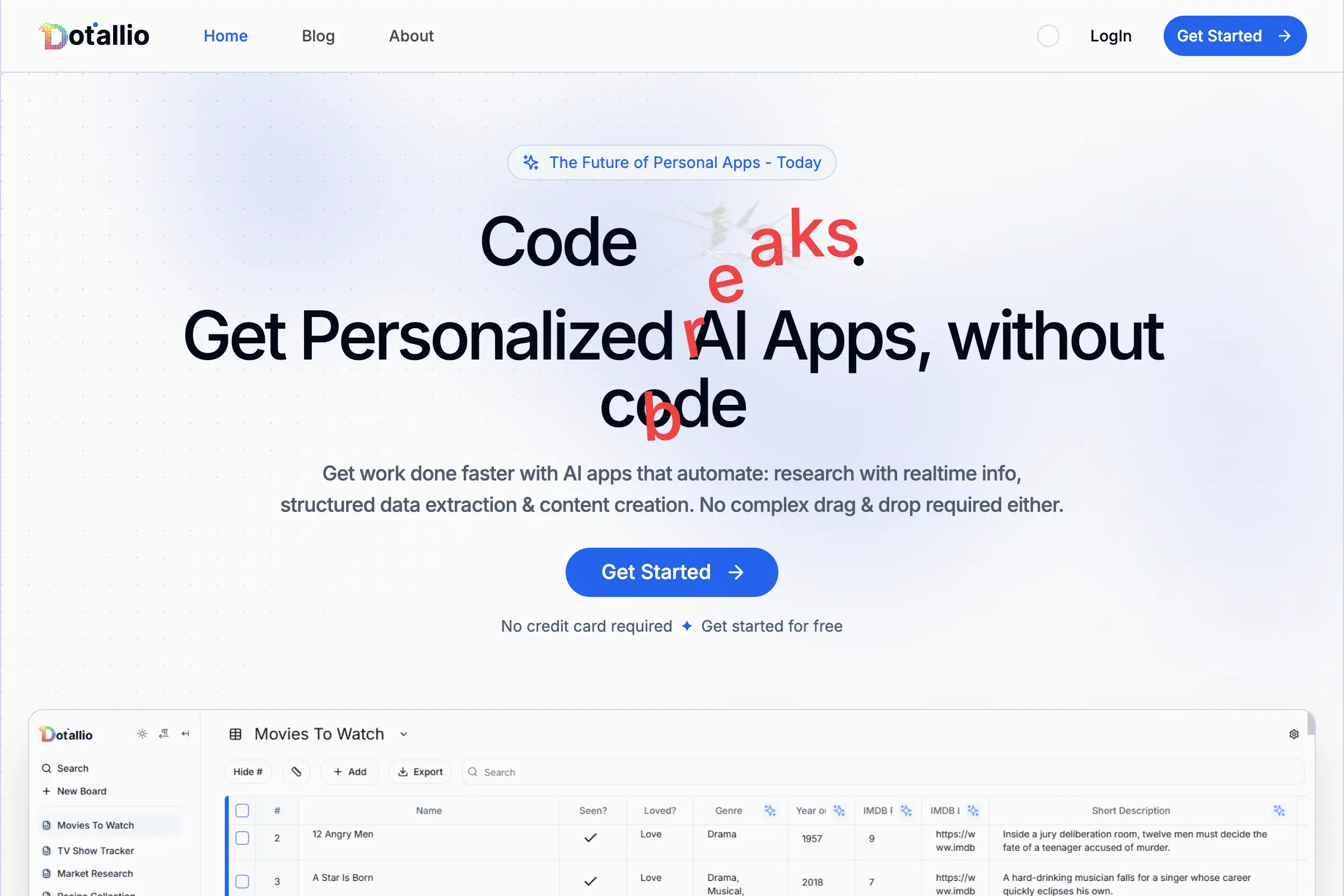
Dotallio
Personalized AI apps that automate research, data extraction, and content creation without code 🤖
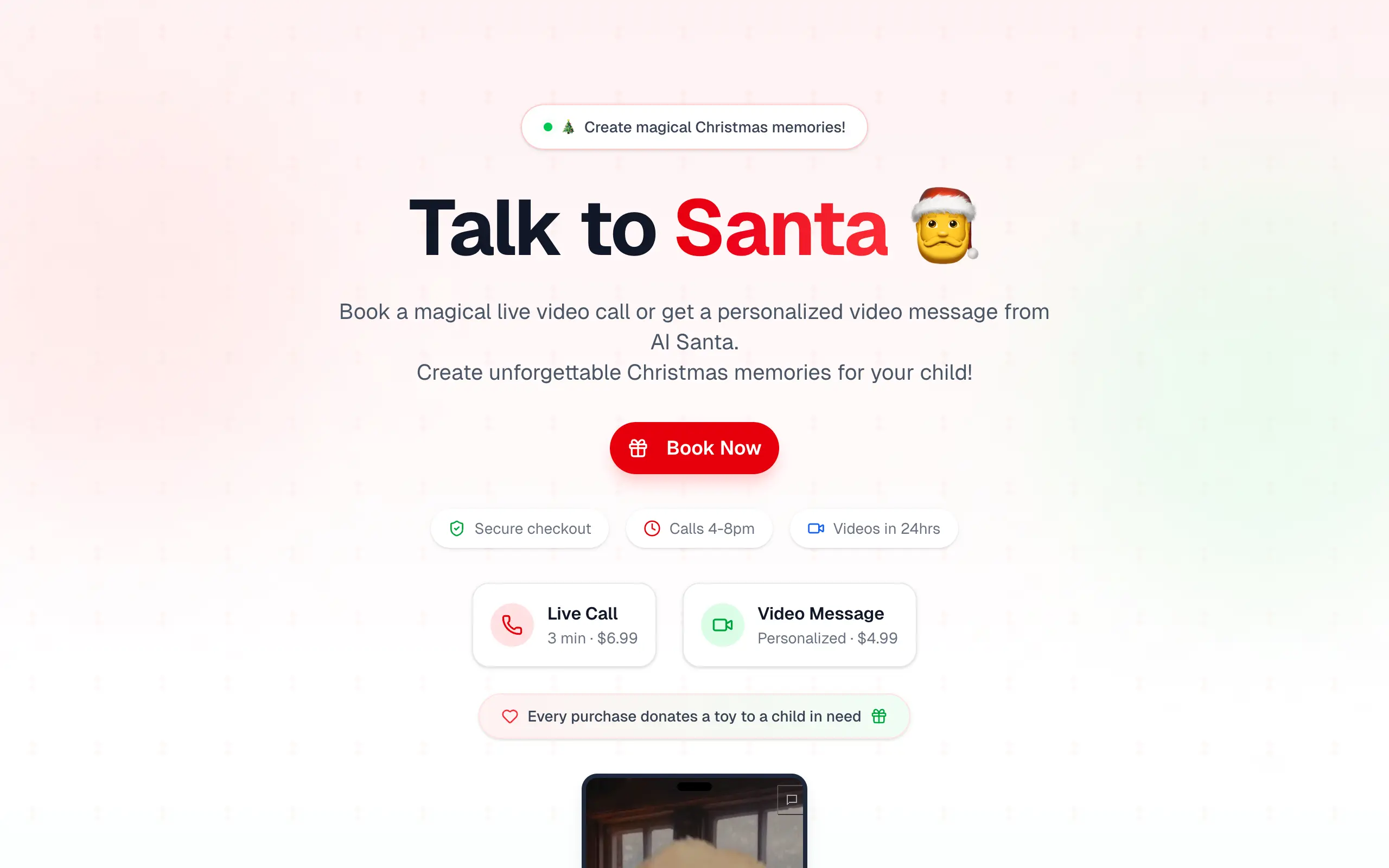
Talk to Santa
Enjoy a magical live video chat or receive a unique AI-generated video greeting from Santa Claus 🎅
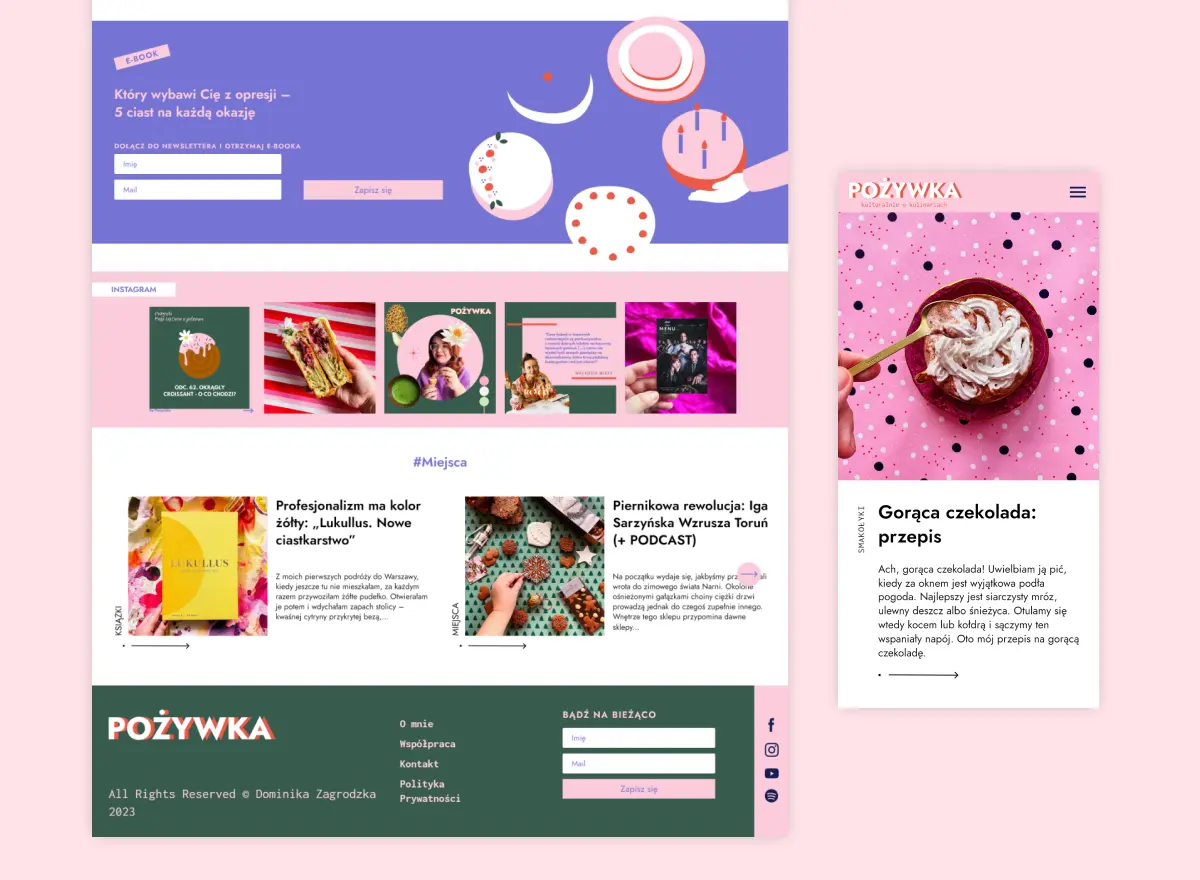
pozywka.pl
Scalable blog for food journalist, focused on performance and user experience 🌭
zagrodzki.me
Personal blog and portfolio of Bart Zagrodzki, where he shares his knowledge and work 💼
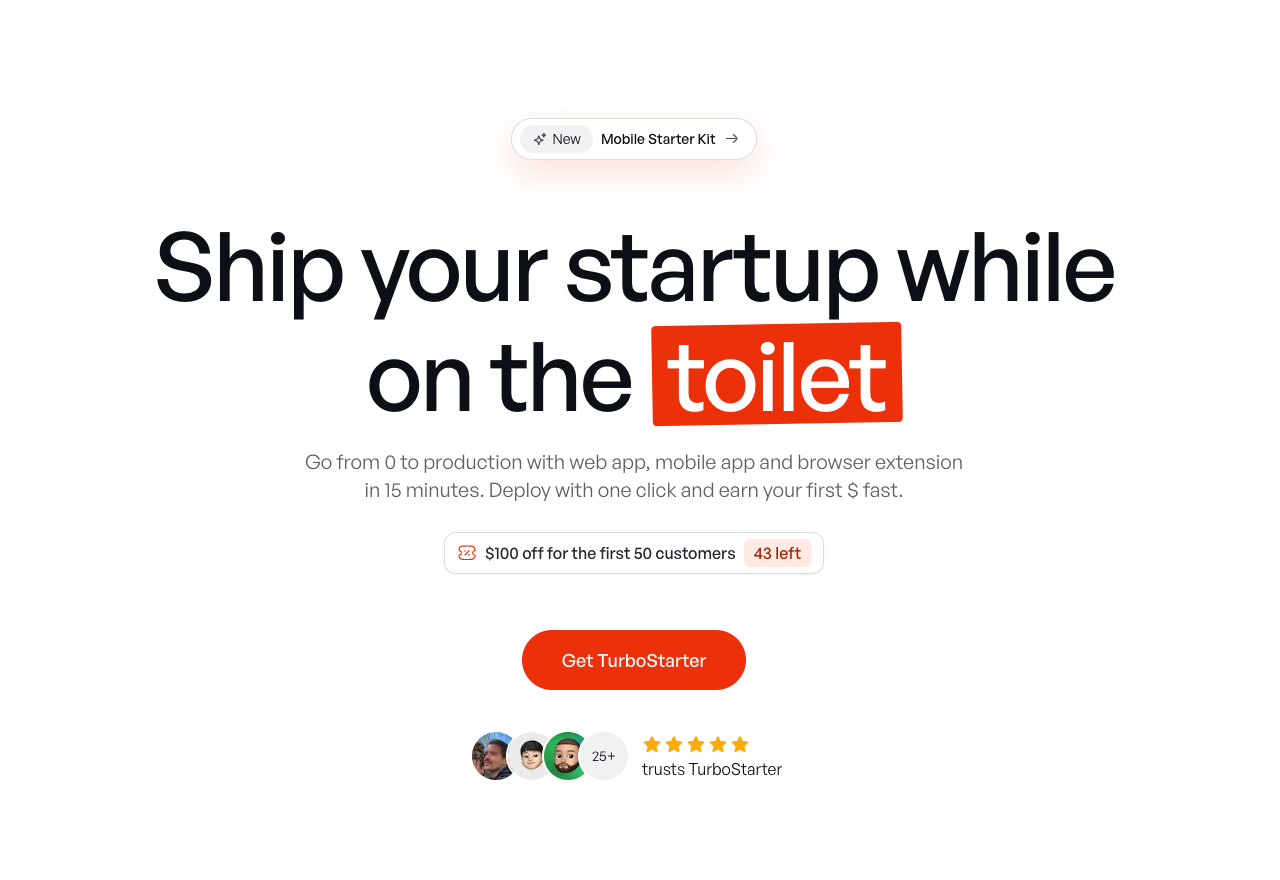
TurboStarter
Ship your startup everywhere. In minutes.
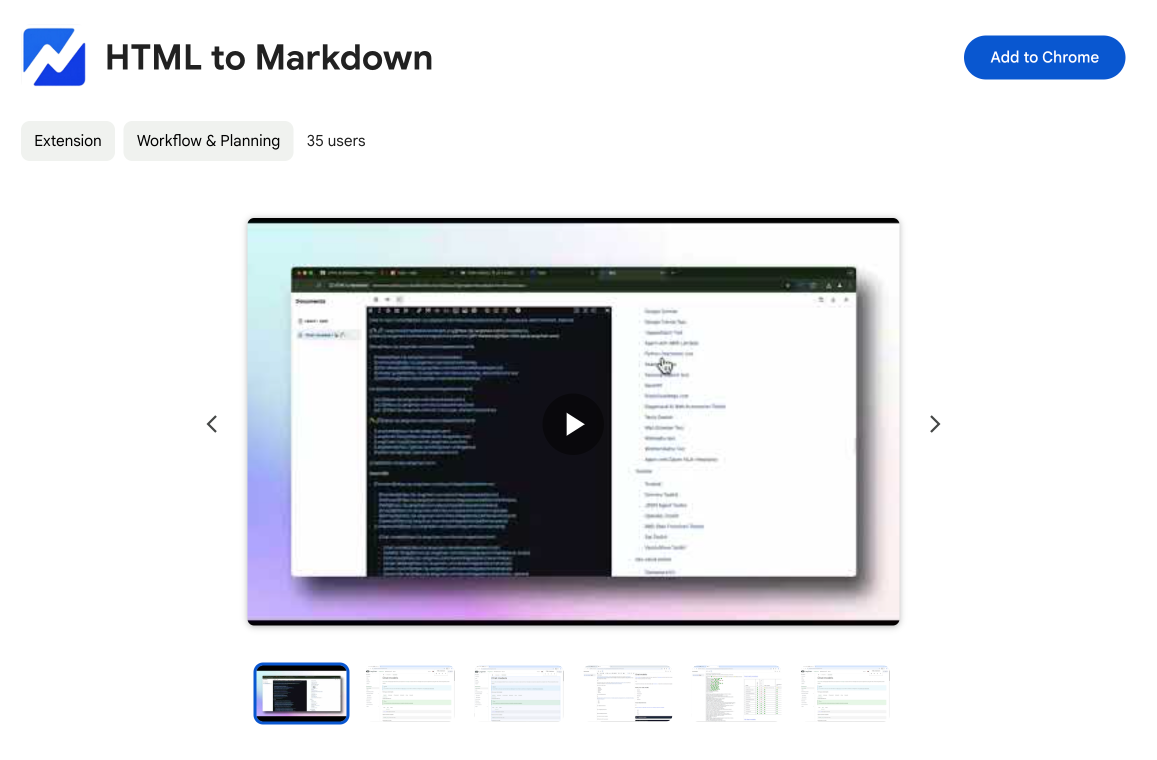
HTML to Markdown
Convert HTML to Markdown with ease, directly in your browser 📄
Dotallio
Personalized AI apps that automate research, data extraction, and content creation without code 🤖
Talk to Santa
Enjoy a magical live video chat or receive a unique AI-generated video greeting from Santa Claus 🎅
pozywka.pl
Scalable blog for food journalist, focused on performance and user experience 🌭
zagrodzki.me
Personal blog and portfolio of Bart Zagrodzki, where he shares his knowledge and work 💼
TurboStarter
Ship your startup everywhere. In minutes.
HTML to Markdown
Convert HTML to Markdown with ease, directly in your browser 📄
Dotallio
Personalized AI apps that automate research, data extraction, and content creation without code 🤖
Talk to Santa
Enjoy a magical live video chat or receive a unique AI-generated video greeting from Santa Claus 🎅
pozywka.pl
Scalable blog for food journalist, focused on performance and user experience 🌭
zagrodzki.me
Personal blog and portfolio of Bart Zagrodzki, where he shares his knowledge and work 💼
TurboStarter
Ship your startup everywhere. In minutes.
HTML to Markdown
Convert HTML to Markdown with ease, directly in your browser 📄
Dotallio
Personalized AI apps that automate research, data extraction, and content creation without code 🤖
Talk to Santa
Enjoy a magical live video chat or receive a unique AI-generated video greeting from Santa Claus 🎅
pozywka.pl
Scalable blog for food journalist, focused on performance and user experience 🌭
zagrodzki.me
Personal blog and portfolio of Bart Zagrodzki, where he shares his knowledge and work 💼
TurboStarter
Ship your startup everywhere. In minutes.
HTML to Markdown
Convert HTML to Markdown with ease, directly in your browser 📄
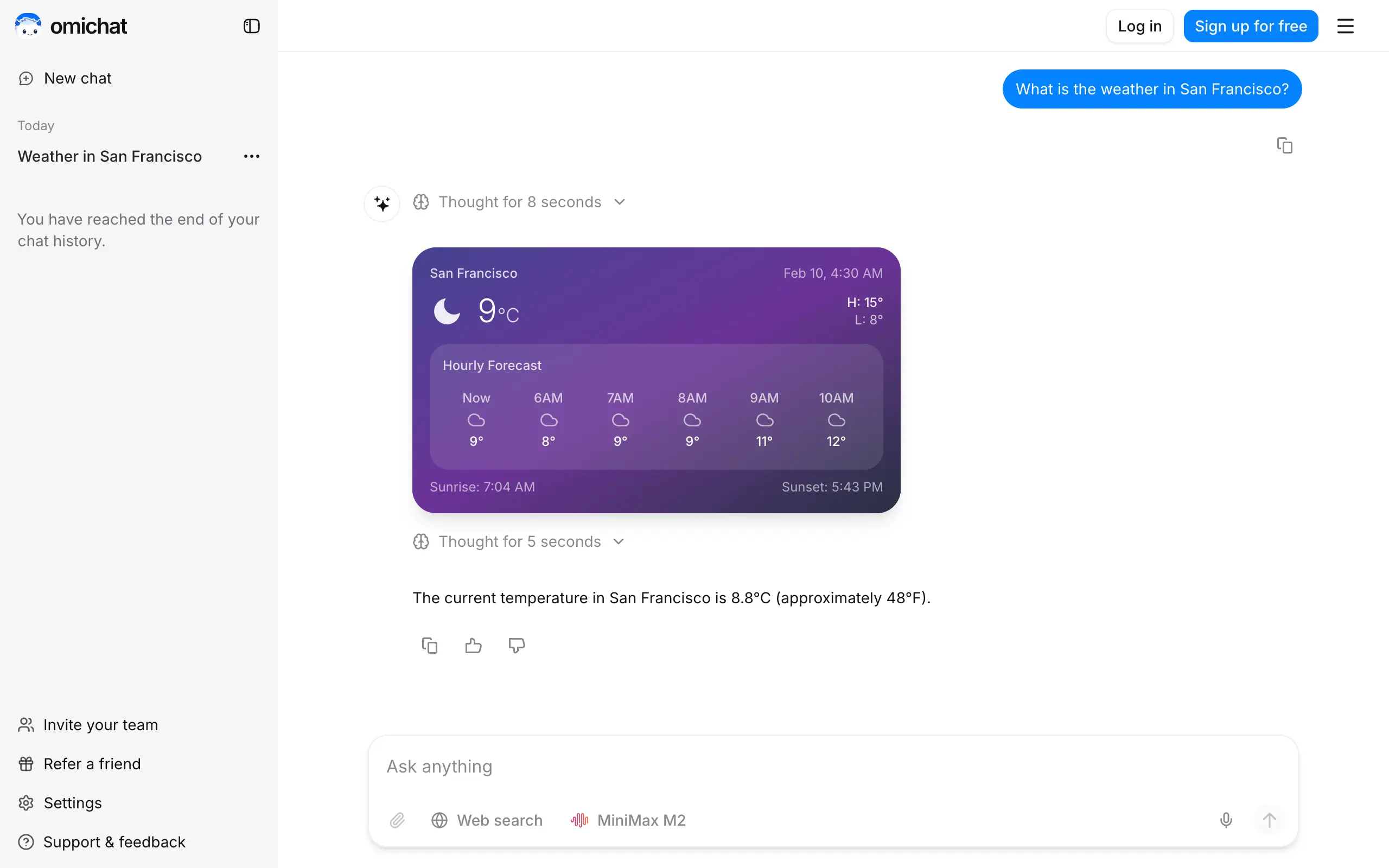
Omichat
Chat with 50+ AI models, including ChatGPT and Claude, in one place - switch models anytime without losing context 🤖
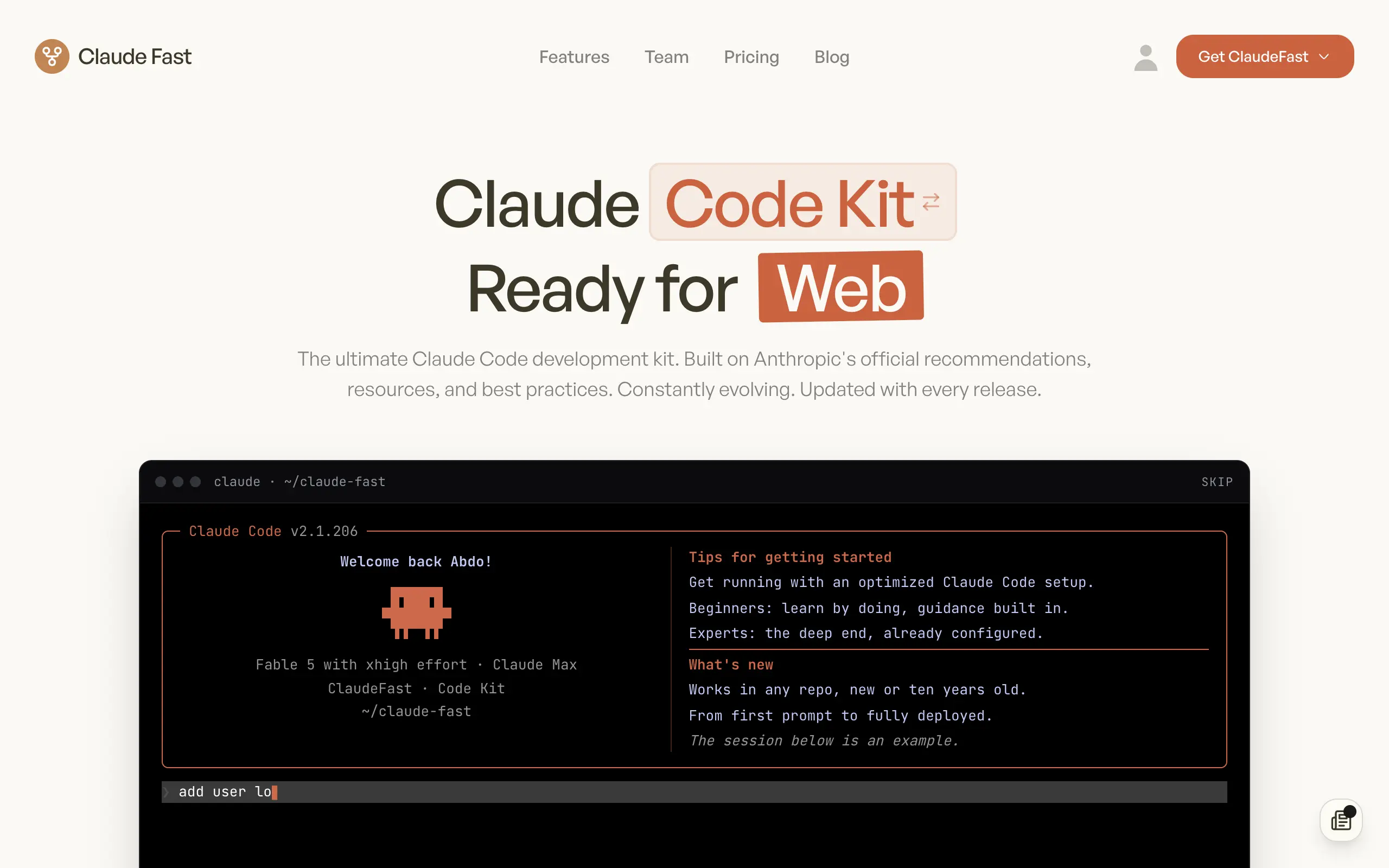
Claude Fast
Supercharge your Claude Code with 6x effective context window and specialized AI agents 🤖
EmojAI
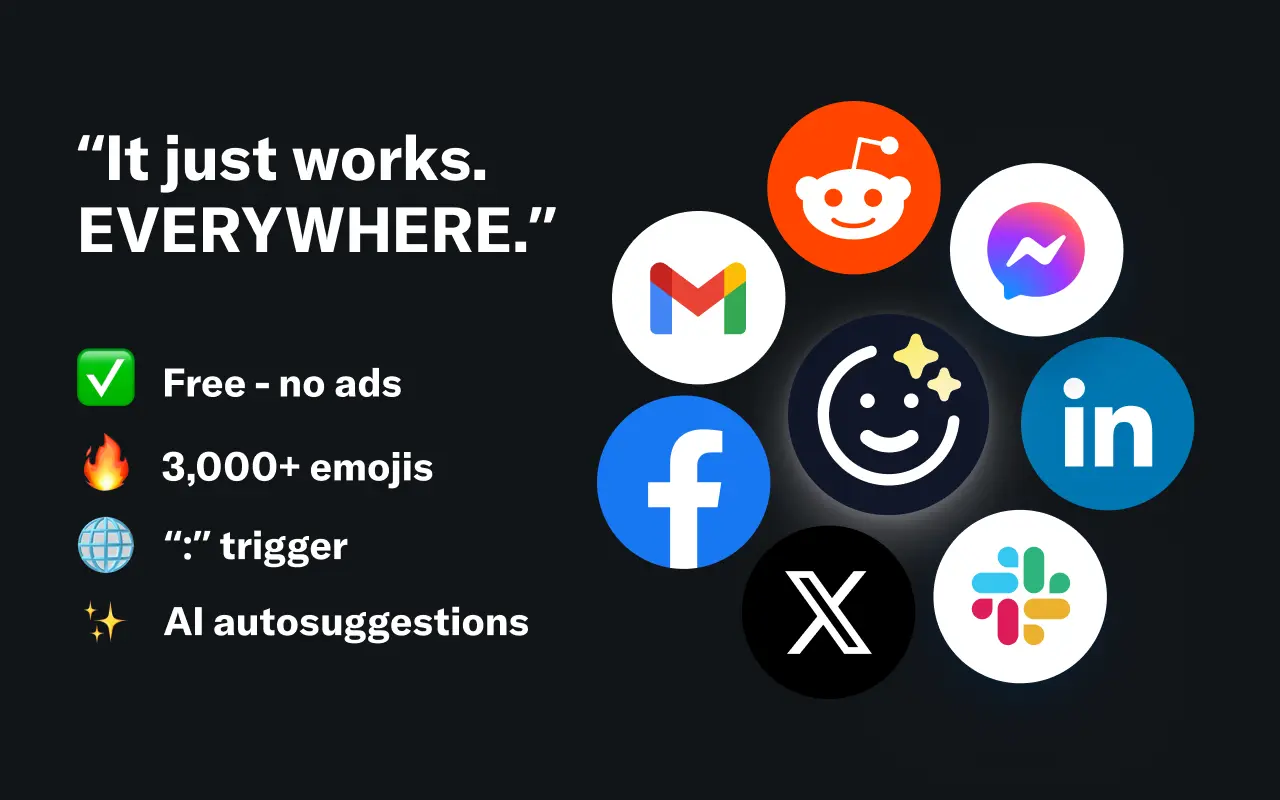
AI-powered emoji picker with smart, context-aware suggestions 🤖
Solohacker
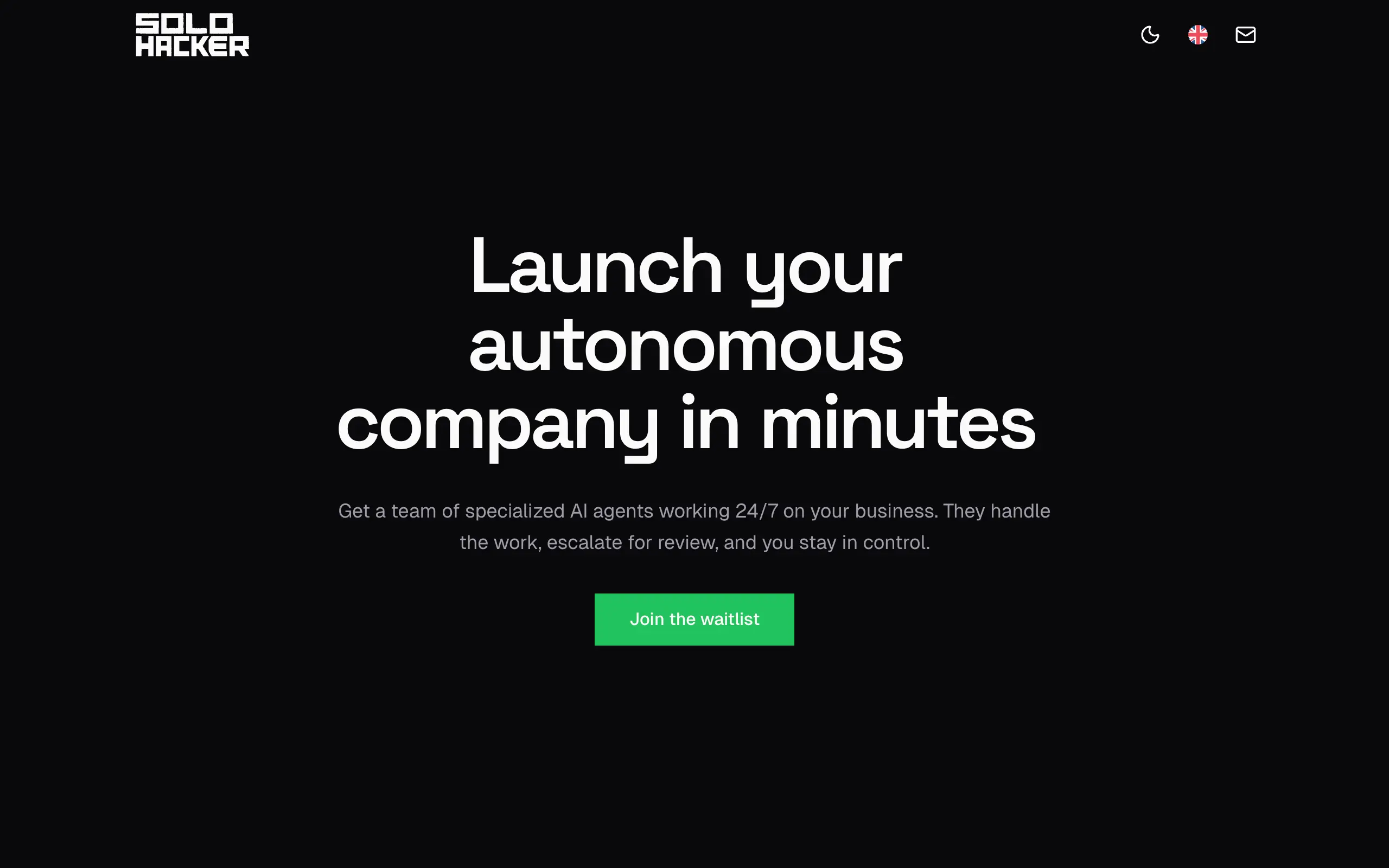
Autonomous company launcher - AI agents work 24/7, escalate what matters, and you stay in control 🤖
BeRawi: Storytelling Coach
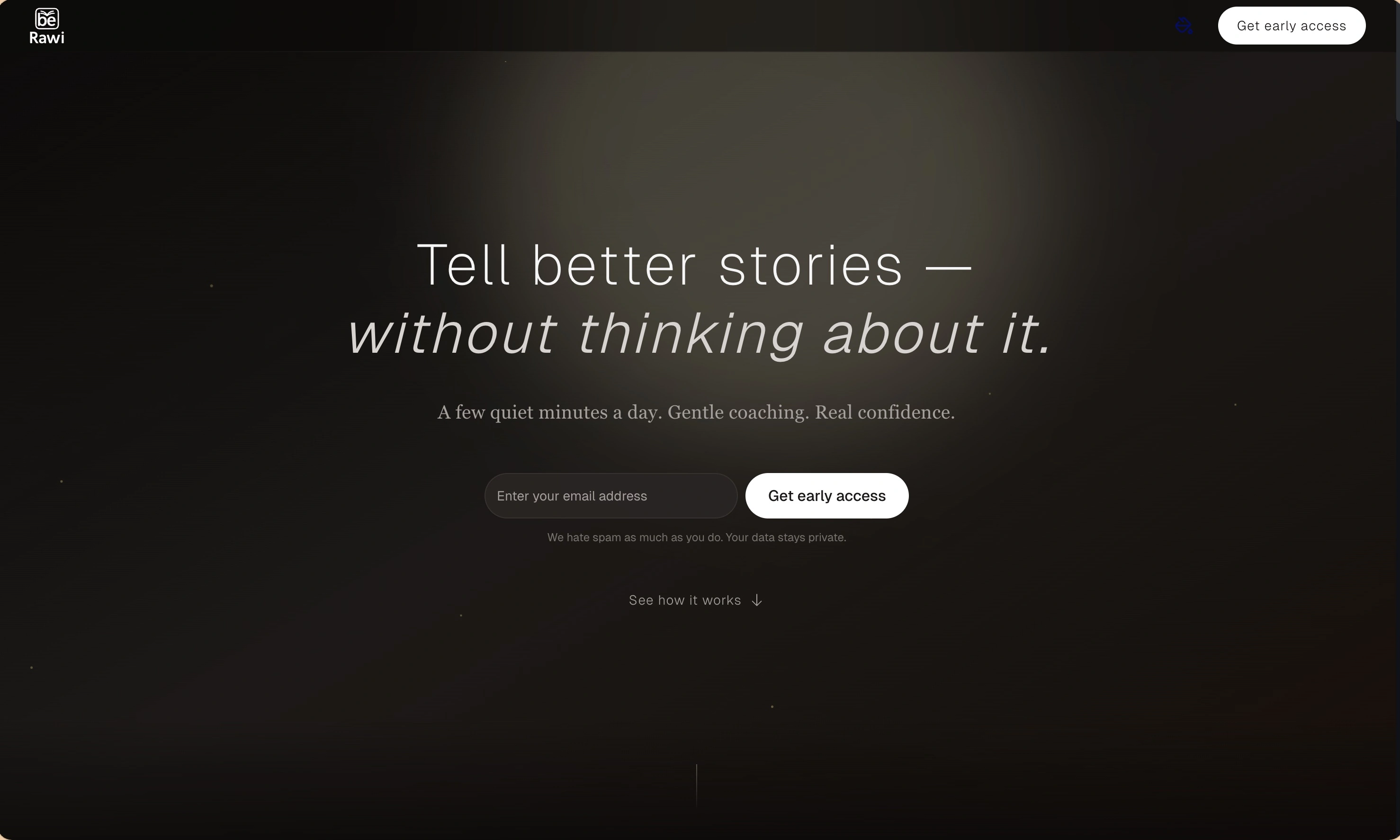
Practice storytelling daily with instant feedback to sound clearer, more engaging, and confident 🎤
Omichat
Chat with 50+ AI models, including ChatGPT and Claude, in one place - switch models anytime without losing context 🤖
Claude Fast
Supercharge your Claude Code with 6x effective context window and specialized AI agents 🤖
EmojAI
AI-powered emoji picker with smart, context-aware suggestions 🤖
Solohacker
Autonomous company launcher - AI agents work 24/7, escalate what matters, and you stay in control 🤖
BeRawi: Storytelling Coach
Practice storytelling daily with instant feedback to sound clearer, more engaging, and confident 🎤
Omichat
Chat with 50+ AI models, including ChatGPT and Claude, in one place - switch models anytime without losing context 🤖
Claude Fast
Supercharge your Claude Code with 6x effective context window and specialized AI agents 🤖
EmojAI
AI-powered emoji picker with smart, context-aware suggestions 🤖
Solohacker
Autonomous company launcher - AI agents work 24/7, escalate what matters, and you stay in control 🤖
BeRawi: Storytelling Coach
Practice storytelling daily with instant feedback to sound clearer, more engaging, and confident 🎤
Omichat
Chat with 50+ AI models, including ChatGPT and Claude, in one place - switch models anytime without losing context 🤖
Claude Fast
Supercharge your Claude Code with 6x effective context window and specialized AI agents 🤖
EmojAI
AI-powered emoji picker with smart, context-aware suggestions 🤖
Solohacker
Autonomous company launcher - AI agents work 24/7, escalate what matters, and you stay in control 🤖
BeRawi: Storytelling Coach
Practice storytelling daily with instant feedback to sound clearer, more engaging, and confident 🎤

Connect with like-minded people
Join our community to get feedback, support, and grow together with 1,000+ builders on board, let's ship it!
Join usShip your startup everywhere. In minutes.
Don't burn tokens on setup and start building features on day one.