ScopeSign
Help small contractors document jobsite scope changes and get client approval before extra work begins. Protect margins and prevent payment disputes.
Why contractors need jobsite scope change approval software
A project can be profitable on paper and still lose money one “quick” extra task at a time. A client asks for an additional outlet, a different finish, or another day of work. The contractor agrees to keep the job moving, but the request is not documented clearly. Later, the client disputes the price, the schedule impact, or whether the work was included in the original agreement.
ScopeSign is a B2B SaaS concept for documenting jobsite scope changes and securing client approval before extra work begins. Its central promise is straightforward: make it easier for contractors to turn an informal request into a clear, approved change record.
That promise addresses a practical problem in residential construction and other field-service work. Scope changes often happen in the least convenient setting: on site, while a crew is working and the client expects an answer. If documenting the request requires returning to the office, finding a computer, or navigating complex project-management software, people may skip the process.
A successful scope-change approval tool should therefore prioritize speed, clarity, and a trustworthy record. It is not simply a digital form builder or an electronic signature tool. It is a focused workflow that helps a contractor answer four questions:
- What changed?
- What will it cost?
- How will it affect the schedule?
- Did the client approve it before work began?
The product opportunity is to make those answers easy to capture and easy to retrieve.
The ideal customers for ScopeSign
ScopeSign should initially focus on contractors who regularly encounter client-requested changes but do not have a consistent way to document them. The best early customers are likely to be small and midsize businesses where the owner, project manager, or lead tradesperson is still close to day-to-day jobsite decisions.
Primary customer segments
Residential remodelers are a natural starting point. Remodeling projects often uncover unexpected conditions, and clients may revise materials, layouts, or finishes while work is underway. A lightweight approval process can help separate new requests from the original agreement.
Specialty trade contractors may also be a strong fit. Electricians, plumbers, HVAC firms, flooring installers, painters, and other subcontractors can be asked to add or modify work during a larger project. They need a simple way to document what was requested and communicate the price and schedule impact to the customer or general contractor.
Small general contractors often coordinate several trades and client decisions. A scope-change tool can help them maintain a consistent record across projects without asking every team member to learn a broad construction-management platform.
Independent contractors and small crews may have the greatest need for simplicity. They may rely on text messages, calls, paper notes, or memory because existing software feels too expensive or complicated for the task.
Who is likely to use the product
The buyer and daily user may be different people. ScopeSign should be designed around the following roles:
- The business owner wants to protect margin, reduce unpaid work, and see whether change requests are being approved.
- The project manager needs to prepare accurate change records and keep the client informed.
- The field lead needs to capture a request quickly from a phone, sometimes with photos and notes.
- The client needs to understand the proposed work, price, and schedule impact before approving.
- The office administrator or bookkeeper may need to retrieve approved records when preparing invoices or answering a payment question.
This role mix has a direct product implication. The contractor’s internal workflow can be powerful, but the client-facing approval experience must be extremely easy to use. A customer should not need to create an account or install an app just to review and approve a change.
Best early-adopter profile
A useful initial profile might be a contractor who:
- Runs several active jobs at a time.
- Frequently handles additional work requested after a project has started.
- Uses a smartphone as a primary jobsite tool.
- Already sends estimates or invoices digitally, even if change orders remain informal.
- Has experienced delayed payments, disagreements, or lost time because a change was not documented.
- Can make a buying decision without a lengthy enterprise procurement process.
This is a hypothesis to test, not a conclusion to assume. Before building a full product, interview contractors in multiple trades. Ask them to describe the last disputed or undocumented change, show how they handled it, and explain what they currently use. Specific examples reveal more than general questions such as “Would you use this?”
The market opportunity and product gap
The market opportunity for ScopeSign is not simply that contractors need software. Many already use some combination of estimating, invoicing, project management, accounting, messaging, and e-signature products. The opportunity is to provide a focused workflow for the moment when the agreed scope changes.
The gap between conversation and approved work
A scope change often begins as an informal conversation. The contractor may receive a request by phone, text, email, or in person. The information then needs to become a price, an explanation of any schedule impact, and a record of the client’s decision.
That process can break down at several points:
- The request is not written down while details are fresh.
- The estimate is sent later than the client expects.
- The price is approved, but the schedule impact is not acknowledged.
- The client responds by text, but the approval is difficult to find months later.
- A crew begins work before the client has agreed to the additional cost.
- The final invoice includes work that the client does not remember approving.
ScopeSign can bridge that gap by making a change request a structured, traceable object rather than a loose collection of messages.
Why broad software may not solve the specific problem
A contractor may already have project-management software, but a specialized workflow can still be valuable if the existing tool is difficult to use in the field or does not make client approval clear. ScopeSign should not assume that broad platforms lack change-order capabilities. Instead, it should investigate where contractors experience friction:
- Is the workflow too slow to complete on a phone?
- Does it take too many steps to send a client a proposal?
- Is approval difficult to distinguish from a discussion or question?
- Are approved changes hard to connect to invoices or project records?
- Is setup too demanding for a small contractor?
- Does the client need to create an account to respond?
The product should win by reducing friction in a specific high-value workflow, not by claiming that all existing tools are inadequate.
A focused positioning opportunity
ScopeSign can position itself as jobsite scope change approval software for contractors. That positioning tells a prospective customer what the product does and when it is useful.
A strong initial message would emphasize:
- Create a change request from a phone.
- Explain added work, price, and schedule impact in one place.
- Send the proposal to the client for approval.
- Preserve a clear record of the request and response.
- Help teams avoid starting extra work based only on an ambiguous conversation.
This is a more concrete promise than a broad claim to “manage construction projects.” It also gives the product a clear path to expand later into adjacent workflows such as change-order reporting, templates, or accounting integrations.
Core ScopeSign features
The first version should be narrow enough to ship quickly but complete enough to support the entire approval loop. A contractor should be able to capture a request, present a proposal, receive a decision, and retrieve the resulting record.
1. Fast change request creation
The field workflow should work well on a mobile phone. A user should be able to create a change request without entering a long list of project details every time.
Useful fields include:
- Project and client.
- Description of the requested work.
- Reason for the change.
- Labor, materials, or a fixed price.
- Tax or other applicable charges, if relevant to the contractor’s business.
- Expected schedule impact.
- Supporting photos or attachments.
- Internal notes that are not shown to the client.
Templates can speed up recurring requests, but the product should not force every change into a rigid format. The contractor needs enough structure to create a clear proposal while retaining flexibility for different trades and job types.
2. Clear client-facing proposals
The client should receive a concise page that answers the questions most likely to affect their decision. The proposal should distinguish the original scope from the proposed change and show the requested price and schedule impact in plain language.
The client experience should include:
- A readable summary of the additional or revised work.
- Price and any applicable fees displayed clearly.
- A schedule note, such as an estimated delay or a statement that timing is unchanged.
- A way to ask a question or request a revision.
- A clear approval action.
- A copy of the decision for the client’s records.
Avoid presenting legal language as a substitute for clear communication. ScopeSign can help record a decision, but contractors should use agreements and terms appropriate to their jurisdiction and business. The product should encourage users to consult qualified legal counsel for contract language and compliance questions.
3. Explicit approval status
The application should make it difficult to confuse “sent,” “viewed,” “discussed,” and “approved.” Those states represent different points in the workflow.
A practical status model could include:
- Draft.
- Sent.
- Viewed.
- Approved.
- Declined.
- Change requested.
- Expired or withdrawn.
The history should record who performed each action and when. If the product supports electronic signatures, it should explain what information is captured and avoid promising a particular legal outcome across all jurisdictions.
4. Photos and supporting evidence
Photos can help clarify what the request concerns. For example, a contractor might attach an image of a concealed condition, an existing installation, or a selected material. Attachments should be associated with the specific change request rather than scattered across a general project feed.
The product should also allow a contractor to add a short caption. A photo without context may create confusion instead of resolving it.
5. Reminders and notifications
Clients may overlook a proposal, especially when they receive it during a busy project. Gentle reminders can help keep a decision moving, but contractors should be able to control when reminders are sent and how frequently.
Notifications can also help internal teams distinguish approved work from pending work. A field lead should be able to see that a change is still waiting for approval instead of relying on a message buried in an inbox.
6. A searchable project record
ScopeSign’s long-term value depends on whether the team can find records later. Every change should be associated with a project and client, with search and filtering for status, date, or team member.
A useful history might show:
- The original request.
- The proposal version sent to the client.
- Any revisions.
- Approval or decline activity.
- Attachments.
- Internal notes.
- A final link or export for accounting and project files.
A downloadable PDF may be helpful for recordkeeping and sharing, but it should not be the only way to access the data. The application should retain structured records so users can search and report on them.
7. Basic reporting for owners
Once the core workflow is reliable, ScopeSign can provide simple operational reporting:
- Number and value of change requests created.
- Approval rate.
- Average time to decision.
- Pending proposals by project.
- Approved changes that may need invoicing.
- Differences between requested, approved, and declined work.
These metrics should be presented as operational visibility, not as a guarantee of improved profitability. Contractors can use them to identify bottlenecks and patterns, but business outcomes depend on many factors outside the software.
What should be included in the MVP
The minimum viable product should prove that contractors will use a dedicated workflow to document and obtain approval for scope changes. It does not need to replace accounting, scheduling, estimating, and construction-management systems.
A sensible MVP could include:
- Business and user accounts.
- Client and project records.
- Mobile-friendly change request creation.
- Price and schedule-impact fields.
- Client-facing approval page.
- Approval, decline, and revision actions.
- Email notifications and reminders.
- A timestamped activity history.
- Basic document export.
- A simple dashboard for pending and approved requests.
Avoid building complex integrations before the product has evidence of repeated use. Early customers may say they want accounting integrations, custom forms, and advanced analytics, but observed behavior should guide the roadmap. Start by confirming that users create change requests in real situations and that clients complete the approval flow.
Competitive positioning and advantage
ScopeSign will compete with more than direct software competitors. Its alternatives include paper forms, text messages, email threads, spreadsheets, generic e-signature products, and features inside broader construction platforms.
| Alternative | Strength | Common limitation to investigate | ScopeSign opportunity |
|---|---|---|---|
| Paper forms | Familiar and usable without a complex setup | Hard to search, share, and track consistently | Make records accessible and organized |
| Text messages | Fast and already part of many conversations | Details and approval may be scattered across threads | Turn a request into a structured proposal |
| Email and spreadsheets | Flexible and inexpensive | Manual follow-up and inconsistent records | Standardize the approval workflow |
| Generic e-signature tools | Useful for collecting signatures | May not guide users through scope, price, and schedule details | Focus on jobsite change context |
| Broad construction platforms | Can support many project workflows | May be more software than a small team needs for this task | Offer a focused, lower-friction experience |
This comparison is a positioning framework, not a claim that every product in a category has the same limitations. Customer research should identify which alternatives the target segment actually uses and why.
ScopeSign’s potential USP
The clearest unique selling proposition is a mobile-first, client-friendly approval workflow built specifically for jobsite scope changes.
That proposition can become more defensible through execution:
- Speed: A field worker can create and send a clear request without returning to the office.
- Clarity: The proposal separates scope, price, and schedule implications.
- Traceability: The request, revisions, and decision are stored together.
- Low client friction: The client can review and respond through a simple link.
- Practical focus: The product solves one recurring workflow before expanding into a broad platform.
The defensible advantage is unlikely to be a unique form or a single feature. It will come from a well-designed workflow, trade-specific templates, reliable adoption by field teams, and integrations that fit how small contractors already work.
Recommended technology stack
ScopeSign’s stack should support a responsive field experience, secure client approvals, reliable notifications, and a maintainable path to integrations. The best choice depends on the founding team’s expertise and the product’s expected scale.
Front end
A web-first, mobile-responsive application is a practical way to validate the product. Contractors and clients can access it through a browser without requiring an app-store installation.
A team familiar with React could use it to build the contractor dashboard and client approval pages. For styling, Tailwind CSS can help teams move quickly with a consistent design system, though a component library or custom CSS approach may be preferable if the team already has established conventions.
A progressive web app can be considered if users need an app-like experience. Before investing in offline functionality, validate whether contractors actually need to create change requests without connectivity. If they do, design offline data capture carefully so that queued actions synchronize reliably and do not create duplicate or conflicting records.
Back end and data storage
A relational database is a strong fit because the core entities are connected: businesses, users, clients, projects, change requests, proposal versions, and approval events. A relational model also helps enforce data relationships and support reporting.
Important data-design decisions include:
- Keep an append-only history of key approval events.
- Store proposal revisions rather than silently overwriting sent versions.
- Separate internal notes from client-visible content.
- Define access rules at the business and project levels.
- Record timestamps consistently.
- Make deletion and retention behavior explicit.
A managed back-end platform can reduce operational overhead for a small team. A custom service may offer more control as the product develops. The trade-off is speed versus flexibility: managed services can accelerate an MVP, while custom infrastructure can make specialized requirements easier to control but demands more engineering and maintenance.
Authentication and permissions
The product should support distinct users within a contractor business and clients who may only need to access a specific proposal. Avoid giving a client broad access to a contractor’s workspace simply because they need to approve one change.
Use secure, scoped access for client review links. Consider link expiration, revocation, and identity verification options based on the sensitivity of the record and customer feedback. Store only the personal information the product needs, and document how it is used.
Notifications and file storage
Email is a sensible first notification channel because it is widely available and easy to support. Text-message notifications may be valuable for field use, but they add cost, consent, deliverability, and compliance considerations. Add them only after validating demand and establishing appropriate policies.
Photos and documents should be stored in a private file-storage system with access controls. Avoid exposing permanent public file URLs for sensitive project material. The application should create controlled access paths and define how long files are retained.
Integrations and architecture
Start with a well-structured application rather than a complex microservices architecture. Early product risk is usually more about whether the workflow solves a real problem than whether the system can handle massive scale.
Potential future integrations include:
- Accounting and invoicing systems.
- Project-management platforms.
- Estimating tools.
- Calendar or scheduling software.
- Customer relationship management tools.
Build integrations based on repeated customer requests and the importance of the connected workflow. A small number of dependable integrations is usually more useful than a long list that is difficult to maintain.
For teams that want a starting point for a SaaS application, TurboStarter can help accelerate common product foundations. The team should still review its architecture, security, and licensing fit against the specific requirements of ScopeSign.
Monetization strategy
ScopeSign’s pricing should reflect the value of consistent approval records without making the first use feel risky. Small contractors may be sensitive to monthly software costs, particularly if they are already paying for multiple business tools.
Subscription tiers
A straightforward tier structure could be based on active users, projects, or monthly change requests. Each approach has trade-offs:
- Per-user pricing is easy to understand but may discourage field adoption if every crew member increases the bill.
- Per-project pricing aligns cost with work volume but may be harder to predict for businesses with many small jobs.
- Usage limits can make entry pricing accessible, but limits should not disrupt an active project.
- Flat business pricing is predictable but can undercharge larger teams or overcharge very small firms.
A strong starting point is a simple plan with a generous trial or free tier limited by a clear usage threshold, plus paid plans for teams that need multiple users, reporting, or integrations. Avoid pricing that penalizes a contractor for documenting more changes; that behavior runs against the product’s core purpose.
Other revenue options
Annual plans can improve cash flow and reduce billing administration, especially after customers have demonstrated ongoing value.
Trade-specific templates may be included in paid plans or offered as optional configuration. Templates should make recurring workflows faster without implying that they replace professional contract review.
Onboarding services could help larger teams configure their process, migrate customer or project data, and train staff. This may be useful for contractors with several teams, but it should not become necessary for a small business to use the product.
Integration or advanced reporting plans could serve larger customers once those capabilities are built and consistently used.
The best monetization model should be tested with real buyers. Ask what they currently pay for adjacent software, what budget owner would approve the purchase, and what outcome would justify retaining the product after the initial trial.
Risks and mitigation strategies
A focused product still carries meaningful business, operational, and legal risks. Addressing them early can strengthen customer trust.
Adoption risk
Risk: Contractors may agree that scope documentation matters but continue using text messages and memory because the new workflow feels like extra administration.
Mitigation: Observe users completing real tasks. Reduce required fields, provide templates, and ensure the field workflow is faster than the current alternative. Measure whether users send requests during active projects, not only whether they create demo records.
Client response risk
Risk: A contractor may send a request, but the client may not open or approve it promptly.
Mitigation: Make the client page easy to access, display the key decision information immediately, and support considerate reminders. Provide a clear way to ask questions or request changes instead of forcing a binary choice when the proposal needs discussion.
Incorrect or incomplete proposals
Risk: A contractor may omit a price detail, schedule impact, or important qualification.
Mitigation: Use structured prompts and pre-send checks. Let businesses configure required fields. Preserve proposal versions so the record shows what the client actually reviewed.
Legal and compliance expectations
Risk: Users may assume a digital approval record guarantees enforceability or satisfies every local requirement.
Mitigation: Avoid universal legal claims. Explain what the system records and encourage customers to seek qualified legal advice about their contracts, e-signature requirements, and local regulations. Review applicable privacy and electronic-record obligations with professional counsel before launch.
Security and privacy
Risk: Project photos, client details, pricing, and approval records could be exposed through weak access controls or mishandled links.
Mitigation: Apply least-privilege access, use secure authentication and scoped client links, protect stored files, monitor access, and establish a clear incident-response process. Conduct security reviews before expanding into larger accounts.
Integration complexity
Risk: Customers may request many integrations, creating a maintenance burden that slows product development.
Mitigation: Prioritize integrations based on repeated requests, customer value, and technical reliability. Use a stable internal data model so integrations can be added without reshaping the core approval workflow.
Overexpansion
Risk: ScopeSign could drift into scheduling, estimating, accounting, and full project management before proving its core value.
Mitigation: Keep the product roadmap anchored to the change-approval job. Add adjacent features only when they make that workflow measurably easier or when customer evidence shows a strong retention need.
How to validate ScopeSign before building too much
The fastest way to reduce risk is to test the workflow with contractors before committing to a large codebase.
Start with discovery interviews across a few trades. Ask people to walk through a recent scope change from the first client request to the final invoice. Look for the exact point where information was lost, approval was delayed, or work proceeded without a clear decision.
Then test a low-fidelity prototype. The prototype should show:
- Creating a change request on a phone.
- Adding a price and schedule note.
- Sending a client-facing proposal.
- Approving, declining, or requesting a revision.
- Finding the final record later.
Observe where users hesitate. Do not explain the interface while they are testing it unless they ask. Their unprompted behavior is often more useful than their stated preference.
A pilot should include real projects and clear success criteria. For example, the team might track whether users complete a change request in the field, how often clients respond, how long approval takes, and whether contractors can retrieve the record when preparing an invoice. These are product-validation measures, not proof that the software alone improves business performance.
For any market-size or industry claims published later, use credible sources such as government business data, construction-industry associations, or transparent research reports. Cite the source, publication date, methodology, and geographic scope. Avoid presenting unsourced market estimates as established fact.
Actionable implementation steps
The following sequence gives ScopeSign a practical route from idea to validated product.
Interview contractors in a narrow initial segment. Start with one or two trades or a clearly defined contractor profile. Ask about recent scope changes, existing tools, customer approval behavior, and the cost of unresolved disagreements.
Map the current workflow. Document how a change moves from request to pricing, approval, execution, and invoicing. Identify the most frequent handoff failures and the minimum information needed for a usable record.
Test the client approval experience. Create a clickable prototype and ask contractors and clients to complete realistic tasks. Check whether the price, work description, and schedule impact are easy to understand.
Build the smallest end-to-end product. Include project setup, mobile request creation, client review, explicit decisions, notifications, and a searchable history. Delay broad integrations until the core workflow is used repeatedly.
Run a controlled pilot. Onboard a small group of contractors using active projects. Provide direct support, observe actual use, and capture where the process breaks down.
Measure behavior and refine. Track request creation, client response, approval time, revision frequency, and record retrieval. Use the results to prioritize improvements rather than relying only on feature requests.
Set pricing based on demonstrated value. Test a simple pricing model with buyers. Confirm who makes the purchase decision, which usage limits feel fair, and what features justify a higher tier.
Prepare for trust and scale. Review security, data retention, privacy practices, support processes, and legal messaging before expanding the customer base or adding sensitive integrations.
The long-term opportunity for ScopeSign
ScopeSign’s opportunity is to make a consequential contractor workflow feel routine. When a change request is easy to document and approve, the contractor can keep the client informed, the field team can see what is authorized, and the business can preserve a clearer project record.
The product should resist the temptation to become a general-purpose construction platform too early. Its strongest initial position is specific: help contractors document scope changes and obtain client approval before extra work begins. That focus makes the value easier to explain, the product easier to test, and the initial development effort more manageable.
The concept will succeed only if it fits the pace of real jobsites. That means a fast mobile experience, a client flow that does not create unnecessary friction, and records that remain understandable long after the conversation. Validate those behaviors with contractors, build around observed needs, and expand only when customers repeatedly show where the next layer of value belongs.
More 🏢 B2B Application SaaS ideas
Discover more innovative b2b application SaaS ideas that are trending in 2026. Each idea is AI-generated with market validation and growth potential to help you find your next profitable venture faster than competitors.
Your competitors are building with TurboStarter
Below are some of the SaaS ideas that have been generated and built with our starter kit.
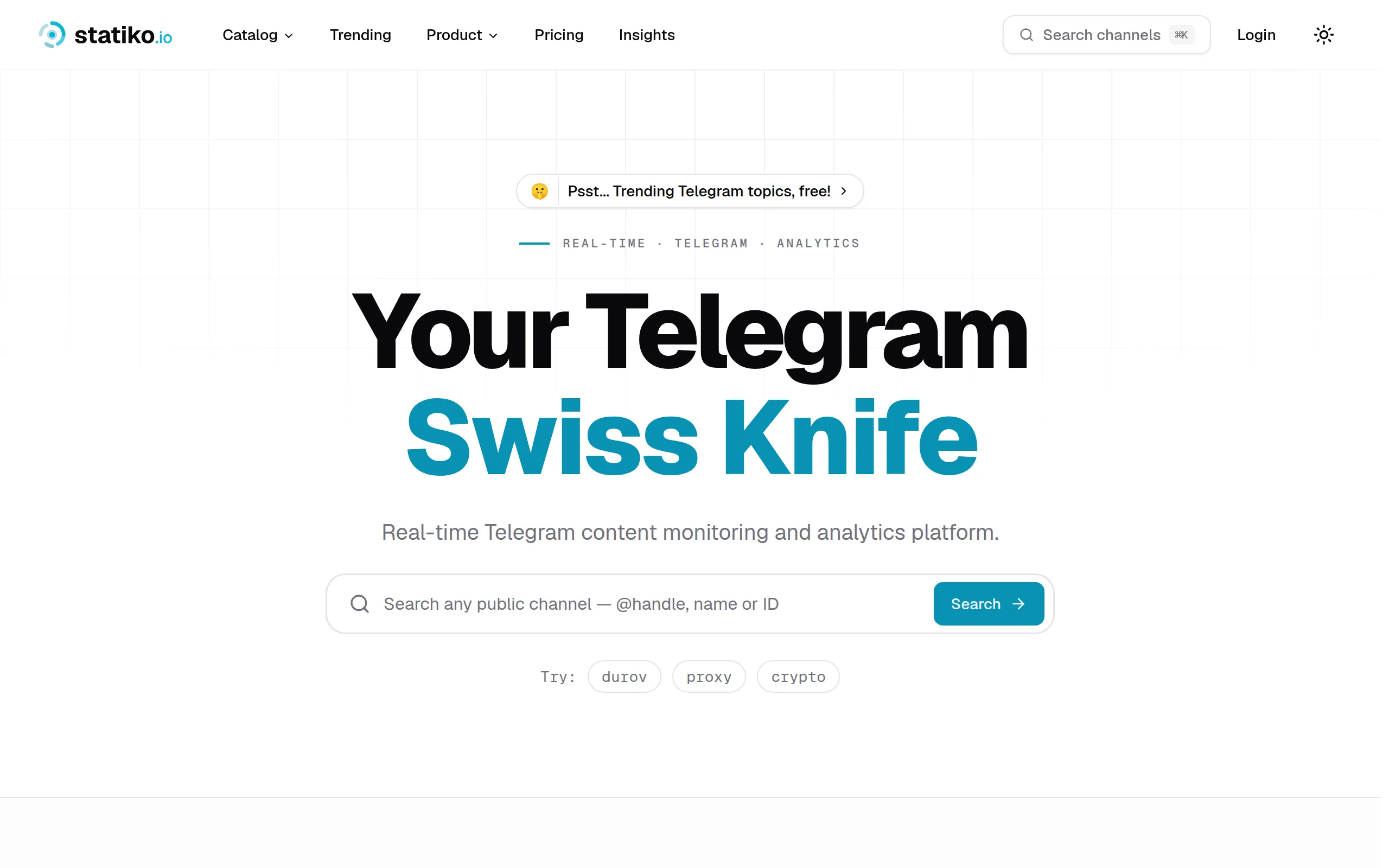
Statiko
Monitor any Telegram channel in real time - track posts, edits, deletions, and growth with AI recaps 📡

Shibui
AI website builder - describe your business, pick a niche template, edit by chatting, and publish instantly ✨

Pro Service
Find verified home service professionals, compare quotes, and pay securely through escrow - built for Brazilians across the US 🏠
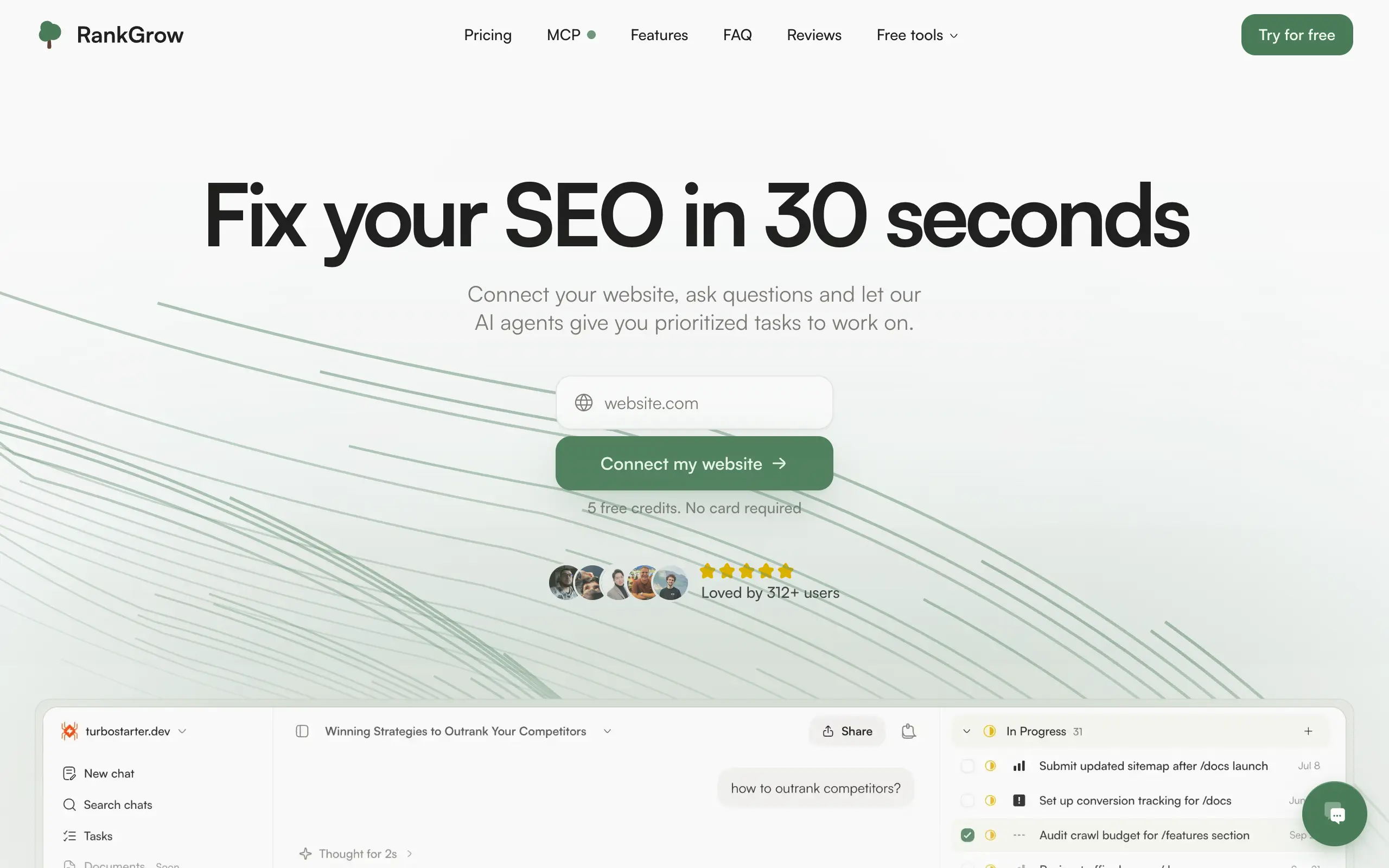
RankGrow
Fix your SEO with AI agents - connect Search Console, get prioritized tasks, and grow organic traffic 📈
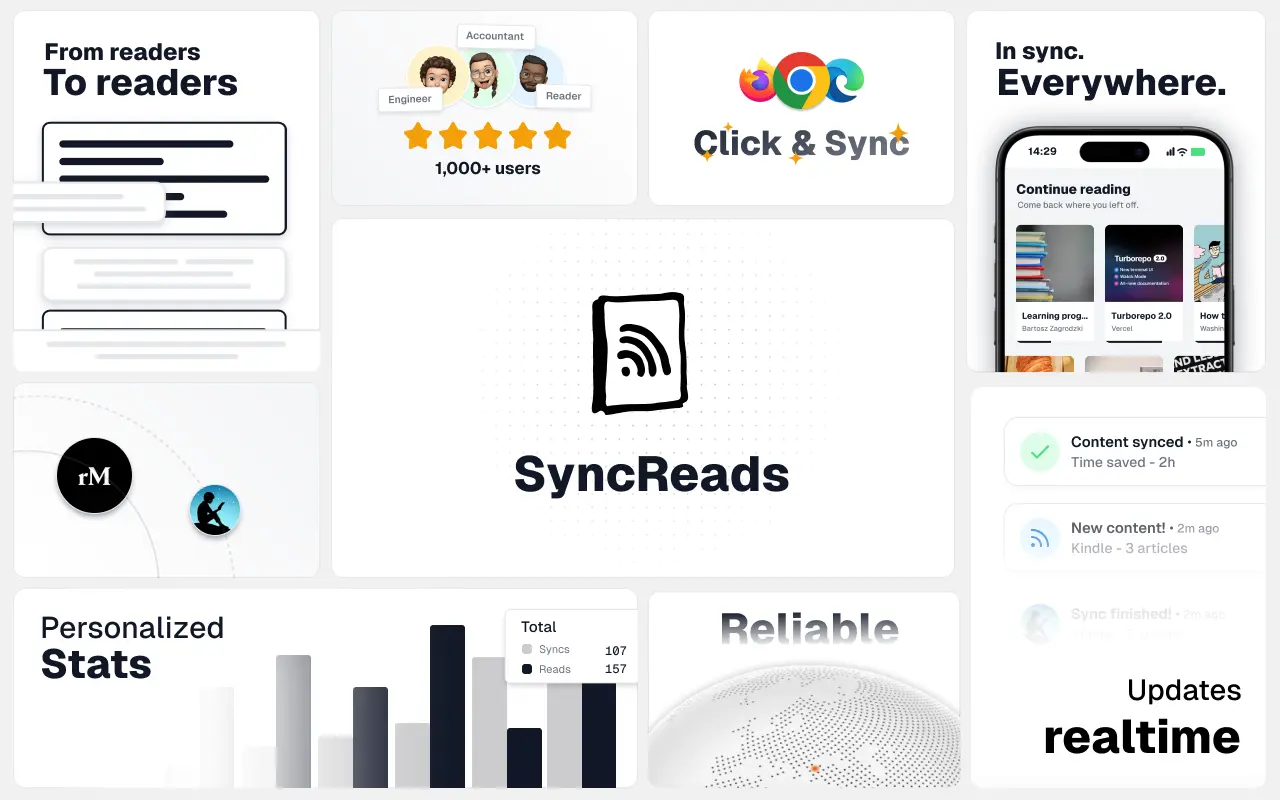
SyncReads
Sync your favorite content for distraction-free reading, save time and replace multiple apps. Anytime, anywhere 🔄
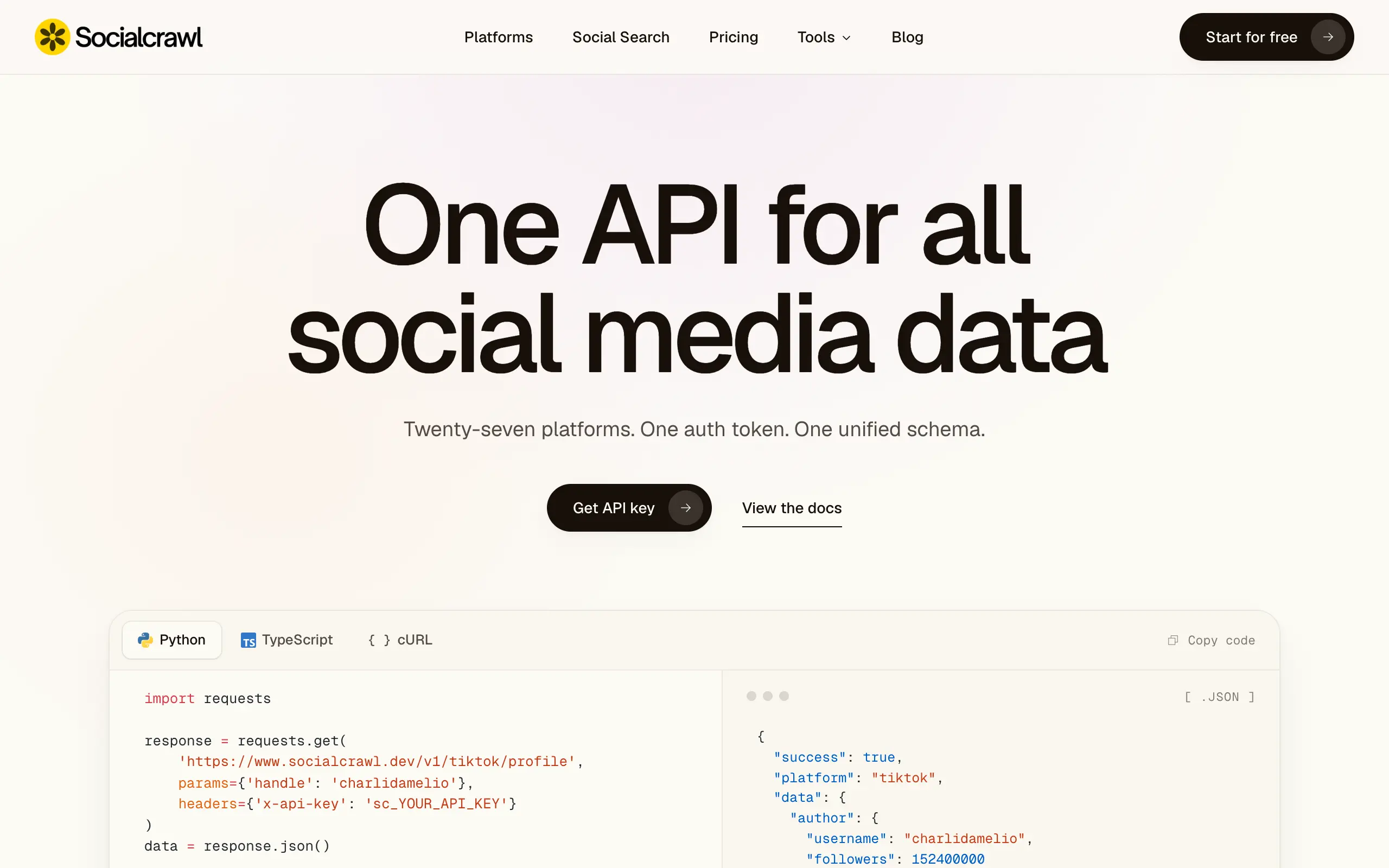
Socialcrawl
Get clean, structured data from 21 platforms like TikTok, Instagram, and YouTube with a single request 📊
Statiko
Monitor any Telegram channel in real time - track posts, edits, deletions, and growth with AI recaps 📡
Shibui
AI website builder - describe your business, pick a niche template, edit by chatting, and publish instantly ✨
Pro Service
Find verified home service professionals, compare quotes, and pay securely through escrow - built for Brazilians across the US 🏠
RankGrow
Fix your SEO with AI agents - connect Search Console, get prioritized tasks, and grow organic traffic 📈
SyncReads
Sync your favorite content for distraction-free reading, save time and replace multiple apps. Anytime, anywhere 🔄
Socialcrawl
Get clean, structured data from 21 platforms like TikTok, Instagram, and YouTube with a single request 📊
Statiko
Monitor any Telegram channel in real time - track posts, edits, deletions, and growth with AI recaps 📡
Shibui
AI website builder - describe your business, pick a niche template, edit by chatting, and publish instantly ✨
Pro Service
Find verified home service professionals, compare quotes, and pay securely through escrow - built for Brazilians across the US 🏠
RankGrow
Fix your SEO with AI agents - connect Search Console, get prioritized tasks, and grow organic traffic 📈
SyncReads
Sync your favorite content for distraction-free reading, save time and replace multiple apps. Anytime, anywhere 🔄
Socialcrawl
Get clean, structured data from 21 platforms like TikTok, Instagram, and YouTube with a single request 📊
Statiko
Monitor any Telegram channel in real time - track posts, edits, deletions, and growth with AI recaps 📡
Shibui
AI website builder - describe your business, pick a niche template, edit by chatting, and publish instantly ✨
Pro Service
Find verified home service professionals, compare quotes, and pay securely through escrow - built for Brazilians across the US 🏠
RankGrow
Fix your SEO with AI agents - connect Search Console, get prioritized tasks, and grow organic traffic 📈
SyncReads
Sync your favorite content for distraction-free reading, save time and replace multiple apps. Anytime, anywhere 🔄
Socialcrawl
Get clean, structured data from 21 platforms like TikTok, Instagram, and YouTube with a single request 📊
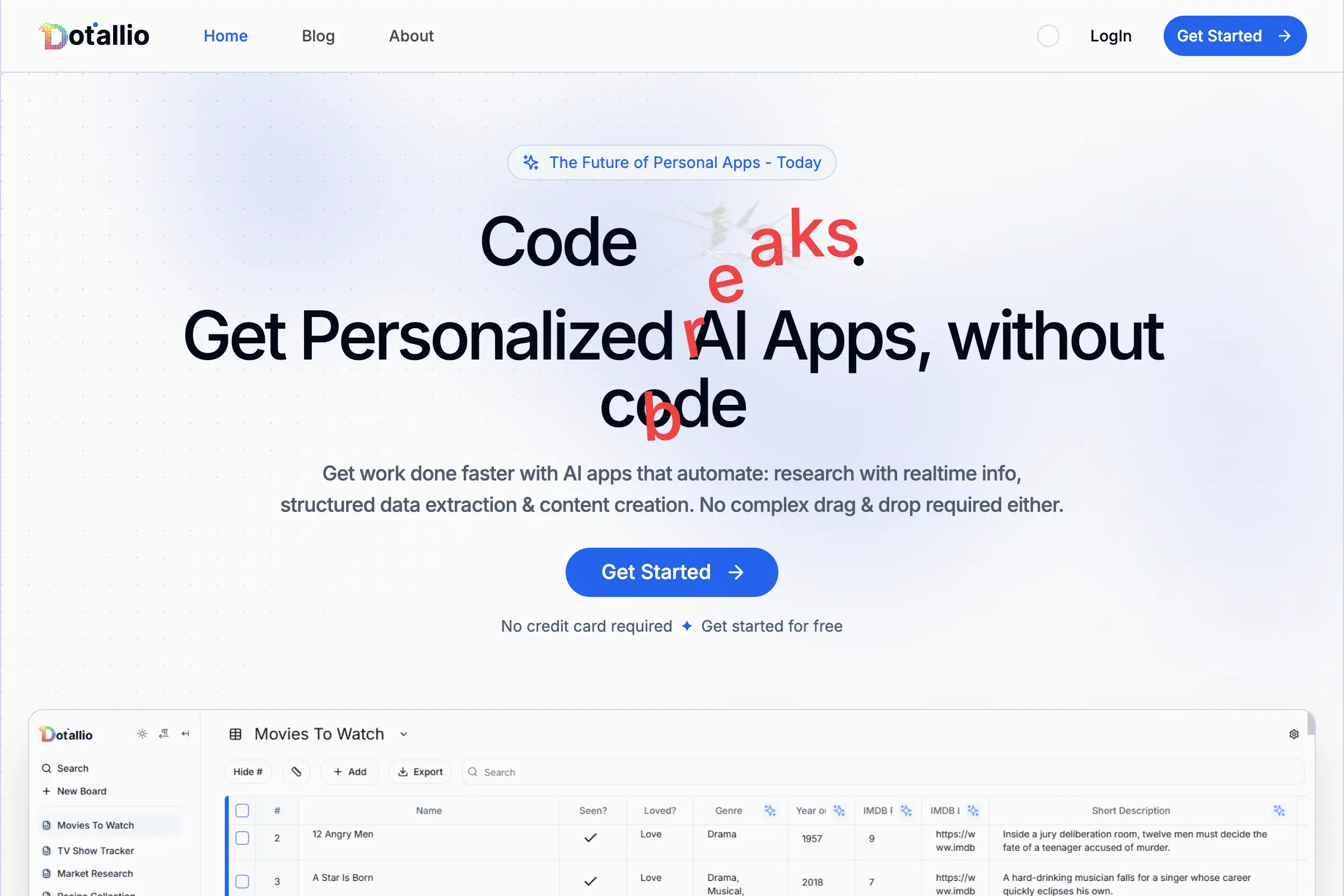
Dotallio
Personalized AI apps that automate research, data extraction, and content creation without code 🤖
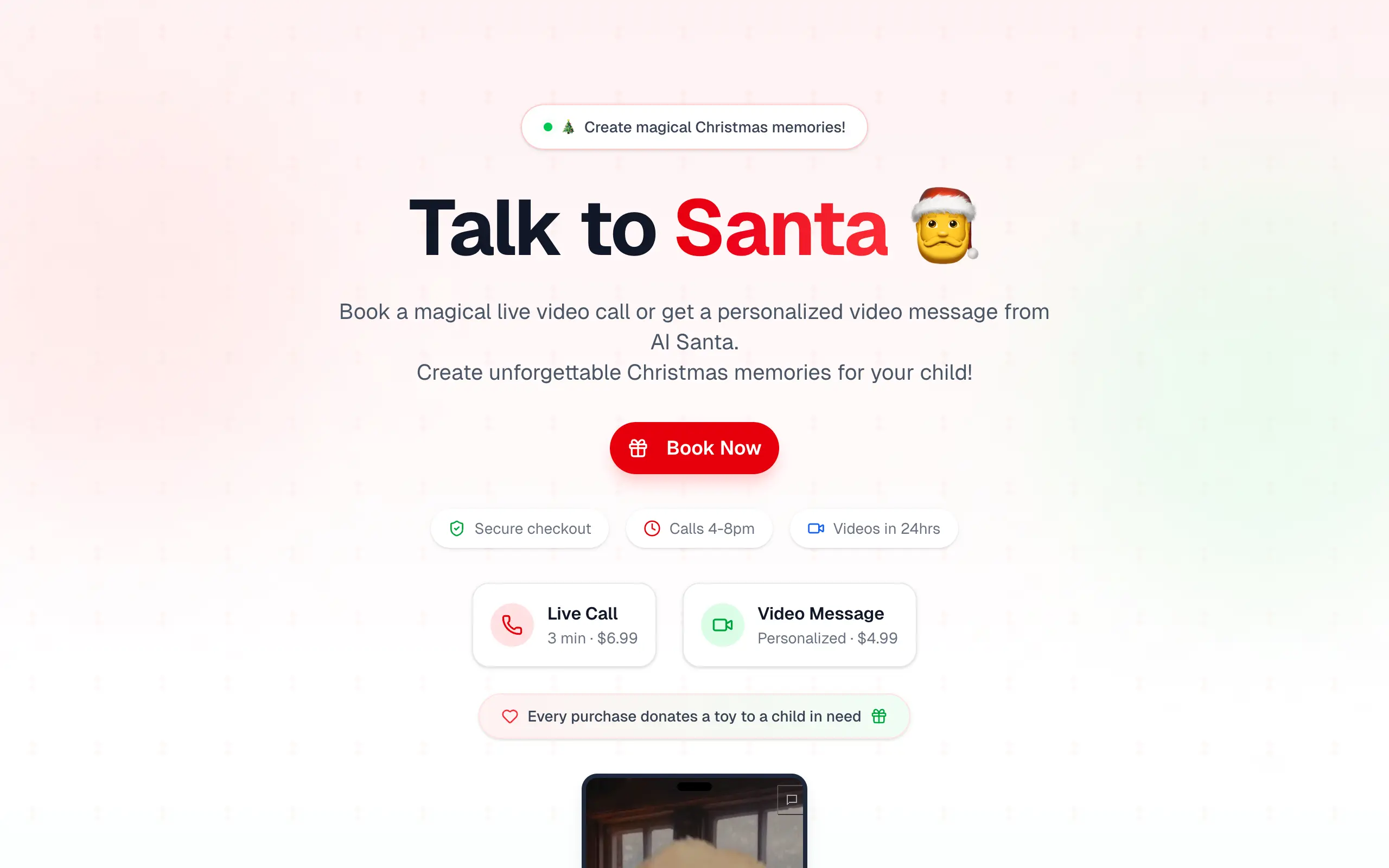
Talk to Santa
Enjoy a magical live video chat or receive a unique AI-generated video greeting from Santa Claus 🎅
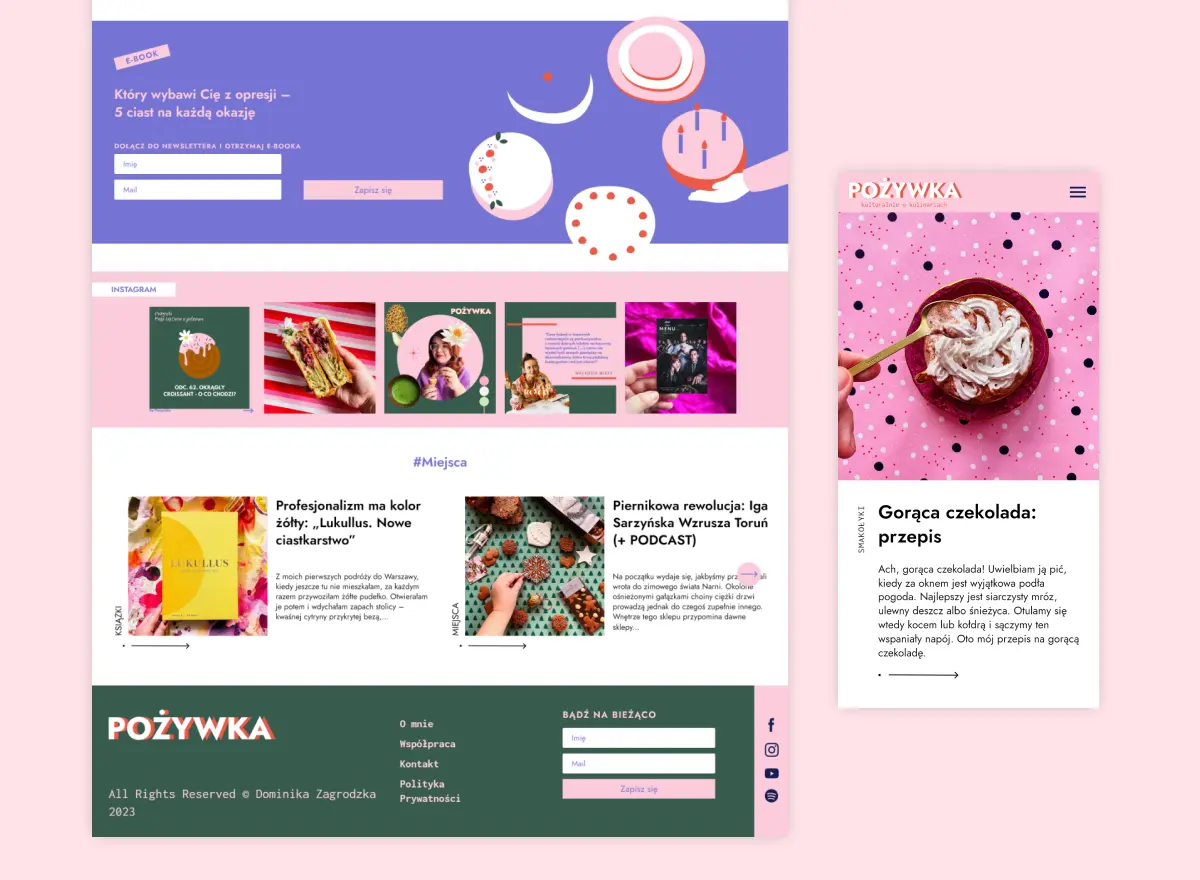
pozywka.pl
Scalable blog for food journalist, focused on performance and user experience 🌭
zagrodzki.me
Personal blog and portfolio of Bart Zagrodzki, where he shares his knowledge and work 💼
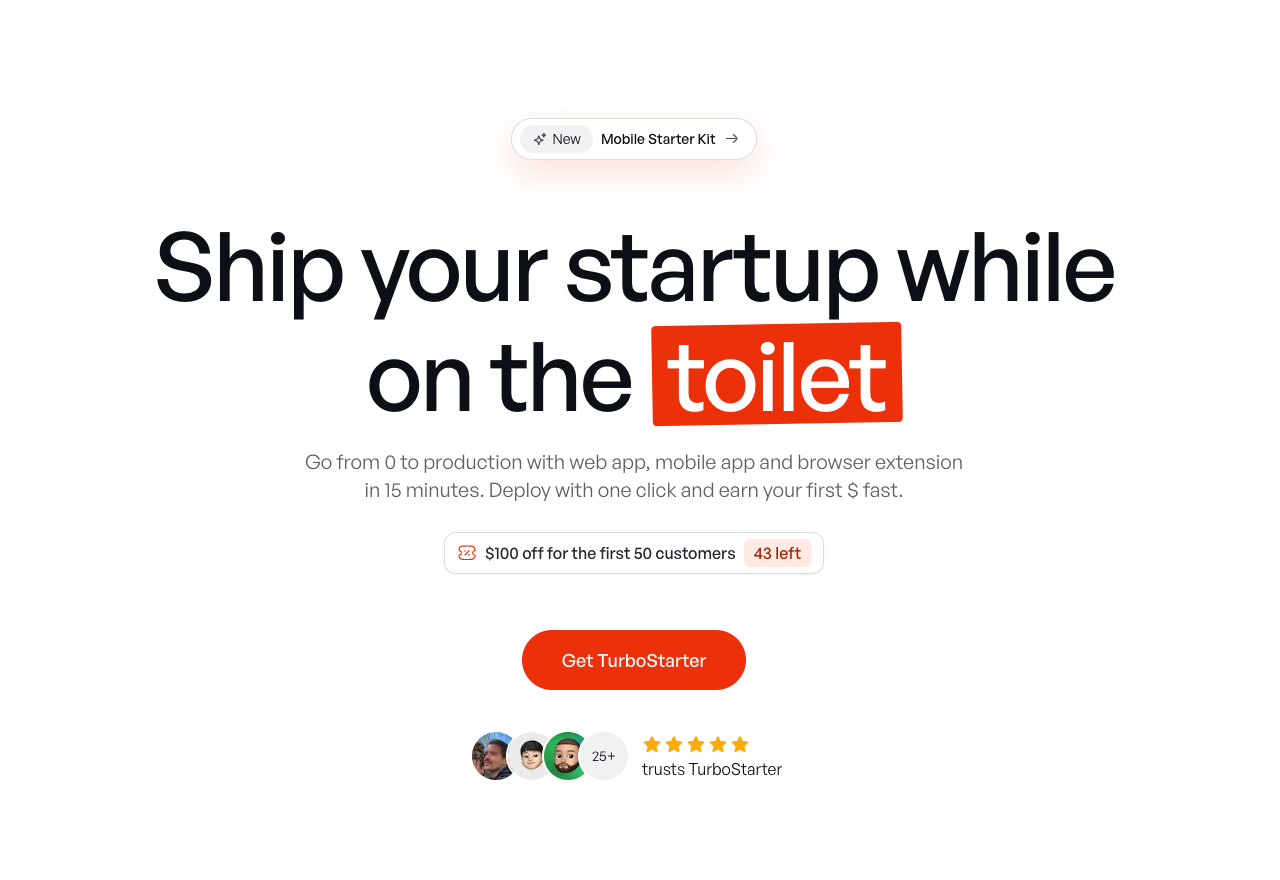
TurboStarter
Ship your startup everywhere. In minutes.
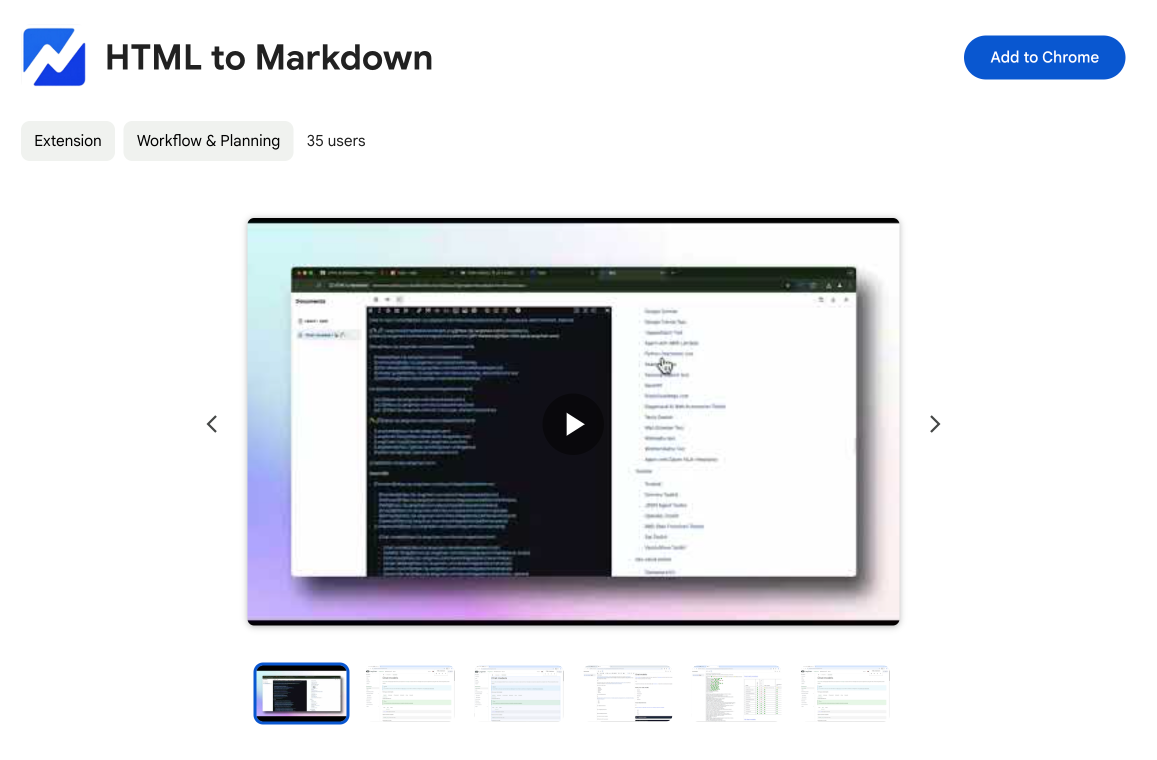
HTML to Markdown
Convert HTML to Markdown with ease, directly in your browser 📄
Dotallio
Personalized AI apps that automate research, data extraction, and content creation without code 🤖
Talk to Santa
Enjoy a magical live video chat or receive a unique AI-generated video greeting from Santa Claus 🎅
pozywka.pl
Scalable blog for food journalist, focused on performance and user experience 🌭
zagrodzki.me
Personal blog and portfolio of Bart Zagrodzki, where he shares his knowledge and work 💼
TurboStarter
Ship your startup everywhere. In minutes.
HTML to Markdown
Convert HTML to Markdown with ease, directly in your browser 📄
Dotallio
Personalized AI apps that automate research, data extraction, and content creation without code 🤖
Talk to Santa
Enjoy a magical live video chat or receive a unique AI-generated video greeting from Santa Claus 🎅
pozywka.pl
Scalable blog for food journalist, focused on performance and user experience 🌭
zagrodzki.me
Personal blog and portfolio of Bart Zagrodzki, where he shares his knowledge and work 💼
TurboStarter
Ship your startup everywhere. In minutes.
HTML to Markdown
Convert HTML to Markdown with ease, directly in your browser 📄
Dotallio
Personalized AI apps that automate research, data extraction, and content creation without code 🤖
Talk to Santa
Enjoy a magical live video chat or receive a unique AI-generated video greeting from Santa Claus 🎅
pozywka.pl
Scalable blog for food journalist, focused on performance and user experience 🌭
zagrodzki.me
Personal blog and portfolio of Bart Zagrodzki, where he shares his knowledge and work 💼
TurboStarter
Ship your startup everywhere. In minutes.
HTML to Markdown
Convert HTML to Markdown with ease, directly in your browser 📄
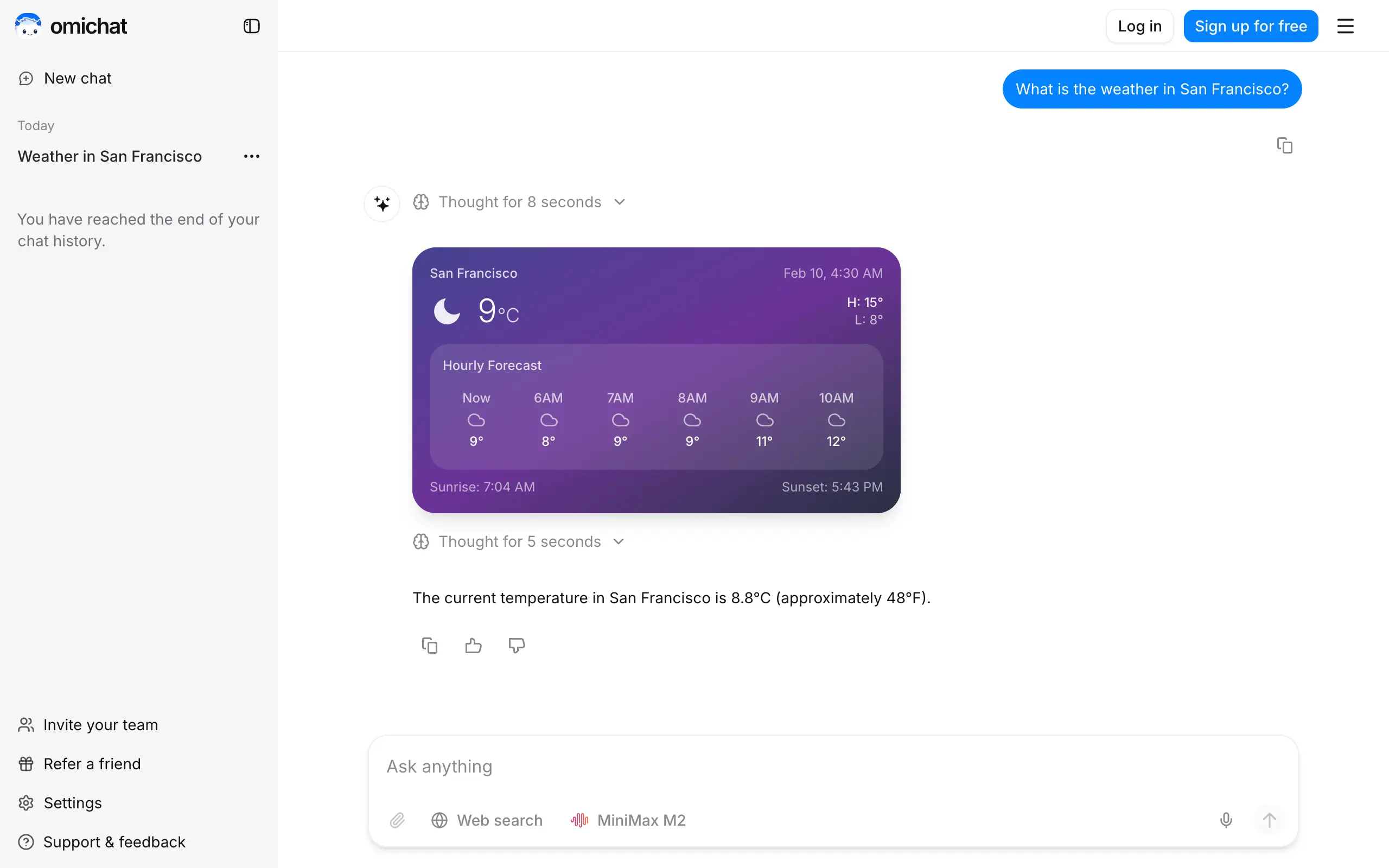
Omichat
Chat with 50+ AI models, including ChatGPT and Claude, in one place - switch models anytime without losing context 🤖
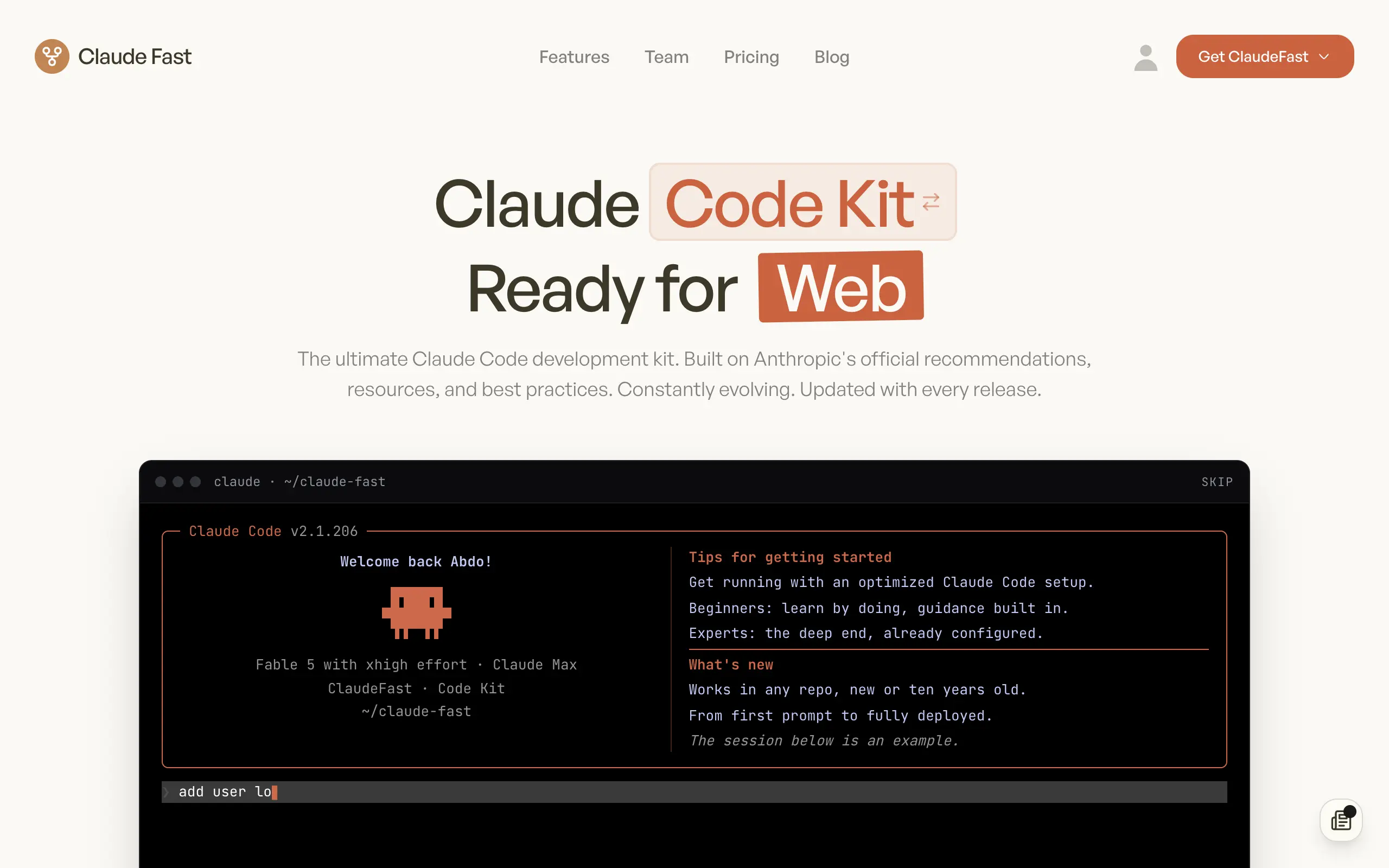
Claude Fast
Supercharge your Claude Code with 6x effective context window and specialized AI agents 🤖

EmojAI
AI-powered emoji picker with smart, context-aware suggestions 🤖
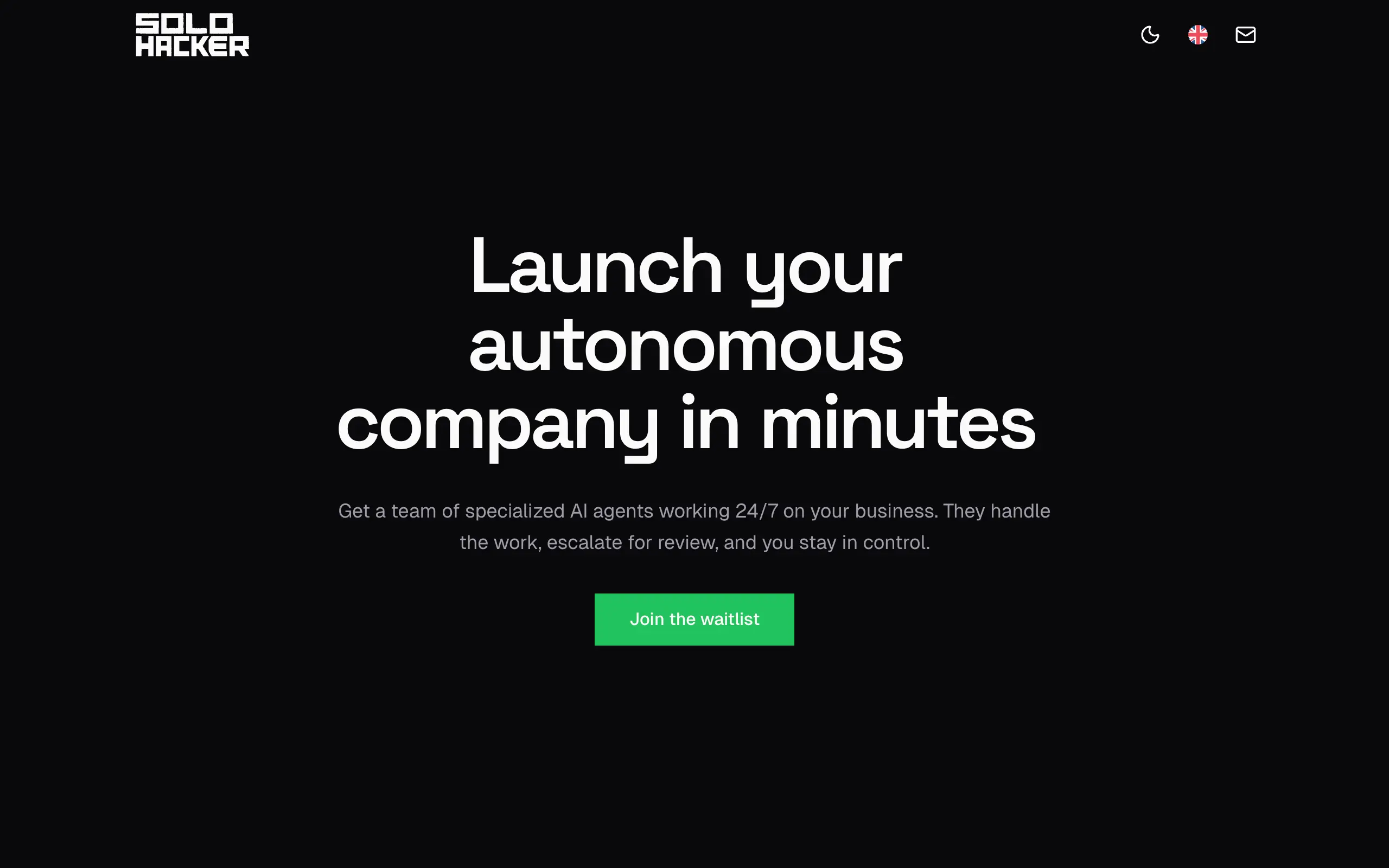
Solohacker
Autonomous company launcher - AI agents work 24/7, escalate what matters, and you stay in control 🤖
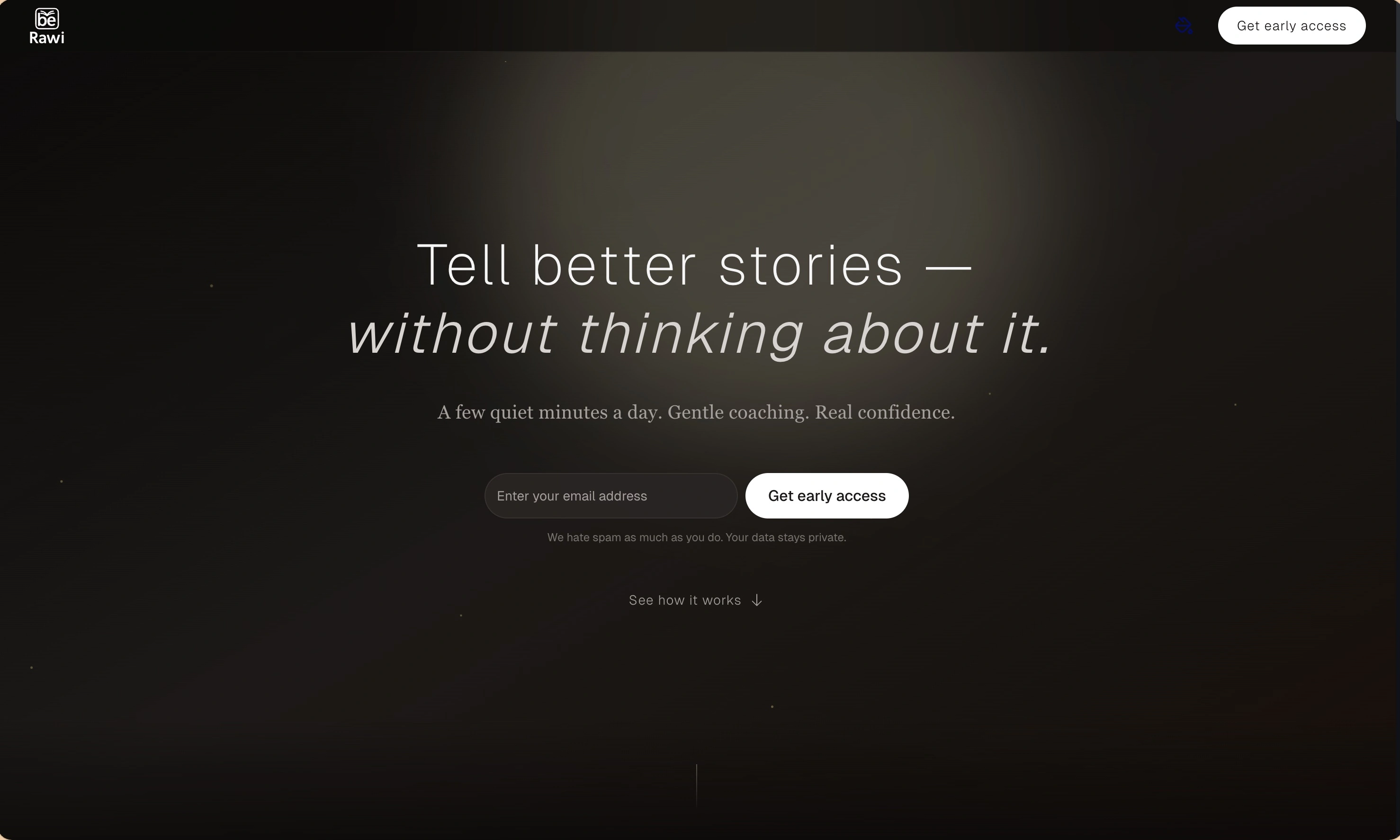
BeRawi: Storytelling Coach
Practice storytelling daily with instant feedback to sound clearer, more engaging, and confident 🎤
Omichat
Chat with 50+ AI models, including ChatGPT and Claude, in one place - switch models anytime without losing context 🤖
Claude Fast
Supercharge your Claude Code with 6x effective context window and specialized AI agents 🤖
EmojAI
AI-powered emoji picker with smart, context-aware suggestions 🤖
Solohacker
Autonomous company launcher - AI agents work 24/7, escalate what matters, and you stay in control 🤖
BeRawi: Storytelling Coach
Practice storytelling daily with instant feedback to sound clearer, more engaging, and confident 🎤
Omichat
Chat with 50+ AI models, including ChatGPT and Claude, in one place - switch models anytime without losing context 🤖
Claude Fast
Supercharge your Claude Code with 6x effective context window and specialized AI agents 🤖
EmojAI
AI-powered emoji picker with smart, context-aware suggestions 🤖
Solohacker
Autonomous company launcher - AI agents work 24/7, escalate what matters, and you stay in control 🤖
BeRawi: Storytelling Coach
Practice storytelling daily with instant feedback to sound clearer, more engaging, and confident 🎤
Omichat
Chat with 50+ AI models, including ChatGPT and Claude, in one place - switch models anytime without losing context 🤖
Claude Fast
Supercharge your Claude Code with 6x effective context window and specialized AI agents 🤖
EmojAI
AI-powered emoji picker with smart, context-aware suggestions 🤖
Solohacker
Autonomous company launcher - AI agents work 24/7, escalate what matters, and you stay in control 🤖
BeRawi: Storytelling Coach
Practice storytelling daily with instant feedback to sound clearer, more engaging, and confident 🎤

Connect with like-minded people
Join our community to get feedback, support, and grow together with 1,000+ builders on board, let's ship it!
Join usShip your startup everywhere. In minutes.
Don't burn tokens on setup and start building features on day one.