SiteSync Ops
Unify site communication, task coordination, and progress updates in a single platform built for non-IT field teams and engineers.
The growing need for unified field operations platforms
Field operations are the backbone of industries like construction, utilities, telecom infrastructure, facility management, and engineering services. Yet, despite the scale and importance of these operations, the tools used to manage them are often fragmented, outdated, and not designed for real-world conditions.
This is where a solution like SiteSync Ops becomes highly relevant.
The core idea behind SiteSync Ops is simple but powerful: unify communication, task coordination, and progress tracking in one platform tailored specifically for non-IT field teams and engineers.
This article explores the full potential of a field operations management SaaS platform, including its market opportunity, product strategy, technical architecture, monetization, and competitive positioning.
Understanding the primary user intent
Users searching for solutions like “field operations software,” “construction communication tools,” or “site coordination platforms” are typically trying to solve one or more of the following problems:
- Disconnected communication (WhatsApp, calls, emails, paper notes)
- Lack of real-time visibility into site progress
- Poor coordination between field workers and office teams
- Inefficient task assignment and tracking
- Missing or delayed reporting
SiteSync Ops directly addresses these pain points by offering a centralized system built specifically for field environments—not generic project management tools retrofitted for offline, mobile-heavy workflows.
Target audience analysis
Core user segments
SiteSync Ops is designed for B2B customers operating in field-intensive industries.
1. Construction companies
- Site managers
- Project engineers
- Subcontractors
- General contractors
Pain points:
- Daily progress tracking
- Miscommunication between teams
- Delays due to unclear task ownership
2. Utilities and infrastructure teams
- Field technicians
- Maintenance crews
- Operations supervisors
Pain points:
- Lack of real-time updates
- Safety compliance tracking
- Coordination across distributed teams
3. Telecom deployment teams
- Network installation crews
- Site inspectors
- Deployment managers
Pain points:
- Multi-location coordination
- Documentation inconsistencies
- Delayed reporting
4. Facility management companies
- Maintenance teams
- Service coordinators
Pain points:
- Task tracking inefficiencies
- Communication gaps
- Audit/reporting issues
Market opportunity and gap analysis
The problem with existing tools
Most companies currently rely on a mix of:
- WhatsApp / Slack for communication
- Excel or Google Sheets for tracking
- Email for reporting
- Paper logs or PDFs for documentation
This creates:
- Data silos
- Lack of accountability
- Delayed decision-making
- Increased operational risk
Why existing SaaS tools fall short
Popular tools like Asana, Trello, or Monday.com are:
- Designed for knowledge workers, not field teams
- Not optimized for offline usage
- Too complex for non-technical users
- Missing domain-specific workflows (e.g., site inspections, progress photos)
Market size and growth
The field service management (FSM) market is growing rapidly, driven by digitization and mobile-first workforces. According to widely cited industry reports (e.g., Gartner, MarketsandMarkets), the FSM market is expected to reach tens of billions of dollars globally within the next few years.
This creates a strong opportunity for a vertical SaaS solution like SiteSync Ops.
Core value proposition of SiteSync Ops
SiteSync Ops differentiates itself with three key pillars:
Unified communication
Replace scattered messaging tools with structured, context-aware communication tied to tasks and sites.
Field-first design
Built specifically for mobile, offline-first usage in real-world environments.
Operational visibility
Provide real-time insights into progress, blockers, and team performance.
Key features and product architecture
1. centralized communication hub
Instead of fragmented conversations, SiteSync Ops organizes communication around:
- Projects
- Sites
- Tasks
Features:
- Threaded discussions per task
- Voice notes for quick updates
- Image/video sharing for on-site proof
- Mentions and notifications
2. task management tailored for field work
Unlike generic task tools, this system supports:
- Location-based tasks
- Recurring maintenance workflows
- Task dependencies tied to physical progress
Example:
- “Complete foundation inspection before electrical installation”
3. real-time progress tracking
Field teams can log:
- Progress percentages
- Photo evidence
- Completion timestamps
- Issues or blockers
Managers get:
- Live dashboards
- Daily summaries
- Predictive delays
4. offline-first mobile experience
This is critical.
Features:
- Offline data capture
- Auto-sync when connectivity is restored
- Lightweight UI for low-end devices
5. reporting and analytics
- Automated daily reports
- Exportable summaries (PDF/CSV)
- Performance tracking per team/site
6. role-based access control
- Field workers
- Supervisors
- Project managers
- Clients (read-only dashboards)
feature comparison with traditional tools
| Capability | Excel | Generic PM Tools | SiteSync Ops | |
|---|---|---|---|---|
| Structured communication | ❌ | ❌ | ✅ | ✅ |
| Offline support | ✅ | ✅ | ❌ | ✅ |
| Field-specific workflows | ❌ | ❌ | ❌ | ✅ |
| Real-time dashboards | ❌ | ❌ | ✅ | ✅ |
recommended tech stack (with trade-offs)
Building SiteSync Ops requires a robust, scalable, and mobile-first architecture.
frontend
Why:
- Fast UI development
- SEO benefits (Next.js)
- Scalable component system
Trade-offs:
- Requires optimization for low-end devices
- Hydration complexity in mobile-heavy apps
mobile experience
Two options:
Progressive Web App (PWA)
Pros:
- Single codebase
- Faster development
- Works offline
Cons:
- Limited access to device features
- Performance constraints on older devices
React Native / Flutter
Pros:
- Better performance
- Full device capabilities
- Better offline handling
Cons:
- Higher development cost
- Dual maintenance (web + mobile)
backend
- Node.js (with NestJS or Express)
- PostgreSQL (relational data)
- Redis (real-time caching)
Why:
- Strong ecosystem
- Scalable APIs
- Reliable data handling
real-time communication
- WebSockets (e.g., Socket.IO)
- Firebase (optional for real-time sync)
storage
- AWS S3 or equivalent (for images/videos)
- CDN for fast media delivery
authentication
- OAuth + role-based access control
- Multi-tenant architecture for B2B clients
monetization strategy
subscription-based pricing
Typical SaaS pricing tiers:
- Starter (small teams)
- Growth (mid-sized companies)
- Enterprise (custom solutions)
Pricing models:
- Per user/month
- Per site/project
- Hybrid (user + feature-based)
add-on revenue streams
- Advanced analytics dashboards
- API access
- Custom integrations
- White-label solutions
enterprise contracts
Large organizations may require:
- Dedicated support
- On-premise deployment
- SLA guarantees
This can significantly increase revenue per customer.
competitive landscape
key competitors
- Procore (construction-focused)
- Fieldwire
- Monday.com (general PM)
- ServiceNow FSM
gaps in competitors
- Too complex for smaller teams
- Expensive
- Not optimized for non-technical users
- Weak offline capabilities
unique selling proposition (USP)
SiteSync Ops stands out by combining:
- Simplicity for non-IT users
- Offline-first functionality
- Field-specific workflows
- Unified communication + task system
Most competitors excel in one or two areas—but rarely all four.
potential risks and mitigation strategies
1. user adoption resistance
Problem: Field workers may resist new tools.
Solution:
- Extremely simple UI
- Minimal onboarding
- Voice-based inputs
2. connectivity issues
Problem: Field environments often lack stable internet.
Solution:
- Offline-first architecture
- Sync conflict resolution
3. data overload
Problem: Too much data can overwhelm managers.
Solution:
- Smart dashboards
- AI-driven summaries (future feature)
4. competition from incumbents
Problem: Large players may expand into this niche.
Solution:
- Focus on UX simplicity
- Build strong vertical specialization
future expansion opportunities
Once the core platform is stable, SiteSync Ops can expand into:
- AI-powered predictive analytics
- Integration with IoT devices (sensors, equipment tracking)
- Automated compliance reporting
- Workforce performance benchmarking
implementation roadmap
sample data model (simplified)
type User = {
  id: string
  name: string
  role: "worker" | "manager" | "admin"
  teamId: string
}

type Task = {
  id: string
  title: string
  status: "pending" | "in_progress" | "completed"
  assignedTo: string
  siteId: string
  attachments: string[]
}

type Site = {
  id: string
  name: string
  location: string
  projectId: string
}
go-to-market strategy
phase 1: niche targeting
Start with:
- Small to mid-sized construction firms
Why:
- High pain
- Faster adoption cycles
phase 2: partnerships
- Industry consultants
- Equipment providers
- Local contractors
phase 3: content & SEO
Create content around:
- “best field communication tools”
- “construction task management software”
- “offline project management apps”
phase 4: product-led growth
- Free trial
- Easy onboarding
- Viral team invites
building faster with modern tools
To accelerate development, using a SaaS starter kit can significantly reduce time-to-market.
TurboStarter is a strong option for:
- Authentication
- Billing integration
- Scalable architecture
This allows founders to focus on domain-specific features rather than reinventing infrastructure.
when to build vs validate
Important
Do not overbuild before validation. Field operations software must be tested in real environments early, or you risk building features nobody uses.
frequently asked questions
No. Vertical SaaS often outperforms horizontal tools because it solves highly specific problems deeply.
It is technically challenging but essential. Libraries like IndexedDB and service workers can help implement this effectively.
Ease of use for non-technical field workers combined with offline-first design.
actionable next steps
If you're serious about building SiteSync Ops, here’s a realistic plan:
- Interview at least 15 field operators
- Identify the top 3 recurring problems
- Build a simple prototype (even no-code)
- Test in real field conditions
- Iterate aggressively
Then:
- Add offline sync
- Introduce dashboards
- Scale gradually
final thoughts
SiteSync Ops is not just another SaaS tool—it represents a shift toward field-first software design.
The opportunity lies in:
- Simplifying complexity
- Bridging communication gaps
- Delivering real-time operational clarity
If executed correctly, it can become an essential layer in the operational stack of field-heavy industries.
More 🏢 B2B Application SaaS ideas
Discover more innovative b2b application SaaS ideas that are trending in 2026. Each idea is AI-generated with market validation and growth potential to help you find your next profitable venture faster than competitors.
Your competitors are building with TurboStarter
Below are some of the SaaS ideas that have been generated and built with our starter kit.
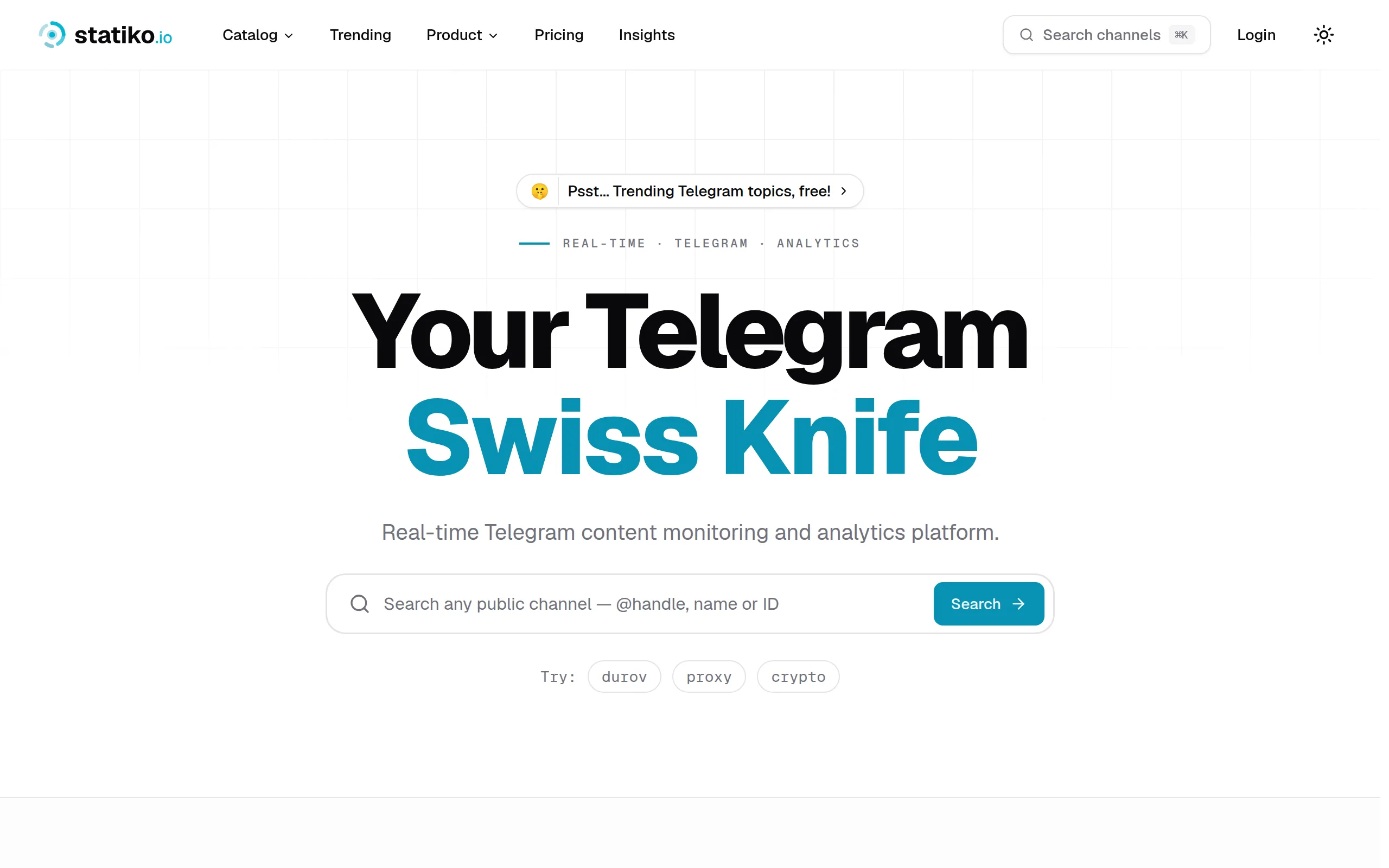
Statiko
Monitor any Telegram channel in real time - track posts, edits, deletions, and growth with AI recaps 📡

Shibui
AI website builder - describe your business, pick a niche template, edit by chatting, and publish instantly ✨

Pro Service
Find verified home service professionals, compare quotes, and pay securely through escrow - built for Brazilians across the US 🏠
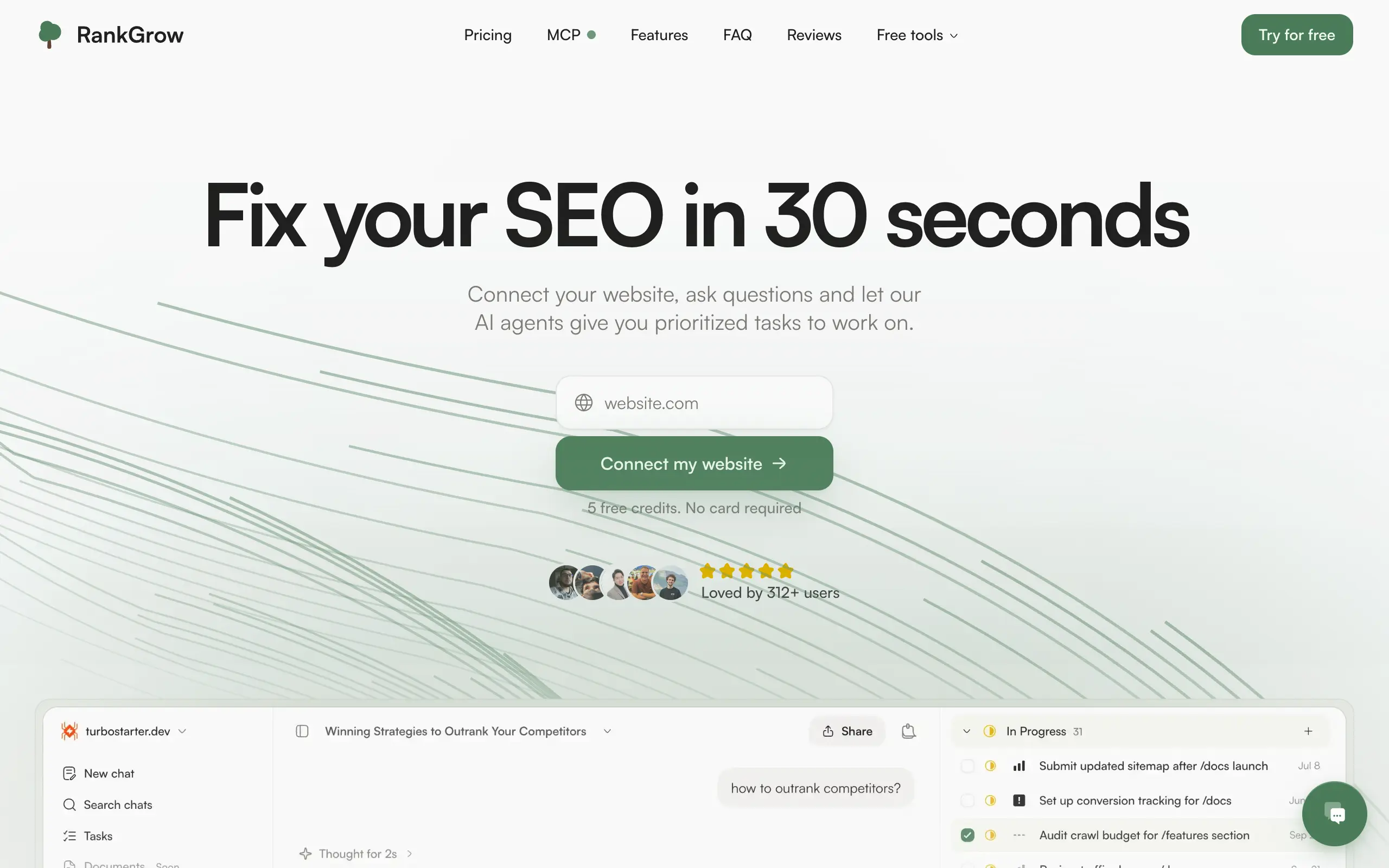
RankGrow
Fix your SEO with AI agents - connect Search Console, get prioritized tasks, and grow organic traffic 📈
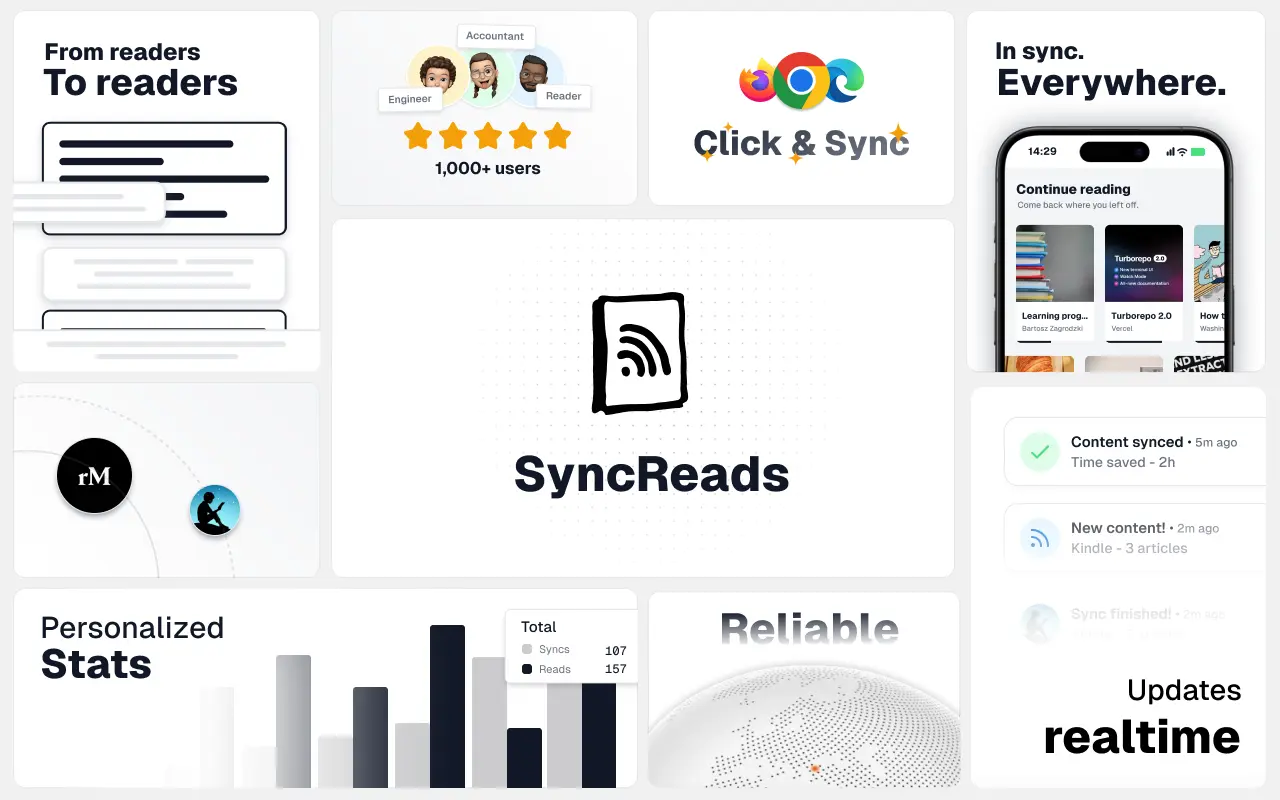
SyncReads
Sync your favorite content for distraction-free reading, save time and replace multiple apps. Anytime, anywhere 🔄
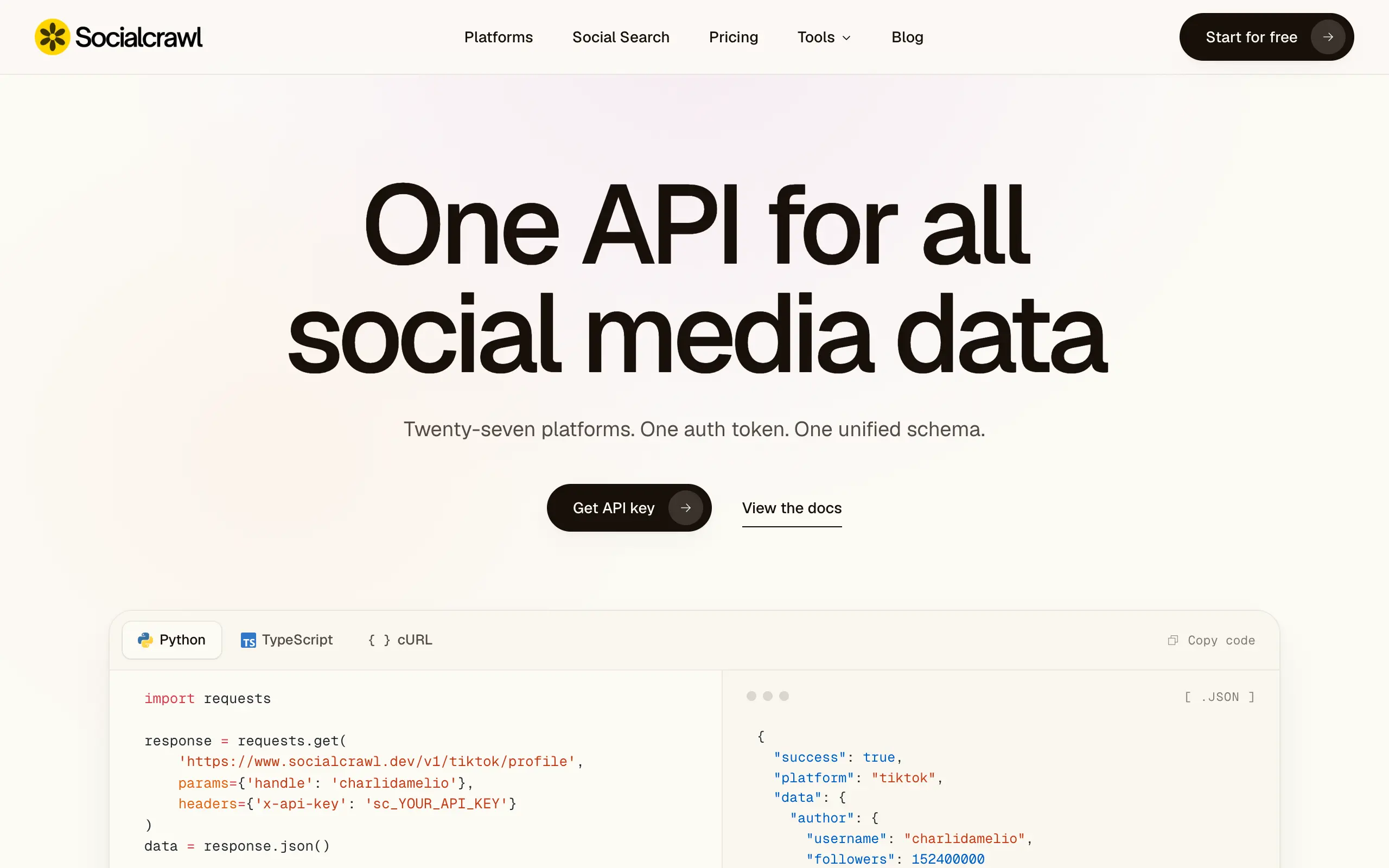
Socialcrawl
Get clean, structured data from 21 platforms like TikTok, Instagram, and YouTube with a single request 📊
Statiko
Monitor any Telegram channel in real time - track posts, edits, deletions, and growth with AI recaps 📡
Shibui
AI website builder - describe your business, pick a niche template, edit by chatting, and publish instantly ✨
Pro Service
Find verified home service professionals, compare quotes, and pay securely through escrow - built for Brazilians across the US 🏠
RankGrow
Fix your SEO with AI agents - connect Search Console, get prioritized tasks, and grow organic traffic 📈
SyncReads
Sync your favorite content for distraction-free reading, save time and replace multiple apps. Anytime, anywhere 🔄
Socialcrawl
Get clean, structured data from 21 platforms like TikTok, Instagram, and YouTube with a single request 📊
Statiko
Monitor any Telegram channel in real time - track posts, edits, deletions, and growth with AI recaps 📡
Shibui
AI website builder - describe your business, pick a niche template, edit by chatting, and publish instantly ✨
Pro Service
Find verified home service professionals, compare quotes, and pay securely through escrow - built for Brazilians across the US 🏠
RankGrow
Fix your SEO with AI agents - connect Search Console, get prioritized tasks, and grow organic traffic 📈
SyncReads
Sync your favorite content for distraction-free reading, save time and replace multiple apps. Anytime, anywhere 🔄
Socialcrawl
Get clean, structured data from 21 platforms like TikTok, Instagram, and YouTube with a single request 📊
Statiko
Monitor any Telegram channel in real time - track posts, edits, deletions, and growth with AI recaps 📡
Shibui
AI website builder - describe your business, pick a niche template, edit by chatting, and publish instantly ✨
Pro Service
Find verified home service professionals, compare quotes, and pay securely through escrow - built for Brazilians across the US 🏠
RankGrow
Fix your SEO with AI agents - connect Search Console, get prioritized tasks, and grow organic traffic 📈
SyncReads
Sync your favorite content for distraction-free reading, save time and replace multiple apps. Anytime, anywhere 🔄
Socialcrawl
Get clean, structured data from 21 platforms like TikTok, Instagram, and YouTube with a single request 📊
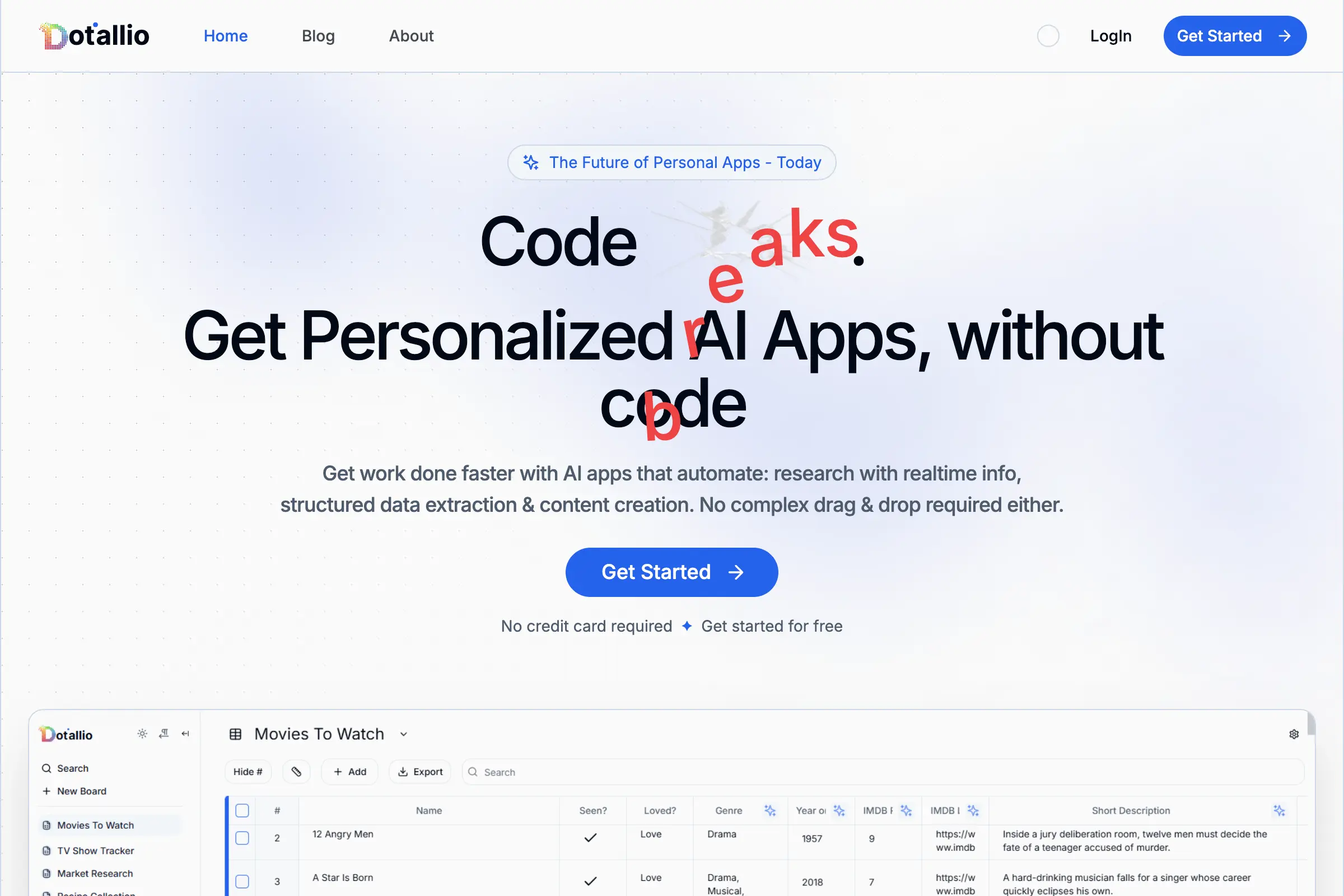
Dotallio
Personalized AI apps that automate research, data extraction, and content creation without code 🤖
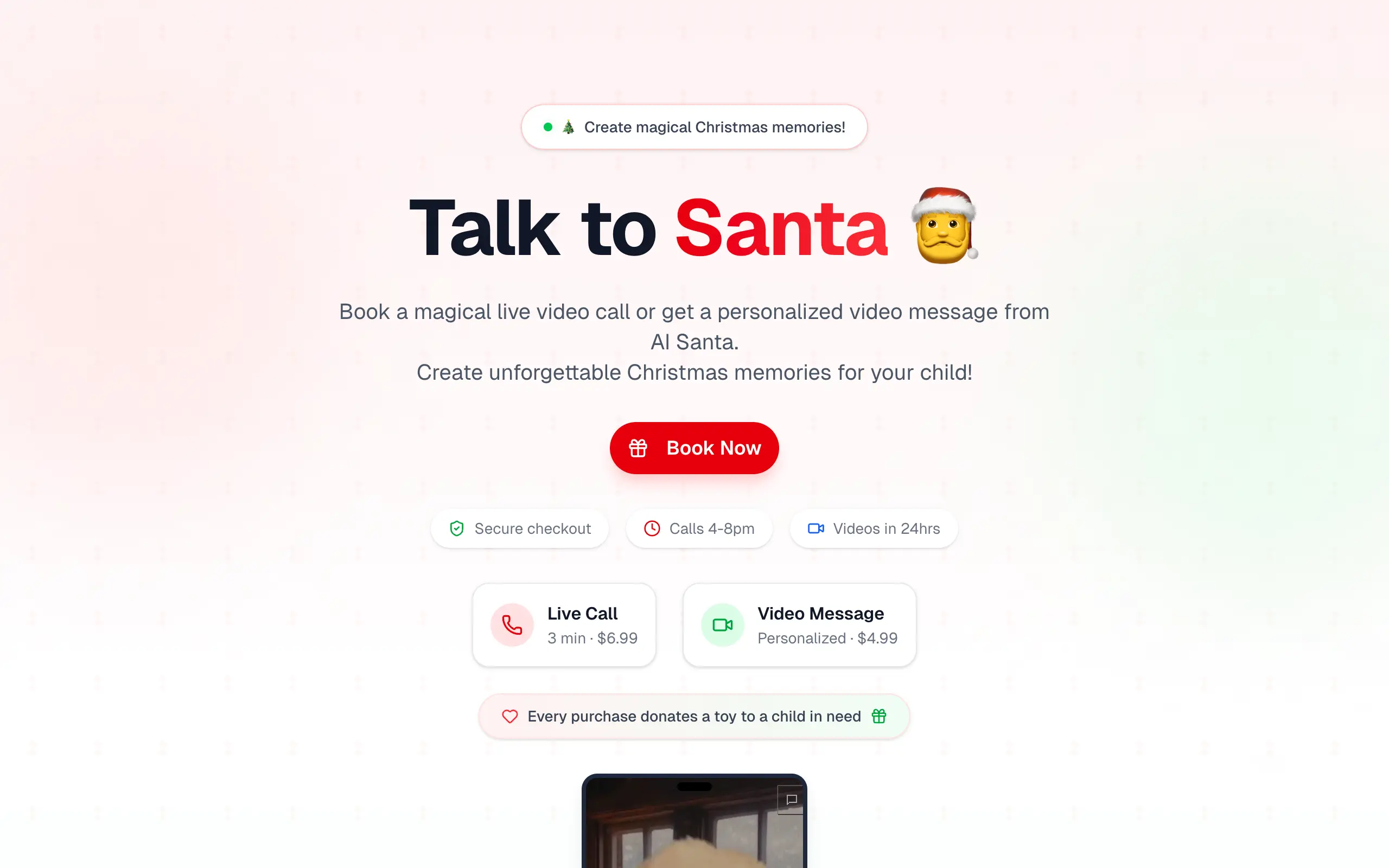
Talk to Santa
Enjoy a magical live video chat or receive a unique AI-generated video greeting from Santa Claus 🎅
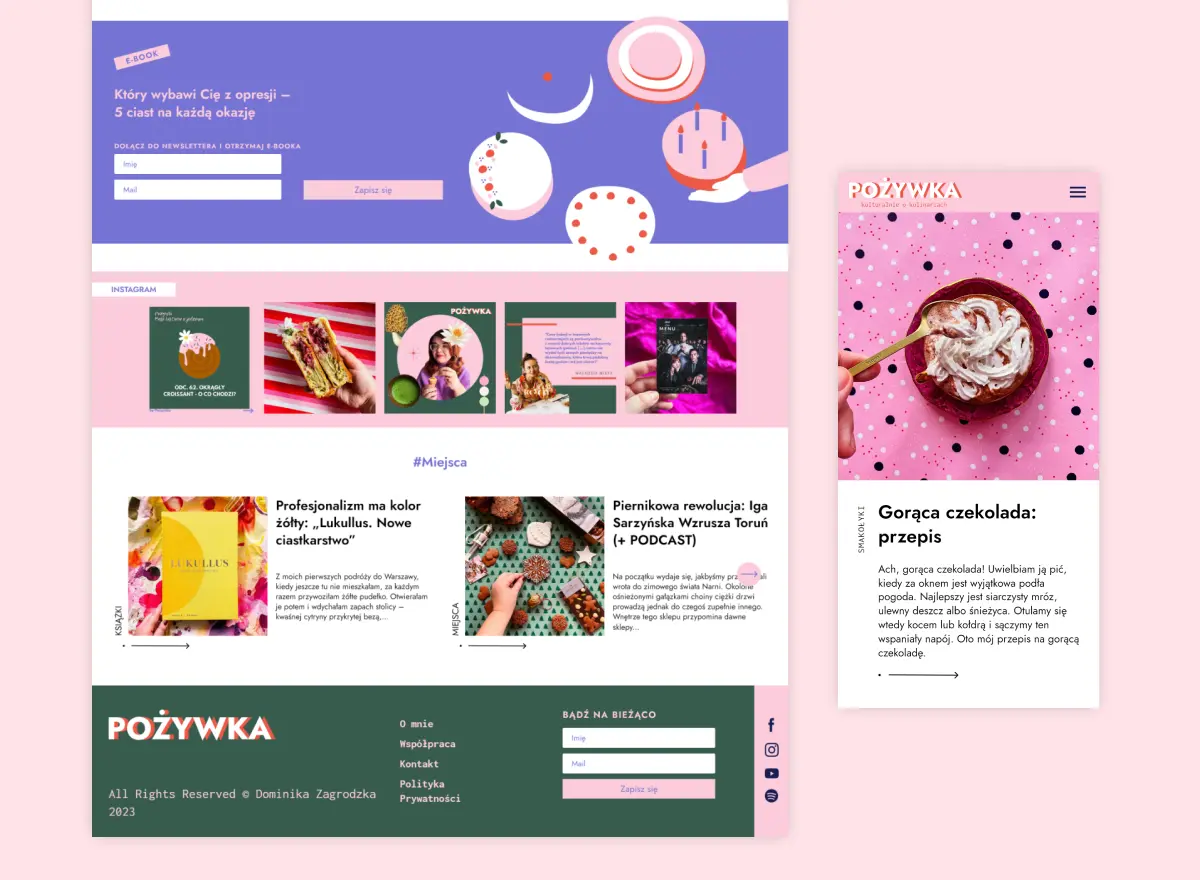
pozywka.pl
Scalable blog for food journalist, focused on performance and user experience 🌭
zagrodzki.me
Personal blog and portfolio of Bart Zagrodzki, where he shares his knowledge and work 💼
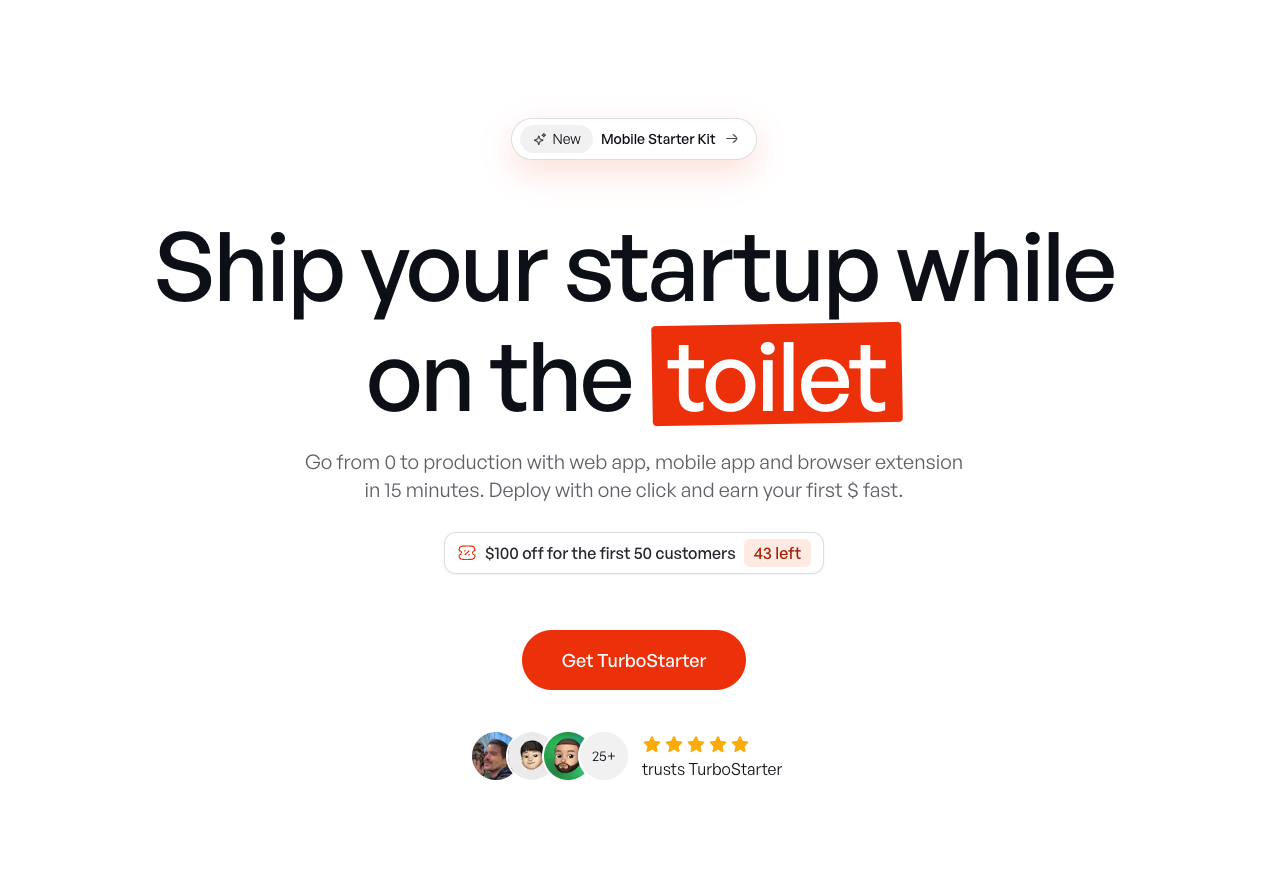
TurboStarter
Ship your startup everywhere. In minutes.
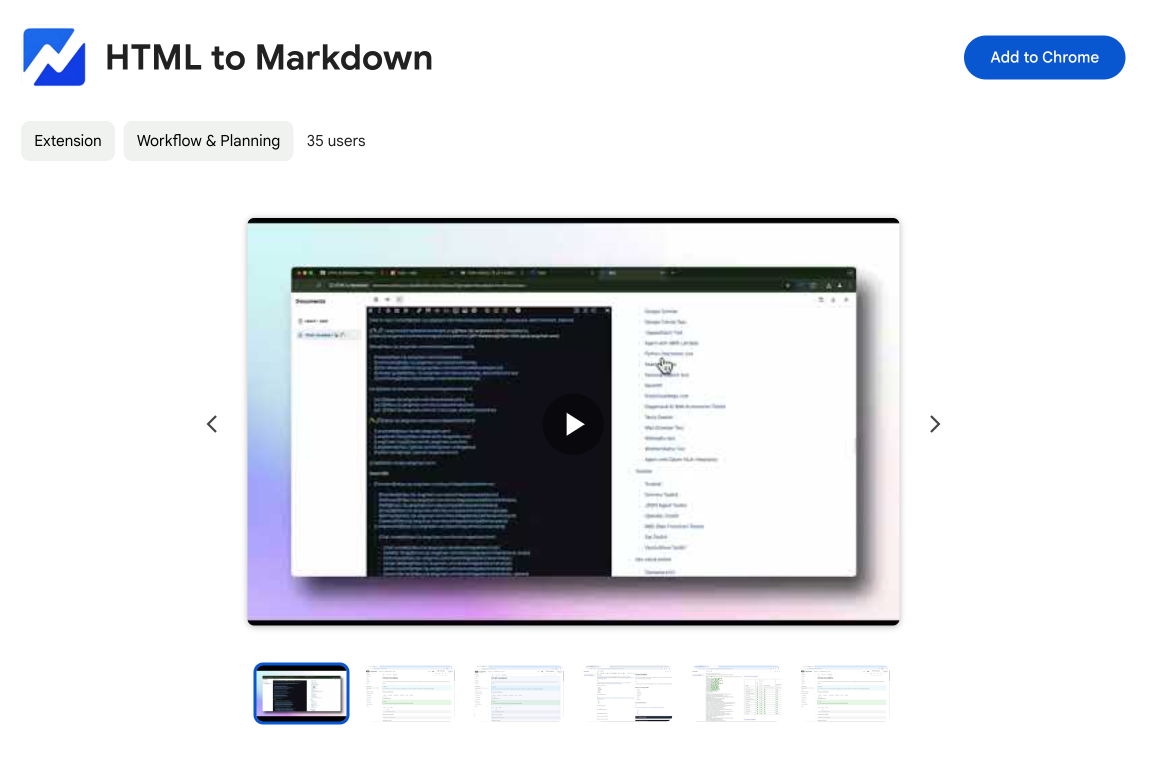
HTML to Markdown
Convert HTML to Markdown with ease, directly in your browser 📄
Dotallio
Personalized AI apps that automate research, data extraction, and content creation without code 🤖
Talk to Santa
Enjoy a magical live video chat or receive a unique AI-generated video greeting from Santa Claus 🎅
pozywka.pl
Scalable blog for food journalist, focused on performance and user experience 🌭
zagrodzki.me
Personal blog and portfolio of Bart Zagrodzki, where he shares his knowledge and work 💼
TurboStarter
Ship your startup everywhere. In minutes.
HTML to Markdown
Convert HTML to Markdown with ease, directly in your browser 📄
Dotallio
Personalized AI apps that automate research, data extraction, and content creation without code 🤖
Talk to Santa
Enjoy a magical live video chat or receive a unique AI-generated video greeting from Santa Claus 🎅
pozywka.pl
Scalable blog for food journalist, focused on performance and user experience 🌭
zagrodzki.me
Personal blog and portfolio of Bart Zagrodzki, where he shares his knowledge and work 💼
TurboStarter
Ship your startup everywhere. In minutes.
HTML to Markdown
Convert HTML to Markdown with ease, directly in your browser 📄
Dotallio
Personalized AI apps that automate research, data extraction, and content creation without code 🤖
Talk to Santa
Enjoy a magical live video chat or receive a unique AI-generated video greeting from Santa Claus 🎅
pozywka.pl
Scalable blog for food journalist, focused on performance and user experience 🌭
zagrodzki.me
Personal blog and portfolio of Bart Zagrodzki, where he shares his knowledge and work 💼
TurboStarter
Ship your startup everywhere. In minutes.
HTML to Markdown
Convert HTML to Markdown with ease, directly in your browser 📄
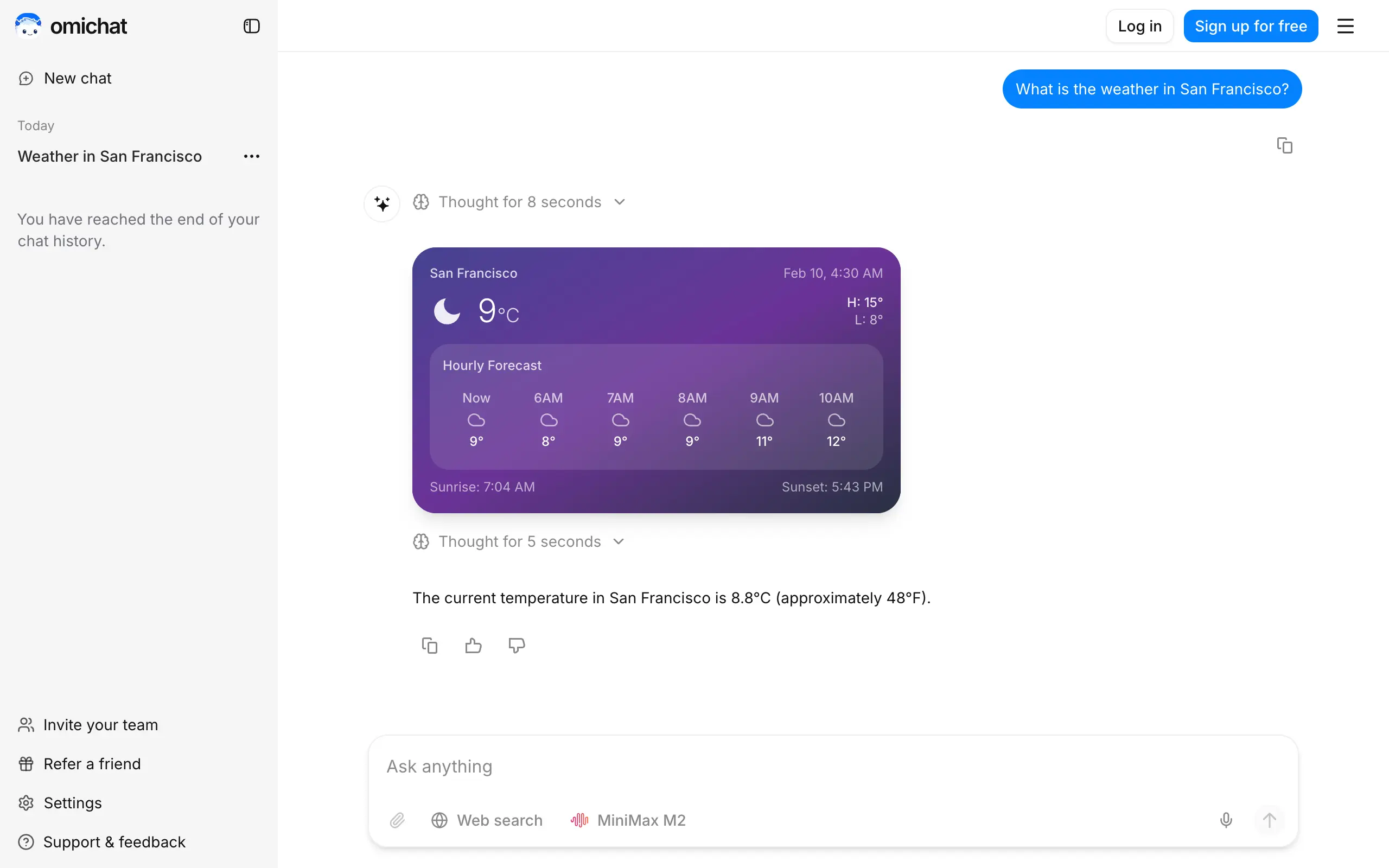
Omichat
Chat with 50+ AI models, including ChatGPT and Claude, in one place - switch models anytime without losing context 🤖
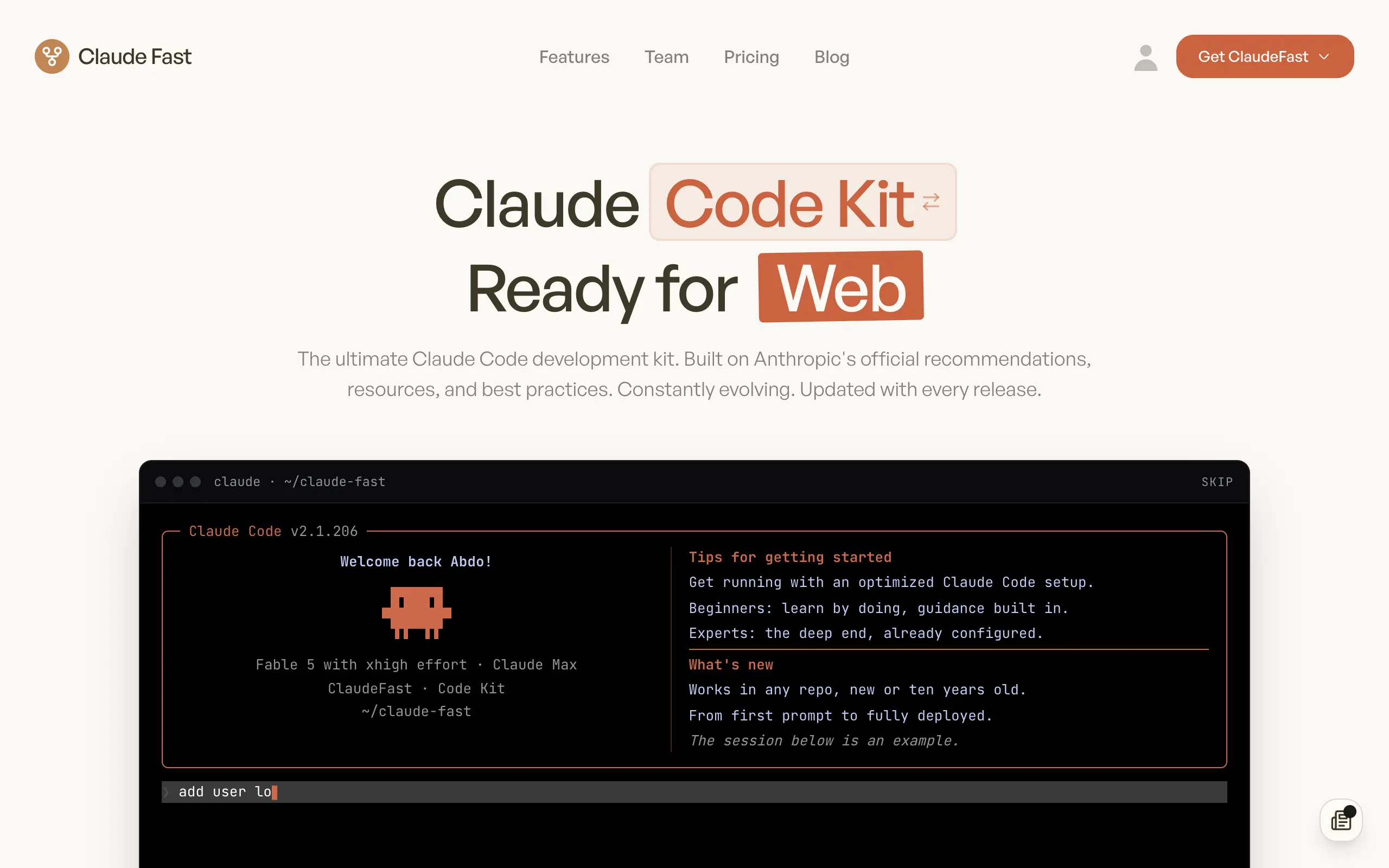
Claude Fast
Supercharge your Claude Code with 6x effective context window and specialized AI agents 🤖
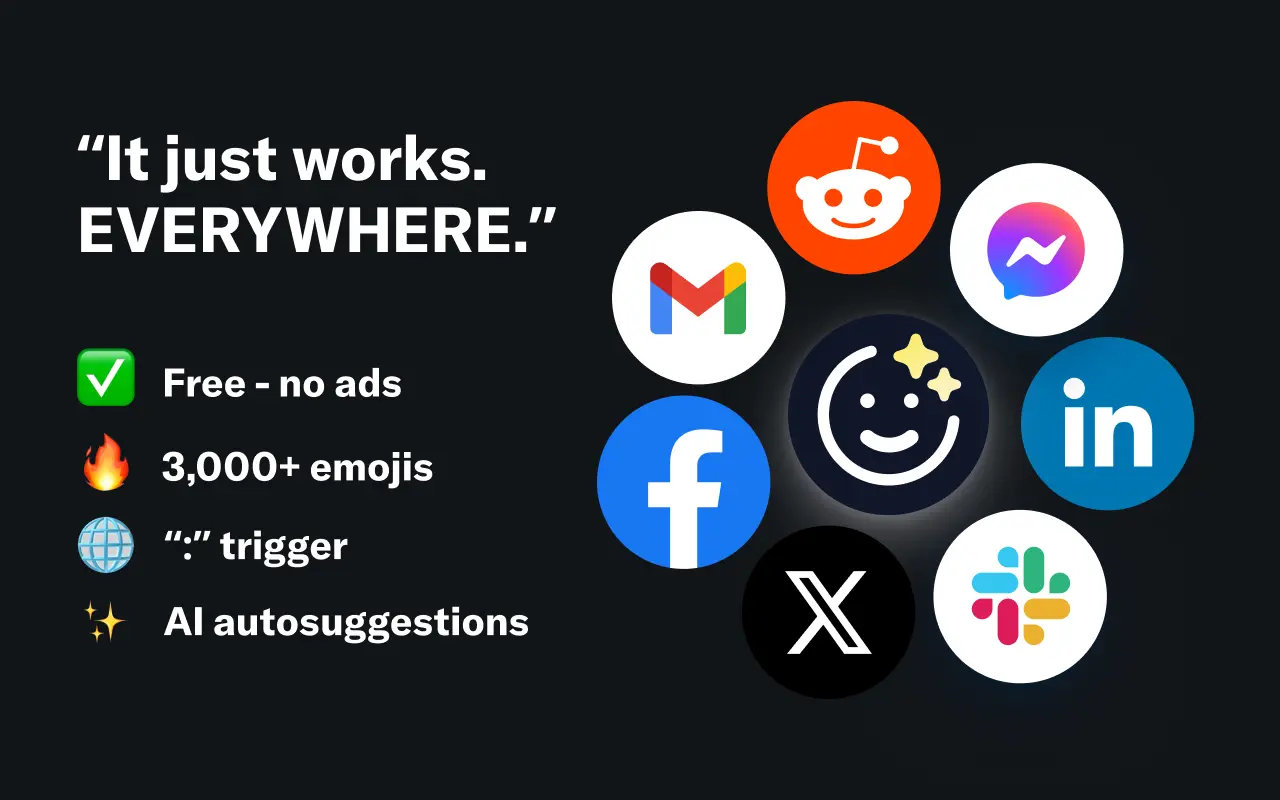
EmojAI
AI-powered emoji picker with smart, context-aware suggestions 🤖
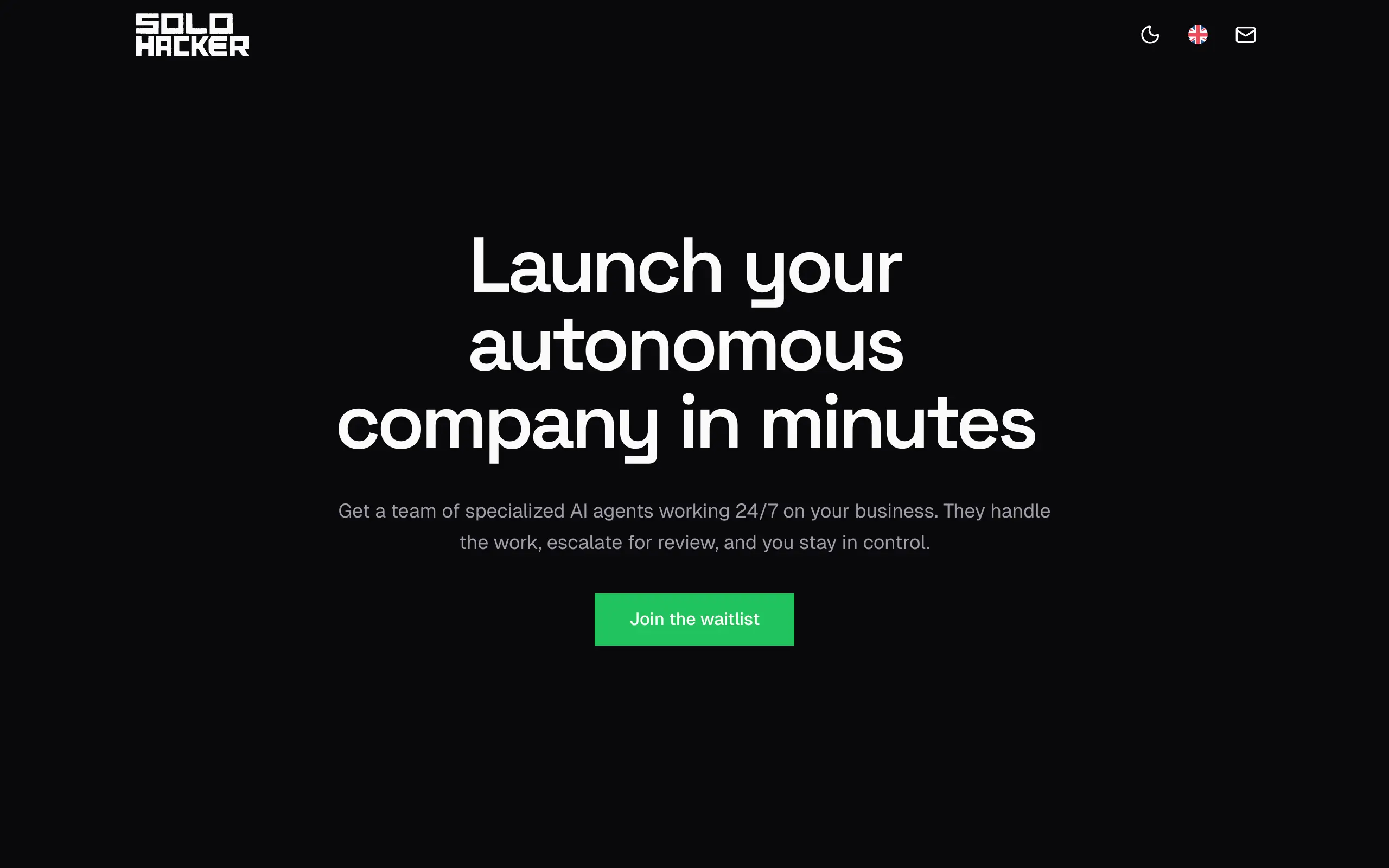
Solohacker
Autonomous company launcher - AI agents work 24/7, escalate what matters, and you stay in control 🤖
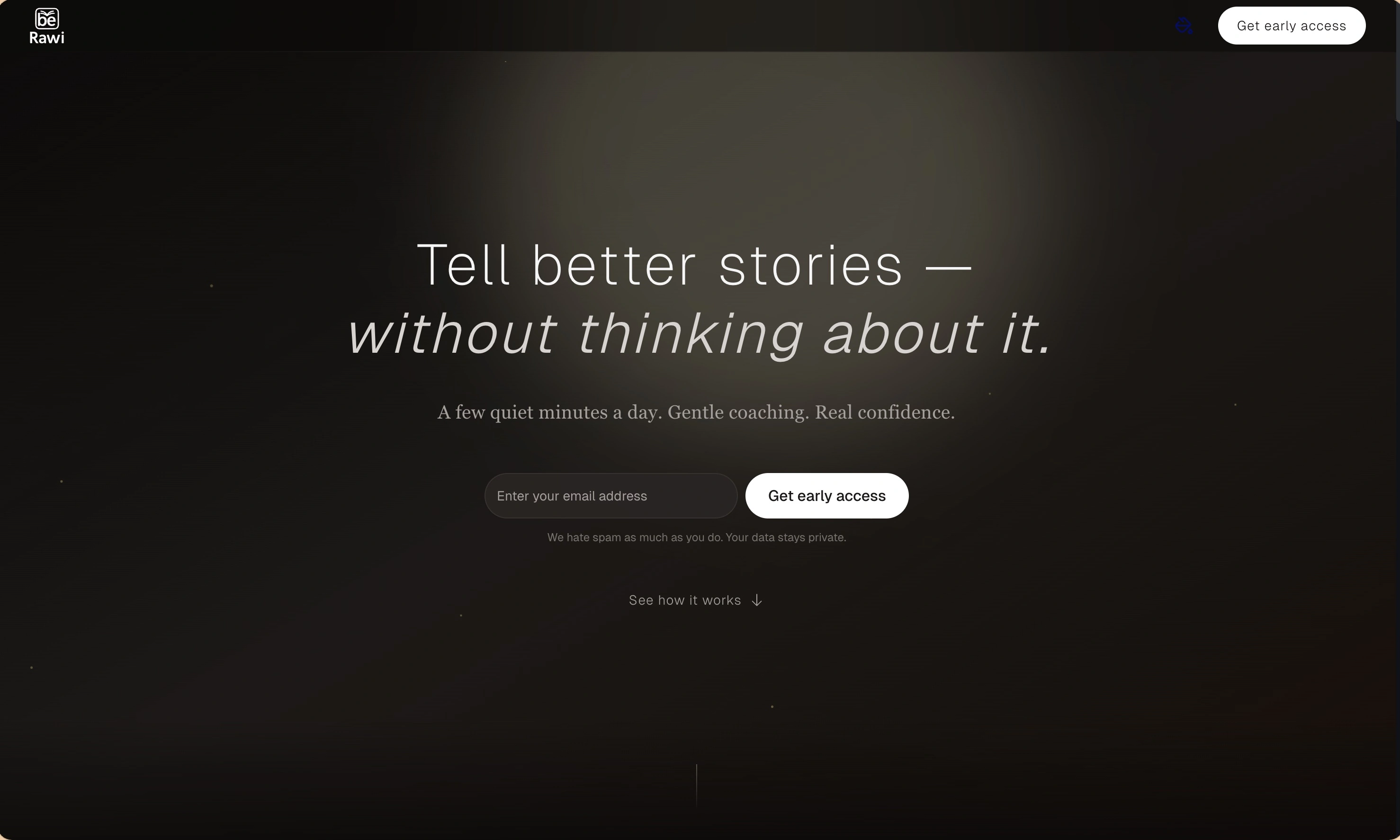
BeRawi: Storytelling Coach
Practice storytelling daily with instant feedback to sound clearer, more engaging, and confident 🎤
Omichat
Chat with 50+ AI models, including ChatGPT and Claude, in one place - switch models anytime without losing context 🤖
Claude Fast
Supercharge your Claude Code with 6x effective context window and specialized AI agents 🤖
EmojAI
AI-powered emoji picker with smart, context-aware suggestions 🤖
Solohacker
Autonomous company launcher - AI agents work 24/7, escalate what matters, and you stay in control 🤖
BeRawi: Storytelling Coach
Practice storytelling daily with instant feedback to sound clearer, more engaging, and confident 🎤
Omichat
Chat with 50+ AI models, including ChatGPT and Claude, in one place - switch models anytime without losing context 🤖
Claude Fast
Supercharge your Claude Code with 6x effective context window and specialized AI agents 🤖
EmojAI
AI-powered emoji picker with smart, context-aware suggestions 🤖
Solohacker
Autonomous company launcher - AI agents work 24/7, escalate what matters, and you stay in control 🤖
BeRawi: Storytelling Coach
Practice storytelling daily with instant feedback to sound clearer, more engaging, and confident 🎤
Omichat
Chat with 50+ AI models, including ChatGPT and Claude, in one place - switch models anytime without losing context 🤖
Claude Fast
Supercharge your Claude Code with 6x effective context window and specialized AI agents 🤖
EmojAI
AI-powered emoji picker with smart, context-aware suggestions 🤖
Solohacker
Autonomous company launcher - AI agents work 24/7, escalate what matters, and you stay in control 🤖
BeRawi: Storytelling Coach
Practice storytelling daily with instant feedback to sound clearer, more engaging, and confident 🎤

Connect with like-minded people
Join our community to get feedback, support, and grow together with 1,000+ builders on board, let's ship it!
Join usShip your startup everywhere. In minutes.
Don't burn tokens on setup and start building features on day one.