Tuneback
Helps independent piano teachers collect tuition, send practice reminders and book recital slots in one place. Teachers recover hours each month they previously spent chasing payments by text and email.
Tuneback is a practice-management tool for independent piano teachers that collects tuition automatically, sends practice reminders to students and parents, and handles recital slot booking in one place. It has potential in 2026 because the typical home-studio teacher still runs a business on Venmo, text threads and a paper calendar, while general-purpose scheduling tools do not understand how music lessons actually work. If you are looking for b2b application SaaS ideas with a narrow, reachable customer, tuition and scheduling software for independent piano teachers is a small but very specific wedge.
Key takeaways
- Target customer: independent piano teachers running a home or small rented studio with roughly 15 to 40 students.
- Pricing angle: a flat monthly subscription, for example $19 to $29 per month per teacher, justified by hours saved and late payments recovered.
- Biggest risk: teachers are price-sensitive and already use free tools, so you must replace the awkward parts of payments, not just add another calendar.
- Time to MVP: about 4 to 6 weeks for one developer using a starter kit, since billing, auth and emails are mostly solved problems.
What problem does Tuneback solve for piano teachers?
Independent teachers lose hours every month to the administrative side of a business they started to teach music. The pain is not scheduling lessons. It is chasing money, nudging families about practice, and coordinating a recital with twenty households.
Who is the ideal customer?
The best first customer is a solo teacher with 15 to 40 weekly students, teaching from a home studio, mostly children and teens, with parents paying. They are past the point where memory works, but too small to justify a studio management suite or a part-time admin.
A teacher at this size usually has no employees, bills monthly or per term, and cares deeply about parent relationships. That last part matters: an awkward payment reminder feels personal, so the teacher delays it.
What do they do today, and why does it fail?
The common workaround is a mix of tools that were never designed for lessons:
- Payments: Venmo, Zelle, cash, checks, or a text saying "tuition is due."
- Scheduling: a shared calendar, a spreadsheet, or a notes app.
- Practice follow-up: verbal reminders at the end of the lesson, or a message thread per family.
- Recitals: a group email followed by many replies and a manually built schedule.
This fails in predictable ways. Payments are inconsistent because nothing triggers a reminder. Late-payment conversations are uncomfortable. Make-up lessons and missed weeks are tracked in the teacher's head. Recital sign-ups turn into an evening of reconciling replies.
Is there a market opportunity for piano teacher software in 2026?
Yes, but it is a niche opportunity, not a venture-scale one. The gap is between generic tools and heavyweight studio software, and the realistic prize is a profitable small SaaS with a loyal audience.
What gap exists in current solutions?
General payment apps move money but do not know about lessons, terms or families. Generic booking tools such as Calendly handle appointments but not recurring tuition, make-up credits or recitals. Music-school platforms such as My Music Staff exist and cover scheduling and billing, but they tend to be built around broader studio administration and can feel heavy to a solo teacher who wants three things done well.
That leaves room for a product that is opinionated about one workflow: get paid on time, keep students practicing, and run a recital without a spreadsheet.
Why does the timing work now?
Several trends favor a focused tool, and none of them require a leap of faith:
- Parents expect to pay by card or bank transfer through an app, and are comfortable with autopay.
- Solo professionals are increasingly comfortable paying for small, specific subscriptions.
- Building and operating a billing-heavy SaaS is far cheaper than it was, so a niche that supports a few hundred customers is now viable.
- Teachers talk in tight communities (local associations, social groups, forums), which makes the first customers reachable without paid ads.
The honest caveat: the total number of potential customers is limited. Plan for a business measured in hundreds of teachers, and decide early whether you want to expand to other music teachers later.
What should the Tuneback MVP include?
Build the smallest product that makes a teacher say "I never had to ask for money this month." That is the aha moment: tuition arrives, on time, without a single awkward message.
Automatic tuition collection
Recurring invoices and autopay by card or bank transfer, with polite automatic reminders for late payments.
Practice reminders
Scheduled messages to students and parents with the week's assignment, so practice follow-up stops living in the teacher's head.
Recital slot booking
A shareable page where families pick a time slot, with limits and a live schedule the teacher can print or send.
Family portal
One simple login per family to see balance, upcoming lessons, assignments and recital sign-ups.
What should you cut from version one?
Cut anything that makes this a full studio suite. That means no payroll, no multi-teacher scheduling, no inventory, no video lessons, no marketplace to find teachers and no native mobile app at launch. A responsive web app with email notifications is enough.
Leave out a full lesson calendar at first if you can. Many teachers already have a calendar they like, and a simple lesson schedule plus make-up credit tracking may be enough to support billing accurately.
How is Tuneback different from existing tools?
Tuneback's unique selling proposition is narrow and easy to say: it gets piano teachers paid and keeps families informed, with no admin work in between. It does not try to run the whole music school.
| Option | Recurring tuition and autopay | Practice reminders | Recital booking | Fits a solo teacher |
|---|---|---|---|---|
| Tuneback | ✅ | ✅ | ✅ | ✅ |
| Spreadsheet plus Venmo | ❌ | ❌ | ❌ | ✅ |
| Generic booking tools | Partial | ❌ | ❌ | ✅ |
| Music studio suites | ✅ | Varies | Varies | Can be heavy |
| DIY with forms and email | ❌ | Manual | Manual | ✅ |
The comparison shows where to compete. You will not beat established suites on breadth. You can win on setup time, tone and a clean parent experience. If a teacher can be live in under 20 minutes and never write a payment reminder again, that is a strong story.
How would Tuneback make money?
Charge teachers, not families. A flat subscription is easiest to explain and budget for.
Option 1: flat monthly subscription
A single plan at roughly $19 to $29 per month. If you charge $19 per month and convert 3% of trial users, you need around 1,000 trial sign-ups to reach 30 paying teachers, which is about $570 in monthly revenue. That math is a reality check on how much top-of-funnel you need, not a forecast.
Option 2: tiered by student count
A free or cheap tier for up to around 10 students, with paid tiers as the studio grows. This aligns price with the value received and makes it easy for a small teacher to start. The downside is that your cheapest users generate support work with little revenue.
Option 3: subscription plus small payment fee
Keep a low subscription and add a small markup on card payments, on top of the processor's fees. This can raise revenue per teacher, but teachers notice fees and some will resent paying twice. Test it carefully, and be transparent.
Which growth channel should come first?
Start with teacher communities and local associations. Piano teachers cluster in music teacher associations, regional groups and online communities. Offer a free setup call to ten teachers, collect their feedback, then ask each for a referral. This is slow but cheap, and trust matters in a niche where word of mouth drives adoption.
How do you validate a piano teacher app before building?
Spend one to two weeks proving that teachers feel the pain and will pay to remove it. Do not write code first.
Interview ten teachers
Ask how they collect tuition, how often payments are late, and what they did the last time a family forgot to pay. Listen for specific stories and time estimates, not opinions about features.
Map the monthly admin hours
Ask three of them to estimate the time they spend on payments, reminders and recital logistics in a typical month. Use their own numbers to shape your pricing argument.
Launch a one-page waitlist
State a single promise, such as "Get tuition paid on time without chasing parents," and show a mockup of the family payment page. Share it in the communities where you did interviews.
Ask for a pre-sale
Offer founding-member pricing, for example a discounted annual plan, to the most engaged teachers. Even three or five paid commitments tell you more than a hundred waitlist emails.
Decide with a clear threshold
Before you start, set a bar such as "five paid pre-orders or ten teachers willing to onboard their real students." If you miss it, adjust the positioning before building.
What tech stack should you use to build Tuneback?
Use a mainstream web stack and avoid anything exotic. The product is mostly forms, recurring payments, scheduled messages and a simple booking flow, so reliability matters more than novelty.
How does TurboStarter speed this up?
Most of the first month of work on a product like this is undifferentiated: accounts, subscriptions, a database, transactional emails and an admin view. TurboStarter ships a ready-made monorepo for web and mobile apps, which lets you start on the parts that make Tuneback unique, such as tuition schedules, reminders and recital booking.
The pieces you would use first:
- Authentication: teacher accounts and a lightweight family login, covered by authentication.
- Billing: the teacher's own Tuneback subscription is handled by billing, so you can focus on tuition collection from families.
- Database: students, families, lessons and invoices live in database.
- Emails: payment reminders and practice notes rely on emails.
TurboStarter also includes background tasks, file storage and an admin panel, which cover scheduled reminders, uploaded sheet music or assignment files, and your own support tooling. Mobile can wait, but the same monorepo makes a later app far less painful.
How should tuition payments work?
Keep the teacher's subscription and the family's tuition payment as two separate flows. Your SaaS billing charges the teacher. Tuition from parents is a different payment product, typically using a platform that supports connected accounts, so the money goes to the teacher. Stripe Connect is the best-known option for this model.
Lets families pay by card or bank transfer and routes funds to the teacher, with autopay and automatic reminders. It adds onboarding steps and compliance responsibilities for the teacher, but it delivers the "never chase money" promise. This is the right choice if tuition collection is your core value.
The teacher pastes a link from their existing processor and Tuneback only tracks status manually. It is faster to build and carries less regulatory weight, but it cannot truly automate collection. It works as a stopgap for early testing, not as the long-term product.
What does the core data model look like?
A simple relational model is enough. Here is a starting point:
create table family (
  id uuid primary key,
  teacher_id uuid not null,
  name text not null,
  email text not null
);

create table student (
  id uuid primary key,
  family_id uuid references family(id),
  name text not null,
  lesson_length_minutes int not null
);

create table invoice (
  id uuid primary key,
  family_id uuid references family(id),
  amount_cents int not null,
  due_date date not null,
  status text not null default 'open'
);
Add recital slots and practice assignments as their own tables, each tied to a teacher and a student. Keep money in integer cents and store the payment provider's reference IDs on each invoice.
What could make Tuneback fail?
Most failures in niche SaaS are commercial, not technical. Plan for these four.
- Low willingness to pay. Teachers may feel free tools are good enough. Mitigation: price against hours saved and late payments recovered, and keep a simple low-cost tier.
- Slow customer acquisition. A small audience means you cannot rely on paid ads. Mitigation: work through associations and referrals, and treat every early customer as a distribution partner.
- Parent adoption friction. If families dislike the payment flow, teachers will stop using it. Mitigation: make the parent experience extremely simple, with no required app download.
- Competition from established suites. Existing products already cover billing and scheduling. Mitigation: stay narrow, set up fast, and focus on tone and simplicity rather than feature count.
Biggest risk: payments and compliance
Collecting tuition on behalf of teachers means you rely on a payment platform's rules and, depending on your setup, may take on onboarding, refund and dispute responsibilities. If this is handled badly, teachers lose trust quickly because money is involved. Use an established connected-account provider rather than holding funds yourself, write clear refund and failed-payment policies, and confirm the requirements for your region before launch.
What are the next steps for the first 30 days?
Move in small, verifiable steps and keep the scope fixed.
Week 1: interviews and waitlist
Talk to ten teachers and publish a one-page waitlist with a clear promise.
Week 2: pre-sales and prototype
Offer founding pricing and sketch the family payment page and teacher dashboard.
Week 3: build the core flow
Set up the project with TurboStarter, then build family records, invoices and automated reminders.
Week 4: onboard five real teachers
Add recital booking, migrate real students by hand and watch where teachers get stuck.
If this problem rings true, start with the interviews this week. The software is the easy part; knowing exactly which awkward admin moments teachers want gone is what makes the product worth paying for.
FAQ
Interview at least ten independent teachers about how they collect tuition and how often payments are late. Then put up a waitlist page and ask the most interested teachers for a paid founding-member commitment. Real pre-payments are a stronger signal than sign-ups.
A flat plan in the range of $19 to $29 per month is a reasonable starting assumption. Anchor it to the hours a teacher spends on admin and the cost of one or two late tuition payments. Test two price points with your first customers before committing.
The main alternatives are spreadsheets with payment apps, generic booking tools and music studio platforms such as My Music Staff. Your edge is focus: a faster setup and a simpler experience for solo teachers and parents, rather than more features.
A standard web stack with TypeScript, a relational database, transactional email and a connected-account payment provider is enough. Using a starter kit such as TurboStarter covers authentication, subscriptions, database and emails, so your time goes into reminders and tuition logic.
A single developer can typically build a usable first version in 4 to 6 weeks if the scope is limited to tuition collection, reminders and recital booking. Payment onboarding and edge cases such as refunds and make-up lessons are what usually stretch the timeline.
Not at launch. A responsive web app with email notifications works for both teachers and parents. Consider mobile once teachers ask for it, and note that TurboStarter's monorepo supports adding it later.
More 🏢 B2B Application SaaS ideas
Discover more innovative b2b application SaaS ideas that are trending in 2026. Each idea is AI-generated with market validation and growth potential to help you find your next profitable venture faster than competitors.
Your competitors are building with TurboStarter
Below are some of the SaaS ideas that have been generated and built with our starter kit.

Monitor any Telegram channel in real time - track posts, edits, deletions, and growth with AI recaps 📡

AI website builder - describe your business, pick a niche template, edit by chatting, and publish instantly ✨
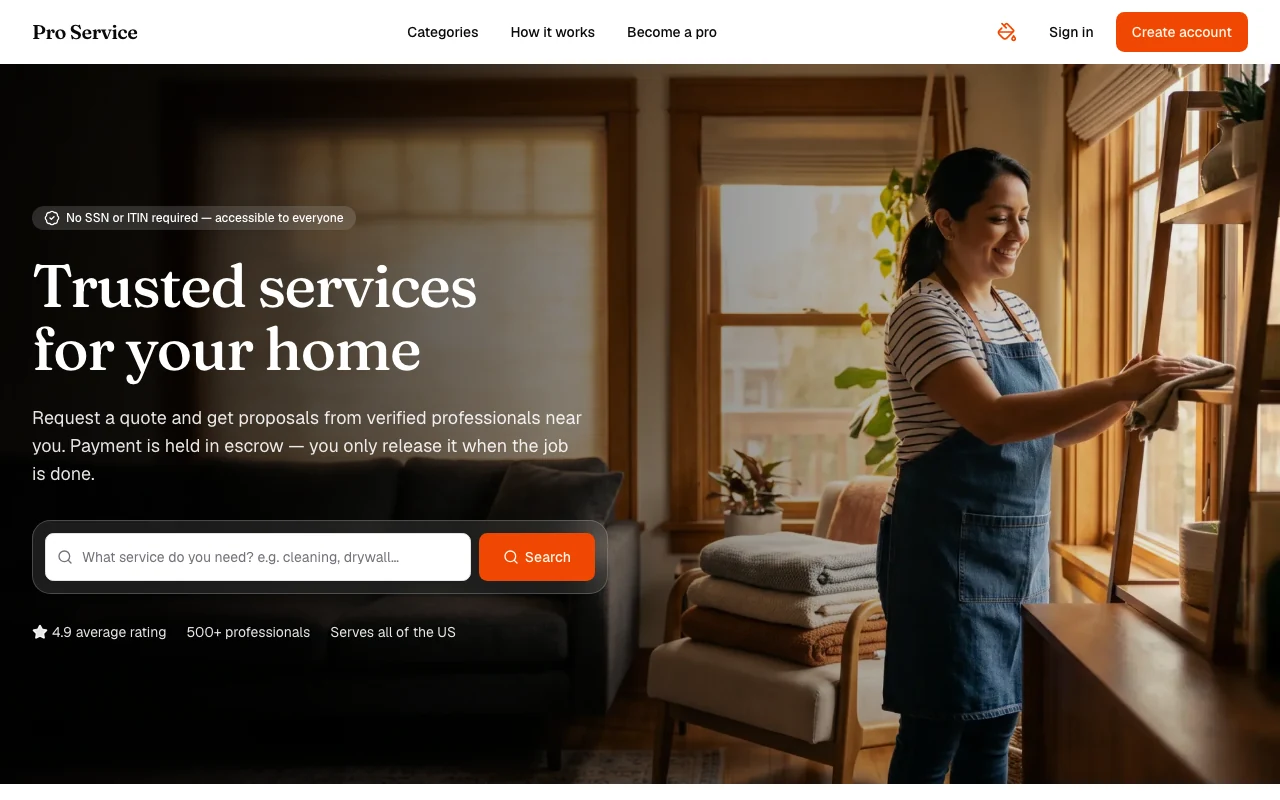
Find verified home service professionals, compare quotes, and pay securely through escrow - built for Brazilians across the US 🏠
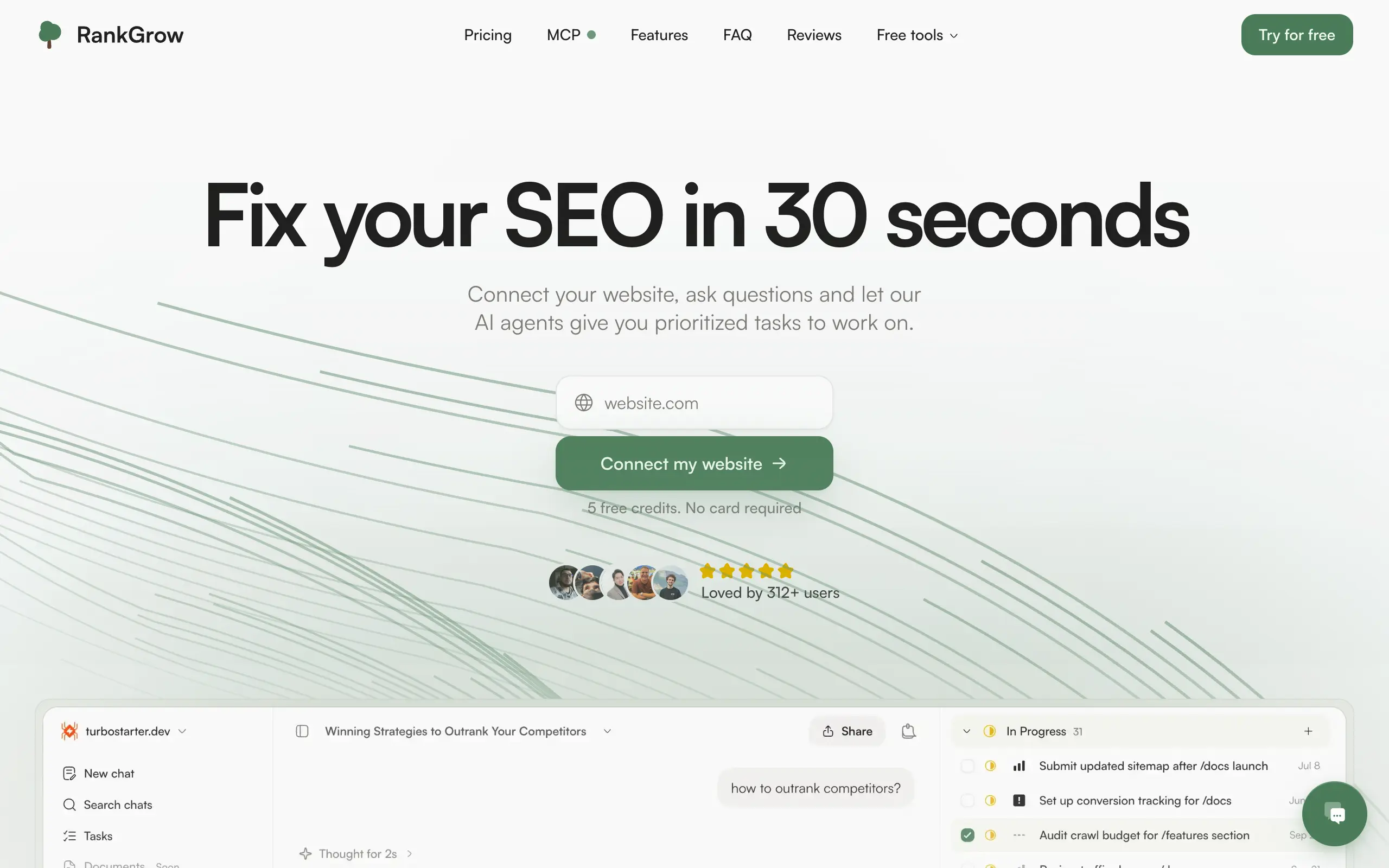
Fix your SEO with AI agents - connect Search Console, get prioritized tasks, and grow organic traffic 📈
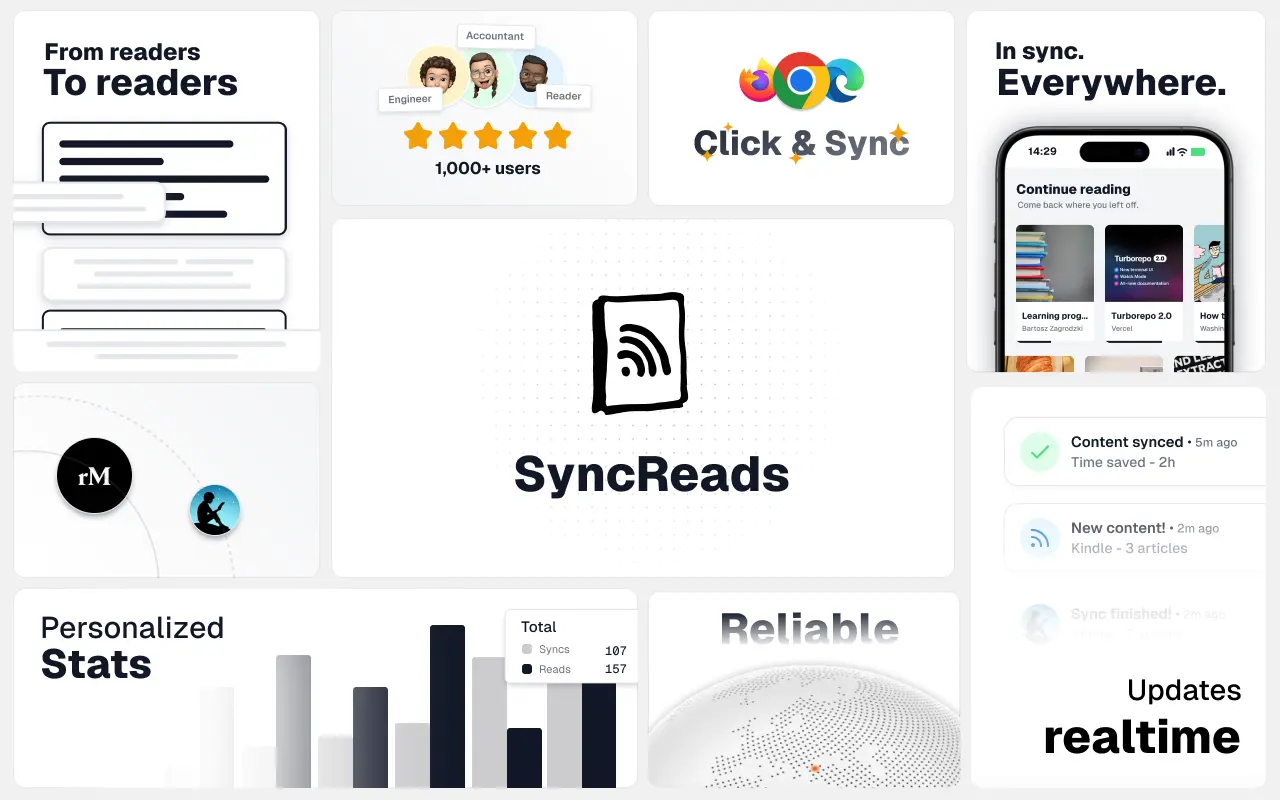
Sync your favorite content for distraction-free reading, save time and replace multiple apps. Anytime, anywhere 🔄
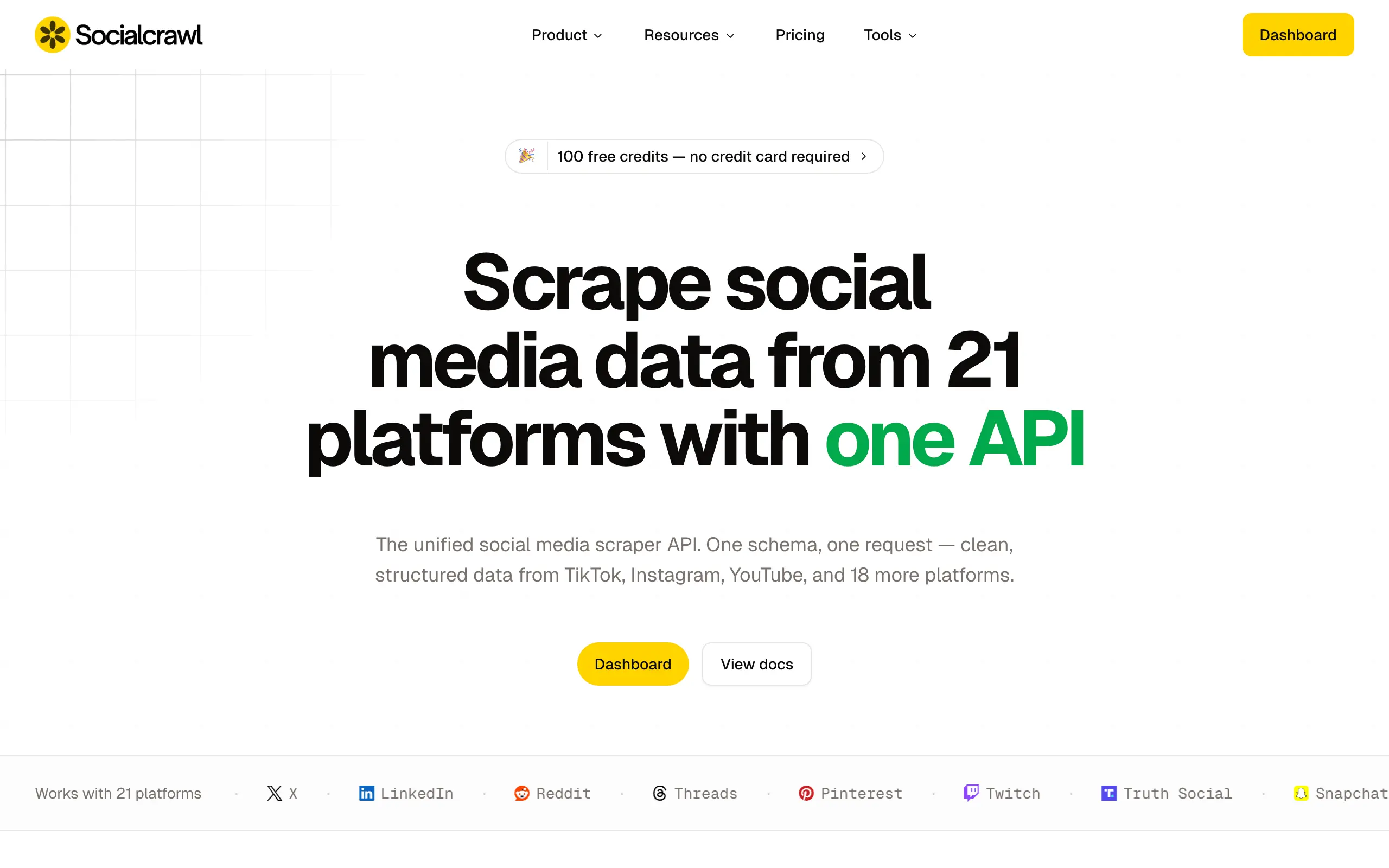
Get clean, structured data from 21 platforms like TikTok, Instagram, and YouTube with a single request 📊
Monitor any Telegram channel in real time - track posts, edits, deletions, and growth with AI recaps 📡
AI website builder - describe your business, pick a niche template, edit by chatting, and publish instantly ✨
Find verified home service professionals, compare quotes, and pay securely through escrow - built for Brazilians across the US 🏠
Fix your SEO with AI agents - connect Search Console, get prioritized tasks, and grow organic traffic 📈
Sync your favorite content for distraction-free reading, save time and replace multiple apps. Anytime, anywhere 🔄
Get clean, structured data from 21 platforms like TikTok, Instagram, and YouTube with a single request 📊
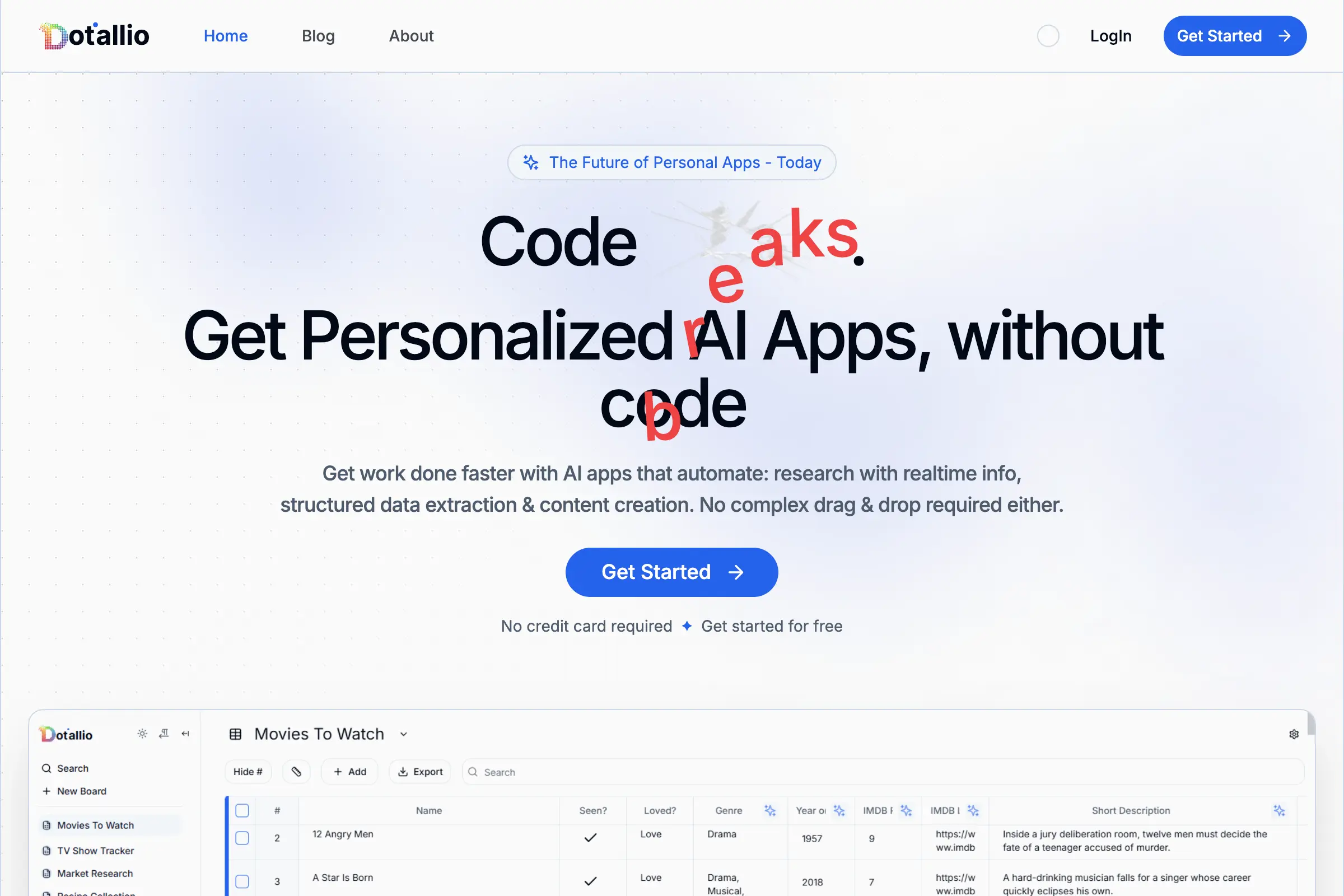
Personalized AI apps that automate research, data extraction, and content creation without code 🤖
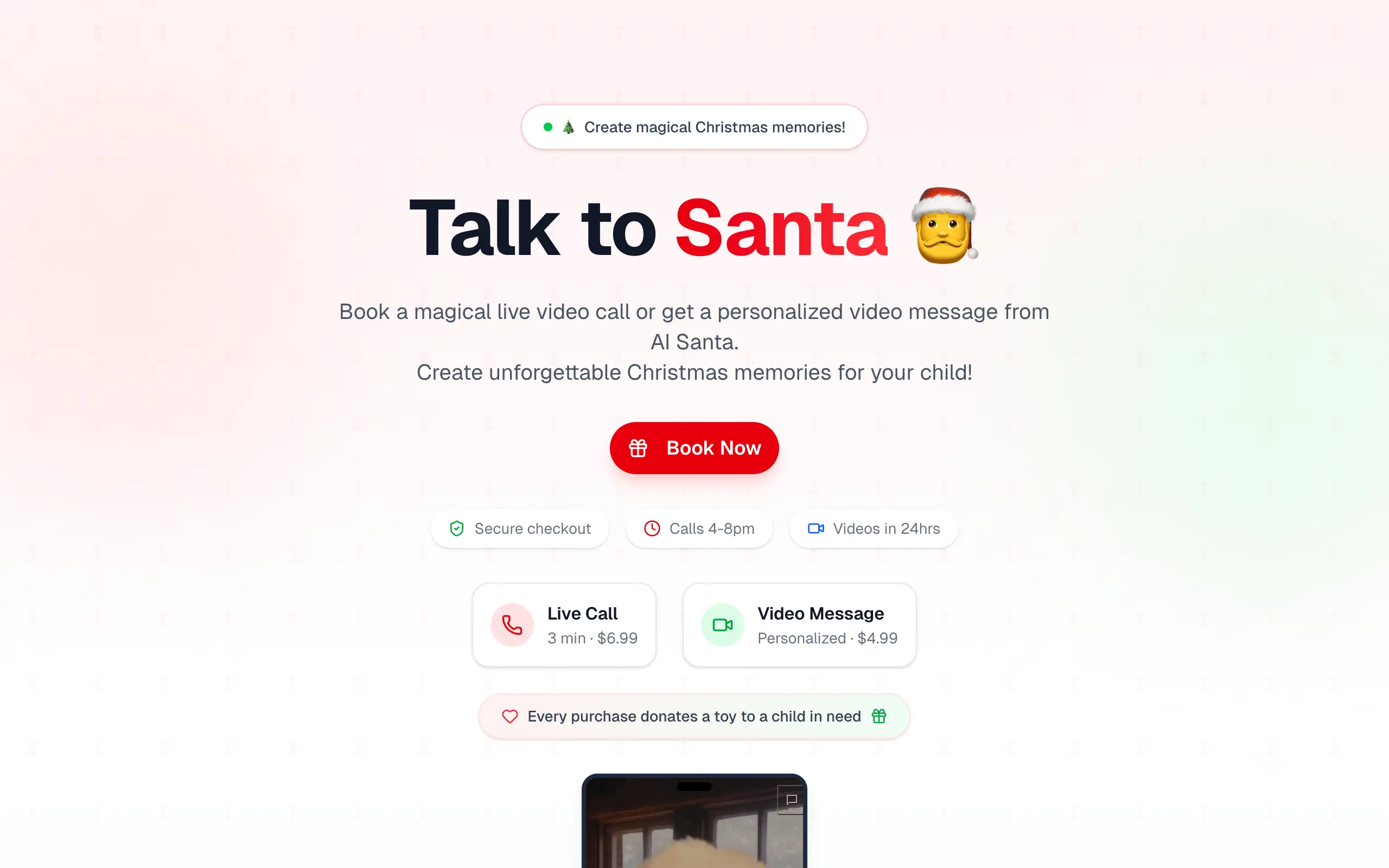
Enjoy a magical live video chat or receive a unique AI-generated video greeting from Santa Claus 🎅
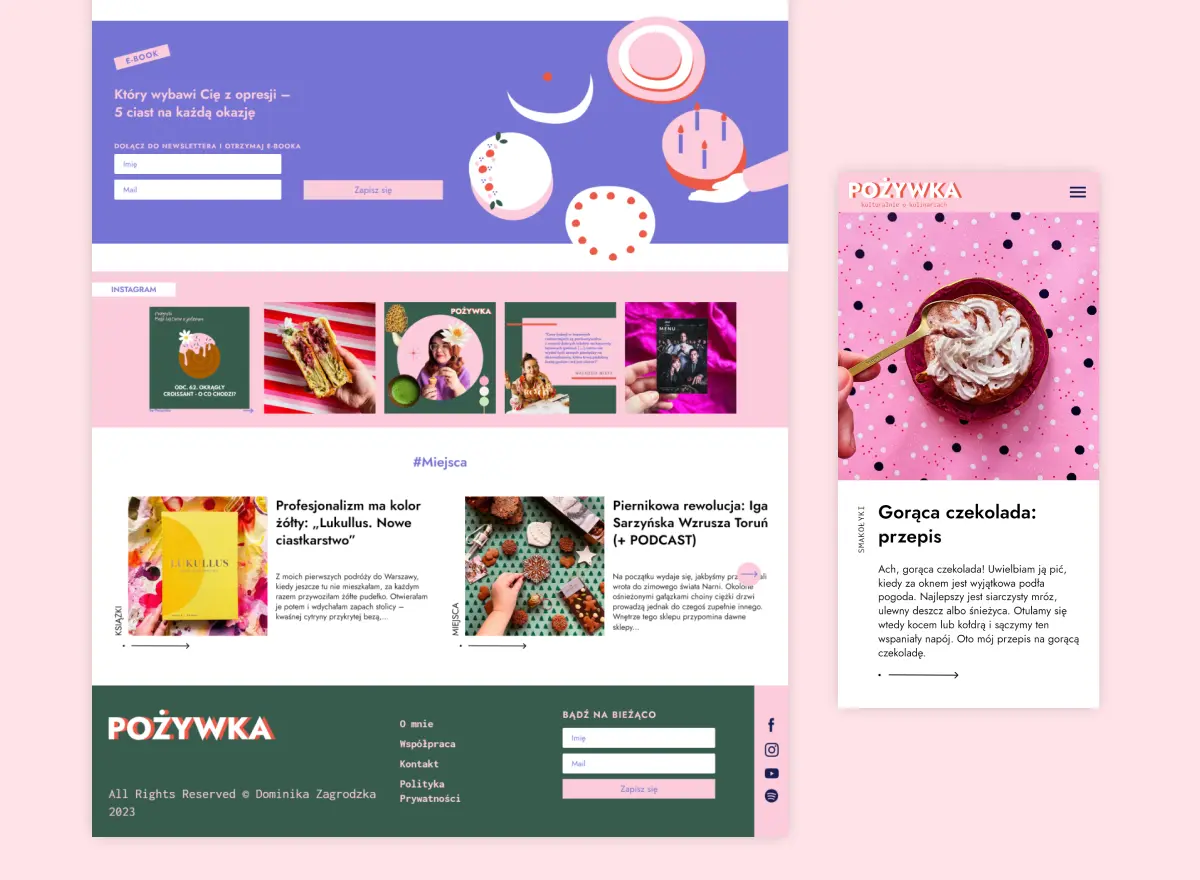
Scalable blog for food journalist, focused on performance and user experience 🌭
Personal blog and portfolio of Bart Zagrodzki, where he shares his knowledge and work 💼
Ship your startup everywhere. In minutes.
Convert HTML to Markdown with ease, directly in your browser 📄
Personalized AI apps that automate research, data extraction, and content creation without code 🤖
Enjoy a magical live video chat or receive a unique AI-generated video greeting from Santa Claus 🎅
Scalable blog for food journalist, focused on performance and user experience 🌭
Personal blog and portfolio of Bart Zagrodzki, where he shares his knowledge and work 💼
Ship your startup everywhere. In minutes.
Convert HTML to Markdown with ease, directly in your browser 📄
Chat with 50+ AI models, including ChatGPT and Claude, in one place - switch models anytime without losing context 🤖
Supercharge your Claude Code with 6x effective context window and specialized AI agents 🤖
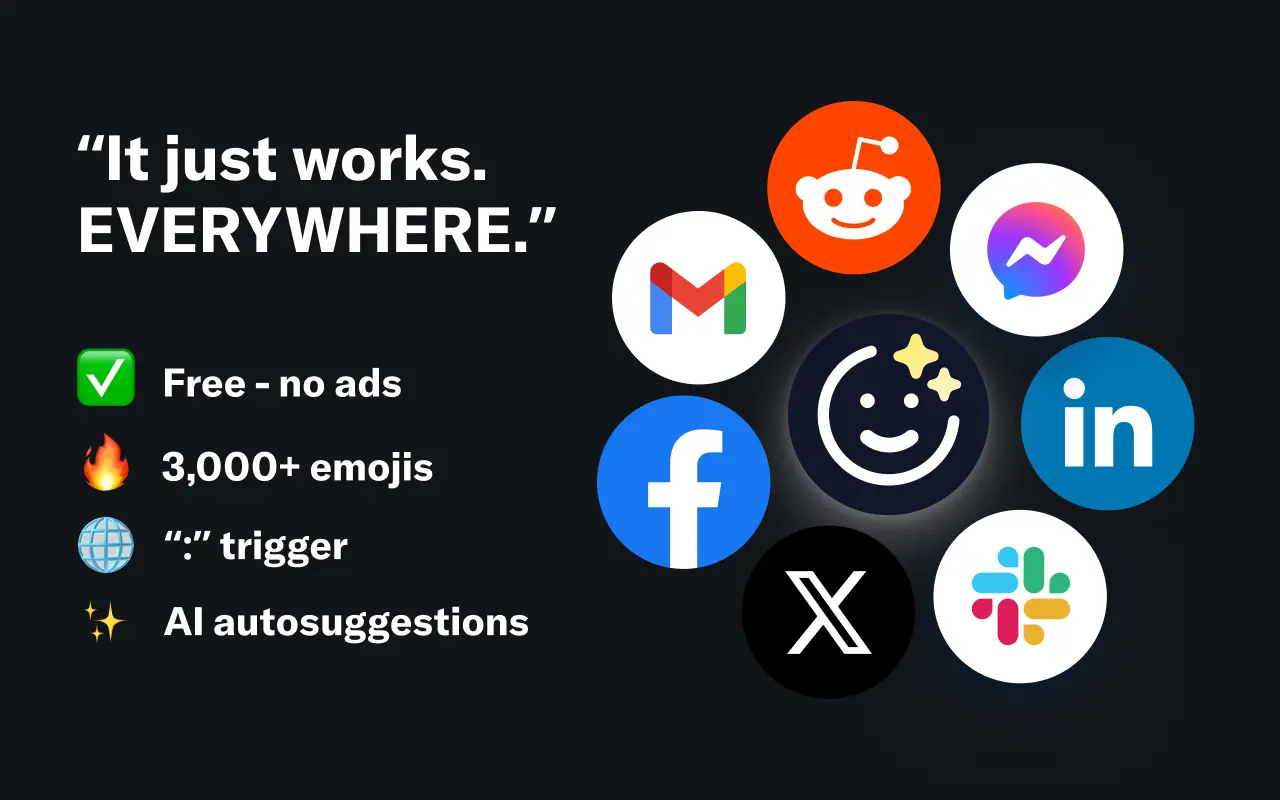
AI-powered emoji picker with smart, context-aware suggestions 🤖
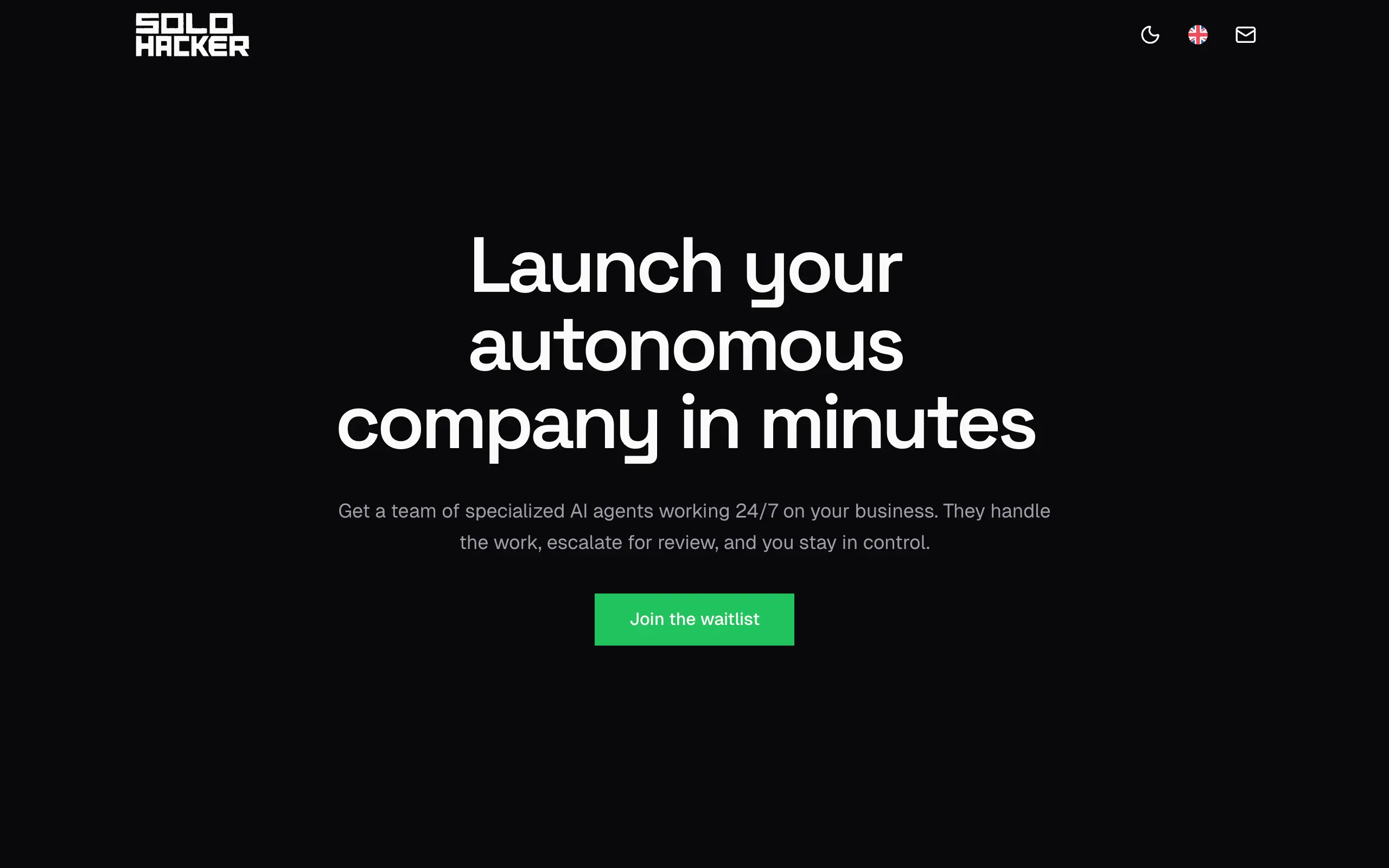
Autonomous company launcher - AI agents work 24/7, escalate what matters, and you stay in control 🤖
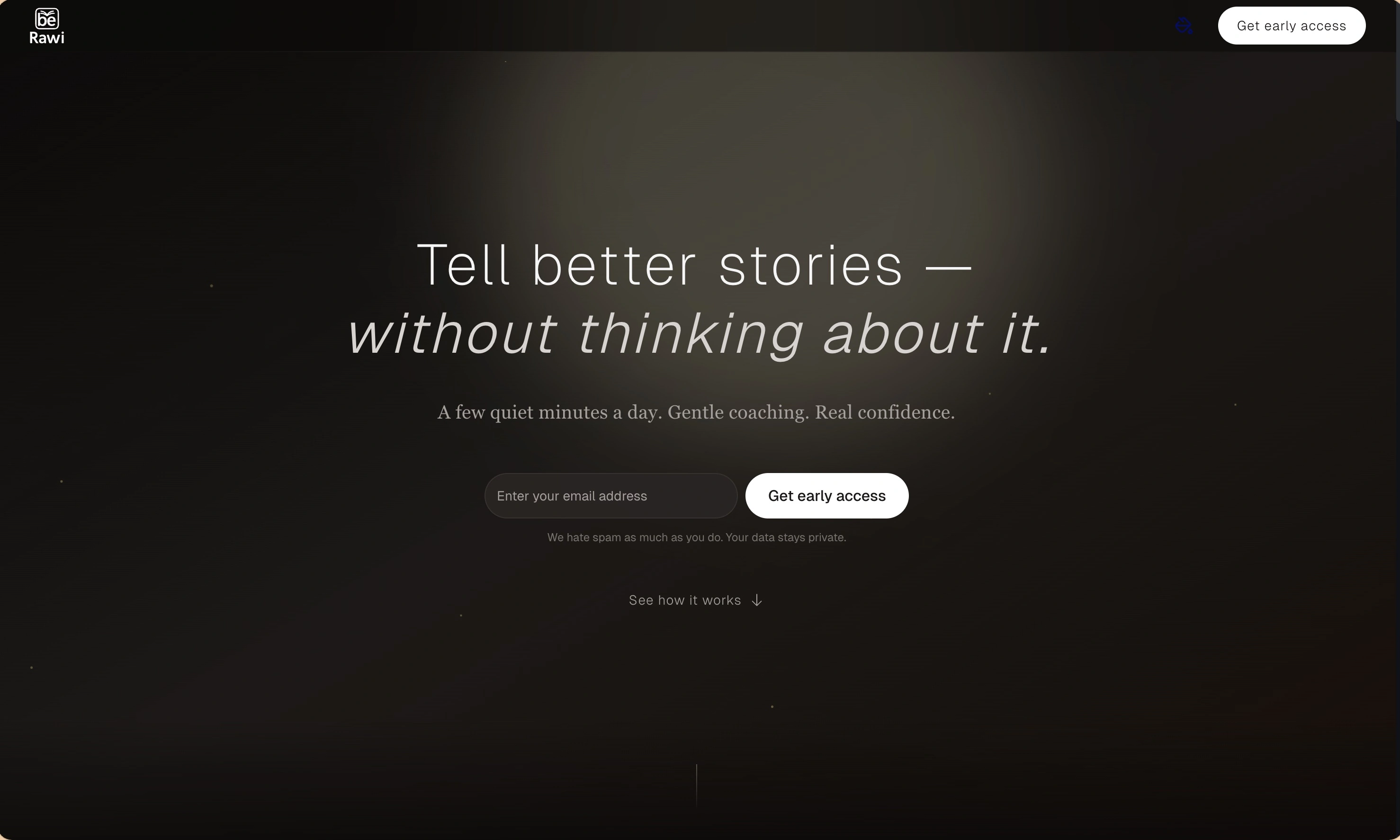
Practice storytelling daily with instant feedback to sound clearer, more engaging, and confident 🎤
Chat with 50+ AI models, including ChatGPT and Claude, in one place - switch models anytime without losing context 🤖
Supercharge your Claude Code with 6x effective context window and specialized AI agents 🤖
AI-powered emoji picker with smart, context-aware suggestions 🤖
Autonomous company launcher - AI agents work 24/7, escalate what matters, and you stay in control 🤖
Practice storytelling daily with instant feedback to sound clearer, more engaging, and confident 🎤

Connect with like-minded people
Join our community to get feedback, support, and grow together with 1,000+ builders on board, let's ship it!
Join usShip your startup everywhere. In minutes.
Don't burn tokens on setup and start building features on day one.