VendorVault
Automate vendor document collection for small businesses. VendorVault chases insurance certificates, W-9s, and renewal dates in one portal.
Why vendor document collection software is becoming essential for small businesses
Small businesses often depend on vendors, contractors, suppliers, consultants, and service providers to operate efficiently. Yet every outside relationship creates an administrative compliance burden. Insurance certificates expire. W-9 forms go missing. Licenses must be renewed. Vendor contracts live in inboxes, cloud drives, and filing cabinets with no consistent owner or review process.
VendorVault is a vendor document collection software platform for small businesses that automates requesting, tracking, storing, and renewing vendor compliance documents from a single portal. It helps teams replace spreadsheet-based follow-up with a repeatable, auditable vendor onboarding and document management workflow.
The core problem is not that businesses do not know they need vendor documents. The problem is that document collection is usually fragmented, manual, and reactive.
A typical process might look like this:
- A new contractor is approved by an operations manager.
- Someone emails the contractor asking for a W-9 and certificate of insurance.
- The contractor sends one document but forgets the other.
- The business saves the file in an inconsistent folder structure.
- The insurance certificate expires months later without anyone noticing.
- A client, auditor, insurer, or finance team requests proof of compliance.
- Employees scramble to find documents and chase vendors again.
VendorVault turns this repetitive operational work into a controlled system. It provides a clear source of truth for vendor compliance, reduces avoidable risk, and gives small teams a practical way to manage vendor records without buying an enterprise governance, risk, and compliance platform.
The central opportunity
Small businesses rarely need a complex enterprise vendor risk management suite. They need a focused system that makes it easy to request documents, see what is missing, receive renewal alerts, and prove that vendors are compliant.
The target audience for vendor document collection software
VendorVault should be designed for businesses that rely on third parties but do not have a dedicated compliance department. These organizations often feel the pain of vendor paperwork long before they identify it as a software category.
The strongest initial audience is likely to be businesses with recurring vendor relationships, compliance requirements, or insurance exposure.
Operations-led small businesses
Operations managers, office managers, and business owners are frequently responsible for vendor onboarding by default. They may oversee facilities, logistics, service partners, maintenance providers, and subcontractors while also handling other duties.
Their daily pain points include:
- Tracking who has submitted required paperwork
- Sending repeated follow-up emails
- Searching across inboxes and file folders
- Verifying whether a document is current
- Communicating status to leadership or clients
- Keeping a vendor from starting work before requirements are met
For this audience, VendorVault must feel simpler than a spreadsheet within the first few minutes. A compliance dashboard should answer the question they ask most often: Which vendors are missing documents or approaching expiration?
Construction, property, and facilities businesses
Construction companies, property managers, commercial landlords, facility operators, and maintenance firms have particularly strong demand for insurance certificate tracking and contractor compliance management.
These businesses commonly need to collect:
- Certificates of insurance
- General liability policies
- Workers' compensation documentation
- Additional insured endorsements
- Business licenses
- Safety certifications
- Signed contracts and agreements
- Tax documents such as W-9 forms
The financial and operational consequences of missing documents can be significant. A vendor without valid insurance may create liability exposure, while an unverified contractor can delay a project or violate client requirements.
VendorVault can position itself as a practical certificate of insurance tracking software option that does more than collect COIs. It can become the central vendor compliance workspace for organizations that need visibility across multiple document categories.
Accounting firms and finance teams
Accounting teams regularly chase W-9 forms because businesses need them to support vendor payment workflows and tax reporting. While a W-9 is relatively simple, collecting one at scale is not always simple.
A finance manager may work with dozens or hundreds of payees, many of whom submit incomplete forms or require repeated follow-up. W-9 collection also becomes more difficult when vendor data is scattered across accounting software, shared inboxes, and employee-managed folders.
VendorVault can support finance teams by combining W-9 collection with status reporting, secure storage, and recurring vendor records. This is especially valuable for businesses that want a better process before tax season creates urgency.
Professional services and multi-location operators
Marketing agencies, staffing firms, franchise operators, healthcare-adjacent service providers, event businesses, and multi-location retailers also manage diverse external partners. Their compliance needs differ, but the workflow is similar.
They need a reliable way to:
- Invite vendors to submit documents
- Set requirements by vendor type
- Monitor incomplete submissions
- Request updated files before expiration
- Maintain a defensible document history
The strongest customer profile is not defined only by industry. It is defined by a recurring pattern: the business has enough vendors to make email-and-spreadsheet tracking unreliable, but not enough compliance complexity to justify an enterprise procurement platform.
The market gap: vendor compliance is underserved below the enterprise tier
Vendor management software is not a new category. Large enterprises use procurement suites, supplier lifecycle management platforms, risk intelligence products, and third-party risk management tools. However, these systems often have long implementation cycles, complex configurations, and pricing structures that do not fit smaller organizations.
That creates a meaningful gap for VendorVault.
| Approach | Best for | Main limitation | Automation | Small business fit |
|---|---|---|---|---|
| Spreadsheets and email | Very small vendor lists | Manual follow-up and weak visibility | Low | High at first, poor at scale |
| Enterprise vendor risk suites | Large regulated organizations | Cost and implementation complexity | High | Often low |
| VendorVault | Small and midsize businesses | Must stay focused as features expand | High-value workflow automation | High |
The market opportunity is not simply “build another document storage portal.” File storage is already available through generic tools. The opportunity is to solve the operational layer around documents:
- Knowing which documents are required
- Knowing who is responsible for submitting them
- Knowing whether submissions are valid
- Knowing when documents expire
- Prompting vendors without repeated manual effort
- Producing an audit-ready record when someone asks for proof
This distinction is important for both product strategy and SEO positioning. People may search for “vendor document management,” “W-9 collection tool,” “certificate of insurance tracker,” “vendor compliance software,” or “contractor document tracking.” VendorVault can serve all of those needs through one clearly defined workflow.
Why now is a strong time to build VendorVault
Several trends make vendor compliance automation more relevant:
- Lean back-office teams need to reduce repetitive administrative work without hiring more coordinators.
- Remote and distributed operations make paper files and inbox-based processes harder to manage.
- Rising insurance and contractual requirements increase pressure to verify vendor documentation.
- Cybersecurity awareness has raised expectations around access controls, audit logs, and secure file sharing.
- Workflow automation expectations have changed because small businesses now expect reminders, portals, and self-service onboarding from modern SaaS tools.
- AI-assisted document extraction can reduce manual data entry when implemented carefully with human verification.
For market validation, VendorVault should reference credible research from organizations such as the U.S. Small Business Administration, insurance industry associations, and recognized procurement research firms. Rather than relying on broad claims, the company should gather first-party insights through interviews with operations leaders, bookkeepers, property managers, and construction administrators.
VendorVault’s unique value proposition
VendorVault should not compete by claiming to be a complete procurement suite. Its advantage comes from being sharply focused on the painful moments that happen after a business says, “We need documents from this vendor.”
A strong positioning statement could be:
VendorVault helps small businesses automatically collect, track, and renew vendor documents, including certificates of insurance, W-9s, licenses, and contracts, without chasing vendors through email.
The product’s unique selling proposition is the combination of simple vendor self-service, deadline-driven automation, and small-business-ready compliance visibility.
Unlike a generic document management tool, VendorVault understands document requirements and expiration dates. Unlike a broad procurement tool, it does not require a lengthy implementation project. Unlike a spreadsheet, it can keep following up when people forget.
Built for recurring compliance
Track document requirements, expirations, renewal status, and vendor readiness instead of merely storing files.
Designed for vendors too
Give external vendors a clear portal and a simple checklist, reducing friction during onboarding.
Focused on small-team workflows
Provide useful automation and reporting without forcing customers to configure an enterprise system.
Core VendorVault features for vendor compliance management
The initial product should solve a narrow workflow exceptionally well. Feature breadth can come later, but the first version must make document collection visibly easier than email and spreadsheets.
Vendor profiles and a centralized vendor directory
Each vendor should have a dedicated profile containing contact details, service category, locations, internal owner, status, and submitted documents.
A useful profile can show:
- Vendor name and legal business name
- Primary contact information
- Vendor category
- Assigned internal owner
- Risk or compliance tier
- Required document checklist
- Document submission status
- Expiration dates
- Follow-up history
- Notes and internal decisions
- Audit activity log
This gives users one authoritative vendor record instead of asking employees to reconstruct history from multiple systems.
Configurable document requirement templates
Different vendor types require different documentation. A landscaping contractor may need a certificate of insurance and workers' compensation document, while a consultant may only need a W-9 and signed services agreement.
VendorVault should let administrators create reusable requirement templates such as:
- “General contractor compliance package”
- “Independent contractor tax documentation”
- “Property maintenance vendor”
- “Professional services vendor”
- “Event supplier onboarding”
Each template should define required documents, optional documents, expiration behavior, renewal intervals, and internal review requirements.
This feature creates leverage. Instead of rebuilding a checklist every time, a team can apply a standardized requirement set to each new vendor.
Vendor self-service portal
The vendor portal is central to adoption. External vendors should not need a full account setup process before uploading basic compliance documents.
A vendor invitation should include a branded link where the recipient can:
- Review the requested document list.
- Upload files securely.
- See which items remain incomplete.
- Enter relevant policy or license details.
- Confirm submission.
- Return later to replace expiring documents.
The portal should make the next action obvious. If the vendor has submitted three of four documents, the page should clearly identify the missing item rather than simply displaying a generic status.
For early product development, passwordless email access can reduce friction. As requirements become more sophisticated, VendorVault can support accounts, multi-user vendor organizations, and delegated document management.
Automated document requests and reminders
Automated follow-up is the feature most likely to create immediate return on investment. Every reminder sent automatically represents one less manual email for an operations or finance employee.
A flexible reminder engine should support:
- Initial invitation emails
- Scheduled reminders for incomplete requests
- Escalation notices before deadlines
- Internal notifications for overdue vendors
- Renewal reminders before document expiration
- Confirmation messages after accepted submissions
- Rejection notices when a file does not meet requirements
The system should avoid becoming noisy. Customers need controls over reminder frequency, business hours, sender identity, email tone, and escalation rules.
A practical default renewal sequence might notify vendors 60, 30, 14, and 7 days before expiration, with an internal alert when a document becomes overdue.
Expiration tracking and renewal management
Expiration tracking is where VendorVault moves from a one-time onboarding tool to recurring compliance infrastructure.
For every expiring document, the platform should store:
- Document type
- Issue date, if applicable
- Expiration date
- Coverage or license reference number
- Review status
- Renewal request status
- Original file and replacement history
The dashboard should prioritize risks by urgency. A vendor with expired insurance should be more visible than a vendor whose W-9 is missing but has not yet been needed for payment processing.
Review and approval workflows
Uploading a file does not necessarily mean the document is valid. An internal reviewer may need to confirm that an insurance certificate has appropriate coverage, the legal entity name is correct, or a W-9 is complete.
VendorVault should support statuses such as:
- Requested
- Submitted
- Under review
- Approved
- Rejected
- Expiring soon
- Expired
- Waived
A rejection workflow should include a reason and a request for resubmission. For example, a reviewer could select “expiration date is too soon” or “certificate does not list required coverage,” then add a short note.
This provides vendors with actionable feedback and creates a record of the compliance decision.
Compliance dashboards and exportable reports
Small business users need fast answers, not complex business intelligence dashboards.
The initial reporting experience should include:
- Vendors with missing documents
- Documents expiring in the next 30, 60, and 90 days
- Vendors blocked from onboarding
- Compliance status by vendor category
- Overdue requests by internal owner
- Completed and pending requests
- Downloadable audit package by vendor
Exports matter because customers may need to share information with clients, property owners, insurers, accountants, or auditors. CSV and PDF exports can be valuable, but the exported data should be permission-aware and carefully designed to avoid exposing sensitive tax information.
Secure document storage and audit trail
Vendor documents can contain sensitive business and tax information. VendorVault needs to treat security as a core product capability, not a late-stage feature.
Baseline protections should include:
- Encryption in transit and at rest
- Role-based access control
- Tenant isolation
- Private file storage
- Signed, time-limited file access URLs
- Immutable activity logs
- Account-level data retention controls
- Download and review history
- Regular backups and tested recovery procedures
A document audit trail should record who requested, uploaded, reviewed, approved, rejected, or downloaded a file and when the event occurred.
Do not overpromise compliance
VendorVault can help customers organize compliance evidence, but it should not claim to provide legal, tax, insurance, or regulatory advice. Customers remain responsible for defining appropriate vendor requirements and verifying document sufficiency.
Recommended tech stack for VendorVault
VendorVault is a workflow-heavy B2B SaaS product. The best technical architecture should prioritize speed of delivery, secure multi-tenant data handling, background automation, and maintainable integrations.
A modern TypeScript stack is a strong fit for the initial product.
Application and user interface
Use React with Next.js for the customer dashboard, marketing site, and vendor portal. Next.js supports server-side functionality, routing, and optimized rendering in one cohesive framework.
Use Tailwind CSS for consistent UI development and fast iteration. A component-driven design system is especially useful because the product will repeatedly use statuses, checklists, data tables, upload states, and reminders.
For form management, a typed validation approach is essential. Vendor forms often include business identifiers, dates, insurance values, and document metadata, all of which benefit from reliable validation before submission.
Database and authentication
PostgreSQL is an excellent primary database for vendor records, workflow states, document metadata, and audit logs. Its relational model suits the relationships between organizations, users, vendors, document types, requirements, requests, files, and activity events.
A simplified data model might look like this:
type VendorDocument = {
  id: string;
  organizationId: string;
  vendorId: string;
  requirementId: string;
  status: "requested" | "submitted" | "approved" | "rejected" | "expired";
  fileKey: string;
  expiresAt: Date | null;
  submittedAt: Date | null;
  reviewedAt: Date | null;
};
For authentication, Clerk or Auth0 can reduce time to market. The trade-off is vendor dependency and potentially increasing cost at scale. A self-managed authentication system gives more control but adds security and maintenance responsibilities that most early SaaS teams should avoid.
File storage and document processing
Use object storage such as Amazon S3 for uploaded files. Files should not be stored directly in the application database. Store metadata and access policies in PostgreSQL while keeping encrypted binary documents in object storage.
An upload flow should use pre-signed URLs so files move directly from the browser to secure storage rather than passing through the application server.
For document extraction, optical character recognition can identify likely dates, policy numbers, and vendor names from submitted documents. This can improve speed, but automated extraction should be treated as an assistant rather than the final authority. Insurance certificates and tax documents have inconsistent formats, so a reviewer must be able to correct extracted values.
Background jobs and notifications
Reminder emails, expiration checks, exports, and document processing require reliable background jobs. Inngest or Trigger.dev can make workflow automation easier for a TypeScript-based SaaS application.
Email delivery can use Resend or Postmark. The right choice depends on deliverability requirements, pricing, template workflows, and operational preferences.
The important design decision is not the provider. It is ensuring that reminders are idempotent, logged, and protected against duplicate sends.
Payments, analytics, and observability
Stripe is the practical default for SaaS subscriptions, seat-based billing, and customer self-service billing portals.
For product analytics, teams should track activation and retention signals such as:
- Time from workspace creation to first vendor invitation
- Percentage of invited vendors that submit documents
- Number of automated reminders sent per account
- Document approval turnaround time
- Renewal completion rate
- Weekly active compliance managers
- Number of vendors under active management
For error monitoring and performance visibility, Sentry is a strong option. Document uploads, email automations, and permissions failures are operationally important events that should be monitored from the first release.
A faster foundation for the MVP
Founders who want to focus on VendorVault’s compliance workflow rather than authentication, billing, teams, and SaaS boilerplate can accelerate development with TurboStarter. Starting from a production-oriented SaaS foundation can reduce the time spent rebuilding common infrastructure and help the team validate the vendor document collection workflow sooner.
Monetization strategy for VendorVault
VendorVault should use pricing that aligns with the customer’s value driver: the number of active vendors and the level of workflow complexity.
A pure per-seat model may underprice the product because one operations manager can manage hundreds of vendors. Vendor-based usage is usually a more intuitive value metric.
Recommended pricing structure
A tiered subscription could include:
- Starter plan for small teams managing a limited number of active vendors
- Growth plan for businesses that need higher vendor limits, automated reminders, branded portals, and multiple document templates
- Professional plan for advanced workflows, multiple locations, custom roles, API access, and priority support
- Enterprise plan for customers that need single sign-on, dedicated onboarding, custom retention policies, and security reviews
A free trial is likely more effective than a permanently free plan. The product requires customers to set up requirements and invite vendors, so a 14-day or 30-day guided trial gives them enough time to experience value without creating a large population of inactive free accounts.
Potential add-ons include:
- Additional vendor capacity
- White-label vendor portal branding
- Advanced compliance reporting
- Document review services
- API and integration access
- Multi-entity management for franchises, accounting firms, or property groups
Pricing should reflect avoided administrative work
The sales message should connect subscription cost to the labor and risk customers avoid. If an operations coordinator spends several hours each month sending reminders, checking expiration dates, and locating documents, VendorVault can create a clear return even at a modest monthly price.
The most compelling value, however, is not only time savings. It is reducing the likelihood that a vendor works with expired insurance, missing tax forms, or incomplete documentation.
Competitive advantage and positioning strategy
VendorVault’s competitive advantage should be clarity.
The product should not attempt to win every category search term with an overly broad message. It should own a focused promise: automated vendor document collection and renewal tracking for small businesses.
That message differentiates it from several alternatives:
- Generic cloud storage tools store documents but do not enforce requirements or chase renewals.
- Project management tools can assign tasks but do not provide vendor-specific compliance records.
- Accounting platforms may hold vendor data but typically do not manage insurance certificates and renewal workflows.
- Enterprise vendor risk software offers deep capability but can be costly and difficult to configure.
- Manual spreadsheet processes appear inexpensive until employees spend hours managing them and documents fall through the cracks.
A durable product moat can emerge from workflow data and configuration depth. As customers build requirement templates, vendor histories, approval rules, and recurring renewal cycles inside VendorVault, the platform becomes more embedded in their operations.
The company should also build authority through educational content. High-intent SEO topics include:
- How to collect W-9 forms from vendors
- How to track certificates of insurance
- Vendor onboarding checklist for small businesses
- Contractor compliance checklist
- What documents should you collect from a vendor
- How to manage vendor insurance renewals
- Vendor compliance tracking spreadsheet alternatives
These articles should provide useful checklists, explain practical limitations, and avoid unsupported legal conclusions. For high-stakes guidance, VendorVault should recommend review by qualified legal, tax, insurance, or compliance professionals.
Risks and mitigation for a vendor document management SaaS
VendorVault has a strong use case, but the business must address product, security, and go-to-market risks early.
Make invitations concise, mobile-friendly, and clear about why documents are needed. Use reminder sequences, allow internal users to resend requests, and offer a frictionless passwordless upload experience.
Clearly define VendorVault as workflow and recordkeeping software. Provide configurable requirements and review tools, but avoid representing the platform as a substitute for legal, tax, insurance, or regulatory expertise.
Implement least-privilege access, encrypted storage, audit logs, strong authentication, secure upload flows, and documented incident response practices from the earliest version.
Prioritize the request-to-submission-to-renewal workflow. Avoid building procurement, contract negotiation, invoice processing, and broad risk scoring before validating the core compliance use case.
Start with segments where operational urgency is high but purchasing complexity is lower, such as property management, construction subcontracting, and local service businesses.
A practical implementation roadmap
VendorVault should launch with a tightly scoped minimum viable product that proves customers will move vendor compliance work out of spreadsheets and email.
The first release does not need AI document verification, complex risk scoring, or dozens of integrations. It needs to make a small business confidently say, “I no longer have to wonder whether this vendor’s paperwork is current.”
After the MVP is validated, the roadmap can expand toward accounting integrations, API access, branded portals, automated metadata extraction, vendor health scoring, multi-location management, and advanced reporting.
Final takeaway
VendorVault addresses a recurring, expensive, and often overlooked operational problem: keeping vendor documents complete, current, and easy to find.
The best version of this B2B SaaS idea is not a generic file repository and not an oversized enterprise compliance suite. It is a focused vendor document collection software platform that helps small businesses request documents, automate reminders, track certificates of insurance and W-9 forms, manage renewal deadlines, and maintain an auditable vendor compliance record.
By starting with a specific customer segment, delivering an exceptionally simple vendor portal, and automating the repetitive follow-up work that teams dislike, VendorVault can earn a valuable place in the small business operations stack.
More 🏢 B2B Application SaaS ideas
Discover more innovative b2b application SaaS ideas that are trending in 2026. Each idea is AI-generated with market validation and growth potential to help you find your next profitable venture faster than competitors.
Your competitors are building with TurboStarter
Below are some of the SaaS ideas that have been generated and built with our starter kit.

Statiko
Monitor any Telegram channel in real time - track posts, edits, deletions, and growth with AI recaps 📡

Shibui
AI website builder - describe your business, pick a niche template, edit by chatting, and publish instantly ✨

Pro Service
Find verified home service professionals, compare quotes, and pay securely through escrow - built for Brazilians across the US 🏠
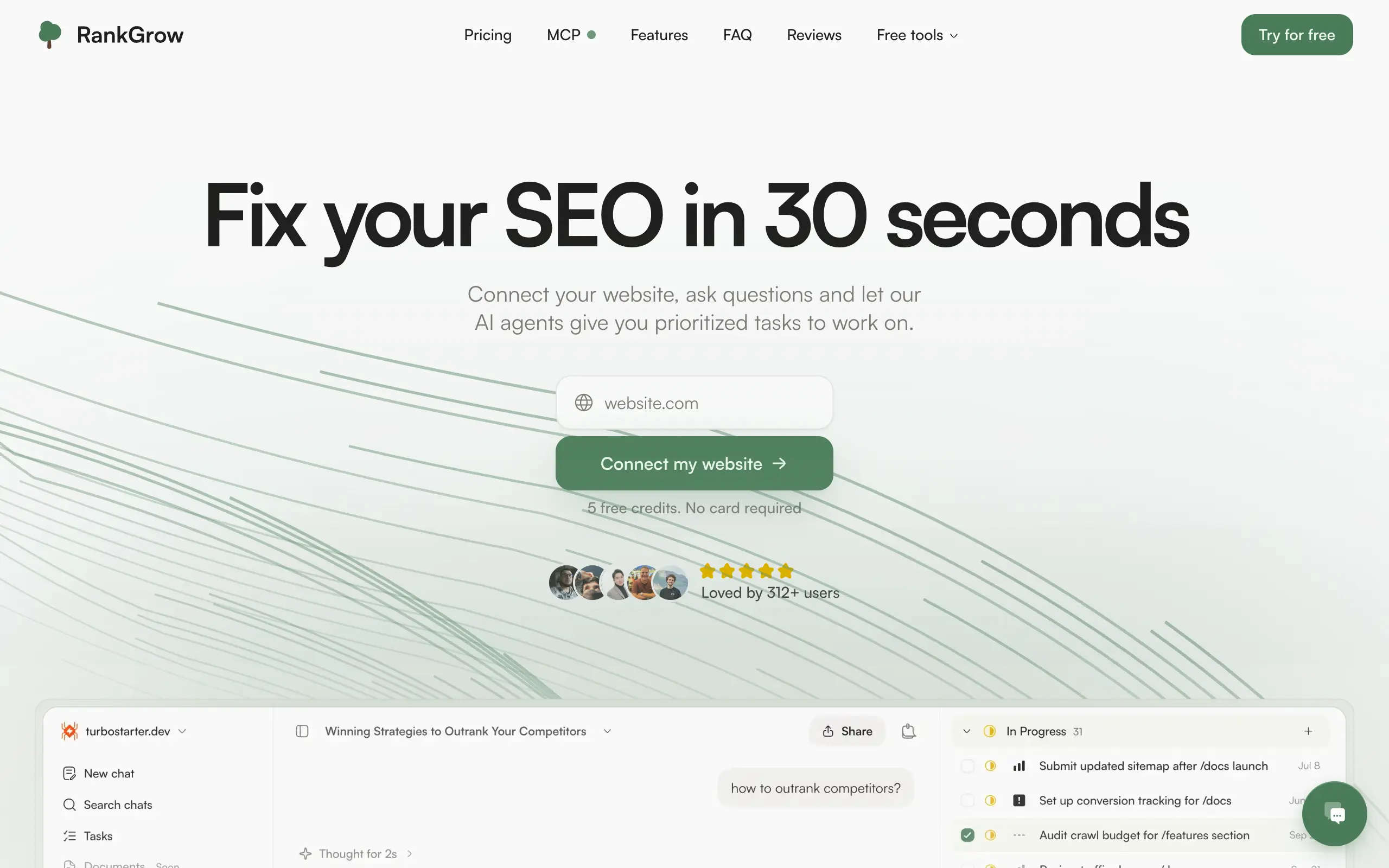
RankGrow
Fix your SEO with AI agents - connect Search Console, get prioritized tasks, and grow organic traffic 📈

SyncReads
Sync your favorite content for distraction-free reading, save time and replace multiple apps. Anytime, anywhere 🔄
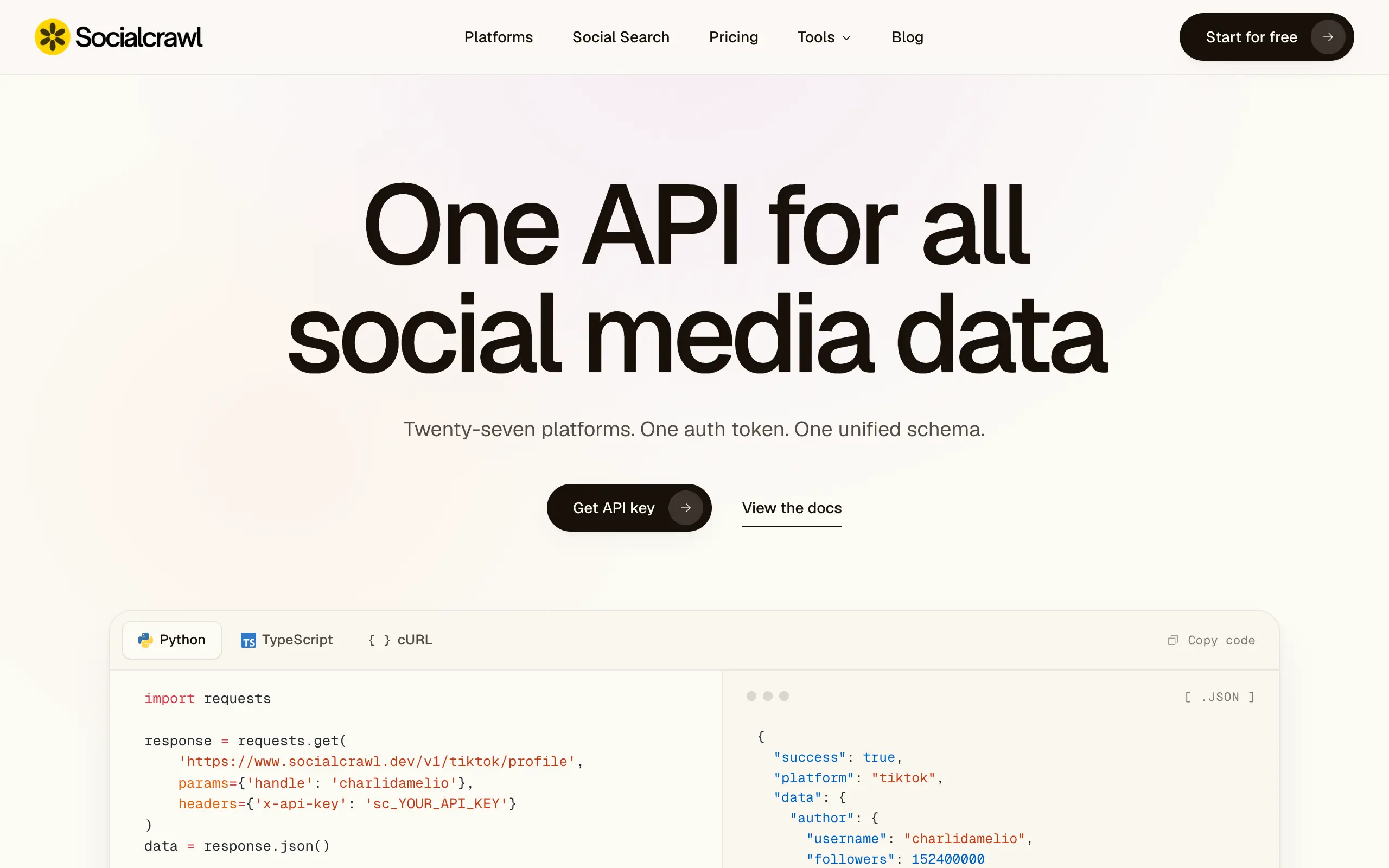
Socialcrawl
Get clean, structured data from 21 platforms like TikTok, Instagram, and YouTube with a single request 📊
Statiko
Monitor any Telegram channel in real time - track posts, edits, deletions, and growth with AI recaps 📡
Shibui
AI website builder - describe your business, pick a niche template, edit by chatting, and publish instantly ✨
Pro Service
Find verified home service professionals, compare quotes, and pay securely through escrow - built for Brazilians across the US 🏠
RankGrow
Fix your SEO with AI agents - connect Search Console, get prioritized tasks, and grow organic traffic 📈
SyncReads
Sync your favorite content for distraction-free reading, save time and replace multiple apps. Anytime, anywhere 🔄
Socialcrawl
Get clean, structured data from 21 platforms like TikTok, Instagram, and YouTube with a single request 📊
Statiko
Monitor any Telegram channel in real time - track posts, edits, deletions, and growth with AI recaps 📡
Shibui
AI website builder - describe your business, pick a niche template, edit by chatting, and publish instantly ✨
Pro Service
Find verified home service professionals, compare quotes, and pay securely through escrow - built for Brazilians across the US 🏠
RankGrow
Fix your SEO with AI agents - connect Search Console, get prioritized tasks, and grow organic traffic 📈
SyncReads
Sync your favorite content for distraction-free reading, save time and replace multiple apps. Anytime, anywhere 🔄
Socialcrawl
Get clean, structured data from 21 platforms like TikTok, Instagram, and YouTube with a single request 📊
Statiko
Monitor any Telegram channel in real time - track posts, edits, deletions, and growth with AI recaps 📡
Shibui
AI website builder - describe your business, pick a niche template, edit by chatting, and publish instantly ✨
Pro Service
Find verified home service professionals, compare quotes, and pay securely through escrow - built for Brazilians across the US 🏠
RankGrow
Fix your SEO with AI agents - connect Search Console, get prioritized tasks, and grow organic traffic 📈
SyncReads
Sync your favorite content for distraction-free reading, save time and replace multiple apps. Anytime, anywhere 🔄
Socialcrawl
Get clean, structured data from 21 platforms like TikTok, Instagram, and YouTube with a single request 📊
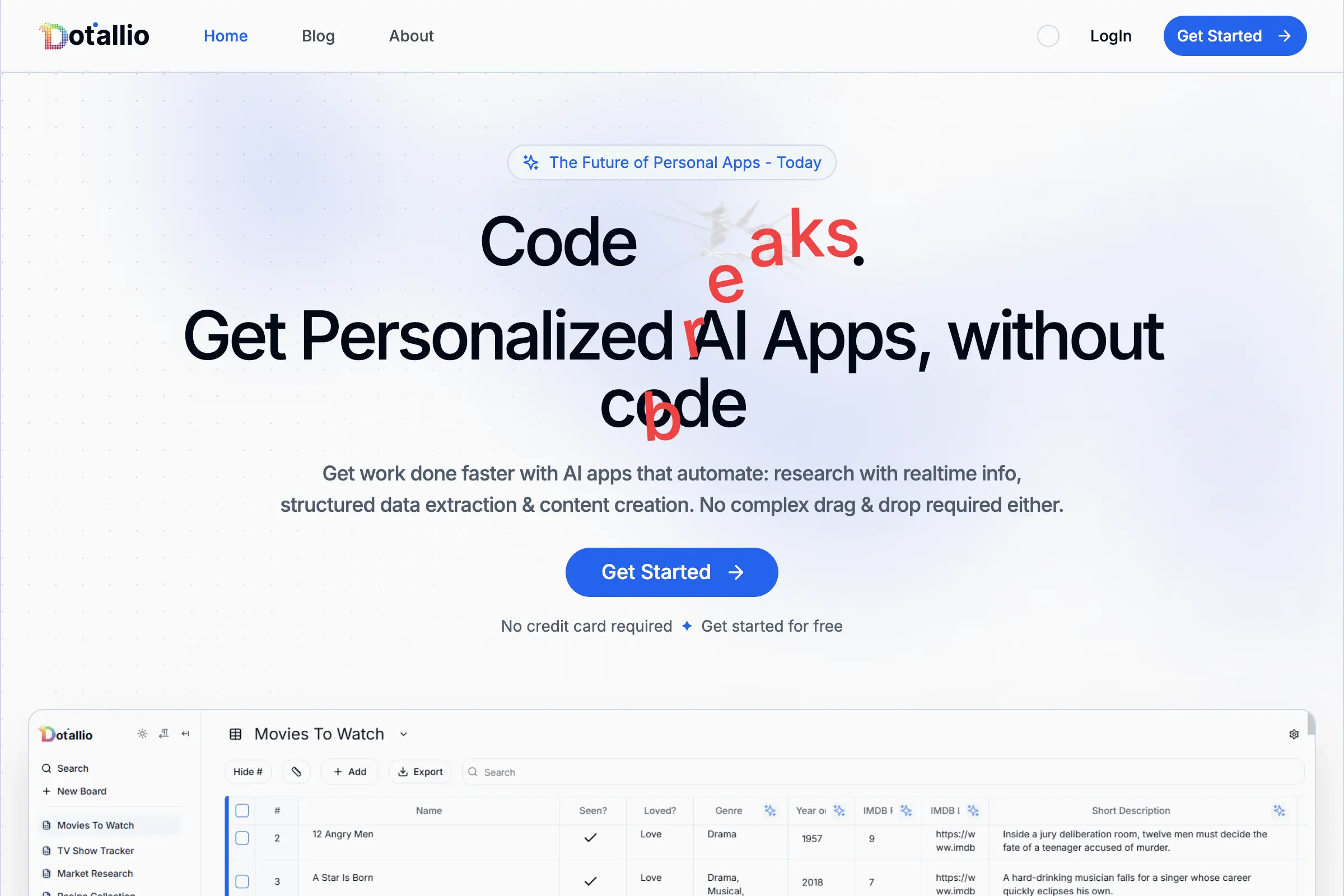
Dotallio
Personalized AI apps that automate research, data extraction, and content creation without code 🤖

Talk to Santa
Enjoy a magical live video chat or receive a unique AI-generated video greeting from Santa Claus 🎅

pozywka.pl
Scalable blog for food journalist, focused on performance and user experience 🌭
zagrodzki.me
Personal blog and portfolio of Bart Zagrodzki, where he shares his knowledge and work 💼

TurboStarter
Ship your startup everywhere. In minutes.
HTML to Markdown
Convert HTML to Markdown with ease, directly in your browser 📄
Dotallio
Personalized AI apps that automate research, data extraction, and content creation without code 🤖
Talk to Santa
Enjoy a magical live video chat or receive a unique AI-generated video greeting from Santa Claus 🎅
pozywka.pl
Scalable blog for food journalist, focused on performance and user experience 🌭
zagrodzki.me
Personal blog and portfolio of Bart Zagrodzki, where he shares his knowledge and work 💼
TurboStarter
Ship your startup everywhere. In minutes.
HTML to Markdown
Convert HTML to Markdown with ease, directly in your browser 📄
Dotallio
Personalized AI apps that automate research, data extraction, and content creation without code 🤖
Talk to Santa
Enjoy a magical live video chat or receive a unique AI-generated video greeting from Santa Claus 🎅
pozywka.pl
Scalable blog for food journalist, focused on performance and user experience 🌭
zagrodzki.me
Personal blog and portfolio of Bart Zagrodzki, where he shares his knowledge and work 💼
TurboStarter
Ship your startup everywhere. In minutes.
HTML to Markdown
Convert HTML to Markdown with ease, directly in your browser 📄
Dotallio
Personalized AI apps that automate research, data extraction, and content creation without code 🤖
Talk to Santa
Enjoy a magical live video chat or receive a unique AI-generated video greeting from Santa Claus 🎅
pozywka.pl
Scalable blog for food journalist, focused on performance and user experience 🌭
zagrodzki.me
Personal blog and portfolio of Bart Zagrodzki, where he shares his knowledge and work 💼
TurboStarter
Ship your startup everywhere. In minutes.
HTML to Markdown
Convert HTML to Markdown with ease, directly in your browser 📄
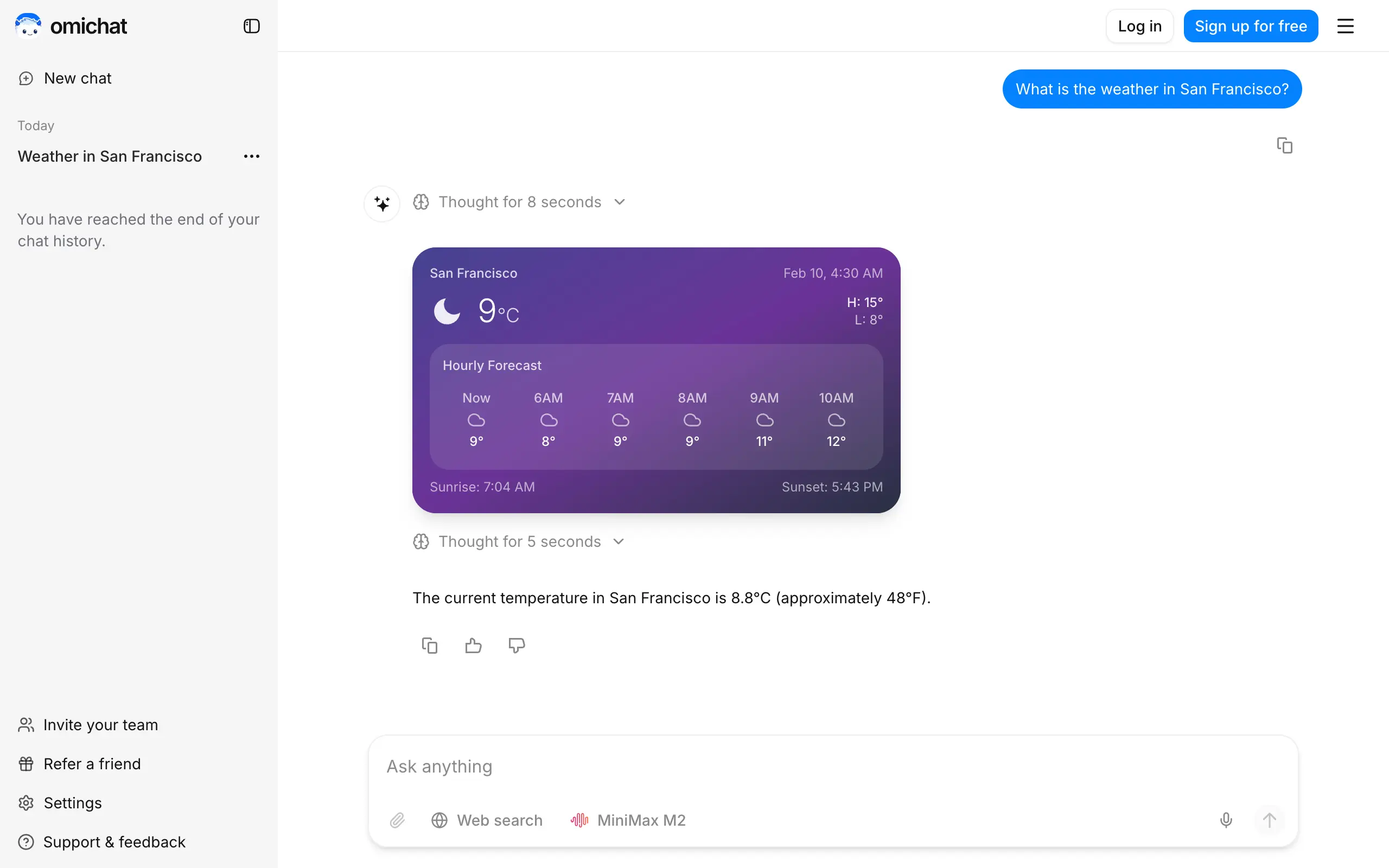
Omichat
Chat with 50+ AI models, including ChatGPT and Claude, in one place - switch models anytime without losing context 🤖
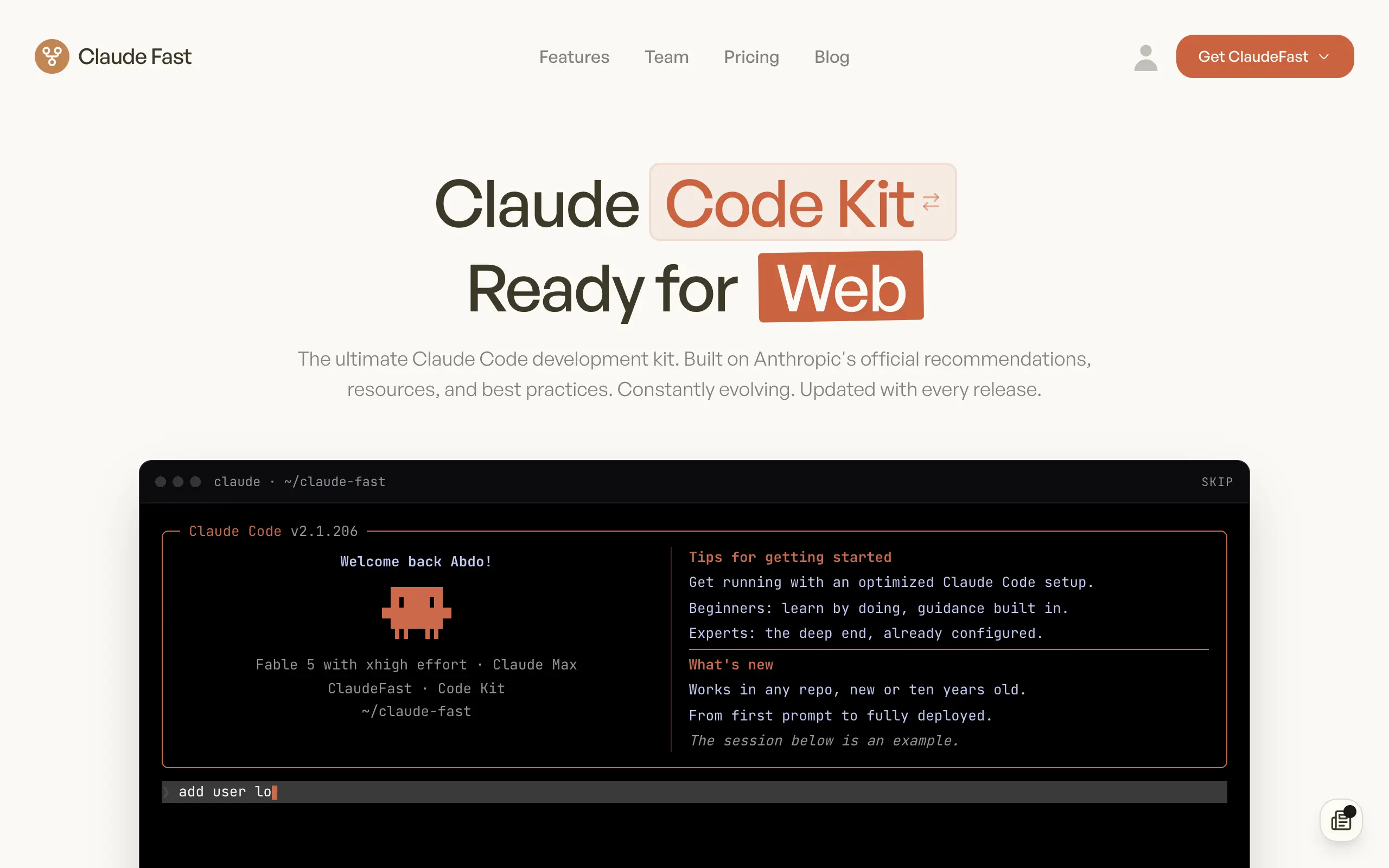
Claude Fast
Supercharge your Claude Code with 6x effective context window and specialized AI agents 🤖

EmojAI
AI-powered emoji picker with smart, context-aware suggestions 🤖

Solohacker
Autonomous company launcher - AI agents work 24/7, escalate what matters, and you stay in control 🤖

BeRawi: Storytelling Coach
Practice storytelling daily with instant feedback to sound clearer, more engaging, and confident 🎤
Omichat
Chat with 50+ AI models, including ChatGPT and Claude, in one place - switch models anytime without losing context 🤖
Claude Fast
Supercharge your Claude Code with 6x effective context window and specialized AI agents 🤖
EmojAI
AI-powered emoji picker with smart, context-aware suggestions 🤖
Solohacker
Autonomous company launcher - AI agents work 24/7, escalate what matters, and you stay in control 🤖
BeRawi: Storytelling Coach
Practice storytelling daily with instant feedback to sound clearer, more engaging, and confident 🎤
Omichat
Chat with 50+ AI models, including ChatGPT and Claude, in one place - switch models anytime without losing context 🤖
Claude Fast
Supercharge your Claude Code with 6x effective context window and specialized AI agents 🤖
EmojAI
AI-powered emoji picker with smart, context-aware suggestions 🤖
Solohacker
Autonomous company launcher - AI agents work 24/7, escalate what matters, and you stay in control 🤖
BeRawi: Storytelling Coach
Practice storytelling daily with instant feedback to sound clearer, more engaging, and confident 🎤
Omichat
Chat with 50+ AI models, including ChatGPT and Claude, in one place - switch models anytime without losing context 🤖
Claude Fast
Supercharge your Claude Code with 6x effective context window and specialized AI agents 🤖
EmojAI
AI-powered emoji picker with smart, context-aware suggestions 🤖
Solohacker
Autonomous company launcher - AI agents work 24/7, escalate what matters, and you stay in control 🤖
BeRawi: Storytelling Coach
Practice storytelling daily with instant feedback to sound clearer, more engaging, and confident 🎤

Connect with like-minded people
Join our community to get feedback, support, and grow together with 1,000+ builders on board, let's ship it!
Join usShip your startup everywhere. In minutes.
Don't burn tokens on setup and start building features on day one.