VisitProof
Help commercial cleaners document each visit and resolve missed-task complaints with timestamped checklists and client-ready reports.
Why commercial cleaning teams need visit documentation software
Commercial cleaning is a recurring service built on trust. A client expects agreed tasks to be completed at a particular location and time, while a cleaning company needs a reliable way to show what happened during each visit. When a client reports a missed task, a manager may have to piece together the answer from text messages, paper checklists, staff recollections, and scattered photos.
VisitProof is a concept for commercial cleaning visit documentation software that gives cleaning teams a consistent record of each service visit. Cleaners complete timestamped checklists, managers can review exceptions, and clients receive clear, professional reports. The goal is not simply to digitize a paper form. It is to make service delivery easier to verify, exceptions easier to resolve, and client communication easier to manage.
This idea addresses a practical operational problem: cleaning businesses often have to prove the quality and consistency of work after a question or complaint arises. A visit record can help answer:
- Was the scheduled visit recorded?
- Which tasks were marked complete?
- Were any tasks skipped or blocked?
- Was an issue reported while the cleaner was on site?
- What information can the manager share with the client?
The product should be designed around that workflow, not around the assumption that every business needs a sprawling field-service management platform. For a focused first release, VisitProof can help commercial cleaners document visits and produce trustworthy, client-ready evidence without requiring them to replace every tool they already use.
The product promise
VisitProof should make it easy for a cleaner to record the work completed, easy for a manager to investigate an exception, and easy for a client to understand the resulting report.
Target audience for VisitProof
The strongest early customers are commercial cleaning companies that manage recurring work across multiple buildings, have more than one cleaner or crew, and regularly communicate with facility managers or business owners about service quality.
The product may be useful to a solo operator, but the business case is usually clearer when there is a team, a portfolio of sites, or a recurring need to respond to questions about completed work.
Primary customer segments
Small and midsize commercial cleaning companies are a natural starting segment. These businesses may rely on paper forms, spreadsheets, messaging apps, and supervisor walkthroughs. VisitProof could replace fragmented records with a repeatable process while keeping implementation manageable.
Janitorial contractors serving offices, retail, schools, or shared buildings often work from different site-specific scopes of work. They need an efficient way to show that a visit occurred and to record whether important tasks were completed, delayed, or blocked.
Multi-location businesses may hire one cleaning provider across several branches or buildings. Their operations teams may want consistent documentation across locations while retaining different checklists for each site.
Facilities and property management teams may benefit from a client-facing report that makes service issues easier to raise and track. These buyers could be direct users, or they could request that their cleaning contractors use a tool like VisitProof.
Key users and their needs
| User | Main need | What VisitProof should provide |
|---|---|---|
| Cleaner | A fast way to record a visit | A mobile checklist, clear task instructions, and quick exception reporting |
| Supervisor | Visibility across sites and crews | A review queue, visit history, and alerts for incomplete or unusual records |
| Business owner | Confidence in service delivery | Consistent records, searchable reports, and a way to spot recurring problems |
| Client or facility manager | Clear evidence and communication | A readable report, relevant exceptions, and a simple way to share feedback |
These roles may overlap in smaller businesses. A business owner might schedule work, inspect reports, handle client complaints, and onboard cleaners. That makes simplicity and low administrative overhead important product requirements.
Jobs to be done
VisitProof should help customers complete a few high-value jobs well:
- Document a visit without adding a burdensome reporting task to a cleaner’s shift.
- Compare a visit against the site’s agreed checklist rather than relying on a generic task list.
- Record an exception when a task cannot be completed or when a problem is discovered.
- Respond to a complaint with a consistent, time-stamped record and any relevant notes or photos.
- Share a professional summary without exposing internal operational details unnecessarily.
- Identify recurring issues such as repeated access problems, supply shortages, or missed tasks.
The key product question is not whether a team can fill out a digital form. It is whether the record is useful enough to improve the next operational decision.
Market opportunity and the product gap
The broader field-service and workforce-management markets include scheduling, route planning, payroll, time tracking, inspections, customer relationship management, and billing. These tools can be valuable, but a cleaning company with a narrow documentation problem may find a large platform difficult to configure or too expensive for its immediate needs.
At the other end of the spectrum, a basic checklist app may record completed tasks but provide little support for managing client-facing evidence. A form can collect information; it may not provide a useful visit history, exception workflow, site-specific permissions, or polished reports.
VisitProof can occupy the space between these approaches:
- More operationally useful than a generic form or shared spreadsheet.
- More focused and faster to adopt than an all-in-one field-service suite.
- More oriented toward service verification than a simple employee time clock.
- Designed around the recurring cleaning visit rather than a broad set of unrelated field jobs.
This is a product hypothesis to validate, not a claim that every cleaning company has the same unmet need. The opportunity should be confirmed through customer interviews, paid pilots, and evidence that documentation is a recurring problem customers will pay to solve.
Why this gap matters
A missed-task complaint creates work even when the original task is small. Someone must understand the complaint, determine which crew was assigned, look for evidence, contact staff, and follow up with the client. If the information is scattered, the company spends time reconstructing events instead of fixing the underlying process.
A structured visit record can shorten that investigation. Over time, consistent exception data may also help managers find operational patterns. For example, repeated reports that a room was inaccessible could indicate a key-management problem rather than a cleaner performance issue.
The product should avoid treating documentation as surveillance. Its purpose is to create a shared, factual record of service delivery and make operational communication more reliable. Customers should be able to understand what is recorded, why it is recorded, who can see it, and how long it is retained.
Core features for a commercial cleaning documentation app
The first version should focus on the smallest complete workflow: create a site checklist, record a visit, handle exceptions, and share a report. Features that do not strengthen that workflow can wait until customer evidence supports them.
1. Site-specific checklists
Each building may have a distinct scope of work. VisitProof should let an administrator create reusable checklists for a site, area, or service type.
Useful checklist capabilities include:
- Task names and concise instructions.
- Required or optional task settings.
- Task grouping by area, such as restrooms, offices, or common spaces.
- A way to mark a task complete, not completed, or not applicable.
- Optional notes and photos for selected tasks.
- Effective dates or revision history when a scope changes.
Avoid making cleaners scroll through an unnecessarily long list. A mobile-first checklist should show the most relevant tasks clearly and make common actions quick. The product should also make it evident when a checklist has changed, so staff are not using outdated instructions.
2. Timestamped visit records
A visit record should capture the basic facts needed to understand an event:
- Site and assigned cleaner or crew.
- Scheduled service window, if available.
- Visit start and completion times, when supported by the customer’s workflow.
- Checklist responses.
- Notes and selected attachments.
- The time each record was submitted or updated.
- The identity of the person who made a change.
Timestamps are useful context, but they are not proof that a particular task was performed. A product that claims more than its evidence supports risks damaging trust. VisitProof should describe its records accurately as documentation submitted by users, with timestamps and supporting context where available.
3. Exception reporting
A checklist needs a graceful path for work that could not be completed. Requiring cleaners to mark every task complete would create inaccurate data and discourage honest reporting.
For an exception, the cleaner should be able to select a reason, add a brief explanation, and attach a photo where appropriate. Possible reasons might include:
- The area was inaccessible.
- The task was outside the agreed scope.
- Supplies or equipment were unavailable.
- A safety or maintenance concern prevented completion.
- The task was missed and requires follow-up.
Managers should be able to distinguish between an exception that needs client communication and one that requires internal action. The system can support that distinction with review status, ownership, and follow-up notes.
4. Client-ready visit reports
A report is the bridge between internal documentation and client communication. It should summarize relevant facts without forcing a client to navigate the company’s internal workflow.
A useful report could include:
- Site name and visit date.
- Tasks completed and exceptions reported.
- Relevant notes or approved attachments.
- A contact path for questions.
- Clear language about what the report represents.
Clients may not need every internal field, staffing detail, or operational note. Report permissions should allow companies to control what is shared. A good report is concise enough to scan and detailed enough to resolve the question that prompted it.
5. Searchable visit history
Managers need to find records by site, date, employee, or exception status. A search and filter experience can turn a collection of forms into a usable operational history.
Useful filters include:
- Site or customer.
- Date range.
- Cleaner or crew.
- Incomplete visits.
- Tasks with exceptions.
- Reports awaiting review.
- Recurring issue category.
The initial version does not need sophisticated analytics. Reliable filtering and a clear visit timeline are more valuable than a dashboard full of metrics that customers do not understand.
6. Notifications and review workflows
Notifications should be tied to meaningful events, such as an exception requiring review or a report that is ready to share. Avoid sending an alert for every checklist action. Too many notifications train users to ignore them.
A simple manager workflow might include:
- A cleaner submits the visit record.
- VisitProof flags any incomplete or exception-bearing records.
- A supervisor reviews relevant items.
- The supervisor assigns a follow-up or shares the report.
- The issue is closed with a short resolution note.
7. Offline-friendly mobile use
Cleaning work can happen in buildings with unreliable connectivity. If the app loses a form when a user enters a basement or an interior room, staff may stop trusting it.
A practical approach is to save checklist progress locally and sync it when a connection returns. The app should communicate sync status clearly and handle conflicts carefully, especially if multiple people can edit the same record. Offline support should be scoped deliberately because it adds engineering complexity around local storage, authentication, retries, and data consistency.
Do not overstate location evidence
Geolocation can be sensitive, inaccurate indoors, and subject to device settings. If VisitProof includes location data, make it optional or transparently configurable, explain its purpose, and never present a location signal as definitive proof that a cleaning task was completed.
Competitive advantage and positioning
VisitProof’s advantage should not be framed as “digital checklists,” since that capability is widely available in forms, task tools, and field-service products. The more specific differentiator is a cleaning-visit documentation workflow that connects site checklists, exception handling, and client-ready reporting.
| Product category | Typical strength | Potential gap VisitProof can address |
|---|---|---|
| Paper checklists | Familiar and inexpensive | Hard to search, share, and analyze consistently |
| Spreadsheets and forms | Flexible and easy to start | Often lack a complete review and reporting workflow |
| General task management | Broad collaboration features | May require configuration for recurring cleaning visits |
| Field-service platforms | Scheduling and operational breadth | May be more extensive than a documentation-first customer needs |
| VisitProof | Focused visit records and reports | Must prove ease of use, trust, and measurable operational value |
The competitive position depends on execution. A narrow tool can be easier to adopt, but focus alone is not a durable moat. VisitProof would need to earn a stronger advantage through:
- Cleaning-specific templates that reflect how commercial cleaning teams work.
- Fast mobile completion that respects the realities of a cleaner’s shift.
- Clear exception management that turns a missed task into an actionable follow-up.
- Client-facing reports that are more useful than raw form submissions.
- Reliable history and permissions that help customers share the right information.
- Simple onboarding that allows a company to configure its first site without a long implementation project.
A further advantage could emerge from customer learning. If VisitProof sees common exception patterns across sites, it can help managers improve processes. However, any aggregate analysis must protect customer confidentiality and should not expose one company’s data to another.
Recommended technology stack
The technology stack should support a dependable mobile workflow, secure multi-tenant data, report generation, and future integrations. The best choice depends on the team’s skills and the need for offline operation.
Web application and mobile strategy
For a responsive web product, React can support a component-based interface, while Next.js can provide application routing and server-side capabilities. Tailwind CSS is an option for building a consistent interface quickly, particularly if the team establishes design tokens and accessible component patterns early.
A responsive web app or progressive web app can be a cost-effective first step. It avoids maintaining separate native applications while the team validates the workflow. The trade-off is that browser capabilities and offline behavior may be more constrained than in a native app.
If pilots show that cleaners need more reliable offline use, camera access, or deeper device integration, a dedicated mobile application may become worthwhile. That decision should follow observed field conditions rather than assumptions made before customer testing.
Backend and data model
A relational database such as PostgreSQL is a strong fit for the core records because sites, users, visits, tasks, and reports have clear relationships. A managed platform such as Supabase can reduce infrastructure work for an early team, though the product still needs careful authorization, data modeling, backups, and operational monitoring.
A basic data model could include:
- Organizations and memberships.
- Sites and site-specific checklist templates.
- Visits and checklist responses.
- Exceptions, notes, and attachments.
- Report settings and sharing records.
- Audit events for sensitive changes.
Every customer-owned record should be scoped to an organization. Authorization should be enforced on the server and, where applicable, at the database layer. Hiding a button in the interface is not a substitute for access control.
File storage and reports
Photos and generated reports should live in private object storage with controlled access. Reports can be generated on demand or stored as versioned snapshots, depending on whether customers need an immutable record of what was shared.
For shareable reports, use expiring links or authenticated client access rather than permanent public URLs. Give administrators controls to revoke access and define retention policies. Keep a record of who generated or shared a report when that information is important to the customer’s audit process.
Authentication, billing, and operations
Use a proven identity provider or framework rather than building authentication from scratch. Support role-based access appropriate to the workflow, such as owner, manager, cleaner, and client viewer. Keep roles understandable and avoid permissions so complex that small companies cannot configure them.
A billing provider such as Stripe can support subscriptions and payment management. Before choosing a plan structure, validate whether customers think in terms of users, locations, visits, or company size.
Operational basics matter from the start:
- Encrypted transport and appropriately protected stored data.
- Backups and tested recovery procedures.
- Error monitoring and audit trails for important events.
- Rate limits and secure file upload validation.
- A documented process for access requests and data deletion.
- Clear privacy and retention settings for customer records.
Build-versus-buy trade-offs
| Area | Build in-house when | Use a managed service when |
|---|---|---|
| Authentication | Access behavior is a core differentiator | The team needs a secure, standard login foundation |
| Report generation | The format is central to the product experience | Standard document output is sufficient for early pilots |
| Notifications | Complex workflows are proven and valuable | Basic email or push notifications meet current needs |
| Offline sync | Field requirements justify specialized investment | Initial usage can tolerate a reliable online workflow |
| Billing | Pricing logic is unusually specific | Standard subscription management is adequate |
For an early product, buying dependable infrastructure is often better than spending months recreating commodity systems. The team should retain control over the data model, authorization rules, and the customer experience that makes VisitProof distinctive.
Monetization strategy for VisitProof
Commercial cleaning software can be priced according to the value customers receive and the way they budget. VisitProof should test pricing with actual buyers rather than selecting a model solely because it is common in SaaS.
Per-location subscription
A per-location plan maps naturally to customer portfolios. A small company with a handful of sites can start affordably, while a larger contractor pays more as it expands. This model can be straightforward if a “location” has a clear definition.
Potential complication: customers may have sites with very different visit volumes. Consider whether a flat location price remains fair for both a small office and a large, frequently serviced building.
Per-user subscription
Charging per active cleaner or manager is familiar to many SaaS buyers. It can align revenue with the number of people using the product, but may discourage companies from adding occasional or seasonal staff. If the product’s value is primarily tied to documented visits rather than seats, a strict per-user model may not reflect perceived value.
Usage-based pricing
Pricing by completed visits or report volume can track product usage. It may work for companies with variable service activity, but customers need predictability. A sensible plan could include a usage allowance and clear overage rules, rather than an unpredictable bill.
Tiered plans
A tiered structure can make it easier for customers to select a plan based on their needs:
- Starter for a small team that needs checklists and visit history.
- Growth for companies that need multi-site management, review workflows, and branded reports.
- Business for larger organizations that need advanced permissions, integrations, audit features, or account support.
Avoid placing essential trust and security features behind an expensive tier. Strong access controls, data protection, and basic export capability are foundational product responsibilities.
Paid pilots and onboarding
A time-limited paid pilot can validate willingness to pay while helping a company configure a few sites. Pilot terms should be clear about what is included, what support is provided, and how the company can export or retain its information if it does not continue.
A guided onboarding fee may be appropriate for customers with many sites or complex checklist imports. For smaller customers, self-serve setup should remain simple enough that implementation cost does not erase the value of the subscription.
Risks and mitigation
Low cleaner adoption
If completing a checklist feels like extra paperwork, staff may skip steps or enter low-quality information.
Mitigation: Observe cleaners using a prototype on a real shift. Reduce unnecessary fields, use clear task language, save progress automatically, and explain how the information helps resolve disputes fairly. Track completion time and abandonment during pilots.
Inaccurate or misleading records
A timestamped checklist does not independently verify that a task was completed. Photos can be incomplete, and location signals may be unreliable.
Mitigation: Describe records precisely. Preserve an audit trail of edits, show who submitted information, and avoid claims that exceed what the system actually verifies. Give managers a process to review questionable records rather than treating every submission as conclusive.
Privacy and employee monitoring concerns
Time and location information can become sensitive, particularly if the product expands into employee tracking.
Mitigation: Collect the minimum information needed for the documented workflow. Make monitoring behavior transparent, provide customer controls, define retention periods, and avoid collecting continuous location data unless a validated use case and appropriate legal review support it.
Client access and information exposure
A client-ready report may contain internal notes, staff identifiers, or other information that should not be shared.
Mitigation: Separate internal fields from shareable fields, preview reports before sending, and use expiring or revocable access. Test report permissions from the perspective of a client who should see only their own sites.
Connectivity and synchronization failures
A failed upload could leave a manager believing a visit was recorded when it was not.
Mitigation: Make sync state visible, preserve unsent entries on the device, retry safely, and provide a clear recovery path. Test on weak networks and older devices, not only on office Wi-Fi.
Scope creep
Customers may request scheduling, payroll, inventory, billing, route planning, inspections, and customer support in addition to documentation.
Mitigation: Keep a product roadmap tied to the core outcome. Add adjacent modules only when they improve documentation adoption, reduce a verified customer pain, or strengthen retention without overwhelming the product.
Long or unclear sales cycles
Small contractors may decide quickly, while larger facilities providers can require security reviews, procurement, and integration work.
Mitigation: Start with a clear initial segment, offer a short path to a working pilot, and document security practices early. Treat enterprise requests as evidence to assess, not automatic commitments to build.
The first release can exclude payroll, advanced route optimization, complex labor scheduling, and broad inventory management. Those features expand implementation and support requirements without proving that customers value the core visit record. Prioritize site checklists, exception handling, a searchable history, and useful reports.
Show the available record transparently, including its author, timestamps, edits, and relevant notes. The software should help people investigate a disagreement, not make an unsupported judgment about who is right. Let managers document the outcome and any corrective action.
How to validate the idea before building too much
The fastest way to test VisitProof is to learn how companies currently document visits and what happens when a client questions a task. Avoid asking only whether someone “likes the idea.” Ask for examples of recent incidents and observe the current process.
Customer discovery questions
Interview cleaning business owners, operations managers, supervisors, cleaners, and facility contacts. Useful questions include:
- How do you currently record work completed at each site?
- What happens when a client says a task was missed?
- How long does it take to find the relevant information?
- Which details do you need to share with a client?
- Where do current records fail or become hard to trust?
- What makes cleaners less likely to complete a checklist?
- Which existing systems would VisitProof need to work alongside?
- Who approves a new tool, and what would they need to see?
- What would make the service worth paying for?
Ask interviewees to walk through a real recent example. Actual behavior is usually more informative than a hypothetical feature wishlist.
Prototype the complete workflow
Build a clickable prototype or lightweight pilot that covers one site from setup through report delivery. Include the exception path; it is often more important than the idealized “everything completed” path.
Test with users in their real environment where practical. Pay attention to:
- Time to complete a typical visit record.
- The number of confusing or skipped tasks.
- Whether users understand the report.
- How managers locate an exception.
- Whether a client can access only the information intended for them.
Measure behavior, not vanity metrics
During a pilot, focus on operational indicators such as:
- Percentage of assigned visits with a submitted record.
- Checklist completion and exception rates.
- Time between visit completion and manager review.
- Time required to find a record for a client question.
- Frequency of repeated issues at the same site.
- Cleaner and manager feedback about workflow friction.
- Renewal intent and willingness to pay after the pilot.
These measures are not proof of product-market fit on their own. Interpret them alongside customer interviews and actual purchasing behavior.
Actionable implementation steps
Choose an initial customer segment. Start with one type of commercial cleaning company, such as regional contractors serving offices or multi-site retail locations. Define the team size, site complexity, and current documentation process you expect to serve.
Map the complaint-resolution workflow. Document how a visit is assigned, recorded, reviewed, shared, and followed up. Identify where information is lost and which roles need access at each stage.
Interview potential buyers and frontline users. Speak with owners, operations staff, cleaners, and client-side facility contacts. Ask about recent examples, current tools, adoption barriers, and purchasing criteria.
Prototype site setup, visit completion, exceptions, and reports. Test the full workflow before investing in advanced analytics or adjacent modules. Make the mobile checklist usable under realistic time and connectivity constraints.
Run a paid or clearly scoped pilot. Configure a small number of sites and define what success means in advance. Provide a simple data export and an honest explanation of what the records can and cannot prove.
Build the MVP around observed usage. Implement secure organization-level data separation, role permissions, searchable visit records, exception review, and controlled report sharing. Add offline support if field testing demonstrates the need.
Review evidence and refine pricing. Compare usage, customer outcomes, support burden, and willingness to pay. Keep the product focused until customers repeatedly show that additional features are essential to adoption or retention.
A team that wants to move quickly can use TurboStarter as a starting point for the SaaS foundation, then focus its engineering effort on the cleaning-specific workflows that differentiate VisitProof.
The long-term opportunity for commercial cleaning visit documentation
VisitProof has a focused opportunity: help commercial cleaning companies create a clear, consistent record of service visits and turn that record into better communication. The product’s value depends on more than digitizing a checklist. It must be fast enough for cleaners, useful enough for managers, and clear enough for clients.
The strongest starting position is a documentation-first product with site-specific checklists, honest timestamped records, thoughtful exception handling, and client-ready reports. From there, customer evidence can guide expansion into integrations, advanced analytics, or adjacent workflows.
The central test is straightforward: Does VisitProof help a cleaning company resolve service questions with less effort and more confidence, without adding unreasonable work for its cleaners? If pilots demonstrate that outcome and customers are willing to pay for it, the idea has a credible foundation for a focused B2B SaaS business.
More 🏢 B2B Application SaaS ideas
Discover more innovative b2b application SaaS ideas that are trending in 2026. Each idea is AI-generated with market validation and growth potential to help you find your next profitable venture faster than competitors.
Your competitors are building with TurboStarter
Below are some of the SaaS ideas that have been generated and built with our starter kit.
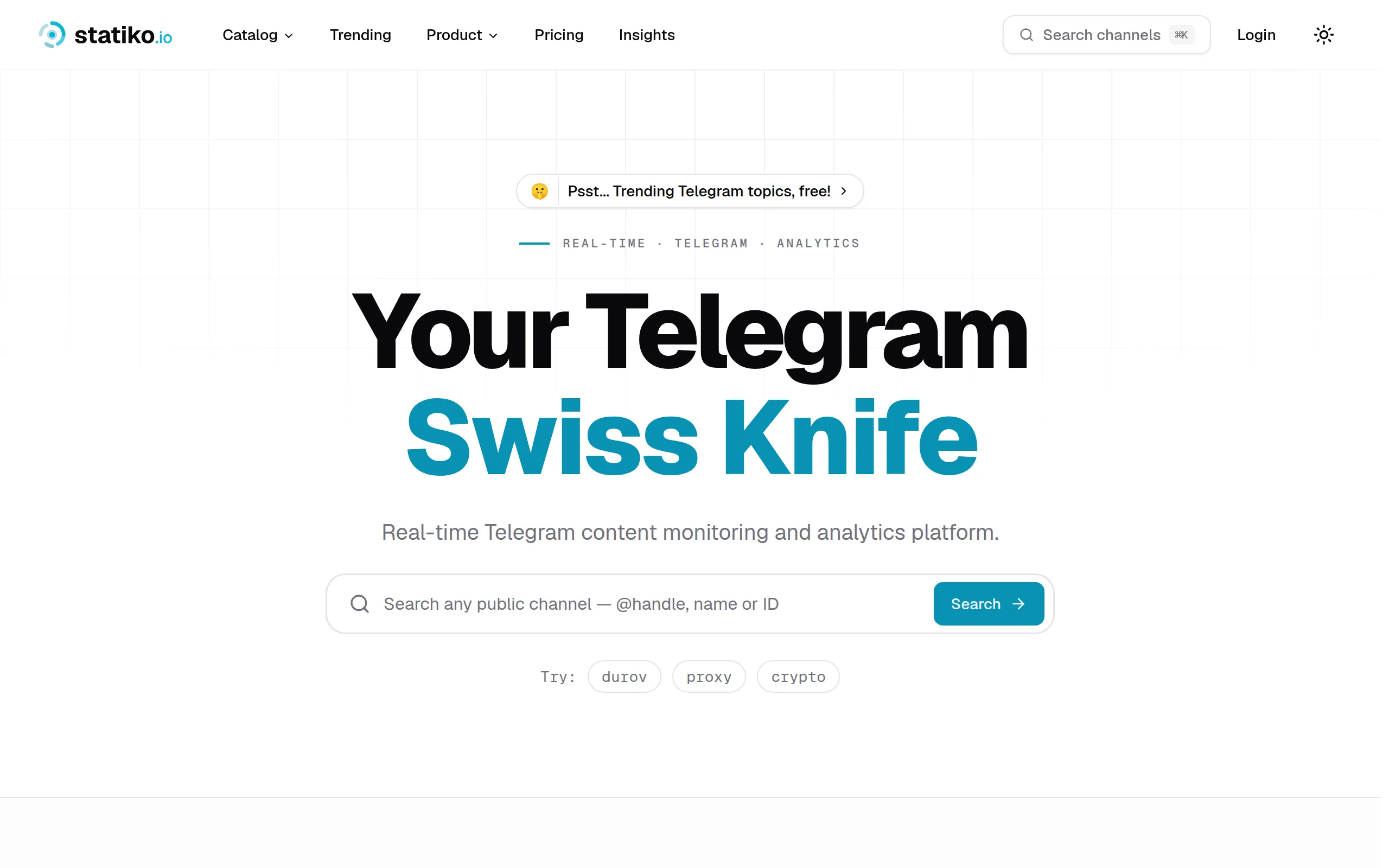
Statiko
Monitor any Telegram channel in real time - track posts, edits, deletions, and growth with AI recaps 📡

Shibui
AI website builder - describe your business, pick a niche template, edit by chatting, and publish instantly ✨
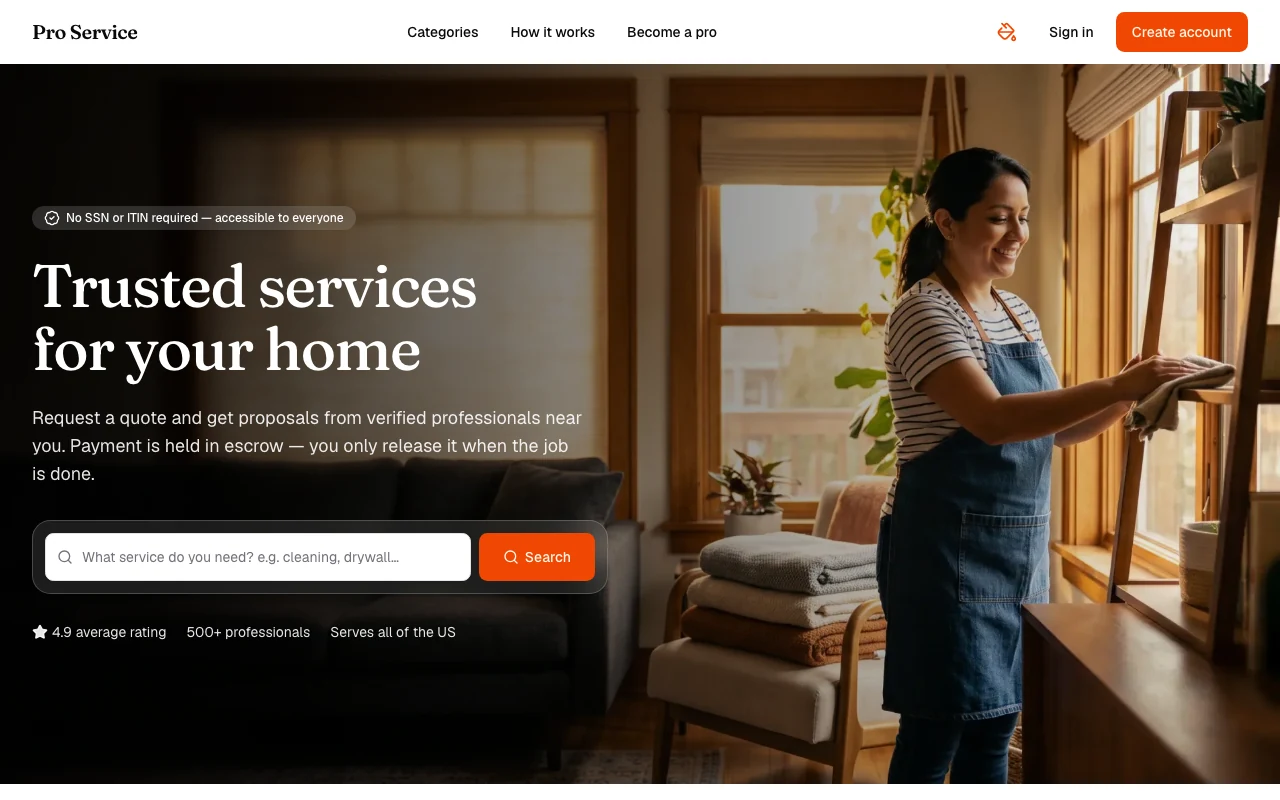
Pro Service
Find verified home service professionals, compare quotes, and pay securely through escrow - built for Brazilians across the US 🏠
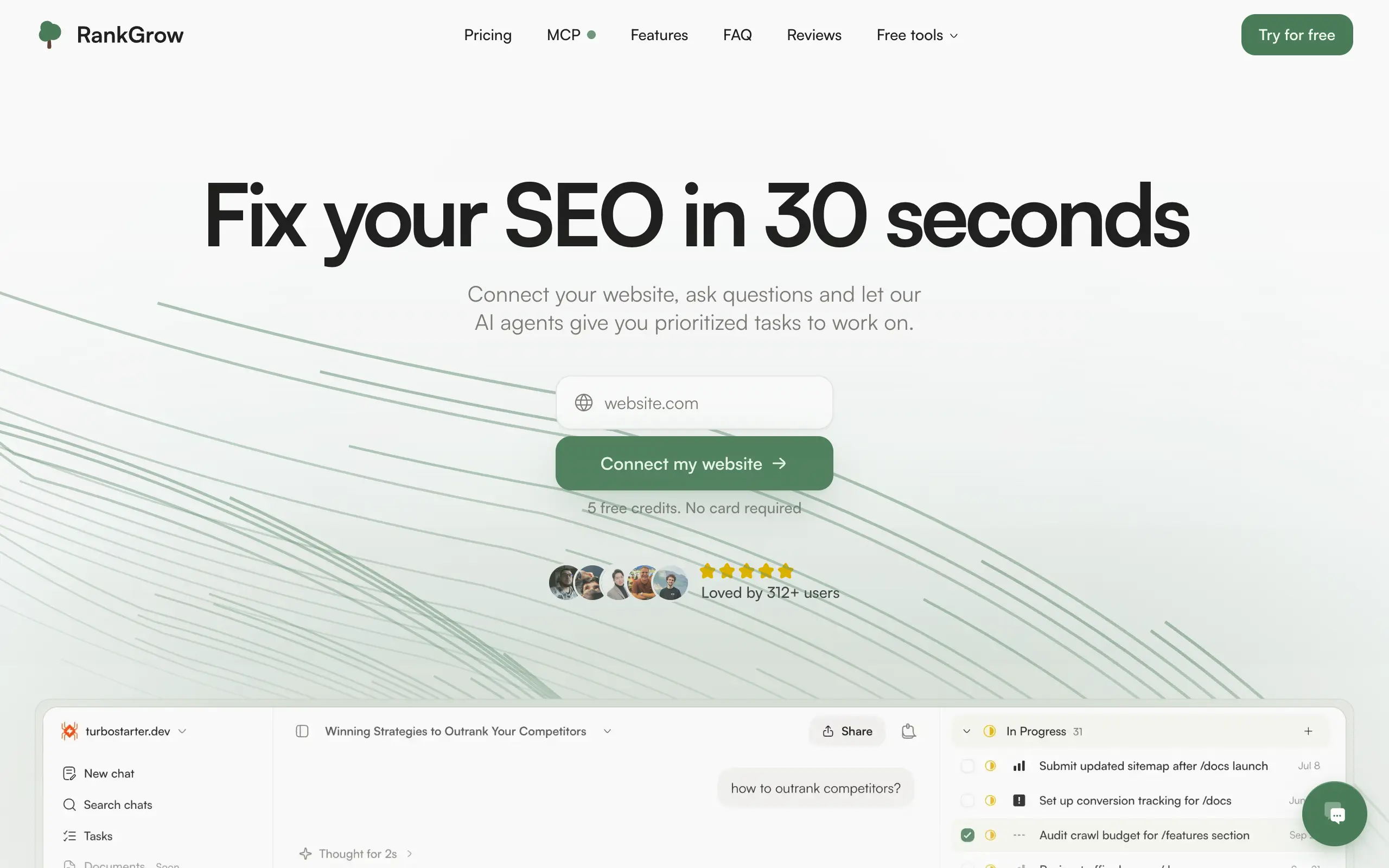
RankGrow
Fix your SEO with AI agents - connect Search Console, get prioritized tasks, and grow organic traffic 📈
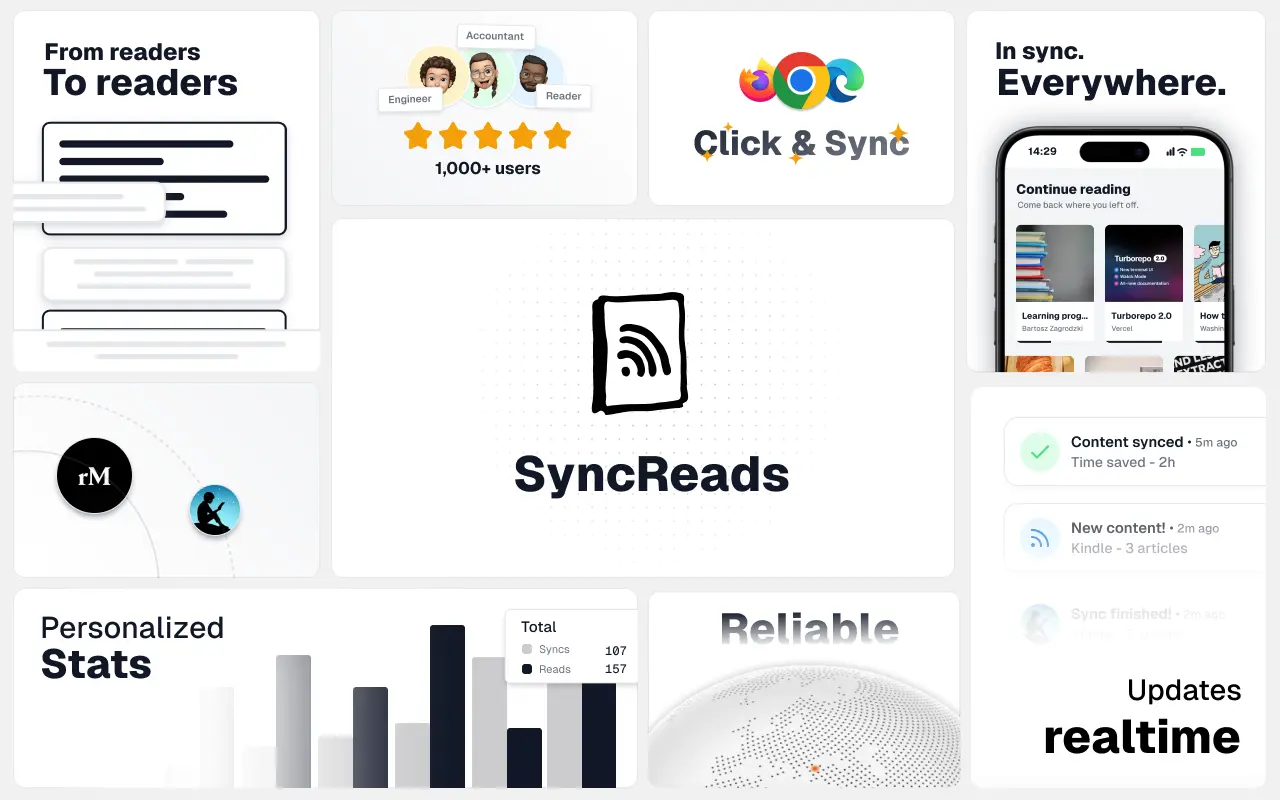
SyncReads
Sync your favorite content for distraction-free reading, save time and replace multiple apps. Anytime, anywhere 🔄
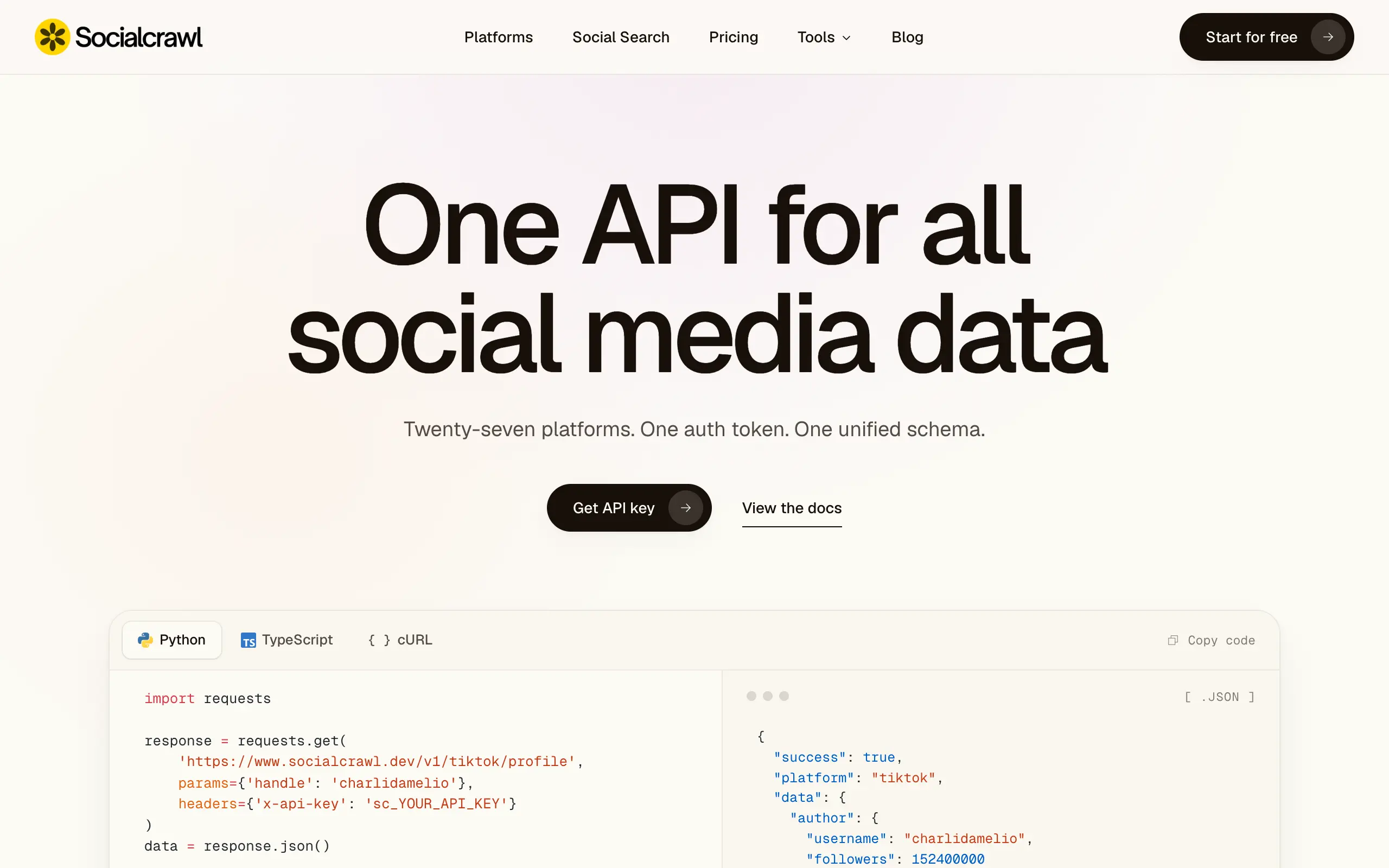
Socialcrawl
Get clean, structured data from 21 platforms like TikTok, Instagram, and YouTube with a single request 📊
Statiko
Monitor any Telegram channel in real time - track posts, edits, deletions, and growth with AI recaps 📡
Shibui
AI website builder - describe your business, pick a niche template, edit by chatting, and publish instantly ✨
Pro Service
Find verified home service professionals, compare quotes, and pay securely through escrow - built for Brazilians across the US 🏠
RankGrow
Fix your SEO with AI agents - connect Search Console, get prioritized tasks, and grow organic traffic 📈
SyncReads
Sync your favorite content for distraction-free reading, save time and replace multiple apps. Anytime, anywhere 🔄
Socialcrawl
Get clean, structured data from 21 platforms like TikTok, Instagram, and YouTube with a single request 📊
Statiko
Monitor any Telegram channel in real time - track posts, edits, deletions, and growth with AI recaps 📡
Shibui
AI website builder - describe your business, pick a niche template, edit by chatting, and publish instantly ✨
Pro Service
Find verified home service professionals, compare quotes, and pay securely through escrow - built for Brazilians across the US 🏠
RankGrow
Fix your SEO with AI agents - connect Search Console, get prioritized tasks, and grow organic traffic 📈
SyncReads
Sync your favorite content for distraction-free reading, save time and replace multiple apps. Anytime, anywhere 🔄
Socialcrawl
Get clean, structured data from 21 platforms like TikTok, Instagram, and YouTube with a single request 📊
Statiko
Monitor any Telegram channel in real time - track posts, edits, deletions, and growth with AI recaps 📡
Shibui
AI website builder - describe your business, pick a niche template, edit by chatting, and publish instantly ✨
Pro Service
Find verified home service professionals, compare quotes, and pay securely through escrow - built for Brazilians across the US 🏠
RankGrow
Fix your SEO with AI agents - connect Search Console, get prioritized tasks, and grow organic traffic 📈
SyncReads
Sync your favorite content for distraction-free reading, save time and replace multiple apps. Anytime, anywhere 🔄
Socialcrawl
Get clean, structured data from 21 platforms like TikTok, Instagram, and YouTube with a single request 📊
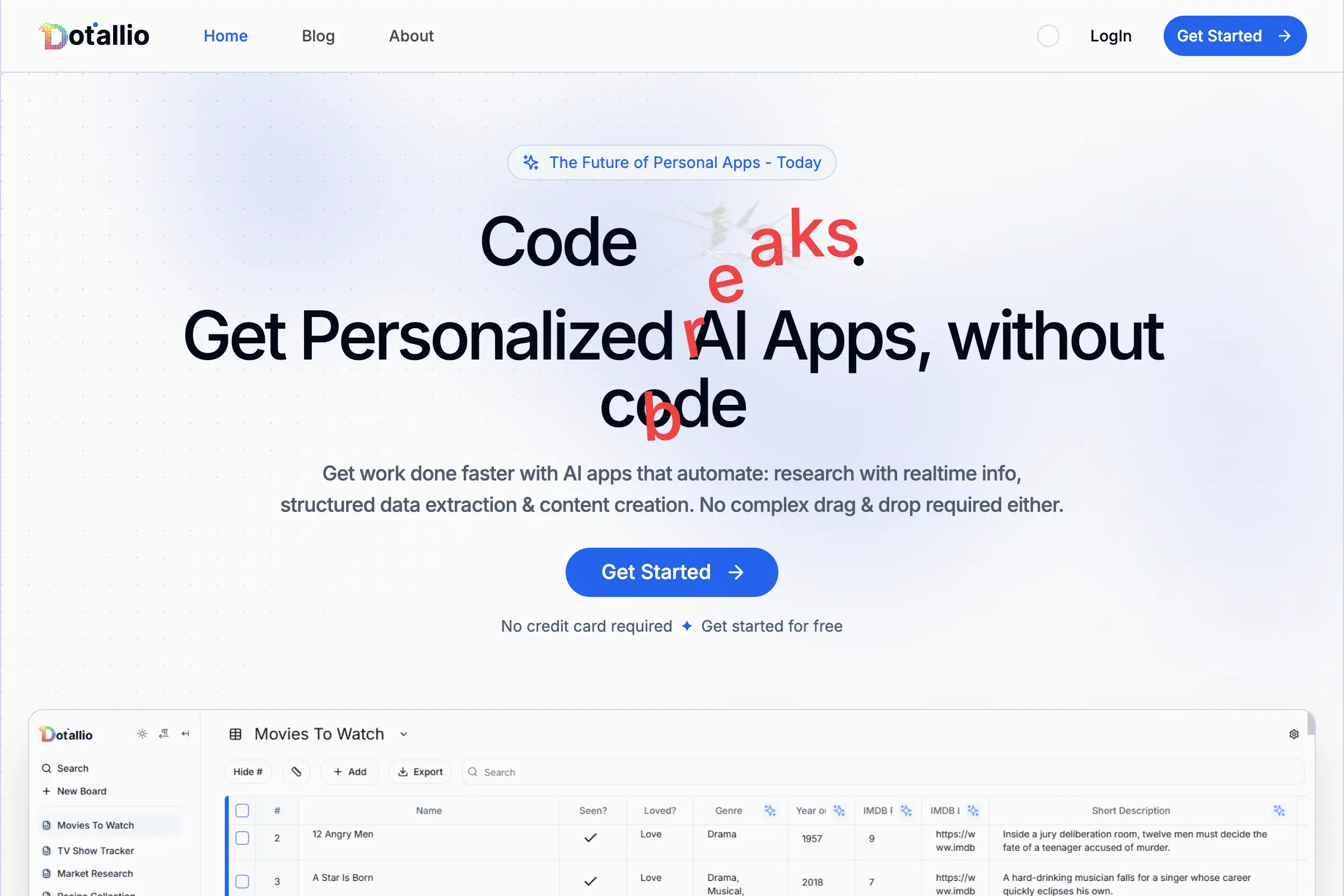
Dotallio
Personalized AI apps that automate research, data extraction, and content creation without code 🤖
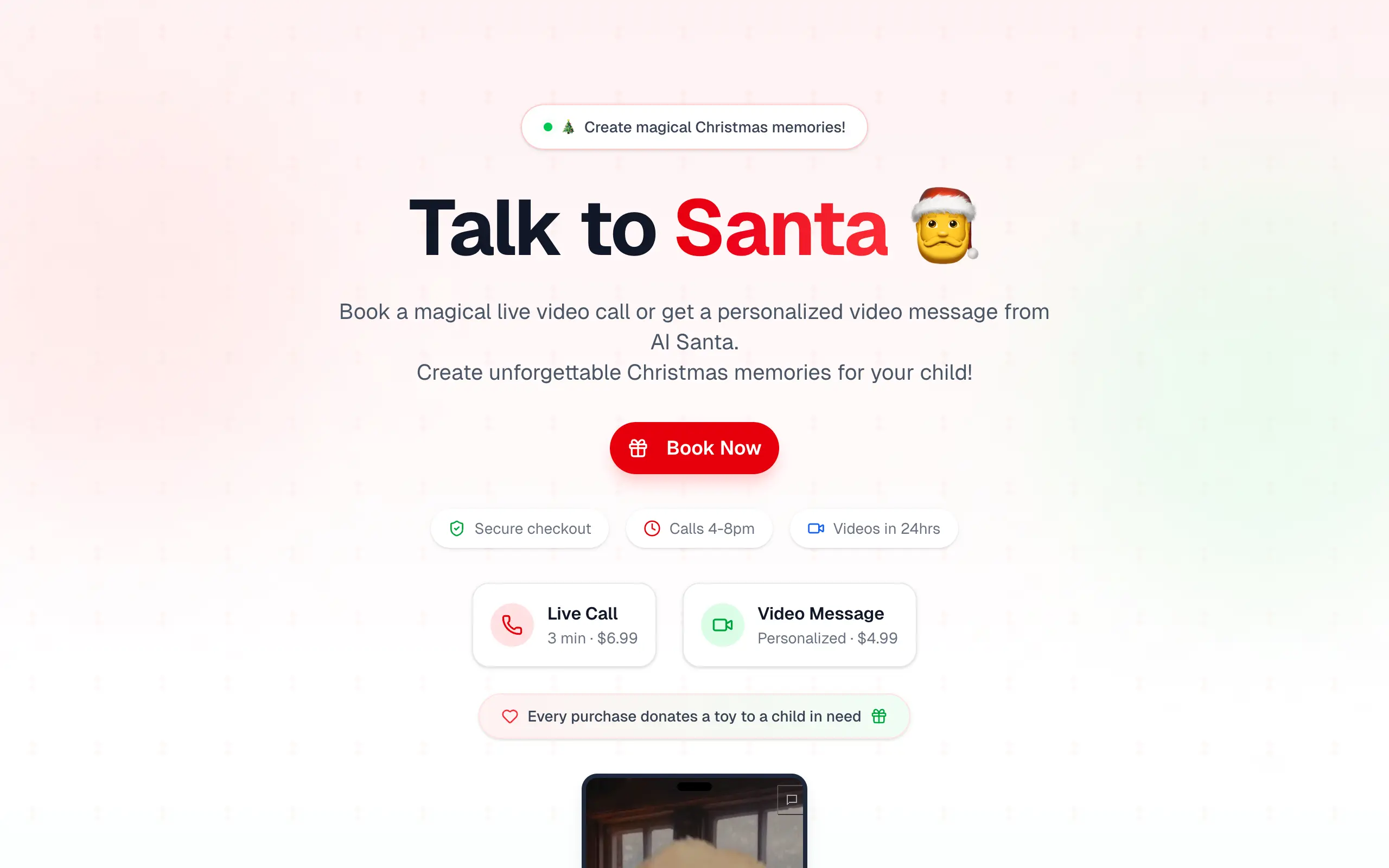
Talk to Santa
Enjoy a magical live video chat or receive a unique AI-generated video greeting from Santa Claus 🎅
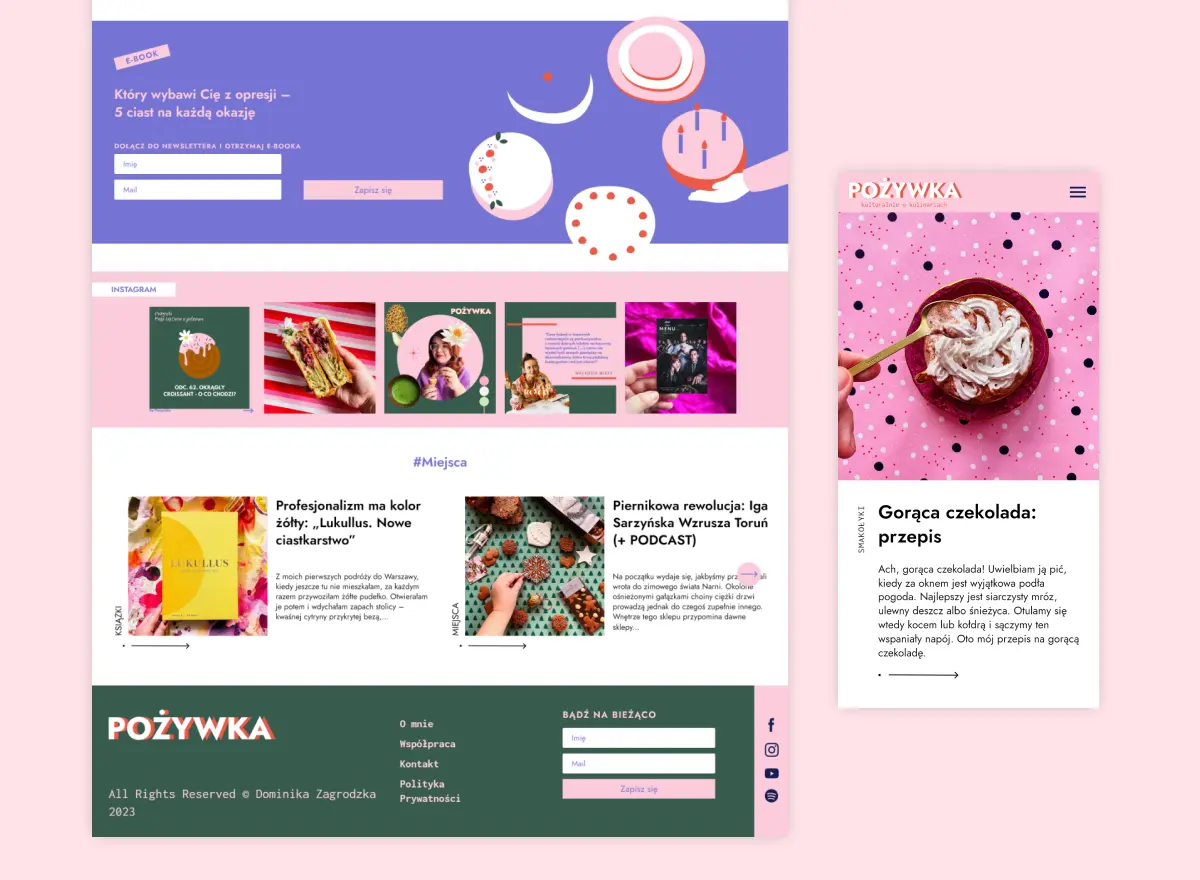
pozywka.pl
Scalable blog for food journalist, focused on performance and user experience 🌭
zagrodzki.me
Personal blog and portfolio of Bart Zagrodzki, where he shares his knowledge and work 💼
TurboStarter
Ship your startup everywhere. In minutes.
HTML to Markdown
Convert HTML to Markdown with ease, directly in your browser 📄
Dotallio
Personalized AI apps that automate research, data extraction, and content creation without code 🤖
Talk to Santa
Enjoy a magical live video chat or receive a unique AI-generated video greeting from Santa Claus 🎅
pozywka.pl
Scalable blog for food journalist, focused on performance and user experience 🌭
zagrodzki.me
Personal blog and portfolio of Bart Zagrodzki, where he shares his knowledge and work 💼
TurboStarter
Ship your startup everywhere. In minutes.
HTML to Markdown
Convert HTML to Markdown with ease, directly in your browser 📄
Dotallio
Personalized AI apps that automate research, data extraction, and content creation without code 🤖
Talk to Santa
Enjoy a magical live video chat or receive a unique AI-generated video greeting from Santa Claus 🎅
pozywka.pl
Scalable blog for food journalist, focused on performance and user experience 🌭
zagrodzki.me
Personal blog and portfolio of Bart Zagrodzki, where he shares his knowledge and work 💼
TurboStarter
Ship your startup everywhere. In minutes.
HTML to Markdown
Convert HTML to Markdown with ease, directly in your browser 📄
Dotallio
Personalized AI apps that automate research, data extraction, and content creation without code 🤖
Talk to Santa
Enjoy a magical live video chat or receive a unique AI-generated video greeting from Santa Claus 🎅
pozywka.pl
Scalable blog for food journalist, focused on performance and user experience 🌭
zagrodzki.me
Personal blog and portfolio of Bart Zagrodzki, where he shares his knowledge and work 💼
TurboStarter
Ship your startup everywhere. In minutes.
HTML to Markdown
Convert HTML to Markdown with ease, directly in your browser 📄
Omichat
Chat with 50+ AI models, including ChatGPT and Claude, in one place - switch models anytime without losing context 🤖
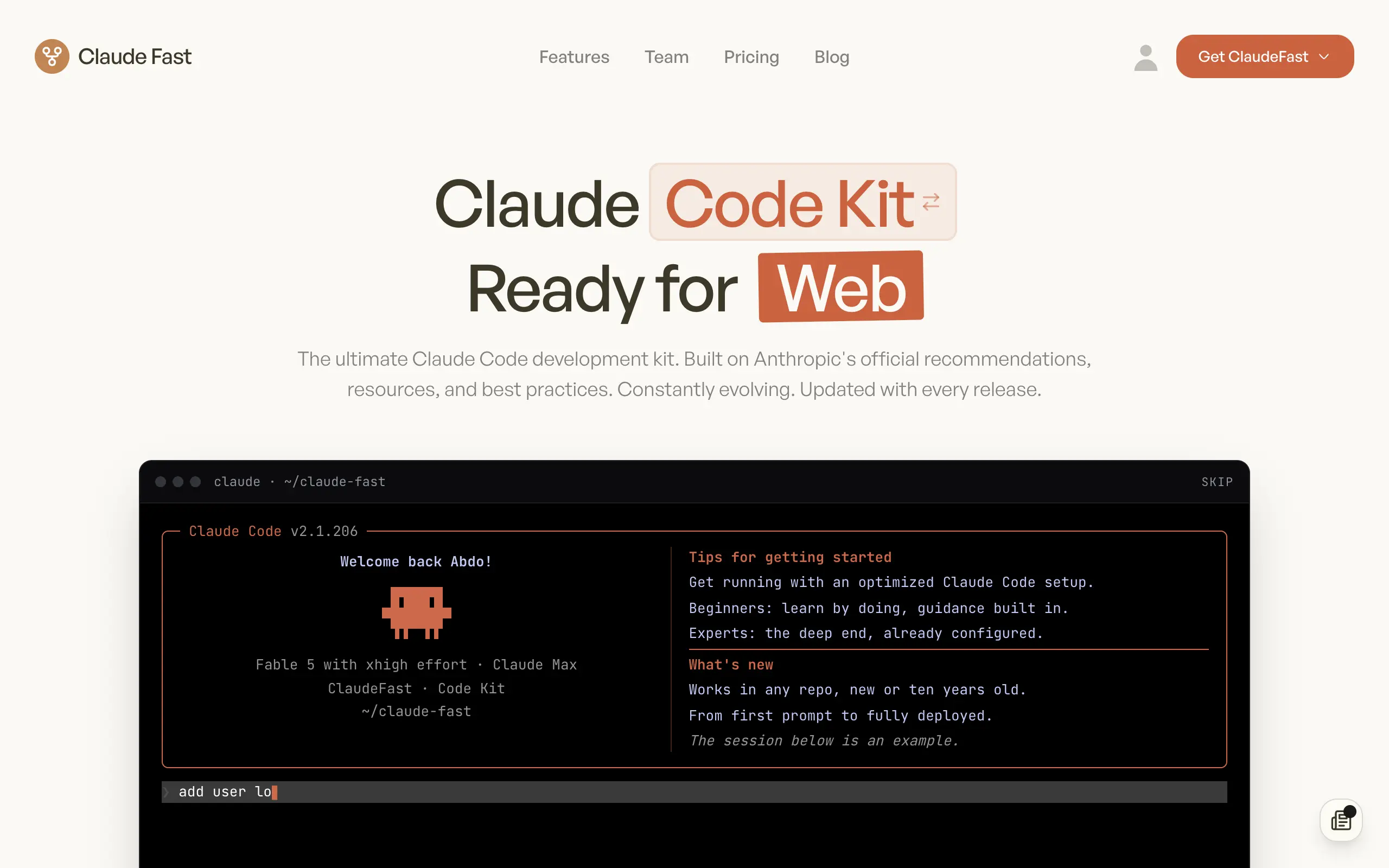
Claude Fast
Supercharge your Claude Code with 6x effective context window and specialized AI agents 🤖
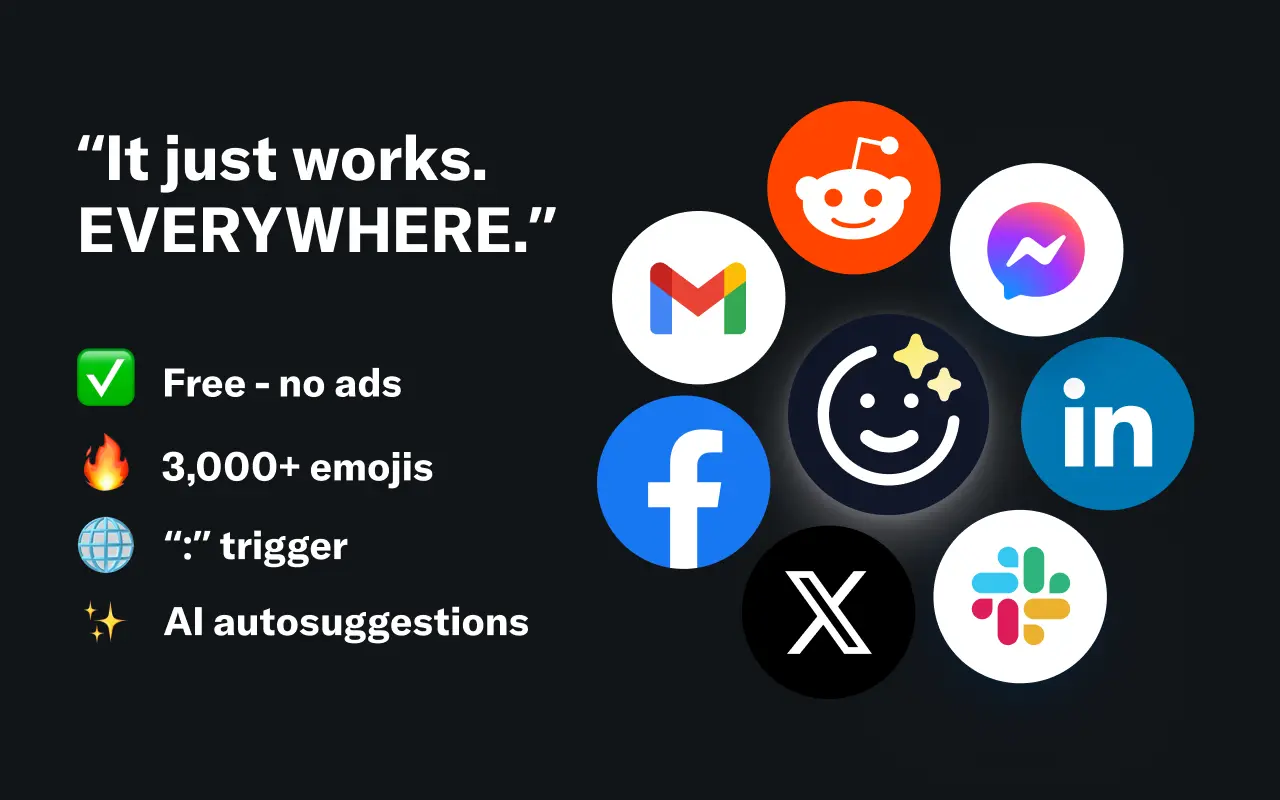
EmojAI
AI-powered emoji picker with smart, context-aware suggestions 🤖
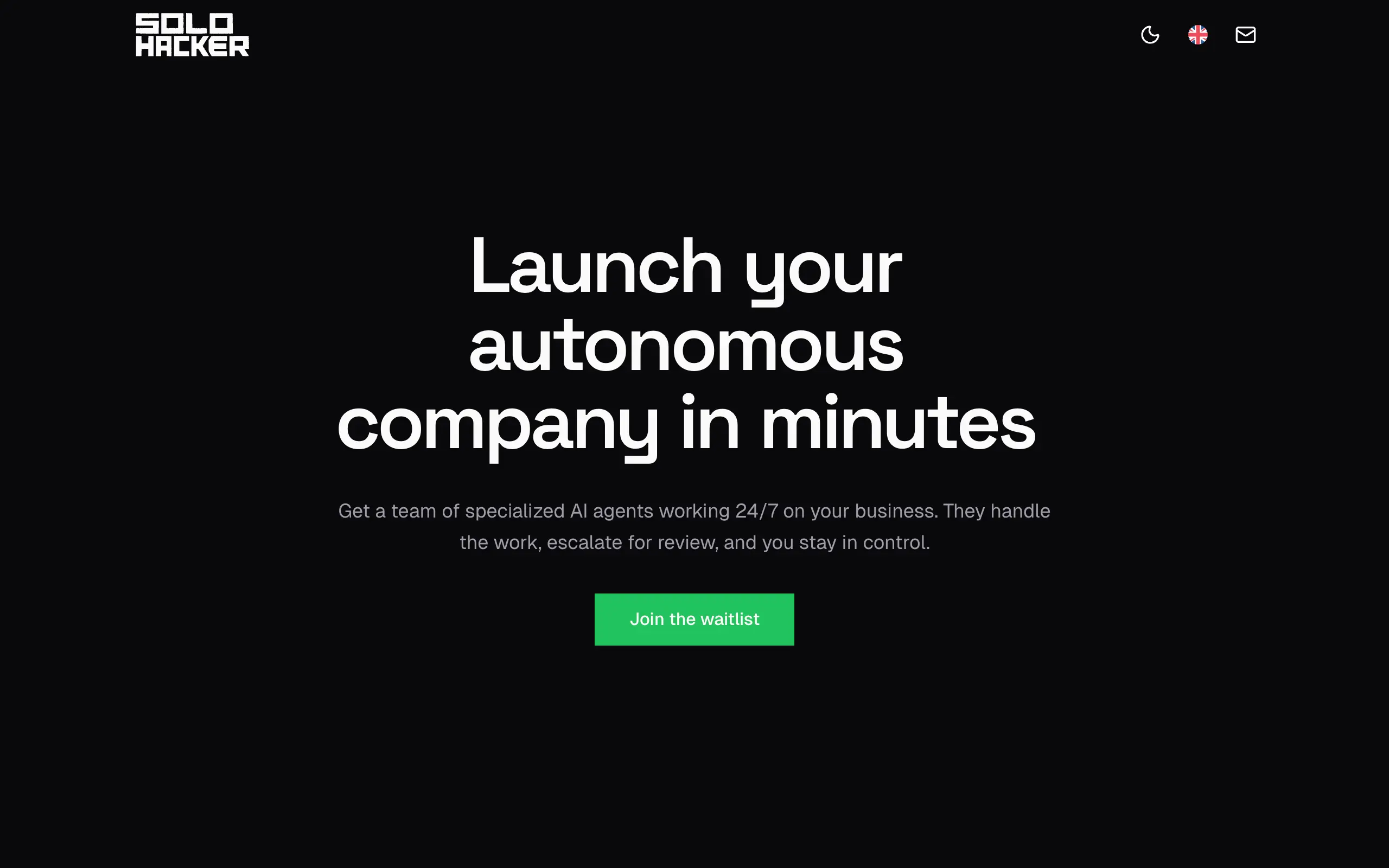
Solohacker
Autonomous company launcher - AI agents work 24/7, escalate what matters, and you stay in control 🤖
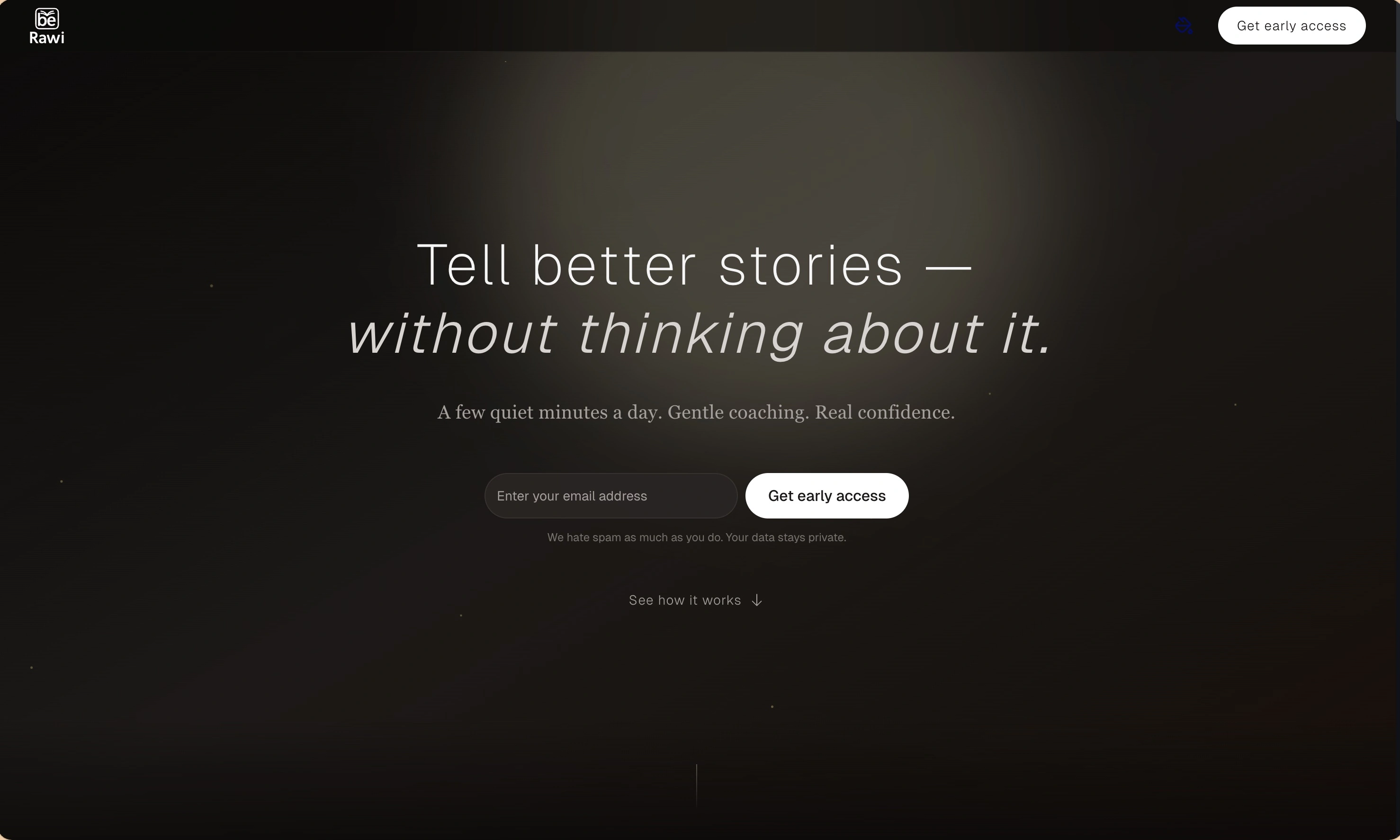
BeRawi: Storytelling Coach
Practice storytelling daily with instant feedback to sound clearer, more engaging, and confident 🎤
Omichat
Chat with 50+ AI models, including ChatGPT and Claude, in one place - switch models anytime without losing context 🤖
Claude Fast
Supercharge your Claude Code with 6x effective context window and specialized AI agents 🤖
EmojAI
AI-powered emoji picker with smart, context-aware suggestions 🤖
Solohacker
Autonomous company launcher - AI agents work 24/7, escalate what matters, and you stay in control 🤖
BeRawi: Storytelling Coach
Practice storytelling daily with instant feedback to sound clearer, more engaging, and confident 🎤
Omichat
Chat with 50+ AI models, including ChatGPT and Claude, in one place - switch models anytime without losing context 🤖
Claude Fast
Supercharge your Claude Code with 6x effective context window and specialized AI agents 🤖
EmojAI
AI-powered emoji picker with smart, context-aware suggestions 🤖
Solohacker
Autonomous company launcher - AI agents work 24/7, escalate what matters, and you stay in control 🤖
BeRawi: Storytelling Coach
Practice storytelling daily with instant feedback to sound clearer, more engaging, and confident 🎤
Omichat
Chat with 50+ AI models, including ChatGPT and Claude, in one place - switch models anytime without losing context 🤖
Claude Fast
Supercharge your Claude Code with 6x effective context window and specialized AI agents 🤖
EmojAI
AI-powered emoji picker with smart, context-aware suggestions 🤖
Solohacker
Autonomous company launcher - AI agents work 24/7, escalate what matters, and you stay in control 🤖
BeRawi: Storytelling Coach
Practice storytelling daily with instant feedback to sound clearer, more engaging, and confident 🎤

Connect with like-minded people
Join our community to get feedback, support, and grow together with 1,000+ builders on board, let's ship it!
Join usShip your startup everywhere. In minutes.
Don't burn tokens on setup and start building features on day one.