WerkFlow Pro
End-to-end job tracking and scheduling tool for auto garages and renovation teams, with real-time updates, parts tracking, and customer notifications.
The rise of end-to-end job tracking software for service-based businesses
Service businesses like auto garages and renovation teams are under increasing pressure to deliver faster, communicate better, and operate more efficiently—all while maintaining high-quality work. Traditional workflows—whiteboards, spreadsheets, phone calls—simply don’t scale in a world where customers expect real-time updates and transparency.
This is where end-to-end job tracking software like WerkFlow Pro enters the picture.
WerkFlow Pro is designed as a centralized operating system for field service teams, combining scheduling, job tracking, parts management, and customer communication into a single streamlined platform. The goal is simple: eliminate operational chaos and replace it with structured, automated workflows.
This article explores the market opportunity, target users, core features, technical architecture, and go-to-market strategy for building and scaling a SaaS product like WerkFlow Pro.
Understanding the target audience
Primary users
WerkFlow Pro targets small-to-mid-sized service businesses that manage multiple jobs simultaneously and rely on coordination between teams, parts, and timelines.
Key segments include:
-
Auto repair shops
- Independent garages
- Multi-location service chains
- Specialty repair shops (e.g., bodywork, transmissions)
-
Renovation and construction teams
- General contractors
- Remodeling companies
- Specialized trades (plumbing, electrical, HVAC)
-
Field service teams
- Maintenance providers
- Installation crews
- Equipment servicing businesses
Core pain points
These businesses share several operational challenges:
- Disorganized job tracking
- Jobs managed via paper, spreadsheets, or disconnected tools
- Scheduling conflicts
- Double-bookings, missed appointments, inefficient routing
- Lack of visibility
- Managers don’t know job status in real time
- Poor customer communication
- Customers constantly calling for updates
- Parts and inventory mismanagement
- Delays due to missing or misallocated parts
- Manual administrative overhead
- Time wasted on repetitive coordination tasks
Key insight
Most service businesses don’t fail due to lack of demand—they fail due to operational inefficiencies. Software that reduces friction in daily workflows delivers immediate ROI.
Market opportunity and gap analysis
Market size and demand
The global field service management (FSM) market is growing rapidly, driven by digitization and customer expectations. Industry reports (e.g., from Gartner or MarketsandMarkets) estimate the FSM market to reach $10B+ by the late 2020s.
However, there is a gap:
-
Enterprise tools (like ServiceNow, Salesforce Field Service) are:
- Expensive
- Complex
- Overbuilt for small teams
-
Existing SMB tools are often:
- Fragmented (separate tools for scheduling, CRM, invoicing)
- Lacking real-time capabilities
- Poorly designed UX
The gap WerkFlow Pro fills
WerkFlow Pro positions itself as:
- Simple enough for small teams
- Powerful enough to scale
- Purpose-built for job-based workflows
This positioning creates a strong wedge in the market:
- Not a generic CRM
- Not just a scheduling tool
- But a complete operational layer for service businesses
Core features of WerkFlow Pro
1. job tracking and lifecycle management
At the heart of WerkFlow Pro is a visual job pipeline.
Each job moves through stages such as:
- Request received
- Scheduled
- In progress
- Waiting on parts
- Completed
- Invoiced
This provides:
- Real-time visibility
- Bottleneck identification
- Operational clarity
2. smart scheduling and dispatching
Scheduling is one of the most complex aspects of service businesses.
WerkFlow Pro includes:
- Drag-and-drop calendar
- Technician availability tracking
- Location-aware scheduling
- Conflict detection
3. real-time team updates
Field teams can:
- Update job status via mobile
- Upload photos/videos
- Log time and materials used
Managers get:
- Instant updates
- Notifications for delays
- Live job dashboards
4. parts and inventory tracking
A critical differentiator.
Features include:
- Parts allocation per job
- Inventory tracking
- Low-stock alerts
- Supplier integration (future roadmap)
5. customer communication automation
WerkFlow Pro reduces customer anxiety with:
- Automated SMS/email updates
- Appointment reminders
- Job progress notifications
- Completion confirmations
6. reporting and analytics
Business owners gain insights into:
- Job completion times
- Technician performance
- Revenue per job
- Operational bottlenecks
Feature comparison with alternatives
| Feature | Spreadsheets | Generic CRM | FSM Enterprise Tools | WerkFlow Pro |
|---|---|---|---|---|
| Real-time job tracking | ❌ | ❌ | ✅ | ✅ |
| Scheduling optimization | ❌ | ⚠️ | ✅ | ✅ |
| Parts tracking | ❌ | ❌ | ✅ | ✅ |
| Ease of use | ✅ | ⚠️ | ❌ | ✅ |
| Affordability | ✅ | ✅ | ❌ | ✅ |
Unique selling proposition (USP)
WerkFlow Pro stands out due to its vertical-focused, end-to-end workflow design.
Key differentiators:
- Industry-specific workflows
- Tailored for auto shops and renovation teams
- Unified system
- No need for multiple tools
- Real-time visibility
- Live updates across teams
- Customer transparency
- Automated notifications reduce inbound calls
- Operational intelligence
- Insights that directly impact profitability
All-in-one platform
Replace 3–5 tools with a single unified workflow system.
Built for the field
Designed specifically for job-based, mobile-first teams.
Real-time operations
Every stakeholder sees updates instantly.
Recommended tech stack
Frontend
Why:
- Fast UI development
- Scalable architecture
- Great developer ecosystem
Backend
- Node.js (NestJS or Express)
- PostgreSQL (relational data for jobs, users, parts)
- Redis (caching and real-time updates)
Real-time layer
- WebSockets (e.g., Socket.io)
- Firebase (alternative for faster MVP)
Mobile support
- React Native (shared logic)
- Or Progressive Web App (PWA)
Infrastructure
- AWS / Vercel / Supabase
- Cloud storage for images and job documentation
Example API route
// Example: update job status
app.patch("/api/jobs/:id/status", async (req, res) => {
  const { status } = req.body;
  const jobId = req.params.id;

  const updatedJob = await db.jobs.update({
    where: { id: jobId },
    data: { status }
  });

  // emit real-time update
  io.emit("jobUpdated", updatedJob);

  res.json(updatedJob);
});
Trade-offs
-
Firebase vs custom backend
- Firebase = faster MVP
- Custom backend = more control long-term
-
Monolith vs microservices
- Start monolith
- Scale later if needed
Monetization strategy
WerkFlow Pro fits a SaaS subscription model.
Pricing tiers
- Starter ($29/month)
- Basic scheduling
- Limited jobs
- Professional ($79/month)
- Full job tracking
- Customer notifications
- Business ($149/month)
- Advanced analytics
- Multi-location support
Additional revenue streams
- Add-ons:
- SMS notifications (usage-based)
- Advanced reporting
- Marketplace integrations
- White-label solutions
Pricing psychology
- Anchor on value:
- “Save 10+ hours per week”
- “Reduce missed jobs by 30%”
Go-to-market strategy
Phase 1: niche domination
Start with auto repair shops.
Why:
- Clear workflows
- High job volume
- Strong need for parts tracking
Phase 2: expansion
Move into:
- Renovation teams
- HVAC and plumbing services
Acquisition channels
- SEO content (high ROI long-term)
- Local business communities
- Industry forums
- Partnerships with suppliers
SEO strategy
Target keywords like:
- “job tracking software for auto repair shops”
- “field service scheduling software”
- “construction job management tools”
Potential risks and mitigation
1. feature creep
Risk: Trying to build too much too soon.
Solution:
- Focus on core workflow
- Validate before expanding
2. user adoption resistance
Risk: Teams resist new tools.
Solution:
- Simple onboarding
- Mobile-first UX
- Training content
3. competition
Risk: Established players dominate.
Solution:
- Focus on niche
- Superior UX
- Faster iteration
4. data complexity
Risk: Managing jobs, parts, and schedules gets complex.
Solution:
- Strong database design
- Clear relationships
- Scalable architecture
Implementation roadmap
MVP feature checklist
- Job creation and tracking
- Calendar scheduling
- Basic notifications
- User roles (admin, technician)
Building faster with modern SaaS frameworks
Instead of building everything from scratch, you can accelerate development using tools like TurboStarter.
Benefits:
- Pre-built authentication
- Billing integration
- Scalable architecture
- Faster time-to-market
Using a SaaS starter kit can reduce development time by 30–50%, allowing you to focus on core product differentiation.
Advanced growth opportunities
AI integration
- Predict job durations
- Suggest optimal schedules
- Detect delays early
IoT integration
- Track equipment status
- Automate maintenance alerts
Financial tools
- Invoicing
- Payment processing
- Profit tracking per job
Frequently asked questions
Yes. It’s designed specifically for small-to-mid-sized businesses, with simple onboarding and scalable features.
CRMs manage relationships. WerkFlow Pro manages operations—jobs, scheduling, and execution.
A mobile-first approach with offline support can be implemented for field teams in low-connectivity areas.
Final thoughts: why WerkFlow Pro has strong potential
WerkFlow Pro addresses a real, painful problem for a massive and underserved market.
Its strength lies in:
- Focused niche targeting
- Operational efficiency gains
- Clear ROI for customers
This isn’t just another SaaS tool—it’s an operating system for service businesses.
If executed well, it can become indispensable to daily operations, leading to:
- High retention
- Strong word-of-mouth growth
- Scalable recurring revenue
What to do next
If you’re serious about building WerkFlow Pro:
- Talk to real users immediately
- Build a lean MVP
- Focus on usability over features
- Iterate based on real feedback
- Scale once product-market fit is clear
The opportunity is clear. The demand exists. The only question is execution.
More 🏢 B2B Application SaaS ideas
Discover more innovative b2b application SaaS ideas that are trending in 2026. Each idea is AI-generated with market validation and growth potential to help you find your next profitable venture faster than competitors.
Your competitors are building with TurboStarter
Below are some of the SaaS ideas that have been generated and built with our starter kit.
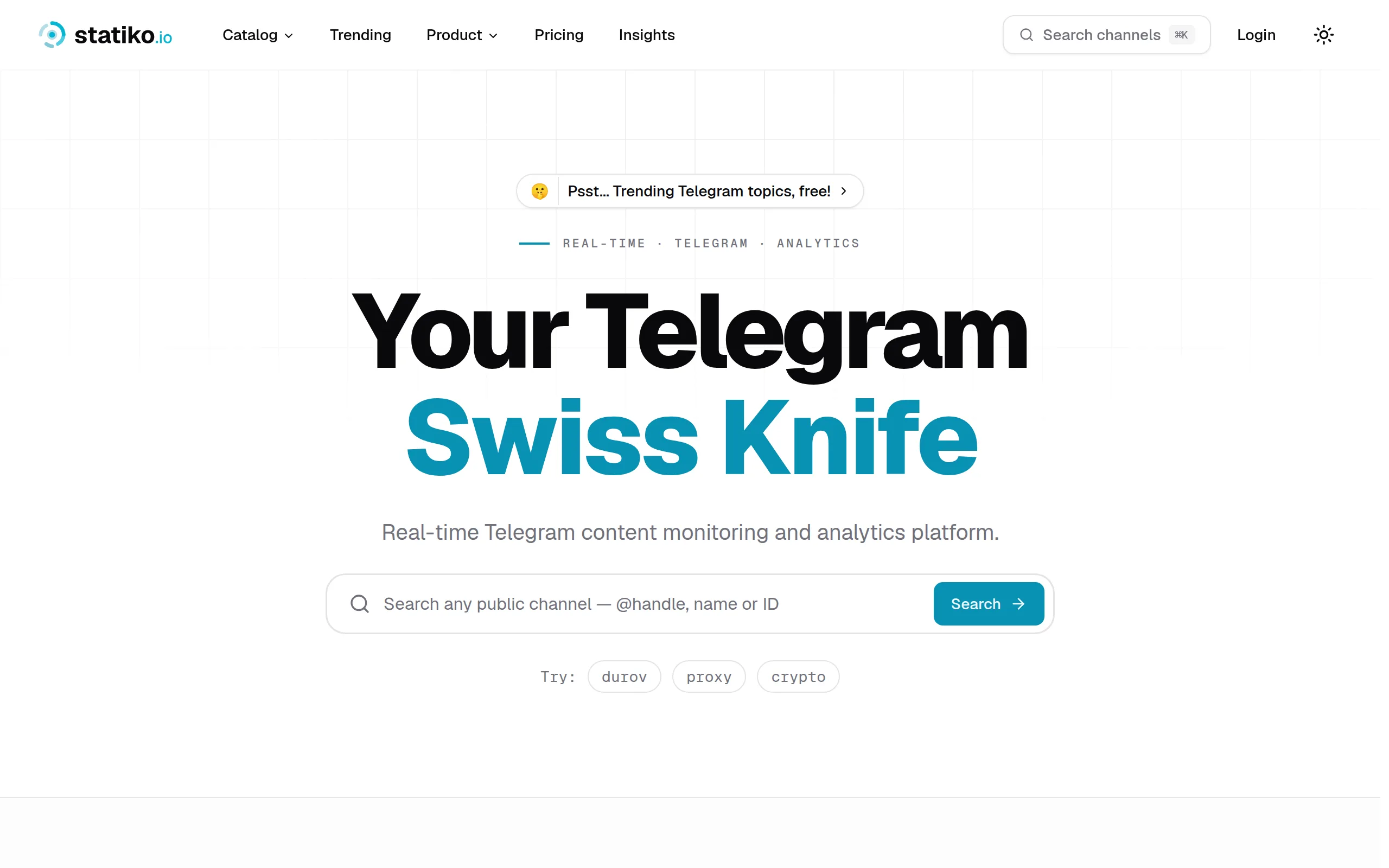
Statiko
Monitor any Telegram channel in real time - track posts, edits, deletions, and growth with AI recaps 📡

Shibui
AI website builder - describe your business, pick a niche template, edit by chatting, and publish instantly ✨

Pro Service
Find verified home service professionals, compare quotes, and pay securely through escrow - built for Brazilians across the US 🏠
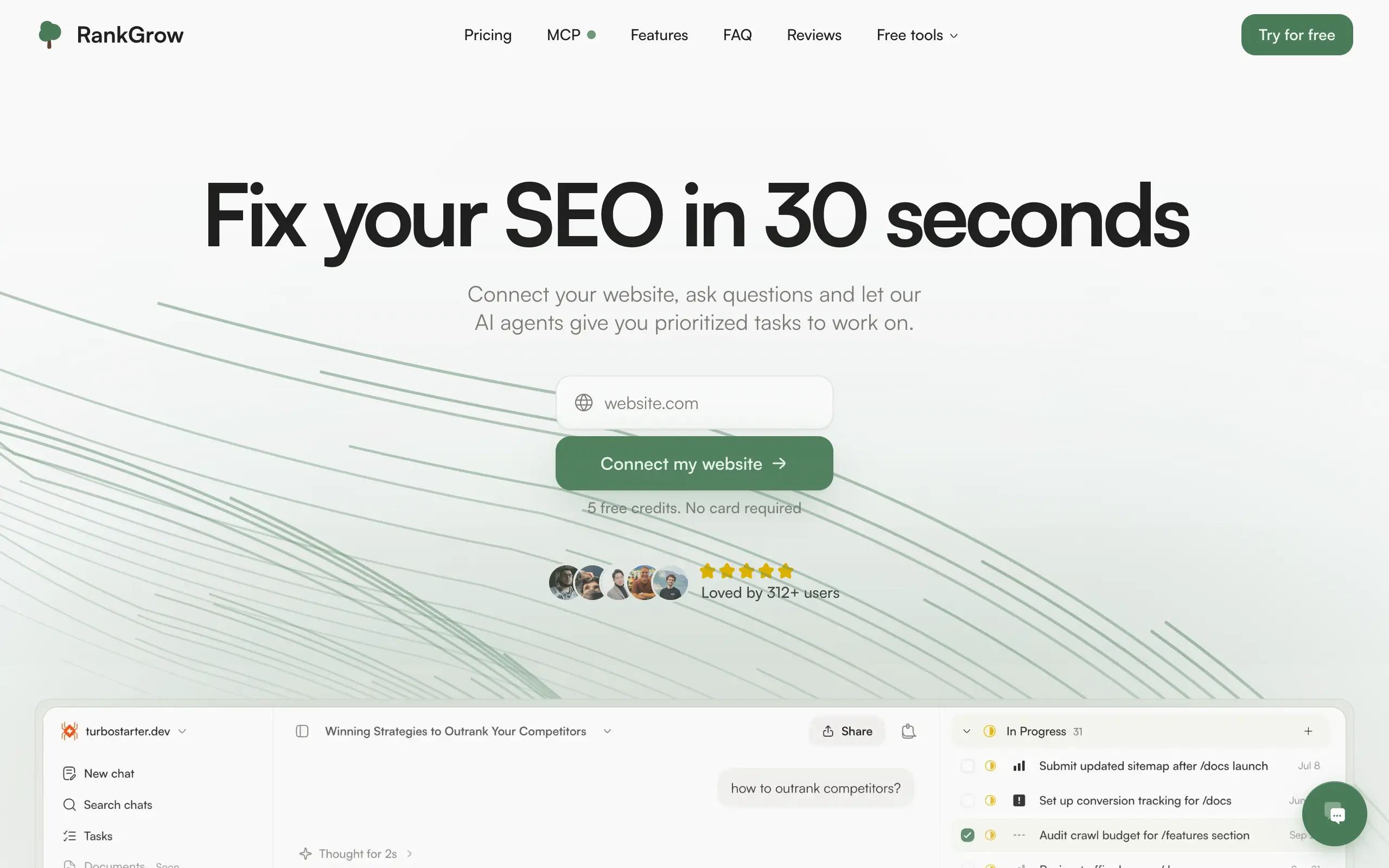
RankGrow
Fix your SEO with AI agents - connect Search Console, get prioritized tasks, and grow organic traffic 📈
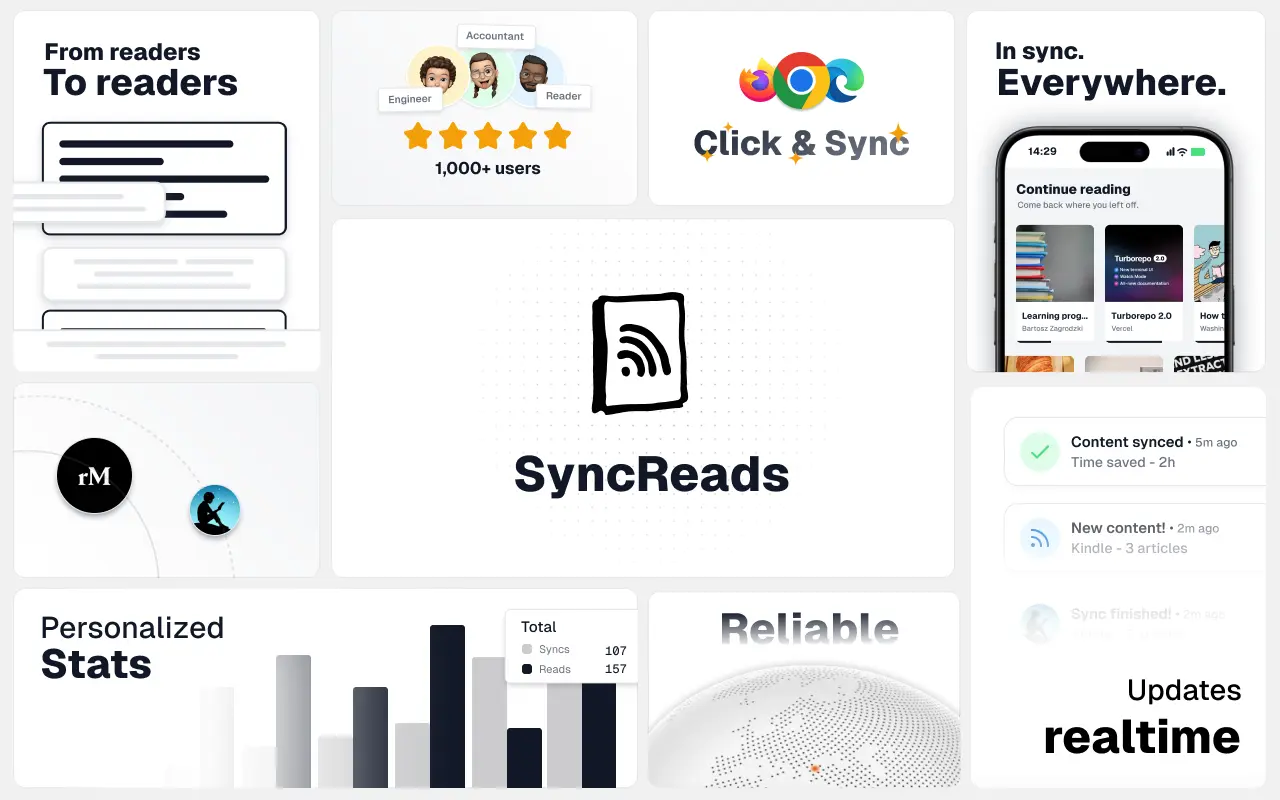
SyncReads
Sync your favorite content for distraction-free reading, save time and replace multiple apps. Anytime, anywhere 🔄
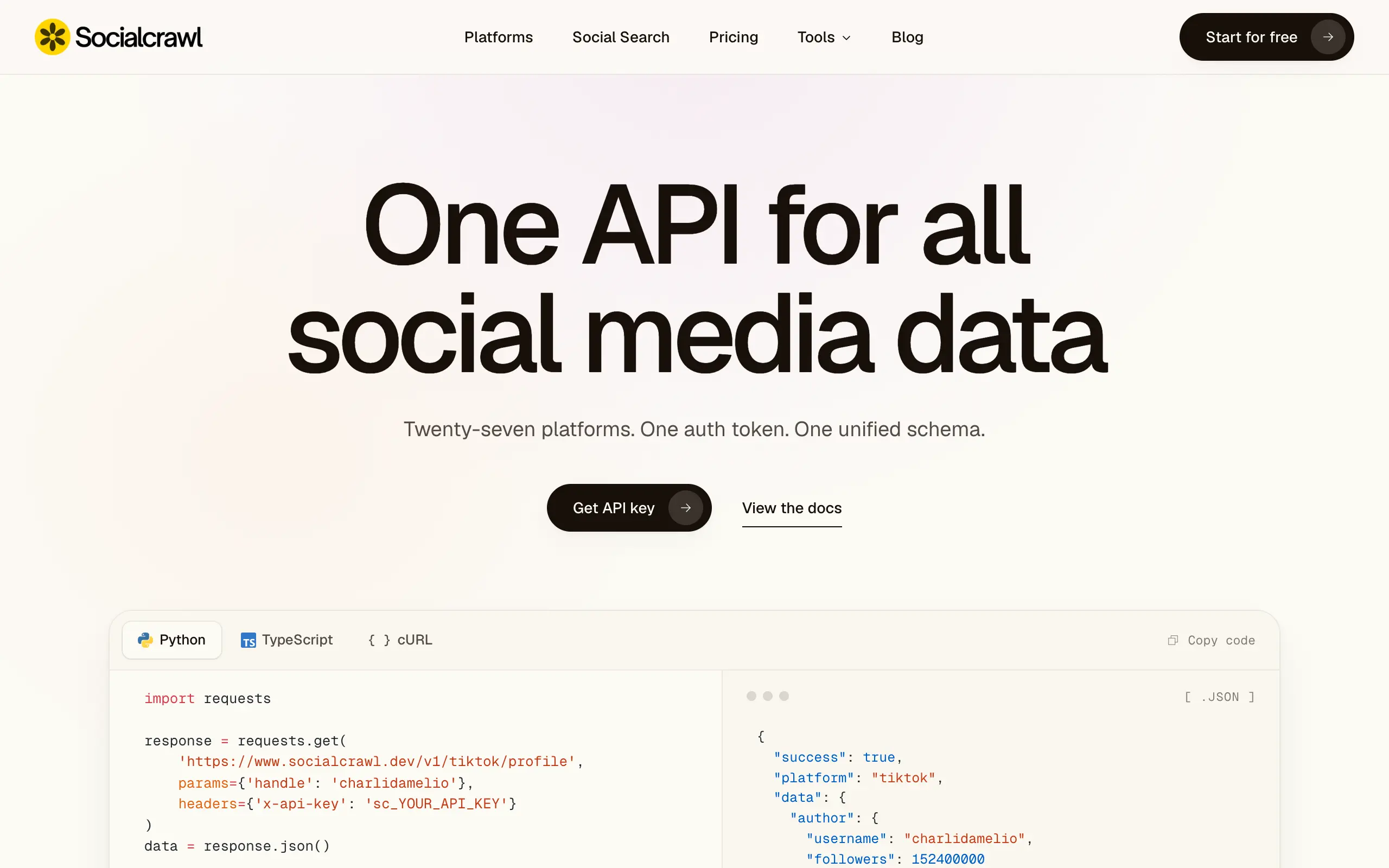
Socialcrawl
Get clean, structured data from 21 platforms like TikTok, Instagram, and YouTube with a single request 📊
Statiko
Monitor any Telegram channel in real time - track posts, edits, deletions, and growth with AI recaps 📡
Shibui
AI website builder - describe your business, pick a niche template, edit by chatting, and publish instantly ✨
Pro Service
Find verified home service professionals, compare quotes, and pay securely through escrow - built for Brazilians across the US 🏠
RankGrow
Fix your SEO with AI agents - connect Search Console, get prioritized tasks, and grow organic traffic 📈
SyncReads
Sync your favorite content for distraction-free reading, save time and replace multiple apps. Anytime, anywhere 🔄
Socialcrawl
Get clean, structured data from 21 platforms like TikTok, Instagram, and YouTube with a single request 📊
Statiko
Monitor any Telegram channel in real time - track posts, edits, deletions, and growth with AI recaps 📡
Shibui
AI website builder - describe your business, pick a niche template, edit by chatting, and publish instantly ✨
Pro Service
Find verified home service professionals, compare quotes, and pay securely through escrow - built for Brazilians across the US 🏠
RankGrow
Fix your SEO with AI agents - connect Search Console, get prioritized tasks, and grow organic traffic 📈
SyncReads
Sync your favorite content for distraction-free reading, save time and replace multiple apps. Anytime, anywhere 🔄
Socialcrawl
Get clean, structured data from 21 platforms like TikTok, Instagram, and YouTube with a single request 📊
Statiko
Monitor any Telegram channel in real time - track posts, edits, deletions, and growth with AI recaps 📡
Shibui
AI website builder - describe your business, pick a niche template, edit by chatting, and publish instantly ✨
Pro Service
Find verified home service professionals, compare quotes, and pay securely through escrow - built for Brazilians across the US 🏠
RankGrow
Fix your SEO with AI agents - connect Search Console, get prioritized tasks, and grow organic traffic 📈
SyncReads
Sync your favorite content for distraction-free reading, save time and replace multiple apps. Anytime, anywhere 🔄
Socialcrawl
Get clean, structured data from 21 platforms like TikTok, Instagram, and YouTube with a single request 📊
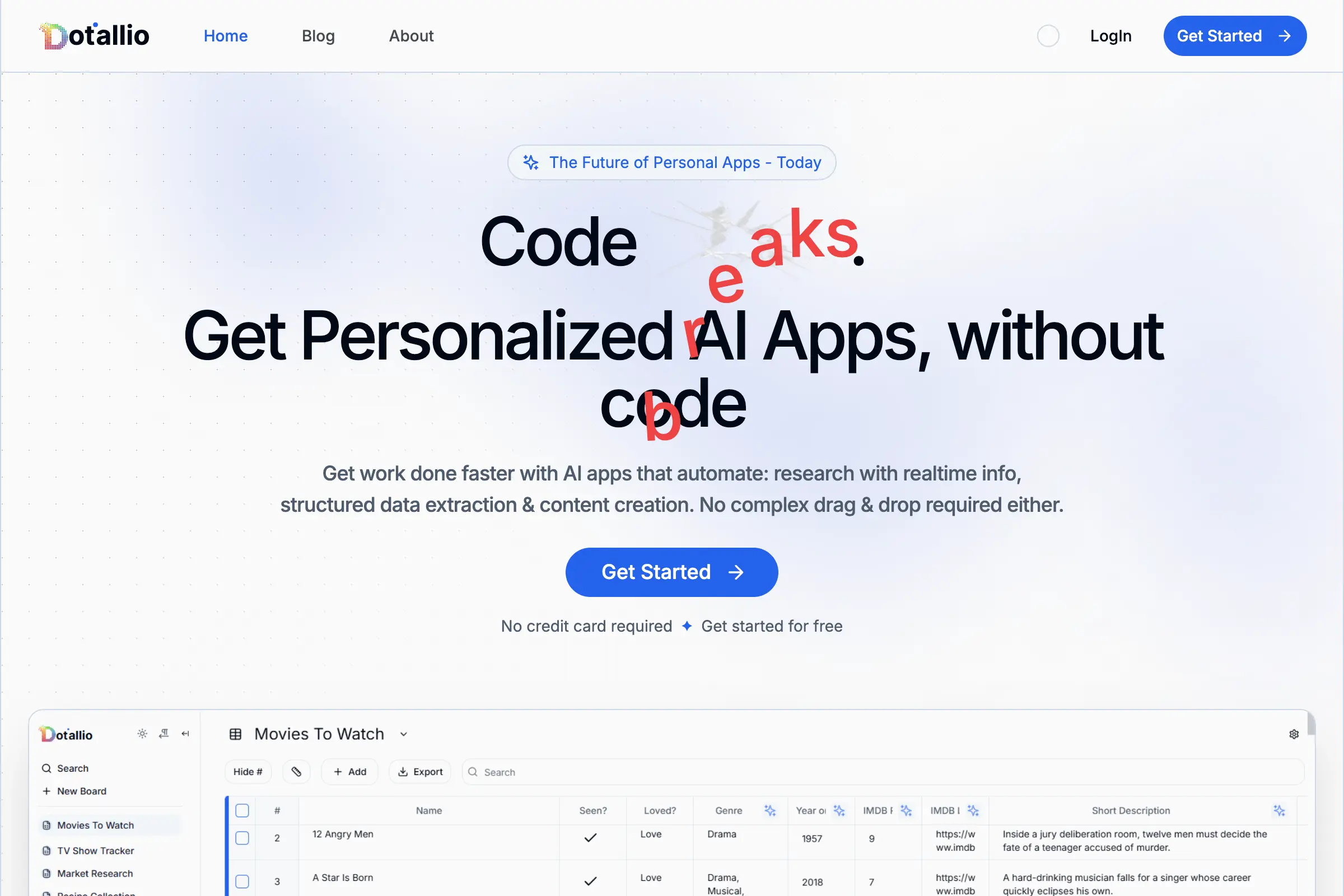
Dotallio
Personalized AI apps that automate research, data extraction, and content creation without code 🤖

Talk to Santa
Enjoy a magical live video chat or receive a unique AI-generated video greeting from Santa Claus 🎅
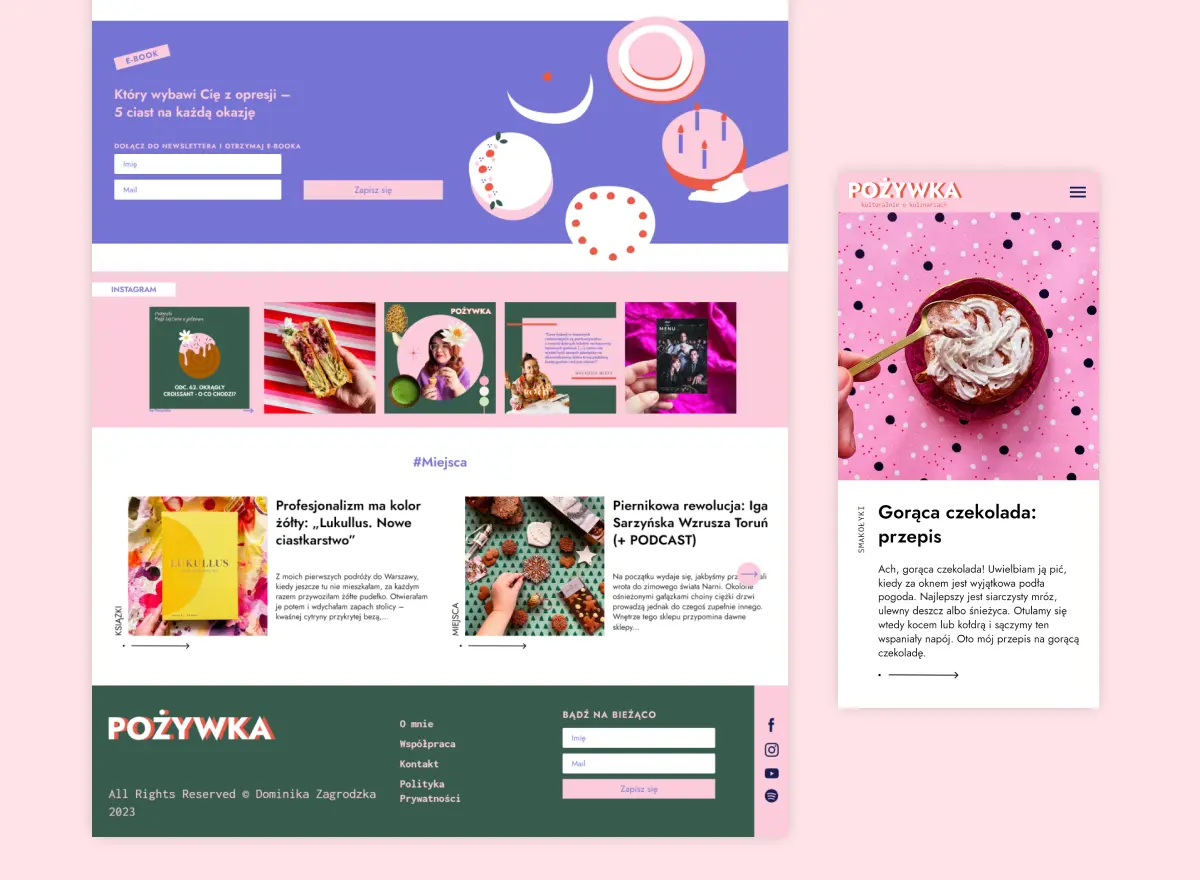
pozywka.pl
Scalable blog for food journalist, focused on performance and user experience 🌭
zagrodzki.me
Personal blog and portfolio of Bart Zagrodzki, where he shares his knowledge and work 💼
TurboStarter
Ship your startup everywhere. In minutes.
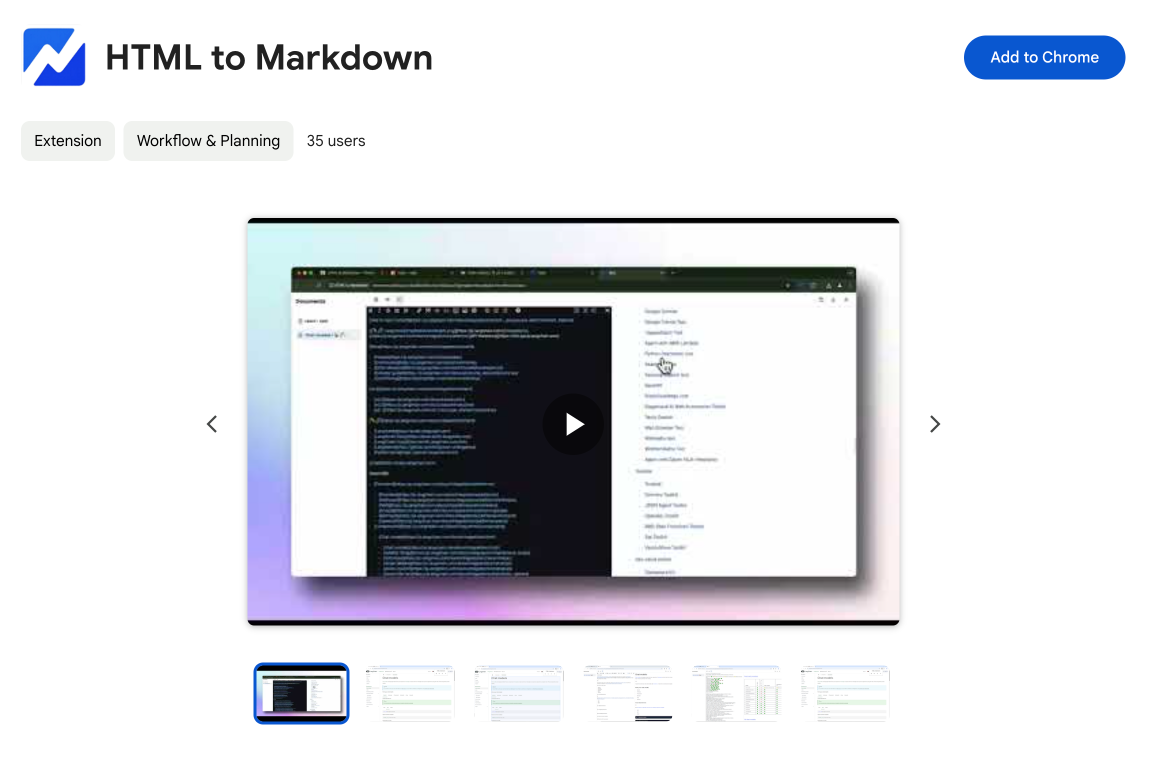
HTML to Markdown
Convert HTML to Markdown with ease, directly in your browser 📄
Dotallio
Personalized AI apps that automate research, data extraction, and content creation without code 🤖
Talk to Santa
Enjoy a magical live video chat or receive a unique AI-generated video greeting from Santa Claus 🎅
pozywka.pl
Scalable blog for food journalist, focused on performance and user experience 🌭
zagrodzki.me
Personal blog and portfolio of Bart Zagrodzki, where he shares his knowledge and work 💼
TurboStarter
Ship your startup everywhere. In minutes.
HTML to Markdown
Convert HTML to Markdown with ease, directly in your browser 📄
Dotallio
Personalized AI apps that automate research, data extraction, and content creation without code 🤖
Talk to Santa
Enjoy a magical live video chat or receive a unique AI-generated video greeting from Santa Claus 🎅
pozywka.pl
Scalable blog for food journalist, focused on performance and user experience 🌭
zagrodzki.me
Personal blog and portfolio of Bart Zagrodzki, where he shares his knowledge and work 💼
TurboStarter
Ship your startup everywhere. In minutes.
HTML to Markdown
Convert HTML to Markdown with ease, directly in your browser 📄
Dotallio
Personalized AI apps that automate research, data extraction, and content creation without code 🤖
Talk to Santa
Enjoy a magical live video chat or receive a unique AI-generated video greeting from Santa Claus 🎅
pozywka.pl
Scalable blog for food journalist, focused on performance and user experience 🌭
zagrodzki.me
Personal blog and portfolio of Bart Zagrodzki, where he shares his knowledge and work 💼
TurboStarter
Ship your startup everywhere. In minutes.
HTML to Markdown
Convert HTML to Markdown with ease, directly in your browser 📄
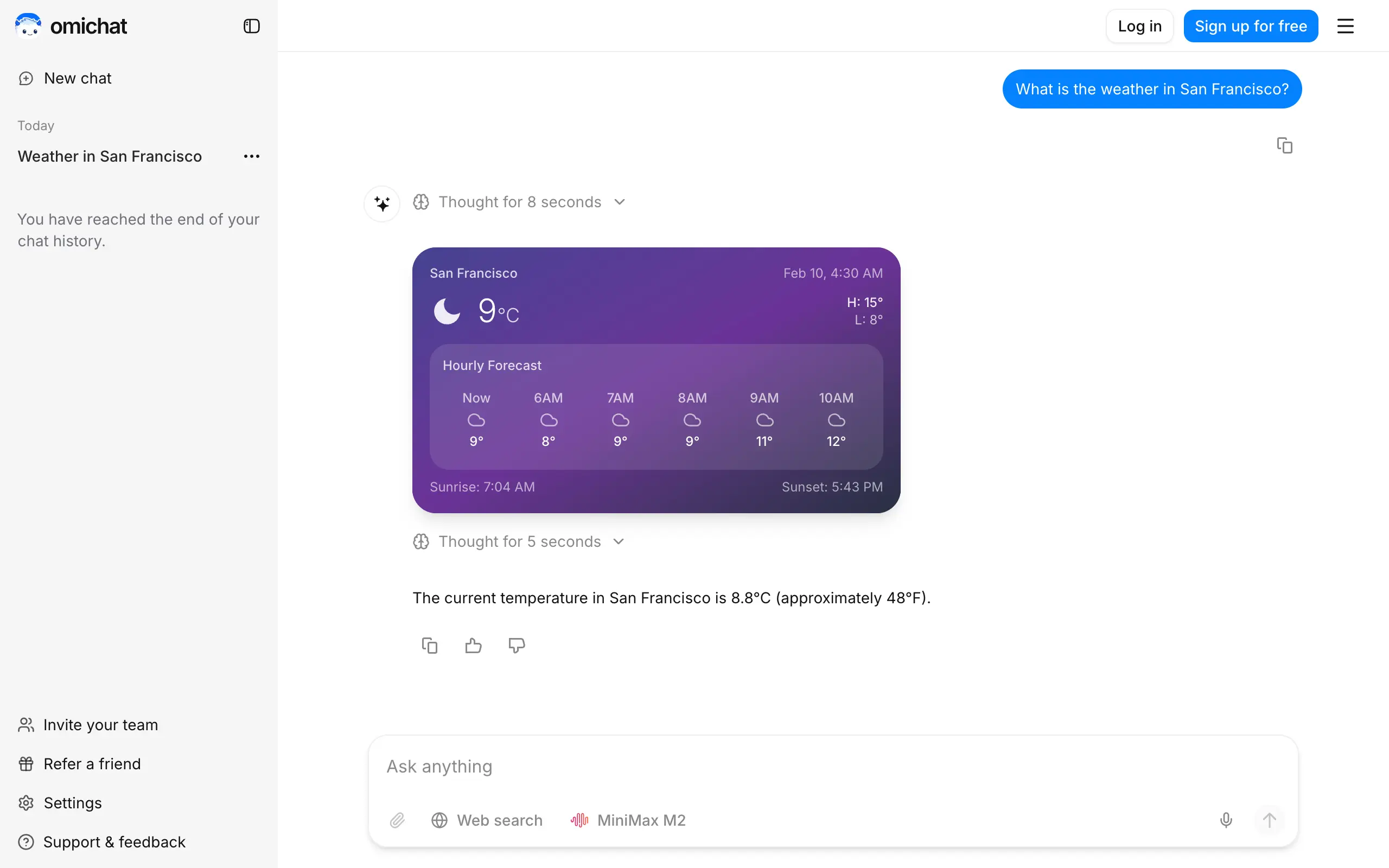
Omichat
Chat with 50+ AI models, including ChatGPT and Claude, in one place - switch models anytime without losing context 🤖
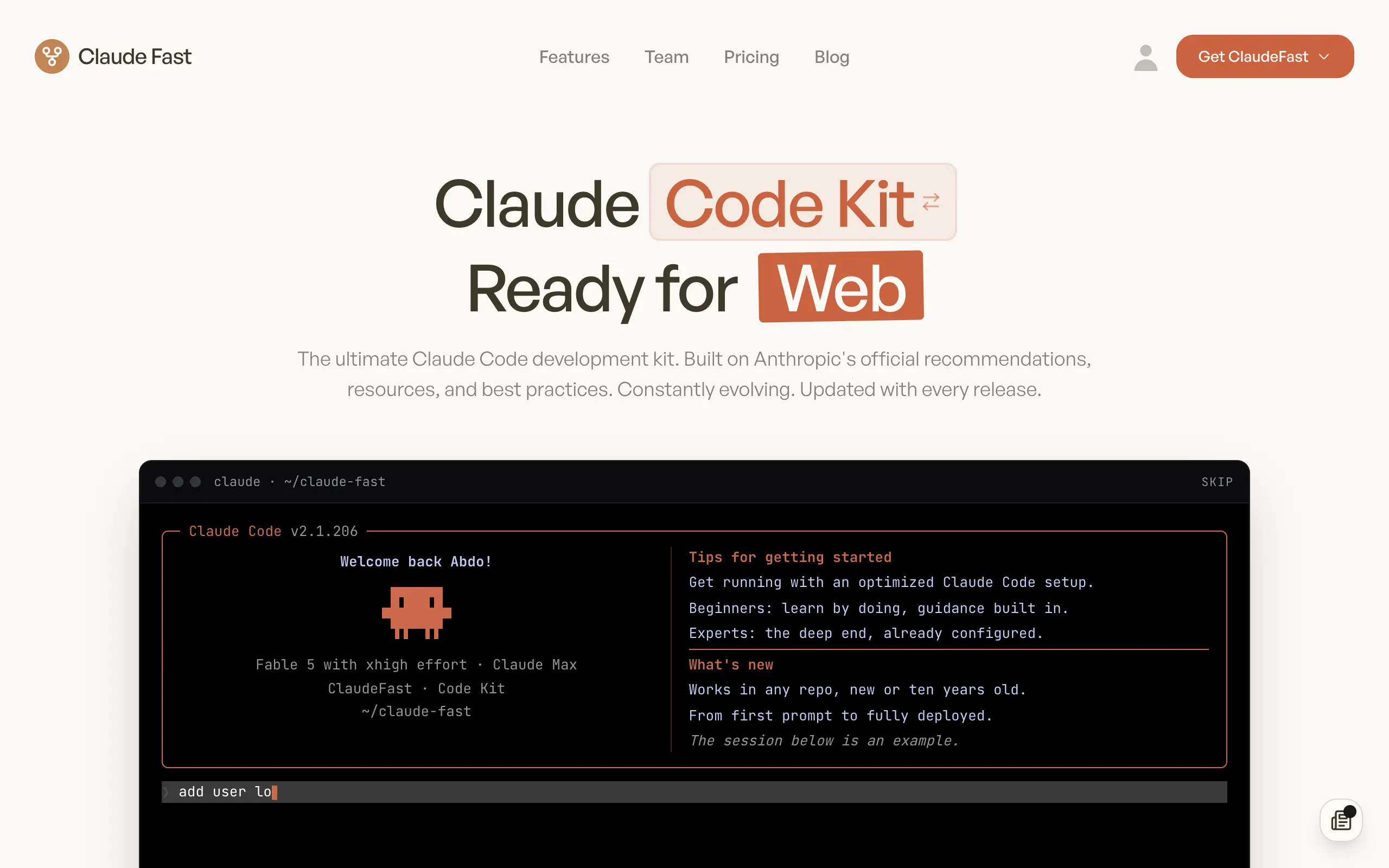
Claude Fast
Supercharge your Claude Code with 6x effective context window and specialized AI agents 🤖
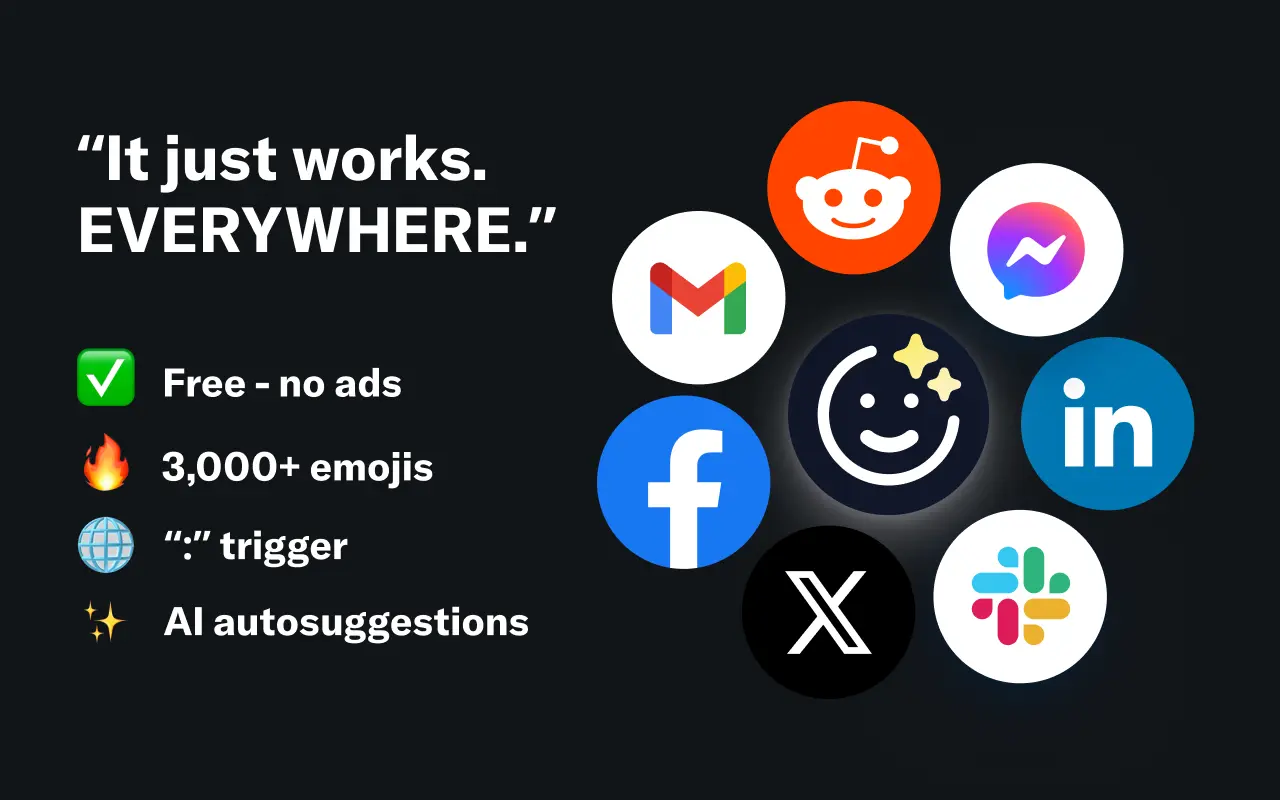
EmojAI
AI-powered emoji picker with smart, context-aware suggestions 🤖
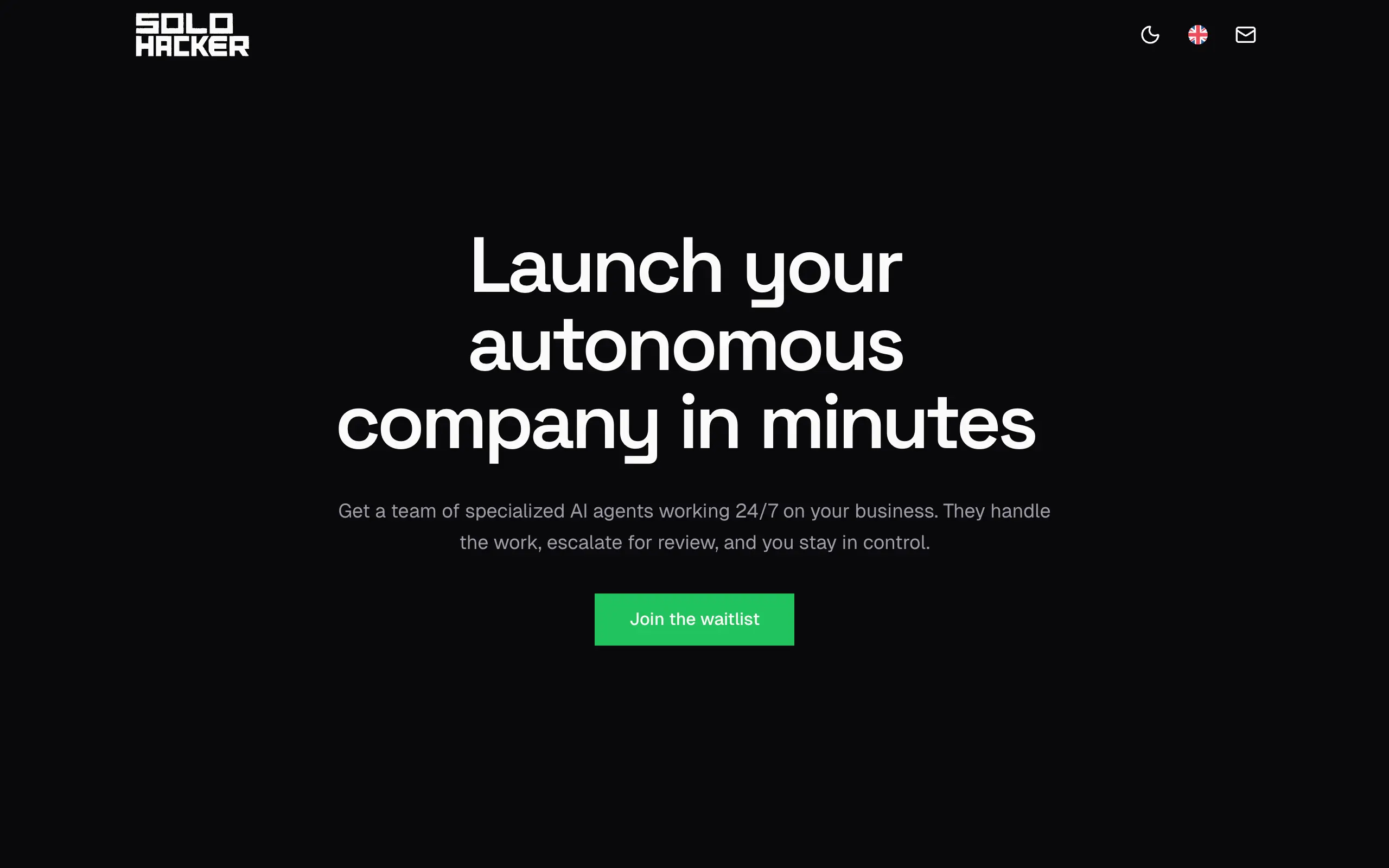
Solohacker
Autonomous company launcher - AI agents work 24/7, escalate what matters, and you stay in control 🤖

BeRawi: Storytelling Coach
Practice storytelling daily with instant feedback to sound clearer, more engaging, and confident 🎤
Omichat
Chat with 50+ AI models, including ChatGPT and Claude, in one place - switch models anytime without losing context 🤖
Claude Fast
Supercharge your Claude Code with 6x effective context window and specialized AI agents 🤖
EmojAI
AI-powered emoji picker with smart, context-aware suggestions 🤖
Solohacker
Autonomous company launcher - AI agents work 24/7, escalate what matters, and you stay in control 🤖
BeRawi: Storytelling Coach
Practice storytelling daily with instant feedback to sound clearer, more engaging, and confident 🎤
Omichat
Chat with 50+ AI models, including ChatGPT and Claude, in one place - switch models anytime without losing context 🤖
Claude Fast
Supercharge your Claude Code with 6x effective context window and specialized AI agents 🤖
EmojAI
AI-powered emoji picker with smart, context-aware suggestions 🤖
Solohacker
Autonomous company launcher - AI agents work 24/7, escalate what matters, and you stay in control 🤖
BeRawi: Storytelling Coach
Practice storytelling daily with instant feedback to sound clearer, more engaging, and confident 🎤
Omichat
Chat with 50+ AI models, including ChatGPT and Claude, in one place - switch models anytime without losing context 🤖
Claude Fast
Supercharge your Claude Code with 6x effective context window and specialized AI agents 🤖
EmojAI
AI-powered emoji picker with smart, context-aware suggestions 🤖
Solohacker
Autonomous company launcher - AI agents work 24/7, escalate what matters, and you stay in control 🤖
BeRawi: Storytelling Coach
Practice storytelling daily with instant feedback to sound clearer, more engaging, and confident 🎤

Connect with like-minded people
Join our community to get feedback, support, and grow together with 1,000+ builders on board, let's ship it!
Join usShip your startup everywhere. In minutes.
Don't burn tokens on setup and start building features on day one.