ClipForge
Turns long-form videos or streams into high-performing short clips using AI that detects hooks, highlights, and viral moments automatically.
what is an AI livestream clip generator and why it matters now
The rise of short-form video has fundamentally reshaped content consumption. Platforms like TikTok, Instagram Reels, and YouTube Shorts dominate user attention, with billions of daily views driven by fast, engaging clips. At the same time, livestreaming has exploded across platforms like Twitch, YouTube Live, and Kick, producing hours of long-form content every day.
This creates a massive gap: livestreams are rich in valuable moments, but extracting those moments is time-consuming and inconsistent.
This is where an AI livestream clip generator like ClipForge enters the picture.
ClipForge is designed to automatically detect, edit, and format highlight clips from livestreams—turning hours of content into viral-ready short videos optimized for each platform. It combines AI-driven highlight detection with platform-specific formatting to dramatically reduce the time between content creation and distribution.
In other words, it transforms raw streams into growth assets.
the shift toward short-form video dominance
Short-form video is not just a trend—it’s now the primary growth engine for creators.
- TikTok’s algorithm prioritizes discoverability over follower count
- YouTube Shorts contributes heavily to channel growth funnels
- Instagram Reels drives engagement for creators and brands alike
According to widely cited industry reports (e.g., Statista or platform earnings reports), short-form video accounts for a significant portion of total mobile viewing time globally.
This shift creates a simple reality:
If you're not consistently publishing short-form clips, you're missing the fastest growth channel available today.
Yet most streamers struggle to keep up because editing clips manually is slow and tedious.
the core problem ClipForge solves
Livestream creators face three major challenges:
1. content overload
A 3-hour livestream might contain:
- 5–10 high-quality moments
- dozens of “almost good” moments
- hours of filler
Finding those highlights manually requires scrubbing through footage—often taking longer than the stream itself.
2. editing friction
Even after finding a moment:
- it needs trimming
- captions must be added
- vertical formatting is required
- pacing must be optimized
This requires skill, time, and tools.
3. platform fragmentation
Each platform has different requirements:
- TikTok: fast hooks, captions, vertical
- YouTube Shorts: loop-friendly structure
- Instagram Reels: visual polish and timing
Most creators either:
- don’t optimize properly, or
- avoid posting altogether
how ClipForge works: AI-powered clip generation
ClipForge solves these challenges using a pipeline of intelligent automation.
smart highlight detection
The system analyzes livestream footage using signals such as:
- audio spikes (laughter, shouting, reactions)
- speech sentiment and keywords
- visual changes and motion intensity
- chat engagement spikes (for supported platforms)
This allows it to identify moments that are likely to perform well as clips.
automatic clip extraction
Once highlights are detected:
- clips are trimmed automatically
- context windows are added before/after key moments
- pacing is adjusted to maintain engagement
platform-specific formatting
Each clip is optimized for its destination:
- vertical (9:16) cropping with subject tracking
- auto-generated captions
- hook optimization (first 1–3 seconds)
- duration adjustments per platform
batch processing
Instead of exporting one clip at a time, users can:
- generate dozens of clips per stream
- preview and approve quickly
- export in bulk
target audience analysis
ClipForge is a B2C SaaS, but its audience is highly segmented. Understanding these segments is key to positioning and growth.
primary audience: livestream creators
These include:
- Twitch streamers
- YouTube live creators
- gaming streamers
- IRL and variety streamers
Pain points:
- limited time for editing
- inconsistent content output
- difficulty growing beyond live audience
What they want:
- automation
- growth
- more visibility
secondary audience: content repurposers
This group includes:
- social media managers
- content agencies
- clip editors working for creators
They value:
- speed
- scalability
- consistency
emerging audience: micro-creators
New creators entering the space often:
- rely heavily on short-form for growth
- lack editing skills
- need fast results
ClipForge becomes a “growth shortcut” for them.
market opportunity and gap analysis
The creator economy is projected to surpass hundreds of billions in value globally (sources like Goldman Sachs reports or Influencer Marketing Hub often cite such projections).
Yet a critical gap remains:
There is no seamless bridge between long-form livestream content and high-performing short-form clips.
current solutions fall short
Existing tools include:
- manual editing software (Premiere Pro, Final Cut)
- basic clipping tools on Twitch/YouTube
- generic AI video editors
But they lack:
- deep highlight detection
- platform-native optimization
- end-to-end automation
ClipForge’s opportunity
ClipForge sits at the intersection of:
- AI video processing
- creator growth tools
- content automation
This positions it as:
Not just an editing tool, but a growth engine for creators.
core features that define ClipForge
1. AI highlight detection engine
This is the product’s backbone.
Key capabilities:
- multi-signal analysis (audio, visual, text)
- real-time or post-stream processing
- customizable sensitivity levels
2. auto-captioning with style presets
Captions are critical for engagement.
ClipForge provides:
- accurate speech-to-text
- stylized captions (TikTok-style, bold, emojis)
- keyword emphasis
3. dynamic vertical reframing
Instead of static cropping:
- AI tracks faces and subjects
- adjusts framing dynamically
- keeps key action centered
4. hook optimization system
The first seconds determine performance.
ClipForge can:
- detect weak openings
- suggest or auto-insert hooks
- reorder clip segments for impact
5. multi-platform export presets
Each platform gets tailored output:
- TikTok: fast cuts, strong hooks
- Reels: smooth transitions
- Shorts: loop-friendly edits
6. analytics feedback loop (future feature)
To improve results over time:
- track clip performance
- learn which moments go viral
- refine detection models
competitive landscape
Here’s how ClipForge compares to typical alternatives:
| Feature | Manual editing | Basic clip tools | Generic AI editors | ClipForge |
|---|---|---|---|---|
| Highlight detection | ❌ | ❌ | ⚠️ | ✅ |
| Platform optimization | ❌ | ❌ | ⚠️ | ✅ |
| Automation level | ❌ | ⚠️ | ✅ | ✅ |
| Scalability | ❌ | ❌ | ✅ | ✅ |
unique selling proposition (USP)
ClipForge stands out because it doesn’t just edit content—it identifies what’s worth editing in the first place.
Its key differentiators:
- AI trained specifically on livestream behavior
- built-in viral optimization logic
- end-to-end workflow automation
- platform-native formatting
This makes it a creator growth tool, not just a utility.
recommended tech stack for building ClipForge
frontend
- React for UI
- Next.js for SSR and routing
- TailwindCSS for fast styling
backend
- Node.js (scalable, real-time processing)
- Python microservices for AI pipelines
AI/ML components
- speech-to-text models (e.g., Whisper-like systems)
- computer vision for face tracking
- NLP for sentiment and keyword detection
video processing
- FFmpeg for core processing
- GPU acceleration for speed
infrastructure
- AWS or GCP for scalability
- CDN for fast video delivery
- queue systems for batch processing
rapid development shortcut
If you're building an MVP, using a starter framework like TurboStarter can significantly reduce setup time for SaaS infrastructure.
monetization strategy
ClipForge fits well into a subscription-based model.
tiered pricing
- free plan: limited clips/month, watermark
- creator plan: higher limits, no watermark
- pro plan: advanced AI + analytics
usage-based pricing
Charge based on:
- hours processed
- number of clips generated
add-ons
- premium caption styles
- advanced analytics
- team collaboration tools
potential pricing psychology
Creators are willing to pay if:
- it saves time
- it increases growth
Position pricing around ROI, not features.
potential risks and mitigation strategies
risk 1: inaccurate highlight detection
AI may miss key moments or pick weak ones.
Mitigation:
- allow user feedback loops
- enable manual adjustments
- continuously train models
risk 2: platform algorithm changes
Short-form platforms evolve quickly.
Mitigation:
- maintain adaptive formatting rules
- monitor platform trends closely
risk 3: heavy compute costs
Video processing is expensive.
Mitigation:
- optimize pipelines
- use batch processing
- offer tiered limits
risk 4: competition from big players
Platforms like YouTube or TikTok could build native tools.
Mitigation:
- move faster
- specialize deeply
- build brand loyalty
growth strategy for ClipForge
1. creator-led marketing
- partner with streamers
- showcase before/after results
- highlight growth metrics
2. viral loops
Each generated clip:
- acts as marketing
- showcases the product’s value
3. community integration
- Discord communities
- Twitch creator forums
- Reddit (r/Twitch, r/NewTubers)
4. SEO content engine
Target keywords like:
- "AI clip generator"
- "turn streams into TikToks"
- "auto highlight livestream"
implementation roadmap
future expansion opportunities
AI-powered content coaching
Suggest:
- what to say
- when to react
- how to improve streams
cross-platform publishing
Auto-post clips to:
- TikTok
- YouTube Shorts
- Instagram Reels
brand sponsorship matching
Match viral clips with:
- relevant brands
- monetization opportunities
why ClipForge is positioned for success
Several macro trends align perfectly:
- explosion of livestream content
- dominance of short-form video
- rapid advances in AI video processing
ClipForge sits at the center of all three.
It doesn’t just save time—it directly contributes to creator growth, which makes it inherently valuable.
actionable next steps
If you're building or validating ClipForge:
- start with a narrow niche (e.g., gaming streamers)
- focus on one platform (TikTok first)
- prioritize highlight accuracy over features
- ship fast and iterate with real users
- build strong onboarding to show instant value
final thoughts
ClipForge represents a powerful shift in how content is created and distributed.
Instead of creators spending hours editing, AI handles the heavy lifting—allowing them to focus on what actually matters: creating engaging content.
In a world where attention is the most valuable currency, tools that amplify reach and reduce friction will win.
ClipForge is not just a tool—it’s a growth multiplier for the modern creator.
More 👥 B2C Application SaaS ideas
Discover more innovative b2c application SaaS ideas that are trending in 2026. Each idea is AI-generated with market validation and growth potential to help you find your next profitable venture faster than competitors.
Your competitors are building with TurboStarter
Below are some of the SaaS ideas that have been generated and built with our starter kit.

Statiko
Monitor any Telegram channel in real time - track posts, edits, deletions, and growth with AI recaps 📡

Shibui
AI website builder - describe your business, pick a niche template, edit by chatting, and publish instantly ✨

Pro Service
Find verified home service professionals, compare quotes, and pay securely through escrow - built for Brazilians across the US 🏠
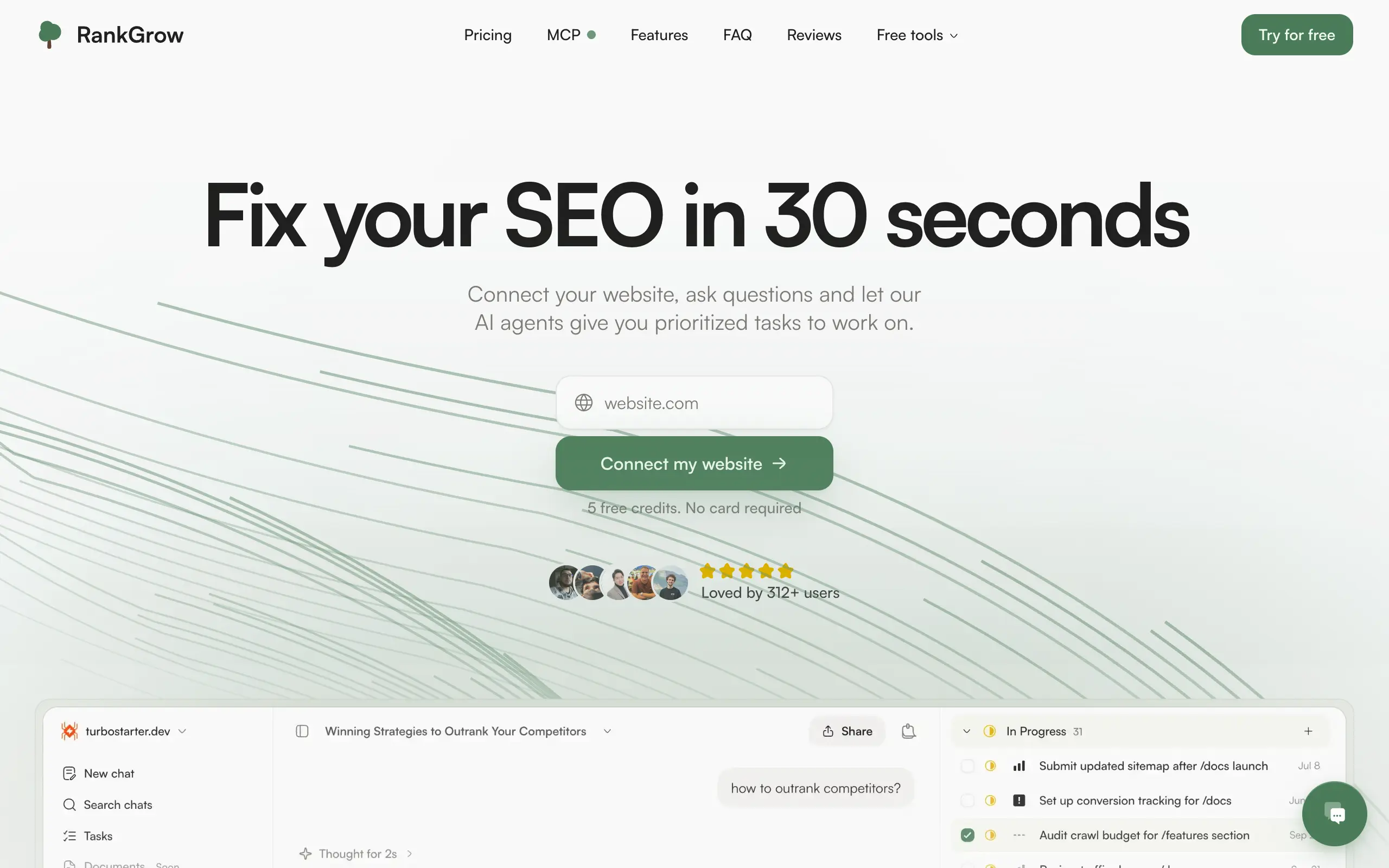
RankGrow
Fix your SEO with AI agents - connect Search Console, get prioritized tasks, and grow organic traffic 📈
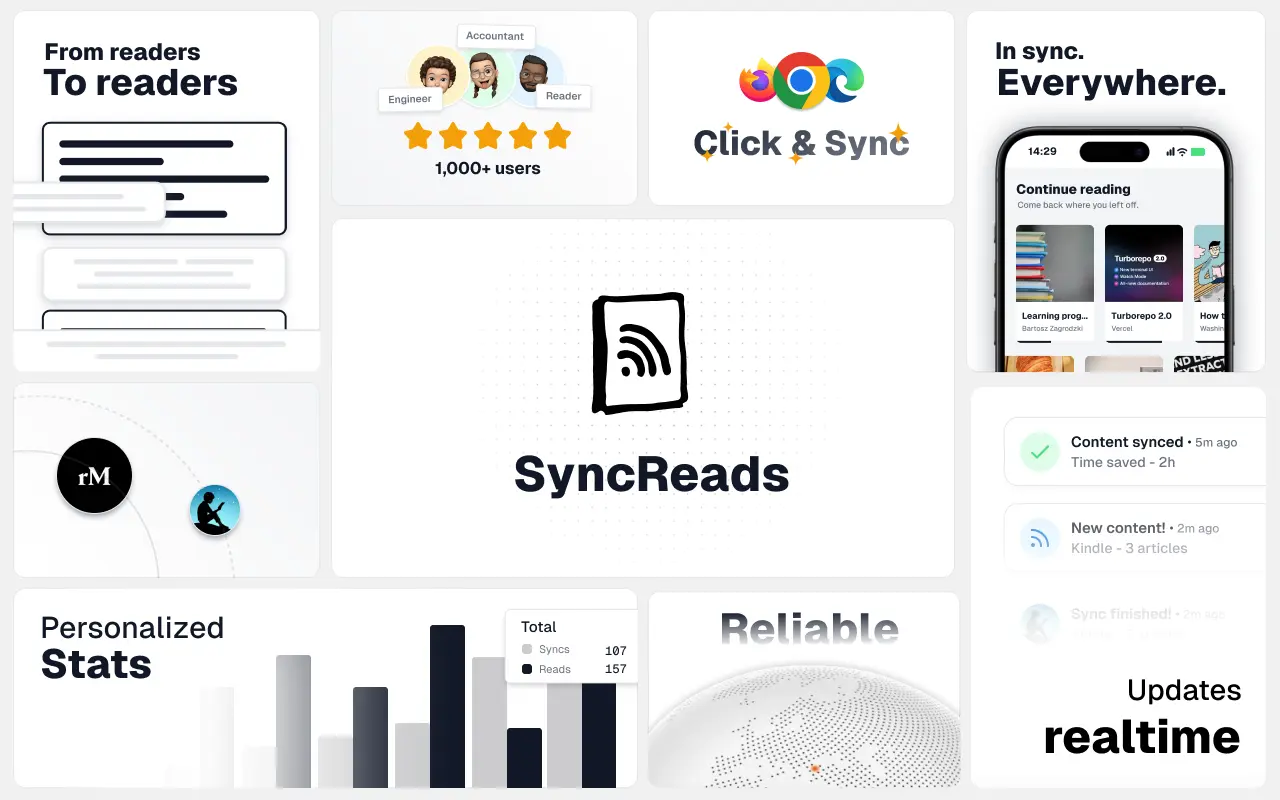
SyncReads
Sync your favorite content for distraction-free reading, save time and replace multiple apps. Anytime, anywhere 🔄
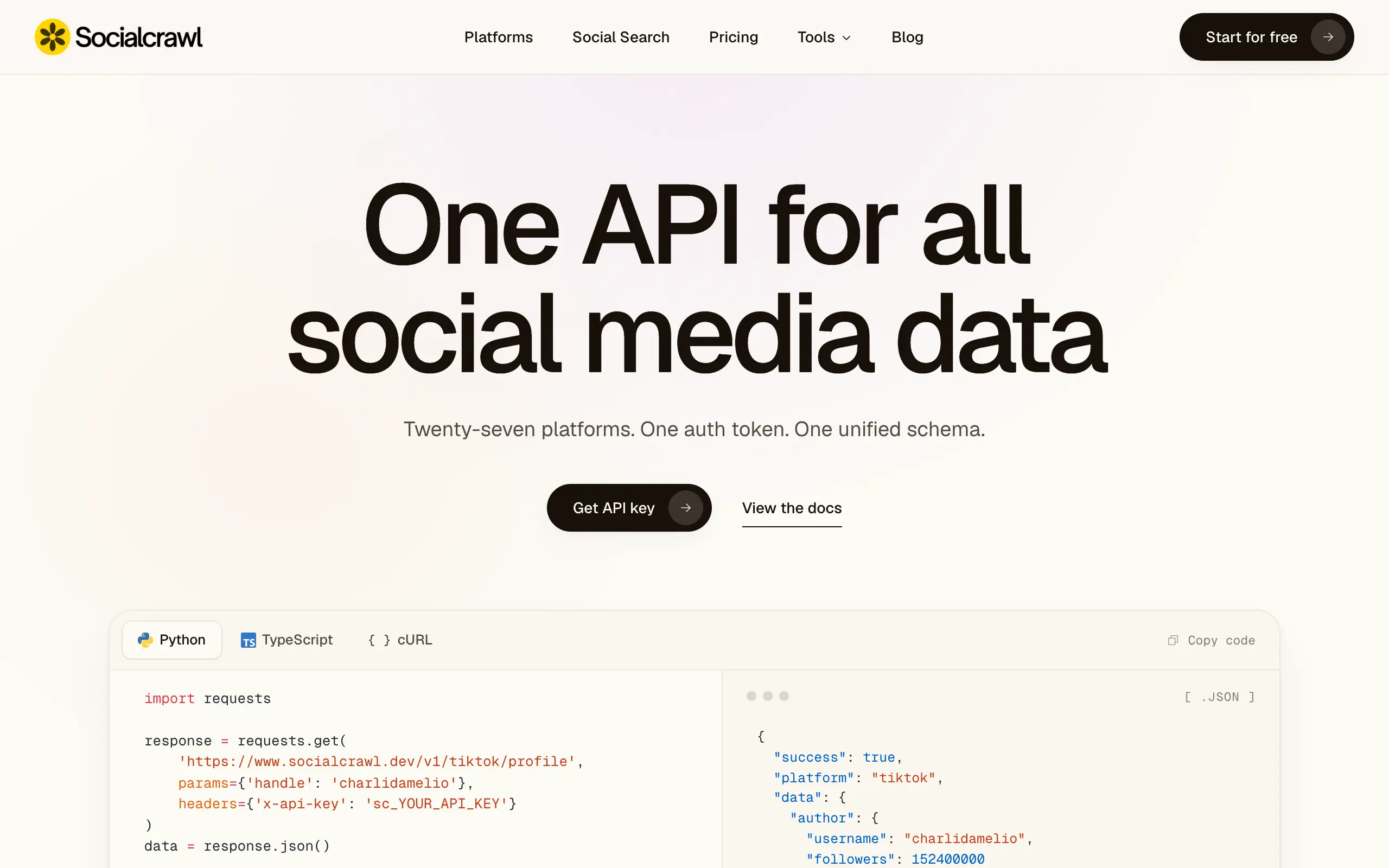
Socialcrawl
Get clean, structured data from 21 platforms like TikTok, Instagram, and YouTube with a single request 📊
Statiko
Monitor any Telegram channel in real time - track posts, edits, deletions, and growth with AI recaps 📡
Shibui
AI website builder - describe your business, pick a niche template, edit by chatting, and publish instantly ✨
Pro Service
Find verified home service professionals, compare quotes, and pay securely through escrow - built for Brazilians across the US 🏠
RankGrow
Fix your SEO with AI agents - connect Search Console, get prioritized tasks, and grow organic traffic 📈
SyncReads
Sync your favorite content for distraction-free reading, save time and replace multiple apps. Anytime, anywhere 🔄
Socialcrawl
Get clean, structured data from 21 platforms like TikTok, Instagram, and YouTube with a single request 📊
Statiko
Monitor any Telegram channel in real time - track posts, edits, deletions, and growth with AI recaps 📡
Shibui
AI website builder - describe your business, pick a niche template, edit by chatting, and publish instantly ✨
Pro Service
Find verified home service professionals, compare quotes, and pay securely through escrow - built for Brazilians across the US 🏠
RankGrow
Fix your SEO with AI agents - connect Search Console, get prioritized tasks, and grow organic traffic 📈
SyncReads
Sync your favorite content for distraction-free reading, save time and replace multiple apps. Anytime, anywhere 🔄
Socialcrawl
Get clean, structured data from 21 platforms like TikTok, Instagram, and YouTube with a single request 📊
Statiko
Monitor any Telegram channel in real time - track posts, edits, deletions, and growth with AI recaps 📡
Shibui
AI website builder - describe your business, pick a niche template, edit by chatting, and publish instantly ✨
Pro Service
Find verified home service professionals, compare quotes, and pay securely through escrow - built for Brazilians across the US 🏠
RankGrow
Fix your SEO with AI agents - connect Search Console, get prioritized tasks, and grow organic traffic 📈
SyncReads
Sync your favorite content for distraction-free reading, save time and replace multiple apps. Anytime, anywhere 🔄
Socialcrawl
Get clean, structured data from 21 platforms like TikTok, Instagram, and YouTube with a single request 📊
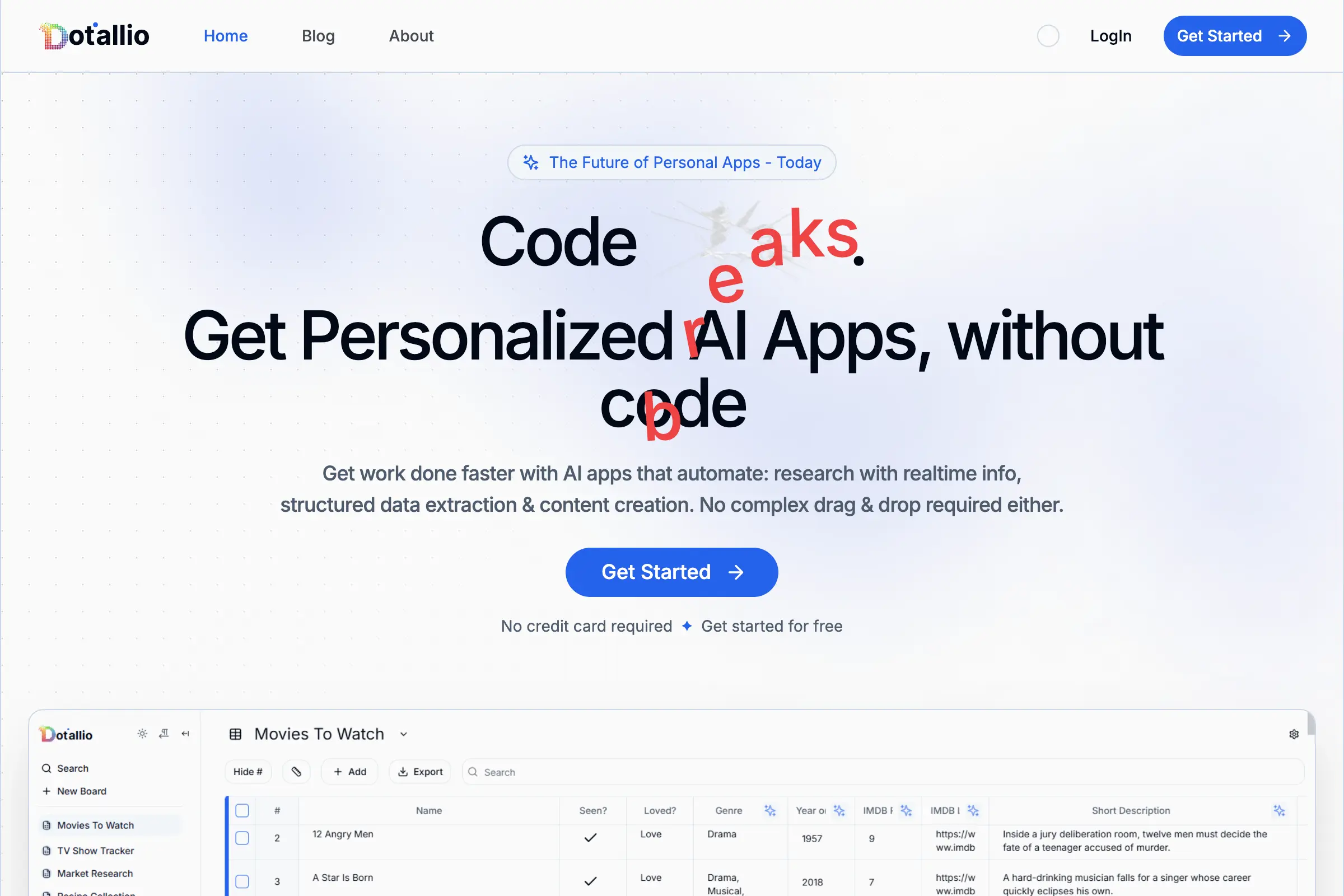
Dotallio
Personalized AI apps that automate research, data extraction, and content creation without code 🤖

Talk to Santa
Enjoy a magical live video chat or receive a unique AI-generated video greeting from Santa Claus 🎅

pozywka.pl
Scalable blog for food journalist, focused on performance and user experience 🌭
zagrodzki.me
Personal blog and portfolio of Bart Zagrodzki, where he shares his knowledge and work 💼
TurboStarter
Ship your startup everywhere. In minutes.
HTML to Markdown
Convert HTML to Markdown with ease, directly in your browser 📄
Dotallio
Personalized AI apps that automate research, data extraction, and content creation without code 🤖
Talk to Santa
Enjoy a magical live video chat or receive a unique AI-generated video greeting from Santa Claus 🎅
pozywka.pl
Scalable blog for food journalist, focused on performance and user experience 🌭
zagrodzki.me
Personal blog and portfolio of Bart Zagrodzki, where he shares his knowledge and work 💼
TurboStarter
Ship your startup everywhere. In minutes.
HTML to Markdown
Convert HTML to Markdown with ease, directly in your browser 📄
Dotallio
Personalized AI apps that automate research, data extraction, and content creation without code 🤖
Talk to Santa
Enjoy a magical live video chat or receive a unique AI-generated video greeting from Santa Claus 🎅
pozywka.pl
Scalable blog for food journalist, focused on performance and user experience 🌭
zagrodzki.me
Personal blog and portfolio of Bart Zagrodzki, where he shares his knowledge and work 💼
TurboStarter
Ship your startup everywhere. In minutes.
HTML to Markdown
Convert HTML to Markdown with ease, directly in your browser 📄
Dotallio
Personalized AI apps that automate research, data extraction, and content creation without code 🤖
Talk to Santa
Enjoy a magical live video chat or receive a unique AI-generated video greeting from Santa Claus 🎅
pozywka.pl
Scalable blog for food journalist, focused on performance and user experience 🌭
zagrodzki.me
Personal blog and portfolio of Bart Zagrodzki, where he shares his knowledge and work 💼
TurboStarter
Ship your startup everywhere. In minutes.
HTML to Markdown
Convert HTML to Markdown with ease, directly in your browser 📄
Omichat
Chat with 50+ AI models, including ChatGPT and Claude, in one place - switch models anytime without losing context 🤖
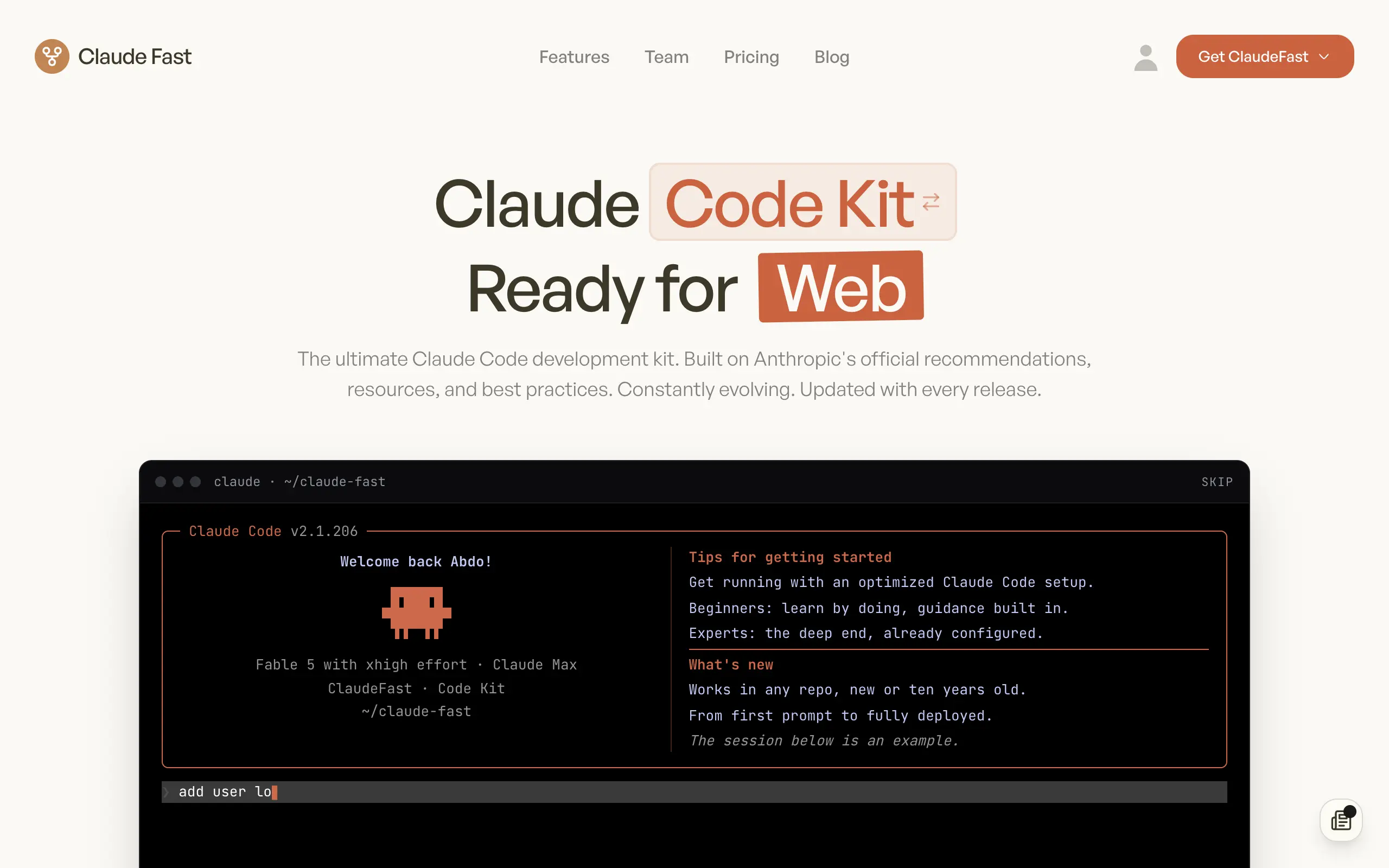
Claude Fast
Supercharge your Claude Code with 6x effective context window and specialized AI agents 🤖
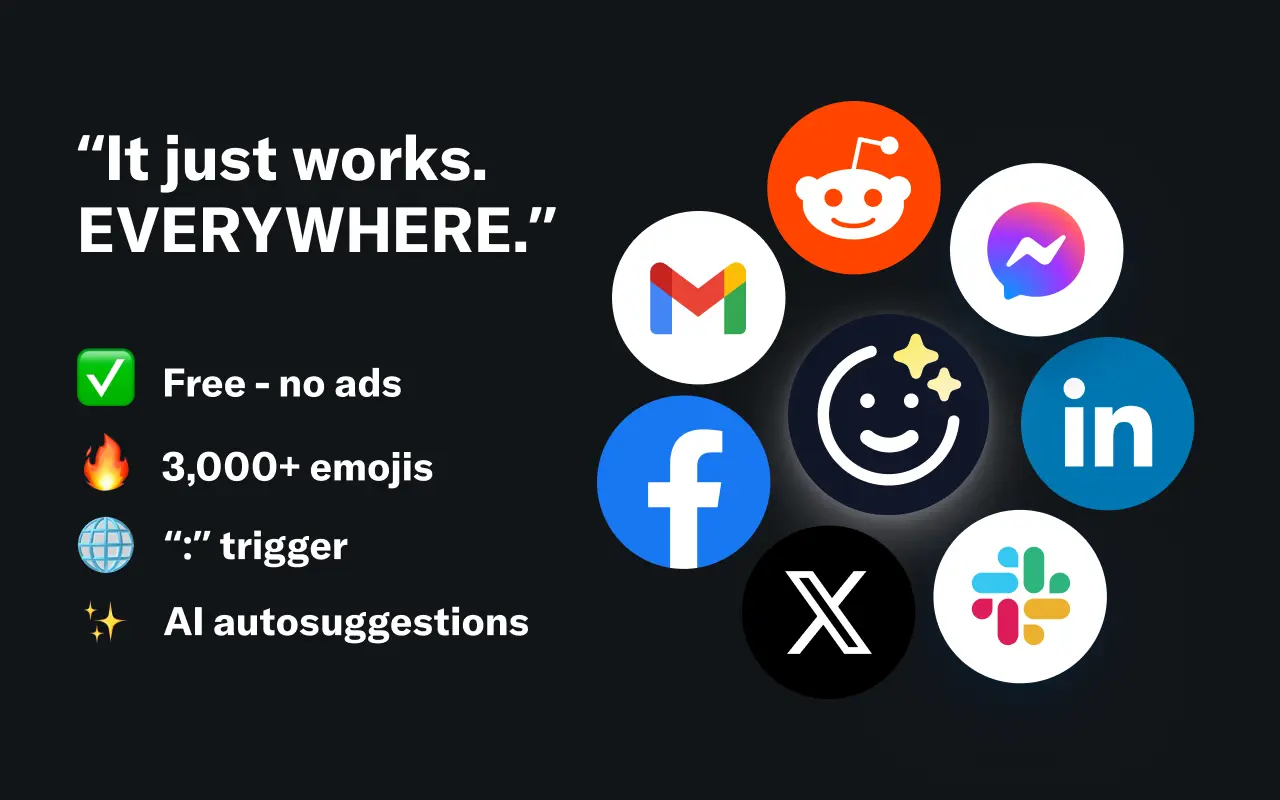
EmojAI
AI-powered emoji picker with smart, context-aware suggestions 🤖
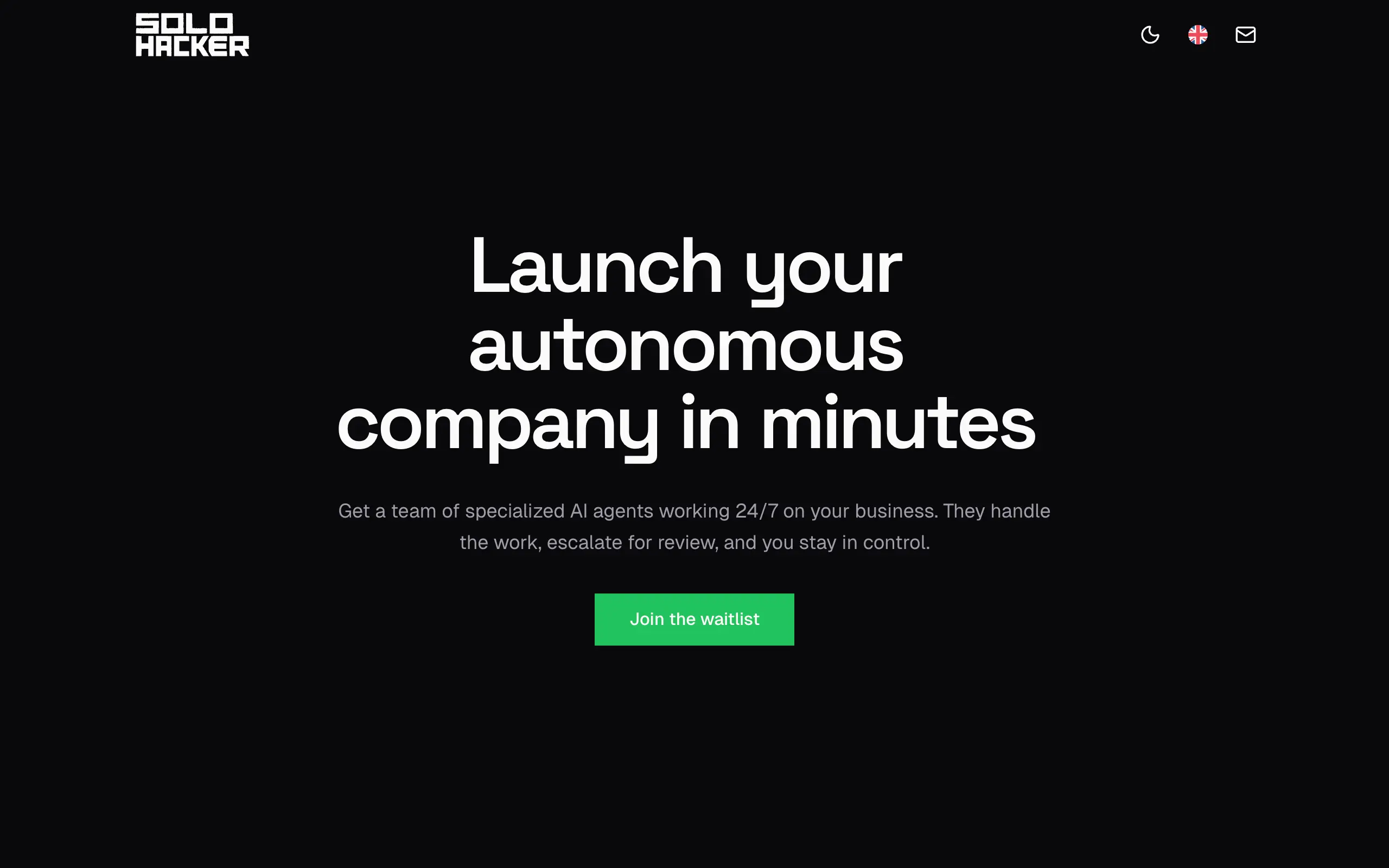
Solohacker
Autonomous company launcher - AI agents work 24/7, escalate what matters, and you stay in control 🤖
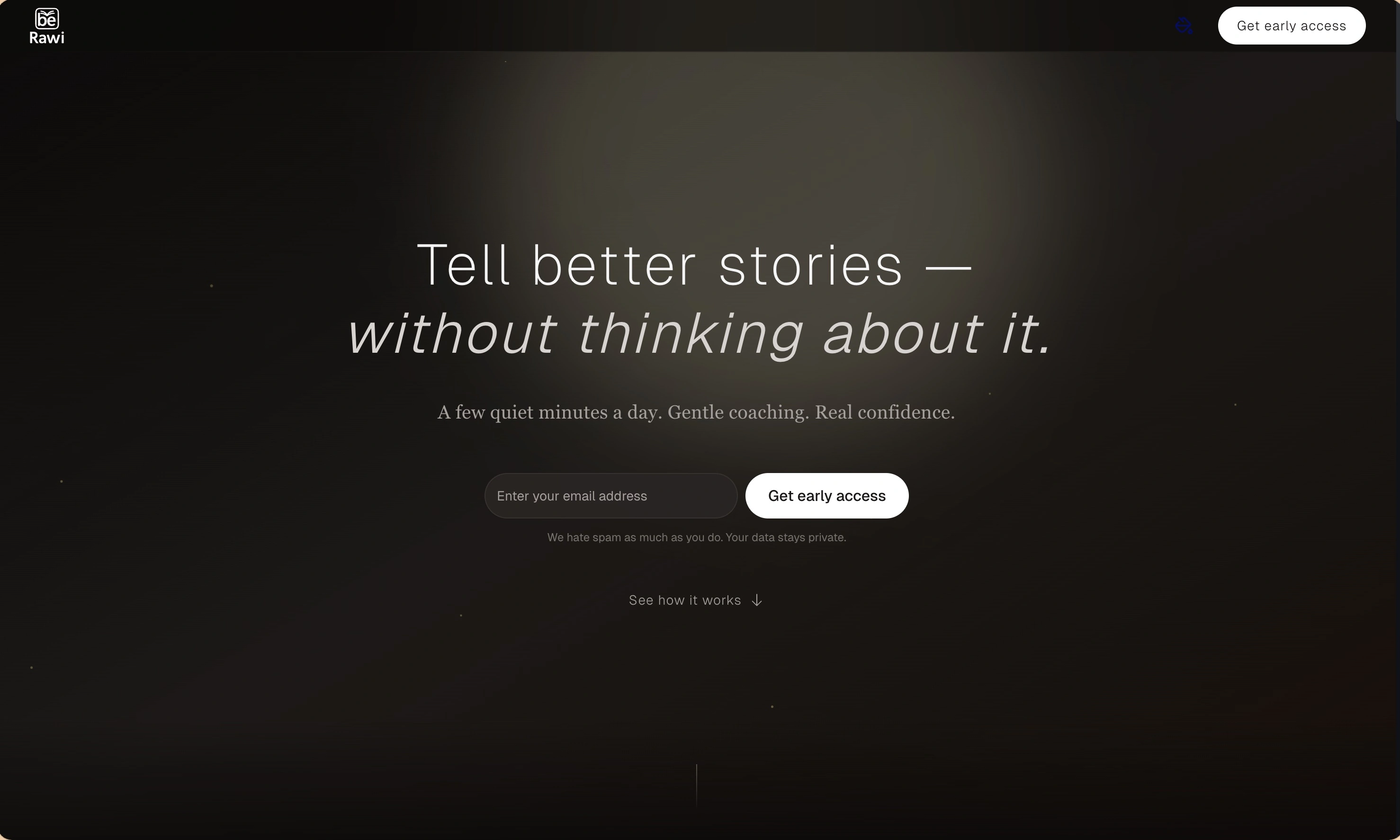
BeRawi: Storytelling Coach
Practice storytelling daily with instant feedback to sound clearer, more engaging, and confident 🎤
Omichat
Chat with 50+ AI models, including ChatGPT and Claude, in one place - switch models anytime without losing context 🤖
Claude Fast
Supercharge your Claude Code with 6x effective context window and specialized AI agents 🤖
EmojAI
AI-powered emoji picker with smart, context-aware suggestions 🤖
Solohacker
Autonomous company launcher - AI agents work 24/7, escalate what matters, and you stay in control 🤖
BeRawi: Storytelling Coach
Practice storytelling daily with instant feedback to sound clearer, more engaging, and confident 🎤
Omichat
Chat with 50+ AI models, including ChatGPT and Claude, in one place - switch models anytime without losing context 🤖
Claude Fast
Supercharge your Claude Code with 6x effective context window and specialized AI agents 🤖
EmojAI
AI-powered emoji picker with smart, context-aware suggestions 🤖
Solohacker
Autonomous company launcher - AI agents work 24/7, escalate what matters, and you stay in control 🤖
BeRawi: Storytelling Coach
Practice storytelling daily with instant feedback to sound clearer, more engaging, and confident 🎤
Omichat
Chat with 50+ AI models, including ChatGPT and Claude, in one place - switch models anytime without losing context 🤖
Claude Fast
Supercharge your Claude Code with 6x effective context window and specialized AI agents 🤖
EmojAI
AI-powered emoji picker with smart, context-aware suggestions 🤖
Solohacker
Autonomous company launcher - AI agents work 24/7, escalate what matters, and you stay in control 🤖
BeRawi: Storytelling Coach
Practice storytelling daily with instant feedback to sound clearer, more engaging, and confident 🎤

Connect with like-minded people
Join our community to get feedback, support, and grow together with 1,000+ builders on board, let's ship it!
Join usShip your startup everywhere. In minutes.
Don't burn tokens on setup and start building features on day one.