Doc2Notion
Effortlessly convert Word documents into visually appealing Notion pages. Doc2Notion provides a user-friendly interface with drag-and-drop features, making it ideal for content creators and educators.
Empowering Content Conversion: A Seamless Bridge Between Documents and Notion
Finding an efficient way to transform static documents into interactive, visually appealing pages is a game-changer for content creators, educators, and anyone deeply involved with digital content management. This article dives into an innovative solution that aims to effortlessly convert Word documents into dynamic Notion pages, combining simplicity with powerful functionality. By leveraging modern web technologies, an intuitive drag-and-drop interface, and a commitment to performance, this solution is perfectly poised to tackle the evolving needs of its target audience.
Target Audience: Who Benefits Most?
The solution is designed with two primary user segments in mind:
- Content Creators: Bloggers, freelance writers, and marketing professionals can quickly turn traditional documents into engaging Notion pages that attract more interaction.
- Educators and Knowledge Managers: Educators can easily organize lessons, syllabi, and educational material, while knowledge managers can streamline documentation and internal training content.
This approach resonates not only with those looking to modernize their content workflow but also with users who prefer simplicity and flexibility in delivering information. The drag-and-drop interface combined with minimal setup time creates a low barrier of entry, enabling users to focus on content rather than complex technical details.
Market Opportunity: Tapping Into a Growing Digital Landscape
The market for SaaS solutions that simplify content management has witnessed steady growth over the past few years. Several trends underline the opportunity for a service that transforms word documents into Notion pages:
- Increased Remote Collaboration: As remote work becomes more common, teams and educators need tools that enable seamless content sharing and collaboration.
- Adoption of Notion: Notion's growing popularity as a multi-purpose workspace tool means that many users are looking for ways to integrate their existing content without starting from scratch.
- Digital Transformation: Businesses and educational institutions are continuously on the lookout for tools that help them adapt to an increasingly digital world.
Leveraging these market trends, the solution differentiates itself by focusing on converting legacy content formats into modern, interactive pages. In doing so, it reduces the friction typically involved in revamping and modernizing content delivery channels.
Tech Stack: Combining Modern Tools for Robust Performance
Developing a seamless conversion tool requires a strategic selection of technologies that emphasize scalability, maintainability, and rapid deployment. The proposed tech stack includes:
- Frontend: React is at the core of the user interface, enabling dynamic interactions and a responsive, intuitive design. For styling, popular frameworks such as Tailwind CSS can be employed.
- Backend: Node.js paired with Express is ideal for handling API requests and powering background tasks related to document conversion.
- Document Processing: Leveraging libraries that process and render Microsoft Word document formats ensures that content conversion maintains fidelity and aesthetic quality.
- Cloud Infrastructure: Services like AWS or Google Cloud provide robust hosting solutions that ensure high availability and performance.
- Integration Tools: The solution works smoothly with Notion’s API to automatically generate pages, making the overall process smooth and error-free.
When discussing rapid implementation, one potential acceleration technique is utilizing a starter kit like TurboStarter. This kit can jumpstart the development process for both web and mobile platforms, reducing time-to-market while ensuring high-quality code standards.
Here's a small example demonstrating how the conversion logic might be initialized in code:
const convertDocument = (file) => {
  // Load file and process conversion logic here
  console.log("Processing document conversion...");
};
Monetization Strategy: Driving Sustainable Growth
A robust monetization strategy is crucial to ensure the long-term success of any SaaS product. This solution can capitalize on several revenue streams:
- Subscription-Based Model: Offer multiple tiers of service based on conversion volume, additional storage, or integration capabilities. For example:
- A Free Tier with limited monthly conversions.
- Standard and Premium Tiers with additional features like batch processing, priority support, and advanced formatting options.
- Pay-Per-Use: For users who occasionally need to convert documents, a one-time fee per conversion could be appealing.
- Educational Licensing: Special pricing for educational institutions where scalability and affordability are key.
- Enterprise Solutions: Custom integrations and special enterprise-level support can be offered to large organizations looking to scale their content management systems.
The product positioning focuses on creating value through efficiency and ease-of-use, setting it apart from providers that require significant technical onboarding or have steep learning curves.
Consider offering analytics or insights as premium features, providing users with additional data about the engagement and performance of the converted pages.
Risks and Mitigation Strategies
Every promising idea comes with its own set of challenges. It's important to acknowledge and prepare for these potential pitfalls:
- Integration Complexity: Converting complex documents into Notion pages while preserving intricate layouts and formatting might pose technical difficulties.
- Mitigation: Invest in rigorous testing across diverse document types and iterative user feedback.
- Scalability Issues: As demand increases, ensuring fast and accurate conversions could become challenging.
- Mitigation: Utilize scalable cloud infrastructure and optimize backend services; leverage microservices architecture if necessary.
- Market Competition: Several content management tools exist, so standing out requires both innovative features and a focus on user experience.
- Mitigation: Focus on ease-of-use and seamless integration with popular platforms to differentiate from competitors.
- Security & Privacy: Handling sensitive documents means there’s a risk related to data privacy and security.
- Mitigation: Ensure encryption both during transmission and storage; adopt best practices in data compliance and regular audits.
The approach prioritizes customer trust and reliability, continuously refining the user experience to mitigate these risks while delivering a superior product.
Competitive Advantages: Standing Out in the Crowd
What makes this solution distinct in a crowded marketplace? Several factors contribute to its competitive edge:
- User-Friendly Interface: The intuitive drag-and-drop functionality minimizes the learning curve, enabling users to achieve more in less time.
- Seamless Integration with Notion: Direct compatibility with Notion's API ensures that the final output is both beautiful and functional.
- Speed and Efficiency: High-performance backend processing ensures quick conversions, even for large documents.
- Scalable Architecture: Built with modern technologies, the solution can easily accommodate a rising number of users and complex document structures.
- Customization and Flexibility: Users can choose between various conversion options, ensuring that the final page meets specific stylistic and organizational requirements.
Feature highlight
Effortlessly convert complex documents into elegant Notion pages using a simple drag-and-drop interface.
User Interface and Usability
The main focus of the solution's interface is to provide an environment that is both welcoming and easy to navigate. This is achieved by:
- Drag-and-Drop Simplicity: Allowing users to upload and rearrange documents with minimal friction.
- Customizable Templates: Offering a dynamic array of templates, ensuring that pages adhere to a cohesive design system.
- Responsive Design: The interface adjusts seamlessly across different devices, making the tool accessible whether on a desktop, tablet, or smartphone.
- Feedback-Oriented Design: Users can see a preview of their converted document in real time, improving confidence in the final output.
Integrating interactive components like the ones below can enhance user experience:
View a real-time preview of your document as it transforms into a Notion page.
Make quick edits directly in the converted document, with auto-save functionality.
This dual approach of preview and immediate editing ensures that users have both control and clarity over the conversion process.
Integration and API Considerations
Considering the solution's reliance on third-party integrations (i.e., Notion’s API), it’s essential to maintain a secure and robust pipeline. Here are a few key considerations:
- Authentication and Authorization: Implement OAuth to secure user credentials during the Notion API integration.
- Rate Limiting: Monitor and control the API usage to avoid potential downtimes or breaches.
- Error Handling: Detailed error reporting for failed document conversions ensures users are promptly informed and supported.
API Stability
Always ensure that you are up-to-date with the latest API changes from Notion to avoid unexpected downtimes or functionality issues.
These measures collectively build a robust and user-friendly interface that handles the expected complexities of API integrations gracefully.
Development Acceleration with TurboStarter
When building a SaaS platform of this nature, development speed and consistency are critical. Rapid prototyping coupled with best practices can substantially reduce time-to-market. One innovative approach is leveraging tools such as the TurboStarter. This starter kit is designed to help developers bootstrap projects across web, mobile, and even browser extensions with minimal setup.
By choosing an efficient starter kit, you not only accelerate the initial development phase but also rely on a community-tested architecture that guarantees scalability and maintainability. This ensures that your product can keep pace with market demands without sacrificing quality.
Code Snippet: A Glimpse Into the Conversion Process
Integrating a robust conversion backend is key to ensuring high fidelity in document transformation. Below is an illustrative snippet that demonstrates how the conversion process might be initiated in a simplified manner:
const initiateConversion = (documentFile) => {
  try {
    console.log("Starting conversion of the uploaded document...");
    // Simulating conversion processing logic
    const notionPage = convertDocumentToNotion(documentFile);
    console.log("Conversion successful: ", notionPage);
  } catch (error) {
    console.error("Error during document conversion: ", error);
  }
};

const convertDocumentToNotion = (file) => {
  // Implement the document parsing and conversion logic here
  return {
    title: "Converted Notion Page",
    content: "This content was generated from a Word document!"
  };
};
This snippet offers a conceptual starting point—illustrating how document input might be incrementally converted and error handling protocols established.
Enhancing User Experience with Interactive Components
The conversion process is transformed into a smooth, interactive experience with tailored user interface components. The interface is designed to guide users through each phase with clearly organized steps and real-time feedback. The following interactive guide outlines the user journey:
This step-by-step process not only simplifies the conversion but also empowers users to maintain control over the final output, ensuring that the end result aligns with their expectations.
Future Roadmap: Continuous Innovation
To remain competitive and continuously offer value, it is crucial to maintain a roadmap for future improvements. Key initiatives might include:
- Enhanced Customization Tools: Developing more templates and advanced style settings that allow for further personalization of Notion pages.
- Multi-Document Management: Enabling batch processing and integration with cloud storage solutions for seamless document management.
- Collaborative Features: Introducing real-time collaboration, enabling teams to work simultaneously on document conversion and editing.
- Data Analytics Integration: Offering insights on content performance and user engagement to provide actionable feedback.
Implementing these incremental improvements ensures that the solution stays ahead of market needs, delivering more value over time.
Future iterations may incorporate AI-driven suggestions for page layout and content optimization, making it even easier for non-designers to craft professional-looking pages.
Conclusion: Implementation Steps
To successfully implement this comprehensive conversion solution, it's essential to plan and execute in defined phases. Below are the key implementation steps:
Define Requirements: Gather detailed user stories and functional specifications, ensuring you capture the nuances of document conversion and Notion integration.
Select the Tech Stack: Choose robust technologies such as React for the front end, Node.js for the backend, and cloud services for scalability. Consider using TurboStarter to speed up initial development.
Develop Conversion Logic: Code the backend functions for parsing Word documents and map them to Notion’s API structures. Use test cases to validate accuracy.
Build the User Interface: Develop an intuitive drag-and-drop UI paired with live previews and inline editing capabilities. Implement responsive design principles to ensure accessibility on all devices.
Integrate Third-Party APIs: Securely integrate with Notion’s API, ensuring proper authentication, error handling, and rate limiting.
Test and Iterate: Conduct thorough testing—including unit, integration, and user acceptance tests—to guarantee your solution meets quality and performance targets.
Deploy and Monitor: Launch on a scalable cloud infrastructure and implement real-time monitoring and analytics to promptly address any issues.
Gather Feedback: Use user feedback to continuously iterate and improve the solution, keeping it aligned with market needs.
Embracing these structured steps ensures that the conversion solution not only meets its initial goals but is also well-prepared to adapt and grow over time. For those looking to accelerate the process, leveraging tools like TurboStarter can significantly reduce development time while ensuring adherence to best practices.
By following these recommended strategies and implementation steps, developers and project managers can create a scalable, engaging, and efficient content conversion tool that bridges the gap between traditional documents and modern digital workspaces. The ultimate goal is to empower users with a seamless experience that transforms how content is managed, accessed, and shared, paving the way for a future where creativity and efficiency go hand in hand.
More 👥 B2C Application SaaS ideas
Discover more innovative b2c application SaaS ideas that are trending in 2026. Each idea is AI-generated with market validation and growth potential to help you find your next profitable venture faster than competitors.
Your competitors are building with TurboStarter
Below are some of the SaaS ideas that have been generated and built with our starter kit.

Statiko
Monitor any Telegram channel in real time - track posts, edits, deletions, and growth with AI recaps 📡

Shibui
AI website builder - describe your business, pick a niche template, edit by chatting, and publish instantly ✨

Pro Service
Find verified home service professionals, compare quotes, and pay securely through escrow - built for Brazilians across the US 🏠

RankGrow
Fix your SEO with AI agents - connect Search Console, get prioritized tasks, and grow organic traffic 📈
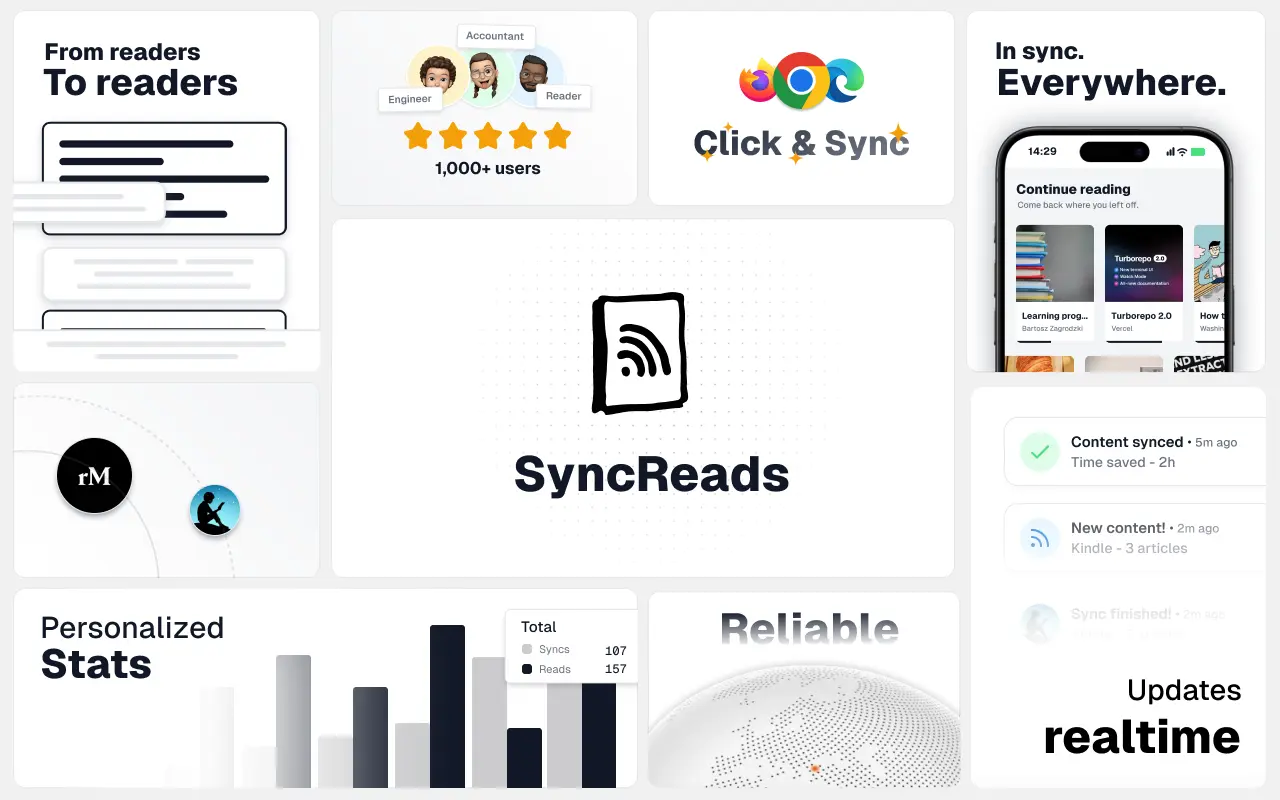
SyncReads
Sync your favorite content for distraction-free reading, save time and replace multiple apps. Anytime, anywhere 🔄
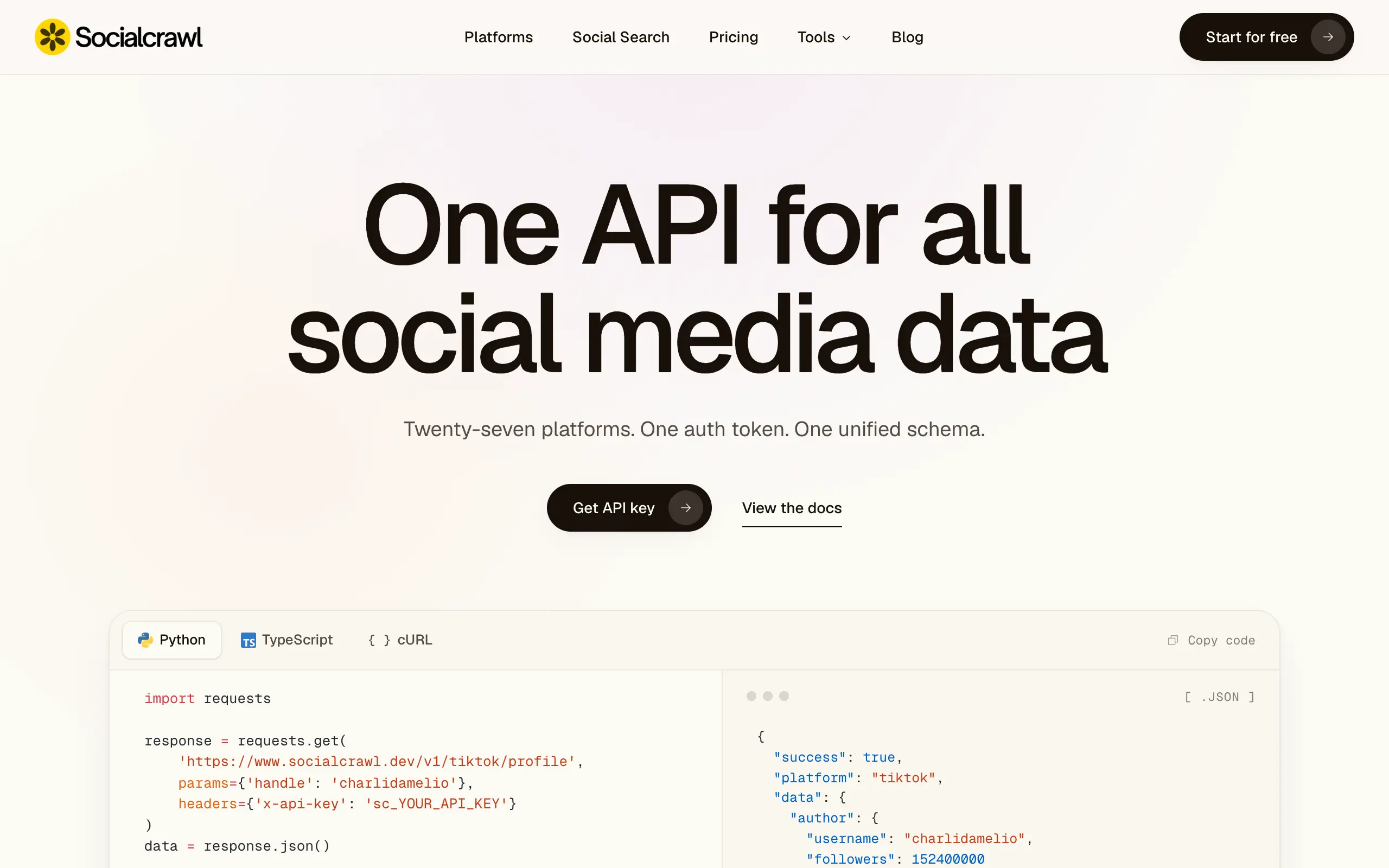
Socialcrawl
Get clean, structured data from 21 platforms like TikTok, Instagram, and YouTube with a single request 📊
Statiko
Monitor any Telegram channel in real time - track posts, edits, deletions, and growth with AI recaps 📡
Shibui
AI website builder - describe your business, pick a niche template, edit by chatting, and publish instantly ✨
Pro Service
Find verified home service professionals, compare quotes, and pay securely through escrow - built for Brazilians across the US 🏠
RankGrow
Fix your SEO with AI agents - connect Search Console, get prioritized tasks, and grow organic traffic 📈
SyncReads
Sync your favorite content for distraction-free reading, save time and replace multiple apps. Anytime, anywhere 🔄
Socialcrawl
Get clean, structured data from 21 platforms like TikTok, Instagram, and YouTube with a single request 📊
Statiko
Monitor any Telegram channel in real time - track posts, edits, deletions, and growth with AI recaps 📡
Shibui
AI website builder - describe your business, pick a niche template, edit by chatting, and publish instantly ✨
Pro Service
Find verified home service professionals, compare quotes, and pay securely through escrow - built for Brazilians across the US 🏠
RankGrow
Fix your SEO with AI agents - connect Search Console, get prioritized tasks, and grow organic traffic 📈
SyncReads
Sync your favorite content for distraction-free reading, save time and replace multiple apps. Anytime, anywhere 🔄
Socialcrawl
Get clean, structured data from 21 platforms like TikTok, Instagram, and YouTube with a single request 📊
Statiko
Monitor any Telegram channel in real time - track posts, edits, deletions, and growth with AI recaps 📡
Shibui
AI website builder - describe your business, pick a niche template, edit by chatting, and publish instantly ✨
Pro Service
Find verified home service professionals, compare quotes, and pay securely through escrow - built for Brazilians across the US 🏠
RankGrow
Fix your SEO with AI agents - connect Search Console, get prioritized tasks, and grow organic traffic 📈
SyncReads
Sync your favorite content for distraction-free reading, save time and replace multiple apps. Anytime, anywhere 🔄
Socialcrawl
Get clean, structured data from 21 platforms like TikTok, Instagram, and YouTube with a single request 📊
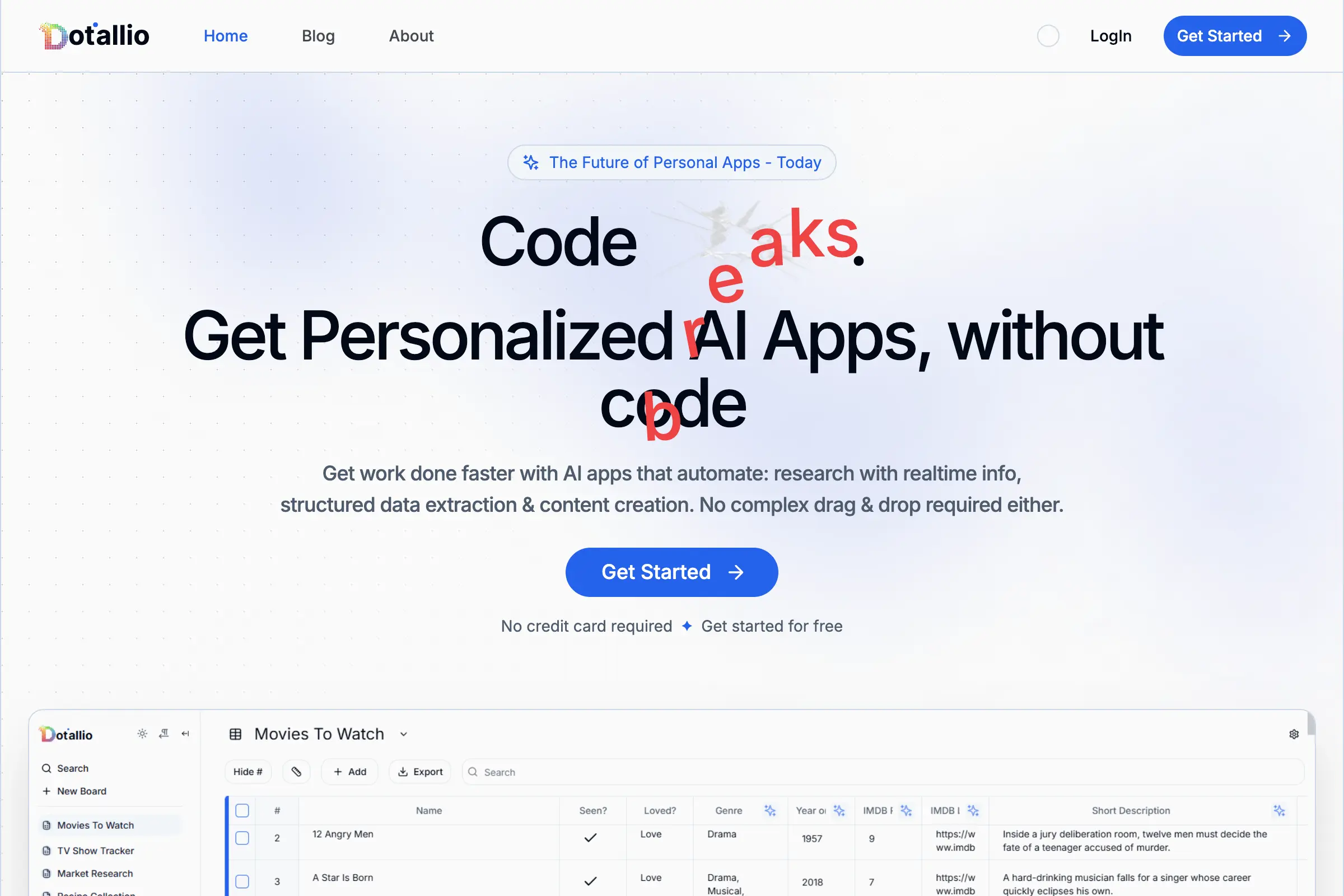
Dotallio
Personalized AI apps that automate research, data extraction, and content creation without code 🤖

Talk to Santa
Enjoy a magical live video chat or receive a unique AI-generated video greeting from Santa Claus 🎅
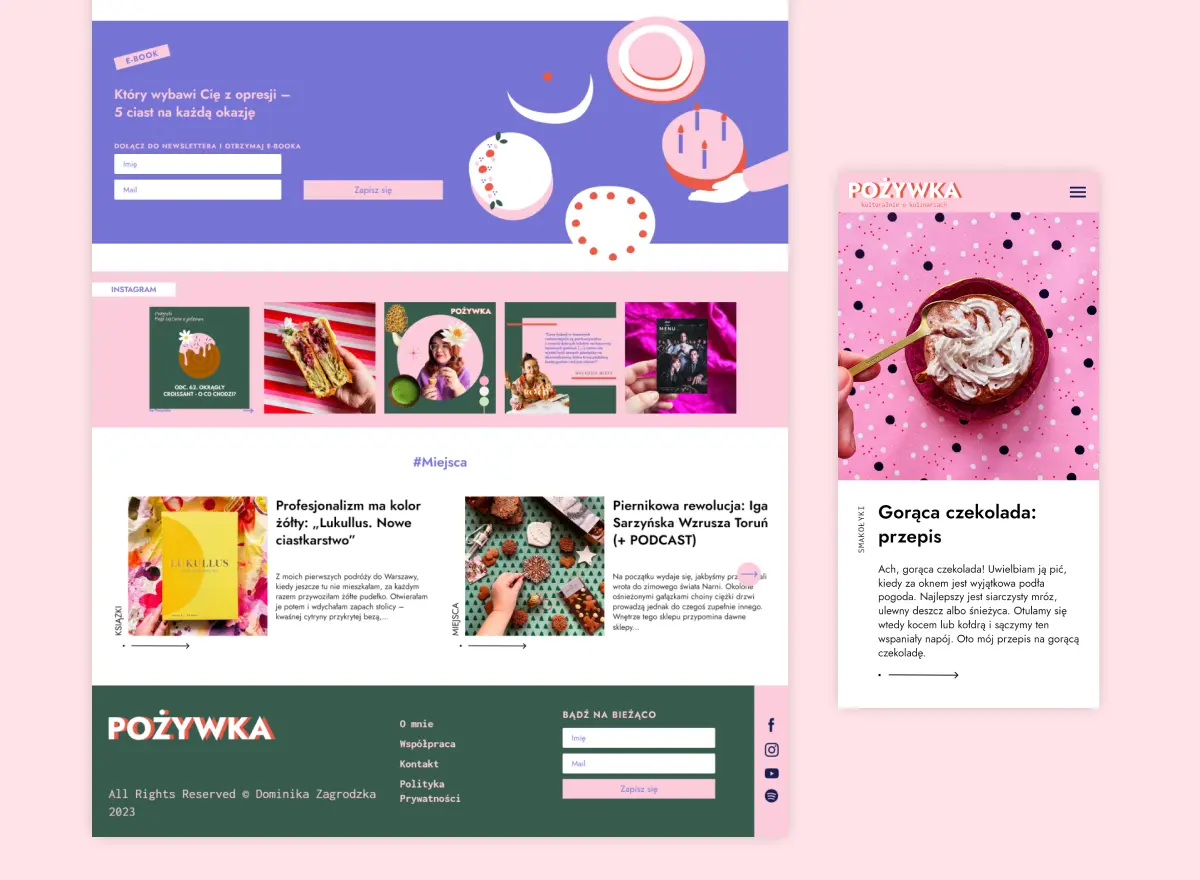
pozywka.pl
Scalable blog for food journalist, focused on performance and user experience 🌭
zagrodzki.me
Personal blog and portfolio of Bart Zagrodzki, where he shares his knowledge and work 💼
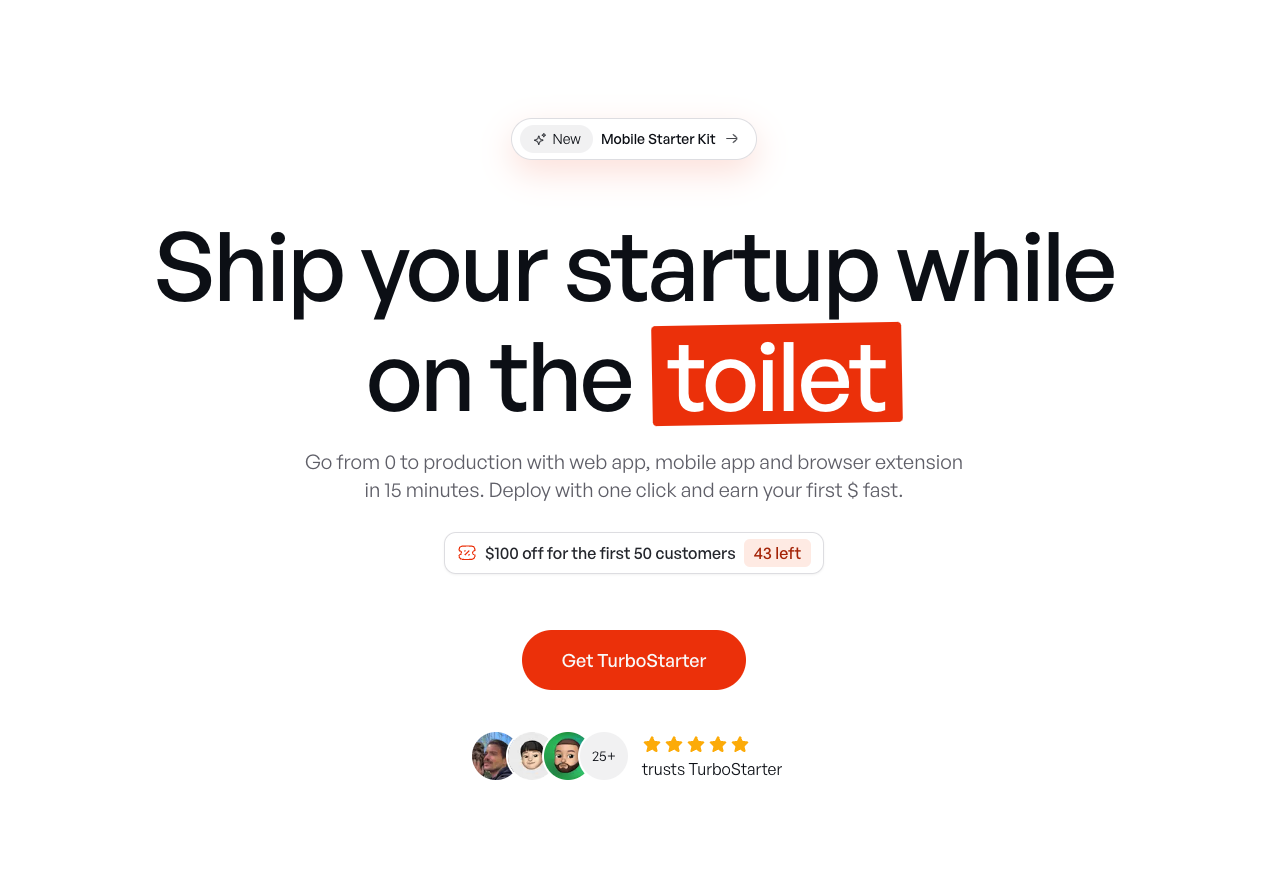
TurboStarter
Ship your startup everywhere. In minutes.
HTML to Markdown
Convert HTML to Markdown with ease, directly in your browser 📄
Dotallio
Personalized AI apps that automate research, data extraction, and content creation without code 🤖
Talk to Santa
Enjoy a magical live video chat or receive a unique AI-generated video greeting from Santa Claus 🎅
pozywka.pl
Scalable blog for food journalist, focused on performance and user experience 🌭
zagrodzki.me
Personal blog and portfolio of Bart Zagrodzki, where he shares his knowledge and work 💼
TurboStarter
Ship your startup everywhere. In minutes.
HTML to Markdown
Convert HTML to Markdown with ease, directly in your browser 📄
Dotallio
Personalized AI apps that automate research, data extraction, and content creation without code 🤖
Talk to Santa
Enjoy a magical live video chat or receive a unique AI-generated video greeting from Santa Claus 🎅
pozywka.pl
Scalable blog for food journalist, focused on performance and user experience 🌭
zagrodzki.me
Personal blog and portfolio of Bart Zagrodzki, where he shares his knowledge and work 💼
TurboStarter
Ship your startup everywhere. In minutes.
HTML to Markdown
Convert HTML to Markdown with ease, directly in your browser 📄
Dotallio
Personalized AI apps that automate research, data extraction, and content creation without code 🤖
Talk to Santa
Enjoy a magical live video chat or receive a unique AI-generated video greeting from Santa Claus 🎅
pozywka.pl
Scalable blog for food journalist, focused on performance and user experience 🌭
zagrodzki.me
Personal blog and portfolio of Bart Zagrodzki, where he shares his knowledge and work 💼
TurboStarter
Ship your startup everywhere. In minutes.
HTML to Markdown
Convert HTML to Markdown with ease, directly in your browser 📄
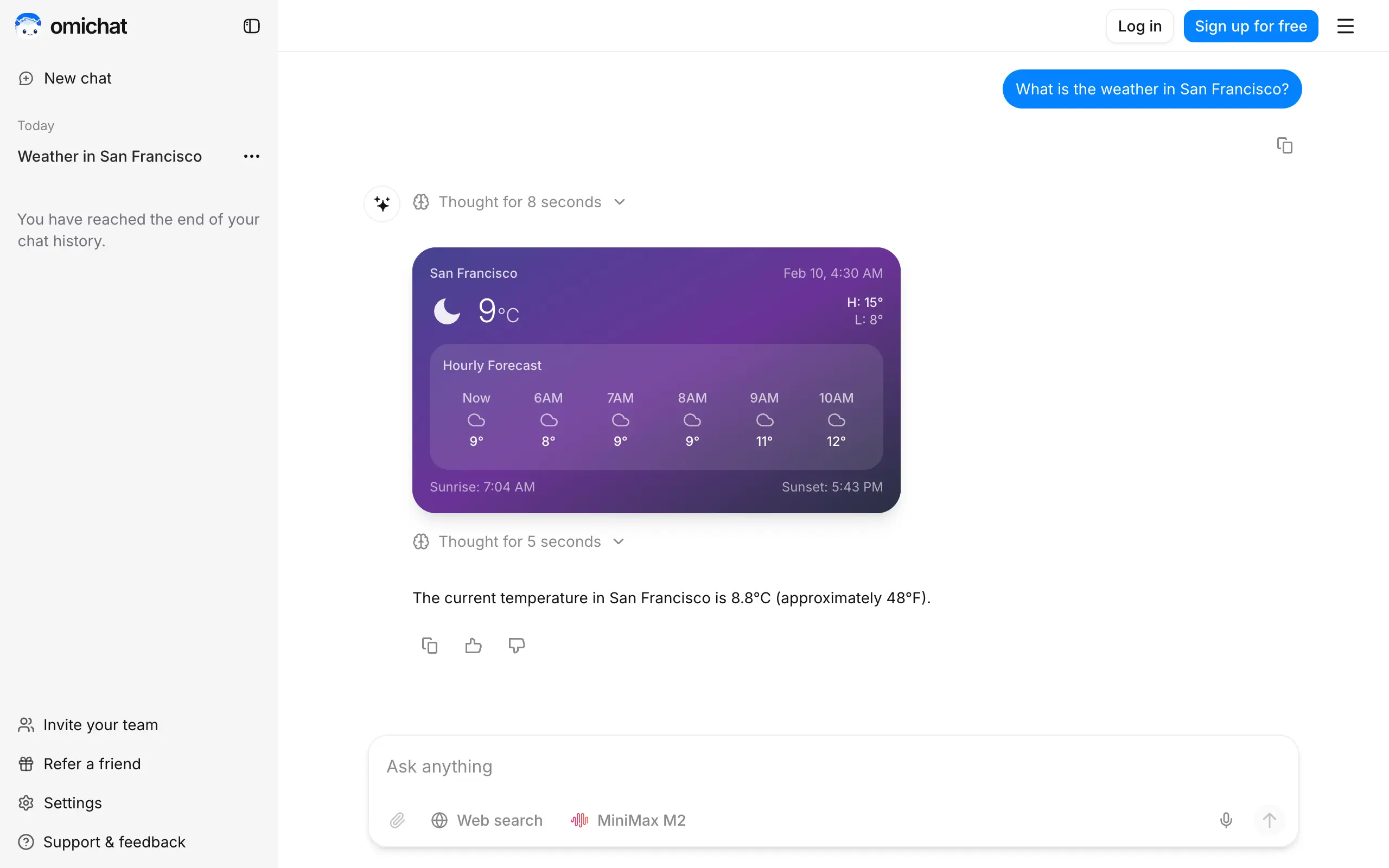
Omichat
Chat with 50+ AI models, including ChatGPT and Claude, in one place - switch models anytime without losing context 🤖
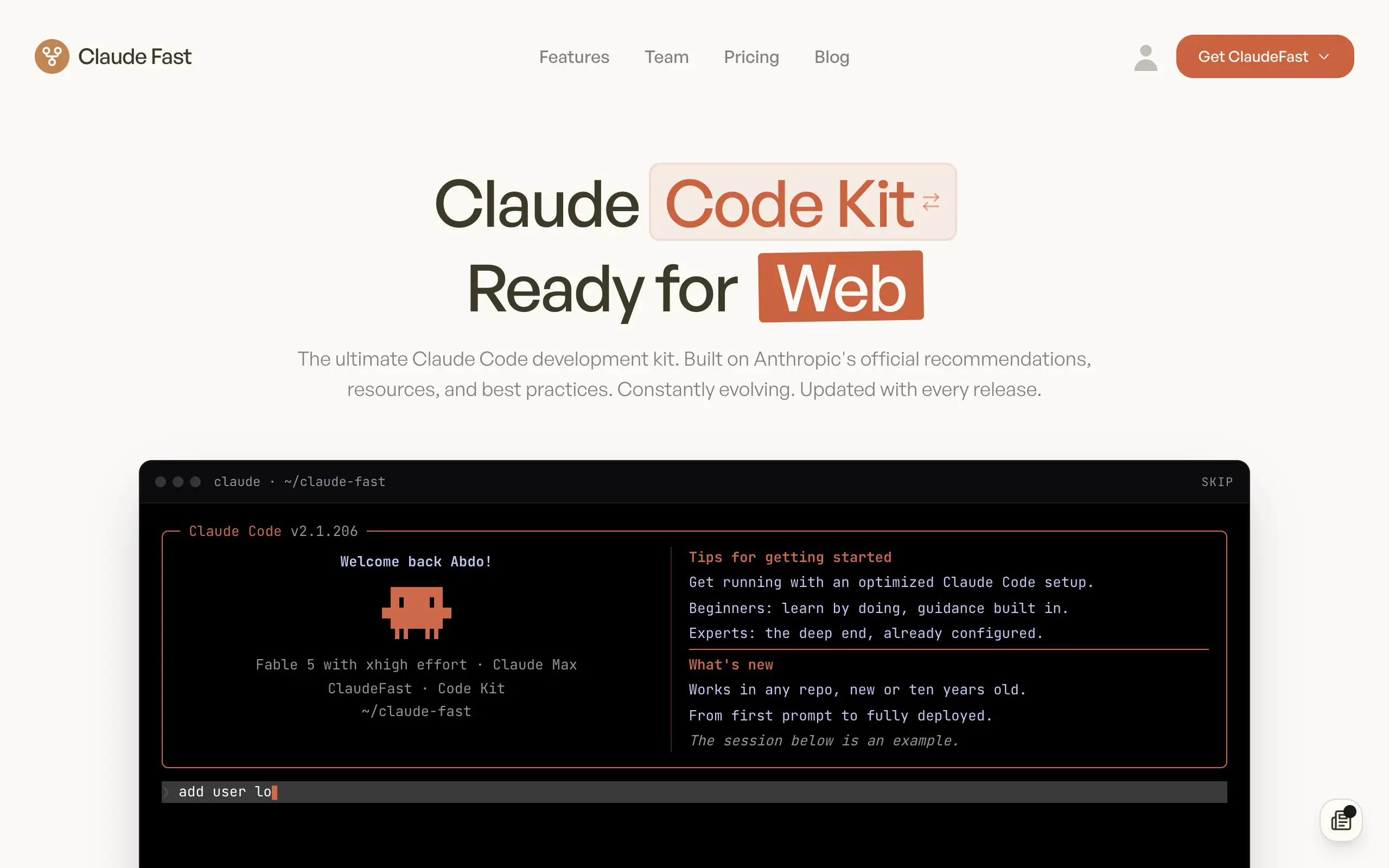
Claude Fast
Supercharge your Claude Code with 6x effective context window and specialized AI agents 🤖
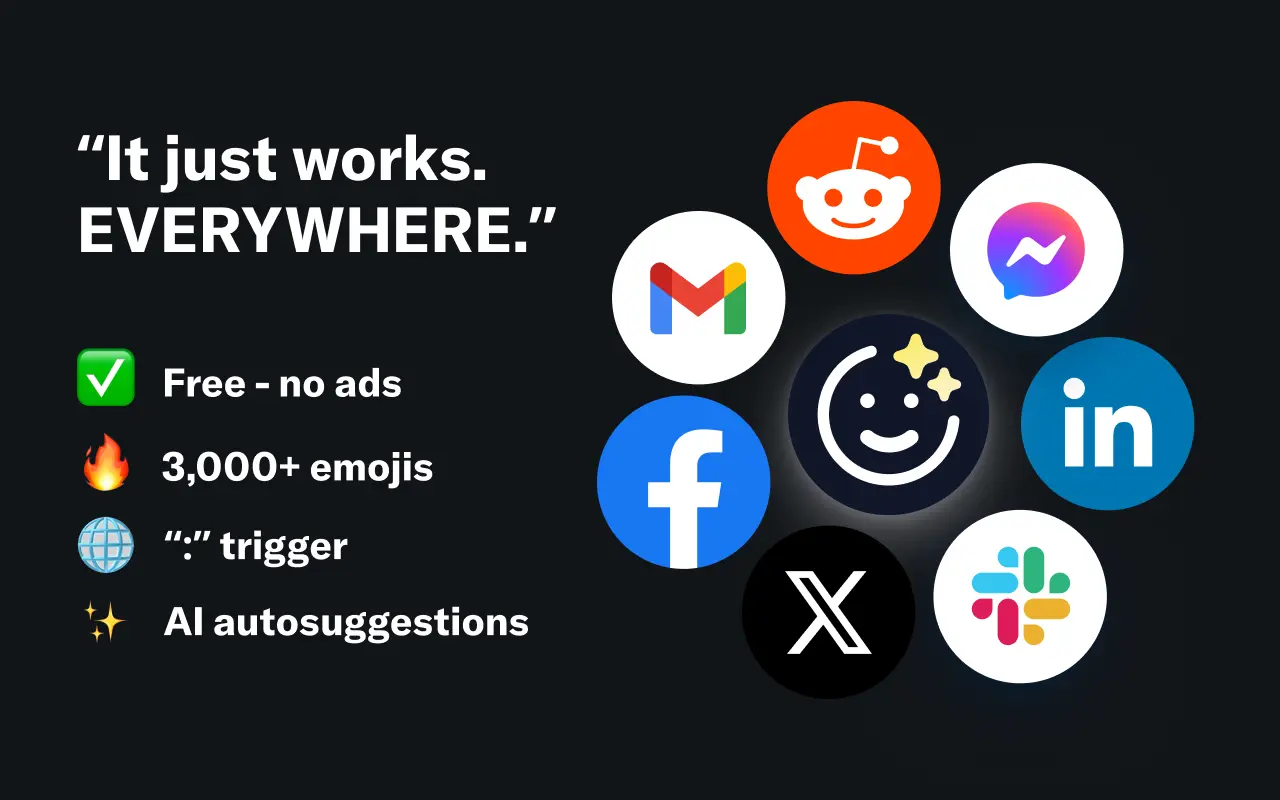
EmojAI
AI-powered emoji picker with smart, context-aware suggestions 🤖
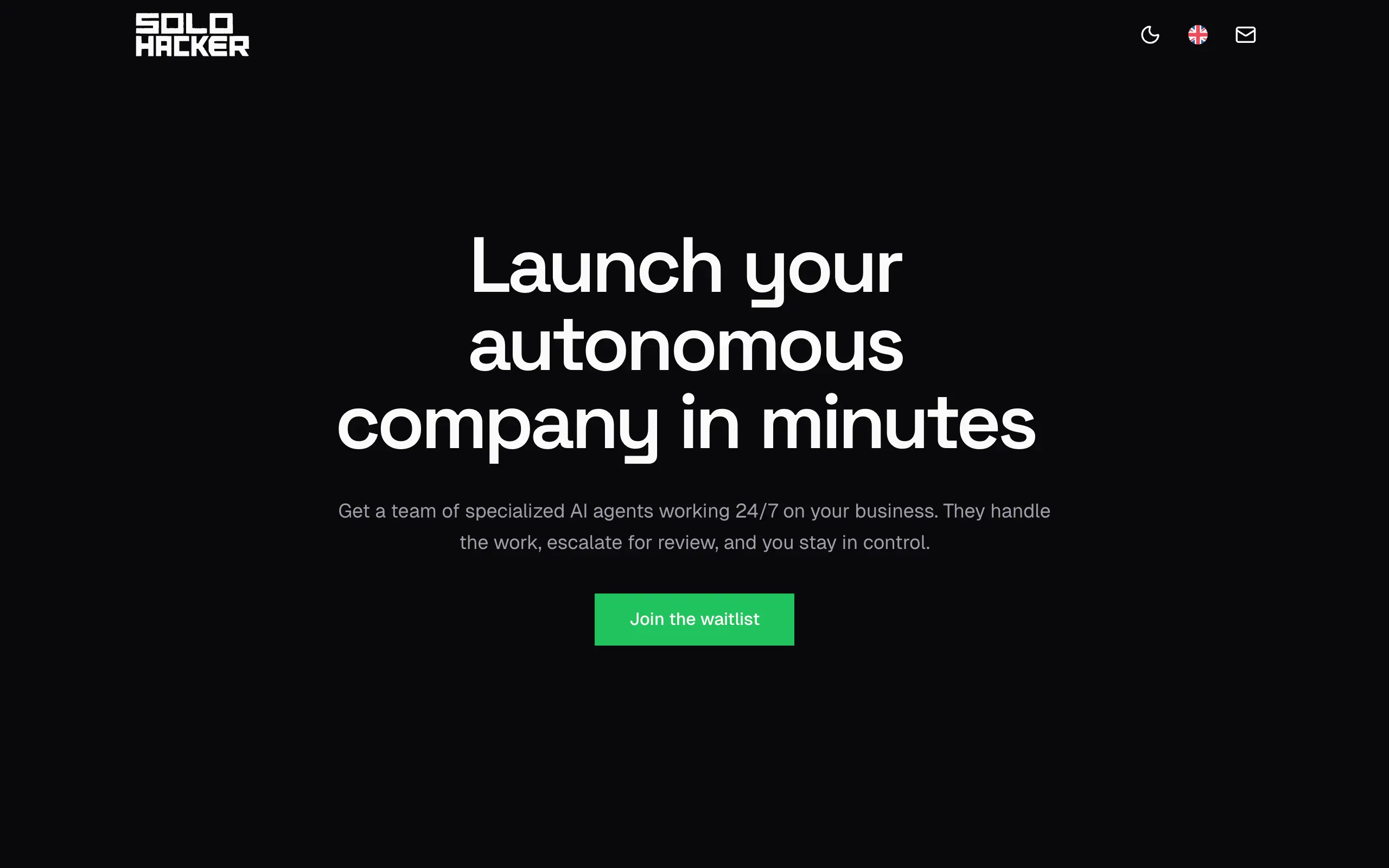
Solohacker
Autonomous company launcher - AI agents work 24/7, escalate what matters, and you stay in control 🤖
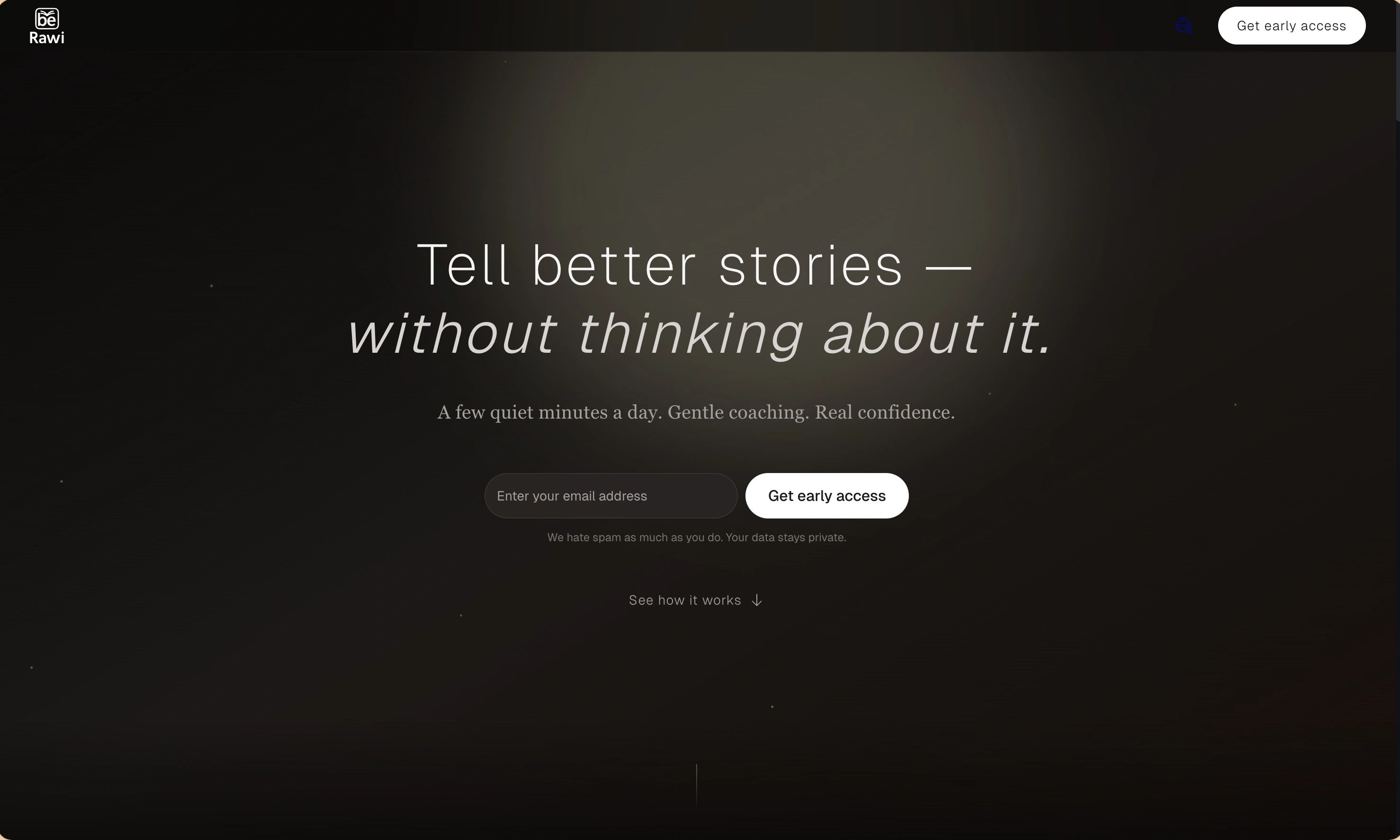
BeRawi: Storytelling Coach
Practice storytelling daily with instant feedback to sound clearer, more engaging, and confident 🎤
Omichat
Chat with 50+ AI models, including ChatGPT and Claude, in one place - switch models anytime without losing context 🤖
Claude Fast
Supercharge your Claude Code with 6x effective context window and specialized AI agents 🤖
EmojAI
AI-powered emoji picker with smart, context-aware suggestions 🤖
Solohacker
Autonomous company launcher - AI agents work 24/7, escalate what matters, and you stay in control 🤖
BeRawi: Storytelling Coach
Practice storytelling daily with instant feedback to sound clearer, more engaging, and confident 🎤
Omichat
Chat with 50+ AI models, including ChatGPT and Claude, in one place - switch models anytime without losing context 🤖
Claude Fast
Supercharge your Claude Code with 6x effective context window and specialized AI agents 🤖
EmojAI
AI-powered emoji picker with smart, context-aware suggestions 🤖
Solohacker
Autonomous company launcher - AI agents work 24/7, escalate what matters, and you stay in control 🤖
BeRawi: Storytelling Coach
Practice storytelling daily with instant feedback to sound clearer, more engaging, and confident 🎤
Omichat
Chat with 50+ AI models, including ChatGPT and Claude, in one place - switch models anytime without losing context 🤖
Claude Fast
Supercharge your Claude Code with 6x effective context window and specialized AI agents 🤖
EmojAI
AI-powered emoji picker with smart, context-aware suggestions 🤖
Solohacker
Autonomous company launcher - AI agents work 24/7, escalate what matters, and you stay in control 🤖
BeRawi: Storytelling Coach
Practice storytelling daily with instant feedback to sound clearer, more engaging, and confident 🎤

Connect with like-minded people
Join our community to get feedback, support, and grow together with 1,000+ builders on board, let's ship it!
Join usShip your startup everywhere. In minutes.
Don't burn tokens on setup and start building features on day one.