DocSnap
A daily document utility for scanning receipts, converting files, compressing PDFs, and extracting text with privacy-first AI tools.
Why a privacy-first document utility is a strong SaaS opportunity
People manage documents constantly, yet the workflows remain fragmented. A single receipt may need to be scanned, cropped, converted to PDF, compressed for email, and searched later for a reimbursement claim. A student may need to turn photographed lecture notes into selectable text. A freelancer may need to extract invoice totals without sending sensitive financial records to an opaque third-party service.
That creates a clear opportunity for DocSnap, a privacy-first document utility that combines receipt scanning, file conversion, PDF compression, and AI-powered text extraction in one simple product.
The primary search intent around a product like DocSnap is practical. Users are not looking for abstract document management theory. They want answers to questions such as:
- How can I scan a receipt with my phone?
- How do I compress a PDF without losing too much quality?
- How can I convert images to PDF?
- What is the easiest way to extract text from a scanned document?
- Is there a private OCR tool that does not retain my files?
- Which document scanner app is best for freelancers, students, and small businesses?
DocSnap can address this intent by positioning itself as a fast, trustworthy, everyday document toolkit rather than an enterprise document management system. The winning message is simple: capture, convert, compress, extract, and organize documents without sacrificing privacy or usability.
Core positioning
DocSnap should lead with an outcome-focused promise: turn everyday paperwork into usable, searchable files in seconds, with transparent privacy controls.
The document utility market has a usability and trust gap
The document tools market is crowded, but it is not solved. Users can choose from scanner apps, PDF editors, OCR platforms, cloud drives, and file converters. The problem is that most options force trade-offs between convenience, quality, affordability, and privacy.
A user who only wants to compress a PDF may encounter intrusive sign-up prompts, unclear retention policies, aggressive paywalls, advertisements, or upload flows that provide little confidence about what happens to the file after processing.
A person who wants to scan a receipt may find that a scanning app is excellent at image capture but poor at extraction, exporting, naming, categorizing, or creating a reimbursement-ready PDF. Meanwhile, a sophisticated PDF suite can feel excessive for someone who needs a five-second task completed on a mobile device.
The central product gap
The gap is not simply “another PDF tool.” It is an integrated, consumer-friendly document utility app built around common daily jobs:
- Scan receipts, bills, IDs, letters, and forms
- Correct perspective and improve readability automatically
- Convert images, office files, and documents into useful formats
- Compress PDF files for email, uploads, and portals
- Extract searchable text from scans with OCR
- Detect structured fields such as merchant, date, amount, invoice number, and tax
- Keep files private through clear processing and deletion policies
- Offer simple exports to cloud storage, email, or local download
The most important differentiation is workflow continuity. Instead of making users switch between four websites and three apps, DocSnap helps them complete a document task from start to finish.
Why privacy-first messaging matters now
Document utilities often handle personally identifiable information, financial records, legal forms, health-related paperwork, travel documents, student records, and business invoices. Even when users are comfortable uploading a document, they increasingly expect clear disclosure about retention, encryption, model training, and third-party access.
DocSnap should avoid vague claims such as “secure by design” unless it can demonstrate what that means operationally. Trust is earned through product decisions, not marketing language.
Useful trust signals include:
- Clear retention windows for uploaded files
- Automatic deletion settings that users can control
- Encryption in transit and at rest
- Explicit statements about whether files are used for AI model training
- Processing-region controls where feasible
- Downloadable audit history for paid plans
- A transparent privacy policy written in plain language
- Optional local or on-device processing for sensitive workflows
For current market sizing or adoption claims, cite authoritative sources in the final published version. Appropriate references may include reports from Gartner, IDC, Statista, government small-business data, or public filings from major document software providers. Avoid publishing unsupported market-size numbers.
Target audience for DocSnap
DocSnap should not initially try to serve every person who touches a PDF. A focused launch audience creates stronger onboarding, more relevant search pages, and better conversion messaging.
Freelancers and self-employed professionals
Freelancers frequently collect expense receipts, client invoices, tax forms, contracts, and proof-of-purchase documents. They need fast capture and retrieval, but they may not need a full accounting platform.
Their pain points include:
- Lost or faded physical receipts
- Manually typing expense details into spreadsheets
- Sending oversized PDFs to clients or accountants
- Needing searchable archives at tax time
- Managing documents across phone, desktop, email, and cloud storage
For this group, DocSnap can offer receipt scanning, extraction of transaction fields, expense-ready exports, document tags, and recurring reminders to review uncategorized records.
Small business owners and operations teams
Small businesses often have informal document workflows. Owners and employees capture delivery notes, supplier invoices, mileage receipts, purchase orders, warranty documents, and compliance paperwork using personal devices.
They value speed and consistency more than advanced enterprise administration.
DocSnap can support this audience through:
- Shared folders for small teams
- Standard naming rules
- Custom document categories
- Batch PDF compression
- OCR search across uploaded files
- Export-ready folders for bookkeepers
- Permission controls for shared document collections
Students, researchers, and educators
Students scan handwritten notes, textbook excerpts, assignment sheets, lab records, and administrative forms. Researchers may need to capture archival pages and make them searchable. Educators often need to turn paper materials into accessible digital files.
The value proposition for this segment is not expense tracking. It is clean scanning, OCR accuracy, readable PDF creation, and fast organization.
Consumers managing life administration
Households collect insurance letters, medical bills, appliance warranties, tax documents, travel paperwork, school notices, and identity documents. These files are important but rarely organized until an urgent need arises.
DocSnap can become a practical “paperwork inbox” for consumers who want a simpler alternative to storing random photos across their camera roll.
High-intent first audience
Freelancers and independent professionals have recurring receipt, invoice, and file-conversion needs with a clear willingness to pay for saved time.
High-retention audience
Households and small businesses build value over time as their searchable document archive becomes more complete.
Expansion audience
Students provide strong acquisition potential through OCR, scan-to-PDF, and affordable annual plans.
Core features for a useful document utility app
A successful product should not launch as a broad feature checklist. It should launch around high-frequency workflows that feel substantially easier than the alternatives.
Smart document scanning and image cleanup
Document scanning is the natural entry point because it creates an immediate mobile use case. The scanner should detect document edges, correct perspective, remove shadows, improve contrast, and offer filters that preserve legibility.
Essential scanning capabilities include:
- Automatic edge detection
- Perspective correction
- Multi-page scanning
- Batch capture mode
- Rotation and cropping
- Color, grayscale, and black-and-white optimization
- Image sharpening for small print
- PDF creation from multiple pages
- Duplicate detection
- Camera-roll import
For receipts specifically, the scanner should optimize for narrow paper, faded ink, wrinkles, and low-light photography. A “receipt mode” can increase conversion relevance by recognizing merchant details and totals after capture.
Privacy-first OCR and text extraction
OCR, or optical character recognition, converts text in an image or scanned PDF into machine-readable text. This is foundational to DocSnap because it turns static files into searchable information.
A strong OCR experience should support:
- Text extraction from images and PDFs
- Searchable PDF output
- Copyable extracted text
- Language detection
- Handwriting support where accuracy is viable
- Confidence markers for uncertain fields
- Layout retention for forms and tables
- Export to TXT, DOCX, CSV, or JSON where appropriate
The AI layer should be especially careful with accuracy claims. Invoice fields, receipt totals, and document dates should be presented as suggested values when confidence is not high. The user must be able to verify and edit extracted data before exporting it.
Do not overpromise OCR accuracy
Receipt and handwriting OCR quality varies based on lighting, paper condition, language, font, image resolution, and document layout. Build confidence scoring and correction flows into the product instead of implying perfect extraction.
PDF compression without unnecessary quality loss
PDF compression is a high-volume SEO and product acquisition feature. Users often search for it when email attachments fail, application portals impose upload limits, or cloud storage becomes cluttered.
DocSnap should provide presets that map to real use cases:
- Email-ready for small files with readable text
- Web upload for common portal limits
- High quality for visual documents and image-heavy PDFs
- Archive for longer-term storage
- Custom for advanced users who need resolution and image-quality controls
The interface should show before-and-after file sizes, estimated quality impact, and page count. A user should never feel that compression is a black box.
File conversion workflows
Conversion tools drive organic discovery because people search for exact transformations such as “JPG to PDF,” “PDF to JPG,” “HEIC to PDF,” or “PNG to PDF.”
The initial conversion set should prioritize common needs:
| Conversion | Primary user need | Launch priority | Privacy sensitivity | Revenue potential |
|---|---|---|---|---|
| JPG, PNG, HEIC to PDF | Combine phone images into one document | High | Medium | High |
| PDF to images | Share or reuse individual pages | High | Medium | Medium |
| Image or PDF to text | Make scanned content searchable | High | High | High |
| Office files to PDF | Create stable, shareable documents | Medium | High | Medium |
Conversion should not be separated from organization. After a conversion is complete, DocSnap should ask users what they want to do next: download, rename, store, share, compress, extract text, or add the document to a folder.
Search, organization, and document retrieval
Scanning is useful once. Retrieval makes it valuable for years.
DocSnap should provide a lightweight structure that avoids the complexity of traditional document management software:
- Smart folders for receipts, invoices, tax records, warranties, and IDs
- Custom tags
- Search by extracted text
- Search by merchant, amount, date, or document type
- Suggested titles based on extracted content
- Duplicate and near-duplicate detection
- Document reminders for renewals or warranties
- Secure archive export
A consumer-friendly product should make organization mostly automatic. Asking users to classify every item manually will reduce retention.
The unique selling proposition of DocSnap
The strongest DocSnap USP is not one individual capability. Scanning, PDF compression, and OCR are all established categories. The differentiation is the combination of daily utility, privacy clarity, and intelligent workflow automation.
DocSnap can own the following position:
A privacy-first document utility that turns receipts and paperwork into clean, searchable, shareable files without forcing users into an enterprise document suite.
That positioning is defensible because it focuses on user outcomes. The product is not merely an online PDF converter. It is a personal paperwork tool that helps users process documents from camera capture through retrieval.
Competitive advantage analysis
DocSnap will compete indirectly with scanner apps, PDF editors, cloud storage tools, accounting products, and general-purpose AI assistants. Its advantage depends on doing a smaller number of things exceptionally well.
DocSnap combines scanning, compression, conversion, OCR, and storage into one coherent workflow.
Many tools solve only one step, such as scanning or conversion, which creates fragmented user journeys and repeated uploads.
Use a unified document workspace where every processed file remains available for the next action.
DocSnap can make privacy controls visible at the moment users upload sensitive files.
Many free document utilities offer limited explanation of retention, AI training, or downstream data handling.
Show processing status, deletion timing, and privacy choices in plain language within the workflow.
Additional competitive moats can develop over time:
- Personalized document classification based on user-approved rules
- A growing archive that improves switching costs
- Custom extraction templates for recurring receipts and invoices
- Trusted brand recognition around sensitive paperwork
- High-quality mobile capture that reduces the need for rescans
- Integrations with accountants, cloud storage, and expense tools
Recommended tech stack for DocSnap
DocSnap needs a stack that supports responsive web workflows, optional mobile capture, secure file processing, OCR queues, and reliable background jobs. The correct architecture depends on the intended launch speed, compliance requirements, and expected file volume.
For a web-first SaaS launch, Next.js is a practical foundation. It supports server-rendered pages for SEO, API routes or route handlers for product functionality, and a cohesive full-stack development model. Use React for interactive document workflows and Tailwind CSS for efficient, consistent UI development.
Recommended architecture
- Frontend using Next.js, React, and Tailwind CSS
- Authentication with a managed authentication provider or secure session-based implementation
- Database using PostgreSQL for users, billing, metadata, processing jobs, and permissions
- Object storage using S3-compatible encrypted storage for original and processed files
- Queue system for OCR, conversion, compression, and thumbnail generation
- Worker service for CPU-intensive and memory-intensive document processing
- Search layer using PostgreSQL full-text search initially, then a dedicated search engine if scale requires it
- Observability with structured logs, error monitoring, queue metrics, and job tracing
- Billing through a mature subscription payments provider
- Email for account verification, processing notifications, and retention reminders
OCR and AI implementation choices
There are three broad approaches for text extraction.
Managed APIs offer faster implementation, broad language support, and less operational overhead. The trade-off is recurring cost, vendor dependency, data residency constraints, and potentially limited control over sensitive file handling.
Self-hosted OCR can improve control and support a stronger privacy posture. The trade-off is operational complexity, variable accuracy, infrastructure costs, and the need to maintain language packs and image preprocessing pipelines.
A hybrid model can process low-risk or user-approved documents through a managed service while routing sensitive accounts, premium plans, or specific regions through isolated infrastructure. This offers flexibility but requires careful policy and architecture design.
For an MVP, managed OCR may be the fastest route to validating demand. However, the privacy promise must match the actual implementation. If documents are processed by a third party, say so clearly. Do not imply local processing when it is not available.
Processing pipeline example
A reliable document pipeline should be asynchronous. Users should receive immediate feedback after upload while processing occurs in the background.
type DocumentJob = {
  documentId: string;
  operations: Array<"normalize" | "compress" | "ocr" | "classify">;
  retentionPolicy: "delete_after_processing" | "store_securely";
};

async function processDocument(job: DocumentJob) {
  await normalizeDocument(job.documentId);

  if (job.operations.includes("compress")) {
    await compressPdf(job.documentId);
  }

  if (job.operations.includes("ocr")) {
    await extractTextAndIndex(job.documentId);
  }

  if (job.operations.includes("classify")) {
    await suggestDocumentMetadata(job.documentId);
  }

  await applyRetentionPolicy(job.documentId, job.retentionPolicy);
}
The system should isolate original uploads from derived outputs, record processing events, and make deletion reliable. In document products, data lifecycle management is a core feature, not a background operational detail.
Monetization strategies for a document scanner and PDF utility
Freemium is likely the strongest acquisition model because document tasks are often urgent and transactional. Users want to test quality before they commit.
The key is to make the free tier useful enough to create trust while reserving high-cost and high-value features for paid plans.
A practical pricing model
- Free plan with limited scans, conversions, compression jobs, and OCR pages each month
- Pro plan with higher monthly limits, batch processing, searchable archives, high-quality compression, and premium export formats
- Privacy plan with enhanced retention controls, private processing options where available, and advanced account security
- Family plan with shared storage, separate private spaces, and household document folders
- Small business plan with team folders, role permissions, shared templates, and audit history
- Usage-based credits for occasional heavy OCR, bulk conversion, or large-file processing
Avoid making the free experience hostile. Watermarks, misleading download buttons, and surprise paywalls may create short-term revenue but undermine trust in a privacy-centered brand.
Pricing logic
Price should align with the value metric users understand:
- Pages processed for OCR
- Files converted or compressed
- Storage retained
- Batch jobs completed
- Team seats
- Shared workspace capacity
For consumers, a low-cost monthly or annual subscription works well when DocSnap becomes a recurring archive. For occasional users, one-time credit packs can capture demand without forcing a subscription decision.
SEO strategy for DocSnap
Organic search can become a major acquisition engine because document utility queries are highly specific and action-oriented. However, generic “PDF tools” keywords are exceptionally competitive. DocSnap should build topical authority through useful workflow content and product-led landing pages.
High-intent keyword clusters
Focus on clusters rather than isolated keywords:
- Receipt scanner app
- Scan receipts to PDF
- Receipt OCR
- Extract text from receipt
- Compress PDF online
- Reduce PDF file size
- Convert JPG to PDF
- Convert HEIC to PDF
- Make scanned PDF searchable
- Private OCR tool
- Secure document scanner
- Invoice text extraction
- Organize household documents
- Scan documents with phone
Each product tool page should explain what the tool does, who it is for, privacy handling, file limits, supported formats, and troubleshooting guidance. The page must provide genuine utility, not thin keyword-targeted copy.
Content strategy that demonstrates expertise
Publish guides based on real document workflows:
- How to scan receipts for tax records
- How to create searchable PDFs from paper documents
- How to reduce PDF size for job applications
- How to organize digital warranties and appliance documents
- How to extract invoice data accurately
- How to digitize household paperwork securely
- PDF compression explained: what changes and what does not
- OCR accuracy guide for receipts, handwriting, and forms
Expert content should explain limitations. For example, a guide about receipt OCR should mention that thermal receipts fade and that users should scan them promptly at high resolution. This kind of practical detail supports E-E-A-T more effectively than generic claims.
Risks and mitigation strategies
Document software carries meaningful technical, legal, and trust-related risks. Addressing them early can prevent expensive rework.
Data privacy and security risk
The largest risk is mishandling sensitive user files. A breach, unclear retention policy, or misleading AI claim can damage the brand permanently.
Mitigation measures include:
- Encrypt files in transit and at rest
- Use short-lived signed URLs for file access
- Restrict employee access using least-privilege controls
- Separate production data from development environments
- Maintain deletion workflows and test them regularly
- Log administrative access to documents
- Conduct security reviews before enterprise or business expansion
- Publish a clear subprocessor list where applicable
OCR errors and extraction liability
OCR can misread totals, dates, names, and identifiers. This becomes serious when users rely on extracted data for taxes, expenses, or compliance.
Mitigate this through editable results, confidence scores, original-image references, and clear disclaimers that extracted data should be reviewed. Never present AI extraction as professional tax, legal, medical, or accounting advice.
Processing cost risk
Large PDFs, high-resolution images, and OCR jobs can become expensive quickly. Free users can unintentionally create significant compute and storage costs.
Control costs with:
- File-size limits
- Page caps on free plans
- Rate limits
- Queue priorities by plan
- Automatic expiration for temporary uploads
- Compression before expensive downstream processing
- Usage monitoring by operation type
- Credit-based billing for large batch jobs
SEO dependency risk
Search traffic is valuable but volatile. Rankings may change, and competitors can copy tool pages.
Build retention loops through saved archives, email reminders, mobile shortcuts, reusable templates, integrations, and referrals. SEO should bring the first session; product value should create the second and tenth session.
Actionable implementation plan for DocSnap
The best launch strategy is to validate the narrowest valuable workflow before building a full document platform.
Define the first user segment as freelancers and independent professionals who need receipt scanning, PDF creation, and text extraction for expense records.
Launch a focused MVP with mobile-friendly scanning, image-to-PDF conversion, PDF compression, OCR, document naming, and secure export.
Instrument every workflow, including upload completion, processing success, OCR corrections, downloads, saved documents, and repeat use.
Interview active users after they process five or more documents to identify retention triggers and missing workflows.
Add receipt field extraction, searchable archives, tags, and recurring export flows once the core scan-to-search workflow is reliable.
Build SEO landing pages and expert guides around receipt scanning, PDF compression, image conversion, and private OCR use cases.
Introduce paid plans only after users understand the recurring value of saved history, higher limits, batch jobs, and enhanced privacy controls.
A fast but scalable SaaS foundation can reduce the time spent on authentication, billing, account management, dashboard structure, and production-ready application patterns. TurboStarter can be a useful starting point for teams that want to focus their effort on DocSnap’s document-processing workflow and user experience rather than rebuilding standard SaaS infrastructure.
Final recommendation
DocSnap is a compelling B2C SaaS concept because it solves a real, repeated problem with a product category users already understand. The opportunity is not to out-feature every PDF suite. It is to become the most trusted and convenient place to process everyday paperwork.
The strongest product strategy is to focus on a complete workflow: capture a document, improve it, extract the useful information, convert or compress it when needed, and make it easy to find later. Pair that workflow with visible privacy controls, reliable processing, and honest communication about AI limitations.
If DocSnap earns trust during a user’s first urgent document task, it can evolve from a utility into a durable personal document archive.
More 👥 B2C Application SaaS ideas
Discover more innovative b2c application SaaS ideas that are trending in 2026. Each idea is AI-generated with market validation and growth potential to help you find your next profitable venture faster than competitors.
Your competitors are building with TurboStarter
Below are some of the SaaS ideas that have been generated and built with our starter kit.

Statiko
Monitor any Telegram channel in real time - track posts, edits, deletions, and growth with AI recaps 📡

Shibui
AI website builder - describe your business, pick a niche template, edit by chatting, and publish instantly ✨
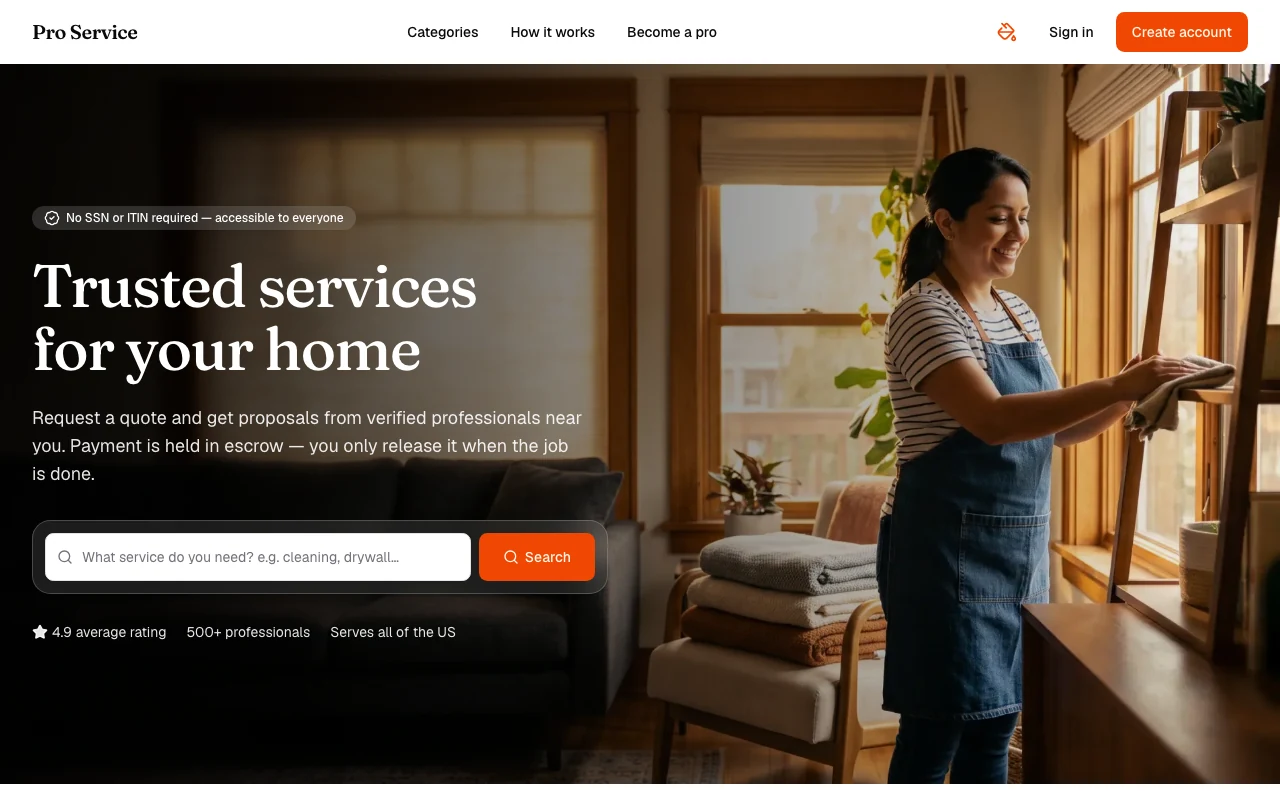
Pro Service
Find verified home service professionals, compare quotes, and pay securely through escrow - built for Brazilians across the US 🏠
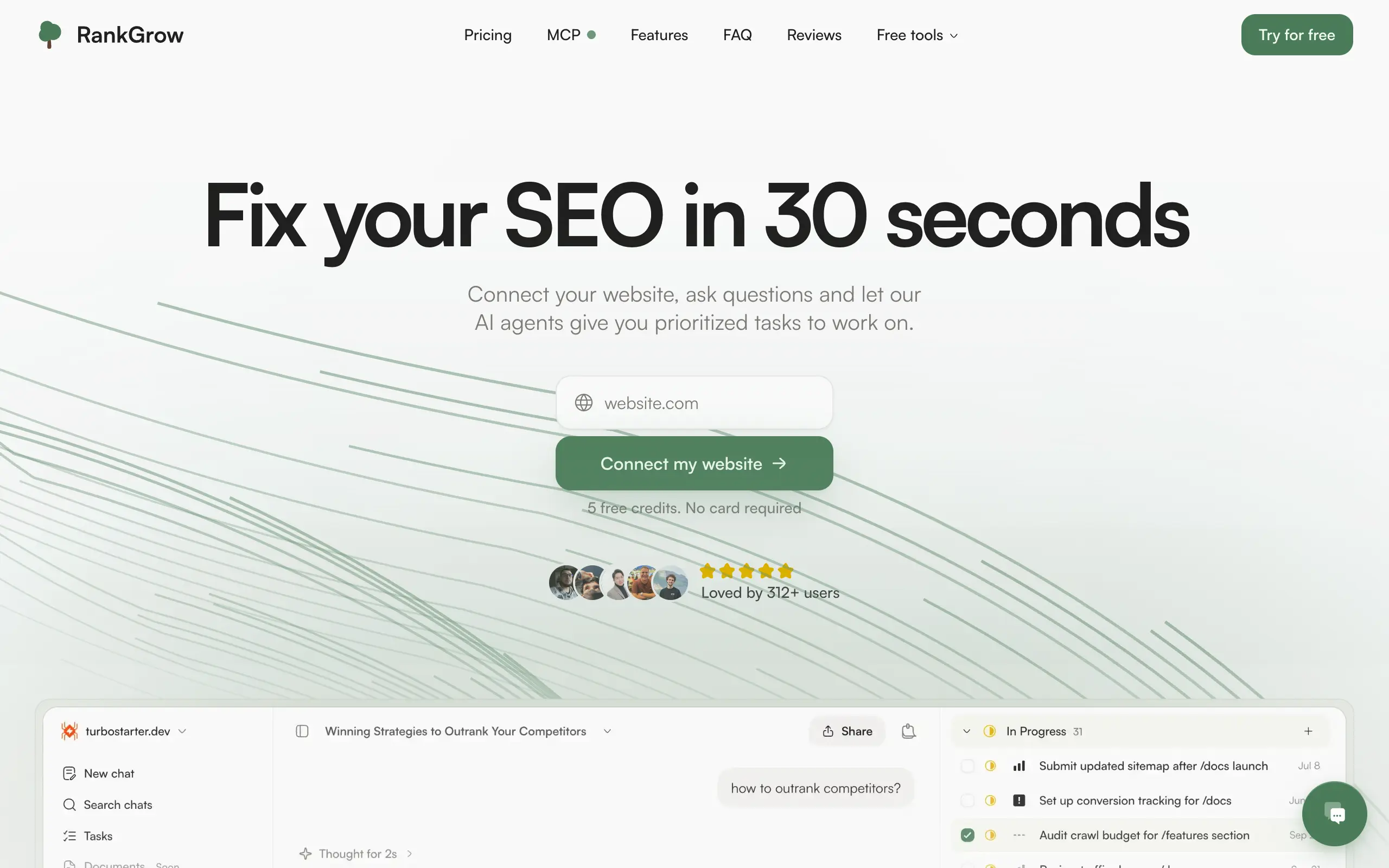
RankGrow
Fix your SEO with AI agents - connect Search Console, get prioritized tasks, and grow organic traffic 📈
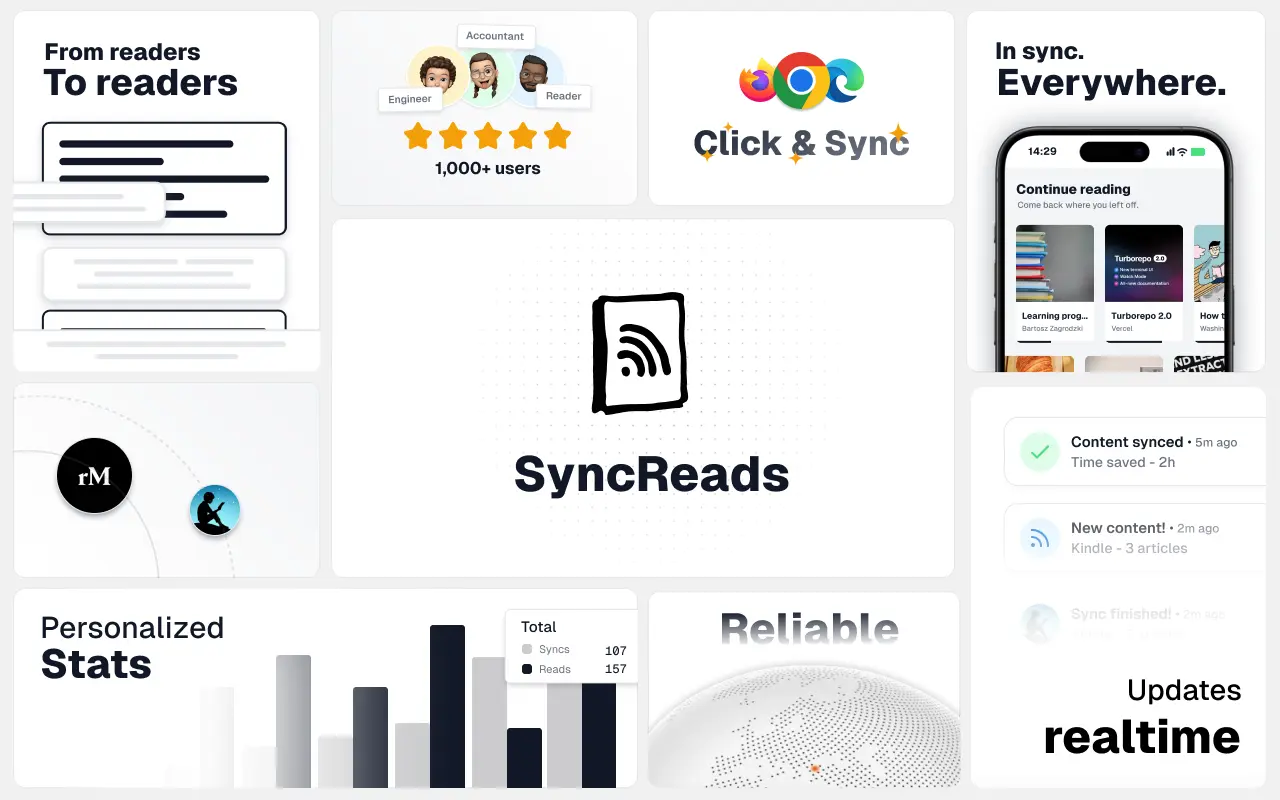
SyncReads
Sync your favorite content for distraction-free reading, save time and replace multiple apps. Anytime, anywhere 🔄
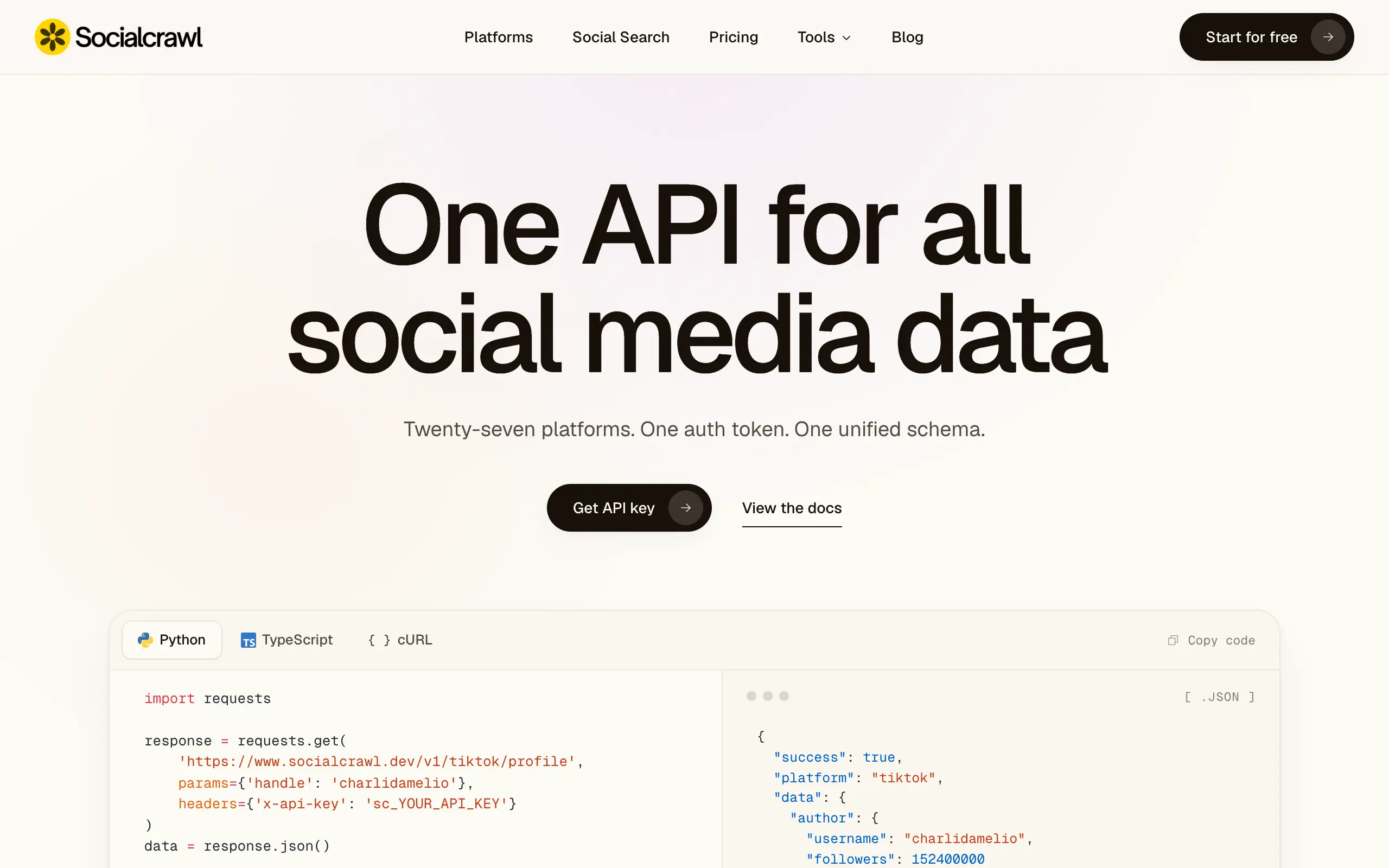
Socialcrawl
Get clean, structured data from 21 platforms like TikTok, Instagram, and YouTube with a single request 📊
Statiko
Monitor any Telegram channel in real time - track posts, edits, deletions, and growth with AI recaps 📡
Shibui
AI website builder - describe your business, pick a niche template, edit by chatting, and publish instantly ✨
Pro Service
Find verified home service professionals, compare quotes, and pay securely through escrow - built for Brazilians across the US 🏠
RankGrow
Fix your SEO with AI agents - connect Search Console, get prioritized tasks, and grow organic traffic 📈
SyncReads
Sync your favorite content for distraction-free reading, save time and replace multiple apps. Anytime, anywhere 🔄
Socialcrawl
Get clean, structured data from 21 platforms like TikTok, Instagram, and YouTube with a single request 📊
Statiko
Monitor any Telegram channel in real time - track posts, edits, deletions, and growth with AI recaps 📡
Shibui
AI website builder - describe your business, pick a niche template, edit by chatting, and publish instantly ✨
Pro Service
Find verified home service professionals, compare quotes, and pay securely through escrow - built for Brazilians across the US 🏠
RankGrow
Fix your SEO with AI agents - connect Search Console, get prioritized tasks, and grow organic traffic 📈
SyncReads
Sync your favorite content for distraction-free reading, save time and replace multiple apps. Anytime, anywhere 🔄
Socialcrawl
Get clean, structured data from 21 platforms like TikTok, Instagram, and YouTube with a single request 📊
Statiko
Monitor any Telegram channel in real time - track posts, edits, deletions, and growth with AI recaps 📡
Shibui
AI website builder - describe your business, pick a niche template, edit by chatting, and publish instantly ✨
Pro Service
Find verified home service professionals, compare quotes, and pay securely through escrow - built for Brazilians across the US 🏠
RankGrow
Fix your SEO with AI agents - connect Search Console, get prioritized tasks, and grow organic traffic 📈
SyncReads
Sync your favorite content for distraction-free reading, save time and replace multiple apps. Anytime, anywhere 🔄
Socialcrawl
Get clean, structured data from 21 platforms like TikTok, Instagram, and YouTube with a single request 📊
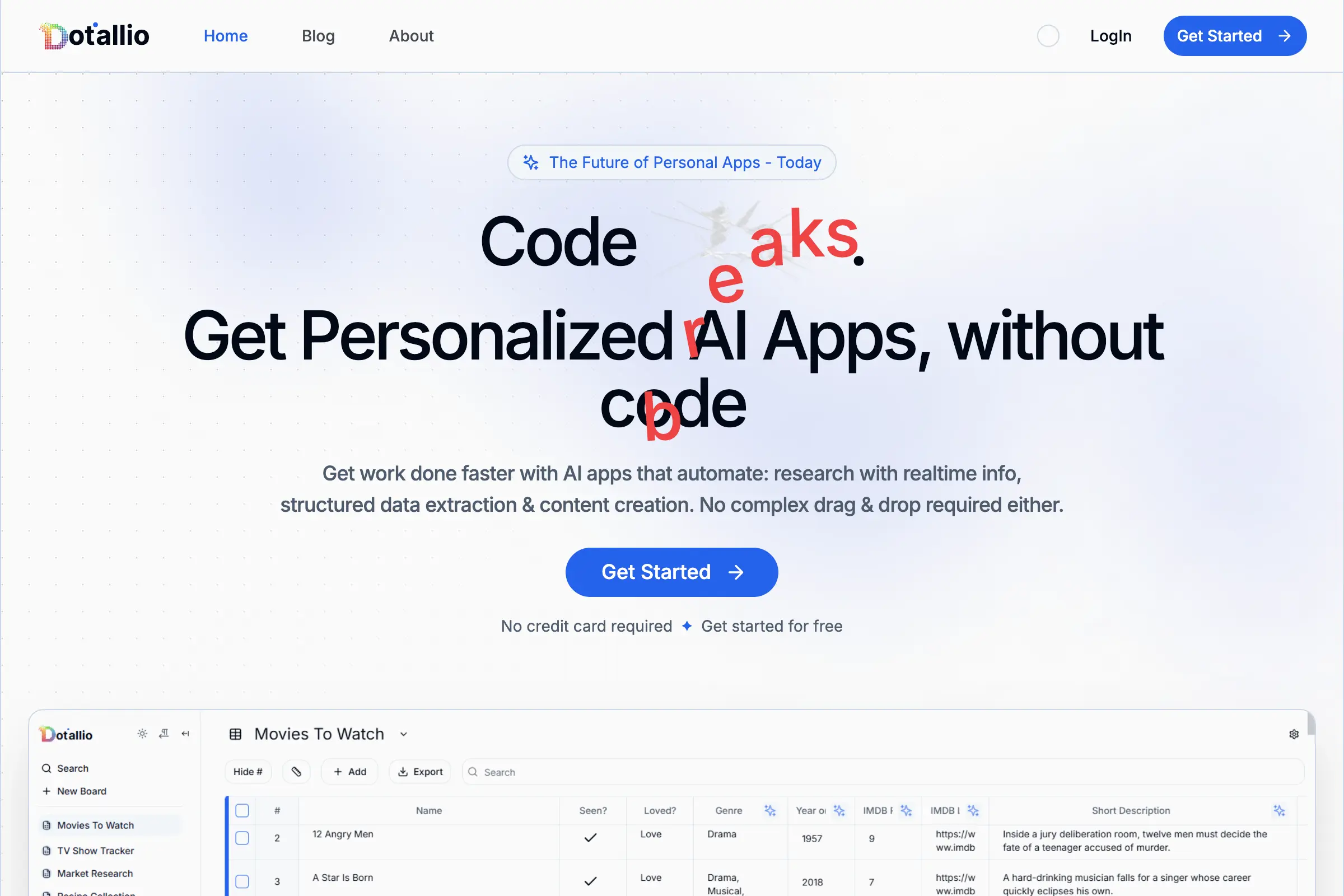
Dotallio
Personalized AI apps that automate research, data extraction, and content creation without code 🤖
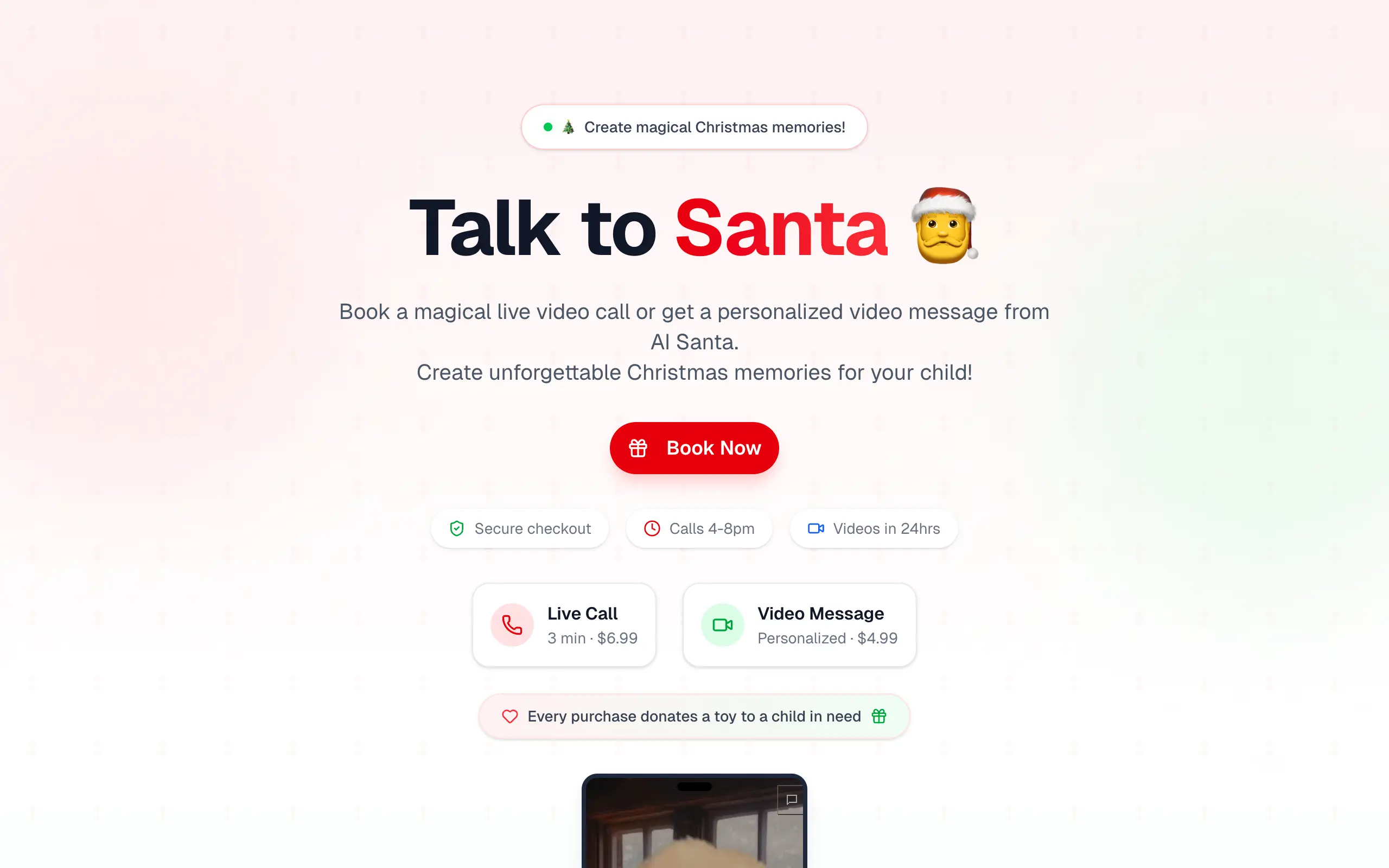
Talk to Santa
Enjoy a magical live video chat or receive a unique AI-generated video greeting from Santa Claus 🎅
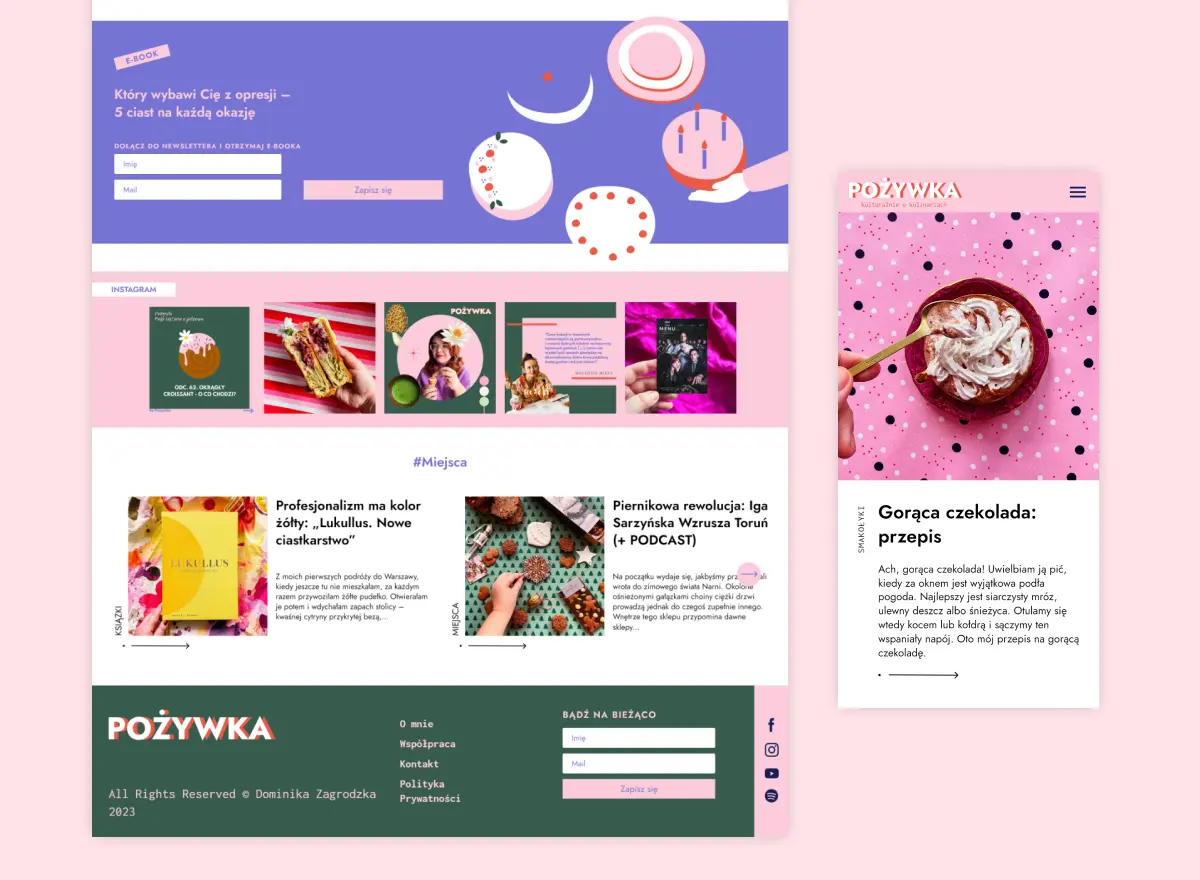
pozywka.pl
Scalable blog for food journalist, focused on performance and user experience 🌭
zagrodzki.me
Personal blog and portfolio of Bart Zagrodzki, where he shares his knowledge and work 💼
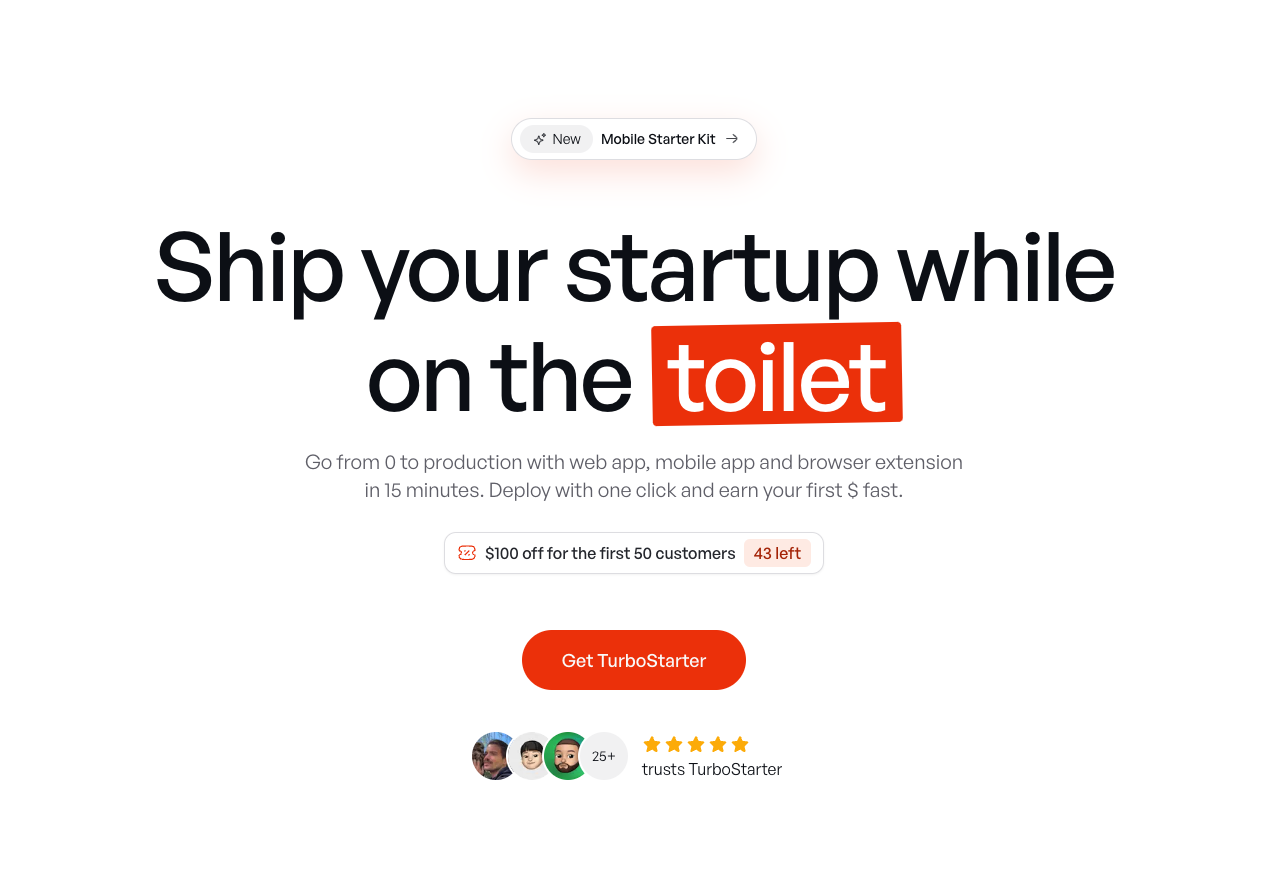
TurboStarter
Ship your startup everywhere. In minutes.
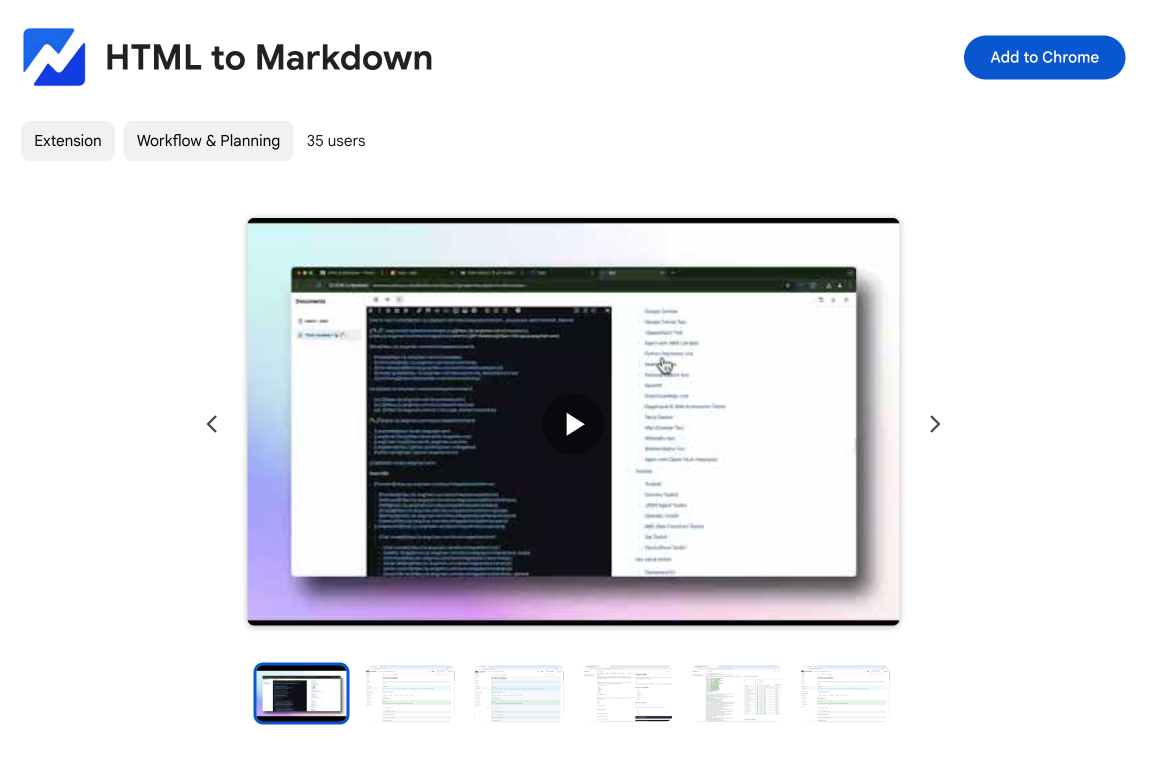
HTML to Markdown
Convert HTML to Markdown with ease, directly in your browser 📄
Dotallio
Personalized AI apps that automate research, data extraction, and content creation without code 🤖
Talk to Santa
Enjoy a magical live video chat or receive a unique AI-generated video greeting from Santa Claus 🎅
pozywka.pl
Scalable blog for food journalist, focused on performance and user experience 🌭
zagrodzki.me
Personal blog and portfolio of Bart Zagrodzki, where he shares his knowledge and work 💼
TurboStarter
Ship your startup everywhere. In minutes.
HTML to Markdown
Convert HTML to Markdown with ease, directly in your browser 📄
Dotallio
Personalized AI apps that automate research, data extraction, and content creation without code 🤖
Talk to Santa
Enjoy a magical live video chat or receive a unique AI-generated video greeting from Santa Claus 🎅
pozywka.pl
Scalable blog for food journalist, focused on performance and user experience 🌭
zagrodzki.me
Personal blog and portfolio of Bart Zagrodzki, where he shares his knowledge and work 💼
TurboStarter
Ship your startup everywhere. In minutes.
HTML to Markdown
Convert HTML to Markdown with ease, directly in your browser 📄
Dotallio
Personalized AI apps that automate research, data extraction, and content creation without code 🤖
Talk to Santa
Enjoy a magical live video chat or receive a unique AI-generated video greeting from Santa Claus 🎅
pozywka.pl
Scalable blog for food journalist, focused on performance and user experience 🌭
zagrodzki.me
Personal blog and portfolio of Bart Zagrodzki, where he shares his knowledge and work 💼
TurboStarter
Ship your startup everywhere. In minutes.
HTML to Markdown
Convert HTML to Markdown with ease, directly in your browser 📄
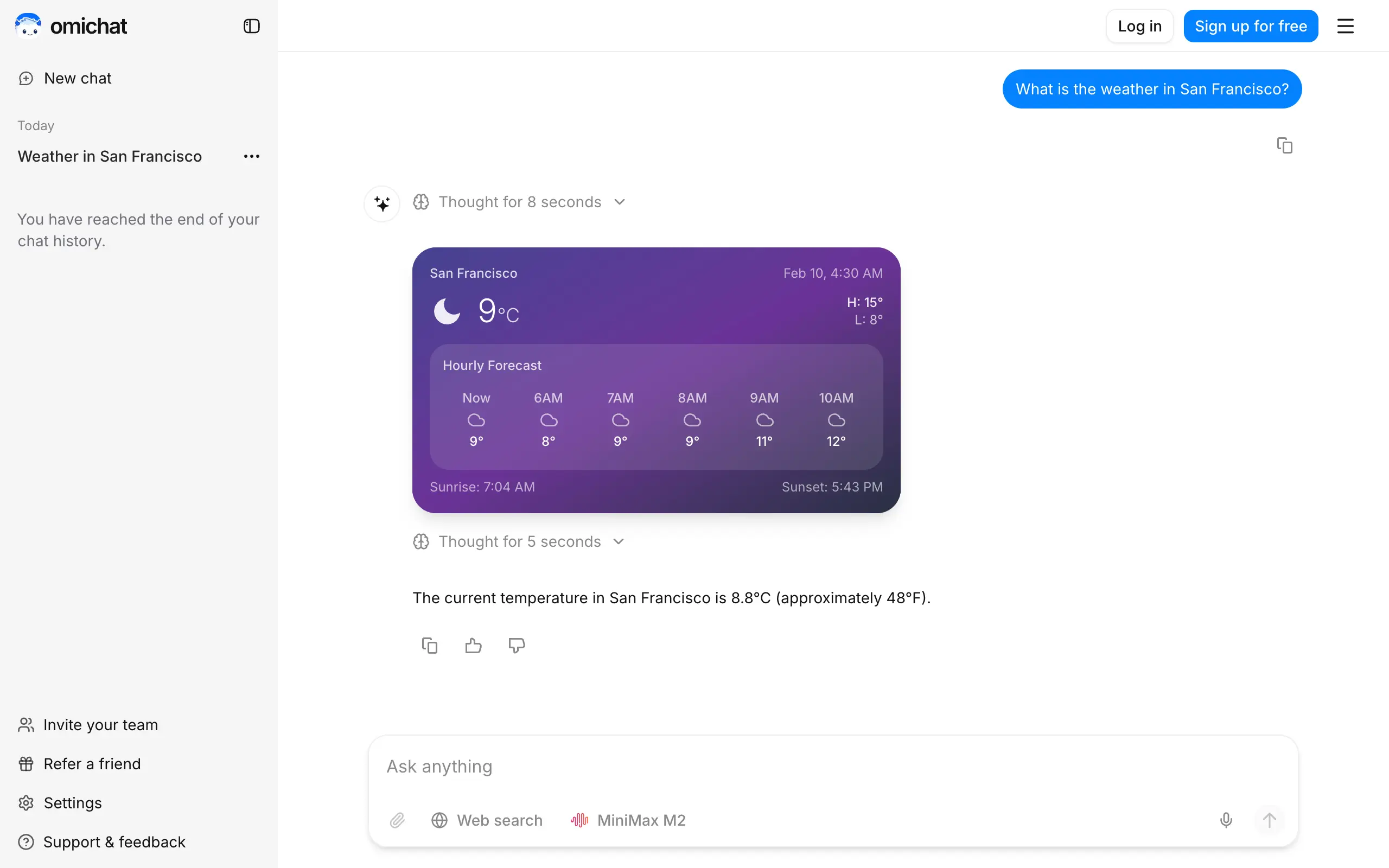
Omichat
Chat with 50+ AI models, including ChatGPT and Claude, in one place - switch models anytime without losing context 🤖
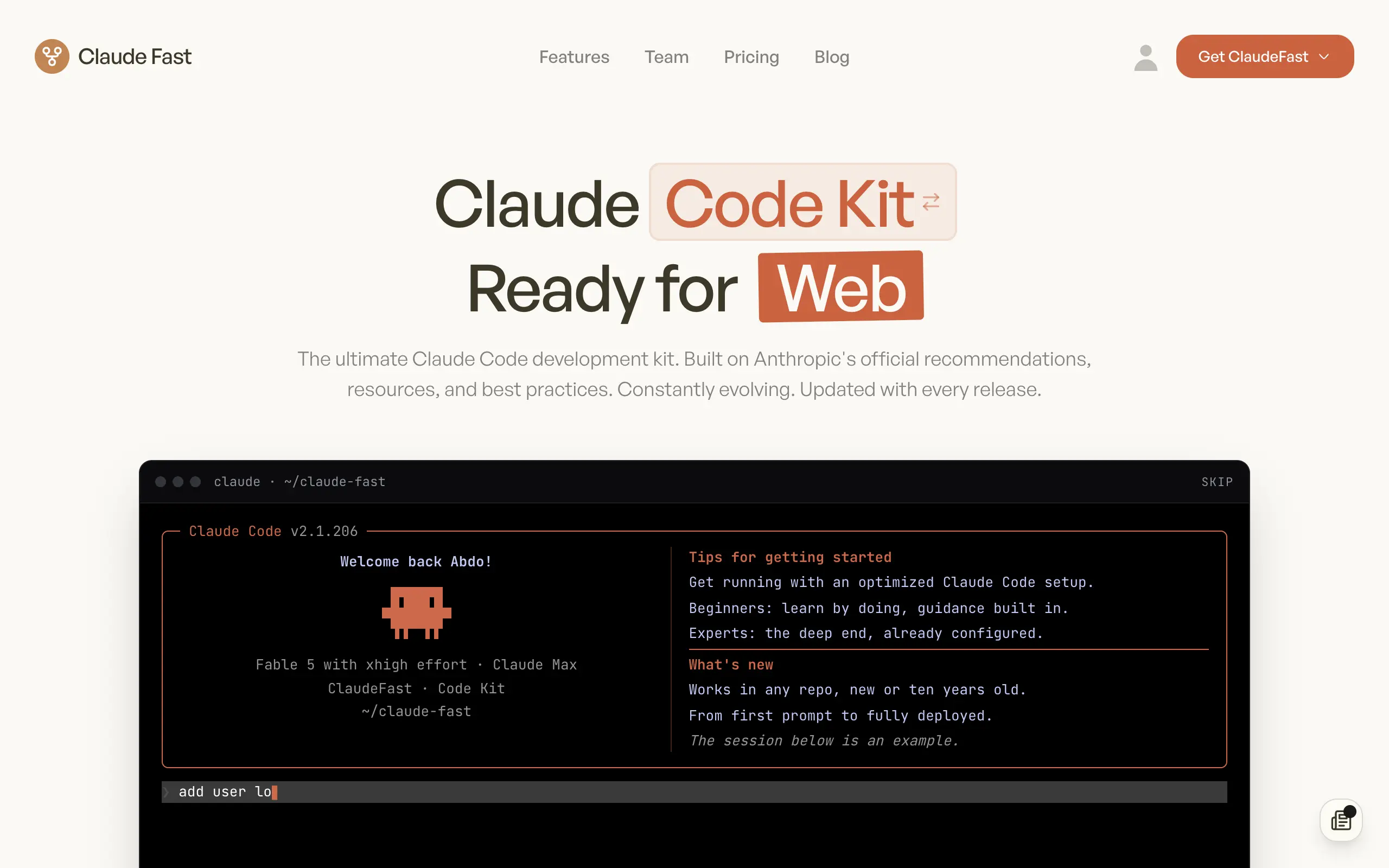
Claude Fast
Supercharge your Claude Code with 6x effective context window and specialized AI agents 🤖
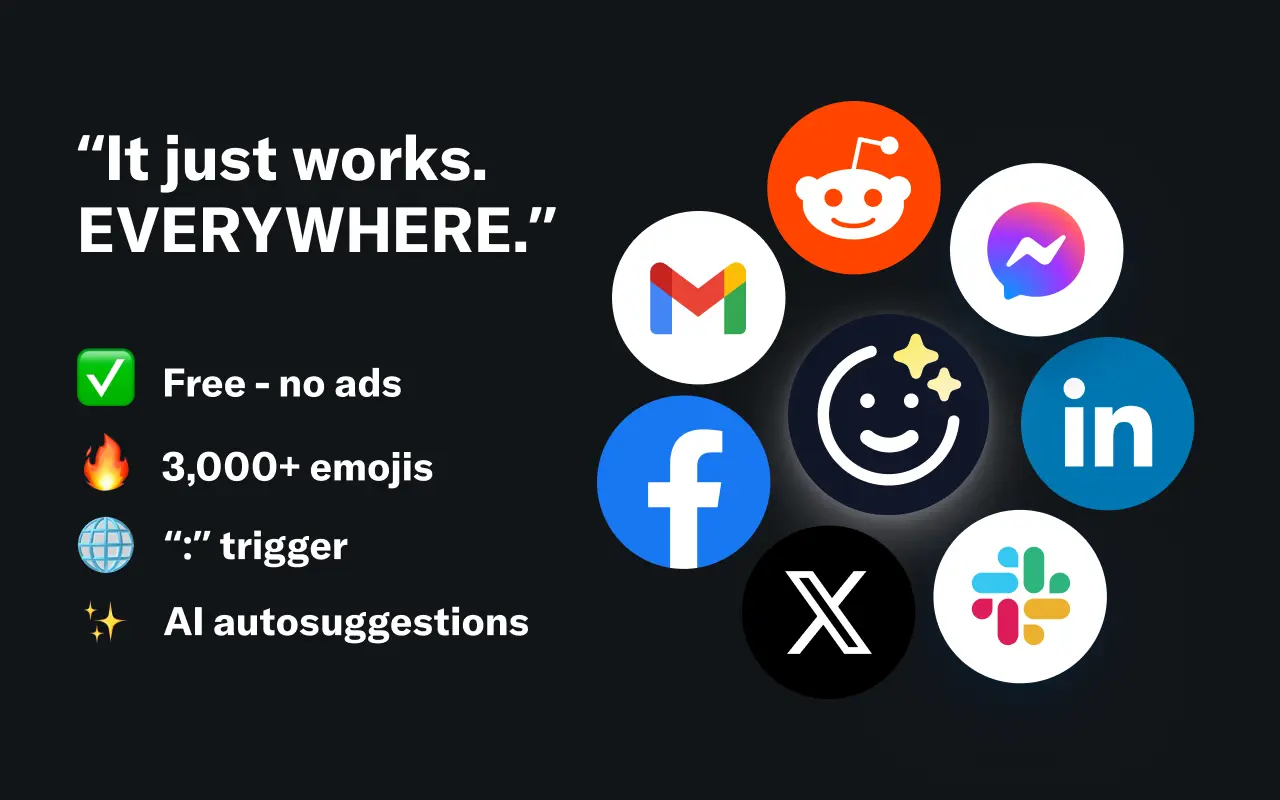
EmojAI
AI-powered emoji picker with smart, context-aware suggestions 🤖
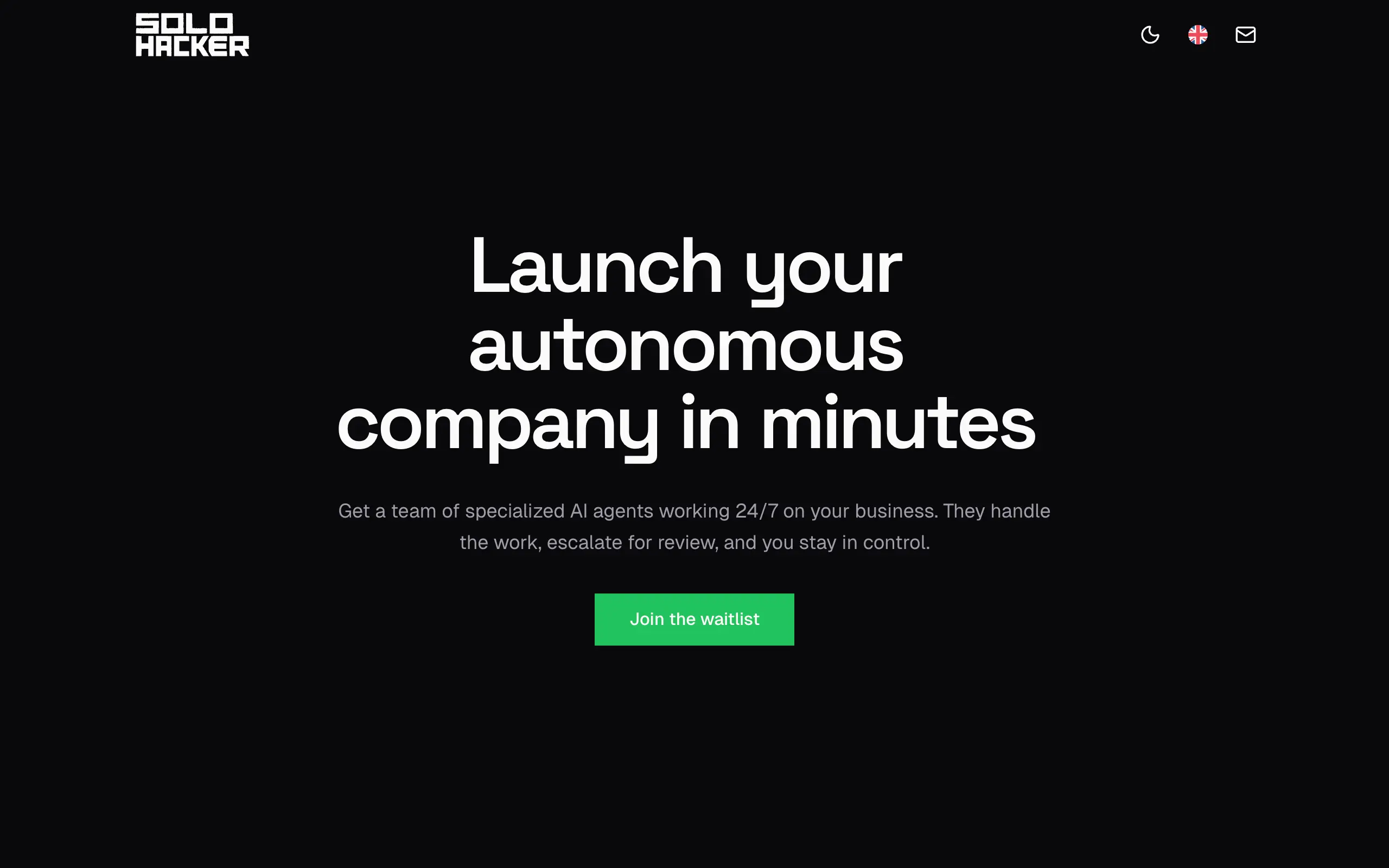
Solohacker
Autonomous company launcher - AI agents work 24/7, escalate what matters, and you stay in control 🤖
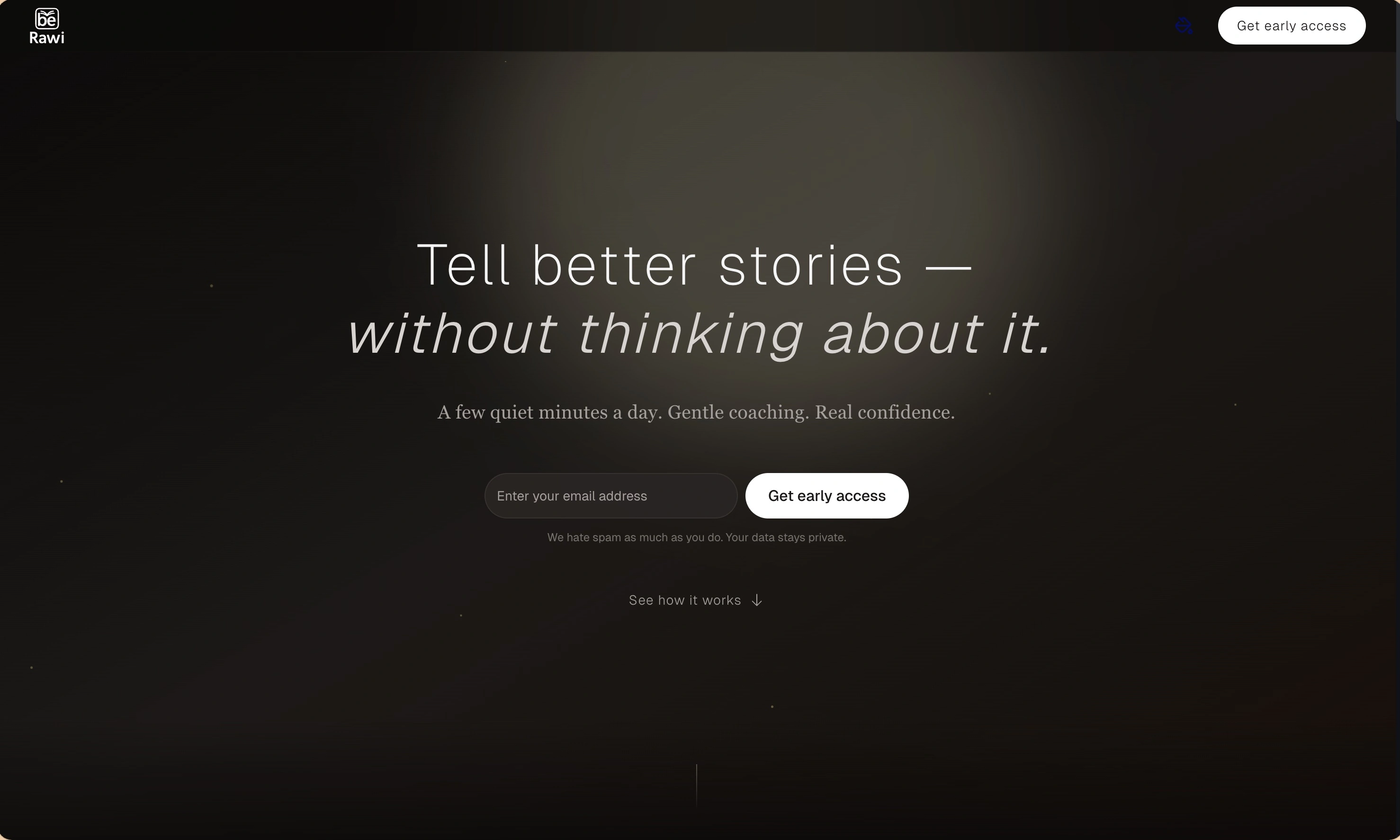
BeRawi: Storytelling Coach
Practice storytelling daily with instant feedback to sound clearer, more engaging, and confident 🎤
Omichat
Chat with 50+ AI models, including ChatGPT and Claude, in one place - switch models anytime without losing context 🤖
Claude Fast
Supercharge your Claude Code with 6x effective context window and specialized AI agents 🤖
EmojAI
AI-powered emoji picker with smart, context-aware suggestions 🤖
Solohacker
Autonomous company launcher - AI agents work 24/7, escalate what matters, and you stay in control 🤖
BeRawi: Storytelling Coach
Practice storytelling daily with instant feedback to sound clearer, more engaging, and confident 🎤
Omichat
Chat with 50+ AI models, including ChatGPT and Claude, in one place - switch models anytime without losing context 🤖
Claude Fast
Supercharge your Claude Code with 6x effective context window and specialized AI agents 🤖
EmojAI
AI-powered emoji picker with smart, context-aware suggestions 🤖
Solohacker
Autonomous company launcher - AI agents work 24/7, escalate what matters, and you stay in control 🤖
BeRawi: Storytelling Coach
Practice storytelling daily with instant feedback to sound clearer, more engaging, and confident 🎤
Omichat
Chat with 50+ AI models, including ChatGPT and Claude, in one place - switch models anytime without losing context 🤖
Claude Fast
Supercharge your Claude Code with 6x effective context window and specialized AI agents 🤖
EmojAI
AI-powered emoji picker with smart, context-aware suggestions 🤖
Solohacker
Autonomous company launcher - AI agents work 24/7, escalate what matters, and you stay in control 🤖
BeRawi: Storytelling Coach
Practice storytelling daily with instant feedback to sound clearer, more engaging, and confident 🎤

Connect with like-minded people
Join our community to get feedback, support, and grow together with 1,000+ builders on board, let's ship it!
Join usShip your startup everywhere. In minutes.
Don't burn tokens on setup and start building features on day one.