FormFlow
Create, fill, sign, scan, and share everyday forms from your phone. Smart templates turn repeated paperwork into a 60-second task.
Why a mobile form app is a strong B2C SaaS opportunity
Everyday paperwork remains surprisingly slow. People still download PDFs, print forms, search through email attachments, type the same contact details repeatedly, scan documents using separate apps, and struggle to get signatures from another person. These tasks are common, urgent, and frustrating—exactly the combination that creates demand for a focused consumer productivity product.
FormFlow is a mobile form app that helps users create, fill, sign, scan, and share routine documents from a phone. Its core promise is simple: smart templates convert repeated paperwork into a task that takes around 60 seconds rather than 20 minutes.
The strongest opportunity is not to compete head-on with enterprise document management platforms. Instead, FormFlow can own the overlooked middle ground between basic PDF readers and expensive business workflow suites. It can become the go-to form filling app for everyday life: school permission slips, rental applications, contractor intake forms, medical paperwork, vehicle sale documents, travel forms, pet-care agreements, and personal declarations.
The product’s unique selling proposition is the combination of five frequently disconnected actions in one mobile-first workflow:
- Find or generate the right form
- Fill reusable personal details automatically
- Capture a legally appropriate electronic signature
- Scan supporting documents when needed
- Share a clean, completed PDF immediately
That experience matters because most users do not want “document management.” They want to finish an annoying task and get back to their day.
Positioning insight
FormFlow should be positioned as a fast everyday paperwork assistant, not as a generic PDF editor. Consumers buy time savings and confidence, while “PDF editing” is increasingly treated as a commodity feature.
Who FormFlow should serve first
A broad B2C mobile form app can eventually serve nearly anyone, but successful consumer SaaS products start with a narrow, high-frequency user problem. FormFlow should prioritize user segments with recurring paperwork, time pressure, and a strong preference for using a phone rather than a desktop computer.
Busy parents and caregivers
Parents encounter a persistent stream of forms: school enrollment packets, field trip permission slips, activity registrations, doctor forms, medication authorizations, childcare intake documents, and emergency contact updates.
Their pain is rarely about understanding a PDF. It is about repeating the same information under deadline pressure:
- Child names, dates of birth, and school details
- Parent names, phone numbers, and addresses
- Insurance details and emergency contacts
- Allergies, medical information, and pickup authorizations
- Signatures and dates across multiple pages
A smart form template app can save a household profile securely and make relevant fields available in one tap. The result is meaningful: a parent can complete a school form while waiting in a parking lot instead of delaying it until they reach a laptop.
The messaging for this audience should focus on reduced mental load:
“Keep your family’s paperwork ready when life happens.”
Renters, movers, and independent households
Renting and moving create concentrated bursts of administrative work. Consumers may need to fill applications, provide proof of income, sign agreements, document apartment condition, submit maintenance details, and send identity or insurance information.
This audience benefits from a mobile form app that supports:
- Application checklists
- Saved identity and employment details
- Secure document scanning
- PDF annotation
- Signature requests for roommates or guarantors
- Shareable document bundles
A renter-focused onboarding path can ask, “Are you applying for a home, moving, or managing a lease?” Then FormFlow can surface appropriate templates instead of presenting an empty dashboard.
Freelancers, sole proprietors, and side-hustle operators
Although FormFlow is a B2C product, independent professionals are a valuable early adopter segment. They often need simple paperwork but do not want enterprise software designed for legal departments and sales teams.
Examples include:
- Service agreements
- Client intake forms
- Project change requests
- Simple invoices and receipts
- Event photography releases
- Contractor waivers
- Mileage logs and expense declarations
- Independent contractor onboarding forms
This audience has a higher willingness to pay because a faster workflow directly affects revenue and client experience. It can also create a natural bridge from consumer subscriptions to a lightweight professional plan.
Caregivers and adults managing family administration
People coordinating care for children, parents, or relatives often handle more paperwork than any other consumer group. They need to maintain accuracy across medical providers, schools, insurers, care facilities, and public agencies.
For this segment, trust is more important than novelty. FormFlow must make it clear who can access stored information, how documents are protected, and how users can delete data. A polished privacy center and transparent security language can be a conversion feature, not merely a compliance checkbox.
Occasional users with urgent paperwork
A large addressable market consists of users who do not need forms every day but urgently need help at a specific moment. They search for phrases such as:
- “How to fill out a PDF on my phone”
- “Sign a document on iPhone”
- “Scan and send a form”
- “Create a simple agreement”
- “Best mobile form filler”
- “How to complete a permission slip digitally”
These users are ideal for search-driven acquisition and app-store discovery. The product should deliver immediate value without forcing a complicated account setup before the first completed form.
The market gap in mobile form filling
The existing document market contains capable products, but consumer workflows remain fragmented.
Traditional PDF products are often optimized for opening, viewing, and making occasional edits. E-signature platforms are frequently optimized for sending documents to other people and tracking formal signing workflows. Scanning apps focus on converting paper to digital images. Form builders are generally designed to collect data from respondents rather than help an individual complete existing paperwork.
FormFlow can bridge these categories with a workflow centered on the person filling out the form.
| Product category | Primary strength | Common consumer limitation | FormFlow opportunity | Ideal use case |
|---|---|---|---|---|
| PDF reader | Viewing documents | Limited repeat-data automation | Profile-based field completion | School or medical PDFs |
| E-signature suite | Formal multi-party signing | Often costly or overbuilt for personal use | Simple one-person and household signing | Routine agreements |
| Scanner app | Paper digitization | Does not complete or organize forms | Scan-to-fill workflow | Paper handouts |
| Online form builder | Data collection | Built for form creators, not form completers | Consumer template library | Reusable personal forms |
The strategic insight is that the “form completion” job is broader than editing a document. It includes gathering information, ensuring that all fields are completed, attaching evidence, signing correctly, naming the final file, and sharing it through the recipient’s preferred channel.
A compelling FormFlow experience should take a user from “I received this frustrating form” to “It is done and sent” in one continuous flow.
Why mobile-first behavior matters
Consumers increasingly begin administrative tasks on a phone because the trigger is mobile: an email notification, a school portal message, a text from a landlord, a photo of a paper handout, or a request from a family member.
A desktop-only or desktop-first product introduces friction at the wrong moment. FormFlow should assume that the user may be standing in a hallway, on public transit, at a clinic, or in a car. The interface must prioritize thumb-friendly controls, reliable autosave, offline resilience, and fast access to the information users repeat most often.
Recent advancements in on-device optical character recognition, document boundary detection, and structured data extraction make this experience increasingly practical. When citing market trends, reference current reports from reputable sources such as Gartner, IDC, Statista, or official platform documentation rather than relying on unsourced market-size claims.
The FormFlow product experience and core features
FormFlow should solve a complete task, not accumulate a long list of disconnected tools. The best initial product combines a polished core workflow with a curated set of high-value templates.
Smart personal profiles and reusable field data
The defining feature should be a secure profile vault that stores user-approved details for reuse. Rather than treating autofill as a browser feature, FormFlow can make it contextual and form-aware.
A user may create multiple profiles:
- Personal identity profile
- Household address profile
- Child or dependent profile
- Pet profile
- Freelance business profile
- Vehicle profile
- Emergency contact profile
For each field, the user decides whether it can be suggested automatically. FormFlow should never silently populate sensitive information into a document without a clear review step.
The application can recognize common labels such as “full legal name,” “date of birth,” “emergency contact,” “address,” “insurance provider,” and “vehicle identification number.” It can then suggest saved data with a visible confirmation interface.
This feature creates a real retention loop. The more a user safely adds to their profile, the faster FormFlow becomes for their next document.
PDF import, scanning, and field detection
Users need flexible document entry points:
- Upload a PDF from device storage
- Open a document from email or cloud storage
- Import through the mobile share sheet
- Photograph a paper form
- Scan multiple pages into a clean PDF
- Start from a FormFlow template
The scanning experience should automatically detect document edges, correct perspective, improve contrast, and guide users when an image is too blurry. For scanned documents, optical character recognition can identify likely fields, checkboxes, and signature lines.
Accuracy matters more than automation theater. A field detector should show uncertainty when confidence is low and allow users to quickly reposition or correct a field. Incorrectly placing a signature or entering a date in the wrong location can make a document unusable.
Electronic signatures with a clear trust model
Electronic signatures are central to a consumer form filling app, but the product must distinguish between a convenient drawn signature and a workflow that may require higher levels of identity assurance.
FormFlow can support:
- Drawn signatures
- Typed signatures
- Saved signature styles
- Initials
- Date stamps
- Signature placement
- Consent confirmation
- Optional audit records
The app should explain that acceptance requirements vary by document type, institution, jurisdiction, and recipient. This is especially important for users handling legal, financial, or healthcare-related forms.
Avoid legal overpromising
FormFlow should not claim that every electronic signature is valid for every use case. Explain the signing method, preserve consent records where appropriate, and encourage users to confirm a recipient’s requirements for high-stakes documents.
For many personal tasks, the key benefit is not legal complexity. It is eliminating the need to print, sign, scan, and email a form back.
A curated everyday template library
Templates are where FormFlow can become more than a PDF tool. Users often do not know what document they need or where to start. A useful library turns vague needs into completed paperwork.
High-priority template categories include:
Family and school
Permission slips, emergency contact sheets, pickup authorizations, and activity registration forms.
Home and renting
Move-in checklists, roommate agreements, maintenance requests, and property condition records.
Personal services
Client intake forms, consent forms, simple service agreements, and appointment information sheets.
Pets and travel
Pet-care instructions, travel consent letters, itineraries, and emergency contact plans.
Each template should use plain language, offer contextual hints, and adapt based on answers. For example, a pet sitter information form can reveal medication fields only if the owner indicates that medication is required.
The template team should work with qualified legal reviewers where documents touch legally sensitive areas. A “simple agreement” template needs jurisdiction-sensitive language, version history, a visible disclaimer, and a date showing when it was reviewed. The goal is useful starting points, not unqualified legal advice.
Document organization and sharing
A completed form is only useful if users can find and send it quickly. FormFlow should include lightweight organization without becoming an enterprise file cabinet.
Useful functions include:
- Smart folders for household, school, housing, work, and health
- Search by title, person, category, and date
- Expiration reminders for recurring documents
- Version history for edited forms
- Export to flattened PDF
- Share via email, messaging, cloud drive, or device share sheet
- Optional secure link sharing with expiry controls
A document completion screen should make the next action obvious. The primary action can be “Share completed PDF,” followed by “Save to folder” and “Create another copy.”
Guided completion and quality checks
FormFlow should prevent common errors before a user submits a document. A preflight checklist can detect empty required fields, unsigned signature boxes, unchecked acknowledgements, missing attachments, or dates that appear inconsistent.
This is one of the most valuable trust-building features. Users often worry less about typing into a form than about overlooking something important.
A simple completion score can help, but it should not imply legal or institutional acceptance. Use language such as “Ready to review” rather than “Guaranteed valid.”
What makes FormFlow different from document apps
The competitive advantage should not depend on any single feature. Competitors can add scanning, signing, or templates. The durable advantage comes from an integrated product system built around repeat personal paperwork.
FormFlow’s differentiation can rest on five pillars:
- Household-aware autofill that goes beyond one user’s name and email address.
- Intent-based templates that start with a real-life task rather than a blank document.
- Phone-native completion flows designed for speed, small screens, and interruptions.
- Scan, fill, sign, and share in one place without forcing users between multiple apps.
- Trust-first data controls that make sensitive personal information understandable and manageable.
The closest alternatives usually optimize a single stage of the process. FormFlow should optimize the complete journey.
Build a defensible data advantage carefully
A form-field mapping system can become a meaningful product asset. Over time, FormFlow can learn common document structures and improve suggestions for frequently used categories. However, this advantage must be built responsibly.
The product should use privacy-preserving approaches wherever possible:
- Process document recognition on-device when technically feasible
- Request explicit consent before using documents to improve models
- Separate personally identifiable information from analytics
- Let users opt out of product-improvement data sharing
- Maintain strict access controls for any cloud processing
Trust compounds in a product that stores sensitive information. One confusing permission screen or opaque data practice can damage years of product momentum.
Recommended tech stack for a secure mobile form app
The technical stack should support rapid iteration while preserving the ability to handle documents, sensitive fields, and cross-platform mobile needs. FormFlow does not need to build every capability from scratch in its first release.
Mobile application layer
For a B2C launch, React Native is a pragmatic option for delivering iOS and Android applications with a shared codebase. It supports rapid product iteration, a broad developer ecosystem, and native modules for camera, file handling, biometrics, and device sharing.
Expo can improve development velocity for early teams, especially when the product relies on standard camera, storage, notification, and authentication capabilities.
The main trade-off is that advanced PDF rendering, high-performance image processing, and sophisticated native OCR features may require custom native modules or platform-specific engineering. That is manageable, but teams should validate the hardest document workflow early rather than assuming every library behaves identically on both platforms.
For the web dashboard and marketing site, Next.js is a strong choice. It supports performant content pages, authenticated user experiences, and server-side capabilities in one ecosystem.
Backend, storage, and data architecture
A good initial architecture can use PostgreSQL for relational user, subscription, document metadata, template, and audit data. For many early SaaS products, Supabase provides a fast path to PostgreSQL, authentication, storage, and row-level security.
The core data model should separate:
- User account data
- Profile vault data
- Document metadata
- Encrypted document files
- Template definitions
- Signature and consent events
- Sharing permissions
- Subscription entitlements
Object storage should hold original uploads, processed scans, and generated PDFs. Storage encryption, access-controlled signed URLs, retention policies, and deletion workflows should be designed from the beginning.
The trade-off with a backend-as-a-service platform is reduced infrastructure work at launch versus potential complexity when custom document pipelines scale. This is usually a worthwhile trade-off until usage patterns justify a more specialized architecture.
Document processing and OCR
Document processing is likely FormFlow’s most technically sensitive subsystem. The pipeline may need to:
- Receive a PDF or camera image.
- Normalize rotation and perspective.
- Enhance readability.
- Detect document layout.
- Extract text through OCR.
- Identify probable fields and signature lines.
- Render the document for editing.
- Flatten completed values and signatures into a final PDF.
Use an abstraction layer around OCR and PDF processing providers. That protects the product from vendor lock-in and allows evaluation of cost, quality, supported languages, latency, and regional data processing requirements.
On-device OCR can improve privacy and responsiveness, while cloud OCR may deliver stronger accuracy for difficult documents. A hybrid model is often sensible: perform basic image quality and text recognition locally, then offer consented server-side enhancement when necessary.
Authentication, security, and observability
Authentication should support email sign-in, passkeys where available, and biometric reauthentication before opening a profile vault or exporting sensitive documents. Auth0 and Clerk are established options, while a Supabase-based stack can centralize authentication with database rules.
Security practices should include:
- Encryption in transit and at rest
- Short-lived file access URLs
- Role-based and row-level authorization
- Device session management
- Rate limiting on sharing and upload endpoints
- Dependency scanning
- Audit logging for sensitive actions
- Automated backups and tested recovery procedures
For product analytics, measure workflows rather than just page views. Track time to first completed form, successful scan-to-share completion, autofill acceptance rate, template usage, and points where users abandon an unfinished document.
Do not send raw document contents or sensitive form field values to general analytics platforms.
Monetization strategy for FormFlow
FormFlow should use a freemium model that proves value before asking for a subscription. The free plan must be useful enough to build trust, while paid tiers should align with high-frequency or high-stakes needs.
A recommended pricing structure
- "Free plan" includes a limited number of completed documents per month, basic scanning, PDF fill and sign tools, and selected templates.
- "FormFlow Plus" includes unlimited forms, reusable profiles, advanced templates, document organization, smart checks, and premium export options.
- "FormFlow Household" includes shared family access, dependent profiles, household folders, and permission-based collaboration.
- "FormFlow Pro" serves freelancers with branded templates, client-ready agreements, extra storage, and simple sharing controls.
A consumer-friendly monthly price can reduce friction, while an annual subscription should offer a meaningful discount. Avoid pricing that feels punitive for a user who only has an urgent one-time task. Consider a low-cost document pack or short access pass for those users.
Revenue expansion opportunities
Once the core product has trust and retention, FormFlow can expand carefully:
- Premium template bundles reviewed for specific use cases
- Secure document storage upgrades
- Family collaboration plans
- Add-on identity verification for eligible workflows
- Partnerships with schools, property managers, or service providers
- White-label or embedded form completion tools for consumer brands
The product should not rush into selling user data, referral schemes that undermine trust, or opaque upsells around sensitive life events. Privacy is part of the product’s value proposition.
Key unit economics to monitor
A B2C SaaS product should track more than downloads. The most useful metrics include:
- Activation rate from installation to first completed form
- Time to first completed document
- Free-to-paid conversion rate
- Monthly and annual retention
- Completed documents per active user
- Cost per OCR job and per stored gigabyte
- Support tickets per 1,000 completed documents
- Template-driven acquisition and conversion
- Refund rate and subscription cancellation reasons
The north-star metric could be completed paperwork tasks per retained household per month. It represents real user value better than uploads or app sessions alone.
Risks and mitigation strategies
FormFlow works with sensitive data and potentially consequential documents. The team should treat risk management as a product discipline.
Sensitive details such as addresses, dates of birth, health information, and signatures can create serious harm if exposed. Minimize data collection, encrypt files and profile data, implement granular permissions, conduct regular security reviews, and offer clear deletion controls.
Users may rely on templates for decisions with legal consequences. Use clear disclaimers, document jurisdiction limits, involve qualified reviewers for sensitive template categories, and avoid portraying the service as legal advice.
A poor scan or incorrectly detected field can lead to incomplete paperwork. Show confidence levels where useful, keep manual editing effortless, and run a final required-field review before export.
Mobile operating system changes, cloud processing prices, and third-party OCR service changes can affect the product. Maintain provider abstractions, monitor costs closely, and avoid relying on a single undocumented integration.
Basic PDF signing is widely available. Differentiate through household profiles, purpose-built templates, guided completion, organization, and a dramatically faster end-to-end workflow.
A particularly important mitigation is transparency. FormFlow should plainly explain where a document is stored, whether processing happens on-device or in the cloud, how long files are retained, and how a user can permanently delete their information.
Go-to-market strategy for a form filling app
The product’s acquisition strategy should combine high-intent search, app-store optimization, template-led content, and partnership distribution.
Capture high-intent search traffic
People search for a solution when paperwork creates immediate friction. Content should target practical long-tail queries rather than broad, expensive terms alone.
Examples of useful content clusters include:
- How to fill out a PDF on a phone
- How to sign a document without printing
- How to scan paperwork with a smartphone
- School permission slip checklist
- What to include in a pet sitter information form
- Apartment move-in checklist
- How to organize family documents digitally
- Simple freelance client intake form guide
Each article should help the reader even if they do not install the app. That is essential for E-E-A-T and long-term organic performance. Include step-by-step guidance, explain limitations, and suggest readers verify requirements with the receiving organization when relevant.
Use templates as acquisition assets
Template pages can serve both SEO and conversion goals. A visitor looking for a “pet sitter instruction form” has clear intent. FormFlow can provide educational context, a downloadable preview where appropriate, and a prominent path to customize, sign, save, and reuse the form in the app.
Avoid thin pages that exist only to target keywords. Each template landing page should explain:
- Who needs the form
- When to use it
- Important information to include
- Common mistakes to avoid
- Whether a signature is typically needed
- How FormFlow helps complete it faster
Build trust in app-store listings
The app-store listing should show real workflows, not generic dashboard screenshots. Demonstrate a form being imported, filled with saved details, signed, and shared.
Reviews will likely mention speed, ease of use, and confidence. Build the review prompt around a successful moment, such as after a user has exported multiple documents, rather than interrupting their first urgent task.
Partnership opportunities
Partnerships can provide lower-cost distribution than paid consumer advertising. Potential partners include:
- Parent communities and school-adjacent service platforms
- Rental and moving services
- Pet-care marketplaces
- Freelancer communities
- Insurance and financial organization tools
- Family organization applications
Partnerships must preserve user trust. Do not create a perception that FormFlow is sharing completed forms with partners unless users explicitly choose to do so.
A practical MVP roadmap for FormFlow
The first version should prioritize one complete, reliable workflow over a sprawling list of features.
Choose one launch wedge, such as busy parents completing school and household forms. Interview at least 20 target users and collect examples of the paperwork they repeatedly handle, with sensitive information removed.
Build document import, camera scanning, PDF rendering, manual field placement, signature capture, final PDF export, and mobile sharing. These are the minimum capabilities needed to complete the central job.
Add a secure personal profile with explicit autofill suggestions for common fields. Measure whether it reduces completion time without creating accuracy concerns.
Launch a focused template library with 10 to 20 high-quality templates tied to the launch audience. Prioritize clarity, usefulness, and responsible review over template volume.
Introduce completion checks, folders, and reminders after users demonstrate repeat usage. These features improve retention once FormFlow has solved the first urgent task.
Test pricing after activation is strong. A free user should experience a genuinely completed form before encountering a subscription decision.
For founders who want to validate the web experience, pricing pages, content hub, user accounts, and launch infrastructure quickly, TurboStarter can reduce time spent assembling foundational SaaS components. The mobile document workflow will still need focused engineering, but a faster web stack leaves more time for the hard product problems.
Final recommendation
FormFlow has a credible opportunity because it solves a universal but underserved consumer pain point: repeated paperwork that must be completed correctly, quickly, and from a phone.
Its best path is not to become another generic document utility. It should become the trusted mobile form app for everyday life, with smart profiles, guided templates, integrated scanning, practical e-signing, and a final review process that helps users feel confident before they hit send.
The winning product experience is measured in minutes saved and stress removed. If FormFlow can make routine paperwork feel as simple as sending a message, it can earn recurring use across households, life events, and independent work.
More 👥 B2C Application SaaS ideas
Discover more innovative b2c application SaaS ideas that are trending in 2026. Each idea is AI-generated with market validation and growth potential to help you find your next profitable venture faster than competitors.
Your competitors are building with TurboStarter
Below are some of the SaaS ideas that have been generated and built with our starter kit.
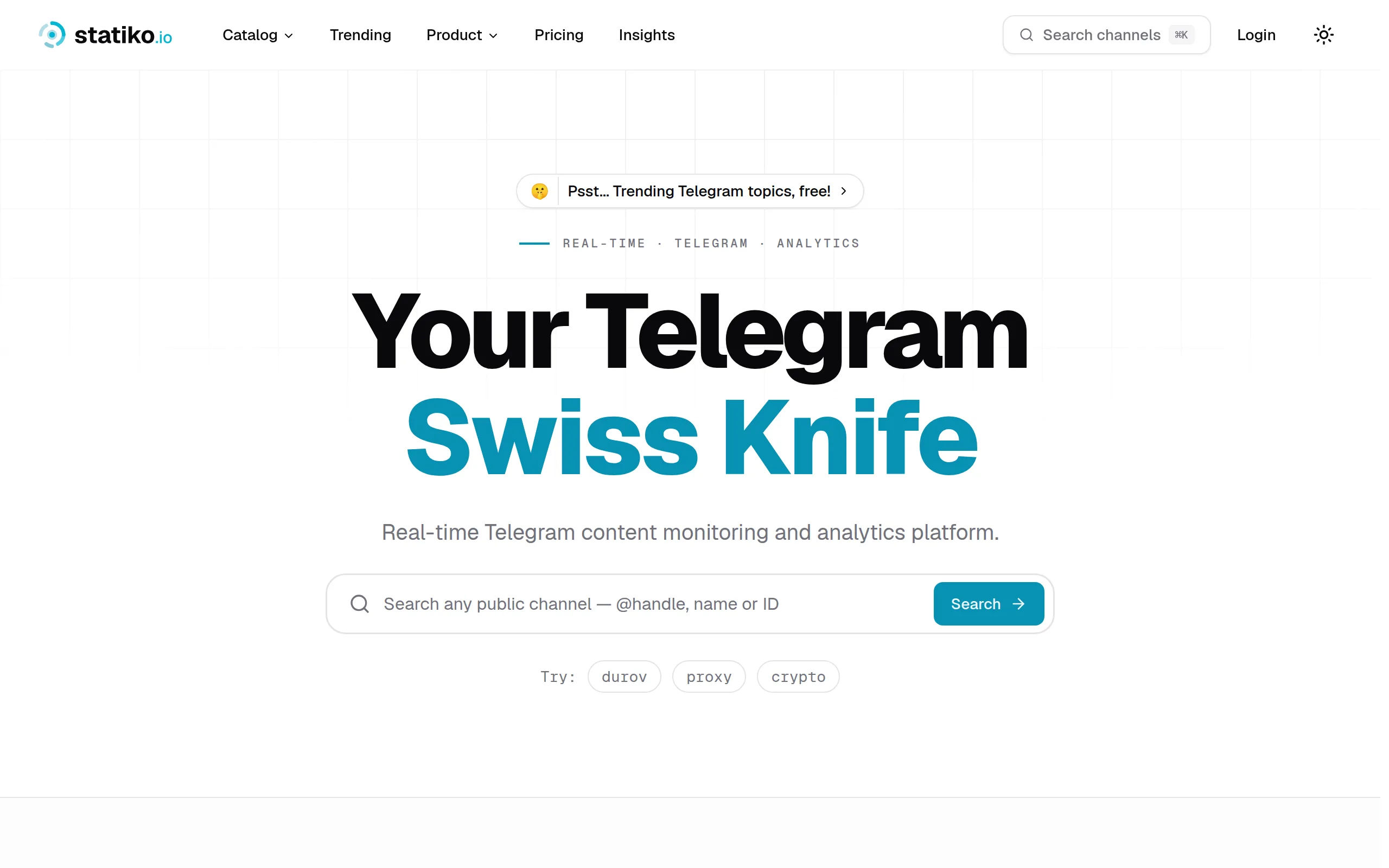
Statiko
Monitor any Telegram channel in real time - track posts, edits, deletions, and growth with AI recaps 📡

Shibui
AI website builder - describe your business, pick a niche template, edit by chatting, and publish instantly ✨

Pro Service
Find verified home service professionals, compare quotes, and pay securely through escrow - built for Brazilians across the US 🏠
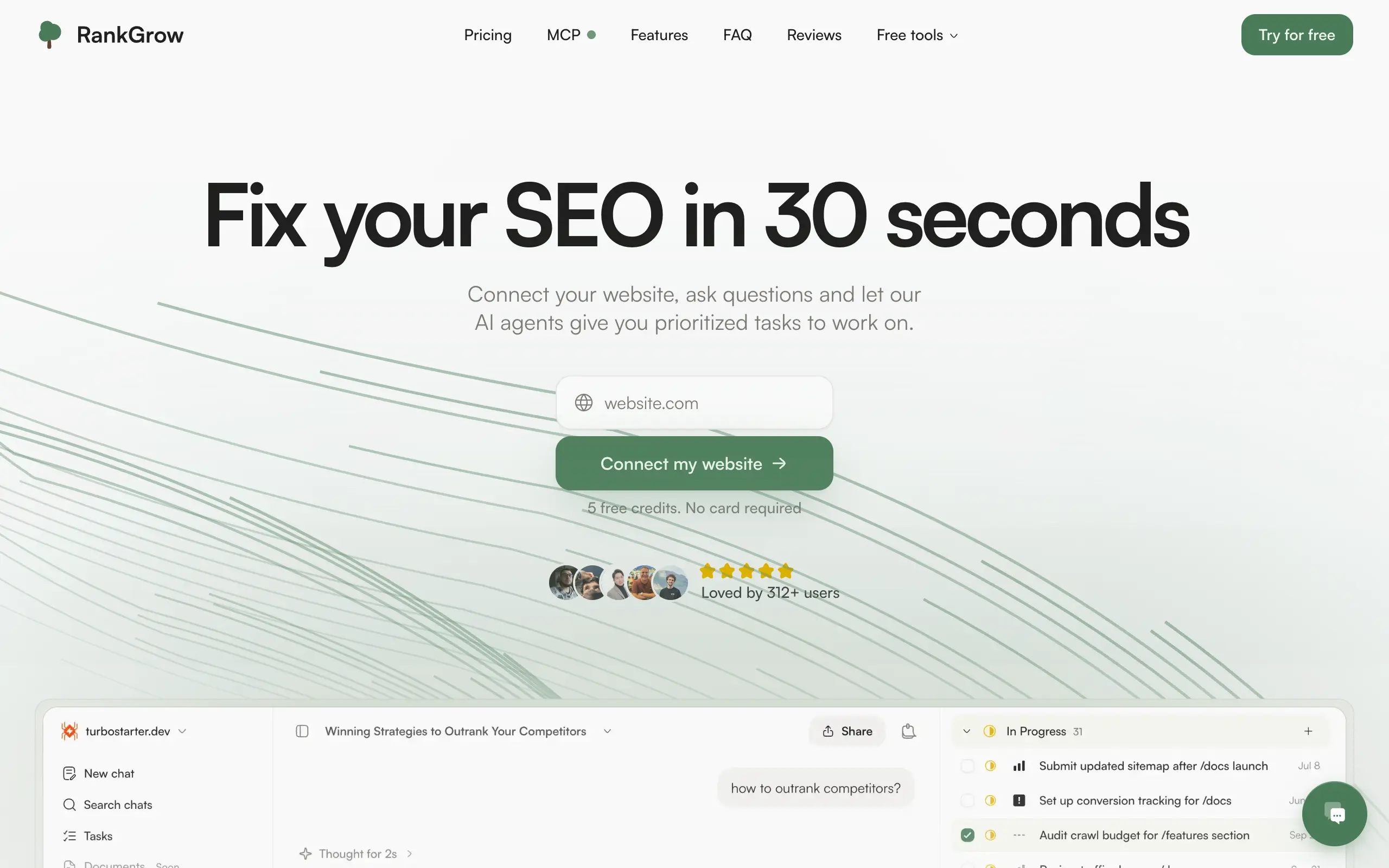
RankGrow
Fix your SEO with AI agents - connect Search Console, get prioritized tasks, and grow organic traffic 📈
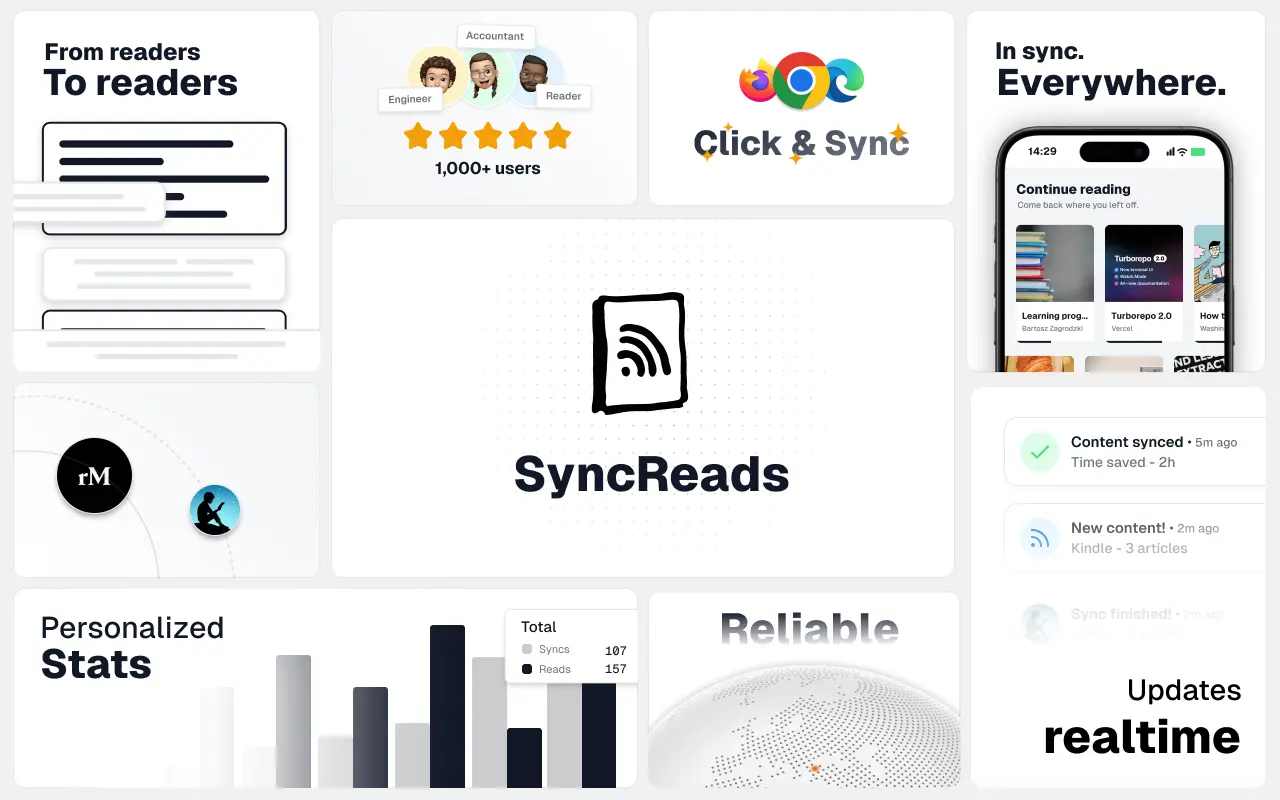
SyncReads
Sync your favorite content for distraction-free reading, save time and replace multiple apps. Anytime, anywhere 🔄
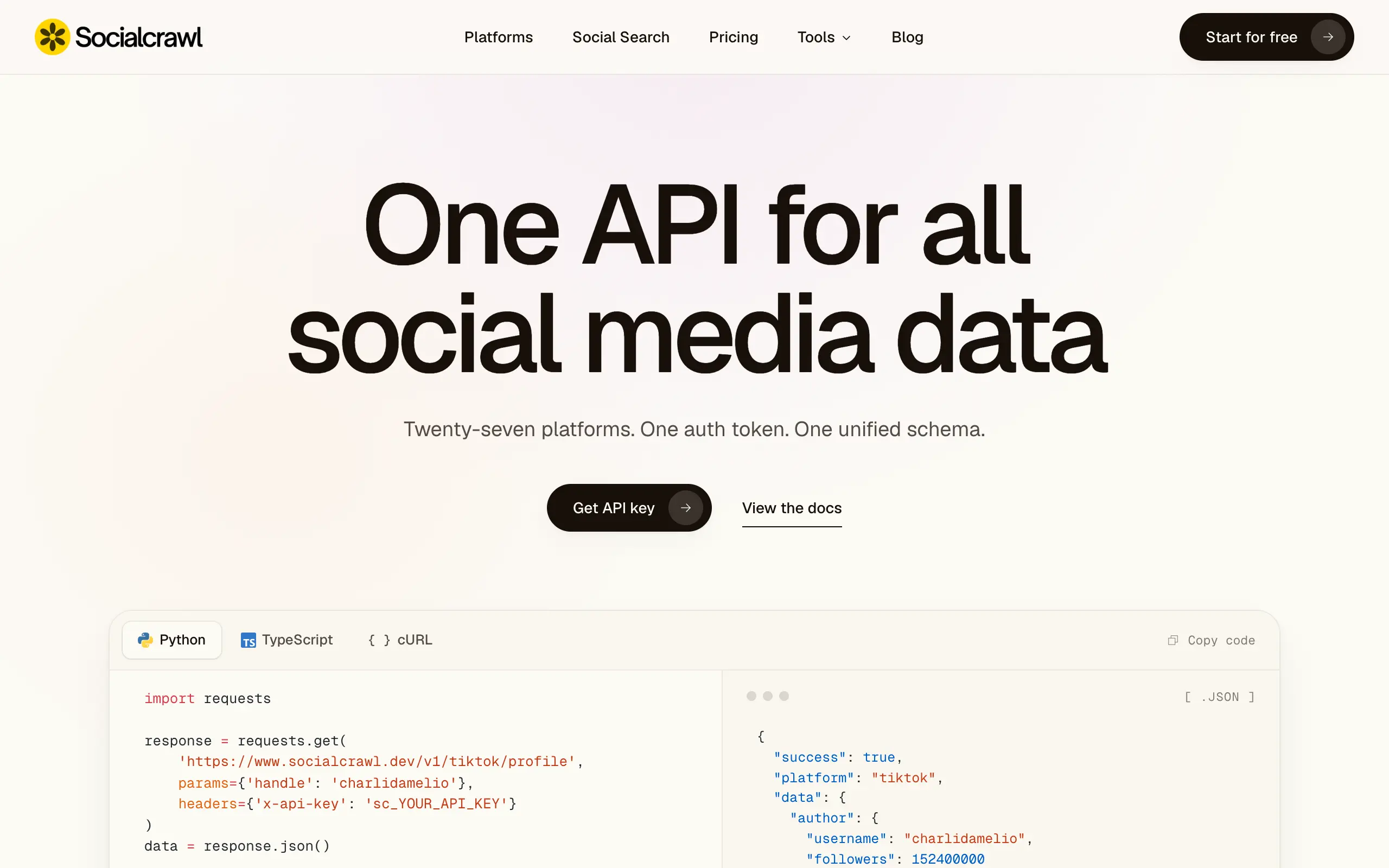
Socialcrawl
Get clean, structured data from 21 platforms like TikTok, Instagram, and YouTube with a single request 📊
Statiko
Monitor any Telegram channel in real time - track posts, edits, deletions, and growth with AI recaps 📡
Shibui
AI website builder - describe your business, pick a niche template, edit by chatting, and publish instantly ✨
Pro Service
Find verified home service professionals, compare quotes, and pay securely through escrow - built for Brazilians across the US 🏠
RankGrow
Fix your SEO with AI agents - connect Search Console, get prioritized tasks, and grow organic traffic 📈
SyncReads
Sync your favorite content for distraction-free reading, save time and replace multiple apps. Anytime, anywhere 🔄
Socialcrawl
Get clean, structured data from 21 platforms like TikTok, Instagram, and YouTube with a single request 📊
Statiko
Monitor any Telegram channel in real time - track posts, edits, deletions, and growth with AI recaps 📡
Shibui
AI website builder - describe your business, pick a niche template, edit by chatting, and publish instantly ✨
Pro Service
Find verified home service professionals, compare quotes, and pay securely through escrow - built for Brazilians across the US 🏠
RankGrow
Fix your SEO with AI agents - connect Search Console, get prioritized tasks, and grow organic traffic 📈
SyncReads
Sync your favorite content for distraction-free reading, save time and replace multiple apps. Anytime, anywhere 🔄
Socialcrawl
Get clean, structured data from 21 platforms like TikTok, Instagram, and YouTube with a single request 📊
Statiko
Monitor any Telegram channel in real time - track posts, edits, deletions, and growth with AI recaps 📡
Shibui
AI website builder - describe your business, pick a niche template, edit by chatting, and publish instantly ✨
Pro Service
Find verified home service professionals, compare quotes, and pay securely through escrow - built for Brazilians across the US 🏠
RankGrow
Fix your SEO with AI agents - connect Search Console, get prioritized tasks, and grow organic traffic 📈
SyncReads
Sync your favorite content for distraction-free reading, save time and replace multiple apps. Anytime, anywhere 🔄
Socialcrawl
Get clean, structured data from 21 platforms like TikTok, Instagram, and YouTube with a single request 📊
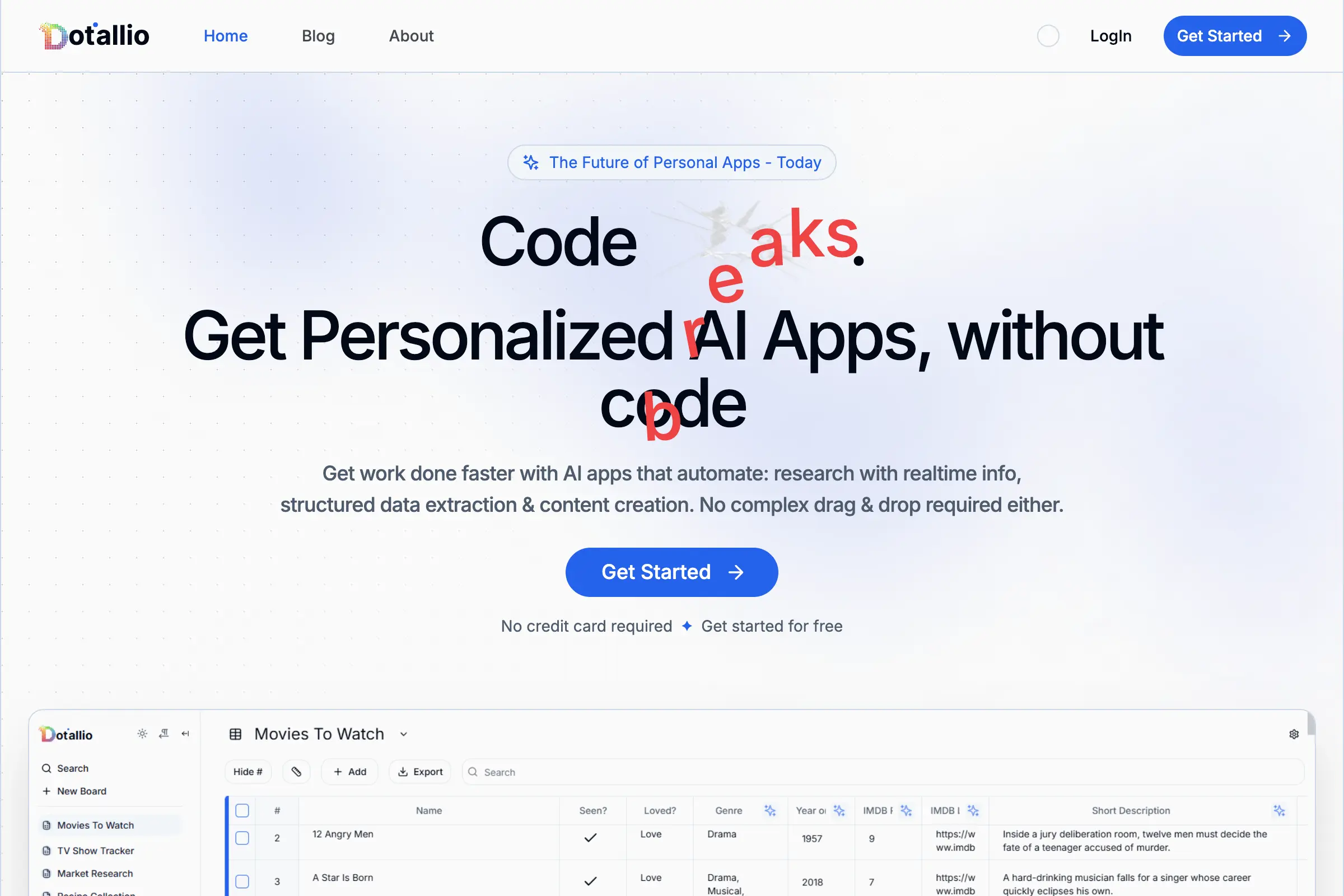
Dotallio
Personalized AI apps that automate research, data extraction, and content creation without code 🤖

Talk to Santa
Enjoy a magical live video chat or receive a unique AI-generated video greeting from Santa Claus 🎅
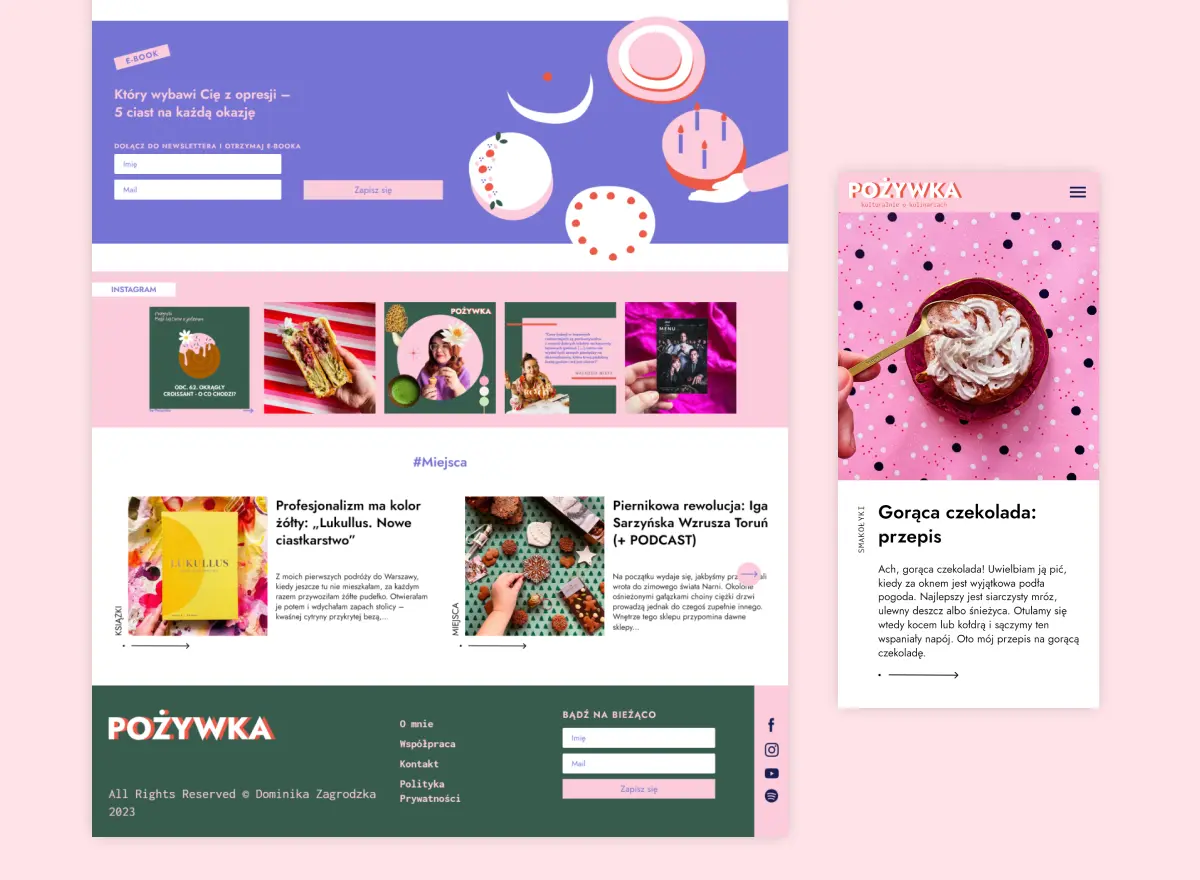
pozywka.pl
Scalable blog for food journalist, focused on performance and user experience 🌭
zagrodzki.me
Personal blog and portfolio of Bart Zagrodzki, where he shares his knowledge and work 💼
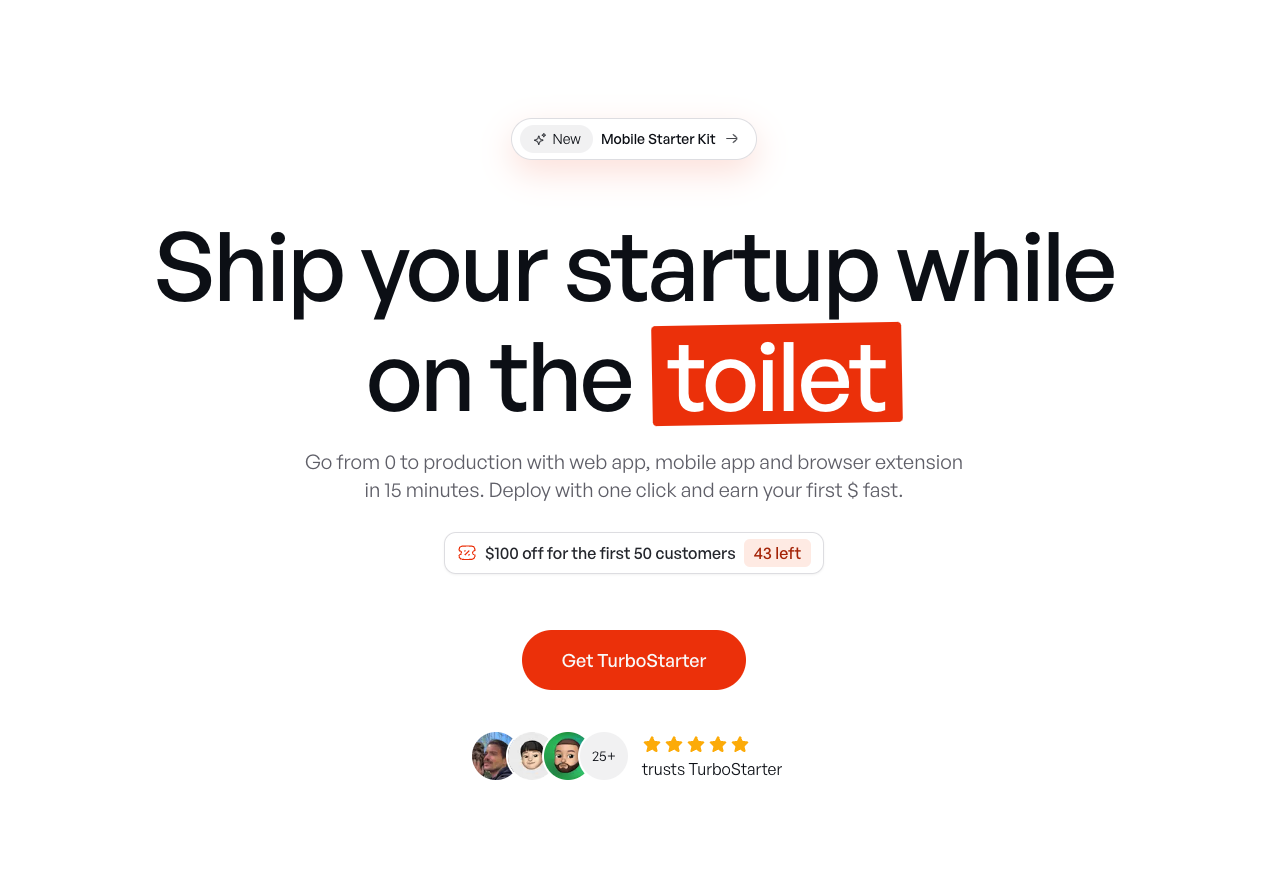
TurboStarter
Ship your startup everywhere. In minutes.
HTML to Markdown
Convert HTML to Markdown with ease, directly in your browser 📄
Dotallio
Personalized AI apps that automate research, data extraction, and content creation without code 🤖
Talk to Santa
Enjoy a magical live video chat or receive a unique AI-generated video greeting from Santa Claus 🎅
pozywka.pl
Scalable blog for food journalist, focused on performance and user experience 🌭
zagrodzki.me
Personal blog and portfolio of Bart Zagrodzki, where he shares his knowledge and work 💼
TurboStarter
Ship your startup everywhere. In minutes.
HTML to Markdown
Convert HTML to Markdown with ease, directly in your browser 📄
Dotallio
Personalized AI apps that automate research, data extraction, and content creation without code 🤖
Talk to Santa
Enjoy a magical live video chat or receive a unique AI-generated video greeting from Santa Claus 🎅
pozywka.pl
Scalable blog for food journalist, focused on performance and user experience 🌭
zagrodzki.me
Personal blog and portfolio of Bart Zagrodzki, where he shares his knowledge and work 💼
TurboStarter
Ship your startup everywhere. In minutes.
HTML to Markdown
Convert HTML to Markdown with ease, directly in your browser 📄
Dotallio
Personalized AI apps that automate research, data extraction, and content creation without code 🤖
Talk to Santa
Enjoy a magical live video chat or receive a unique AI-generated video greeting from Santa Claus 🎅
pozywka.pl
Scalable blog for food journalist, focused on performance and user experience 🌭
zagrodzki.me
Personal blog and portfolio of Bart Zagrodzki, where he shares his knowledge and work 💼
TurboStarter
Ship your startup everywhere. In minutes.
HTML to Markdown
Convert HTML to Markdown with ease, directly in your browser 📄
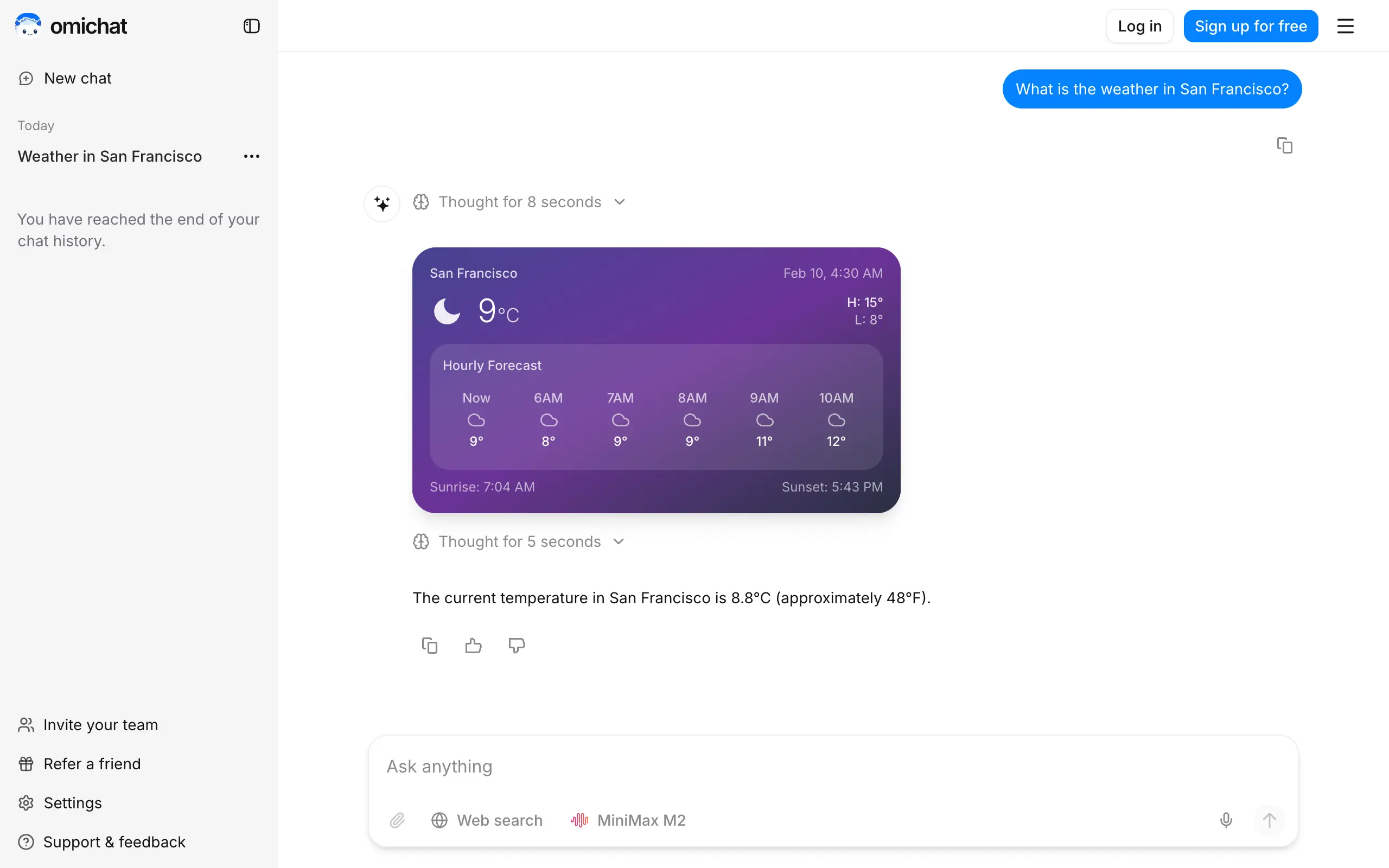
Omichat
Chat with 50+ AI models, including ChatGPT and Claude, in one place - switch models anytime without losing context 🤖
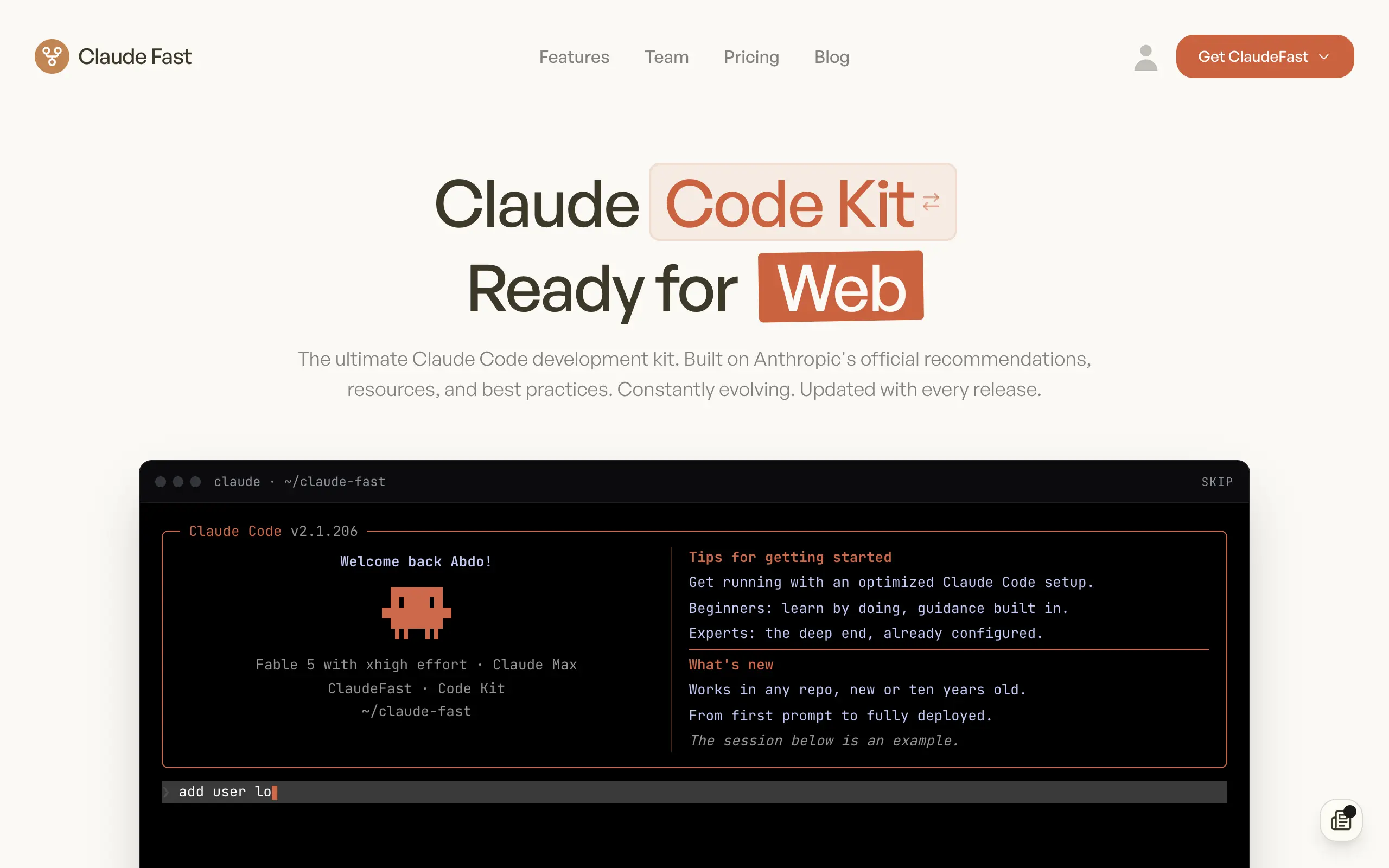
Claude Fast
Supercharge your Claude Code with 6x effective context window and specialized AI agents 🤖
EmojAI
AI-powered emoji picker with smart, context-aware suggestions 🤖
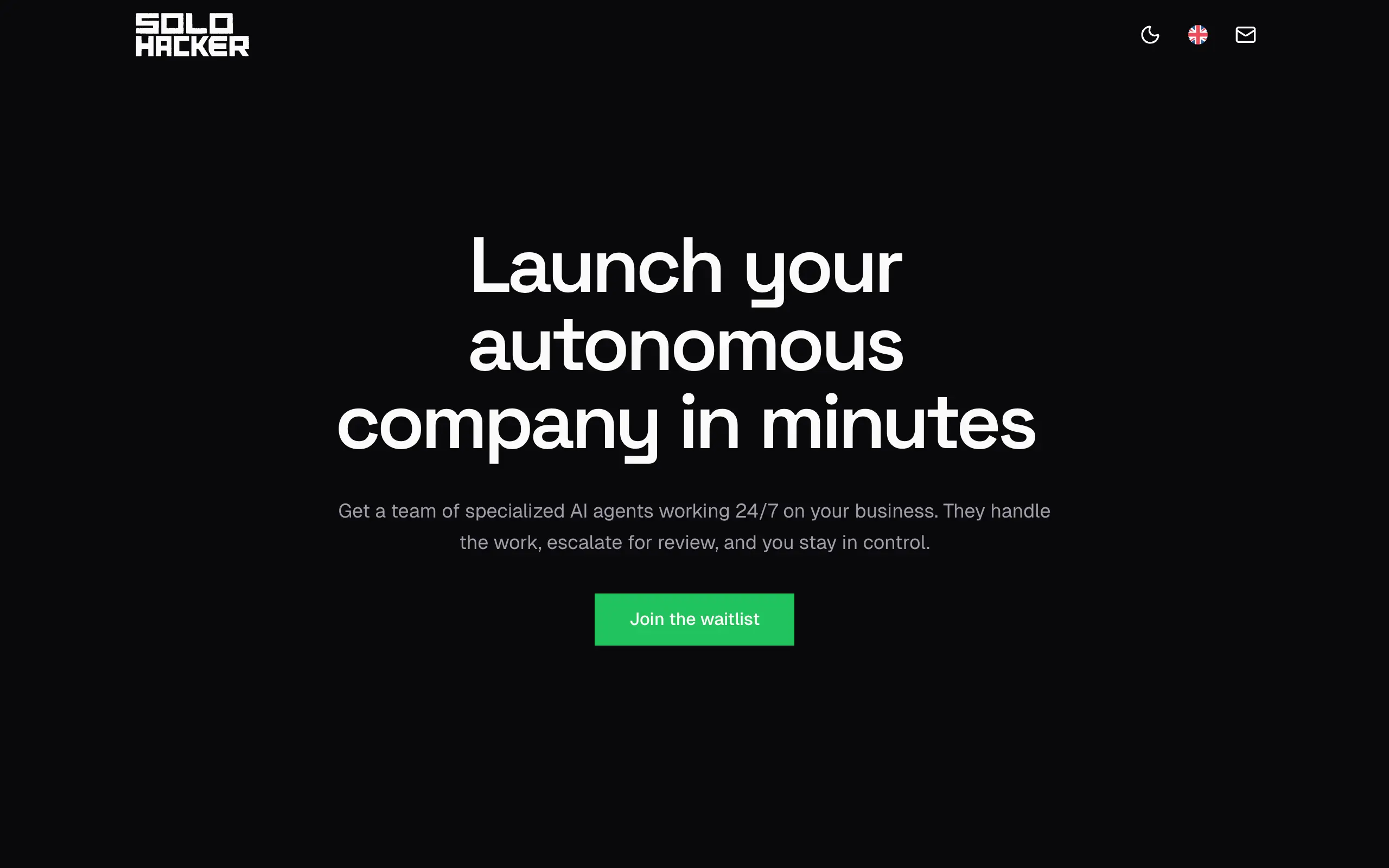
Solohacker
Autonomous company launcher - AI agents work 24/7, escalate what matters, and you stay in control 🤖
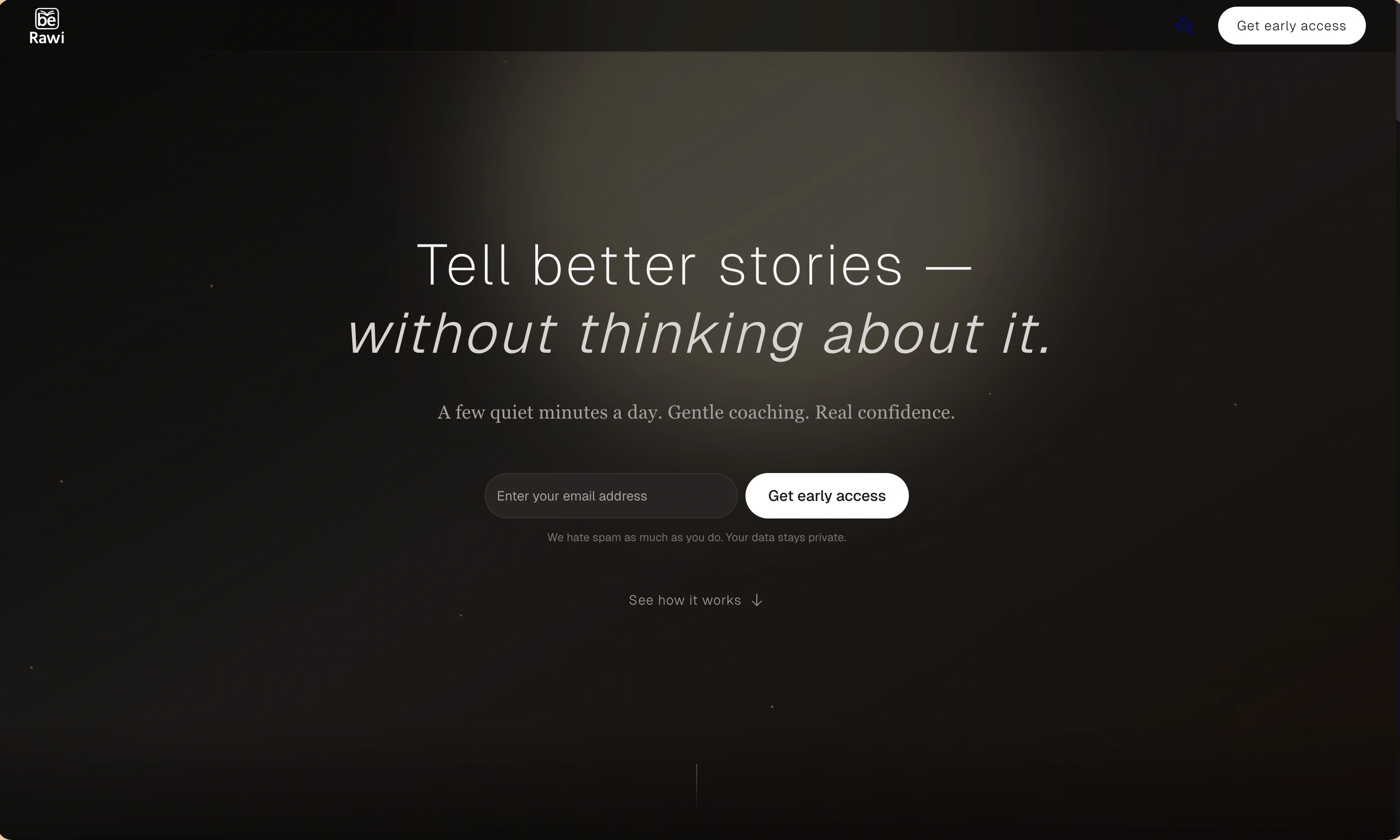
BeRawi: Storytelling Coach
Practice storytelling daily with instant feedback to sound clearer, more engaging, and confident 🎤
Omichat
Chat with 50+ AI models, including ChatGPT and Claude, in one place - switch models anytime without losing context 🤖
Claude Fast
Supercharge your Claude Code with 6x effective context window and specialized AI agents 🤖
EmojAI
AI-powered emoji picker with smart, context-aware suggestions 🤖
Solohacker
Autonomous company launcher - AI agents work 24/7, escalate what matters, and you stay in control 🤖
BeRawi: Storytelling Coach
Practice storytelling daily with instant feedback to sound clearer, more engaging, and confident 🎤
Omichat
Chat with 50+ AI models, including ChatGPT and Claude, in one place - switch models anytime without losing context 🤖
Claude Fast
Supercharge your Claude Code with 6x effective context window and specialized AI agents 🤖
EmojAI
AI-powered emoji picker with smart, context-aware suggestions 🤖
Solohacker
Autonomous company launcher - AI agents work 24/7, escalate what matters, and you stay in control 🤖
BeRawi: Storytelling Coach
Practice storytelling daily with instant feedback to sound clearer, more engaging, and confident 🎤
Omichat
Chat with 50+ AI models, including ChatGPT and Claude, in one place - switch models anytime without losing context 🤖
Claude Fast
Supercharge your Claude Code with 6x effective context window and specialized AI agents 🤖
EmojAI
AI-powered emoji picker with smart, context-aware suggestions 🤖
Solohacker
Autonomous company launcher - AI agents work 24/7, escalate what matters, and you stay in control 🤖
BeRawi: Storytelling Coach
Practice storytelling daily with instant feedback to sound clearer, more engaging, and confident 🎤

Connect with like-minded people
Join our community to get feedback, support, and grow together with 1,000+ builders on board, let's ship it!
Join usShip your startup everywhere. In minutes.
Don't burn tokens on setup and start building features on day one.