LifeBinder
Keep warranties, bills, IDs, receipts, and household records organized. Get renewal reminders and generate ready-to-send PDF bundles.
What LifeBinder solves for households
LifeBinder is a household document organizer that helps people keep warranties, bills, IDs, receipts, insurance files, appliance manuals, and other important records in one secure place. It pairs organized digital storage with proactive renewal reminders and one-click PDF bundles that are ready to send to a landlord, insurer, retailer, government office, accountant, or family member.
The core problem is familiar. Most households do not have a reliable system for important records. Documents are scattered across email inboxes, paper folders, cloud drives, photo libraries, messaging apps, and retailer accounts. When a washing machine fails, an insurance claim is needed, a passport expires, or a lease renewal approaches, people waste time searching for proof.
A generic cloud folder can store files, but it does not understand the difference between a warranty and a receipt. A calendar can send reminders, but it cannot attach the supporting paperwork. A scanner app can create PDFs, but it cannot build a structured household record system.
LifeBinder fills that gap by becoming a practical digital home binder. It turns disconnected documents into searchable, categorized, time-aware household records.
The core value proposition
LifeBinder should not position itself as another file storage product. It should position itself as the household’s operational record system: a place where documents are organized, deadlines are remembered, and proof is ready when life requires it.
Target audience for a household document organizer
The strongest audience for LifeBinder is not every consumer at once. The initial product should focus on people with a clear organizational burden, meaningful financial exposure, and an immediate reason to keep records accessible.
Primary audience: homeowners and household managers
Homeowners are likely the highest-intent early audience for a home records organizer. They own appliances, maintain insurance policies, manage utility accounts, make repairs, and accumulate warranties and receipts.
Their common needs include:
- "Appliance warranty tracking": keeping purchase dates, serial numbers, manuals, and coverage end dates together
- "Home maintenance records": documenting repairs, service visits, contractor invoices, and renovation receipts
- "Insurance claim preparation": gathering ownership proof, repair records, and high-value purchase receipts
- "Bill and renewal reminders": avoiding missed policy renewals, subscription charges, property tax deadlines, and recurring maintenance dates
- "Household continuity": ensuring a spouse, partner, or trusted family member can find essential information when needed
This segment has a high willingness to pay because the product can prevent lost money, missed deadlines, rejected claims, and unnecessary replacement purchases.
Secondary audience: renters, students, and young families
Renters also need a centralized household paperwork app, especially when moving, disputing a security deposit, documenting property damage, or tracking utility accounts.
Young families add another set of document-heavy workflows:
- Medical and school paperwork
- Childcare invoices and receipts
- Vaccination and identity documents
- Family travel documents
- Tax-related records
- Product recalls and safety notices
For this audience, the product message should focus less on “home asset management” and more on reducing mental load. LifeBinder can become the reliable place for the paperwork that families do not want to think about until they need it.
Tertiary audience: adult children supporting aging relatives
Caregivers often coordinate bills, insurance policies, medical paperwork, legal documents, and identity records for parents or relatives. Their problem is not simply storage. It is access, permission management, and preparedness.
A trusted contact or family-sharing feature can make LifeBinder particularly useful for this group. However, this is also a sensitive segment. The product must earn trust through clear permissions, secure sharing, activity logs, and strong privacy controls.
Ideal early adopter profile
An ideal LifeBinder early adopter may look like this:
The organized-but-overwhelmed homeowner
Already saves documents, but uses a messy mix of inbox folders, paper files, and cloud storage.
The proactive family planner
Wants renewal reminders, shared access, and an easier way to manage household administration.
The insurance-conscious buyer
Understands that receipts, photos, serial numbers, and warranties are valuable when a claim or repair arises.
The market gap in home record management
The market has many point solutions, but few products provide a focused, consumer-friendly system for household records.
People can use:
- Cloud drives for file storage
- Notes apps for quick lists
- Calendar apps for reminders
- Email labels for invoices
- Password managers for account details
- Scanner apps for paper documents
- Spreadsheets for warranty tracking
- Physical binders for important paperwork
Each tool addresses a narrow part of the workflow. The real job users need to complete is broader:
“Help me prove what I own, know what expires, find the right document quickly, and send a complete set of records without scrambling.”
That is the opportunity for LifeBinder.
Why general-purpose storage is not enough
Cloud storage products are intentionally flexible. Users can upload anything, but they must create their own naming conventions, folder structures, reminder systems, and sharing rules. That flexibility creates friction.
A person searching for a dishwasher warranty should not need to remember whether the file is named receipt_2021_final.pdf, Home Depot scan, or Kitchen docs.
LifeBinder can make records meaningful through structured metadata:
- Document type
- Household member
- Property or room
- Linked item or appliance
- Purchase date
- Warranty period
- Renewal or expiry date
- Vendor
- Policy number
- Serial number
- Tags
- Ownership status
- Sharing permissions
This turns a static PDF archive into a searchable household knowledge base.
The shift toward digital household administration
Consumers increasingly receive bills, purchase confirmations, policies, manuals, and notices digitally. At the same time, important paperwork still arrives in physical form. The result is a fragmented hybrid environment.
Recent trends make this category more timely:
- More retailers issue digital receipts and invoices
- Subscription and service renewals are easy to overlook
- Consumers increasingly manage insurance and financial services online
- Smartphone cameras and OCR have made document digitization accessible
- AI-assisted extraction can reduce manual data entry
- Privacy awareness has increased demand for clear data ownership and secure storage
For market validation, cite recent consumer research from credible sources such as government consumer-protection agencies, insurance industry reports, or reputable household finance surveys. Avoid using broad productivity statistics unless they directly support the record-management problem.
LifeBinder’s unique selling proposition
The LifeBinder USP is simple:
LifeBinder organizes household paperwork into actionable records, reminds users before important deadlines, and creates ready-to-send evidence bundles in minutes.
This combines three capabilities that are usually separate:
- Structured document organization
- Time-sensitive reminder management
- Contextual PDF bundle generation
The PDF bundle feature is especially valuable because it closes the loop between organization and action. Users do not just store a receipt. They can generate a polished packet containing a receipt, warranty, product photo, service record, and cover page for a warranty claim or insurance conversation.
A stronger positioning statement
A clear positioning statement could be:
LifeBinder is a secure digital home binder that keeps warranties, receipts, bills, IDs, and household records organized, reminds you before important dates, and creates complete document bundles when you need to take action.
This message is concrete, benefit-led, and understandable without technical explanation.
Core LifeBinder features for an effective MVP
A successful MVP should solve a focused set of high-frequency, high-stress workflows. It should not attempt to become a full financial planner, legal vault, or property-management platform on day one.
Secure document capture and upload
Users need several easy ways to add records:
- Mobile camera scanning for paper documents
- PDF, image, and document uploads
- Drag-and-drop uploads on desktop
- Email forwarding through a unique ingest address
- Optional imports from selected cloud storage providers in later phases
Every upload should be processed into a previewable record. The user should be able to add or edit the title, category, key dates, and tags before saving.
The upload experience should be optimized for speed. If creating a record requires filling in ten fields, adoption will drop. Use progressive enrichment: capture the document first, then ask for high-value details only when relevant.
OCR and smart metadata extraction
OCR is a major product differentiator for a household document organizer. It can extract useful fields from receipts, invoices, policies, and warranties.
Examples of fields to detect include:
- Merchant or issuer
- Purchase date
- Amount
- Invoice or receipt number
- Product name
- Model number
- Serial number
- Warranty end date
- Bill due date
- Policy renewal date
AI extraction should be presented as a suggestion, not an unquestionable fact. Users need a clear review screen where they can confirm or correct extracted details.
Accuracy matters for sensitive records
Do not automatically treat OCR or AI-extracted dates as authoritative. Show the source document, highlight the extracted value, and ask users to confirm important deadlines such as policy renewals, ID expirations, and warranty end dates.
Household categories that match real life
LifeBinder should include clear default categories instead of making users invent their own organizational system.
A useful starting taxonomy includes:
- "Home and property": purchase records, repairs, inspections, leases, mortgage-related paperwork
- "Appliances and electronics": receipts, warranties, manuals, service history, serial numbers
- "Bills and utilities": utility bills, internet, mobile, subscriptions, payment notices
- "Insurance": home, renters, auto, life, health, and policy documents
- "Identity and travel": IDs, passports, visas, travel insurance, emergency contacts
- "Medical and family": school forms, vaccination records, caregiving files, pet records
- "Financial and tax": statements, tax documents, donation receipts, invoices
- "Vehicles": registration, insurance, maintenance, financing, purchase records
Categories should remain flexible. Users also need tags such as kitchen, 2025 tax, rental, urgent, or shared with partner.
Expiry, renewal, and maintenance reminders
Reminders are where LifeBinder becomes an active household assistant instead of a passive document repository.
Users should be able to configure reminders for:
- Warranty expiration
- Passport or ID expiration
- Insurance policy renewal
- Lease renewal
- Utility bill due dates
- Vehicle registration renewal
- Filter replacements
- Appliance maintenance
- Subscription review dates
- Annual service appointments
The reminder model should support multiple notification windows. For example, a passport could trigger alerts at 180 days, 90 days, and 30 days before expiration.
Notification preferences should include email, push notifications, and in-app alerts. Users must be able to snooze, mark complete, or change the reminder date.
Search that understands household context
Search is a make-or-break feature for document organization software. It should work across document titles, categories, tags, OCR text, vendors, serial numbers, and dates.
A good search experience supports queries such as:
- “Samsung refrigerator warranty”
- “2024 plumber receipt”
- “passport expires next year”
- “car insurance policy”
- “all documents for kitchen renovation”
- “receipts over $500”
Useful filters include document type, household member, date range, location, item, and status.
Ready-to-send PDF bundles
PDF bundles are LifeBinder’s highest-value action feature.
A user should be able to select related records and generate a consistent bundle that includes:
- A title page
- A concise summary of selected records
- Original documents in the desired order
- Optional photos of an item or damage
- Notes and supporting context
- A generated timestamp
- A share expiration date when distributed through a secure link
Potential bundle templates include:
- Warranty claim packet
- Insurance claim evidence packet
- Rental move-in or move-out documentation
- Tax receipt package
- Home repair history
- Travel document packet
- Appliance resale or service packet
This feature can save users significant time during a stressful event, which makes it an excellent conversion driver for paid plans.
Household sharing and permissions
Many important records belong to a household rather than one person. LifeBinder should support shared spaces while maintaining control over sensitive files.
A practical permissions model could include:
| Role | View records | Add files | Edit reminders | Manage members |
|---|---|---|---|---|
| Owner | Yes | Yes | Yes | Yes |
| Household member | Yes | Yes | Yes | No |
| Trusted viewer | Selected only | No | No | No |
Users should have the option to keep some folders private, especially identity, medical, and financial records.
Recommended technology stack for LifeBinder
LifeBinder requires more than a standard CRUD application. It handles sensitive documents, background processing, notifications, search, and potentially AI extraction. The stack should prioritize security, maintainability, and a fast user experience.
Frontend and application framework
A strong web application stack could use Next.js with React. Next.js offers a mature ecosystem for authenticated dashboards, server-side operations, route handling, and performance optimization.
Tailwind CSS is a practical choice for building a clean, responsive interface efficiently. Its utility-first approach is especially useful when creating repeated UI patterns such as document cards, metadata forms, file previews, and filter controls.
For the mobile experience, start with a responsive web app and installable PWA capabilities. Native mobile apps can follow once scanning behavior, push notifications, and retention data justify the investment.
Backend, database, and document storage
A relational database such as PostgreSQL is well suited to LifeBinder because household records have structured relationships.
Core entities may include:
- Users
- Households
- Household members
- Documents
- Document categories
- Assets or items
- Reminders
- Bundles
- Shared links
- Audit events
- Extracted metadata
For authentication, database, and storage, Supabase can accelerate an MVP. It provides PostgreSQL, authentication, storage, and row-level security in a cohesive platform.
The trade-off is that teams with unusually complex compliance requirements or advanced multi-region needs may later prefer a more customized cloud architecture. For an early B2C SaaS product, speed and robust defaults are usually the better decision.
File processing and OCR architecture
Document processing should run asynchronously. The user should never wait on a full OCR pipeline before seeing their uploaded file.
A reliable workflow looks like this:
For OCR, evaluate managed providers and compare them against self-hosted options based on document quality, language support, regional processing, cost, and privacy requirements. It is important to test on the documents users actually upload, including wrinkled receipts, low-light photos, multi-page statements, and older scanned PDFs.
Search infrastructure trade-offs
The first version can use PostgreSQL full-text search for titles, tags, merchant names, and extracted OCR text. This keeps infrastructure simple.
As the document corpus and query complexity grow, a dedicated search engine may offer better typo tolerance, filtering, ranking, and instant search. The decision should be driven by observed search behavior rather than premature scaling.
Security requirements for a document vault SaaS
Security is central to LifeBinder’s credibility. Users may store identity documents, financial records, insurance policies, and household information. The security story must be visible in product design, marketing, and support documentation.
Key requirements include:
- Encryption in transit with HTTPS
- Encryption at rest for files and databases
- Private object storage by default
- Signed, time-limited URLs for document access
- Row-level access controls for household data
- Multi-factor authentication options
- Secure password hashing and session management
- Audit logs for sharing and sensitive account events
- Malware scanning for uploaded files
- Rate limiting and abuse protection
- Clear account deletion and export workflows
- Regular backups and disaster recovery testing
Do not market LifeBinder as “bank-grade” or “military-grade” unless that claim can be defined and substantiated. Specific, understandable security descriptions build more trust than vague superlatives.
Monetization strategies for LifeBinder
A freemium SaaS model is a natural fit because people need time to build a document library before they experience the product’s full value.
Recommended pricing structure
A practical pricing model may include:
- "Free plan": limited document storage, basic categories, a small number of reminders, and one household member
- "Plus plan": expanded storage, OCR extraction, unlimited reminders, advanced search, and PDF bundles
- "Family plan": multiple household members, shared folders, trusted contacts, and larger storage limits
- "Annual plan": discounted annual billing to improve retention and reduce payment churn
The free plan should be useful enough to establish trust, but it should create natural upgrade moments. Good upgrade triggers include reaching the document limit, needing family sharing, generating multiple bundles, or using advanced reminder automations.
Premium features users will pay for
Paid features should map to higher stakes or repeated value:
- Unlimited document storage
- AI-assisted extraction
- Advanced PDF bundle templates
- Secure external sharing links
- Multiple household members
- Long-term audit history
- Priority support
- Emergency access settings
- Custom reminder rules
- Larger file size limits
Avoid putting basic security behind a paywall. Every user deserves private storage, secure authentication, and control over their data.
Additional revenue opportunities
Once the core B2C product is validated, LifeBinder could explore adjacent offers:
- Home inventory add-on for insurance preparedness
- Estate and emergency planning pack
- Premium concierge digitization service
- Partnerships with insurers, moving services, or home warranty companies
- White-label programs for financial advisers or employee benefits providers
These opportunities should come after product-market fit. Early partnership revenue can look attractive but may distract the team from building a product users love.
Competitive advantage analysis
LifeBinder will compete indirectly with cloud drives, note-taking apps, document scanners, warranty trackers, and home-management tools. Its advantage comes from combining organization with action.
How LifeBinder can stand out
Purpose-built structure
Documents are categorized as real household records, not just files in folders.
Deadline intelligence
Renewals, expirations, and maintenance dates become reminders connected to the relevant evidence.
Action-ready bundles
Users can create polished PDF packets for claims, disputes, repairs, taxes, and sharing.
Household collaboration
Family members can access the records they need without exposing every private document.
The product should avoid trying to out-feature generic storage providers on raw storage volume. Instead, it should compete on time saved, reduced stress, and preparedness.
Defensibility over time
The initial feature set is replicable. Stronger defensibility develops through product depth and user data structure.
Potential moats include:
- A well-designed household record taxonomy
- Reminder logic tailored to consumer paperwork
- High-quality extraction models trained on permissioned, anonymized patterns where appropriate
- Bundle templates that map to real-world workflows
- Trusted household sharing and emergency access
- A long-term personal archive that becomes more valuable as users add history
The more a household uses LifeBinder to manage years of records, maintenance events, warranties, and shared responsibilities, the higher the switching cost becomes.
Risks and mitigation strategies
Every SaaS business handling sensitive household documents faces meaningful operational and product risks.
Trust and privacy concerns
Users may hesitate to upload passports, bills, receipts, or insurance records to a new platform.
Mitigation should include:
- Transparent security documentation
- A clear privacy policy written in plain language
- Data export and deletion controls
- Visible account-security settings
- No unnecessary sale of user data
- Explicit consent for AI processing
- Security reviews before broad launch
Trust is not a landing-page section. It is a product behavior. Permissions, sharing defaults, email messaging, and support responses must all reinforce it.
OCR errors and automation mistakes
Extraction systems can misread dates, vendors, totals, and serial numbers. A wrong reminder date could cause users to miss an important deadline.
Mitigate this by keeping user-confirmed fields distinct from AI-suggested fields, showing extraction confidence, and requiring confirmation for high-impact reminder types.
Low retention after initial organization
Some users may upload documents once and not return until a problem occurs.
This is not automatically a failure. LifeBinder is partly an “insurance product” users value in moments of need. Still, retention can improve through useful, non-intrusive touchpoints:
- Monthly household record digest
- Upcoming expiry notifications
- Seasonal checklists
- Annual insurance inventory review prompts
- “You have unreviewed extracted documents” reminders
- Suggestions to add missing warranty dates or serial numbers
Avoid excessive engagement tactics. The product should reduce anxiety, not create another notification burden.
Storage and processing costs
High-resolution scans, PDFs, OCR, and bundle generation can create real infrastructure costs.
Mitigation options include:
- Storage limits by plan
- Automated image compression with original-file preservation where needed
- File-size limits
- Background processing queues
- Paid-plan OCR quotas
- Lifecycle rules for deleted files
- Careful monitoring of cost per active household
Regulatory complexity
LifeBinder should not provide legal, tax, insurance, or financial advice unless it has the appropriate expertise and safeguards. The product can help users organize records and prepare materials, but should avoid telling users what claims they qualify for or what documents are legally sufficient.
Use carefully reviewed disclaimers and consult qualified legal counsel on privacy, data retention, consumer protection, and regional requirements before expanding internationally.
Go-to-market strategy for LifeBinder
The best go-to-market approach is likely intent-led content combined with a focused product-led onboarding experience.
SEO opportunities for household records management
LifeBinder can rank for long-tail, high-intent searches where users have an immediate problem. Potential content clusters include:
- How to organize home warranty documents
- Best way to store receipts for warranties
- How long to keep household bills
- Home inventory checklist for insurance
- How to organize important family documents
- Passport expiration reminder checklist
- What documents to keep after buying a house
- How to create an insurance claim document packet
- Appliance warranty tracking template
- Household binder organization ideas
The content should offer genuine education first, then show how a digital home binder makes the process easier. Avoid thin comparison pages or generic productivity content.
Product-led onboarding
The first-session experience should guide users toward a meaningful outcome quickly.
A strong onboarding flow could ask:
- What type of records do you want to organize first?
- Do you own or rent your home?
- Would you like to add household members?
- Upload your first warranty, receipt, bill, or ID.
- Confirm any suggested expiry or renewal date.
- Create your first reminder.
The goal is for a user to reach an “aha” moment in under five minutes: “My important document is stored, searchable, and I will not forget its deadline.”
Actionable implementation roadmap
A disciplined launch sequence will help LifeBinder validate demand without overbuilding.
Phase one: build the essential workflow
Start with the smallest complete value loop:
- Account creation and secure authentication
- Household workspace
- Document upload and storage
- Basic categories and tags
- Manual metadata entry
- Reminder creation
- Search and filters
- PDF bundle generation
- Basic sharing within a household
This release is enough to test whether people will trust LifeBinder with records and whether reminders plus bundles solve a real problem.
Phase two: improve automation and retention
After validating the core workflow, add:
- OCR extraction
- Smart category suggestions
- Email document forwarding
- Push notifications
- Household roles and private folders
- Bundle templates
- Maintenance reminder templates
- Better audit logs
- Document request workflows for family members
Phase three: build category leadership
Once usage data confirms repeat value, expand into deeper household management:
- Home inventory with photos and serial numbers
- Emergency access planning
- Insurance readiness reports
- Seasonal maintenance plans
- Trusted adviser sharing
- Multilingual OCR and document support
- Native mobile capture experiences
Track the percentage of new households that upload at least three records and create at least one reminder within their first week. This behavior indicates that users understand both the storage and proactive value of the product.
Appliance warranties and receipts are an excellent starting use case. The documents are familiar, the financial value is clear, and the expiry reminder creates an immediate reason to use LifeBinder instead of a generic cloud folder.
Not necessarily. AI-assisted extraction can improve onboarding, but secure upload, clean organization, reminders, and bundles are more important for validating the product. Add OCR when it meaningfully reduces input friction without undermining accuracy.
Building LifeBinder efficiently
LifeBinder is a strong B2C SaaS concept because it addresses an everyday problem with high emotional and financial stakes. The winning version will not be the one with the most document categories. It will be the one that makes users feel prepared when they need proof, a renewal date, or a complete record package.
Build the first version around a narrow promise:
Upload important household documents, set the dates that matter, and generate the right paperwork when life happens.
Use a production-ready foundation so the team can spend more time refining document workflows, privacy controls, and onboarding instead of rebuilding account management, billing, dashboards, and application infrastructure from scratch. TurboStarter can help accelerate that path with a SaaS-oriented starting point.
Final takeaway
LifeBinder has an opportunity to own the category of household document organization by moving beyond storage. Its competitive edge is the combination of structured records, proactive reminders, secure family access, and action-ready PDF bundles.
The path to success is clear:
- Focus on homeowners and household managers first
- Lead with warranties, receipts, and renewal reminders
- Build trust through privacy-first design and transparent security
- Treat OCR as assistive automation, not unquestionable truth
- Make PDF bundles a signature workflow
- Use freemium pricing to let households experience the value before upgrading
- Expand into home inventory, emergency planning, and family collaboration after validating the core loop
When household paperwork becomes searchable, time-aware, and ready to send, LifeBinder becomes more than a digital filing cabinet. It becomes a dependable system for running a home.
More 👥 B2C Application SaaS ideas
Discover more innovative b2c application SaaS ideas that are trending in 2026. Each idea is AI-generated with market validation and growth potential to help you find your next profitable venture faster than competitors.
Your competitors are building with TurboStarter
Below are some of the SaaS ideas that have been generated and built with our starter kit.
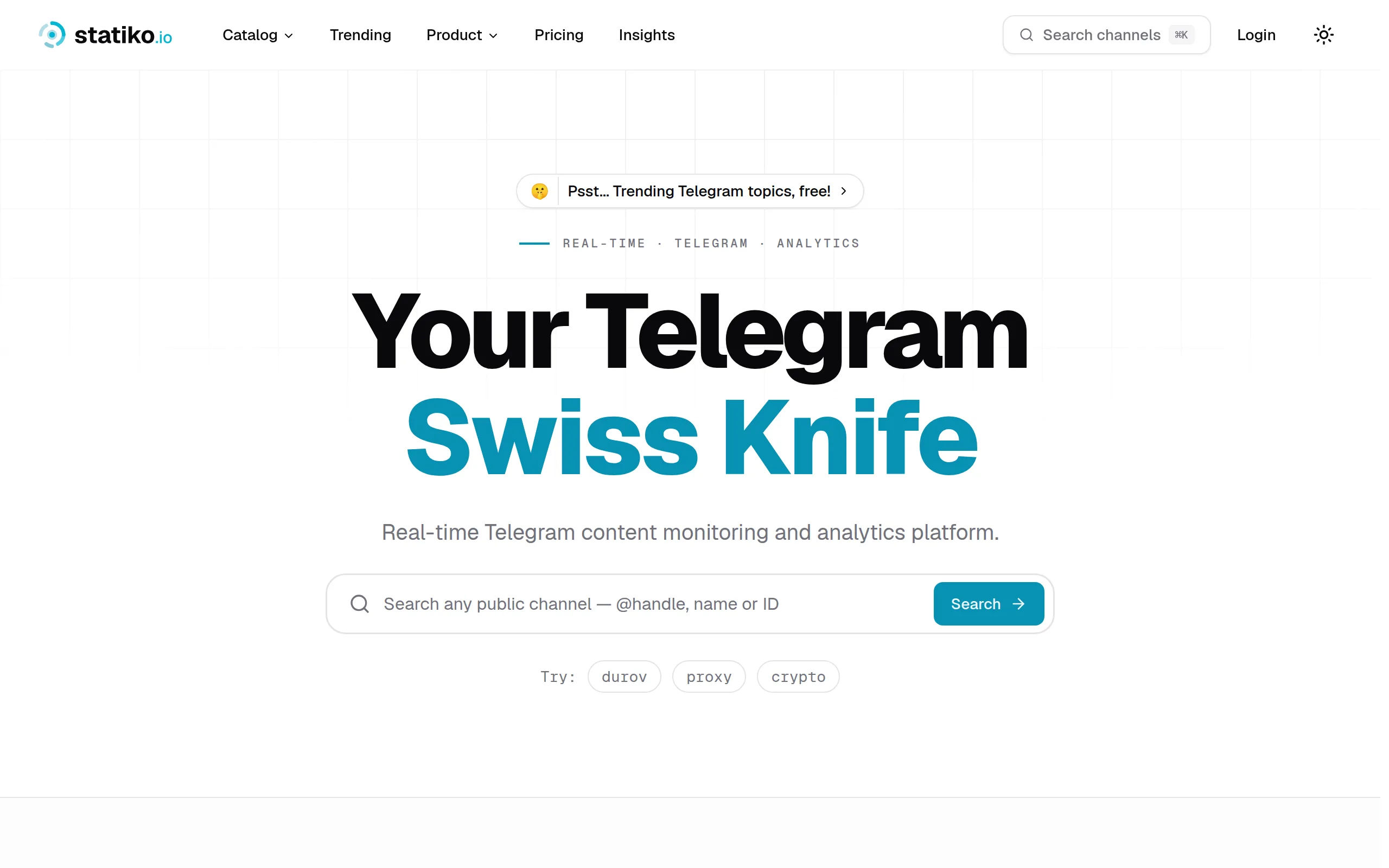
Statiko
Monitor any Telegram channel in real time - track posts, edits, deletions, and growth with AI recaps 📡
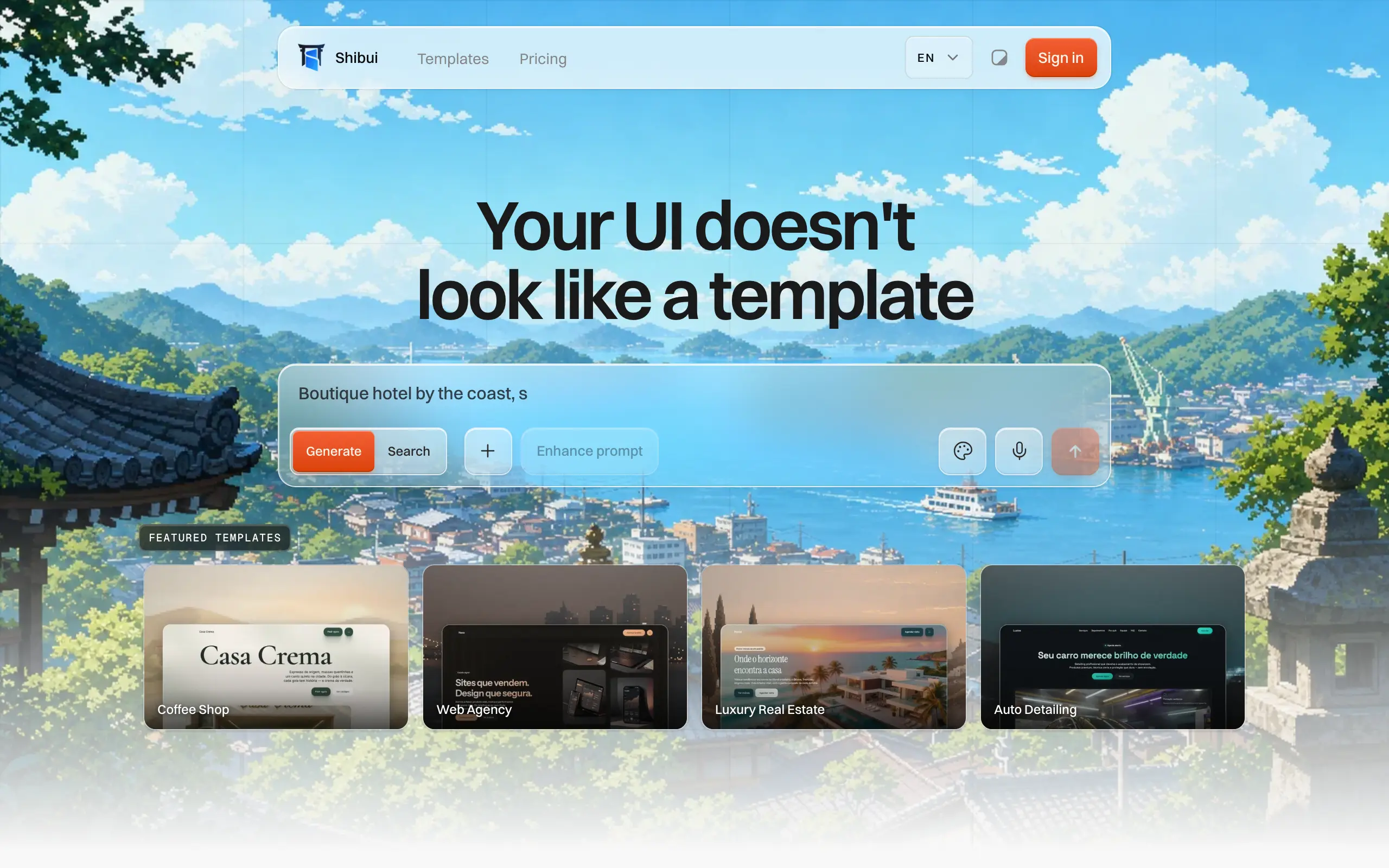
Shibui
AI website builder - describe your business, pick a niche template, edit by chatting, and publish instantly ✨
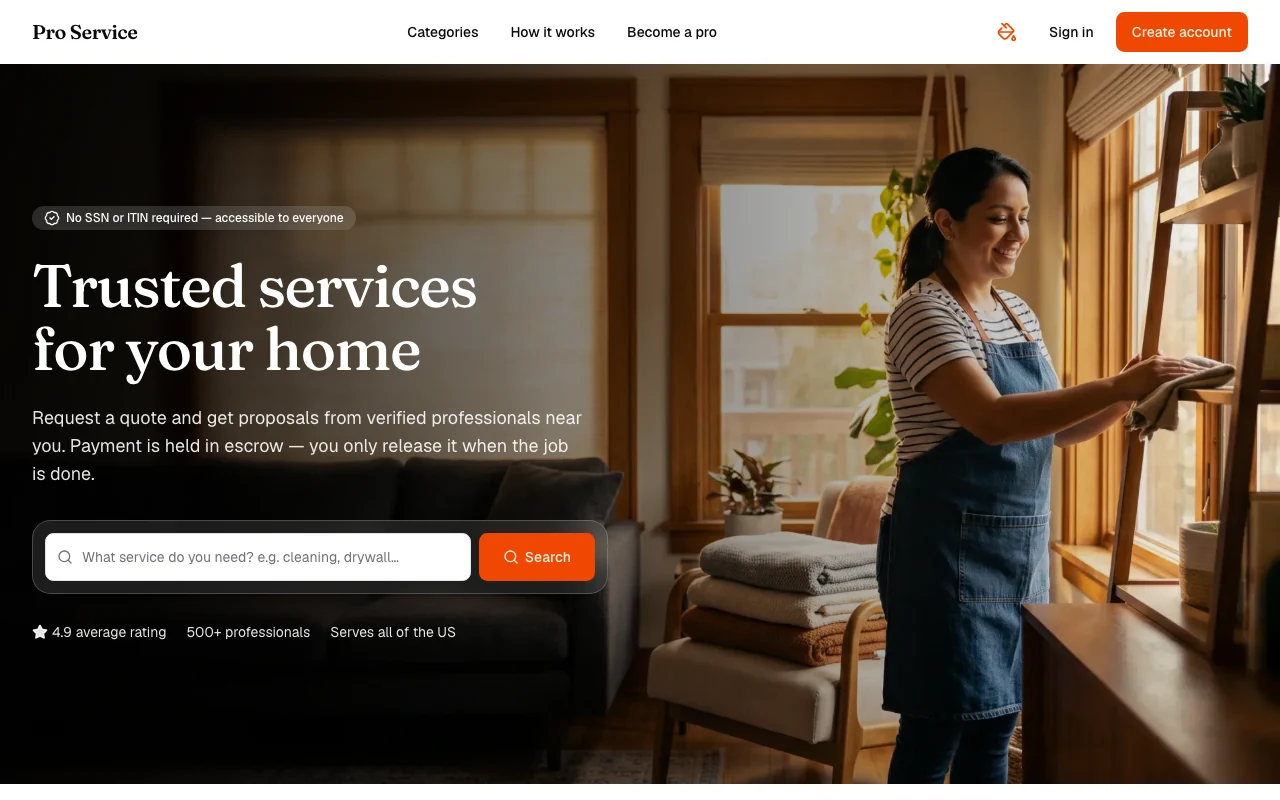
Pro Service
Find verified home service professionals, compare quotes, and pay securely through escrow - built for Brazilians across the US 🏠
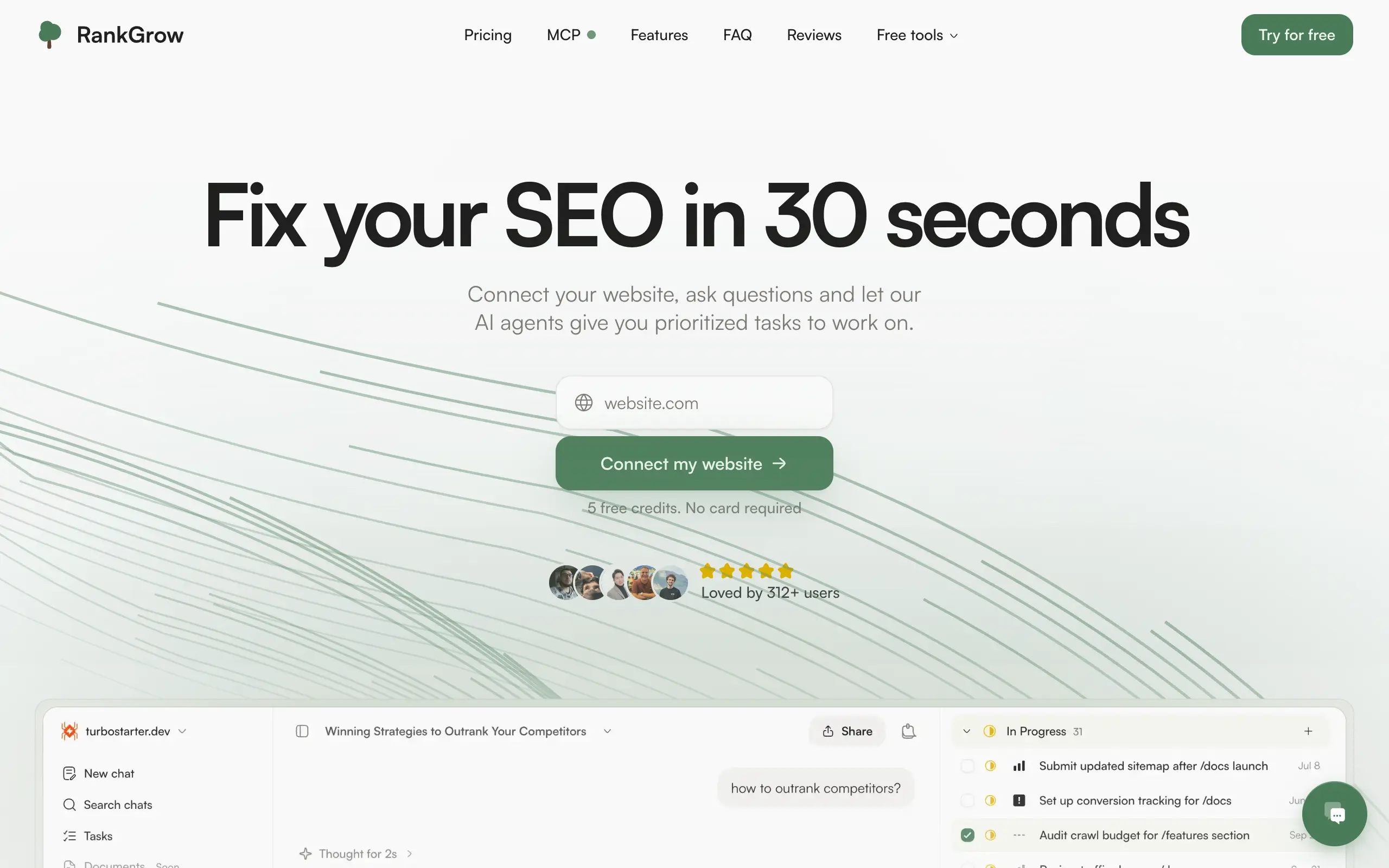
RankGrow
Fix your SEO with AI agents - connect Search Console, get prioritized tasks, and grow organic traffic 📈
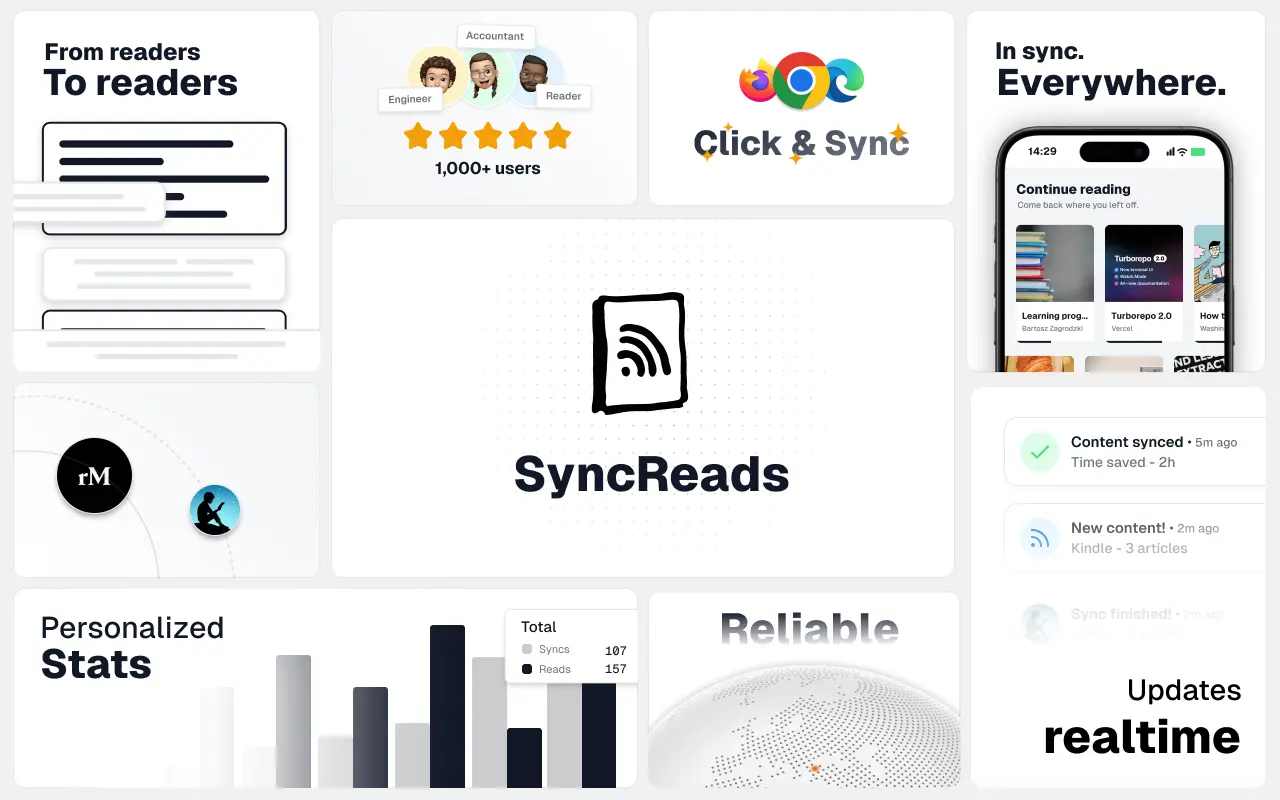
SyncReads
Sync your favorite content for distraction-free reading, save time and replace multiple apps. Anytime, anywhere 🔄
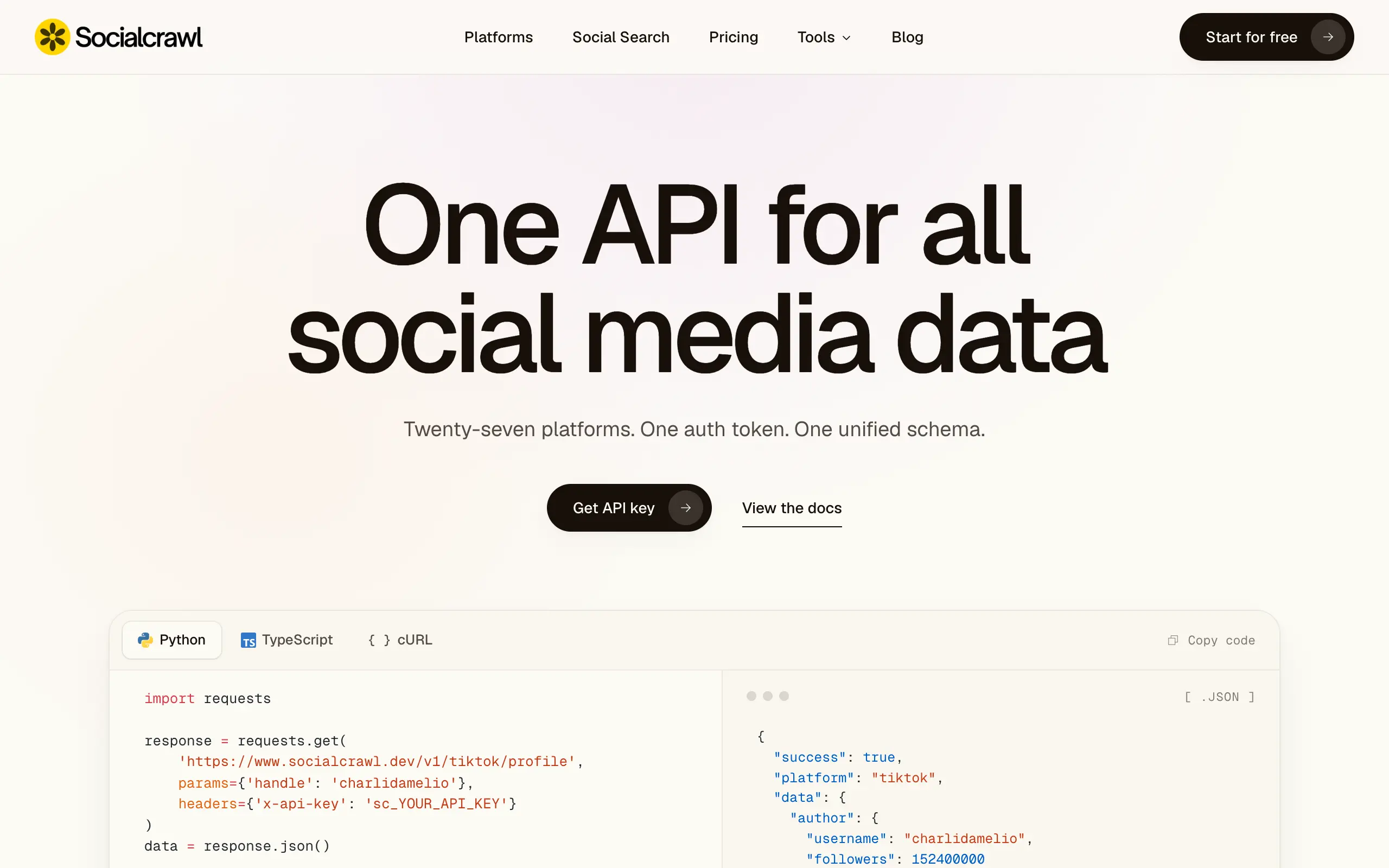
Socialcrawl
Get clean, structured data from 21 platforms like TikTok, Instagram, and YouTube with a single request 📊
Statiko
Monitor any Telegram channel in real time - track posts, edits, deletions, and growth with AI recaps 📡
Shibui
AI website builder - describe your business, pick a niche template, edit by chatting, and publish instantly ✨
Pro Service
Find verified home service professionals, compare quotes, and pay securely through escrow - built for Brazilians across the US 🏠
RankGrow
Fix your SEO with AI agents - connect Search Console, get prioritized tasks, and grow organic traffic 📈
SyncReads
Sync your favorite content for distraction-free reading, save time and replace multiple apps. Anytime, anywhere 🔄
Socialcrawl
Get clean, structured data from 21 platforms like TikTok, Instagram, and YouTube with a single request 📊
Statiko
Monitor any Telegram channel in real time - track posts, edits, deletions, and growth with AI recaps 📡
Shibui
AI website builder - describe your business, pick a niche template, edit by chatting, and publish instantly ✨
Pro Service
Find verified home service professionals, compare quotes, and pay securely through escrow - built for Brazilians across the US 🏠
RankGrow
Fix your SEO with AI agents - connect Search Console, get prioritized tasks, and grow organic traffic 📈
SyncReads
Sync your favorite content for distraction-free reading, save time and replace multiple apps. Anytime, anywhere 🔄
Socialcrawl
Get clean, structured data from 21 platforms like TikTok, Instagram, and YouTube with a single request 📊
Statiko
Monitor any Telegram channel in real time - track posts, edits, deletions, and growth with AI recaps 📡
Shibui
AI website builder - describe your business, pick a niche template, edit by chatting, and publish instantly ✨
Pro Service
Find verified home service professionals, compare quotes, and pay securely through escrow - built for Brazilians across the US 🏠
RankGrow
Fix your SEO with AI agents - connect Search Console, get prioritized tasks, and grow organic traffic 📈
SyncReads
Sync your favorite content for distraction-free reading, save time and replace multiple apps. Anytime, anywhere 🔄
Socialcrawl
Get clean, structured data from 21 platforms like TikTok, Instagram, and YouTube with a single request 📊
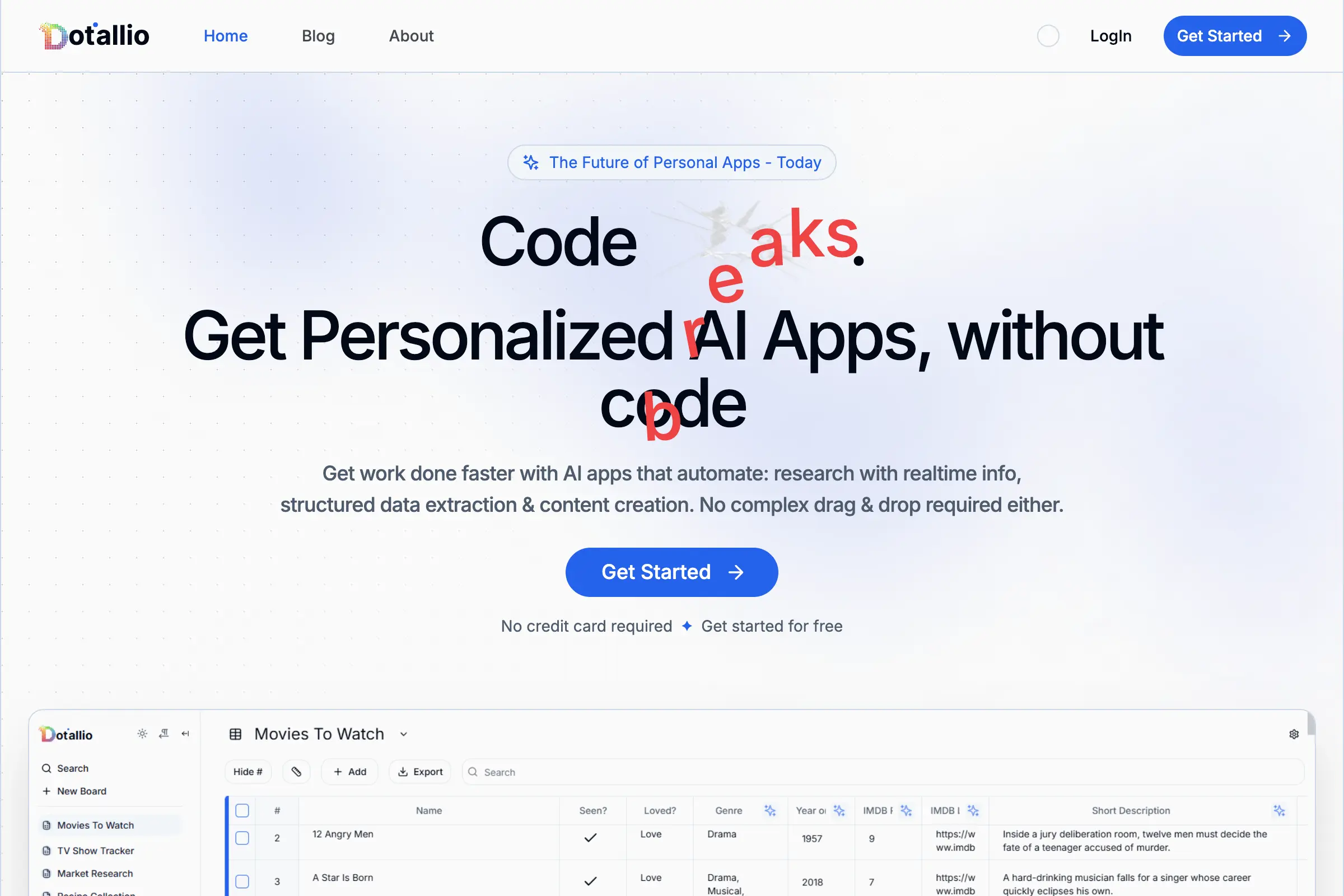
Dotallio
Personalized AI apps that automate research, data extraction, and content creation without code 🤖
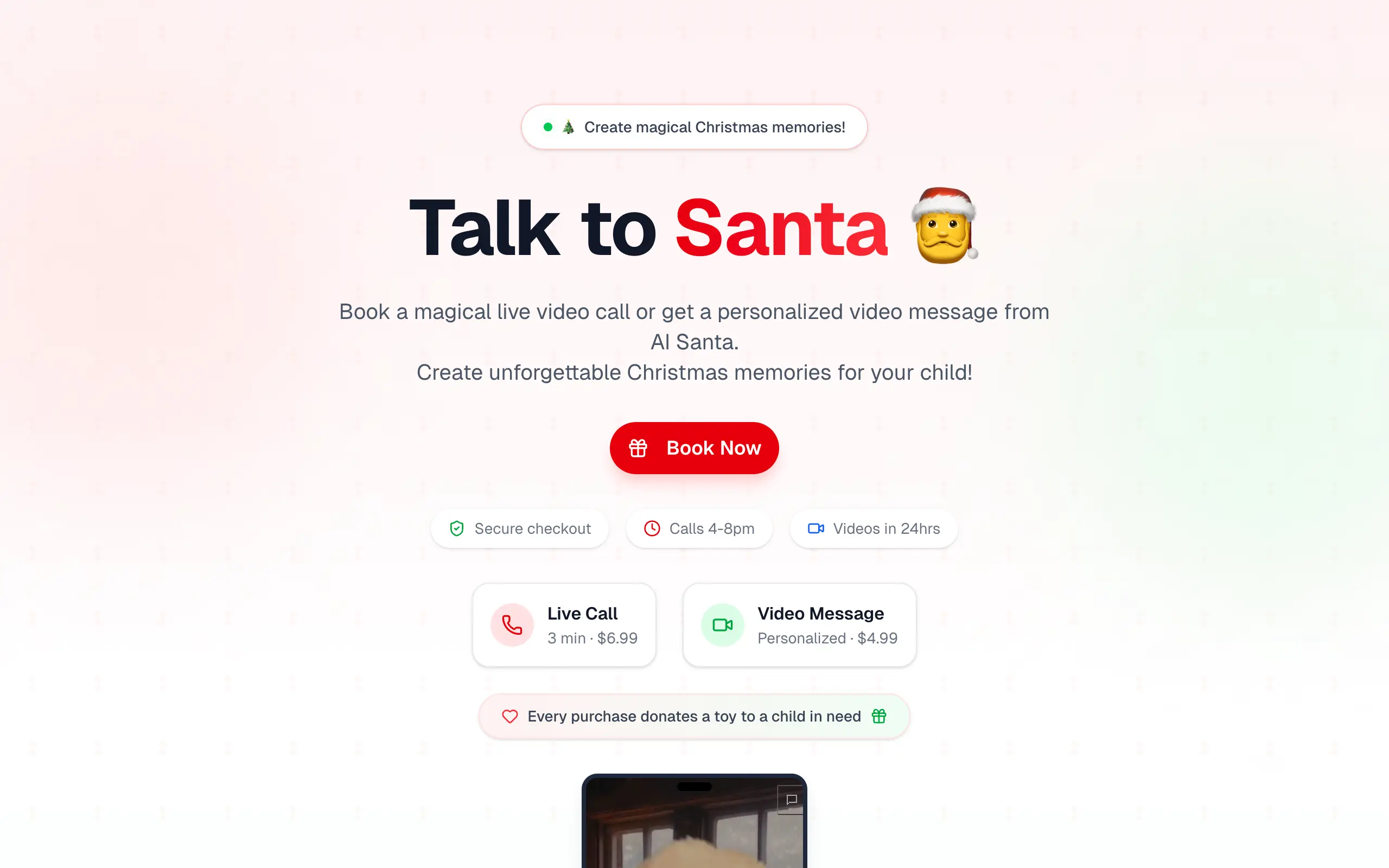
Talk to Santa
Enjoy a magical live video chat or receive a unique AI-generated video greeting from Santa Claus 🎅
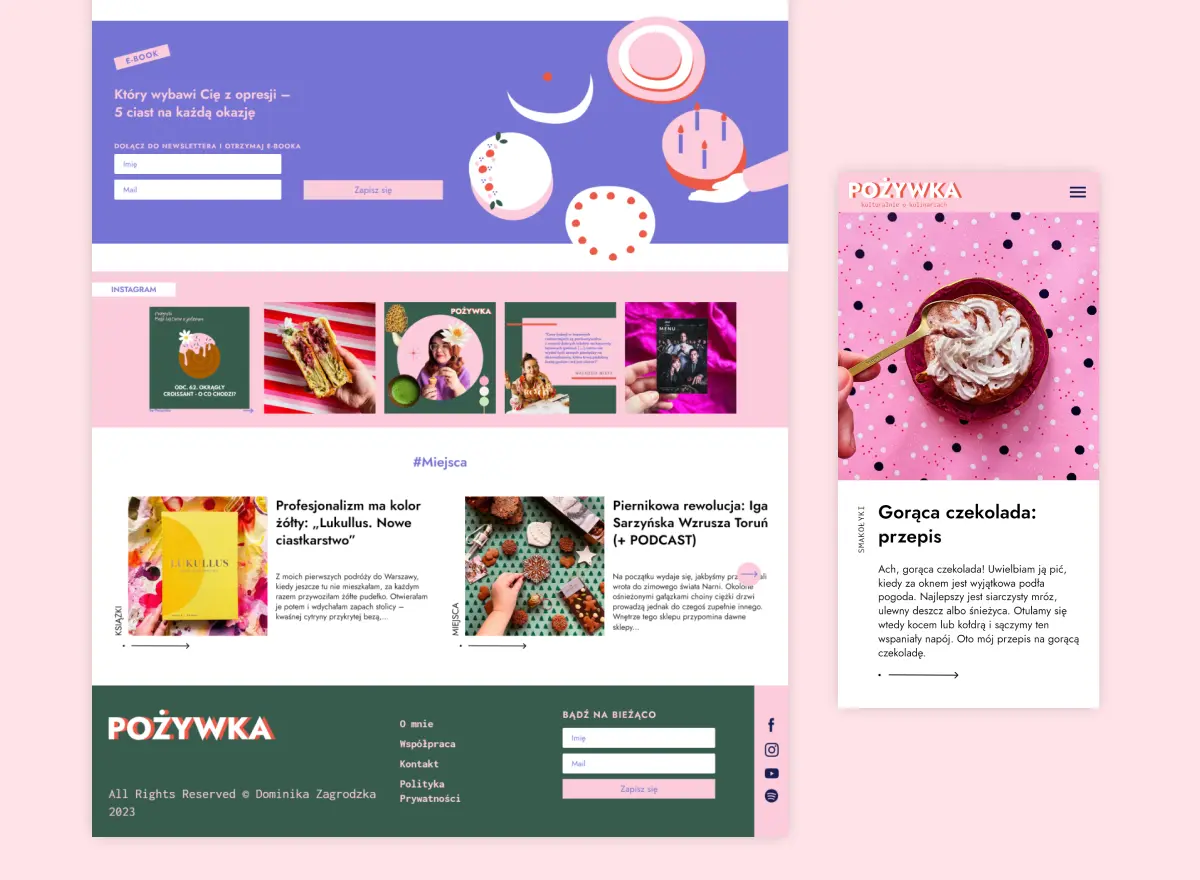
pozywka.pl
Scalable blog for food journalist, focused on performance and user experience 🌭
zagrodzki.me
Personal blog and portfolio of Bart Zagrodzki, where he shares his knowledge and work 💼
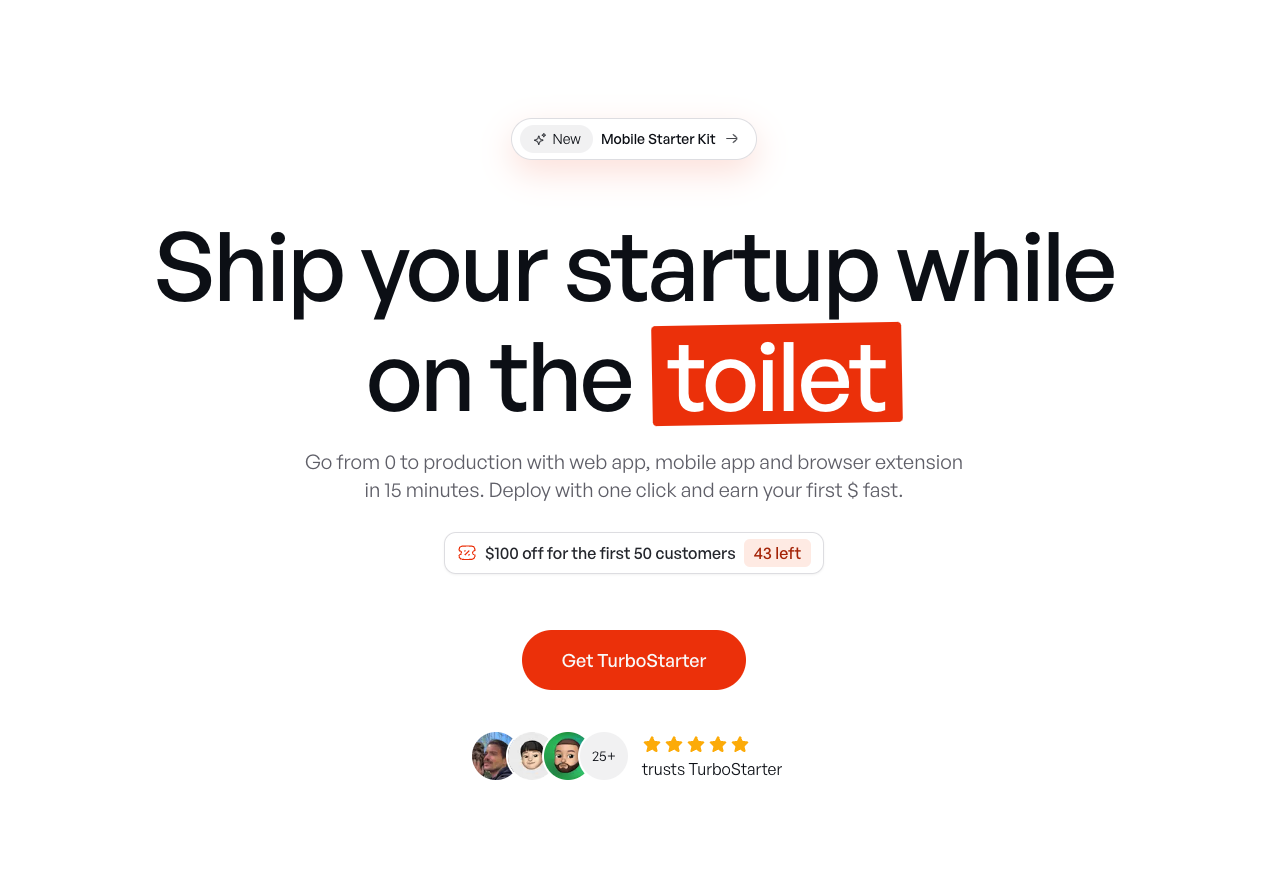
TurboStarter
Ship your startup everywhere. In minutes.
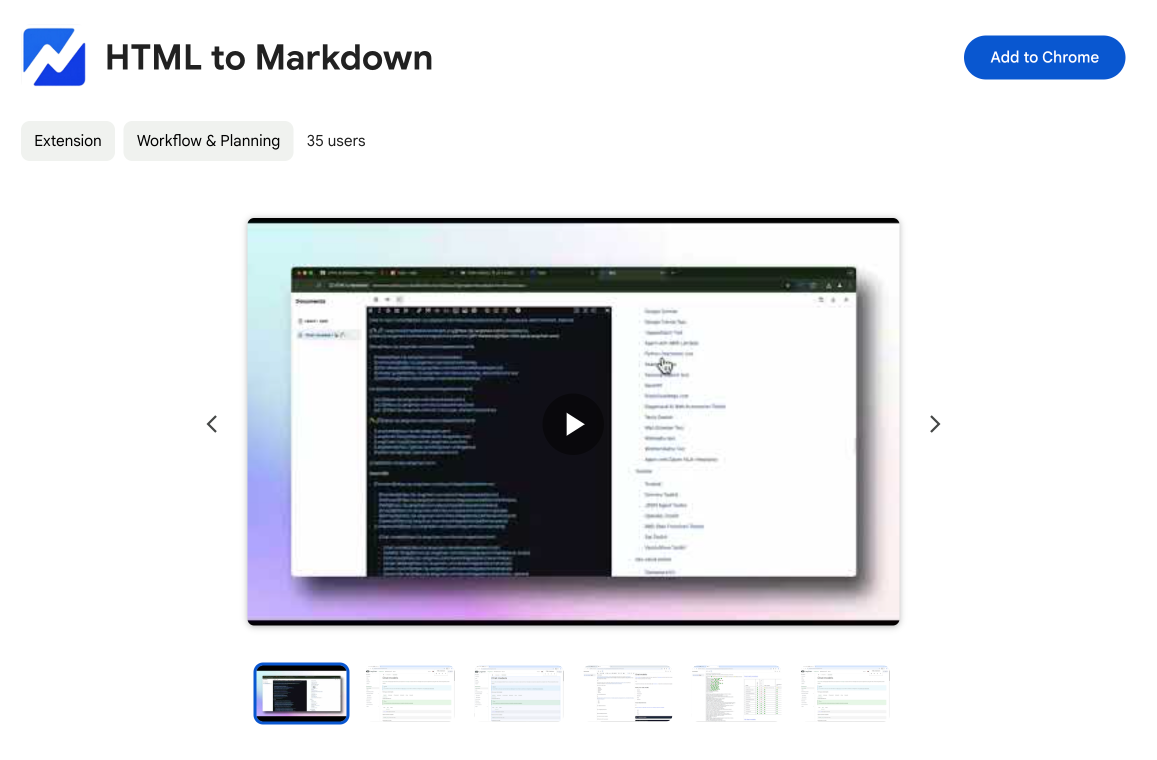
HTML to Markdown
Convert HTML to Markdown with ease, directly in your browser 📄
Dotallio
Personalized AI apps that automate research, data extraction, and content creation without code 🤖
Talk to Santa
Enjoy a magical live video chat or receive a unique AI-generated video greeting from Santa Claus 🎅
pozywka.pl
Scalable blog for food journalist, focused on performance and user experience 🌭
zagrodzki.me
Personal blog and portfolio of Bart Zagrodzki, where he shares his knowledge and work 💼
TurboStarter
Ship your startup everywhere. In minutes.
HTML to Markdown
Convert HTML to Markdown with ease, directly in your browser 📄
Dotallio
Personalized AI apps that automate research, data extraction, and content creation without code 🤖
Talk to Santa
Enjoy a magical live video chat or receive a unique AI-generated video greeting from Santa Claus 🎅
pozywka.pl
Scalable blog for food journalist, focused on performance and user experience 🌭
zagrodzki.me
Personal blog and portfolio of Bart Zagrodzki, where he shares his knowledge and work 💼
TurboStarter
Ship your startup everywhere. In minutes.
HTML to Markdown
Convert HTML to Markdown with ease, directly in your browser 📄
Dotallio
Personalized AI apps that automate research, data extraction, and content creation without code 🤖
Talk to Santa
Enjoy a magical live video chat or receive a unique AI-generated video greeting from Santa Claus 🎅
pozywka.pl
Scalable blog for food journalist, focused on performance and user experience 🌭
zagrodzki.me
Personal blog and portfolio of Bart Zagrodzki, where he shares his knowledge and work 💼
TurboStarter
Ship your startup everywhere. In minutes.
HTML to Markdown
Convert HTML to Markdown with ease, directly in your browser 📄
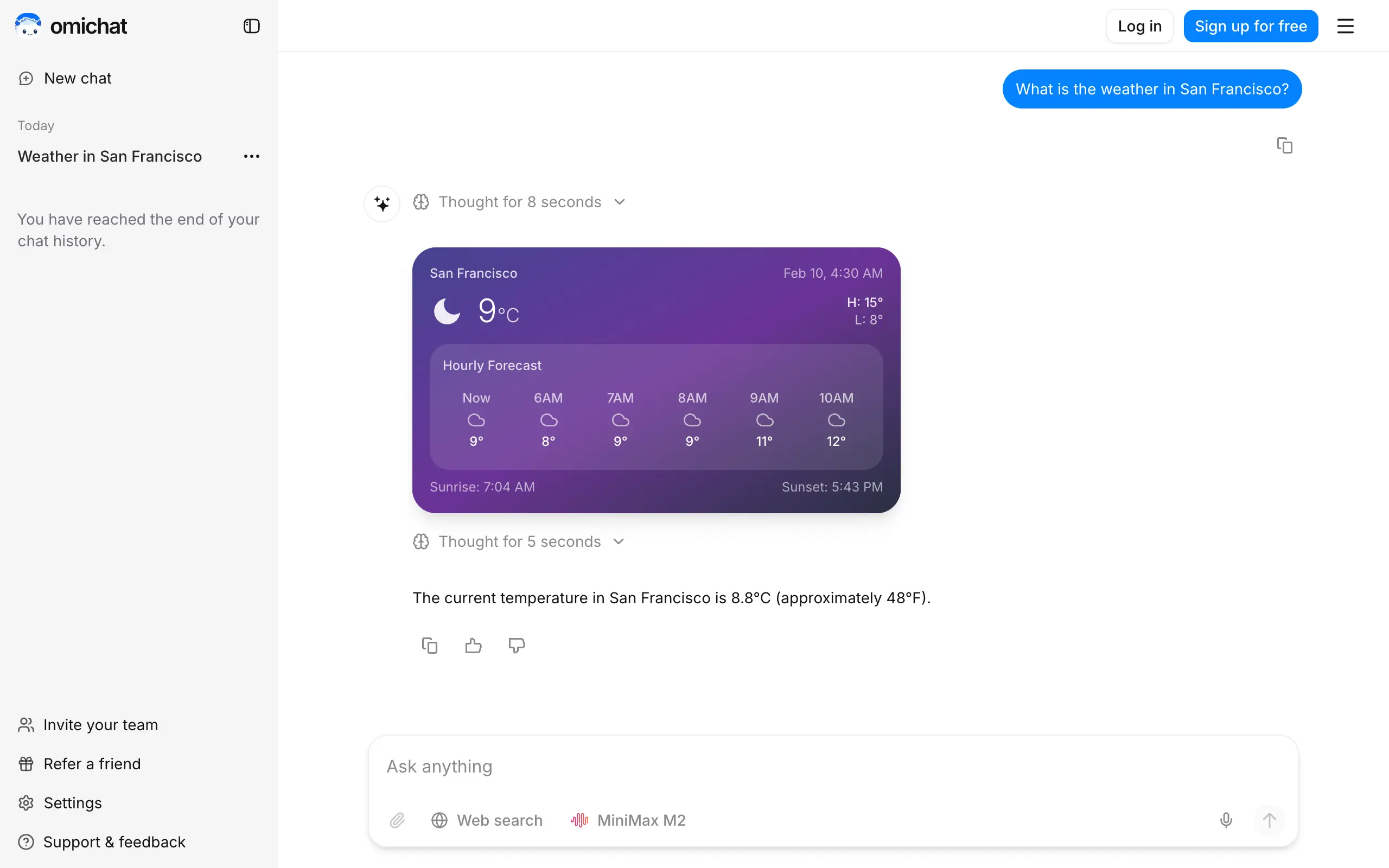
Omichat
Chat with 50+ AI models, including ChatGPT and Claude, in one place - switch models anytime without losing context 🤖
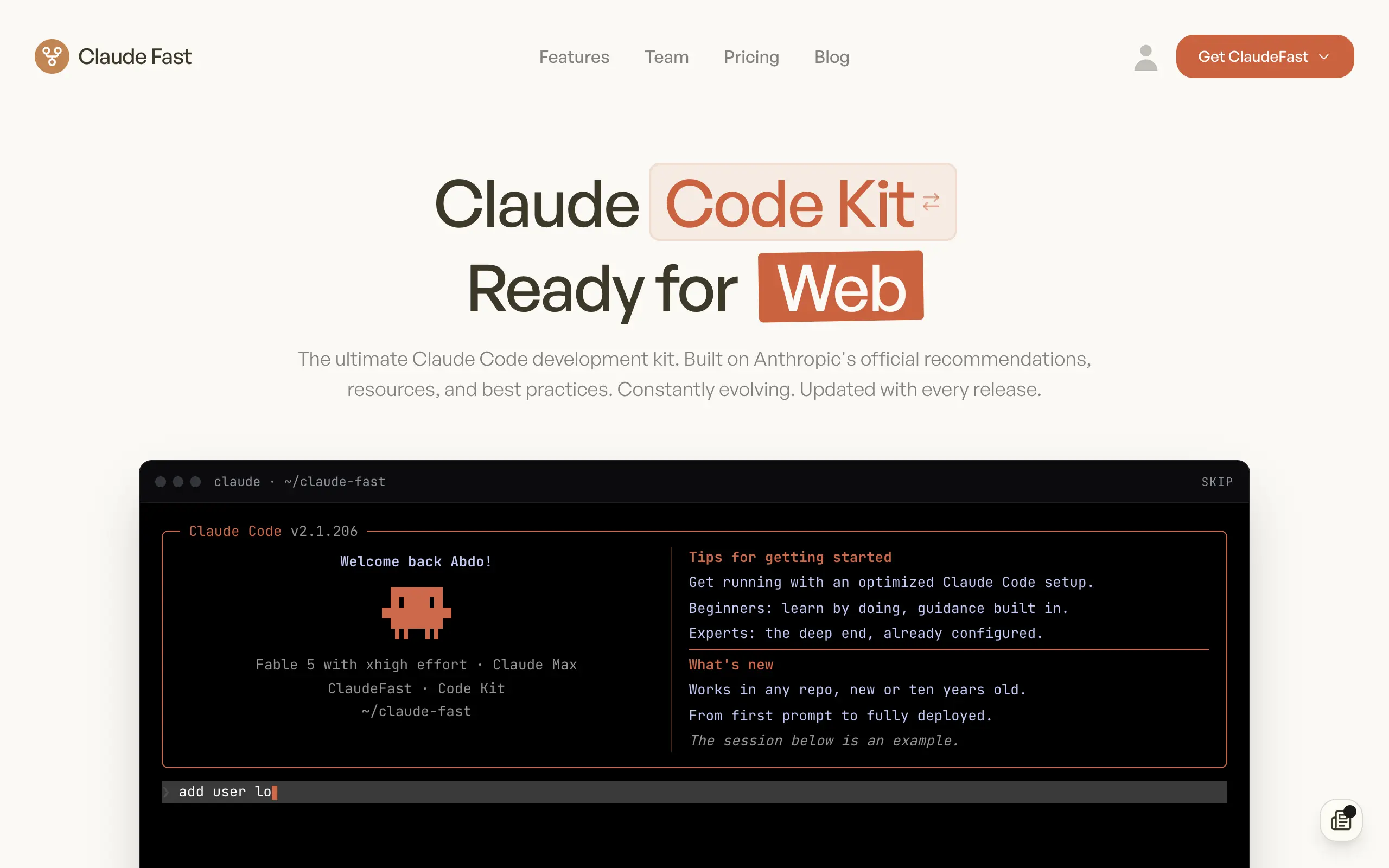
Claude Fast
Supercharge your Claude Code with 6x effective context window and specialized AI agents 🤖
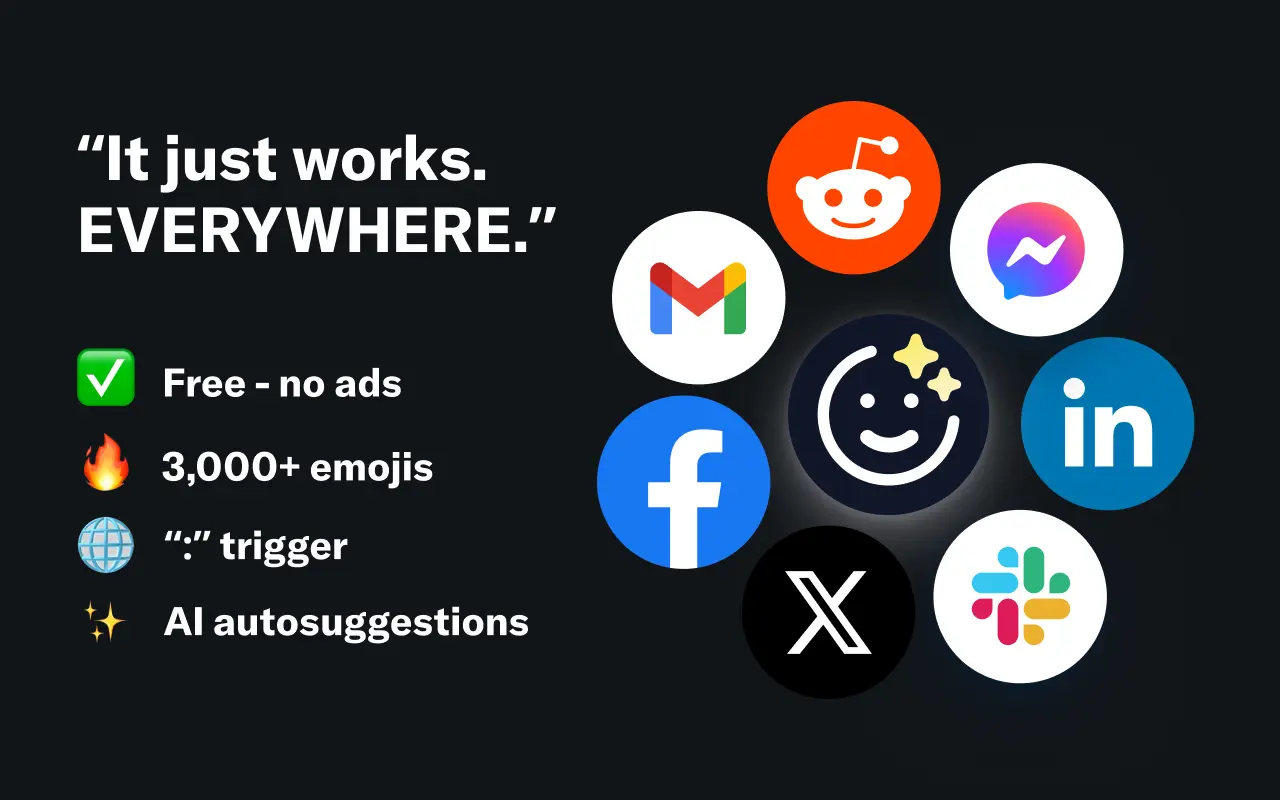
EmojAI
AI-powered emoji picker with smart, context-aware suggestions 🤖
Solohacker
Autonomous company launcher - AI agents work 24/7, escalate what matters, and you stay in control 🤖
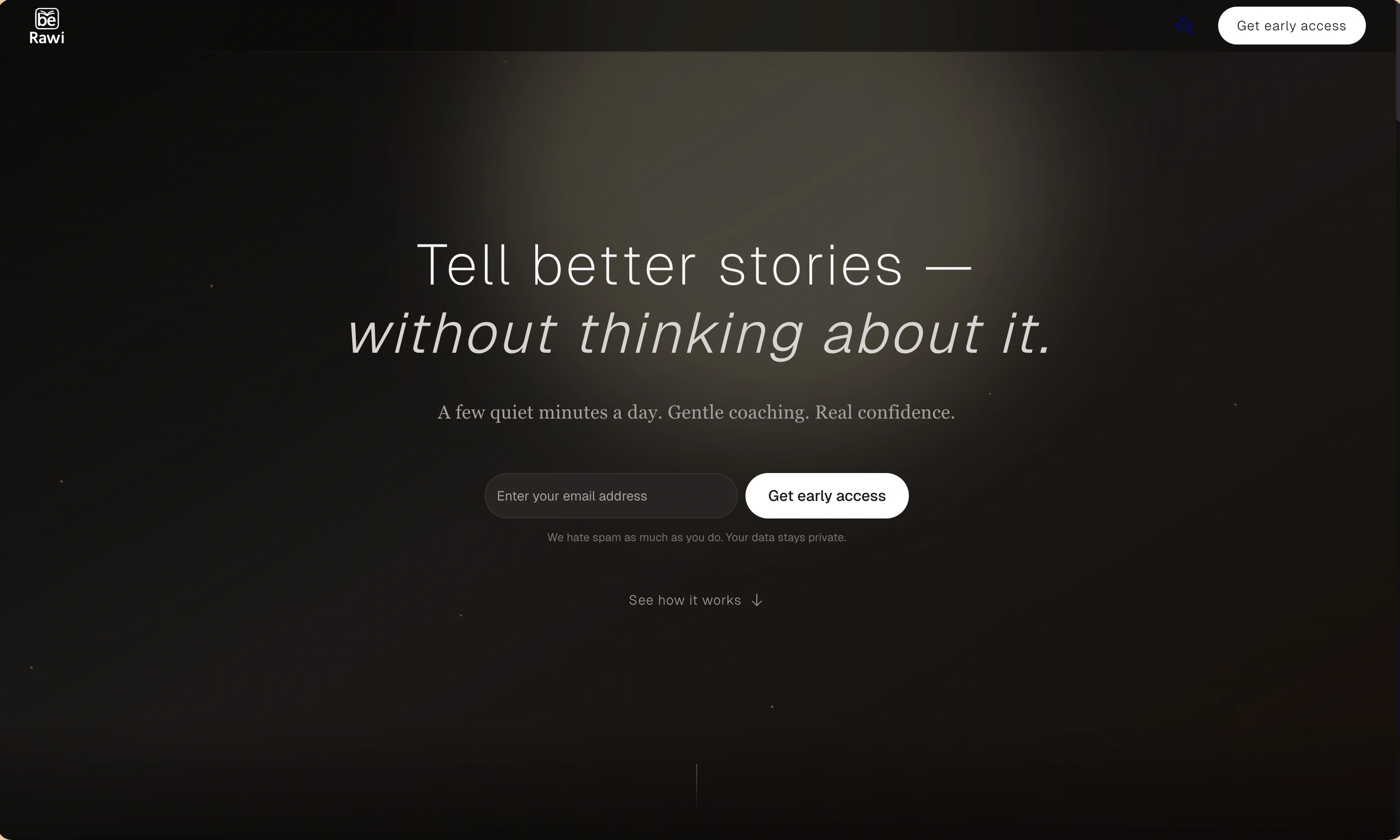
BeRawi: Storytelling Coach
Practice storytelling daily with instant feedback to sound clearer, more engaging, and confident 🎤
Omichat
Chat with 50+ AI models, including ChatGPT and Claude, in one place - switch models anytime without losing context 🤖
Claude Fast
Supercharge your Claude Code with 6x effective context window and specialized AI agents 🤖
EmojAI
AI-powered emoji picker with smart, context-aware suggestions 🤖
Solohacker
Autonomous company launcher - AI agents work 24/7, escalate what matters, and you stay in control 🤖
BeRawi: Storytelling Coach
Practice storytelling daily with instant feedback to sound clearer, more engaging, and confident 🎤
Omichat
Chat with 50+ AI models, including ChatGPT and Claude, in one place - switch models anytime without losing context 🤖
Claude Fast
Supercharge your Claude Code with 6x effective context window and specialized AI agents 🤖
EmojAI
AI-powered emoji picker with smart, context-aware suggestions 🤖
Solohacker
Autonomous company launcher - AI agents work 24/7, escalate what matters, and you stay in control 🤖
BeRawi: Storytelling Coach
Practice storytelling daily with instant feedback to sound clearer, more engaging, and confident 🎤
Omichat
Chat with 50+ AI models, including ChatGPT and Claude, in one place - switch models anytime without losing context 🤖
Claude Fast
Supercharge your Claude Code with 6x effective context window and specialized AI agents 🤖
EmojAI
AI-powered emoji picker with smart, context-aware suggestions 🤖
Solohacker
Autonomous company launcher - AI agents work 24/7, escalate what matters, and you stay in control 🤖
BeRawi: Storytelling Coach
Practice storytelling daily with instant feedback to sound clearer, more engaging, and confident 🎤

Connect with like-minded people
Join our community to get feedback, support, and grow together with 1,000+ builders on board, let's ship it!
Join usShip your startup everywhere. In minutes.
Don't burn tokens on setup and start building features on day one.