WhatsApp Multi-Device Messenger Hub
A SaaS app that centralizes all of a user's WhatsApp accounts and conversations from different devices into a single web dashboard. Users can send/receive messages, organize chats, and set custom notifications. Security is ensured via OAuth/official API integration. Monetize via premium features (multi-account, advanced filters, scheduling).
Understanding the WhatsApp multi-device messenger hub opportunity
Staying on top of conversations is crucial in today’s hyper-connected, global environment. With WhatsApp widely adopted by over 2.7 billion users (as of 2024; see Statista for current metrics), individuals increasingly maintain multiple accounts—for personal, work, or side-project needs. They also juggle messaging across smartphones, tablets, laptops, and desktop browsers.
Managing several WhatsApp accounts across devices, however, is friction-filled. Users face fragmented chats, missed alerts, tedious switching, and productivity drains. Furthermore, WhatsApp’s own multi-device sync support, while improved, is still intentionally limited in features and scalability by default, especially for users with distinct identities, businesses, or collaborative scenarios.
That’s where the WhatsApp multi-device messenger hub enters: a SaaS solution focused on securely centralizing all WhatsApp accounts and conversations into one streamlined, feature-rich dashboard accessible from any browser. By addressing unmet pain points and empowering users with advanced management, organization, and scheduling capabilities, this platform taps into a growing user demand for smarter messaging control.
Who needs a multi-device WhatsApp dashboard? Target audience analysis
To design a solution and shape a thriving SaaS business, it’s essential to clarify precisely who benefits most from the WhatsApp multi-device messenger hub:
Key user personas
-
Professionals & freelancers
Individuals managing separate work and personal WhatsApp numbers, needing to keep conversations distinct and avoid context-switching fatigue. -
Small business owners & solopreneurs
Operators juggling customer inquiries, client chats, transactional conversations, and personal life—often running multiple devices to separate duties. -
Social media, marketing, and sales teams Teams handling high chat volumes across several brand or regional WhatsApp numbers, requiring tools for organization, delegation, and bulk messaging.
-
Power users and digital natives Users leveraging WhatsApp for multiple projects, volunteer activities, or community administration seeking unified notification and efficient workflow.
-
E-commerce shop owners or customer service reps
Those running WhatsApp-based order fulfillment or support, often with several devices (tablets in shop, phones for delivery, browser for admin tasks).
Problem mapping
- Fragmented chat management leads to lost time and missed messages.
- Logging in/out on different browsers/devices to switch between numbers is error-prone.
- Native multi-device sync is limited to one account at a time.
- Business and collaboration scenarios need scheduled messages, analytics, and more customization.
Market insight
Gartner, in its reports on workplace communication trends, highlights persistent siloed messaging tools and the growing demand for centralized dashboards that streamline chat workflows.
Market gap analysis: Why now is the right time
A closer look at the competitive landscape and WhatsApp’s ecosystem reveals several opportunity vectors:
WhatsApp’s constraints
- Official WhatsApp Web and app: Support only one number/account per browser session. Multi-device support is limited and not tailored for advanced organization.
- Unofficial apps/extensions: Often violate terms of service or expose users to major security and privacy risks.
- WhatsApp Business API: Geared for medium/large businesses, not individuals or small teams, and requires significant setup.
Unaddressed scenarios
- Safe, user-friendly, multi-account management for average consumers and small teams is under-served.
- Centralized scheduling, filtering, labeling, and notification customization goes far beyond stock WhatsApp tools.
- Cross-device sync with account isolation is both wanted and still rare in compliant, secure solutions.
Macro trends
- Remote/hybrid work and digital entrepreneurship are accelerating multi-account needs.
- Messenger-based commerce (“conversational commerce”) is on the rise, and WhatsApp plays a massive role in customer interaction, especially in emerging markets.
- Users increasingly demand “single pane of glass” platforms for communications.
Summary table: What’s missing in current WhatsApp account management?
| Unified Dashboard | Secure Official API | Multi-Account Support | Custom Notifications | Scheduling/Filters |
|---|---|---|---|---|
| ✅ | ❌ | ❌ | ✅ | ❌ |
| ✅ | ❌ | ✅ | ✅ | ❌ |
Core features: From seamless multi-account management to next-gen chat tools
For the WhatsApp multi-device messenger hub to deliver decisive value, it should excel in:
Centralized multi-account dashboard
- Aggregate all WhatsApp accounts (personal, work, side-business) in one easy-to-navigate web interface.
- Simultaneous send/receive across accounts, with distinct labeling and color coding.
Unified conversation stream
- See all chats or filter by account, tag, keyword, or unread status.
- Quick search across devices and history.
Cross-device sync and login
- Securely connect mobile, desktop, and tablet instances via the official WhatsApp APIs and OAuth (where supported).
- Manage connected devices and session permissions from the hub interface.
Advanced notifications and alert rules
- Custom notifications per contact, group, keyword, or account.
- Quiet hours, snooze, and escalated alerts for VIP contacts.
Organizational tools
- Bulk chat actions (archive, mark read, label, export).
- Conversation labeling, color codes, and folders to declutter the inbox.
- Filters by keyword, tag, account, or age of conversation.
Message scheduling and automation
- Schedule messages (follow-ups, campaign announcements, reminders) across any connected account.
- Optionally integrate with calendar/reminder tools for seamless planning.
Robust security and compliance
- OAuth-based authentication—never store user credentials directly.
- Use only the official WhatsApp APIs wherever possible to ensure ongoing compliance and avoid risk.
- End-to-end encryption respected for all messages; no traffic inspection or storage beyond necessary message metadata.
Analytics and productivity metrics
- Message response time, chat volume trends, and performance dashboards for power users/businesses.
Why these features matter
Boost productivity
Eliminate constant device switching and manual chat management. Save hours weekly with unified tools.
Better organization
Keep personal, business, and side project chats clearly distinct – avoid embarrassing mix-ups.
Advanced functionality
Get scheduling, notification rules, and filtering not available in native WhatsApp tools.
Peace of mind
Securely connect accounts with OAuth and respect WhatsApp's official API boundaries.
Recommended tech stack: Security, scalability, and UX at the core
Building a SaaS in the multi-device synchronization and secure messaging space demands careful technical choices. Here’s an optimal stack for the WhatsApp multi-device messenger hub:
Front-end
- Framework: React for building a responsive, component-based dashboard UI.
- Styling: TailwindCSS for rapid prototyping and a clean, modern design system.
- State management: Redux Toolkit (for complex account/session management), or React Context for lighter needs.
- Notifications and real-time updates: Socket.IO or native WebSocket APIs.
- Authentication/OAuth UI: Auth0 or open-source alternatives.
Back-end
- Server framework: Node.js with Express—widely adopted for SaaS back ends, real-time capabilities.
- Real-time messaging: Socket.IO for bidirectional sync.
- Database: PostgreSQL (structured metadata, analytics) plus Redis for fast in-memory session/cache.
- API integration: Connect strictly to the WhatsApp Business API or official public endpoints, monitoring for compliance.
DevOps and scalability
- Containerization: Docker for environment portability.
- Hosting/Infrastructure: AWS or Google Cloud with autoscaling and monitoring.
- Observability: Integrate Datadog or Prometheus for monitoring latency and system health.
- Security: Implement TLS throughout, monitor for abnormal API usage, and follow regular security audits.
Key trade-offs
-
Unofficial WhatsApp API “hacks” vs. official methods:
Unofficial libraries offer more “power” but risk user bans and poor security. The SaaS should prioritize compliance and long-term viability by sticking to official APIs and protocols, even if it limits some features. -
Real-time complexity vs. simplicity:
Real-time chat updates using WebSockets can be resource-intensive. Consider limiting push to key events (new message, alert) and falling back to polling for less-used functions.
Monetization strategies: Sustainable SaaS revenue streams
To create a profitable B2C SaaS, consider a tiered freemium model targeting different user segments:
Free tier
- Single WhatsApp account connection
- Basic chat aggregation
- Limited filters/folders
- Standard notifications
Premium/Pro tier (monthly/annual)
- Multiple account integrations (2+)
- Message scheduling and automation
- Advanced filters, labels, and analytics
- Custom notification rules
- Priority support
Enterprise/team tier
- Role-based access control, shared inboxes, team analytics
Add-on revenue
- White-label licensing for agencies or small brands
- Integrations with other SaaS platforms (e.g., CRM, marketing automation)
Payment integration tips
- Use PCI-compliant providers like Stripe or Paddle for frictionless onboarding and international compliance.
- Build in churn/retention analytics from day one.
Risks and mitigation: Navigating compliance, security, and market fit
Building software around a platform as prominent (and tightly controlled) as WhatsApp comes with inherent risks:
WhatsApp API compliance
- Risk: WhatsApp changes API policies, access, or pricing, which could limit or break third-party integrations.
- Mitigation:
- Strictly use official APIs; never scrape or bypass intentionally.
- Monitor updates from WhatsApp’s developer docs.
- Maintain fallback notifications for users if API access degrades.
Data privacy & user trust
- Risk: Handling multi-account and multi-device messaging data is sensitive.
- Mitigation:
- Store the minimum necessary metadata; never log message content.
- End-to-end encryption cannot be bypassed—be transparent in technical docs about what is/isn’t stored.
- Use auditable authentication (OAuth) and no-password storage policies.
Market competition and differentiation
- Risk: Similar tools emerge, or WhatsApp offers something like this natively.
- Mitigation:
- Focus on rapid iteration: keep customer needs at the core.
- Build stickier, value-added features (smart scheduling, analytics, advanced org tools) unlikely to be prioritized by WhatsApp.
- Lean into the SaaS advantage: regular updates, responsive support, scalability.
Adoption friction
- Risk: Users wary about connecting personal or business WhatsApp accounts to third-party tools.
- Mitigation:
- Transparently communicate security practices, compliance, and privacy via clear onboarding.
- Build trust through educational resources, user testimonials, and responsive support.
If you only use official API endpoints and OAuth flows, user risk is minimized. Avoid third-party hacks/extensions to remain compliant.
This is a risk for all WhatsApp SaaS tools. Frequent monitoring and proactive communication help, and the platform should have fallback mechanisms if usage becomes restricted.
Competitive advantages: Why this SaaS stands out
Let’s clearly articulate the unique selling proposition (USP) and competitive edge of the WhatsApp multi-device messenger hub.
What makes this solution unique?
- Official, secure multi-account sync: Combines all accounts/devices in one place while maintaining compliance with WhatsApp's security models.
- Feature-rich organization toolbox: Offers advanced chat filtering, batch actions, color-coded folders, and scheduling—tools rarely found in a single package.
- User-centric design: Focuses on ease-of-use, enabling even non-technical users to organize their messaging as never before.
- Best-in-class security posture: No shady workarounds or screen scraping. OAuth flows, transparent permissions, and no storage of message contents.
- Directly addresses fragmented user experience: Bridges the core pain point—juggling multiple WhatsApp numbers across devices and sessions.
- Rapid feature velocity: Small SaaS team can respond more quickly to evolving user needs vs. slow-moving incumbents.
Actionable steps to build the WhatsApp multi-device messenger hub
Ready to transform this SaaS concept into a winning platform? Here’s a step-by-step implementation path:
Research and validate
Conduct customer interviews and targeted surveys of WhatsApp power users, professionals, and small teams. Identify must-have vs. nice-to-have features.
Define MVP and prioritize security
Scope an MVP: basic multi-account connection (via official WhatsApp API), unified dashboard, and core notifications. Set up robust OAuth flow from day one.
Build and test web dashboard
Use React, TailwindCSS, and Socket.IO for live messaging UI. Roll out private alpha, gather fast feedback.
Expand feature set and scale
Add chat organization, scheduling, and advanced analytics. Monitor WhatsApp API changes actively.
Launch publicly and market creatively
Offer a generous free tier to drive word-of-mouth, leverage tutorials, and Reddit/YouTube organic marketing.
Iterate, support, and monetize
Activate paid tiers, offer responsive support, and collect user success stories for rapid trust-building.
Conclusion: A timely SaaS to transform WhatsApp usage
Multiplying WhatsApp accounts and ever-increasing device sprawl pose headaches for millions. The WhatsApp multi-device messenger hub directly solves these problems: centralizing message chaos into a unified, secure, and intuitive web SaaS.
By focusing on compliance, productivity tools, robust user privacy, and seamless multi-device sync, this platform carves out a clear and growing niche—appealing equally to professionals, business owners, power users, and small teams. With careful tech stack selection, modern SaaS design patterns, and rapid iteration, it offers a sustainable business opportunity.
For founders or SaaS product managers seeking a high-impact, technically feasible, and immediately relevant concept—this is a market fit that’s ready for smart execution.
For additional guidance and rapid product prototyping, you can explore tools like TurboStarter to further accelerate your SaaS journey.
Further reading & references
- Review WhatsApp Business API documentation: WhatsApp Business API
- Explore React, TailwindCSS, and other technologies via their official sites.
- For statistics and industry trend updates, consult platforms like Statista (e.g., “Number of WhatsApp users worldwide").
- See Gartner workplace communications research for organizational chat trends.
Expertly written to demonstrate market understanding, technical depth, and actionable strategy for launching a successful WhatsApp multi-device messenger SaaS.
More 👥 B2C Application SaaS ideas
Discover more innovative b2c application SaaS ideas that are trending in 2026. Each idea is AI-generated with market validation and growth potential to help you find your next profitable venture faster than competitors.
Your competitors are building with TurboStarter
Below are some of the SaaS ideas that have been generated and built with our starter kit.
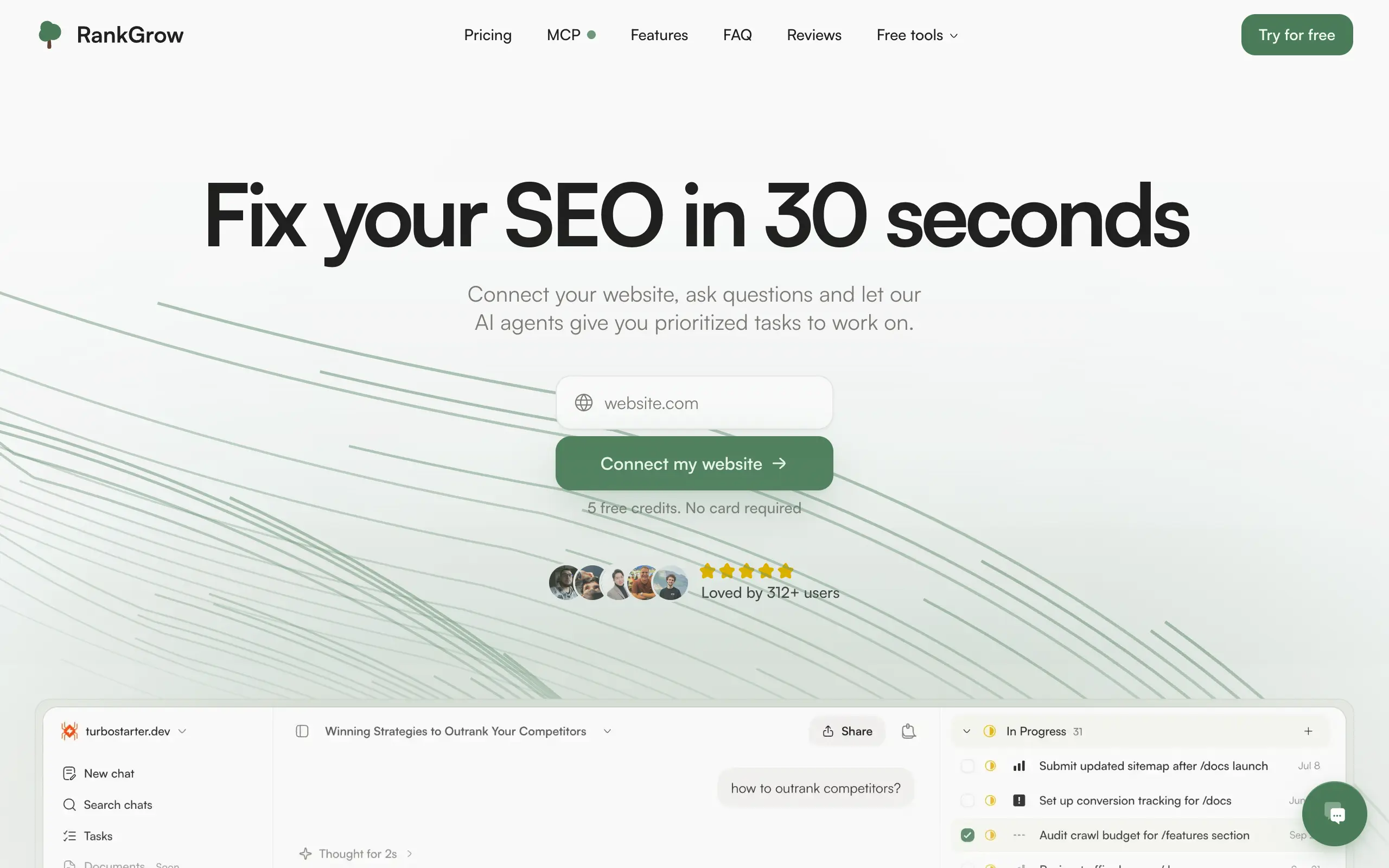
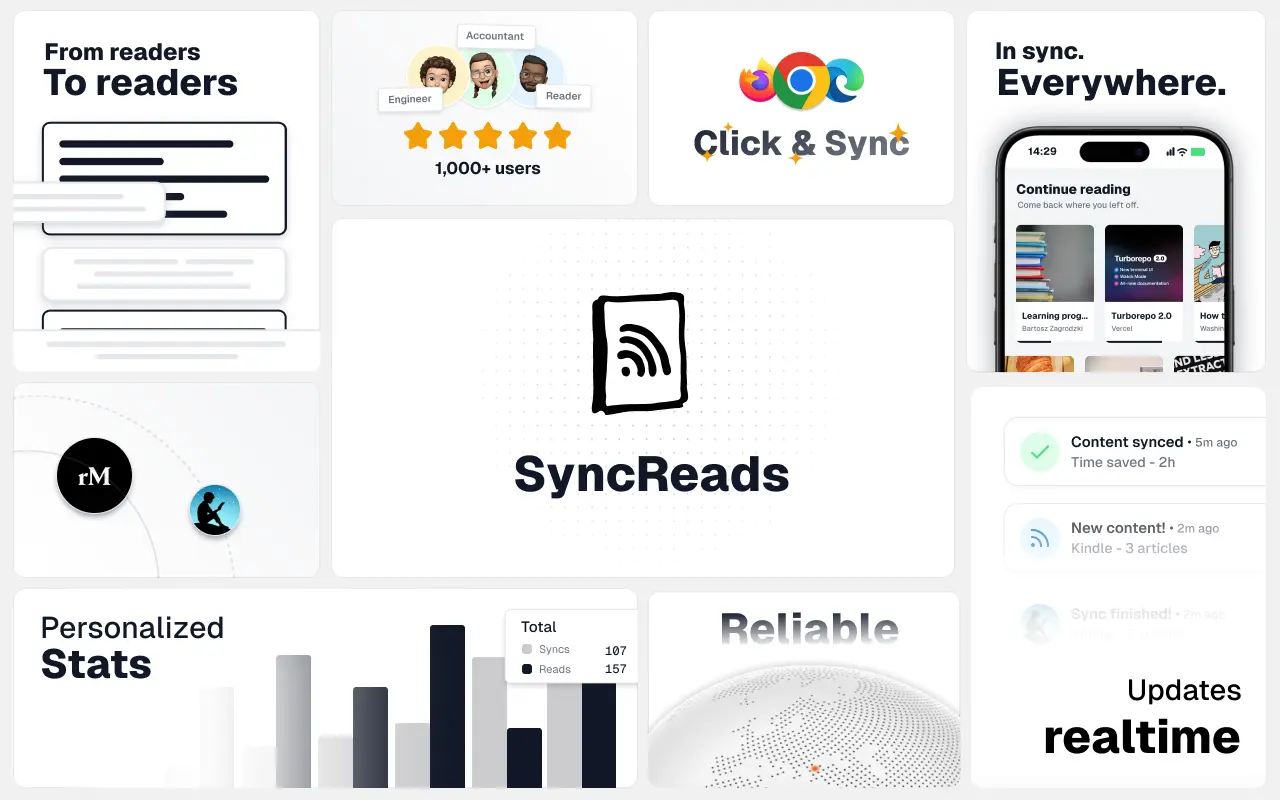
SyncReads
Sync your favorite content for distraction-free reading, save time and replace multiple apps. Anytime, anywhere 🔄
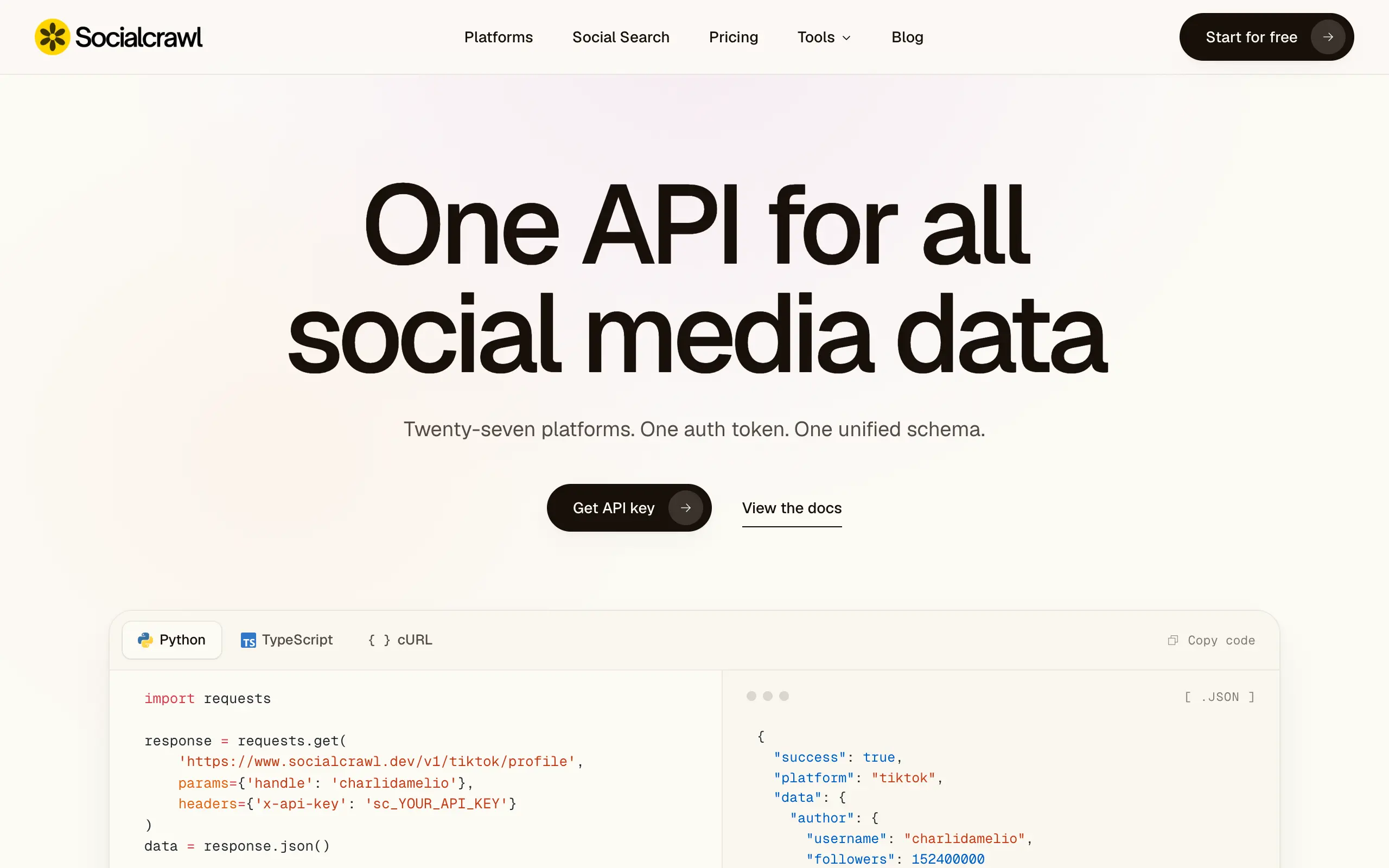
Socialcrawl
Get clean, structured data from 21 platforms like TikTok, Instagram, and YouTube with a single request 📊
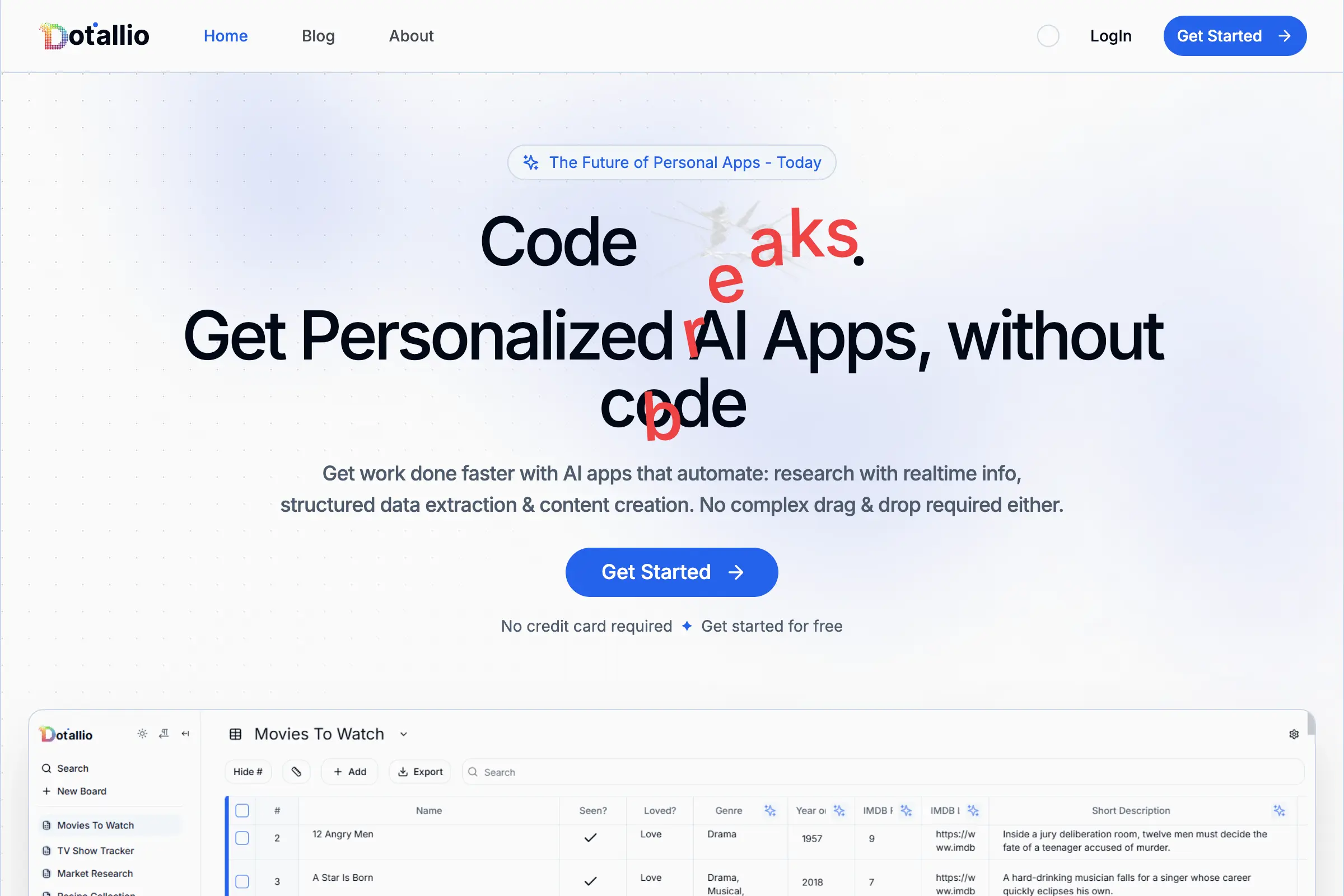
Dotallio
Personalized AI apps that automate research, data extraction, and content creation without code 🤖
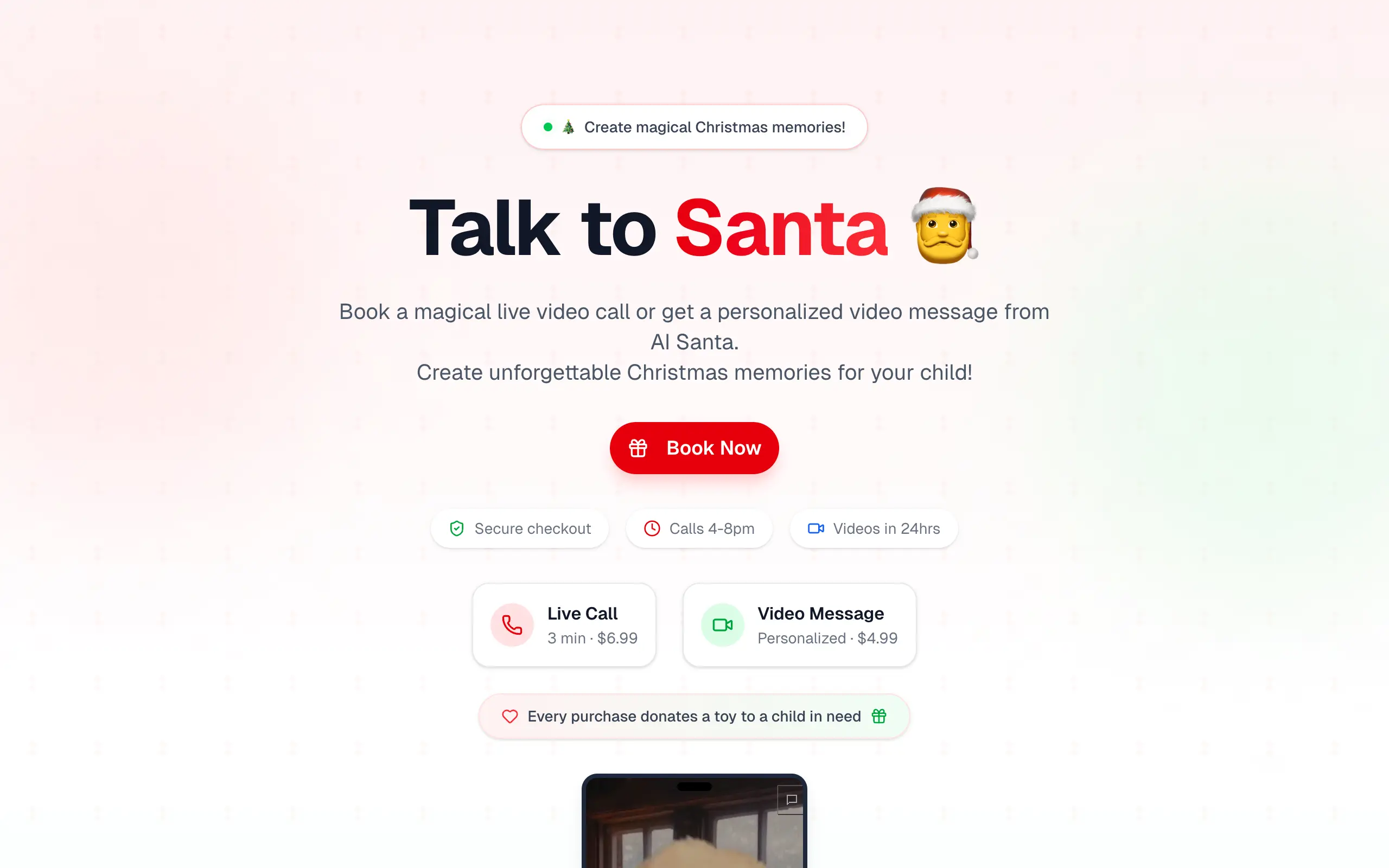
Talk to Santa
Enjoy a magical live video chat or receive a unique AI-generated video greeting from Santa Claus 🎅
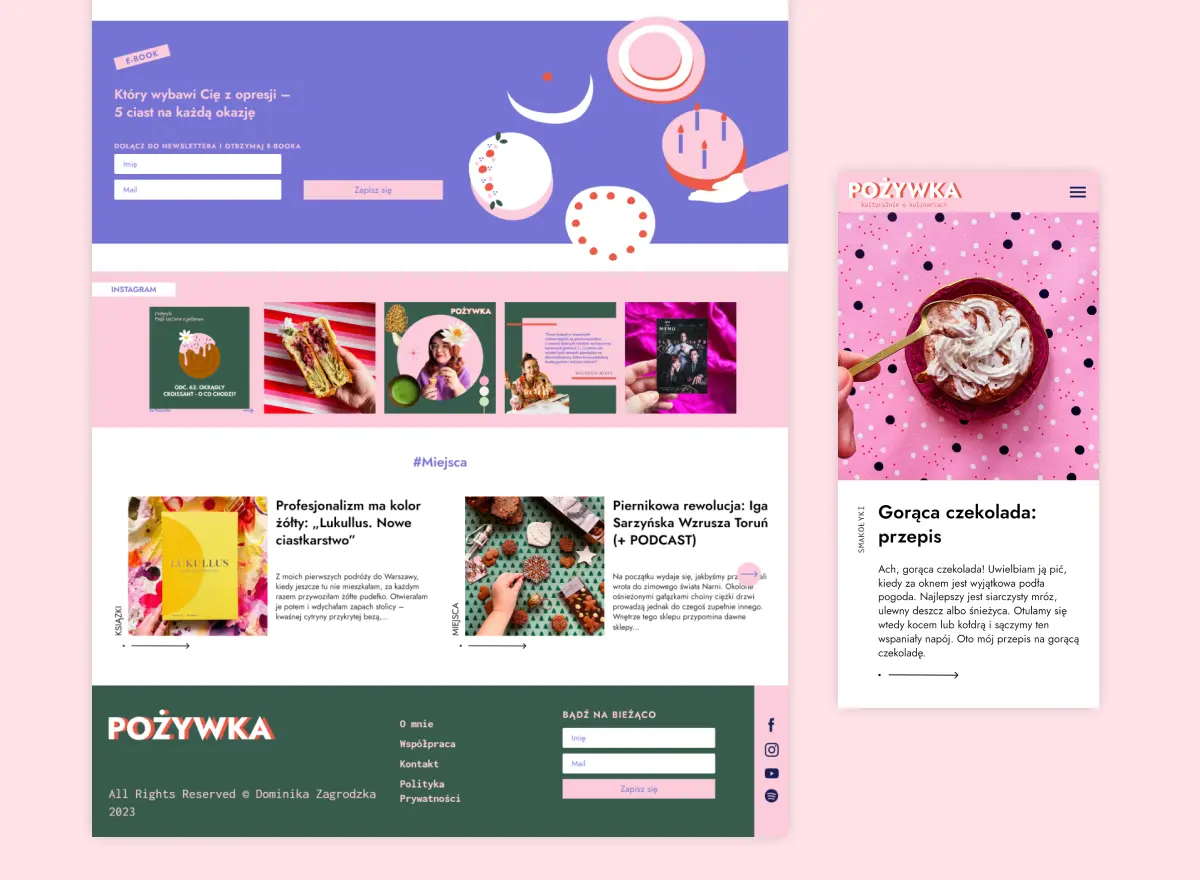
pozywka.pl
Scalable blog for food journalist, focused on performance and user experience đźŚ

SyncReads
Sync your favorite content for distraction-free reading, save time and replace multiple apps. Anytime, anywhere 🔄

Socialcrawl
Get clean, structured data from 21 platforms like TikTok, Instagram, and YouTube with a single request 📊

Dotallio
Personalized AI apps that automate research, data extraction, and content creation without code 🤖

Talk to Santa
Enjoy a magical live video chat or receive a unique AI-generated video greeting from Santa Claus 🎅

pozywka.pl
Scalable blog for food journalist, focused on performance and user experience đźŚ

SyncReads
Sync your favorite content for distraction-free reading, save time and replace multiple apps. Anytime, anywhere 🔄

Socialcrawl
Get clean, structured data from 21 platforms like TikTok, Instagram, and YouTube with a single request 📊

Dotallio
Personalized AI apps that automate research, data extraction, and content creation without code 🤖

Talk to Santa
Enjoy a magical live video chat or receive a unique AI-generated video greeting from Santa Claus 🎅

pozywka.pl
Scalable blog for food journalist, focused on performance and user experience đźŚ

SyncReads
Sync your favorite content for distraction-free reading, save time and replace multiple apps. Anytime, anywhere 🔄

Socialcrawl
Get clean, structured data from 21 platforms like TikTok, Instagram, and YouTube with a single request 📊

Dotallio
Personalized AI apps that automate research, data extraction, and content creation without code 🤖

Talk to Santa
Enjoy a magical live video chat or receive a unique AI-generated video greeting from Santa Claus 🎅

pozywka.pl
Scalable blog for food journalist, focused on performance and user experience đźŚ

zagrodzki.me
Personal blog and portfolio of Bart Zagrodzki, where he share his knowledge and work đź’Ľ

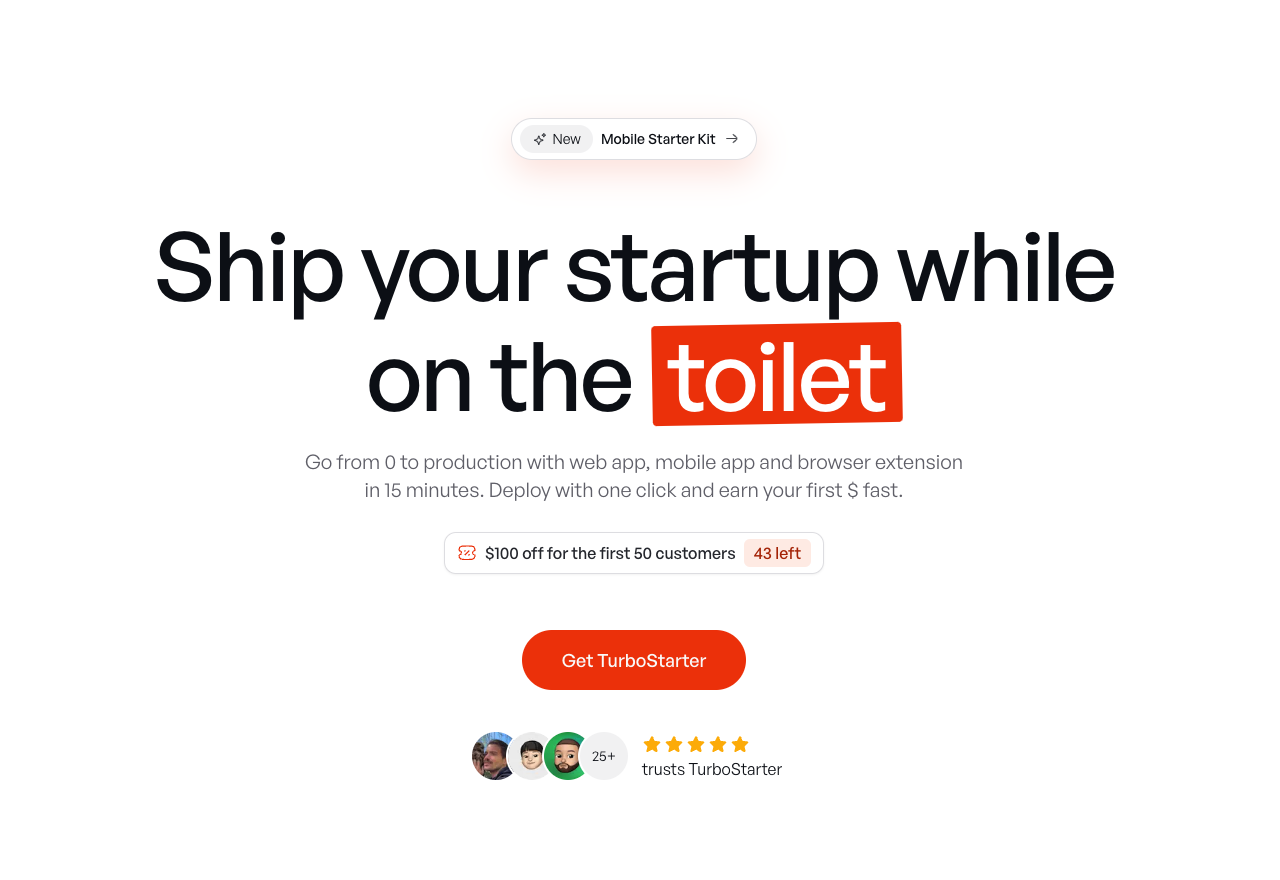
TurboStarter
Ship your startup everywhere. In minutes.
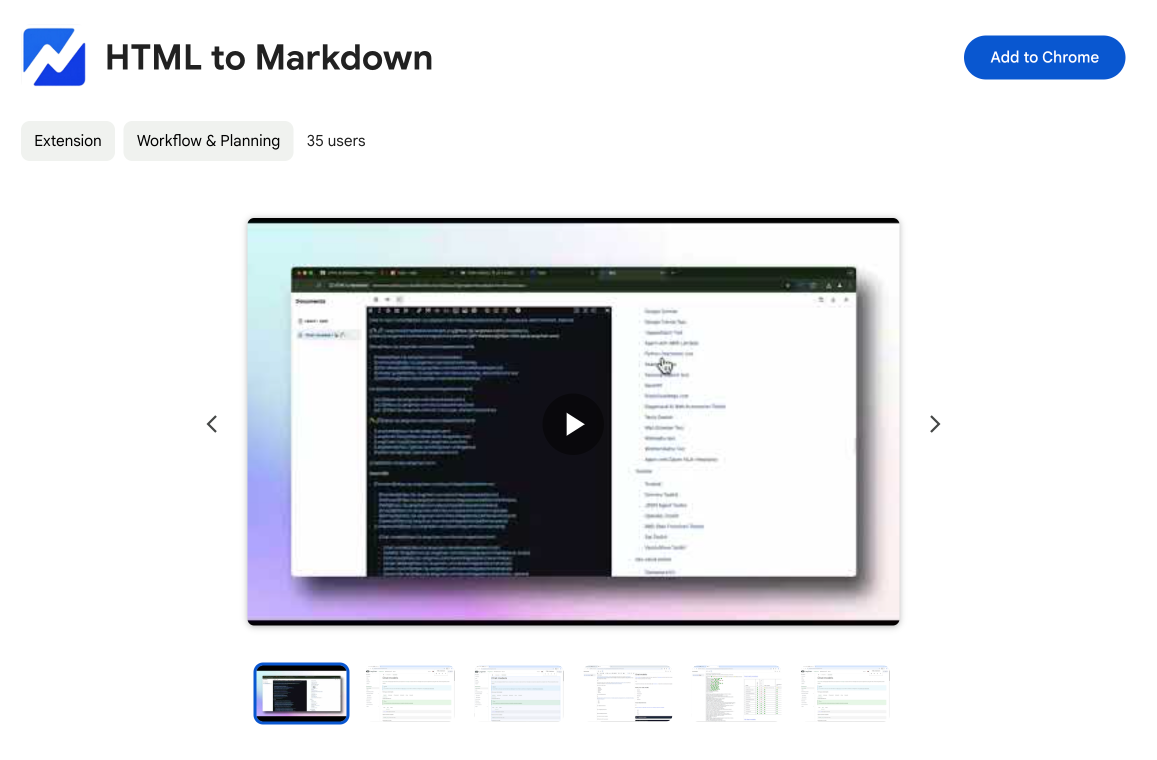
HTML to Markdown
Convert HTML to Markdown with ease, directly in your browser đź“„

Omichat
Chat with 50+ AI models, including ChatGPT and Claude, in one place - switch models anytime without losing context 🤖
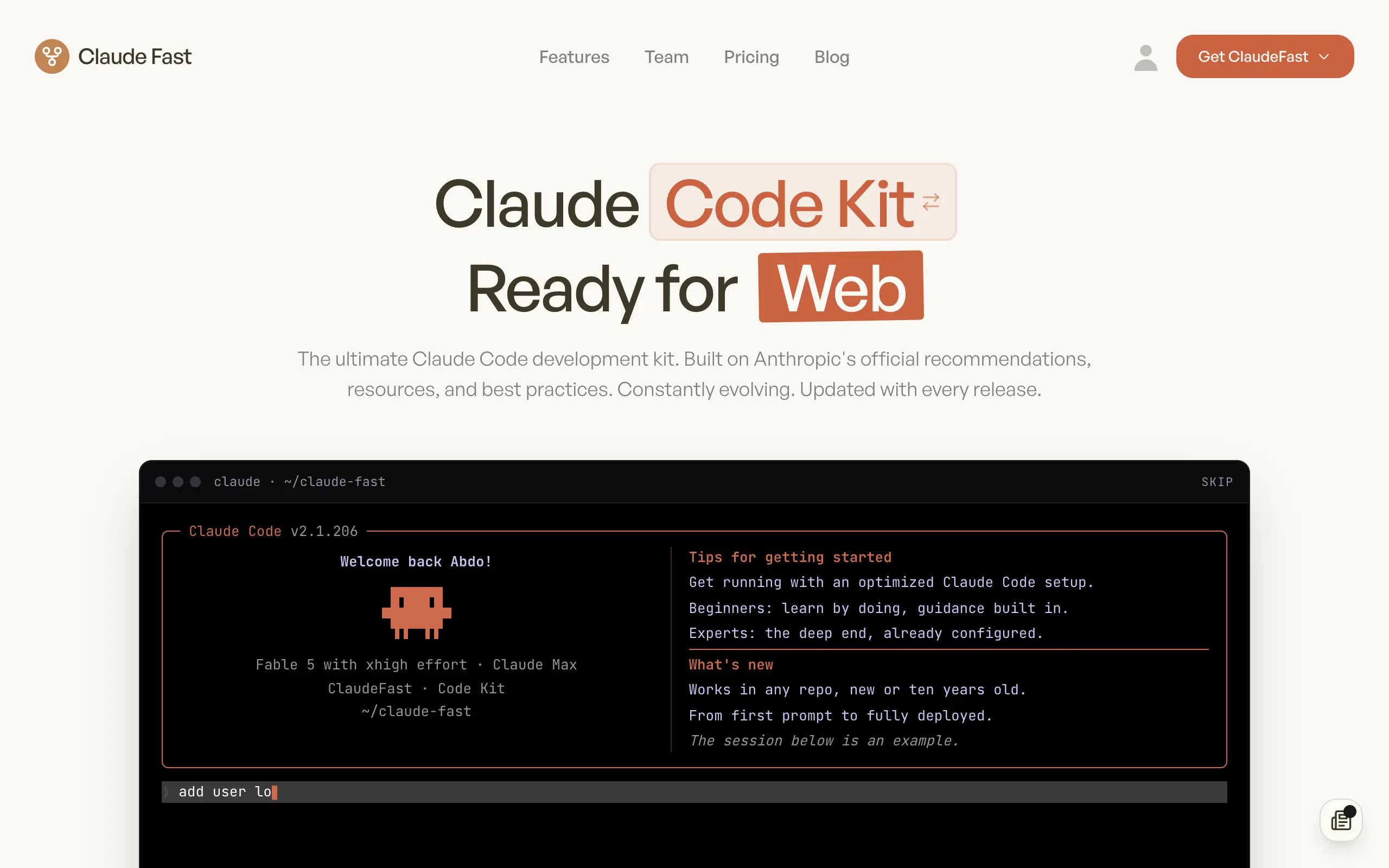
Claude Fast
Supercharge your Claude Code with 6x effective context window and specialized AI agents 🤖
zagrodzki.me
Personal blog and portfolio of Bart Zagrodzki, where he share his knowledge and work đź’Ľ

TurboStarter
Ship your startup everywhere. In minutes.

HTML to Markdown
Convert HTML to Markdown with ease, directly in your browser đź“„

Omichat
Chat with 50+ AI models, including ChatGPT and Claude, in one place - switch models anytime without losing context 🤖

Claude Fast
Supercharge your Claude Code with 6x effective context window and specialized AI agents 🤖

zagrodzki.me
Personal blog and portfolio of Bart Zagrodzki, where he share his knowledge and work đź’Ľ

TurboStarter
Ship your startup everywhere. In minutes.

HTML to Markdown
Convert HTML to Markdown with ease, directly in your browser đź“„

Omichat
Chat with 50+ AI models, including ChatGPT and Claude, in one place - switch models anytime without losing context 🤖

Claude Fast
Supercharge your Claude Code with 6x effective context window and specialized AI agents 🤖

zagrodzki.me
Personal blog and portfolio of Bart Zagrodzki, where he share his knowledge and work đź’Ľ

TurboStarter
Ship your startup everywhere. In minutes.

HTML to Markdown
Convert HTML to Markdown with ease, directly in your browser đź“„

Omichat
Chat with 50+ AI models, including ChatGPT and Claude, in one place - switch models anytime without losing context 🤖

Claude Fast
Supercharge your Claude Code with 6x effective context window and specialized AI agents 🤖

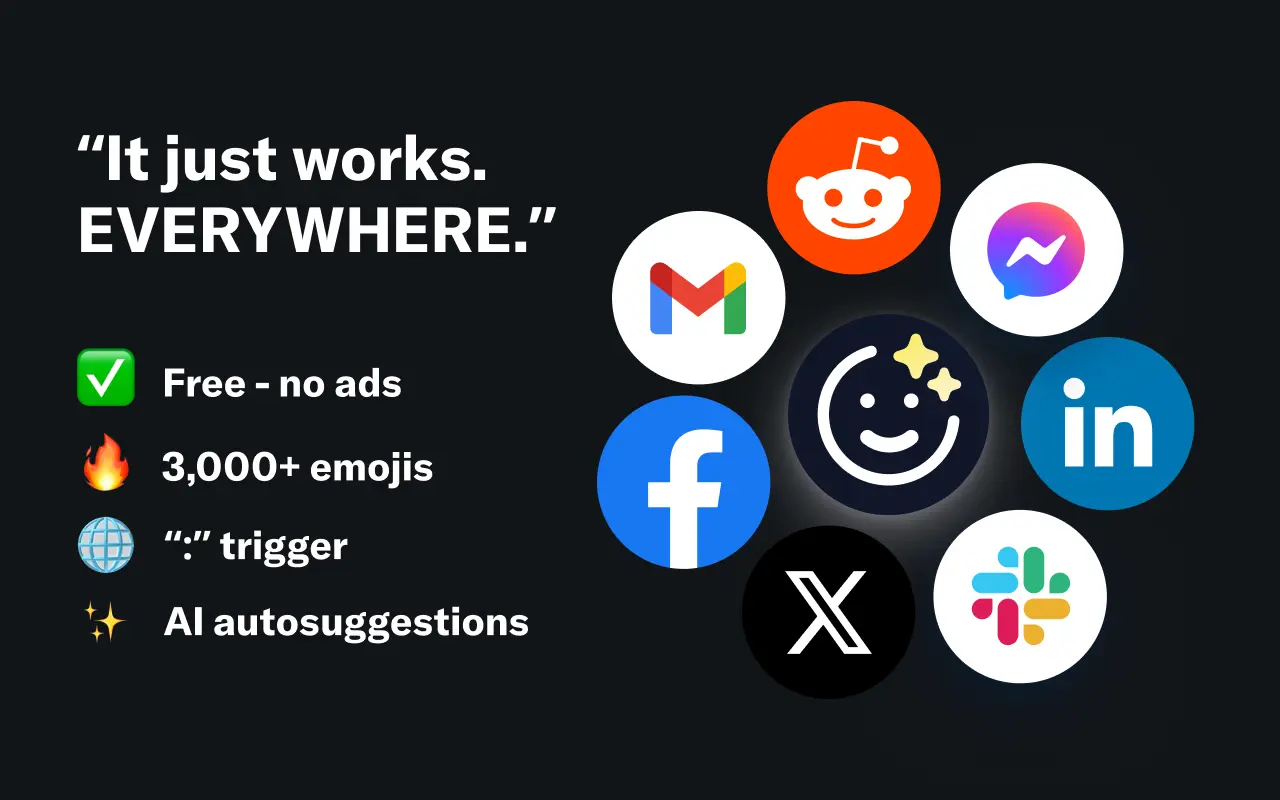
EmojAI
AI-powered emoji picker with smart, context-aware suggestions 🤖
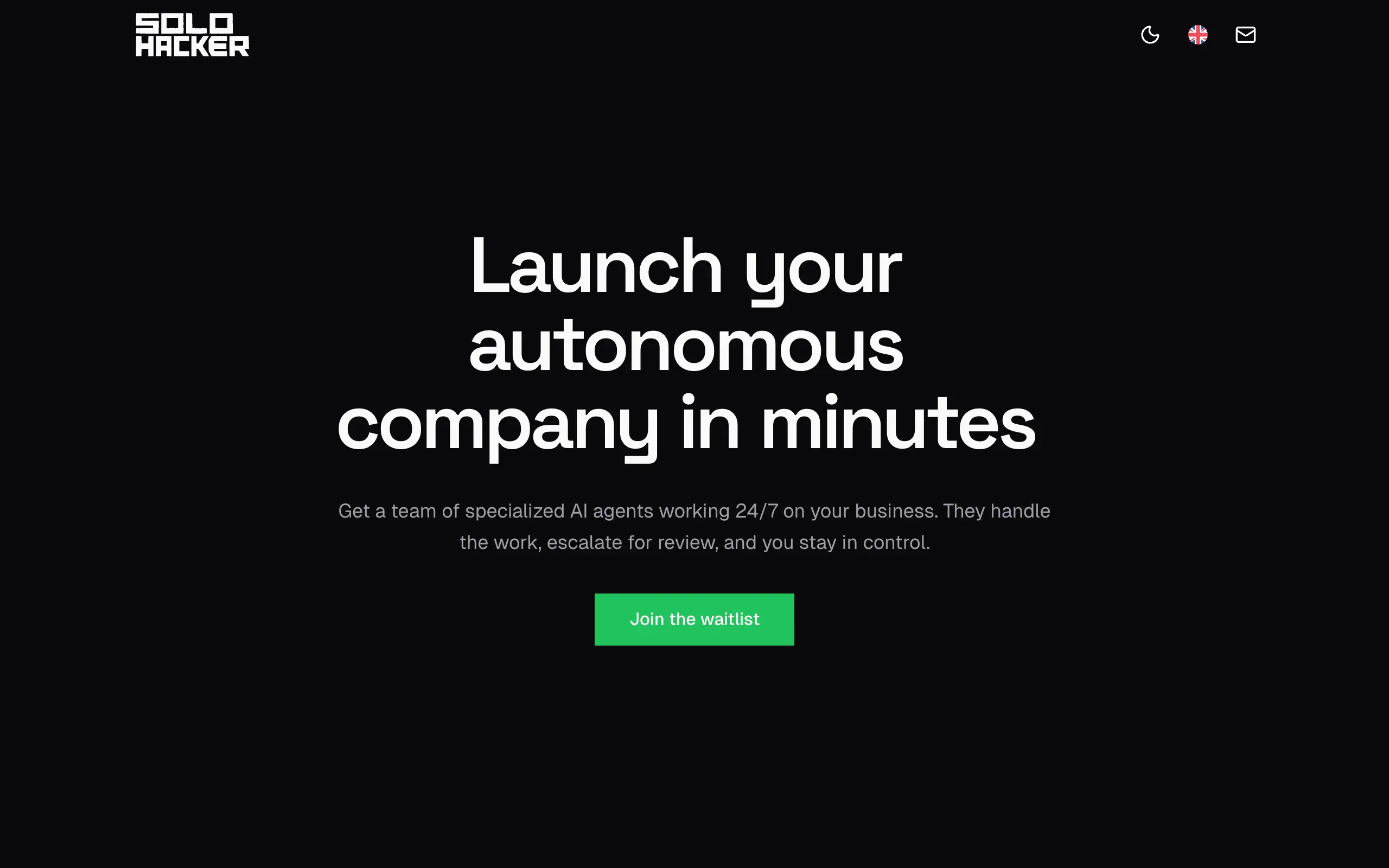
Solohacker
Autonomous company launcher—AI agents work 24/7, escalate what matters, and you stay in control 🤖
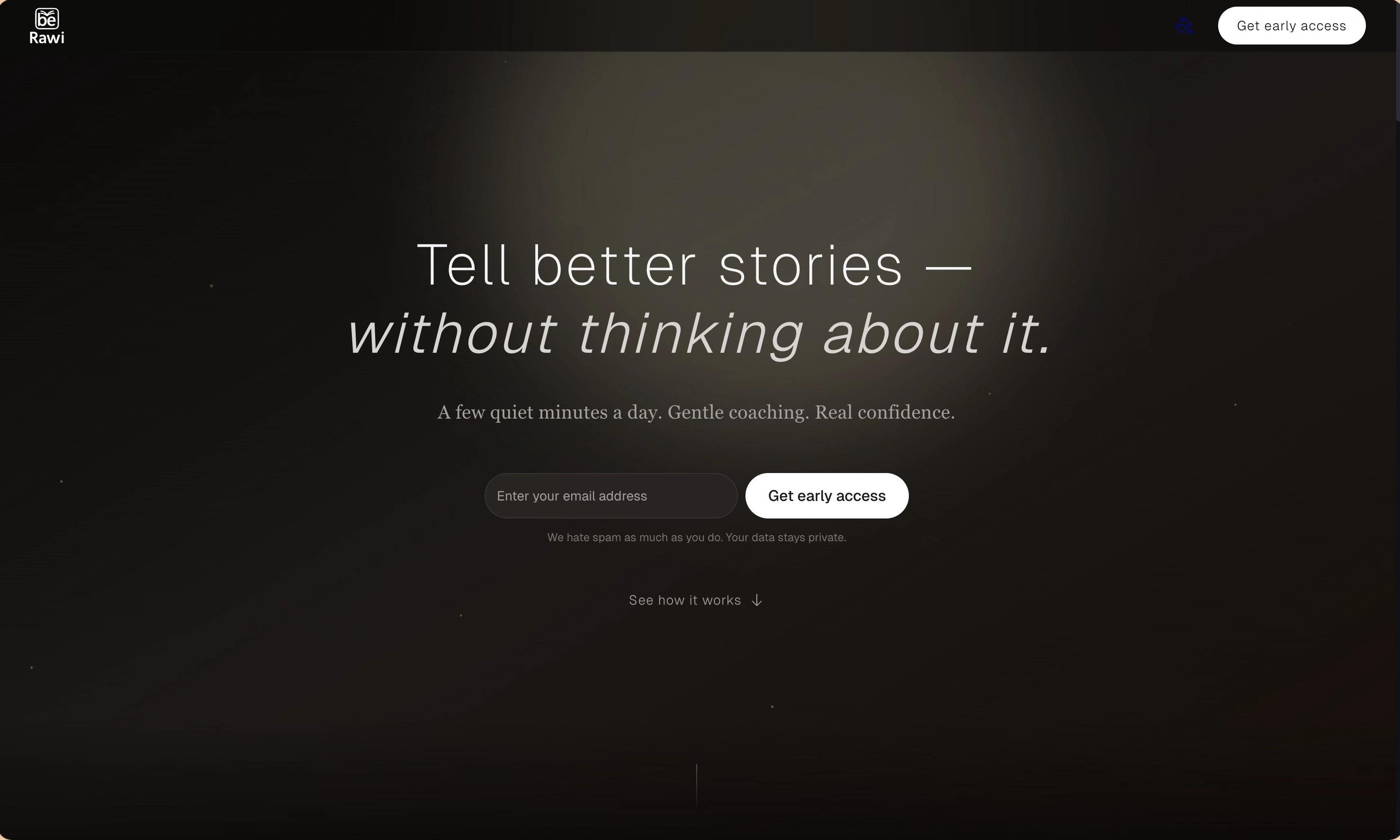
BeRawi: Storytelling Coach
Practice storytelling daily with instant feedback to sound clearer, more engaging, and confident 🎤

EmojAI
AI-powered emoji picker with smart, context-aware suggestions 🤖

Solohacker
Autonomous company launcher—AI agents work 24/7, escalate what matters, and you stay in control 🤖

BeRawi: Storytelling Coach
Practice storytelling daily with instant feedback to sound clearer, more engaging, and confident 🎤

EmojAI
AI-powered emoji picker with smart, context-aware suggestions 🤖

Solohacker
Autonomous company launcher—AI agents work 24/7, escalate what matters, and you stay in control 🤖

BeRawi: Storytelling Coach
Practice storytelling daily with instant feedback to sound clearer, more engaging, and confident 🎤

EmojAI
AI-powered emoji picker with smart, context-aware suggestions 🤖

Solohacker
Autonomous company launcher—AI agents work 24/7, escalate what matters, and you stay in control 🤖

BeRawi: Storytelling Coach
Practice storytelling daily with instant feedback to sound clearer, more engaging, and confident 🎤

Connect with like-minded people
Join our community to get feedback, support, and grow together with 600+ builders on board, let's ship it!
Join usShip your startup everywhere. In minutes.
Skip the complex setups and start building features on day one.