Notionify
Transform your Word documents into stunning Notion pages with Notionify. This app offers seamless conversion with customizable templates and design options, perfect for students and professionals looking to enhance their document presentation.
Understanding the Target Audience
For anyone interested in transforming everyday documents into engaging web pages, this innovative solution offers a unique value proposition. The target audience can be broadly segmented into several groups:
- Students: Particularly those who rely heavily on Word documents for assignments and essays. This service enables them to convert academic papers into visually appealing Notion pages quickly.
- Working Professionals: Professionals seeking to enhance their presentations and reports can leverage the tool to make content more digestible and engaging.
- Freelancers and Creatives: Designers, content creators, and freelancers can utilize the conversion process to streamline their workflow and deliver polished proposals and portfolios.
- Small Business Owners: Entrepreneurs and startup founders who regularly update content documents can benefit from the agility and enhanced appearance provided by a transformed page.
By focusing on these key demographics, the solution aims to simplify the creation of modern, organized, and visually robust pages that capture diverse audience needs.
Key Insight
Emphasizing usability and customization empowers users to reimagine the potential of everyday documents.
Seizing the Market Opportunity
The digital content landscape is evolving rapidly. In today’s competitive environment, ease of content management and presentation is critical. This solution addresses the need for a seamless conversion process that transforms traditional Word documents into dynamic Notion pages. Consider the following market opportunities:
- Growing Demand for Digital Transformation: As companies migrate from legacy document solutions to cloud-based platforms, there is an increasing need for tools that facilitate smooth transitions.
- Rise of Remote Work: With more professionals working remotely, accessible and organized content presentation has become essential. This tool helps bridge the gap between traditional documents and modern web-based formats.
- Increased Adoption of Notion: As Notion grows in popularity, the demand for optimized migration tools intensifies. The ability to convert professional documents into candidate Notion pages directly aligns with current user habits.
- Customization Overload: Many users are seeking ways to ensure their content stands out. The tool’s customizable templates and design options provide flexibility and creative freedom.
Overall, this market presents significant potential given the rapid evolution of remote work dynamics and the digital transformation wave sweeping across industries.
- Increase in remote collaboration tools usage
- Greater emphasis on productivity apps
- Rising trend of personal branding through portfolio websites
Leveraging a Modern Technology Stack
Building a powerful yet flexible system requires selecting the right technology components. Here's a glimpse into the proposed tech stack:
Frontend
- React and Next.js: Experience seamless navigation and dynamic interactivity with optimized rendering.
- Styled Components or Tailwind CSS: For robust and customizable design options that keep the pages visually appealing.
- TurboStarter: A modern web starter kit such as TurboStarter can accelerate development by encapsulating best practices and boilerplate code, ensuring rapid yet maintainable implementation.
Backend
- Node.js and Express: Provides a scalable and high-performance API layer for managing file uploads and conversions.
- Python Integration: Certain conversion processes might utilize Python libraries like python-docx for parsing complex Word documents effectively.
- GraphQL: Helps in optimizing data fetching which ensures that the transformation process is efficient and responsive.
Cloud Infrastructure
- AWS or Google Cloud Platform (GCP): Ensures reliable hosting, storage, and scalability. Utilizing serverless functions or containerized solutions like Docker will further streamline the deployment process.
- Firebase: Could be considered for authentication and real-time database needs, particularly for managing preview data in Notion.
Below is an example code snippet showcasing a simple operation that could be part of the conversion pipeline:
const convertDocument = (docContent: string): string => {
  // This is a simplified example converting text content for Notion formatting
  console.log("Converting document content:", docContent);
  return docContent.replace(/\n/g, '<br/>');
}
By leveraging a tech stack that balances modern frameworks with robust backend integrations, developers can create a solution that is both performant and user-friendly.
Frontend Highlights:
- React, Next.js
- Tailwind CSS for rapid styling
- TurboStarter for an accelerated setup
Backend Highlights:
- Node.js, Express API
- Python for document parsing
- GraphQL for efficient data handling
Monetization Strategy and Revenue Streams
A sustainable business model is the backbone of any successful project. Several potential monetization strategies can be explored:
- Subscription Plans: Tiered monthly or annual subscriptions can cater to different usage levels:
- Free Tier: Limited conversions per month, basic template options.
- Pro Tier: Unlimited conversions with premium templates and additional customization features.
- Enterprise Solutions: Custom packages for organizations with tailored integration and support.
- Pay-Per-Conversion: A flexible model where users pay a small fee per conversion if they don't qualify for a subscription.
- In-App Purchases: Selling additional templates, design packs, or exclusive customizations.
- Advertisement Partnerships: Collaborate with productivity tools and design platforms for targeted ad placements while ensuring the user experience remains uncompromised.
Each revenue stream is designed to match the needs of individual users and business clients alike, ensuring that the tool remains accessible while still delivering value.
Subscription Benefits
Discover flexible plans that cater to students, professionals, and businesses alike.
Navigating Potential Risks
While the market opportunity is vast, it's essential to acknowledge and plan for potential risks:
- Technical Challenges: Handling diverse document formats can be complex. There might be issues with layout preservation, font compatibility, and image handling which require regular updates and bug fixes.
- User Adaptability: Transitioning to a new workflow involves a learning curve. Adequate documentation, tutorials, and customer support must be in place.
- Competition: With a surge of tools aimed at increasing productivity, differentiating through unique features and robust customization can be challenging.
- Security Concerns: Managing document uploads, particularly potentially sensitive data, means robust security measures and GDPR compliance must be rigorously maintained.
- Market Volatility: Shifts in platform popularity or the emergence of new competitors could require agile pivots in strategy.
Taking a proactive approach to risk management by utilizing continuous integration and deployment (CI/CD) methodologies will ensure that any emerging issues are addressed promptly.
Risk Alert
Be prepared to iterate rapidly on the conversion algorithms and user feedback to stay ahead in a competitive market.
Competitive Advantages and Differentiation
The product’s potential to carve a niche in an evolving market depends significantly on its competitive advantages. Consider the following differentiators:
- Seamless Conversion Process: Unlike many cumbersome multi-step tools, this solution offers a streamlined conversion that minimizes user input and maximizes output quality.
- Customization and Flexibility: The availability of customizable templates ensures that every transformation can be tailored to individual brand and design specifications.
- User Experience: Prioritizing ease-of-use and quick turnaround times ensures that both students and professionals can effortlessly enhance their documents.
- Integration with Modern Platforms: By leveraging the Notion interface and design aesthetics, the converted pages not only look modern but also integrate smoothly into existing workflows.
- Robust Support and Updates: Continuous improvement cycles paired with dedicated customer support create a strong, loyal user base.
Some practical methods designed to set the product apart include:
- Advanced Parsing Algorithms: Utilizing machine learning to predict layout adjustments enhances accuracy during conversion.
- Automated Design Optimization: Implementing AI-driven design tweaks ensures every published page maintains a high standard of visual appeal.
- Cross-Platform Consistency: Ensuring consistency across multiple devices and platforms allows the tool to reach a broader audience.
- Speed: Quick conversion process reducing waiting times.
- Reliability: Consistently high-quality results across different document types.
- Innovation: Regular feature updates that keep ahead of design trends.
Scaling Through Agile Implementation
Adopting agile methodologies not only accelerates development but also ensures ongoing improvements based on user feedback. When deploying updates, consider the following structured approach:
By using agile practices, the team can maintain a robust product roadmap and remain responsive to market changes, ensuring the solution grows in tandem with user expectations.
Implementation Process and Final Steps
To bring the vision of converting traditional documents into dynamic web pages to life, the following implementation steps are recommended:
-
Initial Research and Planning:
- Conduct comprehensive market surveys to understand user requirements.
- Define a clear product roadmap that prioritizes features based on user demand and competitive analysis.
-
Prototype Development:
- Develop an early-stage prototype focusing on key functionalities.
- Use TurboStarter as a base to fast-track the initial setup and ensure best practices are built-in from the start.
- Experiment with customizable templates to find the right balance of flexibility and ease of use.
-
Iterative Development and User Testing:
- Implement agile cycles incorporating continuous feedback from pilot users.
- Utilize the outlined tech stack such as React, Next.js, and Node.js to build a scalable application.
- Integrate a conversion engine with dedicated modules for handling text, images, and layout designs.
- Validate the conversion accuracy through rigorous testing phases.
// Example of a quick validation script for testing document conversion
const validateConversion = (originalText: string, convertedText: string) => {
  if (convertedText.includes('<br/>')) {
    console.log("Conversion successful");
  } else {
    console.error("Conversion failed");
  }
}-
Deployment and Beta Launch:
- Prepare a staged rollout to a select group of users and gather detailed feedback.
- Monitor performance metrics, bug reports, and overall user satisfaction.
- Make necessary adjustments in real-time to meet expectations.
-
Full-scale Market Launch:
- Once stability and high-quality performance are validated, launch the tool to the broader market.
- Develop engaging tutorials, documentation, and FAQ sections to support new users.
- Roll out additional monetization layers such as subscription tiers and pay-per-conversion options.
-
Post-Launch Enhancements:
- Continuously integrate user feedback to refine conversion algorithms.
- Explore advanced functionalities like AI-powered design recommendations.
- Maintain a regular update schedule to ensure compatibility with evolving platforms and user needs.
Conclusion and Next Steps
This innovative approach to document conversion stands at the intersection of modern design trends and practical usability. By understanding your target audience, seizing the digital market opportunity, and leveraging a robust tech stack, you can create a tool that not only simplifies the conversion process but also enriches content presentation.
To wrap up, here are the key implementation steps:
- Understand the requirements and pain points of your targeted user base.
- Capitalize on market trends and the rise of digital collaboration tools.
- Build using a modern tech stack that includes proven frameworks and cloud solutions.
- Develop an agile monetization strategy that can cater to students, professionals, and businesses.
- Identify risks early on and implement mitigation strategies to ensure smooth operations.
- Focus on competitive advantages such as seamless conversion processes, customization, and a robust user experience.
- Implement methodically using agile cycles, rapid prototyping, and extensive beta testing to create a resilient and scalable product.
By following these well-structured steps and utilizing the right technologies, you pave the way for the successful launch and long-term growth of your application. The road ahead is filled with opportunities to enhance productivity and redefine document presentation. Happy coding and transforming!
More 👥 B2C Application SaaS ideas
Discover more innovative b2c application SaaS ideas that are trending in 2026. Each idea is AI-generated with market validation and growth potential to help you find your next profitable venture faster than competitors.
Your competitors are building with TurboStarter
Below are some of the SaaS ideas that have been generated and built with our starter kit.

Statiko
Monitor any Telegram channel in real time - track posts, edits, deletions, and growth with AI recaps 📡

Shibui
AI website builder - describe your business, pick a niche template, edit by chatting, and publish instantly ✨

Pro Service
Find verified home service professionals, compare quotes, and pay securely through escrow - built for Brazilians across the US 🏠
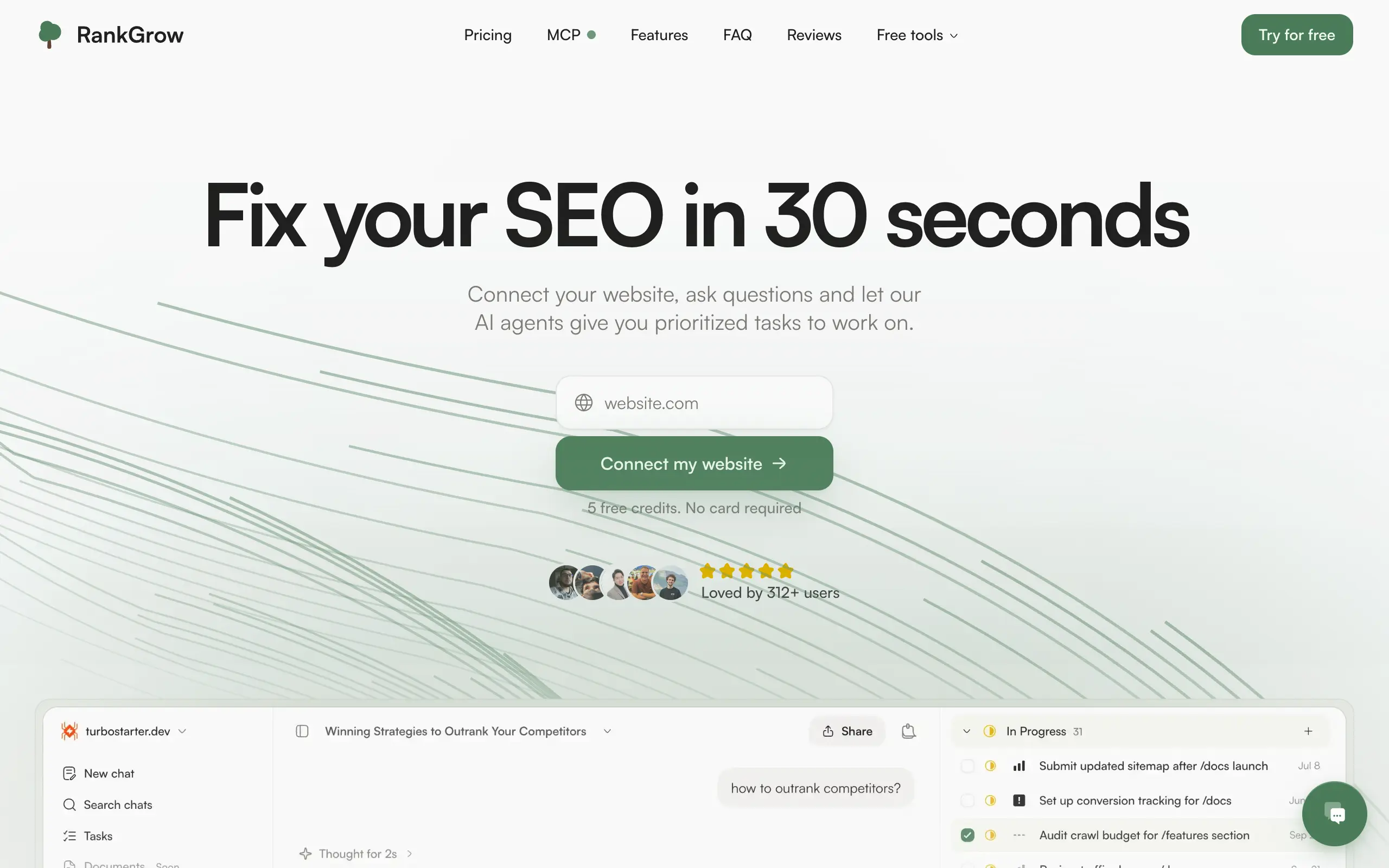
RankGrow
Fix your SEO with AI agents - connect Search Console, get prioritized tasks, and grow organic traffic 📈
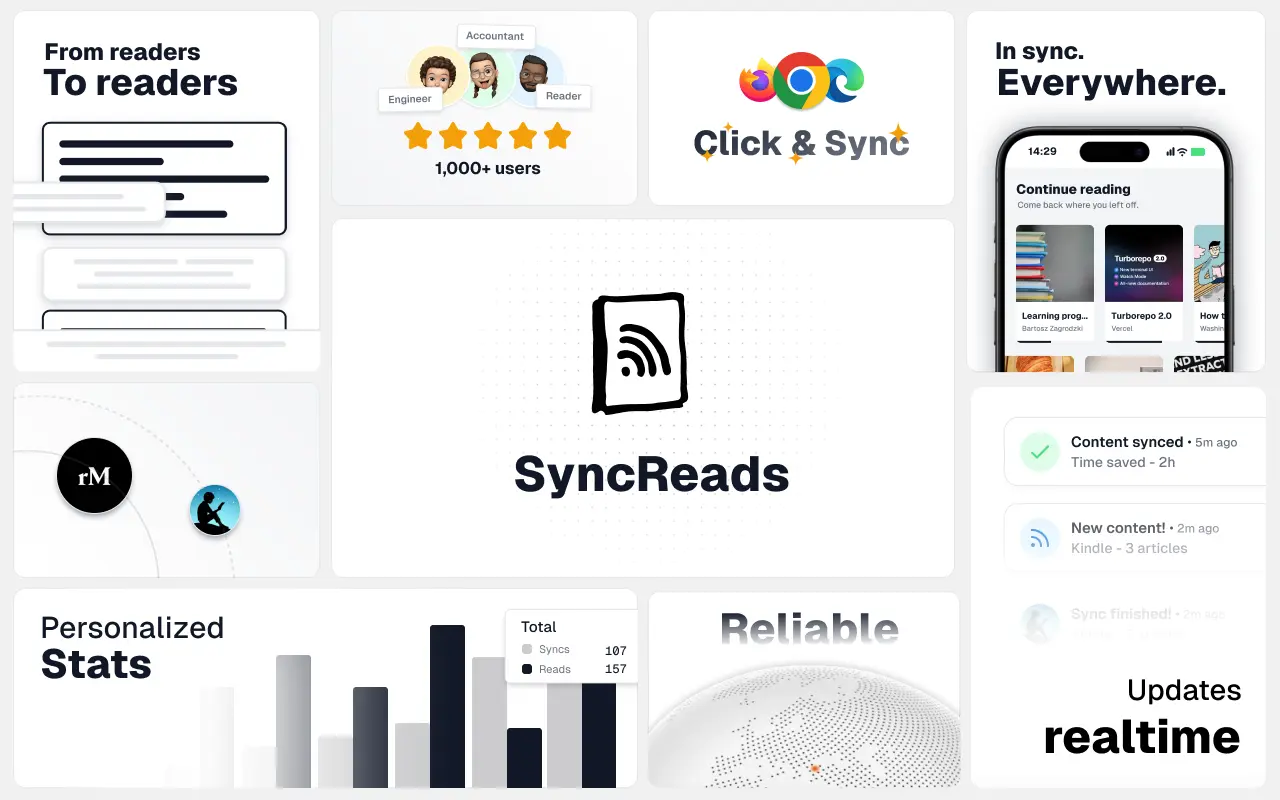
SyncReads
Sync your favorite content for distraction-free reading, save time and replace multiple apps. Anytime, anywhere 🔄
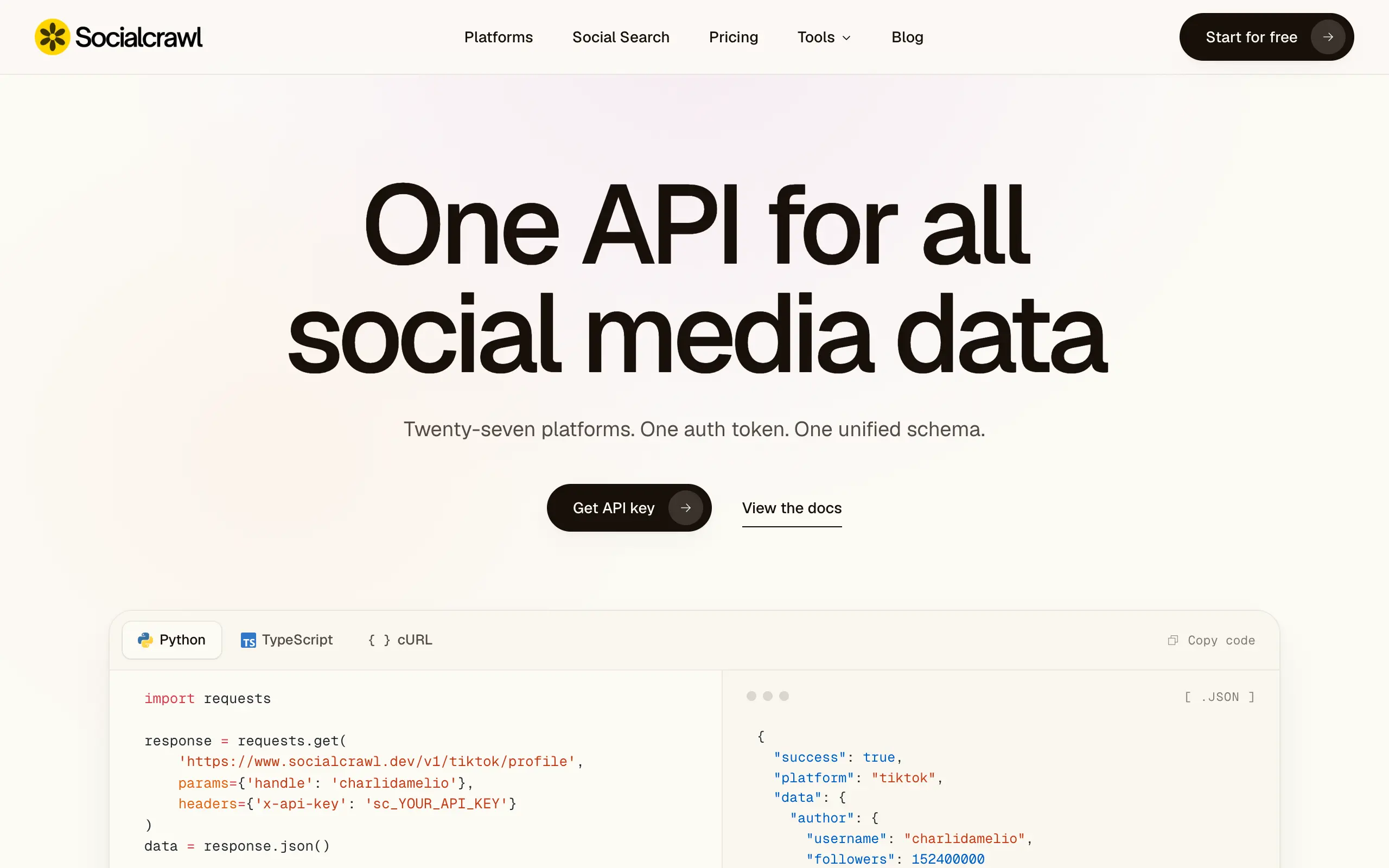
Socialcrawl
Get clean, structured data from 21 platforms like TikTok, Instagram, and YouTube with a single request 📊
Statiko
Monitor any Telegram channel in real time - track posts, edits, deletions, and growth with AI recaps 📡
Shibui
AI website builder - describe your business, pick a niche template, edit by chatting, and publish instantly ✨
Pro Service
Find verified home service professionals, compare quotes, and pay securely through escrow - built for Brazilians across the US 🏠
RankGrow
Fix your SEO with AI agents - connect Search Console, get prioritized tasks, and grow organic traffic 📈
SyncReads
Sync your favorite content for distraction-free reading, save time and replace multiple apps. Anytime, anywhere 🔄
Socialcrawl
Get clean, structured data from 21 platforms like TikTok, Instagram, and YouTube with a single request 📊
Statiko
Monitor any Telegram channel in real time - track posts, edits, deletions, and growth with AI recaps 📡
Shibui
AI website builder - describe your business, pick a niche template, edit by chatting, and publish instantly ✨
Pro Service
Find verified home service professionals, compare quotes, and pay securely through escrow - built for Brazilians across the US 🏠
RankGrow
Fix your SEO with AI agents - connect Search Console, get prioritized tasks, and grow organic traffic 📈
SyncReads
Sync your favorite content for distraction-free reading, save time and replace multiple apps. Anytime, anywhere 🔄
Socialcrawl
Get clean, structured data from 21 platforms like TikTok, Instagram, and YouTube with a single request 📊
Statiko
Monitor any Telegram channel in real time - track posts, edits, deletions, and growth with AI recaps 📡
Shibui
AI website builder - describe your business, pick a niche template, edit by chatting, and publish instantly ✨
Pro Service
Find verified home service professionals, compare quotes, and pay securely through escrow - built for Brazilians across the US 🏠
RankGrow
Fix your SEO with AI agents - connect Search Console, get prioritized tasks, and grow organic traffic 📈
SyncReads
Sync your favorite content for distraction-free reading, save time and replace multiple apps. Anytime, anywhere 🔄
Socialcrawl
Get clean, structured data from 21 platforms like TikTok, Instagram, and YouTube with a single request 📊
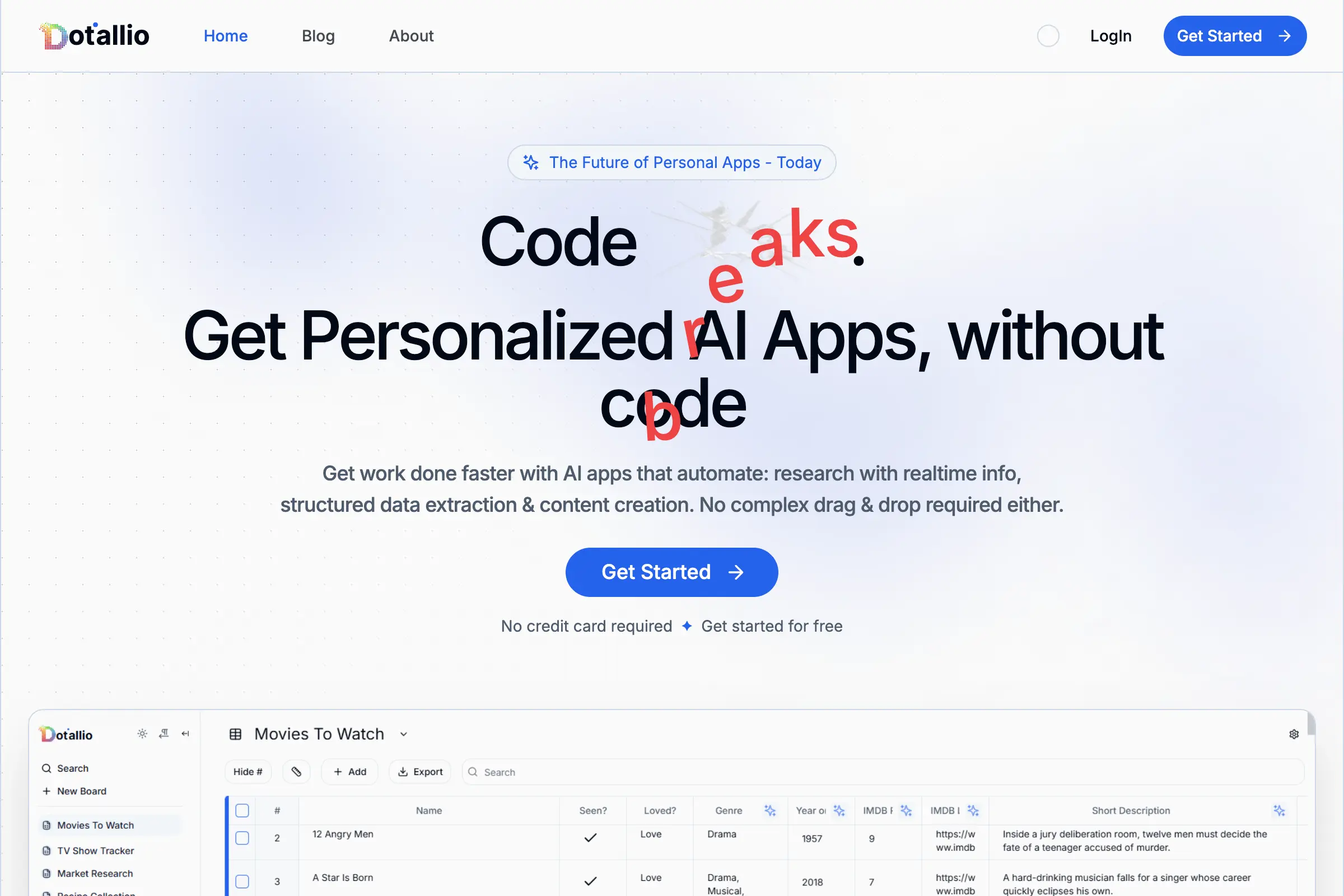
Dotallio
Personalized AI apps that automate research, data extraction, and content creation without code 🤖

Talk to Santa
Enjoy a magical live video chat or receive a unique AI-generated video greeting from Santa Claus 🎅
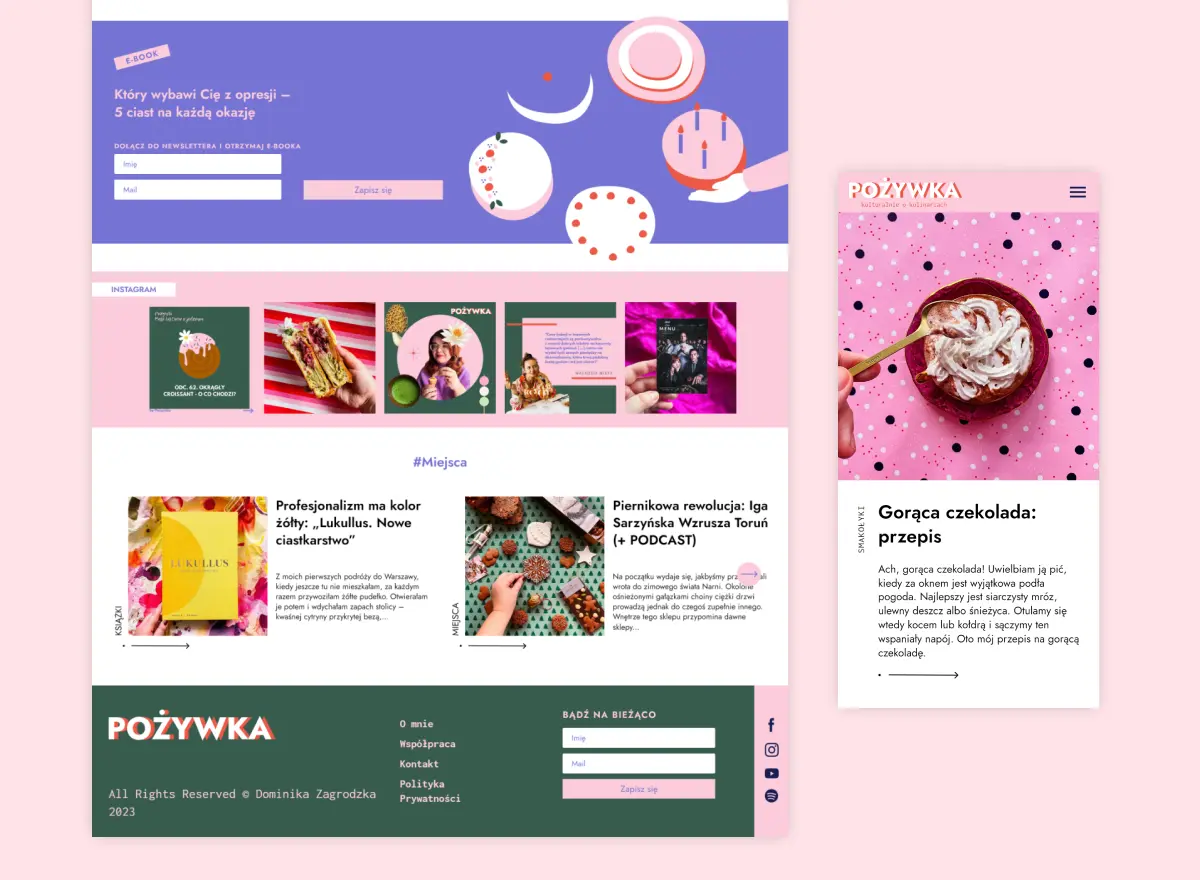
pozywka.pl
Scalable blog for food journalist, focused on performance and user experience 🌭
zagrodzki.me
Personal blog and portfolio of Bart Zagrodzki, where he shares his knowledge and work 💼
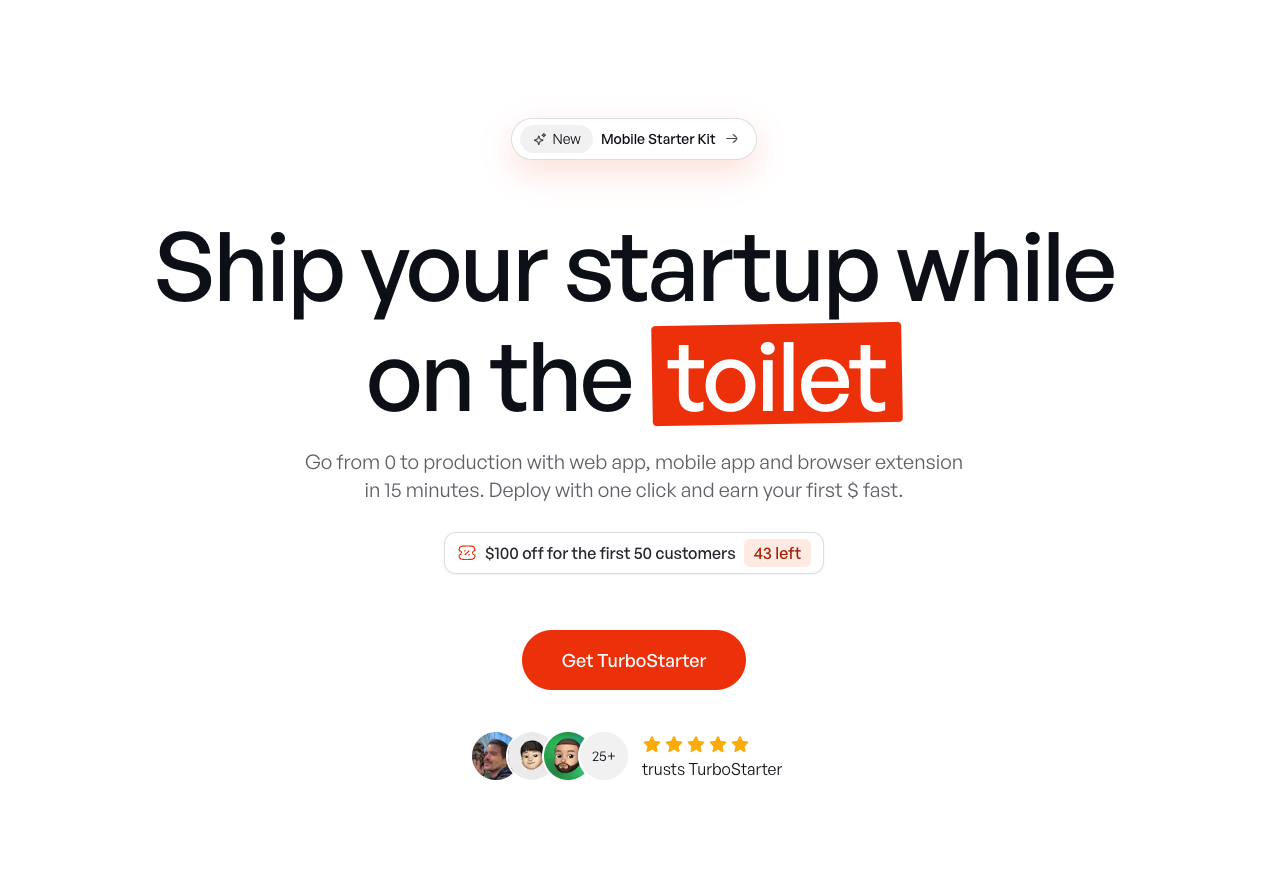
TurboStarter
Ship your startup everywhere. In minutes.
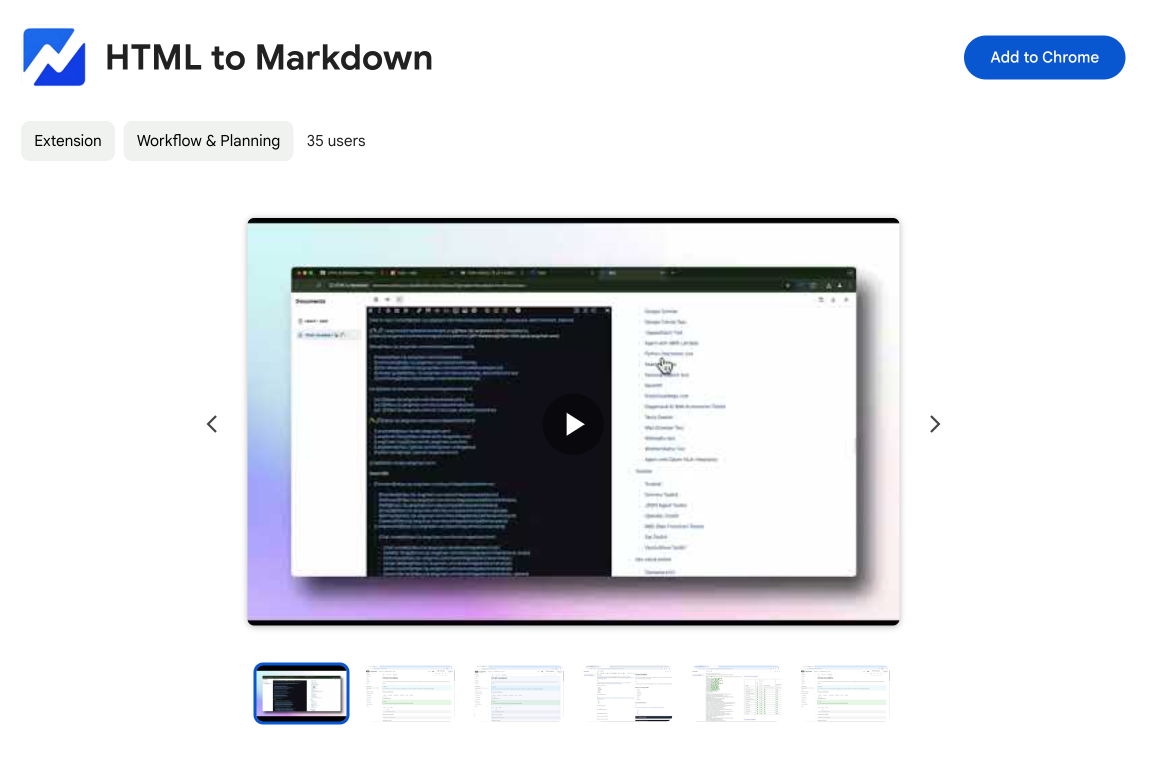
HTML to Markdown
Convert HTML to Markdown with ease, directly in your browser 📄
Dotallio
Personalized AI apps that automate research, data extraction, and content creation without code 🤖
Talk to Santa
Enjoy a magical live video chat or receive a unique AI-generated video greeting from Santa Claus 🎅
pozywka.pl
Scalable blog for food journalist, focused on performance and user experience 🌭
zagrodzki.me
Personal blog and portfolio of Bart Zagrodzki, where he shares his knowledge and work 💼
TurboStarter
Ship your startup everywhere. In minutes.
HTML to Markdown
Convert HTML to Markdown with ease, directly in your browser 📄
Dotallio
Personalized AI apps that automate research, data extraction, and content creation without code 🤖
Talk to Santa
Enjoy a magical live video chat or receive a unique AI-generated video greeting from Santa Claus 🎅
pozywka.pl
Scalable blog for food journalist, focused on performance and user experience 🌭
zagrodzki.me
Personal blog and portfolio of Bart Zagrodzki, where he shares his knowledge and work 💼
TurboStarter
Ship your startup everywhere. In minutes.
HTML to Markdown
Convert HTML to Markdown with ease, directly in your browser 📄
Dotallio
Personalized AI apps that automate research, data extraction, and content creation without code 🤖
Talk to Santa
Enjoy a magical live video chat or receive a unique AI-generated video greeting from Santa Claus 🎅
pozywka.pl
Scalable blog for food journalist, focused on performance and user experience 🌭
zagrodzki.me
Personal blog and portfolio of Bart Zagrodzki, where he shares his knowledge and work 💼
TurboStarter
Ship your startup everywhere. In minutes.
HTML to Markdown
Convert HTML to Markdown with ease, directly in your browser 📄
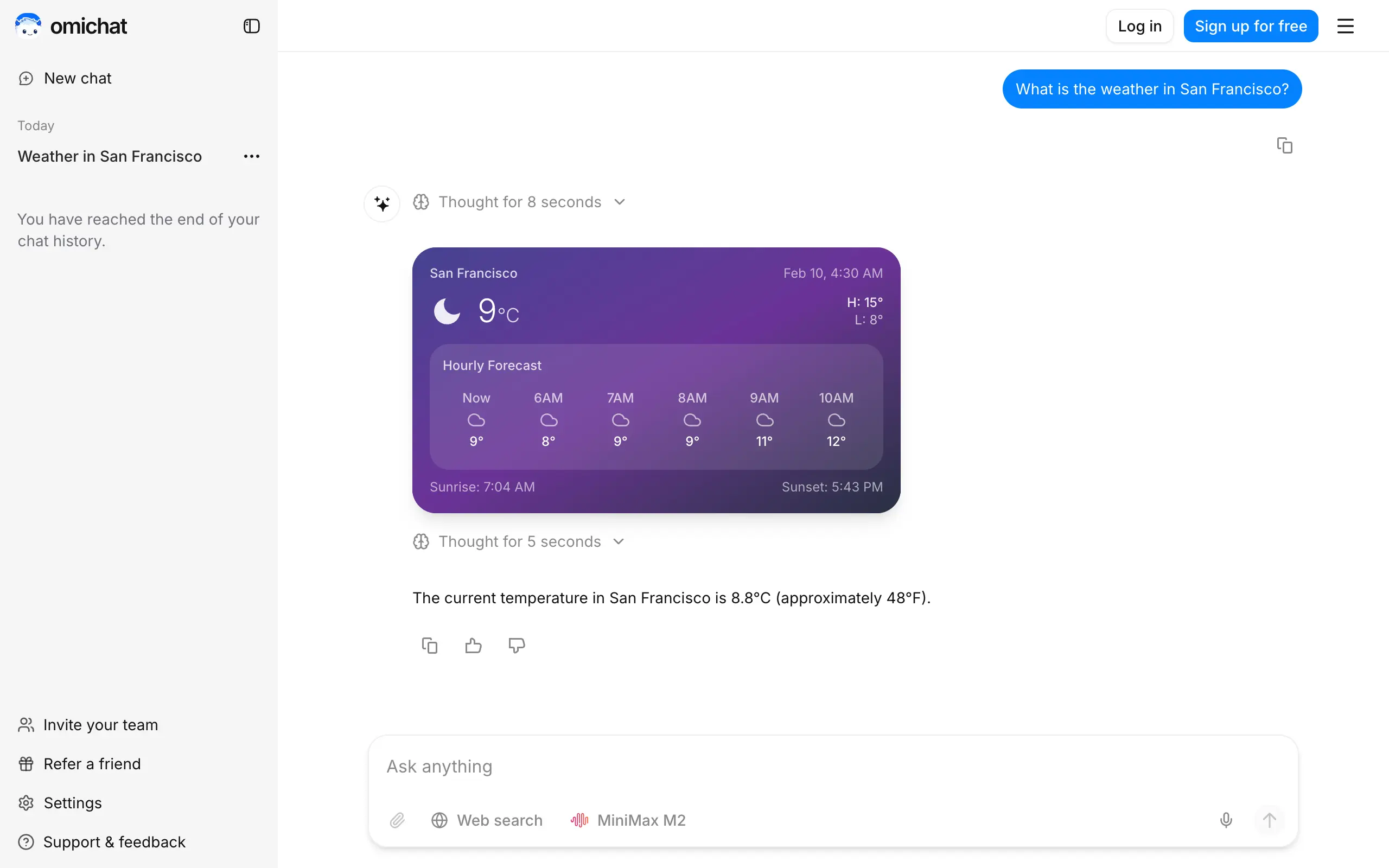
Omichat
Chat with 50+ AI models, including ChatGPT and Claude, in one place - switch models anytime without losing context 🤖
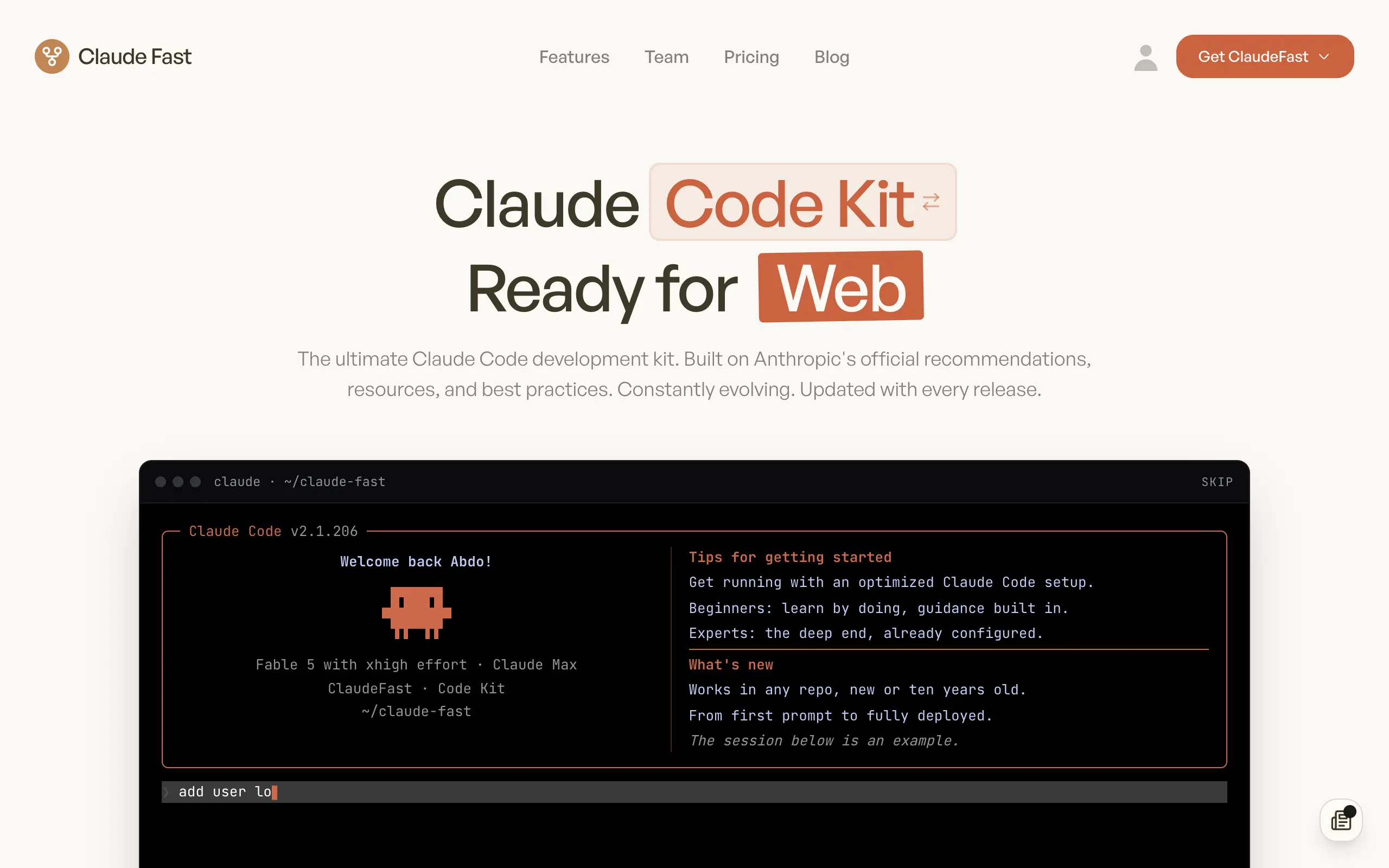
Claude Fast
Supercharge your Claude Code with 6x effective context window and specialized AI agents 🤖
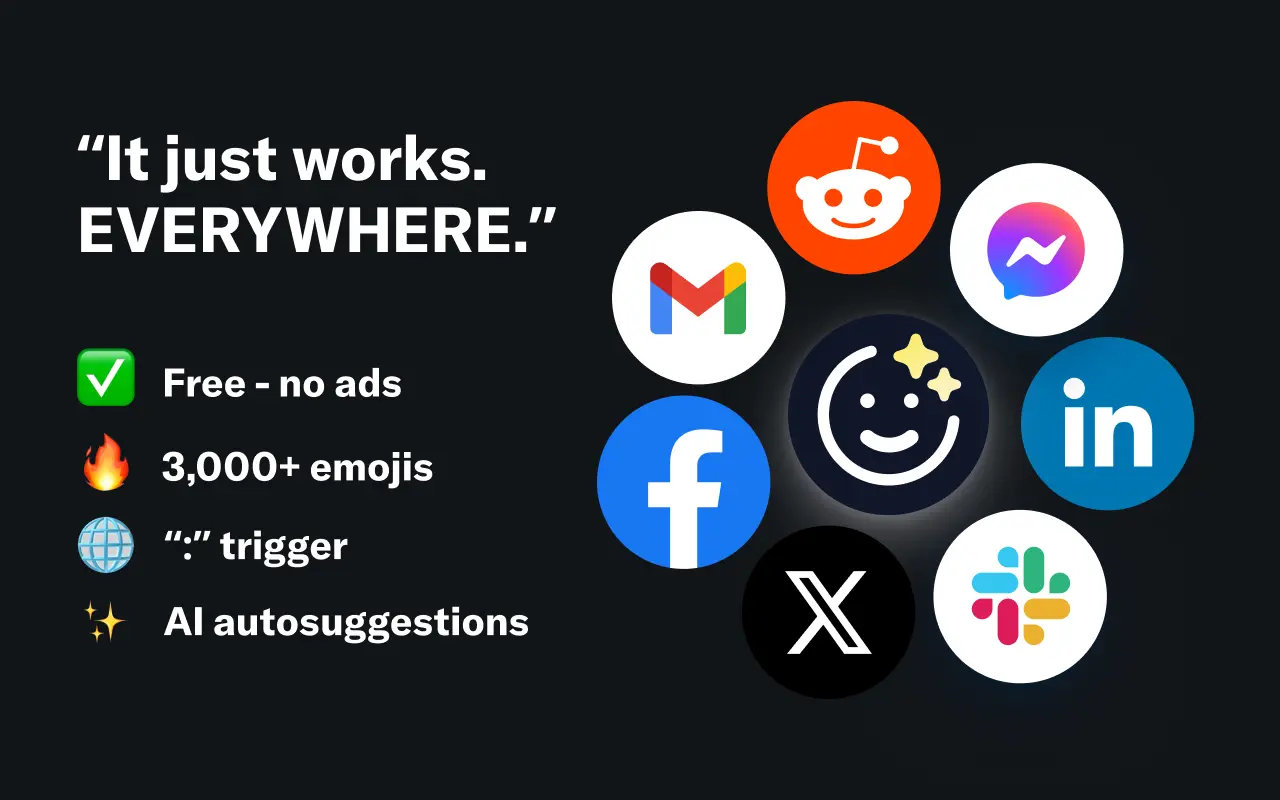
EmojAI
AI-powered emoji picker with smart, context-aware suggestions 🤖
Solohacker
Autonomous company launcher - AI agents work 24/7, escalate what matters, and you stay in control 🤖
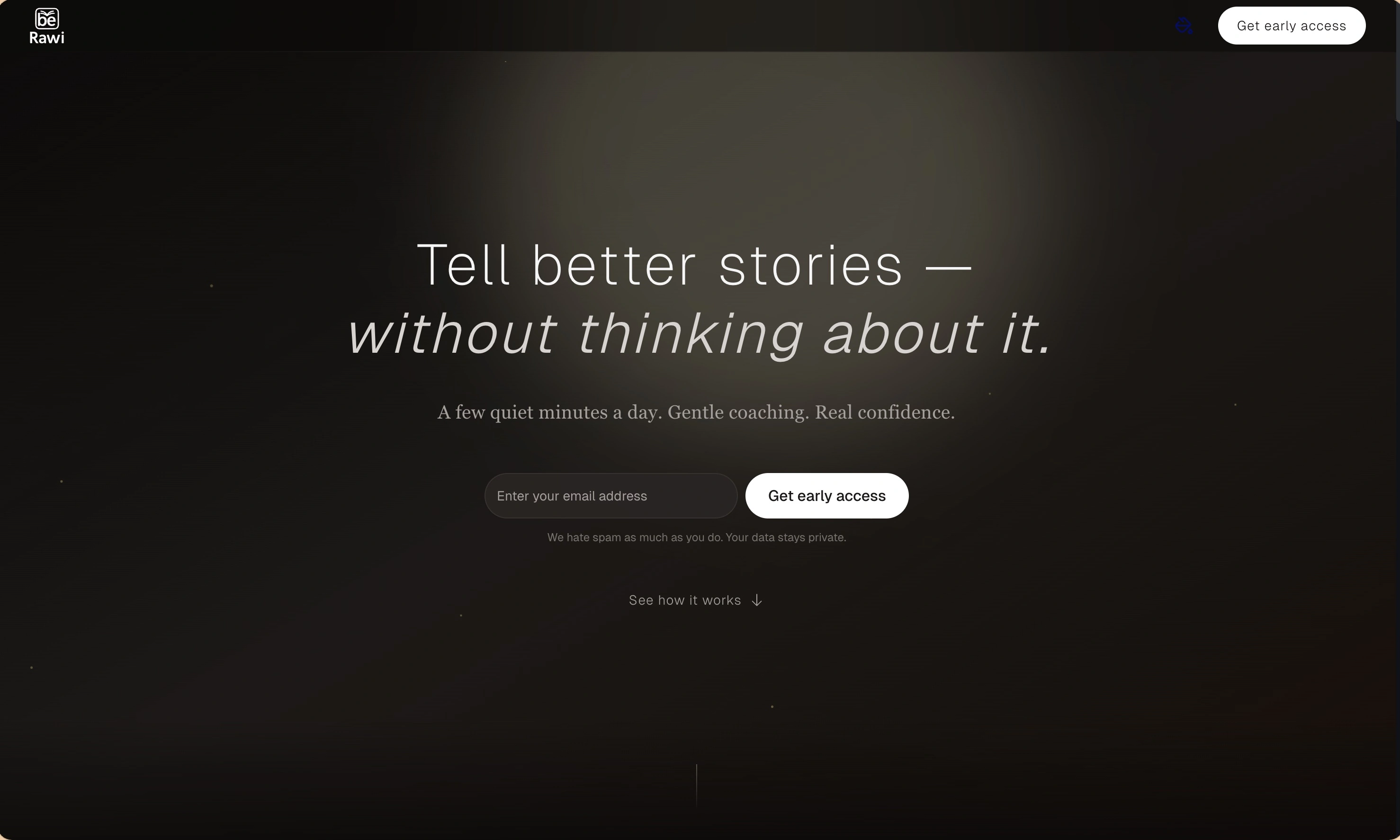
BeRawi: Storytelling Coach
Practice storytelling daily with instant feedback to sound clearer, more engaging, and confident 🎤
Omichat
Chat with 50+ AI models, including ChatGPT and Claude, in one place - switch models anytime without losing context 🤖
Claude Fast
Supercharge your Claude Code with 6x effective context window and specialized AI agents 🤖
EmojAI
AI-powered emoji picker with smart, context-aware suggestions 🤖
Solohacker
Autonomous company launcher - AI agents work 24/7, escalate what matters, and you stay in control 🤖
BeRawi: Storytelling Coach
Practice storytelling daily with instant feedback to sound clearer, more engaging, and confident 🎤
Omichat
Chat with 50+ AI models, including ChatGPT and Claude, in one place - switch models anytime without losing context 🤖
Claude Fast
Supercharge your Claude Code with 6x effective context window and specialized AI agents 🤖
EmojAI
AI-powered emoji picker with smart, context-aware suggestions 🤖
Solohacker
Autonomous company launcher - AI agents work 24/7, escalate what matters, and you stay in control 🤖
BeRawi: Storytelling Coach
Practice storytelling daily with instant feedback to sound clearer, more engaging, and confident 🎤
Omichat
Chat with 50+ AI models, including ChatGPT and Claude, in one place - switch models anytime without losing context 🤖
Claude Fast
Supercharge your Claude Code with 6x effective context window and specialized AI agents 🤖
EmojAI
AI-powered emoji picker with smart, context-aware suggestions 🤖
Solohacker
Autonomous company launcher - AI agents work 24/7, escalate what matters, and you stay in control 🤖
BeRawi: Storytelling Coach
Practice storytelling daily with instant feedback to sound clearer, more engaging, and confident 🎤

Connect with like-minded people
Join our community to get feedback, support, and grow together with 1,000+ builders on board, let's ship it!
Join usShip your startup everywhere. In minutes.
Don't burn tokens on setup and start building features on day one.