QuietHour
Find genuinely quiet cafés, parks, and work spots using live sound-level reports. Remote workers can filter by noise, outlets, seating, and stay time.
Why a quiet-place finder solves a real remote work problem
Remote work made location flexibility normal, but it also created a practical daily challenge: finding a place where focused work is actually possible. Search results for “quiet café near me” are often stale, subjective, and incomplete. A venue described as calm at 9 a.m. can be loud, crowded, and unusable by noon.
QuietHour is a B2C discovery platform for people who need genuinely quiet places to work, read, study, recover, or take important calls. It helps users find cafés, parks, libraries, hotel lobbies, coworking-friendly venues, and other work spots using live or recently submitted sound-level reports alongside practical filters such as outlets, seating quality, Wi-Fi confidence, accessibility, and recommended stay duration.
The primary keyword opportunity is quiet café finder, supported by related search terms including:
- quiet places to work
- quiet work spots near me
- noise level café app
- remote work café finder
- study spots near me
- cafés with outlets and Wi-Fi
- peaceful places to read
- low-noise coworking alternatives
- live sound level reports
- work-friendly cafés
QuietHour’s core value proposition is simple: instead of asking users to guess whether a space is productive, show them what the environment is like right now.
That difference matters because noise is not merely a preference. It affects concentration, video-call quality, cognitive load, customer satisfaction, and whether a user stays at a venue long enough to make the visit worthwhile.
The central product insight
A quiet-place directory is useful. A real-time quiet café finder with verified environmental context is substantially more useful because it helps users make a decision for the current moment, not based on an outdated review.
The target audience for QuietHour
QuietHour should initially focus on users with a recurring need for dependable low-noise environments. This is a more valuable segment than broad local-discovery users because they experience the problem frequently and have clear criteria for evaluating whether the product works.
Remote workers and freelancers
Remote workers are the most obvious early audience. They often alternate between home, cafés, libraries, shared offices, and public spaces. Their needs vary by task:
- Deep work requires low noise, comfortable seating, reliable Wi-Fi, and adequate table space.
- Video calls require controlled ambient sound and enough privacy to speak comfortably.
- Short admin sessions may only require a seat, an outlet, and a tolerable noise level.
- Client-facing work requires predictable conditions and confidence that a venue will not become disruptive.
A quiet café finder is especially valuable to freelancers who cannot justify full-time coworking memberships but still need alternatives to working from home.
Students and researchers
Students regularly search for study spaces near campus, but general map listings do not reliably answer the questions that matter. Is there room to spread out? Are people talking loudly? Is the venue suitable for a two-hour study session? Are power outlets available?
QuietHour can serve this group through highly practical filters:
- Noise range
- Outlet availability
- Large-table availability
- Solo-study suitability
- Group-study suitability
- Typical crowding
- Free versus paid entry
- Evening opening hours
Students can also become a strong contributor base because they visit the same locations repeatedly and can provide frequent, useful updates.
Neurodivergent users and sensory-sensitive visitors
For people with ADHD, autism, migraines, sensory processing differences, anxiety, or hearing sensitivity, environmental uncertainty can be a major barrier. “Not too busy” is not sufficiently specific when a visit requires planning around sensory comfort.
QuietHour should avoid making medical claims. However, it can offer transparent environmental information that gives users more autonomy. Features such as decibel bands, music presence, crowd density, echo level, and quiet-hour forecasts can make the product meaningfully more accessible.
Readers, writers, and independent creators
Writers, designers, artists, and readers frequently seek peaceful third places that are neither home nor a formal office. They may be less concerned about enterprise-grade Wi-Fi but highly concerned with atmosphere, seat comfort, natural light, and the ability to stay without pressure.
This audience expands QuietHour beyond a pure productivity utility and supports discovery-oriented use cases such as:
- Finding a calm place to journal
- Finding a peaceful park bench
- Finding a low-noise reading café
- Finding an inspiring place to write
- Finding a quiet weekend escape within a city
Travelers and digital nomads
Visitors do not know local neighborhood patterns, venue etiquette, or peak hours. They often make poor choices because standard travel reviews prioritize food, scenery, or tourism value rather than work suitability.
QuietHour can become a reliable trip-planning layer by showing whether a venue is a practical workspace, not simply a highly rated place to visit.
High-frequency need
Remote workers, students, and freelancers repeatedly need calm places, which creates strong retention potential.
Clear decision criteria
Noise, seating, power, Wi-Fi, and stay time are concrete attributes that users can compare quickly.
Community data advantage
Frequent visitors can submit timely reports, making local data more useful over time.
The market gap in quiet café and work-spot discovery
Local discovery products are excellent at helping users find businesses, directions, operating hours, menus, and broad customer ratings. They are less effective at answering context-dependent questions such as:
Can I focus here right now?
A standard map listing may contain hundreds of reviews, but “great atmosphere” can mean radically different things to different people. One reviewer may consider a busy venue lively and energizing. Another may consider the same setting impossible for concentration.
The gap exists because conventional review platforms have several structural limitations.
Reviews are usually historical rather than situational
A five-star review from eighteen months ago does not tell a user whether there is construction outside today, whether a large group is occupying the main table, or whether the café’s afternoon playlist is unusually loud.
QuietHour should treat environmental quality as a changing condition, not a permanent venue attribute.
Noise is subjective unless it is normalized
Words such as “quiet,” “cozy,” “vibrant,” and “buzzing” carry emotional meaning but lack a shared baseline. QuietHour can make these labels more useful by combining user perception with sound-level bands.
For example:
- Library quiet might correspond to a very low ambient range.
- Conversation friendly might indicate occasional nearby voices but manageable focus conditions.
- Café lively might indicate consistent activity and background sound.
- Too loud for focus might indicate elevated sound levels or frequent disruptive spikes.
The product does not need to promise laboratory precision. It needs to create a consistent and understandable decision framework.
Work-readiness data is scattered
Users currently piece together work-spot suitability from social posts, review photos, venue websites, community forums, coworking directories, and trial-and-error visits. QuietHour consolidates the information that affects a work session.
Important attributes include:
- “Current noise level” based on recent reports and optional device measurement
- “Outlet access” including whether outlets are plentiful, limited, or seat-dependent
- “Seating type” such as communal tables, booths, bar stools, outdoor seating, or laptop-friendly desks
- “Wi-Fi confidence” based on user reports rather than unsupported speed promises
- “Stay comfort” based on venue policy, purchase expectations, and observed tolerance for longer sessions
- “Call suitability” based on noise, privacy, and social norms
- “Crowd level” based on current and historical reports
- “Accessibility details” including step-free access, restroom availability, and seating accommodations
Existing alternatives solve only part of the problem
Coffee shop directories may list laptop-friendly venues. Coworking platforms offer bookable desks. Map products provide reviews and hours. Noise-monitoring tools may measure local sound but do not help users discover work-ready places.
QuietHour’s opportunity is to connect these disconnected jobs into one decision flow:
- Find nearby spots.
- Compare current conditions.
- Filter for a specific type of work.
- Navigate with confidence.
- Confirm or update the report after arriving.
QuietHour’s unique selling proposition
QuietHour should position itself as the live environmental intelligence layer for third places.
Its defensible USP is not simply “a directory of quiet cafés.” Directories are easy to copy and difficult to keep current. The stronger proposition is:
QuietHour helps people choose the right place for the task they need to do, using timely noise reports and practical work-spot signals.
This positioning gives the product room to expand beyond cafés without losing focus. A user does not fundamentally need coffee. They need a productive, comfortable, and appropriately quiet environment.
What makes QuietHour different
User-generated reports can translate a subjective experience into structured data such as noise range, music level, crowd density, and call suitability. This makes the information easier to compare than free-form reviews.
A user can search for a place for deep work, a one-hour laptop session, reading, a quiet call, or group study. The best venue depends on the task, not on one universal rating.
Every report should show when it was submitted. A report from ten minutes ago deserves more weight than one from six months ago, while historical patterns remain valuable for forecasting.
Users benefit from recent reports, then contribute a quick update after visiting. This can gradually build a location-specific data moat that generic review platforms do not prioritize.
Core QuietHour features and how they should work
The product should begin with a narrow, high-confidence workflow rather than trying to build every local-discovery capability at once.
A map and list view built for fast decisions
The primary home screen should open to a map with a list alternative. Each venue card needs to answer the most important question immediately:
Is this a good option for me right now?
A card can display:
- Venue name and distance
- Current quiet score or noise band
- Age of the latest report
- Current crowd indicator
- Outlet availability
- Wi-Fi confidence
- Recommended session length
- Tags such as “deep work,” “quiet calls,” “reading,” or “outdoor calm”
Use visual language carefully. A simple sound-wave icon, color-neutral scale, and time-since-update label are more useful than an unexplained score out of 100.
Live sound-level reporting
Live sound-level reports are the feature that defines QuietHour. The reporting experience should be fast enough to complete in under 20 seconds.
A contributor might:
- Select the venue.
- Allow an optional ambient sound reading from their phone.
- Confirm a subjective label such as quiet, moderate, lively, or loud.
- Add context about music, crowding, and calls.
- Submit the report.
The app should never imply that a consumer smartphone delivers certified acoustic measurement. Phone microphones vary by model, case, operating system, and user handling. The product should present readings as community environmental indicators, optionally calibrated through aggregation and confidence scoring.
A practical sound-report model can include:
type SoundReport = {
  venueId: string;
  reportedAt: string;
  estimatedDb: number | null;
  perceivedNoise: "quiet" | "moderate" | "lively" | "loud";
  musicLevel: "none" | "soft" | "noticeable" | "dominant";
  crowdLevel: "empty" | "light" | "busy" | "full";
  callSuitability: "good" | "possible" | "poor";
  confidence: number;
};
The confidence field can account for report freshness, repeated contributor reliability, nearby corroborating reports, device measurement availability, and abnormal values.
Smart filters for quiet places to work
Filtering is where QuietHour converts data into utility. Avoid overwhelming users with dozens of choices on the first launch. Show a few high-value defaults and let advanced users expand options.
Recommended initial filters include:
- Quiet now
- Open now
- Outlets available
- Laptop-friendly
- Suitable for calls
- Free entry
- Outdoor seating
- Accessible entrance
- Wi-Fi reported
- Suitable for 2+ hours
- Under a chosen walking or transit distance
Later filters can include:
- Natural light
- Pet friendly
- Gender-neutral restroom
- Indoor air quality reports
- Wheelchair-friendly tables
- Food purchase required
- Group study
- Evening quietness
- Child-friendly versus adult-focused ambiance
Historical quietness forecasts
A truly useful version of QuietHour should not only show the latest report. It should learn venue patterns.
For example, a user searching on Tuesday at 2 p.m. could see:
- “Usually quiet at this time”
- “Noise tends to increase after 4 p.m.”
- “Best for deep work before noon”
- “Weekend crowding is commonly high”
This is especially valuable when a venue has no recent report. Historical forecasts should be labeled clearly as estimated patterns rather than real-time facts.
A basic model can aggregate reports by:
- Day of week
- Local hour
- Season
- Public holidays
- School term dates, where appropriate
- Weather conditions, if later supported by reliable data
- Nearby event periods, if users flag unusual conditions
Work-spot suitability profiles
Each venue needs a profile that explains why it may or may not work for a specific use case.
A useful profile structure could include:
- “Best for”: deep work, reading, short laptop sessions, solo meetings, study, casual creative work
- “Avoid if”: you need silence, need a private call, need a guaranteed outlet, need large desk space
- “Typical stay”: under one hour, one to two hours, two-plus hours
- “Etiquette”: purchase expected, laptops welcomed, laptop restrictions at peak periods
- “Seating”: bar seats, shared tables, armchairs, booths, outdoor tables
- “Facilities”: power, Wi-Fi, restroom, water, bike parking, air conditioning
This helps QuietHour remain trusted even when a venue is not ideal. Honest negative context is as important as positive discovery.
Saved lists and personal preferences
Users should be able to save locations into lists such as:
- My reliable work spots
- Quiet reading places
- Good for client calls
- Weekend study route
- Places near the station
- Rainy-day alternatives
Preferences can personalize ranking without becoming intrusive. A user who always filters for outlets and low noise should see those factors weighted heavily in recommendations.
Contributor reputation and verification
Crowdsourced data quality is a central risk, so QuietHour needs lightweight trust mechanisms from the beginning.
Potential mechanisms include:
- Verified visit signals based on location proximity, with explicit consent
- Contributor reliability scores that are not publicly judgmental
- Duplicate-report detection
- Rate limits for new accounts
- Community flags for misleading reports
- Venue-owner response tools
- Report expiration and freshness weighting
- Anomaly detection for implausible sound readings
The aim is not to eliminate every inaccurate report. It is to make a single bad report unable to distort a venue’s reputation.
A practical product score for quiet work spots
QuietHour should avoid reducing a complex environment to one opaque score. Still, a transparent composite ranking can help users compare options quickly.
A “QuietHour fit score” can combine several dimensions:
- Noise suitability for the selected task
- Freshness and confidence of reports
- Outlet and seating availability
- Wi-Fi confidence
- Crowd level
- Travel distance
- Typical stay suitability
- User-specific preferences
The key is task sensitivity. A venue with moderate ambient sound may be excellent for casual writing but poor for a therapy session, legal call, or exam preparation.
| User task | Noise priority | Seating priority | Call privacy priority | Typical ideal venue |
|---|---|---|---|---|
| Deep work | Very high | High | Medium | Quiet café, library, calm hotel lobby |
| Video call | High | Medium | Very high | Private booth, quiet coworking space |
| Reading | High | Medium | Low | Park, library, low-traffic café |
| Short admin work | Medium | Medium | Low | Any laptop-friendly venue with power |
Recommended tech stack for QuietHour
A location-based, real-time consumer application benefits from a stack that supports fast iteration, reliable geospatial queries, mobile-friendly interactions, and secure user-generated content.
Frontend application
For a web-first MVP, Next.js is a strong choice because it combines server rendering, routing, API capabilities, and SEO-friendly page generation. Venue pages can be indexable for long-tail searches such as “quiet cafés in Brooklyn” or “quiet work spots in London.”
Use React for interactive reporting flows, filter state, maps, saved lists, and live update interfaces. Pair it with Tailwind CSS to build a consistent interface quickly without accumulating a large custom stylesheet.
Recommended frontend choices include:
- Next.js for the application framework and server-rendered venue pages
- React for interactive components
- TypeScript for safer domain models and report validation
- Tailwind CSS for responsive UI development
- TanStack Query for client-side caching and background refreshes
- Zod for schema validation across report forms and APIs
Mapping and geospatial infrastructure
Map selection involves cost, visual quality, licensing, and developer experience trade-offs.
Mapbox offers strong mapping tools, custom styling, and geocoding capabilities. It is well suited to a polished consumer map experience, though usage-based pricing must be monitored as traffic grows.
OpenStreetMap provides open geographic data and can reduce vendor lock-in, but teams need to plan carefully for tile hosting, geocoding, and operational complexity. A managed provider may still be sensible during early growth.
For the database, PostgreSQL with the PostGIS extension is a strong fit. PostGIS supports proximity searches, geographic boundaries, spatial indexes, and map-oriented queries without forcing an early move to a specialized database.
Backend and real-time data
A managed backend can speed up MVP delivery. Supabase is particularly suitable because it offers PostgreSQL, authentication, storage, real-time capabilities, and row-level security in one ecosystem.
A possible architecture:
- Next.js handles the web app and server-side rendering.
- Supabase provides PostgreSQL, authentication, storage, and real-time subscriptions.
- PostGIS stores venue coordinates and supports nearby-location queries.
- A server-side API validates reports, calculates confidence, and prevents abuse.
- A background job recalculates forecasts and venue aggregates.
For large-scale real-time reporting, event queues and workers may eventually be needed. However, an early-stage product should not introduce distributed infrastructure before user behavior validates the need.
Mobile strategy
QuietHour’s core behavior happens while users are moving through a city, so mobile usability is essential. Start with a responsive web app and progressive web app capabilities. This reduces initial cost and improves discoverability through search.
Once report volume and retention justify it, consider Expo with React Native for native iOS and Android applications. Native apps can improve location permission handling, notifications, and easier on-the-go reporting.
The trade-off is team complexity. A web-first approach enables faster iteration. A native app may become valuable when push notifications, background location, and highly polished mobile flows become proven retention drivers.
Privacy and security requirements
Location products must earn trust. QuietHour should use data minimization rather than collecting location data simply because it is available.
Key safeguards include:
- Ask for precise location only when it is necessary.
- Allow manual venue search without location permission.
- Explain why location is requested in plain language.
- Avoid exposing individual contributor locations publicly.
- Store only the data required for report verification.
- Define clear retention periods for precise location signals.
- Use row-level permissions so users can access only their own private lists and account data.
- Provide account deletion and data export workflows.
- Publish a readable privacy policy before public launch.
Do not overstate noise accuracy
Consumer-device sound readings should be framed as estimates and combined with subjective context. QuietHour should not claim regulatory-grade decibel measurement unless it has a validated hardware and calibration program.
Monetization strategies for QuietHour
The best monetization model should preserve user trust. If paid placement makes a noisy venue appear quiet, the product’s core value collapses. Revenue must be clearly separated from environmental rankings.
Freemium subscription for power users
A consumer subscription can work if it provides meaningful recurring value rather than putting basic discovery behind a paywall.
Potential premium features include:
- Unlimited saved lists
- Advanced historical quietness forecasts
- Personalized quiet-time alerts
- Custom commute-area monitoring
- Offline saved maps
- Ad-free browsing
- Enhanced filters for highly specific needs
- Weekly planning recommendations
- Multi-city travel collections
A low monthly plan can appeal to freelancers, students, and hybrid workers, but the free version must remain genuinely useful to maintain network growth.
Venue profiles and business tools
Venues can pay for tools, not for deceptive rankings.
Ethical business offerings may include:
- Claimed venue profile management
- Ability to add verified amenities and policies
- Quiet-hours scheduling
- Analytics about anonymous discovery demand
- Alerts when reports indicate recurring issues
- Promotional offers clearly labeled as sponsored
- Reservation or day-pass integrations, where applicable
QuietHour should maintain a strict rule: paid status cannot alter current noise reports, community feedback, or organic fit rankings.
Affiliate and booking revenue
If QuietHour later includes coworking day passes, reservable desks, hotel workspaces, or transit-related planning, affiliate revenue may fit naturally. The user should always see when a result includes a commercial relationship.
Local sponsorships
A carefully labeled local sponsorship can work for city guides, newsletter issues, or seasonal collections. For example, a neighborhood productivity guide might be sponsored by a local brand without changing which venues qualify as quiet.
Competitive advantage and defensibility
QuietHour cannot rely on a map interface as its moat. Maps can be recreated. The defensible asset is a trusted, structured dataset about how places feel and function over time.
The data network effect
Every new report can improve the product for the next visitor. Over time, QuietHour can build:
- Venue-specific noise patterns
- Time-of-day quietness predictions
- Reliable work-readiness attributes
- Local etiquette knowledge
- Contributor reliability signals
- Task-based venue suitability patterns
A city with high report density becomes more useful, attracting more users and generating more reports. This loop can create meaningful local defensibility.
A focused category creates better data
Large review platforms optimize for broad usefulness. QuietHour can ask better questions because it has a narrower job to solve.
Instead of asking “How was your visit?”, it can ask:
- Could you comfortably focus for 90 minutes?
- Were outlets available without inconveniencing others?
- Was music audible enough to distract from reading?
- Did the venue feel appropriate for a short call?
- Were there seats available for solo laptop work?
These structured prompts create data that is more actionable than generic star ratings.
Trust is a product feature
The long-term winner in this category will not necessarily have the largest number of venues. It will have the most trusted decision signals.
QuietHour should make uncertainty visible. If reports are old, say so. If only one person has reported a venue, communicate limited confidence. If conditions differ sharply by time of day, show that pattern rather than presenting a misleading average.
This approach strengthens trust, even when the answer is less convenient.
Risks QuietHour must address early
Cold-start data scarcity
A quiet-place finder has a classic marketplace challenge. Users want reports before they contribute reports.
Mitigation should focus on density rather than geographic breadth:
- Launch in one walkable neighborhood, campus area, or remote-work-heavy district.
- Seed an initial set of venues through direct research and transparent labeling.
- Partner with student communities, local newsletters, and remote-worker groups.
- Reward early contributors with profile badges, premium access, or useful local collections.
- Focus on repeat-report venues where freshness has the greatest value.
A small area with excellent data is more compelling than a global map with mostly empty listings.
Inaccurate or manipulated reports
Users may misreport conditions accidentally or intentionally. Venue owners may try to influence ratings. Competitors may attempt to harm a venue.
Mitigation options include:
- Freshness-weighted aggregation
- Confirmation from multiple independent reports
- Location-aware verification with consent
- Automated outlier detection
- User reporting tools
- Human moderation for repeated abuse
- Separation of objective fields and subjective comments
- Clear appeal workflows for venue owners
Legal and reputational risk
Describing a venue as noisy, unsuitable for laptops, or unfriendly to long stays can create tension. QuietHour should use factual, respectful language and build clear content policies.
Avoid absolute claims such as “this venue is always loud.” Prefer time-bound community reporting such as “recent visitors reported elevated noise during weekday afternoons.”
Privacy concerns
Precise location data, device microphone permissions, and visit verification can feel sensitive. Explain each permission at the point of request, provide alternatives, and never record audio unless the product has an explicit and well-justified reason. For this use case, recording audio is unnecessary.
Venue relationship friction
Some cafés may worry that quietness scores will discourage customers during busy periods. QuietHour can turn this into a constructive relationship by allowing venues to publish verified policies, set expected laptop hours, and highlight intentionally calm periods.
The product should not punish a popular venue for being busy. It should help the right user find the right venue at the right time.
Go-to-market strategy for a quiet café finder
The best launch strategy is hyperlocal and search-driven.
Start with one concentrated city area
Choose an area with:
- High density of cafés, libraries, and public work spots
- A large student, freelancer, or remote-worker population
- Walkable neighborhoods
- Active local online communities
- Venues that vary meaningfully by time of day
A university district or central neighborhood in a major city can provide enough repeated usage to test live-report behavior.
Build location pages for organic search
Search demand is naturally local. Create useful, indexable pages around phrases such as:
- Quiet cafés in a specific neighborhood
- Best quiet places to work in a city
- Study spots near a university
- Cafés with outlets in a district
- Quiet places for remote work near a transit hub
These pages must be genuinely helpful, not thin SEO pages. Include current venue data, update timestamps, practical work-spot guidance, and explanations of how QuietHour scores suitability.
Create shareable local collections
Users love practical recommendations they can send to friends or colleagues. Build curated, data-informed collections such as:
- Five quiet cafés for deep work
- Best Sunday reading spots
- Calm work locations near the train station
- Laptop-friendly venues open late
- Outdoor quiet spots for mild-weather days
Collections are useful for social sharing, newsletters, and local partnerships.
Recruit trusted early contributors
Early contributor quality matters more than raw volume. Potential ambassador groups include:
- Student societies
- Digital nomad communities
- Freelance collectives
- Local productivity creators
- Libraries and community organizations
- Accessibility advocates
- Neighborhood newsletter writers
Provide contributors with clear standards for what makes a helpful report. A short, consistent report is more valuable than a long but vague comment.
An actionable implementation roadmap
The fastest route to validation is to test whether users value timely environmental information enough to return and contribute.
Define a narrow launch area and interview at least 20 target users. Ask about their current methods for finding quiet work spots, the last time a venue failed them, and the signals they trust before traveling.
Build a web-first MVP with venue search, map discovery, noise labels, outlet and seating tags, report timestamps, and a lightweight contribution flow.
Seed 50 to 100 locations with transparent baseline data. Mark owner-verified information separately from community-reported conditions.
Launch a contributor program that rewards repeat, high-quality reports. Focus on report freshness and coverage during predictable peak work hours.
Measure activation, repeat search behavior, report submission rate, venue-page conversion, saved-location usage, and the percentage of searches with a recent report.
Add quietness forecasting only after enough repeated data exists. Clearly distinguish live reports from historical estimates.
Test monetization after retention is established. Begin with ethical venue tools or an optional power-user plan rather than intrusive advertising.
MVP success metrics to monitor
The most important early metrics are behavioral, not vanity metrics.
Track:
- Percentage of users who complete a location search
- Percentage of searches resulting in navigation intent
- Percentage of users who save a venue
- Report submission rate after a visit
- Weekly retention among users who submit at least one report
- Share of venue searches with a report from the last two hours
- Accuracy feedback from users after arrival
- Number of active venues with repeated reports
- Time required to find a suitable work spot
A strong signal of product-market fit is when users begin opening QuietHour before leaving home, rather than using it only after a disappointing café visit.
Final perspective on building QuietHour
QuietHour is a compelling SaaS and consumer platform idea because it solves an immediate, recurring, emotionally familiar problem: uncertainty about whether a place will support concentration.
The opportunity is not to compete with every map, review, or reservation product. It is to own a specific, high-value question:
Where can I go right now to do the kind of work I need to do?
By combining live sound-level reports, task-based filtering, venue practicality data, transparent confidence signals, and historical quietness patterns, QuietHour can become more than a quiet café finder. It can become a trusted operating system for choosing better third places.
The winning version should prioritize trust, local density, privacy, and data freshness over superficial feature breadth. Start with one neighborhood, make the experience reliably useful, and build the contributor loop that turns individual observations into a defensible local intelligence network.
TurboStarter can help accelerate the implementation phase with a production-ready SaaS foundation, allowing the team to focus on QuietHour’s differentiated location data, reporting logic, and user experience rather than rebuilding standard application infrastructure.
More 👥 B2C Application SaaS ideas
Discover more innovative b2c application SaaS ideas that are trending in 2026. Each idea is AI-generated with market validation and growth potential to help you find your next profitable venture faster than competitors.
Your competitors are building with TurboStarter
Below are some of the SaaS ideas that have been generated and built with our starter kit.
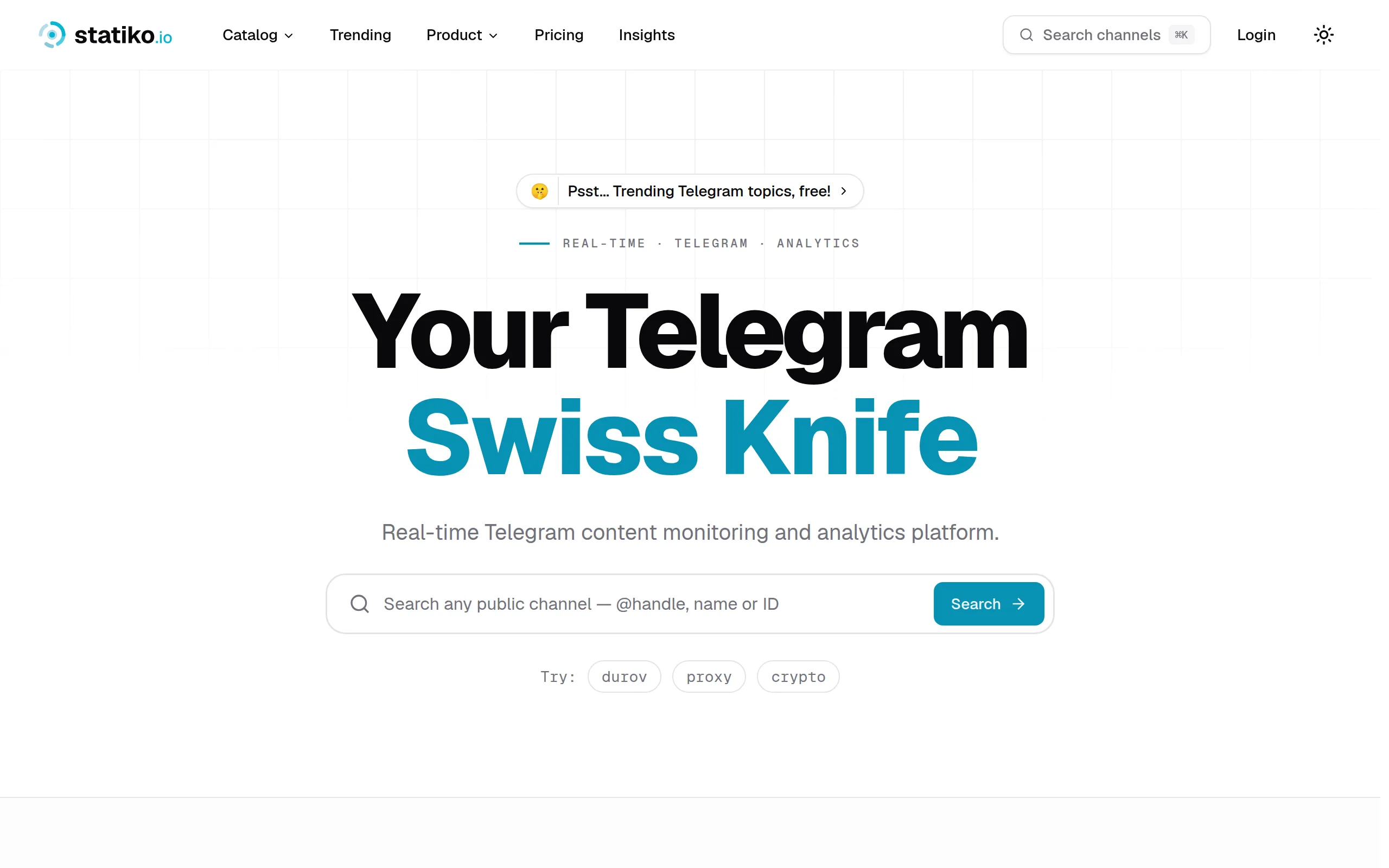
Statiko
Monitor any Telegram channel in real time - track posts, edits, deletions, and growth with AI recaps 📡
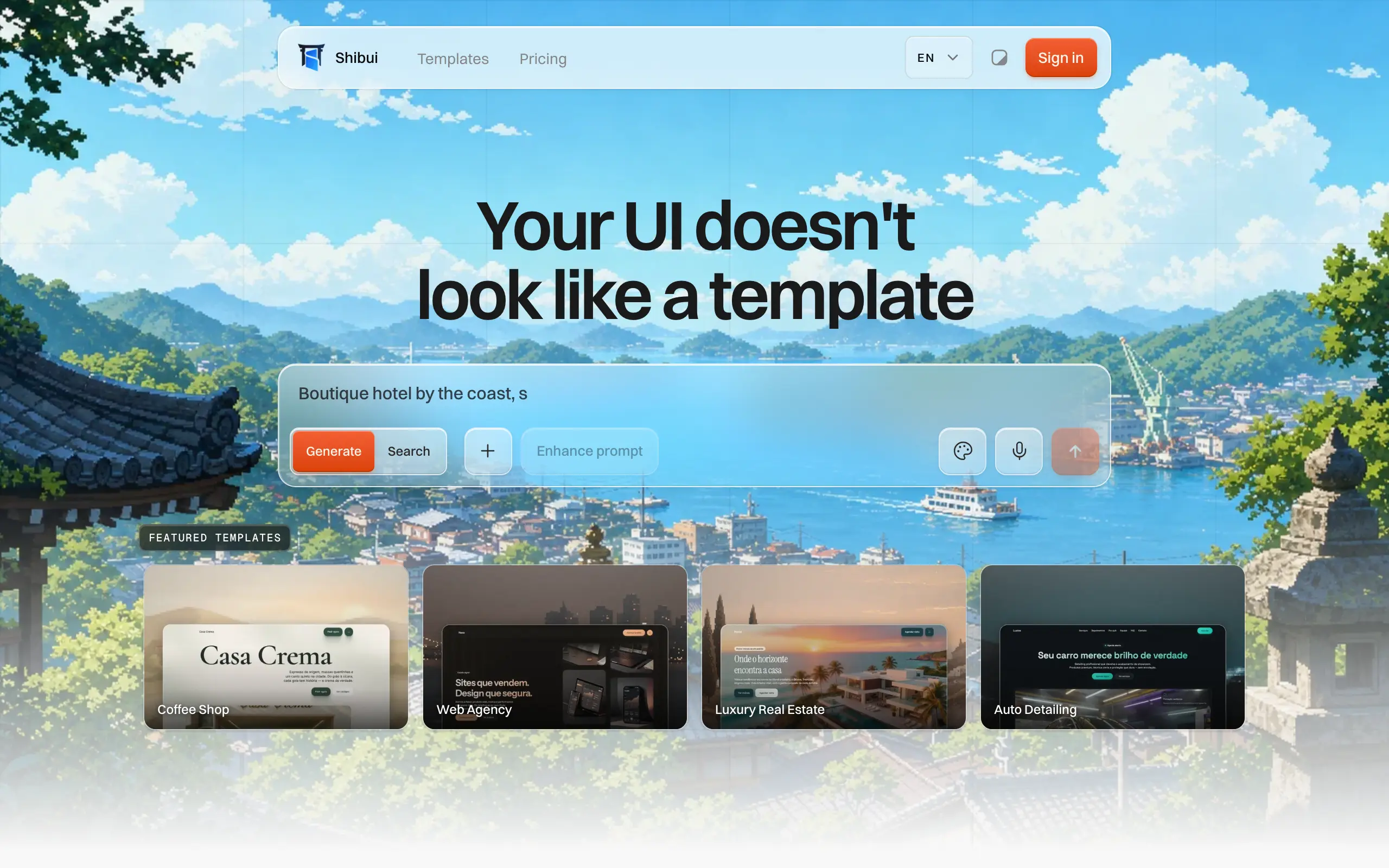
Shibui
AI website builder - describe your business, pick a niche template, edit by chatting, and publish instantly ✨
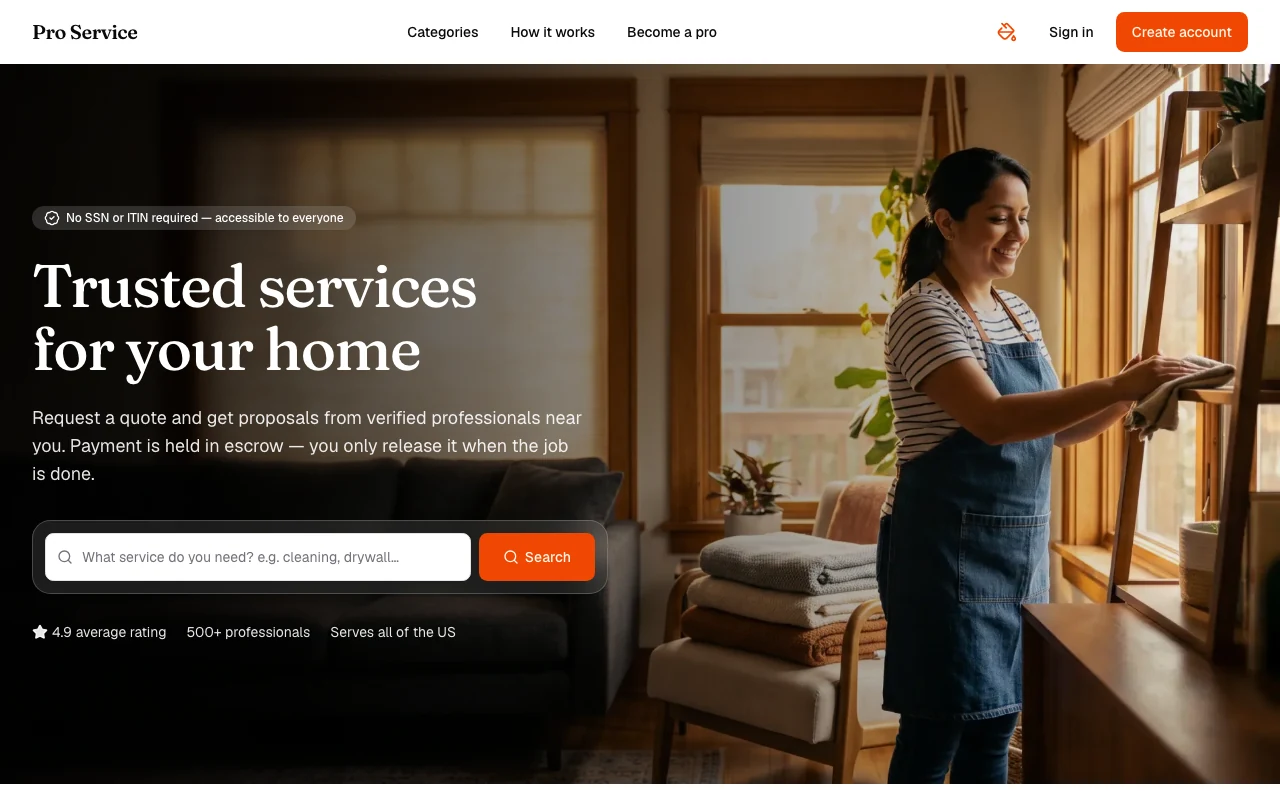
Pro Service
Find verified home service professionals, compare quotes, and pay securely through escrow - built for Brazilians across the US 🏠
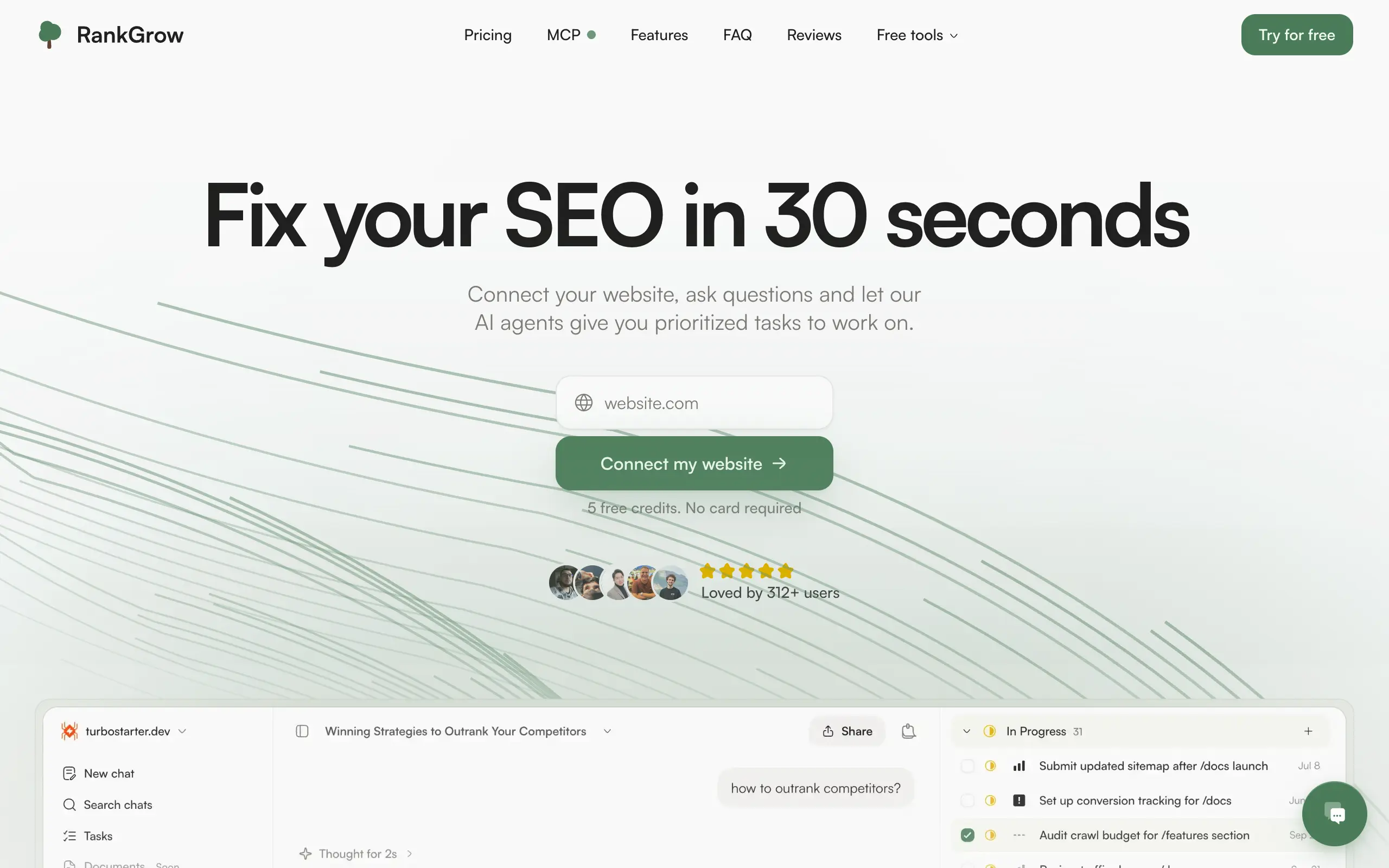
RankGrow
Fix your SEO with AI agents - connect Search Console, get prioritized tasks, and grow organic traffic 📈
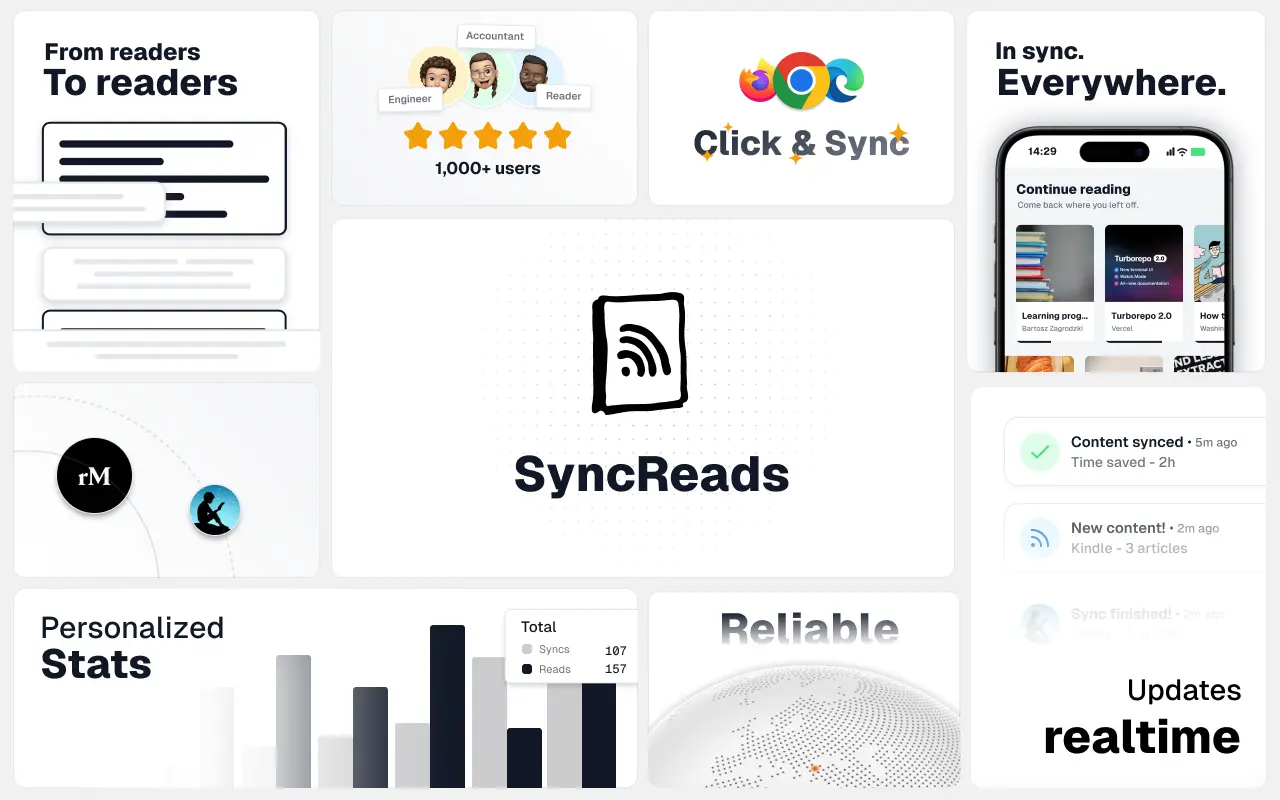
SyncReads
Sync your favorite content for distraction-free reading, save time and replace multiple apps. Anytime, anywhere 🔄
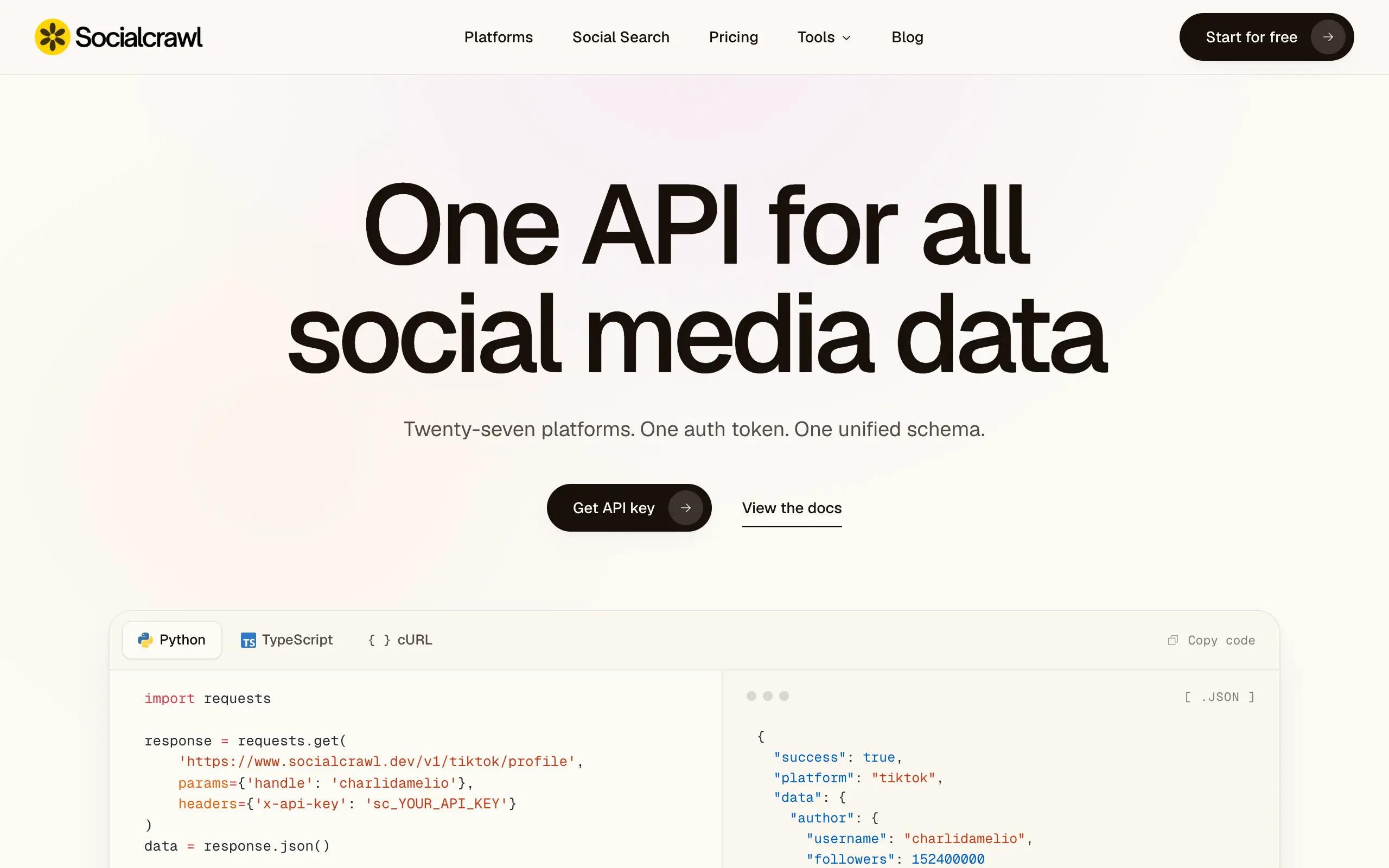
Socialcrawl
Get clean, structured data from 21 platforms like TikTok, Instagram, and YouTube with a single request 📊
Statiko
Monitor any Telegram channel in real time - track posts, edits, deletions, and growth with AI recaps 📡
Shibui
AI website builder - describe your business, pick a niche template, edit by chatting, and publish instantly ✨
Pro Service
Find verified home service professionals, compare quotes, and pay securely through escrow - built for Brazilians across the US 🏠
RankGrow
Fix your SEO with AI agents - connect Search Console, get prioritized tasks, and grow organic traffic 📈
SyncReads
Sync your favorite content for distraction-free reading, save time and replace multiple apps. Anytime, anywhere 🔄
Socialcrawl
Get clean, structured data from 21 platforms like TikTok, Instagram, and YouTube with a single request 📊
Statiko
Monitor any Telegram channel in real time - track posts, edits, deletions, and growth with AI recaps 📡
Shibui
AI website builder - describe your business, pick a niche template, edit by chatting, and publish instantly ✨
Pro Service
Find verified home service professionals, compare quotes, and pay securely through escrow - built for Brazilians across the US 🏠
RankGrow
Fix your SEO with AI agents - connect Search Console, get prioritized tasks, and grow organic traffic 📈
SyncReads
Sync your favorite content for distraction-free reading, save time and replace multiple apps. Anytime, anywhere 🔄
Socialcrawl
Get clean, structured data from 21 platforms like TikTok, Instagram, and YouTube with a single request 📊
Statiko
Monitor any Telegram channel in real time - track posts, edits, deletions, and growth with AI recaps 📡
Shibui
AI website builder - describe your business, pick a niche template, edit by chatting, and publish instantly ✨
Pro Service
Find verified home service professionals, compare quotes, and pay securely through escrow - built for Brazilians across the US 🏠
RankGrow
Fix your SEO with AI agents - connect Search Console, get prioritized tasks, and grow organic traffic 📈
SyncReads
Sync your favorite content for distraction-free reading, save time and replace multiple apps. Anytime, anywhere 🔄
Socialcrawl
Get clean, structured data from 21 platforms like TikTok, Instagram, and YouTube with a single request 📊
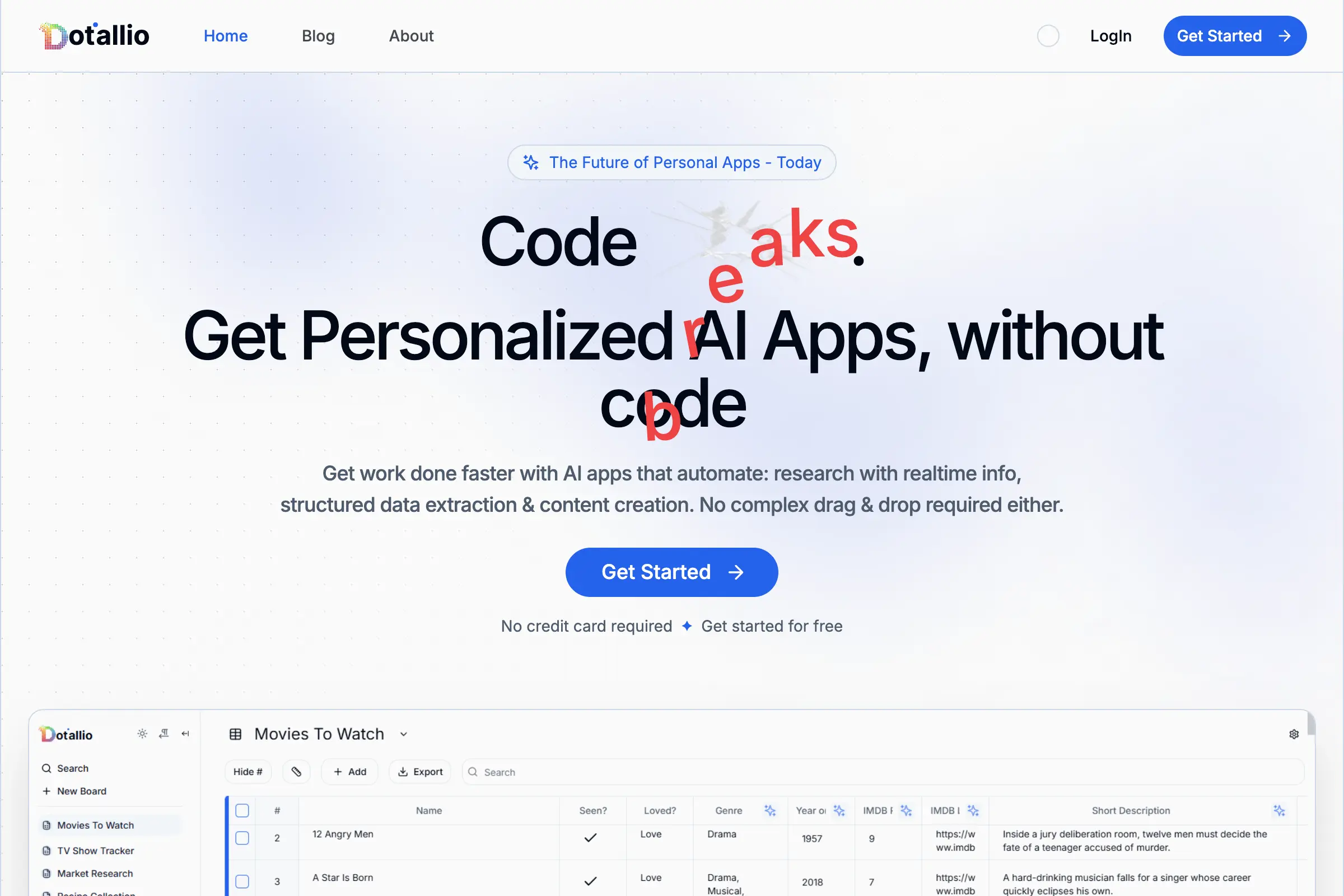
Dotallio
Personalized AI apps that automate research, data extraction, and content creation without code 🤖
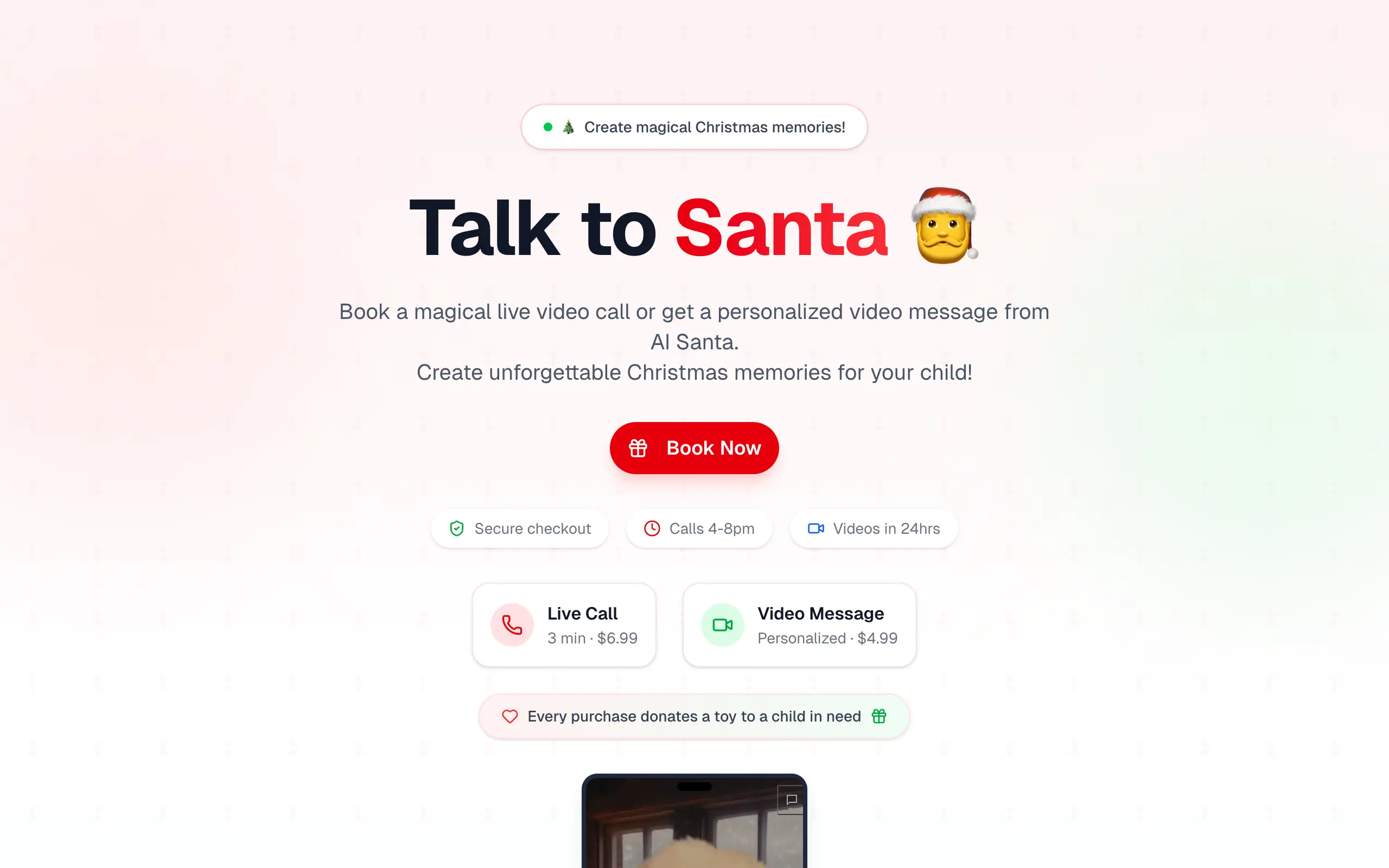
Talk to Santa
Enjoy a magical live video chat or receive a unique AI-generated video greeting from Santa Claus 🎅
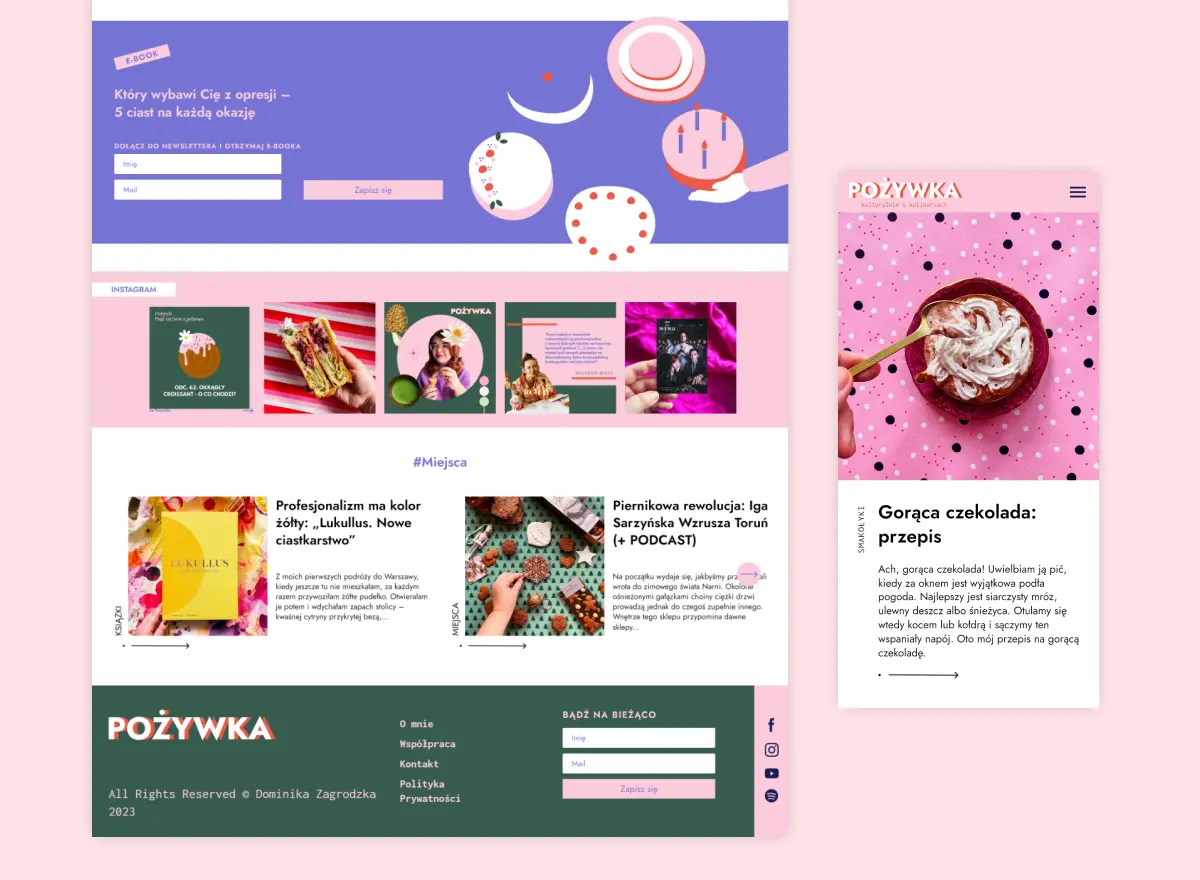
pozywka.pl
Scalable blog for food journalist, focused on performance and user experience 🌭
zagrodzki.me
Personal blog and portfolio of Bart Zagrodzki, where he shares his knowledge and work 💼
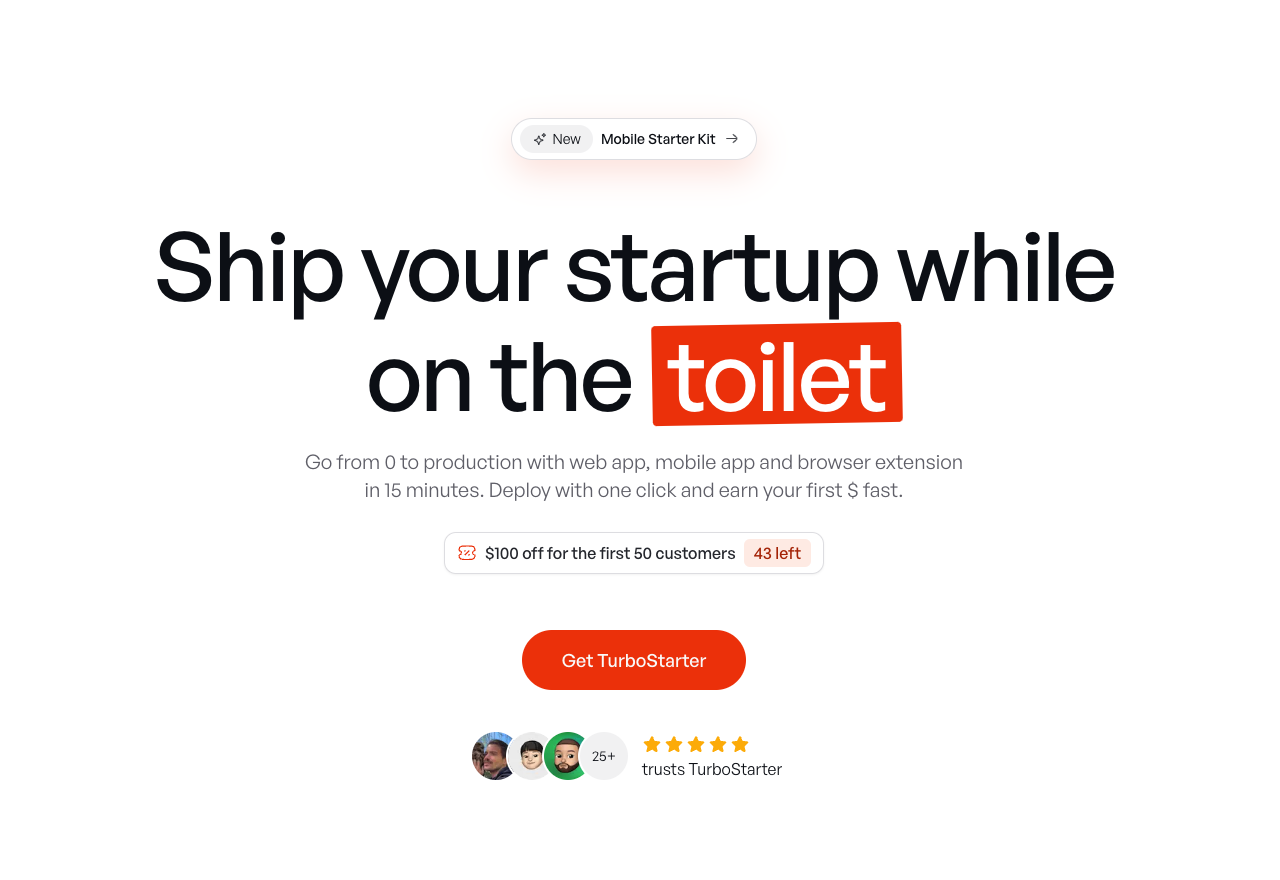
TurboStarter
Ship your startup everywhere. In minutes.
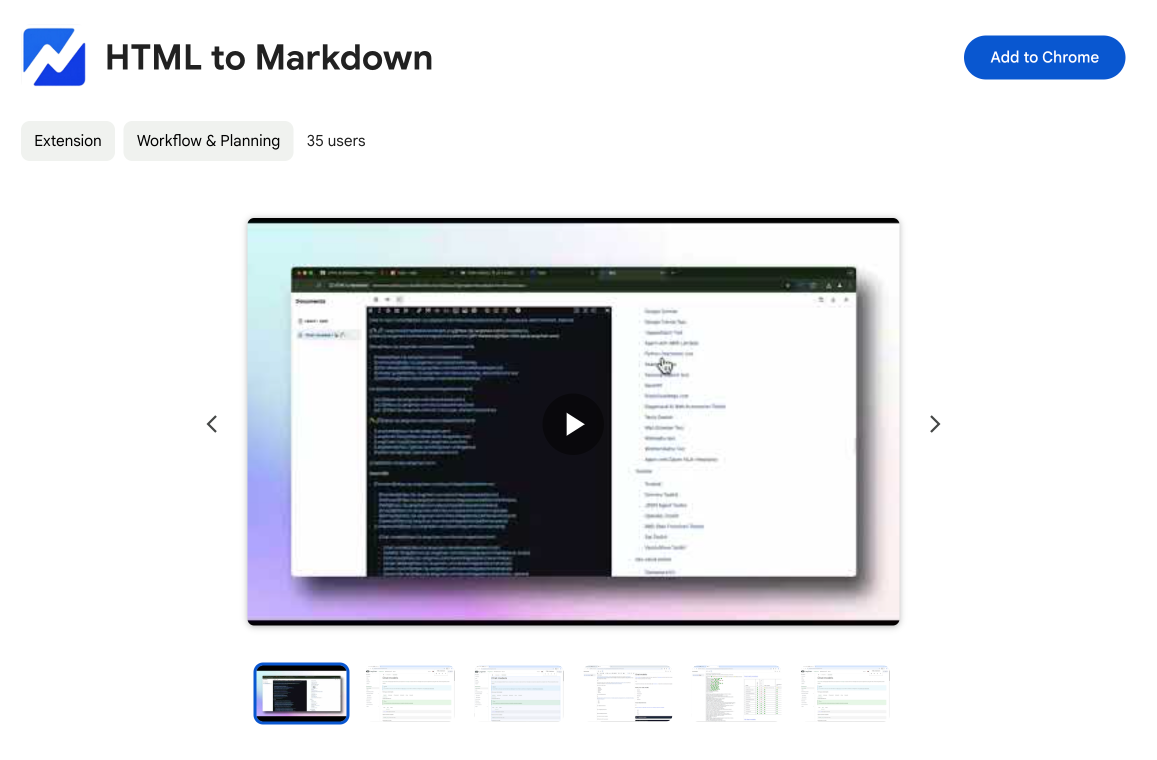
HTML to Markdown
Convert HTML to Markdown with ease, directly in your browser 📄
Dotallio
Personalized AI apps that automate research, data extraction, and content creation without code 🤖
Talk to Santa
Enjoy a magical live video chat or receive a unique AI-generated video greeting from Santa Claus 🎅
pozywka.pl
Scalable blog for food journalist, focused on performance and user experience 🌭
zagrodzki.me
Personal blog and portfolio of Bart Zagrodzki, where he shares his knowledge and work 💼
TurboStarter
Ship your startup everywhere. In minutes.
HTML to Markdown
Convert HTML to Markdown with ease, directly in your browser 📄
Dotallio
Personalized AI apps that automate research, data extraction, and content creation without code 🤖
Talk to Santa
Enjoy a magical live video chat or receive a unique AI-generated video greeting from Santa Claus 🎅
pozywka.pl
Scalable blog for food journalist, focused on performance and user experience 🌭
zagrodzki.me
Personal blog and portfolio of Bart Zagrodzki, where he shares his knowledge and work 💼
TurboStarter
Ship your startup everywhere. In minutes.
HTML to Markdown
Convert HTML to Markdown with ease, directly in your browser 📄
Dotallio
Personalized AI apps that automate research, data extraction, and content creation without code 🤖
Talk to Santa
Enjoy a magical live video chat or receive a unique AI-generated video greeting from Santa Claus 🎅
pozywka.pl
Scalable blog for food journalist, focused on performance and user experience 🌭
zagrodzki.me
Personal blog and portfolio of Bart Zagrodzki, where he shares his knowledge and work 💼
TurboStarter
Ship your startup everywhere. In minutes.
HTML to Markdown
Convert HTML to Markdown with ease, directly in your browser 📄
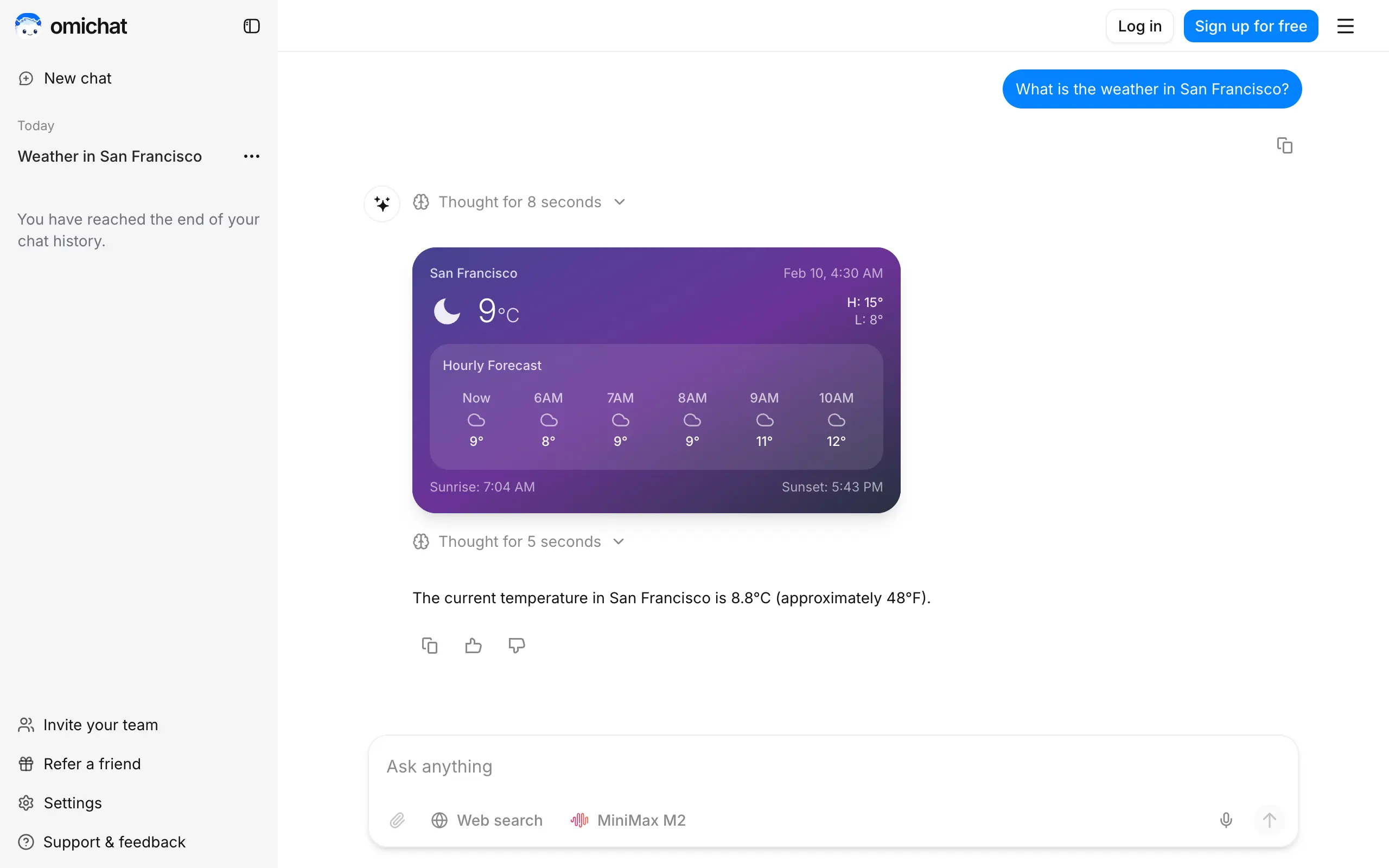
Omichat
Chat with 50+ AI models, including ChatGPT and Claude, in one place - switch models anytime without losing context 🤖
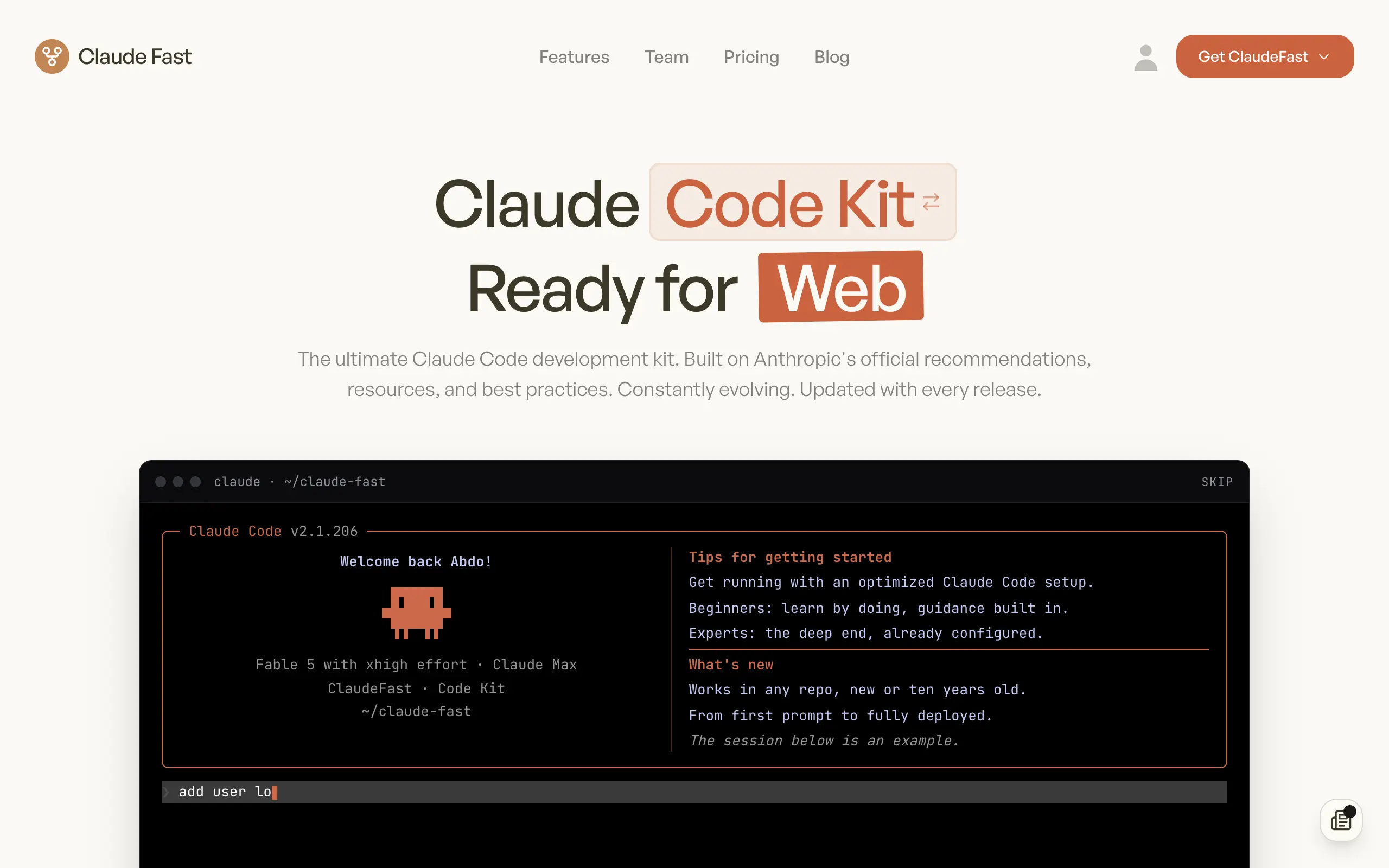
Claude Fast
Supercharge your Claude Code with 6x effective context window and specialized AI agents 🤖
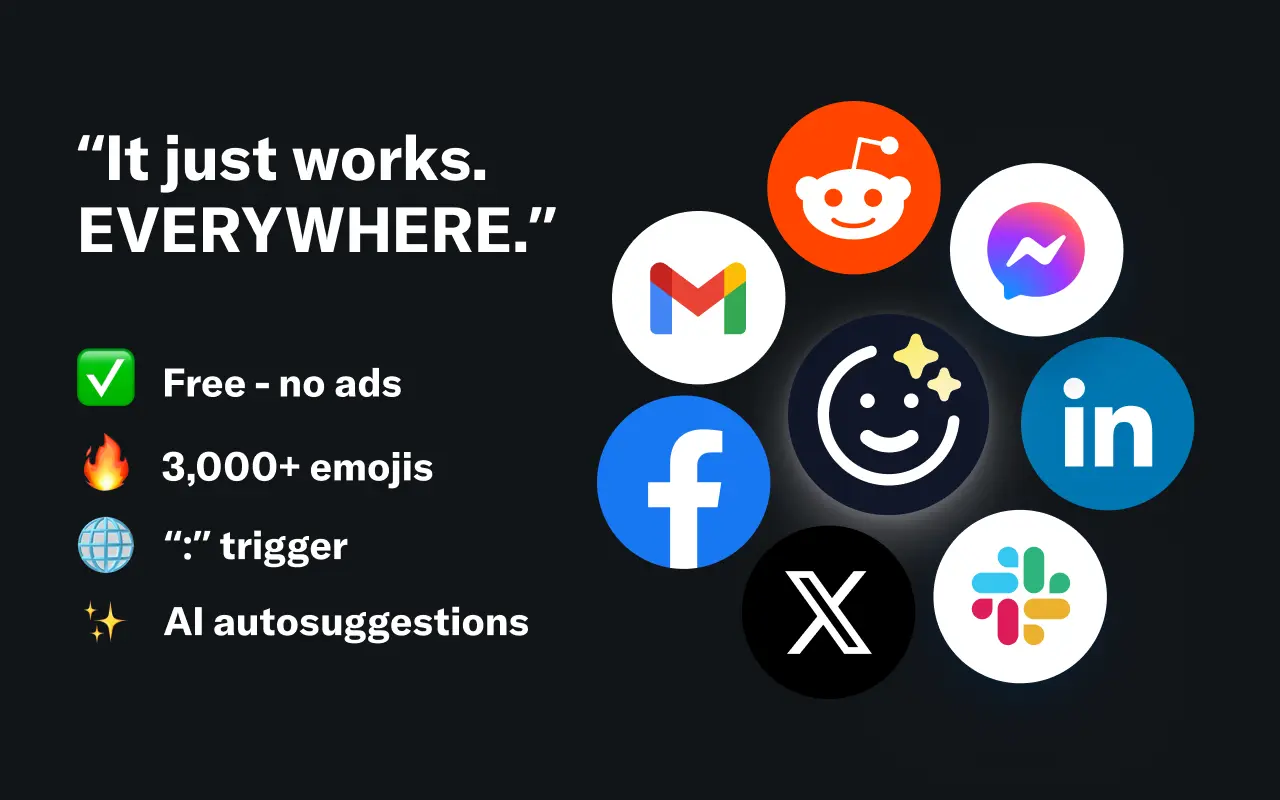
EmojAI
AI-powered emoji picker with smart, context-aware suggestions 🤖
Solohacker
Autonomous company launcher - AI agents work 24/7, escalate what matters, and you stay in control 🤖
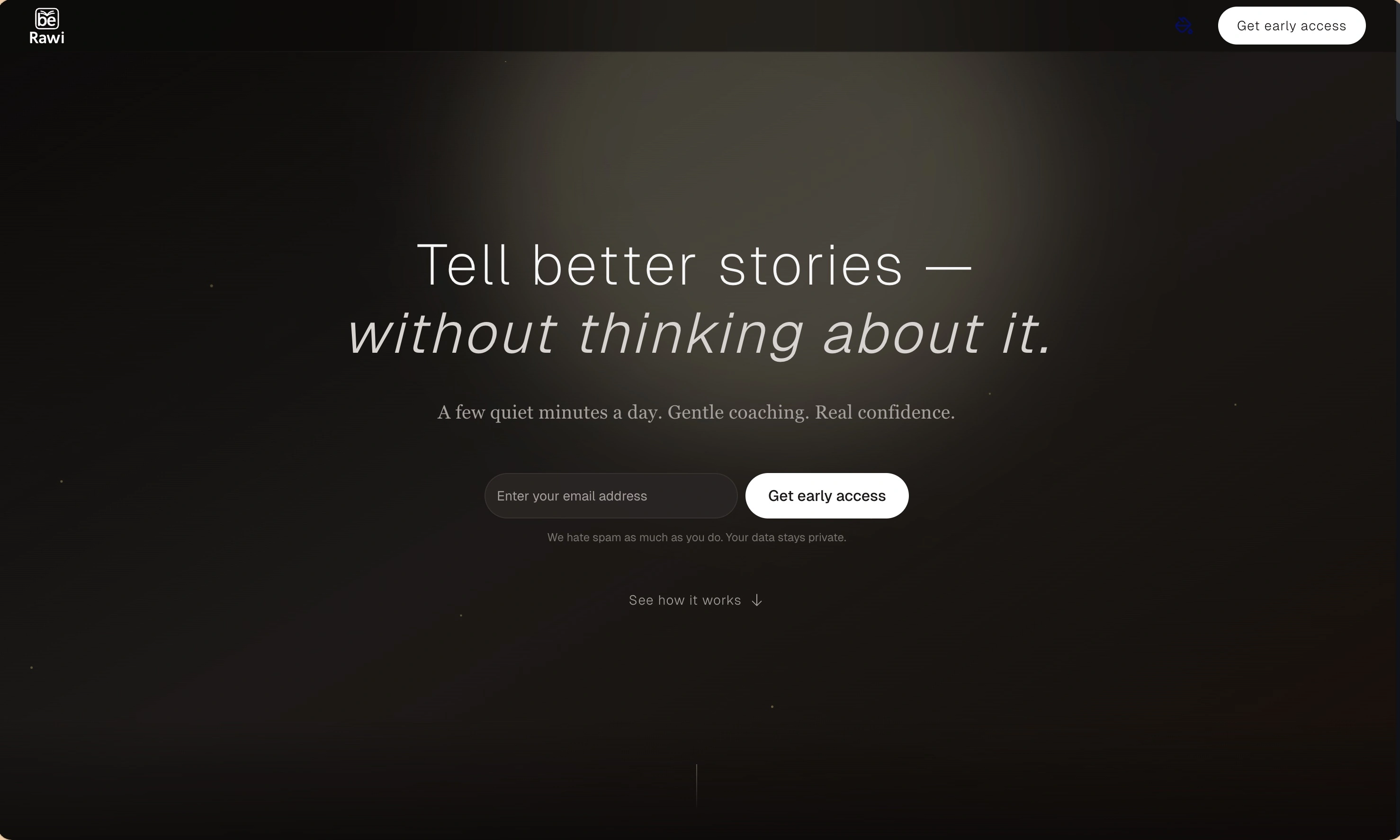
BeRawi: Storytelling Coach
Practice storytelling daily with instant feedback to sound clearer, more engaging, and confident 🎤
Omichat
Chat with 50+ AI models, including ChatGPT and Claude, in one place - switch models anytime without losing context 🤖
Claude Fast
Supercharge your Claude Code with 6x effective context window and specialized AI agents 🤖
EmojAI
AI-powered emoji picker with smart, context-aware suggestions 🤖
Solohacker
Autonomous company launcher - AI agents work 24/7, escalate what matters, and you stay in control 🤖
BeRawi: Storytelling Coach
Practice storytelling daily with instant feedback to sound clearer, more engaging, and confident 🎤
Omichat
Chat with 50+ AI models, including ChatGPT and Claude, in one place - switch models anytime without losing context 🤖
Claude Fast
Supercharge your Claude Code with 6x effective context window and specialized AI agents 🤖
EmojAI
AI-powered emoji picker with smart, context-aware suggestions 🤖
Solohacker
Autonomous company launcher - AI agents work 24/7, escalate what matters, and you stay in control 🤖
BeRawi: Storytelling Coach
Practice storytelling daily with instant feedback to sound clearer, more engaging, and confident 🎤
Omichat
Chat with 50+ AI models, including ChatGPT and Claude, in one place - switch models anytime without losing context 🤖
Claude Fast
Supercharge your Claude Code with 6x effective context window and specialized AI agents 🤖
EmojAI
AI-powered emoji picker with smart, context-aware suggestions 🤖
Solohacker
Autonomous company launcher - AI agents work 24/7, escalate what matters, and you stay in control 🤖
BeRawi: Storytelling Coach
Practice storytelling daily with instant feedback to sound clearer, more engaging, and confident 🎤

Connect with like-minded people
Join our community to get feedback, support, and grow together with 1,000+ builders on board, let's ship it!
Join usShip your startup everywhere. In minutes.
Don't burn tokens on setup and start building features on day one.