Remote Asset Tracker
A cloud-based solution for individuals and small teams to monitor, schedule maintenance, and automate alerts for equipment across multiple remote sites.
Understanding the need for a remote asset tracker
In today's increasingly distributed world, individuals and small teams often manage valuable equipment across multiple remote sites—whether it's construction tools, IT hardware, agricultural machinery, or rental assets. Keeping track of these assets, ensuring timely maintenance, and preventing costly downtime or loss is a persistent challenge. This is where a remote asset tracker comes into play: a cloud-based SaaS solution designed to monitor, schedule maintenance, and automate alerts for equipment, all from a single, user-friendly dashboard.
This article provides a comprehensive, expert-level analysis of the remote asset tracker SaaS opportunity, covering target audience, market gaps, core features, technology stack, monetization, risks, competitive landscape, and actionable steps for implementation.
Who needs a remote asset tracker? Target audience analysis
Understanding the target audience is crucial for building a solution that truly addresses user pain points. The remote asset tracker is primarily aimed at:
- Small businesses and startups managing equipment across multiple locations (e.g., construction, landscaping, event rentals).
- Freelancers and independent contractors who own and deploy valuable tools or devices at client sites.
- Non-profit organizations with distributed assets (e.g., medical equipment, relief supplies).
- Property managers overseeing maintenance equipment in various buildings.
- IT professionals responsible for hardware in remote offices or data centers.
Key user needs:
- Real-time visibility into asset location and status.
- Automated maintenance scheduling to prevent breakdowns.
- Instant alerts for critical events (e.g., overdue maintenance, unauthorized movement).
- Simple, mobile-friendly interface for on-the-go access.
- Affordability and ease of setup—no complex IT required.
User intent insight
Most users searching for a remote asset tracker are seeking practical, easy-to-implement solutions that reduce manual tracking, minimize asset loss, and optimize maintenance—without the overhead of enterprise-level systems.
Identifying the market opportunity and gaps
The asset tracking market is growing rapidly, driven by the proliferation of IoT devices, cloud computing, and the need for operational efficiency. However, most existing solutions are:
- Enterprise-focused: Expensive, complex, and overkill for small teams or individuals.
- Hardware-dependent: Require proprietary trackers or sensors, increasing costs.
- Fragmented: Lack unified dashboards or seamless integration with mobile devices.
Market gap: There is a clear need for a cloud-based, affordable, and easy-to-use remote asset tracker tailored for individuals and small teams—offering essential features without the bloat or high price tag of enterprise platforms.
Industry trends supporting this opportunity:
- Rise of remote and hybrid work: More assets are distributed across locations.
- Growth in gig economy: More freelancers and small teams managing their own equipment.
- Advancements in cloud and mobile tech: Easier to build scalable, accessible SaaS tools.
For recent market size and growth statistics, reference industry reports from sources like MarketsandMarkets or Statista.
Core features and solution details
A successful remote asset tracker must deliver tangible value through a focused feature set. Here’s what the ideal solution should offer:
1. Centralized asset dashboard
- List and categorize assets by type, location, or owner.
- Quick search and filtering for fast access.
- Custom fields for unique asset attributes.
2. Real-time monitoring
- Manual check-in/check-out via web or mobile.
- Optional integration with GPS/Bluetooth trackers (bring-your-own-device model).
- Status updates (in use, idle, under maintenance, etc.).
3. Maintenance scheduling and history
- Automated reminders for routine maintenance based on time or usage.
- Maintenance logs with notes, costs, and attachments.
- Assign tasks to team members.
4. Automated alerts and notifications
- Customizable alerts for overdue maintenance, asset movement, or inactivity.
- Multi-channel notifications (email, SMS, push).
5. User roles and permissions
- Owner, admin, and user roles for secure access control.
- Audit logs for accountability.
6. Mobile-first experience
- Responsive web app for all devices.
- Offline mode for remote locations with poor connectivity.
7. Simple onboarding and integrations
- CSV import/export for asset data.
- API access for advanced users.
- Integration with popular tools (e.g., Google Workspace, Slack).
Centralized dashboard
All assets, statuses, and locations in one place.
Automated maintenance
Never miss a service with smart scheduling and reminders.
Instant alerts
Get notified of critical events in real time.
Mobile-friendly
Manage assets from anywhere, on any device.
Recommended tech stack for a remote asset tracker
Choosing the right technology stack is vital for scalability, maintainability, and user experience. Here’s a recommended stack, with trade-offs explained:
Frontend
- React: Modern, component-based UI, large ecosystem, and strong community support.
- TailwindCSS: Utility-first CSS for rapid, consistent styling.
- PWA (Progressive Web App): Enables offline access and mobile app-like experience.
Backend
- Node.js: Non-blocking, scalable server-side JavaScript.
- Express: Minimal, flexible web framework for APIs.
- PostgreSQL: Reliable, open-source relational database with strong support for complex queries.
Cloud & DevOps
- AWS / Google Cloud: Scalable hosting, managed databases, and notification services.
- Docker: Containerization for easy deployment.
- CI/CD pipelines: Automated testing and deployment.
Optional integrations
- Twilio: SMS and push notifications.
- Mapbox: Asset location mapping.
- TurboStarter: Rapid SaaS boilerplate and deployment acceleration.
Tech stack trade-offs
While React and Node.js offer rapid development and flexibility, teams with deep Python expertise might consider Django for the backend. However, Node.js provides a unified JavaScript stack, simplifying hiring and code sharing.
Monetization strategy options
A remote asset tracker for individuals and small teams should prioritize affordability and flexibility. Consider these monetization models:
1. Freemium
- Free tier: Limited assets, basic features, ideal for individuals.
- Paid tiers: More assets, advanced features (maintenance automation, integrations, multi-user support).
2. Subscription-based (SaaS)
- Monthly/annual plans based on number of assets, users, or sites.
- Discounts for annual commitments to improve retention.
3. Add-ons and integrations
- Premium integrations (e.g., GPS tracking, advanced analytics) as paid add-ons.
- White-labeling for small businesses wanting custom branding.
4. Usage-based pricing
- Pay-as-you-go for SMS alerts or API calls.
SaaS subscription models provide predictable revenue and allow for continuous updates, support, and cloud hosting—critical for a cloud-based asset tracker.
Potential risks and mitigation strategies
Launching a remote asset tracker SaaS comes with challenges. Here’s how to address them:
1. Data security and privacy
- Risk: Sensitive asset data could be exposed.
- Mitigation: Use strong encryption, regular security audits, and compliance with data protection regulations (e.g., GDPR).
2. User adoption and onboarding
- Risk: Users may find setup complex or abandon the tool.
- Mitigation: Offer guided onboarding, in-app tutorials, and responsive support.
3. Integration complexity
- Risk: Users may want to connect with various hardware or third-party tools.
- Mitigation: Start with core integrations, provide open APIs, and gather user feedback for future priorities.
4. Competition from larger players
- Risk: Enterprise solutions may lower prices or target SMBs.
- Mitigation: Focus on simplicity, affordability, and customer support—areas where large vendors often fall short.
5. Reliability in remote environments
- Risk: Poor connectivity at remote sites.
- Mitigation: Build robust offline capabilities and sync when online.
Competitive advantage analysis
To stand out in the asset tracking SaaS market, the remote asset tracker must offer clear, defensible advantages:
| Feature | Remote Asset Tracker | Enterprise Solutions | Manual Tracking | Generic Inventory Apps |
|---|---|---|---|---|
| Affordable pricing | ✅ | ❌ | ✅ | ❌ |
| Easy setup | ✅ | ❌ | ✅ | ✅ |
| Automated maintenance | ✅ | ✅ | ❌ | ❌ |
| Mobile-first design | ✅ | ✅ | ❌ | ❌ |
| Custom alerts | ✅ | ✅ | ❌ | ❌ |
Unique selling proposition (USP):
The remote asset tracker delivers enterprise-grade features—like automated maintenance and real-time alerts—in a package that’s affordable, easy to set up, and tailored for individuals and small teams. Unlike generic inventory apps, it’s purpose-built for remote asset management, and unlike manual tracking, it eliminates human error and inefficiency.
Actionable implementation steps
Building and launching a remote asset tracker SaaS requires a structured approach. Here’s a step-by-step plan:
Conclusion: Why now is the time to build a remote asset tracker
The convergence of cloud technology, mobile-first design, and the growing need for distributed asset management creates a prime opportunity for a remote asset tracker SaaS. By focusing on the needs of individuals and small teams—simplicity, affordability, and automation—you can carve out a defensible niche in a rapidly expanding market.
Whether you’re a developer, entrepreneur, or small business owner, leveraging modern tools like TurboStarter can accelerate your go-to-market and help you deliver a solution that truly makes a difference.
Frequently asked questions
Yes! The solution is designed to work with manual check-in/check-out and status updates. Hardware integrations (like GPS or Bluetooth trackers) are optional for users who want extra automation.
Absolutely. The recommended stack includes strong encryption, secure authentication, and regular security audits to protect your data.
Inventory apps focus on stock levels and sales, while a remote asset tracker is purpose-built for monitoring, maintaining, and alerting on distributed equipment—especially across multiple remote sites.
The mobile-first, PWA approach ensures you can access and update asset data offline, with automatic syncing when connectivity is restored.
Next steps
- Validate your idea with real users before building.
- Start small with a focused MVP, then expand features based on feedback.
- Leverage modern SaaS accelerators like TurboStarter to reduce development time and cost.
- Stay user-centric—the best solutions are those that solve real, everyday problems for your target audience.
By following this guide, you’ll be well-equipped to build, launch, and grow a successful remote asset tracker SaaS that stands out in the market.
More 👥 B2C Application SaaS ideas
Discover more innovative b2c application SaaS ideas that are trending in 2026. Each idea is AI-generated with market validation and growth potential to help you find your next profitable venture faster than competitors.
Your competitors are building with TurboStarter
Below are some of the SaaS ideas that have been generated and built with our starter kit.
Statiko
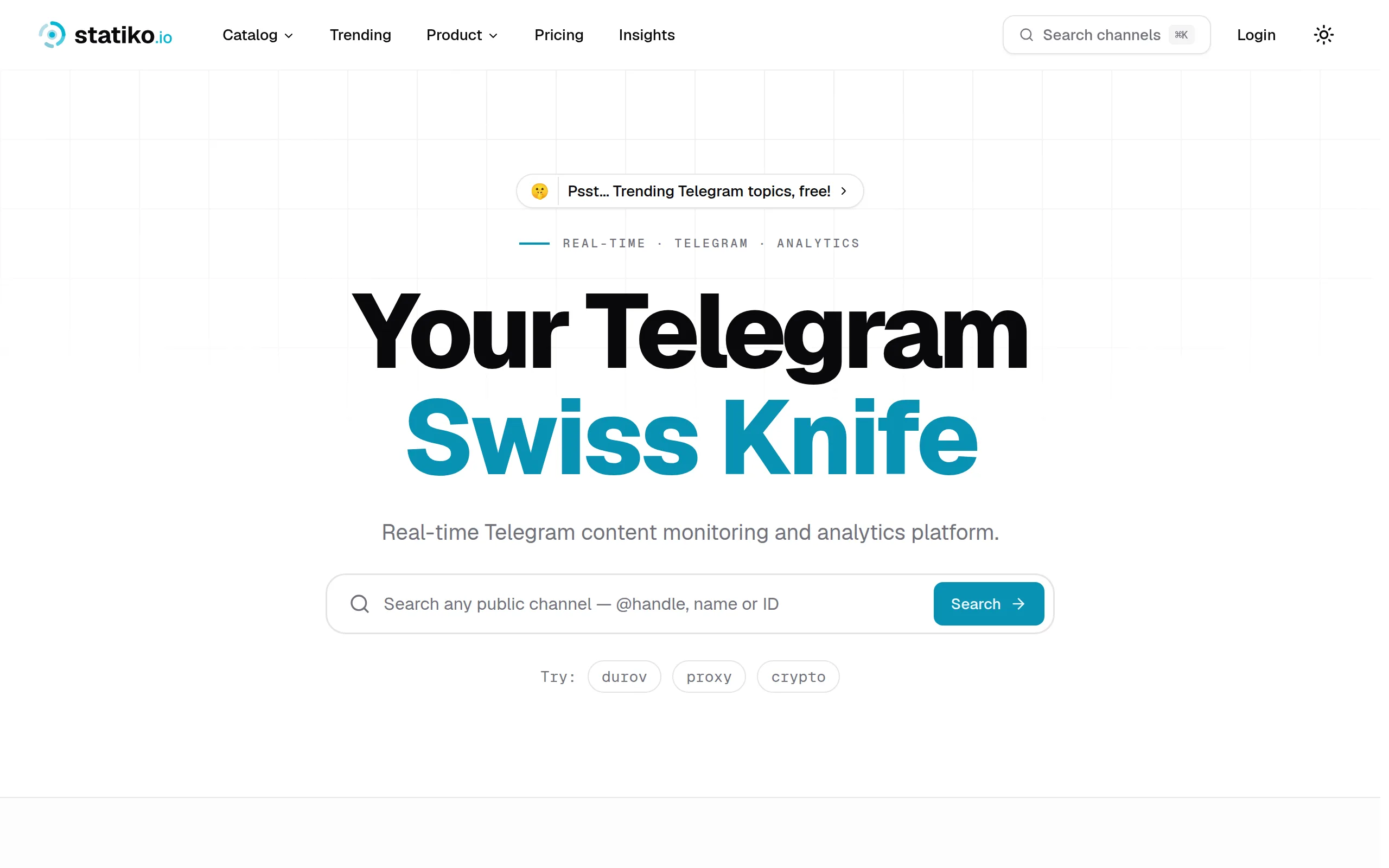
Monitor any Telegram channel in real time - track posts, edits, deletions, and growth with AI recaps 📡

Shibui
AI website builder - describe your business, pick a niche template, edit by chatting, and publish instantly ✨

Pro Service
Find verified home service professionals, compare quotes, and pay securely through escrow - built for Brazilians across the US 🏠
RankGrow
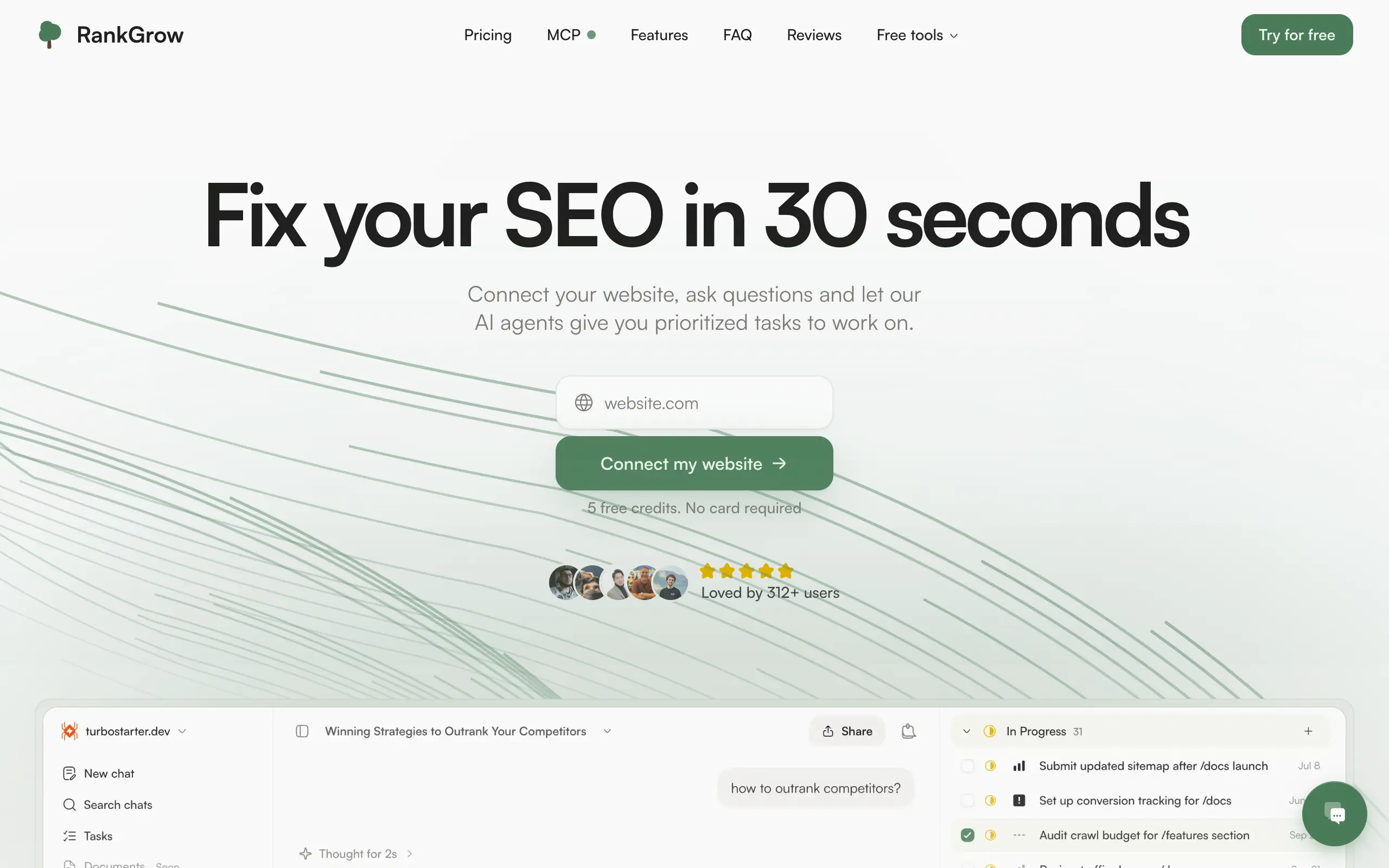
Fix your SEO with AI agents - connect Search Console, get prioritized tasks, and grow organic traffic 📈
SyncReads
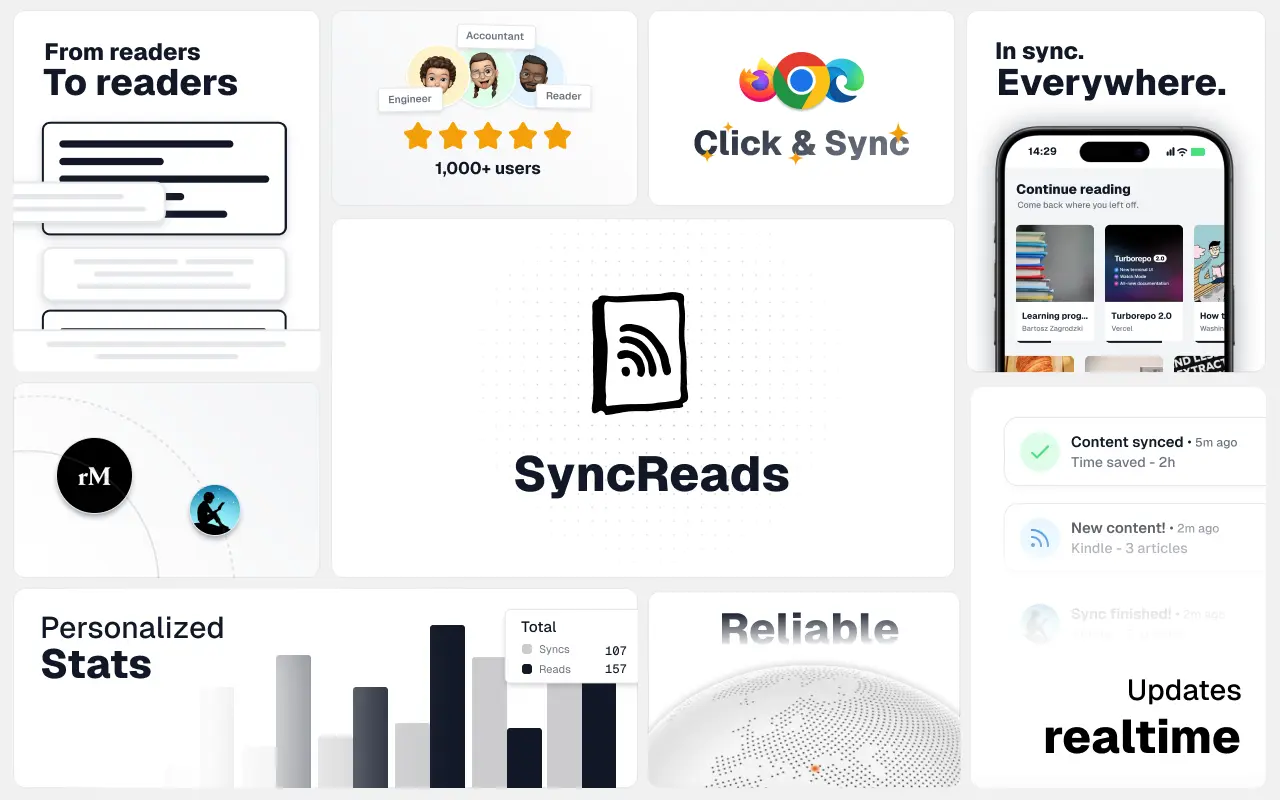
Sync your favorite content for distraction-free reading, save time and replace multiple apps. Anytime, anywhere 🔄
Socialcrawl
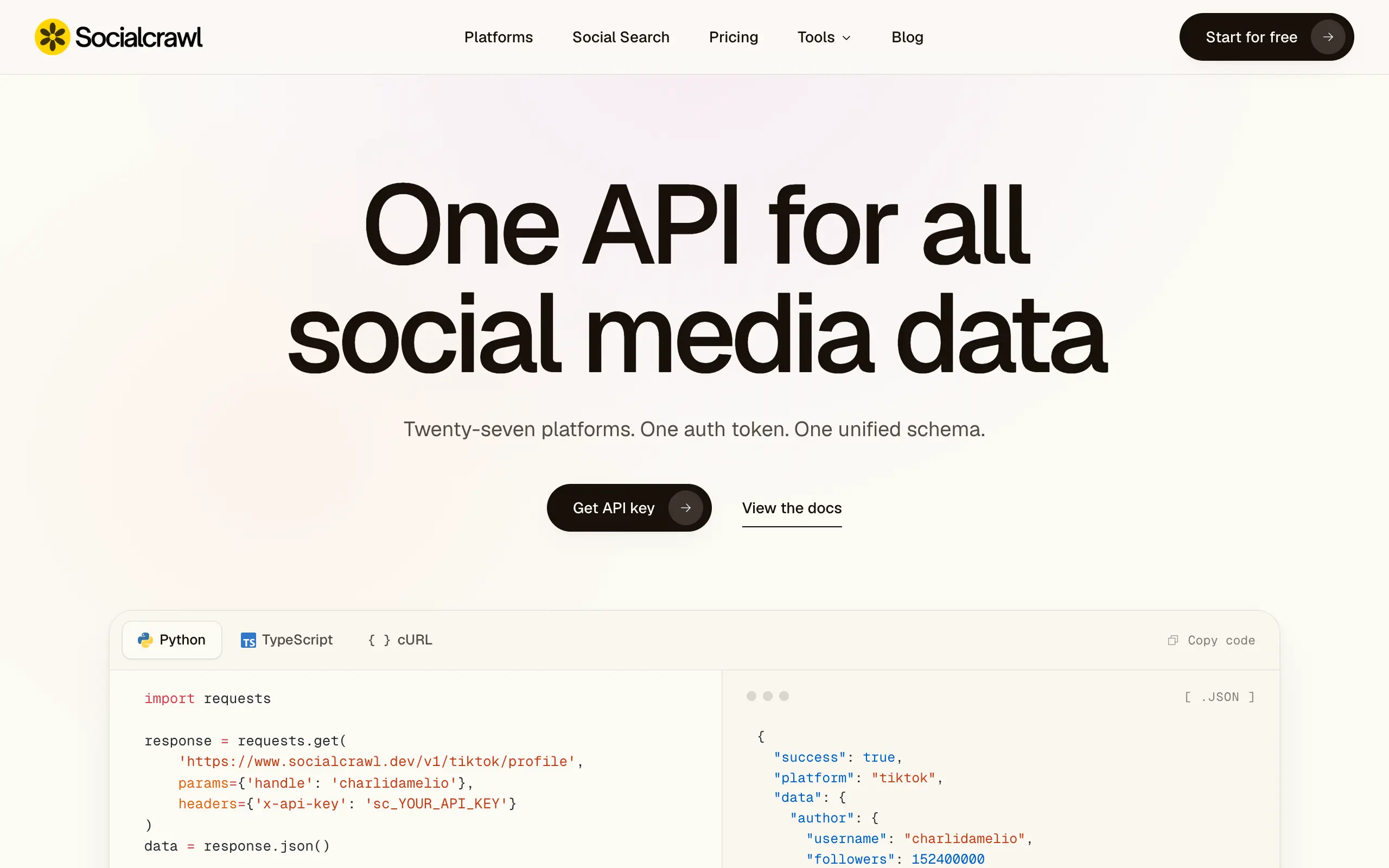
Get clean, structured data from 21 platforms like TikTok, Instagram, and YouTube with a single request 📊
Statiko
Monitor any Telegram channel in real time - track posts, edits, deletions, and growth with AI recaps 📡
Shibui
AI website builder - describe your business, pick a niche template, edit by chatting, and publish instantly ✨
Pro Service
Find verified home service professionals, compare quotes, and pay securely through escrow - built for Brazilians across the US 🏠
RankGrow
Fix your SEO with AI agents - connect Search Console, get prioritized tasks, and grow organic traffic 📈
SyncReads
Sync your favorite content for distraction-free reading, save time and replace multiple apps. Anytime, anywhere 🔄
Socialcrawl
Get clean, structured data from 21 platforms like TikTok, Instagram, and YouTube with a single request 📊
Statiko
Monitor any Telegram channel in real time - track posts, edits, deletions, and growth with AI recaps 📡
Shibui
AI website builder - describe your business, pick a niche template, edit by chatting, and publish instantly ✨
Pro Service
Find verified home service professionals, compare quotes, and pay securely through escrow - built for Brazilians across the US 🏠
RankGrow
Fix your SEO with AI agents - connect Search Console, get prioritized tasks, and grow organic traffic 📈
SyncReads
Sync your favorite content for distraction-free reading, save time and replace multiple apps. Anytime, anywhere 🔄
Socialcrawl
Get clean, structured data from 21 platforms like TikTok, Instagram, and YouTube with a single request 📊
Statiko
Monitor any Telegram channel in real time - track posts, edits, deletions, and growth with AI recaps 📡
Shibui
AI website builder - describe your business, pick a niche template, edit by chatting, and publish instantly ✨
Pro Service
Find verified home service professionals, compare quotes, and pay securely through escrow - built for Brazilians across the US 🏠
RankGrow
Fix your SEO with AI agents - connect Search Console, get prioritized tasks, and grow organic traffic 📈
SyncReads
Sync your favorite content for distraction-free reading, save time and replace multiple apps. Anytime, anywhere 🔄
Socialcrawl
Get clean, structured data from 21 platforms like TikTok, Instagram, and YouTube with a single request 📊
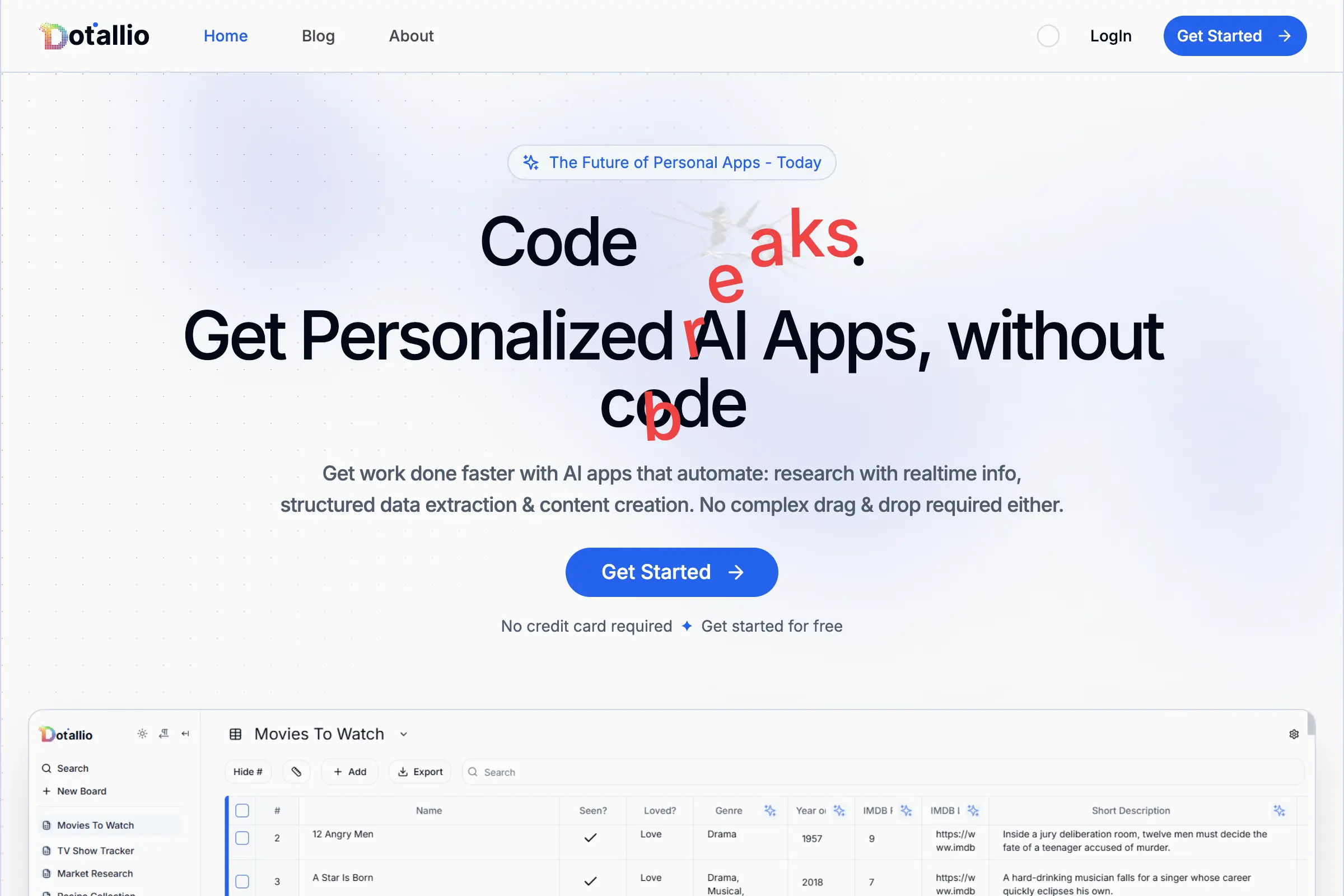
Dotallio
Personalized AI apps that automate research, data extraction, and content creation without code 🤖
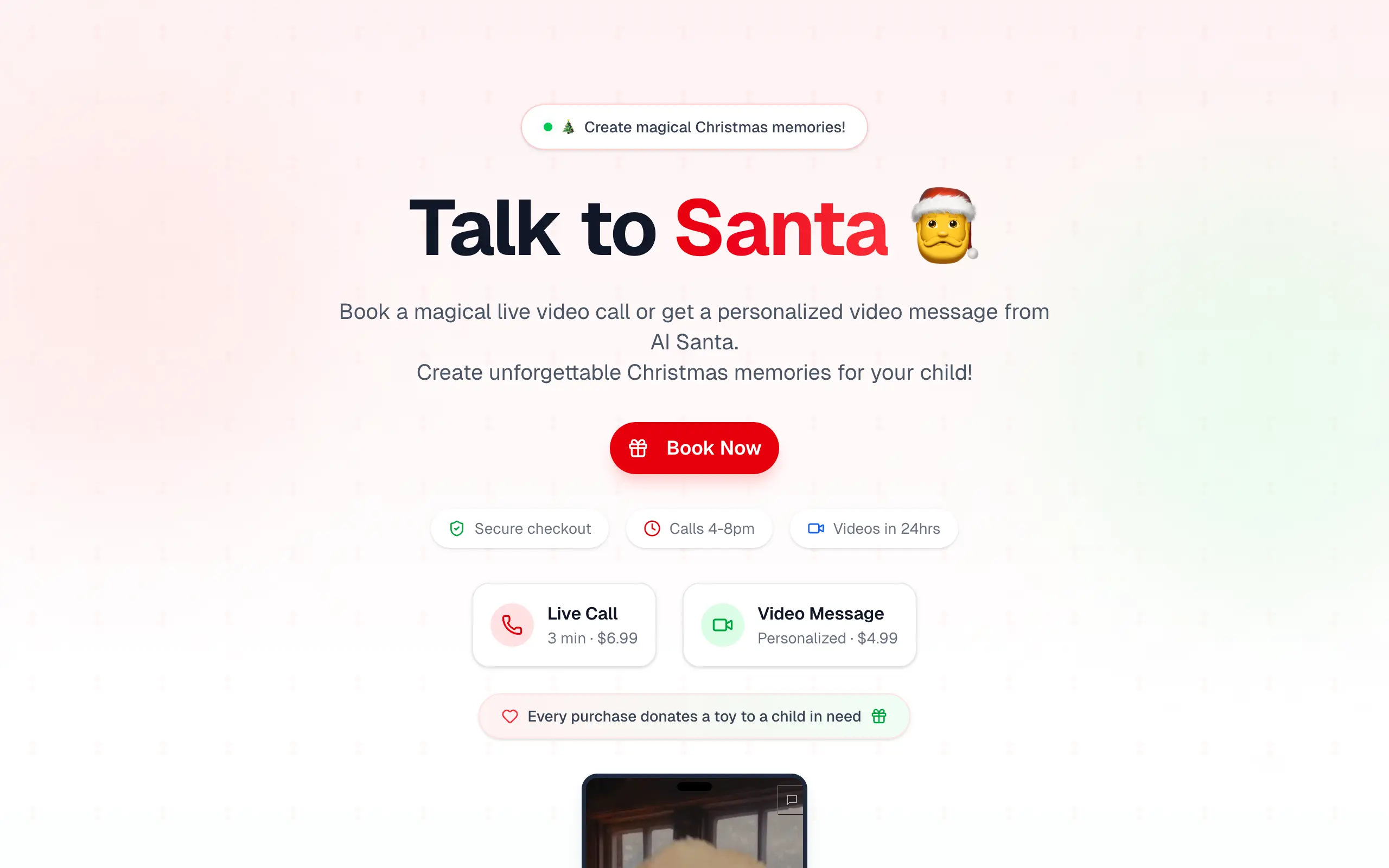
Talk to Santa
Enjoy a magical live video chat or receive a unique AI-generated video greeting from Santa Claus 🎅

pozywka.pl
Scalable blog for food journalist, focused on performance and user experience 🌭
zagrodzki.me
Personal blog and portfolio of Bart Zagrodzki, where he shares his knowledge and work 💼
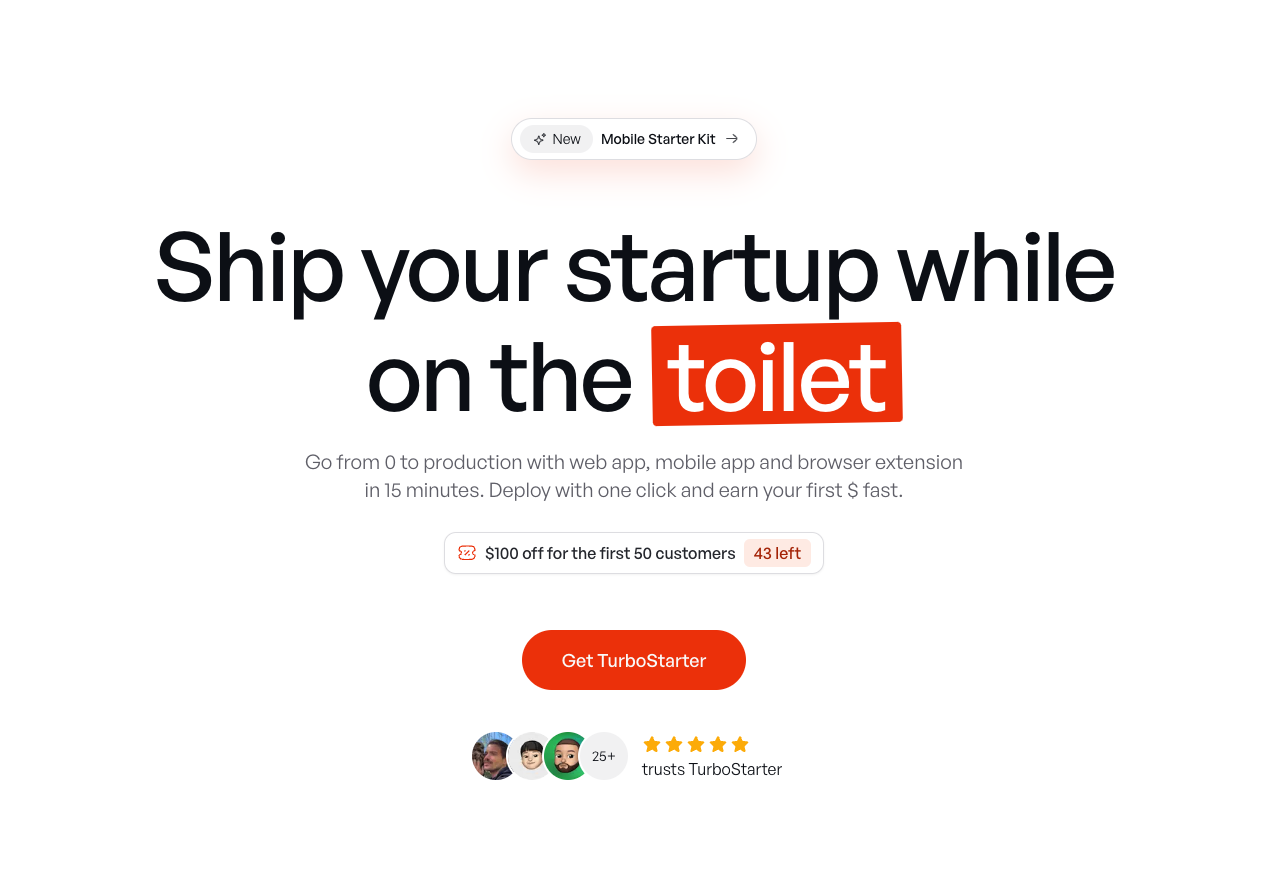
TurboStarter
Ship your startup everywhere. In minutes.
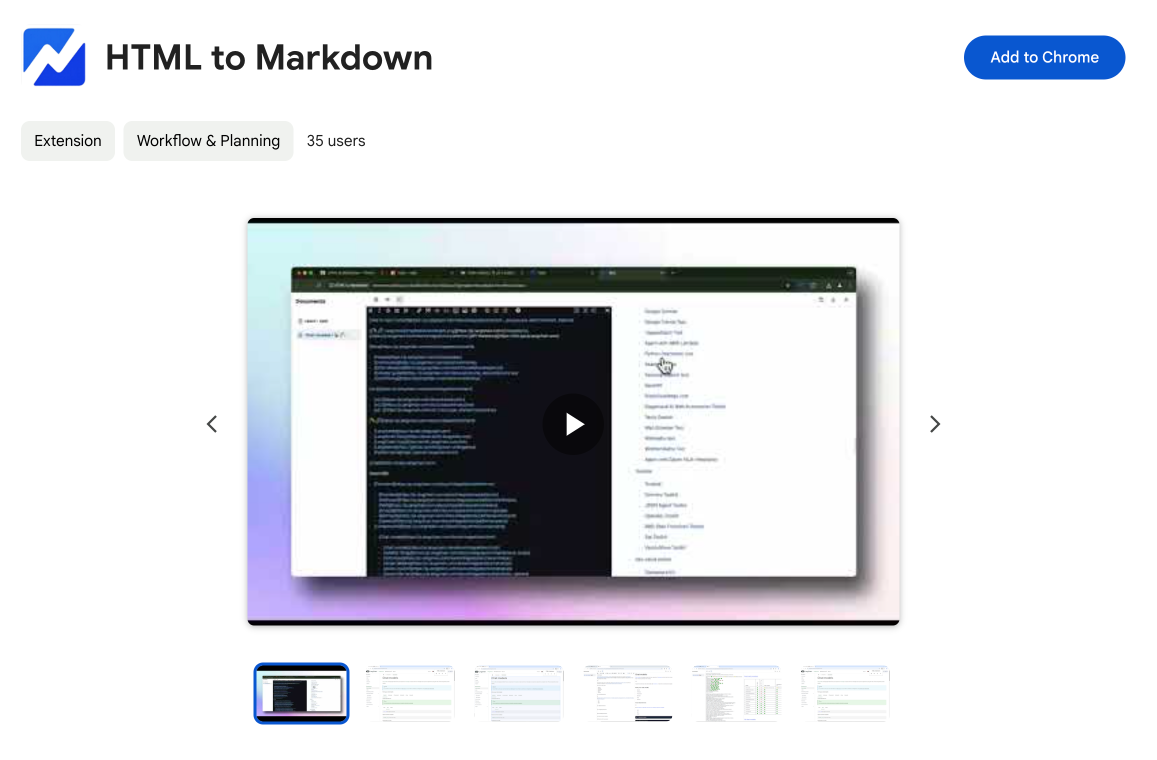
HTML to Markdown
Convert HTML to Markdown with ease, directly in your browser 📄
Dotallio
Personalized AI apps that automate research, data extraction, and content creation without code 🤖
Talk to Santa
Enjoy a magical live video chat or receive a unique AI-generated video greeting from Santa Claus 🎅
pozywka.pl
Scalable blog for food journalist, focused on performance and user experience 🌭
zagrodzki.me
Personal blog and portfolio of Bart Zagrodzki, where he shares his knowledge and work 💼
TurboStarter
Ship your startup everywhere. In minutes.
HTML to Markdown
Convert HTML to Markdown with ease, directly in your browser 📄
Dotallio
Personalized AI apps that automate research, data extraction, and content creation without code 🤖
Talk to Santa
Enjoy a magical live video chat or receive a unique AI-generated video greeting from Santa Claus 🎅
pozywka.pl
Scalable blog for food journalist, focused on performance and user experience 🌭
zagrodzki.me
Personal blog and portfolio of Bart Zagrodzki, where he shares his knowledge and work 💼
TurboStarter
Ship your startup everywhere. In minutes.
HTML to Markdown
Convert HTML to Markdown with ease, directly in your browser 📄
Dotallio
Personalized AI apps that automate research, data extraction, and content creation without code 🤖
Talk to Santa
Enjoy a magical live video chat or receive a unique AI-generated video greeting from Santa Claus 🎅
pozywka.pl
Scalable blog for food journalist, focused on performance and user experience 🌭
zagrodzki.me
Personal blog and portfolio of Bart Zagrodzki, where he shares his knowledge and work 💼
TurboStarter
Ship your startup everywhere. In minutes.
HTML to Markdown
Convert HTML to Markdown with ease, directly in your browser 📄
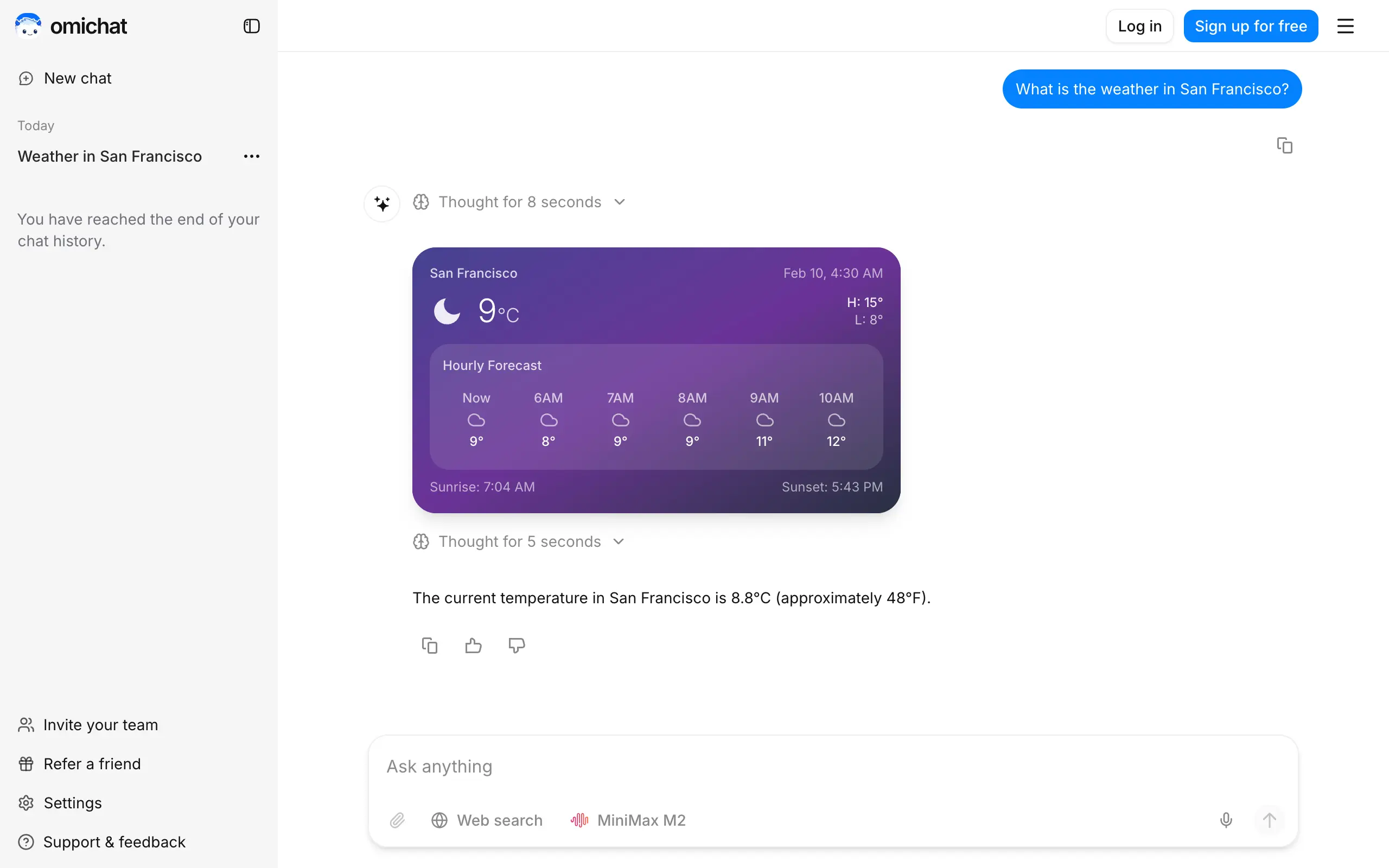
Omichat
Chat with 50+ AI models, including ChatGPT and Claude, in one place - switch models anytime without losing context 🤖
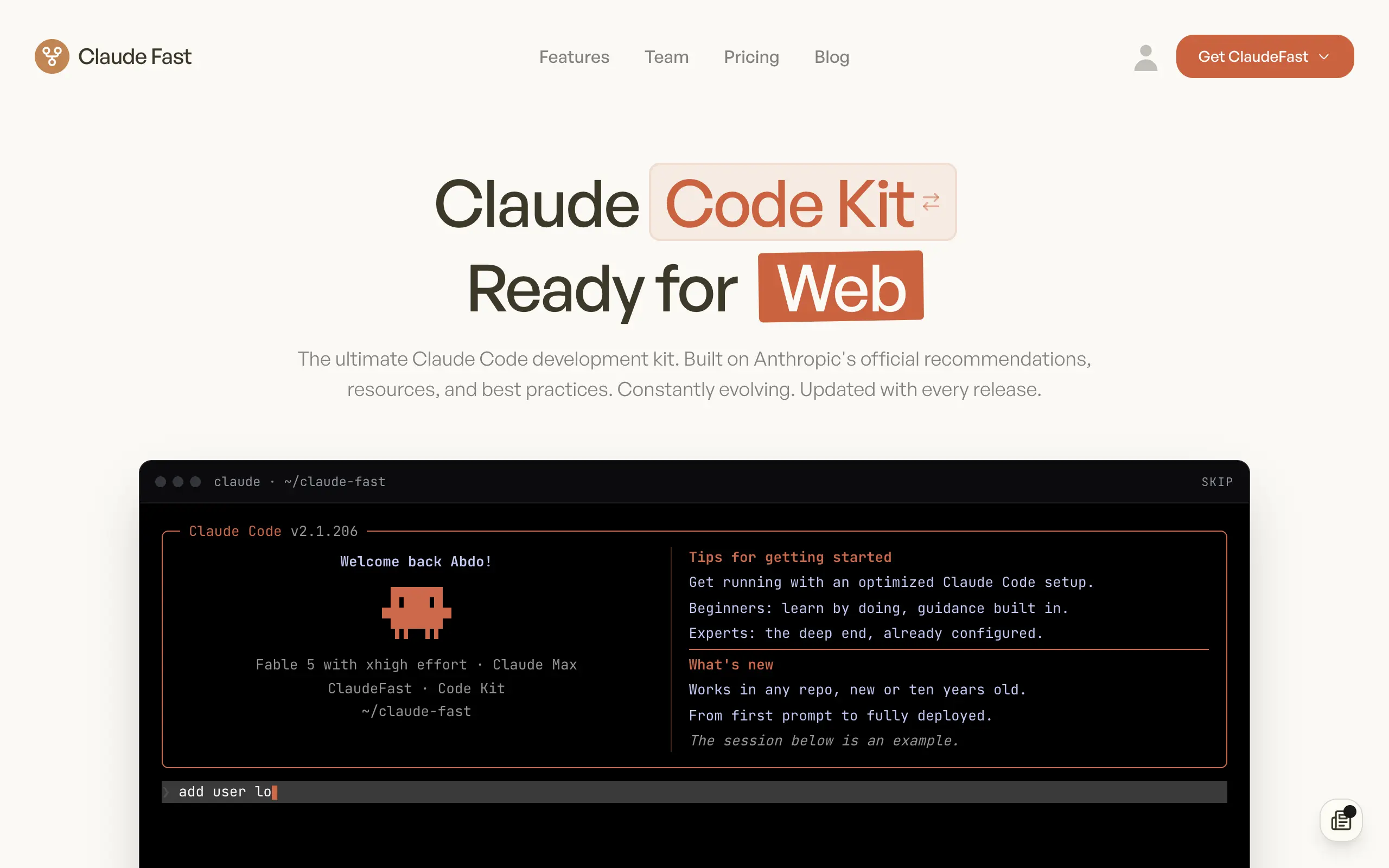
Claude Fast
Supercharge your Claude Code with 6x effective context window and specialized AI agents 🤖
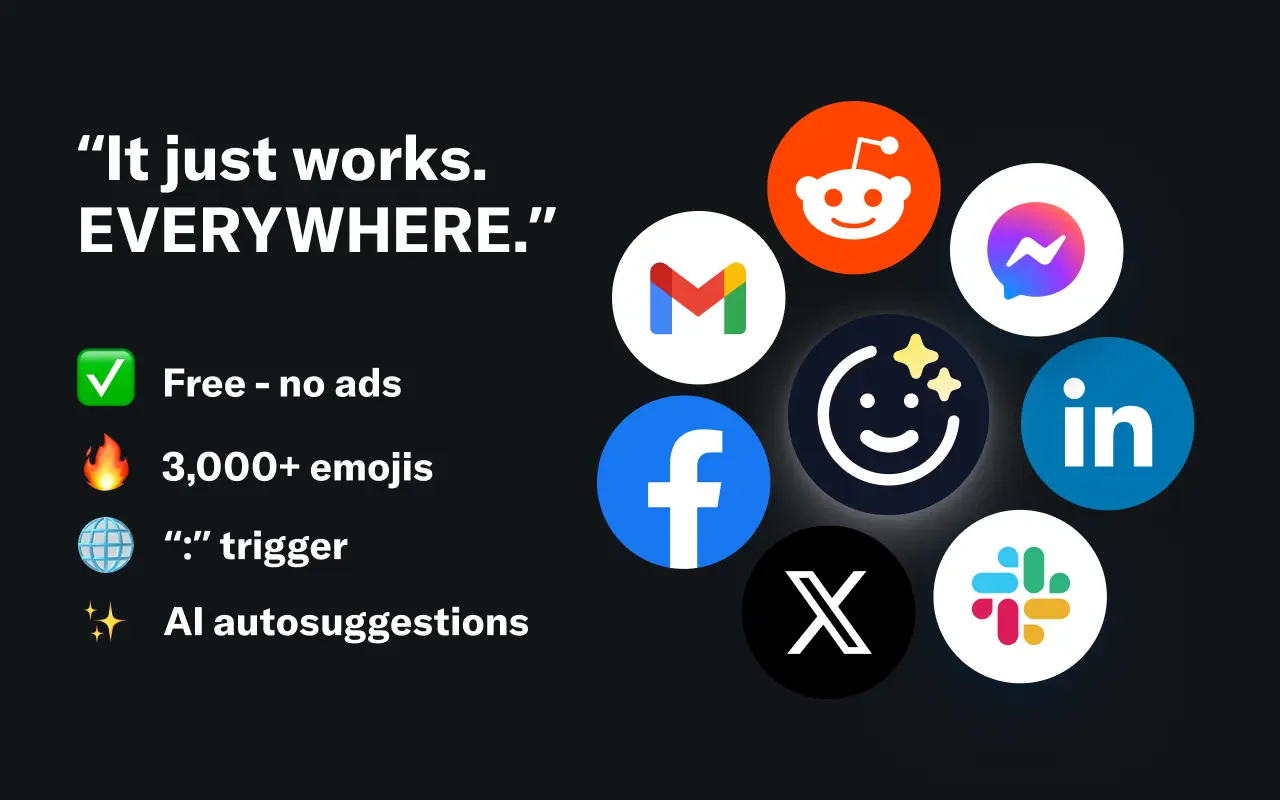
EmojAI
AI-powered emoji picker with smart, context-aware suggestions 🤖
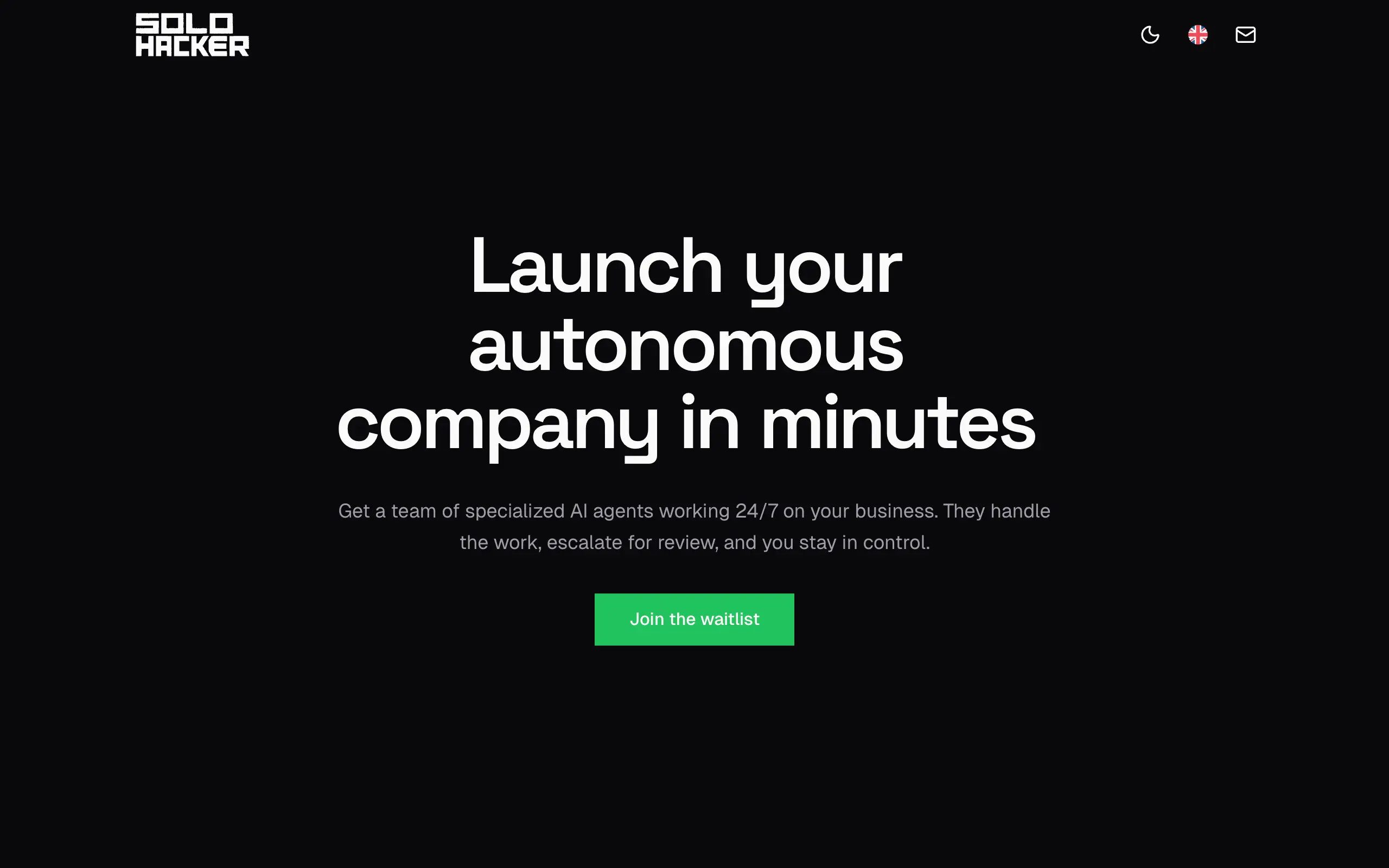
Solohacker
Autonomous company launcher - AI agents work 24/7, escalate what matters, and you stay in control 🤖
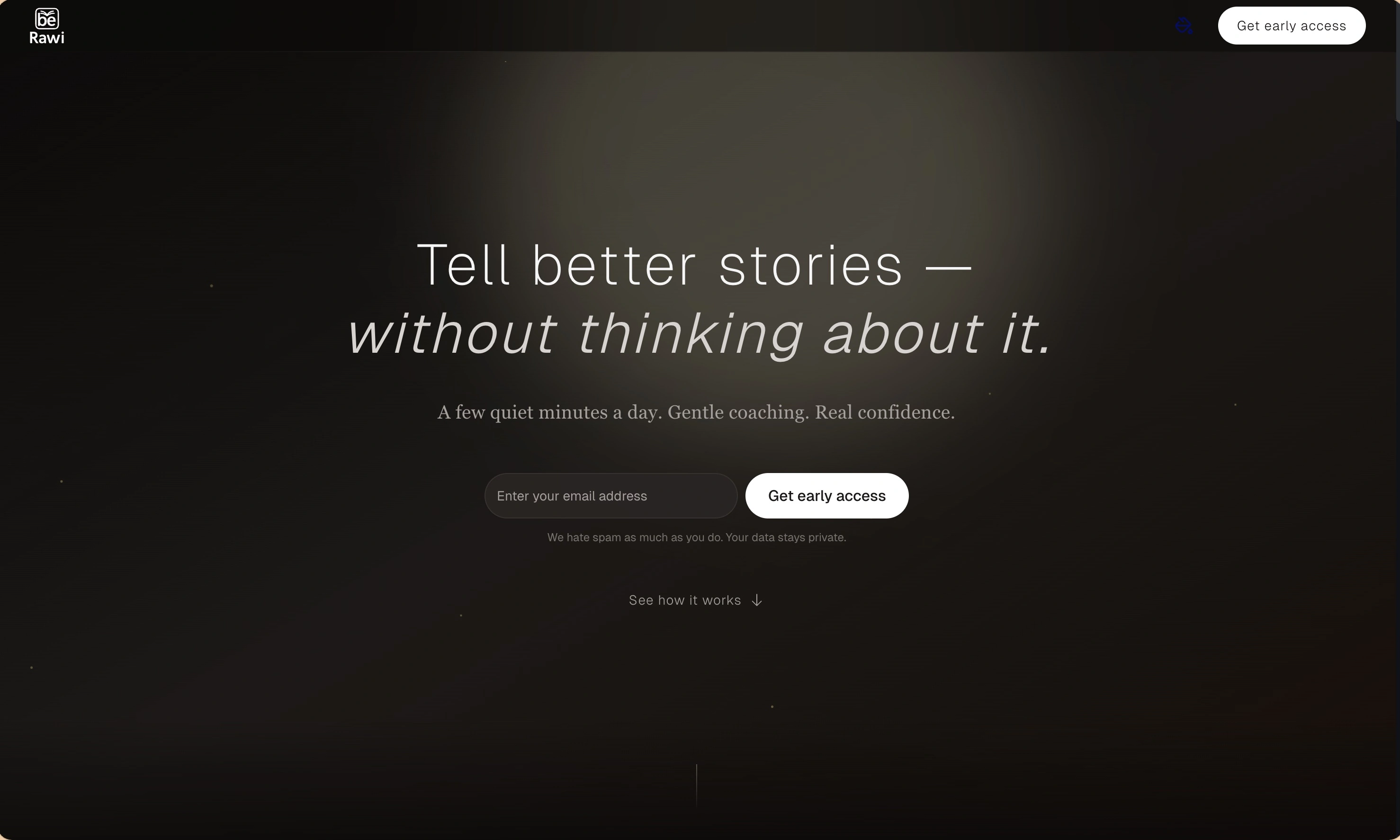
BeRawi: Storytelling Coach
Practice storytelling daily with instant feedback to sound clearer, more engaging, and confident 🎤
Omichat
Chat with 50+ AI models, including ChatGPT and Claude, in one place - switch models anytime without losing context 🤖
Claude Fast
Supercharge your Claude Code with 6x effective context window and specialized AI agents 🤖
EmojAI
AI-powered emoji picker with smart, context-aware suggestions 🤖
Solohacker
Autonomous company launcher - AI agents work 24/7, escalate what matters, and you stay in control 🤖
BeRawi: Storytelling Coach
Practice storytelling daily with instant feedback to sound clearer, more engaging, and confident 🎤
Omichat
Chat with 50+ AI models, including ChatGPT and Claude, in one place - switch models anytime without losing context 🤖
Claude Fast
Supercharge your Claude Code with 6x effective context window and specialized AI agents 🤖
EmojAI
AI-powered emoji picker with smart, context-aware suggestions 🤖
Solohacker
Autonomous company launcher - AI agents work 24/7, escalate what matters, and you stay in control 🤖
BeRawi: Storytelling Coach
Practice storytelling daily with instant feedback to sound clearer, more engaging, and confident 🎤
Omichat
Chat with 50+ AI models, including ChatGPT and Claude, in one place - switch models anytime without losing context 🤖
Claude Fast
Supercharge your Claude Code with 6x effective context window and specialized AI agents 🤖
EmojAI
AI-powered emoji picker with smart, context-aware suggestions 🤖
Solohacker
Autonomous company launcher - AI agents work 24/7, escalate what matters, and you stay in control 🤖
BeRawi: Storytelling Coach
Practice storytelling daily with instant feedback to sound clearer, more engaging, and confident 🎤

Connect with like-minded people
Join our community to get feedback, support, and grow together with 1,000+ builders on board, let's ship it!
Join usShip your startup everywhere. In minutes.
Don't burn tokens on setup and start building features on day one.