RevisionBloom
Turn a syllabus and exam date into a colorful revision plan, printable topic sheets, and quick self-tests. Get structure without another blank planner.
RevisionBloom is a study-planning app that turns a syllabus and an exam date into a colorful revision plan, printable topic sheets, and quick self-tests. Its promise is simple: help students move from “I need to study” to a clear, manageable next step—without asking them to build a planner from scratch.
That focus gives RevisionBloom a useful position in the crowded study-tools market. Rather than trying to replace every calendar, note-taking app, or learning platform, it can specialize in one high-stress moment: planning revision for a specific exam. To make that idea work as a sustainable SaaS product, the founders will need to validate the audience, build a reliable planning experience, and make the learning tools practical enough that students return to them.
What RevisionBloom is and who it serves
RevisionBloom is a B2C revision planner app. A student provides a syllabus or list of topics, chooses an exam date, and indicates how much time they can study. The app then organizes the material into a revision schedule, generates printable topic sheets, and offers short self-tests.
The central product outcome is not “more features.” It is less uncertainty about what to study next.
That distinction matters. Students can already find calendars, flashcard apps, note-taking tools, and generic productivity software. RevisionBloom can stand out by connecting three tasks that are often handled separately:
- Planning: Decide when to revisit each topic.
- Studying: Use a focused topic sheet or practice activity.
- Checking: Test what has been remembered and adjust the plan.
The strongest first version should make that loop easy to understand and complete. If students have to spend an hour organizing their syllabus before the app becomes useful, the product has recreated the problem it intends to solve.
Primary target audience
A promising initial audience is secondary-school and college students preparing for scheduled exams. These learners have a defined deadline, a known body of material, and a reason to organize study sessions over days or weeks.
Within that broad group, RevisionBloom should choose a narrower starting segment. Potential segments include:
- Students preparing for end-of-term exams across several subjects.
- Students studying for standardized or professional examinations with a published syllabus.
- Students who feel overwhelmed by large topic lists and need help breaking them down.
- Students who prefer printable materials or a visual schedule to a dense digital dashboard.
- Parents or tutors who want to help a learner structure revision without managing every session.
The initial audience should be chosen based on access and repeated need, not simply the total number of students who might use the product. A focused segment makes it easier to interview users, select curriculum formats, and build a relevant onboarding flow.
Adjacent users and buyers
Although RevisionBloom is a consumer product, the user and the payer may not always be the same person. A student may use the app while a parent pays for a subscription. Tutors may recommend it to students, and teachers may share it as an optional planning resource.
These groups have different needs:
- Students want a plan that is fast to create, easy to follow, and forgiving when they miss a session.
- Parents may value visibility, reassurance, and a clear sense of progress.
- Tutors may want to create or review plans for multiple learners.
- Teachers may care about curriculum alignment, accessibility, and minimizing extra work for students.
The first product should optimize for students. Adding parent dashboards, tutor workspaces, or classroom management too early can complicate the product before the core planning experience is proven.
The market opportunity and the gap RevisionBloom can address
The opportunity for RevisionBloom is not that students lack study tools. It is that tools are often separated by task. A calendar can reserve study time, but it may not organize topics. A flashcard tool can test recall, but it may not tell a student how to distribute the material across the time remaining. A notes app can hold study material, but it may leave the learner responsible for making every decision.
This creates a practical gap between knowing what an exam covers and knowing how to revise it.
A student might begin with a syllabus, a set of handwritten notes, or a list copied from a course website. They then have to estimate how long each topic will take, decide what to review first, work around other commitments, and judge whether they are making progress. Each decision adds friction. RevisionBloom can reduce that friction by offering a useful first plan while leaving the student in control.
The job students are hiring the product to do
A useful way to assess the market is to describe the job in the student’s own terms:
“Help me turn this course material and exam date into a realistic revision plan I can actually follow.”
That job has several parts:
- Convert a syllabus into manageable topics.
- Schedule those topics across the available time.
- Leave space for review, practice, and unexpected disruptions.
- Make it clear what to do during a study session.
- Show whether the student is progressing without implying that a checked box equals mastery.
RevisionBloom should not claim that a schedule guarantees better grades. The more credible promise is that the product helps students organize revision and practice recall consistently.
Why a specialized product may be more compelling than a generic planner
Generic planners are flexible, but flexibility can create setup work. A student may need to create a project, enter tasks, assign dates, estimate durations, and decide how to measure completion. A dedicated revision planner can replace some of those blank decisions with sensible defaults.
The product’s advantage will depend on how well those defaults fit real study behavior. For example, RevisionBloom can:
- Offer a simple way to divide a syllabus into topics.
- Distribute topics across available study days.
- Include review sessions rather than scheduling each topic only once.
- Let students mark a topic as “not confident,” “in progress,” or “ready to revisit.”
- Rebalance the plan when the student misses a session.
- Generate a printable view for learners who prefer working on paper.
These details are more defensible than a generic claim that the app is “AI-powered” or “personalized.” They connect directly to the user’s revision workflow.
The core RevisionBloom product experience
The product should lead with an outcome, not a setup form. A first-time user should understand that they can provide their course material, select an exam date, and get a plan they can adjust.
1. Syllabus and topic input
Students should be able to create a plan in a few different ways:
- Type or paste a topic list.
- Add topics manually in a structured form.
- Upload a document, if document processing can be done reliably.
- Start from a supported syllabus template, if the company has confirmed that the template is accurate and current.
For an early MVP, pasted text and manual entry may be safer than promising perfect syllabus extraction. If document import is introduced, the app should show the extracted topics and ask the student to review them before generating a schedule. A missed or misread topic can undermine trust in the entire plan.
The interface should also allow students to group topics by subject, unit, or exam paper. Avoid assuming that every syllabus follows the same structure.
2. Exam date and availability
A useful plan needs more than a deadline. It also needs an estimate of when the student can study. The onboarding flow should ask for only the information that changes the plan:
- Exam date.
- Available study days.
- Approximate time per session.
- Existing commitments or blackout dates, if the student wants to provide them.
- Whether the plan should prioritize certain topics.
Make these answers editable later. Students’ schedules change, and an app that treats the original plan as fixed will become less useful as soon as real life intervenes.
3. A realistic, adjustable revision schedule
The schedule should be understandable at a glance. A student should be able to see what is planned for today, what is coming next, and how much of the syllabus remains.
A strong schedule will:
- Break large topics into smaller sessions.
- Avoid filling every available study slot.
- Include time for review and self-testing.
- Give students a way to change session duration.
- Let a learner postpone or reschedule work without losing the broader plan.
- Explain why a topic appears on a particular day.
RevisionBloom should distinguish planned activity from demonstrated understanding. Completing a session is useful evidence that the student followed the plan, but it does not prove that the topic has been mastered.
4. Printable topic sheets
Printable sheets are an important part of the product’s proposition, not just a secondary export option. They can help students who want to work offline, annotate paper, or revise away from a screen.
A topic sheet might include:
- The topic name and key syllabus points.
- A short checklist of subtopics.
- Space for notes or questions.
- A prompt to explain the topic from memory.
- A few practice questions or recall cues.
- A date or space to record when the topic was reviewed.
The app should make clear whether a sheet is a planning aid, a blank worksheet, or generated instructional content. These formats have different accuracy expectations. If the product generates subject-specific explanations, it must treat factual correctness as a core quality and safety requirement.
5. Quick self-tests
Self-tests give students a way to check recall rather than only reread notes. The first version can use short, transparent question formats, such as:
- Multiple-choice questions.
- Short-answer prompts.
- “Explain this without looking” recall prompts.
- Topic checklists that ask the learner to rate confidence.
- User-created questions.
If AI is used to draft questions, students should be able to edit them and report errors. Generated questions should not be presented as official exam questions unless they are genuinely sourced and licensed for that purpose.
6. Progress that supports reflection
Progress should help students make decisions, not pressure them with a streak counter. A useful progress view can show:
- Topics scheduled, completed, postponed, and due for review.
- A learner’s confidence rating by topic.
- Self-test results over time.
- Remaining study sessions before the exam.
- The effect of a schedule change.
The product can then prompt a student to revisit a topic that feels uncertain. It should avoid labeling a learner as “behind” without context. A missed session may be a reason to adjust the plan, not a reason to shame the user.
Learning design: make the planner support effective study
RevisionBloom will be more credible if its learning features reflect established study practices instead of relying on decorative gamification. Research reviews on learning techniques, including the work of Dunlosky and colleagues, are useful starting points when evaluating approaches such as practice testing and distributed practice. Before making specific educational claims, the team should verify the evidence and cite the relevant primary or review source in product materials.
Use retrieval practice, not just rereading
A self-test asks a learner to retrieve information from memory. That makes it a natural fit for RevisionBloom’s quick-test feature. The app can encourage students to answer before revealing notes or explanations, then review what they missed.
The product should still make self-testing approachable. Short prompts, clear feedback, and the option to try again can reduce the intimidation of a long test.
Distribute review across the available time
A revision plan should avoid treating each topic as a one-time task. It can schedule a topic, then bring it back for a later review. The spacing should be simple enough to explain and flexible enough to account for the student’s exam date and availability.
There is no need to present a schedule as scientifically perfect. RevisionBloom can describe its plan as a practical starting point that the student can adjust based on confidence, workload, and test performance.
Make confidence useful, not performative
A confidence rating can help prioritize revision, but it should not become a substitute for evidence. Students often benefit from comparing their confidence with their ability to answer questions. A topic marked “confident” but missed in a self-test may be a useful signal to schedule another review.
Competitive advantage and positioning
RevisionBloom will compete indirectly with calendars, flashcard products, note-taking apps, learning management systems, paper planners, and general AI tools. Its competitive advantage should come from a focused workflow rather than a long feature list.
| Product category | Typical strength | Common limitation RevisionBloom can address |
|---|---|---|
| Calendar apps | Flexible time scheduling | Usually require students to create the revision structure themselves |
| Flashcard apps | Repeated recall and review | May not organize a whole syllabus around an exam date |
| Note-taking apps | Flexible storage and annotation | Can leave planning and prioritization to the learner |
| Paper planners | Tactile, printable, and easy to personalize | Do not automatically adapt when a schedule changes |
| Generic AI tools | Fast drafting and brainstorming | May lack a reliable study workflow and require careful fact-checking |
The clearest positioning is:
RevisionBloom turns an exam syllabus into an adjustable revision plan, printable study materials, and short self-tests in one connected workflow.
This is a specific promise. It does not claim to replace teachers, guarantee results, or generate perfect study content. It promises to help students organize the work and practice recall.
What can make the USP durable
A competitor can copy a calendar view or a printable export. A more durable advantage comes from the full experience:
- High-quality syllabus-to-topic workflows.
- Easy plan adjustment when sessions are missed.
- Thoughtful connections between schedules, sheets, and self-tests.
- Trusted content handling and clear source labeling.
- Templates tailored to validated exam formats.
- A low-friction interface that works for students with different study preferences.
Over time, RevisionBloom may also learn which planning options users actually adopt. That should inform product improvements, but it should not lead to opaque or high-stakes automated judgments about a student’s ability.
Recommended technology stack
The best technology stack depends on the team’s existing skills and the complexity of syllabus import. For a lean web-first MVP, prioritize fast iteration, accessible interfaces, and data models that can support multiple subjects and exam plans.
Front end
React is a suitable option for building an interactive planning interface. It has a mature ecosystem and supports component-based development for schedules, topic lists, and self-test flows.
Next.js can provide a full-stack React framework, including routing and server-rendering options. It is a reasonable choice if the team wants a web app with public landing pages and authenticated product areas in one codebase. The trade-off is that Next.js introduces framework conventions the team must understand and maintain.
Tailwind CSS can help the team build a consistent visual system quickly. Its utility-based approach is efficient for product iteration, though teams should establish reusable design patterns to avoid inconsistent styling.
Back end and database
A relational database is a strong fit for the core product data. RevisionBloom needs to connect users, subjects, exams, topics, study sessions, worksheets, and self-test attempts. A schema that preserves these relationships will make it easier to reschedule plans and show progress.
Supabase is one potential option because it offers a hosted PostgreSQL database and authentication services. It can accelerate an MVP, but the team should review access-control policies, backup procedures, and data retention before storing information about students.
A custom backend may be preferable if the product needs complex scheduling logic, extensive integrations, or strict control over data processing. The trade-off is more development and operational work.
Authentication and privacy
Use established authentication methods rather than building password handling from scratch. Keep the initial account flow simple, and avoid collecting personal information that is not necessary to provide the service.
Because some users may be minors, privacy and legal review should be part of product planning, not a late-stage checklist. Requirements vary by country and by the type of information collected. The team should obtain qualified legal guidance for the markets it serves and make the product’s data practices clear to students and guardians where applicable.
Payments
A subscription product can use a payment provider such as Stripe, subject to availability and compliance needs in the target markets. Payments should be introduced only after the team has evidence that users return to the planner and value the paid features.
Scheduling and content generation
The scheduling engine can begin as deterministic application logic. For example, the product can distribute topics across available sessions, preserve review intervals, and leave buffer time before an exam. A transparent rules-based system is easier to test and explain than an opaque model.
AI may later help with document extraction, topic organization, or first-draft question generation. If included, AI output should be clearly identified, reviewable, and correctable. The product should not silently treat generated material as authoritative.
Monetization strategy options
RevisionBloom can test several revenue models, but the pricing strategy should match how often students use the product and who pays for it.
Freemium
A free plan can let students create a limited number of revision plans and experience the core workflow. A paid plan might offer multiple exam plans, more export options, advanced plan adjustment, or saved question sets.
The key risk is making the free version too limited to demonstrate value. If students cannot complete one useful revision cycle, they will have little reason to upgrade.
Seasonal or exam-period pass
Some learners have a clear, short-term need. A time-limited pass could suit students who want help for one exam period without committing to a year-long subscription. This model may also align pricing with the product’s strongest use case.
The challenge is seasonal retention. The business should plan for uneven demand and test whether students return for new subjects or future exams.
Annual subscription
An annual plan may work for students who prepare for multiple exam periods or use the product throughout the academic year. It should be offered only when the product delivers continued value beyond one exam date.
Family or tutor plans
A family plan could support multiple students under one payer. A tutor plan could eventually allow professionals to help manage plans for several learners. These options introduce more complex permissions and account structures, so they are better suited to later stages unless interviews reveal strong demand.
Pricing research
Avoid choosing a price solely by copying another study app. Test willingness to pay with interviews, landing-page experiments, and paid pilot offers. Track conversion alongside product engagement. A high conversion rate is not useful if users do not complete a plan or return to the app.
Risks and ways to reduce them
Risk of poor syllabus extraction
An imported syllabus may contain headings, footnotes, duplicate sections, or unusual formatting. Incorrect extraction can create a plan that appears complete but omits important material.
Mitigation: Show the extracted topic list before scheduling. Let users edit it easily, and never hide the source text if it is needed to verify the result.
Risk of unrealistic plans
A plan that fills every available hour may look productive but fail in practice. Students have different workloads, energy levels, and responsibilities.
Mitigation: Ask for realistic availability, include buffer time, allow a student to skip or move sessions, and recalculate the schedule without penalizing them.
Risk of inaccurate generated content
Incorrect questions or explanations can undermine trust and harm learning. This is especially important if the product generates subject-specific material.
Mitigation: Keep generated content reviewable, distinguish it from verified source material, provide error reporting, and begin with narrow, well-tested use cases. Consider allowing students to create their own questions.
Risk of weak retention
A student may use RevisionBloom once to create a plan and never return. That can make recurring subscription revenue difficult.
Mitigation: Build around the complete revision cycle. Reminders, self-tests, plan updates, and upcoming review sessions should help students return because there is a useful next action—not because they are pressured by notifications.
Risk of overbuilding
The idea can expand into flashcards, video lessons, AI tutoring, parent controls, school dashboards, and social features. Building all of these before validating the core workflow increases development cost and makes the product harder to explain.
Mitigation: Treat each feature as a hypothesis. Launch the smallest experience that can test whether students will create a plan, use it, and come back.
Risk of privacy and safeguarding issues
Student data can be sensitive, and a consumer education product may serve children or teenagers. Data collection, analytics, accounts, and communication practices need careful review.
Mitigation: Minimize data collection, use secure access controls, define deletion and retention policies, review applicable laws with qualified professionals, and avoid unnecessary public profiles or social features.
Risk of inaccessible design
Colorful interfaces can improve visual appeal but should not make color the only way to communicate status. Students may use assistive technology, have visual impairments, or prefer reduced visual complexity.
Mitigation: Follow accessibility best practices, use readable contrast, provide text labels alongside color, support keyboard navigation, and test with users who have different access needs.
How to validate RevisionBloom before building too much
Validation should focus on behavior, not compliments. Students may say that a planner sounds useful but still prefer their existing method. The team needs to observe whether they will provide a syllabus, follow a proposed plan, and return to revise it.
Conduct problem interviews
Interview students in the selected starting segment. Ask them to describe the last time they prepared for an exam:
- How did they decide what to study?
- Where did the syllabus or topic list come from?
- What did they use to schedule revision?
- What happened when they missed a planned session?
- Which parts of revision felt confusing or stressful?
- Did they use printed materials, digital notes, or both?
- What tools did they try and stop using?
Ask for specific examples rather than asking whether they like the idea. A detailed account of a recent study experience is more useful than a hypothetical opinion.
Test the workflow with a prototype
Create a clickable prototype or a lightweight manual service. Let a student provide a topic list and exam date, then show a draft plan. Watch where they hesitate, what they change, and whether the schedule feels realistic.
A manual pilot can be valuable before automation. The team can create plans behind the scenes and learn which rules students expect. This reduces the risk of building a sophisticated scheduling engine around incorrect assumptions.
Measure meaningful activation
For RevisionBloom, account creation is not the most useful sign of value. A stronger activation event might include:
- Adding an exam date.
- Creating or reviewing a topic list.
- Generating a plan.
- Completing or editing the first study session.
The team should define the event before launch so it can compare onboarding changes consistently.
Look for repeat use
Track whether students return to check the schedule, complete self-tests, or revise a missed session. Short-term retention is especially important for a product whose value unfolds across a revision period.
Use analytics with data minimization in mind. Collect only what is needed to understand product behavior, explain the purpose of analytics, and follow applicable privacy requirements.
Actionable implementation steps
A focused rollout can move RevisionBloom from idea to evidence without attempting to build a full learning platform.
Choose one initial learner segment
Select a group you can reach and interview, such as students preparing for a particular type of exam. Document their exam timeline, the format of their syllabi, their current planning habits, and who is likely to pay.
Map the student journey
Write down each step from “I have an exam” to “I know what to study today.” Identify where students currently make decisions and where they get stuck. Use this journey to keep the product focused.
Prototype the plan-generation flow
Build a simple interface for entering a topic list, exam date, and availability. Generate a schedule using transparent rules. Include editing and rescheduling before adding advanced AI features.
Test printable sheets and self-tests
Ask pilot users to use a topic sheet and complete a quick self-test. Observe whether the materials are understandable, useful, and easy to correct. Gather feedback on both digital and printable formats.
Run a small pilot
Recruit a small group of students during a real revision period. Support them closely, but record where they need help. Test whether they return to the plan and what causes them to stop using it.
Define the MVP metrics
Choose a small number of measures, such as plan creation, first-session completion, return use, plan adjustment, and self-test completion. Interpret them alongside interviews rather than treating any single metric as proof of learning impact.
Introduce pricing after value is visible
Test a free experience and one or two paid options with real users. Explain exactly what is included. Avoid locking the core experience behind a paywall before you know which features students value.
Expand only after the core loop works
Consider additional syllabus formats, integrations, tutor features, or AI-assisted content after students can reliably create, use, and adapt a plan. Each expansion should solve a validated problem.
Building the first version efficiently
A founder can reduce the time spent on setup by using a starter kit for common SaaS foundations, while keeping the study-planning logic specific to RevisionBloom. TurboStarter is one option to evaluate for accelerating SaaS implementation. Compare any starter with the team’s requirements for authentication, billing, database design, accessibility, and maintainability before committing.
The first build should prioritize a dependable core:
- A clear onboarding flow.
- Topic entry and editing.
- Exam-date and availability settings.
- A readable, adjustable revision schedule.
- Printable topic sheets.
- Simple self-tests.
- Basic progress tracking.
- Privacy-conscious account and data controls.
Everything else should earn its place through user evidence.
Final perspective
RevisionBloom has a clear product opportunity because it addresses a familiar but poorly connected set of tasks: translating an exam syllabus into a plan, turning planned sessions into useful study materials, and checking recall along the way. Its strongest differentiator is not color or automation on its own. It is the connected revision workflow that starts with a deadline and ends with a practical next action.
The idea is most likely to succeed if it stays focused on student needs, makes plans easy to change, and treats generated content and student data responsibly. Start with one audience, validate the workflow during a real exam period, and build only what helps students create and follow a realistic plan.
More 👥 B2C Application SaaS ideas
Discover more innovative b2c application SaaS ideas that are trending in 2026. Each idea is AI-generated with market validation and growth potential to help you find your next profitable venture faster than competitors.
Your competitors are building with TurboStarter
Below are some of the SaaS ideas that have been generated and built with our starter kit.
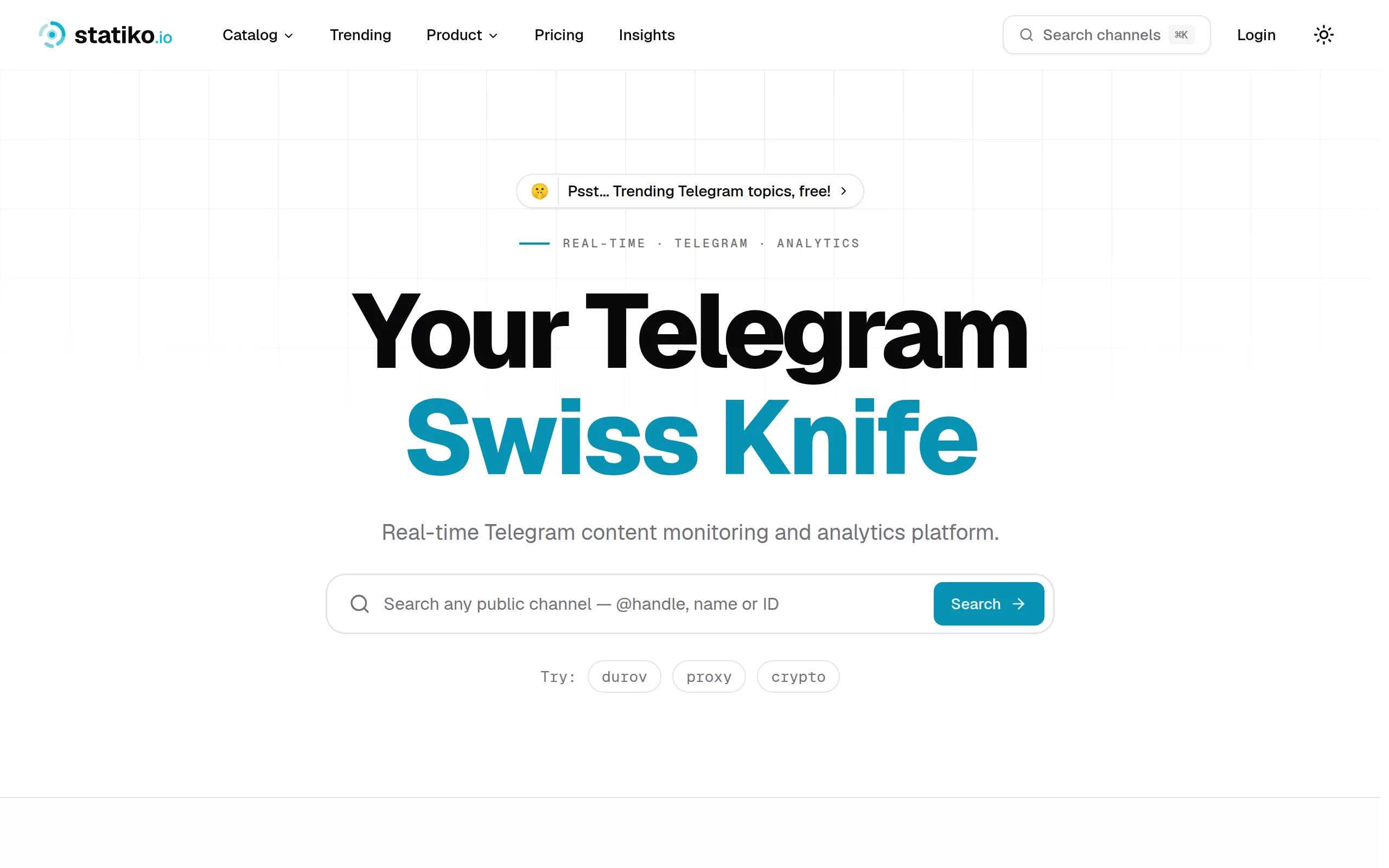
Statiko
Monitor any Telegram channel in real time - track posts, edits, deletions, and growth with AI recaps 📡

Shibui
AI website builder - describe your business, pick a niche template, edit by chatting, and publish instantly ✨

Pro Service
Find verified home service professionals, compare quotes, and pay securely through escrow - built for Brazilians across the US 🏠
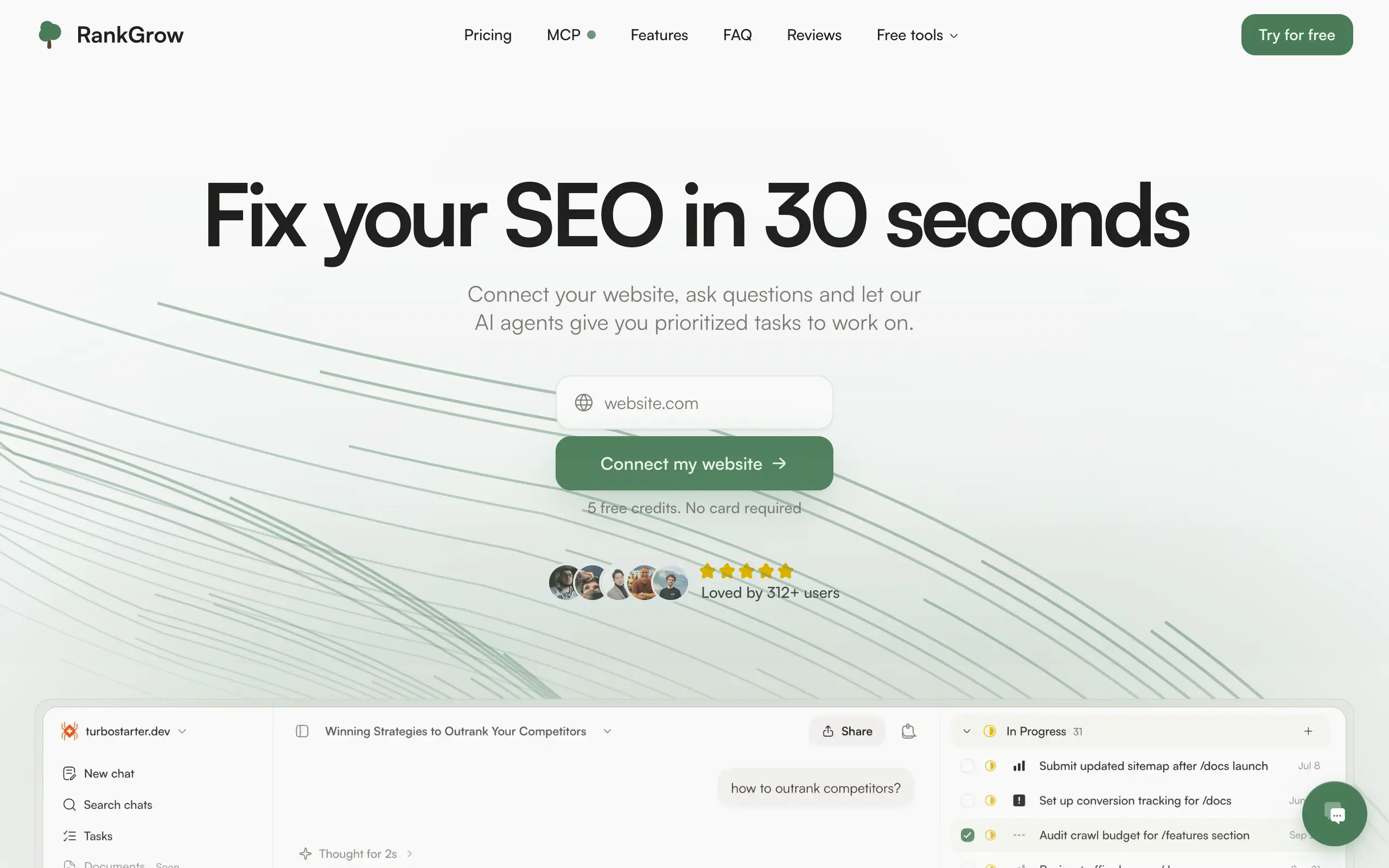
RankGrow
Fix your SEO with AI agents - connect Search Console, get prioritized tasks, and grow organic traffic 📈
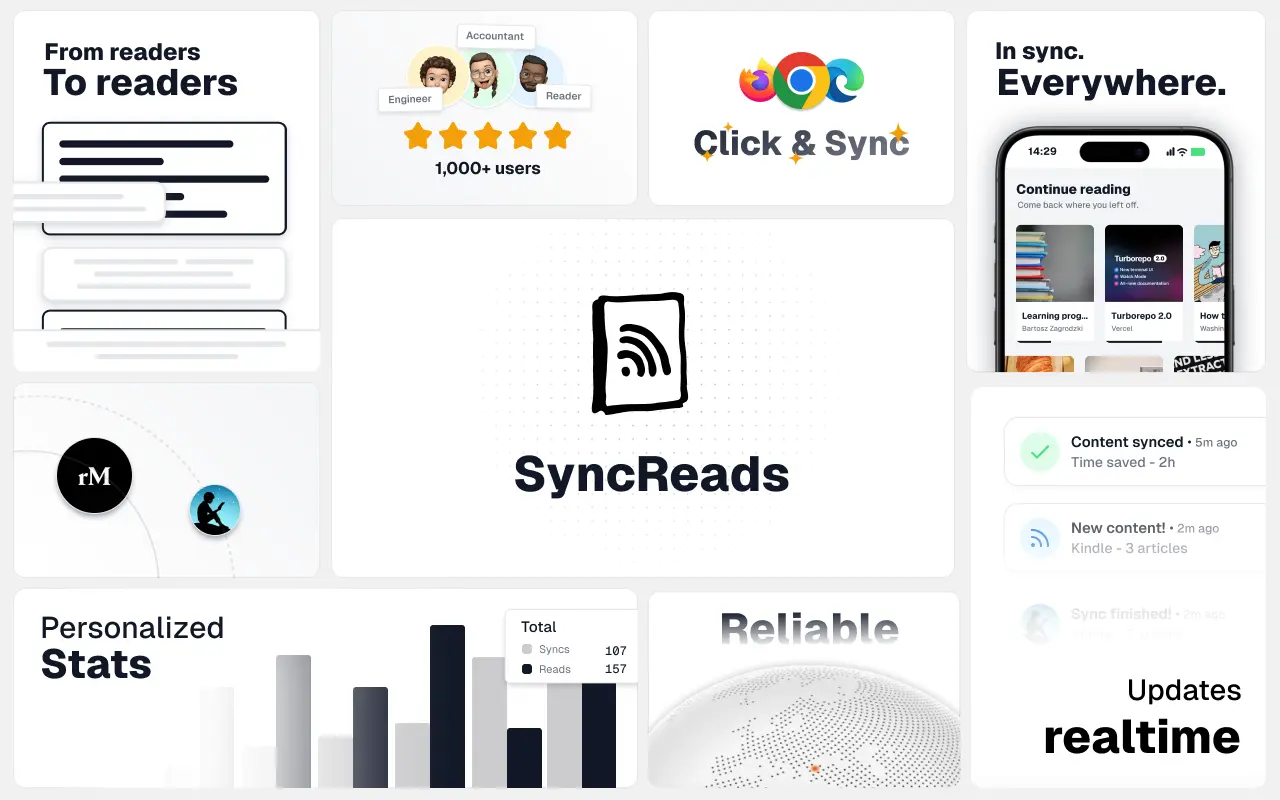
SyncReads
Sync your favorite content for distraction-free reading, save time and replace multiple apps. Anytime, anywhere 🔄
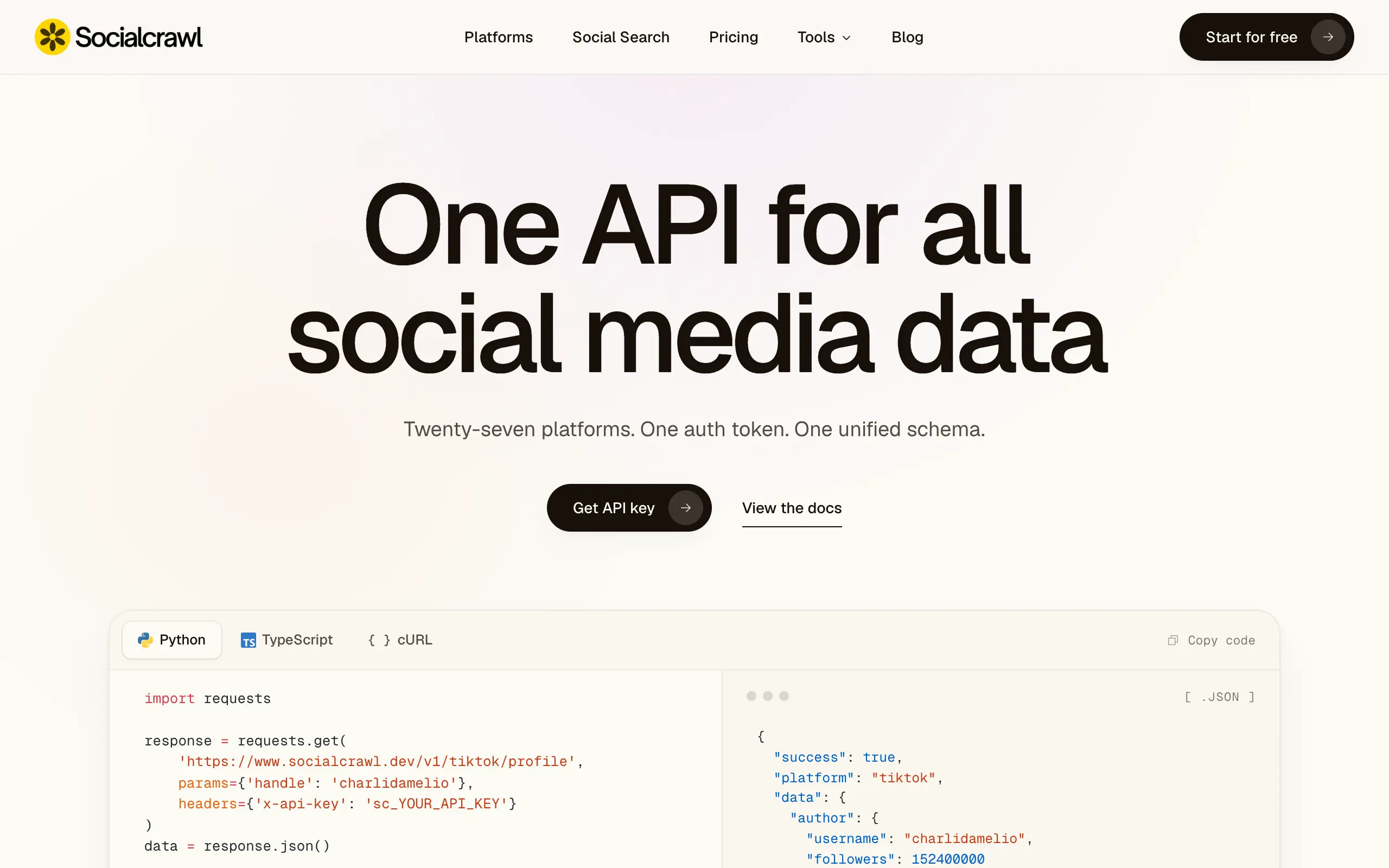
Socialcrawl
Get clean, structured data from 21 platforms like TikTok, Instagram, and YouTube with a single request 📊
Statiko
Monitor any Telegram channel in real time - track posts, edits, deletions, and growth with AI recaps 📡
Shibui
AI website builder - describe your business, pick a niche template, edit by chatting, and publish instantly ✨
Pro Service
Find verified home service professionals, compare quotes, and pay securely through escrow - built for Brazilians across the US 🏠
RankGrow
Fix your SEO with AI agents - connect Search Console, get prioritized tasks, and grow organic traffic 📈
SyncReads
Sync your favorite content for distraction-free reading, save time and replace multiple apps. Anytime, anywhere 🔄
Socialcrawl
Get clean, structured data from 21 platforms like TikTok, Instagram, and YouTube with a single request 📊
Statiko
Monitor any Telegram channel in real time - track posts, edits, deletions, and growth with AI recaps 📡
Shibui
AI website builder - describe your business, pick a niche template, edit by chatting, and publish instantly ✨
Pro Service
Find verified home service professionals, compare quotes, and pay securely through escrow - built for Brazilians across the US 🏠
RankGrow
Fix your SEO with AI agents - connect Search Console, get prioritized tasks, and grow organic traffic 📈
SyncReads
Sync your favorite content for distraction-free reading, save time and replace multiple apps. Anytime, anywhere 🔄
Socialcrawl
Get clean, structured data from 21 platforms like TikTok, Instagram, and YouTube with a single request 📊
Statiko
Monitor any Telegram channel in real time - track posts, edits, deletions, and growth with AI recaps 📡
Shibui
AI website builder - describe your business, pick a niche template, edit by chatting, and publish instantly ✨
Pro Service
Find verified home service professionals, compare quotes, and pay securely through escrow - built for Brazilians across the US 🏠
RankGrow
Fix your SEO with AI agents - connect Search Console, get prioritized tasks, and grow organic traffic 📈
SyncReads
Sync your favorite content for distraction-free reading, save time and replace multiple apps. Anytime, anywhere 🔄
Socialcrawl
Get clean, structured data from 21 platforms like TikTok, Instagram, and YouTube with a single request 📊
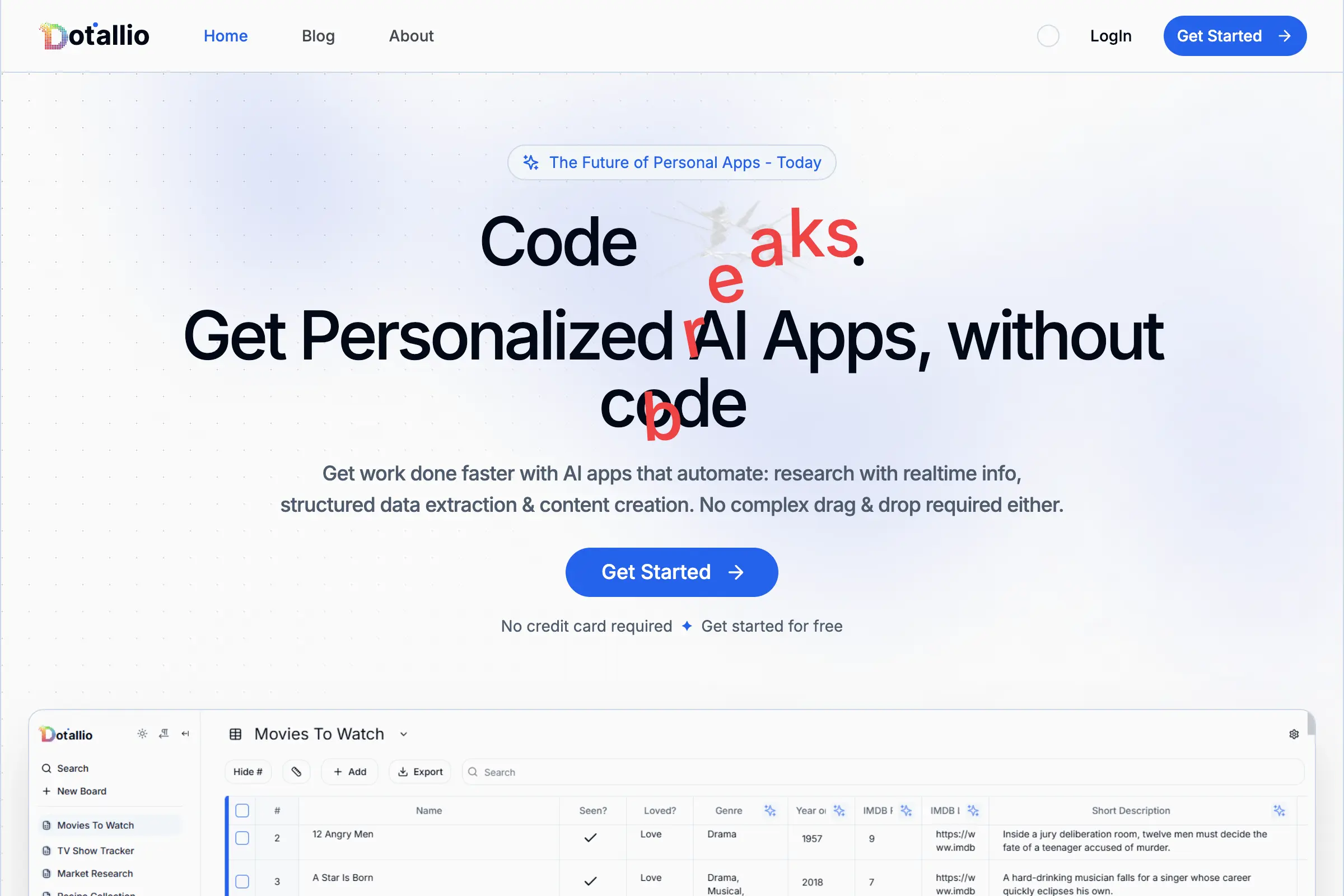
Dotallio
Personalized AI apps that automate research, data extraction, and content creation without code 🤖
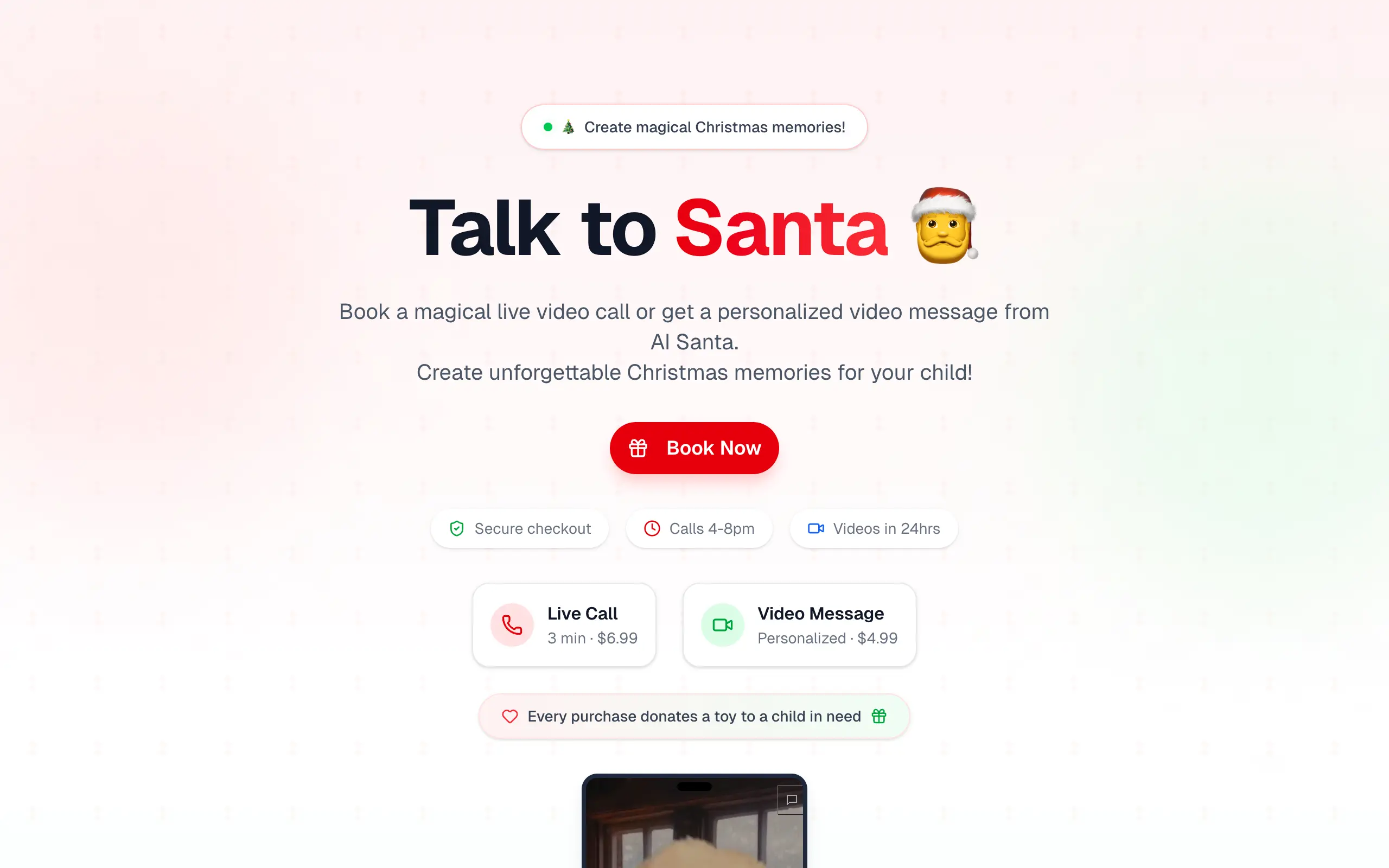
Talk to Santa
Enjoy a magical live video chat or receive a unique AI-generated video greeting from Santa Claus 🎅
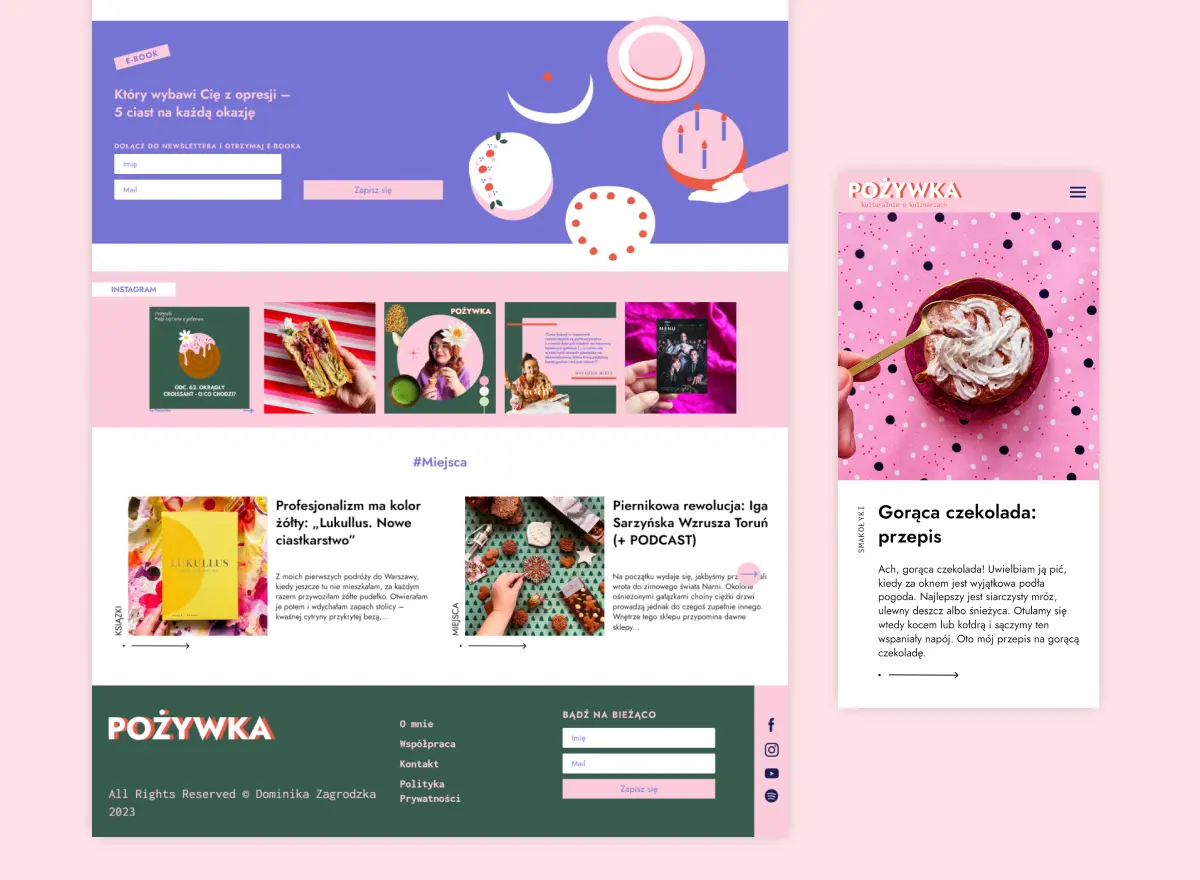
pozywka.pl
Scalable blog for food journalist, focused on performance and user experience 🌭
zagrodzki.me
Personal blog and portfolio of Bart Zagrodzki, where he shares his knowledge and work 💼
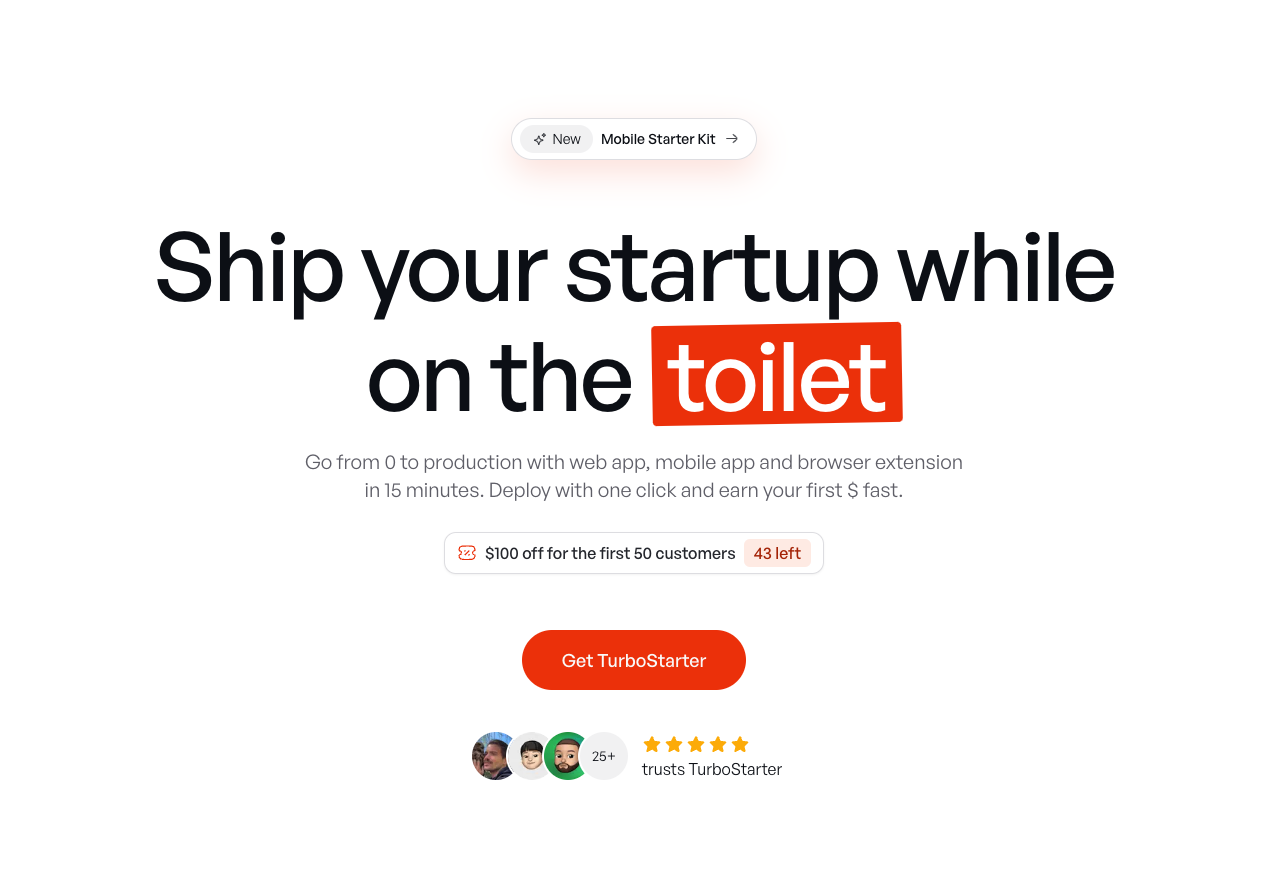
TurboStarter
Ship your startup everywhere. In minutes.
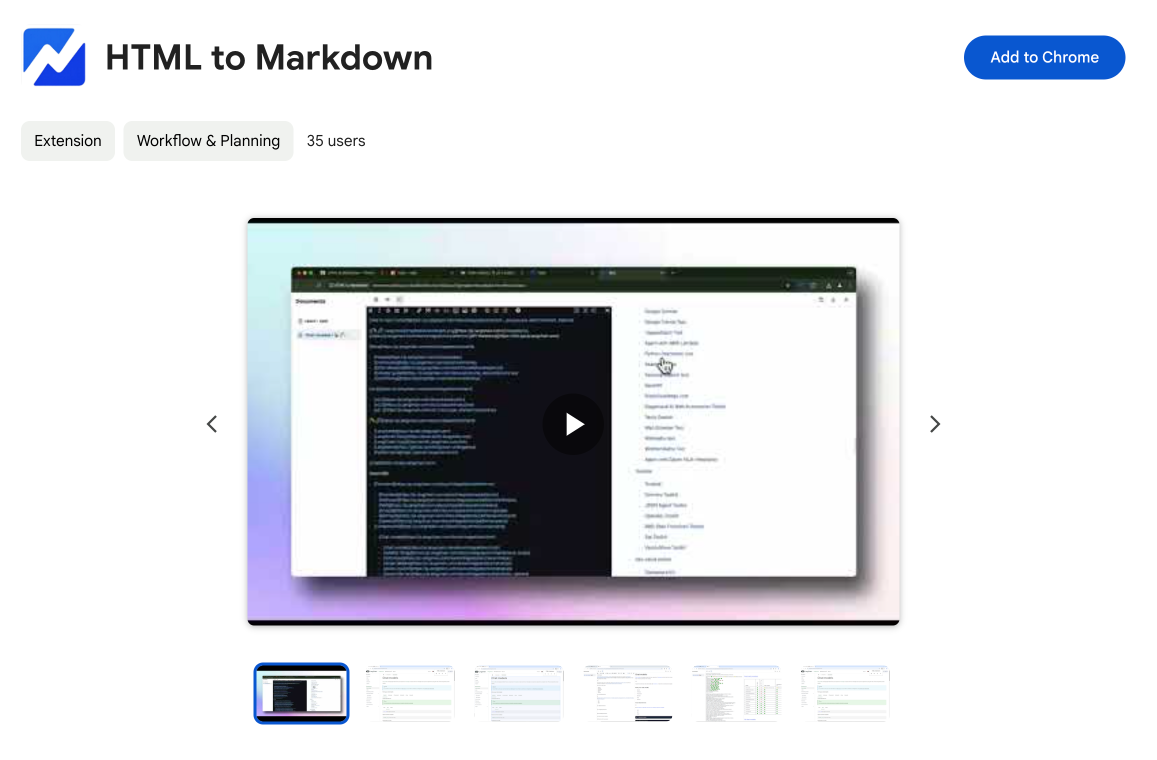
HTML to Markdown
Convert HTML to Markdown with ease, directly in your browser 📄
Dotallio
Personalized AI apps that automate research, data extraction, and content creation without code 🤖
Talk to Santa
Enjoy a magical live video chat or receive a unique AI-generated video greeting from Santa Claus 🎅
pozywka.pl
Scalable blog for food journalist, focused on performance and user experience 🌭
zagrodzki.me
Personal blog and portfolio of Bart Zagrodzki, where he shares his knowledge and work 💼
TurboStarter
Ship your startup everywhere. In minutes.
HTML to Markdown
Convert HTML to Markdown with ease, directly in your browser 📄
Dotallio
Personalized AI apps that automate research, data extraction, and content creation without code 🤖
Talk to Santa
Enjoy a magical live video chat or receive a unique AI-generated video greeting from Santa Claus 🎅
pozywka.pl
Scalable blog for food journalist, focused on performance and user experience 🌭
zagrodzki.me
Personal blog and portfolio of Bart Zagrodzki, where he shares his knowledge and work 💼
TurboStarter
Ship your startup everywhere. In minutes.
HTML to Markdown
Convert HTML to Markdown with ease, directly in your browser 📄
Dotallio
Personalized AI apps that automate research, data extraction, and content creation without code 🤖
Talk to Santa
Enjoy a magical live video chat or receive a unique AI-generated video greeting from Santa Claus 🎅
pozywka.pl
Scalable blog for food journalist, focused on performance and user experience 🌭
zagrodzki.me
Personal blog and portfolio of Bart Zagrodzki, where he shares his knowledge and work 💼
TurboStarter
Ship your startup everywhere. In minutes.
HTML to Markdown
Convert HTML to Markdown with ease, directly in your browser 📄
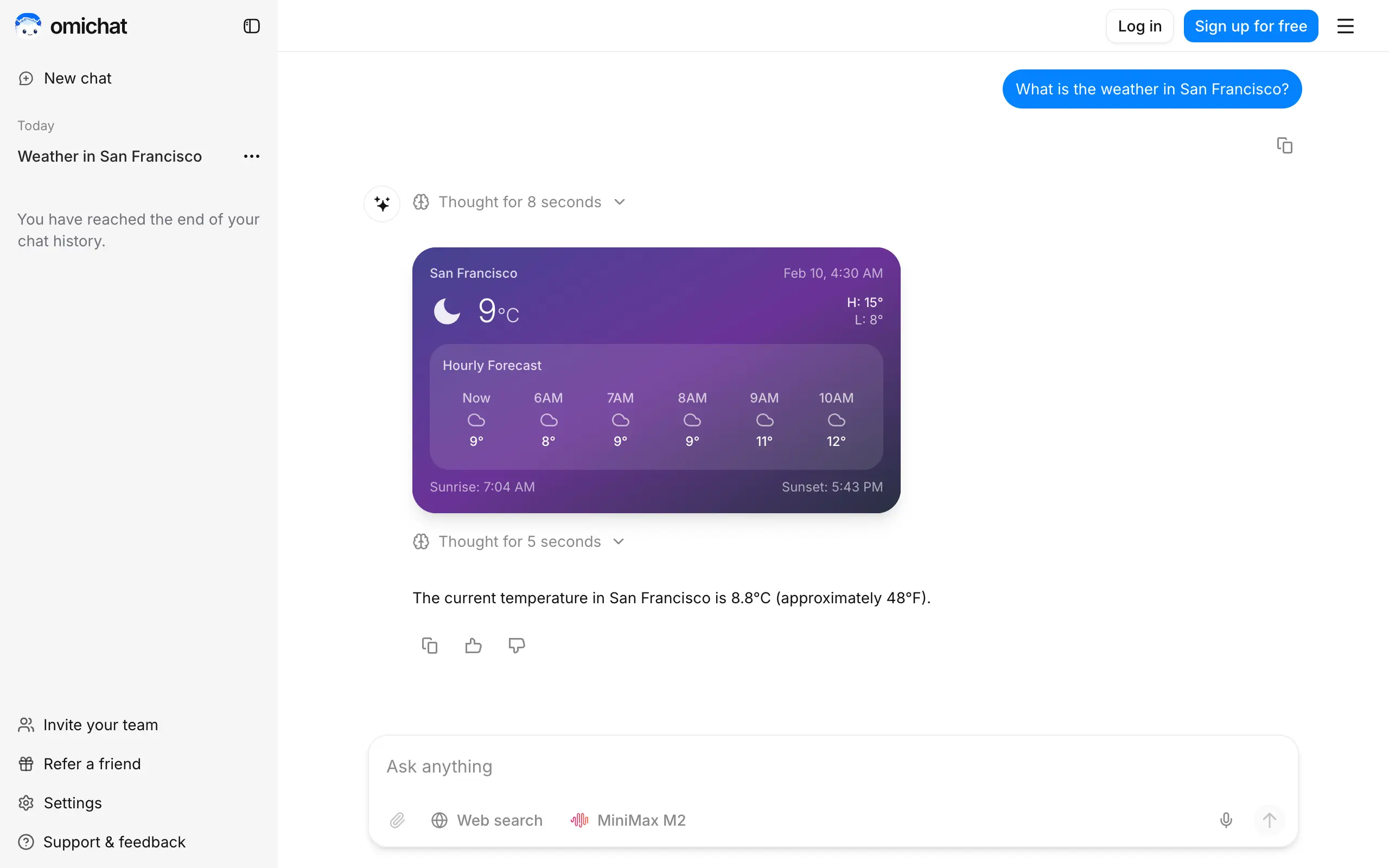
Omichat
Chat with 50+ AI models, including ChatGPT and Claude, in one place - switch models anytime without losing context 🤖
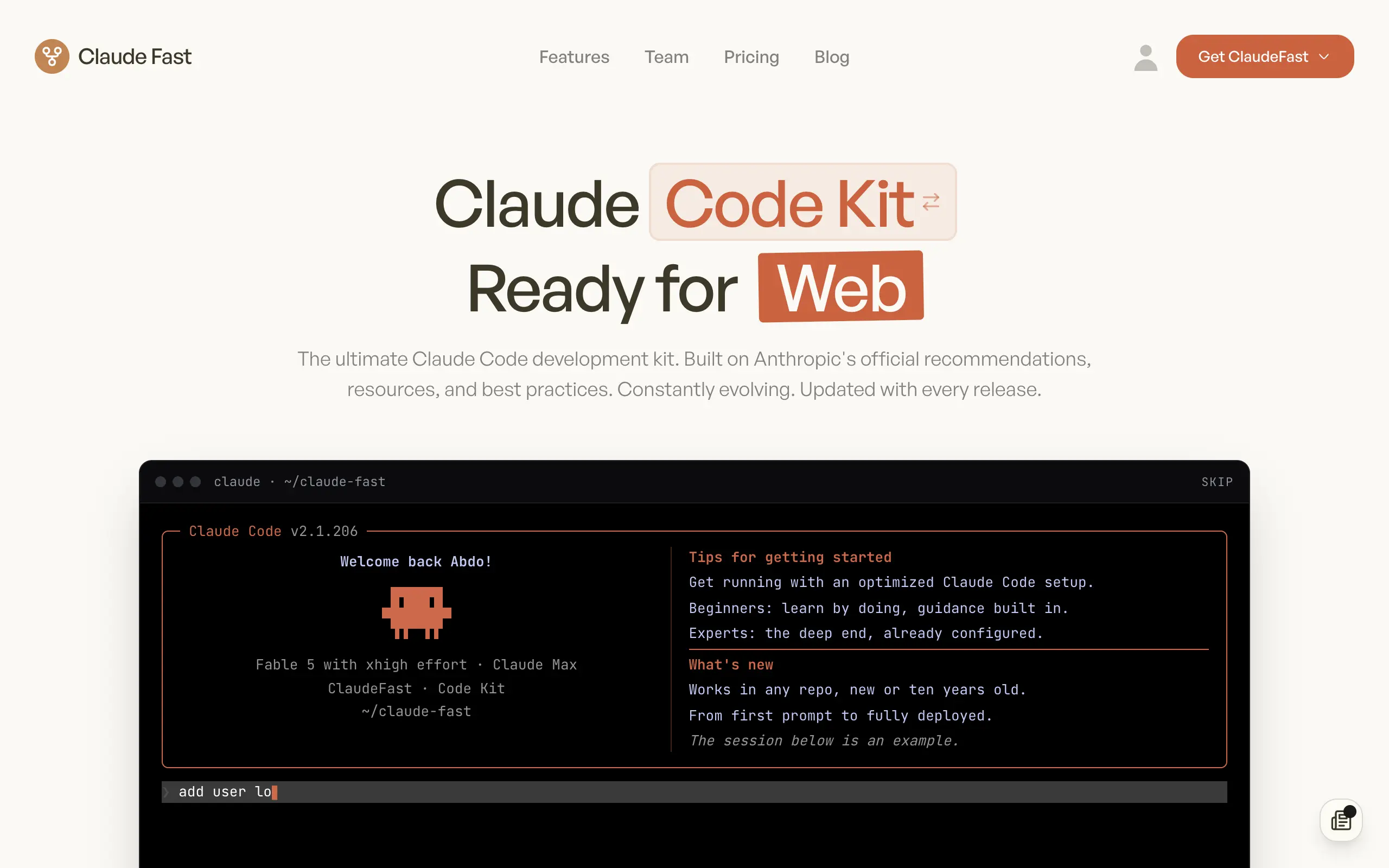
Claude Fast
Supercharge your Claude Code with 6x effective context window and specialized AI agents 🤖
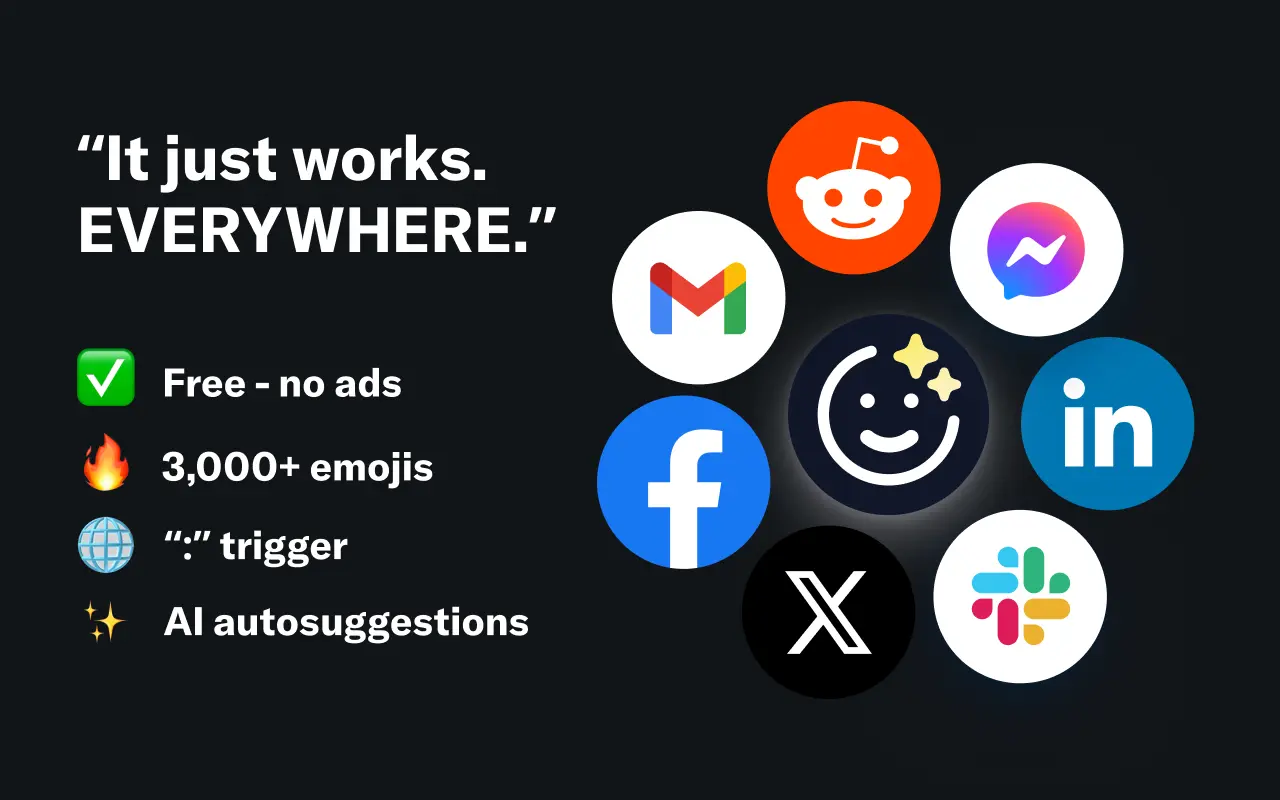
EmojAI
AI-powered emoji picker with smart, context-aware suggestions 🤖
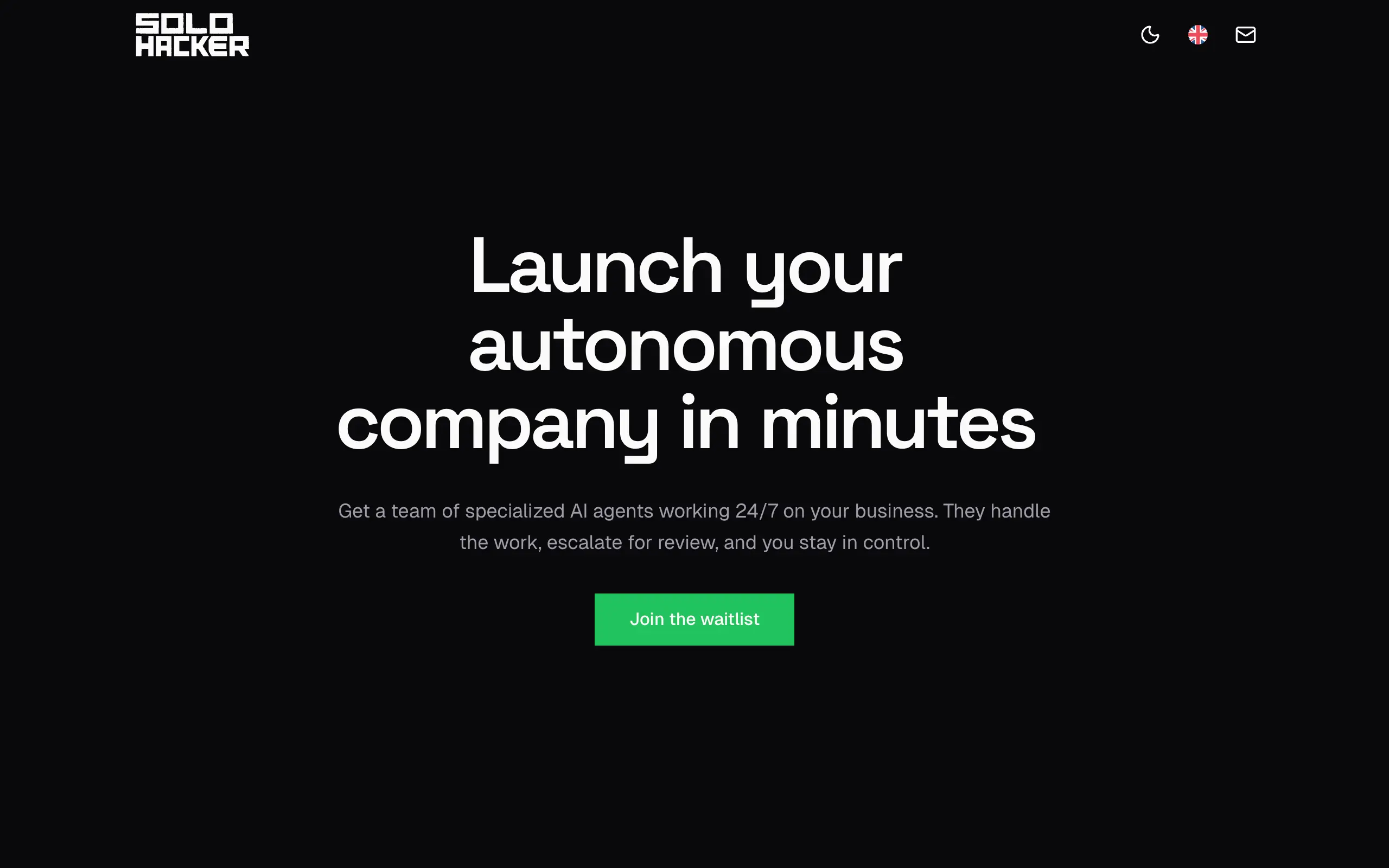
Solohacker
Autonomous company launcher - AI agents work 24/7, escalate what matters, and you stay in control 🤖
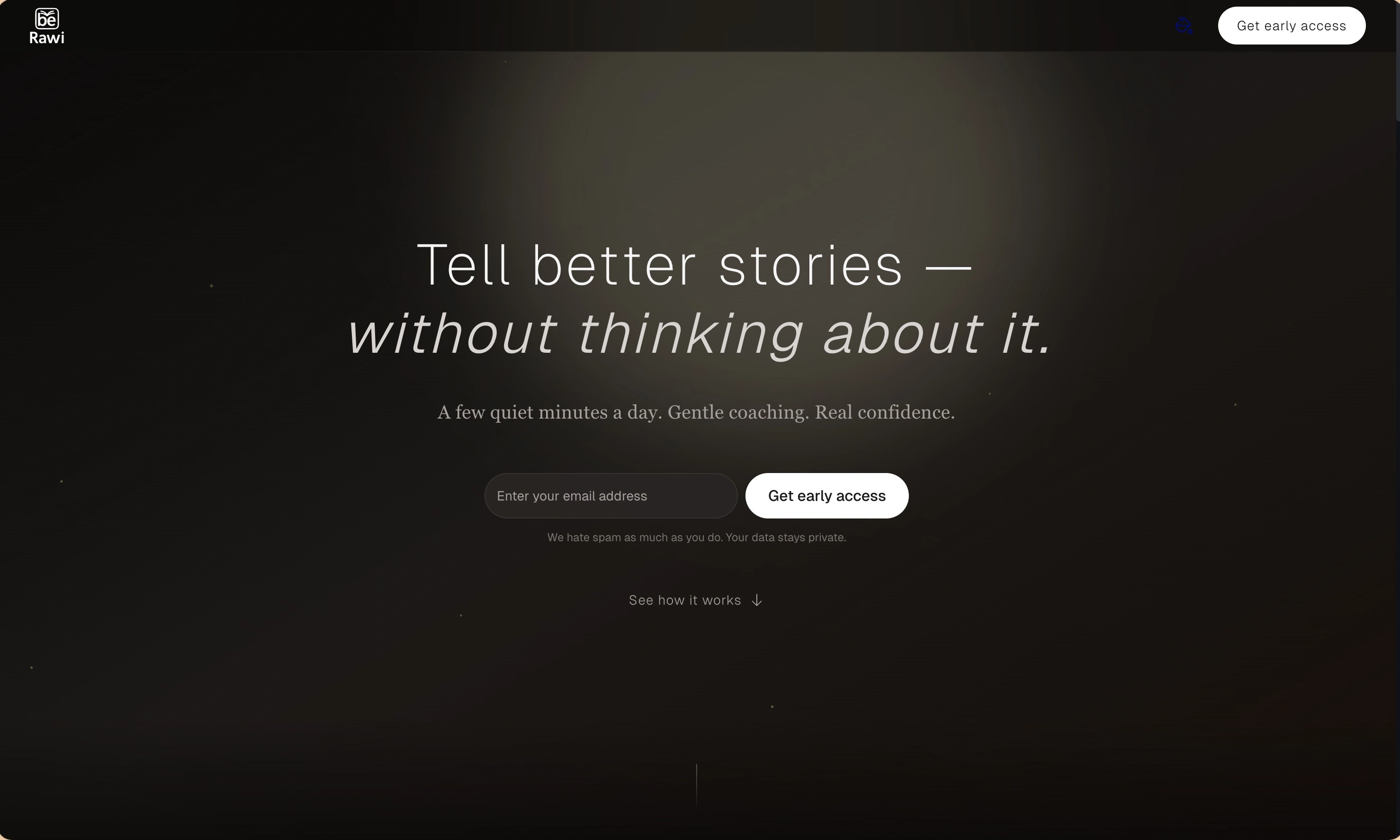
BeRawi: Storytelling Coach
Practice storytelling daily with instant feedback to sound clearer, more engaging, and confident 🎤
Omichat
Chat with 50+ AI models, including ChatGPT and Claude, in one place - switch models anytime without losing context 🤖
Claude Fast
Supercharge your Claude Code with 6x effective context window and specialized AI agents 🤖
EmojAI
AI-powered emoji picker with smart, context-aware suggestions 🤖
Solohacker
Autonomous company launcher - AI agents work 24/7, escalate what matters, and you stay in control 🤖
BeRawi: Storytelling Coach
Practice storytelling daily with instant feedback to sound clearer, more engaging, and confident 🎤
Omichat
Chat with 50+ AI models, including ChatGPT and Claude, in one place - switch models anytime without losing context 🤖
Claude Fast
Supercharge your Claude Code with 6x effective context window and specialized AI agents 🤖
EmojAI
AI-powered emoji picker with smart, context-aware suggestions 🤖
Solohacker
Autonomous company launcher - AI agents work 24/7, escalate what matters, and you stay in control 🤖
BeRawi: Storytelling Coach
Practice storytelling daily with instant feedback to sound clearer, more engaging, and confident 🎤
Omichat
Chat with 50+ AI models, including ChatGPT and Claude, in one place - switch models anytime without losing context 🤖
Claude Fast
Supercharge your Claude Code with 6x effective context window and specialized AI agents 🤖
EmojAI
AI-powered emoji picker with smart, context-aware suggestions 🤖
Solohacker
Autonomous company launcher - AI agents work 24/7, escalate what matters, and you stay in control 🤖
BeRawi: Storytelling Coach
Practice storytelling daily with instant feedback to sound clearer, more engaging, and confident 🎤

Connect with like-minded people
Join our community to get feedback, support, and grow together with 1,000+ builders on board, let's ship it!
Join usShip your startup everywhere. In minutes.
Don't burn tokens on setup and start building features on day one.