StoryMosaic
Turn scattered photos and voice notes into polished, narrated travel and family-story videos, with private-by-default editing and shareable exports.
Why StoryMosaic addresses a real storytelling problem
People often capture the moments they most want to remember: a child’s first beach trip, a family reunion, a long-awaited vacation, or a weekend with friends. But those memories tend to end up spread across phone galleries, cloud albums, and voice notes. Turning them into a polished story takes time, creative confidence, and editing skills that many people do not have.
StoryMosaic is a private-by-default app that transforms scattered photos and voice notes into narrated travel and family-story videos. Its promise is not simply to create a slideshow. It is to help people shape their personal media into a coherent, emotionally meaningful story that is easy to share.
The concept sits at the intersection of several user needs:
- Organization: Bring photos and voice recordings for an event into one workspace.
- Storytelling: Arrange moments into a beginning, middle, and end.
- Editing: Create a watchable video without learning professional editing software.
- Personalization: Preserve the user’s voice, relationships, and interpretation of an event.
- Privacy: Give people clear control over sensitive family memories.
- Sharing: Export a finished video in formats suitable for family chats, social platforms, or personal archives.
That combination gives StoryMosaic a distinctive product direction: an accessible story video maker for real-life memories, designed around privacy and personal narration.
Who StoryMosaic should serve first
A broad consumer audience may eventually be attractive, but a focused initial audience will make product design, positioning, and distribution more effective. StoryMosaic should begin with people who already have a strong reason to preserve and share personal stories.
Primary audience: family memory keepers
Family memory keepers are often the people who organize photos, document milestones, and share updates with relatives. They may be parents, adult children, grandparents, or the person in a family who naturally takes responsibility for preserving memories.
Their problems are practical and emotional:
- They have hundreds of photos but little time to edit them.
- They want to preserve context that a photo alone cannot communicate.
- They may have voice notes or recorded anecdotes that are difficult to incorporate into an album.
- They want relatives to enjoy the result without installing complicated software.
- They may be uncomfortable uploading private family material to an unfamiliar service.
For this group, StoryMosaic should feel reassuring and simple. A first-time user should be able to create a meaningful video without needing to understand timelines, transitions, codecs, or audio mixing.
Secondary audience: travelers and trip planners
Travelers often return from trips with a large collection of photos and short videos. The media may be organized by date but not by story. A traveler might want to capture the journey from departure to arrival, show how a place felt, or remember the people and surprises that made the trip distinctive.
Useful travel-specific capabilities could include:
- Grouping media by trip or location.
- Creating chapters such as “Arrival,” “The old town,” and “Our last morning.”
- Adding a spoken reflection after the trip.
- Selecting a short or long version for different audiences.
- Exporting a private family version and a separate social-ready cut.
StoryMosaic should not assume that every trip is a public travel highlight reel. Some users will prefer a reflective, personal record intended only for close friends and family.
Potential audience: long-distance families
Families living in different cities or countries may use video stories to stay connected. A narrated video can provide more context than a photo dump and less pressure than a live call. This group may also value simple collaboration, such as inviting a relative to contribute photos or record a short memory.
Collaboration should be designed carefully. Shared access needs understandable permissions, clear ownership, and easy ways to revoke access. The product should avoid making an invitee’s content public or broadly visible by default.
Jobs StoryMosaic helps users accomplish
The product should be built around user outcomes rather than a list of editing features. Typical jobs include:
- “Help me turn these photos from our trip into something my family will actually watch.”
- “Help me tell the story behind these pictures before I forget the details.”
- “Help me make a birthday or anniversary video without spending an entire evening editing.”
- “Help me share a personal video without making the underlying album public.”
- “Help me preserve my own voice and memories, not just add generic captions.”
These jobs point to a product that should guide users through storytelling, not simply automate a sequence of images.
The market opportunity and product gap
StoryMosaic would enter a category with familiar alternatives: phone photo apps, cloud storage, slideshow makers, social video editors, and professional editing software. The opportunity is not that these tools cannot produce videos. It is that many are optimized for a different task.
A general photo library is good at storing and retrieving images. A social video editor is often designed for quick, attention-grabbing posts. Professional editing software offers control but can create a steep learning curve. A lightweight slideshow maker may produce a video but leave the user to decide what the story is.
StoryMosaic can distinguish itself by combining narrative guidance, low-effort editing, personal voice, and private sharing in one workflow.
Where existing approaches leave room
| User need | Generic photo library | Social video editor | Professional editor | StoryMosaic opportunity |
|---|---|---|---|---|
| Find media for a memory | Often available | Usually manual | Manual | Organize around an event or story |
| Build a clear narrative | Limited guidance | Template-led | Full control, high effort | Guided story structure |
| Include spoken memories | Varies | Possible, often secondary | Powerful but complex | Voice as a core input |
| Make a polished video quickly | Basic tools | Often effective | Time-intensive | Simple, guided creation |
| Keep a project private | Depends on service settings | Depends on destination | Often local control | Privacy-first defaults |
| Share with nontechnical relatives | Usually link or album sharing | Social-first | Export required | Easy, intentional exports |
This comparison is a product hypothesis, not proof that users will switch. StoryMosaic should validate whether people care enough about narrated storytelling and privacy to adopt a dedicated tool. Interviews, prototype tests, and pricing experiments should test that assumption before the team invests heavily in automation or advanced editing features.
A useful positioning statement
A clear initial positioning statement could be:
StoryMosaic turns the photos and voice notes from a trip or family moment into a narrated video story you can edit privately and share on your terms.
This is more specific than “AI video creation” and more emotionally relevant than “slideshow software.” It also gives the product team a practical filter. A feature belongs in the core experience if it helps users collect memories, shape a story, make the result feel personal, or share it safely.
The StoryMosaic user experience
The central experience should move a user from scattered media to a finished story through a sequence of understandable decisions. The product should automate tedious work but leave users in control of meaningful choices.
1. Start with a memory, not a blank timeline
The first screen should ask what the user wants to remember: a trip, celebration, family milestone, or custom story. Starting with a memory helps establish context and makes later choices feel relevant.
The user can then:
- Name the story.
- Choose an approximate duration or format.
- Add photos and short videos.
- Import or record a voice note.
- Select a privacy setting.
The product should clearly explain what happens to uploaded files. A concise privacy summary at the point of upload is more useful than hiding important details in a long policy.
2. Organize media into a draft narrative
After media is added, StoryMosaic can identify useful groupings, such as dates, approximate locations when available, or clusters of similar images. These suggestions should remain optional and transparent. A user should be able to see why a photo was placed in a particular chapter and move it easily.
The first draft could offer a simple structure:
- Opening: where the story began.
- Main moments: the people, places, or events that mattered.
- Closing: a reflection, favorite moment, or final image.
This creates a starting point without claiming to know the emotional meaning of the user’s memories. Automated systems can help organize media; the user should decide what the story means.
3. Make narration the differentiator
Voice notes give StoryMosaic an opportunity to create a more personal result than a standard photo montage. Users might record a short introduction, narrate a sequence, or add a memory to a particular image.
The product could offer optional assistance, such as:
- Transcribing a voice note for captions.
- Suggesting shorter narration where audio exceeds the desired video length.
- Identifying pauses or recording noise.
- Helping divide a long reflection into chapters.
- Generating a draft caption from the user’s own transcript.
These tools should support—not replace—the storyteller. Any AI-generated text should be clearly labeled as a draft, editable, and never presented as a direct quote unless it is actually drawn from the user’s recording.
4. Give users meaningful editorial controls
A consumer product does not need to expose every editing parameter. It does need to provide control over choices that affect the finished story.
Useful controls include:
- Reorder, remove, or favorite media.
- Choose from a small set of visual styles.
- Adjust narration volume and music level.
- Edit captions and chapter titles.
- Set the video’s aspect ratio and duration.
- Preview the video before export.
- Undo or restore earlier edits.
Templates can help users get started, but too many choices at the beginning can create decision fatigue. Start with a few distinct styles and let the user customize the result after seeing a draft.
5. Make sharing intentional
Sharing should be a product feature, not an afterthought. Users need to know whether they are exporting a file, sharing a private link, or making a video available to a wider audience.
A good sharing flow should explain:
- Who can view the result.
- Whether a link can be forwarded.
- Whether the video expires.
- Whether recipients can download it.
- How the user can revoke access.
- Whether original photos are included or only the finished video.
A private project should not become public merely because the user presses “share.” Use explicit choices, clear labels, and a preview of the audience before publishing or exporting.
Core features for an MVP
StoryMosaic should resist the temptation to build a complete editing suite on day one. The minimum viable product should test whether users can create a video story that feels personal, polished, and easy to share.
Essential MVP features
-
Story projects
Let users create a named project for a trip, celebration, or family memory. -
Media upload and organization
Support common photo, video, and audio formats. Include basic sorting and manual selection. -
Voice-note recording or upload
Make narration easy to add without requiring separate audio-editing software. -
Guided story draft
Suggest an order or simple chapter structure while keeping every choice editable. -
Lightweight editing
Offer reordering, trimming, captions, transitions, and a small set of styles. -
Preview and export
Render a final video in a widely usable format and provide clear feedback if rendering takes time. -
Privacy controls
Keep projects private by default and let the user manage link access. -
Basic account and project management
Let users return to drafts, rename projects, and delete content.
Features to defer until users demonstrate demand
- Complex multi-person timeline editing.
- Large libraries of licensed music.
- Automated publishing to many social platforms.
- Deep facial recognition or relationship labeling.
- Extensive template marketplaces.
- Advanced color grading and professional audio controls.
- Public discovery feeds or social-network features.
These features could increase engineering cost and privacy risk without improving the core job. Product analytics and user interviews should determine whether each one solves a frequently reported problem.
Recommended technology stack
The right technical architecture depends on the team’s skills, budget, and launch platform. For a web-first MVP, the following stack is a practical starting point.
Front end and application framework
Use React for the interactive interface and consider Next.js for routing, server rendering, and a unified application structure. A web application is useful for testing demand quickly and can support desktop media management before the team commits to native mobile apps.
Tailwind CSS can help a small team build and refine interface components quickly. The trade-off is that a utility-first styling approach requires consistent conventions to prevent visual inconsistency as the product grows.
Authentication, database, and storage
A managed platform such as Supabase can provide authentication, relational data, and object storage in one service. This can accelerate an MVP, especially when the team needs to focus on user workflows rather than infrastructure operations.
The team should still evaluate:
- Storage costs for original media and rendered videos.
- Data residency and retention requirements.
- Access-control design for private projects.
- Backup and deletion behavior.
- The cost and performance of large file transfers.
- Whether the service fits the product’s compliance needs as it grows.
Use a relational model for users, projects, media items, story chapters, permissions, and exports. Store large media files in object storage rather than in database rows.
Video processing and rendering
Video rendering is compute-intensive and should generally run in background jobs rather than block a web request. FFmpeg is a widely used tool for media processing and can support transcoding, audio mixing, trimming, and final composition.
A practical rendering workflow might:
- Validate and normalize uploaded media.
- Generate lightweight previews.
- Store user edits as project data.
- Queue a render job.
- Produce the export.
- Notify the user when it is ready.
- Remove temporary processing files according to a defined retention policy.
The main trade-off is between operational simplicity and cost control. A managed video-rendering service can reduce infrastructure work, while a self-managed pipeline may give the team more control over quality, performance, and cost. The decision should follow measured rendering volume and failure rates rather than assumptions.
Payments and product analytics
Stripe is a common option for subscription and one-time payment flows. Before choosing a pricing model, instrument key product events such as project creation, upload completion, first preview, export completion, and repeat creation.
Analytics should answer product questions, not collect everything possible. Avoid logging sensitive content or transcript text in general analytics tools. A platform such as PostHog can support product analytics, but the implementation should be reviewed against the product’s privacy promises and data-handling policies.
Privacy, security, and trust
Privacy is a core part of StoryMosaic’s value proposition. Family photos and spoken memories may include children, home locations, sensitive relationships, or private events. A trustworthy product needs more than a reassuring tagline.
Privacy-by-default product decisions
- Keep new projects private unless the user explicitly changes access.
- Explain how private links work and whether they can be forwarded.
- Provide visible controls to revoke access or delete a project.
- Separate permission to process media from permission to use it for product improvement.
- Avoid using user media to train models without informed, explicit consent.
- Make retention periods and deletion behavior understandable.
- Limit staff access to user content and log privileged access.
- Use encryption in transit and at rest where supported by the infrastructure.
- Offer clear guidance for content featuring children or other people.
Privacy should be designed into the user journey and technical architecture. It is not enough to rely on a policy page that users rarely read.
Responsible use of AI
AI can help with organization, transcription, and editing suggestions, but it can also introduce errors. A system might misidentify a location, misinterpret speech, or generate a caption that changes the meaning of a memory.
To reduce harm:
- Label generated suggestions as suggestions.
- Make corrections fast and obvious.
- Do not invent spoken memories or attribute generated words to a person.
- Let users opt out of automated analysis where practical.
- Provide alternatives when transcription or recognition fails.
- Test model behavior across accents, languages, recording conditions, and family contexts.
The product should be clear about which actions are automated, which data is processed, and where users can make changes.
Monetization strategy options
StoryMosaic is a consumer product, so the business model needs to balance predictable revenue with the occasional nature of memory-making. A user may create several projects during a busy season and then return months later.
Freemium subscription
A free plan can let users create a limited number of projects or exports, while a paid plan could offer:
- More or longer exports.
- Higher-resolution video.
- Additional visual styles.
- Expanded storage.
- Multiple aspect ratios.
- Shared family workspaces.
- Long-term project archiving.
The free tier should demonstrate the full storytelling experience. If it is too restrictive, users may never reach the moment where they understand the product’s value.
Pay-per-export or project packs
One-time purchases may better match occasional use. A user could pay for a premium export, a special occasion pack, or a larger project. This model is easy to understand but may create less predictable revenue and can discourage experimentation if users worry about paying before they know the result.
Hybrid pricing
A hybrid model may fit the product well: free drafts and previews, with a paid export, optional subscription, or family plan for repeat creators. The team should test willingness to pay with real product behavior rather than relying only on survey responses.
Potential pricing tests should measure:
- Whether users finish a project before reaching the paywall.
- Conversion from preview to paid export.
- Repeat creation over time.
- Refund and support rates.
- The effect of export quality and storage limits on perceived value.
Partnerships and gifting
Later opportunities may include gift codes for family occasions, partnerships with travel communities, or bundled offers with photo-printing services. These channels should be explored only after the core workflow works reliably. Partnership revenue should not require weakening privacy controls or making private content visible to a third party without permission.
Competitive advantage and positioning
StoryMosaic’s strongest potential advantage is not a single AI feature. Features can be copied. The more durable advantage would come from a product experience that consistently helps users turn personal media into a story they feel proud to share.
The StoryMosaic USP
StoryMosaic combines voice-led storytelling, guided editing, and private-by-default sharing for personal travel and family memories.
That positioning differentiates it from:
- Photo storage products, which primarily organize and preserve media.
- Social video apps, which tend to optimize for quick public posting.
- Professional editing tools, which prioritize creative control over simplicity.
- Basic slideshow tools, which may not help users find a narrative or incorporate spoken memories naturally.
A potential moat can develop through a combination of:
- Familiar, low-friction story creation.
- High-quality rendering that works consistently.
- Trust built through privacy controls users can understand.
- Templates shaped around real occasions and user feedback.
- Repeat use across family milestones and trips.
- A strong reputation for respecting personal media.
StoryMosaic should not claim that it is “the only” product in a category without comprehensive competitive research. A more credible strategy is to identify a specific underserved workflow and prove that the experience is better for that use case.
Go-to-market strategy
The best early marketing will show the transformation from scattered media to a finished, narrated story. Avoid relying solely on abstract claims about AI. Demonstrate the product using consented sample content or carefully created fictional materials.
High-intent content themes
A content strategy can target people searching for solutions such as:
- How to make a travel video from photos.
- How to turn family photos into a narrated video.
- How to organize vacation photos into a story.
- How to create a family memory video.
- How to add voice narration to a photo slideshow.
- Private ways to share family videos.
Helpful articles should explain the process honestly, including privacy considerations, file preparation, and ways to make narration sound natural. These pages can attract users with a clear need while establishing the product’s expertise.
Early distribution channels
- Parent and family communities, with permission and genuinely useful participation.
- Travel newsletters and creator communities.
- Search-focused tutorials and workflow guides.
- Referral invitations that let relatives view a finished story.
- Occasion-based campaigns around birthdays, reunions, anniversaries, and holidays.
- Partnerships with travel planners or family photographers after product-market fit signals emerge.
Avoid treating every shared video as a viral acquisition loop. A user may prefer to send a private file directly, and that preference should not be penalized.
Risks and mitigation
Risk: users do not complete projects
Media creation involves many steps, and users may abandon a project before export.
Mitigation: Test the full workflow with real users. Reduce upload friction, provide a useful draft early, save progress automatically, and show clear estimates for processing time. Track where users stop and interview people who abandon projects.
Risk: automated edits feel generic or wrong
A video may be technically polished but emotionally inaccurate.
Mitigation: Keep automated choices editable, make the story structure visible, and preserve the user’s ability to select important moments. Measure satisfaction with the finished result, not just rendering speed.
Risk: storage and rendering costs grow quickly
Original video files and high-resolution exports can be expensive to store and process.
Mitigation: Model costs per project, set transparent plan limits, use appropriate previews, monitor failed jobs, and define retention policies. Do not silently degrade output quality to reduce costs.
Risk: privacy expectations are misunderstood
Users may assume that a private link is unforwardable or that deleting a project instantly removes every backup.
Mitigation: Explain access and deletion in plain language at the relevant moment. Make link permissions visible, offer revocation controls, and document backup deletion timelines accurately.
Risk: occasional use weakens subscription retention
Some users may only need StoryMosaic for a few events each year.
Mitigation: Test project packs, family plans, gifting, and export purchases alongside subscriptions. Build reasons to return through archival value and repeat occasions rather than unnecessary notifications.
Risk: AI errors damage trust
A transcription or generated caption may distort someone’s words or identify a person incorrectly.
Mitigation: Require review before generated content enters the final video, clearly distinguish suggestions from source material, and provide correction and deletion controls.
How to validate StoryMosaic before scaling
Validation should establish whether the target audience experiences the problem, whether the proposed workflow solves it, and whether users will pay for the outcome.
Interview and prototype questions
Ask potential users to describe how they handled their last trip or family event. Useful questions include:
- Where did the photos and voice notes end up?
- Did they try to make a video or album?
- What made the process difficult?
- Who was the final result for?
- What did they do instead?
- What would make them comfortable uploading personal media?
- Would they prefer a one-time purchase, subscription, or free option with paid exports?
Use low-fidelity prototypes to test the flow before building a sophisticated editing engine. Observe whether users understand the privacy choices, can identify the next step, and feel that the suggested structure reflects their memory.
Metrics that reflect user value
A useful early measurement framework could include:
- Activation: Percentage of new users who create a project and add media.
- Time to first draft: Time from project creation to a playable preview.
- Completion: Percentage of users who export a finished story.
- Perceived quality: User rating or interview feedback after export.
- Repeat use: Percentage of users who begin another story over time.
- Trust: Understanding of privacy settings and deletion controls.
- Economics: Storage and rendering cost per completed project.
Do not optimize only for uploads or time spent in the editor. A short, successful session may be a better outcome than an extended editing session.
Actionable implementation plan
Choose a narrow launch audience. Start with either family memory keepers or travelers, then define the first use case in one sentence. Avoid positioning the first release for every person who owns photos.
Interview potential users and test the workflow. Learn how people currently select, organize, narrate, and share memories. Use a clickable prototype to test whether the product’s privacy language and story-building flow are clear.
Build the smallest complete experience. Prioritize project creation, media upload, voice narration, a guided draft, basic editing, private preview, and reliable export. Defer advanced collaboration and social features.
Design privacy and deletion before launch. Document how files are stored, processed, shared, and removed. Test permissions and deletion behavior as rigorously as the video editor.
Run a limited beta with real memories. Invite a small group of users who understand the product is in development. Ask them to complete a real project and provide feedback on the finished video, not just the interface.
Measure completion, trust, and unit economics. Identify where users abandon projects, which exports they value, and how media-processing costs change with project length and resolution.
Test pricing and refine positioning. Compare subscription, one-time export, and hybrid offers. Use observed conversion and repeat behavior to refine the business model and marketing message.
StoryMosaic has a compelling opportunity if it can make personal storytelling feel easier without making the result feel automated. Its best product principle is simple: use technology to remove editing friction while leaving the meaning, voice, and sharing choices with the person who owns the memory.
For teams preparing to build and launch a SaaS product, TurboStarter can help accelerate the foundation so more time can go toward validating the StoryMosaic experience itself.
Frequently asked questions
StoryMosaic is a proposed consumer app that turns photos and voice notes into polished, narrated travel and family-story videos. Its core product idea combines guided storytelling, lightweight editing, and private-by-default sharing.
The strongest initial audiences are family memory keepers and travelers who want to turn scattered media into a video without learning professional editing software. Long-distance families may also value the ability to share personal stories privately.
A slideshow maker primarily arranges images into a video. StoryMosaic’s opportunity is to guide users through a broader storytelling process, including voice notes, chapter structure, editable suggestions, and explicit privacy controls.
AI may help with transcription, media organization, and editing suggestions, but it should remain assistive. Users should be able to review generated content, correct mistakes, and control how their personal media is processed.
A hybrid model is worth testing. Free drafts and previews can help users experience the product, while paid exports, project packs, or subscriptions can support different usage patterns. Pricing should be tested with real behavior rather than assumed in advance.
More 👥 B2C Application SaaS ideas
Discover more innovative b2c application SaaS ideas that are trending in 2026. Each idea is AI-generated with market validation and growth potential to help you find your next profitable venture faster than competitors.
Your competitors are building with TurboStarter
Below are some of the SaaS ideas that have been generated and built with our starter kit.

Statiko
Monitor any Telegram channel in real time - track posts, edits, deletions, and growth with AI recaps 📡

Shibui
AI website builder - describe your business, pick a niche template, edit by chatting, and publish instantly ✨

Pro Service
Find verified home service professionals, compare quotes, and pay securely through escrow - built for Brazilians across the US 🏠
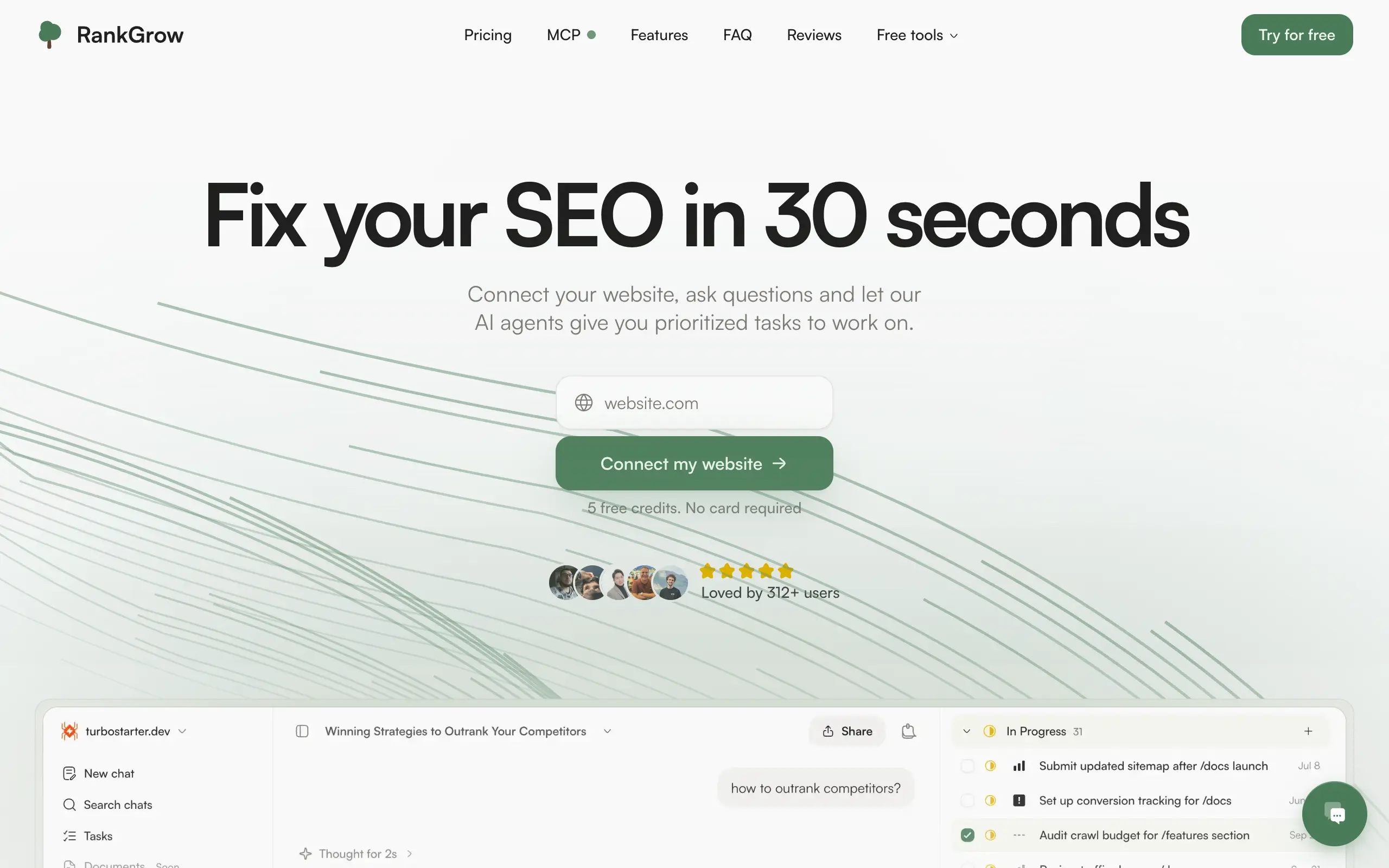
RankGrow
Fix your SEO with AI agents - connect Search Console, get prioritized tasks, and grow organic traffic 📈
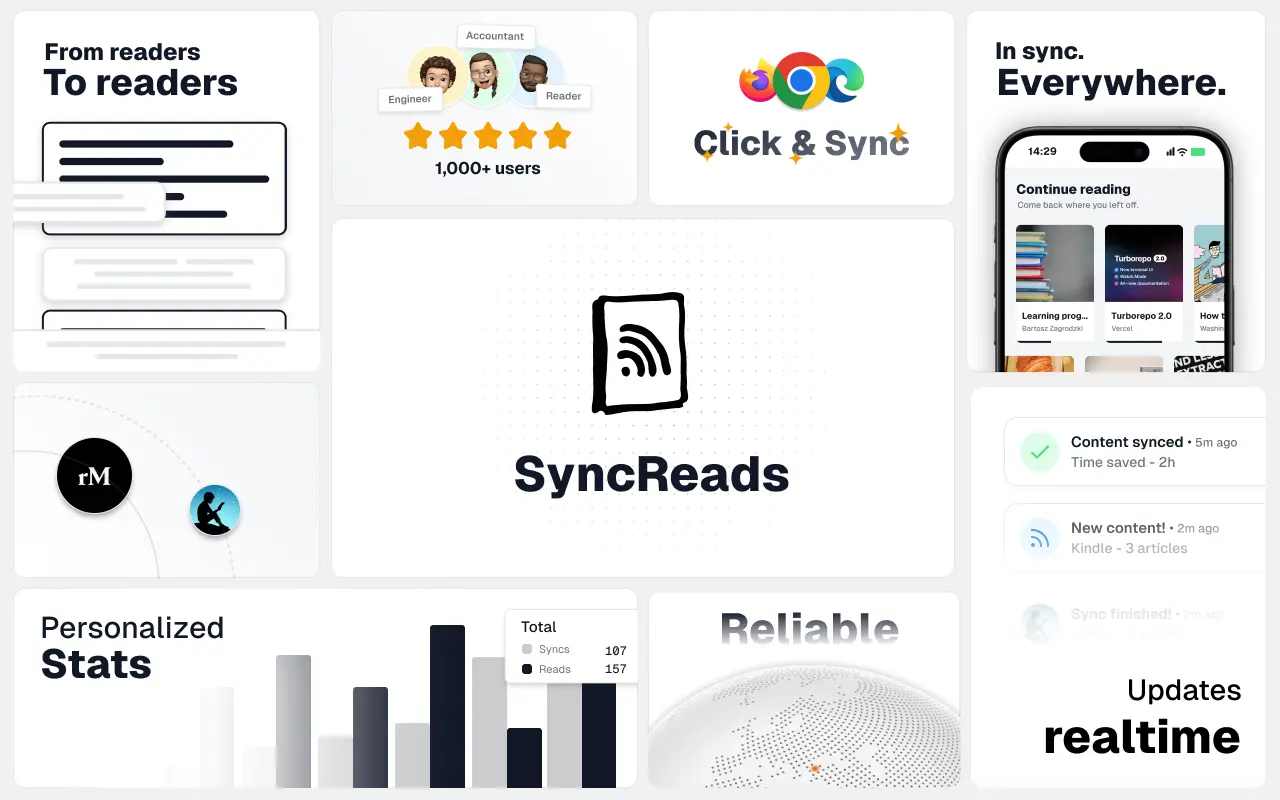
SyncReads
Sync your favorite content for distraction-free reading, save time and replace multiple apps. Anytime, anywhere 🔄
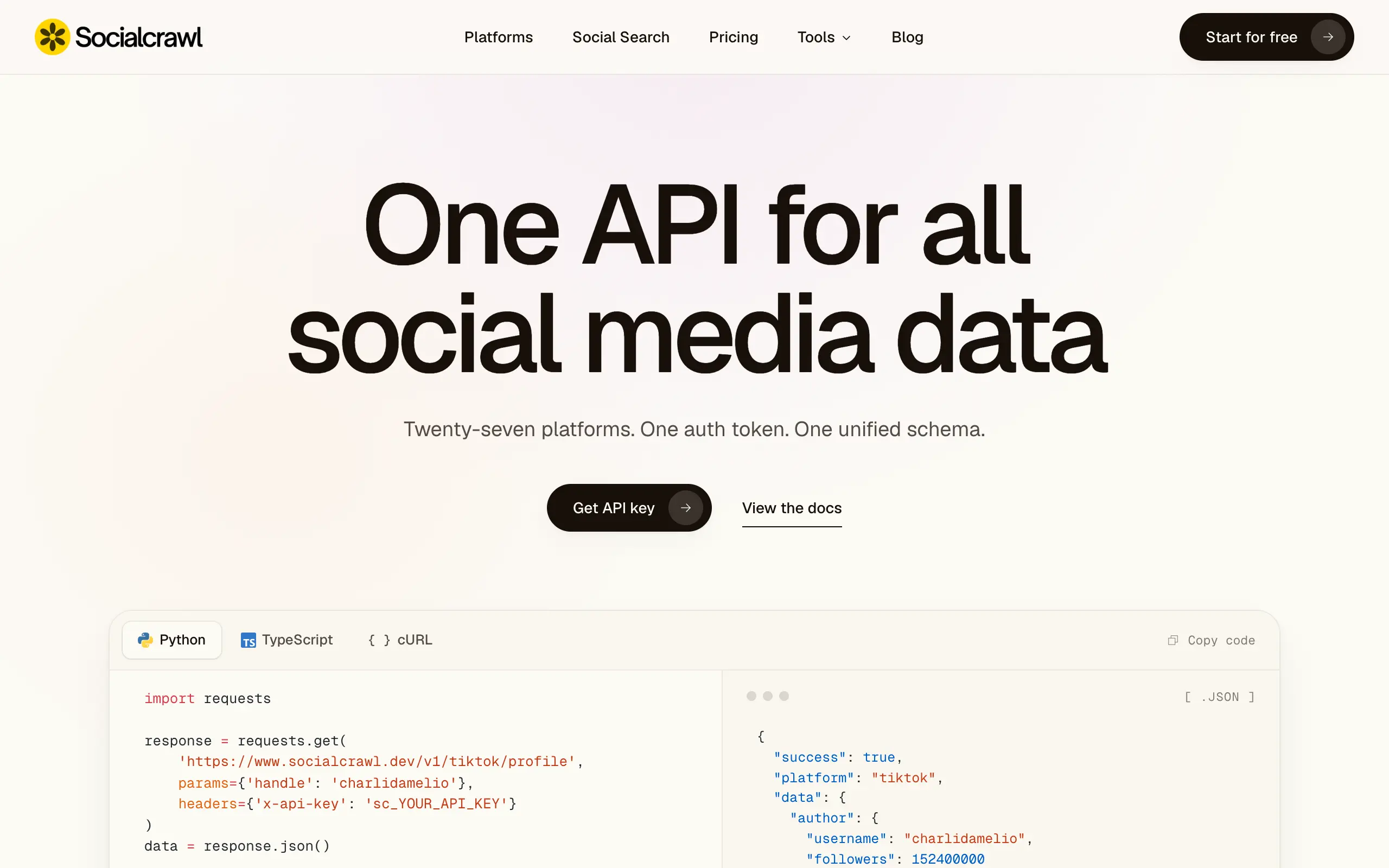
Socialcrawl
Get clean, structured data from 21 platforms like TikTok, Instagram, and YouTube with a single request 📊
Statiko
Monitor any Telegram channel in real time - track posts, edits, deletions, and growth with AI recaps 📡
Shibui
AI website builder - describe your business, pick a niche template, edit by chatting, and publish instantly ✨
Pro Service
Find verified home service professionals, compare quotes, and pay securely through escrow - built for Brazilians across the US 🏠
RankGrow
Fix your SEO with AI agents - connect Search Console, get prioritized tasks, and grow organic traffic 📈
SyncReads
Sync your favorite content for distraction-free reading, save time and replace multiple apps. Anytime, anywhere 🔄
Socialcrawl
Get clean, structured data from 21 platforms like TikTok, Instagram, and YouTube with a single request 📊
Statiko
Monitor any Telegram channel in real time - track posts, edits, deletions, and growth with AI recaps 📡
Shibui
AI website builder - describe your business, pick a niche template, edit by chatting, and publish instantly ✨
Pro Service
Find verified home service professionals, compare quotes, and pay securely through escrow - built for Brazilians across the US 🏠
RankGrow
Fix your SEO with AI agents - connect Search Console, get prioritized tasks, and grow organic traffic 📈
SyncReads
Sync your favorite content for distraction-free reading, save time and replace multiple apps. Anytime, anywhere 🔄
Socialcrawl
Get clean, structured data from 21 platforms like TikTok, Instagram, and YouTube with a single request 📊
Statiko
Monitor any Telegram channel in real time - track posts, edits, deletions, and growth with AI recaps 📡
Shibui
AI website builder - describe your business, pick a niche template, edit by chatting, and publish instantly ✨
Pro Service
Find verified home service professionals, compare quotes, and pay securely through escrow - built for Brazilians across the US 🏠
RankGrow
Fix your SEO with AI agents - connect Search Console, get prioritized tasks, and grow organic traffic 📈
SyncReads
Sync your favorite content for distraction-free reading, save time and replace multiple apps. Anytime, anywhere 🔄
Socialcrawl
Get clean, structured data from 21 platforms like TikTok, Instagram, and YouTube with a single request 📊
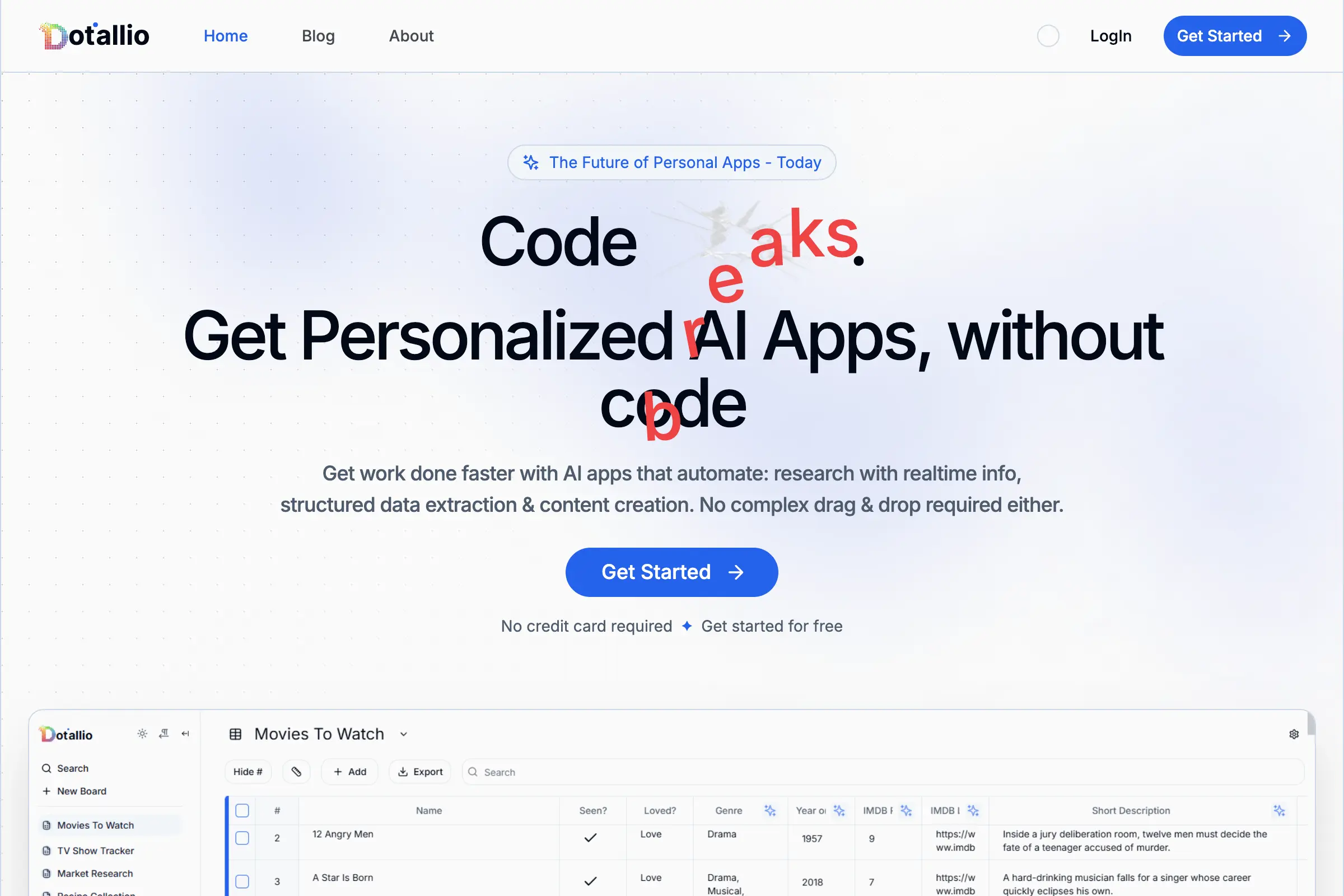
Dotallio
Personalized AI apps that automate research, data extraction, and content creation without code 🤖
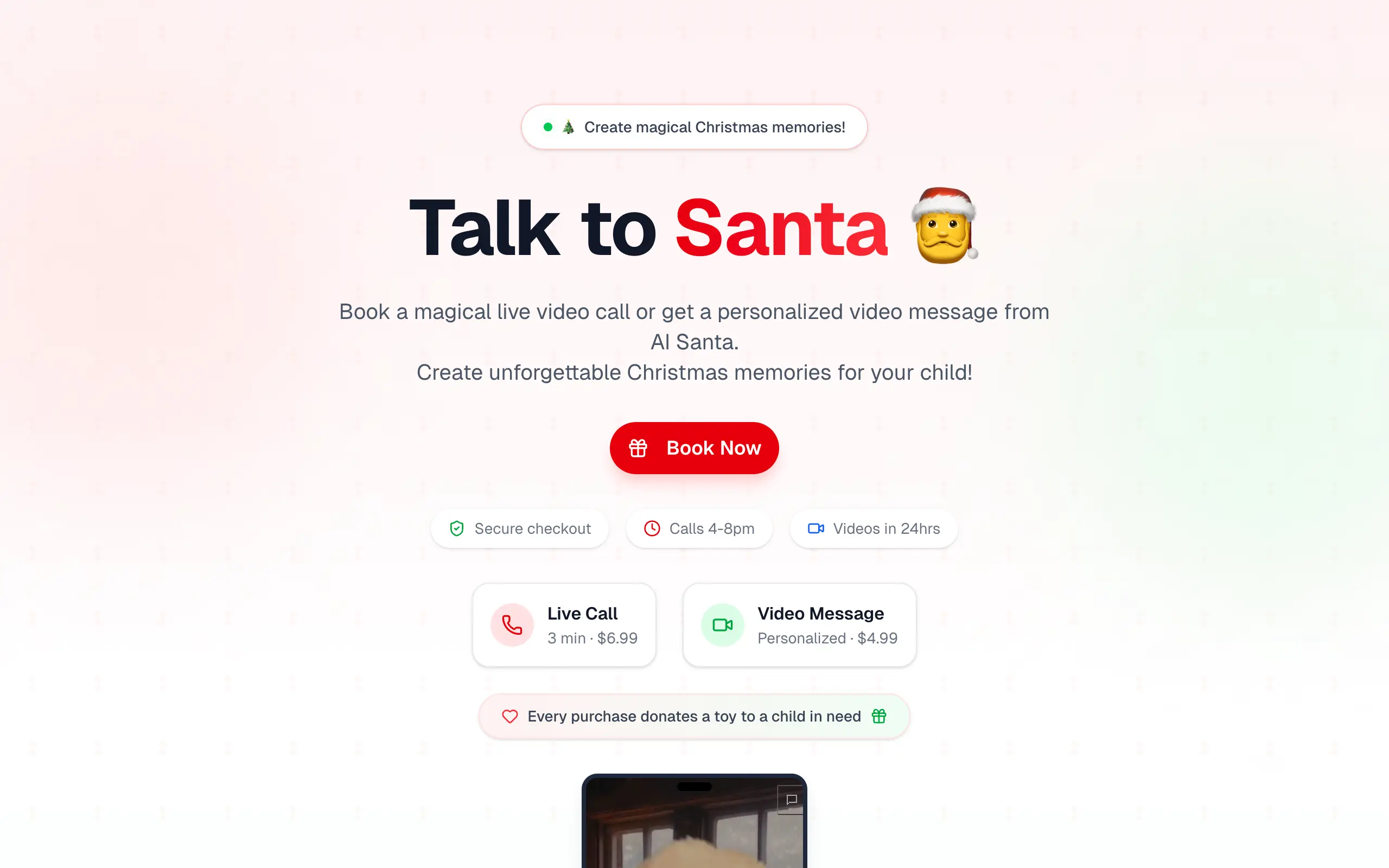
Talk to Santa
Enjoy a magical live video chat or receive a unique AI-generated video greeting from Santa Claus 🎅
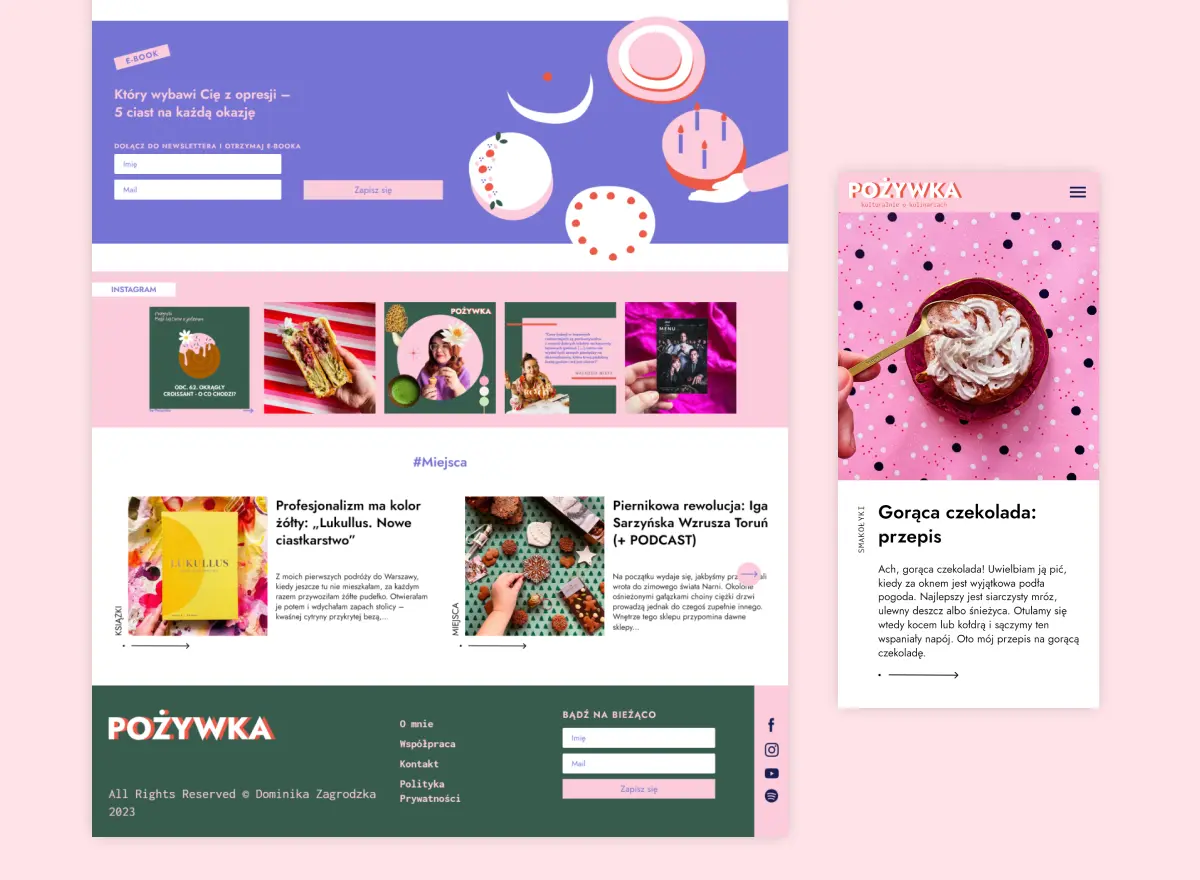
pozywka.pl
Scalable blog for food journalist, focused on performance and user experience 🌭
zagrodzki.me
Personal blog and portfolio of Bart Zagrodzki, where he shares his knowledge and work 💼
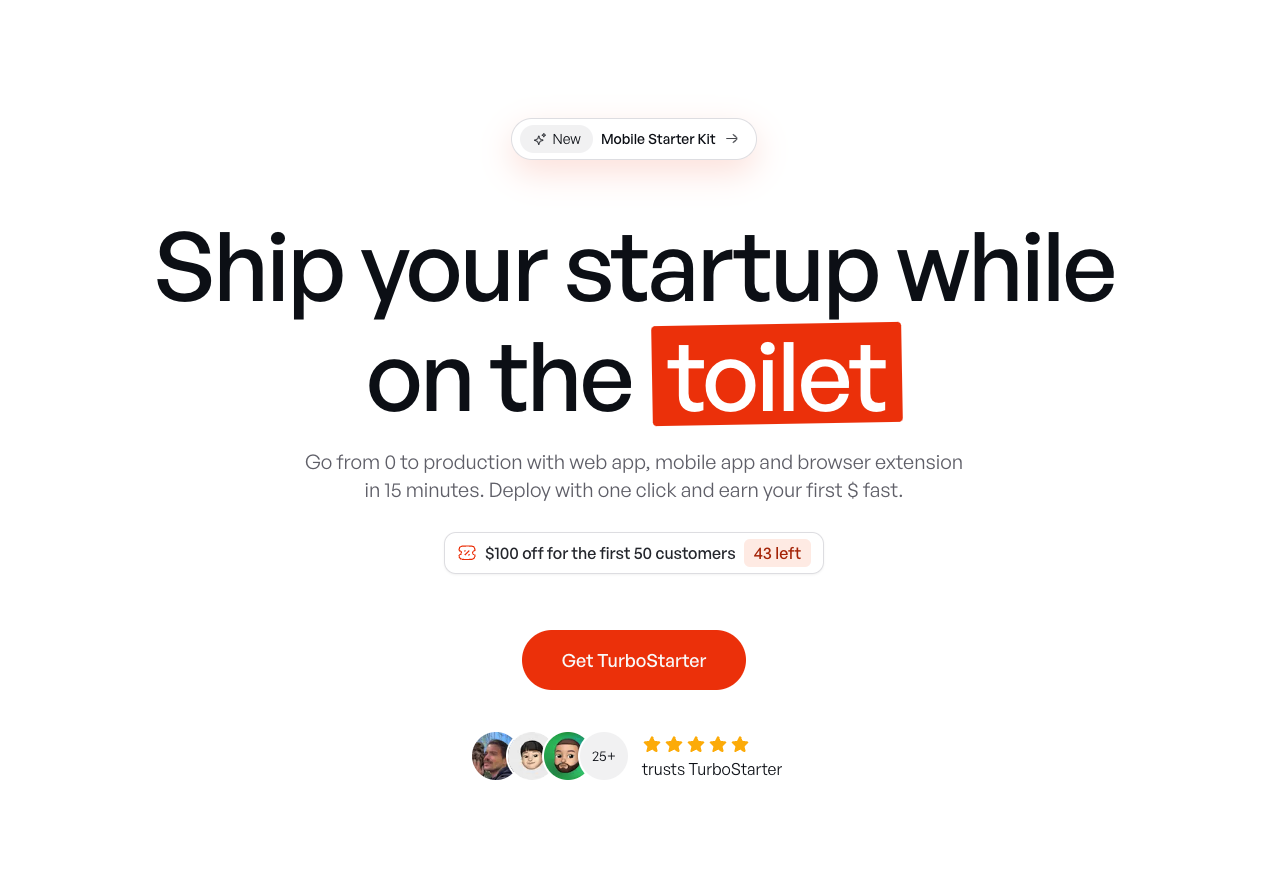
TurboStarter
Ship your startup everywhere. In minutes.
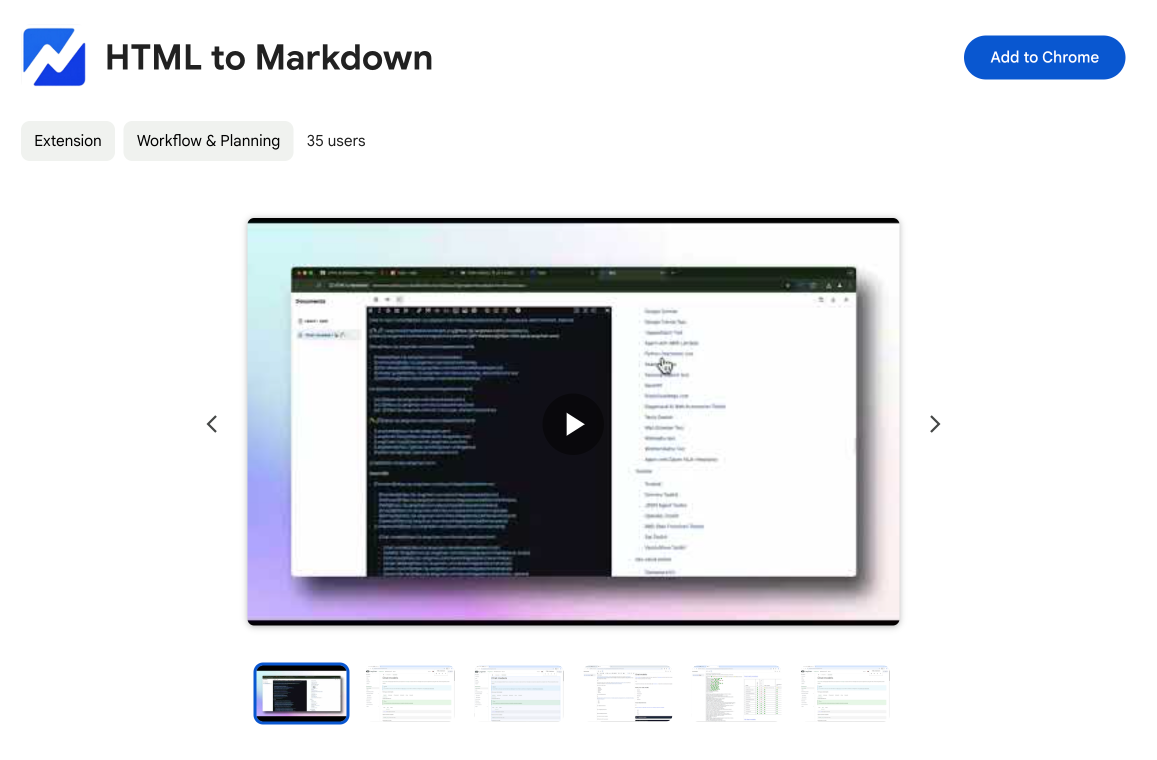
HTML to Markdown
Convert HTML to Markdown with ease, directly in your browser 📄
Dotallio
Personalized AI apps that automate research, data extraction, and content creation without code 🤖
Talk to Santa
Enjoy a magical live video chat or receive a unique AI-generated video greeting from Santa Claus 🎅
pozywka.pl
Scalable blog for food journalist, focused on performance and user experience 🌭
zagrodzki.me
Personal blog and portfolio of Bart Zagrodzki, where he shares his knowledge and work 💼
TurboStarter
Ship your startup everywhere. In minutes.
HTML to Markdown
Convert HTML to Markdown with ease, directly in your browser 📄
Dotallio
Personalized AI apps that automate research, data extraction, and content creation without code 🤖
Talk to Santa
Enjoy a magical live video chat or receive a unique AI-generated video greeting from Santa Claus 🎅
pozywka.pl
Scalable blog for food journalist, focused on performance and user experience 🌭
zagrodzki.me
Personal blog and portfolio of Bart Zagrodzki, where he shares his knowledge and work 💼
TurboStarter
Ship your startup everywhere. In minutes.
HTML to Markdown
Convert HTML to Markdown with ease, directly in your browser 📄
Dotallio
Personalized AI apps that automate research, data extraction, and content creation without code 🤖
Talk to Santa
Enjoy a magical live video chat or receive a unique AI-generated video greeting from Santa Claus 🎅
pozywka.pl
Scalable blog for food journalist, focused on performance and user experience 🌭
zagrodzki.me
Personal blog and portfolio of Bart Zagrodzki, where he shares his knowledge and work 💼
TurboStarter
Ship your startup everywhere. In minutes.
HTML to Markdown
Convert HTML to Markdown with ease, directly in your browser 📄
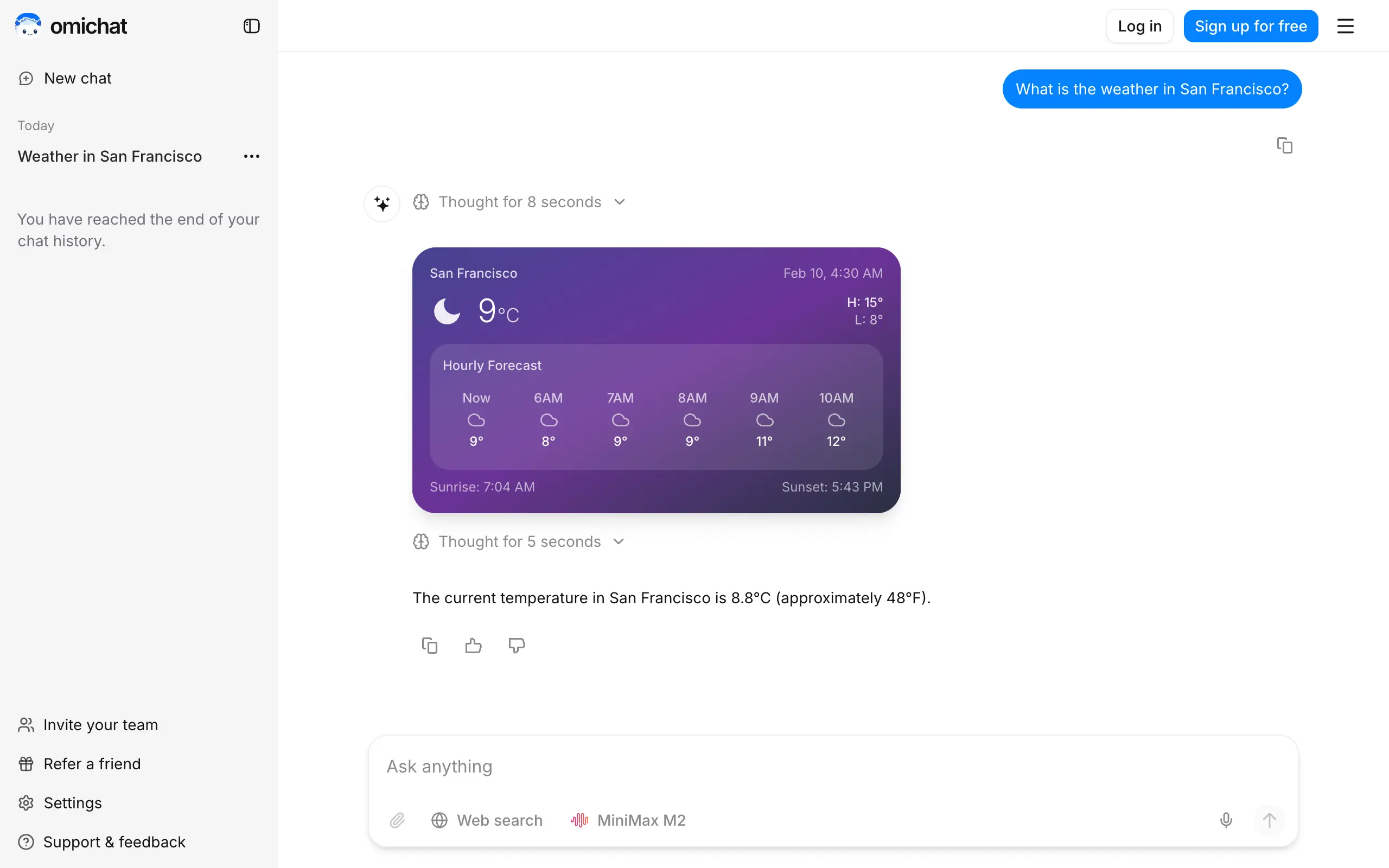
Omichat
Chat with 50+ AI models, including ChatGPT and Claude, in one place - switch models anytime without losing context 🤖
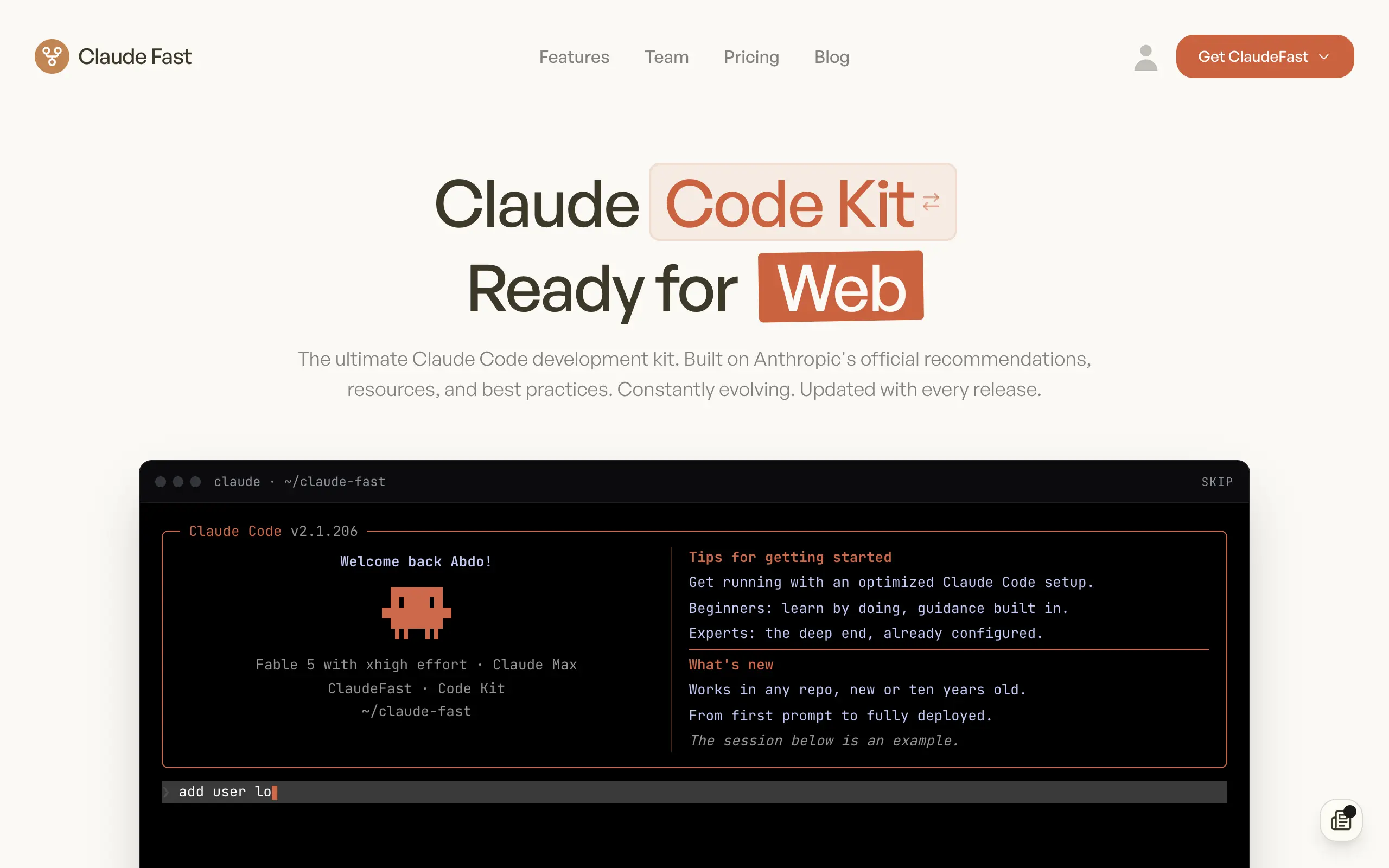
Claude Fast
Supercharge your Claude Code with 6x effective context window and specialized AI agents 🤖
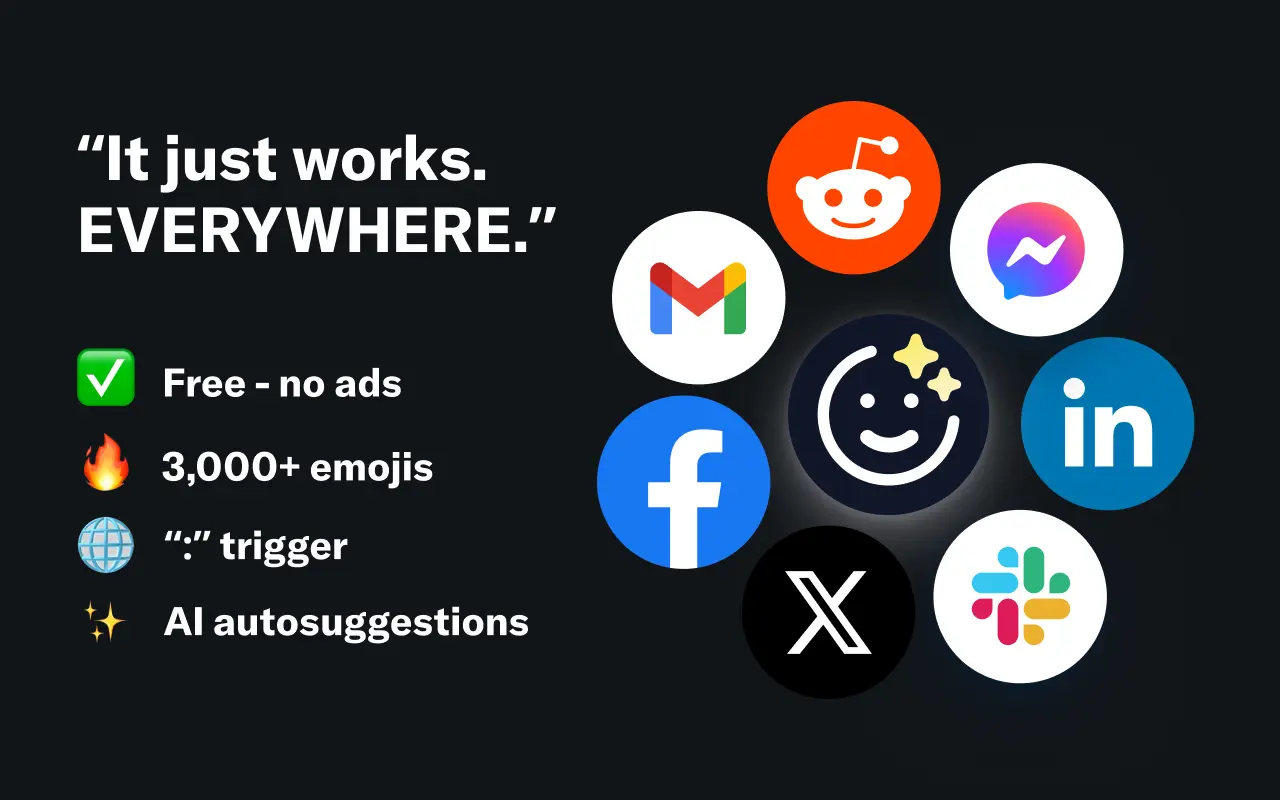
EmojAI
AI-powered emoji picker with smart, context-aware suggestions 🤖
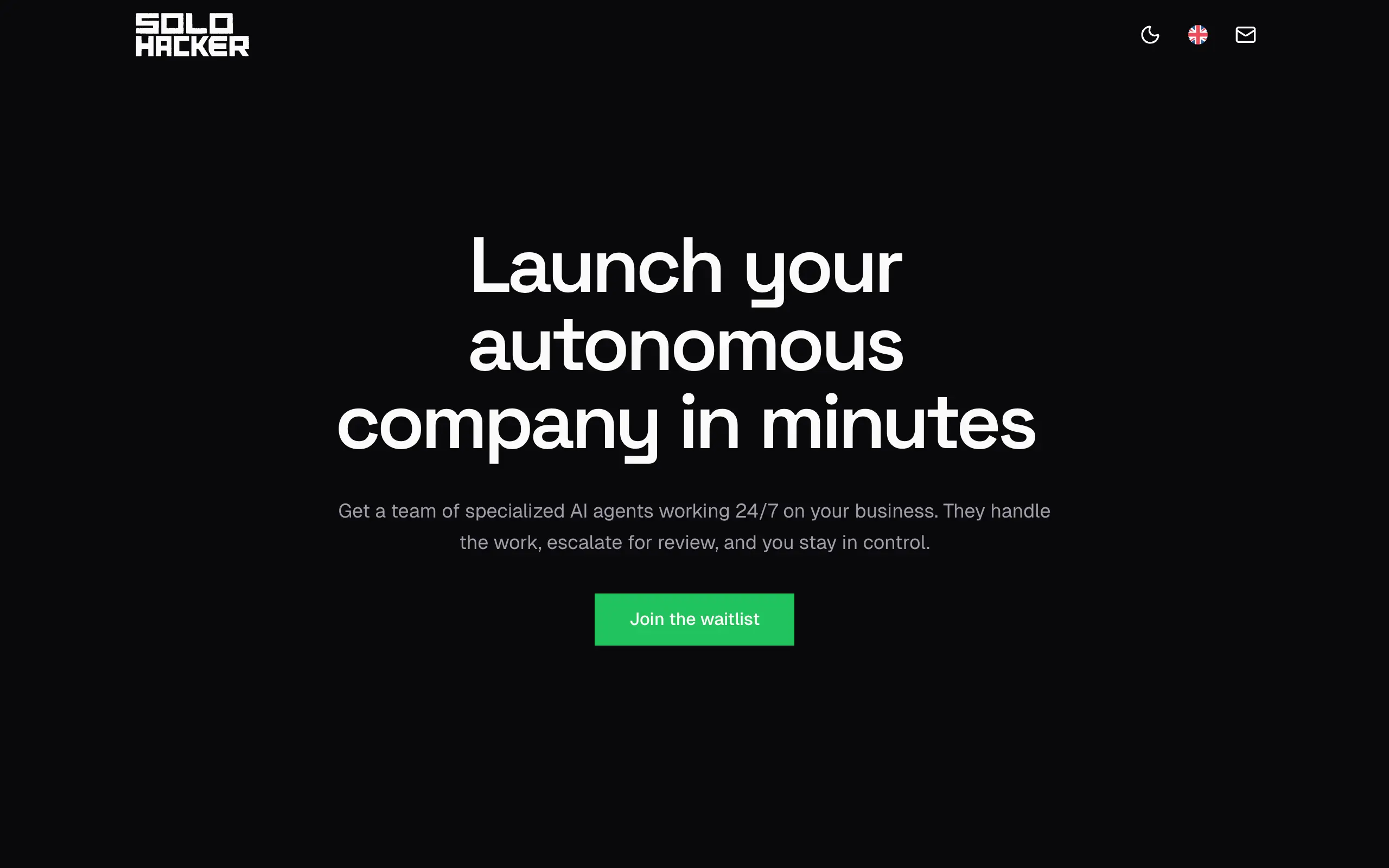
Solohacker
Autonomous company launcher - AI agents work 24/7, escalate what matters, and you stay in control 🤖
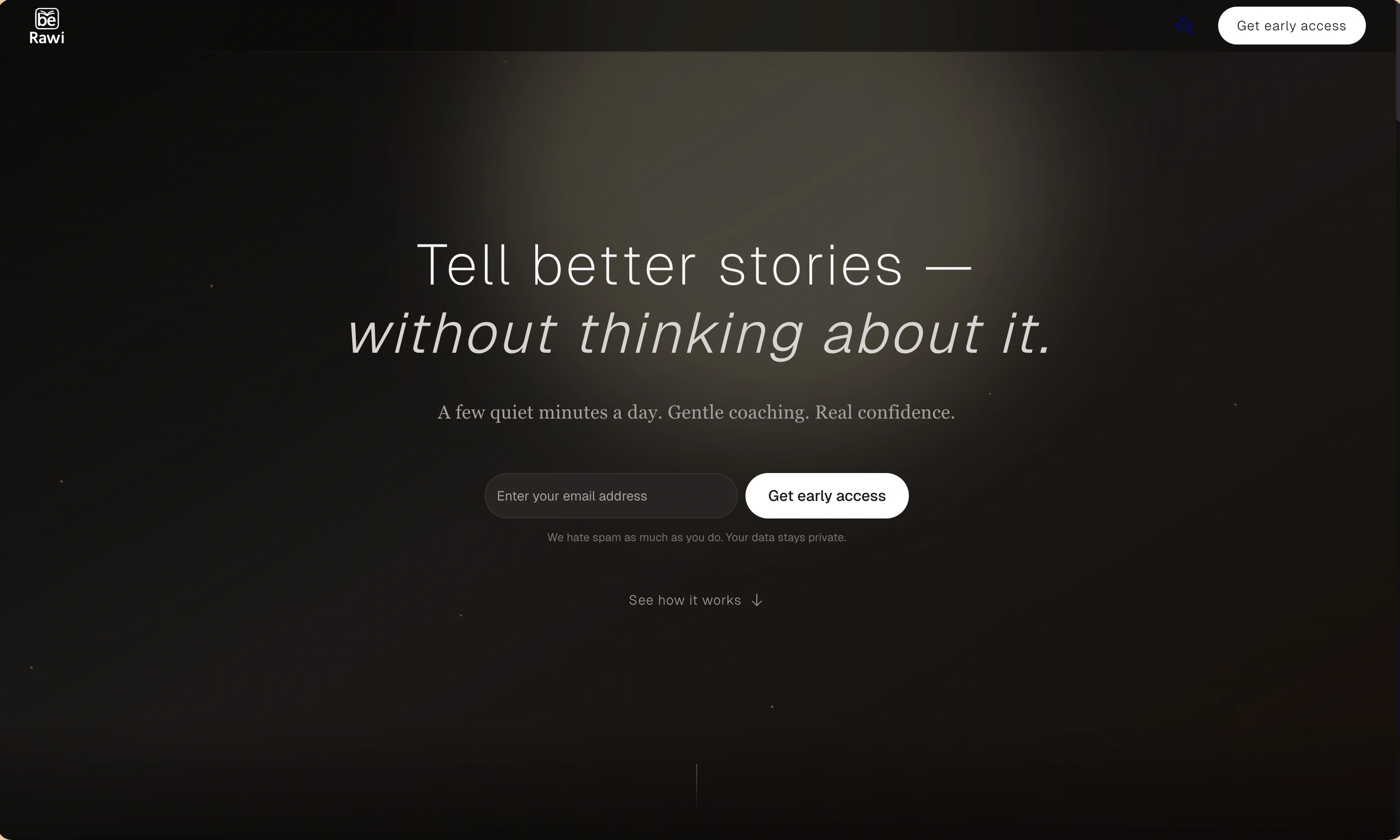
BeRawi: Storytelling Coach
Practice storytelling daily with instant feedback to sound clearer, more engaging, and confident 🎤
Omichat
Chat with 50+ AI models, including ChatGPT and Claude, in one place - switch models anytime without losing context 🤖
Claude Fast
Supercharge your Claude Code with 6x effective context window and specialized AI agents 🤖
EmojAI
AI-powered emoji picker with smart, context-aware suggestions 🤖
Solohacker
Autonomous company launcher - AI agents work 24/7, escalate what matters, and you stay in control 🤖
BeRawi: Storytelling Coach
Practice storytelling daily with instant feedback to sound clearer, more engaging, and confident 🎤
Omichat
Chat with 50+ AI models, including ChatGPT and Claude, in one place - switch models anytime without losing context 🤖
Claude Fast
Supercharge your Claude Code with 6x effective context window and specialized AI agents 🤖
EmojAI
AI-powered emoji picker with smart, context-aware suggestions 🤖
Solohacker
Autonomous company launcher - AI agents work 24/7, escalate what matters, and you stay in control 🤖
BeRawi: Storytelling Coach
Practice storytelling daily with instant feedback to sound clearer, more engaging, and confident 🎤
Omichat
Chat with 50+ AI models, including ChatGPT and Claude, in one place - switch models anytime without losing context 🤖
Claude Fast
Supercharge your Claude Code with 6x effective context window and specialized AI agents 🤖
EmojAI
AI-powered emoji picker with smart, context-aware suggestions 🤖
Solohacker
Autonomous company launcher - AI agents work 24/7, escalate what matters, and you stay in control 🤖
BeRawi: Storytelling Coach
Practice storytelling daily with instant feedback to sound clearer, more engaging, and confident 🎤

Connect with like-minded people
Join our community to get feedback, support, and grow together with 1,000+ builders on board, let's ship it!
Join usShip your startup everywhere. In minutes.
Don't burn tokens on setup and start building features on day one.