TinyLaunch
Sell-ready storefront kits for student creators pair vibe-coded shop pages with Canva brand assets, checkout links, and launch checklists in one bundle.
Why TinyLaunch fits a real creator problem
TinyLaunch is a concept for sell-ready storefront kits for student creators. Each kit combines a polished shop page, Canva brand assets, checkout links, and a launch checklist so a first-time seller can go from “I have something to sell” to “my shop is open” without assembling a stack of tools from scratch.
The opportunity is not simply to build another website builder. Student creators often have limited time, limited budgets, and an audience they already reach through social platforms. Their challenge is turning that attention into a clear, trustworthy buying experience. They may know what they want their shop to feel like but not how to choose a theme, create a visual identity, connect payments, or decide what to do before launch.
TinyLaunch can address that gap with a focused product: a guided, brandable storefront launch system for young and early-stage sellers. The strongest version would help customers make the important decisions in the right order, rather than handing them a blank editor and expecting them to know what comes next.
That positioning also gives TinyLaunch a clear search and product category. Relevant topics include student creator ecommerce, beginner storefront kits, creator shop templates, Canva brand assets, no-code ecommerce, and checkout links for small businesses.
Who TinyLaunch should serve
“Student creators” is a compelling starting point, but it is too broad to guide product design on its own. A student selling handmade jewelry has different needs from a student selling digital study guides. TinyLaunch should identify a small number of initial customer segments and build for their shared launch needs.
Primary audience: first-time student sellers
These customers may be high school, college, or vocational students who are starting a small business alongside their studies. They often sell through social media, word of mouth, campus events, or creator communities.
Common products include:
- Handmade accessories, art, stationery, and custom items
- Digital downloads such as templates, planners, presets, or study resources
- Limited-run clothing or merchandise
- Services such as tutoring, design, photography, or event work
- Preorders for products that are not yet ready for full-scale production
Their immediate goal is usually not to build a complex ecommerce operation. They want a simple shop that explains what they sell, looks credible, and gives a buyer a straightforward way to pay.
Secondary audience: student organizations and campus entrepreneurs
Student clubs, campus markets, and entrepreneurship programs can be useful customer or distribution segments. A club might need a short-term store for event merchandise, while a campus program might want a repeatable launch resource for student founders.
These customers may be more valuable than individual sellers in the long term because one partnership can introduce TinyLaunch to many potential users. They may also have different requirements, such as shared administration, accessibility standards, campus approval, or a way to manage multiple shops.
Adjacent audience: young creators outside formal education
The same product could later serve young adults who are launching a side project, a creator-led brand, or a small digital product business. This expansion should come after TinyLaunch validates its student-specific proposition. Broadening the audience too early risks producing generic copy and an unfocused product.
What these users need from the product
Across segments, the initial user needs are likely to include:
- A clear, professional-looking storefront without design expertise
- A short setup process that avoids unnecessary technical choices
- A way to present products, prices, and policies clearly
- A payment path that works on mobile
- Guidance on launch tasks, not just a page template
- Confidence about what to do after the first customer arrives
Customer interviews should test these assumptions before the product is built. Ask people to describe their most recent attempt to sell something online, what they used, what stalled them, and what they did to get a first sale. Questions about past behavior are more useful than asking whether someone likes the idea.
The market opportunity and the gap
Small sellers can already choose from website builders, ecommerce platforms, creator storefront tools, payment links, design applications, and social commerce features. TinyLaunch should not assume that the market lacks tools. The more precise opportunity is that the tools may not be packaged around the first-launch workflow for a resource-constrained beginner.
A new seller can encounter several disconnected tasks:
- Decide what the store should look like.
- Create or source a logo, colors, and promotional graphics.
- Write product descriptions and shop policies.
- Build a page or profile that presents the offer.
- Connect a way to collect payment.
- Test the buyer experience.
- Announce the launch and manage early orders.
Each task is manageable in isolation. Together, they create decision fatigue and setup friction. A seller may have an Instagram account and a payment link but still lack a central destination that answers basic buyer questions. Another may have a good-looking page but no clear launch plan.
TinyLaunch can reduce this friction by combining assets and instructions around a single outcome: a usable shop that is ready to share.
What TinyLaunch should validate
Before building a large platform, the team should determine whether customers will pay for a bundled solution rather than assemble one themselves. Useful validation questions include:
- Which setup task causes people to abandon a launch?
- Are Canva assets a purchase driver, or are they merely a nice extra?
- Do users want a standalone page, a product catalog, or both?
- Which checkout options are familiar and available to their customers?
- Are buyers primarily purchasing physical goods, digital goods, or services?
- Would users rather buy a one-time kit, subscribe for ongoing tools, or get help from a human?
- Does the word “student” create trust and relevance, or unnecessarily limit the brand?
The market case should be based on evidence from interviews, landing-page conversion, paid pilot purchases, and usage data. If TinyLaunch later publishes market-size claims, it should cite reputable sources and explain the methodology. Avoid presenting a broad ecommerce market figure as proof that student creators specifically want this product.
The product promise and unique selling proposition
A compelling TinyLaunch promise could be:
Launch a small online shop with a coordinated storefront, ready-to-customize brand assets, payment links, and a practical launch plan.
The unique selling proposition is not any single component. Store templates, graphics, and payment links exist in other products. The differentiator is the way TinyLaunch packages them into a guided, beginner-friendly launch experience designed around the constraints of student creators.
This distinction matters. If TinyLaunch markets itself only as “beautiful templates,” it competes on aesthetics and may be easy to copy. If it focuses on helping users complete the entire launch journey, it can build value through workflow, guidance, and trust.
A strong positioning statement should make four things clear:
- Who it is for: student creators and first-time sellers
- What it helps them do: open a simple, shareable online shop
- How it helps: storefront kits, Canva assets, checkout setup, and launch guidance
- Why it is different: the pieces are designed to work together as one launch system
Core features for a useful first version
TinyLaunch should resist the temptation to build a full ecommerce platform immediately. The initial product can be valuable while relying on existing payment providers and a carefully designed storefront experience.
1. Guided storefront setup
The setup flow should ask only for information needed to produce a usable shop:
- Shop name and short description
- Product type and category
- Brand style or preferred visual direction
- Product names, prices, images, and descriptions
- Shipping, delivery, or fulfillment details
- Contact and social links
- Payment method or checkout destination
Use progressive disclosure: ask for essential details first and let users add optional sections later. A setup wizard should show progress and explain why information is requested. It should also allow saving and returning, especially for students who may work in short sessions.
2. Mobile-first storefront templates
A student creator is likely to share a shop through social profiles, messaging apps, or event materials. Many customers will arrive on a phone, so storefront templates should prioritize narrow screens, readable product details, and clear calls to action.
The first set of templates should be limited and purposeful. For example:
- A product-led layout for handmade goods
- A visual portfolio layout for art and services
- A digital-product layout with clear delivery information
- A preorder layout that explains timelines and availability
Each template should support the same core content model, so users can switch designs without re-entering everything. Keep the templates flexible enough to support different brand styles while maintaining consistent accessibility and usability.
3. Canva brand asset bundles
Canva assets can help users create a cohesive visual identity without hiring a designer. A kit could include a logo treatment, color palette, social announcement graphics, product-promotion posts, and a simple thank-you card or digital receipt graphic.
The assets should be delivered with clear customization instructions. Users need to know which elements to change, how to export graphics at suitable sizes, and where each asset is intended to be used. If TinyLaunch includes Canva links or templates, confirm the relevant licensing and sharing requirements before launch. Do not imply that users receive exclusive ownership of stock elements or designs they have not created.
4. Checkout links and payment guidance
TinyLaunch can make payment setup less intimidating by helping sellers connect a supported checkout link or payment provider. The product should explain what happens when a customer clicks the purchase button, which fees may apply, and who handles refunds or disputes.
A first version can send buyers to a third-party checkout rather than processing payments itself. That reduces engineering and compliance complexity, but it creates a more fragmented experience. TinyLaunch should test the customer journey on mobile, make the handoff obvious, and avoid promising checkout capabilities that it does not control.
Payment recommendations should be based on factors such as availability by country, product type, seller eligibility, fee structure, payout timing, and support for digital or physical goods. These details can change, so they should be reviewed regularly and presented with links to the payment provider’s current documentation.
5. A practical launch checklist
The checklist is a key part of TinyLaunch’s value because it translates “launch a shop” into manageable actions. It could guide users through:
- Adding accurate product descriptions and images
- Confirming prices, inventory, and delivery details
- Reviewing refund, cancellation, and contact information
- Testing the page on a phone
- Completing a test purchase or verifying the payment flow
- Sharing the shop with a small group for feedback
- Preparing a launch announcement
- Tracking early questions and improving the page
The checklist should distinguish between required tasks and optional improvements. A beginner should not feel blocked from launching because they lack a perfect brand story or a full catalog.
6. Preview, publishing, and basic analytics
Users should be able to preview a storefront before sharing it. The publishing flow should make the shop’s status clear, show its public URL, and offer a simple way to copy that URL.
Basic analytics could include page views, link clicks, and outbound checkout clicks. These events can help sellers understand whether visitors are reaching the payment step, but TinyLaunch should be precise about what it can and cannot measure. If the payment happens elsewhere, TinyLaunch may not know whether a click became a completed purchase unless an integration provides that data.
Recommended technology stack
The best stack is the one that supports fast validation without creating unnecessary maintenance work. TinyLaunch should begin with a modular architecture and avoid building payment infrastructure, a visual design engine, or advanced analytics before demand is proven.
Front end and storefront rendering
Next.js is a practical option for a product that needs both an application dashboard and public storefront pages. It supports server-rendered and statically generated experiences, which can help storefronts load quickly and be discoverable by search engines when pages are intended to be public.
A React-based implementation provides flexibility, but it also requires good decisions around performance, form state, accessibility, and rendering. For the visual system, Tailwind CSS can speed up consistent layout work, especially for a small team. Its utility-first approach is productive for many teams, though developers should establish design tokens and reusable components so storefronts do not become visually inconsistent.
Data and authentication
A managed database such as Supabase can provide a relational database, authentication, and storage in one service. This can be a useful choice for an early-stage product that needs user accounts, shop records, product data, and uploaded images.
The trade-off is that convenience does not remove the need for careful access control. Store owners must only be able to edit their own shops, and public storefront data should be separated from private account information. Define and test authorization rules before storing customer or seller data.
Alternative managed database services may be a better fit if the team already has experience with them or needs a particular operational model. The decision should account for pricing at expected usage, backup and export options, data residency needs, and the team’s ability to maintain the system.
Payments and checkout
For an early version, TinyLaunch should use established third-party checkout products or payment links rather than storing card data. That can simplify the product’s technical scope, but it does not automatically remove legal, tax, consumer-protection, or provider-policy responsibilities.
The product should make responsibilities explicit. For example, the seller may remain responsible for fulfillment, customer support, and applicable taxes depending on the payment setup and jurisdiction. TinyLaunch should consult qualified legal and payments professionals before making claims about compliance or seller obligations.
Image and asset storage
Storefront images need sensible file limits, responsive delivery, and clear ownership rules. A managed object storage service can support uploads while a CDN helps deliver images to buyers. TinyLaunch should encourage compressed, appropriately sized images and provide useful alternatives for users who cannot upload large files.
Product data model
A simple initial data model might include:
type Shop = {
  id: string;
  ownerId: string;
  slug: string;
  name: string;
  description: string;
  themeId: string;
  status: "draft" | "published";
  createdAt: string;
  updatedAt: string;
};

type Product = {
  id: string;
  shopId: string;
  name: string;
  description: string;
  priceLabel: string;
  imageUrl?: string;
  checkoutUrl?: string;
  availability: "available" | "sold-out" | "preorder";
};
This is illustrative rather than a production-ready schema. A real implementation should define currency, pricing precision, inventory behavior, localization, product variants, and data retention requirements. Payment URLs should be validated and handled safely to prevent malicious redirects.
Accessibility, performance, and SEO
Public shop pages should use semantic HTML, keyboard-accessible controls, sufficient color contrast, and clear focus states. Product images need meaningful alternative text when they communicate information. Storefronts should load quickly on mobile connections and avoid unnecessary scripts.
SEO should be grounded in customer intent, not a promise that every individual storefront will rank. TinyLaunch can provide clean page titles, descriptions, canonical URLs where appropriate, indexation controls, and structured page content. Sellers also need guidance on writing useful product descriptions and sharing their shop through relevant channels.
Monetization strategies for TinyLaunch
TinyLaunch can test several business models, but its pricing must match the customer’s budget and the value delivered.
One-time kit purchase
A one-time purchase fits a bundle of templates, Canva assets, and launch guidance. It is easy to explain and avoids asking a new seller to commit to a monthly fee before making a sale.
The limitation is that recurring revenue may be low, and a one-time product can require a steady stream of new customers. This model is best when the kit remains useful without ongoing hosting or software features.
Freemium storefront with paid upgrades
A free plan can let users create and publish a basic shop, while paid plans unlock premium templates, a custom domain connection, extra pages, or advanced presentation options. This can reduce signup friction and let users experience the product before paying.
The free tier should be useful, not merely a disguised trial. At the same time, it needs a clear upgrade reason. Avoid charging for essential trust features such as basic contact information, accessible design, or the ability to explain delivery terms.
Subscription for hosted storefront features
A subscription can support hosting, ongoing editing, analytics, additional products, and repeated campaigns. This creates predictable revenue but may be difficult to justify for a student who sells intermittently.
TinyLaunch should validate retention before relying on subscriptions. If sellers publish once and rarely return, the product may be better suited to a one-time purchase or seasonal pricing than a monthly SaaS plan.
Add-on services and partnerships
Optional services might include a storefront review, product-description feedback, or a guided launch workshop. Campus entrepreneurship programs and student organizations could also purchase group access.
Partnerships can help lower acquisition costs, but the team should protect user trust. Disclose affiliate relationships, avoid endorsing payment providers without a clear evaluation, and do not make educational partnerships feel like mandatory upsells.
A sensible initial test is to offer one paid kit and one free entry point, then measure purchase conversion, setup completion, and repeat usage before adding more pricing tiers.
Competitive advantage and positioning
TinyLaunch will compete indirectly with several categories of products, even if none is an exact substitute. The competitive question is not “Does another company offer a shop page?” It is “What would a student creator use instead, and what friction remains?”
| Alternative | What it does well | Potential gap TinyLaunch can address | TinyLaunch’s response |
|---|---|---|---|
| General website builders | Flexible websites and broad design options | Too many decisions for a first-time seller | Offer guided setup and focused storefront layouts |
| Ecommerce platforms | Product catalogs and commerce functionality | Can feel more complex than a small seller needs | Start with the minimum path to a credible shop |
| Social profile links | Familiar and easy to share | May not explain products, policies, or brand story well | Provide a central, structured storefront |
| Payment links | Simple way to request payment | Limited context and product presentation | Pair payment links with clear product pages |
| Design template marketplaces | Many visual assets | Assets may not include publishing or launch guidance | Bundle brand assets with a working launch workflow |
The defensible advantage should come from execution, not a claim that competitors cannot copy the features. Potential sources of differentiation include:
- A fast setup experience shaped by real student interviews
- Templates designed around specific product types and launch situations
- Clear explanations of checkout, shipping, and publishing steps
- A growing library of practical launch guidance
- Distribution through schools, campus programs, and student communities
- A reputation for transparent pricing and beginner-friendly support
TinyLaunch can also build trust by showing examples of complete storefronts, explaining how each kit works, and being candid about what the platform does not do. A seller should know whether TinyLaunch hosts the page, processes a payment, manages shipping, or merely links to a third-party service.
Go-to-market strategy for a student creator storefront product
A good launch strategy should reach users where they already learn about selling, building brands, and starting side projects. It should not rely on broad paid advertising before TinyLaunch understands which message resonates.
Start with a narrow customer cohort
Recruit a small group of student creators who are preparing to sell in the next few weeks. Include different product types, but keep the cohort small enough to observe closely. Offer early access in exchange for structured feedback, not a positive testimonial.
Watch users attempt the setup without coaching. Note where they pause, ask for help, or make assumptions that the interface does not support. Those observations are often more valuable than general satisfaction scores.
Create useful, search-focused content
TinyLaunch can attract organic visitors by answering specific beginner questions, such as:
- How to start an online shop as a student
- How to create a simple storefront for handmade products
- What to include in a first product listing
- How to prepare a shop launch checklist
- How to connect a payment link to a product page
- How to create a consistent small-business brand in Canva
Each article should offer practical steps and explain where TinyLaunch fits without turning every answer into a sales pitch. Keep advice current, especially when discussing payment provider rules, platform policies, or fees.
Build campus and creator-community distribution
Potential channels include entrepreneurship centers, student markets, creator clubs, art programs, and peer-led business communities. A workshop can be more effective than a generic sponsorship because it demonstrates the product while teaching a useful skill.
TinyLaunch should make it easy for partners to share a starter kit while preserving individual user choice. The product should not require a school or organization to control a student’s store unless that is an explicit, carefully designed use case.
Use product-led sharing thoughtfully
A public storefront can naturally expose TinyLaunch to new users, but branding should be balanced against the seller’s desire for a professional appearance. If free pages include TinyLaunch attribution, disclose that clearly and let paid users remove it if appropriate.
Referral incentives should be easy to understand and should not encourage spam. A seller’s reputation matters more than short-term referral volume.
Risks and how to mitigate them
The bundle may be convenient but not valuable enough
Users may prefer assembling tools they already know, or they may not want to pay before they have made a sale. Validate willingness to pay with a real purchase or a clearly priced pilot, not only survey responses.
The product could become too broad
Adding inventory management, email marketing, shipping labels, tax tools, custom domains, and advanced analytics can expand the roadmap rapidly. Keep the initial promise narrow and evaluate each feature by whether it helps a user launch or improve a shop.
Checkout handoffs can reduce buyer confidence
A customer who clicks a product button and lands on an unfamiliar payment page may hesitate. Explain the handoff, test it on mobile, and choose providers that offer a reliable buyer experience in the relevant regions.
Legal and policy obligations vary
Selling physical and digital products can trigger different rules around consumer rights, refunds, taxes, privacy, age eligibility, and intellectual property. TinyLaunch should not present generic checklist content as legal advice. Get qualified review for the jurisdictions and product categories the platform supports.
Student users may be minors. If TinyLaunch serves them, the team must carefully evaluate age requirements, consent, account ownership, payments, data collection, and applicable child or youth privacy laws. The safer initial scope may be adults in post-secondary education, subject to legal review.
Canva and template licensing needs care
A brand asset kit must respect the licensing terms of the design tools and any stock content used. Explain what users can customize and reuse, and avoid suggesting that a template automatically grants exclusive rights to every included graphic.
Low retention can undermine subscription economics
Some sellers launch once and do not need a recurring tool. Measure returning users, storefront updates, and repeat campaigns before making a subscription the only business model. A one-time purchase or seasonal offering may align better with actual use.
Public storefronts need abuse protections
Any platform that publishes user-generated pages may face spam, scams, prohibited products, impersonation, or malicious links. Provide reporting mechanisms, moderation rules, account controls, and a process for responding to abuse. Do not assume that a small early user base removes the need for basic safeguards.
Metrics that show whether TinyLaunch is working
Early metrics should track whether users reach the outcome, not just whether they create accounts.
Useful indicators include:
- Activation: the percentage of new users who publish a storefront
- Time to publish: the time from signup to the first public page
- Setup completion: where users abandon the setup process
- Checkout intent: clicks from product pages to checkout
- Buyer experience: page load time, mobile usability, and checkout handoff success
- Retention: whether sellers return to edit, add products, or launch another campaign
- Paid conversion: the percentage of users who purchase a kit or upgrade
- Support burden: the most common questions and the time required to resolve them
TinyLaunch should interpret these metrics in context. A high number of published shops is not necessarily evidence of value if most pages are incomplete or receive no meaningful traffic. Pair product analytics with interviews and occasional usability sessions.
Actionable implementation steps
Interview 10–15 potential users. Recruit student creators who have recently tried to sell, not only people who say they might sell someday. Ask them to walk through their actual setup process and show you where it became difficult.
Choose one initial seller segment. Start with a specific group, such as digital-product sellers or makers preparing for campus markets. Define their products, sales channels, and likely payment needs.
Test the promise with a landing page and paid pilot. Describe the storefront kit clearly, show what is included, and invite users to purchase or reserve a limited pilot. Use real behavior to evaluate demand.
Build the smallest complete launch workflow. Include guided setup, a small number of storefront templates, essential Canva assets, checkout links, preview, publishing, and a checklist. Defer features that do not help users open a shop.
Observe users completing the journey. Test signup, setup, mobile preview, publishing, and a simulated buyer visit. Fix unclear language and dead ends before investing in advanced capabilities.
Review privacy, accessibility, licensing, and legal requirements. Establish data access rules, age eligibility, moderation policies, asset licensing guidance, and clear explanations of payment responsibilities.
Launch with a small partner cohort. Work with a campus program, creator group, or student market. Track activation and checkout clicks, and collect feedback from both sellers and buyers.
Refine pricing and expand based on evidence. Decide whether a one-time kit, paid upgrade, subscription, or partner plan fits actual usage. Add new seller categories only after the initial audience can successfully launch.
The long-term opportunity
TinyLaunch has a promising product direction because it focuses on a meaningful transition: moving from a creative idea to a shop that is ready to share. Its best chance is to make that transition feel achievable, not to compete feature-for-feature with mature ecommerce platforms.
The strongest version of TinyLaunch will combine practical storefront templates, thoughtfully licensed Canva brand assets, clear checkout guidance, and a launch checklist that reflects how beginners actually work. It will also be transparent about the boundaries between the storefront, the payment provider, and the seller’s responsibilities.
For founders building the product, speed matters—but so does disciplined validation. Start with the users, test a paid version of the core bundle, and build only what helps a real creator publish a shop and confidently send the link to a customer. A SaaS starter such as TurboStarter can help accelerate foundational product work, leaving more time to validate TinyLaunch’s onboarding, templates, and creator workflow.
Frequently asked questions
TinyLaunch is a proposed storefront kit for student creators and first-time sellers. It brings together a shareable shop page, Canva brand assets, checkout links, and a launch checklist so users can prepare a simple online store with less setup friction.
It can provide parts of an ecommerce experience, but its initial focus should be narrower than a full commerce platform. A first version can present products and link to third-party checkout while TinyLaunch validates whether users need more advanced features such as inventory, shipping, or order management.
A strong first customer is a student creator who already has a product or service and wants to start selling soon. TinyLaunch should initially focus on one or two product categories so it can create useful templates, setup guidance, and checkout recommendations for a clear audience.
A one-time kit purchase, freemium storefront with paid upgrades, or hosted subscription are all possible. The right model depends on whether users value the assets once, need ongoing storefront tools, or return for repeated launches. TinyLaunch should test pricing with actual buyers before committing to a model.
Start with guided setup, a few mobile-first storefront templates, customizable brand assets, a safe checkout-link flow, preview and publishing, and a launch checklist. Validate that users can complete this journey before adding advanced commerce features.
More 🛒 E-commerce SaaS ideas
Discover more innovative e-commerce SaaS ideas that are trending in 2026. Each idea is AI-generated with market validation and growth potential to help you find your next profitable venture faster than competitors.
Your competitors are building with TurboStarter
Below are some of the SaaS ideas that have been generated and built with our starter kit.
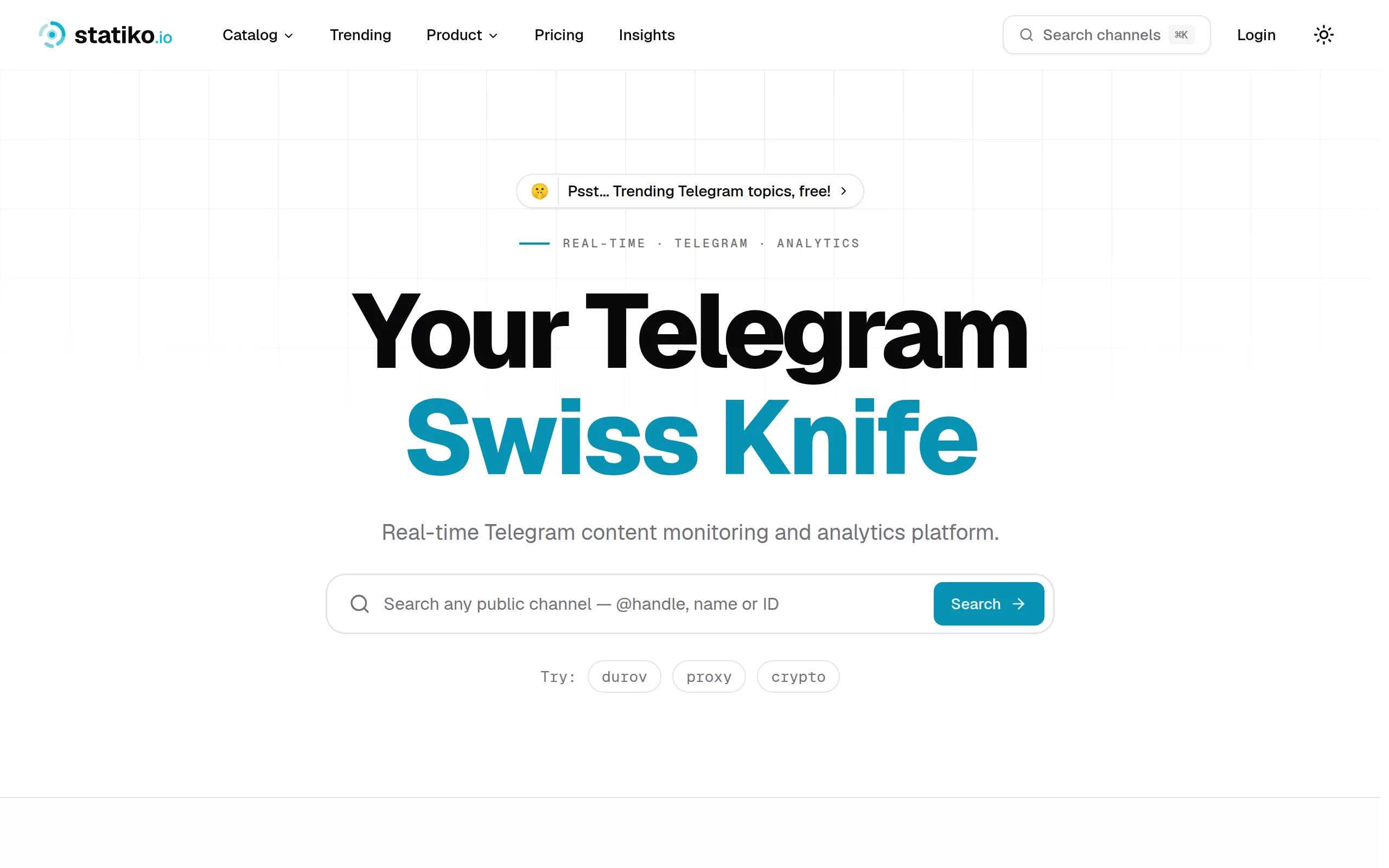
Statiko
Monitor any Telegram channel in real time - track posts, edits, deletions, and growth with AI recaps 📡

Shibui
AI website builder - describe your business, pick a niche template, edit by chatting, and publish instantly ✨

Pro Service
Find verified home service professionals, compare quotes, and pay securely through escrow - built for Brazilians across the US 🏠
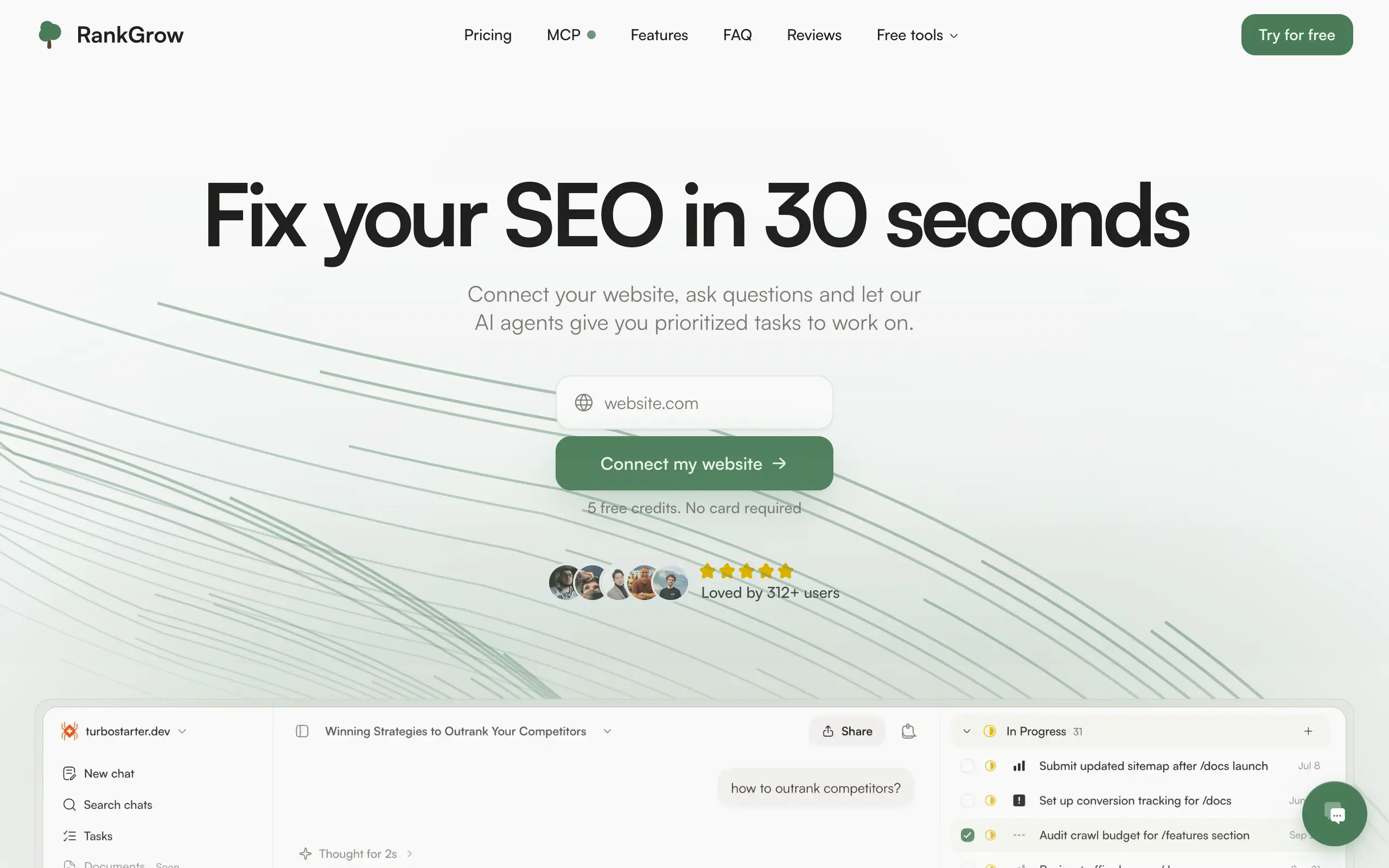
RankGrow
Fix your SEO with AI agents - connect Search Console, get prioritized tasks, and grow organic traffic 📈
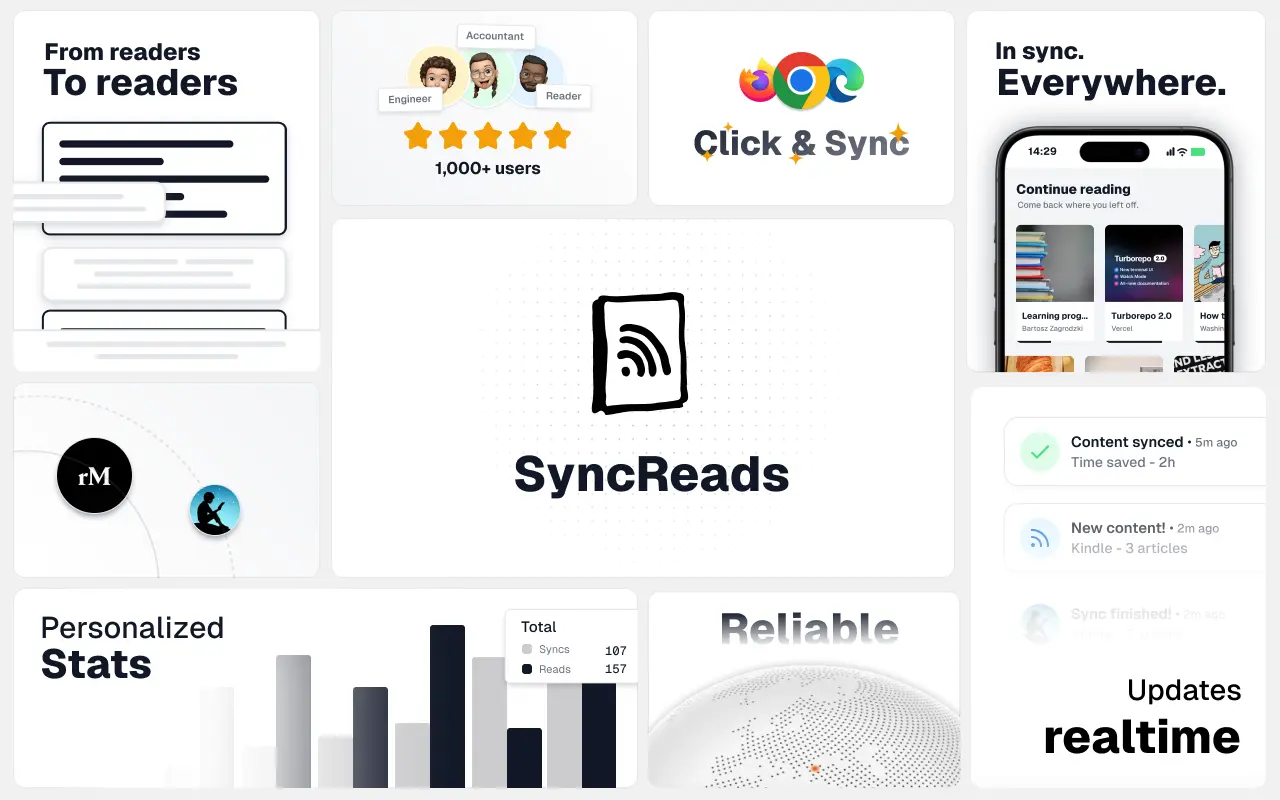
SyncReads
Sync your favorite content for distraction-free reading, save time and replace multiple apps. Anytime, anywhere 🔄
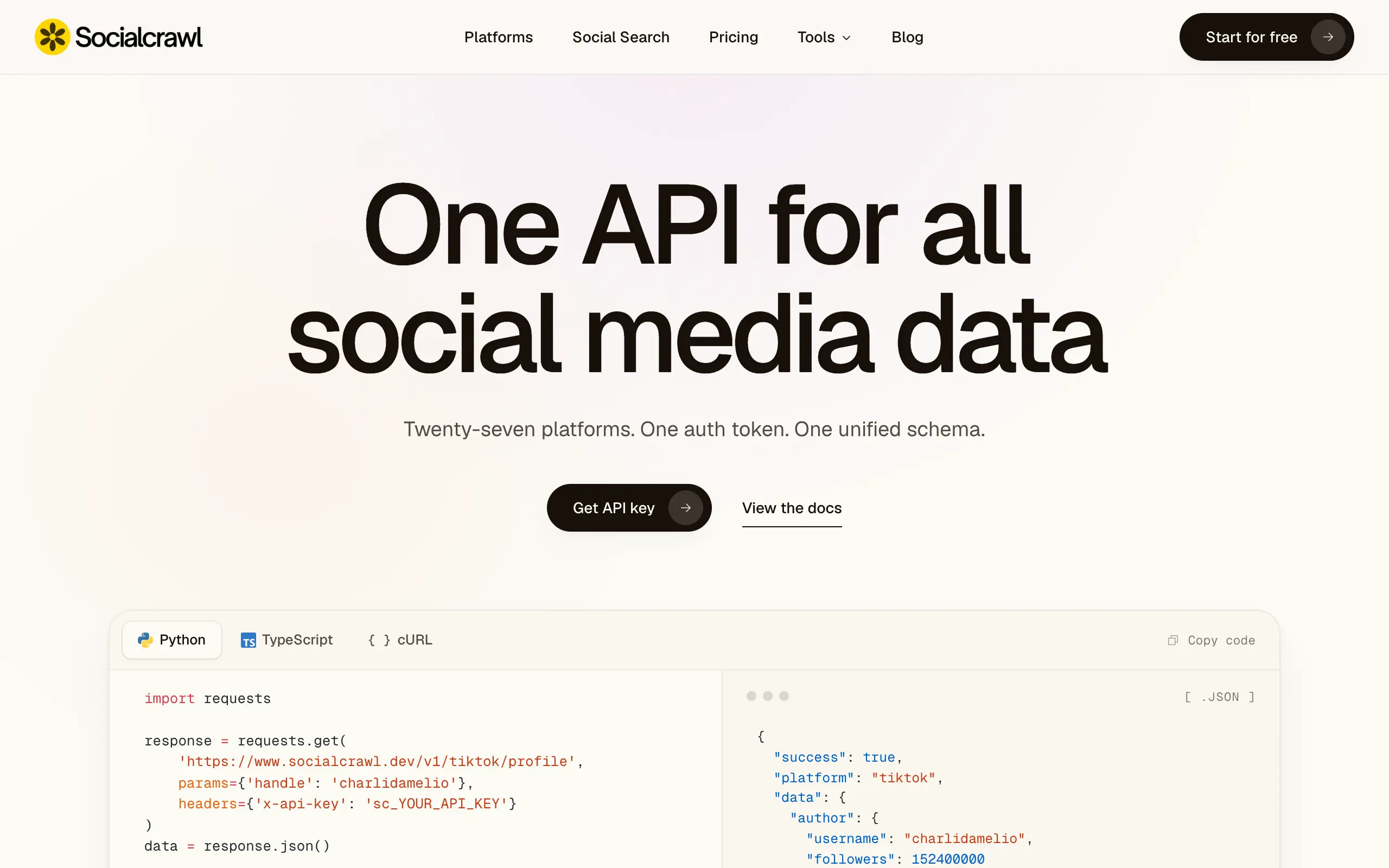
Socialcrawl
Get clean, structured data from 21 platforms like TikTok, Instagram, and YouTube with a single request 📊
Statiko
Monitor any Telegram channel in real time - track posts, edits, deletions, and growth with AI recaps 📡
Shibui
AI website builder - describe your business, pick a niche template, edit by chatting, and publish instantly ✨
Pro Service
Find verified home service professionals, compare quotes, and pay securely through escrow - built for Brazilians across the US 🏠
RankGrow
Fix your SEO with AI agents - connect Search Console, get prioritized tasks, and grow organic traffic 📈
SyncReads
Sync your favorite content for distraction-free reading, save time and replace multiple apps. Anytime, anywhere 🔄
Socialcrawl
Get clean, structured data from 21 platforms like TikTok, Instagram, and YouTube with a single request 📊
Statiko
Monitor any Telegram channel in real time - track posts, edits, deletions, and growth with AI recaps 📡
Shibui
AI website builder - describe your business, pick a niche template, edit by chatting, and publish instantly ✨
Pro Service
Find verified home service professionals, compare quotes, and pay securely through escrow - built for Brazilians across the US 🏠
RankGrow
Fix your SEO with AI agents - connect Search Console, get prioritized tasks, and grow organic traffic 📈
SyncReads
Sync your favorite content for distraction-free reading, save time and replace multiple apps. Anytime, anywhere 🔄
Socialcrawl
Get clean, structured data from 21 platforms like TikTok, Instagram, and YouTube with a single request 📊
Statiko
Monitor any Telegram channel in real time - track posts, edits, deletions, and growth with AI recaps 📡
Shibui
AI website builder - describe your business, pick a niche template, edit by chatting, and publish instantly ✨
Pro Service
Find verified home service professionals, compare quotes, and pay securely through escrow - built for Brazilians across the US 🏠
RankGrow
Fix your SEO with AI agents - connect Search Console, get prioritized tasks, and grow organic traffic 📈
SyncReads
Sync your favorite content for distraction-free reading, save time and replace multiple apps. Anytime, anywhere 🔄
Socialcrawl
Get clean, structured data from 21 platforms like TikTok, Instagram, and YouTube with a single request 📊
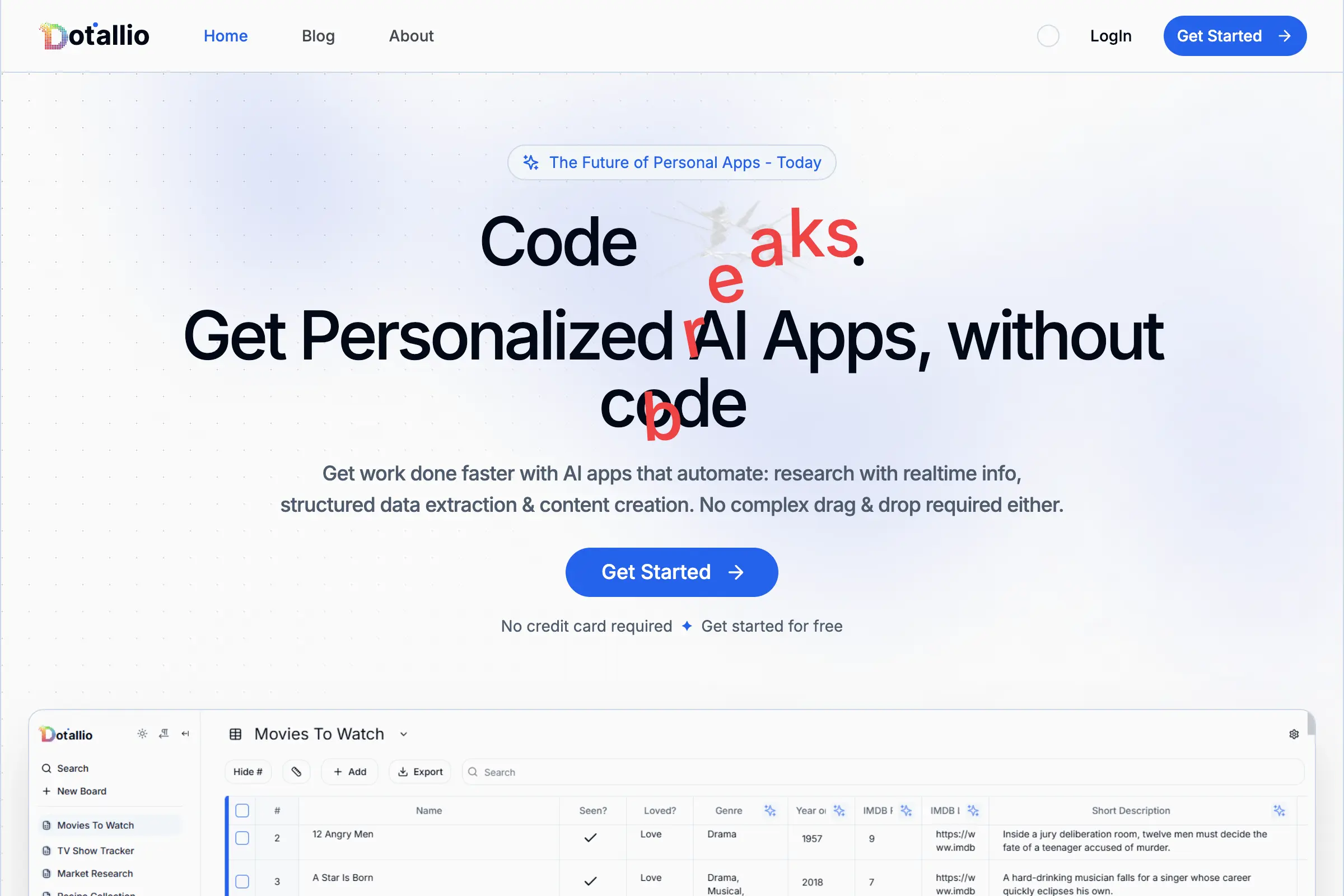
Dotallio
Personalized AI apps that automate research, data extraction, and content creation without code 🤖
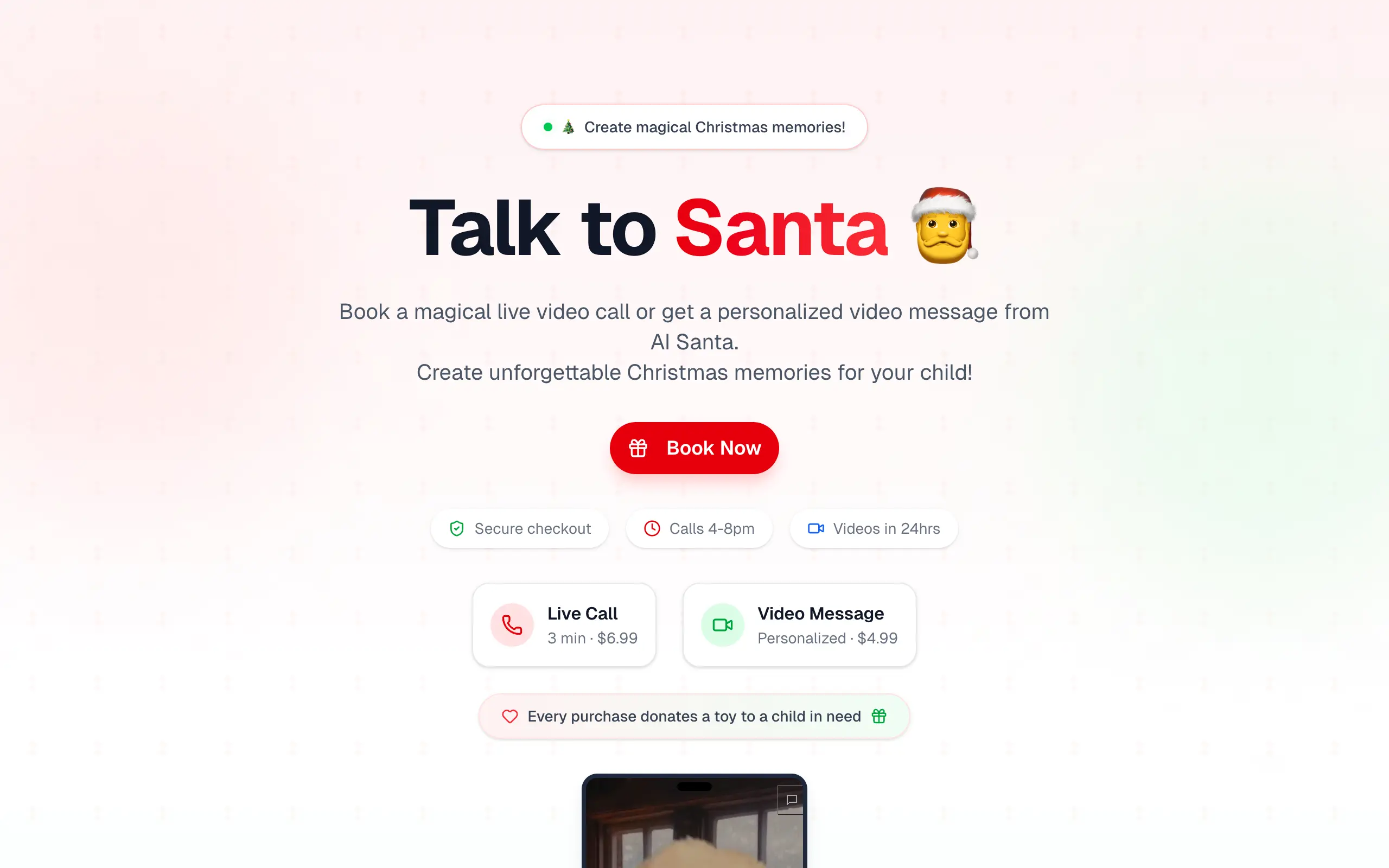
Talk to Santa
Enjoy a magical live video chat or receive a unique AI-generated video greeting from Santa Claus 🎅
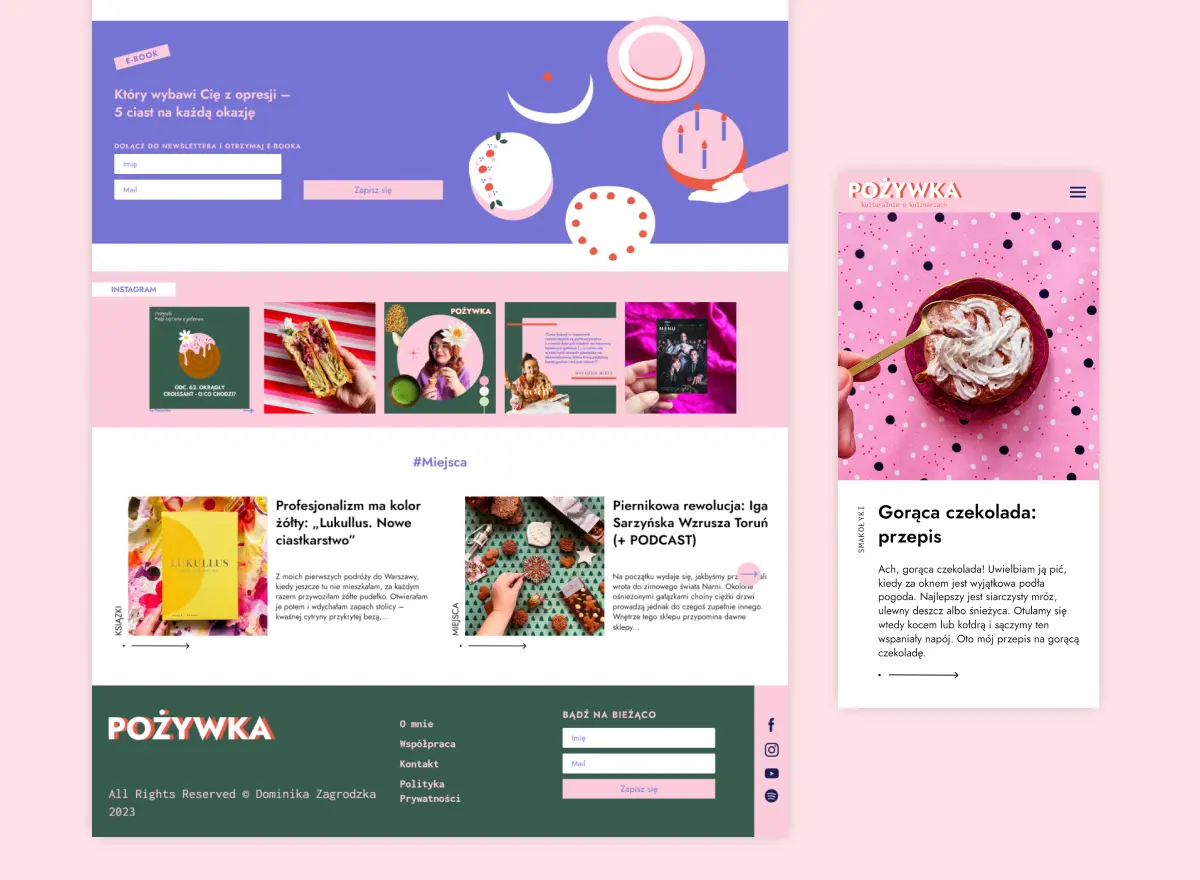
pozywka.pl
Scalable blog for food journalist, focused on performance and user experience 🌭
zagrodzki.me
Personal blog and portfolio of Bart Zagrodzki, where he shares his knowledge and work 💼
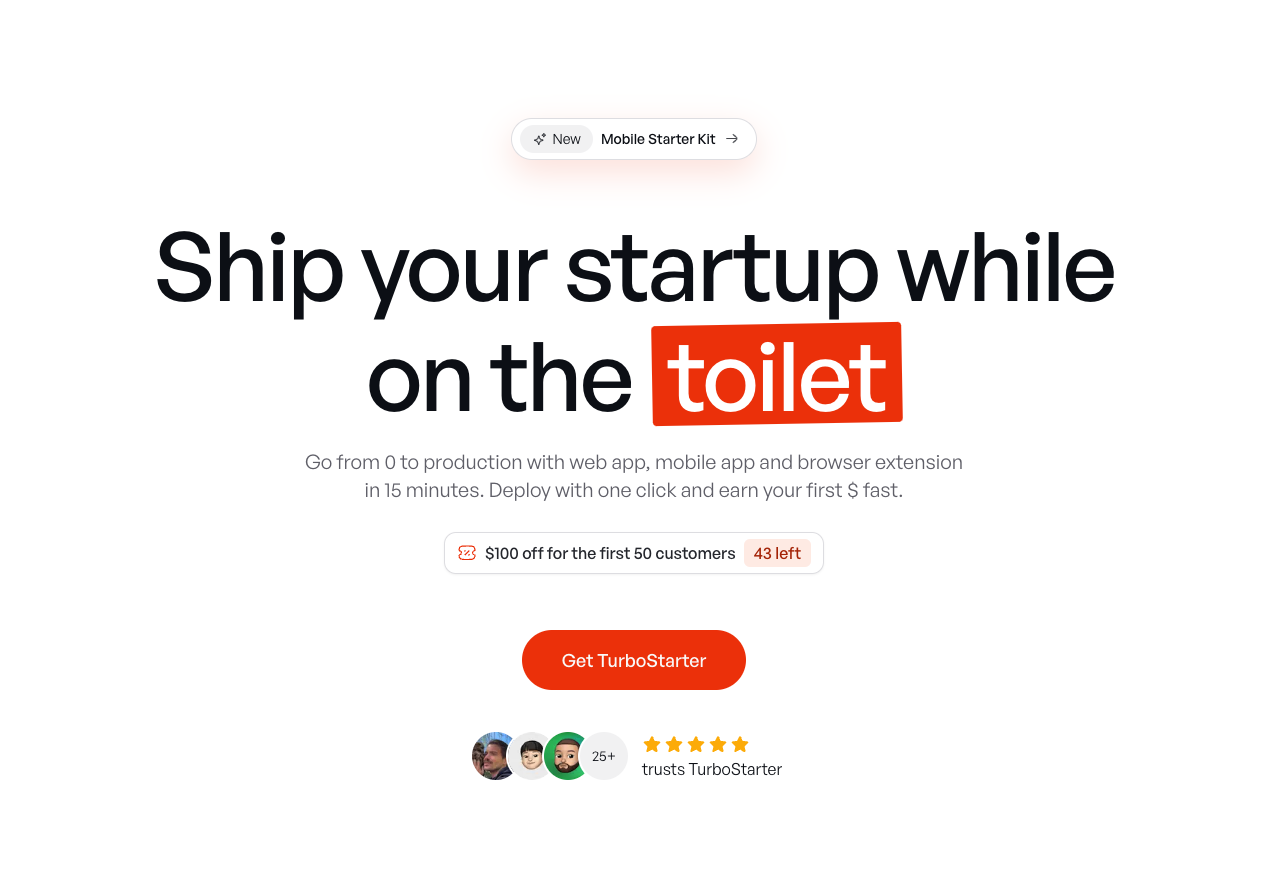
TurboStarter
Ship your startup everywhere. In minutes.
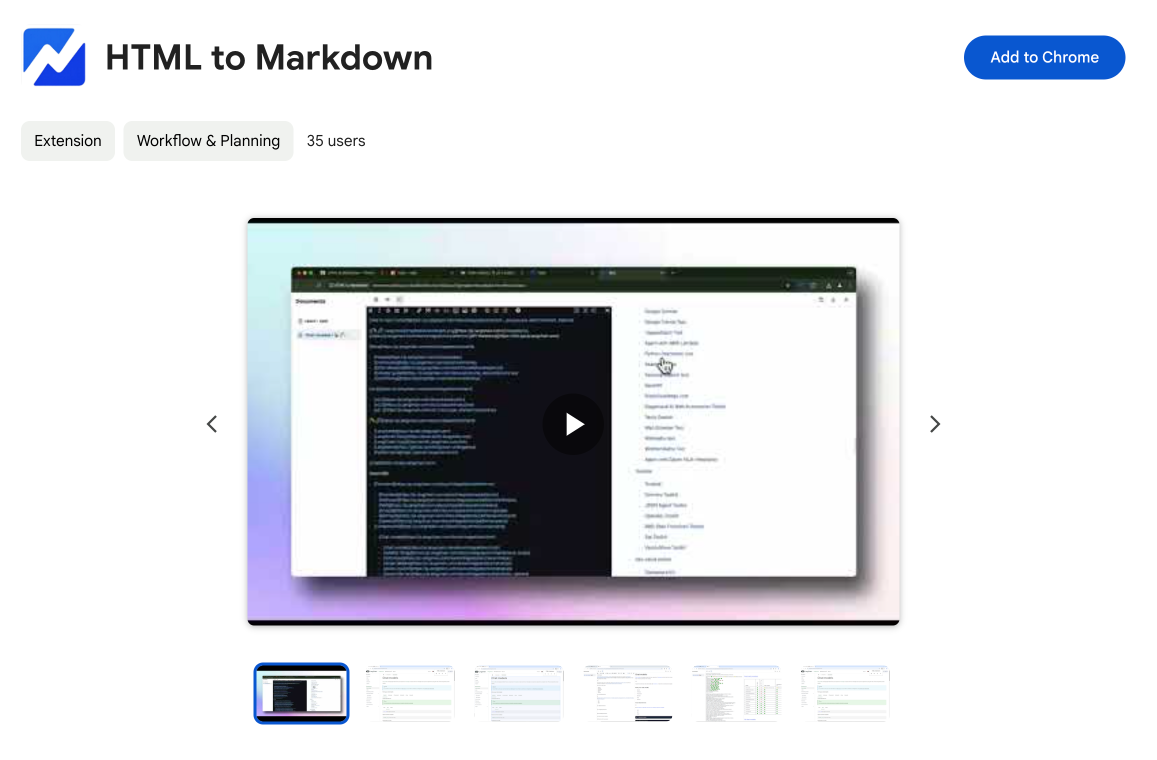
HTML to Markdown
Convert HTML to Markdown with ease, directly in your browser 📄
Dotallio
Personalized AI apps that automate research, data extraction, and content creation without code 🤖
Talk to Santa
Enjoy a magical live video chat or receive a unique AI-generated video greeting from Santa Claus 🎅
pozywka.pl
Scalable blog for food journalist, focused on performance and user experience 🌭
zagrodzki.me
Personal blog and portfolio of Bart Zagrodzki, where he shares his knowledge and work 💼
TurboStarter
Ship your startup everywhere. In minutes.
HTML to Markdown
Convert HTML to Markdown with ease, directly in your browser 📄
Dotallio
Personalized AI apps that automate research, data extraction, and content creation without code 🤖
Talk to Santa
Enjoy a magical live video chat or receive a unique AI-generated video greeting from Santa Claus 🎅
pozywka.pl
Scalable blog for food journalist, focused on performance and user experience 🌭
zagrodzki.me
Personal blog and portfolio of Bart Zagrodzki, where he shares his knowledge and work 💼
TurboStarter
Ship your startup everywhere. In minutes.
HTML to Markdown
Convert HTML to Markdown with ease, directly in your browser 📄
Dotallio
Personalized AI apps that automate research, data extraction, and content creation without code 🤖
Talk to Santa
Enjoy a magical live video chat or receive a unique AI-generated video greeting from Santa Claus 🎅
pozywka.pl
Scalable blog for food journalist, focused on performance and user experience 🌭
zagrodzki.me
Personal blog and portfolio of Bart Zagrodzki, where he shares his knowledge and work 💼
TurboStarter
Ship your startup everywhere. In minutes.
HTML to Markdown
Convert HTML to Markdown with ease, directly in your browser 📄
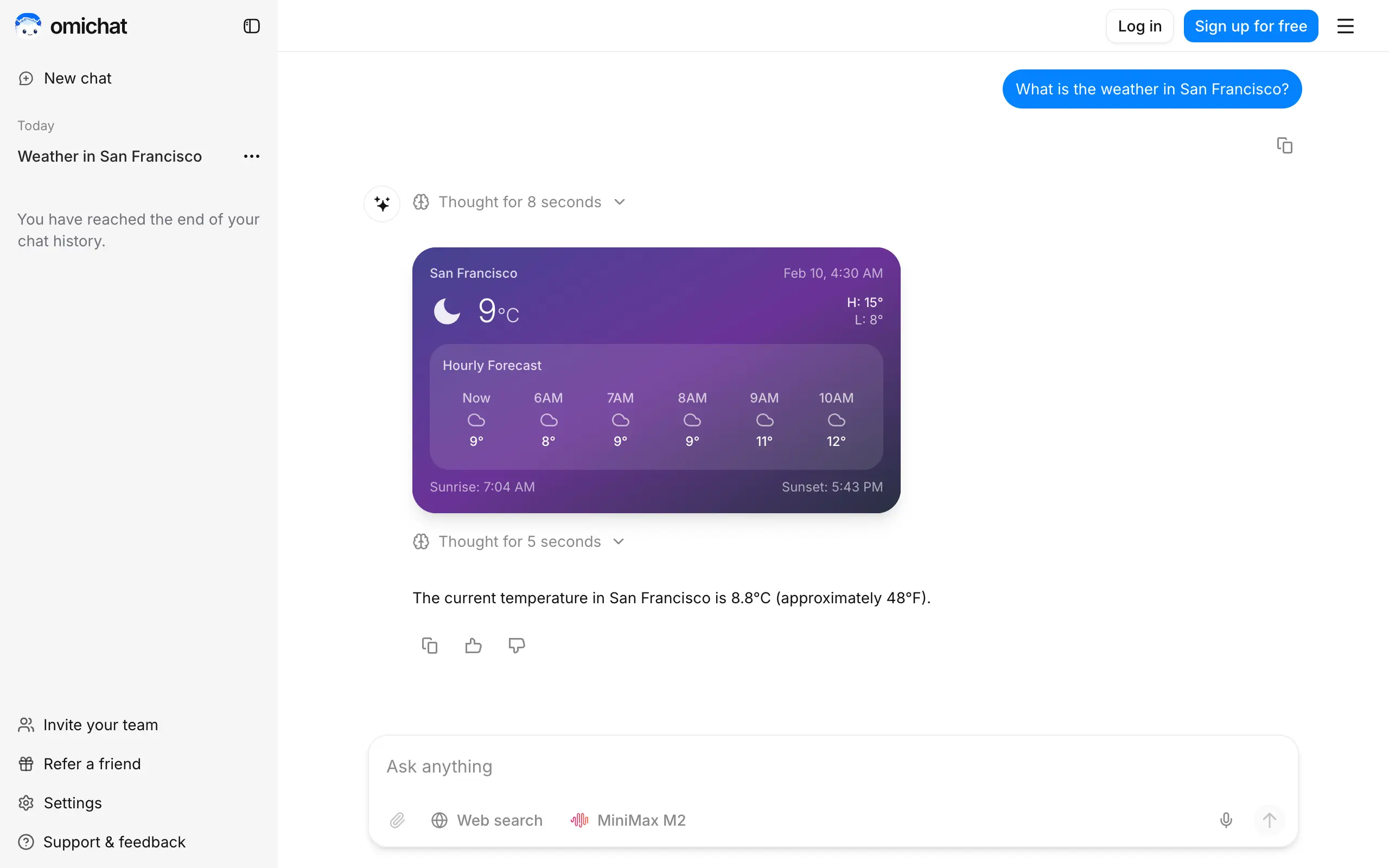
Omichat
Chat with 50+ AI models, including ChatGPT and Claude, in one place - switch models anytime without losing context 🤖
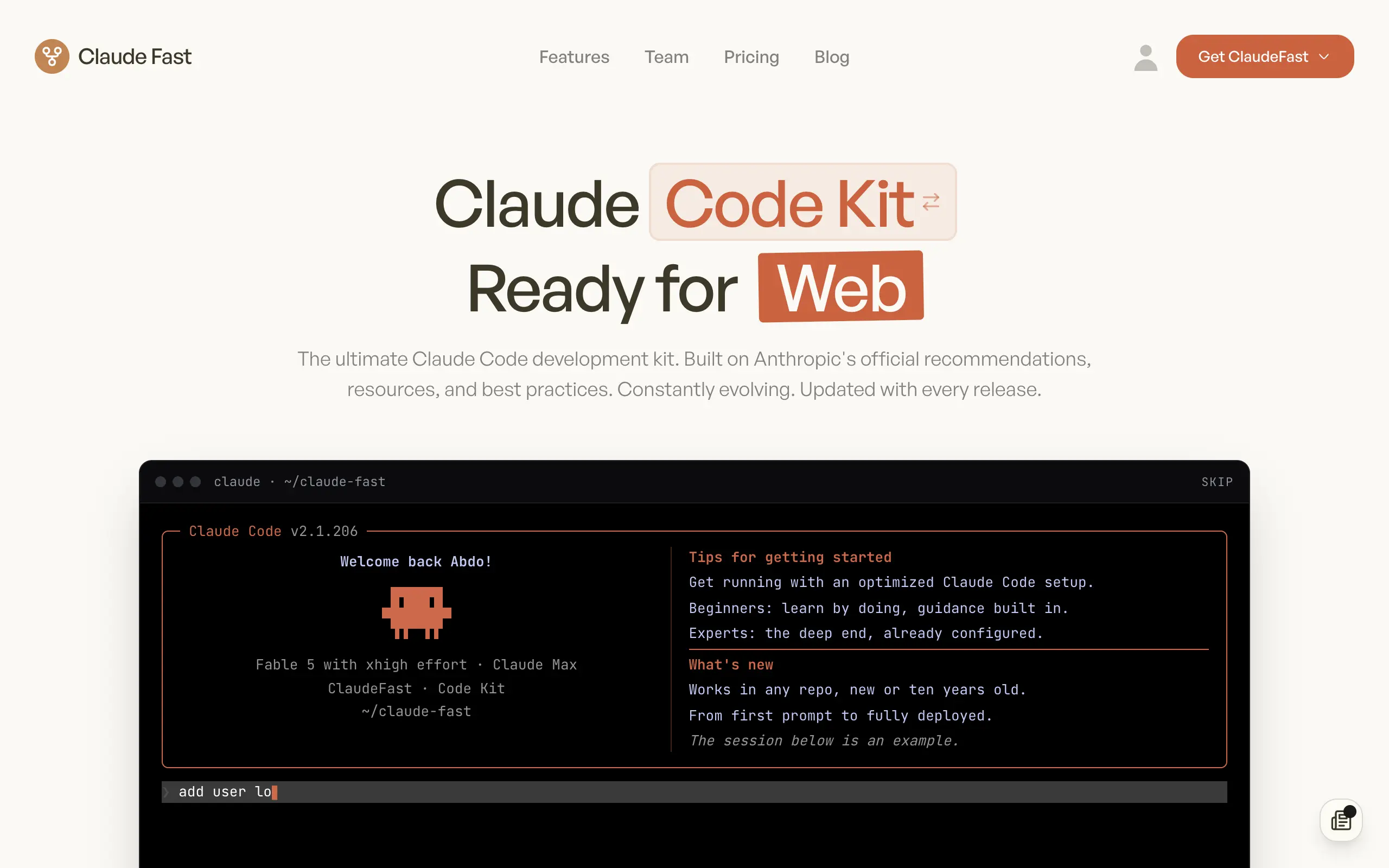
Claude Fast
Supercharge your Claude Code with 6x effective context window and specialized AI agents 🤖
EmojAI
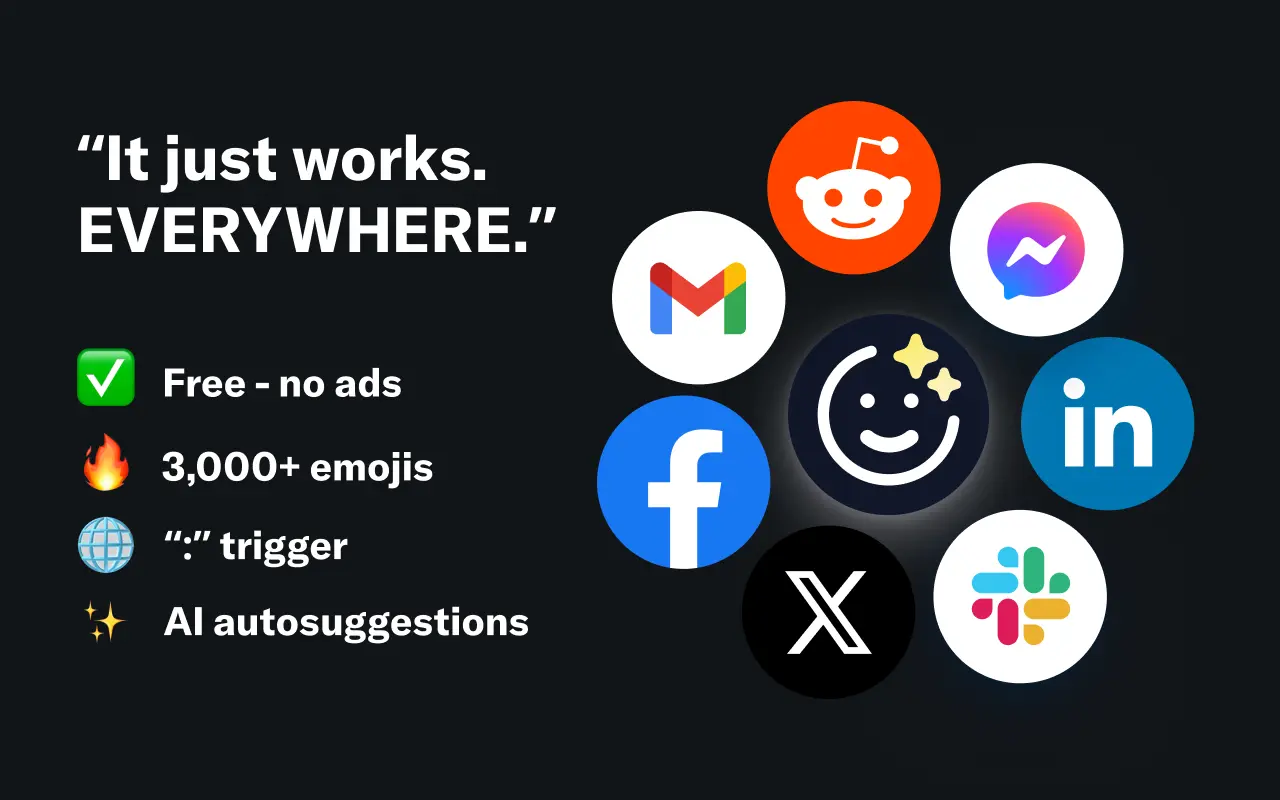
AI-powered emoji picker with smart, context-aware suggestions 🤖

Solohacker
Autonomous company launcher - AI agents work 24/7, escalate what matters, and you stay in control 🤖
BeRawi: Storytelling Coach
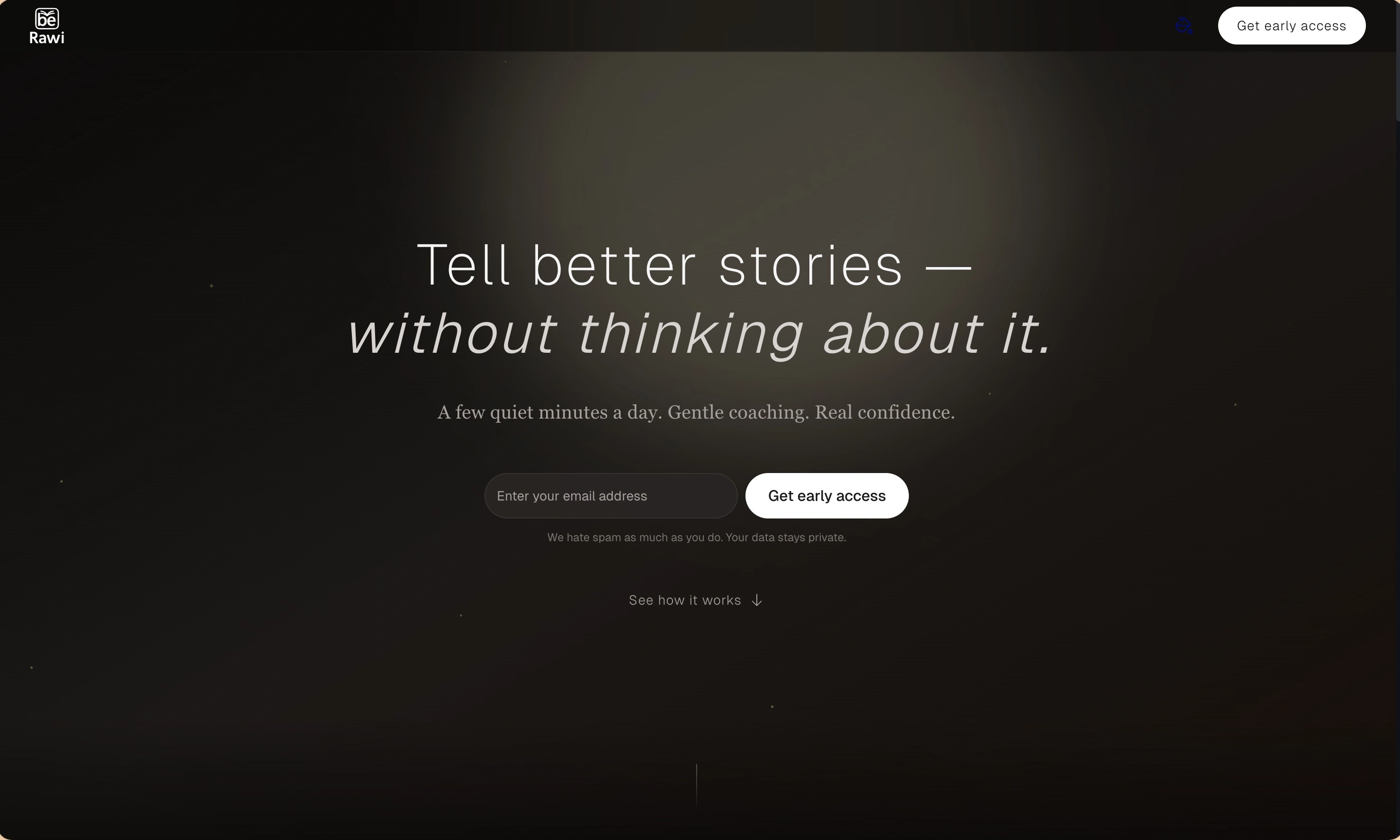
Practice storytelling daily with instant feedback to sound clearer, more engaging, and confident 🎤
Omichat
Chat with 50+ AI models, including ChatGPT and Claude, in one place - switch models anytime without losing context 🤖
Claude Fast
Supercharge your Claude Code with 6x effective context window and specialized AI agents 🤖
EmojAI
AI-powered emoji picker with smart, context-aware suggestions 🤖
Solohacker
Autonomous company launcher - AI agents work 24/7, escalate what matters, and you stay in control 🤖
BeRawi: Storytelling Coach
Practice storytelling daily with instant feedback to sound clearer, more engaging, and confident 🎤
Omichat
Chat with 50+ AI models, including ChatGPT and Claude, in one place - switch models anytime without losing context 🤖
Claude Fast
Supercharge your Claude Code with 6x effective context window and specialized AI agents 🤖
EmojAI
AI-powered emoji picker with smart, context-aware suggestions 🤖
Solohacker
Autonomous company launcher - AI agents work 24/7, escalate what matters, and you stay in control 🤖
BeRawi: Storytelling Coach
Practice storytelling daily with instant feedback to sound clearer, more engaging, and confident 🎤
Omichat
Chat with 50+ AI models, including ChatGPT and Claude, in one place - switch models anytime without losing context 🤖
Claude Fast
Supercharge your Claude Code with 6x effective context window and specialized AI agents 🤖
EmojAI
AI-powered emoji picker with smart, context-aware suggestions 🤖
Solohacker
Autonomous company launcher - AI agents work 24/7, escalate what matters, and you stay in control 🤖
BeRawi: Storytelling Coach
Practice storytelling daily with instant feedback to sound clearer, more engaging, and confident 🎤

Connect with like-minded people
Join our community to get feedback, support, and grow together with 1,000+ builders on board, let's ship it!
Join usShip your startup everywhere. In minutes.
Don't burn tokens on setup and start building features on day one.