PixelPitch Studio
Run a virtual design studio through Canva-inspired poster challenges, creative briefs, and collectible template packs for aspiring designers.
PixelPitch Studio is a virtual design studio where aspiring designers build skills by completing creative challenges, responding to briefs, and collecting reusable template packs. The concept combines the accessibility of a design tool with the motivation of a game: instead of opening a blank canvas and wondering what to make, players receive a clear prompt, a set of constraints, and a reason to come back.
The opportunity is not to replace professional design software. It is to make creative practice easier to start, more enjoyable to repeat, and more social to share. A focused product can help beginners learn visual fundamentals while giving casual creators a steady supply of ideas and templates.
What is PixelPitch Studio?
PixelPitch Studio is a browser-based design challenge game centered on short, approachable creative briefs. A player might be asked to design a poster for a fictional music festival using a limited palette, create a book-cover concept for a mystery story, or promote an imaginary local café.
Each challenge can include:
- A brief describing the goal, audience, and mood
- Optional constraints, such as a color palette or required text
- A workspace for creating or customizing a design
- A way to submit and share the finished work
- Feedback, rewards, or a collectible template pack
The product’s central loop is simple: get a prompt, make something, share it, and unlock another creative opportunity.
That loop positions PixelPitch Studio between design education, creative software, and casual gaming. It can give new designers structure without the pressure of a formal course, and offer experienced hobbyists a playful source of prompts without requiring them to commit to a long project.
It is important to set expectations clearly. PixelPitch Studio should be a place to practice and play, not a claim that a user can become a professional designer simply by completing challenges. Its strongest promise is helping people create more often and develop confidence through guided practice.
Who is PixelPitch Studio for?
A clear audience makes it easier to choose the right features, pricing, and marketing channels. PixelPitch Studio can appeal to several groups, but the first version should be built around one primary audience and one closely related secondary audience.
Aspiring designers
New designers often want to practice but struggle to choose a project. Open-ended creative software can be intimidating when a user has no brief, deadline, or feedback. A short challenge gives them a manageable starting point and a concrete outcome.
Useful features for this group include:
- Beginner-friendly prompts with clear instructions
- Progressive difficulty rather than a sudden jump in complexity
- Short explanations of design principles, such as hierarchy and contrast
- A private portfolio or gallery of completed work
- Feedback that explains what is effective and what could be improved
For aspiring designers, the product should make practice feel safe. A player should be able to experiment, revise, and learn without feeling that every submission is a public performance.
Casual creators and social users
Some users may not identify as designers at all. They might want to make an event poster, a social graphic, a birthday invitation, or a playful piece of fan art. For them, PixelPitch Studio should make creation feel quick and rewarding.
They are likely to value:
- Prompts that are entertaining and easy to understand
- Ready-to-customize templates
- A fast path from idea to shareable result
- Seasonal challenges and themed collections
- Optional sharing that does not require public participation
This audience can help the product grow through shared creations, but public sharing should remain a choice rather than a requirement.
Teachers, clubs, and creative communities
Educators and community organizers could use design challenges as short activities for classrooms, clubs, workshops, or online groups. This audience has different needs from an individual player. They may want private groups, assignment settings, accessibility options, and a way to review submissions.
These features may belong in a later product tier rather than the initial launch. Still, it is worth testing whether teachers and group organizers have a strong unmet need. A classroom-ready workflow could become a meaningful differentiator if it is designed around privacy and ease of administration.
Who to prioritize first
A practical initial audience is beginners and casual creators who want guided, low-pressure design practice. They share an important need: help getting started. They also fit the same core experience of receiving a prompt, creating a design, and optionally sharing it.
Schools and professional teams may offer attractive future opportunities, but they can introduce requirements around student privacy, administration, procurement, and support. Validate those needs before building for them.
The market opportunity and product gap
People already have access to design tools, online tutorials, creative prompt lists, and social platforms. PixelPitch Studio does not need to claim that these products are missing. Its opportunity lies in connecting parts of the creative process that are often separate.
A user may find a prompt in one place, make a design in another, look for feedback somewhere else, and save templates in a fourth. That fragmented journey can make regular practice harder than it needs to be. PixelPitch Studio can bring together the prompt, workspace, progression, and optional community in one coherent experience.
A structured alternative to the blank canvas
A blank canvas offers freedom, but it can also create friction. A creative brief gives users a starting point and a reason to make decisions. Constraints can make challenges more approachable, especially when they are framed as playful rules rather than restrictions.
For example, a challenge could ask users to create an event poster using only two colors and three type styles. The constraint gives the activity direction while leaving room for personal interpretation.
Practice that feels rewarding
Many design tutorials are organized around lessons, while many casual games are organized around points and progression. PixelPitch Studio can combine learning and play by rewarding meaningful activity rather than only time spent in the app.
Potential rewards include:
- New themes, mockups, palettes, and template packs
- Milestones for completing a range of challenge types
- Personal progress summaries
- Community recognition for helpful feedback
- A record of completed work that can support a portfolio
Rewards should reinforce creativity, not pressure users to maintain daily streaks or spend money to compete. The product’s value comes from helping players make things, not maximizing screen time.
Templates with context
A template is more useful when the player understands why it works and how to adapt it. PixelPitch Studio can connect template packs to challenge goals, such as visual hierarchy, event promotion, or editorial layouts.
This turns a collectible pack into more than a cosmetic reward. It can function as a practical learning aid and a source of inspiration. For commercial template packs, the product should explain license terms clearly, especially if users may use their creations in client or business work.
A focused competitive position
PixelPitch Studio should not try to win by matching every feature in a full-scale design platform. Instead, it can differentiate through the experience around creation:
- A prompt-driven start rather than an empty workspace
- Challenges designed for different skill levels
- Playful progression tied to creative output
- Templates that support learning and experimentation
- A community built around constructive participation
This positioning is specific enough to test. The product succeeds if users return to make more designs, not merely if they browse a large template catalog.
Core features for a compelling design challenge game
The initial product should include enough to deliver a complete challenge experience, but not so much that the team spends months building social and monetization systems before validating the core loop.
Creative briefs and challenge discovery
Every challenge should tell a player what they are making and why. A strong brief can include:
- A clear creative goal
- The intended audience or fictional client
- A mood or theme
- Optional constraints
- A suggested time commitment
- A difficulty level
- A sample outcome or inspiration, where appropriate
Challenge discovery should be simple. Players could browse by topic, format, difficulty, or estimated time. A daily or weekly featured challenge can help users find something quickly, but users should also be able to browse at their own pace.
A beginner-friendly design workspace
The workspace is the product’s most important usability decision. There are two broad approaches.
Build a lightweight editor. This gives the team control over the user experience and can make challenges feel tightly integrated. It also requires significant engineering and product design work, particularly around text editing, layers, exports, undo, and responsive behavior.
Integrate an existing creation workflow. This may reduce the time needed to test demand, but it can introduce dependencies, licensing questions, technical limitations, or a less cohesive experience.
A sensible MVP could start with a limited editor focused on the formats that match the challenges. A poster editor does not need every capability of a professional design suite. It does need reliable text placement, shapes, colors, image handling, alignment, undo, and export.
The interface should work well on a laptop and remain usable on a phone. If mobile editing is a central part of the intended experience, test it early rather than assuming a desktop editor will translate cleanly.
Templates and collectible packs
Template packs can help players get started and give them something to unlock. Packs might be organized around:
- Poster formats
- Seasonal themes
- Color palettes
- Typography combinations
- Event types
- Fictional brands or worlds
Template collection should support creation rather than replace it. Give users ways to change layouts, colors, text, and assets so that finished work can feel personal.
If templates include third-party fonts, illustrations, or stock assets, track the rights and usage terms for each item. Clear licensing information is especially important if users can export work for commercial use.
Progression and meaningful rewards
Progression gives the game structure. It can include challenge streaks, skill paths, badges, unlockable packs, and personal milestones. A good progression system should reward experimentation and learning, not only volume.
For instance, users might receive recognition for trying different formats, revising a design, or leaving thoughtful feedback. Avoid making a single leaderboard the center of the experience. Public rankings can discourage beginners and may reward popularity rather than craft.
Sharing and community feedback
A community gallery can provide inspiration and recognition, but it also introduces moderation and privacy responsibilities. Build the sharing experience intentionally:
- Let players choose whether a submission is public, private, or shared with a group.
- Give users control over profile visibility.
- Offer clear reporting and blocking tools.
- Set expectations for constructive feedback.
- Explain how submitted work may be displayed or used.
Feedback prompts can guide useful comments. Instead of an unrestricted comment box alone, ask reviewers what feels clear, what stands out, or what they might try next. This makes the community more helpful to beginners.
Accessibility and inclusive design
Accessibility should be part of the editor and challenge system from the start. Consider keyboard navigation, readable text, color contrast, reduced-motion preferences, descriptive labels, and alternatives to color-only instructions.
Challenges should not assume that every player has the same artistic background, device, language, or amount of available time. Clear instructions and multiple ways to interpret a brief can make the experience more welcoming.
Recommended MVP and product priorities
A useful MVP should prove that users want to complete creative challenges, not simply browse them. Start with a small number of well-made challenges and a reliable creation flow.
| Product area | MVP priority | Reason |
|---|---|---|
| Challenge briefs | High | They define the product’s core promise |
| Basic editor or creation flow | High | Players need to complete the challenge |
| Save and export | High | Users need to keep or share their work |
| Progress tracking | Medium | Helps users see what they have completed |
| Template packs | Medium | Adds inspiration and a possible paid feature |
| Public gallery | Low to medium | Valuable, but requires moderation |
| Team and classroom tools | Later | Adds distinct workflows and privacy requirements |
| Advanced editor features | Later | Should follow evidence from actual use |
For the first release, consider a curated set of challenges rather than an algorithmically generated feed. Human-written briefs are easier to quality-check and can establish the tone of the product. Once the team learns which formats people enjoy, it can expand the catalog and introduce personalization.
A useful success measure is the proportion of new users who complete a first challenge and then return to complete another. Track where users abandon the flow, but interpret the data alongside interviews and usability tests. A user may leave because the prompt is confusing, the editor is difficult, or the challenge simply does not fit their interests. Analytics can show where friction occurs; direct feedback helps explain why.
Recommended technology stack
The right stack depends on whether PixelPitch Studio prioritizes a custom browser editor, a fast validation launch, or a community-heavy product. A practical approach is to keep the system modular and avoid building infrastructure that the product does not yet need.
Frontend and application framework
React is a strong choice for an interactive design interface because its component model supports reusable controls, panels, and editor tools. A framework such as Next.js can add routing, server-rendered pages, and application structure, which may be useful for discoverable public challenge pages and marketing content.
Trade-offs include:
- A custom editor gives more control but increases build and testing effort.
- A general web application framework can support both marketing and product pages, but teams need to understand its rendering and deployment model.
- A canvas-based interface can perform well for visual editing, but requires deliberate work to support accessibility and keyboard interaction.
Use server-rendered or statically generated pages for public challenge descriptions where search visibility matters. Keep the actual editor experience optimized for interaction and signed-in use.
Styling and interface system
A utility-first approach such as Tailwind CSS can help a small team build and refine the product interface quickly. Whether using utility classes or a component library, establish consistent design tokens for color, type, spacing, and focus states.
The editor itself should not rely on color alone to communicate selection, status, or warnings. Use labels, icons, and clear focus indicators alongside visual cues.
Backend, database, and asset storage
A typical application backend will need to manage users, challenges, submissions, template metadata, and access permissions. A relational database is a good fit for these connected records and for queries such as “show this player’s completed challenges.”
Store exported designs and uploaded assets in object storage rather than directly in the primary database. Use signed upload and download flows where appropriate, and define retention rules for drafts and user-generated content.
The data model could include:
- Users and profiles
- Challenges and challenge versions
- Submissions and submission visibility
- Template packs and included assets
- Feedback and moderation reports
- Entitlements and subscription status
Separate public content from private account data. This makes it easier to enforce visibility rules and respond to deletion requests.
Editor architecture
The editor should save work regularly and handle interruptions gracefully. A basic approach is to keep the current design state in the browser and persist snapshots to the backend. As the product matures, the team can explore version history or more granular autosave behavior.
Before selecting a rendering approach, prototype the hardest interactions: text editing, object selection, resizing, export quality, and mobile layout. A small technical spike can reveal whether the intended editor is feasible before it becomes a major dependency.
Authentication, payments, and operations
Use a proven authentication solution rather than building password security from scratch. Payment handling should rely on a reputable payment provider, with clear separation between billing state and product access. For a subscription product, define what happens when a payment fails, a user cancels, or an account is deleted.
A starter platform such as TurboStarter may help teams accelerate common SaaS foundations, depending on the project’s technical requirements. Evaluate its fit against the editor, data model, and deployment needs rather than assuming a starter kit will solve product-specific engineering.
AI as an optional support feature
AI could help generate prompt variations, suggest palettes, or offer lightweight feedback, but it should not be necessary for the MVP. AI-generated creative guidance can be inconsistent, and users may mistake suggestions for objective design rules.
If AI is introduced, keep it transparent and optional. Let users review suggestions, avoid claiming that automated feedback is expert judgment, and provide a way to report unsuitable outputs. The product’s core experience should remain valuable even if AI features are disabled.
Monetization strategy for PixelPitch Studio
A strong monetization model should support the creative experience without making players feel that payment determines the quality of their work.
Freemium access
A free tier can provide a small, regularly updated set of challenges, basic editor capabilities, and a limited number of template packs. This gives prospective users a meaningful experience before they pay.
The free tier should be useful on its own. If it feels like a demo with the main activity blocked, it will be harder to build trust and word-of-mouth.
Subscription for deeper practice
A paid subscription could offer:
- Access to a broader challenge library
- Premium template and asset packs
- Advanced export options
- Private collections or project organization
- Structured learning paths
- Additional feedback or critique features
A subscription makes sense if the product delivers ongoing value, such as new challenges and useful tools. Avoid charging a recurring fee for a static bundle that users can consume quickly.
One-time template packs
One-time purchases can work for users who want specific assets but do not want another subscription. Packs should be clearly described and include transparent license terms. The team can test whether players prefer themed collections, practical layouts, or skill-focused resources.
Group and education plans
If interviews confirm demand from educators or organizations, consider a group plan with private spaces, challenge assignment, and administrative controls. This should be built with privacy and moderation requirements in mind, not added as a simple billing toggle.
Ethical monetization principles
PixelPitch Studio should avoid pay-to-win mechanics. Do not sell ranking advantages, hide essential accessibility controls behind a premium plan, or pressure users with artificial scarcity. Paid features should add convenience, creative range, or structured value rather than gatekeeping basic participation.
Competitive advantage and unique selling proposition
PixelPitch Studio’s USP is guided creative practice with the energy of a game. The product combines bite-sized design briefs, an accessible creation flow, and rewarding progression in a way that can make regular practice feel less intimidating.
| Alternative | What it does well | PixelPitch Studio opportunity |
|---|---|---|
| General design software | Flexible tools for many use cases | Provide a clear prompt and guided first step |
| Design tutorials | Explain skills and techniques | Turn learning into a finished creative activity |
| Prompt lists | Offer ideas and inspiration | Connect prompts to creation, saving, and progression |
| Creative communities | Enable sharing and discussion | Add structured challenges and beginner-friendly feedback |
| Template libraries | Help users start from a layout | Make templates part of a practice and reward system |
The advantage is not any single feature. A prompt library can be copied, and templates can be created by competitors. The more durable advantage comes from a cohesive experience, a distinctive challenge catalog, trusted community norms, and a growing understanding of which challenges help users finish work and return.
That advantage depends on quality. If prompts are repetitive, rewards feel arbitrary, or the editor is frustrating, the combination will not be enough. Product differentiation must be demonstrated through user behavior and feedback.
Risks and how to mitigate them
Building too much before validating demand
A full editor, social network, subscription system, and school dashboard could consume substantial time before the team knows whether users enjoy the core loop.
Mitigation: Launch with a small challenge catalog and a deliberately limited editor. Observe whether users complete work, save it, and come back.
Editor scope and technical complexity
A visual editor has many edge cases, including text overflow, undo behavior, export fidelity, mobile interaction, and asset permissions.
Mitigation: Define the first supported formats and editing actions. Prototype difficult interactions early. Add features based on repeated user needs rather than trying to match professional software.
Moderation and community safety
Public submissions and comments can create spam, harassment, copyright disputes, and inappropriate content.
Mitigation: Begin with private submissions or a carefully moderated gallery. Provide reporting and blocking tools, publish community guidelines, and establish a clear process for handling reports.
Copyright and licensing confusion
Users may assume that every template, font, or image can be reused in commercial work. This can create avoidable disputes.
Mitigation: Track the source and license of every included asset. Explain usage rights in plain language, and make it clear what users own versus what the platform licenses.
Low challenge completion
Users may sign up because the idea sounds fun but stop when the first brief is confusing or the editor feels difficult.
Mitigation: Test the first challenge with people who have never used the product. Keep instructions short, show a useful example, and offer a quick path to a finished design.
Weak retention after novelty fades
A single fun prompt may attract attention without creating a lasting habit.
Mitigation: Offer varied challenge types, optional themed series, and visible personal progress. Interview users who stop returning to understand whether the problem is content, timing, difficulty, or missing value.
Unclear educational claims
A game may help users practice, but that does not automatically prove that it teaches design effectively.
Mitigation: Frame claims carefully. If the product markets specific learning outcomes, define how those outcomes will be assessed and gather evidence before making strong claims.
Validate before scaling
Treat demand for guided creative practice as a hypothesis, not a certainty. Before investing in a large editor or content library, test whether users complete a challenge, value the result, and want to do another one.
How to validate the idea before building the full product
Early validation should answer specific questions, not just collect general enthusiasm.
Start by interviewing aspiring designers and casual creators separately. Ask what they have tried, where they get stuck, what makes them return to a creative activity, and whether they would rather use a guided tool or bring prompts into software they already use. Avoid leading questions that invite people to praise the concept.
Then test a clickable prototype or lightweight challenge experience. A test can include a brief, a small set of design controls, and a way to submit or save the result. Watch what participants do, especially where they hesitate or ask for clarification.
Useful validation questions include:
- Can a new user understand the challenge without help?
- How long does it take to create a first result?
- Do users feel that constraints help or restrict them?
- Does the template pack improve the experience?
- Do users want to share their work, keep it private, or both?
- What would make them return next week?
- Which features would they pay for, and why?
Measure completion and repeat participation, but do not treat a single metric as proof of product-market fit. Combine behavior, user interviews, and willingness-to-pay tests. For market sizing or industry claims in a launch plan, use current, credible sources and state the geography, date, and methodology rather than relying on unsourced headline numbers.
Actionable implementation steps
Choose a narrow first audience. Focus on beginners and casual creators, or another segment supported by interviews. Define what a successful first session looks like for that group.
Design a small challenge catalog. Write a set of varied briefs with clear goals, time expectations, difficulty levels, and optional constraints. Test the wording with people outside the product team.
Prototype the creation experience. Build only the editor capabilities needed for the initial challenge formats. Test text editing, saving, and export before expanding the toolset.
Run usability sessions. Observe users completing a challenge without coaching. Record points of confusion and revise the brief and interface before adding more features.
Launch a focused beta. Invite a small group, provide a useful free experience, and track completion, return visits, and feedback. Make sharing optional while moderation processes are still developing.
Test monetization with real value propositions. Compare interest in subscriptions, template packs, and group plans only after users understand the product’s benefits. Keep essential creative activity available without payment.
Prioritize the next release from evidence. Expand the challenge library, editor, community, or education features based on observed demand rather than assumptions.
The opportunity ahead
PixelPitch Studio can occupy a distinctive space by making design practice feel approachable, structured, and rewarding. Its strongest starting point is not a large feature set; it is a well-designed challenge that helps someone move from “I want to make something” to a finished piece they are proud to keep.
The key decisions are practical: choose an audience, make the first challenge easy to understand, build only the editor capabilities required to complete it, and learn from actual user behavior. If players return because the prompts help them create more often, PixelPitch Studio has a foundation for a sustainable creative product.
More 🎮 Game SaaS ideas
Discover more innovative game SaaS ideas that are trending in 2026. Each idea is AI-generated with market validation and growth potential to help you find your next profitable venture faster than competitors.
Your competitors are building with TurboStarter
Below are some of the SaaS ideas that have been generated and built with our starter kit.
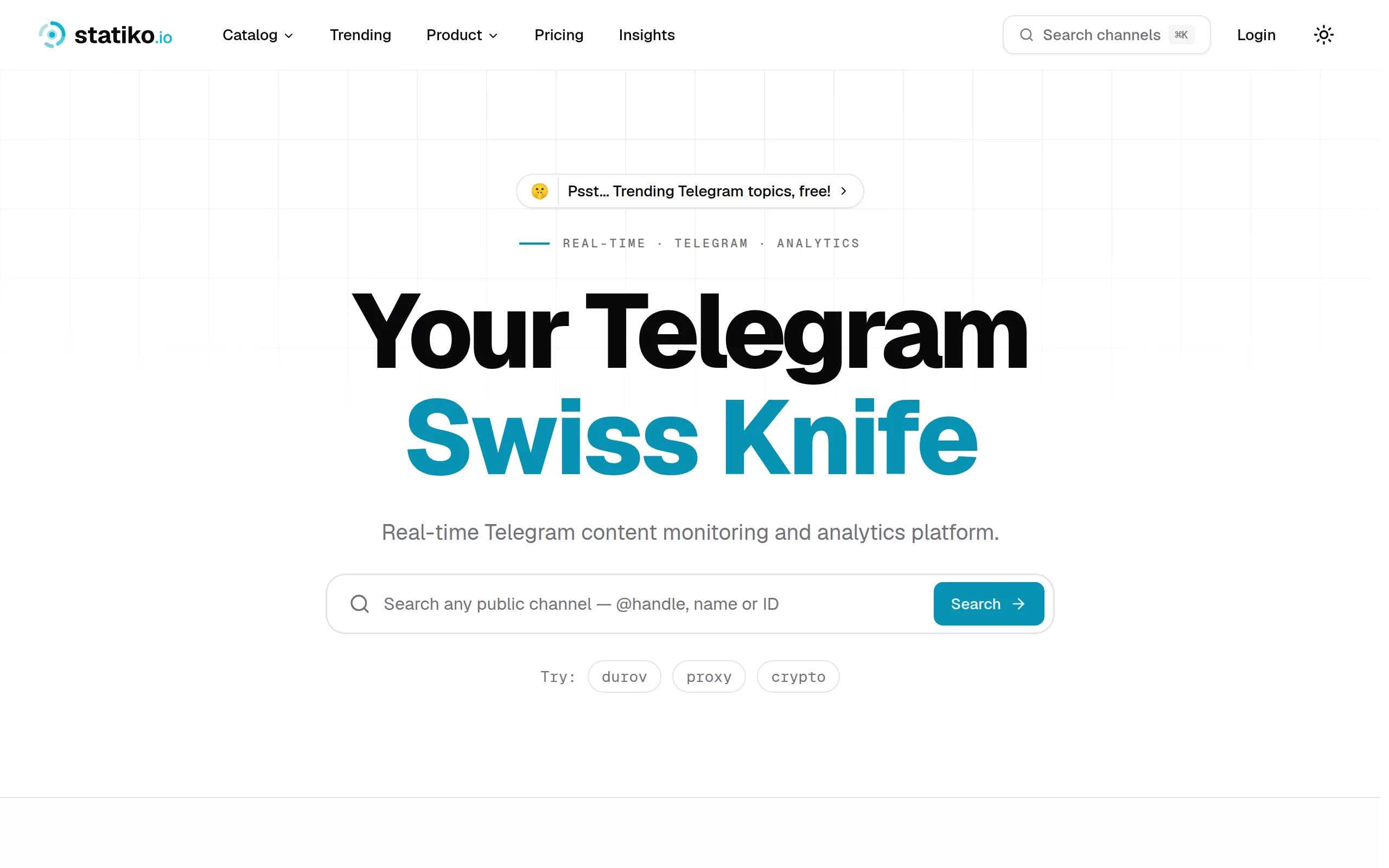
Statiko
Monitor any Telegram channel in real time - track posts, edits, deletions, and growth with AI recaps 📡
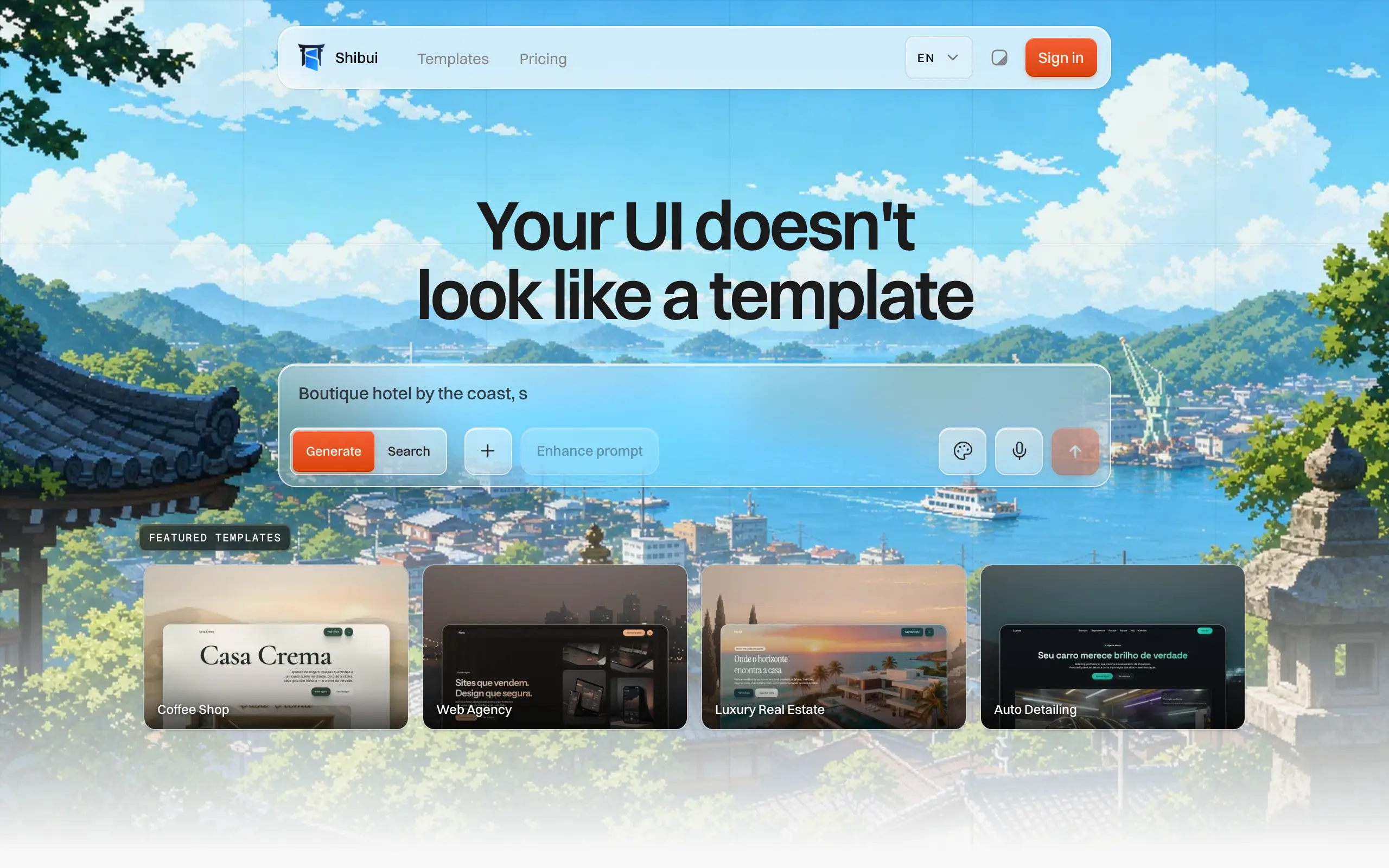
Shibui
AI website builder - describe your business, pick a niche template, edit by chatting, and publish instantly ✨

Pro Service
Find verified home service professionals, compare quotes, and pay securely through escrow - built for Brazilians across the US 🏠
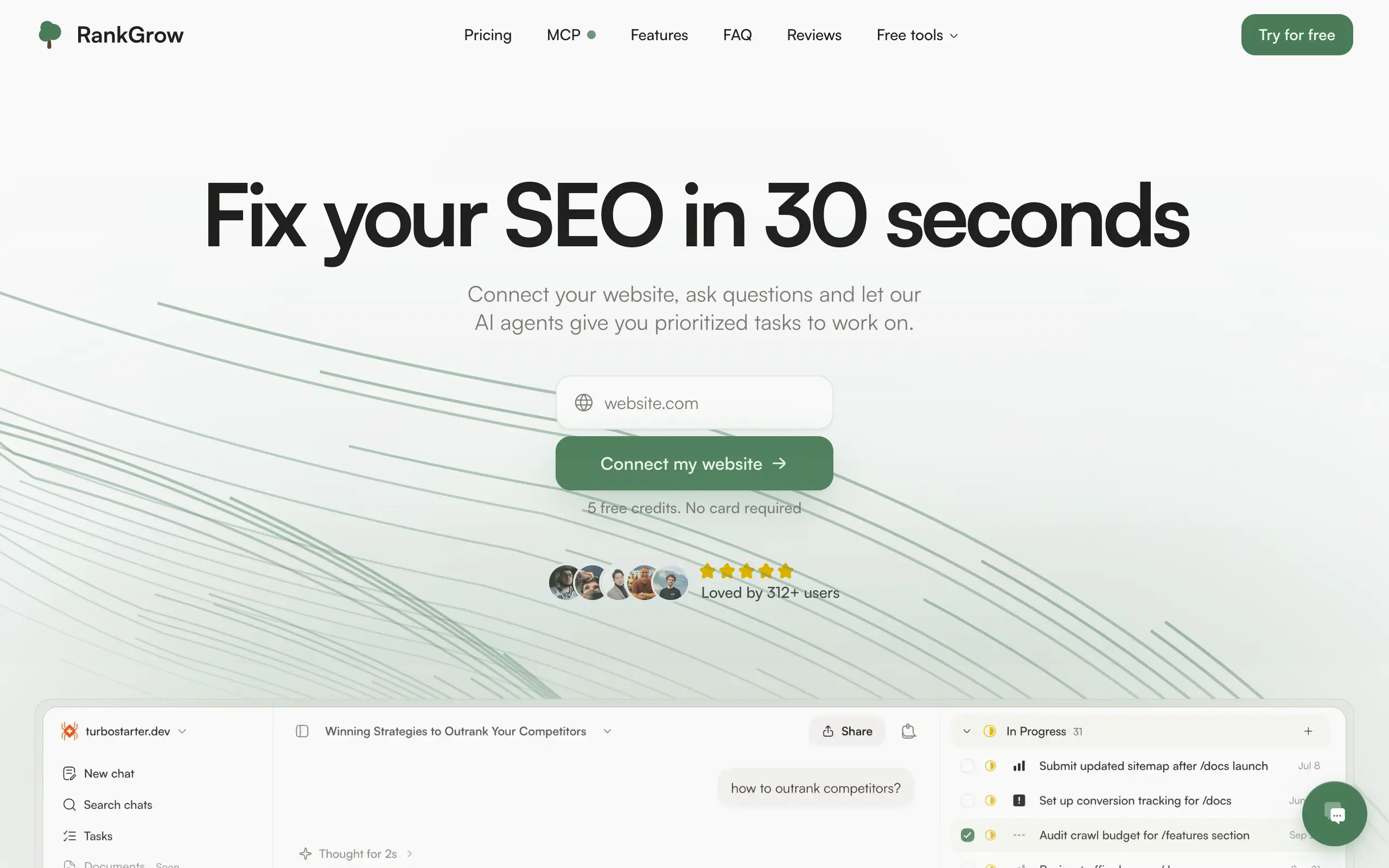
RankGrow
Fix your SEO with AI agents - connect Search Console, get prioritized tasks, and grow organic traffic 📈
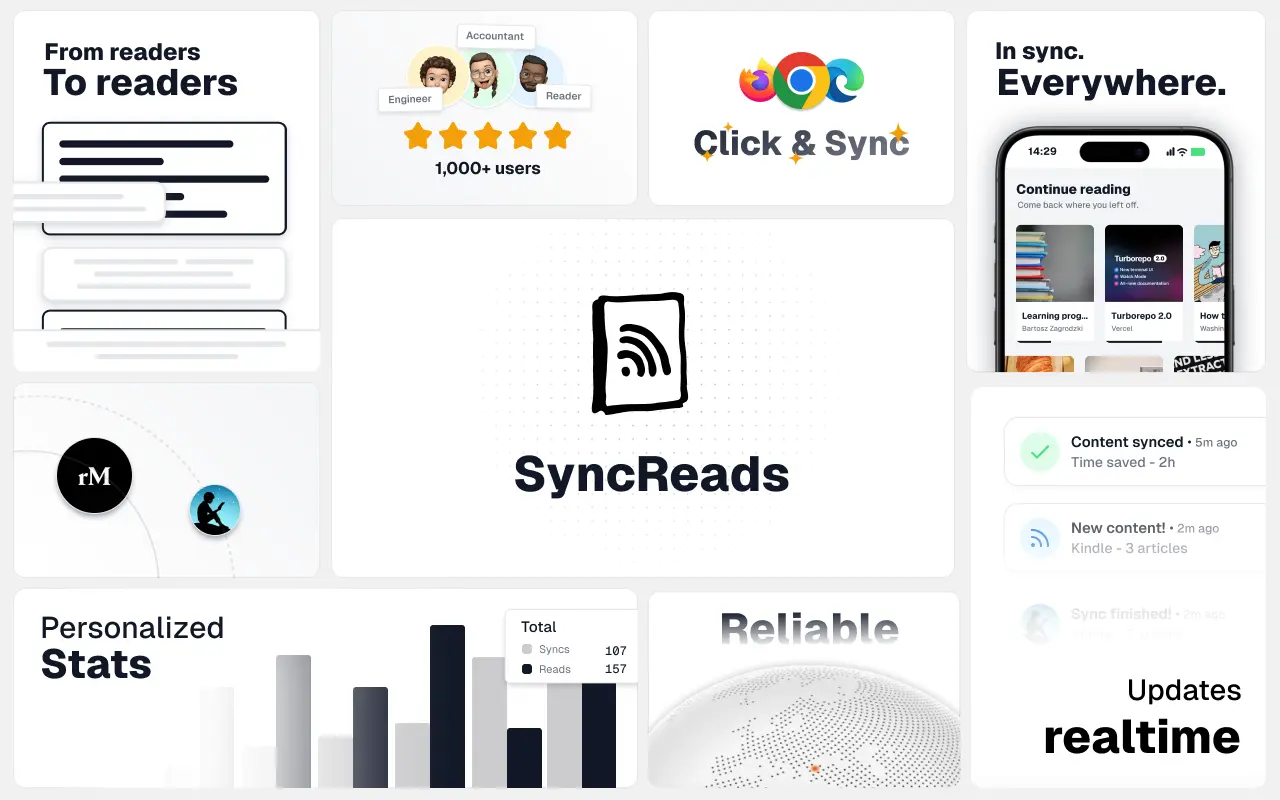
SyncReads
Sync your favorite content for distraction-free reading, save time and replace multiple apps. Anytime, anywhere 🔄
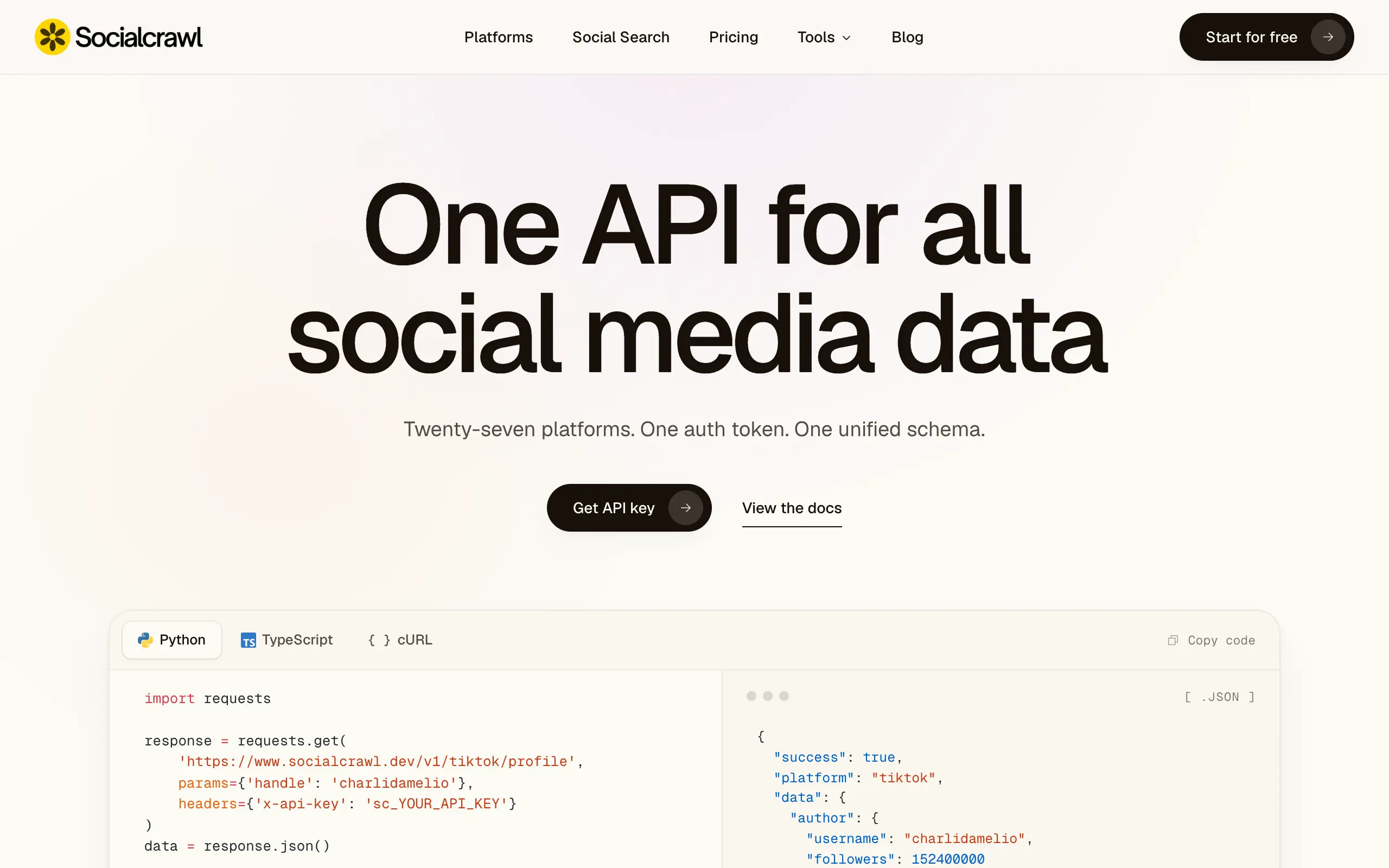
Socialcrawl
Get clean, structured data from 21 platforms like TikTok, Instagram, and YouTube with a single request 📊
Statiko
Monitor any Telegram channel in real time - track posts, edits, deletions, and growth with AI recaps 📡
Shibui
AI website builder - describe your business, pick a niche template, edit by chatting, and publish instantly ✨
Pro Service
Find verified home service professionals, compare quotes, and pay securely through escrow - built for Brazilians across the US 🏠
RankGrow
Fix your SEO with AI agents - connect Search Console, get prioritized tasks, and grow organic traffic 📈
SyncReads
Sync your favorite content for distraction-free reading, save time and replace multiple apps. Anytime, anywhere 🔄
Socialcrawl
Get clean, structured data from 21 platforms like TikTok, Instagram, and YouTube with a single request 📊
Statiko
Monitor any Telegram channel in real time - track posts, edits, deletions, and growth with AI recaps 📡
Shibui
AI website builder - describe your business, pick a niche template, edit by chatting, and publish instantly ✨
Pro Service
Find verified home service professionals, compare quotes, and pay securely through escrow - built for Brazilians across the US 🏠
RankGrow
Fix your SEO with AI agents - connect Search Console, get prioritized tasks, and grow organic traffic 📈
SyncReads
Sync your favorite content for distraction-free reading, save time and replace multiple apps. Anytime, anywhere 🔄
Socialcrawl
Get clean, structured data from 21 platforms like TikTok, Instagram, and YouTube with a single request 📊
Statiko
Monitor any Telegram channel in real time - track posts, edits, deletions, and growth with AI recaps 📡
Shibui
AI website builder - describe your business, pick a niche template, edit by chatting, and publish instantly ✨
Pro Service
Find verified home service professionals, compare quotes, and pay securely through escrow - built for Brazilians across the US 🏠
RankGrow
Fix your SEO with AI agents - connect Search Console, get prioritized tasks, and grow organic traffic 📈
SyncReads
Sync your favorite content for distraction-free reading, save time and replace multiple apps. Anytime, anywhere 🔄
Socialcrawl
Get clean, structured data from 21 platforms like TikTok, Instagram, and YouTube with a single request 📊
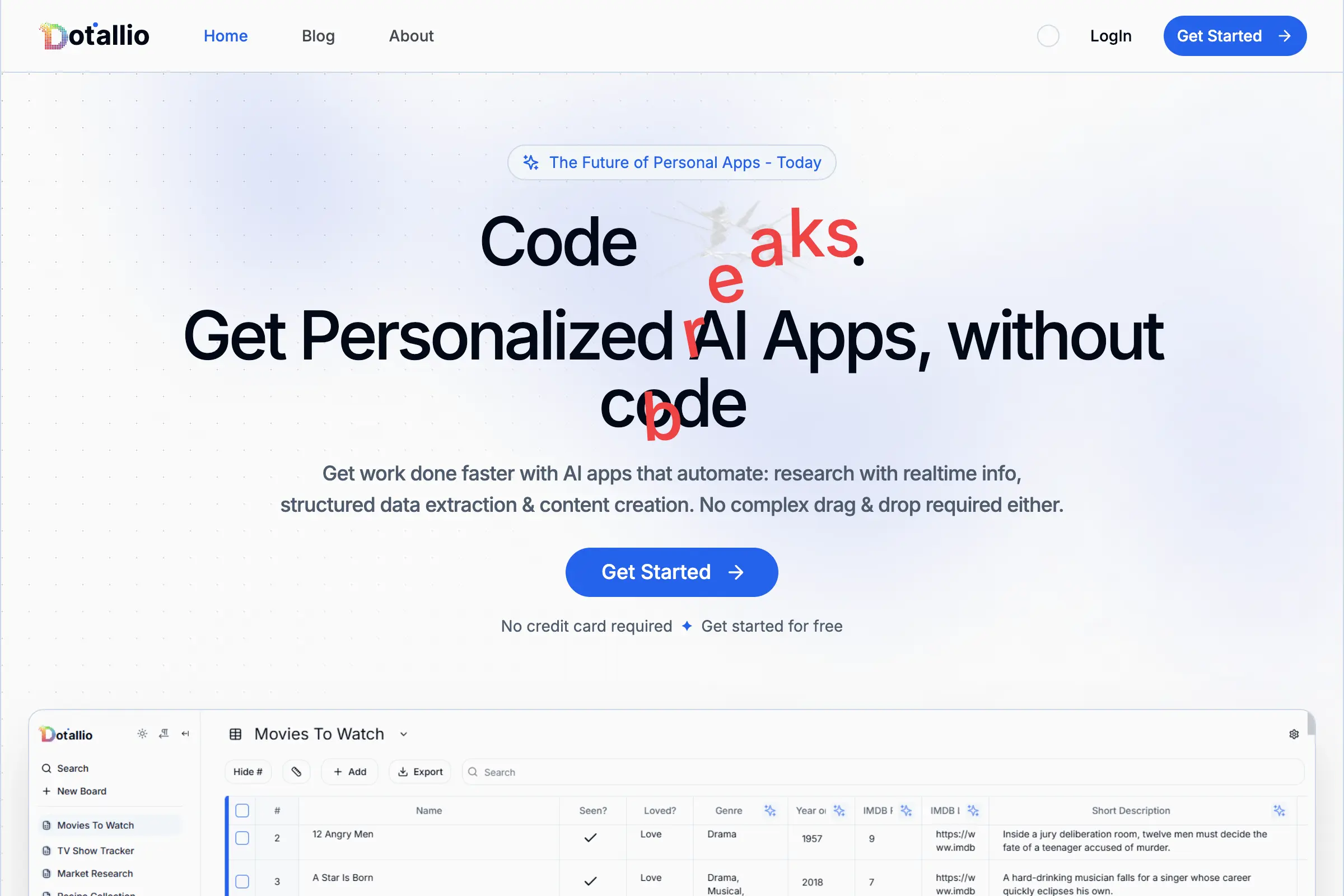
Dotallio
Personalized AI apps that automate research, data extraction, and content creation without code 🤖
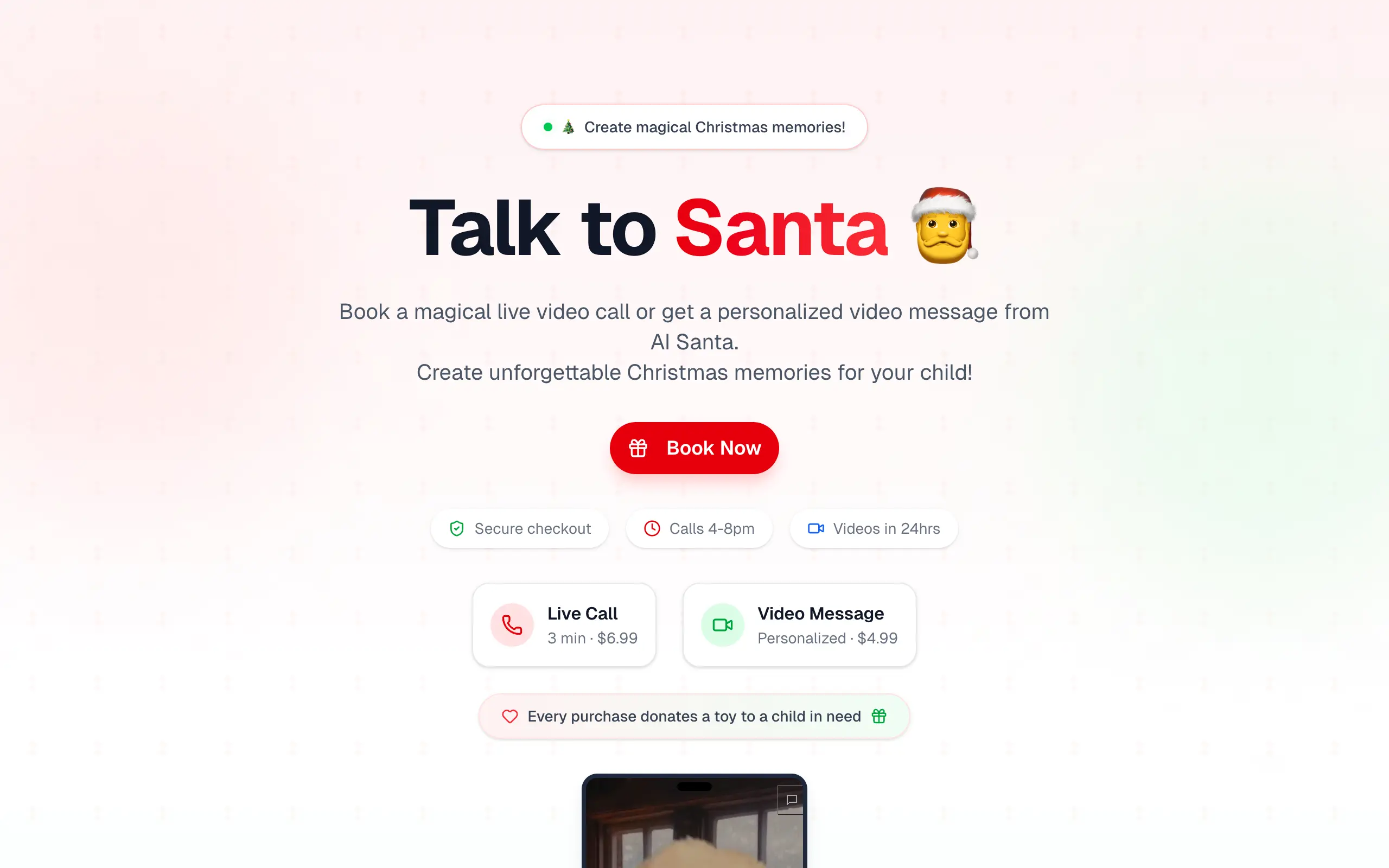
Talk to Santa
Enjoy a magical live video chat or receive a unique AI-generated video greeting from Santa Claus 🎅
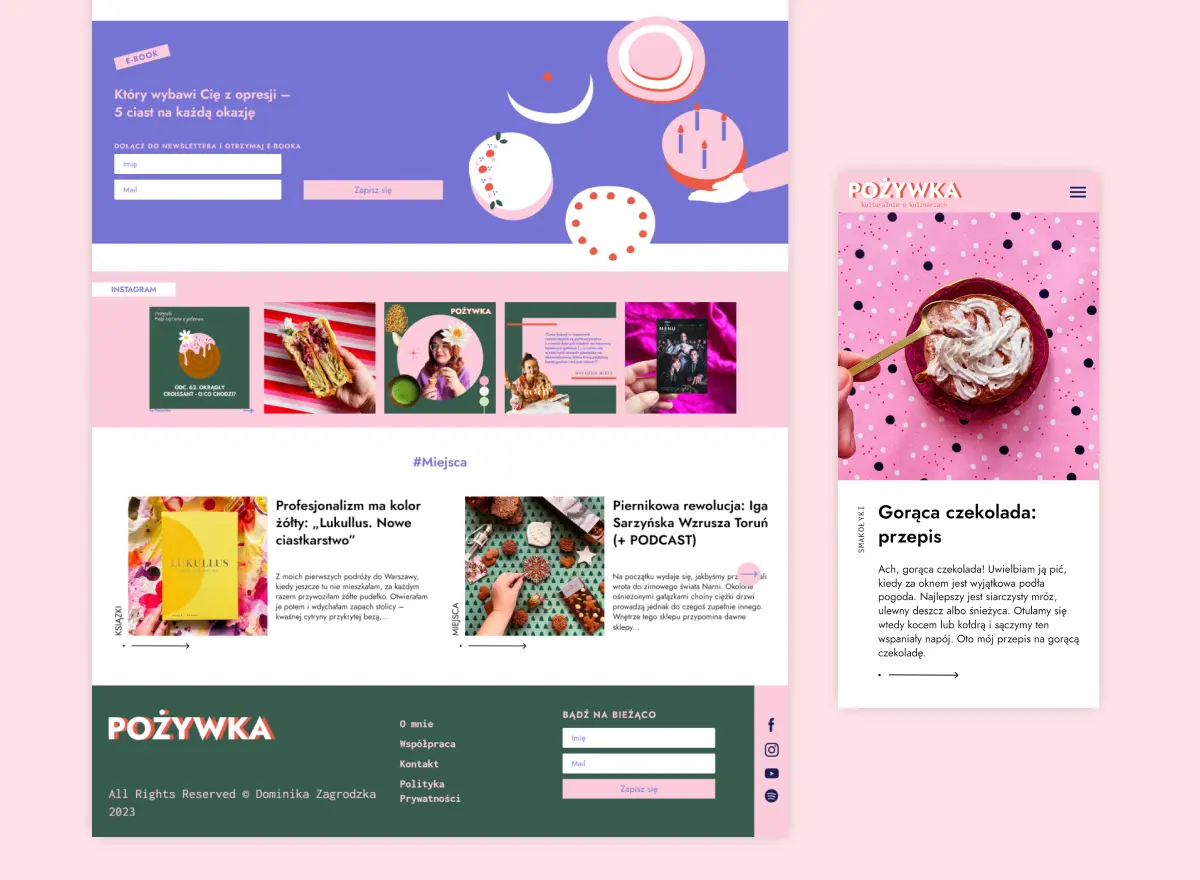
pozywka.pl
Scalable blog for food journalist, focused on performance and user experience 🌭
zagrodzki.me
Personal blog and portfolio of Bart Zagrodzki, where he shares his knowledge and work 💼
TurboStarter
Ship your startup everywhere. In minutes.
HTML to Markdown
Convert HTML to Markdown with ease, directly in your browser 📄
Dotallio
Personalized AI apps that automate research, data extraction, and content creation without code 🤖
Talk to Santa
Enjoy a magical live video chat or receive a unique AI-generated video greeting from Santa Claus 🎅
pozywka.pl
Scalable blog for food journalist, focused on performance and user experience 🌭
zagrodzki.me
Personal blog and portfolio of Bart Zagrodzki, where he shares his knowledge and work 💼
TurboStarter
Ship your startup everywhere. In minutes.
HTML to Markdown
Convert HTML to Markdown with ease, directly in your browser 📄
Dotallio
Personalized AI apps that automate research, data extraction, and content creation without code 🤖
Talk to Santa
Enjoy a magical live video chat or receive a unique AI-generated video greeting from Santa Claus 🎅
pozywka.pl
Scalable blog for food journalist, focused on performance and user experience 🌭
zagrodzki.me
Personal blog and portfolio of Bart Zagrodzki, where he shares his knowledge and work 💼
TurboStarter
Ship your startup everywhere. In minutes.
HTML to Markdown
Convert HTML to Markdown with ease, directly in your browser 📄
Dotallio
Personalized AI apps that automate research, data extraction, and content creation without code 🤖
Talk to Santa
Enjoy a magical live video chat or receive a unique AI-generated video greeting from Santa Claus 🎅
pozywka.pl
Scalable blog for food journalist, focused on performance and user experience 🌭
zagrodzki.me
Personal blog and portfolio of Bart Zagrodzki, where he shares his knowledge and work 💼
TurboStarter
Ship your startup everywhere. In minutes.
HTML to Markdown
Convert HTML to Markdown with ease, directly in your browser 📄
Omichat
Chat with 50+ AI models, including ChatGPT and Claude, in one place - switch models anytime without losing context 🤖
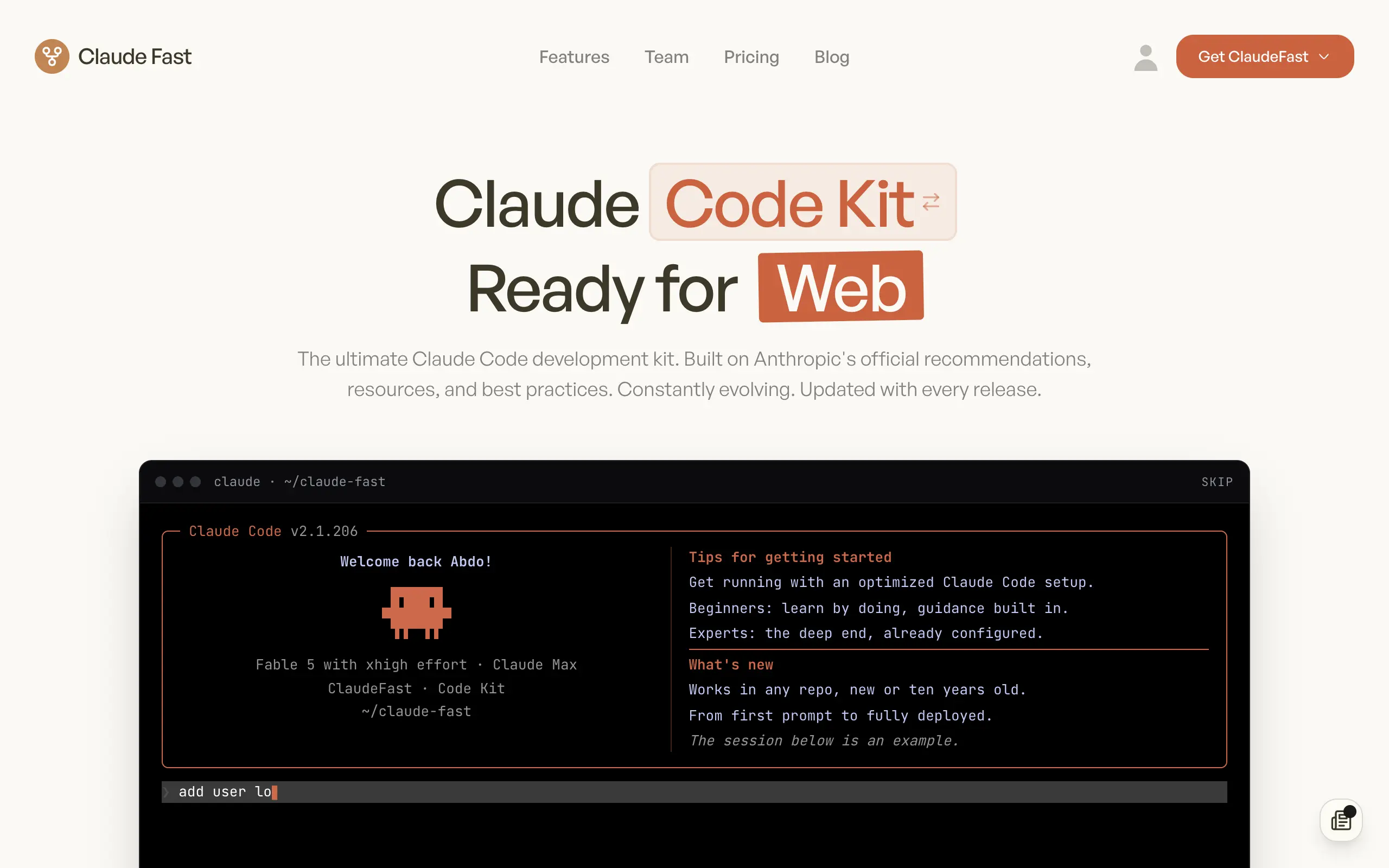
Claude Fast
Supercharge your Claude Code with 6x effective context window and specialized AI agents 🤖
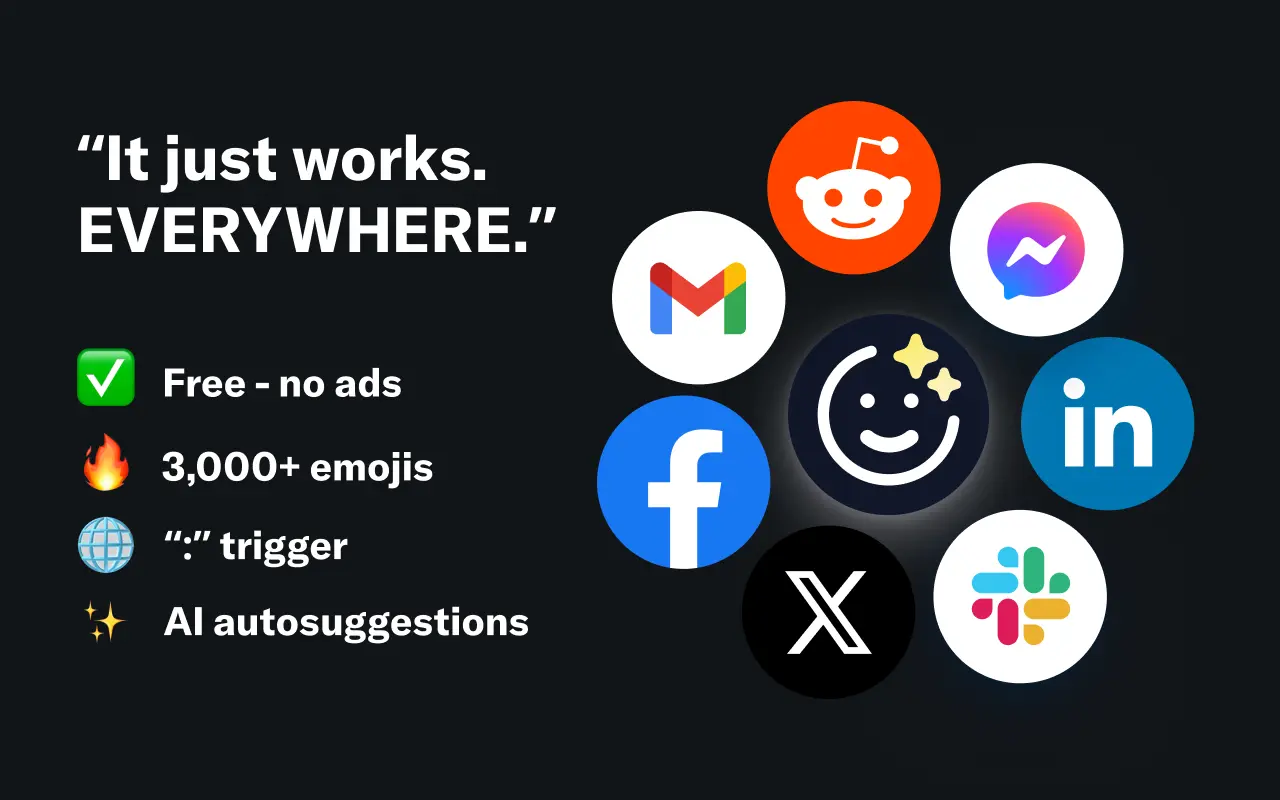
EmojAI
AI-powered emoji picker with smart, context-aware suggestions 🤖
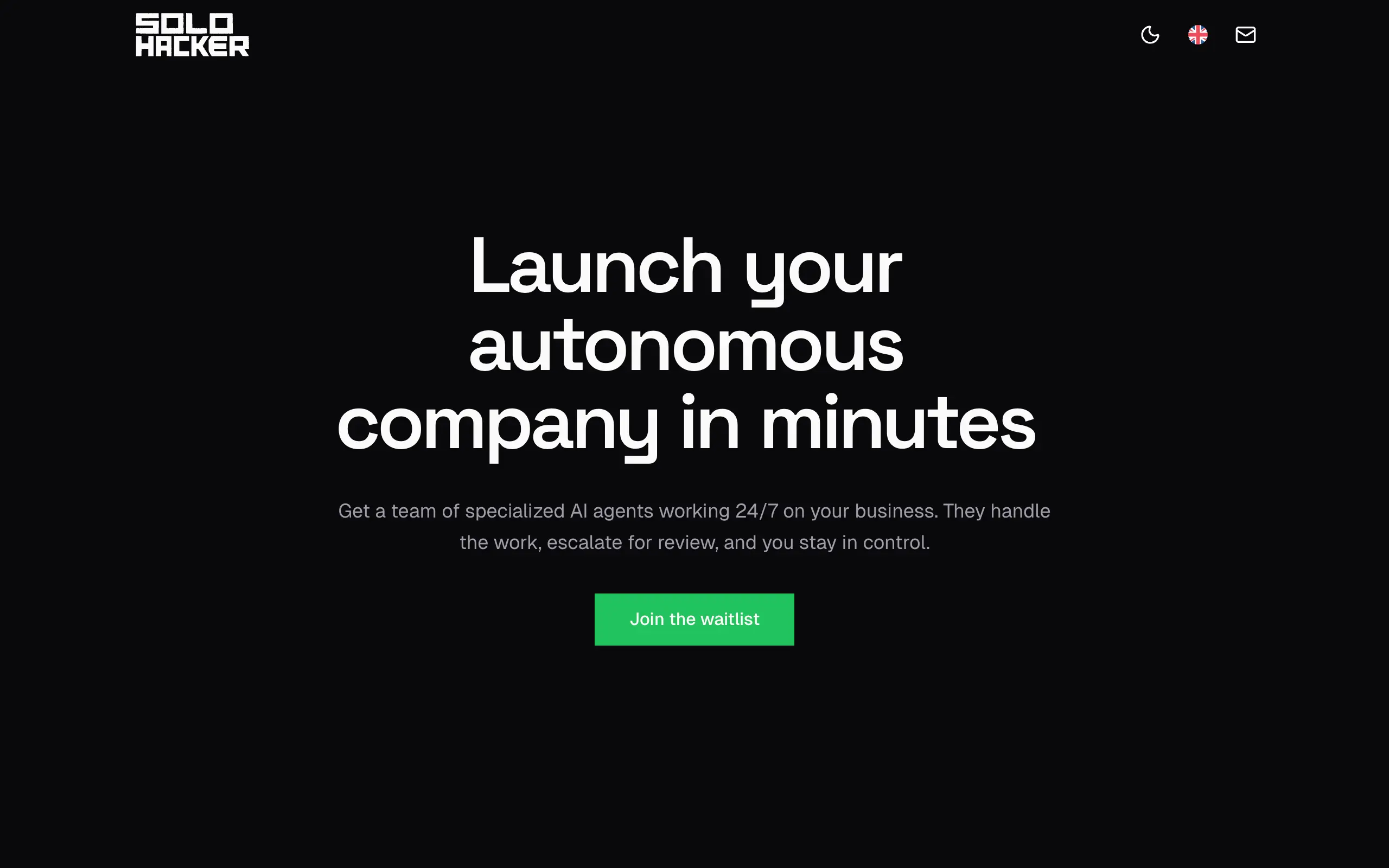
Solohacker
Autonomous company launcher - AI agents work 24/7, escalate what matters, and you stay in control 🤖
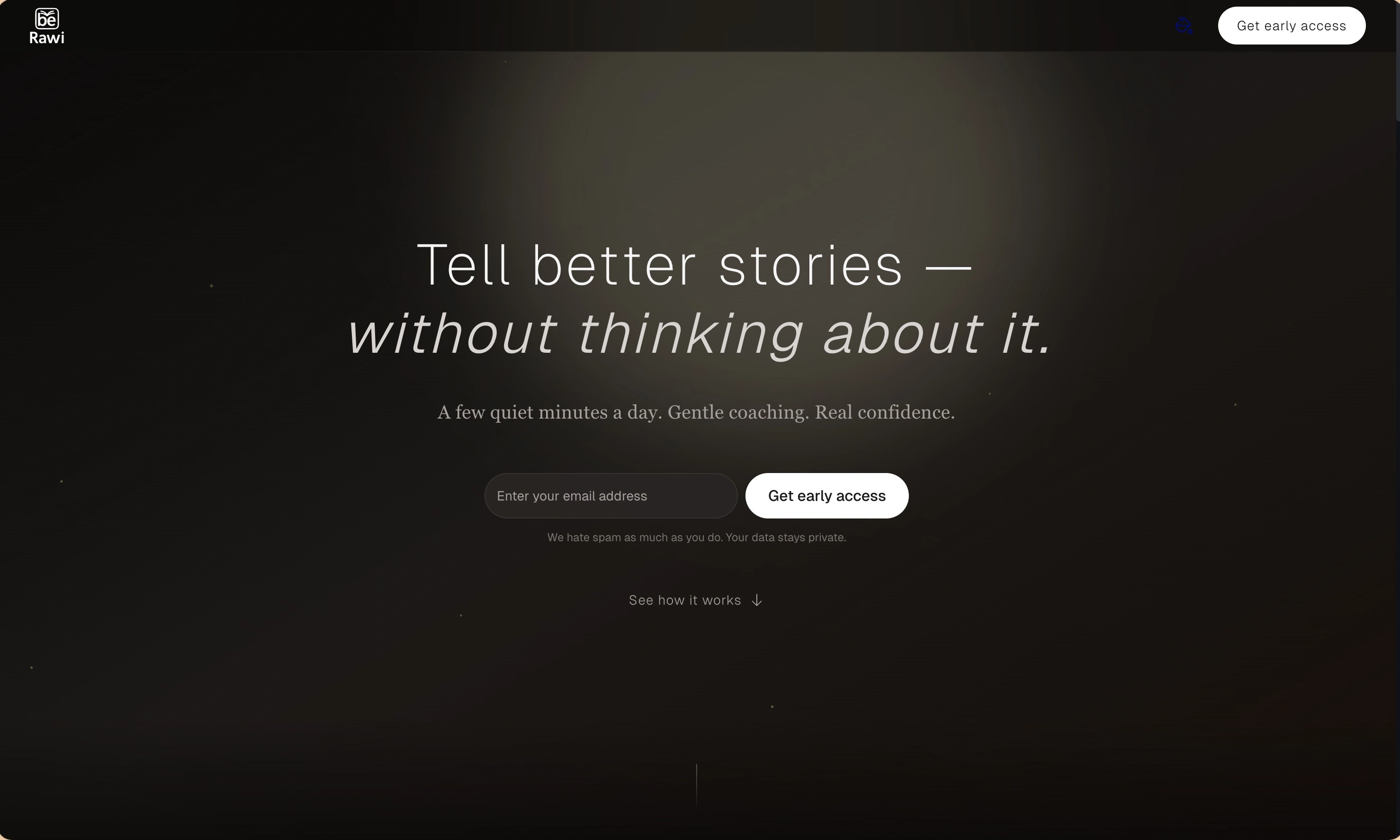
BeRawi: Storytelling Coach
Practice storytelling daily with instant feedback to sound clearer, more engaging, and confident 🎤
Omichat
Chat with 50+ AI models, including ChatGPT and Claude, in one place - switch models anytime without losing context 🤖
Claude Fast
Supercharge your Claude Code with 6x effective context window and specialized AI agents 🤖
EmojAI
AI-powered emoji picker with smart, context-aware suggestions 🤖
Solohacker
Autonomous company launcher - AI agents work 24/7, escalate what matters, and you stay in control 🤖
BeRawi: Storytelling Coach
Practice storytelling daily with instant feedback to sound clearer, more engaging, and confident 🎤
Omichat
Chat with 50+ AI models, including ChatGPT and Claude, in one place - switch models anytime without losing context 🤖
Claude Fast
Supercharge your Claude Code with 6x effective context window and specialized AI agents 🤖
EmojAI
AI-powered emoji picker with smart, context-aware suggestions 🤖
Solohacker
Autonomous company launcher - AI agents work 24/7, escalate what matters, and you stay in control 🤖
BeRawi: Storytelling Coach
Practice storytelling daily with instant feedback to sound clearer, more engaging, and confident 🎤
Omichat
Chat with 50+ AI models, including ChatGPT and Claude, in one place - switch models anytime without losing context 🤖
Claude Fast
Supercharge your Claude Code with 6x effective context window and specialized AI agents 🤖
EmojAI
AI-powered emoji picker with smart, context-aware suggestions 🤖
Solohacker
Autonomous company launcher - AI agents work 24/7, escalate what matters, and you stay in control 🤖
BeRawi: Storytelling Coach
Practice storytelling daily with instant feedback to sound clearer, more engaging, and confident 🎤

Connect with like-minded people
Join our community to get feedback, support, and grow together with 1,000+ builders on board, let's ship it!
Join usShip your startup everywhere. In minutes.
Don't burn tokens on setup and start building features on day one.