BugMood
Track, reproduce, and fix bugs by recording your coding “mood flow” sessions, turning chaotic dev moments into actionable debug timelines.
What is BugMood and why it matters for modern debugging
Software debugging has always been messy. Developers jump between logs, console outputs, mental models, and half-remembered steps trying to reproduce a bug that “just happened.” Traditional bug tracking tools focus on what broke, but rarely capture how the developer got there.
That’s exactly where BugMood, a mobile-first debugging workflow SaaS, introduces a compelling shift: it captures the developer’s cognitive and interaction timeline—their “mood flow”—during coding sessions.
Instead of static bug reports, BugMood creates dynamic, replayable debugging timelines that show:
- What actions were taken
- What code changed
- What environment conditions existed
- What the developer was thinking or observing
This transforms debugging from a reactive process into a data-rich, reproducible workflow.
In an era of increasing system complexity—microservices, AI integrations, distributed systems—this shift is not just helpful. It’s necessary.
Understanding the target audience
BugMood serves a highly specific but growing segment of the developer ecosystem. Understanding this audience is critical for product positioning and growth.
Primary audience segments
1. Individual developers and freelancers
- Constantly switching projects and contexts
- Lack structured debugging workflows
- Need fast reproduction methods for client issues
2. Startup engineering teams
- Small teams with limited QA resources
- High pressure to ship quickly
- Frequent “it works on my machine” issues
3. Remote-first development teams
- Communication gaps around bugs
- Difficulty reproducing teammate environments
- Need asynchronous debugging tools
4. Developer advocates and educators
- Teaching debugging practices
- Demonstrating real-world coding workflows
- Creating reproducible examples
Secondary audience
- QA engineers looking for richer bug context
- Product managers seeking clearer bug insights
- DevOps teams analyzing incident timelines
Key insight
BugMood is not just a debugging tool—it’s a behavioral data layer for software development. That distinction unlocks entirely new use cases beyond traditional bug tracking.
The problem: why debugging is still broken
Despite decades of tooling, debugging remains one of the most time-consuming and frustrating parts of development.
Core pain points
1. Lack of reproducibility
- Bugs are often reported without clear steps
- Developers rely on incomplete memory
- Environment differences cause inconsistencies
2. Context loss
- Logs don’t capture intent or thought process
- Git history shows changes, not reasoning
- Screenshots are static and incomplete
3. Communication gaps
- Developers explain bugs differently
- Teams waste time clarifying issues
- Async workflows amplify misunderstandings
4. Fragmented tooling
- Logs, monitoring, IDEs, and tickets are disconnected
- No unified timeline of events
- Debugging requires switching between tools
The hidden cost
Debugging can consume 30–50% of engineering time (a commonly cited industry estimate; validate via engineering productivity studies).
Yet most tools optimize for tracking bugs, not understanding them.
The BugMood solution: mood flow debugging
BugMood introduces a new concept: mood flow sessions.
A mood flow session is a time-based recording of a developer’s debugging journey, combining:
- Code changes
- Terminal activity
- Browser interactions
- Voice or text annotations
- Emotional markers (frustration, confusion, breakthrough)
How it works
This transforms debugging into something closer to flight data recording for developers.
Core features that define BugMood
1. Session recording engine
Captures:
- Code edits (via IDE integration)
- Terminal commands
- Browser actions (optional extension)
- System state snapshots
This creates a high-fidelity timeline of events.
2. Emotional tagging system
Developers can tag moments with:
- Confusion
- Hypothesis
- Breakthrough
- Frustration
This adds a human layer to debugging data, helping teams understand decision-making patterns.
3. Replayable debug timelines
Instead of reading a bug report, teams can:
- Replay the session step-by-step
- Jump to key moments
- See exact reproduction paths
4. Smart summarization (AI-assisted)
Using LLMs, BugMood can:
- Generate bug reports automatically
- Extract reproduction steps
- Suggest likely root causes
5. Collaboration layer
- Share sessions via link
- Comment on timeline moments
- Assign follow-ups directly from sessions
6. Mobile-first control hub
Since BugMood is a mobile SaaS:
- Start/stop sessions from your phone
- Add voice notes instantly
- Review sessions on the go
Traditional debugging
Static logs, incomplete reports, manual reproduction steps.
BugMood debugging
Dynamic timelines, full context capture, replayable sessions.
Market opportunity and industry trends
Rising complexity in software systems
Modern applications involve:
- Distributed microservices
- Third-party APIs
- AI components
- Real-time data flows
This complexity increases the likelihood of:
- Non-deterministic bugs
- Environment-specific failures
- Hard-to-reproduce issues
Growth of developer productivity tools
The developer tooling market continues to expand rapidly, driven by:
- Remote work
- DevOps adoption
- AI-assisted development
Tools like GitHub, Sentry, and Datadog have validated the demand for better debugging and observability.
Gap in the market
Most tools focus on:
- Monitoring systems (Datadog)
- Error tracking (Sentry)
- Logging (ELK stack)
Few tools focus on:
- Developer behavior during debugging
- Cognitive workflows
- Reproducibility through experience capture
That’s BugMood’s wedge.
Competitive landscape analysis
| Feature | BugMood | Sentry | Datadog | Linear/Jira |
|---|---|---|---|---|
| Replay debugging sessions | ✅ | ❌ | ❌ | ❌ |
| Emotional/context tagging | ✅ | ❌ | ❌ | ❌ |
| Automatic reproduction steps | ✅ | ✅ | ❌ | ❌ |
| Mobile-first workflow | ✅ | ❌ | ❌ | ❌ |
Key takeaway
BugMood doesn’t compete directly—it creates a new category:
Behavioral debugging intelligence
Recommended tech stack (with trade-offs)
Frontend (mobile + web)
Trade-offs:
- React Native speeds development but may limit deep OS integrations
- Native modules may be required for session recording
Backend
- Node.js with NestJS or Express
- WebSocket layer for real-time session streaming
Alternative: Go for performance-heavy recording pipelines
Data storage
- PostgreSQL for structured data
- Object storage (AWS S3) for session recordings
- Redis for real-time state
AI layer
- OpenAI or similar LLM APIs for summarization
- Embeddings for session search
Integrations
- VS Code extension (critical)
- GitHub integration
- Browser extensions (Chrome)
Technical challenge
Capturing developer activity without impacting performance or violating privacy is one of the hardest engineering problems in this product.
Monetization strategy
1. Freemium model
-
Free tier:
- Limited sessions per month
- Basic replay features
-
Paid tiers:
- Unlimited sessions
- AI summaries
- Team collaboration
2. Team pricing
- Per-seat pricing ($10–$30/month)
- Includes shared workspace and analytics
3. Enterprise tier
- Advanced security
- On-premise deployment
- Custom integrations
4. Add-ons
- AI debugging assistant
- Advanced analytics dashboard
- Long-term session storage
Unique selling proposition (USP)
BugMood’s core differentiation lies in this idea:
It captures how developers think and act during debugging, not just what breaks.
This leads to three powerful advantages:
1. True reproducibility
Instead of guessing:
- Teams can replay exact steps
- Environment and actions are preserved
2. Knowledge retention
Debugging sessions become:
- Training material
- Documentation
- Institutional knowledge
3. Faster onboarding
New developers can:
- Watch real debugging sessions
- Learn system behavior faster
Potential risks and mitigation strategies
Risk 1: Privacy concerns
Recording developer activity can feel invasive.
Mitigation:
- Explicit opt-in
- Granular recording controls
- Local-first processing where possible
Risk 2: Performance overhead
Continuous recording could slow down systems.
Mitigation:
- Lightweight event-based tracking
- Sampling strategies
- Edge processing
Risk 3: Adoption friction
Developers resist new workflows.
Mitigation:
- Seamless IDE integration
- Minimal setup
- Immediate value (auto bug reports)
Risk 4: Competition from incumbents
Tools like Sentry could add similar features.
Mitigation:
- Move fast
- Focus on UX and developer experience
- Build strong brand around “mood flow debugging”
Implementation roadmap
Phase 1: MVP
- VS Code extension
- Basic session recording
- Timeline replay UI
- Manual annotations
Phase 2: Core product
- AI summarization
- Mobile app
- Collaboration features
Phase 3: Expansion
- Browser integration
- Advanced analytics
- Enterprise features
Example: session capture snippet
// Example: capturing a debugging event
const logDebugEvent = (event) => {
  return {
    timestamp: new Date().toISOString(),
    file: event.file,
    action: event.type,
    metadata: {
      cursorPosition: event.cursor,
      command: event.command,
    },
  };
};
This type of structured event feeds into the timeline engine.
Go-to-market strategy
1. Developer-first launch
- Product Hunt launch
- Indie hacker communities
- Dev Twitter/X
2. Content marketing
Target keywords:
- debugging workflow tools
- reproduce bugs faster
- developer productivity tools
- debugging timeline software
3. Viral loop
Each shared session:
- Acts as a demo
- Drives organic growth
4. Integration-led growth
- VS Code marketplace
- GitHub marketplace
Future opportunities
BugMood can expand into:
AI debugging assistant
- Suggest fixes based on past sessions
- Detect patterns across bugs
Team analytics
- Identify recurring issues
- Measure debugging efficiency
Developer coaching
- Analyze debugging habits
- Suggest improvements
Why BugMood could win
BugMood aligns with three powerful trends:
- The rise of developer experience (DX) tools
- Increasing need for observability
- Growth of AI-assisted workflows
But its real strength is conceptual:
It treats debugging as a human process, not just a technical one.
Final thoughts and next steps
BugMood is not just another bug tracking tool—it’s a new paradigm for understanding software failures.
If executed well, it can become:
- A standard part of developer workflows
- A knowledge engine for engineering teams
- A foundational layer for AI debugging tools
What to do next
- Validate the idea with real developers
- Build a focused MVP (don’t overbuild)
- Prioritize UX over features
- Lean into the “mood flow” branding
And most importantly: Start capturing real debugging sessions as early as possible—that data becomes your moat.
If you’re serious about building BugMood quickly and efficiently, consider using a production-ready SaaS starter like TurboStarter to accelerate development and focus on your core innovation instead of boilerplate.
More 📱 Mobile App SaaS ideas
Discover more innovative mobile app SaaS ideas that are trending in 2026. Each idea is AI-generated with market validation and growth potential to help you find your next profitable venture faster than competitors.
Your competitors are building with TurboStarter
Below are some of the SaaS ideas that have been generated and built with our starter kit.

Statiko
Monitor any Telegram channel in real time - track posts, edits, deletions, and growth with AI recaps 📡

Shibui
AI website builder - describe your business, pick a niche template, edit by chatting, and publish instantly ✨

Pro Service
Find verified home service professionals, compare quotes, and pay securely through escrow - built for Brazilians across the US 🏠
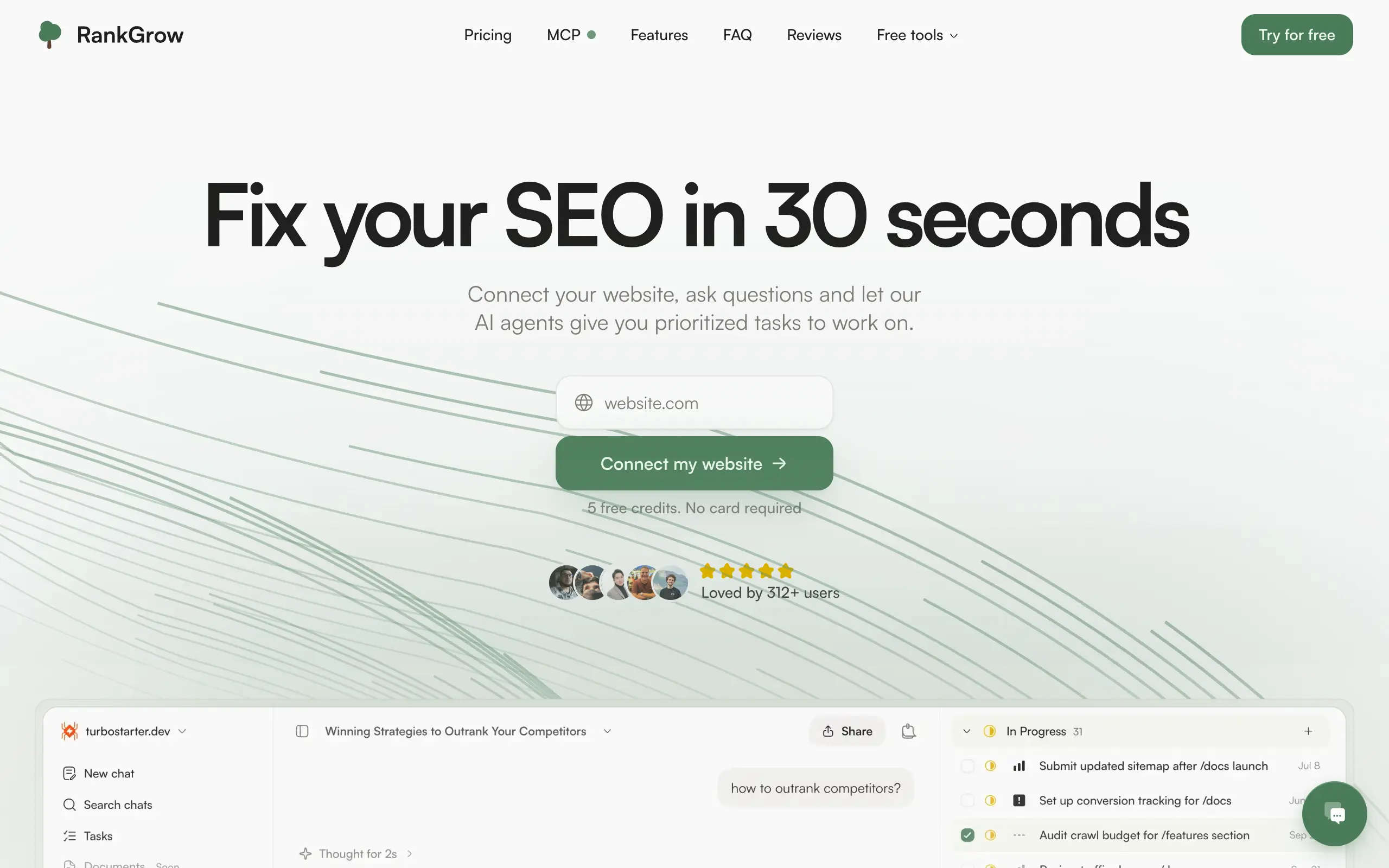
RankGrow
Fix your SEO with AI agents - connect Search Console, get prioritized tasks, and grow organic traffic 📈
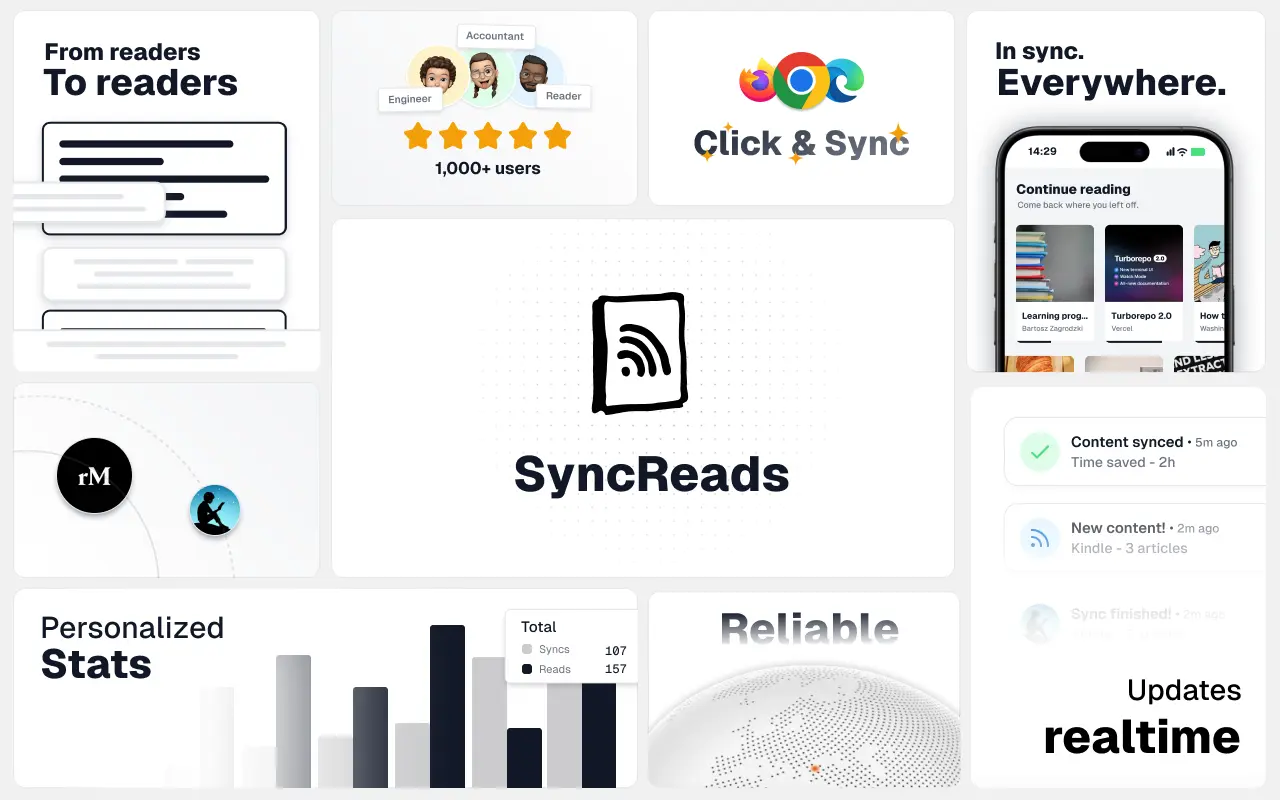
SyncReads
Sync your favorite content for distraction-free reading, save time and replace multiple apps. Anytime, anywhere 🔄
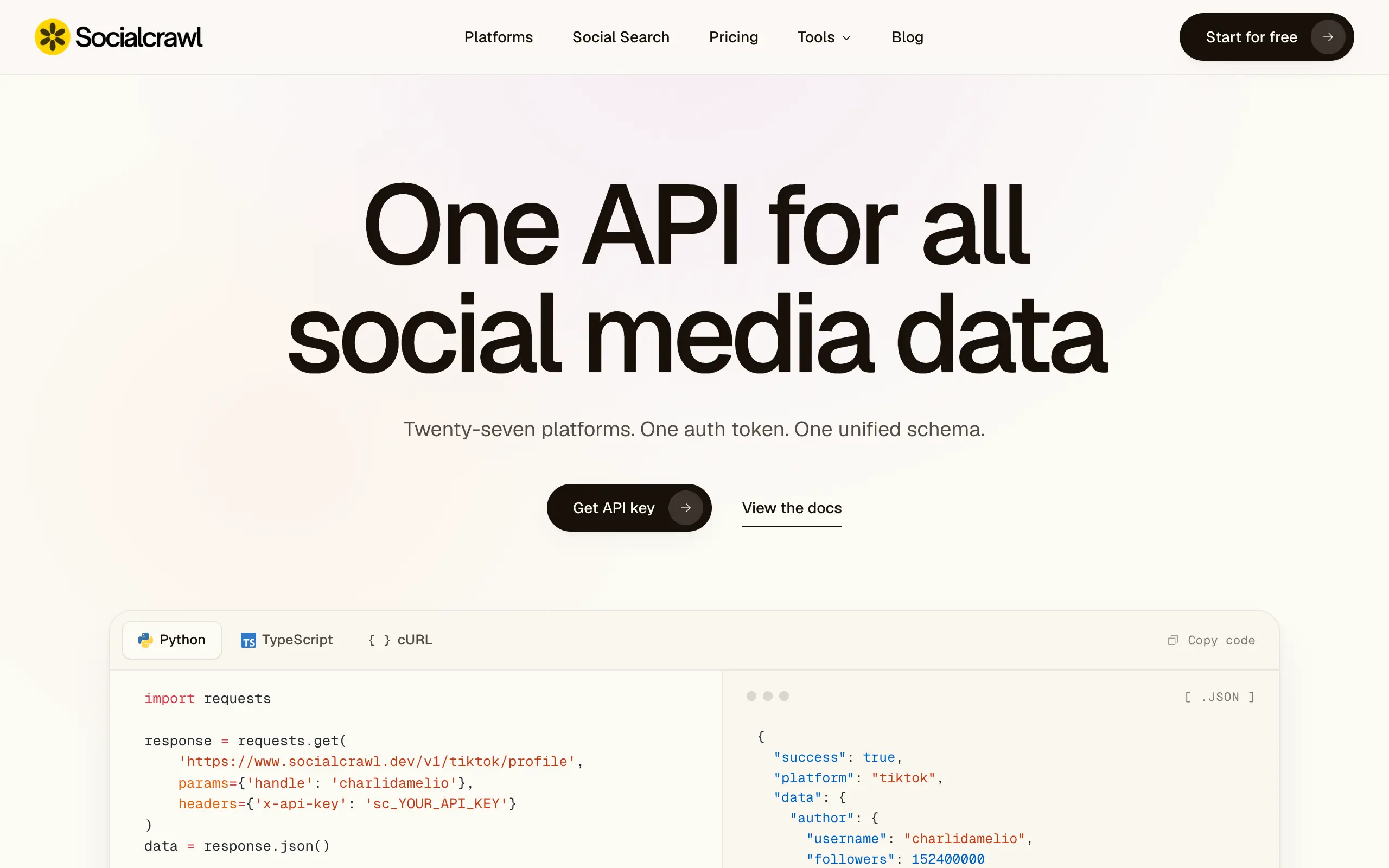
Socialcrawl
Get clean, structured data from 21 platforms like TikTok, Instagram, and YouTube with a single request 📊
Statiko
Monitor any Telegram channel in real time - track posts, edits, deletions, and growth with AI recaps 📡
Shibui
AI website builder - describe your business, pick a niche template, edit by chatting, and publish instantly ✨
Pro Service
Find verified home service professionals, compare quotes, and pay securely through escrow - built for Brazilians across the US 🏠
RankGrow
Fix your SEO with AI agents - connect Search Console, get prioritized tasks, and grow organic traffic 📈
SyncReads
Sync your favorite content for distraction-free reading, save time and replace multiple apps. Anytime, anywhere 🔄
Socialcrawl
Get clean, structured data from 21 platforms like TikTok, Instagram, and YouTube with a single request 📊
Statiko
Monitor any Telegram channel in real time - track posts, edits, deletions, and growth with AI recaps 📡
Shibui
AI website builder - describe your business, pick a niche template, edit by chatting, and publish instantly ✨
Pro Service
Find verified home service professionals, compare quotes, and pay securely through escrow - built for Brazilians across the US 🏠
RankGrow
Fix your SEO with AI agents - connect Search Console, get prioritized tasks, and grow organic traffic 📈
SyncReads
Sync your favorite content for distraction-free reading, save time and replace multiple apps. Anytime, anywhere 🔄
Socialcrawl
Get clean, structured data from 21 platforms like TikTok, Instagram, and YouTube with a single request 📊
Statiko
Monitor any Telegram channel in real time - track posts, edits, deletions, and growth with AI recaps 📡
Shibui
AI website builder - describe your business, pick a niche template, edit by chatting, and publish instantly ✨
Pro Service
Find verified home service professionals, compare quotes, and pay securely through escrow - built for Brazilians across the US 🏠
RankGrow
Fix your SEO with AI agents - connect Search Console, get prioritized tasks, and grow organic traffic 📈
SyncReads
Sync your favorite content for distraction-free reading, save time and replace multiple apps. Anytime, anywhere 🔄
Socialcrawl
Get clean, structured data from 21 platforms like TikTok, Instagram, and YouTube with a single request 📊
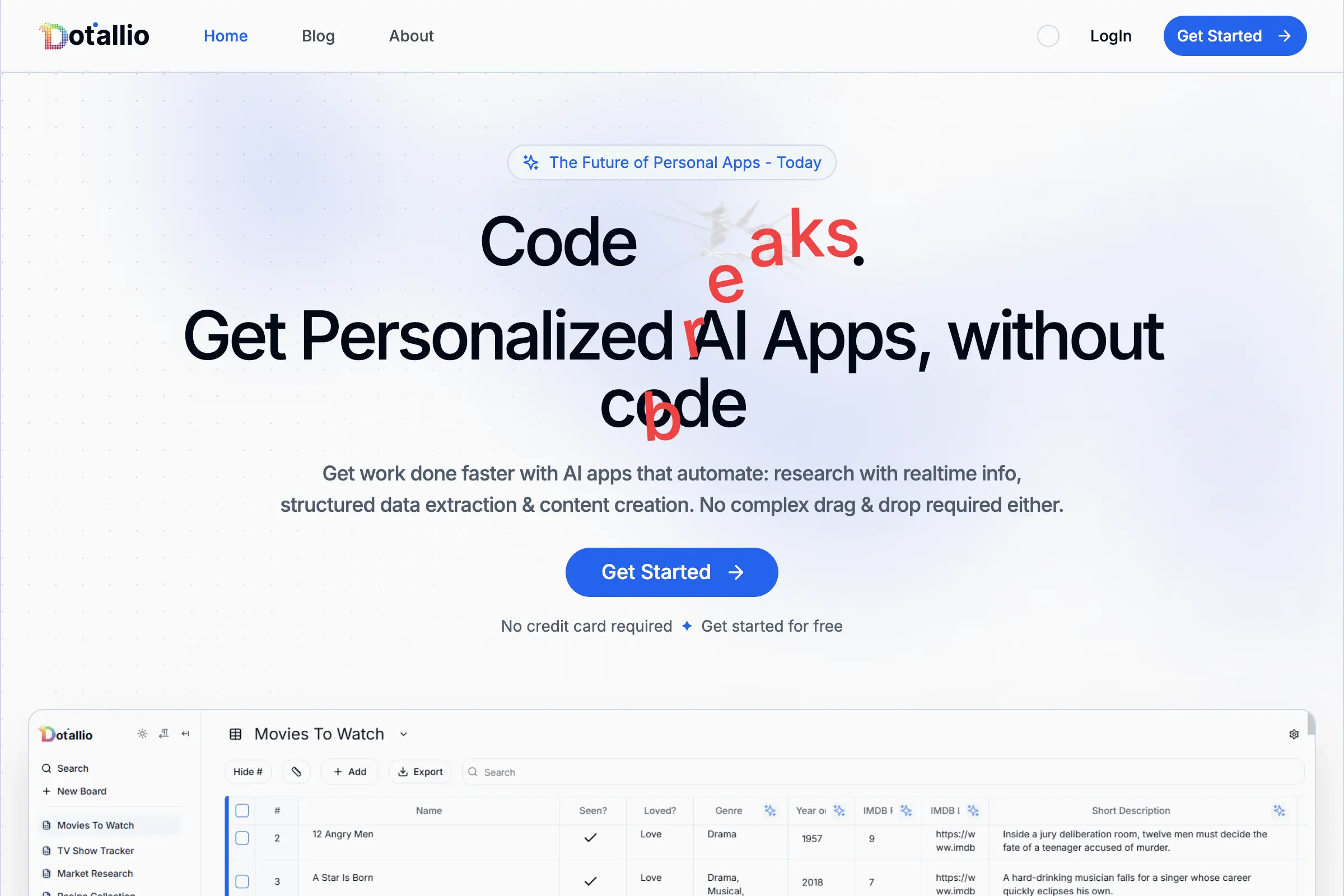
Dotallio
Personalized AI apps that automate research, data extraction, and content creation without code 🤖

Talk to Santa
Enjoy a magical live video chat or receive a unique AI-generated video greeting from Santa Claus 🎅

pozywka.pl
Scalable blog for food journalist, focused on performance and user experience 🌭
zagrodzki.me
Personal blog and portfolio of Bart Zagrodzki, where he shares his knowledge and work 💼
TurboStarter
Ship your startup everywhere. In minutes.
HTML to Markdown
Convert HTML to Markdown with ease, directly in your browser 📄
Dotallio
Personalized AI apps that automate research, data extraction, and content creation without code 🤖
Talk to Santa
Enjoy a magical live video chat or receive a unique AI-generated video greeting from Santa Claus 🎅
pozywka.pl
Scalable blog for food journalist, focused on performance and user experience 🌭
zagrodzki.me
Personal blog and portfolio of Bart Zagrodzki, where he shares his knowledge and work 💼
TurboStarter
Ship your startup everywhere. In minutes.
HTML to Markdown
Convert HTML to Markdown with ease, directly in your browser 📄
Dotallio
Personalized AI apps that automate research, data extraction, and content creation without code 🤖
Talk to Santa
Enjoy a magical live video chat or receive a unique AI-generated video greeting from Santa Claus 🎅
pozywka.pl
Scalable blog for food journalist, focused on performance and user experience 🌭
zagrodzki.me
Personal blog and portfolio of Bart Zagrodzki, where he shares his knowledge and work 💼
TurboStarter
Ship your startup everywhere. In minutes.
HTML to Markdown
Convert HTML to Markdown with ease, directly in your browser 📄
Dotallio
Personalized AI apps that automate research, data extraction, and content creation without code 🤖
Talk to Santa
Enjoy a magical live video chat or receive a unique AI-generated video greeting from Santa Claus 🎅
pozywka.pl
Scalable blog for food journalist, focused on performance and user experience 🌭
zagrodzki.me
Personal blog and portfolio of Bart Zagrodzki, where he shares his knowledge and work 💼
TurboStarter
Ship your startup everywhere. In minutes.
HTML to Markdown
Convert HTML to Markdown with ease, directly in your browser 📄
Omichat
Chat with 50+ AI models, including ChatGPT and Claude, in one place - switch models anytime without losing context 🤖
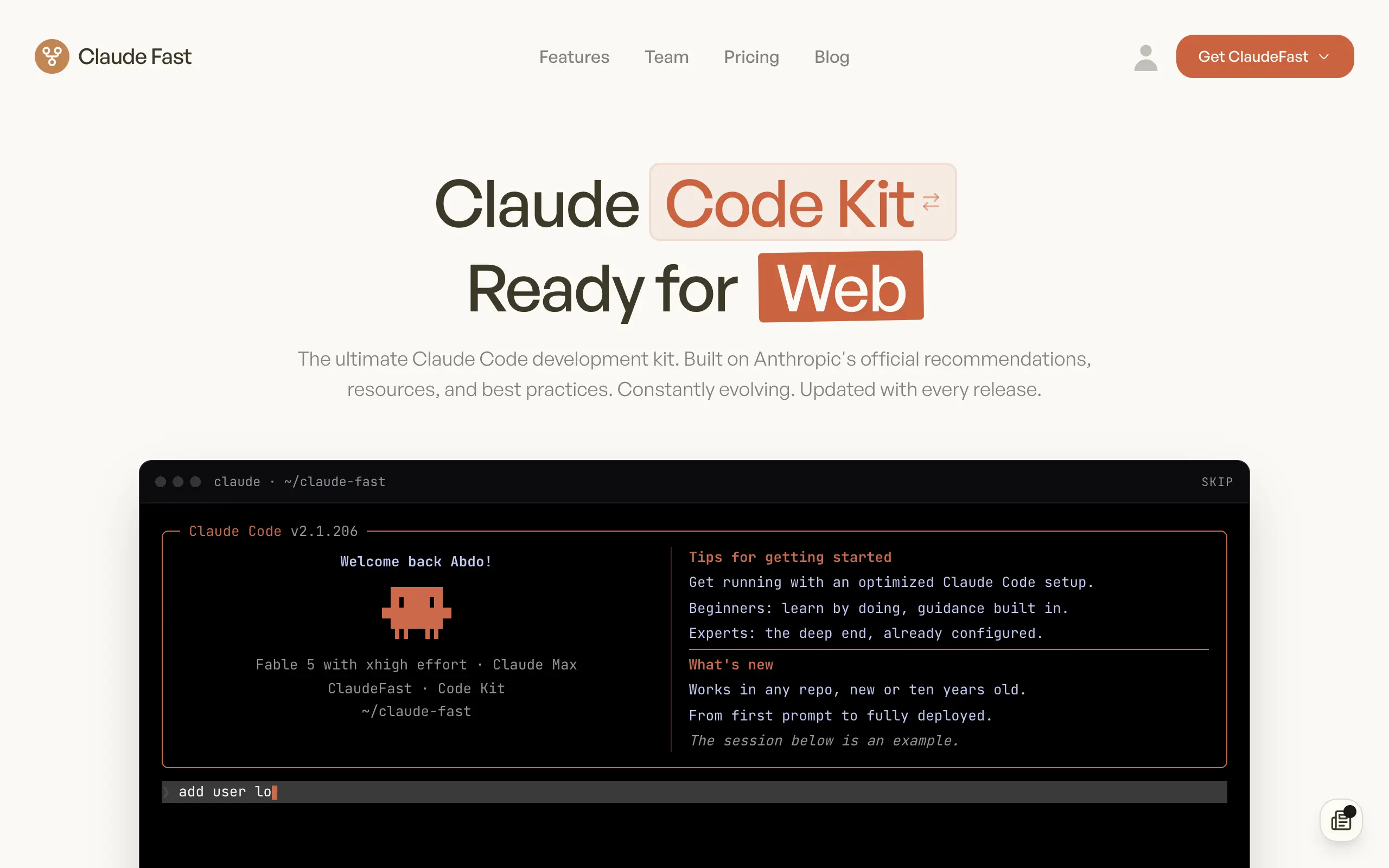
Claude Fast
Supercharge your Claude Code with 6x effective context window and specialized AI agents 🤖
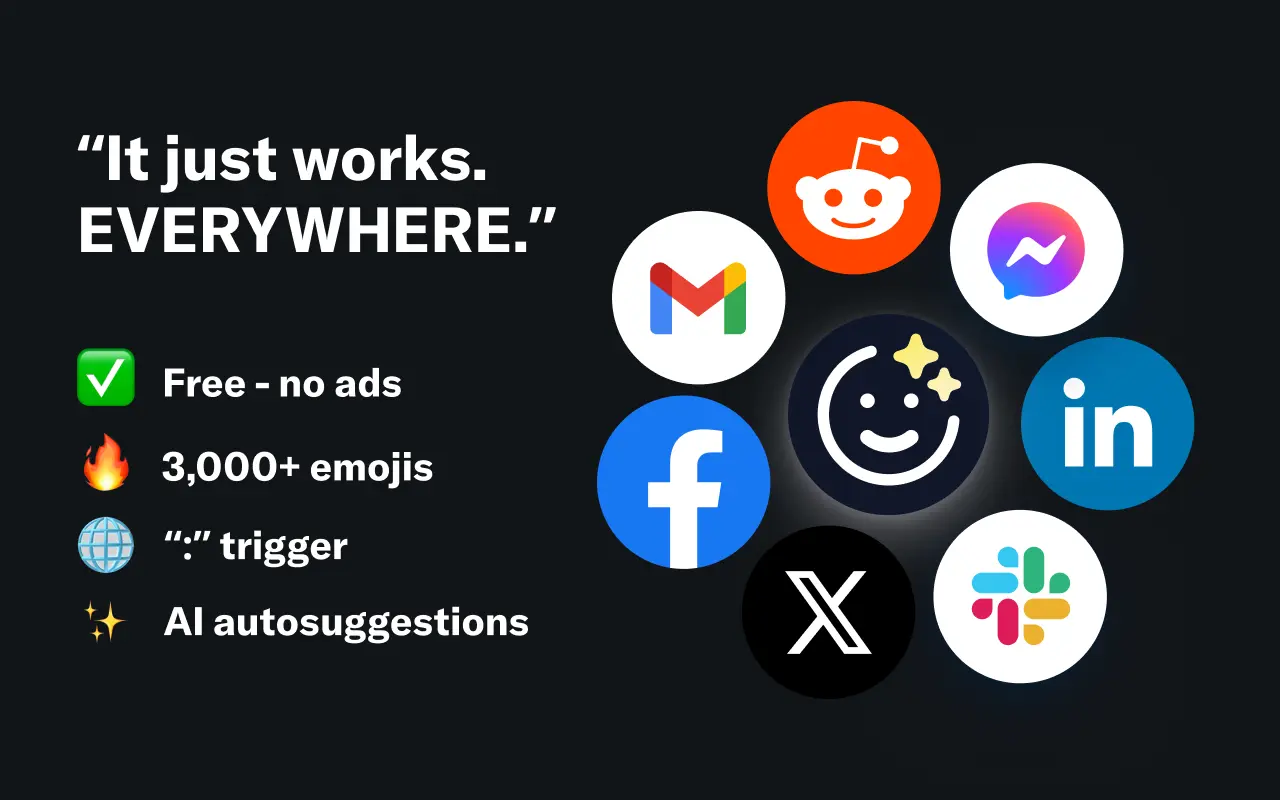
EmojAI
AI-powered emoji picker with smart, context-aware suggestions 🤖

Solohacker
Autonomous company launcher - AI agents work 24/7, escalate what matters, and you stay in control 🤖
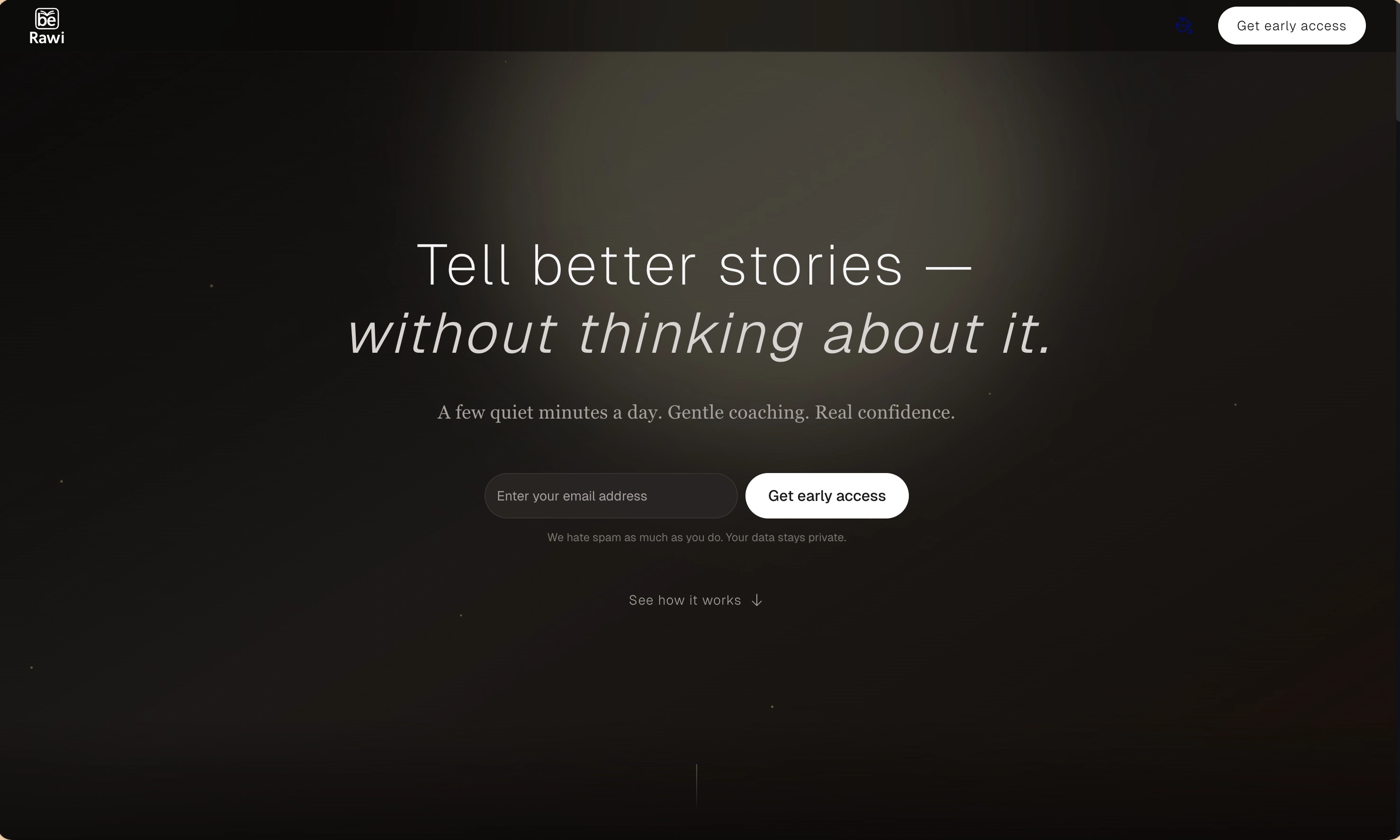
BeRawi: Storytelling Coach
Practice storytelling daily with instant feedback to sound clearer, more engaging, and confident 🎤
Omichat
Chat with 50+ AI models, including ChatGPT and Claude, in one place - switch models anytime without losing context 🤖
Claude Fast
Supercharge your Claude Code with 6x effective context window and specialized AI agents 🤖
EmojAI
AI-powered emoji picker with smart, context-aware suggestions 🤖
Solohacker
Autonomous company launcher - AI agents work 24/7, escalate what matters, and you stay in control 🤖
BeRawi: Storytelling Coach
Practice storytelling daily with instant feedback to sound clearer, more engaging, and confident 🎤
Omichat
Chat with 50+ AI models, including ChatGPT and Claude, in one place - switch models anytime without losing context 🤖
Claude Fast
Supercharge your Claude Code with 6x effective context window and specialized AI agents 🤖
EmojAI
AI-powered emoji picker with smart, context-aware suggestions 🤖
Solohacker
Autonomous company launcher - AI agents work 24/7, escalate what matters, and you stay in control 🤖
BeRawi: Storytelling Coach
Practice storytelling daily with instant feedback to sound clearer, more engaging, and confident 🎤
Omichat
Chat with 50+ AI models, including ChatGPT and Claude, in one place - switch models anytime without losing context 🤖
Claude Fast
Supercharge your Claude Code with 6x effective context window and specialized AI agents 🤖
EmojAI
AI-powered emoji picker with smart, context-aware suggestions 🤖
Solohacker
Autonomous company launcher - AI agents work 24/7, escalate what matters, and you stay in control 🤖
BeRawi: Storytelling Coach
Practice storytelling daily with instant feedback to sound clearer, more engaging, and confident 🎤

Connect with like-minded people
Join our community to get feedback, support, and grow together with 1,000+ builders on board, let's ship it!
Join usShip your startup everywhere. In minutes.
Don't burn tokens on setup and start building features on day one.