BuildPilot
Understand failed mobile builds with plain-language CI/CD diagnostics and guided fixes. Track release readiness from commit to app-store launch.
Mobile teams can lose hours—or days—trying to understand why a build failed. The error may come from a signing certificate, a dependency update, a flaky test, a misconfigured workflow, or a platform-specific setting. BuildPilot is a proposed mobile CI/CD diagnostics platform that turns confusing build failures into plain-language explanations and guided fixes, then helps teams track release readiness from commit through app-store launch.
The opportunity is not simply to create another build dashboard. Mobile teams already have tools for running pipelines, distributing test builds, and monitoring applications. The sharper opportunity is to connect those workflows with the context people need to answer two practical questions: Why did this build fail, and what needs to happen before we can release?
What BuildPilot could do
BuildPilot could sit alongside a team’s existing source control, CI/CD provider, and app-distribution tools. When a mobile build fails—or reaches a release milestone—it would collect relevant signals, explain what happened in language the team can act on, and keep the release status visible.
For example, instead of presenting a developer with a dense log excerpt and no next step, BuildPilot might report that a signing configuration appears to reference an expired certificate, show the relevant log lines, identify which workflow or project setting is involved, and provide a checklist for investigating the issue.
The product’s central promise is faster understanding, safer fixes, and clearer release readiness. It should not imply that every failure can be diagnosed automatically or that a release is guaranteed to be safe. Trust comes from showing the evidence behind each explanation and making uncertainty visible.
Why mobile build diagnostics is a meaningful problem
Mobile delivery has more moving parts than simply compiling an application. A team may need to coordinate:
- Source code and pull requests
- CI runners, build scripts, and environment variables
- iOS signing assets and provisioning profiles
- Android Gradle configuration, SDKs, and keystores
- Unit tests, UI tests, and device-specific behavior
- Internal testing, beta distribution, and release approvals
- Store metadata, compliance checks, and staged rollouts
A failure in any one of these areas can block a release. Yet the evidence may be spread across workflow logs, repository configuration, cloud dashboards, chat threads, and a teammate’s institutional knowledge.
That creates a familiar operational pattern: someone spots a failed build, opens a long log, searches for an error message, asks a colleague, and tries a fix. If the failure is intermittent or the error is misleading, the process repeats. The team may eventually solve the issue, but the underlying lesson is often not captured in a reusable form.
BuildPilot can address this gap by making build failures easier to interpret and by connecting technical events to a release-oriented view of work.
Target audience for BuildPilot
A strong initial product should focus on teams that feel mobile build pain frequently and have enough workflow complexity to pay for reducing it.
Primary audience: mobile product teams
The clearest first customers are software teams that maintain iOS and Android applications and release updates regularly. They may use native development, cross-platform frameworks, or a mixture of technologies. Their common needs include faster diagnosis, less dependence on a single build expert, and a reliable view of whether a release is ready.
Likely buyers and users include:
- Mobile engineering leads who want fewer delivery bottlenecks and better visibility across app teams.
- Staff and senior mobile developers who investigate build failures and maintain CI workflows.
- Release managers who coordinate testing, approvals, and store submissions.
- Engineering managers who need to understand release risk without reading raw build logs.
- Small product teams where the same few people own code, CI configuration, and release operations.
Secondary audience: agencies and consultancies
Agencies often support multiple mobile applications with different repositories, clients, and release processes. A shared diagnostics and readiness workspace could help them standardize how they investigate failures and communicate release status.
This audience may value organization-level features such as project separation, reusable checklists, client-facing reports, and role-based access. It may also have more complex onboarding and permission requirements, so it is better approached after the core workflow has proven useful for individual teams.
Teams that may not be the best initial fit
Not every mobile developer needs a dedicated diagnostics product. A solo developer with infrequent releases may find a manual process sufficient. A large enterprise may already have internal platform engineering systems, custom observability, and strict procurement requirements.
The best initial customer is likely a team with recurring mobile releases, an existing CI provider, and enough build complexity that debugging has become a routine tax.
Market opportunity and product gap
BuildPilot would enter a market with established tools for individual parts of the delivery process. CI platforms run workflows. Source control platforms manage code review. Distribution services help teams share builds. Crash reporting and analytics tools help teams understand app behavior after release.
The product opportunity is to connect those capabilities around diagnosis and release readiness, rather than trying to replace every tool in the delivery stack.
| Product category | Typical strength | Potential gap BuildPilot could address | BuildPilot’s role |
|---|---|---|---|
| CI/CD platforms | Running workflows and presenting logs | Logs may require mobile-specific knowledge to interpret | Add explanations and guided investigation |
| Source control platforms | Reviewing code and managing commits | Build health may be separated from release status | Connect failures to commits and release milestones |
| Build distribution tools | Sharing test builds with testers | Distribution does not necessarily explain why a build failed | Track build outcomes alongside diagnostic context |
| Error monitoring tools | Detecting problems in running applications | Runtime issues are different from build and signing failures | Focus on delivery problems before and during release |
| Spreadsheets and chat | Flexible coordination | Status can become stale and knowledge can disappear | Create a shared, evidence-backed readiness view |
This table describes a positioning hypothesis, not a claim that existing products lack all of these capabilities. Before investing in a feature, the team should test it against current products and customer workflows. The goal is to discover whether a focused diagnostics layer solves a problem that teams still handle manually.
BuildPilot’s core product experience
A compelling first experience should help a user move from a failure signal to a useful next action without requiring them to replace their existing pipeline.
1. Connect a repository and CI provider
Users should be able to connect a repository and select the relevant mobile projects or workflows. The integration should use scoped permissions and make its access requirements clear.
BuildPilot’s initial integration strategy should favor a small number of widely used systems over a long list of shallow integrations. The important question is whether the product can reliably receive build status, logs, commit metadata, and relevant artifacts—not how many logos appear on an integrations page.
2. Explain build failures with evidence
When a build fails, BuildPilot should generate a structured explanation that includes:
- A short summary of the likely issue
- The relevant log excerpt or event that supports the explanation
- The affected platform, workflow, and commit
- Confidence or uncertainty where the cause is ambiguous
- Suggested investigation steps
- A way to mark the diagnosis as helpful, incorrect, or incomplete
The product should distinguish between an observed fact and an inferred cause. For example, “the signing step reported that no matching provisioning profile was found” is an observation. “The profile may not include the current bundle identifier” is a plausible explanation that should be presented as something to verify.
This distinction is essential for trust. If BuildPilot confidently recommends the wrong change, it could waste time or encourage an unsafe configuration update.
3. Provide guided fixes, not unexplained commands
Guided fixes should be specific to the context and cautious about destructive actions. A good diagnostic might explain where to look, which configuration to compare, and how to validate the change. It should avoid asking users to paste secrets into a chat box or blindly execute commands they do not understand.
A useful fix workflow could include:
- Review the identified evidence.
- Check the affected configuration or environment.
- Apply a change through the team’s existing development process.
- Rerun the relevant workflow.
- Record whether the diagnosis resolved the issue.
For common issues, BuildPilot could offer checklists or repository-specific guidance. Any future automated repair feature should require explicit user approval, preserve an audit trail, and support a clear rollback path.
4. Track release readiness from commit to store launch
A release readiness view can bring build status and release coordination together. It might show whether required builds passed, whether testing is complete, whether approvals are outstanding, and whether a store submission has been made.
The initial version should avoid presenting a single unexplained “ready” score. Instead, show the underlying conditions and let teams decide what “ready” means for their release process.
Possible readiness signals include:
- Latest iOS and Android builds passed
- Required tests completed
- A build is available to the intended test group
- Known blocking issues are resolved or explicitly accepted
- Required reviewers have approved the release
- Store submission or rollout status has been recorded
5. Preserve team knowledge
When a team solves a recurring failure, that knowledge should not disappear in chat. BuildPilot could let users attach a verified resolution to a diagnostic pattern, add internal notes, and see how similar failures were handled before.
A lightweight knowledge layer can become more valuable over time, particularly for teams with staff changes, multiple apps, or rotating release responsibilities.
A practical MVP scope
BuildPilot should resist the temptation to support every platform, CI service, and release task at launch. An MVP should test whether teams will use—and pay for—faster failure diagnosis and clearer readiness tracking.
A practical first release might include:
- One source control integration
- One or two CI integrations selected through customer interviews
- Build status and relevant log ingestion
- Searchable build history tied to commits and branches
- Plain-language summaries with citations to log evidence
- A small library of mobile-specific diagnostic patterns
- A basic release checklist for each app
- Feedback controls for correcting diagnostic quality
- Team access controls and a visible data-retention policy
The MVP should be judged by workflow outcomes, not by the number of features shipped. Useful early measures include time from failed build to first useful action, repeat failure rate, diagnosis helpfulness, and the percentage of releases that use the readiness view.
Recommended technology stack
The technology stack should support reliable event processing, secure integrations, and fast iteration. The right choices depend on the team’s skills and deployment requirements, but a modular architecture will make it easier to evolve the product.
Front end
A web application built with React can support dashboards, build timelines, diagnostic detail pages, and release checklists. A typed codebase using TypeScript can reduce errors when working with integration payloads and complex UI states.
For styling, Tailwind CSS can speed up consistent interface development, though teams that prefer a component library or design system may choose a different approach. The key requirement is a clear interface for logs and status—not a particular CSS framework.
Backend and event processing
The backend should receive webhook events, validate them, store metadata, and schedule work such as log parsing or diagnostic generation. A typical architecture could include:
- An API service for authentication, integrations, and product operations
- A relational database for users, teams, repositories, builds, and release records
- A queue for webhook processing and long-running analysis
- Object storage for permitted build artifacts or retained log files
- A worker service for parsing, classification, and notifications
A relational database such as PostgreSQL is a reasonable default because BuildPilot’s data is highly connected: a build belongs to a workflow, repository, commit, project, and team. A queue helps isolate external webhook handling from slower analysis tasks.
CI and source control integrations
Use official provider documentation and supported webhook mechanisms wherever possible. For example, GitHub Actions documents workflow automation and related concepts. BuildPilot should consume the minimum data needed to deliver its features and avoid requiring users to migrate their pipelines.
An integration should handle duplicate events, delayed delivery, and retries safely. Webhook signatures should be validated, and event processing should be idempotent so that the same notification does not create duplicate builds or contradictory statuses.
Diagnostic and AI services
A diagnostic system can combine deterministic rules with language models. Rules are suitable for known patterns with clear evidence, such as a specific tool reporting a missing configuration value. A model may help summarize unfamiliar log context or translate technical output into a clearer explanation.
A safer design is to:
- Extract and normalize relevant log sections first.
- Apply deterministic checks for known failure patterns.
- Use a model only where it adds value.
- Require explanations to point back to source evidence.
- Avoid sending secrets, signing material, or unnecessary repository content to a model.
- Record model and diagnostic versions for evaluation and debugging.
- Provide a way to report incorrect or unhelpful explanations.
AI should improve the interface to evidence, not replace evidence. The product’s reliability depends on the quality of its integrations, parsing, and feedback loop as much as on the model selected.
Security and infrastructure
BuildPilot may process sensitive logs, repository metadata, and release information. Security design should be part of the MVP, not a later polish task.
Important controls include encrypted connections, secure token storage, least-privilege integration scopes, access controls, audit events, retention settings, and documented deletion behavior. Teams should be able to understand what data is collected, why it is needed, and how long it is retained.
Monetization strategy
BuildPilot could use a SaaS subscription model, with pricing aligned to the value delivered and the cost of processing builds.
Team-based subscription
A tiered plan could charge based on the number of projects, team members, retained build history, or monthly diagnostic volume. This is easy to explain, but pricing based only on seats may not reflect the value of the product to automation-heavy teams.
Usage-based pricing
Pricing could account for the number of builds analyzed, log volume, or retained artifacts. This can align revenue with infrastructure costs, but unpredictable bills can frustrate customers. Clear usage limits, alerts, and predictable plan allowances are important.
Enterprise plan
Larger customers may need single sign-on, advanced roles, longer retention, private networking, audit exports, custom data policies, or support commitments. These features can justify higher contract values, but enterprise sales introduce longer evaluation cycles and more complex security reviews.
A balanced packaging model
A practical starting point may combine a base team subscription with generous included usage and paid upgrades for higher volume, extended retention, or enterprise controls. Keep the initial pricing model easy to understand. Test willingness to pay through interviews and paid pilots rather than relying on hypothetical competitor comparisons.
The strongest pricing signal is not whether a user says the product sounds useful. It is whether the product removes a recurring, costly workflow and whether the team is willing to adopt it in a real release process.
Competitive advantage and positioning
BuildPilot’s potential advantage is not “AI for logs” by itself. Many products can summarize text. The more defensible position is an integrated mobile delivery workflow that combines mobile-aware diagnostics, evidence-backed explanations, and release readiness tracking.
| Dimension | Generic log viewer | General AI assistant | BuildPilot opportunity |
|---|---|---|---|
| Mobile-specific context | Usually limited to the underlying CI data | Depends on the prompt and provided context | Model recurring iOS and Android build patterns |
| Evidence connected to explanation | Shows logs but may not interpret them | Can summarize supplied text | Link each diagnosis to relevant events and log lines |
| Guided investigation | Often requires user expertise | May suggest broad next steps | Provide contextual checks and verification steps |
| Release readiness | Commonly outside the log view | Not usually tied to release workflow | Connect builds, tests, approvals, and release milestones |
| Team learning | Depends on external documentation | Conversation history may be fragmented | Capture verified resolutions and recurring issues |
The competitive advantage will depend on execution. BuildPilot must be accurate enough to save time, cautious enough to maintain trust, and easy enough to adopt without changing the team’s existing CI/CD process.
Potential defensibility could grow through:
- A curated taxonomy of mobile build failure patterns
- Integration quality across common mobile workflows
- Feedback data that improves diagnosis quality
- Team-specific knowledge of past fixes
- A useful release readiness workflow that becomes part of regular operations
These are potential advantages, not automatic moats. They require sustained customer use, good data practices, and measurable improvements to the delivery process.
Risks and mitigation
Incorrect diagnoses can erode trust
A misleading explanation can be worse than a raw log because it may send a developer in the wrong direction.
Mitigation: Show evidence, distinguish certainty from inference, track helpfulness, and evaluate diagnoses against real build incidents. Make it easy to correct a result.
Logs may expose sensitive information
Build logs can contain tokens, internal paths, package names, or other confidential material.
Mitigation: Minimize collection, redact known secret patterns, provide retention controls, restrict access, and explain data handling clearly. Do not treat logs as harmless text.
CI providers may already cover enough of the workflow
Some customers may be satisfied with native logs, existing observability tools, or internal scripts.
Mitigation: Interview teams about specific incidents and measure the current cost of diagnosis. Focus on cases where mobile-specific context or release coordination is genuinely missing.
Integration maintenance can become expensive
CI and source control providers evolve their APIs, webhook events, and permission models.
Mitigation: Start with a narrow integration set, monitor failures, version integration code, and make graceful degradation visible. Do not promise support for a provider until the integration is tested against real workflows.
Automated remediation can introduce risk
A tool that changes build configuration or repository files may create regressions or weaken security.
Mitigation: Keep the initial product advisory. If automation is added later, require approval, create reviewable changes, preserve an audit trail, and make rollback straightforward.
Release readiness can be mistaken for a guarantee
A checklist cannot prove that an app is free of defects or compliant with every store requirement.
Mitigation: Show the exact checks performed, make readiness criteria configurable, and avoid absolute claims. Position the feature as coordination and visibility, not certification.
Long enterprise sales cycles may slow learning
Security reviews and procurement can delay feedback for a young product.
Mitigation: Begin with smaller product teams, but design sensible security foundations from the start. Use paid pilots to learn which enterprise requirements are truly necessary.
Go-to-market strategy
BuildPilot’s initial marketing should focus on the specific pain of mobile build failures rather than broad claims about transforming software delivery.
Useful acquisition channels may include:
- Practical articles on common iOS and Android CI failures
- Search-focused troubleshooting content tied to specific error categories
- Developer communities where mobile engineers discuss build and release issues
- Integration partnerships with CI and mobile development platforms
- Product-led onboarding that provides value from the first connected workflow
- Case studies that quantify diagnosis time saved, with customer permission and transparent methodology
Educational content should explain how to investigate problems even when the reader does not use BuildPilot. That approach builds trust and can attract developers searching for help with signing, dependency, test, or workflow errors.
For early validation, recruit teams willing to share anonymized build incidents and observe how they currently investigate them. The most useful research question is not “Would you use an AI build assistant?” It is “Show me the last build failure that delayed a release. What happened next?”
Actionable implementation steps
Validate the problem with real incidents
Interview mobile engineers, engineering leads, and release managers. Ask them to walk through recent failed builds, how long diagnosis took, which tools they used, and whether the issue recurred. Record concrete workflows rather than collecting only feature requests.
Choose a narrow customer and workflow
Select a starting segment, such as small product teams releasing both iOS and Android apps. Define the first supported CI and source control integrations based on observed customer usage, not assumptions.
Build a reliable event and evidence pipeline
Implement secure webhook handling, normalized build records, log references, and duplicate-event protection. Make sure users can move from a diagnosis back to the relevant build evidence.
Start with high-confidence diagnostic patterns
Create a small set of useful mobile-specific rules and summaries. Test them against real, permissioned examples. Add model-based explanation only where it improves clarity without hiding uncertainty.
Add a simple readiness view
Let teams see build status and define a small set of release checks. Keep the criteria transparent and configurable so that “ready” means something specific to each team.
Run a paid or closely observed pilot
Work with a small group of teams through actual release cycles. Track diagnosis usefulness, time to first action, recurring failures, adoption, and willingness to pay. Use failures in the product itself as learning opportunities.
Expand based on evidence
Add integrations, collaboration features, automated fixes, or enterprise controls only when customer behavior demonstrates a need. Keep security, data retention, and diagnostic quality central as usage grows.
A useful validation threshold
Before expanding the product, confirm that teams repeatedly connect BuildPilot to real workflows, trust its evidence-backed explanations, and can identify a measurable improvement in diagnosis or release coordination. Interest is encouraging; repeated use during real releases is stronger evidence.
The opportunity for BuildPilot
BuildPilot has a focused opportunity to make mobile delivery less opaque. Its strongest version would not compete by replacing a team’s CI provider or promising that AI can fix every failure. It would help developers understand build problems faster, give teams a shared record of what happened, and make release status easier to assess.
The product’s success will depend on three things: diagnostic accuracy, integration reliability, and user trust. Start with a narrow audience, learn from real failed builds, and connect every explanation to evidence. If BuildPilot can consistently shorten the path from a failed workflow to a verified next step, it can become a valuable part of the mobile release process.
More 📱 Mobile App SaaS ideas
Discover more innovative mobile app SaaS ideas that are trending in 2026. Each idea is AI-generated with market validation and growth potential to help you find your next profitable venture faster than competitors.
Your competitors are building with TurboStarter
Below are some of the SaaS ideas that have been generated and built with our starter kit.
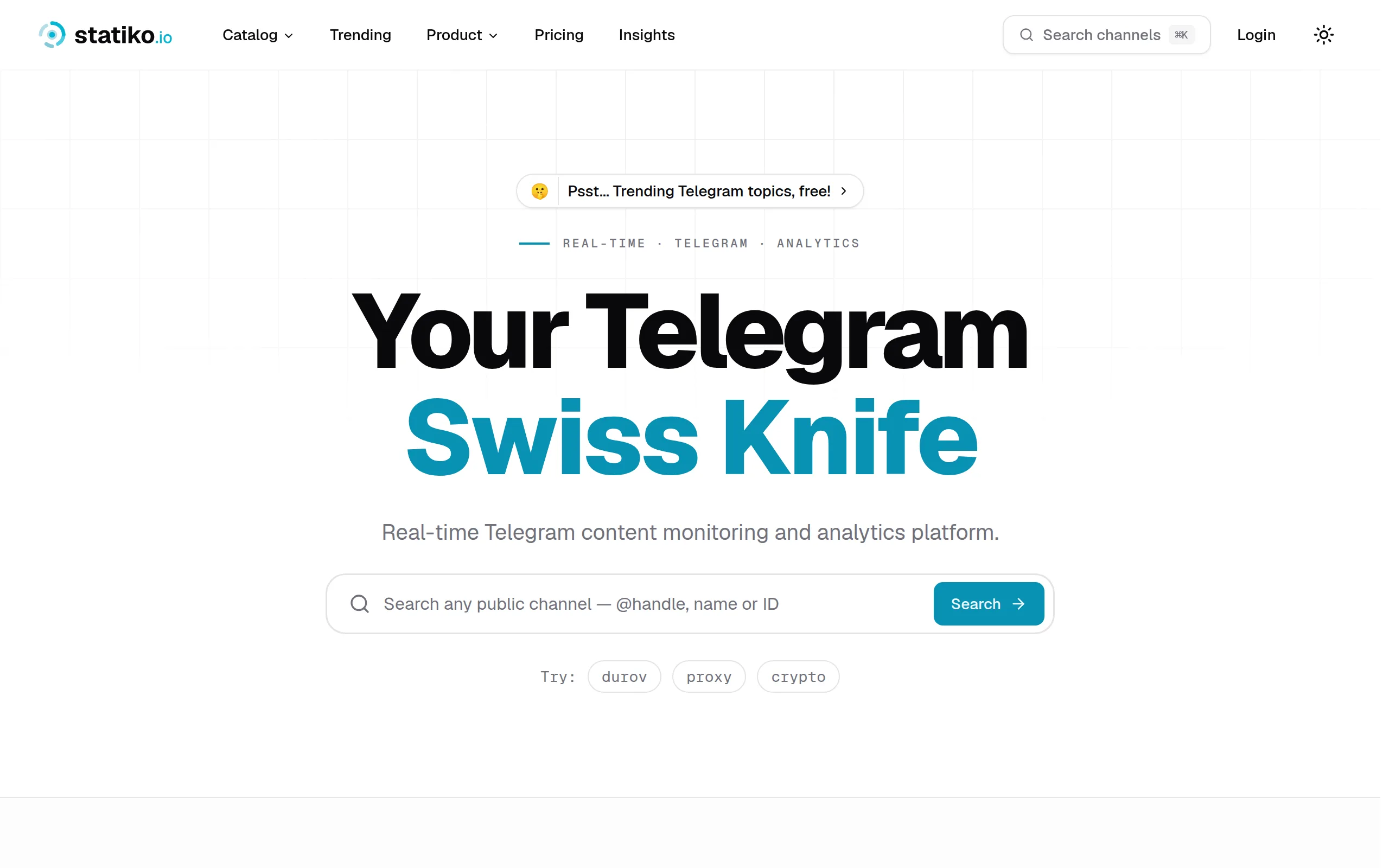
Statiko
Monitor any Telegram channel in real time - track posts, edits, deletions, and growth with AI recaps 📡

Shibui
AI website builder - describe your business, pick a niche template, edit by chatting, and publish instantly ✨

Pro Service
Find verified home service professionals, compare quotes, and pay securely through escrow - built for Brazilians across the US 🏠
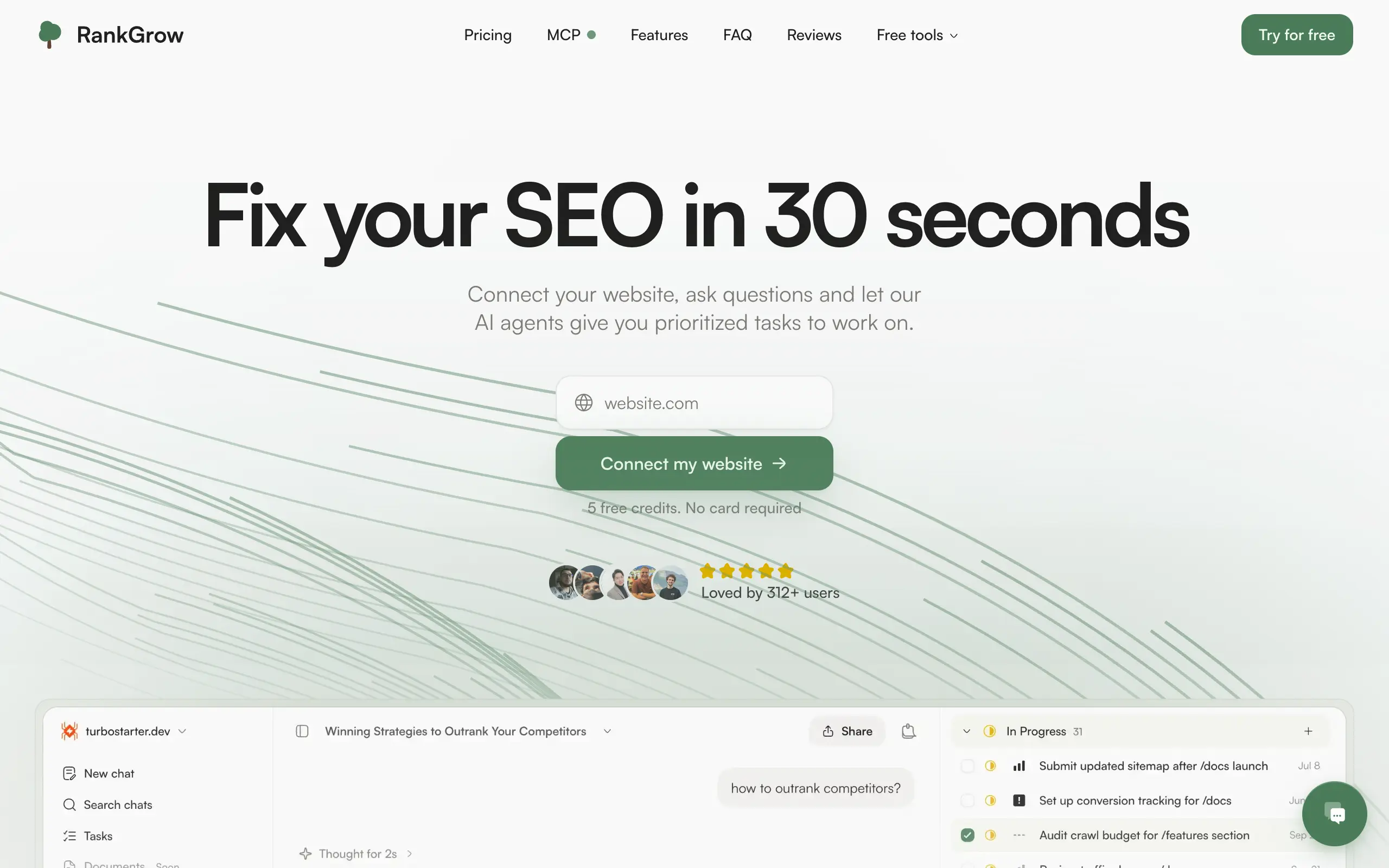
RankGrow
Fix your SEO with AI agents - connect Search Console, get prioritized tasks, and grow organic traffic 📈
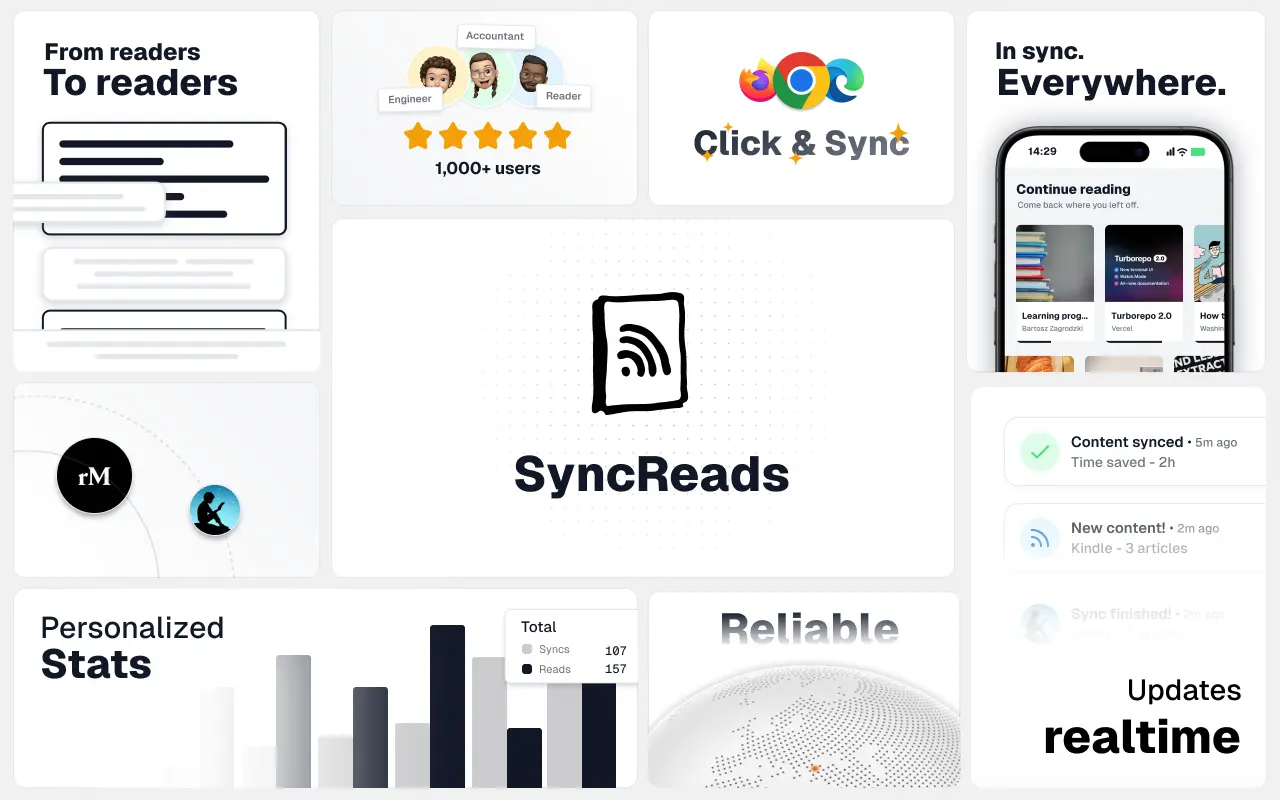
SyncReads
Sync your favorite content for distraction-free reading, save time and replace multiple apps. Anytime, anywhere 🔄
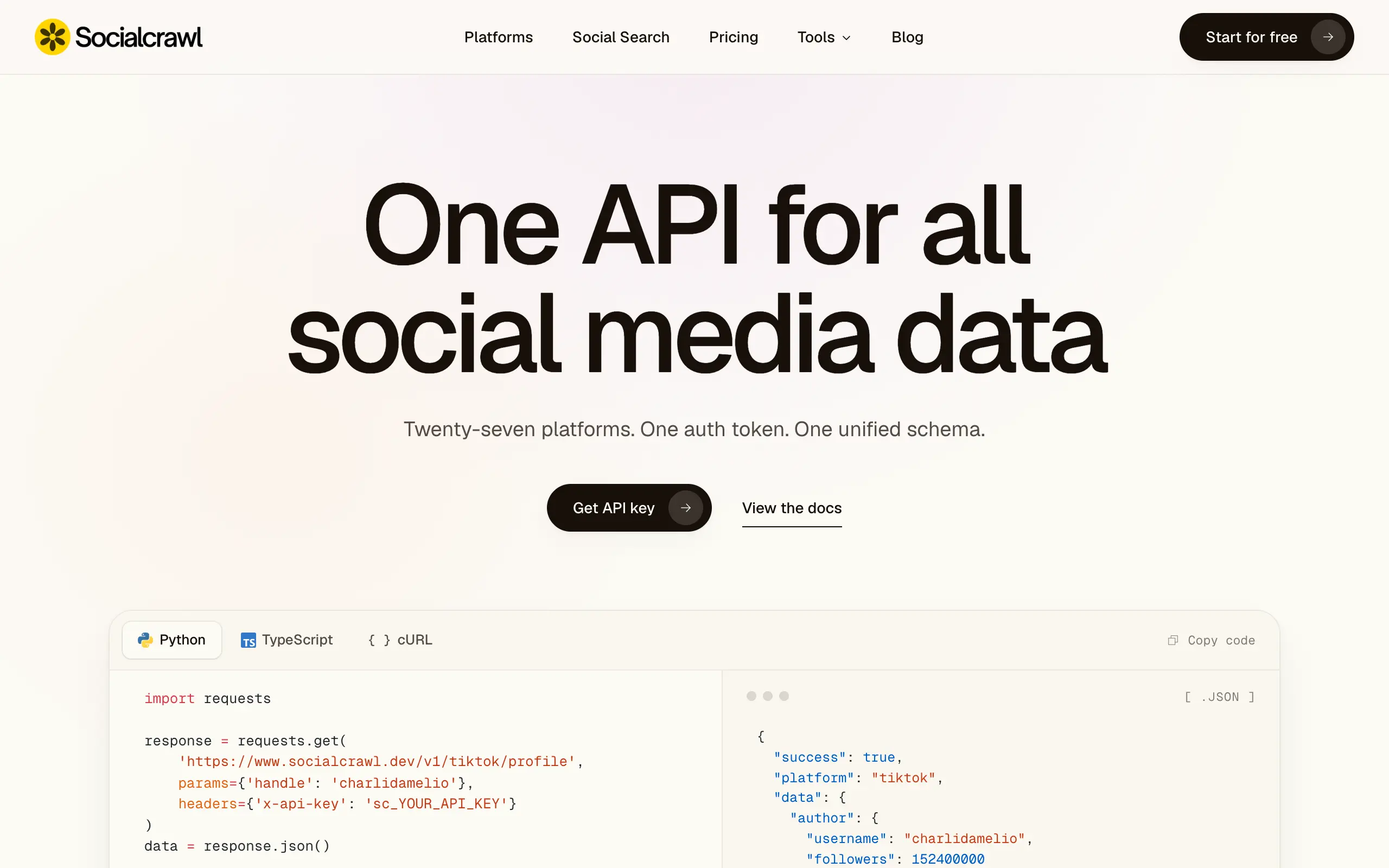
Socialcrawl
Get clean, structured data from 21 platforms like TikTok, Instagram, and YouTube with a single request 📊
Statiko
Monitor any Telegram channel in real time - track posts, edits, deletions, and growth with AI recaps 📡
Shibui
AI website builder - describe your business, pick a niche template, edit by chatting, and publish instantly ✨
Pro Service
Find verified home service professionals, compare quotes, and pay securely through escrow - built for Brazilians across the US 🏠
RankGrow
Fix your SEO with AI agents - connect Search Console, get prioritized tasks, and grow organic traffic 📈
SyncReads
Sync your favorite content for distraction-free reading, save time and replace multiple apps. Anytime, anywhere 🔄
Socialcrawl
Get clean, structured data from 21 platforms like TikTok, Instagram, and YouTube with a single request 📊
Statiko
Monitor any Telegram channel in real time - track posts, edits, deletions, and growth with AI recaps 📡
Shibui
AI website builder - describe your business, pick a niche template, edit by chatting, and publish instantly ✨
Pro Service
Find verified home service professionals, compare quotes, and pay securely through escrow - built for Brazilians across the US 🏠
RankGrow
Fix your SEO with AI agents - connect Search Console, get prioritized tasks, and grow organic traffic 📈
SyncReads
Sync your favorite content for distraction-free reading, save time and replace multiple apps. Anytime, anywhere 🔄
Socialcrawl
Get clean, structured data from 21 platforms like TikTok, Instagram, and YouTube with a single request 📊
Statiko
Monitor any Telegram channel in real time - track posts, edits, deletions, and growth with AI recaps 📡
Shibui
AI website builder - describe your business, pick a niche template, edit by chatting, and publish instantly ✨
Pro Service
Find verified home service professionals, compare quotes, and pay securely through escrow - built for Brazilians across the US 🏠
RankGrow
Fix your SEO with AI agents - connect Search Console, get prioritized tasks, and grow organic traffic 📈
SyncReads
Sync your favorite content for distraction-free reading, save time and replace multiple apps. Anytime, anywhere 🔄
Socialcrawl
Get clean, structured data from 21 platforms like TikTok, Instagram, and YouTube with a single request 📊
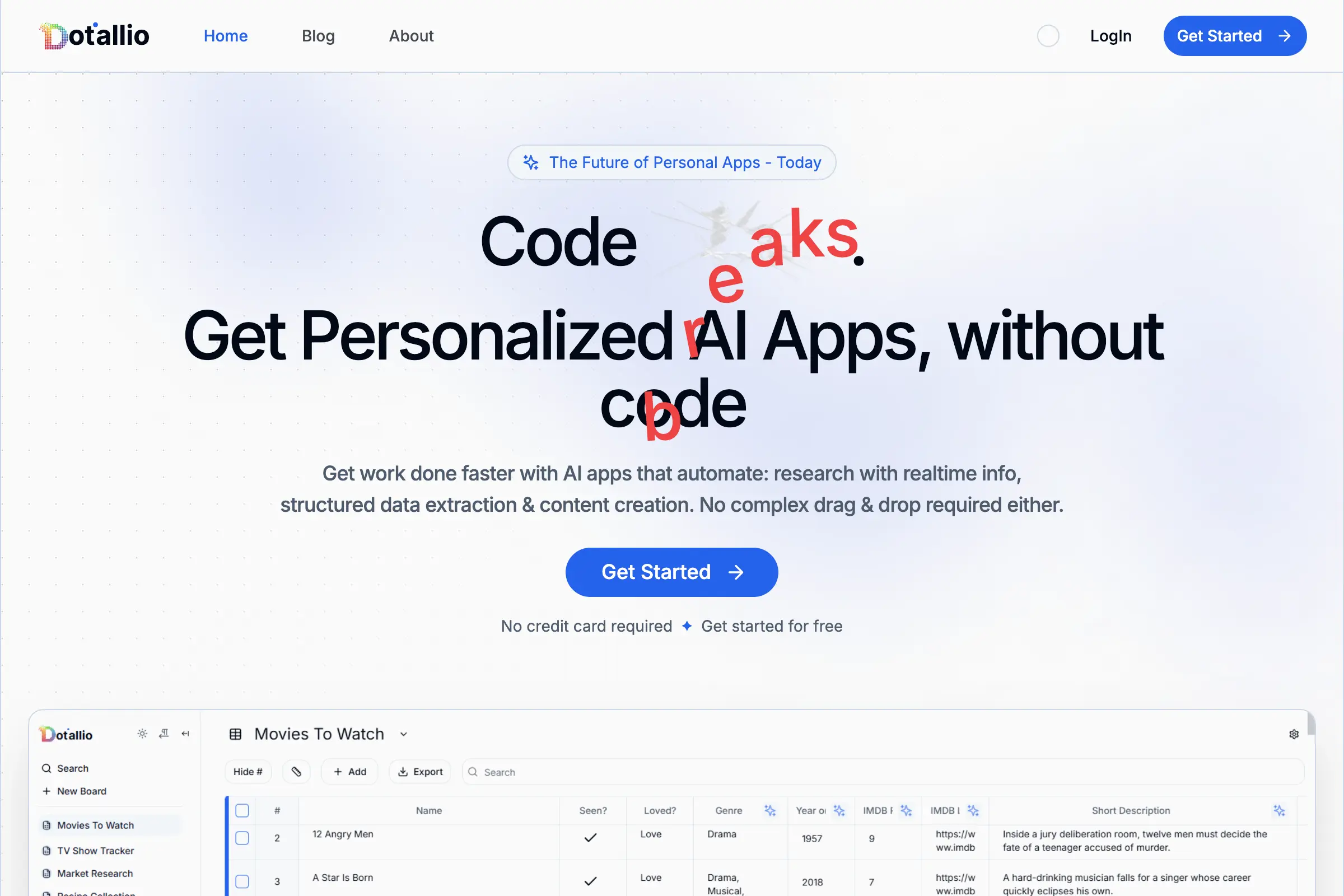
Dotallio
Personalized AI apps that automate research, data extraction, and content creation without code 🤖
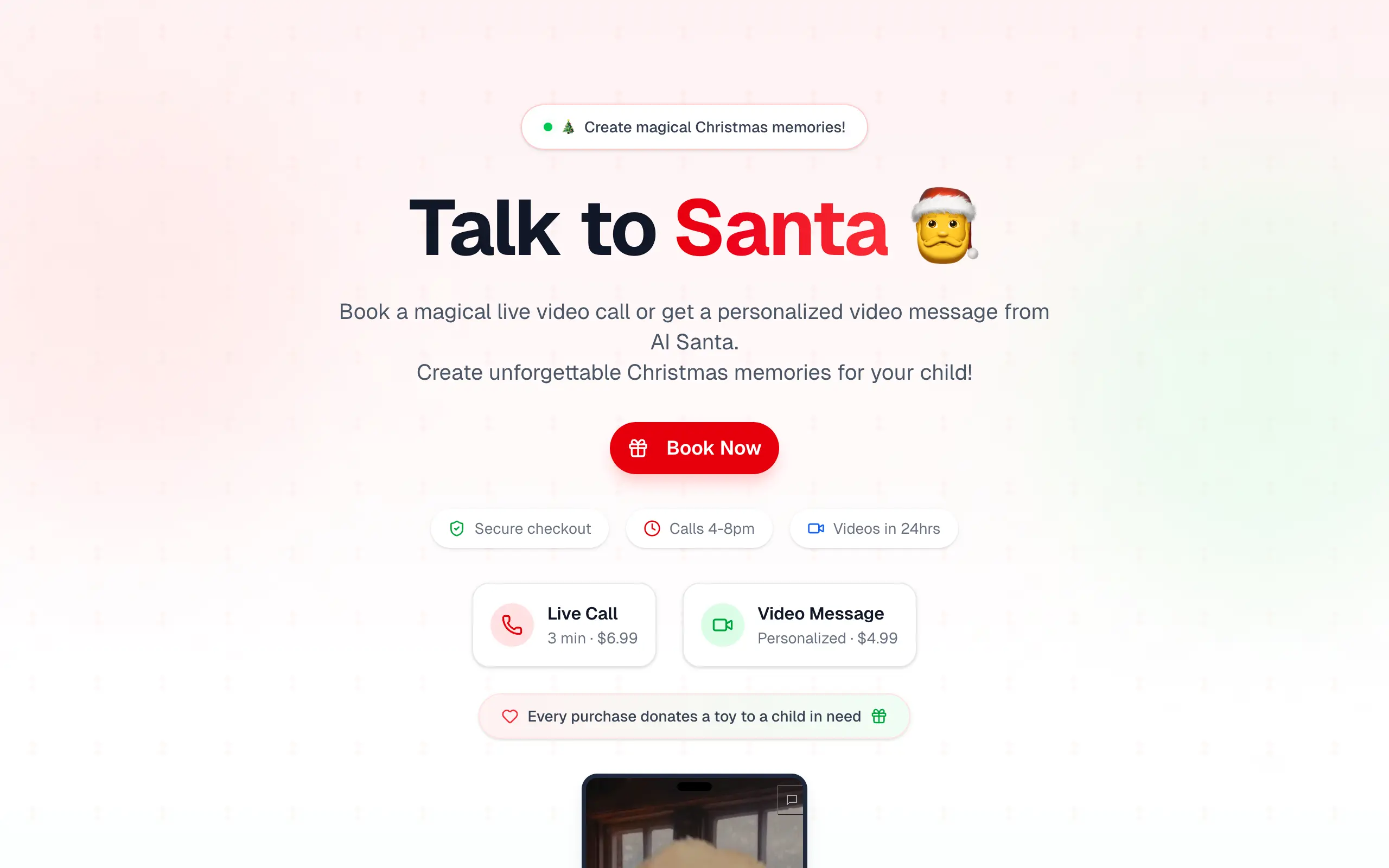
Talk to Santa
Enjoy a magical live video chat or receive a unique AI-generated video greeting from Santa Claus 🎅
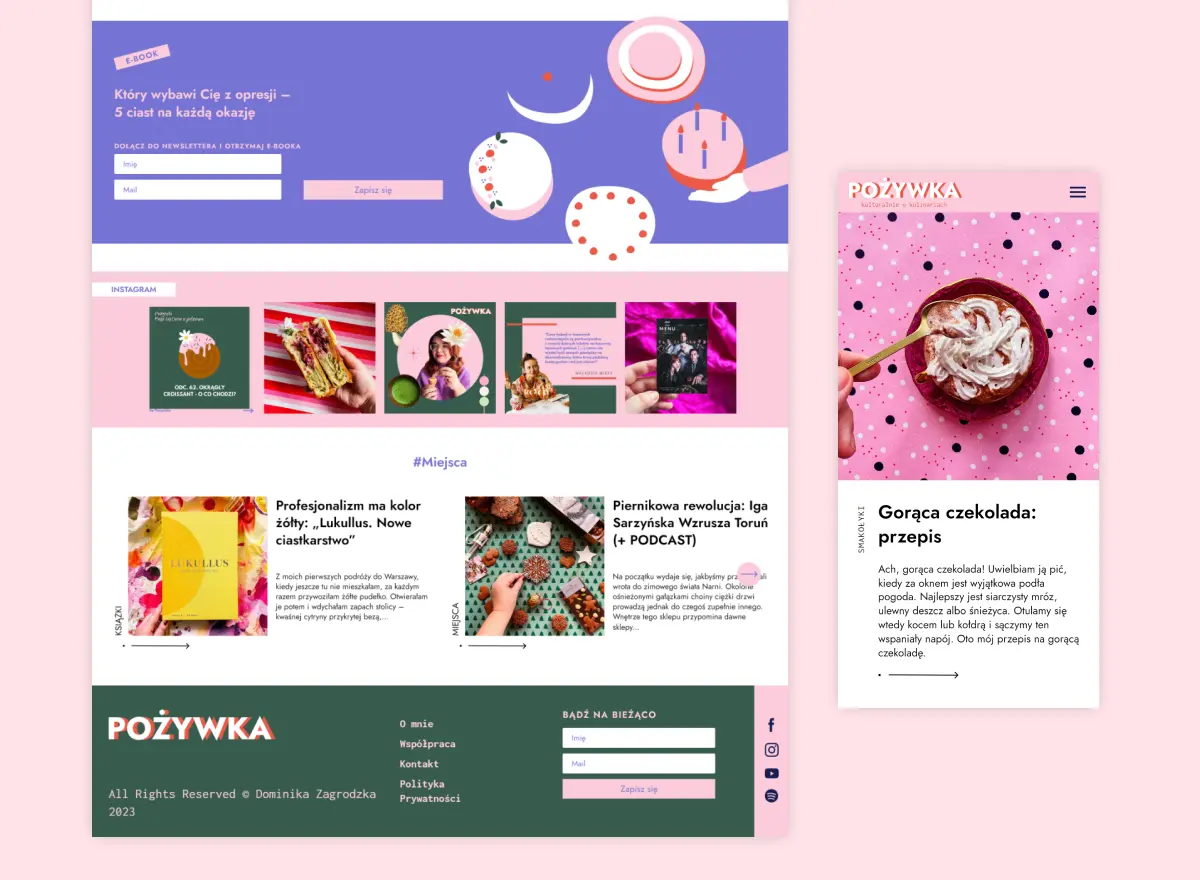
pozywka.pl
Scalable blog for food journalist, focused on performance and user experience 🌭
zagrodzki.me
Personal blog and portfolio of Bart Zagrodzki, where he shares his knowledge and work 💼
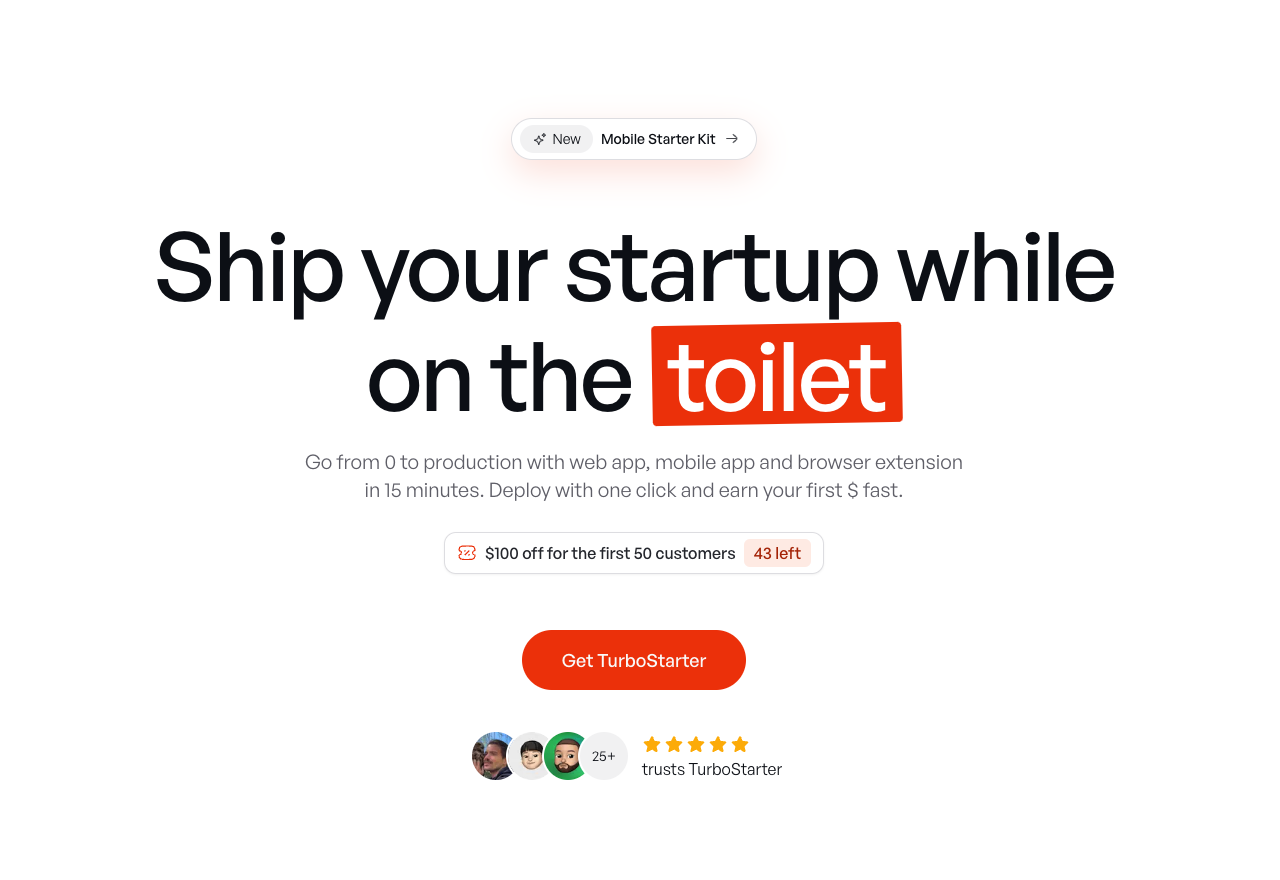
TurboStarter
Ship your startup everywhere. In minutes.
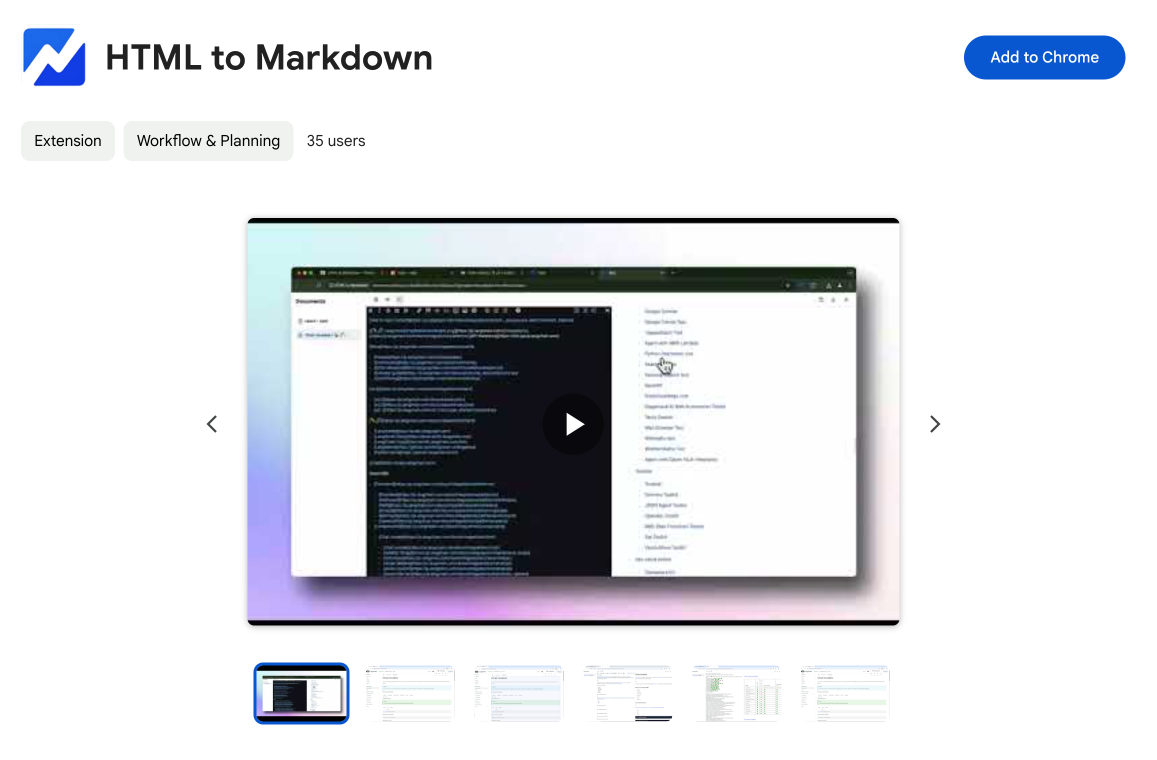
HTML to Markdown
Convert HTML to Markdown with ease, directly in your browser 📄
Dotallio
Personalized AI apps that automate research, data extraction, and content creation without code 🤖
Talk to Santa
Enjoy a magical live video chat or receive a unique AI-generated video greeting from Santa Claus 🎅
pozywka.pl
Scalable blog for food journalist, focused on performance and user experience 🌭
zagrodzki.me
Personal blog and portfolio of Bart Zagrodzki, where he shares his knowledge and work 💼
TurboStarter
Ship your startup everywhere. In minutes.
HTML to Markdown
Convert HTML to Markdown with ease, directly in your browser 📄
Dotallio
Personalized AI apps that automate research, data extraction, and content creation without code 🤖
Talk to Santa
Enjoy a magical live video chat or receive a unique AI-generated video greeting from Santa Claus 🎅
pozywka.pl
Scalable blog for food journalist, focused on performance and user experience 🌭
zagrodzki.me
Personal blog and portfolio of Bart Zagrodzki, where he shares his knowledge and work 💼
TurboStarter
Ship your startup everywhere. In minutes.
HTML to Markdown
Convert HTML to Markdown with ease, directly in your browser 📄
Dotallio
Personalized AI apps that automate research, data extraction, and content creation without code 🤖
Talk to Santa
Enjoy a magical live video chat or receive a unique AI-generated video greeting from Santa Claus 🎅
pozywka.pl
Scalable blog for food journalist, focused on performance and user experience 🌭
zagrodzki.me
Personal blog and portfolio of Bart Zagrodzki, where he shares his knowledge and work 💼
TurboStarter
Ship your startup everywhere. In minutes.
HTML to Markdown
Convert HTML to Markdown with ease, directly in your browser 📄
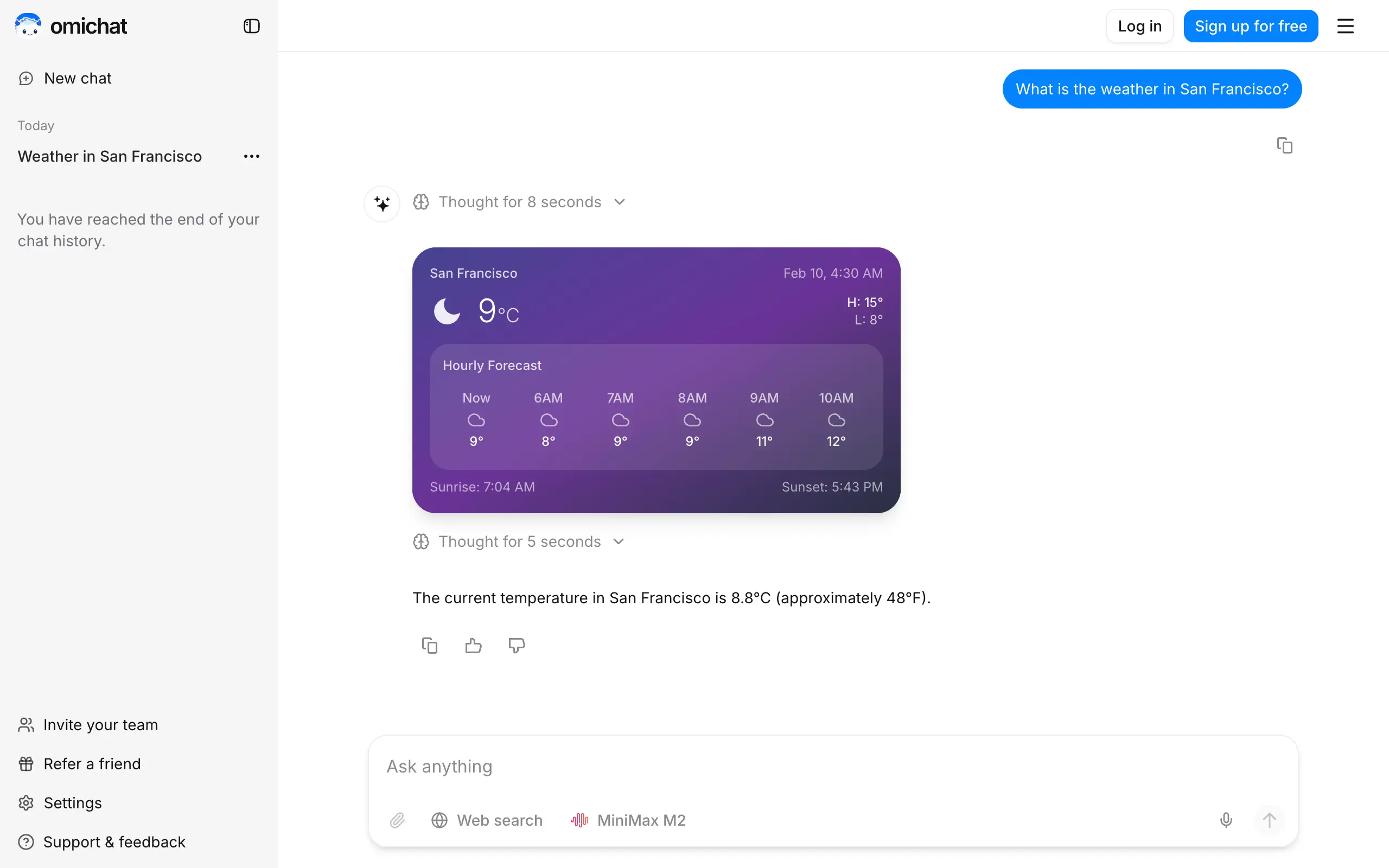
Omichat
Chat with 50+ AI models, including ChatGPT and Claude, in one place - switch models anytime without losing context 🤖
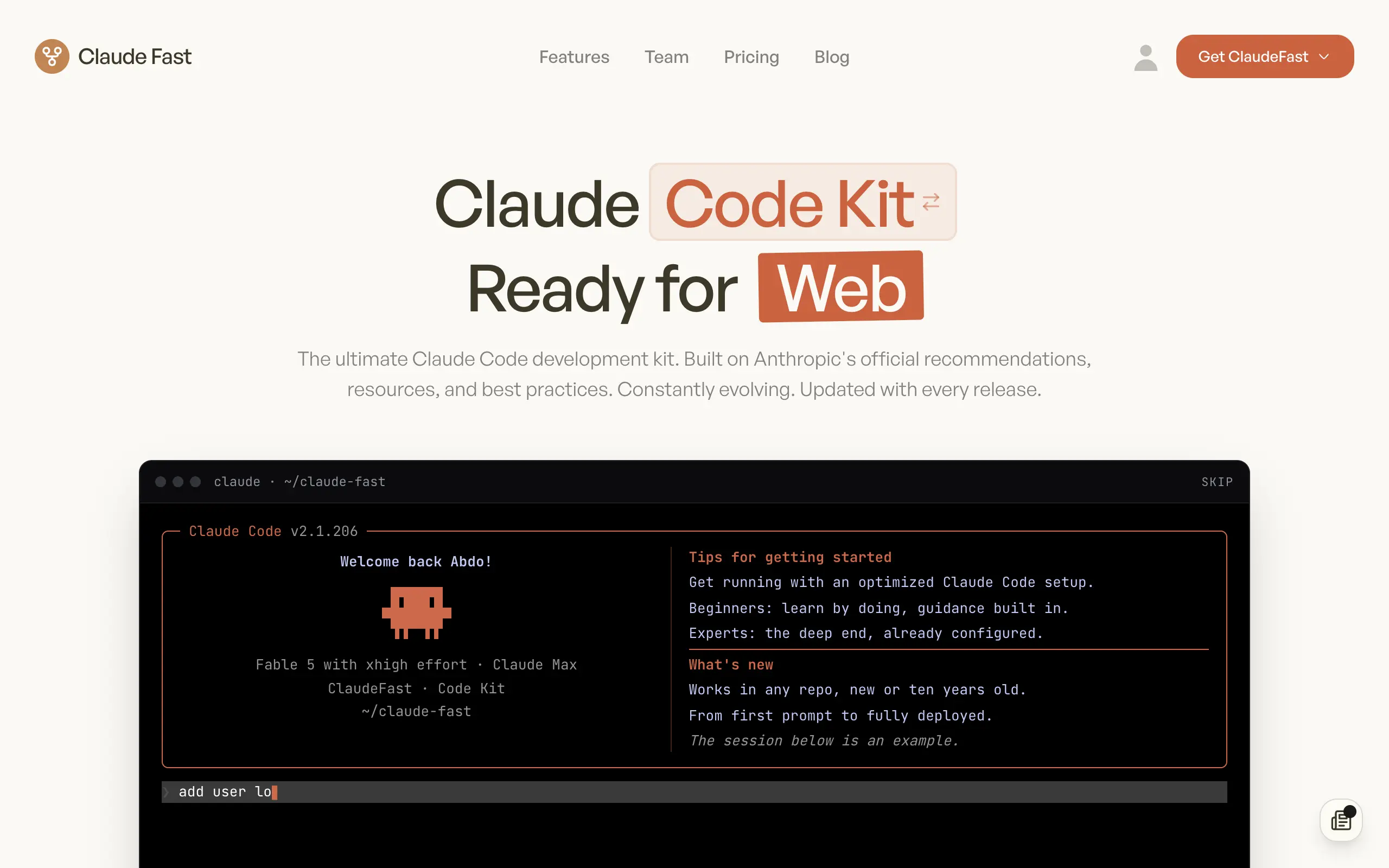
Claude Fast
Supercharge your Claude Code with 6x effective context window and specialized AI agents 🤖
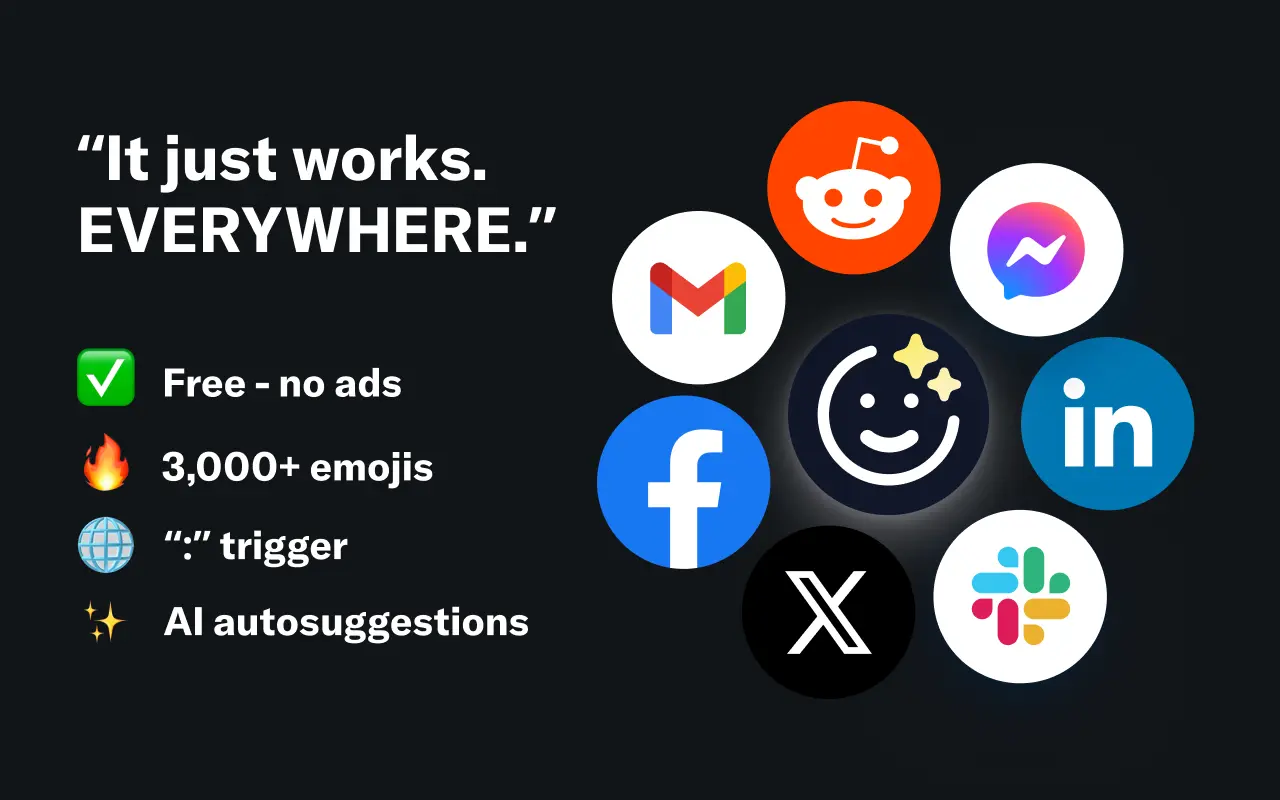
EmojAI
AI-powered emoji picker with smart, context-aware suggestions 🤖
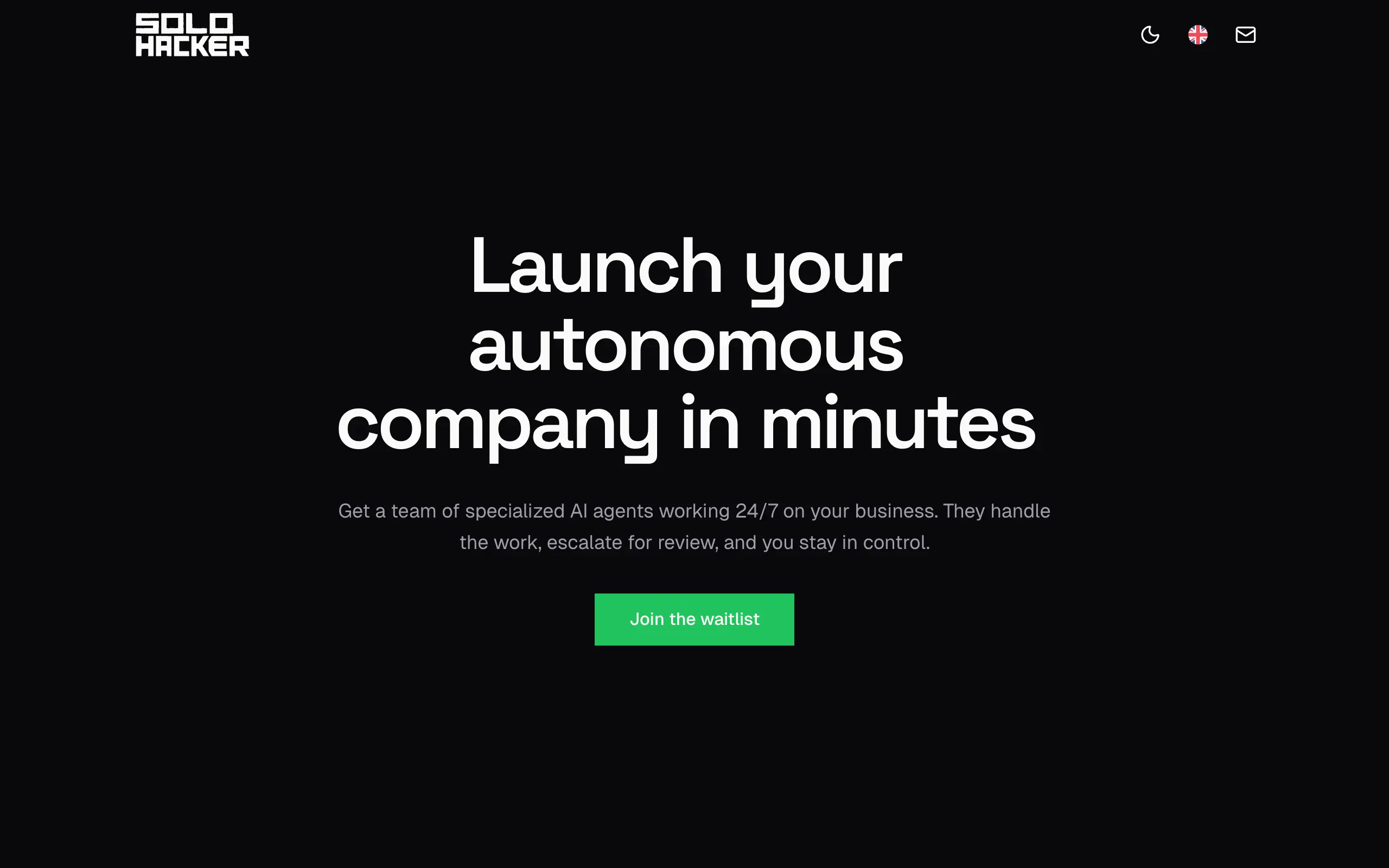
Solohacker
Autonomous company launcher - AI agents work 24/7, escalate what matters, and you stay in control 🤖
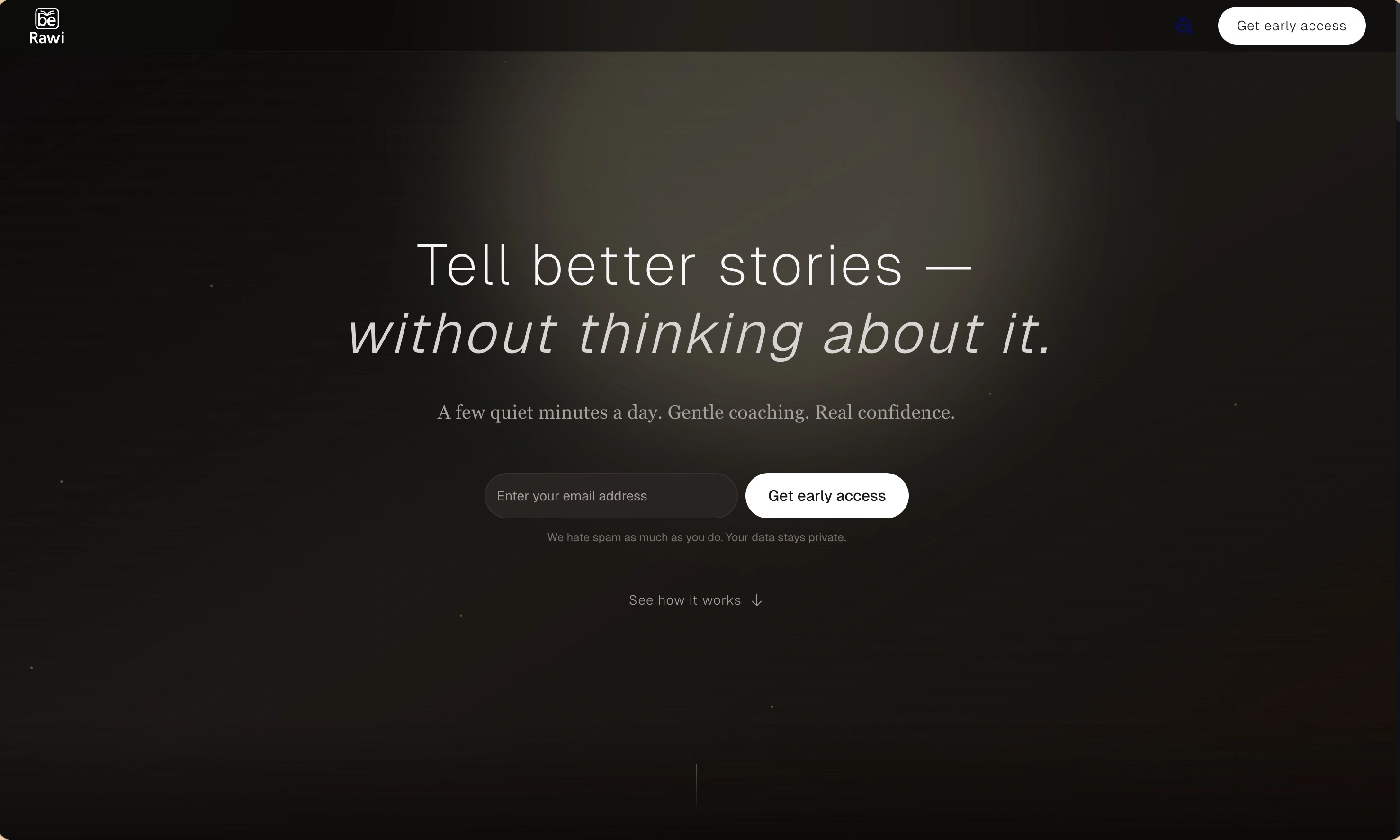
BeRawi: Storytelling Coach
Practice storytelling daily with instant feedback to sound clearer, more engaging, and confident 🎤
Omichat
Chat with 50+ AI models, including ChatGPT and Claude, in one place - switch models anytime without losing context 🤖
Claude Fast
Supercharge your Claude Code with 6x effective context window and specialized AI agents 🤖
EmojAI
AI-powered emoji picker with smart, context-aware suggestions 🤖
Solohacker
Autonomous company launcher - AI agents work 24/7, escalate what matters, and you stay in control 🤖
BeRawi: Storytelling Coach
Practice storytelling daily with instant feedback to sound clearer, more engaging, and confident 🎤
Omichat
Chat with 50+ AI models, including ChatGPT and Claude, in one place - switch models anytime without losing context 🤖
Claude Fast
Supercharge your Claude Code with 6x effective context window and specialized AI agents 🤖
EmojAI
AI-powered emoji picker with smart, context-aware suggestions 🤖
Solohacker
Autonomous company launcher - AI agents work 24/7, escalate what matters, and you stay in control 🤖
BeRawi: Storytelling Coach
Practice storytelling daily with instant feedback to sound clearer, more engaging, and confident 🎤
Omichat
Chat with 50+ AI models, including ChatGPT and Claude, in one place - switch models anytime without losing context 🤖
Claude Fast
Supercharge your Claude Code with 6x effective context window and specialized AI agents 🤖
EmojAI
AI-powered emoji picker with smart, context-aware suggestions 🤖
Solohacker
Autonomous company launcher - AI agents work 24/7, escalate what matters, and you stay in control 🤖
BeRawi: Storytelling Coach
Practice storytelling daily with instant feedback to sound clearer, more engaging, and confident 🎤

Connect with like-minded people
Join our community to get feedback, support, and grow together with 1,000+ builders on board, let's ship it!
Join usShip your startup everywhere. In minutes.
Don't burn tokens on setup and start building features on day one.