FlexForge
A mobile pipe flexibility checker for quick expansion, support-spacing and thermal-movement decisions before formal CAESAR II analysis.
Why a mobile pipe flexibility checker fills a real engineering gap
Pipe stress engineers regularly face a difficult early-stage decision: is a piping route likely to accommodate thermal movement, or does it need a formal flexibility analysis before layout work proceeds?
That question is often asked long before a detailed model exists in CAESAR II or another pipe stress analysis package. During site walks, plot-plan reviews, construction queries, design coordination meetings, and field changes, engineers need a credible directional answer quickly.
FlexForge is a mobile pipe flexibility checker designed for that practical gap. It helps engineers make fast preliminary decisions about:
- Thermal expansion and contraction
- Approximate expansion-loop suitability
- Support spacing considerations
- Directional movement at elbows and offsets
- Screening-level flexibility concerns
- Conditions that should trigger formal CAESAR II analysis
The primary keyword for this concept is mobile pipe flexibility checker. Related terms include pipe stress screening, thermal expansion calculator, pipe support spacing tool, piping flexibility analysis, thermal movement calculation, and preliminary pipe stress analysis.
FlexForge should not attempt to replace detailed pipe stress software. Its value lies in helping process, piping, mechanical, and stress engineers identify risk earlier, document assumptions consistently, and avoid using intuition alone for decisions that can affect equipment loads, support arrangements, fabrication cost, and plant reliability.
The product position that builds trust
FlexForge should be positioned as a preliminary engineering and decision-support tool, not as a code-compliance engine or a substitute for formal stress analysis. Clear boundaries are a competitive advantage in safety-critical engineering software.
The target audience for FlexForge
A successful mobile engineering application must serve a narrow enough problem that users understand its value immediately, while supporting enough workflows to justify recurring use. FlexForge has several high-value user groups.
Pipe stress engineers
Pipe stress engineers are the primary technical authority within most engineering organizations. They may not use a mobile pipe flexibility checker for final design sign-off, but they can use it to triage requests and guide upstream teams.
Common use cases include:
- Reviewing whether a proposed route contains enough offset for expected thermal movement
- Estimating initial expansion movement before building a detailed model
- Advising piping designers during layout reviews
- Identifying likely nozzle-load risks at pumps, compressors, vessels, and exchangers
- Explaining why a seemingly simple line needs a formal CAESAR II model
- Capturing field dimensions during brownfield walkdowns
For this audience, credibility matters more than visual novelty. They need transparent inputs, visible assumptions, clear unit handling, and calculation methods that can be reviewed by another engineer.
Piping designers and layout engineers
Piping designers make many decisions before a stress engineer is involved. They decide where to add offsets, how to orient elbows, where to locate guides, and whether an apparent straight run is realistic.
A mobile thermal expansion calculator can help them understand the implications of layout decisions in real time. Rather than waiting days for a stress review, a designer can compare route options while still working through the model or site constraints.
FlexForge can be especially useful when answering questions such as:
- Does this offset create meaningful flexibility?
- How much thermal growth should this run expect?
- Is the planned guide arrangement likely to control movement correctly?
- Is this support span obviously too large for an initial concept?
- Does a line crossing between structures need special attention?
The app should translate engineering results into actionable design guidance without oversimplifying the underlying mechanics.
Field engineers and construction teams
Field engineers often encounter unexpected changes that were not represented in the original model. A support may need to move because of steel conflicts. A spool may be rerouted around an obstruction. A tie-in dimension may differ from the issued-for-construction drawing.
In these situations, FlexForge can support a disciplined response. It cannot approve a field change by itself, but it can capture the relevant geometry and flag whether the change is likely to affect thermal movement or flexibility.
Useful field-oriented capabilities include:
- Offline calculations
- Fast imperial and metric unit switching
- Camera-linked notes or annotated screenshots
- Project and line identification fields
- Calculation export for engineering review
- A visible “requires formal analysis” warning state
Small EPC firms and independent consultants
Large EPC organizations often have access to specialist stress teams and enterprise software. Smaller engineering firms may have fewer specialists, limited CAESAR II seats, and less formalized screening workflows.
For this segment, FlexForge can create leverage. It gives experienced engineers a reusable preliminary method and gives junior engineers a safer way to ask the right questions before escalating a case.
The ideal product is not “CAESAR II on a phone.” It is an efficient engineering checkpoint that reduces preventable rework.
The market opportunity for preliminary pipe stress screening
The market gap exists between manual reference methods and full-scale stress analysis platforms.
On one end, engineers use hand calculations, spreadsheets, material property tables, old project notes, and personal judgment. These methods are fast but can be inconsistent, difficult to audit, and vulnerable to unit mistakes.
On the other end, detailed pipe stress software provides powerful modeling and code-checking functionality. However, it requires trained users, model setup time, accurate geometry, load cases, boundary conditions, and interpretation. That effort is appropriate for critical systems, but not every early layout question warrants a complete model immediately.
FlexForge occupies the middle layer.
| Workflow option | Speed | Traceability | Technical depth | Best use |
|---|---|---|---|---|
| Hand calculations | High | Low | Low to medium | Quick individual checks |
| Spreadsheets | Medium | Medium | Medium | Repeatable office screening |
| FlexForge | High | High | Medium | Mobile preliminary decisions |
| Formal stress software | Lower | High | High | Detailed design verification |
The commercial opportunity is not based on convincing engineers to abandon established tools. It comes from improving the upstream workflow that feeds those tools.
A well-designed pipe flexibility screening app can reduce low-value back-and-forth, improve the quality of stress requests, and preserve the engineering context that is often lost between piping layout, construction, and stress analysis.
Why mobile-first matters in piping engineering
Many engineering software products are desktop-first because they were created for office-based calculations. Yet piping decisions happen in places where desktop access is inconvenient:
- At operating facilities
- In fabrication shops
- During project meetings
- During inspections and walkdowns
- On construction sites
- In front of a 3D model review screen
- During remote troubleshooting calls
A mobile-first experience is valuable when it supports short, high-confidence tasks. The interface should not try to show a full isometric drawing editor on a phone. Instead, it should guide the user through a compact sequence of inputs and present an understandable result.
The product should be optimized for the question, “Should we proceed with this concept, revise the route, or send this to stress analysis?”
The core FlexForge solution
FlexForge should calculate and communicate the engineering factors that most often drive preliminary flexibility decisions.
Thermal movement calculation
The most fundamental feature is thermal growth estimation. For a straight pipe segment, the first-order calculation is commonly expressed as:
ΔL = α × L × ΔTWhere:
ΔLis expected change in lengthαis the coefficient of thermal expansionLis the pipe lengthΔTis the temperature change from installation to operating condition
The calculation appears simple, but a professional app needs to handle practical complexity:
- Material-dependent expansion coefficients
- Temperature-dependent material properties where supported
- Installation temperature versus ambient temperature
- Minimum and maximum operating cases
- Metric and imperial units
- Positive and negative movement direction
- User-entered values versus verified material-library values
A pipe may not expand only in one obvious direction. The user should be able to identify the pipe axis and understand where movement is likely to accumulate.
Expansion loop and offset screening
A long straight run may require a loop, offset, or other flexibility feature. FlexForge can provide preliminary geometry checks that help the user understand whether a concept is likely to be flexible enough.
The product should avoid presenting a simple pass or fail result unless the underlying method supports it. More responsible output includes:
- Estimated thermal movement
- Entered offset or loop dimensions
- A relative flexibility indicator
- A reminder that sustained, occasional, and displacement stresses require detailed analysis
- Recommended escalation criteria
For example, the app might classify a layout as:
- Low concern when movement is small and the configuration has obvious flexibility
- Review recommended when geometry is marginal or boundary assumptions are uncertain
- Formal analysis required when connected equipment, anchors, buried transitions, large movements, high temperatures, or critical service are involved
This approach is more trustworthy than pretending a mobile calculation can replace a full piping flexibility analysis.
Pipe support spacing screening
Support spacing is another high-frequency design question. FlexForge can provide preliminary support-spacing reference values based on selected pipe size, material, service density, insulation, and assumed support condition.
However, support spacing data must be treated carefully. A useful recommendation depends on many variables, including:
- Pipe material and nominal size
- Wall thickness and schedule
- Operating fluid density
- Insulation and cladding weight
- Valve and inline equipment loads
- Occasional loads such as wind or seismic effects
- Allowable sag criteria
- Local support details
- Project standards and piping specifications
The app should clearly identify whether it is displaying a reference span, a project-defined standard, or an engineering estimate. It should never imply that a generic spacing recommendation is suitable for all cases.
Material and service condition library
A curated material library is essential for usability and safety. Users should not need to manually search for thermal expansion coefficients during every calculation.
The library can include common piping materials such as:
- Carbon steel
- Stainless steel grades
- Low-alloy steel
- Duplex stainless steel
- Copper alloys
- Selected thermoplastic materials where appropriate
Each material record should include a source reference, supported temperature range, version information, and clear limitations. For a production platform, source data should be reviewed against recognized references and the organization’s approved design basis.
Rather than hard-coding ambiguous values, FlexForge should allow company administrators to publish approved material sets and project-specific defaults.
Escalation rules and engineering guardrails
The highest-value feature may be the one that prevents misuse.
FlexForge should include configurable escalation rules. These rules determine when the user must involve a qualified pipe stress engineer or create a formal analysis request.
Examples of escalation triggers include:
- Connection to rotating equipment
- Connection to pressure vessels or heat exchangers
- High design temperature
- Large calculated thermal movement
- Expansion joints or bellows
- Spring supports or variable supports
- Cryogenic service
- Lined piping or nonmetallic piping
- High consequence process service
- Underground-to-aboveground transitions
- Existing plant modifications
- Significant route changes after stress approval
A calculation is not a design approval
FlexForge should prominently state that preliminary outputs depend on entered assumptions. Final piping design decisions must follow applicable codes, project specifications, equipment vendor requirements, and review by qualified personnel.
A practical user workflow for the mobile pipe flexibility checker
The best mobile engineering workflows remove friction without hiding assumptions. FlexForge should support a repeatable process that takes only a few minutes for a simple screening case.
A successful result screen should explain why it reached its conclusion. A user should see more than a colored status badge. They should see the key input drivers, the movement estimate, the uncertainty factors, and next actions.
Example result structure
A summary card could include:
- Calculated axial movement
- Maximum calculated operating temperature
- Entered pipe run length
- Selected material
- Identified flexibility feature
- Preliminary support span reference
- Triggered escalation rules
- Calculation version and timestamp
This structure improves auditability and makes a calculation useful during design reviews.
Core product features for an MVP
A strong minimum viable product should focus on repeatable screening rather than trying to solve every piping problem on day one.
Thermal movement calculator
Estimate pipe growth or contraction using material, route length, and temperature inputs.
Offset and loop screening
Compare simple flexibility geometry with expected movement and highlight higher-risk conditions.
Support span reference
Provide configurable screening guidance based on pipe and service assumptions.
Engineering escalation rules
Flag scenarios that should be reviewed in formal pipe stress analysis software.
Shareable calculation summary
Export a structured report with inputs, assumptions, results, and reviewer notes.
Offline field mode
Keep core calculations available when plant connectivity is limited or unavailable.
Features to defer until after validation
Some capabilities are attractive but should not delay the MVP:
- Full 3D pipe route modeling
- Detailed code stress calculations
- Nonlinear support modeling
- Dynamic analysis
- Finite element analysis
- Automatic CAESAR II model generation
- Full isometric extraction
- AI-generated final design approval
These features increase complexity, testing requirements, liability exposure, and support burden. FlexForge should first prove that engineers will use a fast screening workflow consistently.
Recommended technology stack for FlexForge
Because FlexForge is a mobile engineering application, the technical architecture must prioritize offline reliability, deterministic calculations, data integrity, and maintainability.
Mobile application layer
React Native is a strong choice for the mobile client. It supports iOS and Android from a shared codebase while allowing access to native device capabilities when needed.
A React Native stack can include:
- Expo for faster development, build management, and device deployment
- TypeScript for safer calculation models and unit-aware data structures
- Local encrypted storage for offline projects and calculation history
- A robust form library for validated engineering inputs
- Native charting or simple SVG diagrams for movement visualization
The main trade-off is that highly specialized engineering graphics may require native modules or custom rendering work. For an MVP, simple route diagrams and result visualizations are sufficient.
Calculation engine
The calculation engine should be independent from the user interface. This is crucial.
A deterministic TypeScript package can hold:
- Unit conversion functions
- Material property lookup rules
- Thermal expansion calculations
- Preliminary support-spacing logic
- Escalation rule evaluation
- Validation rules
- Report-generation data models
This engine should be tested extensively with known benchmark cases and peer-reviewed by qualified engineering professionals.
type ThermalMovementInput = {
  lengthMm: number;
  installationTemperatureC: number;
  operatingTemperatureC: number;
  expansionCoefficientPerC: number;
};

export function calculateThermalMovement(input: ThermalMovementInput) {
  const deltaTemperature =
    input.operatingTemperatureC - input.installationTemperatureC;

  return {
    movementMm:
      input.lengthMm *
      input.expansionCoefficientPerC *
      deltaTemperature,
    deltaTemperatureC: deltaTemperature,
  };
}
The formula itself is simple. The production challenge lies in selecting defensible inputs, managing units correctly, validating ranges, and communicating limitations.
Backend and data services
For the backend, a managed platform such as Supabase is a practical early-stage option. It offers authentication, relational data storage, storage services, and server-side capabilities without requiring a large operations team.
A backend should manage:
- User accounts and organization membership
- Project and calculation records
- Admin-managed material libraries
- Project-specific rule sets
- Report exports
- Audit history
- Subscription entitlements
For teams that require enterprise deployment, a later architecture can support region-specific hosting, single sign-on, private cloud arrangements, and more granular audit controls.
Web admin portal
A companion web application should handle administrative workflows that are cumbersome on a phone. Next.js and React are suitable choices for this portal.
The web portal can support:
- Material library management
- Company design standards
- User permissions
- Calculation review queues
- Project templates
- Organizational reporting
- Export archives
- Billing administration
For a rapid SaaS foundation, TurboStarter can accelerate common SaaS requirements such as authentication, payments, dashboard structure, and production-ready application patterns.
Security and auditability requirements
Engineering calculations may form part of project evidence, so data handling cannot be an afterthought.
Key controls include:
- Encryption in transit and at rest
- Role-based access control
- Calculation versioning
- Immutable timestamped audit events
- Clear record ownership
- Optional local-only calculation mode
- Export metadata showing software version and rule-set version
- Controlled updates to material properties and templates
Organizations working in regulated industrial environments may also require supplier security reviews, data residency assurances, and documented incident-response processes.
Monetization strategy for FlexForge
FlexForge is well-suited to a hybrid B2B SaaS model. Individual engineers may discover the product, but engineering firms and owner-operators are more likely to pay for shared standards, auditability, and team workflows.
Free trial or individual tier
An entry tier should let users validate the product on real preliminary calculations.
A free or low-cost individual tier could include:
- Limited monthly calculations
- Core thermal movement calculations
- A small standard material library
- Basic local report exports
- One personal workspace
The goal is not to give away the entire product. It is to let technically skeptical users verify whether the workflow is credible and useful.
Professional engineer tier
A paid professional plan can include:
- Unlimited calculations
- Saved projects
- Advanced screening templates
- Expanded material libraries
- PDF report exports
- Calculation history
- Collaboration comments
- Priority support
Pricing should reflect specialized engineering value, not consumer mobile-app expectations. Even modest time savings on a single avoided reroute can justify a professional subscription.
Team and enterprise tier
The highest-value offering is an organization plan with governance features.
Possible enterprise capabilities include:
- Organization-wide design templates
- Custom escalation rules
- Approved internal material libraries
- Single sign-on
- Reviewer and approver permissions
- Central calculation archives
- API access
- Private deployment options
- Dedicated onboarding and support
The strongest commercial message is not “calculate expansion on a phone.” It is “standardize preliminary flexibility decisions across projects and preserve engineering judgment.”
Competitive advantage and unique selling proposition
FlexForge’s unique selling proposition is its ability to turn preliminary piping flexibility judgment into a fast, mobile, traceable, and safety-aware workflow.
Most alternatives fall into one of three categories:
- Generic engineering calculators without piping-specific decision logic
- Spreadsheets that are difficult to govern across teams
- Full pipe stress platforms that are too heavy for immediate screening questions
FlexForge can differentiate by combining the convenience of a calculator with the discipline of an engineering review workflow.
| Capability | Manual spreadsheet | Generic calculator | Formal stress software | FlexForge |
|---|---|---|---|---|
| Mobile field usability | Low | Medium | Low | High |
| Preliminary screening speed | Medium | High | Low | High |
| Audit-ready calculation history | Low | Low | High | High |
| Formal code verification | Low | Low | High | Not the primary purpose |
The defensible moat is not the thermal expansion formula. That formula is widely known. The moat comes from:
- Trusted engineering defaults
- Transparent assumptions
- Configurable company standards
- Reliable mobile workflows
- High-quality escalation rules
- Calculation traceability
- A growing library of validated scenarios and templates
Risks and how to mitigate them
Engineering SaaS in a safety-adjacent domain must address product, legal, technical, and adoption risks from the beginning.
Risk of users treating screening results as final design
This is the most important risk. A user may see a favorable preliminary output and assume no further analysis is required.
Mitigation measures include:
- Use explicit “screening only” language throughout the app
- Display assumptions prominently in every report
- Require acknowledgement for high-risk cases
- Include escalation triggers that cannot be silently dismissed
- Avoid binary pass or fail language where inputs are incomplete
- Encourage formal review for equipment connections and critical services
Risk of poor input quality
The output can only be as credible as the geometry, temperature, material, and boundary assumptions entered by the user.
Mitigation measures include:
- Use constrained input ranges
- Offer unit-aware forms
- Require the installation temperature field
- Flag unrealistic temperature ranges
- Show selected material properties before calculating
- Provide scenario templates for common line types
- Store confidence notes and missing-information warnings
Risk of material property errors
Thermal expansion coefficients and allowable assumptions may vary by material, temperature range, and project standard.
Mitigation measures include:
- Maintain source references and version records
- Require expert review for library updates
- Allow organizations to publish approved internal datasets
- Show applicability ranges for data
- Avoid implying universal validity for any single property value
For external credibility, FlexForge should reference recognized engineering sources in product documentation. Where specific standards or values are cited, the company should use properly licensed references and document the exact edition used.
Risk of slow engineering adoption
Engineers may resist a new tool if they believe it oversimplifies their work or introduces another system to maintain.
Mitigation measures include:
- Involve practicing stress engineers in product design
- Publish the calculation basis transparently
- Make exports easy to review
- Support existing units and terminology
- Start with simple, frequent problems
- Integrate into the stress-request workflow rather than competing with it
- Offer pilot programs with measurable outcomes
Risk of offline synchronization conflicts
Mobile field work often requires offline capability, but synchronization introduces complexity.
Mitigation measures include:
- Assign unique IDs to calculations and revisions
- Track local edits explicitly
- Use conflict-resolution states instead of silently overwriting data
- Preserve a read-only calculation snapshot once exported
- Display sync status clearly in the application
Validation before building the full product
Before investing heavily in development, validate whether the workflow solves a painful and recurring problem.
Interview the right people
Conduct structured interviews with:
- Senior pipe stress engineers
- Piping leads
- Plant reliability engineers
- EPC project engineers
- Construction field engineers
- Independent stress consultants
Ask about recent incidents where early flexibility judgment was needed. Focus on real behavior rather than hypothetical preferences.
Strong discovery questions include:
- What preliminary pipe stress questions consume the most time?
- Which calculations are repeatedly done in spreadsheets?
- What information is usually missing when piping asks for stress support?
- Which field changes create the most risk?
- What would make an early-stage calculation trustworthy enough to use?
- Which conditions should always force formal analysis?
Create a benchmark case library
A benchmark library is essential for technical validation. Build representative cases with known outcomes and expert-reviewed assumptions.
Examples include:
- A straight carbon steel steam line
- A stainless steel hot process line with an offset
- A pipe rack crossing between structures
- A pump suction or discharge line
- A heat exchanger-connected line
- An underground-to-aboveground transition
- A low-temperature line with contraction
- A line with a proposed support relocation
For each case, compare FlexForge’s screening output to the judgment of experienced engineers and, where applicable, detailed analysis results.
Run a controlled pilot
A pilot should involve a small group of users across design and field roles. Measure outcomes over several weeks.
Useful pilot metrics include:
- Time required to complete a screening calculation
- Number of calculations escalated to formal analysis
- Number of layout changes made before detailed modeling
- Frequency of incomplete inputs
- User confidence in interpreting the result
- Report sharing and review activity
- Reuse of templates across projects
Avoid claiming that the tool reduces failures or engineering hours until those outcomes are measured in real deployments.
Actionable implementation plan
FlexForge should be built in deliberate phases, with technical validation leading product expansion.
Phase one focuses on trusted core calculations
Build the following first:
- A thermal movement calculator with robust unit conversion
- A reviewed initial material property library
- Simple straight-run and offset input flows
- Configurable escalation rules
- Offline local calculation storage
- A clear calculation summary screen
- Exportable PDF or shareable report output
- Automated unit and benchmark tests
At this stage, the product should be useful to a single engineer in the field or during a design review.
Phase two adds team governance
After validating individual use, add:
- User accounts and organizations
- Shared projects
- Company templates
- Administrator-managed material libraries
- Reviewer comments
- Calculation revision history
- Central report storage
- Team analytics
This phase makes FlexForge more valuable to EPC firms, engineering consultancies, and owner-operators.
Phase three builds enterprise differentiation
Once the core workflow is trusted, prioritize:
- Single sign-on
- API integrations
- Advanced project standards
- Formal review workflows
- Structured stress-request handoff
- Site-specific rule sets
- Enterprise security controls
- Dedicated implementation services
Final perspective
FlexForge has a credible opportunity because it focuses on a recurring engineering gap rather than attempting to replace mature pipe stress analysis platforms.
The product’s success depends on disciplined positioning. It must provide faster preliminary answers while consistently directing users toward formal analysis when the situation demands it. That balance is what makes a mobile pipe flexibility checker useful, trustworthy, and commercially viable.
The winning version of FlexForge will help engineers answer early questions with more confidence, capture assumptions before they disappear, and improve the quality of decisions that eventually reach detailed CAESAR II analysis.
More 📱 Mobile App SaaS ideas
Discover more innovative mobile app SaaS ideas that are trending in 2026. Each idea is AI-generated with market validation and growth potential to help you find your next profitable venture faster than competitors.
Your competitors are building with TurboStarter
Below are some of the SaaS ideas that have been generated and built with our starter kit.

Statiko
Monitor any Telegram channel in real time - track posts, edits, deletions, and growth with AI recaps 📡

Shibui
AI website builder - describe your business, pick a niche template, edit by chatting, and publish instantly ✨

Pro Service
Find verified home service professionals, compare quotes, and pay securely through escrow - built for Brazilians across the US 🏠

RankGrow
Fix your SEO with AI agents - connect Search Console, get prioritized tasks, and grow organic traffic 📈
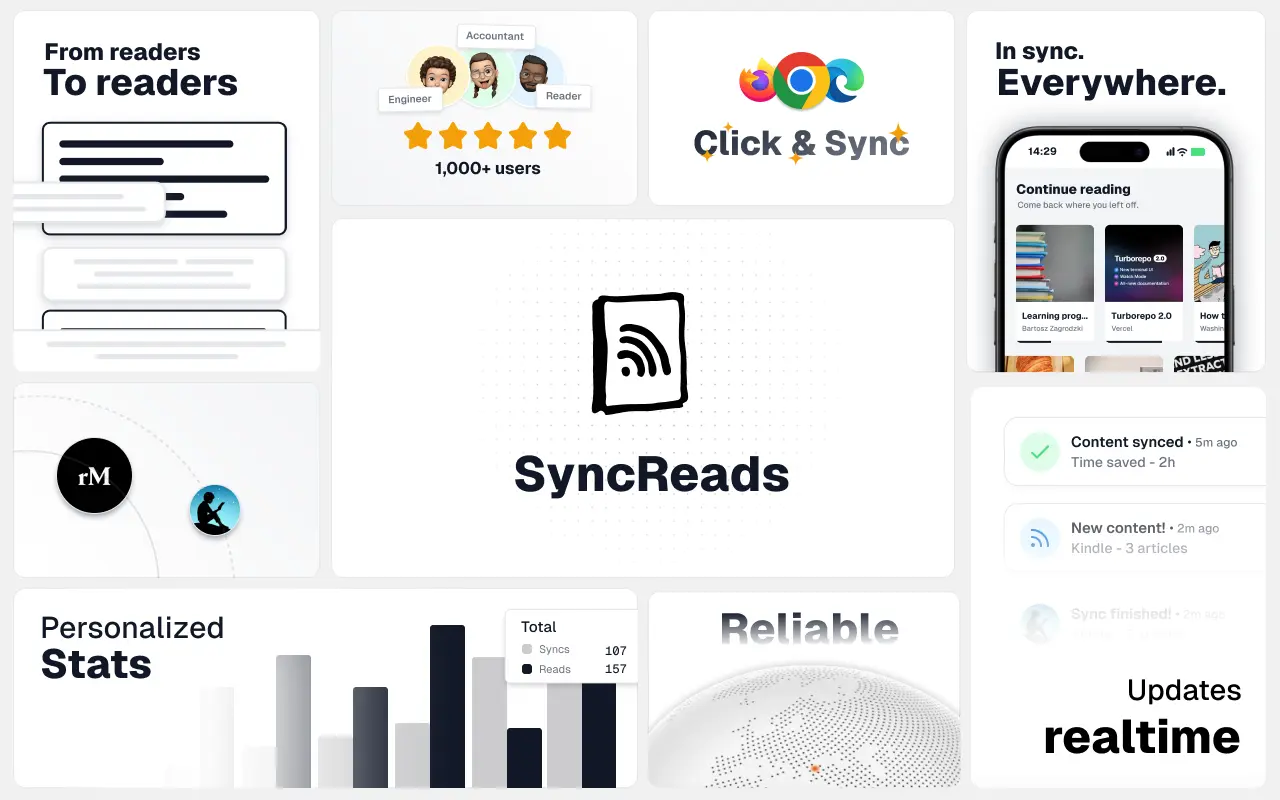
SyncReads
Sync your favorite content for distraction-free reading, save time and replace multiple apps. Anytime, anywhere 🔄
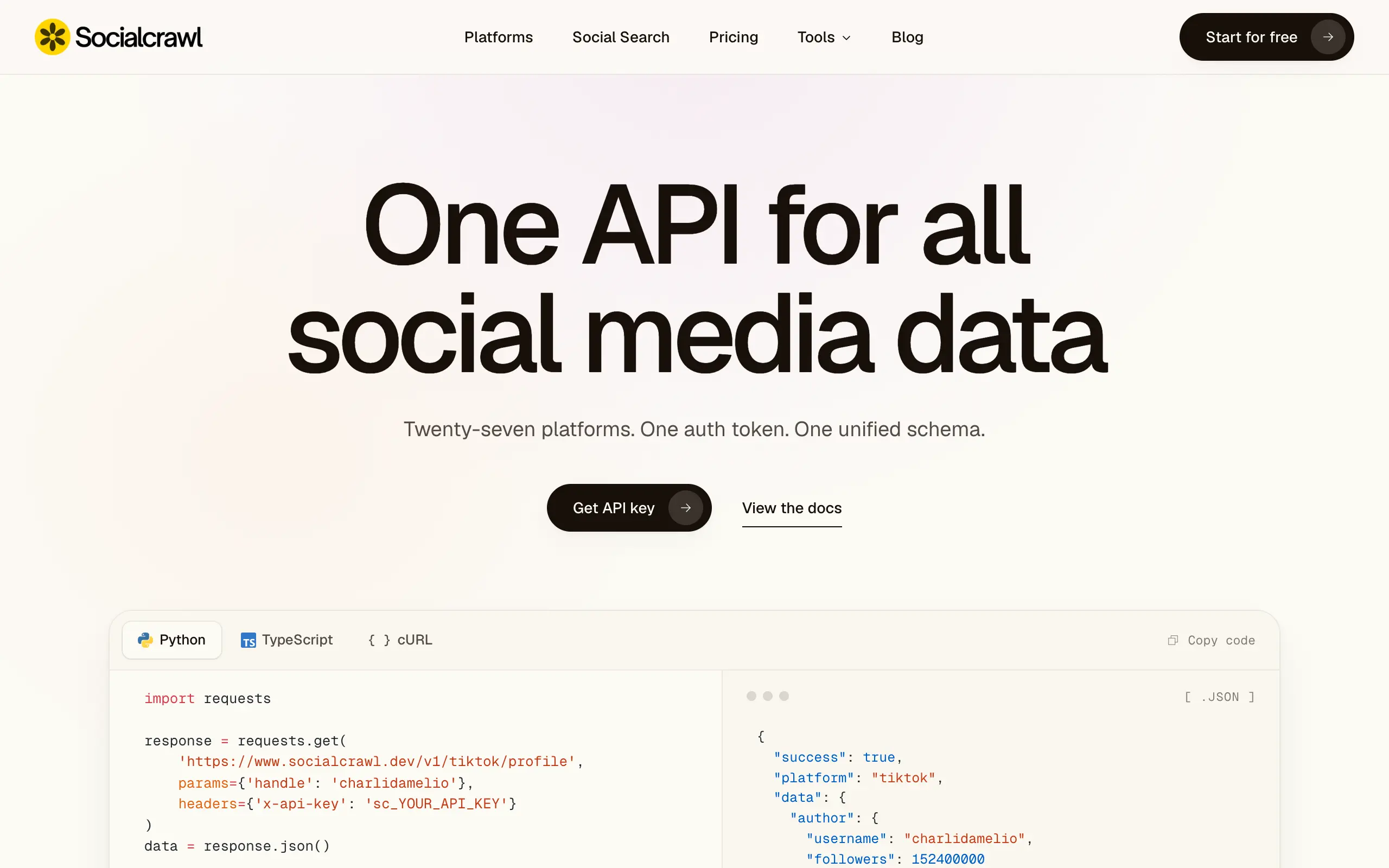
Socialcrawl
Get clean, structured data from 21 platforms like TikTok, Instagram, and YouTube with a single request 📊
Statiko
Monitor any Telegram channel in real time - track posts, edits, deletions, and growth with AI recaps 📡
Shibui
AI website builder - describe your business, pick a niche template, edit by chatting, and publish instantly ✨
Pro Service
Find verified home service professionals, compare quotes, and pay securely through escrow - built for Brazilians across the US 🏠
RankGrow
Fix your SEO with AI agents - connect Search Console, get prioritized tasks, and grow organic traffic 📈
SyncReads
Sync your favorite content for distraction-free reading, save time and replace multiple apps. Anytime, anywhere 🔄
Socialcrawl
Get clean, structured data from 21 platforms like TikTok, Instagram, and YouTube with a single request 📊
Statiko
Monitor any Telegram channel in real time - track posts, edits, deletions, and growth with AI recaps 📡
Shibui
AI website builder - describe your business, pick a niche template, edit by chatting, and publish instantly ✨
Pro Service
Find verified home service professionals, compare quotes, and pay securely through escrow - built for Brazilians across the US 🏠
RankGrow
Fix your SEO with AI agents - connect Search Console, get prioritized tasks, and grow organic traffic 📈
SyncReads
Sync your favorite content for distraction-free reading, save time and replace multiple apps. Anytime, anywhere 🔄
Socialcrawl
Get clean, structured data from 21 platforms like TikTok, Instagram, and YouTube with a single request 📊
Statiko
Monitor any Telegram channel in real time - track posts, edits, deletions, and growth with AI recaps 📡
Shibui
AI website builder - describe your business, pick a niche template, edit by chatting, and publish instantly ✨
Pro Service
Find verified home service professionals, compare quotes, and pay securely through escrow - built for Brazilians across the US 🏠
RankGrow
Fix your SEO with AI agents - connect Search Console, get prioritized tasks, and grow organic traffic 📈
SyncReads
Sync your favorite content for distraction-free reading, save time and replace multiple apps. Anytime, anywhere 🔄
Socialcrawl
Get clean, structured data from 21 platforms like TikTok, Instagram, and YouTube with a single request 📊

Dotallio
Personalized AI apps that automate research, data extraction, and content creation without code 🤖

Talk to Santa
Enjoy a magical live video chat or receive a unique AI-generated video greeting from Santa Claus 🎅

pozywka.pl
Scalable blog for food journalist, focused on performance and user experience 🌭
zagrodzki.me
Personal blog and portfolio of Bart Zagrodzki, where he shares his knowledge and work 💼

TurboStarter
Ship your startup everywhere. In minutes.
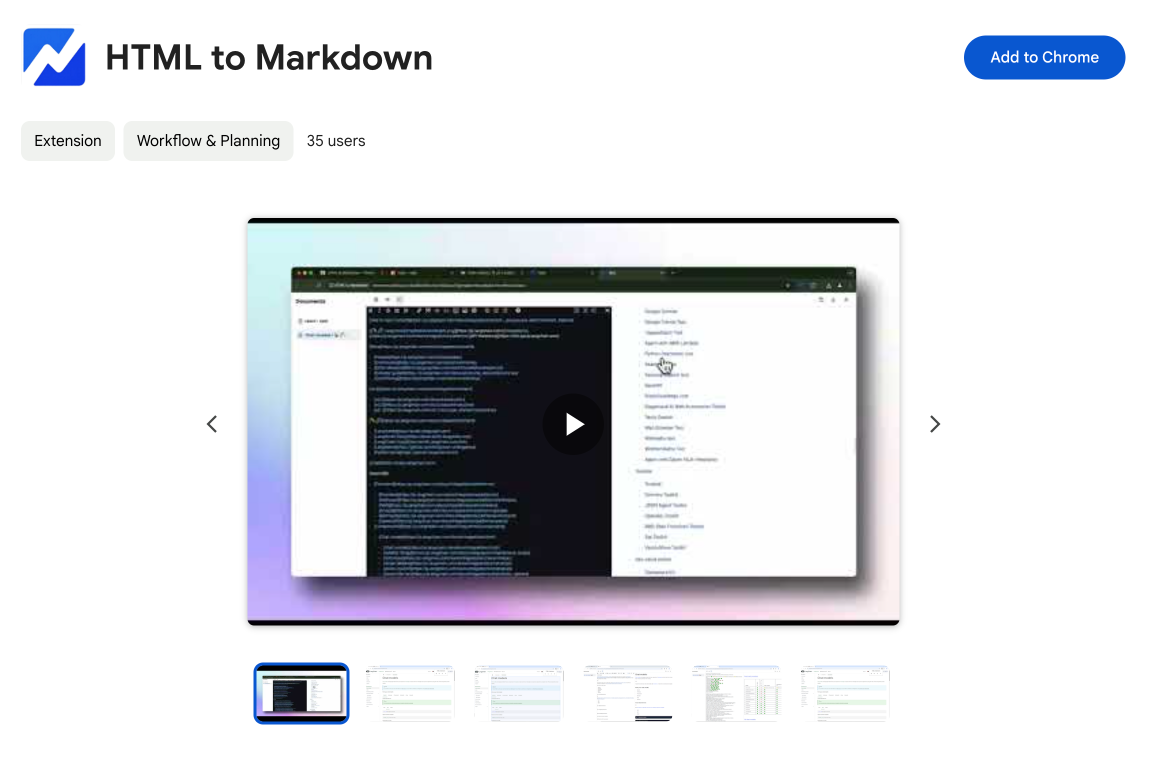
HTML to Markdown
Convert HTML to Markdown with ease, directly in your browser 📄
Dotallio
Personalized AI apps that automate research, data extraction, and content creation without code 🤖
Talk to Santa
Enjoy a magical live video chat or receive a unique AI-generated video greeting from Santa Claus 🎅
pozywka.pl
Scalable blog for food journalist, focused on performance and user experience 🌭
zagrodzki.me
Personal blog and portfolio of Bart Zagrodzki, where he shares his knowledge and work 💼
TurboStarter
Ship your startup everywhere. In minutes.
HTML to Markdown
Convert HTML to Markdown with ease, directly in your browser 📄
Dotallio
Personalized AI apps that automate research, data extraction, and content creation without code 🤖
Talk to Santa
Enjoy a magical live video chat or receive a unique AI-generated video greeting from Santa Claus 🎅
pozywka.pl
Scalable blog for food journalist, focused on performance and user experience 🌭
zagrodzki.me
Personal blog and portfolio of Bart Zagrodzki, where he shares his knowledge and work 💼
TurboStarter
Ship your startup everywhere. In minutes.
HTML to Markdown
Convert HTML to Markdown with ease, directly in your browser 📄
Dotallio
Personalized AI apps that automate research, data extraction, and content creation without code 🤖
Talk to Santa
Enjoy a magical live video chat or receive a unique AI-generated video greeting from Santa Claus 🎅
pozywka.pl
Scalable blog for food journalist, focused on performance and user experience 🌭
zagrodzki.me
Personal blog and portfolio of Bart Zagrodzki, where he shares his knowledge and work 💼
TurboStarter
Ship your startup everywhere. In minutes.
HTML to Markdown
Convert HTML to Markdown with ease, directly in your browser 📄
Omichat
Chat with 50+ AI models, including ChatGPT and Claude, in one place - switch models anytime without losing context 🤖
Claude Fast
Supercharge your Claude Code with 6x effective context window and specialized AI agents 🤖

EmojAI
AI-powered emoji picker with smart, context-aware suggestions 🤖

Solohacker
Autonomous company launcher - AI agents work 24/7, escalate what matters, and you stay in control 🤖

BeRawi: Storytelling Coach
Practice storytelling daily with instant feedback to sound clearer, more engaging, and confident 🎤
Omichat
Chat with 50+ AI models, including ChatGPT and Claude, in one place - switch models anytime without losing context 🤖
Claude Fast
Supercharge your Claude Code with 6x effective context window and specialized AI agents 🤖
EmojAI
AI-powered emoji picker with smart, context-aware suggestions 🤖
Solohacker
Autonomous company launcher - AI agents work 24/7, escalate what matters, and you stay in control 🤖
BeRawi: Storytelling Coach
Practice storytelling daily with instant feedback to sound clearer, more engaging, and confident 🎤
Omichat
Chat with 50+ AI models, including ChatGPT and Claude, in one place - switch models anytime without losing context 🤖
Claude Fast
Supercharge your Claude Code with 6x effective context window and specialized AI agents 🤖
EmojAI
AI-powered emoji picker with smart, context-aware suggestions 🤖
Solohacker
Autonomous company launcher - AI agents work 24/7, escalate what matters, and you stay in control 🤖
BeRawi: Storytelling Coach
Practice storytelling daily with instant feedback to sound clearer, more engaging, and confident 🎤
Omichat
Chat with 50+ AI models, including ChatGPT and Claude, in one place - switch models anytime without losing context 🤖
Claude Fast
Supercharge your Claude Code with 6x effective context window and specialized AI agents 🤖
EmojAI
AI-powered emoji picker with smart, context-aware suggestions 🤖
Solohacker
Autonomous company launcher - AI agents work 24/7, escalate what matters, and you stay in control 🤖
BeRawi: Storytelling Coach
Practice storytelling daily with instant feedback to sound clearer, more engaging, and confident 🎤

Connect with like-minded people
Join our community to get feedback, support, and grow together with 1,000+ builders on board, let's ship it!
Join usShip your startup everywhere. In minutes.
Don't burn tokens on setup and start building features on day one.