FlowState IDE
A minimalist mobile coding space built for vibe coding, with AI-assisted flow prompts, ambient focus modes, and frictionless deploys.
the rise of mobile-first development and why flowstate ide matters
Software development is no longer confined to powerful desktops, multi-monitor setups, and heavyweight IDEs. The rise of remote work, async collaboration, and AI-assisted coding has fundamentally shifted how developers think about productivity. Increasingly, developers want lightweight, distraction-free environments that support creativity, speed, and flow — not just raw power.
This is exactly where a concept like FlowState IDE enters the conversation: a minimalist mobile coding environment designed for “vibe coding,” enhanced by AI flow prompts, ambient focus modes, and frictionless deployment pipelines.
This article explores the full opportunity behind a mobile-first developer tool like FlowState IDE — including market demand, feature design, monetization strategies, and how to actually build and launch it successfully.
understanding the core idea behind flowstate ide
At its core, FlowState IDE is not trying to compete with traditional IDEs like VS Code or JetBrains. That would be a losing battle. Instead, it reframes the problem:
Developers don’t always need full power — they need momentum, clarity, and creative flow.
FlowState IDE focuses on:
- Mobile-first coding experiences
- Minimal UI with zero friction
- AI-assisted thinking and flow continuation
- Built-in deployment pipelines
- Ambient environments that support deep work
This positions it somewhere between:
- A lightweight IDE
- A creative writing tool
- A productivity app
- An AI coding assistant
That hybrid positioning is the product’s biggest strength.
target audience: who will actually use this?
Understanding the audience is critical because this product intentionally breaks from traditional developer tooling norms.
primary audience segments
1. indie hackers and solo builders
These users:
- Work on side projects constantly
- Need quick iteration cycles
- Value speed over perfection
- Often code in bursts throughout the day
FlowState IDE becomes their “anytime builder tool” — open your phone, tweak code, deploy instantly.
2. beginner developers and learners
Beginners often feel overwhelmed by:
- Complex IDE setups
- Tooling fragmentation
- Cognitive overload
A simplified, guided environment with AI prompts helps:
- Reduce friction
- Encourage experimentation
- Build confidence
3. creative coders and “vibe coders”
This emerging category includes:
- Designers who code
- Artists using code as expression
- Developers exploring ideas casually
They don’t want configuration — they want flow.
4. remote developers and digital nomads
Developers working on the go need:
- Quick access to projects
- Lightweight edits
- Fast deployment tools
FlowState IDE acts as a pocket dev environment.
the market gap: why existing tools fall short
Despite thousands of developer tools, mobile-first coding remains underserved.
current solutions and limitations
| Tool | Mobile-first | AI-native | Flow-focused | Deploy integration |
|---|---|---|---|---|
| VS Code | ❌ | ✅ | ❌ | ✅ |
| Replit | ✅ | ✅ | ❌ | ✅ |
| GitHub Codespaces | ⚠️ | ✅ | ❌ | ✅ |
| Notion AI | ✅ | ✅ | ✅ | ❌ |
key gaps FlowState IDE fills
- No true mobile-native coding experience
- Lack of flow-aware AI prompts
- Overly complex interfaces
- Weak integration between coding and deployment
- No emphasis on mental state or creative flow
defining the core product experience
The success of FlowState IDE depends on delivering a radically simple yet powerful experience.
core principle: reduce friction to near zero
Every interaction should feel:
- Immediate
- Predictable
- Minimal
core features that define flowstate ide
1. minimalist code editor
A stripped-down editor with:
- Syntax highlighting
- Smart autocomplete
- Gesture-based navigation
- Offline capability
Focus is key: no clutter, no panels, no noise.
2. ai-powered flow prompts
This is the defining feature.
Instead of generic AI suggestions, FlowState IDE provides:
-
Context-aware prompts like:
- “Continue building this feature”
- “Refactor this into a reusable component”
- “Simplify this logic”
-
Emotional/contextual prompts:
- “You were working on auth logic — want to continue?”
- “This looks incomplete — want help finishing it?”
This transforms AI from assistant → flow companion.
3. ambient focus modes
Inspired by productivity tools like Endel and Calm, but tailored for developers.
Features:
- Soundscapes (rain, lo-fi, white noise)
- Visual minimalism modes
- Focus timers (Pomodoro variants)
- “Deep work lock” mode
Why this matters
Research consistently shows that environment and sensory inputs directly impact productivity and cognitive flow. Incorporating ambient systems into a coding IDE is a novel but highly aligned innovation.
4. frictionless deployment
The “deploy” button should feel magical.
Capabilities:
This removes the traditional friction of:
- CLI commands
- Config files
- Build pipelines
5. micro-project architecture
Instead of large repos, FlowState IDE encourages:
- Small, modular projects
- Fast iteration loops
- Disposable experiments
This aligns with:
- Indie hacking culture
- Rapid prototyping trends
6. offline-first capability
Developers can:
- Code without internet
- Sync later
- Continue flow uninterrupted
designing the ideal user journey
Let’s map a typical user flow:
This entire loop should take minutes, not hours.
recommended tech stack for building flowstate ide
Choosing the right stack is critical, especially for performance and scalability.
frontend (mobile)
- React Native or Expo
- Cross-platform
- Fast iteration
- Large ecosystem
Alternative:
- Swift (iOS-first approach for premium UX)
backend
- Node.js with serverless architecture
- Supabase for:
- Auth
- Database
- Realtime sync
ai integration
- OpenAI API (GPT models)
- Prompt orchestration layer
- Context memory system
code execution & sandboxing
- WebContainers (like StackBlitz approach)
- Lightweight containerized environments
deployment integrations
- Vercel API
- Netlify API
- GitHub integration
state management
- Zustand or Redux Toolkit (for simplicity vs scalability trade-offs)
trade-offs to consider
React Native + serverless gives fastest MVP delivery but may limit deep system-level optimizations.
Containerized execution environments scale well but increase infrastructure cost.
AI orchestration adds complexity but is essential for differentiation.
monetization strategy: how flowstate ide makes money
A product like this has multiple monetization paths.
freemium model (recommended)
Free tier:
- Basic editor
- Limited AI prompts
- Community templates
Paid tier ($10–$25/month):
- Unlimited AI prompts
- Advanced flow modes
- Priority deployment
- Private projects
usage-based pricing
Charge based on:
- AI usage
- Deployment frequency
- Storage
marketplace opportunities
Future expansion:
- Template marketplace
- Plugin ecosystem
- AI prompt packs
enterprise angle (long-term)
- Lightweight dev environments for teams
- Async collaboration features
- Internal tool prototyping
competitive advantage: why flowstate ide stands out
FlowState IDE is not just another coding tool — it’s a category shift.
key differentiators
Flow-first design
Optimized for cognitive flow, not feature overload.
Mobile-native
Built for phones from the ground up, not adapted from desktop.
AI as a companion
Context-aware prompts instead of generic completions.
Instant deployment
Zero-config shipping experience.
risks and challenges (and how to mitigate them)
1. performance limitations on mobile
Risk:
- Mobile devices are less powerful
Mitigation:
- Offload heavy tasks to cloud
- Optimize rendering and memory usage
2. developer skepticism
Risk:
- Developers resist non-traditional tools
Mitigation:
- Target indie hackers first
- Showcase real use cases
- Build community-driven adoption
3. AI accuracy and trust
Risk:
- Poor suggestions break flow
Mitigation:
- Fine-tune prompts
- Provide “undo” safety
- Allow manual overrides
4. infrastructure costs
Risk:
- AI + compute = expensive
Mitigation:
- Usage-based pricing
- Efficient caching
- Tiered plans
seo strategy for flowstate ide
To rank effectively, focus on these keyword clusters:
primary keyword
- mobile coding IDE
secondary keywords
- AI coding app
- mobile developer tools
- coding on phone
- lightweight IDE
- deploy apps from mobile
content strategy
-
Tutorials:
- “How to code on your phone”
- “Best mobile IDEs in 2026”
-
Comparison posts:
- FlowState IDE vs Replit
- Mobile IDE vs desktop IDE
-
Thought leadership:
- “The future of mobile development”
actionable steps to build flowstate ide
Here’s a realistic roadmap to launch:
phase 1: MVP (4–8 weeks)
- Basic mobile editor
- AI prompt integration
- Simple deployment (Vercel)
- Auth system
phase 2: core experience (8–12 weeks)
- Ambient modes
- Offline support
- Project management
- Performance optimization
phase 3: growth features
- Community templates
- Sharing features
- AI improvements
phase 4: scale
- Marketplace
- Team collaboration
- Advanced integrations
how to launch and gain traction
early adopters
Target:
- Indie hackers on X (Twitter)
- Product Hunt users
- Dev communities
launch strategy
- Build in public
- Share demos regularly
- Offer early access
growth loops
- Shareable project links
- Viral templates
- Community challenges
building faster with modern starter kits
Instead of building everything from scratch, using a production-ready SaaS starter kit can save months.
One strong option is TurboStarter, which provides:
- Authentication
- Payments integration
- Scalable architecture
- Prebuilt SaaS components
This allows you to focus on:
- Core product experience
- AI features
- UX innovation
final thoughts: why flowstate ide could define a new category
FlowState IDE sits at the intersection of:
- Mobile computing
- AI-assisted development
- Productivity psychology
This combination is powerful because it doesn’t just improve coding — it reimagines how coding feels.
The biggest insight here is simple:
Developers don’t just want better tools — they want better states of mind.
By focusing on flow, simplicity, and immediacy, FlowState IDE has the potential to:
- Unlock new developer behaviors
- Expand who can code
- Make building software more accessible and enjoyable
ready to build your own flow-first SaaS?
If you're serious about launching something like FlowState IDE, the key is speed and focus. Start small, validate quickly, and iterate based on real usage.
The opportunity is wide open — and still early.
More 📱 Mobile App SaaS ideas
Discover more innovative mobile app SaaS ideas that are trending in 2026. Each idea is AI-generated with market validation and growth potential to help you find your next profitable venture faster than competitors.
Your competitors are building with TurboStarter
Below are some of the SaaS ideas that have been generated and built with our starter kit.
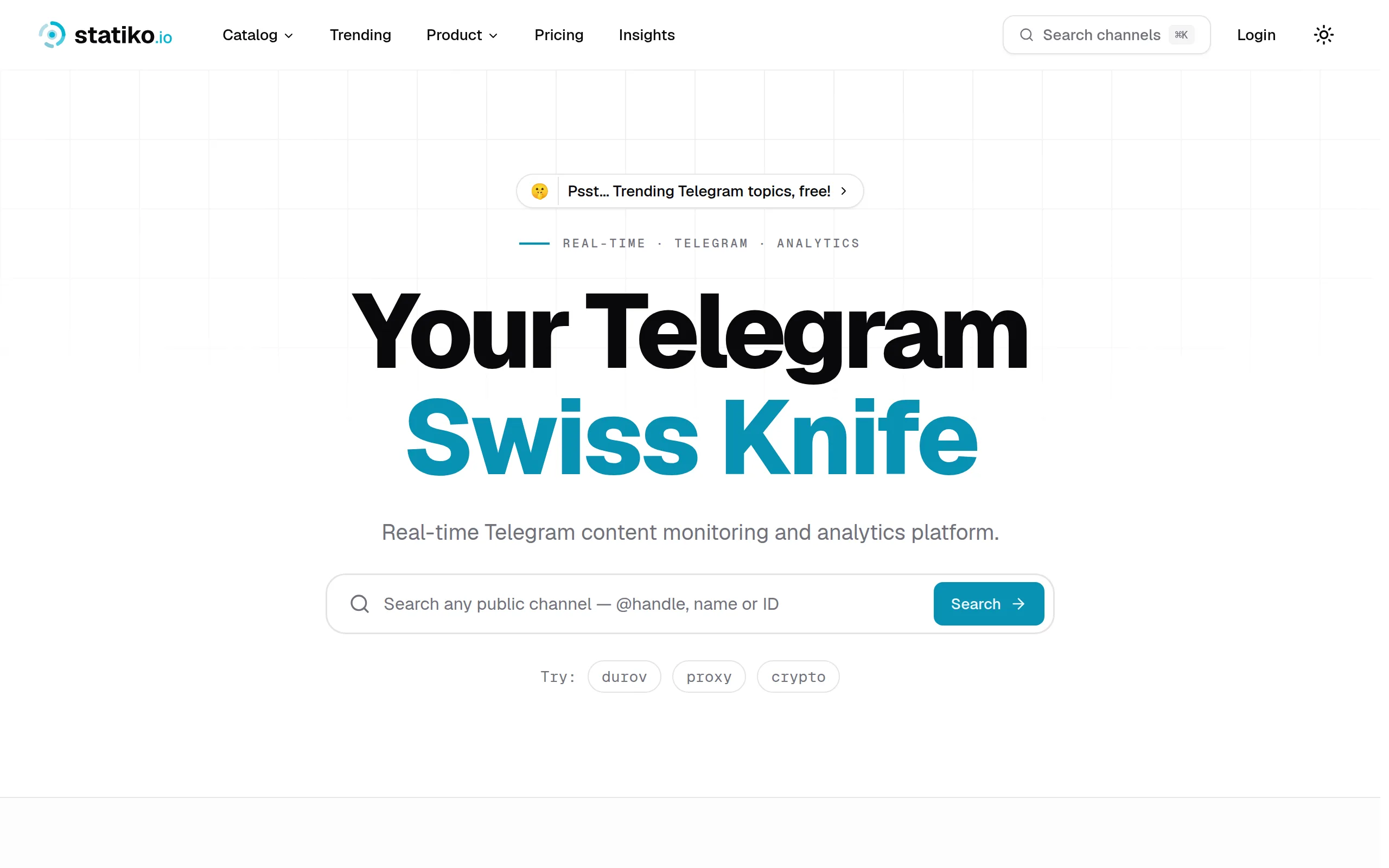
Statiko
Monitor any Telegram channel in real time - track posts, edits, deletions, and growth with AI recaps 📡

Shibui
AI website builder - describe your business, pick a niche template, edit by chatting, and publish instantly ✨

Pro Service
Find verified home service professionals, compare quotes, and pay securely through escrow - built for Brazilians across the US 🏠
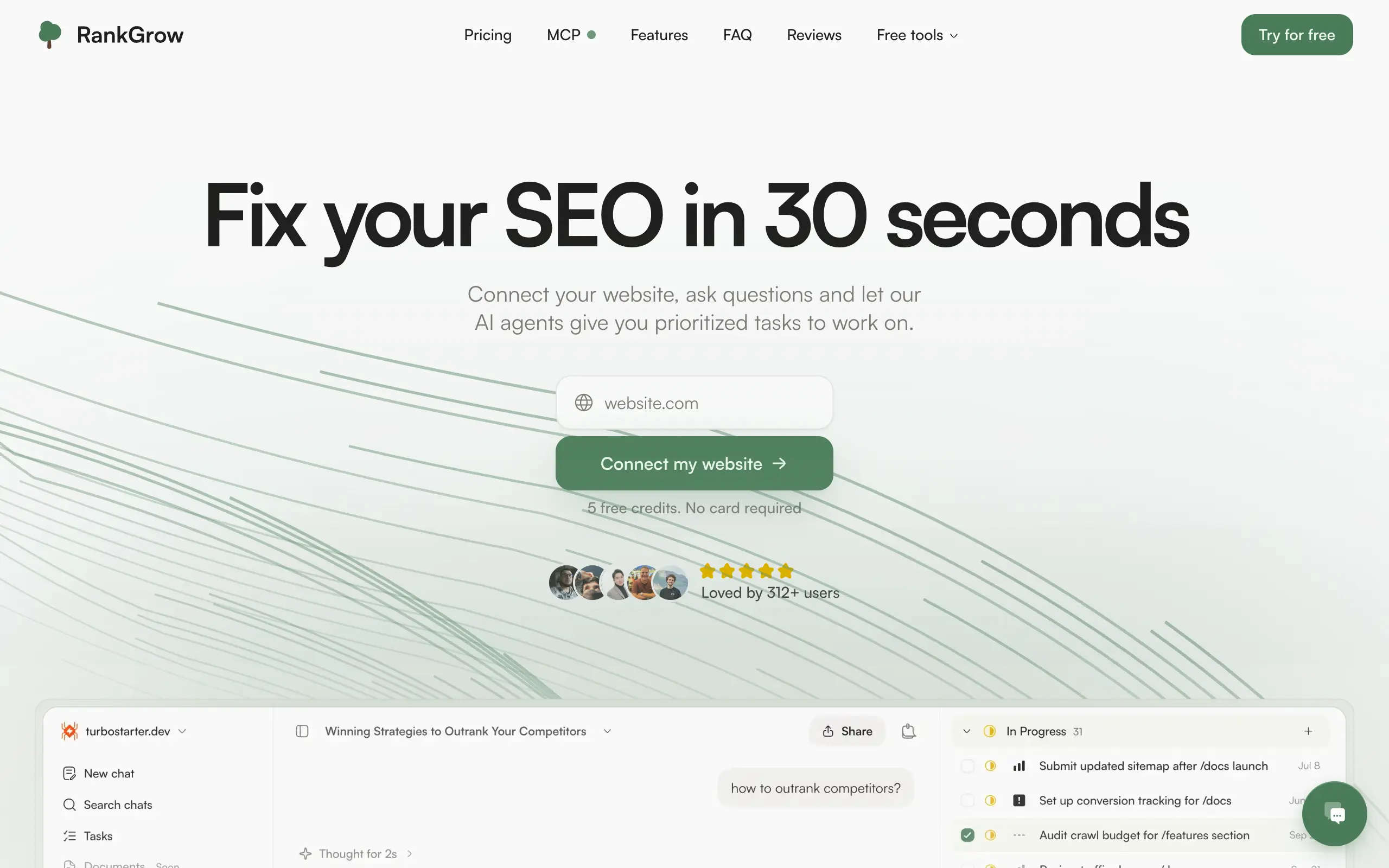
RankGrow
Fix your SEO with AI agents - connect Search Console, get prioritized tasks, and grow organic traffic 📈
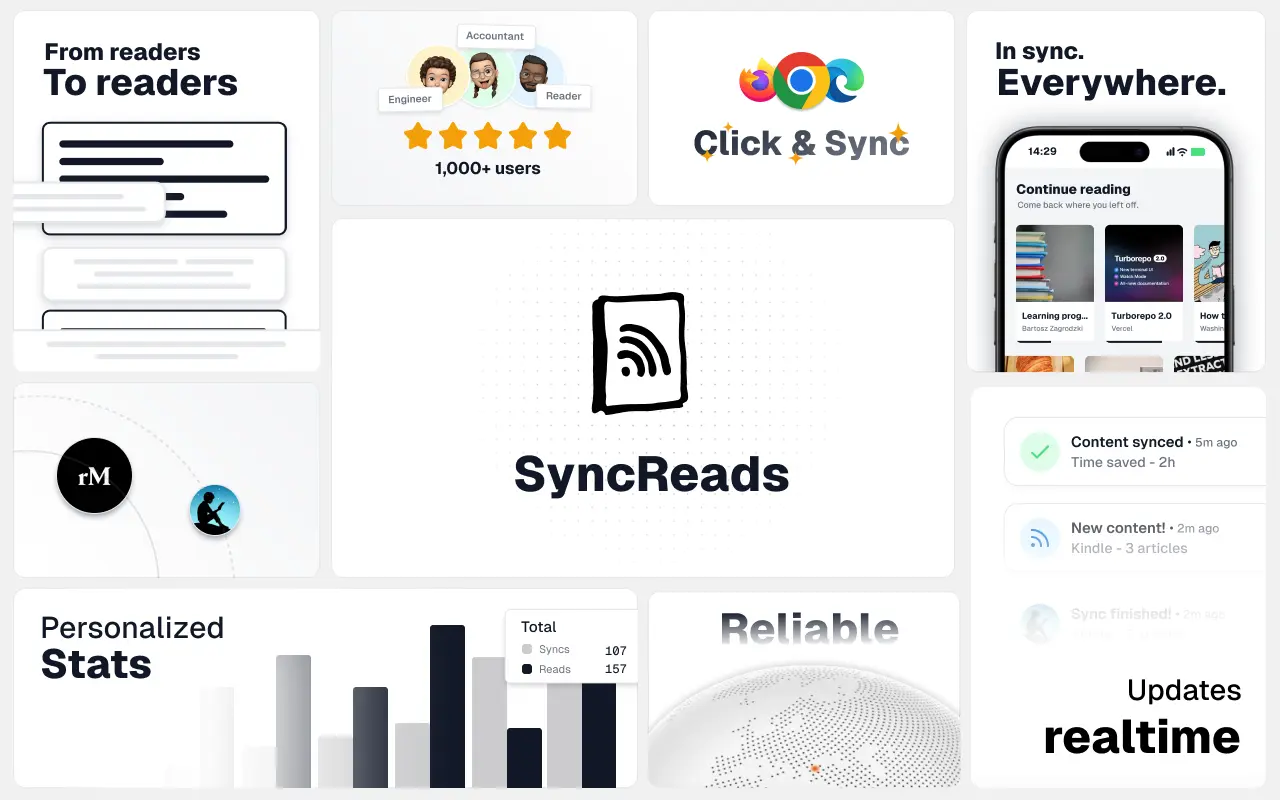
SyncReads
Sync your favorite content for distraction-free reading, save time and replace multiple apps. Anytime, anywhere 🔄
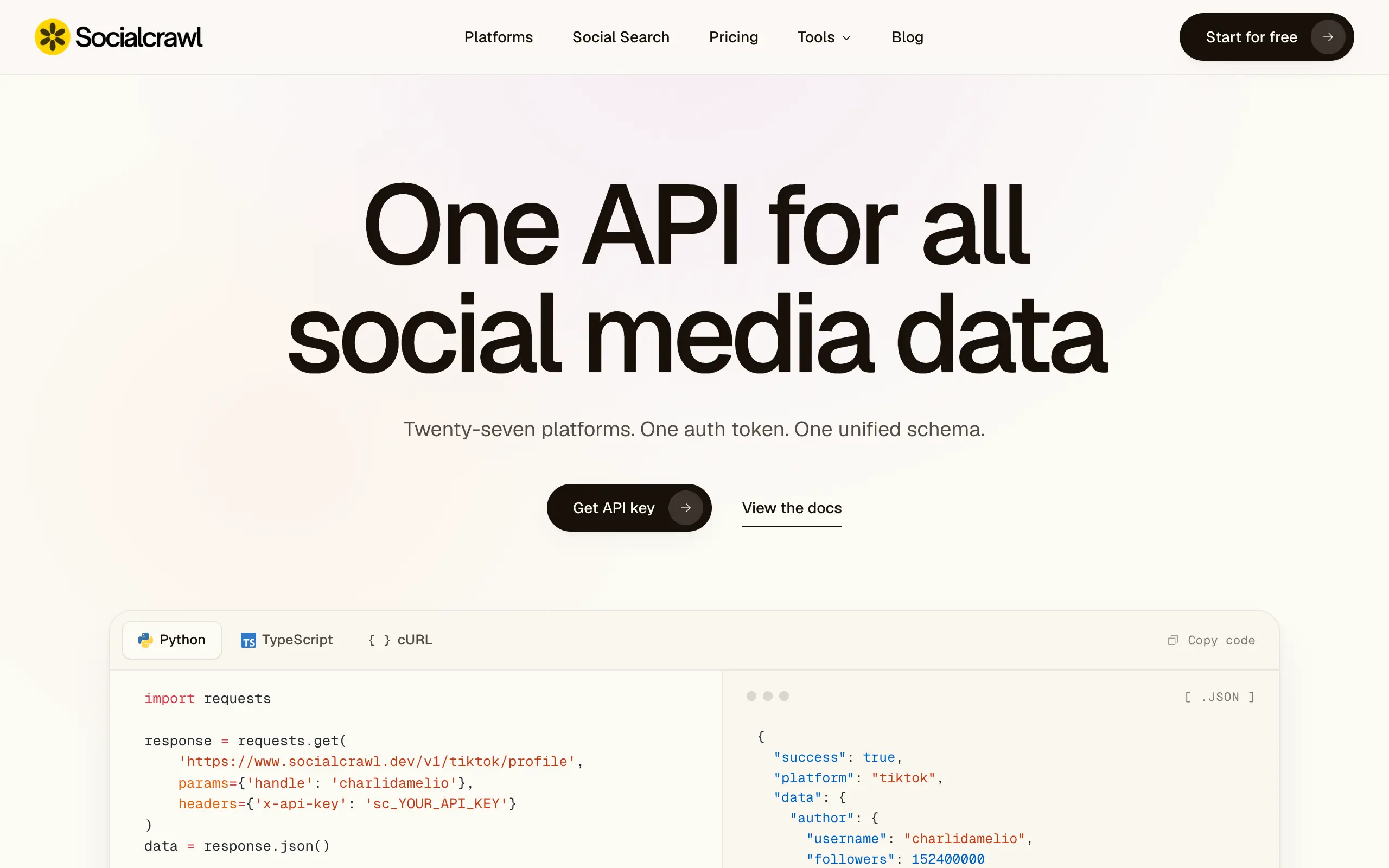
Socialcrawl
Get clean, structured data from 21 platforms like TikTok, Instagram, and YouTube with a single request 📊
Statiko
Monitor any Telegram channel in real time - track posts, edits, deletions, and growth with AI recaps 📡
Shibui
AI website builder - describe your business, pick a niche template, edit by chatting, and publish instantly ✨
Pro Service
Find verified home service professionals, compare quotes, and pay securely through escrow - built for Brazilians across the US 🏠
RankGrow
Fix your SEO with AI agents - connect Search Console, get prioritized tasks, and grow organic traffic 📈
SyncReads
Sync your favorite content for distraction-free reading, save time and replace multiple apps. Anytime, anywhere 🔄
Socialcrawl
Get clean, structured data from 21 platforms like TikTok, Instagram, and YouTube with a single request 📊
Statiko
Monitor any Telegram channel in real time - track posts, edits, deletions, and growth with AI recaps 📡
Shibui
AI website builder - describe your business, pick a niche template, edit by chatting, and publish instantly ✨
Pro Service
Find verified home service professionals, compare quotes, and pay securely through escrow - built for Brazilians across the US 🏠
RankGrow
Fix your SEO with AI agents - connect Search Console, get prioritized tasks, and grow organic traffic 📈
SyncReads
Sync your favorite content for distraction-free reading, save time and replace multiple apps. Anytime, anywhere 🔄
Socialcrawl
Get clean, structured data from 21 platforms like TikTok, Instagram, and YouTube with a single request 📊
Statiko
Monitor any Telegram channel in real time - track posts, edits, deletions, and growth with AI recaps 📡
Shibui
AI website builder - describe your business, pick a niche template, edit by chatting, and publish instantly ✨
Pro Service
Find verified home service professionals, compare quotes, and pay securely through escrow - built for Brazilians across the US 🏠
RankGrow
Fix your SEO with AI agents - connect Search Console, get prioritized tasks, and grow organic traffic 📈
SyncReads
Sync your favorite content for distraction-free reading, save time and replace multiple apps. Anytime, anywhere 🔄
Socialcrawl
Get clean, structured data from 21 platforms like TikTok, Instagram, and YouTube with a single request 📊
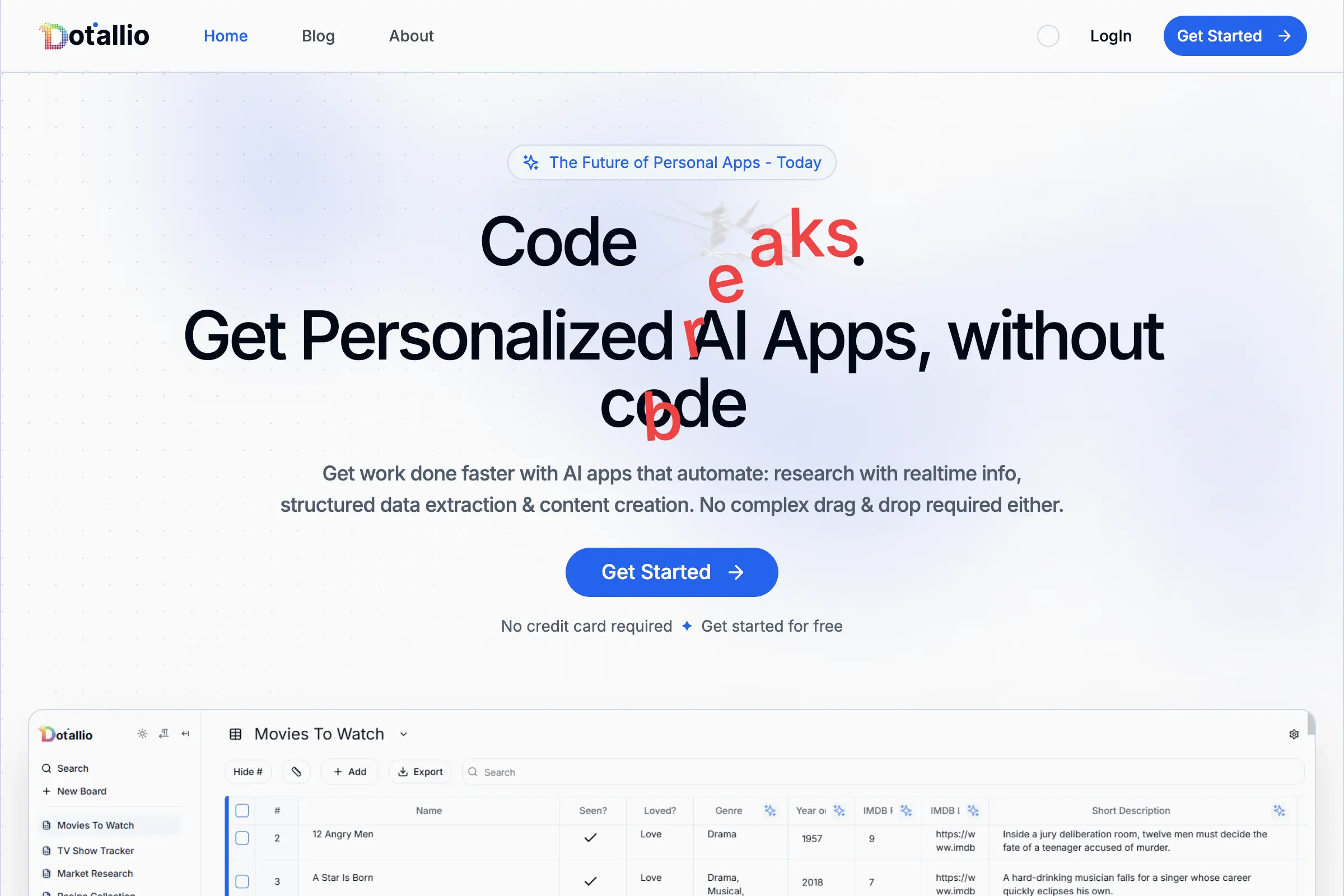
Dotallio
Personalized AI apps that automate research, data extraction, and content creation without code 🤖

Talk to Santa
Enjoy a magical live video chat or receive a unique AI-generated video greeting from Santa Claus 🎅
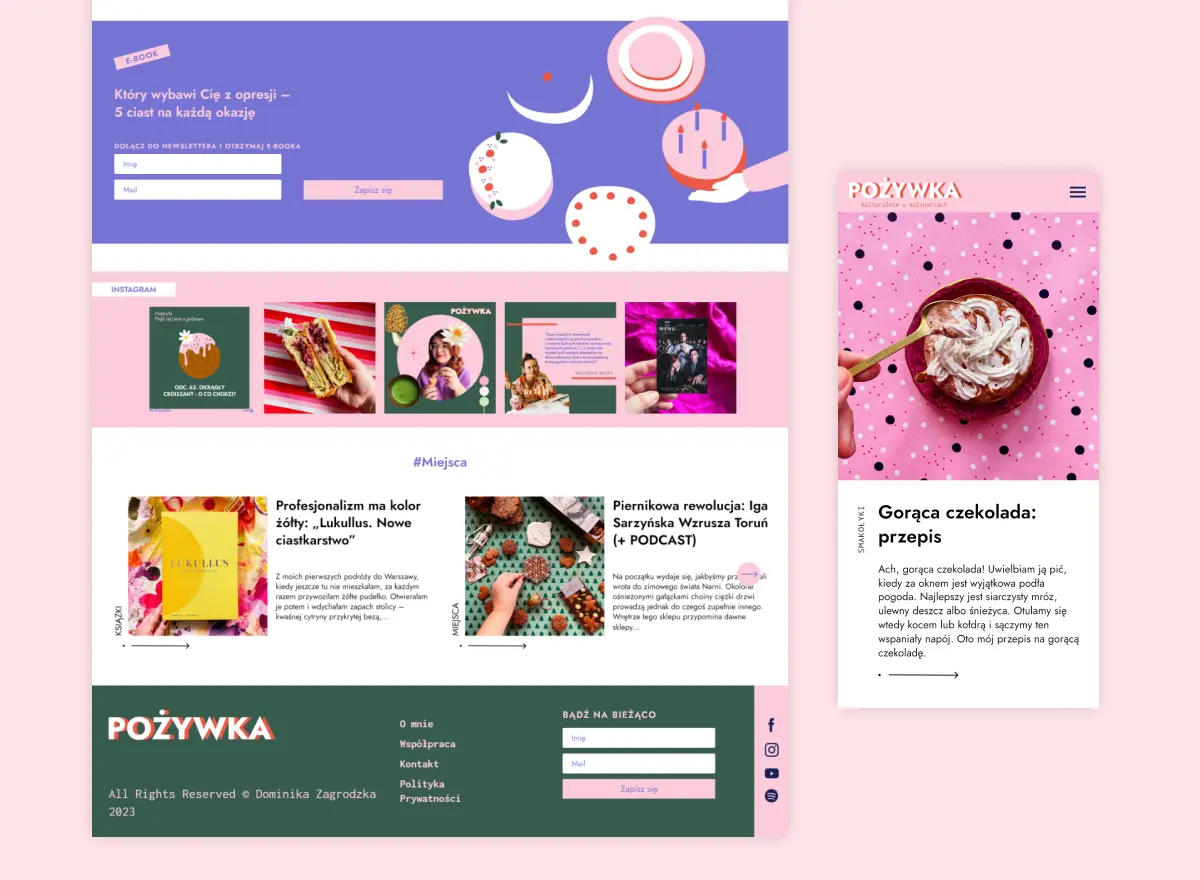
pozywka.pl
Scalable blog for food journalist, focused on performance and user experience 🌭
zagrodzki.me
Personal blog and portfolio of Bart Zagrodzki, where he shares his knowledge and work 💼
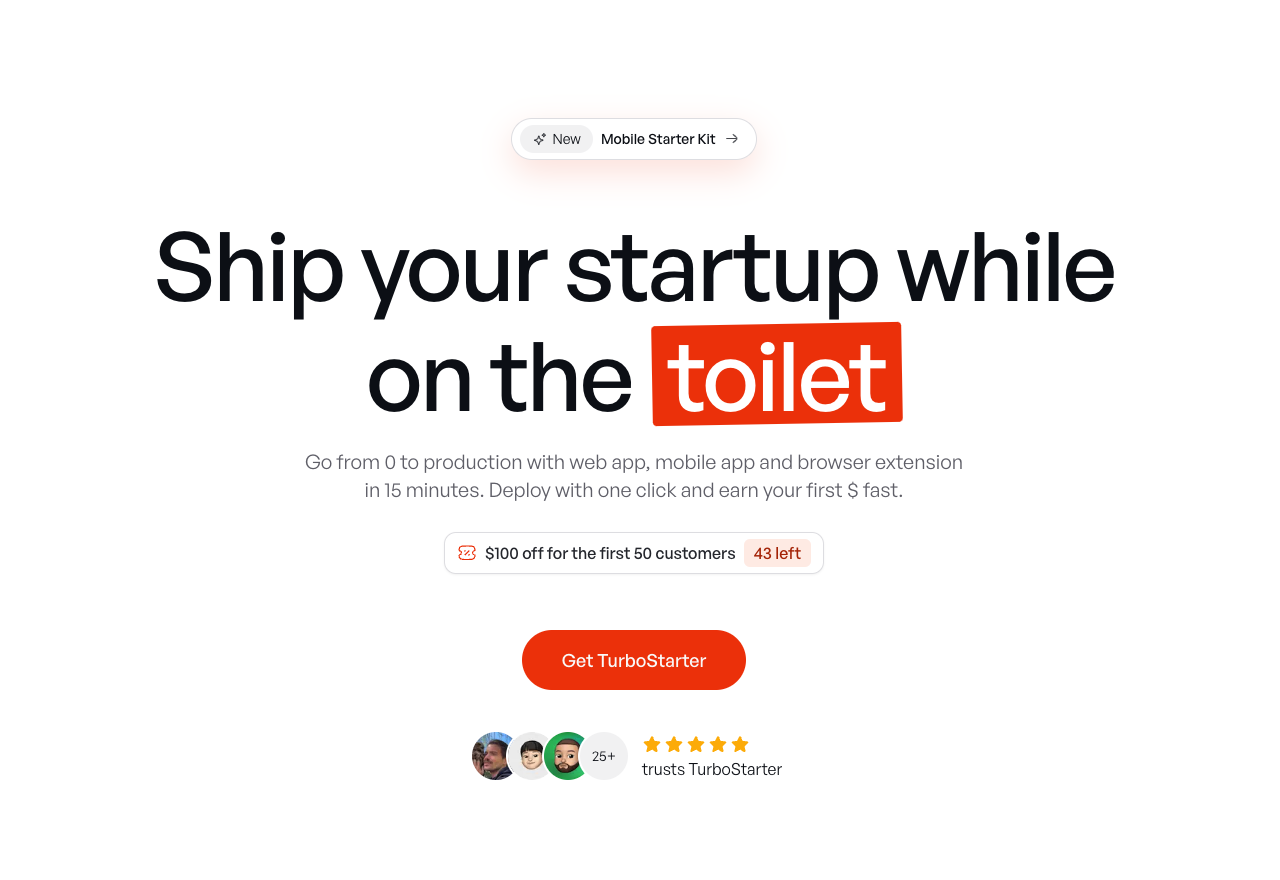
TurboStarter
Ship your startup everywhere. In minutes.
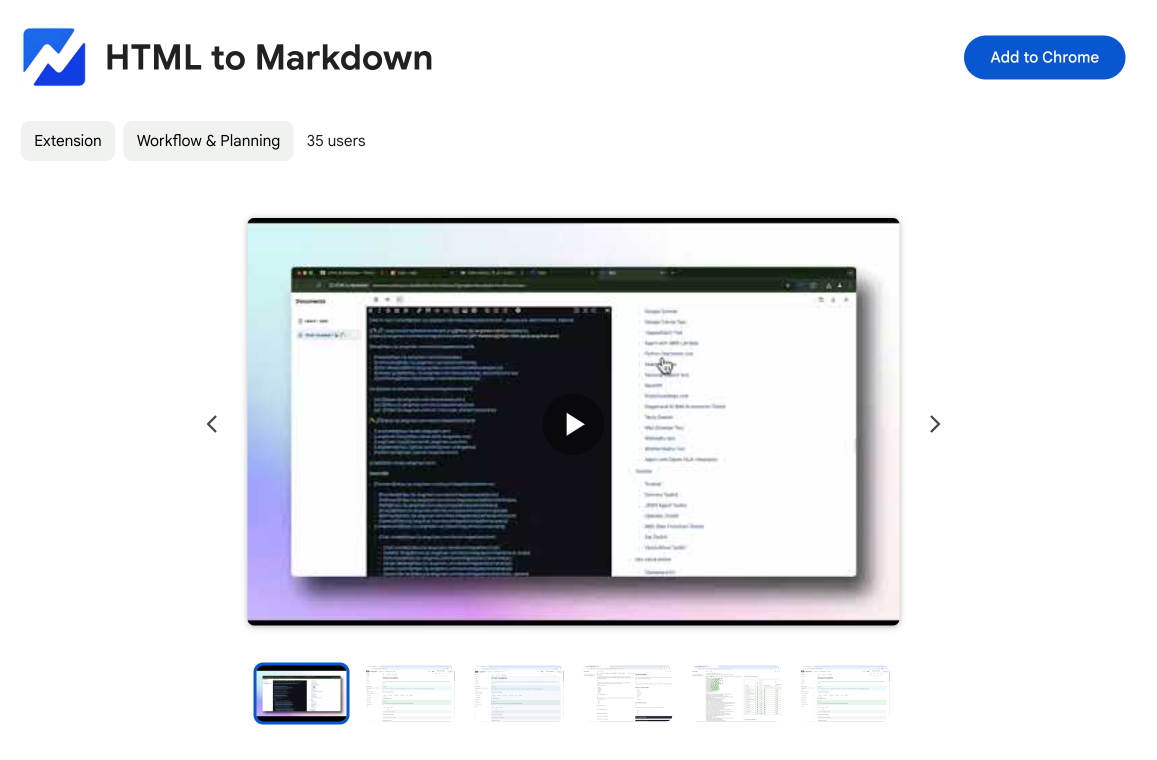
HTML to Markdown
Convert HTML to Markdown with ease, directly in your browser 📄
Dotallio
Personalized AI apps that automate research, data extraction, and content creation without code 🤖
Talk to Santa
Enjoy a magical live video chat or receive a unique AI-generated video greeting from Santa Claus 🎅
pozywka.pl
Scalable blog for food journalist, focused on performance and user experience 🌭
zagrodzki.me
Personal blog and portfolio of Bart Zagrodzki, where he shares his knowledge and work 💼
TurboStarter
Ship your startup everywhere. In minutes.
HTML to Markdown
Convert HTML to Markdown with ease, directly in your browser 📄
Dotallio
Personalized AI apps that automate research, data extraction, and content creation without code 🤖
Talk to Santa
Enjoy a magical live video chat or receive a unique AI-generated video greeting from Santa Claus 🎅
pozywka.pl
Scalable blog for food journalist, focused on performance and user experience 🌭
zagrodzki.me
Personal blog and portfolio of Bart Zagrodzki, where he shares his knowledge and work 💼
TurboStarter
Ship your startup everywhere. In minutes.
HTML to Markdown
Convert HTML to Markdown with ease, directly in your browser 📄
Dotallio
Personalized AI apps that automate research, data extraction, and content creation without code 🤖
Talk to Santa
Enjoy a magical live video chat or receive a unique AI-generated video greeting from Santa Claus 🎅
pozywka.pl
Scalable blog for food journalist, focused on performance and user experience 🌭
zagrodzki.me
Personal blog and portfolio of Bart Zagrodzki, where he shares his knowledge and work 💼
TurboStarter
Ship your startup everywhere. In minutes.
HTML to Markdown
Convert HTML to Markdown with ease, directly in your browser 📄
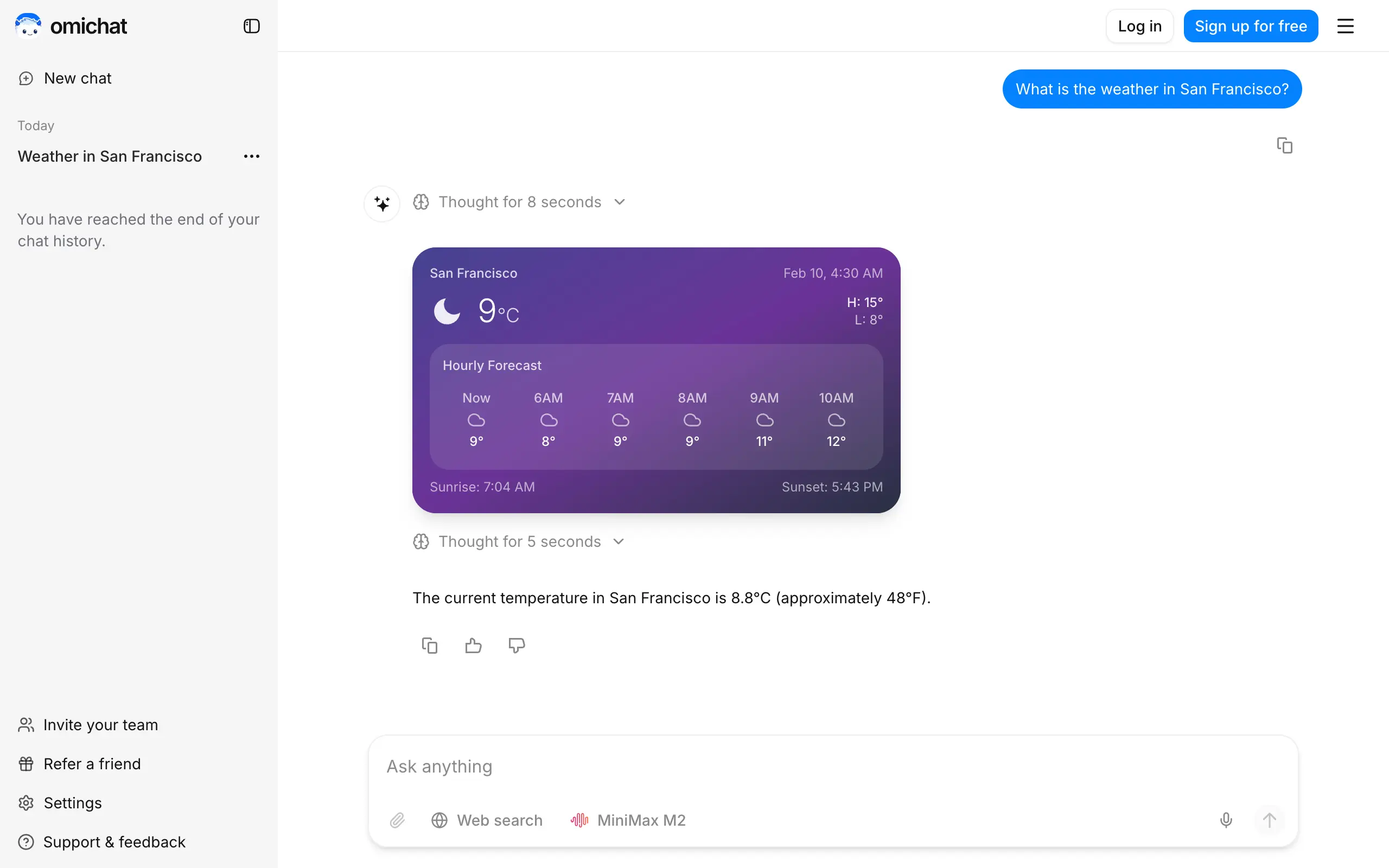
Omichat
Chat with 50+ AI models, including ChatGPT and Claude, in one place - switch models anytime without losing context 🤖
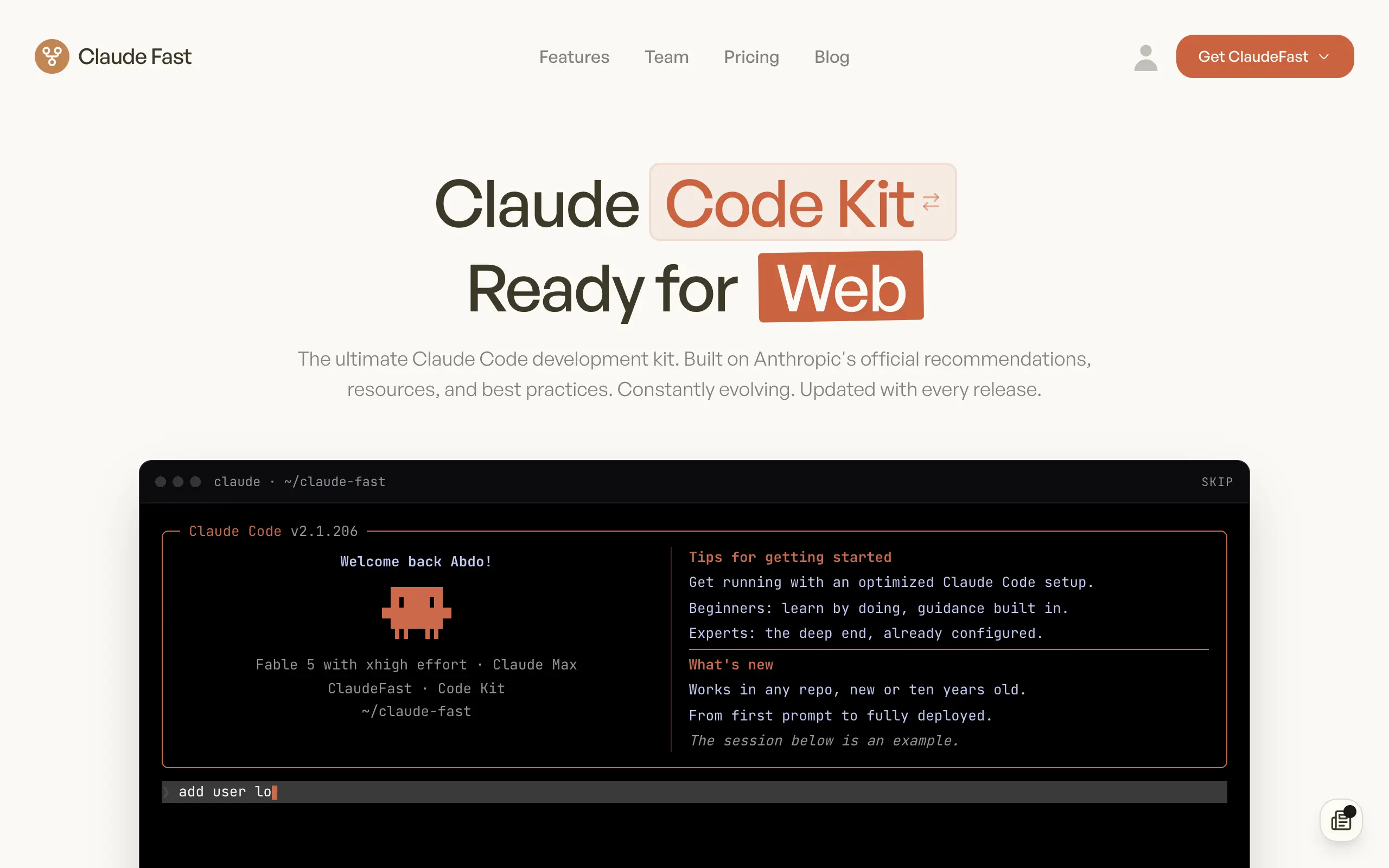
Claude Fast
Supercharge your Claude Code with 6x effective context window and specialized AI agents 🤖
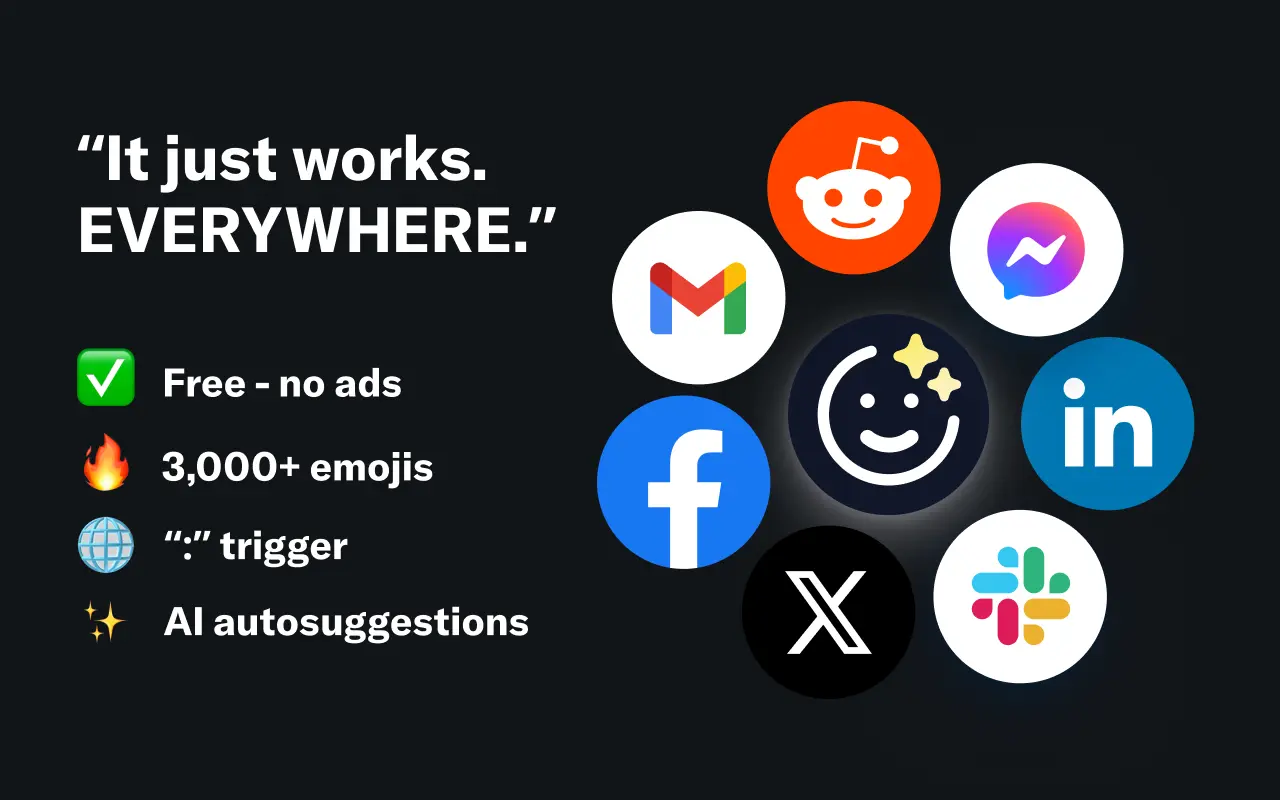
EmojAI
AI-powered emoji picker with smart, context-aware suggestions 🤖
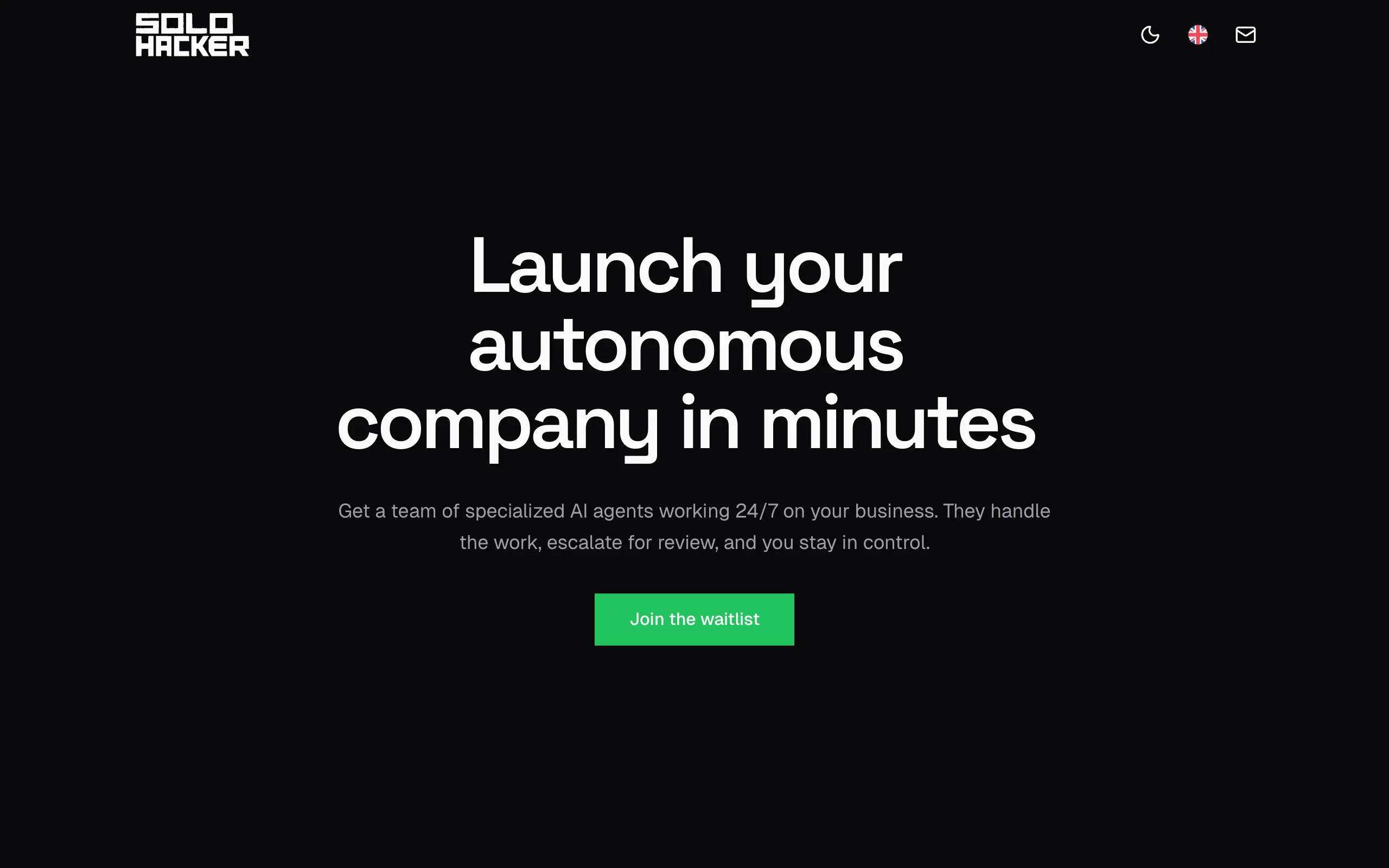
Solohacker
Autonomous company launcher - AI agents work 24/7, escalate what matters, and you stay in control 🤖
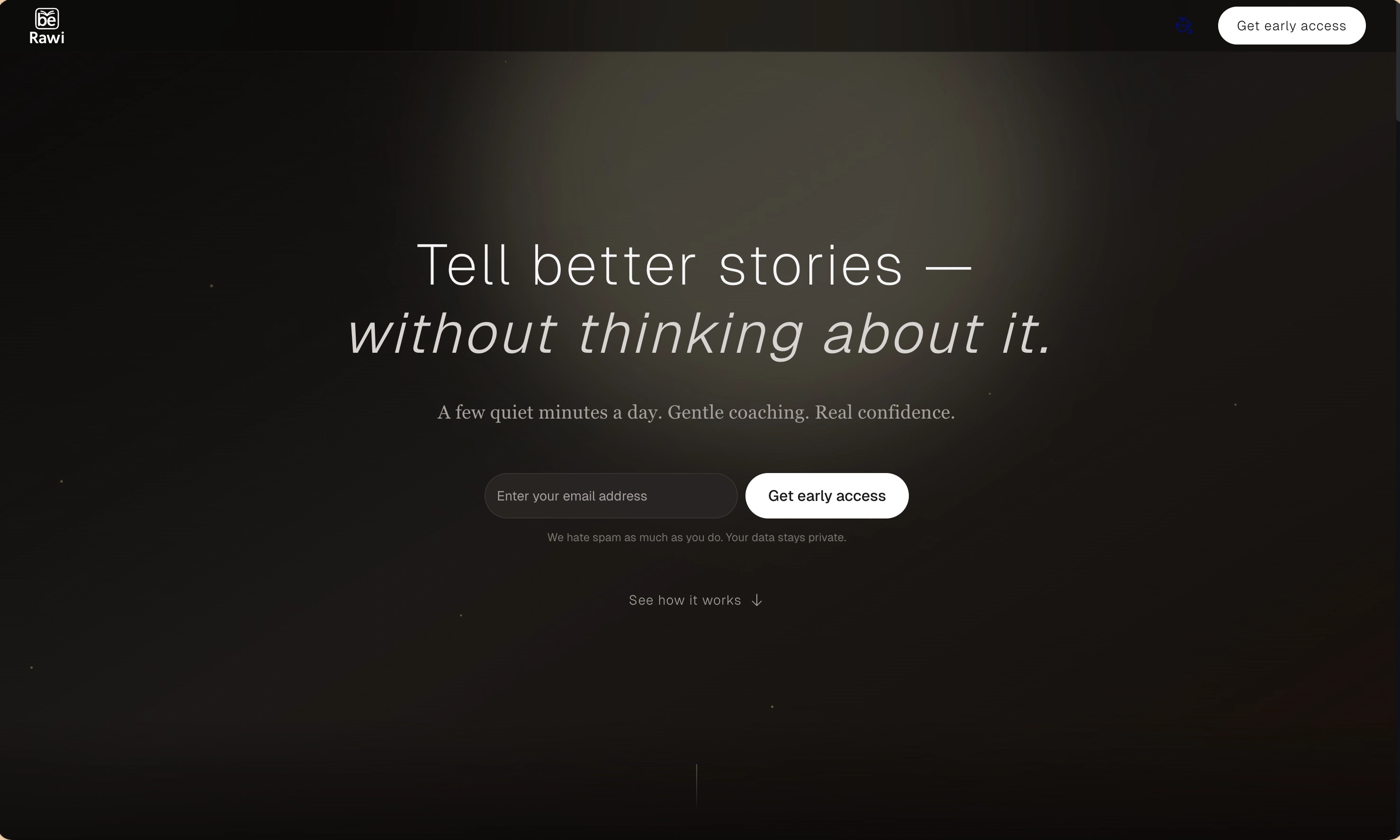
BeRawi: Storytelling Coach
Practice storytelling daily with instant feedback to sound clearer, more engaging, and confident 🎤
Omichat
Chat with 50+ AI models, including ChatGPT and Claude, in one place - switch models anytime without losing context 🤖
Claude Fast
Supercharge your Claude Code with 6x effective context window and specialized AI agents 🤖
EmojAI
AI-powered emoji picker with smart, context-aware suggestions 🤖
Solohacker
Autonomous company launcher - AI agents work 24/7, escalate what matters, and you stay in control 🤖
BeRawi: Storytelling Coach
Practice storytelling daily with instant feedback to sound clearer, more engaging, and confident 🎤
Omichat
Chat with 50+ AI models, including ChatGPT and Claude, in one place - switch models anytime without losing context 🤖
Claude Fast
Supercharge your Claude Code with 6x effective context window and specialized AI agents 🤖
EmojAI
AI-powered emoji picker with smart, context-aware suggestions 🤖
Solohacker
Autonomous company launcher - AI agents work 24/7, escalate what matters, and you stay in control 🤖
BeRawi: Storytelling Coach
Practice storytelling daily with instant feedback to sound clearer, more engaging, and confident 🎤
Omichat
Chat with 50+ AI models, including ChatGPT and Claude, in one place - switch models anytime without losing context 🤖
Claude Fast
Supercharge your Claude Code with 6x effective context window and specialized AI agents 🤖
EmojAI
AI-powered emoji picker with smart, context-aware suggestions 🤖
Solohacker
Autonomous company launcher - AI agents work 24/7, escalate what matters, and you stay in control 🤖
BeRawi: Storytelling Coach
Practice storytelling daily with instant feedback to sound clearer, more engaging, and confident 🎤

Connect with like-minded people
Join our community to get feedback, support, and grow together with 1,000+ builders on board, let's ship it!
Join usShip your startup everywhere. In minutes.
Don't burn tokens on setup and start building features on day one.