KööKey
A smart mobile keyboard that detects accidental layout switches, restores intended text, and supports multilingual typing without interrupting chats.
Why a smart multilingual keyboard app is a timely opportunity
KööKey is a smart multilingual mobile keyboard app designed to detect accidental keyboard layout switches, restore the text a user intended to write, and make switching between languages feel invisible during conversations.
The problem sounds small until it happens repeatedly. A person is responding quickly in WhatsApp, Slack, Telegram, Messages, or Instagram, their keyboard layout changes accidentally, and they type an entire sentence in the wrong alphabet. They then need to delete the message, switch layouts, retype it, and recover their train of thought.
For bilingual and multilingual users, this is more than an occasional inconvenience. It is a daily friction point that affects personal messaging, customer support, work chats, school communication, and cross-border collaboration.
Most mobile keyboard products solve broad input challenges such as prediction, emoji suggestions, swipe typing, grammar correction, and voice input. Few products treat accidental layout switching and intended-text restoration as a dedicated usability problem. That creates a focused market gap for KööKey.
The core promise is straightforward:
KööKey helps users write naturally across multiple languages by detecting unintended layout changes and restoring the text they meant to type without disrupting the conversation.
This position gives the product a clear and memorable purpose. KööKey is not trying to become another generic keyboard. It is a multilingual typing assistant built for people who regularly move between scripts, languages, and keyboard layouts.
The strongest product positioning
Position KööKey as a multilingual typing recovery layer rather than only a keyboard replacement. Users care about sending the right message quickly, not about the technical details of layout detection.
The user problem behind accidental keyboard layout switches
A mobile keyboard layout switch can happen for many reasons. A user may tap the globe icon by mistake, trigger a system gesture, enable several keyboards, use an external keyboard, or switch input languages while trying to access punctuation or emoji. The result is often a string of text that is valid keystroke input but meaningless in the selected language.
For example, someone intending to type an English sentence while a Russian keyboard is active may produce Cyrillic text. A user trying to write Spanish, Turkish, Arabic, Greek, Hebrew, Hindi, or Japanese may accidentally type with an English layout active instead. In many cases, every wrong-layout character has a predictable intended counterpart based on key position.
That makes the issue technically solvable.
A smart multilingual keyboard can inspect the typed string, compare it with probable source layouts, score likely language outputs, and offer a correction before the user sends the message. The experience should be fast, private, and optional. A keyboard that interrupts users too frequently will become frustrating, so KööKey must optimize for confidence rather than aggressive correction.
Common moments where the problem occurs
The accidental-layout problem is especially visible in high-speed, informal communication:
- Messaging friends and family across languages
- Responding to customers in support chats
- Sending multilingual work updates in Slack or Microsoft Teams
- Writing captions and comments on social platforms
- Studying a second language or communicating with international classmates
- Managing cross-border sales conversations
- Switching between Latin and non-Latin scripts during travel
- Typing proper names, addresses, and product terms in different languages
The cost is rarely financial in isolation. Instead, it appears as repeated micro-delays, irritation, lost context, and avoidable message mistakes. That is precisely the kind of daily friction that can create strong retention for a utility app when the product works reliably.
Target audience for KööKey
The best early users are not all smartphone owners. They are people for whom multilingual typing is frequent enough that the problem feels immediate and familiar.
Primary audience: bilingual and multilingual mobile users
The primary market includes users who actively communicate in two or more languages. They may use English at work, a heritage language with family, and a local language in daily life. They are likely to have multiple keyboards enabled and switch layouts many times per day.
High-potential user groups include:
- Immigrants and diaspora communities
- International students
- Remote workers on distributed teams
- Cross-border ecommerce sellers
- Freelancers serving global clients
- Travelers and digital nomads
- Multilingual families
- Language learners
- Customer service agents
- Social media creators with international audiences
These users do not need to be highly technical. They simply need to recognize the phrase, “I typed that in the wrong keyboard again,” as a recurring annoyance.
Secondary audience: organizations with multilingual workflows
KööKey can later serve organizations where employees type quickly across multiple languages. Examples include contact centers, travel operators, logistics teams, translation agencies, international marketplaces, and multinational internal support desks.
A business version could offer configuration controls, privacy policies, supported-language settings, onboarding resources, and aggregated productivity reporting that does not expose message content.
The business buyer is not buying a keyboard for novelty. They are buying fewer communication errors, reduced retyping, faster response times, and smoother multilingual workflows.
Accessibility and inclusion audience
There is also an inclusion opportunity. Users with motor impairments, cognitive fatigue, or dyslexia may find repeated keyboard switching and retyping more burdensome than average. A well-designed recovery flow, large confirmation controls, and clear undo actions can make multilingual input more forgiving.
This should not be framed as a medical claim. Instead, it is a practical usability benefit that makes the product more accessible for a wider range of people.
Frequent switchers
Users who move between two or more keyboard layouts every day and want fewer typing interruptions.
Global professionals
Remote workers, support agents, sellers, and freelancers who need accurate multilingual communication at speed.
Language learners
Students and learners who practice new scripts but still rely on familiar layouts for part of their communication.
Market gap in multilingual mobile typing
The mobile keyboard market is mature, but mature categories can still contain narrow, valuable gaps. The opportunity is not to outbuild every feature of established keyboard platforms on day one. The opportunity is to solve a painful, under-served workflow better than general-purpose tools.
Major keyboard products typically prioritize broad functionality:
- Autocorrect and spelling suggestions
- Next-word prediction
- Gesture or swipe typing
- Voice dictation
- GIFs, stickers, and emoji
- Clipboard management
- Translation
- Grammar assistance
- Theme customization
Those features are useful, but they do not always solve the core issue of a user typing an entire phrase under the wrong layout. Traditional autocorrect may see the text as nonsense and offer no useful recovery path. Translation tools can help after the fact, but they introduce steps and often require the user to recognize the error manually.
KööKey can occupy a clearer category:
intent-aware keyboard recovery for multilingual mobile communication.
The product should focus on detecting a mismatch between:
- The active keyboard layout
- The typed characters
- The likely language of the user’s intended message
- The user’s past language and layout preferences
- The surrounding context, when permission and privacy rules allow it
This is a differentiated workflow. Instead of waiting for users to fix a mistake, KööKey helps them catch and repair it at the moment it occurs.
Why now is a favorable time to build
Several technology and market trends make this concept more viable today:
- On-device language identification models are smaller and more capable.
- Mobile users increasingly communicate across borders and languages.
- Operating systems provide more sophisticated keyboard extension and input-method frameworks.
- Privacy expectations favor local-first processing over sending sensitive text to the cloud.
- Users are familiar with AI-assisted writing, making contextual correction easier to understand.
- Small language models and statistical ranking systems can improve correction confidence without requiring a full cloud AI stack.
For market sizing or adoption claims, publish only verifiable numbers and cite primary research. Useful sources may include annual reports from mobile OS providers, app intelligence firms, international connectivity reports, or reputable language education research. Avoid inventing market figures simply to make the opportunity appear larger.
How KööKey should work
The ideal KööKey experience is almost invisible. It should help when confidence is high and stay quiet when the evidence is weak.
A practical flow might look like this:
- The user types several characters.
- KööKey identifies that the sequence is unlikely in the active language or script.
- It maps the typed keys to plausible alternative layouts.
- It evaluates candidate outputs using language detection, dictionary signals, and user preferences.
- It shows a compact suggestion such as “Did you mean
hello?” - The user taps once to replace the text, dismisses the suggestion, or continues typing.
- KööKey learns from the explicit choice without storing sensitive raw text unnecessarily.
The key design principle is assist, do not hijack. The keyboard should never silently replace text unless the user explicitly enables such automation and can easily undo it.
Core feature set for the first release
A focused minimum viable product should include the features most directly tied to the main pain point.
| Feature | User benefit | MVP priority | Technical complexity | Why it matters |
|---|---|---|---|---|
| Layout mismatch detection | Catches likely wrong-layout text | High | Medium | Core KööKey value |
| One-tap text restoration | Fixes messages without retyping | High | Medium | Creates immediate delight |
| Language pair settings | Improves correction relevance | High | Low | Reduces false positives |
| Personal dictionary | Preserves names and jargon | Medium | Medium | Builds long-term trust |
| Cross-app keyboard extension | Works inside existing chats | High | High | Required for utility value |
Layout detection and text restoration
The primary detection engine should use a combination of deterministic logic and probabilistic language scoring.
A deterministic layout map can transform a typed character sequence from one layout to another based on physical key positions. For example, a QWERTY-to-Cyrillic mapping can turn an unintended string into a candidate English phrase. This mapping is fast, explainable, and can operate offline.
However, layout mapping alone is not enough. Some sequences can map to multiple plausible outputs, and users may intentionally write code, usernames, slang, acronyms, transliterated words, or mixed-language messages.
KööKey should add a ranking layer that considers:
- Character and word frequency
- Dictionary presence
- N-gram language probability
- Active language preferences
- Recently used language pairs
- Whether the original input resembles a valid word
- Whether the transformed output resembles a likely phrase
- User acceptance or rejection history
- Script boundaries in mixed-language text
A simple confidence threshold can determine whether the product shows a correction prompt. The system should be conservative at launch. False positive suggestions are more damaging to trust than a missed suggestion.
Personalized multilingual typing
The personal layer is where KööKey can become substantially more useful than a generic keyboard.
A user might regularly type names, product SKUs, place names, family phrases, brand terms, or transliterated expressions that standard language models do not recognize. KööKey should allow users to save accepted corrections and optionally build a private dictionary.
Useful personalization controls include:
- Preferred primary and secondary languages
- Frequently used layout pairs
- Enabled scripts
- Custom words and names
- Auto-suggest sensitivity
- Domain-specific modes for work or school
- A private mode that disables learning
- A clear reset option for learned preferences
The app should explain exactly what is stored, where it is stored, and how users can delete it. Keyboard software handles highly sensitive text, so transparency is a core product feature rather than legal boilerplate.
Mixed-script and transliteration support
Many real conversations are not cleanly separated by language. A user may write an English sentence containing Arabic names, a Spanish message with English product terminology, or a Latin-script transliteration of a non-Latin language.
KööKey should not assume that mixed scripts are mistakes. It should recognize likely boundaries and evaluate only the suspicious segment.
For example, instead of converting an entire message, KööKey can highlight a short candidate phrase. This reduces the chance of changing intentional content and makes the suggestion easier for users to verify.
Recommended technology stack for a smart mobile keyboard app
A keyboard app is more technically sensitive than a standard mobile app. The software must interact with platform-specific input frameworks, perform well under strict memory and latency constraints, and earn user trust around permissions.
For the keyboard engine itself, a native-first approach is recommended.
Mobile platform architecture
On Android, KööKey should use a custom Input Method Editor built with Kotlin and Android’s official input method guidance. Android provides more flexibility for custom keyboard experiences, making it a strong first platform for validating the core workflow.
On iOS, KööKey should use a custom keyboard extension in Swift and follow Apple’s keyboard extension guidance. iOS keyboard extensions have tighter constraints around memory, networking, and system interactions, so feature parity may take longer.
A practical architecture could look like this:
Build the core input method, layout maps, correction engine, and local preferences in Kotlin. Android is typically the fastest environment for proving whether users accept the correction flow.
Use a shared layer for account management, subscription screens, onboarding content, analytics contracts, and remote configuration. React Native can be useful for the companion app, but native code should own keyboard-critical paths.
Keep cloud services optional. Use them for authentication, subscription state, encrypted settings sync, remote configuration, and aggregated telemetry. Do not require cloud text processing for the primary correction feature.
Suggested technical components
- Kotlin for the Android input method and Android companion app
- Swift for the iOS keyboard extension
- Firebase for authentication, crash reporting, remote configuration, and optional sync
- Supabase as an alternative backend for teams that prefer PostgreSQL and open-source-friendly infrastructure
- RevenueCat for subscription management across app stores
- Sentry for crash monitoring and performance diagnostics
- PostHog for privacy-conscious product analytics, configured to avoid collecting typed content
- Figma for rapid keyboard interaction prototypes and usability testing
- TurboStarter for accelerating a companion web app, marketing site, account portal, or internal SaaS operations layer
On-device language intelligence
The correction engine should favor on-device execution. A local model or statistical engine has several advantages:
- Lower latency while typing
- Better privacy posture
- Offline functionality
- Lower inference costs
- Fewer compliance concerns
- More reliable behavior during poor connectivity
For an MVP, a rules-based mapping engine plus compact language frequency data may be sufficient. The team can later add on-device machine learning for candidate ranking once enough opt-in, privacy-safe feedback signals exist.
A cloud large language model should not be the default solution for keyboard text. It can be expensive, slow, difficult to explain, and risky from a privacy perspective. If any cloud intelligence is introduced later, it should be opt-in, clearly disclosed, encrypted in transit, and avoid retaining raw user content.
Example correction ranking logic
type Candidate = {
  text: string
  sourceLayout: string
  targetLayout: string
  score: number
}

function rankLayoutCandidates(
  typedText: string,
  enabledLayouts: string[],
  userPreferredLanguages: string[]
): Candidate[] {
  return enabledLayouts
    .map((targetLayout) => {
      const restoredText = remapByKeyPosition(typedText, targetLayout)

      const languageScore = scoreLanguageLikelihood(
        restoredText,
        userPreferredLanguages
      )

      const dictionaryScore = scoreDictionaryMatches(restoredText)
      const originalTextScore = scoreLanguageLikelihood(
        typedText,
        userPreferredLanguages
      )

      return {
        text: restoredText,
        sourceLayout: getActiveLayout(),
        targetLayout,
        score: languageScore + dictionaryScore - originalTextScore,
      }
    })
    .filter((candidate) => candidate.score > 0.82)
    .sort((a, b) => b.score - a.score)
}
This example illustrates an important principle. KööKey should only suggest a correction after combining multiple signals. A direct layout transformation is a candidate, not proof of user intent.
Monetization options for KööKey
A keyboard utility can use freemium pricing effectively because the initial value is easy to demonstrate, while power users can pay for broader language coverage, personalization, and productivity features.
Recommended freemium model
The free tier should solve the primary problem for one or two language pairs. Users need to experience the “I did not have to retype that” moment before they will consider paying.
A paid tier can include:
- Unlimited language and layout pairs
- Advanced correction sensitivity controls
- Personal dictionary sync across devices
- Custom terminology packs
- Priority support
- Enhanced offline language models
- Work profiles
- Advanced keyboard themes, if they do not distract from the core value
- Data export and preference backup
- Family sharing where platform policies allow it
A reasonable early test might compare a low monthly subscription, a discounted annual plan, and a lifetime purchase option. Keyboard users can be wary of recurring payments, so a lifetime option may improve conversion for a utility-focused product.
Business and team plans
A business offering becomes compelling after consumer retention is proven. Potential business capabilities include:
- Managed language packs
- Team-approved terminology
- Centralized billing
- Employee onboarding guides
- Privacy and data processing documentation
- Optional single sign-on for larger organizations
- Aggregate usage metrics that never reveal message content
The business version should avoid surveillance features. An employer does not need access to what employees type in order to understand adoption, enabled language pairs, or product-level correction acceptance rates.
Competitive advantage and product moat
KööKey’s competitive advantage should not rely on the idea that large keyboard providers cannot build a similar feature. They can. The real advantage comes from speed, specialization, trust, and accumulated multilingual behavior insights.
KööKey’s unique selling proposition
KööKey is a privacy-first smart keyboard that restores intended multilingual text when users accidentally type with the wrong layout.
That statement is specific. It names the user problem, the product behavior, and the user benefit without making vague AI claims.
The strongest differentiators are:
- A dedicated wrong-layout recovery workflow
- Fast, one-tap correction inside any compatible text field
- On-device, privacy-oriented processing
- Personalized layout-pair intelligence
- Support for multilingual and mixed-script communication
- Conservative suggestions that preserve user control
- A focused brand message for people who type across languages daily
Building defensibility over time
The long-term moat can come from product data and refined interaction design, not from raw layout maps alone.
KööKey can improve through privacy-safe signals such as:
- Which suggestions users accept
- Which suggestions users dismiss
- Which language pairs create the most errors
- Where correction confidence is low
- Which custom terms are frequently preserved
- How often users undo accepted replacements
This data should be aggregated, anonymized where feasible, and collected only with explicit consent. The goal is to improve ranking quality without turning user conversations into training data.
Product risks and how to mitigate them
Keyboard products face elevated trust, technical, and distribution risks. Addressing these early will make KööKey more credible to users, app reviewers, and potential partners.
Mitigate this with a local-first architecture, clear privacy disclosures, a visible privacy mode, minimal permissions, and plain-language explanations during onboarding. Avoid vague statements such as “we value privacy.” Explain whether text leaves the device, when it does, and how users can disable it.
Start with high confidence thresholds, use suggestions rather than automatic replacements, provide one-tap dismissal, and learn only from explicit user actions. Measure dismissal rate as carefully as acceptance rate.
Build a native proof of concept for each platform early. Do not assume that an Android interaction will be possible in an iOS extension. Maintain a feature matrix and adapt the product promise to each operating system.
Move quickly on language-pair depth, correction quality, trusted privacy messaging, and a polished recovery interaction. Become known for solving a very specific multilingual pain point exceptionally well.
Launch with a small number of high-demand layout pairs. Expand based on retention, waitlist demand, and error frequency rather than trying to support every language at launch.
Privacy and security requirements
A smart keyboard should be designed as though every keystroke could be sensitive, because it often is. Users may type passwords, financial information, health conversations, private messages, and work credentials.
KööKey should implement the following safeguards:
- Process correction candidates locally whenever possible
- Never log raw keystrokes in analytics
- Exclude password and secure fields from analysis where the platform exposes this context
- Encrypt synced preferences and custom dictionaries
- Use short, understandable permission explanations
- Provide a privacy policy written for normal users, not only lawyers
- Offer account deletion and local data reset controls
- Conduct regular security reviews before expanding cloud features
- Publish an incident response process as the company grows
Trust is not a marketing layer added after launch. In the keyboard category, trust is part of the product itself.
Go-to-market strategy for a multilingual keyboard app
The best early acquisition strategy is problem-led content and community validation. People do not necessarily search for “layout restoration keyboard.” They search for the symptom.
Potential SEO and app store keyword themes include:
- Wrong keyboard layout fix
- Typed in wrong language keyboard
- Multilingual keyboard app
- Keyboard language switch problem
- Restore text typed in wrong layout
- Bilingual keyboard for Android
- Smart keyboard for multiple languages
- Fix text typed in Cyrillic instead of English
- Accidental keyboard language switch
- Multilingual typing assistant
Content should explain common scenarios and provide useful examples for individual language pairs. A person searching for “I typed English with Russian keyboard” has high intent and immediately understands the value of a one-tap fix.
Early acquisition channels
- App Store Optimization focused on practical multilingual typing queries
- Short-form video demonstrations showing wrong-layout recovery in seconds
- Language-learning communities and creator partnerships
- Diaspora community newsletters and forums
- Remote work and international freelancer communities
- Product Hunt or similar launch communities after the product is stable
- SEO landing pages for high-demand layout pairs
- Referral rewards for inviting multilingual friends or family members
Avoid overpromising universal correction. Marketing should show real examples, supported languages, and privacy boundaries.
Metrics that validate product-market fit
The north star metric should reflect repeated successful recovery, not downloads.
A useful north star metric is:
Weekly successful text restorations per retained active user.
Supporting metrics include:
- Percentage of users who enable the keyboard after installation
- Time from install to first successful correction
- Suggestion acceptance rate
- Suggestion dismissal rate
- Undo rate after accepted corrections
- Weekly and monthly retention
- Number of active language pairs per user
- Conversion from free to paid plan
- Support tickets related to incorrect corrections
- Privacy mode usage
- Crash-free keyboard sessions
High acceptance alone is not enough. A product could force suggestions and inflate acceptance. Pair it with undo rate, retention, and qualitative feedback to understand whether users genuinely trust the feature.
Actionable implementation roadmap
A disciplined rollout will reduce technical risk and prevent the product from becoming an unfocused keyboard clone.
The most important product decision is to stay narrow at first. KööKey does not need to compete on every keyboard feature. It needs to become the product users remember when they realize they typed an entire message in the wrong language layout.
A strong initial version can deliver that value with a focused set of language pairs, an excellent one-tap restoration flow, local-first processing, and transparent privacy controls. Once the core experience earns trust, KööKey can expand into personalized dictionaries, work profiles, language-learning support, and multilingual productivity tools.
More 📱 Mobile App SaaS ideas
Discover more innovative mobile app SaaS ideas that are trending in 2026. Each idea is AI-generated with market validation and growth potential to help you find your next profitable venture faster than competitors.
Your competitors are building with TurboStarter
Below are some of the SaaS ideas that have been generated and built with our starter kit.
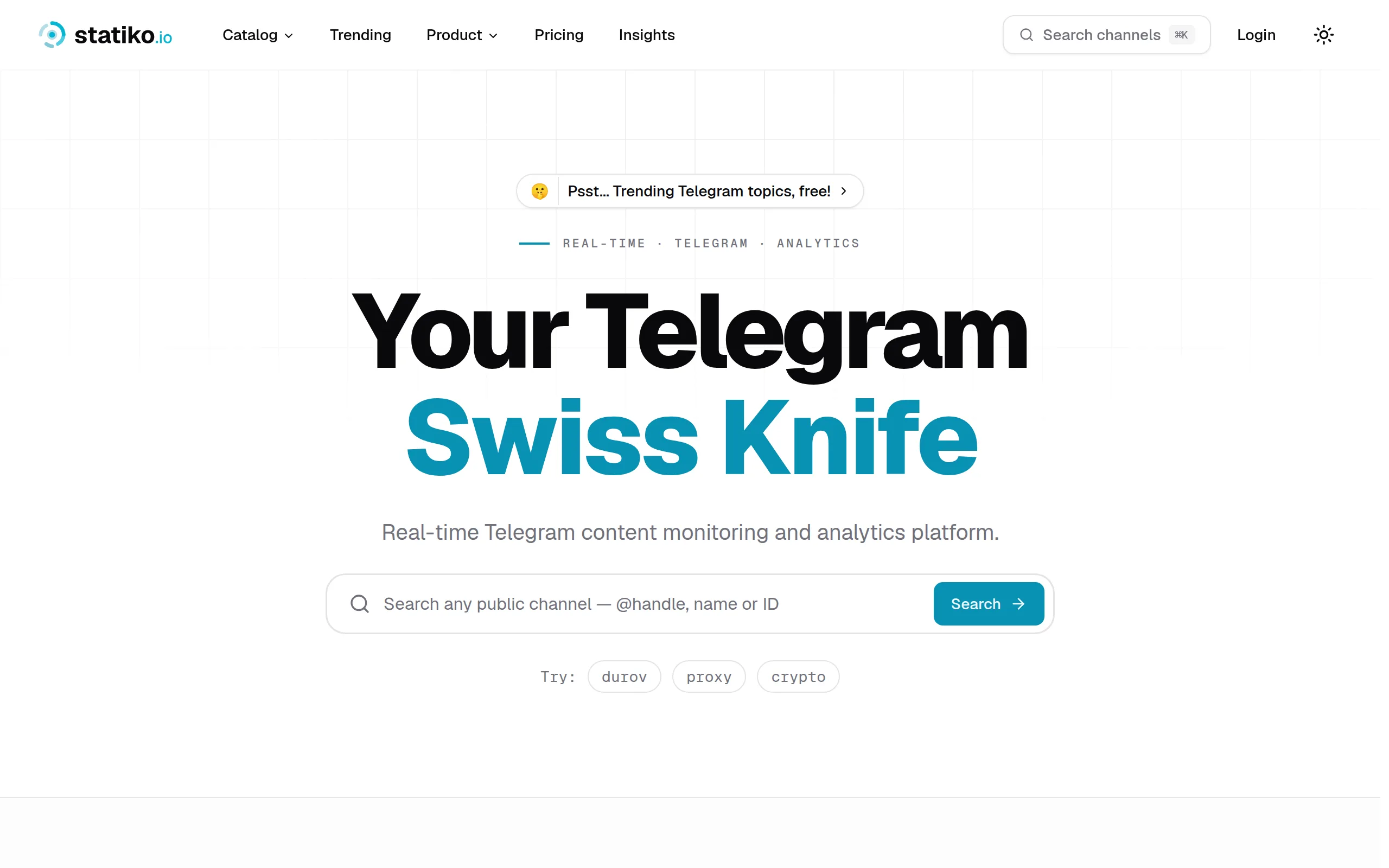
Statiko
Monitor any Telegram channel in real time - track posts, edits, deletions, and growth with AI recaps 📡
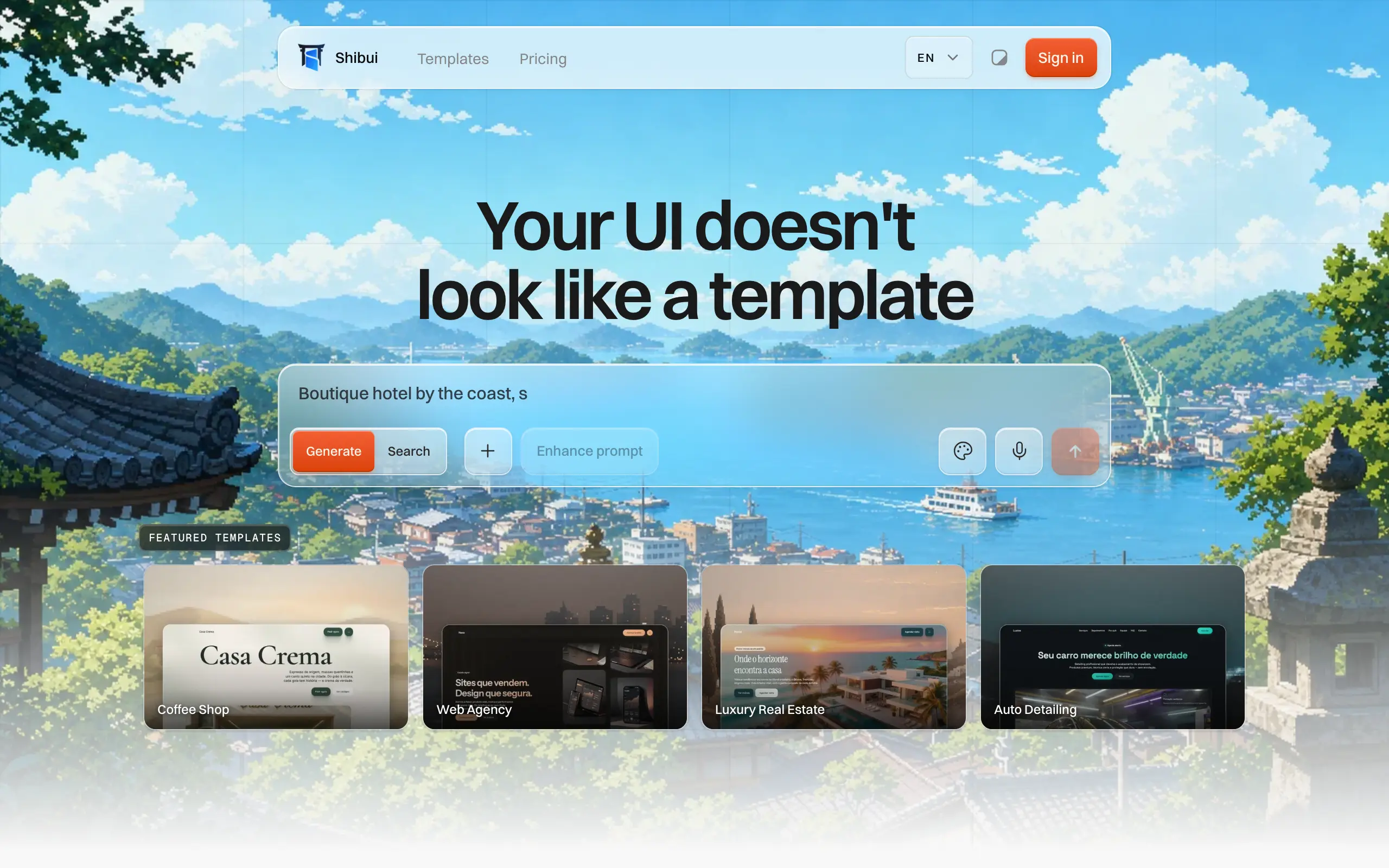
Shibui
AI website builder - describe your business, pick a niche template, edit by chatting, and publish instantly ✨
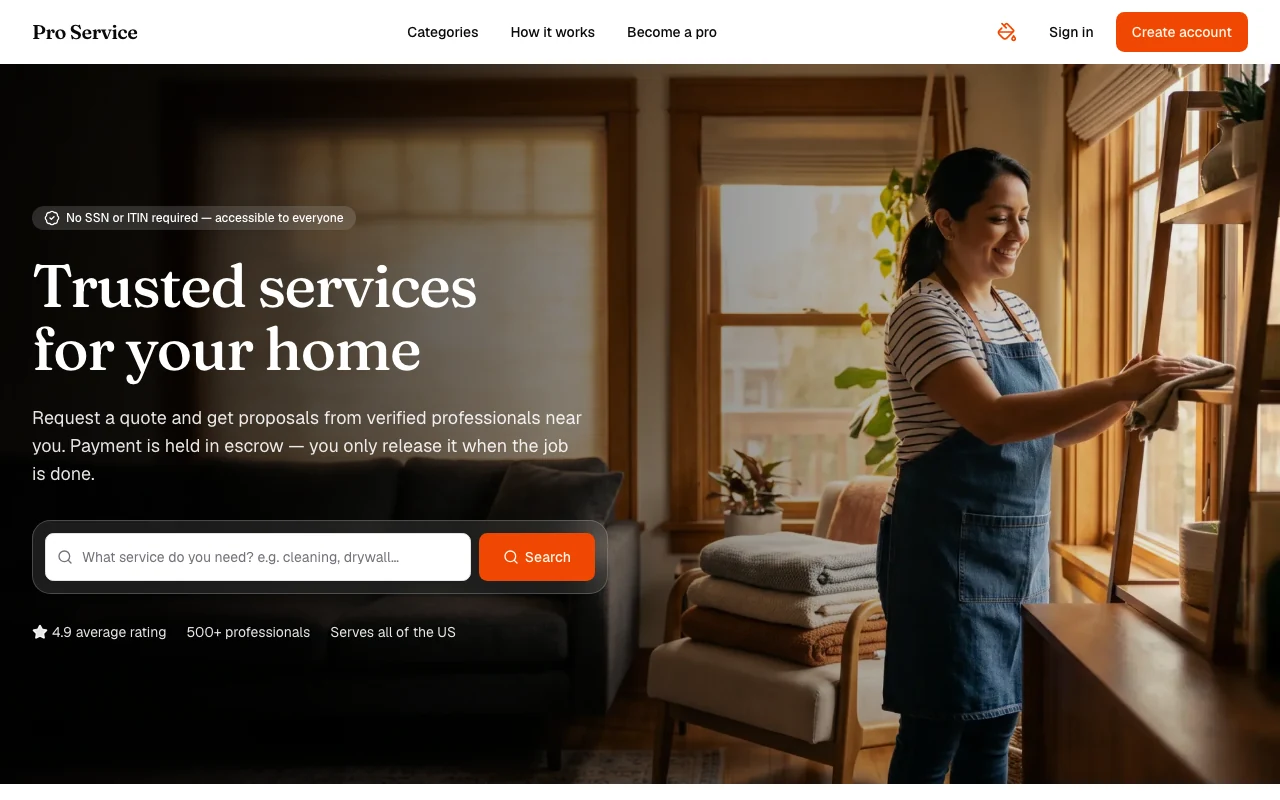
Pro Service
Find verified home service professionals, compare quotes, and pay securely through escrow - built for Brazilians across the US 🏠
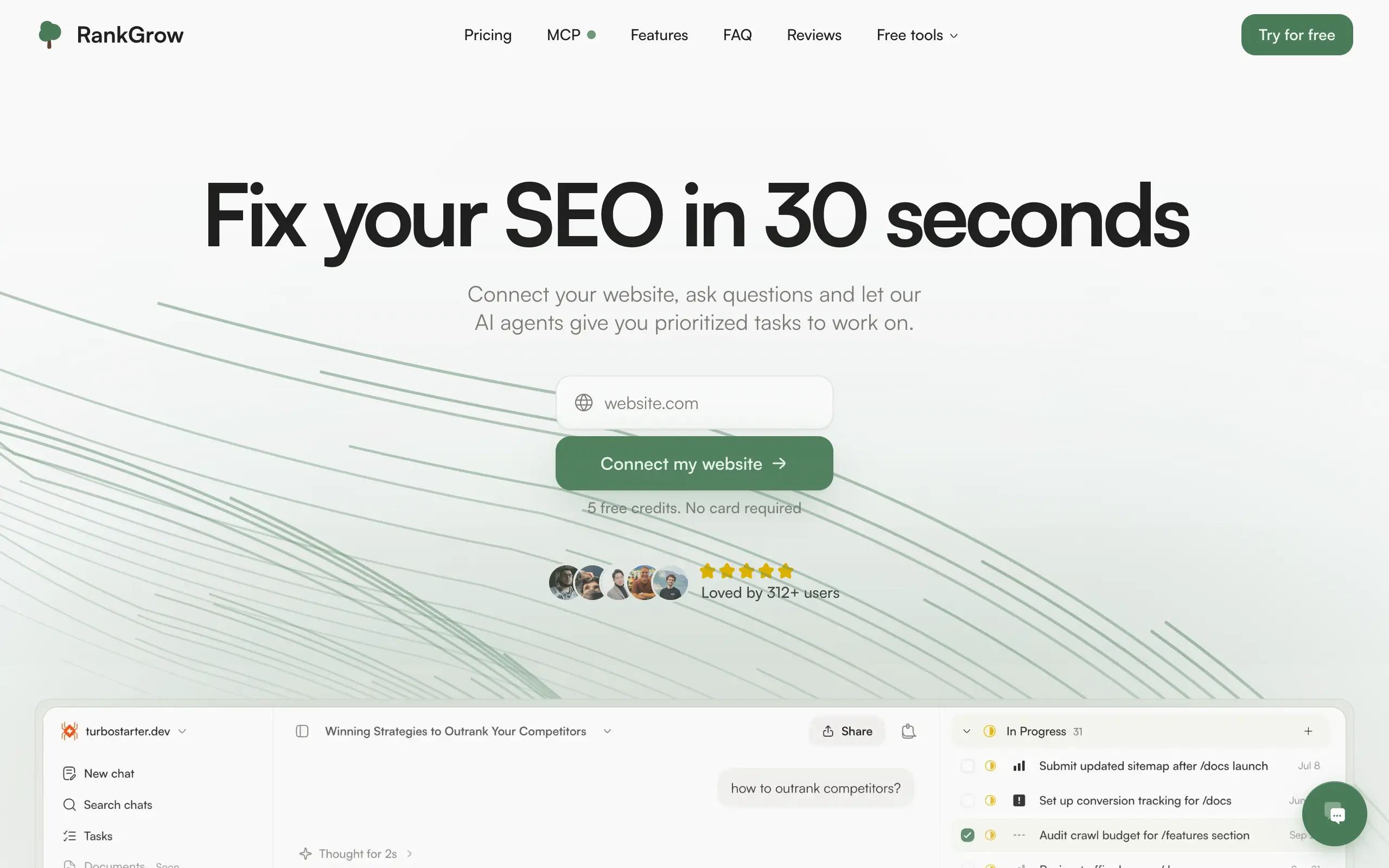
RankGrow
Fix your SEO with AI agents - connect Search Console, get prioritized tasks, and grow organic traffic 📈
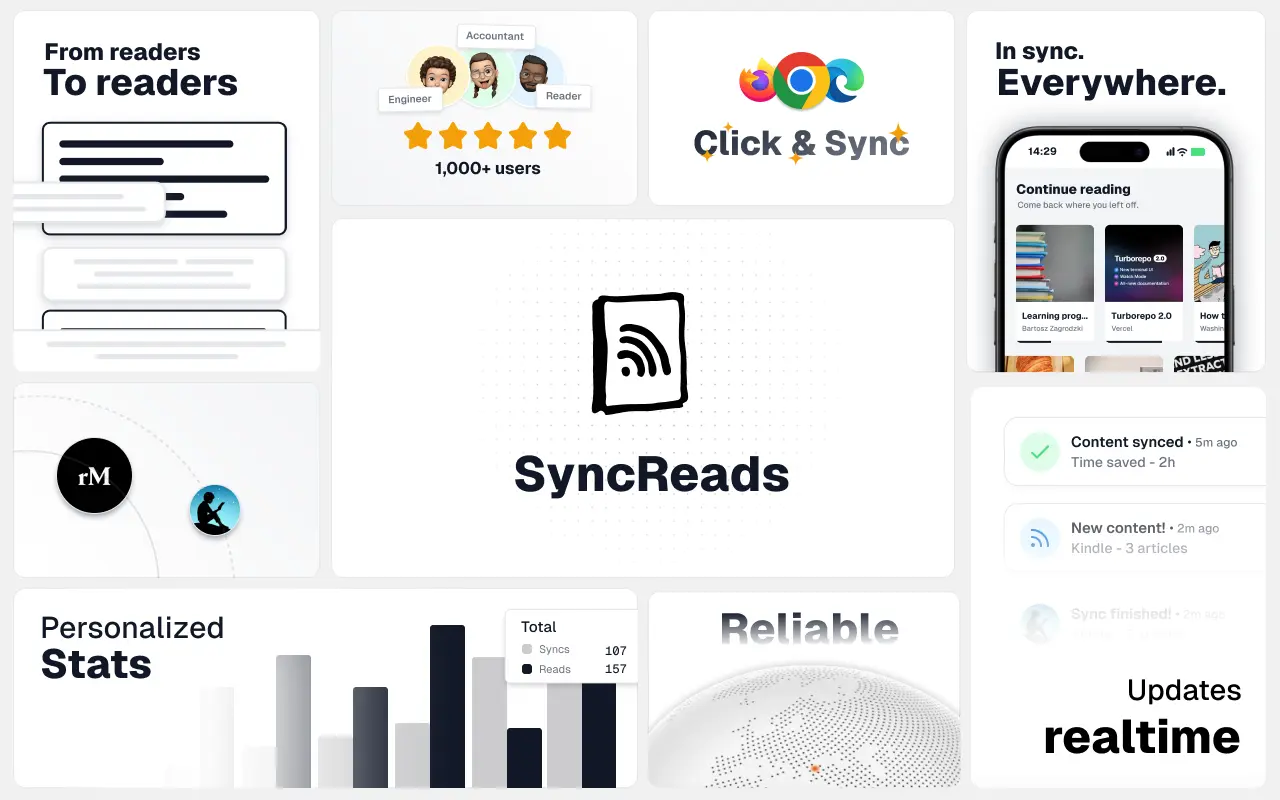
SyncReads
Sync your favorite content for distraction-free reading, save time and replace multiple apps. Anytime, anywhere 🔄
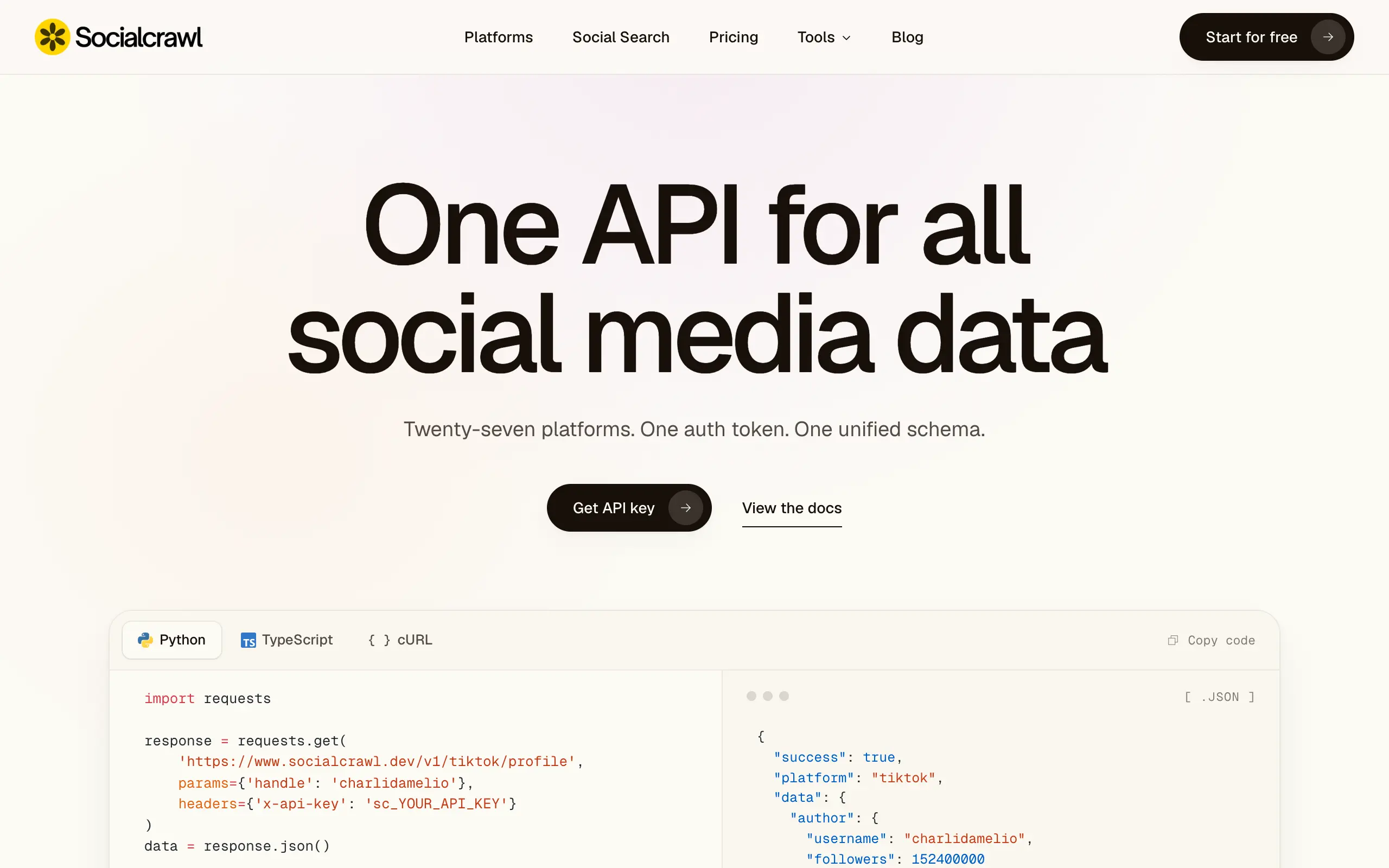
Socialcrawl
Get clean, structured data from 21 platforms like TikTok, Instagram, and YouTube with a single request 📊
Statiko
Monitor any Telegram channel in real time - track posts, edits, deletions, and growth with AI recaps 📡
Shibui
AI website builder - describe your business, pick a niche template, edit by chatting, and publish instantly ✨
Pro Service
Find verified home service professionals, compare quotes, and pay securely through escrow - built for Brazilians across the US 🏠
RankGrow
Fix your SEO with AI agents - connect Search Console, get prioritized tasks, and grow organic traffic 📈
SyncReads
Sync your favorite content for distraction-free reading, save time and replace multiple apps. Anytime, anywhere 🔄
Socialcrawl
Get clean, structured data from 21 platforms like TikTok, Instagram, and YouTube with a single request 📊
Statiko
Monitor any Telegram channel in real time - track posts, edits, deletions, and growth with AI recaps 📡
Shibui
AI website builder - describe your business, pick a niche template, edit by chatting, and publish instantly ✨
Pro Service
Find verified home service professionals, compare quotes, and pay securely through escrow - built for Brazilians across the US 🏠
RankGrow
Fix your SEO with AI agents - connect Search Console, get prioritized tasks, and grow organic traffic 📈
SyncReads
Sync your favorite content for distraction-free reading, save time and replace multiple apps. Anytime, anywhere 🔄
Socialcrawl
Get clean, structured data from 21 platforms like TikTok, Instagram, and YouTube with a single request 📊
Statiko
Monitor any Telegram channel in real time - track posts, edits, deletions, and growth with AI recaps 📡
Shibui
AI website builder - describe your business, pick a niche template, edit by chatting, and publish instantly ✨
Pro Service
Find verified home service professionals, compare quotes, and pay securely through escrow - built for Brazilians across the US 🏠
RankGrow
Fix your SEO with AI agents - connect Search Console, get prioritized tasks, and grow organic traffic 📈
SyncReads
Sync your favorite content for distraction-free reading, save time and replace multiple apps. Anytime, anywhere 🔄
Socialcrawl
Get clean, structured data from 21 platforms like TikTok, Instagram, and YouTube with a single request 📊
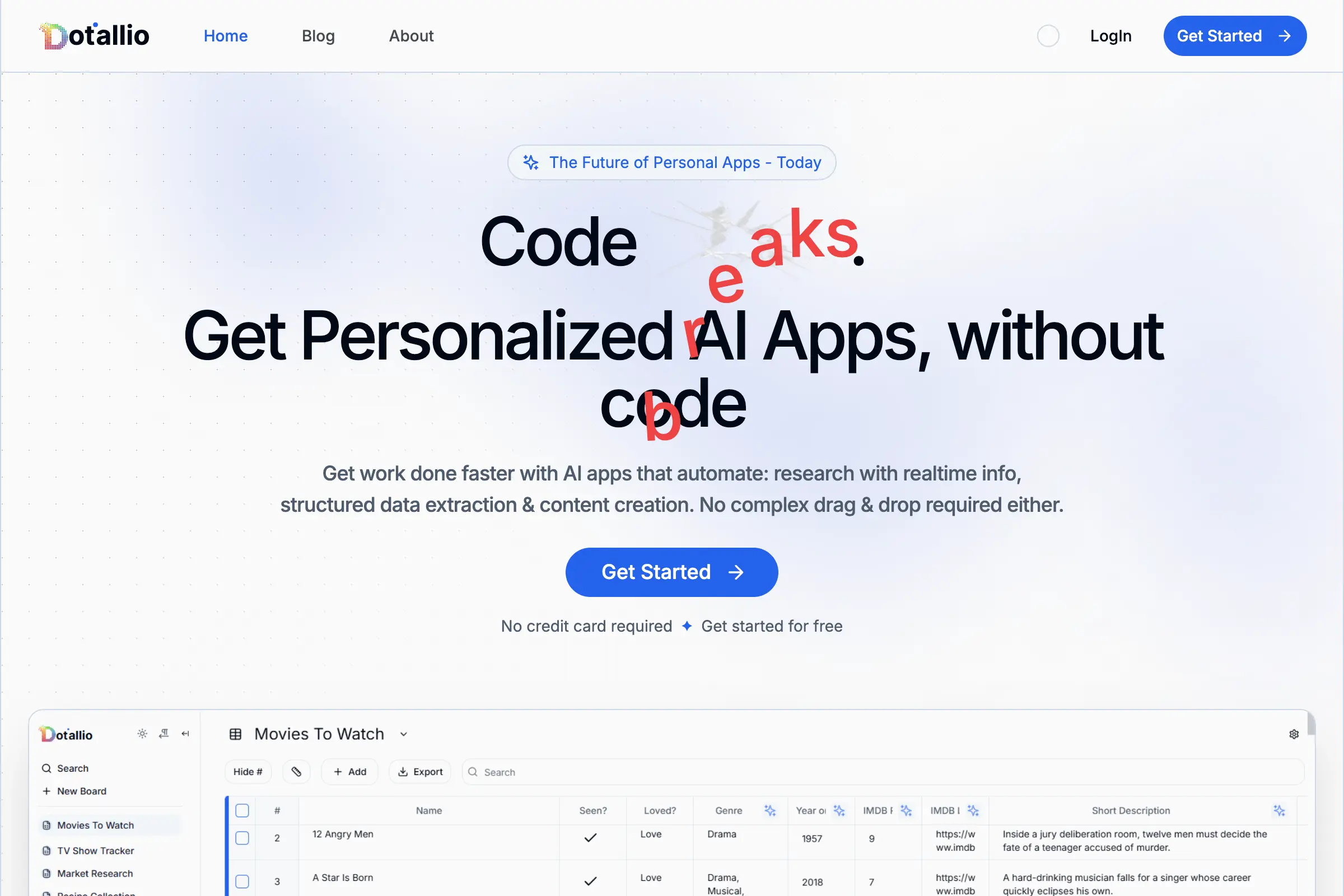
Dotallio
Personalized AI apps that automate research, data extraction, and content creation without code 🤖
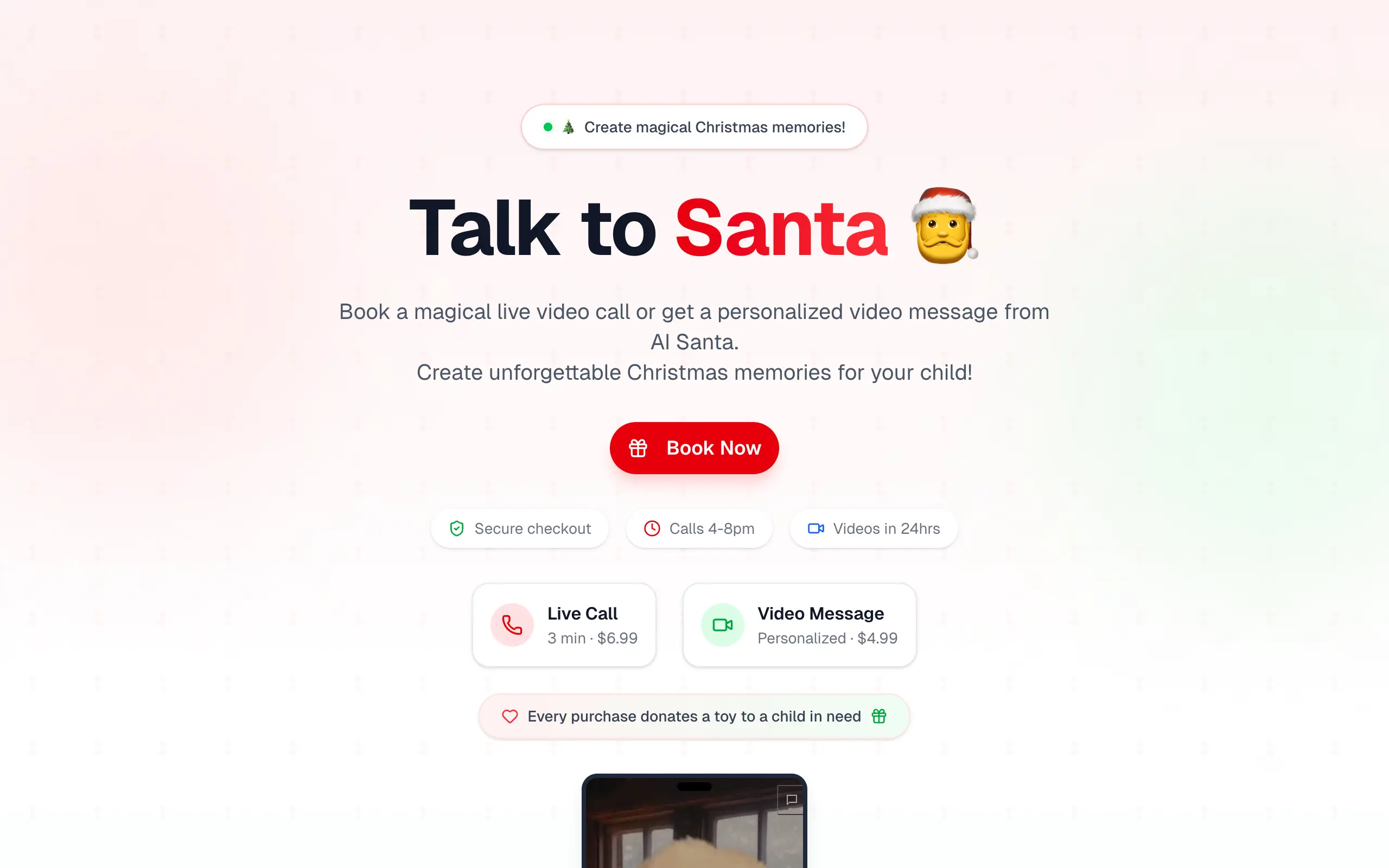
Talk to Santa
Enjoy a magical live video chat or receive a unique AI-generated video greeting from Santa Claus 🎅
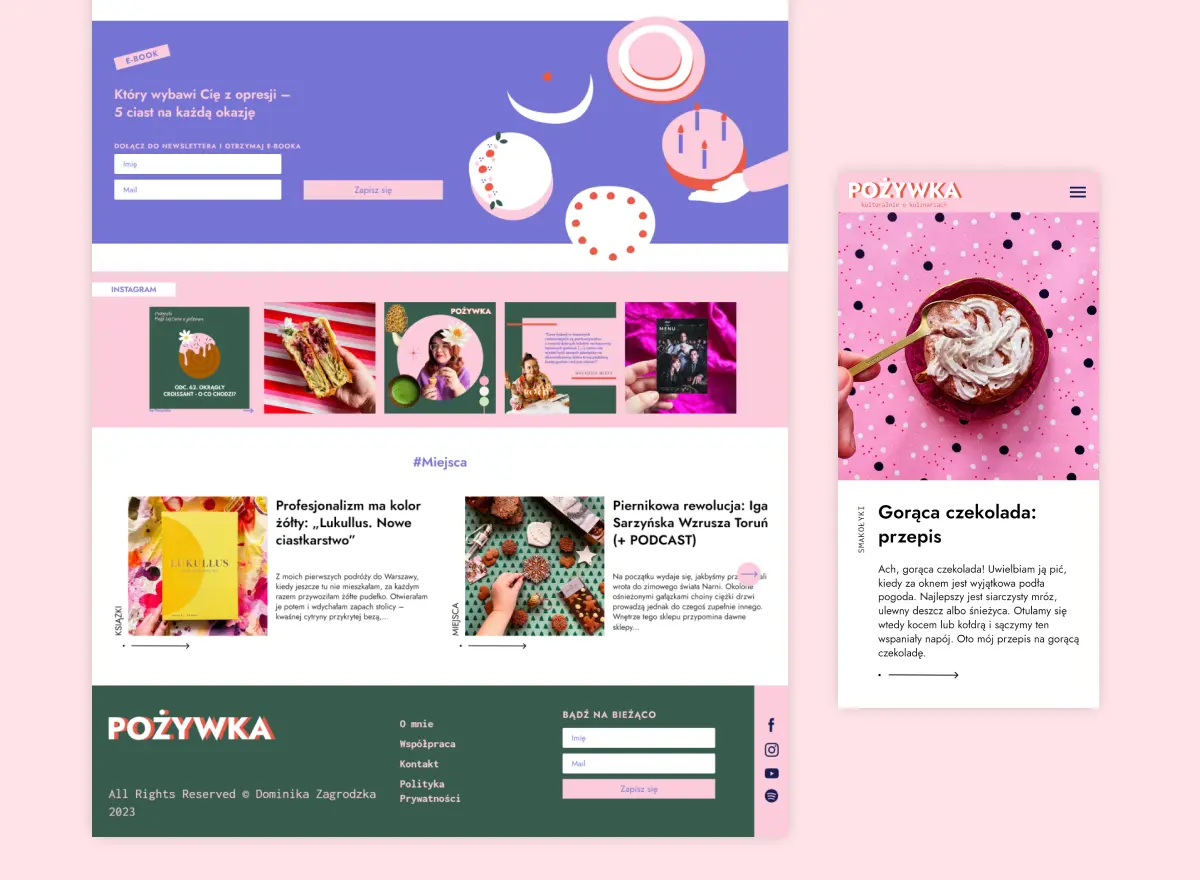
pozywka.pl
Scalable blog for food journalist, focused on performance and user experience 🌭
zagrodzki.me
Personal blog and portfolio of Bart Zagrodzki, where he shares his knowledge and work 💼
TurboStarter
Ship your startup everywhere. In minutes.
HTML to Markdown
Convert HTML to Markdown with ease, directly in your browser 📄
Dotallio
Personalized AI apps that automate research, data extraction, and content creation without code 🤖
Talk to Santa
Enjoy a magical live video chat or receive a unique AI-generated video greeting from Santa Claus 🎅
pozywka.pl
Scalable blog for food journalist, focused on performance and user experience 🌭
zagrodzki.me
Personal blog and portfolio of Bart Zagrodzki, where he shares his knowledge and work 💼
TurboStarter
Ship your startup everywhere. In minutes.
HTML to Markdown
Convert HTML to Markdown with ease, directly in your browser 📄
Dotallio
Personalized AI apps that automate research, data extraction, and content creation without code 🤖
Talk to Santa
Enjoy a magical live video chat or receive a unique AI-generated video greeting from Santa Claus 🎅
pozywka.pl
Scalable blog for food journalist, focused on performance and user experience 🌭
zagrodzki.me
Personal blog and portfolio of Bart Zagrodzki, where he shares his knowledge and work 💼
TurboStarter
Ship your startup everywhere. In minutes.
HTML to Markdown
Convert HTML to Markdown with ease, directly in your browser 📄
Dotallio
Personalized AI apps that automate research, data extraction, and content creation without code 🤖
Talk to Santa
Enjoy a magical live video chat or receive a unique AI-generated video greeting from Santa Claus 🎅
pozywka.pl
Scalable blog for food journalist, focused on performance and user experience 🌭
zagrodzki.me
Personal blog and portfolio of Bart Zagrodzki, where he shares his knowledge and work 💼
TurboStarter
Ship your startup everywhere. In minutes.
HTML to Markdown
Convert HTML to Markdown with ease, directly in your browser 📄
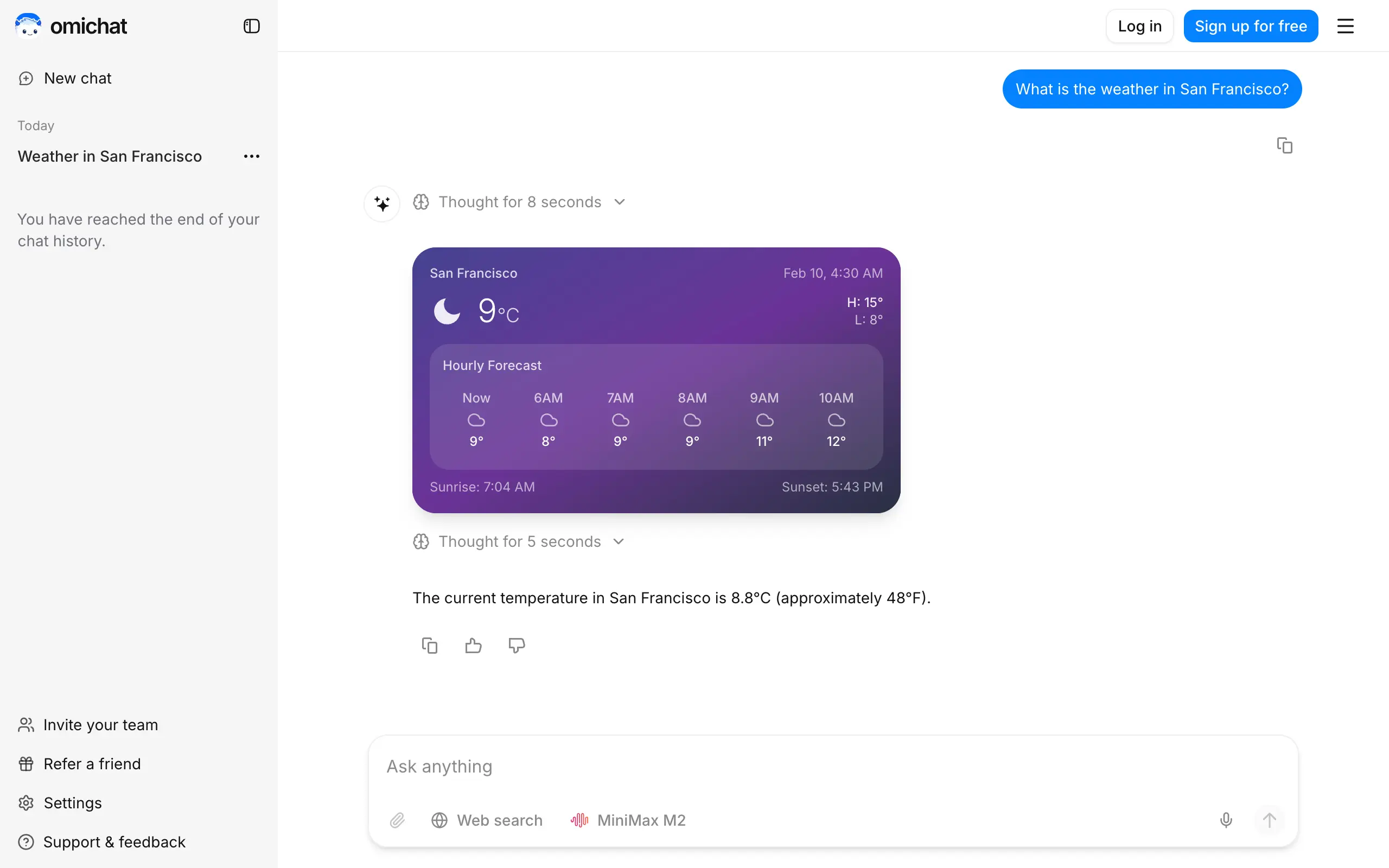
Omichat
Chat with 50+ AI models, including ChatGPT and Claude, in one place - switch models anytime without losing context 🤖
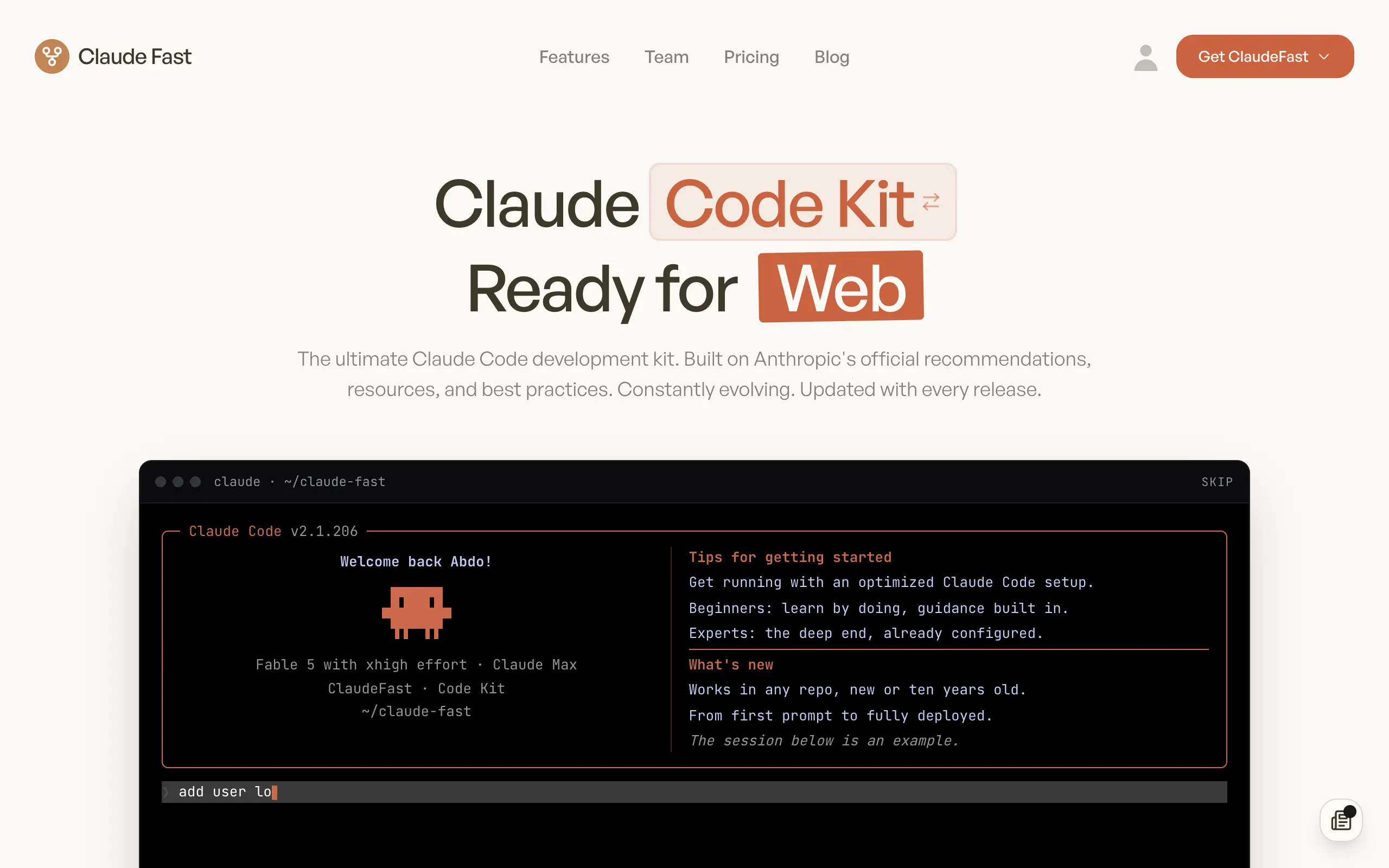
Claude Fast
Supercharge your Claude Code with 6x effective context window and specialized AI agents 🤖
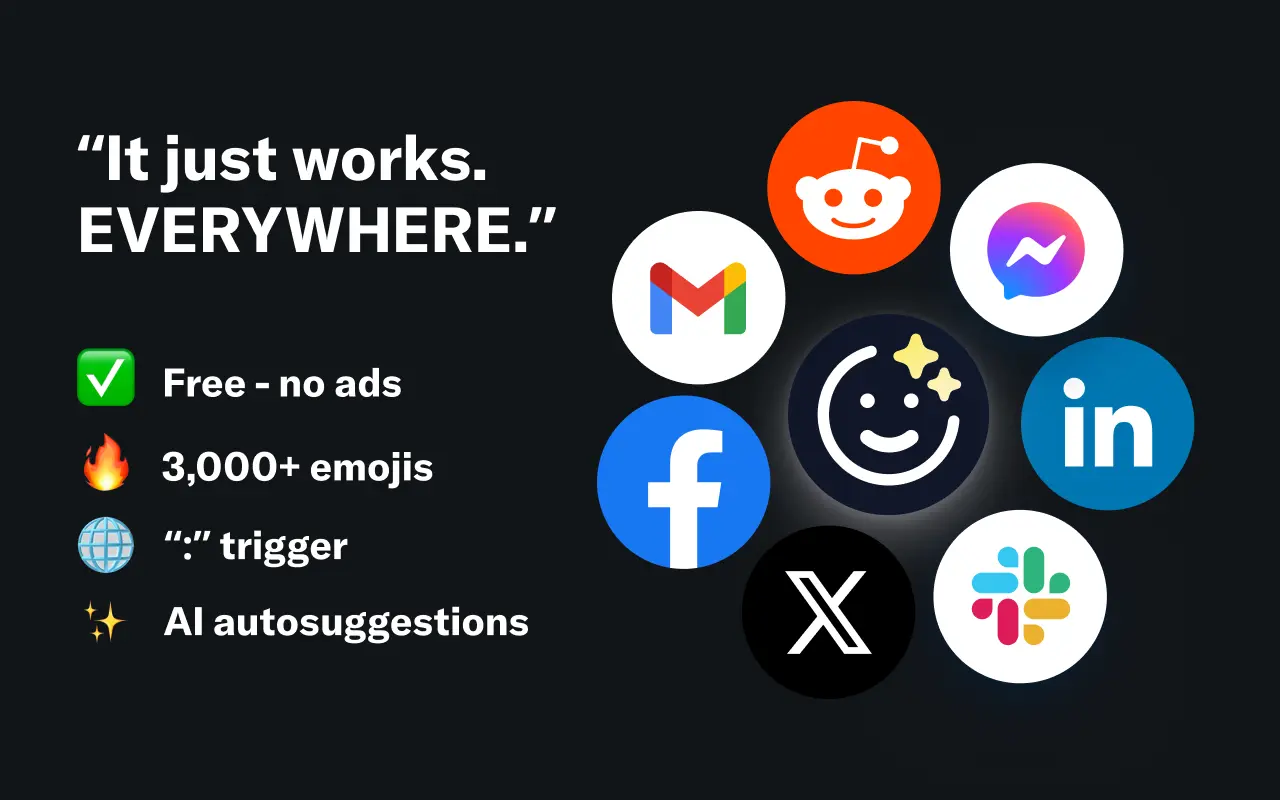
EmojAI
AI-powered emoji picker with smart, context-aware suggestions 🤖
Solohacker
Autonomous company launcher - AI agents work 24/7, escalate what matters, and you stay in control 🤖
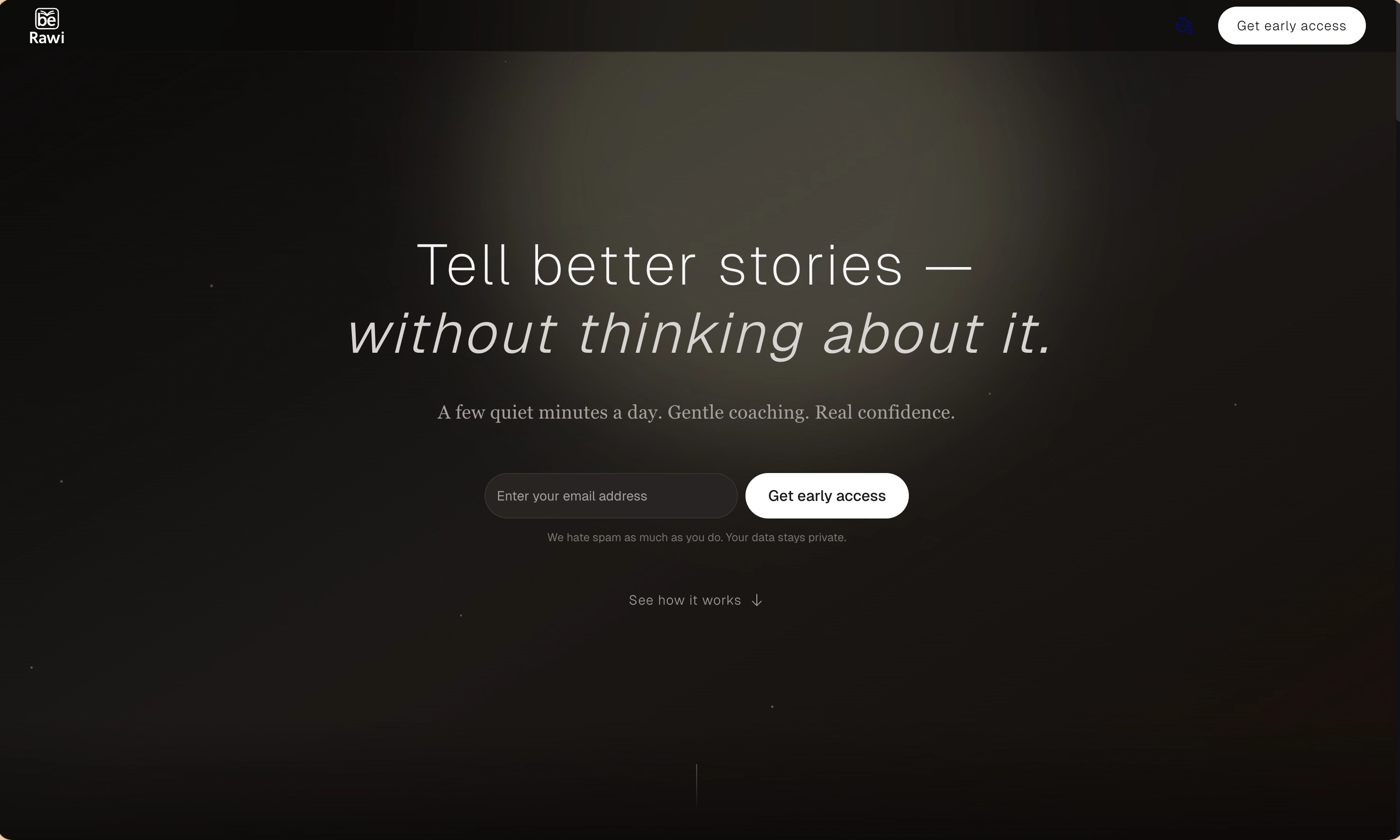
BeRawi: Storytelling Coach
Practice storytelling daily with instant feedback to sound clearer, more engaging, and confident 🎤
Omichat
Chat with 50+ AI models, including ChatGPT and Claude, in one place - switch models anytime without losing context 🤖
Claude Fast
Supercharge your Claude Code with 6x effective context window and specialized AI agents 🤖
EmojAI
AI-powered emoji picker with smart, context-aware suggestions 🤖
Solohacker
Autonomous company launcher - AI agents work 24/7, escalate what matters, and you stay in control 🤖
BeRawi: Storytelling Coach
Practice storytelling daily with instant feedback to sound clearer, more engaging, and confident 🎤
Omichat
Chat with 50+ AI models, including ChatGPT and Claude, in one place - switch models anytime without losing context 🤖
Claude Fast
Supercharge your Claude Code with 6x effective context window and specialized AI agents 🤖
EmojAI
AI-powered emoji picker with smart, context-aware suggestions 🤖
Solohacker
Autonomous company launcher - AI agents work 24/7, escalate what matters, and you stay in control 🤖
BeRawi: Storytelling Coach
Practice storytelling daily with instant feedback to sound clearer, more engaging, and confident 🎤
Omichat
Chat with 50+ AI models, including ChatGPT and Claude, in one place - switch models anytime without losing context 🤖
Claude Fast
Supercharge your Claude Code with 6x effective context window and specialized AI agents 🤖
EmojAI
AI-powered emoji picker with smart, context-aware suggestions 🤖
Solohacker
Autonomous company launcher - AI agents work 24/7, escalate what matters, and you stay in control 🤖
BeRawi: Storytelling Coach
Practice storytelling daily with instant feedback to sound clearer, more engaging, and confident 🎤

Connect with like-minded people
Join our community to get feedback, support, and grow together with 1,000+ builders on board, let's ship it!
Join usShip your startup everywhere. In minutes.
Don't burn tokens on setup and start building features on day one.