Pantry DJ
Snap your ingredients and let AI remix them into surprising recipes, complete with interactive 3D plating. Share creations and challenge friends to cook along.
Pantry DJ is a mobile AI recipe app concept built around a simple promise: photograph the ingredients you have, get ideas for what to cook, and make the result feel playful enough to share. Instead of treating meal planning like a chore, it turns the contents of a fridge or pantry into a creative prompt.
The idea combines three experiences that are often separate: ingredient recognition, personalized recipe generation, and interactive food presentation. Users can snap a photo, review what the app thinks they have, choose a cooking mood, and explore a recipe with 3D plating. They can then share their creation or challenge friends to make their own version.
For founders, the opportunity is to build more than another recipe database. Pantry DJ can stand out as an ingredient-based recipe generator that helps people act on what they already have while making cooking more social and expressive.
What Pantry DJ could be
At its core, Pantry DJ helps answer a familiar question: “What can I make with the food I have?” A user photographs a countertop, fridge shelf, or group of ingredients. The app identifies likely items, asks the user to confirm them, and generates recipes based on their available ingredients, preferences, and practical constraints.
The “DJ” concept gives the experience a distinctive creative angle. Rather than returning one rigid result, the app can remix ingredients into different styles. The same ingredients might become a quick stir-fry, a cozy soup, or a playful snack board, depending on the user’s mood and available time.
A compelling product promise might be:
Turn what’s in your kitchen into a recipe worth making—and sharing.
That promise is specific enough to guide the product, but broad enough to support multiple use cases: reducing food waste, cooking on a budget, experimenting with flavors, and finding inspiration when meal planning feels repetitive.
The core user journey
A first version of Pantry DJ could follow a short, repeatable flow:
- The user takes a photo or selects one from their camera roll.
- The app suggests ingredients and confidence levels.
- The user confirms, removes, or adds items.
- Pantry DJ asks about time, dietary needs, equipment, or desired “vibe.”
- The recipe generator creates a small set of practical options.
- The user follows a recipe, adjusts portions, and sees a plating preview.
- After cooking, the user saves, rates, or shares the result.
The confirmation step matters. Image recognition can be uncertain, especially when ingredients overlap, packaging obscures labels, or lighting is poor. Letting users correct the ingredient list makes the experience more trustworthy and improves the quality of the recipe recommendations.
Who is Pantry DJ for?
An effective mobile recipe product should begin with a clearly defined audience. “Anyone who cooks” is too broad to guide product decisions, onboarding, or marketing. Pantry DJ can serve several groups, but an initial launch should focus on the users who experience the problem frequently and are willing to try a new approach.
Primary audience: everyday improvisers
Everyday improvisers have food at home but do not always know what to make with it. They may be busy professionals, students, couples, or parents trying to make a meal without another trip to the store.
Their needs are practical:
- Use ingredients that are already available.
- Avoid recipes that require many extra purchases.
- Find something appropriate for the time they have.
- Get clear instructions without searching several websites.
- Make reasonable substitutions when an ingredient is missing.
For this audience, speed and accuracy matter more than novelty alone. A surprising recipe is useful only if it is also achievable.
Secondary audience: creative home cooks
Creative home cooks enjoy trying unusual combinations, learning techniques, and presenting dishes attractively. Pantry DJ’s remix concept and interactive plating could appeal to them, particularly if the app offers multiple variations rather than a single generic recipe.
This audience may value:
- “Surprise me” recipe modes.
- Regional or cuisine-inspired flavor directions.
- Ingredient substitution suggestions.
- Aesthetic plating ideas.
- A way to save and share successful experiments.
The product should avoid implying that an AI-generated dish is automatically authentic to a particular cuisine. When presenting a cuisine-inspired idea, it should describe the style accurately and avoid overstating cultural provenance.
Secondary audience: budget-conscious cooks
People managing a food budget often need to stretch ingredients, plan meals around pantry staples, and reduce last-minute purchases. Pantry DJ could make the existing food supply more visible and useful.
Useful capabilities for this segment include:
- Recipes ranked by how many ingredients are already available.
- Clear labels for ingredients the user would need to buy.
- Leftover-friendly suggestions.
- Portion scaling.
- A low-cost or pantry-staple mode.
The app should be careful not to make financial claims it cannot substantiate. It can help users make informed choices, but actual savings depend on local prices, household size, and purchasing habits.
A focused launch audience
A strong initial positioning could target busy home cooks who want practical inspiration from ingredients they already own. This group offers a clear problem to solve and a useful lens for prioritizing the first release.
Pantry DJ can still support creative cooks and budget-conscious users over time. The initial product should simply avoid trying to optimize every experience at once.
The market opportunity and product gap
The recipe category is familiar, which is both an advantage and a challenge. Users understand recipe apps, but they also have many ways to search for food ideas, including websites, social media, cooking videos, and general-purpose AI assistants.
Pantry DJ therefore needs a distinct reason to be opened. Its opportunity is not just “AI can write recipes.” The stronger product gap is the combination of visual ingredient capture, practical recipe filtering, interactive cooking guidance, and social participation.
Where common approaches fall short
A conventional recipe search often starts with a dish name, cuisine, or ingredient typed into a search box. That works when a user already knows what they want. It is less helpful when they are staring into a fridge and trying to use a mix of unrelated ingredients.
A general-purpose chatbot can suggest recipes, but the user may need to type a detailed inventory, explain constraints, and repeatedly correct the output. It may also produce instructions that are vague, poorly sequenced, or unrealistic for a beginner.
Short-form cooking content can inspire users, but a video may omit quantities, substitutions, timing, or the exact ingredients required. Finding a recipe that fits what is already on hand can take longer than cooking it.
Pantry DJ can connect these steps in a single flow:
- Start with a photo instead of a blank search box.
- Confirm the recognized ingredients before generating recipes.
- Filter suggestions by time, diet, equipment, and skill level.
- Show which ingredients are missing.
- Provide structured, actionable instructions.
- Offer visual plating guidance and social challenges.
Why the 3D plating feature matters
Interactive 3D plating is not automatically valuable just because it is visually impressive. It becomes useful when it helps users understand how a dish might come together, gives them a creative target, or makes sharing more engaging.
For example, a plating view could let users rotate a rendered plate, switch between simple presentation styles, or view ingredient placement suggestions. It should be treated as an enhancement to the cooking experience—not a substitute for a clear recipe or a guarantee that the finished dish will look exactly like the visualization.
A sensible product strategy is to validate the usefulness of the plating experience before investing heavily in complex 3D assets. Early prototypes can test whether users engage more with a static visual, a lightweight interactive view, or a fully rotatable scene.
Competitive positioning
Pantry DJ will sit near several kinds of products, but it does not need to out-feature all of them. It needs to own a focused job: converting a real kitchen inventory into a practical and enjoyable cooking experience.
| Product category | Typical starting point | Potential limitation | Pantry DJ opportunity | Strategic response |
|---|---|---|---|---|
| Recipe databases | Dish or typed ingredient search | Users may need to know what to search for | Start with a photo of available food | Make capture and ingredient correction fast |
| General AI assistants | Text prompt | Inventory and constraints require manual explanation | Structure the input around kitchen ingredients | Use guided prompts and reliable recipe formatting |
| Cooking video platforms | Creator content or search | May not match the user’s exact ingredients or equipment | Generate around the user’s current context | Offer substitutions and missing-item clarity |
| Meal-planning tools | Planned meals and shopping lists | May emphasize advance planning over spontaneous cooking | Help with immediate “what can I make?” moments | Build planning features only after the core loop works |
Core features for an AI recipe app
The best first release is not the one with the most features. It is the one that reliably completes the main user job and gives people a reason to return.
1. Ingredient photo capture
The camera flow should make it easy to capture a group of ingredients on a counter or inside a fridge. Offer guidance such as placing items in good light and separating overlapping objects when practical.
The app should not present visual recognition as infallible. Instead, show a review screen with editable ingredient suggestions. Users should be able to:
- Confirm recognized ingredients.
- Correct an item’s name.
- Remove an item that was misidentified.
- Add ingredients the camera missed.
- Specify approximate quantities when needed.
This human-in-the-loop approach is often more useful than trying to hide uncertainty. It makes the system feel transparent and gives the recipe generator better input.
2. A useful ingredient inventory
Pantry DJ can begin with a temporary session inventory and later offer an optional saved pantry. These should not be confused.
A temporary inventory is simple: the user scans ingredients for one cooking session. A saved pantry is more powerful, but it introduces additional work. Users may need to update quantities, remove items they have used, and distinguish fresh foods from shelf-stable staples.
A practical progression is:
- MVP: Session-based ingredient list.
- Next: Optional saved staples such as salt, oil, and common seasonings.
- Later: Persistent pantry tracking, expiry reminders, and shopping lists.
The product should not imply that a saved pantry is always accurate. Give users a quick way to edit it.
3. Recipe generation with guardrails
The model should produce structured recipes rather than free-form paragraphs. A useful recipe object could include:
- Recipe name and short description.
- Preparation time and cooking time.
- Servings.
- Ingredients, quantities, and substitutions.
- Equipment required.
- Numbered instructions.
- Food safety notes where relevant.
- Which scanned ingredients are used.
- Which additional ingredients are optional or required.
- A confidence or “review this” indicator for uncertain details.
Generation should prioritize feasibility. If a user requests a 15-minute meal, the system should not suggest a recipe that requires a long marinade or slow cooking. If the user has limited equipment, suggestions should respect that constraint.
4. Dietary preferences and safety controls
Users may have allergies, dietary preferences, religious restrictions, or health-related needs. These should be handled carefully and transparently.
A recipe app can let users set preferences, but it should not claim that AI output is a substitute for professional medical advice. For allergies, the system should make it easy to exclude specified ingredients and should remind users to verify labels and cross-contamination risks where appropriate.
Useful controls include:
- Allergens to exclude.
- Vegetarian, vegan, or other dietary filters.
- Ingredients the user dislikes.
- Preferred spice level.
- Cooking time and skill level.
- Available appliances or tools.
The app should distinguish user-selected preferences from general recipe suggestions. A model-generated result should never silently override a declared restriction.
5. Interactive 3D plating
A lightweight 3D plating feature could help Pantry DJ feel memorable. The first version might provide a few selectable plate styles and an interactive preview rather than attempting to render every ingredient with photorealistic precision.
The feature should answer a user need, such as:
- Where should the main component sit?
- How can color and texture be balanced?
- What is a simple way to present the dish?
- How might a user personalize the final plate?
If the generated visual is illustrative, label it that way. A visual preview should not be presented as a literal prediction of the cooked result.
6. Sharing and cook-along challenges
Sharing can turn a private recipe tool into a social product. Users could post a recipe remix, share a plated result, or challenge a friend to cook from a similar ingredient list.
Keep the first social features lightweight:
- Shareable recipe cards.
- A “cook this with me” challenge.
- Reactions or ratings.
- A private link to a recipe.
- Optional before-and-after photos.
Social features also create moderation and privacy responsibilities. Users should control whether their content is public, private, or shared only with selected people.
7. Feedback that improves recommendations
Ask for feedback at moments when it is easy to give. After cooking, users might rate whether the recipe was tasty, achievable, and accurate to the available ingredients.
Useful signals include:
- Did the recipe use the ingredients the user wanted to use?
- Were the instructions clear?
- Was the stated time realistic?
- Did the user need to buy anything?
- Would they cook it again?
Feedback should improve the product without making users feel that they are training a system for free. Explain how feedback is used and provide appropriate controls.
Recommended MVP and product roadmap
A focused MVP should validate whether photo-to-recipe is useful before building a full social network or advanced 3D kitchen.
MVP scope
A strong first version could include:
- Photo capture or image upload.
- Editable ingredient recognition.
- Recipe generation from confirmed ingredients.
- Basic filters for time, servings, and dietary preferences.
- Clear missing-ingredient labels.
- Save and share functionality.
- A simple plating preview or visual concept.
Avoid building every proposed feature at launch. Persistent pantry tracking, grocery integrations, creator tools, and complex 3D environments can wait until user behavior shows that they are needed.
Validate the core loop first
The key question is not whether people like the idea of AI recipes. It is whether they will repeatedly scan ingredients, trust the suggestions enough to cook them, and find the result useful. Instrument that journey before expanding the feature set.
Metrics to track
Measure the product’s usefulness, not just downloads. Early product analytics might include:
- Percentage of users who complete an ingredient scan.
- Percentage who correct the generated ingredient list.
- Recipe generation completion rate.
- Recipe save rate.
- Share rate.
- Cook-through or post-cooking feedback rate.
- Return usage within a defined period.
- Time from opening the app to selecting a recipe.
- Reports of unsafe, unsuitable, or impractical suggestions.
These metrics need definitions before they can be compared. For instance, “recipe success” should not be inferred from a generated response alone. A saved recipe, a completed cooking session, and a positive post-cooking rating are different signals.
Recommended technology stack
The stack should support a polished mobile experience, image handling, AI orchestration, and a reliable data layer. It should also allow the team to validate the product without prematurely building complex infrastructure.
Mobile application
React Native is a reasonable choice for a cross-platform iOS and Android app, especially for a team familiar with React and TypeScript. It can support camera access, native device capabilities, and a shared application codebase.
Expo can simplify development and deployment workflows for many React Native projects. The trade-off is that teams should verify early whether required camera, graphics, or native modules fit their chosen Expo workflow. A technically convenient framework is useful only if it supports the actual product requirements.
Backend and data
Supabase can provide a managed Postgres database, authentication, and storage capabilities. This may help a small team move quickly while retaining a relational data model for users, saved recipes, preferences, and feedback.
A more custom backend may be appropriate if the product develops specialized workloads, complex access rules, or high-volume image processing. The important early design choice is to keep user data, generated recipe content, and uploaded images governed by clear access policies.
AI and image processing
Use a model or vision service capable of accepting images and returning structured output. Keep the model provider behind a backend abstraction so the product can change providers or route tasks to different models without rebuilding the mobile client.
A dependable pipeline could look like this:
- Upload the image securely.
- Identify candidate ingredients.
- Return candidates with uncertainty where available.
- Let the user correct the list.
- Generate recipes from the confirmed inventory and constraints.
- Validate the response against a schema.
- Store only the information needed for the user-facing experience.
Do not rely on a model’s prose formatting as the application’s data contract. Validate the output server-side, handle missing fields, and provide a graceful fallback if generation fails.
3D and visual presentation
For 3D, choose the simplest approach that delivers the intended interaction. A small library of prepared scenes or a lightweight rendering approach may be sufficient for an MVP. A complex real-time 3D system can increase development time, asset requirements, device-performance demands, and accessibility challenges.
Test performance on ordinary devices, not only the newest phones. Provide a non-3D alternative so that the main recipe experience remains usable if rendering is slow or unavailable.
Payments and analytics
If Pantry DJ introduces subscriptions or one-time purchases, select a billing approach that fits mobile platform requirements and the intended purchase flow. Stripe offers payment documentation for web-based billing, but mobile app purchases may also be subject to platform-specific rules. Review current Apple and Google policies before deciding how subscriptions will be sold.
For analytics, define a small event taxonomy and avoid collecting information that is not needed. Events such as ingredient_scan_completed, recipe_saved, and recipe_feedback_submitted can reveal product behavior without requiring invasive tracking.
Monetization options for Pantry DJ
Monetization should support the user experience rather than interrupt it. The product’s most valuable features may have ongoing costs, especially image processing, AI generation, storage, and support. Pricing should account for those costs while keeping the basic experience approachable.
Freemium subscription
A free plan can allow users to try the core scan-to-recipe experience. A paid plan might include higher usage limits, saved pantry features, advanced filters, meal collections, or enhanced plating options.
Potential strengths:
- Familiar model for consumer mobile apps.
- Recurring revenue can support ongoing service costs.
- Allows users to experience value before paying.
Potential risks:
- Users may resist paying if they only cook with the app occasionally.
- Usage-heavy AI features can create unpredictable costs.
- A restrictive free tier may prevent users from understanding the product.
Set limits based on actual usage patterns and cost data rather than arbitrary assumptions.
Credit packs or usage-based plans
Users could buy additional recipe generations or image scans. This can align revenue more closely with variable model costs, but it may make the experience feel transactional.
If using credits, explain what consumes them and show the remaining balance clearly. Avoid surprising users with charges after they upload an image or request a recipe.
Premium creative tools
Pantry DJ could charge for expanded visual features, recipe collections, custom cooking modes, or more advanced sharing options. These features are most compelling if users already value the core recipe experience.
Partnerships and commerce
Future partnerships might include grocery retailers, kitchen brands, or cooking creators. These opportunities require strong disclosure and careful product design. A recommended ingredient should be selected because it fits the user’s recipe—not because a partner paid for placement, unless that placement is clearly labeled.
Avoid building the business around advertising before the product has established trust. Food choices can be personal, and excessive promotional content may undermine the app’s practical value.
Risks and mitigation strategies
Pantry DJ combines AI, food, image capture, and social features. Each introduces risks that should be planned for during product design.
Inaccurate ingredient recognition
A photo may include partial, obscured, or visually similar items. Misidentification can produce a disappointing recipe or, in more serious cases, an unsafe suggestion.
Mitigation: Show recognized items for confirmation, preserve uncertainty, and make edits easy. Do not treat a visual guess as a verified ingredient.
Unsafe or impractical recipe output
A generated recipe may contain unsuitable cooking times, unclear instructions, or unsafe food-handling advice.
Mitigation: Use structured prompts and response schemas, apply rule-based checks where possible, and test common recipes with qualified reviewers. Include clear food safety guidance where relevant, and avoid presenting model output as expert-reviewed unless it has actually been reviewed.
Allergy and dietary errors
A user may rely on a filter to exclude an allergen, but an ingredient could be missed or described inconsistently.
Mitigation: Treat allergy exclusions as high-priority constraints, validate outputs for prohibited terms, and tell users to verify packaged-food labels and cross-contact risks. Do not make medical guarantees.
Privacy concerns around camera access
Users may photograph their homes, food storage, or other personal surroundings. Images and household preferences can be sensitive.
Mitigation: Request camera access only when needed, explain image handling in plain language, set retention policies, secure uploads, and give users control over saved data. Avoid retaining raw images longer than necessary unless a clear feature depends on it.
Overreliance on novelty
The “remix” framing and 3D plating could attract initial attention but fail to create repeat use if recipes are not practical.
Mitigation: Make usefulness the foundation. Track whether users cook, save, and return to recipes. Treat playful presentation as a differentiator that strengthens the core job, not as a replacement for it.
High AI and media costs
Image processing, model generation, storage, and visual rendering may have variable costs.
Mitigation: Measure cost per completed cooking session, resize images appropriately, cache reusable outputs when suitable, and set usage limits that align with plan economics. Test multiple model approaches rather than assuming the most expensive option is necessary for every task.
Content moderation and social safety
Public recipe sharing can introduce spam, offensive content, misleading claims, or unsafe advice.
Mitigation: Start with private sharing or controlled links, define community rules, offer reporting tools, and create moderation processes before launching a public feed.
Competitive advantage and positioning
Pantry DJ’s advantage should be expressed as a product system, not as a single AI feature. Ingredient recognition can be copied. Recipe generation can be accessed through multiple services. A durable position comes from making the entire experience feel reliable and enjoyable.
The product’s unique selling proposition
A concise USP could be:
Pantry DJ turns a photo of your ingredients into a practical recipe remix, then helps you plate and share the result.
This combines:
- Low-friction input: Start from a photo rather than a long typed list.
- User control: Confirm ingredients and constraints before generation.
- Practical output: Show timing, equipment, substitutions, and missing items.
- Creative expression: Offer a playful remix and plating experience.
- Social participation: Let users share recipes and cook along with friends.
The strongest differentiation is the transition from what is in my kitchen to what can I make right now. The product should make that transition faster and more engaging than a search engine, a static recipe catalog, or an unstructured chat prompt.
Build trust as a differentiator
Trust is especially important in food. A confident tone is not the same as reliable advice. Pantry DJ can earn trust through transparent ingredient confirmation, clear recipe formatting, understandable constraints, and honest visual previews.
Trust-building product choices include:
- Distinguishing required ingredients from optional additions.
- Showing which scanned ingredients informed the recipe.
- Making substitutions explicit.
- Flagging uncertain recognition.
- Providing a clear way to report poor or unsafe output.
- Explaining privacy and data retention practices.
Build a feedback loop
If users can provide useful feedback, the product can learn which recipe styles are achievable and appealing. Over time, Pantry DJ could use opt-in preference data to personalize recommendations.
That feedback loop should be built with user consent and data minimization. Personalization is valuable when it reduces repetitive setup; it becomes a liability when the app collects information without a clear benefit or explanation.
Implementation steps for launching Pantry DJ
A disciplined launch plan reduces the chance of spending months building features that users do not need.
Interview target users. Speak with busy home cooks, students, and budget-conscious households. Ask how they currently decide what to cook, what happens when they have miscellaneous ingredients, and which parts of meal planning feel frustrating. Focus on recent behavior rather than asking whether they like the idea.
Test the concept with a clickable prototype. Show the photo capture flow, ingredient confirmation screen, recipe results, and plating concept. Observe where people hesitate, what they expect the camera to recognize, and whether the social feature is motivating or secondary.
Define success metrics before development. Decide what counts as a completed scan, a useful recipe, a successful cook-through, and a returning user. Track the full journey, not only sign-ups or generated recipes.
Build the scan-to-recipe loop. Implement image upload, editable ingredient recognition, constraints, and structured recipe output. Keep the first release focused on reliable recommendations and a clear way to report problems.
Run recipe and safety evaluations. Test with common ingredients, missing ingredients, dietary constraints, ambiguous photos, and unusual combinations. Have appropriate food or culinary experts review high-risk areas before broad release.
Add the smallest useful visual feature. Compare a static plating reference with an interactive 3D preview. Expand only if users engage with the feature and it improves the cooking or sharing experience.
Release to a small beta group. Observe actual use and collect feedback after cooking. Pay particular attention to recognition corrections, abandoned recipes, and differences between stated cooking time and user experience.
Refine pricing and retention. Estimate infrastructure and AI costs using real usage. Test a pricing model that keeps the core experience understandable and aligns paid features with recurring user value.
For a faster path from concept to a working SaaS foundation, TurboStarter can help founders start with reusable product infrastructure and focus more time on validating the distinctive parts of Pantry DJ.
Frequently asked questions
Pantry DJ is a proposed mobile AI recipe app that uses ingredient photos to generate cooking ideas. Its concept combines editable ingredient recognition, recipe suggestions, interactive plating, and social sharing.
A typical recipe app often begins with a dish or text search. Pantry DJ begins with the food a user already has, then helps turn that inventory into practical recipe options. Its potential differentiation comes from combining visual input, user confirmation, constraints, creative presentation, and sharing.
Image recognition can help suggest ingredients, but it may be uncertain when items are obscured, visually similar, or poorly lit. A trustworthy product should let users review and edit the ingredient list before generating recipes.
Only if testing shows that the feature improves the experience enough to justify its cost and complexity. A simple visual preview may be a better first step. The core scan-to-recipe flow should work well even when 3D rendering is unavailable.
Options include a freemium subscription, usage-based credits, or paid creative and planning features. The right approach depends on repeat usage, user willingness to pay, and the costs of image processing and AI generation.
Final perspective
Pantry DJ has a clear and relatable starting point: people want to cook with what they already have, but often need help turning a mixed collection of ingredients into a good idea. Its strongest opportunity is to make that moment faster, more practical, and more fun.
The concept will succeed less because it uses AI and more because it uses AI responsibly. Ingredient confirmation, useful recipe constraints, transparent uncertainty, and clear food guidance are foundational. The 3D plating and social features can then add the personality that makes Pantry DJ memorable.
Start with the smallest version that helps someone move from a kitchen photo to a recipe they are willing to cook. Learn from real cooking sessions, improve the recommendations, and expand into pantry management or community features only when user behavior supports them.
More 📱 Mobile App SaaS ideas
Discover more innovative mobile app SaaS ideas that are trending in 2026. Each idea is AI-generated with market validation and growth potential to help you find your next profitable venture faster than competitors.
Your competitors are building with TurboStarter
Below are some of the SaaS ideas that have been generated and built with our starter kit.
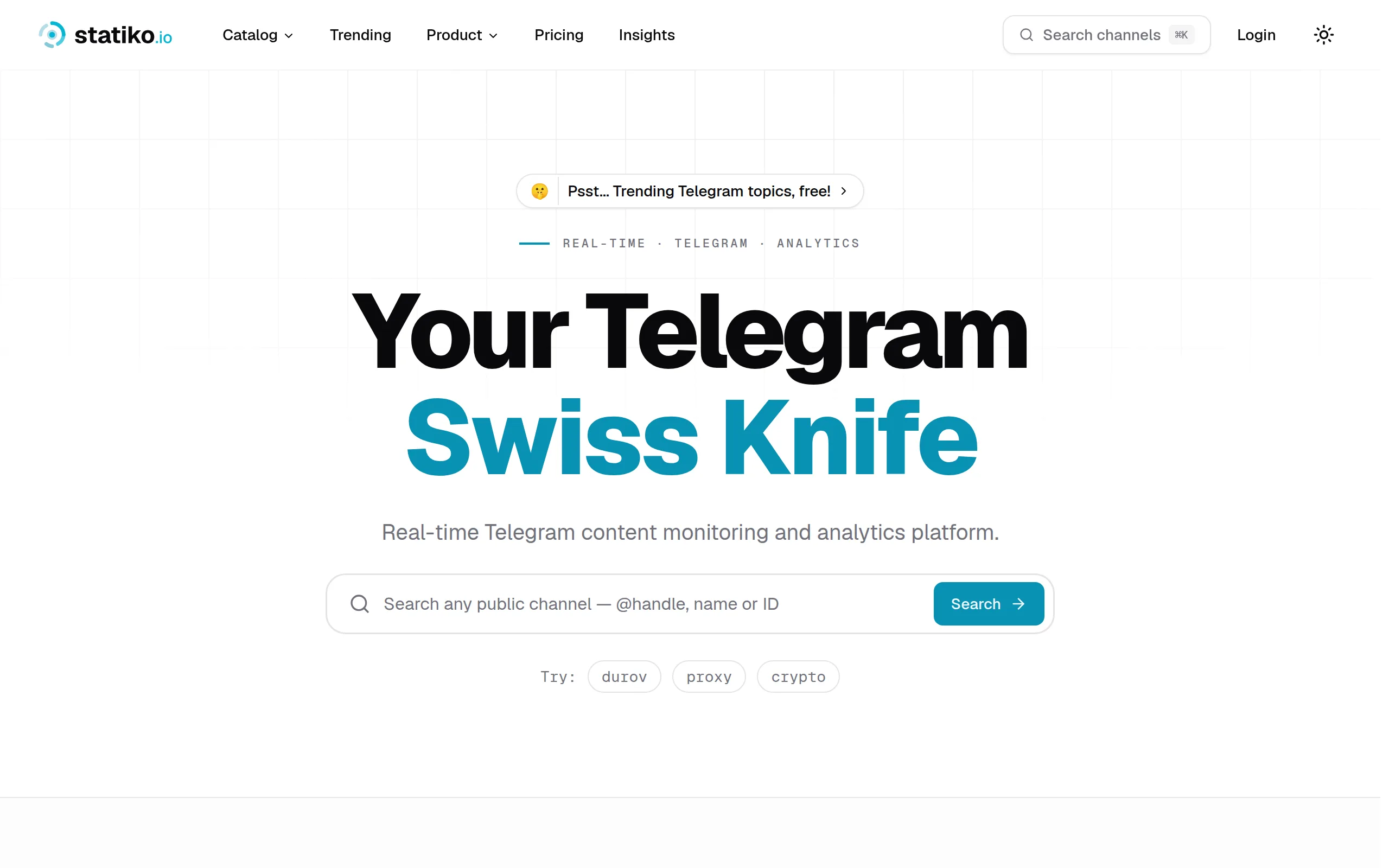
Statiko
Monitor any Telegram channel in real time - track posts, edits, deletions, and growth with AI recaps 📡

Shibui
AI website builder - describe your business, pick a niche template, edit by chatting, and publish instantly ✨

Pro Service
Find verified home service professionals, compare quotes, and pay securely through escrow - built for Brazilians across the US 🏠

RankGrow
Fix your SEO with AI agents - connect Search Console, get prioritized tasks, and grow organic traffic 📈
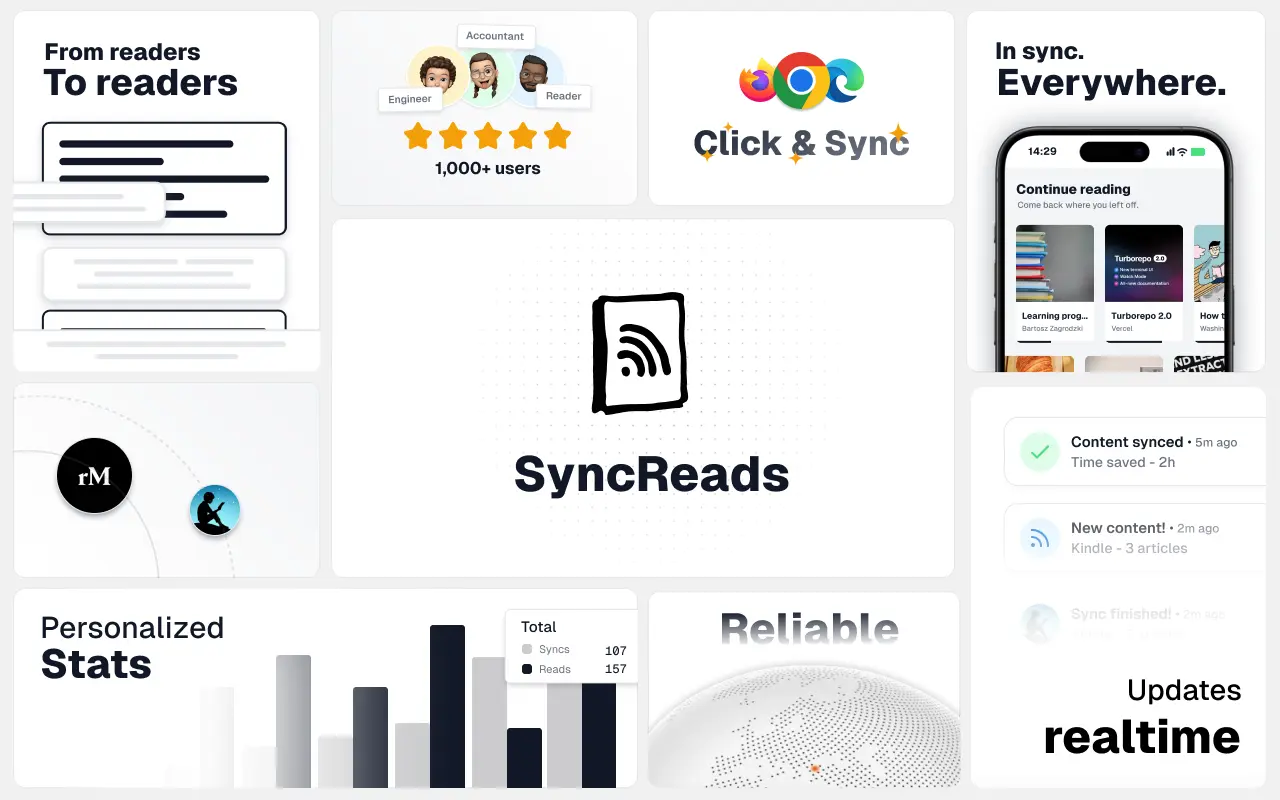
SyncReads
Sync your favorite content for distraction-free reading, save time and replace multiple apps. Anytime, anywhere 🔄
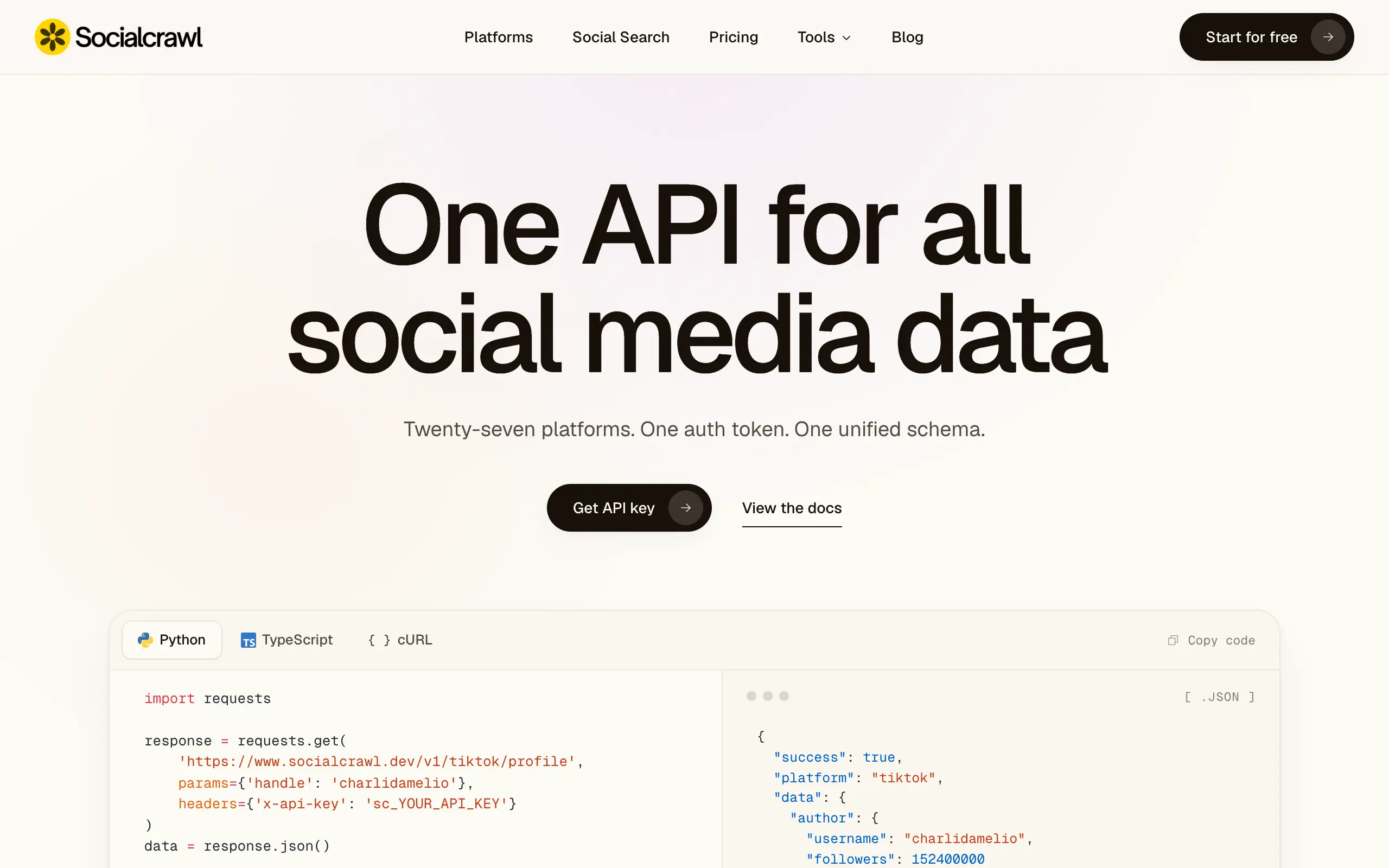
Socialcrawl
Get clean, structured data from 21 platforms like TikTok, Instagram, and YouTube with a single request 📊
Statiko
Monitor any Telegram channel in real time - track posts, edits, deletions, and growth with AI recaps 📡
Shibui
AI website builder - describe your business, pick a niche template, edit by chatting, and publish instantly ✨
Pro Service
Find verified home service professionals, compare quotes, and pay securely through escrow - built for Brazilians across the US 🏠
RankGrow
Fix your SEO with AI agents - connect Search Console, get prioritized tasks, and grow organic traffic 📈
SyncReads
Sync your favorite content for distraction-free reading, save time and replace multiple apps. Anytime, anywhere 🔄
Socialcrawl
Get clean, structured data from 21 platforms like TikTok, Instagram, and YouTube with a single request 📊
Statiko
Monitor any Telegram channel in real time - track posts, edits, deletions, and growth with AI recaps 📡
Shibui
AI website builder - describe your business, pick a niche template, edit by chatting, and publish instantly ✨
Pro Service
Find verified home service professionals, compare quotes, and pay securely through escrow - built for Brazilians across the US 🏠
RankGrow
Fix your SEO with AI agents - connect Search Console, get prioritized tasks, and grow organic traffic 📈
SyncReads
Sync your favorite content for distraction-free reading, save time and replace multiple apps. Anytime, anywhere 🔄
Socialcrawl
Get clean, structured data from 21 platforms like TikTok, Instagram, and YouTube with a single request 📊
Statiko
Monitor any Telegram channel in real time - track posts, edits, deletions, and growth with AI recaps 📡
Shibui
AI website builder - describe your business, pick a niche template, edit by chatting, and publish instantly ✨
Pro Service
Find verified home service professionals, compare quotes, and pay securely through escrow - built for Brazilians across the US 🏠
RankGrow
Fix your SEO with AI agents - connect Search Console, get prioritized tasks, and grow organic traffic 📈
SyncReads
Sync your favorite content for distraction-free reading, save time and replace multiple apps. Anytime, anywhere 🔄
Socialcrawl
Get clean, structured data from 21 platforms like TikTok, Instagram, and YouTube with a single request 📊
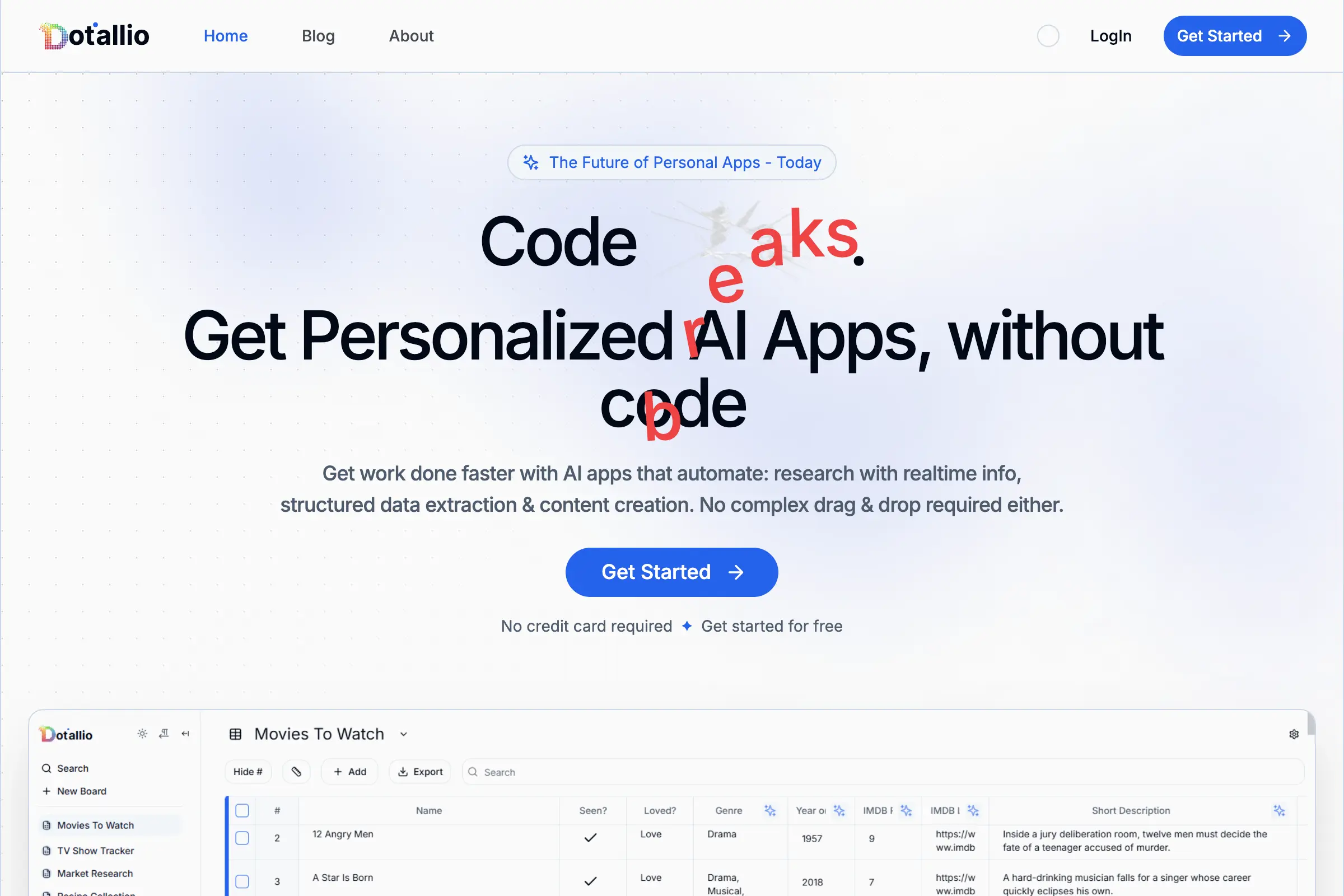
Dotallio
Personalized AI apps that automate research, data extraction, and content creation without code 🤖

Talk to Santa
Enjoy a magical live video chat or receive a unique AI-generated video greeting from Santa Claus 🎅
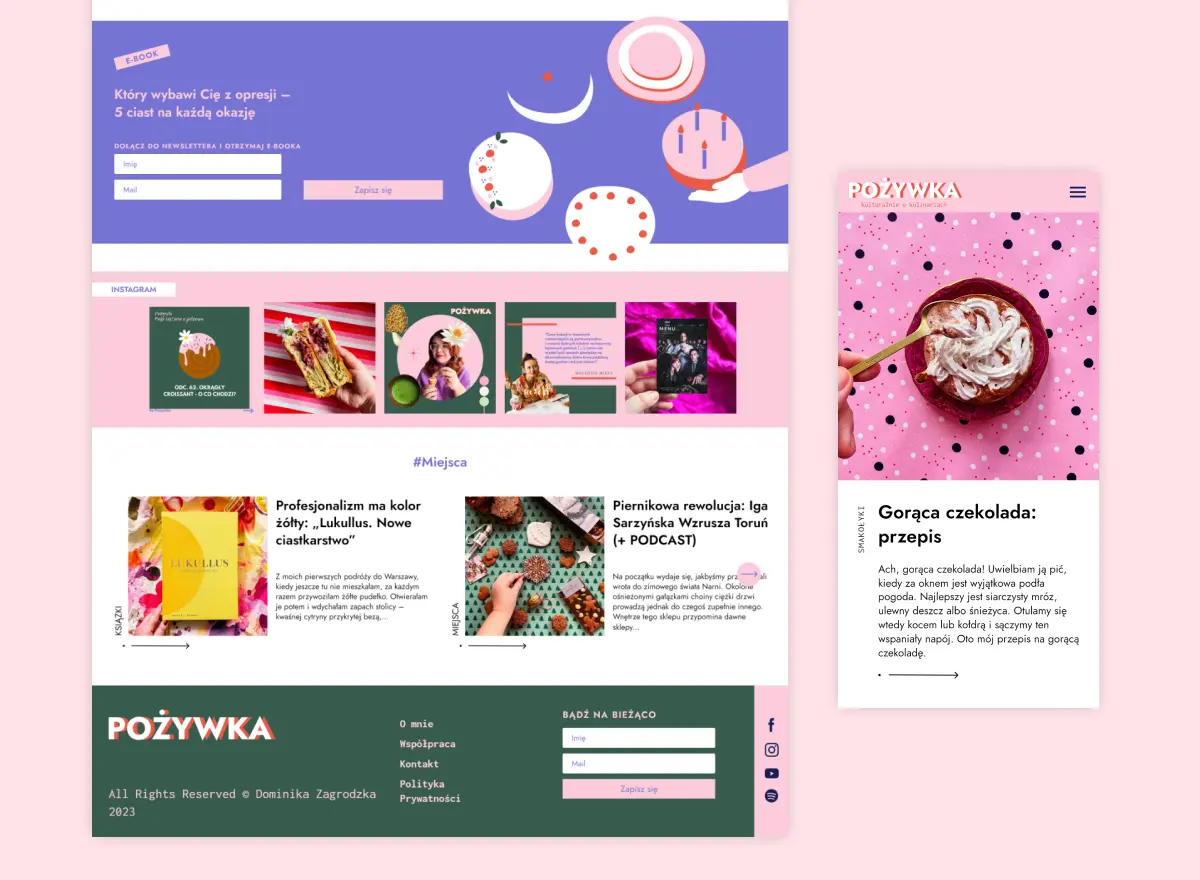
pozywka.pl
Scalable blog for food journalist, focused on performance and user experience 🌭
zagrodzki.me
Personal blog and portfolio of Bart Zagrodzki, where he shares his knowledge and work 💼
TurboStarter
Ship your startup everywhere. In minutes.
HTML to Markdown
Convert HTML to Markdown with ease, directly in your browser 📄
Dotallio
Personalized AI apps that automate research, data extraction, and content creation without code 🤖
Talk to Santa
Enjoy a magical live video chat or receive a unique AI-generated video greeting from Santa Claus 🎅
pozywka.pl
Scalable blog for food journalist, focused on performance and user experience 🌭
zagrodzki.me
Personal blog and portfolio of Bart Zagrodzki, where he shares his knowledge and work 💼
TurboStarter
Ship your startup everywhere. In minutes.
HTML to Markdown
Convert HTML to Markdown with ease, directly in your browser 📄
Dotallio
Personalized AI apps that automate research, data extraction, and content creation without code 🤖
Talk to Santa
Enjoy a magical live video chat or receive a unique AI-generated video greeting from Santa Claus 🎅
pozywka.pl
Scalable blog for food journalist, focused on performance and user experience 🌭
zagrodzki.me
Personal blog and portfolio of Bart Zagrodzki, where he shares his knowledge and work 💼
TurboStarter
Ship your startup everywhere. In minutes.
HTML to Markdown
Convert HTML to Markdown with ease, directly in your browser 📄
Dotallio
Personalized AI apps that automate research, data extraction, and content creation without code 🤖
Talk to Santa
Enjoy a magical live video chat or receive a unique AI-generated video greeting from Santa Claus 🎅
pozywka.pl
Scalable blog for food journalist, focused on performance and user experience 🌭
zagrodzki.me
Personal blog and portfolio of Bart Zagrodzki, where he shares his knowledge and work 💼
TurboStarter
Ship your startup everywhere. In minutes.
HTML to Markdown
Convert HTML to Markdown with ease, directly in your browser 📄
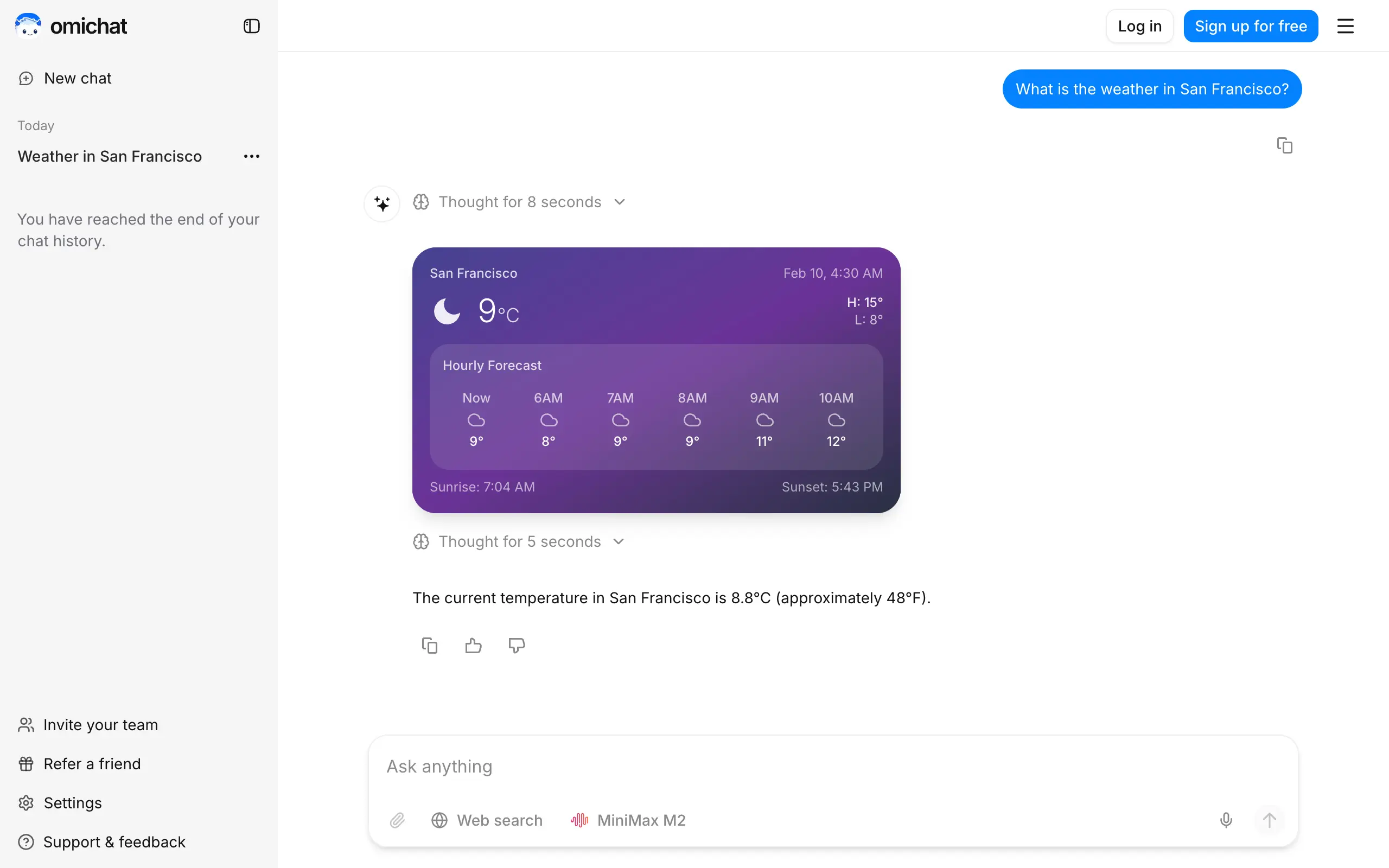
Omichat
Chat with 50+ AI models, including ChatGPT and Claude, in one place - switch models anytime without losing context 🤖
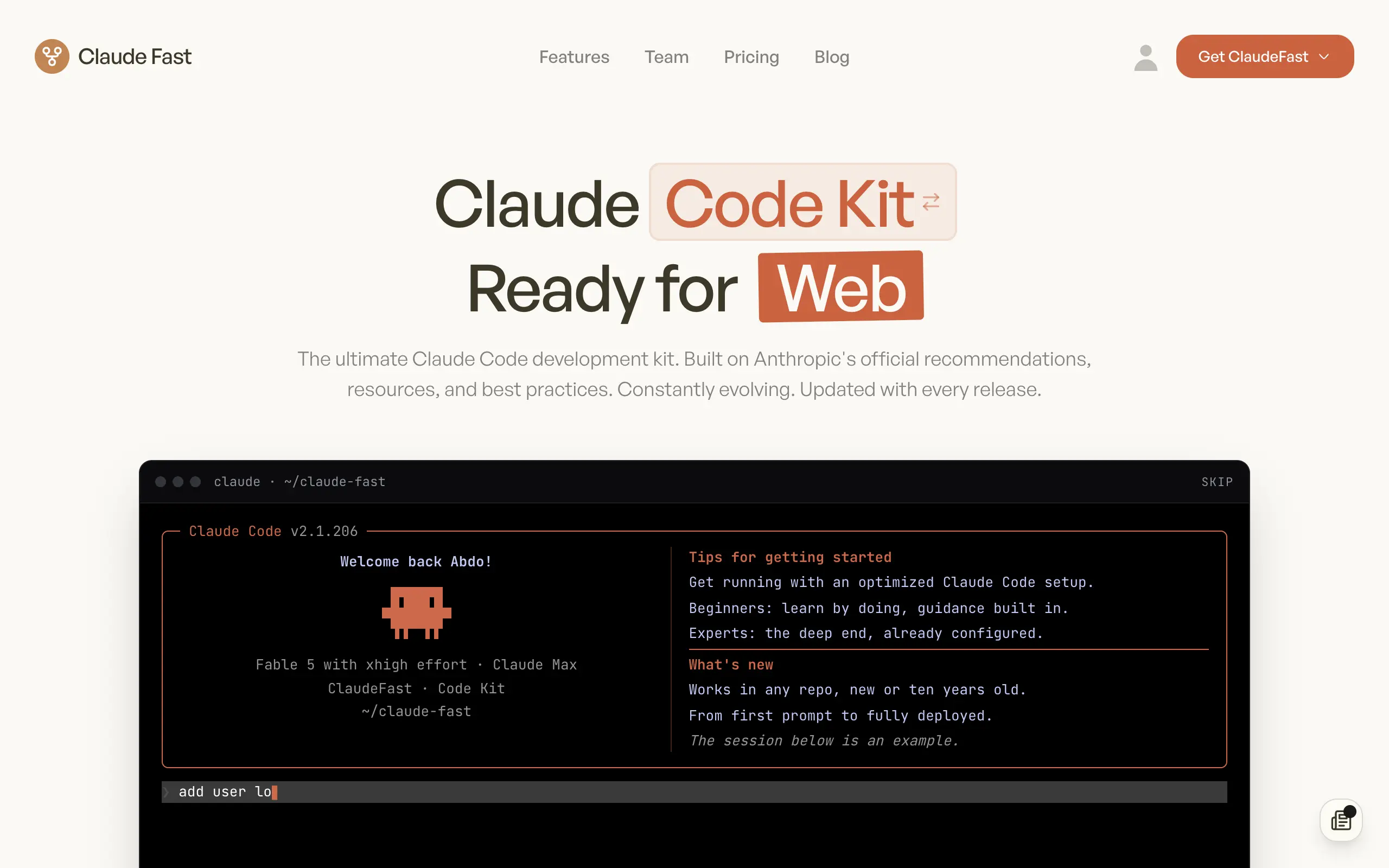
Claude Fast
Supercharge your Claude Code with 6x effective context window and specialized AI agents 🤖
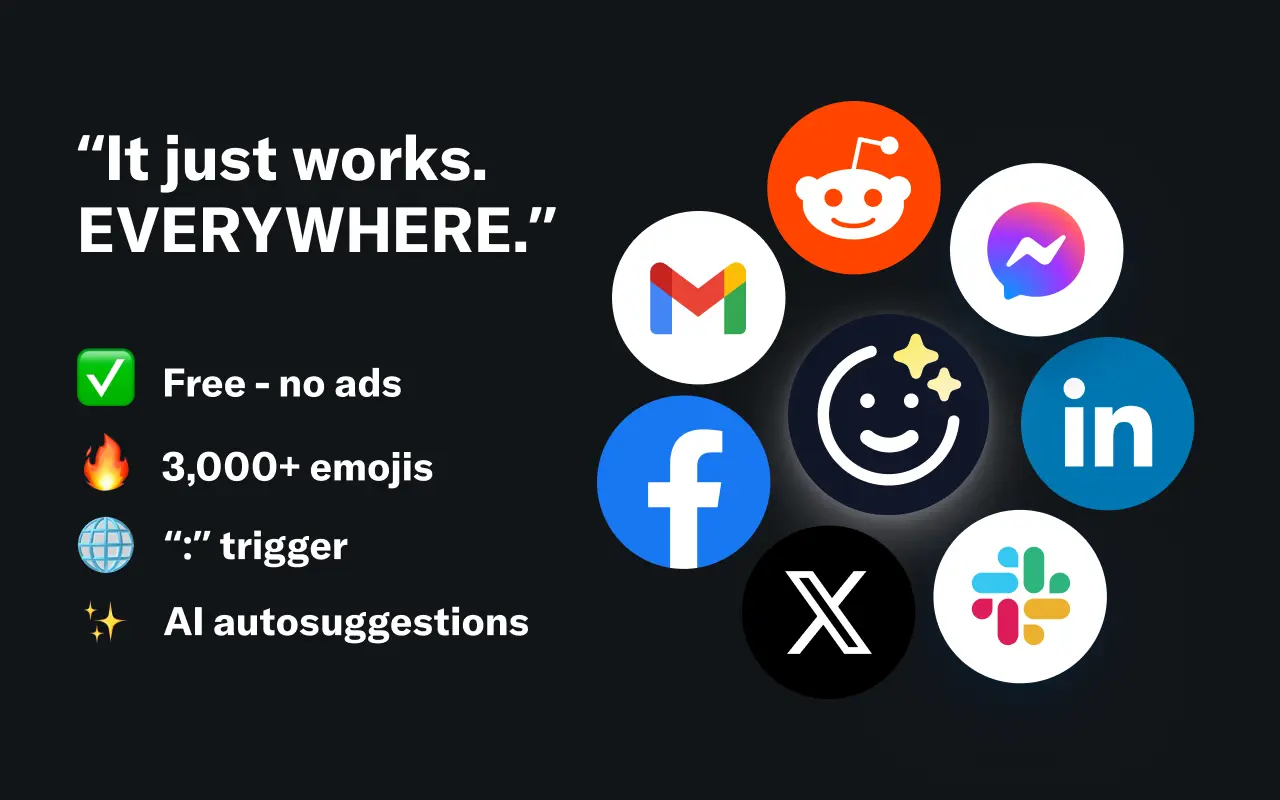
EmojAI
AI-powered emoji picker with smart, context-aware suggestions 🤖

Solohacker
Autonomous company launcher - AI agents work 24/7, escalate what matters, and you stay in control 🤖
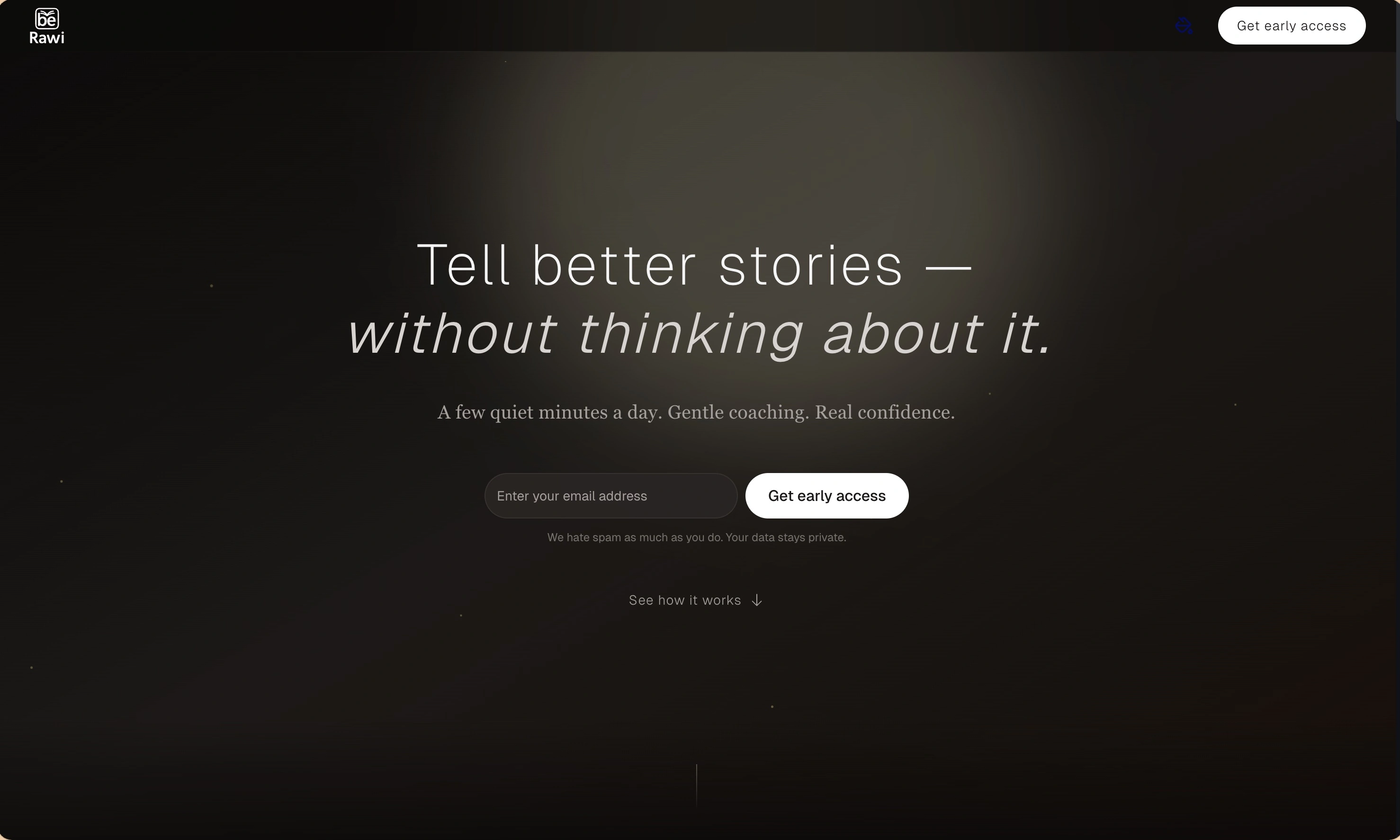
BeRawi: Storytelling Coach
Practice storytelling daily with instant feedback to sound clearer, more engaging, and confident 🎤
Omichat
Chat with 50+ AI models, including ChatGPT and Claude, in one place - switch models anytime without losing context 🤖
Claude Fast
Supercharge your Claude Code with 6x effective context window and specialized AI agents 🤖
EmojAI
AI-powered emoji picker with smart, context-aware suggestions 🤖
Solohacker
Autonomous company launcher - AI agents work 24/7, escalate what matters, and you stay in control 🤖
BeRawi: Storytelling Coach
Practice storytelling daily with instant feedback to sound clearer, more engaging, and confident 🎤
Omichat
Chat with 50+ AI models, including ChatGPT and Claude, in one place - switch models anytime without losing context 🤖
Claude Fast
Supercharge your Claude Code with 6x effective context window and specialized AI agents 🤖
EmojAI
AI-powered emoji picker with smart, context-aware suggestions 🤖
Solohacker
Autonomous company launcher - AI agents work 24/7, escalate what matters, and you stay in control 🤖
BeRawi: Storytelling Coach
Practice storytelling daily with instant feedback to sound clearer, more engaging, and confident 🎤
Omichat
Chat with 50+ AI models, including ChatGPT and Claude, in one place - switch models anytime without losing context 🤖
Claude Fast
Supercharge your Claude Code with 6x effective context window and specialized AI agents 🤖
EmojAI
AI-powered emoji picker with smart, context-aware suggestions 🤖
Solohacker
Autonomous company launcher - AI agents work 24/7, escalate what matters, and you stay in control 🤖
BeRawi: Storytelling Coach
Practice storytelling daily with instant feedback to sound clearer, more engaging, and confident 🎤

Connect with like-minded people
Join our community to get feedback, support, and grow together with 1,000+ builders on board, let's ship it!
Join usShip your startup everywhere. In minutes.
Don't burn tokens on setup and start building features on day one.