ShelfQuest
Count shop inventory with your phone camera while AI flags gaps and misplaced items. Turn routine stock checks into quick team quests.
Why ShelfQuest is a promising mobile inventory app
ShelfQuest is a mobile inventory-counting app that helps retail teams count stock with a phone camera, identify gaps and misplaced products, and turn routine stock checks into collaborative quests. The idea addresses a familiar operational problem: store teams need reliable inventory data, but counting is repetitive, disruptive, and easy to get wrong.
The strongest version of ShelfQuest is not simply a camera-based product counter. It is a practical workflow tool that helps a team move from “we think we have this item” to “we verified the shelf, recorded the result, and know what needs attention.” AI can assist with recognition and anomaly detection, while human review keeps the count grounded in what employees can actually see.
That distinction matters. Retail inventory is affected by more than a product’s presence on a shelf. Items may be in back rooms, on endcaps, in carts, or temporarily unavailable. A credible inventory app must make those contexts visible instead of promising that a camera can infer every stock condition automatically.
ShelfQuest’s opportunity is to combine three elements in a focused mobile experience:
- Fast counting that reduces the effort of routine checks.
- Actionable exceptions that direct employees to likely gaps, misplaced items, or counts that need review.
- Team motivation that makes repetitive work easier to complete consistently.
The concept is well suited to validation through a narrow pilot: one store, a defined product category, and a measurable stock-check workflow.
The target audience for a mobile inventory-counting app
ShelfQuest should initially focus on businesses where employees conduct frequent, small-scale inventory checks but do not have the time or equipment for complex enterprise inventory processes.
Primary customers
Independent retailers and small chains are a natural starting point. These businesses may manage stock through a point-of-sale system, spreadsheets, or a mix of tools. Managers need to know what is on the shelf, but formal cycle counts can compete with customer service and other daily tasks.
Specialty retail stores can also be attractive early customers. Stores with clearly packaged products, stable product catalogs, and identifiable labels are more suitable for camera-assisted counting than environments with many visually similar loose goods. Examples might include hobby, beauty, convenience, or consumer-electronics retailers, depending on product mix and the systems they already use.
Franchise operators may have an even stronger need for repeatable processes. A franchisee or regional manager can use standardized counting tasks to check whether locations follow the same routine, while store employees complete the work on their own devices.
Small warehouse and stockroom teams could be a later audience. Their workflows may involve bins, cases, and storage locations rather than customer-facing shelves, so ShelfQuest would need to support location identifiers and different unit-of-measure rules before targeting them.
Day-to-day users and decision-makers
ShelfQuest serves more than one role:
- Store associates perform the count and need a quick, clear mobile workflow.
- Shift leads assign tasks, review exceptions, and make sure priority sections are completed.
- Store managers use the results to investigate discrepancies and plan replenishment.
- Owners and operations leaders look for visibility across locations and want to reduce time spent on manual checks.
- Inventory or merchandising teams may use exception reports to identify recurring shelf execution problems.
These groups have different requirements. Associates care about speed and clarity. Managers need trustworthy results, useful filters, and a way to resolve discrepancies. Owners want evidence that the product saves time or improves operational consistency.
The best initial customer profile
A strong first customer is likely to have:
- One to a few physical store locations.
- A manageable product catalog and product images or barcode data.
- Employees who already use smartphones during work.
- Regular shelf checks, cycle counts, or replenishment routines.
- A manager willing to run a measured pilot.
- An inventory or point-of-sale system that can export product data, even if a direct integration is not available at first.
ShelfQuest should avoid starting with every retail category. A narrow customer profile makes it easier to build accurate recognition, choose the right counting rules, and learn which exceptions matter most.
The market gap and opportunity
Retail inventory software is not a new category. Many businesses already have inventory features in point-of-sale platforms, enterprise resource planning systems, warehouse tools, or spreadsheets. The opportunity for ShelfQuest is not to replace all of those systems. It is to improve the physical verification step that happens in the store.
A system of record can say that the expected quantity is 12. It may not tell a manager whether those units are actually visible on the shelf, are in the wrong location, or need an employee to investigate. A mobile workflow can connect expected inventory with observations made on the shop floor.
Where existing workflows can fall short
Manual counts often require employees to move between a shelf, a paper list, and a computer or handheld device. That introduces friction and creates room for transcription errors. A spreadsheet can store a result, but it usually does not guide employees through a task or help them prioritize suspicious discrepancies.
Barcode scanning can make identification more reliable, but it may still require employees to scan items individually. That is useful for many workflows, yet it can be slow when the goal is a quick shelf audit across multiple products.
Computer vision promises a more natural counting experience, but camera-based recognition has limitations. Packaging can change, products can overlap, lighting can vary, and similar products may be difficult to distinguish. A practical product should therefore use AI to accelerate a count, not claim to eliminate verification.
ShelfQuest’s product gap
ShelfQuest can position itself between basic inventory records and heavyweight operational systems:
- The manager creates or schedules a focused stock-check task.
- An associate follows a guided mobile workflow.
- The camera assists with identifying products or counting visible units.
- The app flags uncertain observations and likely discrepancies.
- The associate or manager reviews exceptions.
- The verified result can be exported or synced to the inventory system.
This approach gives ShelfQuest a clear job: make routine physical checks faster and more consistent without requiring a retailer to replace its core software.
A useful product principle
Treat AI output as an observation with a confidence level, not as inventory truth. The app should make it easy to verify, correct, or reject a suggestion.
Core features for the ShelfQuest MVP
A successful MVP should prove that ShelfQuest can help a real team complete a specific inventory workflow with less friction. It does not need to include every integration, gamification mechanic, and analytics feature from day one.
1. Guided stock-check tasks
Managers should be able to create a task for a store, aisle, shelf, or product group. Each task needs a clear objective, a due time, and an assigned person or team.
The associate’s experience should answer three questions immediately:
- Where should I go?
- What should I count or verify?
- What do I do when the result looks wrong?
A simple task flow is more valuable than a large dashboard that employees rarely use.
2. Product identification and camera-assisted counting
The camera workflow is ShelfQuest’s central product promise. Early versions should consider a hybrid approach rather than relying exclusively on visual recognition.
For example, the app could combine:
- Product image matching for known items.
- Barcode scanning as a reliable fallback.
- A manual search for ambiguous products.
- Shelf or location labels to narrow the possible matches.
- A confirmation screen before a count is submitted.
The right balance depends on the product category and the quality of the retailer’s catalog. A pilot should measure how often the camera identifies an item correctly, how often employees need to correct it, and how long the full task takes.
3. Gap and misplaced-item alerts
ShelfQuest should compare observed counts with an expected quantity or a defined shelf minimum. It can then flag situations such as:
- A product expected on the shelf but not observed.
- A visible product that is not assigned to the current shelf.
- A count that differs substantially from the expected quantity.
- A product that appears to be running low.
- An item that could not be confidently identified.
A useful alert explains why it appeared and what the employee should do next. “Review this product because the observed count differs from the expected count” is more actionable than a generic warning.
4. Human review and correction
Associates need an easy way to correct the product, quantity, or location. Managers need a review queue for unresolved or high-impact exceptions.
Corrections are especially valuable in an AI-assisted workflow. They help resolve operational issues in the moment and can also reveal where the recognition system needs improvement. The product should record corrections in a structured form so the team can distinguish model uncertainty from employee mistakes or inventory-system problems.
5. Team quests and lightweight motivation
Gamification should support the task, not distract from it. A “quest” could represent a practical goal, such as checking a high-priority section before a shift ends or completing a recurring cycle count.
Useful mechanics may include:
- Team progress toward a section-completion goal.
- Recognition for consistent, accurate completion.
- Streaks for recurring routines.
- Optional challenges tied to operational priorities.
- A shared completion indicator so teams can see what remains.
Avoid rewarding raw speed alone. If employees are incentivized to submit counts as quickly as possible, accuracy may decline. A better model recognizes a combination of completion, verification quality, and follow-through.
6. Manager dashboard and audit trail
Managers need a simple view of completed tasks, open exceptions, and recurring discrepancies. Each count should have enough context to support an operational decision:
- Who completed the check.
- When and where it happened.
- What quantity was observed.
- Whether the result was camera-assisted, scanned, or entered manually.
- What the expected value was, if available.
- Whether a manager reviewed or changed the result.
An audit trail builds trust and helps a business investigate disagreements between a mobile count and its inventory system.
7. Data import and export
Integrations can become a major project, so ShelfQuest should begin with a dependable path for moving data. A CSV import and export workflow may be sufficient for early pilots if it handles product identifiers, names, locations, expected quantities, and image references clearly.
Direct integrations should follow customer evidence. Build the integrations that remove repeated work for the best-fit customers, rather than adding connectors simply to increase a feature list.
Recommended product architecture and tech stack
The right stack depends on the founding team’s experience, camera requirements, and the pace of experimentation. A mobile-first product needs dependable offline behavior, clear permission handling, and a reliable path for uploading images or count events.
Mobile application
A cross-platform framework can help a small team support both iOS and Android without maintaining two entirely separate applications. React Native is a reasonable option for a team with JavaScript or React experience. It offers access to native device capabilities while allowing much of the application logic and interface to be shared.
Another option is Expo, which can simplify development and release workflows for React Native applications. Teams should validate that the required camera, scanning, offline, and background-upload capabilities fit their target devices before committing to a managed workflow.
The trade-off is that computer vision and camera behavior can require native-level tuning. A cross-platform approach can speed up initial development, but performance-sensitive features may still need platform-specific code.
Backend and data storage
A relational database is a strong fit for users, stores, products, tasks, count events, and review states. These entities have clear relationships and need consistent updates. PostgreSQL is a dependable choice for this kind of structured application data.
A managed backend can reduce infrastructure work during early validation. Supabase provides PostgreSQL-based services and can help teams move quickly, though the team should still plan access controls, backups, and production monitoring. Whether using a managed platform or a custom backend, permissions should be designed around organizations, stores, and roles from the start.
Computer vision strategy
For the first release, ShelfQuest should test the simplest reliable method for the chosen category. Options include barcode scanning, image matching against a known catalog, or a server-side vision model. The best choice depends on whether the product package is distinctive, whether a barcode is visible, and how much latency the workflow can tolerate.
A sensible progression is:
- Start with barcode scanning and manual correction where appropriate.
- Add image-based suggestions for a constrained set of products.
- Measure recognition accuracy in real store conditions.
- Expand only when the feature reduces total task time without creating unacceptable correction work.
On-device processing can reduce network dependency and may improve responsiveness, but it can be constrained by device performance and model size. Server-side processing can support more powerful models and centralized updates, but it introduces latency, data-transfer costs, and privacy considerations.
Offline support and synchronization
Retail environments can have unreliable connectivity. The app should allow an employee to complete a count locally and sync it when a connection returns. This requires clear handling of duplicate submissions, edits made on multiple devices, and tasks that have changed since they were downloaded.
For the MVP, offline support can be limited to the active task and essential product data rather than attempting to cache the entire catalog. The important outcome is that an associate does not lose work because a connection drops midway through a count.
Privacy and security
ShelfQuest may process store images, employee activity, and commercial inventory data. The product should collect only what is necessary for the workflow, explain how data is used, and provide sensible retention controls. Store managers should be able to understand who can see photos, counts, and team activity.
The app should also use role-based access, encrypted connections, secure authentication, and audit logs for sensitive changes. If image processing involves an external provider, explain that data flow clearly and assess the provider’s terms before using it in production.
Monetization strategies for ShelfQuest
ShelfQuest is likely best suited to a business subscription model, but pricing should follow measurable customer value and the complexity of deployment.
Per-location subscription
A monthly subscription per store is easy for many retail buyers to understand. It aligns pricing with the operational unit where tasks happen and allows a company to expand location by location.
Possible plan differences could include the number of active users, task volume, reporting features, or integration access. Keep the initial pricing structure simple enough for a manager to understand without a sales call.
Per-user pricing
Charging per user can work when the number of active employees is relatively stable. However, retail staffing changes and shift-based work can make user-based pricing feel unpredictable. A store may also hesitate to give every associate access if each account increases the bill.
A hybrid model could include a location fee with a reasonable number of users, then charge for higher usage or advanced features.
Usage-based pricing
If image recognition has meaningful infrastructure costs, pricing could account for scan or processing volume. This should be introduced carefully. Customers need predictable costs, and they should not be discouraged from performing useful checks because every scan carries an unclear fee.
A better approach may be to include a generous usage allowance in each tier and reserve overage pricing for unusually high volume.
Paid onboarding and integrations
Larger customers may pay for catalog cleanup, custom workflows, training, or integrations. These services can generate revenue, but they should not become a substitute for a product that is difficult to set up. Track onboarding effort closely. If every new customer needs extensive manual work, the product may need better import tools or a narrower target market.
How to validate pricing
Before selecting a final price, interview buyers and test willingness to pay with a real pilot proposal. Ask what budget the product would come from, what existing process it replaces, and what evidence would justify renewal.
The strongest pricing story is tied to outcomes the customer can measure, such as fewer staff minutes spent on a count, faster exception resolution, or improved completion of scheduled checks. Avoid claiming savings or inventory accuracy improvements until pilot data supports them.
Competitive advantage and positioning
ShelfQuest will compete indirectly with inventory platforms, barcode-scanning apps, mobile point-of-sale systems, and general task-management software. Its advantage should come from the quality of its workflow rather than a broad claim that it has “AI.”
| Product approach | Typical strength | Common limitation | ShelfQuest opportunity |
|---|---|---|---|
| Spreadsheets and paper lists | Flexible and familiar | Manual entry and limited workflow visibility | Guided tasks with a clear completion trail |
| Barcode-scanning apps | Reliable product identification | Can require repeated individual scans | Combine scanning with camera assistance and review |
| Point-of-sale inventory tools | Connected to sales and stock records | May not optimize physical shelf checks | Focus on fast store-level verification |
| Enterprise inventory platforms | Broad controls and integrations | Can be complex for smaller teams | Offer a narrow, approachable mobile workflow |
| General task tools | Useful for assigning work | Do not validate inventory observations | Connect task completion to count evidence |
ShelfQuest’s potential USP is camera-assisted, exception-first stock checking with team-friendly execution. The product can help a store team count what matters, surface what needs attention, and record who verified it.
That USP will be credible only if it holds up in real conditions. Product recognition should be evaluated against the time required to scan or count manually. If the camera feature saves little time or creates frequent corrections, ShelfQuest should emphasize task orchestration and exception management while improving recognition incrementally.
A defensible advantage may develop through:
- A well-designed workflow for a specific retail category.
- Reliable product and location data structures.
- A growing record of real-world corrections and edge cases.
- Integrations that remove repetitive setup for target customers.
- Strong manager reporting that connects observations to follow-up actions.
- A positive employee experience that encourages routine use.
Risks and how to mitigate them
Recognition errors and misplaced confidence
An incorrect product match can be worse than a slower manual count if employees trust it without checking. ShelfQuest should display uncertainty, make corrections simple, and require confirmation when the confidence level is low.
Pilot testing should include different lighting, shelf layouts, packaging versions, and phone models. A model that performs well in a controlled demo may behave differently in a busy store.
Product catalog quality
Camera assistance depends on usable reference data. Retailers may have missing images, inconsistent names, duplicate product records, or outdated identifiers.
Start by supporting a clear import template and reporting data-quality issues before a store begins a pilot. Make it easy to fix obvious problems without asking the customer to rebuild its catalog.
Employee adoption
A mobile app can fail if it adds steps to an already busy shift. Associates need a short onboarding flow, quick task entry, and clear guidance when something goes wrong. Involve actual store employees in usability testing rather than relying only on managers or founders.
Quest mechanics should be optional and carefully designed. Employees should not feel that speed scores or public rankings punish them for careful work.
Integration complexity
Retail systems vary widely, and integration work can consume engineering capacity. Begin with imports and exports, then prioritize direct integrations based on repeated customer demand. Keep a documented data model so that new connectors do not create inconsistent product or location records.
Privacy and workplace concerns
Photos and employee activity data can raise concerns, particularly if staff do not understand what is recorded or how performance is assessed. Explain the purpose of data collection, restrict access appropriately, and avoid turning operational metrics into opaque employee surveillance.
Long sales cycles and unclear ROI
Some retailers may need a manager, owner, IT contact, and operations leader to approve a new tool. A pilot should be easy to start and should measure a specific workflow. Agree on the success criteria before the pilot begins so that the decision to continue is based on evidence rather than impressions.
Metrics to measure during a pilot
A pilot should test the product’s operational value, not merely whether users can complete a demonstration. Useful measures include:
- Average time to complete a defined stock-check task.
- Percentage of assigned tasks completed on time.
- Number and type of exceptions raised.
- Percentage of camera suggestions accepted without correction.
- Rate of corrections and unresolved matches.
- Time from discrepancy detection to manager review.
- Associate and manager satisfaction.
- Repeat usage after the initial onboarding period.
Compare results with the customer’s existing workflow where possible. Document the category, store layout, device types, and task definition so that future tests are comparable. Do not generalize from one store to all retailers; use early results to identify which environments are most promising.
A practical implementation roadmap
ShelfQuest should be built in stages, with each stage answering a specific product question.
Choose one customer segment and one counting workflow. Interview store managers and associates. Observe how a count is currently assigned, performed, recorded, and reviewed. Select a workflow that happens often enough to test but is narrow enough to support well.
Define a baseline and pilot success criteria. Record how long the current process takes, what errors or delays occur, and what a successful improvement would look like. Agree on these measures with the pilot customer before deploying the app.
Build the operational core. Implement organization and store accounts, product imports, task assignment, count submission, exception review, and an audit trail. Keep the first mobile workflow focused and easy to complete.
Test camera assistance against a dependable fallback. Begin with barcode scanning or manual confirmation where needed. Add visual recognition for a constrained product set and measure its effect on the full task, including correction time.
Run a supervised store pilot. Observe employees using ShelfQuest in normal working conditions. Record confusion, connectivity issues, recognition failures, and moments when the app does not match the real store process.
Improve the workflow before broadening the feature set. Fix the most frequent sources of friction. Add reporting, integrations, or gamification only when pilot evidence shows that they improve adoption or operational outcomes.
Turn pilot results into a repeatable sales motion. Create a short onboarding checklist, a standard import format, a clear pilot proposal, and an outcome report that helps a buyer decide whether to expand.
Final perspective
ShelfQuest has a clear opportunity to make physical inventory checks more approachable for retail teams. Its potential is strongest when it solves a specific, recurring store workflow rather than trying to replace a retailer’s entire inventory system.
The core product challenge is balancing camera speed with trustworthy results. A strong solution will combine AI assistance with human verification, clear exception handling, reliable offline behavior, and a workflow employees can complete during a real shift. Team quests can support consistency, but the operational value must come first.
For founders, the next step is not to build a large feature set. It is to identify a focused retail segment, observe its current counting process, and test whether ShelfQuest can make that process measurably faster or easier to manage. If the pilot shows repeat use, acceptable recognition quality, and a clear reason for a business to pay, the concept has a solid foundation for growth.
For a faster path from product idea to launch, TurboStarter can help accelerate the SaaS foundation so more development effort can go toward the mobile inventory workflow, camera experience, and customer validation.
More 📱 Mobile App SaaS ideas
Discover more innovative mobile app SaaS ideas that are trending in 2026. Each idea is AI-generated with market validation and growth potential to help you find your next profitable venture faster than competitors.
Your competitors are building with TurboStarter
Below are some of the SaaS ideas that have been generated and built with our starter kit.
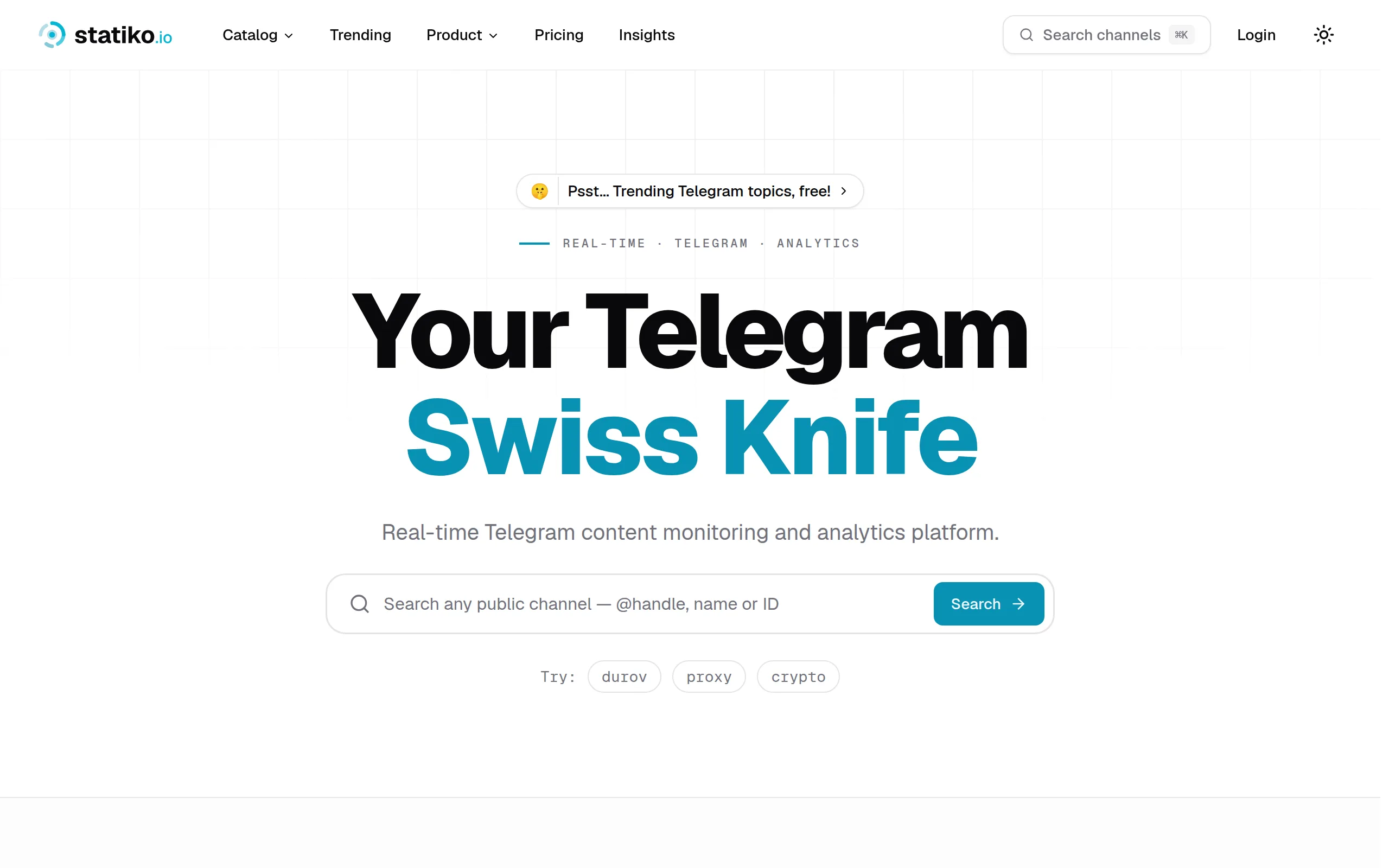
Statiko
Monitor any Telegram channel in real time - track posts, edits, deletions, and growth with AI recaps 📡

Shibui
AI website builder - describe your business, pick a niche template, edit by chatting, and publish instantly ✨

Pro Service
Find verified home service professionals, compare quotes, and pay securely through escrow - built for Brazilians across the US 🏠
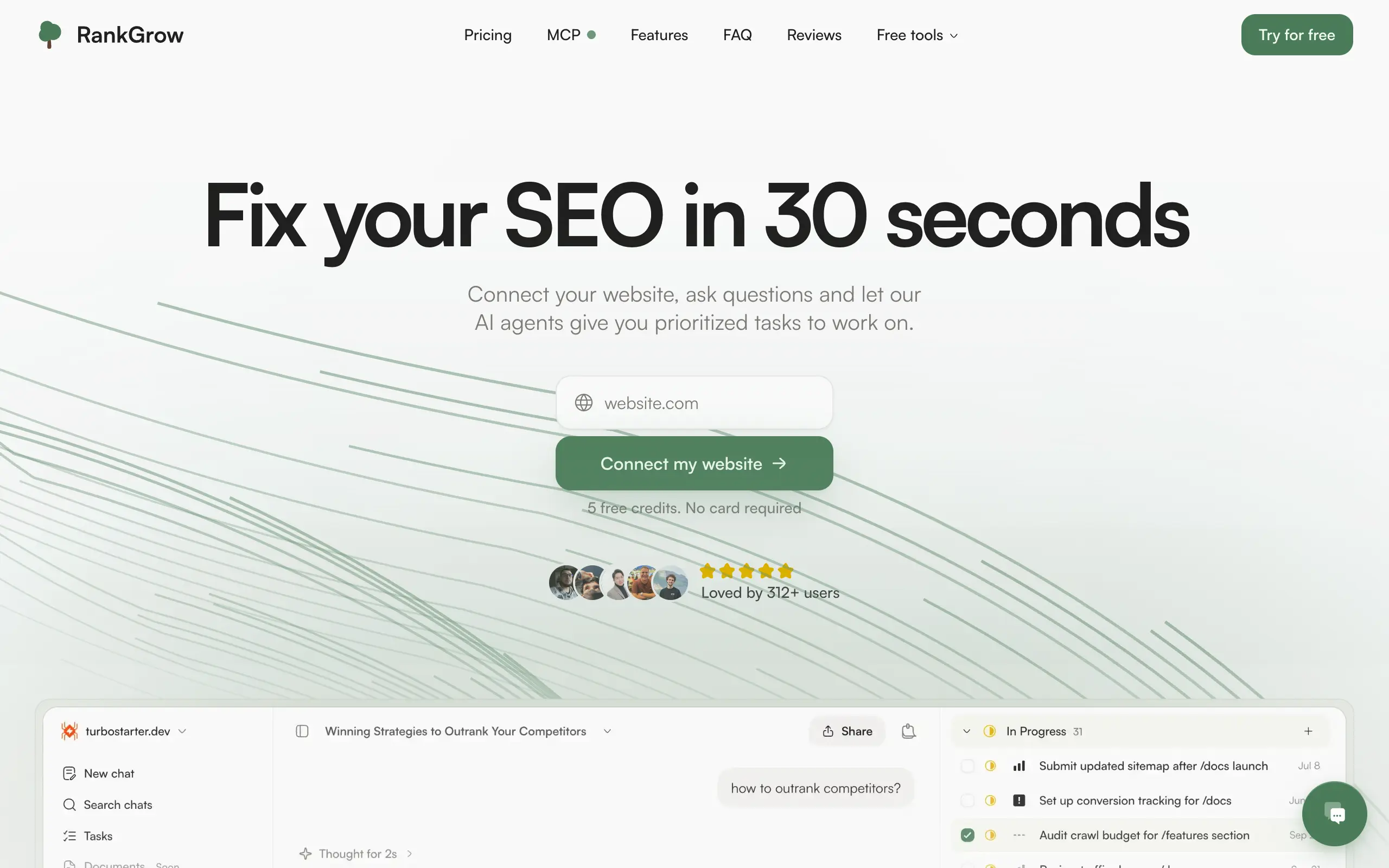
RankGrow
Fix your SEO with AI agents - connect Search Console, get prioritized tasks, and grow organic traffic 📈
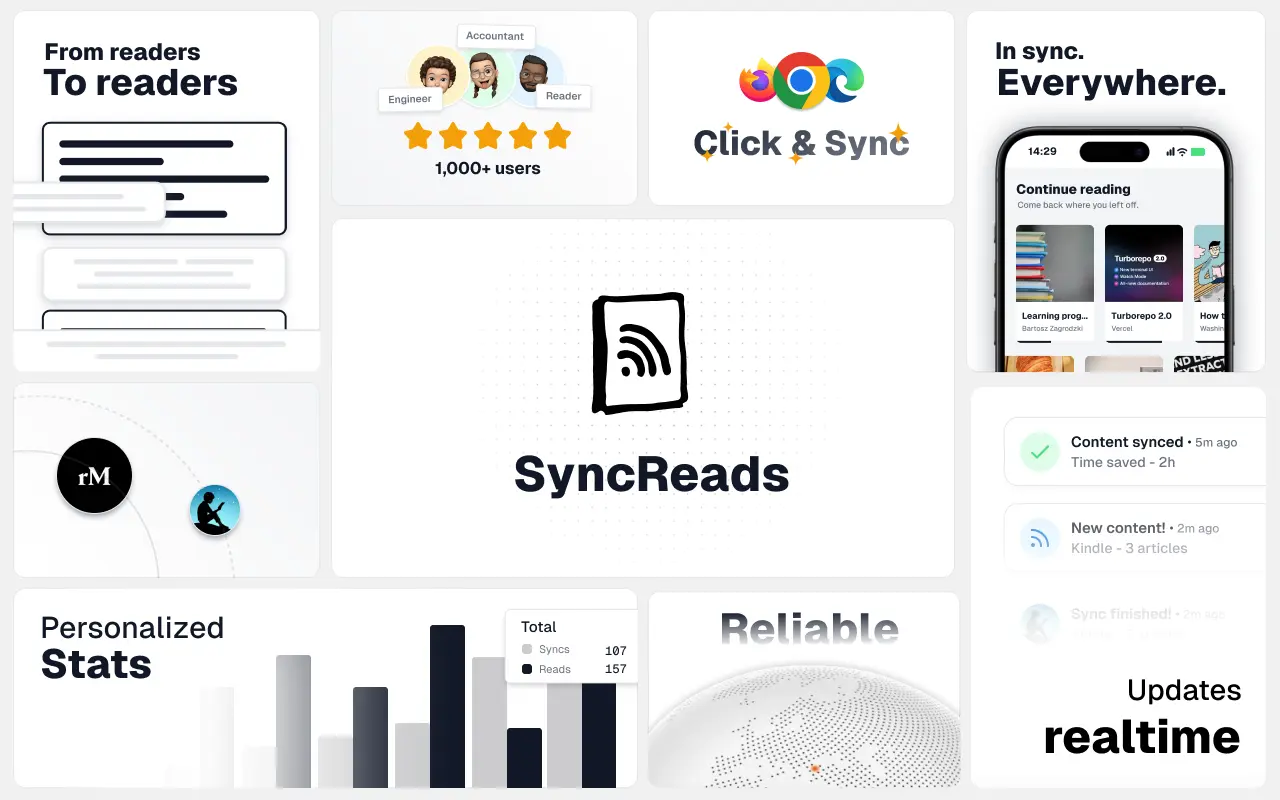
SyncReads
Sync your favorite content for distraction-free reading, save time and replace multiple apps. Anytime, anywhere 🔄
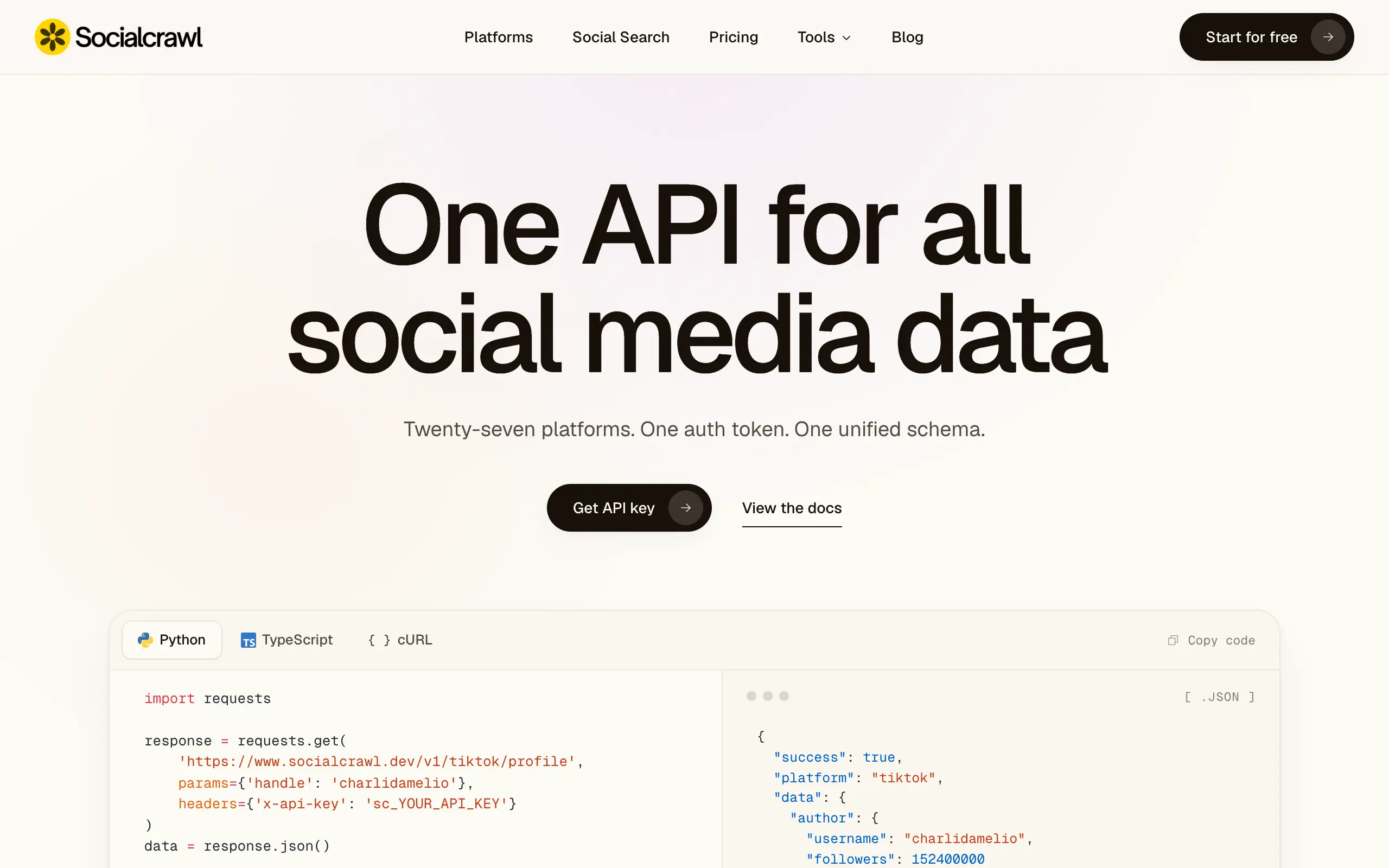
Socialcrawl
Get clean, structured data from 21 platforms like TikTok, Instagram, and YouTube with a single request 📊
Statiko
Monitor any Telegram channel in real time - track posts, edits, deletions, and growth with AI recaps 📡
Shibui
AI website builder - describe your business, pick a niche template, edit by chatting, and publish instantly ✨
Pro Service
Find verified home service professionals, compare quotes, and pay securely through escrow - built for Brazilians across the US 🏠
RankGrow
Fix your SEO with AI agents - connect Search Console, get prioritized tasks, and grow organic traffic 📈
SyncReads
Sync your favorite content for distraction-free reading, save time and replace multiple apps. Anytime, anywhere 🔄
Socialcrawl
Get clean, structured data from 21 platforms like TikTok, Instagram, and YouTube with a single request 📊
Statiko
Monitor any Telegram channel in real time - track posts, edits, deletions, and growth with AI recaps 📡
Shibui
AI website builder - describe your business, pick a niche template, edit by chatting, and publish instantly ✨
Pro Service
Find verified home service professionals, compare quotes, and pay securely through escrow - built for Brazilians across the US 🏠
RankGrow
Fix your SEO with AI agents - connect Search Console, get prioritized tasks, and grow organic traffic 📈
SyncReads
Sync your favorite content for distraction-free reading, save time and replace multiple apps. Anytime, anywhere 🔄
Socialcrawl
Get clean, structured data from 21 platforms like TikTok, Instagram, and YouTube with a single request 📊
Statiko
Monitor any Telegram channel in real time - track posts, edits, deletions, and growth with AI recaps 📡
Shibui
AI website builder - describe your business, pick a niche template, edit by chatting, and publish instantly ✨
Pro Service
Find verified home service professionals, compare quotes, and pay securely through escrow - built for Brazilians across the US 🏠
RankGrow
Fix your SEO with AI agents - connect Search Console, get prioritized tasks, and grow organic traffic 📈
SyncReads
Sync your favorite content for distraction-free reading, save time and replace multiple apps. Anytime, anywhere 🔄
Socialcrawl
Get clean, structured data from 21 platforms like TikTok, Instagram, and YouTube with a single request 📊
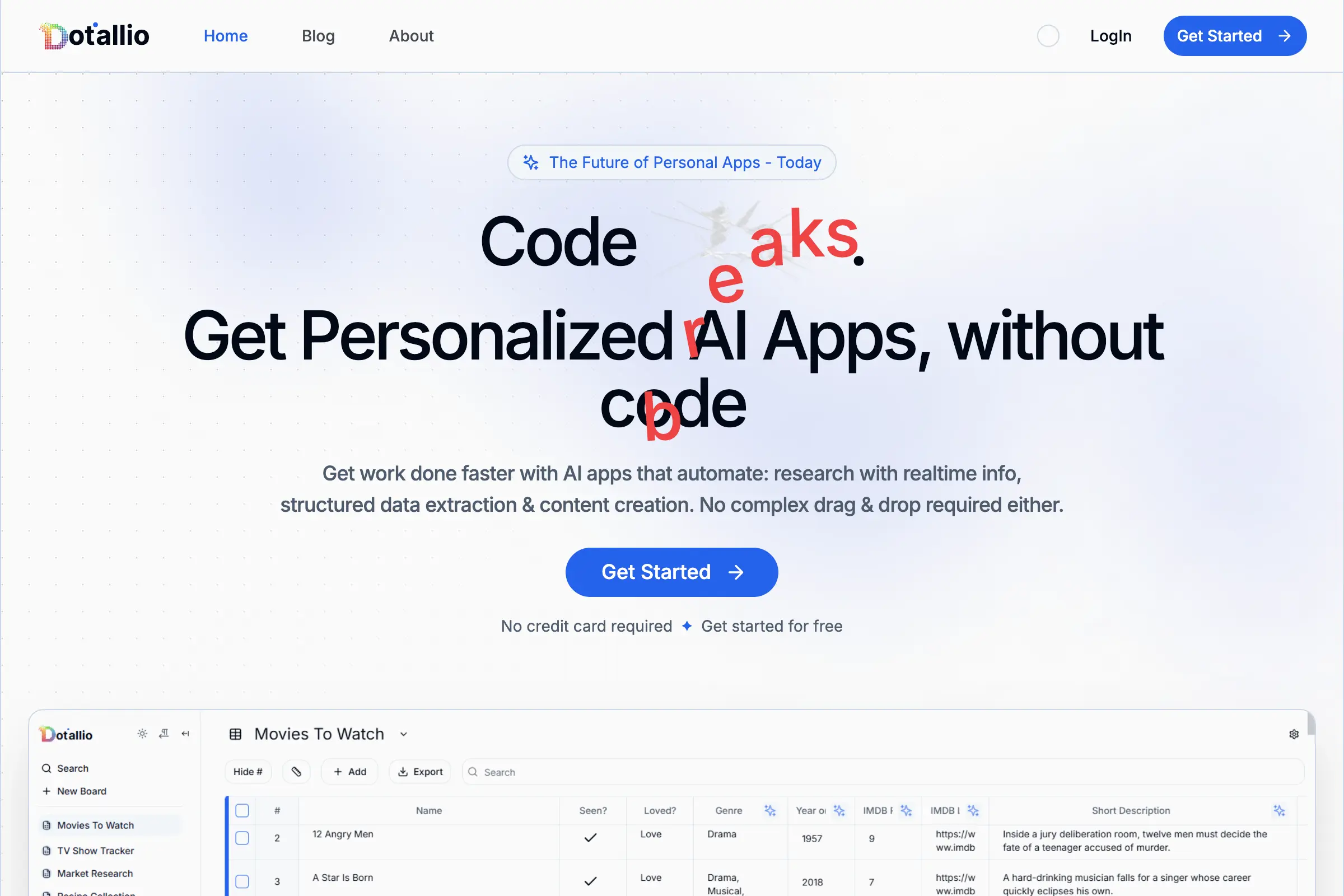
Dotallio
Personalized AI apps that automate research, data extraction, and content creation without code 🤖

Talk to Santa
Enjoy a magical live video chat or receive a unique AI-generated video greeting from Santa Claus 🎅

pozywka.pl
Scalable blog for food journalist, focused on performance and user experience 🌭
zagrodzki.me
Personal blog and portfolio of Bart Zagrodzki, where he shares his knowledge and work 💼
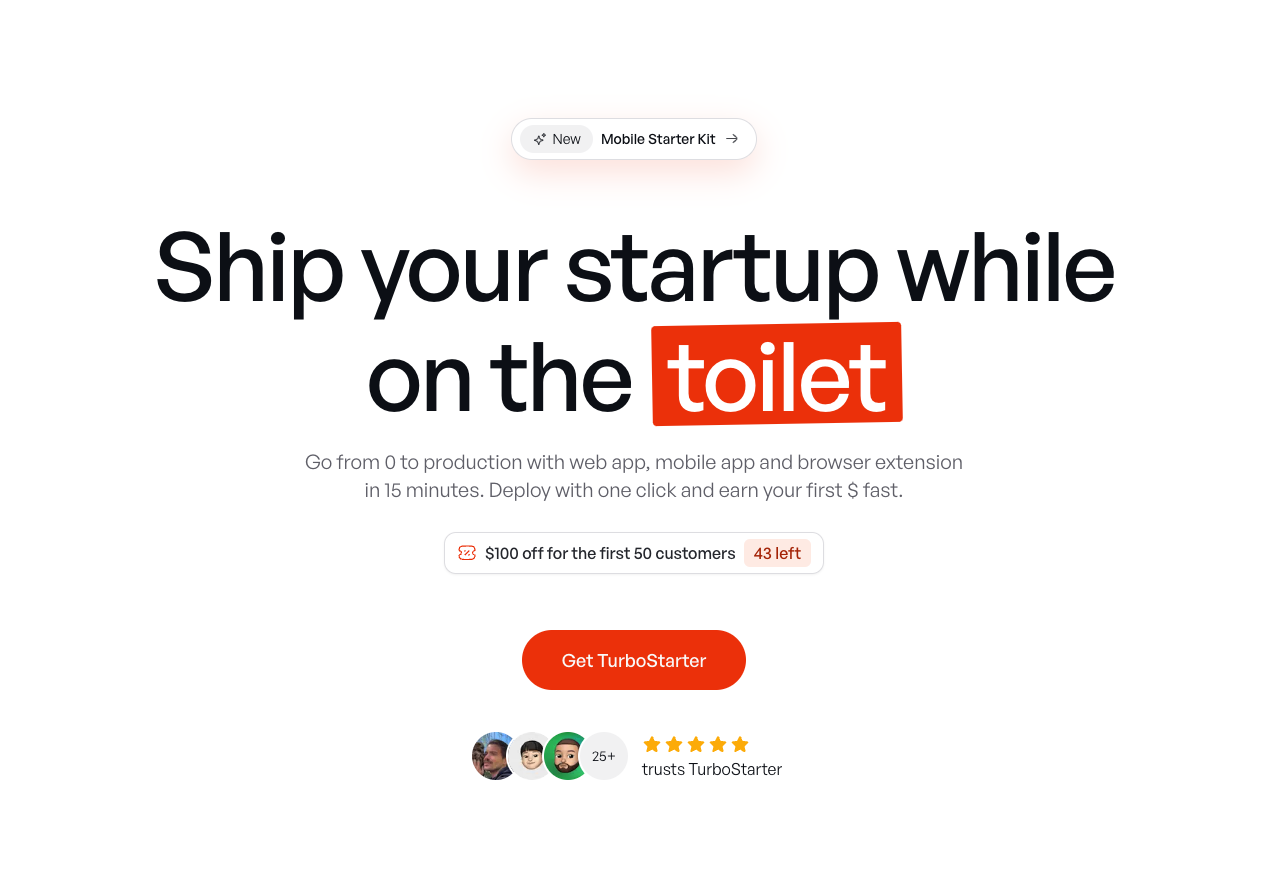
TurboStarter
Ship your startup everywhere. In minutes.
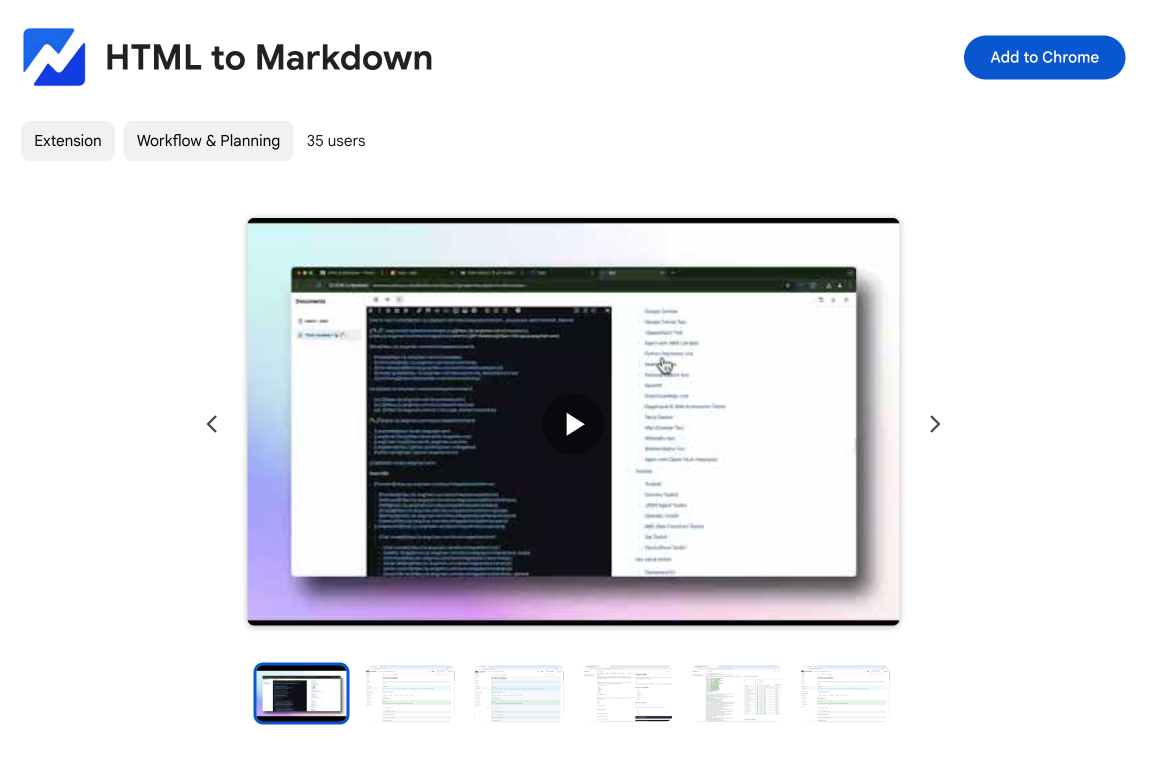
HTML to Markdown
Convert HTML to Markdown with ease, directly in your browser 📄
Dotallio
Personalized AI apps that automate research, data extraction, and content creation without code 🤖
Talk to Santa
Enjoy a magical live video chat or receive a unique AI-generated video greeting from Santa Claus 🎅
pozywka.pl
Scalable blog for food journalist, focused on performance and user experience 🌭
zagrodzki.me
Personal blog and portfolio of Bart Zagrodzki, where he shares his knowledge and work 💼
TurboStarter
Ship your startup everywhere. In minutes.
HTML to Markdown
Convert HTML to Markdown with ease, directly in your browser 📄
Dotallio
Personalized AI apps that automate research, data extraction, and content creation without code 🤖
Talk to Santa
Enjoy a magical live video chat or receive a unique AI-generated video greeting from Santa Claus 🎅
pozywka.pl
Scalable blog for food journalist, focused on performance and user experience 🌭
zagrodzki.me
Personal blog and portfolio of Bart Zagrodzki, where he shares his knowledge and work 💼
TurboStarter
Ship your startup everywhere. In minutes.
HTML to Markdown
Convert HTML to Markdown with ease, directly in your browser 📄
Dotallio
Personalized AI apps that automate research, data extraction, and content creation without code 🤖
Talk to Santa
Enjoy a magical live video chat or receive a unique AI-generated video greeting from Santa Claus 🎅
pozywka.pl
Scalable blog for food journalist, focused on performance and user experience 🌭
zagrodzki.me
Personal blog and portfolio of Bart Zagrodzki, where he shares his knowledge and work 💼
TurboStarter
Ship your startup everywhere. In minutes.
HTML to Markdown
Convert HTML to Markdown with ease, directly in your browser 📄
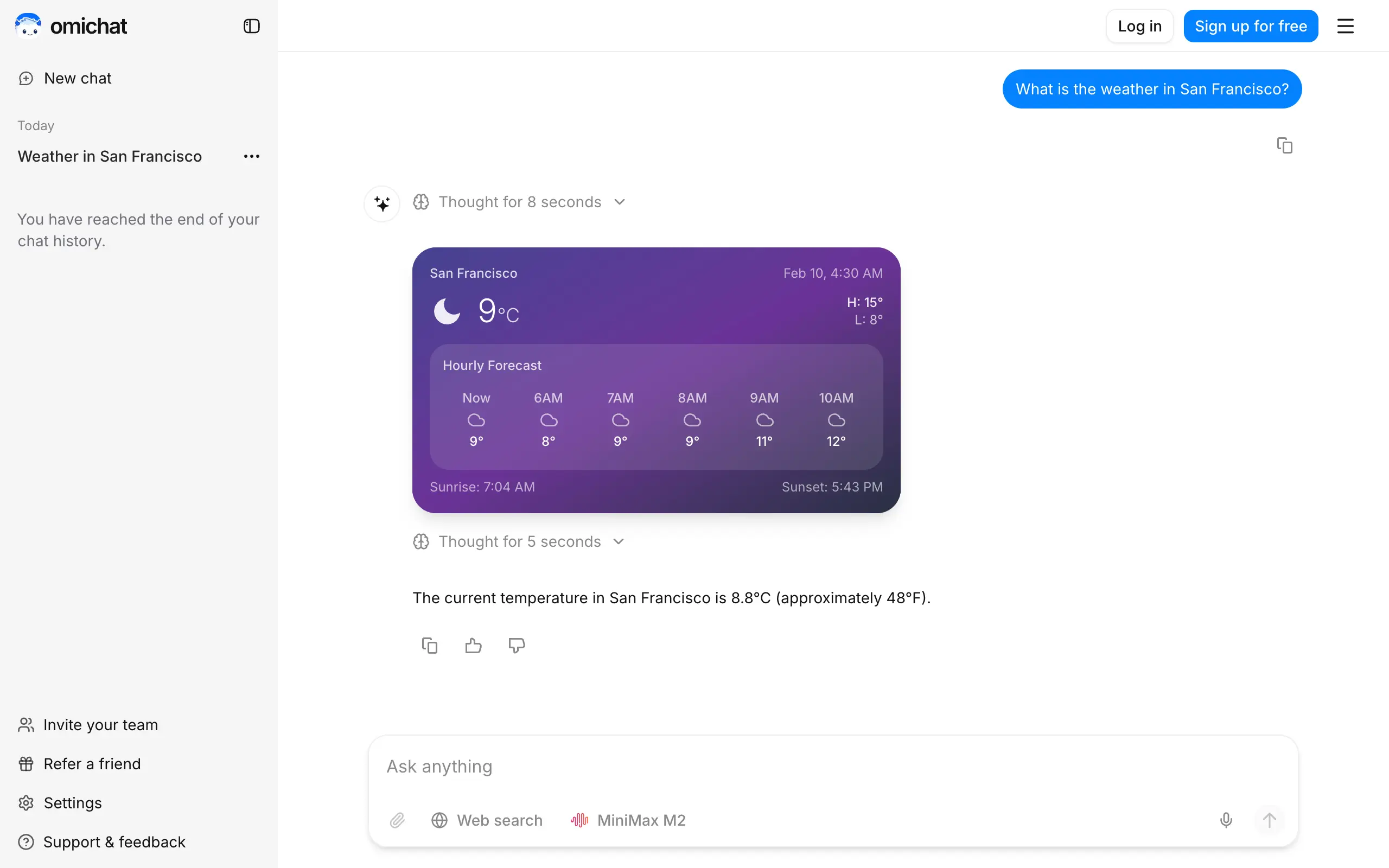
Omichat
Chat with 50+ AI models, including ChatGPT and Claude, in one place - switch models anytime without losing context 🤖
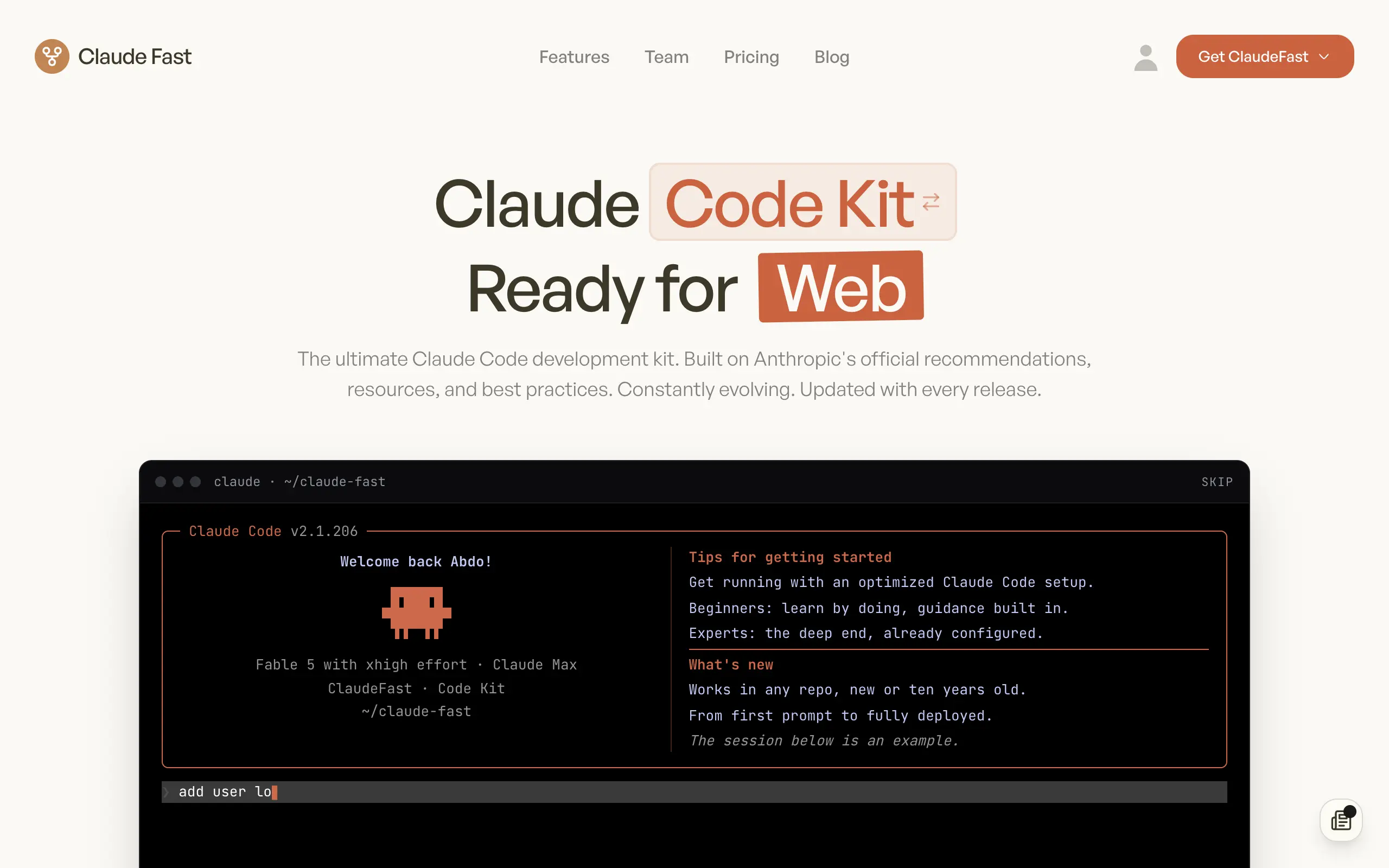
Claude Fast
Supercharge your Claude Code with 6x effective context window and specialized AI agents 🤖
EmojAI
AI-powered emoji picker with smart, context-aware suggestions 🤖
Solohacker
Autonomous company launcher - AI agents work 24/7, escalate what matters, and you stay in control 🤖

BeRawi: Storytelling Coach
Practice storytelling daily with instant feedback to sound clearer, more engaging, and confident 🎤
Omichat
Chat with 50+ AI models, including ChatGPT and Claude, in one place - switch models anytime without losing context 🤖
Claude Fast
Supercharge your Claude Code with 6x effective context window and specialized AI agents 🤖
EmojAI
AI-powered emoji picker with smart, context-aware suggestions 🤖
Solohacker
Autonomous company launcher - AI agents work 24/7, escalate what matters, and you stay in control 🤖
BeRawi: Storytelling Coach
Practice storytelling daily with instant feedback to sound clearer, more engaging, and confident 🎤
Omichat
Chat with 50+ AI models, including ChatGPT and Claude, in one place - switch models anytime without losing context 🤖
Claude Fast
Supercharge your Claude Code with 6x effective context window and specialized AI agents 🤖
EmojAI
AI-powered emoji picker with smart, context-aware suggestions 🤖
Solohacker
Autonomous company launcher - AI agents work 24/7, escalate what matters, and you stay in control 🤖
BeRawi: Storytelling Coach
Practice storytelling daily with instant feedback to sound clearer, more engaging, and confident 🎤
Omichat
Chat with 50+ AI models, including ChatGPT and Claude, in one place - switch models anytime without losing context 🤖
Claude Fast
Supercharge your Claude Code with 6x effective context window and specialized AI agents 🤖
EmojAI
AI-powered emoji picker with smart, context-aware suggestions 🤖
Solohacker
Autonomous company launcher - AI agents work 24/7, escalate what matters, and you stay in control 🤖
BeRawi: Storytelling Coach
Practice storytelling daily with instant feedback to sound clearer, more engaging, and confident 🎤

Connect with like-minded people
Join our community to get feedback, support, and grow together with 1,000+ builders on board, let's ship it!
Join usShip your startup everywhere. In minutes.
Don't burn tokens on setup and start building features on day one.