ShelfSprite
Give retail teams a pocket-sized AI stock scout: scan shelves to spot gaps, then compete in quick team quests to keep displays sharp and inventory accurate.
An AI shelf scanning app can help store teams detect empty facings, misplaced products, and replenishment needs without turning routine shelf checks into lengthy audits. ShelfSprite is a mobile-first concept built around that job: employees scan store shelves with a phone, review AI-detected gaps, and get a stock coach that turns replenishment into short, trackable daily challenges.
The opportunity is not simply to add image recognition to retail. A useful shelf-scanning product must fit into real store workflows, work with imperfect photos and product data, and make its findings easy to act on. This guide explores how to design ShelfSprite, who it should serve, how it could stand out, and what to validate before investing in a full product build.
What is ShelfSprite?
ShelfSprite is a mobile shelf intelligence and replenishment coach for retail teams. A team member uses a smartphone camera to capture a shelf. The app analyzes the image, identifies likely out-of-stock or low-stock products, and presents clear next steps.
A strong product should help answer three practical questions:
- What looks wrong on this shelf?
- How confident is the system that it found a real issue?
- What should the employee do next?
The third question is essential. A shelf scan that only creates an alert can add work without solving the problem. ShelfSprite should connect image-based observations to store tasks, such as checking the back room, replenishing a facing, correcting a placement, or confirming that an item is intentionally unavailable.
The product’s core promise is therefore broader than “AI that recognizes products.” It is faster, more consistent shelf checks that lead to visible action.
The problem an AI shelf scanning app should solve
Retail stores are dynamic environments. Products move, packaging changes, displays are rearranged, and shelf conditions can change between scheduled audits. Meanwhile, employees have many competing responsibilities. A detailed shelf inspection may be postponed, rushed, or recorded inconsistently.
Manual checks can create several operational problems:
- Issues are discovered late. A gap may remain unnoticed until a customer asks for an item or a manager conducts a review.
- Audits are difficult to standardize. Two employees may describe the same shelf condition differently.
- Replenishment work can be disconnected from shelf observations. Someone identifies a gap, but the right person does not receive a clear task.
- Managers have limited visibility. They may know that a check took place without knowing whether the follow-up was completed.
- Store data can be incomplete. A point-of-sale system records transactions, but it does not necessarily show the exact physical condition of a shelf at a particular moment.
An AI shelf scanning app can reduce the effort involved in finding and recording likely issues. It should not be positioned as a magic replacement for staff judgment or inventory systems. Instead, its role is to help employees focus their attention, document conditions consistently, and complete the next action with less friction.
Who should use ShelfSprite?
ShelfSprite should start with a clearly defined user group rather than attempting to serve every retail format at once. Different stores have different shelf layouts, product catalogs, operating procedures, and tolerance for new devices.
Independent retailers and small chains
Independent retailers and small regional chains may lack dedicated shelf-audit teams or sophisticated store-execution software. A lightweight mobile app could give owners and managers a repeatable way to inspect priority aisles and assign follow-up work.
For this segment, ease of setup matters. ShelfSprite should avoid requiring a lengthy enterprise integration before a store can test its value. A pilot might begin with a limited product list, a few aisles, and manager-reviewed scans.
Grocery and convenience stores
Grocery and convenience environments offer frequent shelf changes and a wide range of packaged products. Teams may need to check high-priority categories, promotional displays, or fast-moving items several times during a shift.
These stores also introduce harder technical conditions. Products may be tightly packed, partially obscured, or visually similar. Lighting can vary across aisles, and shelves may include handwritten labels or temporary signage. ShelfSprite should make uncertainty visible rather than presenting every AI result as a fact.
Pharmacy, beauty, and specialty retail
Pharmacies, beauty stores, and specialty retailers may have smaller assortments in some categories but require accurate placement and product identification. A misplaced variant, such as a different size or shade, may matter even when the shelf appears full.
These retailers may value exception reporting, planogram adherence, and product-level confirmation. A solution for these environments needs to distinguish “there is something in this space” from “the expected item is in the correct position.”
Store managers and operations leaders
Managers need more than a list of detected gaps. They need to see whether scans are being completed, which issues remain open, and whether recurring problems are concentrated in particular products, locations, or shifts.
Useful manager views might include:
- Open replenishment tasks
- Time from detection to resolution
- Scan coverage by aisle or department
- Repeatedly missed or disputed detections
- Categories where product data needs attention
Retail operations and merchandising teams
Central teams can use aggregated, permission-controlled observations to understand patterns across locations. For example, repeated shelf gaps may warrant investigation into replenishment routines, product availability, or store-level execution. These observations should be treated as operational signals, not definitive proof of the cause.
The market opportunity and the product gap
Retailers already use inventory platforms, point-of-sale systems, handheld scanners, planogram tools, and store task-management software. ShelfSprite would enter a market with established workflows, not an empty category. That creates a clear product-design challenge: it must add useful shelf-level information without creating another disconnected dashboard.
The opportunity is to make shelf observation faster to capture and easier to act on. Phone cameras are familiar, widely available, and convenient for quick checks. Computer vision can help structure those observations, while a task workflow can connect them to store operations.
Potential gaps ShelfSprite can investigate include:
- A low-friction first scan. Some tools are designed for large retail deployments. Smaller operators may need a simpler path to test the workflow.
- A human-friendly exception process. A system should let employees confirm, dismiss, or correct a detection in a few taps.
- A clear link between detection and action. An alert is more valuable when it becomes an assigned task with a status and resolution.
- Coaching that supports adoption. Small daily goals can help teams build a consistent checking habit, provided they reward useful work rather than raw scan volume.
- Transparent confidence and limitations. Employees should know when the app is uncertain, when an image needs to be retaken, and when manual review is required.
This is a product hypothesis, not proof of demand. Before building advanced computer vision, ShelfSprite should test whether store teams will regularly capture shelf images and whether the resulting actions improve a workflow they already care about.
Core features for ShelfSprite
A compelling MVP should focus on completing one useful loop: scan, review, act, and learn. Each feature should support that loop.
1. Guided shelf capture
The app should help the employee take a usable image without requiring photography expertise. Simple capture guidance can reduce avoidable errors:
- Show a framing guide for the shelf section.
- Detect blur, glare, or insufficient lighting before upload.
- Encourage a second image when products are too small to inspect.
- Let employees scan a shelf label, aisle marker, or QR code to identify location.
- Save scans temporarily when connectivity is unavailable.
Do not make capture guidance too strict. If the app blocks too many photos, employees may abandon it. The goal is to improve image quality while keeping the workflow quick.
2. Product and shelf-gap detection
The computer vision system can identify expected products, empty facings, and potential placement issues. The first release should constrain this task to a manageable catalog and a small number of product categories.
A useful result might include:
- The suspected product or product group
- The shelf location, if known
- The type of issue, such as possible gap or misplaced item
- A confidence indicator
- A recommended next action
The app should distinguish between visual evidence and inventory truth. A photo may suggest that a shelf space is empty, but it cannot necessarily prove that the item is out of stock throughout the store.
3. Human review and correction
Employees should be able to confirm or correct AI findings. This serves two purposes: it prevents uncertain detections from becoming unchallenged tasks, and it creates labeled feedback that can improve the product over time.
Keep review controls concise. Options such as “confirm gap,” “not a gap,” “wrong product,” and “retake photo” may be more practical than a complex annotation interface.
Corrections should also be captured with context. A rejected detection might reflect poor image quality, outdated product data, a temporary display, or a model error. These causes require different remedies.
4. Replenishment tasks
A confirmed shelf issue should become a task with a clear owner or destination. Depending on the retailer’s workflow, that action might be to:
- Check back-room stock
- Refill a shelf facing
- Ask a manager to verify availability
- Record that the product is intentionally unavailable
- Report a planogram or product-data mismatch
Each task should have a state, such as open, in progress, completed, or dismissed. A lightweight completion step lets the system measure whether detection leads to action.
5. A stock coach with daily challenges
The stock coach is ShelfSprite’s distinctive engagement layer. It can turn routine checks into short, achievable challenges, such as completing a priority aisle scan or resolving a set of confirmed gaps.
Challenges should encourage useful outcomes, not behavior that merely looks active. If the app rewards the number of photos taken, employees may produce low-quality scans. Better signals include coverage of priority areas, appropriate review of uncertain results, and timely completion of validated tasks.
A stock coach can provide:
- A short list of priority checks for the shift
- Progress toward a realistic team goal
- Positive feedback for completing high-value tasks
- Reminders that adapt to store schedules
- Guidance when the employee encounters a recurring issue
Gamification should remain supportive. Public leaderboards or individual rankings may create pressure and encourage rushed scans. A team-based approach is often a safer starting point, with rewards tied to quality and completion rather than speed alone.
6. Manager dashboard and reporting
The mobile experience should serve frontline work, while a simple web dashboard can help managers monitor follow-through. Useful reporting includes task status, scan coverage, repeat issues, and unresolved exceptions.
Avoid presenting a single “store health” score without explaining its inputs. Managers need to know what the score represents and what actions can change it. Clear, auditable measures build more trust than opaque ratings.
7. Product catalog and store setup
Computer vision depends on reliable product information. ShelfSprite may need product names, images, identifiers, store-specific assortments, and location data. The setup process should make it easy to import or validate the minimum necessary catalog.
For an MVP, use a controlled assortment rather than claiming universal recognition. A limited product set can help the team test the workflow and build a useful evaluation dataset before expanding coverage.
How ShelfSprite can build a defensible advantage
The phrase “AI shelf scanning” is not, by itself, a durable advantage. Retailers can compare vendors on recognition accuracy, ease of deployment, integrations, reporting, privacy, and measurable operational value. ShelfSprite’s differentiation should come from how these capabilities work together.
Focus on the action loop, not just detection
Many product concepts emphasize recognizing an empty shelf. ShelfSprite can stand out by connecting the observation to confirmation, assignment, resolution, and learning. The more naturally the app fits into a real shift, the more likely it is to be used consistently.
Make uncertainty useful
A system that admits uncertainty can be more trustworthy than one that presents every guess as definitive. ShelfSprite should show when an image is hard to interpret and provide a simple path for human review. Over time, this can help identify which products, lighting conditions, and shelf layouts require better support.
Treat coaching as workflow design
The stock coach can make the product more engaging, but its strongest role is operational: helping teams decide what to check next and making progress visible. This can distinguish ShelfSprite from a camera tool that produces findings without guiding the next step.
Serve a focused initial segment
A product designed around one retail type can deliver a more coherent first experience than a general-purpose platform. ShelfSprite could begin with a specific store format, region, or product category and expand after observing real usage.
Build trust through traceability
Every AI-generated issue should be reviewable. A manager should be able to understand which image produced the detection, what the employee confirmed, and how the task was resolved, subject to the retailer’s data-retention policy. This is especially important when the system informs operational decisions.
Competitive positioning
ShelfSprite will likely be compared with inventory systems, planogram and merchandising tools, manual audits, and other image-recognition products. The competitive position should be tested through customer interviews and pilot results rather than assumed from product features alone.
| Alternative | What it does well | Potential gap ShelfSprite can address |
|---|---|---|
| Manual shelf walks | Flexible and familiar to staff | Can be difficult to standardize, document, and track |
| POS and inventory systems | Maintain transaction and stock records | May not show the shelf’s current visual condition |
| Handheld barcode workflows | Can identify specific products reliably | May require scanning individual items or labels |
| Planogram and merchandising tools | Support assortment and display execution | May involve more setup than a quick daily check |
| General task-management software | Assigns and tracks work | Usually does not detect shelf conditions from images |
This comparison is a framework for discovery, not a claim that every competing product has the same limitations. In customer interviews, ask what tools stores already use, where those tools fit into the shift, and what work still happens in spreadsheets, messages, or memory.
Recommended technology stack for an AI shelf scanning app
The right technology choices depend on the pilot’s constraints: supported devices, image volume, connectivity, integration needs, and the computer-vision team’s experience. A practical architecture should keep the mobile workflow responsive while allowing the recognition system to improve.
Mobile application
A cross-platform app built with React Native can support iOS and Android from a shared codebase. It is a reasonable option when the team wants to ship to both major mobile platforms without maintaining two completely separate applications.
Expo can speed up development and provide a managed path for many common mobile capabilities. The trade-off is that some native camera, device-management, or on-device machine-learning requirements may need custom native modules or a more tailored build configuration. Validate these needs early with a small camera and offline-sync prototype.
A native-first approach may be preferable if ShelfSprite depends on specialized camera performance, managed-device policies, or platform-specific machine-learning capabilities. It can offer greater control, but it typically increases the engineering and maintenance burden.
Backend and data layer
A TypeScript API can handle authentication, store configuration, scan metadata, task assignment, and integration workflows. A relational database such as PostgreSQL is a strong default for structured entities such as stores, users, scans, products, and tasks.
Store image files in object storage rather than directly in relational database rows. Use time-limited access and explicit retention rules. The API should record the relationship between a scan, its image, model output, employee review, and any resulting task.
Computer vision and model serving
Start with a model-serving layer that can process shelf images and return structured candidate detections. Depending on latency, connectivity, privacy, and device capabilities, inference can happen in the cloud, on the device, or through a hybrid design.
- Cloud inference makes model updates and centralized processing easier, but requires connectivity and careful image handling.
- On-device inference can reduce upload needs and improve offline responsiveness, but increases the complexity of model distribution and device compatibility.
- Hybrid inference can use on-device quality checks or preliminary detection, then send selected images for deeper analysis.
The recognition pipeline should be evaluated on representative store images, not only clean product photos. Include varied lighting, shelf heights, packaging changes, occlusion, promotional displays, and camera angles.
Analytics and integrations
Event tracking can help product teams understand scan completion, correction rates, task resolution, and repeat usage. Keep analytics focused on product improvement and operational outcomes. Avoid collecting unnecessary employee-level data.
Integrations should follow validated customer need. Potential connections include inventory systems, point-of-sale platforms, task-management tools, and product-information systems. Each integration creates ongoing support and data-mapping work, so begin with exports or a small number of high-value connectors.
Suggested product data model
A simple domain model can keep the first release understandable:
type ShelfScan = {
  id: string;
  storeId: string;
  employeeId: string;
  capturedAt: string;
  locationId?: string;
  imageUrl: string;
  status: "processing" | "review" | "complete" | "failed";
};

type ShelfFinding = {
  id: string;
  scanId: string;
  productId?: string;
  issueType: "possible_gap" | "possible_misplacement" | "uncertain";
  confidence: number;
  reviewStatus: "pending" | "confirmed" | "dismissed";
};

type ReplenishmentTask = {
  id: string;
  findingId: string;
  assignedTo?: string;
  status: "open" | "in_progress" | "completed" | "dismissed";
  completedAt?: string;
};
This model separates the scan, the AI’s finding, and the operational task. That separation matters because a visual detection may be dismissed, corrected, or converted into a different action.
Monetization strategy options
ShelfSprite’s pricing should reflect the value delivered and the complexity of deployment. A simple pricing structure can make an initial pilot easier to approve, while larger customers may require controls, integrations, and support that justify a different plan.
Per-store subscription
A monthly subscription per store is easy to understand and aligns with retail operations budgets. It may suit smaller chains and independent stores, especially if pricing includes a reasonable number of users and scans.
Per-location tiers
A tiered plan can vary by store size, number of departments, or scan volume. This keeps the entry plan accessible while allowing larger stores to pay for higher usage. Define limits carefully so employees are not discouraged from completing useful scans.
Enterprise contracts
Larger retailers may expect custom security reviews, single sign-on, administrative controls, integrations, support commitments, and data-retention options. Enterprise contracts can account for these requirements, but the sales and implementation cycle may be longer.
Paid pilots
A time-limited pilot can establish whether ShelfSprite fits a specific workflow. A good pilot should define the locations, product categories, success criteria, support process, and data handling in advance. Avoid offering an open-ended free trial that generates usage data but no decision.
Potential pilot measures include:
- Time required to complete a defined shelf check
- Percentage of AI findings confirmed by employees
- Rate of false alerts or missed issues in the tested scope
- Time from confirmed finding to task completion
- Repeat usage across the pilot period
- Manager assessment of whether the workflow is worth continuing
These measures should be agreed with the retailer. A pilot should not claim business impact from a short observation period unless the evidence supports that conclusion.
Risks and how to mitigate them
Recognition errors and poor image conditions
A false alert can waste employee time. A missed issue can reduce confidence in the product. Poor lighting, occlusion, package redesigns, and similar-looking products can all affect performance.
Mitigation: Start with a limited assortment, test in live stores, show confidence and uncertainty, and require human confirmation for consequential actions. Track both false positives and false negatives during evaluation.
Product catalog quality
The model may perform poorly when product images, identifiers, or location data are incomplete or outdated.
Mitigation: Make catalog validation part of onboarding. Show unresolved product matches to an administrator and provide a clear process for correcting product records.
Employee adoption
If scanning feels slower than an existing shelf walk, staff may use the app inconsistently. If it feels like surveillance, they may distrust it.
Mitigation: Co-design the workflow with employees and managers. Explain what data is collected, why it is needed, who can see it, and how performance information will be used. Optimize for completing a task, not monitoring individuals.
Connectivity and device constraints
Retail environments may have inconsistent network coverage, older devices, or strict device-management policies.
Mitigation: Test on the actual devices used in stores. Support graceful failure, image retry, and offline capture where feasible. Be clear about which features require connectivity.
Privacy and security
Shelf images may unintentionally capture employees, customers, or sensitive store information. Image storage also creates a security and governance responsibility.
Mitigation: Minimize what the camera captures, avoid retaining images longer than needed, restrict access, encrypt data in transit and at rest, and document retention controls. Work with customer security teams before expanding a pilot.
Overreliance on gamification
A challenge system can create superficial activity if it rewards the wrong behavior. Employees may optimize for scan counts rather than accurate, completed work.
Mitigation: Reward balanced outcomes such as priority-area coverage, thoughtful review, and task resolution. Allow managers to adjust goals and monitor quality measures alongside activity.
Integration complexity
Retail systems can differ by customer, and integration projects may consume more effort than expected.
Mitigation: Validate the workflow before committing to broad integrations. Begin with a narrow connection or manual export if it can support a pilot, then prioritize integrations that multiple customers need.
How to validate ShelfSprite before scaling
Validation should test the riskiest assumptions, not just whether people like the concept in a presentation.
Interview frontline users
Talk with store employees who perform shelf checks, replenishment, or merchandising work. Ask them to describe the last time they found a shelf issue, how they recorded it, and what happened next. Concrete examples reveal more than broad questions such as “Would you use an AI app?”
Observe the existing workflow
With permission, observe how a shelf walk is performed. Note how long it takes, what information employees need, where interruptions occur, and how tasks move between employees. This helps determine whether ShelfSprite removes work or merely relocates it.
Prototype the interaction
A clickable mobile prototype can test camera guidance, review controls, task creation, and coaching language before the model is ready. Use realistic shelf examples and ask users to complete specific tasks rather than simply react to screens.
Run a narrow technical test
Collect images only with appropriate permission and a clear data policy. Test a small set of products and conditions. Measure model quality separately from the usability of the workflow; a strong prototype interface cannot compensate for unreliable detections.
Agree on pilot success criteria
Choose a small number of measures before the pilot begins. For example, a retailer may want to know whether staff can complete priority checks more consistently, whether detections are useful enough to review, or whether task follow-through becomes easier to see.
Do not optimize only for model accuracy in isolation. The operational question is whether the combined system helps the intended user complete a valuable task.
An actionable implementation roadmap
A disciplined roadmap reduces the risk of building an impressive demo that does not fit store operations.
1. Choose a beachhead segment
Select one initial retail format, such as convenience stores, independent grocers, or a specialty retail category. Define the likely buyer, daily user, store environment, and first shelf-check workflow.
2. Map the current process
Document how a shelf issue is detected, verified, assigned, and resolved today. Identify the points where information is lost or work is repeated. Use this process map to decide what ShelfSprite must improve in its first release.
3. Define a narrow MVP
Build only the functions needed to complete the core loop: guided capture, limited product recognition, employee review, a task list, and basic manager visibility. Defer broad integrations, advanced analytics, and extensive gamification until a pilot shows they are needed.
4. Build a representative evaluation set
Gather permitted images across real operating conditions and define a consistent way to label shelf gaps, product matches, and ambiguous cases. Keep a separate evaluation set so the team can test whether model changes improve performance beyond the images used during development.
5. Test with real store teams
Run a small pilot with trained users and a clear support channel. Observe where people hesitate, which detections they correct, and whether tasks are completed. Review both successful and unsuccessful scans.
6. Improve the workflow and model together
Use pilot feedback to improve capture guidance, product data, review controls, and recognition quality. A better result may come from a clearer photo workflow or a corrected catalog, not only from changing the model.
7. Package a repeatable deployment
Create onboarding materials, a store setup checklist, a product-data import process, privacy documentation, and a pilot measurement template. A repeatable deployment makes it easier to tell whether the product works across more than one enthusiastic test store.
What success could look like
ShelfSprite should measure success across the full shelf-to-action loop. A scan count alone cannot show whether the product is useful.
A balanced measurement framework could include:
- Coverage: Are priority shelves being checked?
- Quality: Are detections confirmed, corrected, or dismissed?
- Action: Are confirmed issues becoming completed tasks?
- Efficiency: Does the workflow reduce effort for the chosen task?
- Adoption: Do employees and managers continue using it after initial onboarding?
- Trust: Do users understand why a finding appeared and how to challenge it?
The precise targets should come from discovery and pilot baselines. Without those baselines, numerical goals risk creating false certainty.
Building the first version efficiently
A focused team can reduce time to launch by separating the product into clear milestones: a mobile capture prototype, a human-reviewed detection workflow, and a pilot-ready operational tool. Reusable foundations for authentication, billing, onboarding, and application structure can help the team spend more effort on the product-specific challenges.
For teams building a SaaS foundation alongside the mobile experience, TurboStarter can be considered as a starting point for shared product infrastructure. The core differentiation should remain the shelf-scanning workflow, reliable product data, and the way ShelfSprite helps teams resolve issues.
Final perspective
ShelfSprite has a clear and testable premise: use a phone to make shelf checks easier, use AI to surface likely issues, and use a stock coach to turn findings into practical daily actions. Its strongest opportunity is not merely recognizing products in photographs. It is helping a store team move from observation to resolution with less friction and more visibility.
The most important early decisions are to choose a focused retail segment, validate the existing workflow, test recognition against real shelf conditions, and keep employees in control of uncertain findings. If ShelfSprite can prove that its scan-to-action loop fits naturally into a shift, it can build a stronger case for broader integrations, more advanced analytics, and expansion across store types.
More 📱 Mobile App SaaS ideas
Discover more innovative mobile app SaaS ideas that are trending in 2026. Each idea is AI-generated with market validation and growth potential to help you find your next profitable venture faster than competitors.
Your competitors are building with TurboStarter
Below are some of the SaaS ideas that have been generated and built with our starter kit.
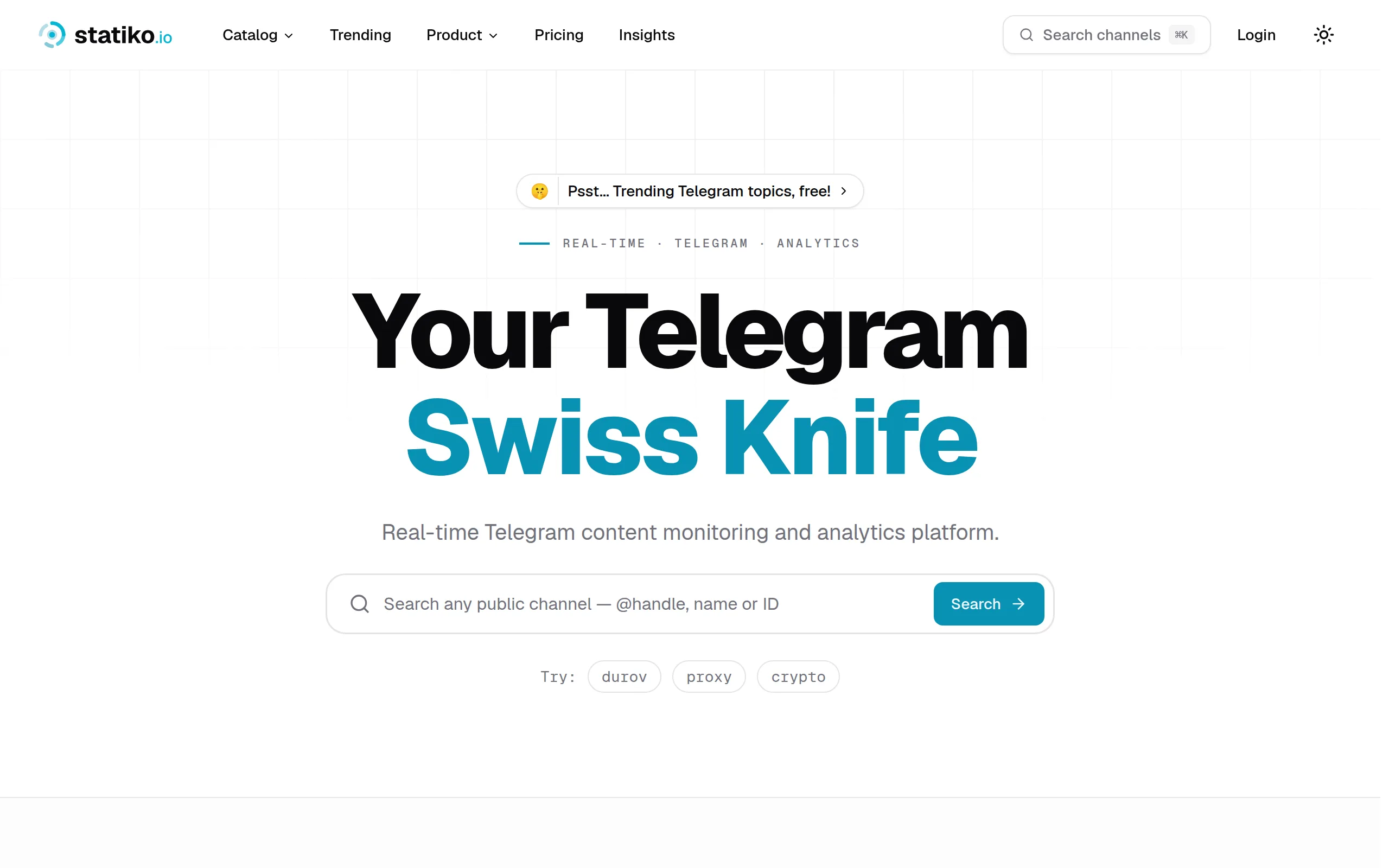
Statiko
Monitor any Telegram channel in real time - track posts, edits, deletions, and growth with AI recaps 📡

Shibui
AI website builder - describe your business, pick a niche template, edit by chatting, and publish instantly ✨

Pro Service
Find verified home service professionals, compare quotes, and pay securely through escrow - built for Brazilians across the US 🏠
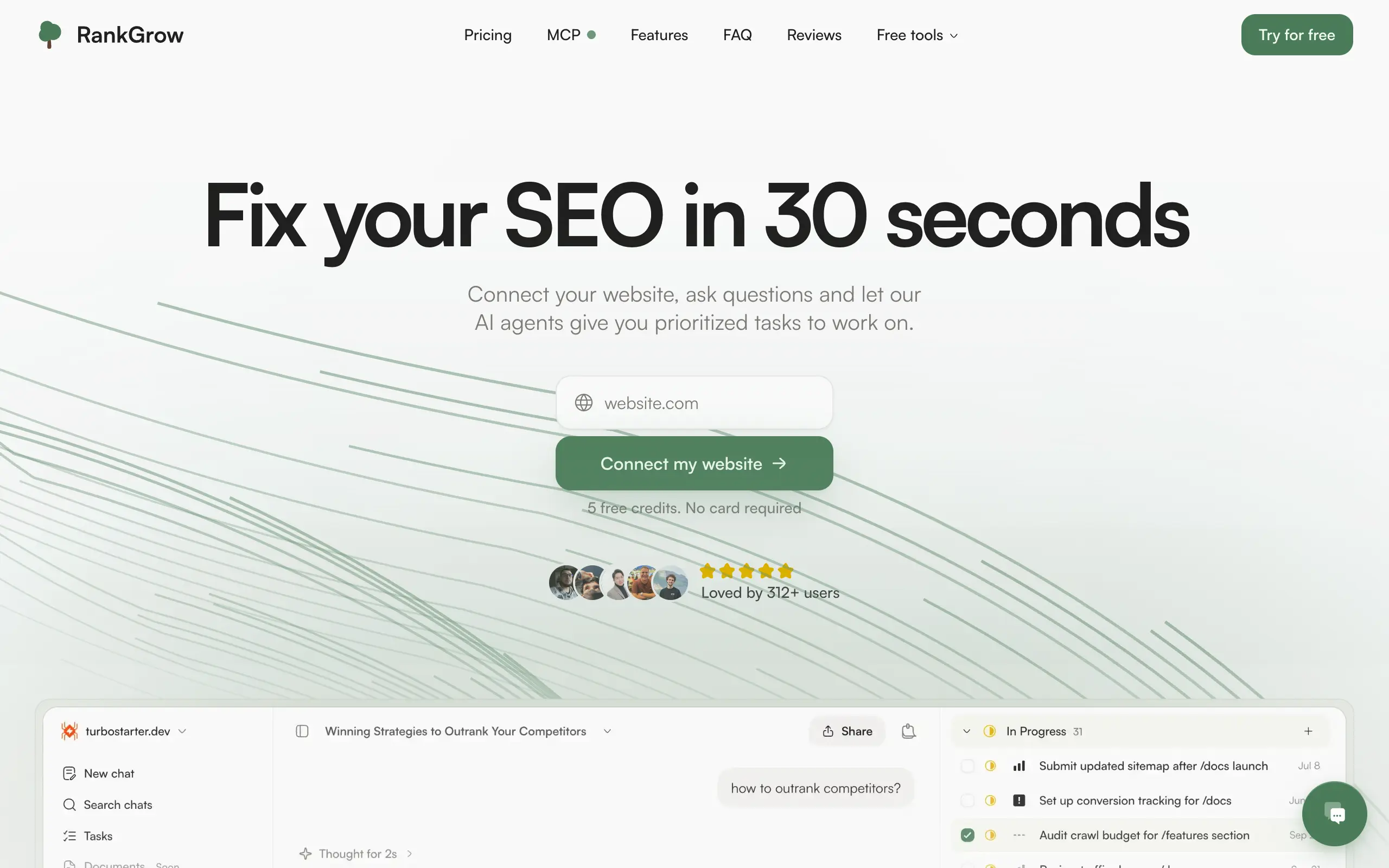
RankGrow
Fix your SEO with AI agents - connect Search Console, get prioritized tasks, and grow organic traffic 📈
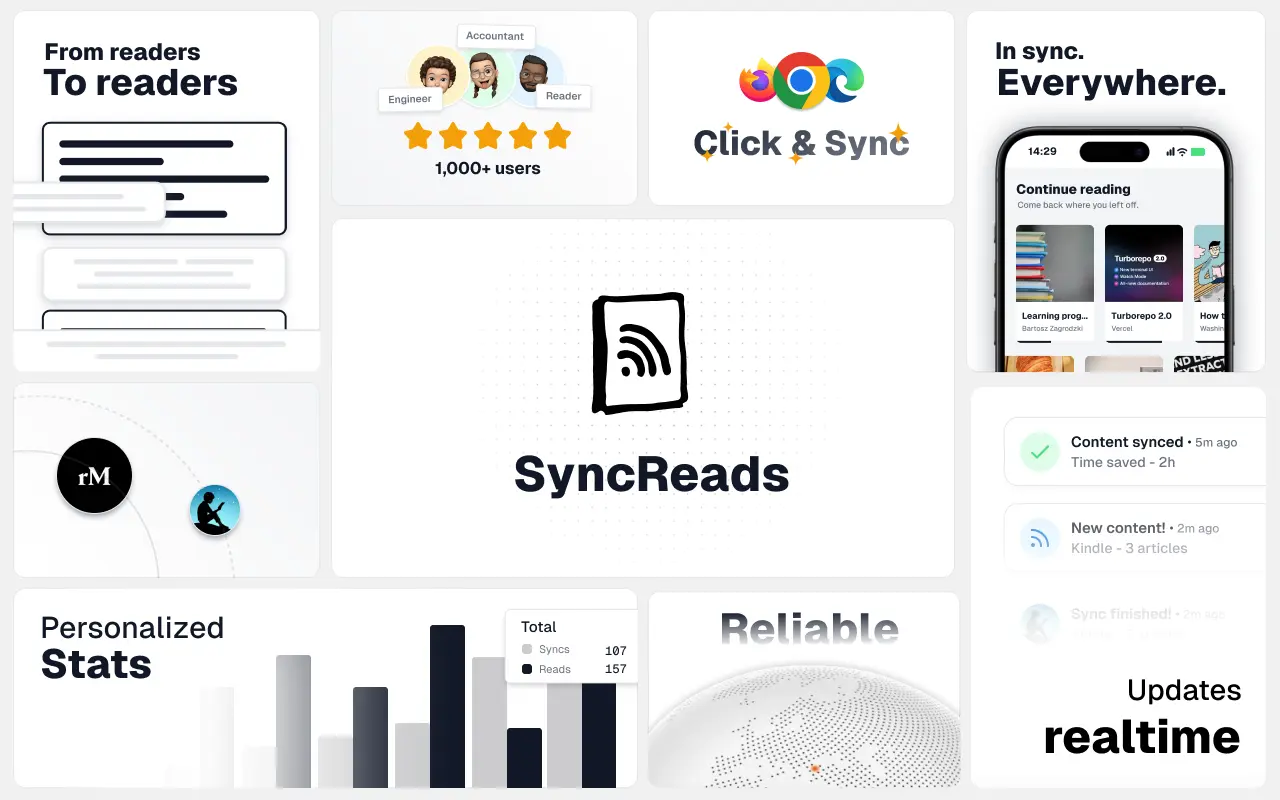
SyncReads
Sync your favorite content for distraction-free reading, save time and replace multiple apps. Anytime, anywhere 🔄
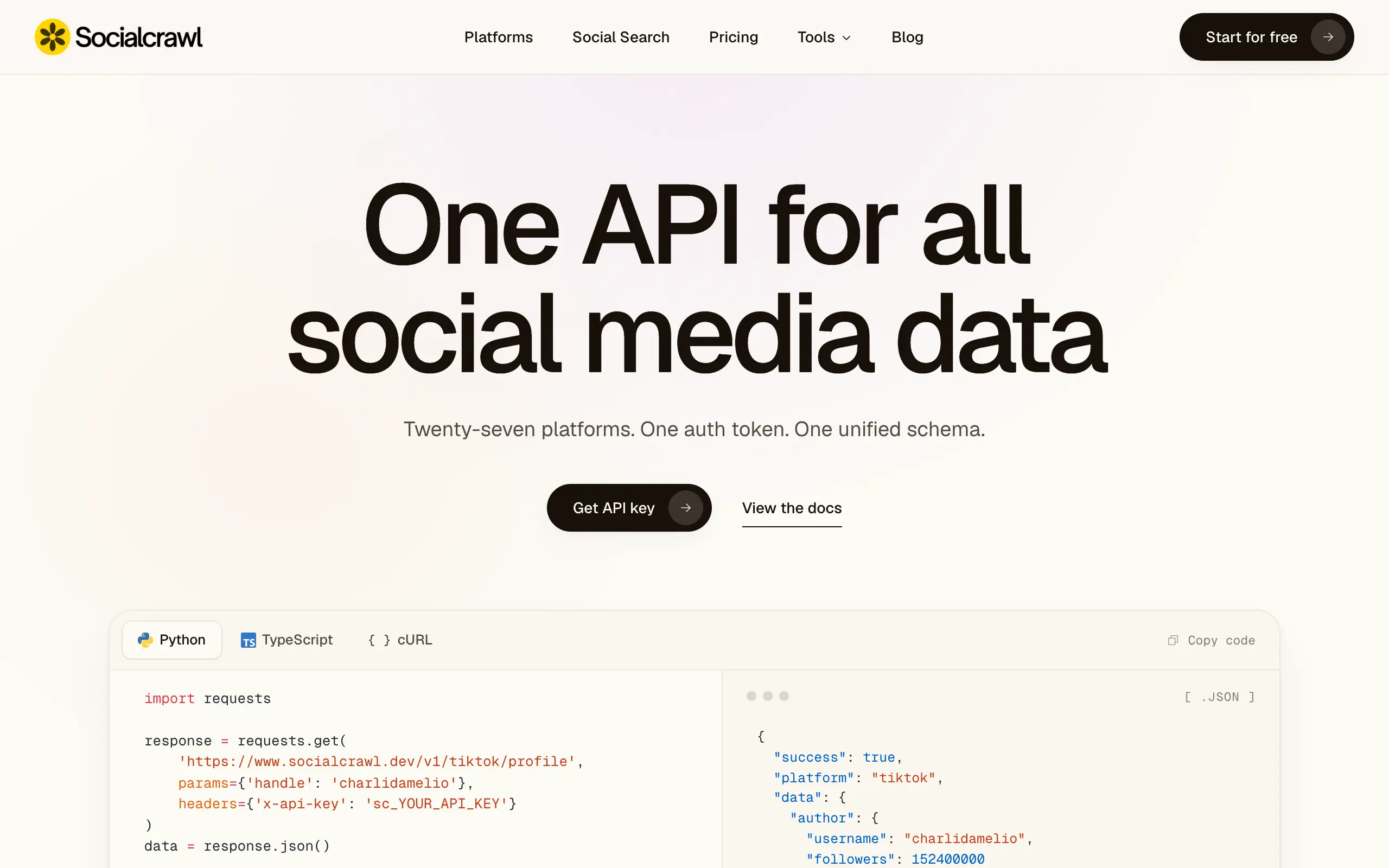
Socialcrawl
Get clean, structured data from 21 platforms like TikTok, Instagram, and YouTube with a single request 📊
Statiko
Monitor any Telegram channel in real time - track posts, edits, deletions, and growth with AI recaps 📡
Shibui
AI website builder - describe your business, pick a niche template, edit by chatting, and publish instantly ✨
Pro Service
Find verified home service professionals, compare quotes, and pay securely through escrow - built for Brazilians across the US 🏠
RankGrow
Fix your SEO with AI agents - connect Search Console, get prioritized tasks, and grow organic traffic 📈
SyncReads
Sync your favorite content for distraction-free reading, save time and replace multiple apps. Anytime, anywhere 🔄
Socialcrawl
Get clean, structured data from 21 platforms like TikTok, Instagram, and YouTube with a single request 📊
Statiko
Monitor any Telegram channel in real time - track posts, edits, deletions, and growth with AI recaps 📡
Shibui
AI website builder - describe your business, pick a niche template, edit by chatting, and publish instantly ✨
Pro Service
Find verified home service professionals, compare quotes, and pay securely through escrow - built for Brazilians across the US 🏠
RankGrow
Fix your SEO with AI agents - connect Search Console, get prioritized tasks, and grow organic traffic 📈
SyncReads
Sync your favorite content for distraction-free reading, save time and replace multiple apps. Anytime, anywhere 🔄
Socialcrawl
Get clean, structured data from 21 platforms like TikTok, Instagram, and YouTube with a single request 📊
Statiko
Monitor any Telegram channel in real time - track posts, edits, deletions, and growth with AI recaps 📡
Shibui
AI website builder - describe your business, pick a niche template, edit by chatting, and publish instantly ✨
Pro Service
Find verified home service professionals, compare quotes, and pay securely through escrow - built for Brazilians across the US 🏠
RankGrow
Fix your SEO with AI agents - connect Search Console, get prioritized tasks, and grow organic traffic 📈
SyncReads
Sync your favorite content for distraction-free reading, save time and replace multiple apps. Anytime, anywhere 🔄
Socialcrawl
Get clean, structured data from 21 platforms like TikTok, Instagram, and YouTube with a single request 📊
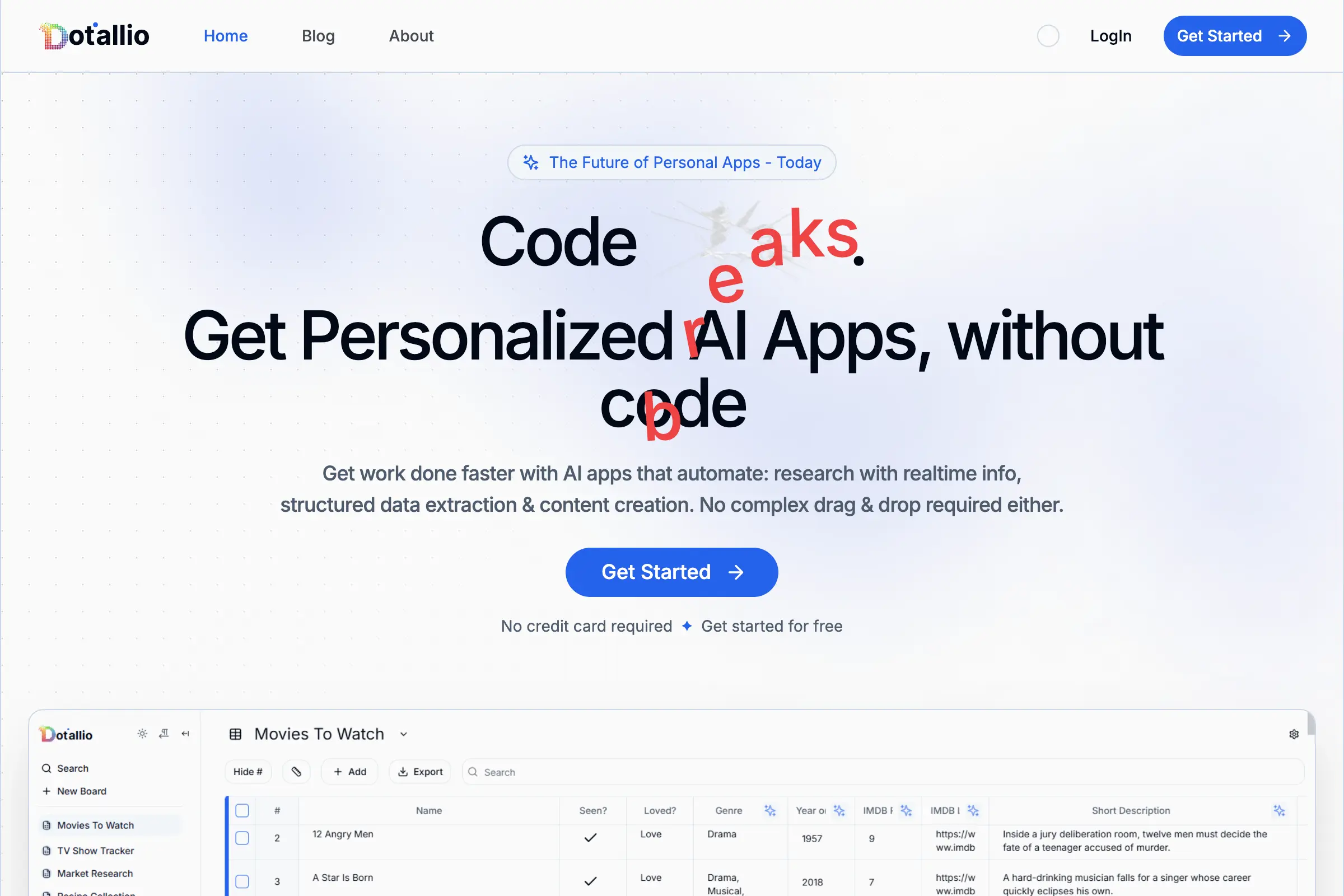
Dotallio
Personalized AI apps that automate research, data extraction, and content creation without code 🤖

Talk to Santa
Enjoy a magical live video chat or receive a unique AI-generated video greeting from Santa Claus 🎅

pozywka.pl
Scalable blog for food journalist, focused on performance and user experience 🌭
zagrodzki.me
Personal blog and portfolio of Bart Zagrodzki, where he shares his knowledge and work 💼
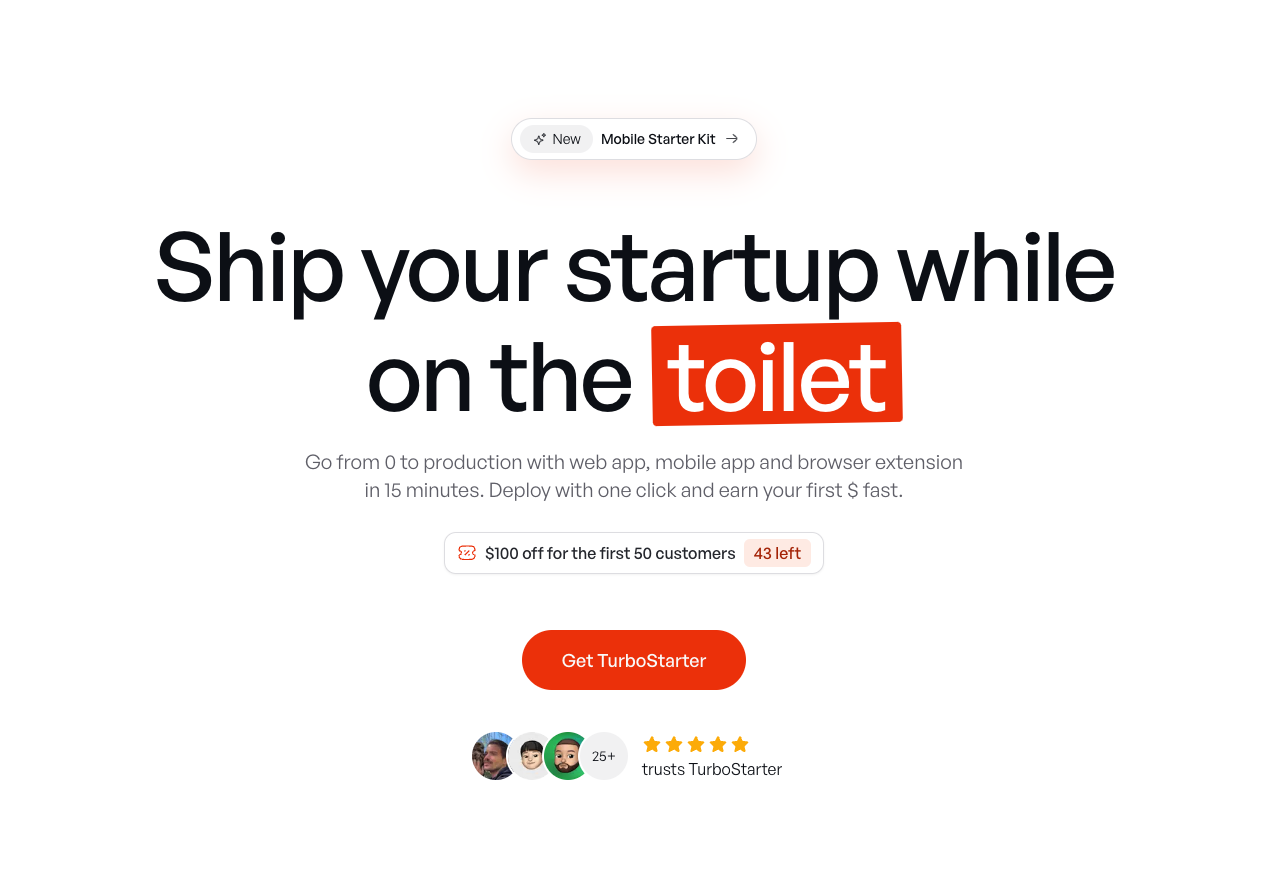
TurboStarter
Ship your startup everywhere. In minutes.
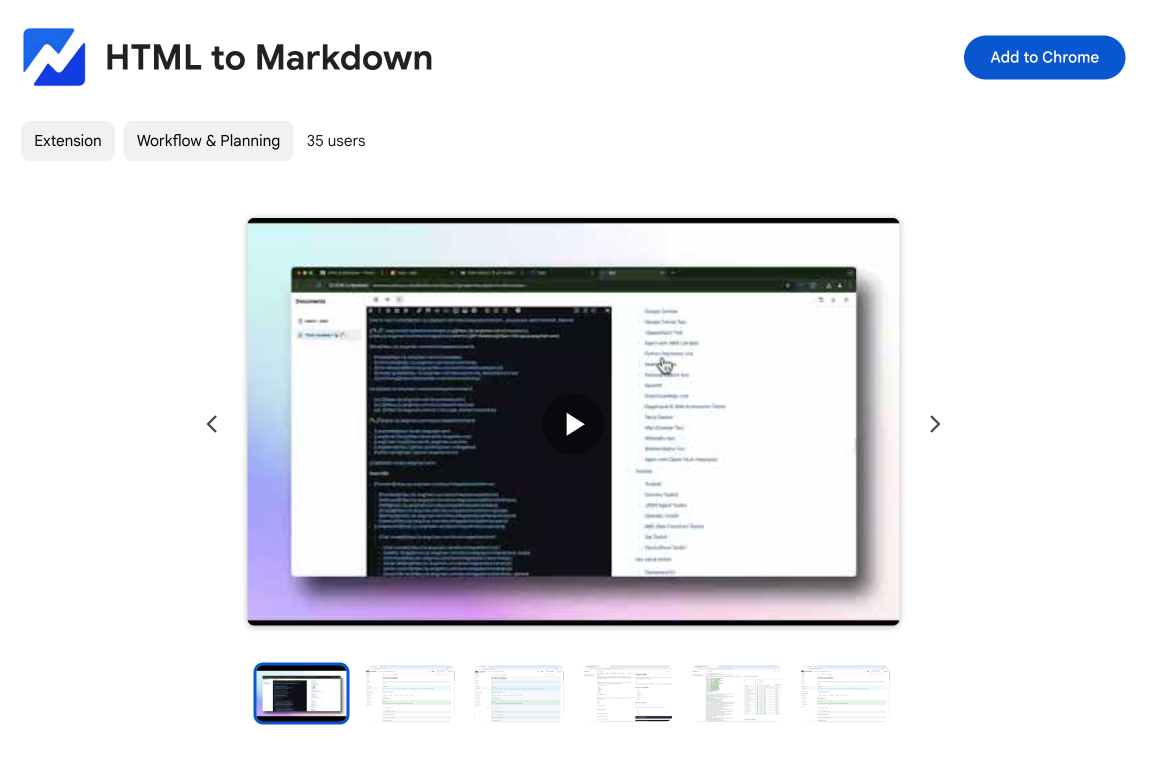
HTML to Markdown
Convert HTML to Markdown with ease, directly in your browser 📄
Dotallio
Personalized AI apps that automate research, data extraction, and content creation without code 🤖
Talk to Santa
Enjoy a magical live video chat or receive a unique AI-generated video greeting from Santa Claus 🎅
pozywka.pl
Scalable blog for food journalist, focused on performance and user experience 🌭
zagrodzki.me
Personal blog and portfolio of Bart Zagrodzki, where he shares his knowledge and work 💼
TurboStarter
Ship your startup everywhere. In minutes.
HTML to Markdown
Convert HTML to Markdown with ease, directly in your browser 📄
Dotallio
Personalized AI apps that automate research, data extraction, and content creation without code 🤖
Talk to Santa
Enjoy a magical live video chat or receive a unique AI-generated video greeting from Santa Claus 🎅
pozywka.pl
Scalable blog for food journalist, focused on performance and user experience 🌭
zagrodzki.me
Personal blog and portfolio of Bart Zagrodzki, where he shares his knowledge and work 💼
TurboStarter
Ship your startup everywhere. In minutes.
HTML to Markdown
Convert HTML to Markdown with ease, directly in your browser 📄
Dotallio
Personalized AI apps that automate research, data extraction, and content creation without code 🤖
Talk to Santa
Enjoy a magical live video chat or receive a unique AI-generated video greeting from Santa Claus 🎅
pozywka.pl
Scalable blog for food journalist, focused on performance and user experience 🌭
zagrodzki.me
Personal blog and portfolio of Bart Zagrodzki, where he shares his knowledge and work 💼
TurboStarter
Ship your startup everywhere. In minutes.
HTML to Markdown
Convert HTML to Markdown with ease, directly in your browser 📄
Omichat
Chat with 50+ AI models, including ChatGPT and Claude, in one place - switch models anytime without losing context 🤖
Claude Fast
Supercharge your Claude Code with 6x effective context window and specialized AI agents 🤖
EmojAI
AI-powered emoji picker with smart, context-aware suggestions 🤖
Solohacker
Autonomous company launcher - AI agents work 24/7, escalate what matters, and you stay in control 🤖
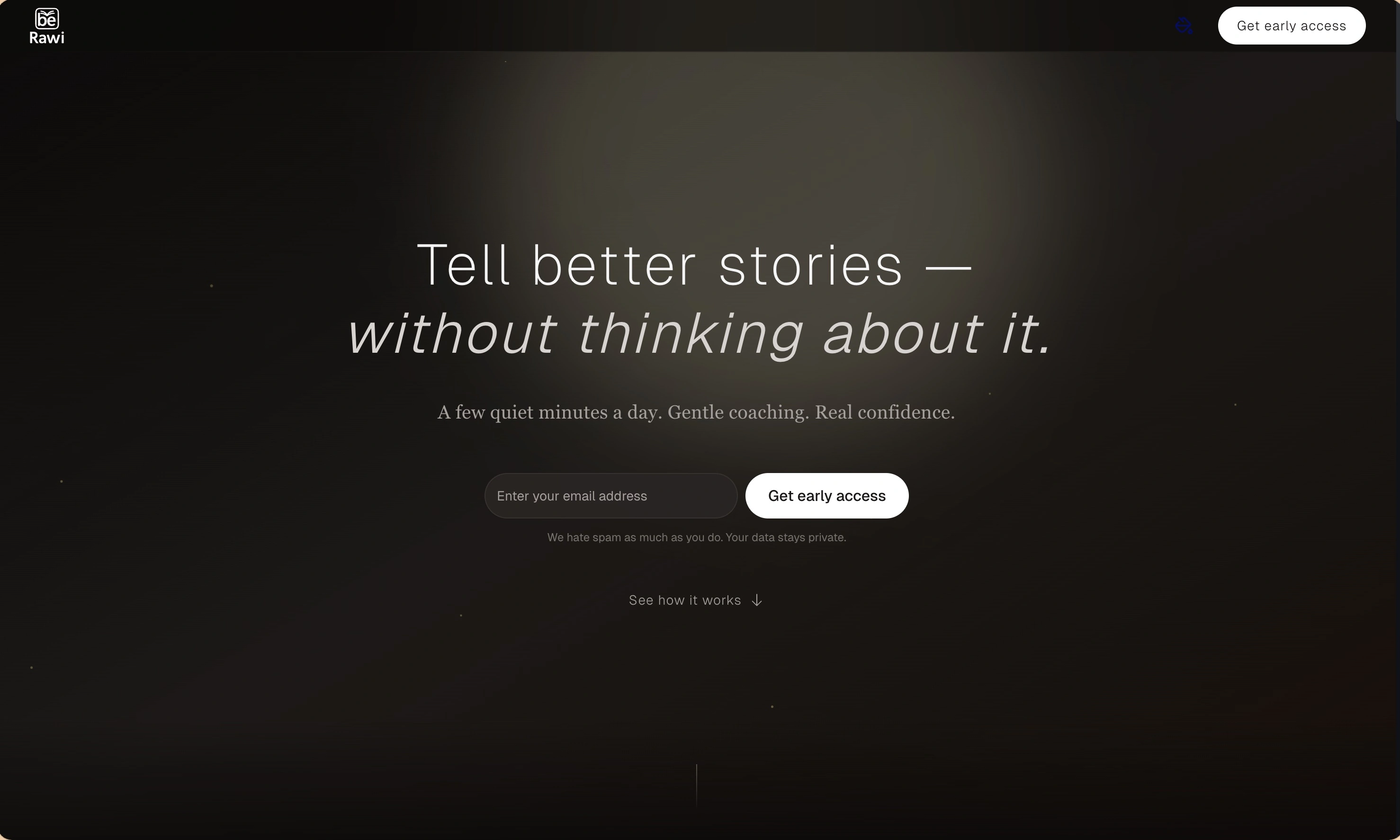
BeRawi: Storytelling Coach
Practice storytelling daily with instant feedback to sound clearer, more engaging, and confident 🎤
Omichat
Chat with 50+ AI models, including ChatGPT and Claude, in one place - switch models anytime without losing context 🤖
Claude Fast
Supercharge your Claude Code with 6x effective context window and specialized AI agents 🤖
EmojAI
AI-powered emoji picker with smart, context-aware suggestions 🤖
Solohacker
Autonomous company launcher - AI agents work 24/7, escalate what matters, and you stay in control 🤖
BeRawi: Storytelling Coach
Practice storytelling daily with instant feedback to sound clearer, more engaging, and confident 🎤
Omichat
Chat with 50+ AI models, including ChatGPT and Claude, in one place - switch models anytime without losing context 🤖
Claude Fast
Supercharge your Claude Code with 6x effective context window and specialized AI agents 🤖
EmojAI
AI-powered emoji picker with smart, context-aware suggestions 🤖
Solohacker
Autonomous company launcher - AI agents work 24/7, escalate what matters, and you stay in control 🤖
BeRawi: Storytelling Coach
Practice storytelling daily with instant feedback to sound clearer, more engaging, and confident 🎤
Omichat
Chat with 50+ AI models, including ChatGPT and Claude, in one place - switch models anytime without losing context 🤖
Claude Fast
Supercharge your Claude Code with 6x effective context window and specialized AI agents 🤖
EmojAI
AI-powered emoji picker with smart, context-aware suggestions 🤖
Solohacker
Autonomous company launcher - AI agents work 24/7, escalate what matters, and you stay in control 🤖
BeRawi: Storytelling Coach
Practice storytelling daily with instant feedback to sound clearer, more engaging, and confident 🎤

Connect with like-minded people
Join our community to get feedback, support, and grow together with 1,000+ builders on board, let's ship it!
Join usShip your startup everywhere. In minutes.
Don't burn tokens on setup and start building features on day one.