ShipShape
Turn mobile UI screens and user flows into backend plans, API contracts, and production-ready task lists. Catch missing states before coding.
Why mobile app teams need a better path from screens to backend plans
A mobile interface can look complete long before its backend requirements are clear. A profile screen may appear straightforward, for example, but implementing it could require authentication, user data, image uploads, privacy rules, loading states, validation, and error handling. If those requirements surface only after development begins, teams face rework, unclear API ownership, and features that behave differently across screens.
ShipShape is a proposed mobile app backend planning tool designed to close that gap. It turns mobile UI screens and user flows into backend plans, API contracts, and production-ready task lists. Its central promise is practical: help teams identify what a mobile experience needs from the backend before developers commit to an implementation.
That makes ShipShape more than a screen-to-code concept. The product’s value depends on translating interface evidence into clear engineering decisions, then showing users where those decisions came from and what still needs confirmation. If it does that reliably, it can help product managers, designers, mobile engineers, and backend engineers align earlier in the development process.
This article examines the opportunity, likely customers, product requirements, technical choices, monetization options, competitive positioning, and risks involved in building ShipShape. It also outlines a focused implementation plan for validating the concept before investing in a broad platform.
What ShipShape should do
At its simplest, ShipShape accepts a set of mobile screens and user flows, analyzes the interface states and interactions, and produces a structured backend implementation plan.
That plan should answer questions such as:
- What data does each screen display?
- Which actions create, update, retrieve, or delete data?
- What API operations might support those actions?
- Which states must the mobile app handle, including loading, empty, error, offline, and success states?
- What authentication and authorization rules may apply?
- Which requirements are inferred, and which need a human decision?
- What work belongs to the mobile app, backend, product, or design team?
A useful result is not simply generated prose. It should be an artifact developers can review, revise, export, and connect to their existing workflow. For example, a screen showing a list of saved places might lead to a proposed GET /places operation, a Place data model, pagination questions, an empty state, and a task to confirm whether users can share lists with other accounts.
The tool must be careful about the difference between visible evidence and assumptions. A screen can suggest that a user has a profile, but it cannot establish whether that profile is public, whether fields are editable, or which privacy rules apply. ShipShape should make uncertainty visible rather than presenting guesses as settled requirements.
The product principle
Treat AI-generated backend plans as reviewable drafts. Every recommendation should be traceable to a screen, flow, or explicit user decision.
The target audience for a mobile backend planning tool
ShipShape’s strongest early customers are likely to be teams that build mobile products but do not have a mature process for turning designs into backend specifications.
Product managers and founders
A product manager or founder often owns the outcome of a feature without having time to write a complete technical specification. They need a way to check whether a flow is sufficiently defined before handing it to engineering.
ShipShape could help this audience turn design files and user journeys into a first-pass requirements document. The most valuable output is not a perfect API design; it is a shared list of decisions, unknowns, and dependencies that can be resolved before implementation.
Mobile developers
Mobile engineers are an important user group because incomplete backend requirements frequently become mobile workarounds. A client may need to guess how pagination works, whether an operation is idempotent, or what response to expect after a failed request.
A screen-to-API planning tool can give developers a useful starting point, especially when they are building a new feature, joining an unfamiliar project, or working with a small backend team. The tool should produce contracts that are clear enough to review but not so rigid that they dictate architecture without context.
Backend engineers and technical leads
Backend engineers may be skeptical of generated specifications unless those specifications account for security, domain rules, and operational behavior. ShipShape should therefore position itself as a collaboration aid, not an automated replacement for backend design.
For a technical lead, the value is earlier visibility into questions such as:
- Is a proposed operation safe to retry?
- Does the workflow require transactional behavior?
- Are there permission checks beyond simple authentication?
- Which data should be stored on the server versus on the device?
- What should happen when the device is offline?
Surfacing these questions while the team is planning can be more useful than generating a large API document that still requires extensive interpretation.
Agencies and product studios
Agencies frequently move between projects, clients, design systems, and backend conventions. A repeatable process for reviewing screens and generating implementation-ready planning artifacts could reduce the effort required to scope mobile features.
This segment may also value team workspaces, client-facing review links, reusable templates, and exports to issue trackers. However, its needs can become broad quickly. A first version should focus on a narrow, repeatable workflow rather than trying to support every agency delivery process.
The market opportunity and product gap
Many teams already use design tools, project management systems, API documentation, and AI coding assistants. The opportunity for ShipShape is not to replace all of these tools. It is to connect a stage that is often handled manually: moving from what the user sees and does to what the software must request, store, validate, and return.
Several workflow gaps create room for a specialized product:
- Design files describe appearance, not complete behavior. A polished screen may omit errors, empty results, offline behavior, or permission failures.
- User flows and API specifications often live separately. The relationship between a particular interaction and a backend operation may be difficult to follow.
- Requirements are frequently communicated through meetings and chat. Decisions can become hard to find or may never be captured as testable acceptance criteria.
- Generated code does not automatically resolve product ambiguity. An AI coding tool can implement a plausible interpretation that is still inconsistent with the intended behavior.
- Backend work is often planned after the mobile UI begins. Late discovery of data relationships or authorization requirements can trigger avoidable changes.
ShipShape’s market opening is therefore a workflow and coordination opportunity. Its potential depends on whether it reduces uncertainty faster than a combination of design reviews, documentation templates, and existing AI tools.
The best initial market is not necessarily every organization building a mobile app. A sharper starting point could be small product teams creating customer-facing apps, technical agencies delivering mobile projects, or startups with mobile developers but limited backend planning capacity. These teams tend to have clear pain, short feedback loops, and a practical reason to turn designs into engineering tasks.
How ShipShape can turn screens into useful plans
The product should guide a user through a sequence that makes its conclusions understandable and editable.
1. Collect screens and flows
Users need a simple way to bring in the material they already have. That might include uploaded screenshots, exported design frames, written user journeys, or manually entered screen descriptions.
For an early release, avoid promising universal compatibility with every design platform. Start with a small number of dependable input paths, such as image uploads and structured flow entry. Add direct integrations only when customer discovery confirms that they are essential.
2. Identify screens, components, and actions
The analysis stage should identify likely screen purpose, visible data, controls, navigation, and user actions. A “Save” button, for example, suggests a mutation, while a search field may imply query parameters, filtering, or server-side search.
The system should preserve the source context for each finding. A developer should be able to see that a proposed operation came from a specific screen and action, not from an unexplained model output.
3. Map the user journey
A screen-by-screen inventory is not enough. ShipShape needs to understand transitions: what happens before a screen is shown, what action leads to the next screen, and what information carries through the flow.
A checkout journey, for example, may depend on a cart, an address, payment authorization, and order confirmation. Treating each frame in isolation could miss important relationships and failure paths.
4. Generate backend planning artifacts
The system can then propose a structured set of outputs:
- A domain model or entity list
- Suggested API operations and request or response shapes
- Authentication and authorization questions
- Validation and error scenarios
- Data dependencies between screens
- A list of unresolved product and engineering decisions
- Tasks grouped by role or implementation stage
- Acceptance criteria linked to the relevant flow
ShipShape should let users choose how detailed these artifacts are. A founder preparing a feature brief may want a concise plan, while an engineering team may want a draft API contract and implementation breakdown.
5. Review assumptions and produce handoff materials
Before users export a plan, the product should ask them to confirm or revise high-impact assumptions. If a screen shows a user-specific resource, for instance, the plan might ask whether the resource is private, shared, or publicly accessible.
This review step is essential to trust. The objective is not to remove human judgment; it is to make judgment more focused by identifying the decisions that materially affect implementation.
Core features for the first version and beyond
A successful ShipShape MVP should solve one complete workflow well rather than launch with a long list of loosely connected features.
Essential MVP features
- Project workspace: Keep screens, flows, decisions, and generated artifacts together.
- Screen and flow intake: Allow users to upload visual references and describe transitions.
- State gap detection: Prompt for missing loading, empty, error, offline, permission, and success states.
- Backend plan generation: Suggest entities, operations, dependencies, and implementation tasks.
- Assumption review: Clearly label uncertain inferences and collect decisions from the team.
- Editable API contract drafts: Let users refine request fields, response shapes, and error behavior.
- Exportable deliverables: Support useful formats such as Markdown, JSON, or a standard API specification.
- Change history: Show what changed when a screen, flow, or decision is updated.
The product should prioritize traceability and editing over generating the largest possible document. Users need to understand the plan, correct it, and share it with the people doing the work.
Features that can create differentiation later
Once the core workflow is validated, ShipShape could expand with:
- Integrations with design and issue-tracking tools
- Team review and approval workflows
- Reusable API and task templates
- Project-specific terminology and domain dictionaries
- Contract comparison when designs change
- Test case suggestions derived from user flows
- Framework-specific handoff guidance for mobile teams
- Shared libraries of common patterns, such as authentication or file uploads
These features are plausible extensions, not prerequisites. Building them too early could increase product complexity before the core conversion workflow has demonstrated value.
Catching missing mobile states before development
“Catch missing states before coding” is a compelling product promise, but it needs a precise definition. A screen’s normal appearance is only one possible state. A production mobile app must also handle network delays, server errors, invalid input, expired sessions, denied permissions, empty data, and interrupted workflows.
ShipShape can make this promise concrete by creating a state checklist for each screen and action.
| State to review | Example question | Possible planning output | Why it matters | Human review |
|---|---|---|---|---|
| Loading | What should appear while data is requested? | Loading indicator or skeleton requirement | Prevents unclear waiting behavior | Confirm the intended experience |
| Empty | What appears when there are no results? | Empty-state content and next action | Avoids a blank or confusing screen | Define the message and action |
| Error | What happens when a request fails? | Error display, retry behavior, or support path | Makes failure behavior intentional | Decide which errors are recoverable |
| Offline | Can the user continue without a connection? | Offline limitation or queued action | Clarifies expectations for connectivity | Choose offline scope |
| Permission | Who can access or change this resource? | Authorization question or rule | Reduces security and access ambiguity | Confirm policy with the product team |
| Success | What confirms that an action completed? | Confirmation state or navigation result | Helps users understand the outcome | Check consistency with the flow |
An intelligent state checker should avoid marking a state as “missing” merely because it is not visible in a screenshot. It should instead say that the state is not specified and ask whether it applies. This language is more accurate and helps preserve user trust.
Competitive advantage and positioning
ShipShape will compete with established habits as much as with software. Teams already use design reviews, product requirement documents, API documentation systems, AI assistants, and issue trackers. The product’s advantage must come from connecting these activities around mobile UI and user-flow evidence.
| Approach | Strength | Common limitation | ShipShape opportunity |
|---|---|---|---|
| Manual specification | Flexible and context-aware | Time-consuming and inconsistent | Create a structured first draft for review |
| Design handoff tools | Keep visual design references accessible | May not define backend behavior | Connect screens to data and operations |
| API documentation tools | Support contract review and sharing | Usually begin after requirements are clearer | Help derive a draft contract from flows |
| Generic AI assistants | Can brainstorm and summarize quickly | Context and traceability may be limited | Preserve links between outputs and source screens |
| Issue trackers | Coordinate assigned implementation work | May not expose missing product decisions | Turn confirmed requirements into actionable tasks |
These are broad workflow categories, not claims that every product in a category has the same limitations. ShipShape should validate its positioning through interviews and competitive research before making specific comparison claims.
Its strongest potential differentiators are:
- Mobile-first reasoning: Understands screens, gestures, navigation, and device-related states.
- Traceable recommendations: Connects each proposed requirement to its source.
- State completeness: Makes non-happy-path behavior part of planning rather than an afterthought.
- Human confirmation: Distinguishes inferred suggestions from approved decisions.
- Engineering handoff: Produces plans and contracts that can be refined into real work.
The USP should be stated in outcome terms: ShipShape helps mobile teams turn screens and flows into reviewed backend plans, with missing states and unresolved decisions made visible before implementation.
Recommended technology stack
The right stack depends on whether ShipShape starts as a web-based SaaS product, a design-tool integration, or a developer-focused workflow. A web application is a reasonable starting point because it supports project review, collaboration, and artifact editing without requiring users to install a mobile app.
Frontend
A modern web framework such as React can support the workspace, project views, and structured editing experience. A utility-first styling system such as Tailwind CSS may help a small team iterate quickly, though a component system should still enforce consistent interaction patterns.
The frontend should treat generated plans as structured data rather than a single text response. That makes it easier to edit individual operations, tag assumptions, show source references, and compare revisions.
Backend and data storage
A conventional application backend should handle accounts, organizations, projects, permissions, file metadata, generated artifacts, and usage limits. A relational database is a strong fit for these interconnected records because projects, screens, flows, decisions, and tasks need durable relationships and queries.
Store original files in object storage rather than directly in the relational database. Apply clear retention policies, access controls, and deletion workflows because design files may contain sensitive product information.
AI and document processing
ShipShape may combine image understanding, language models, and deterministic validation. The model can suggest screen meaning, data entities, and possible API operations, while application code checks that the output follows a known schema and includes required fields.
Use a staged pipeline rather than sending every project detail into one large prompt:
- Extract screen-level observations.
- Group screens into flows.
- Generate candidate data requirements.
- Propose operations and state cases.
- Validate structured output.
- Present assumptions for human review.
This design can make errors easier to diagnose and gives the product more control over how information is processed. It also makes it possible to update one stage without regenerating an entire plan.
For API contract output, consider supporting the OpenAPI Specification. A standard format can improve portability, but ShipShape should not imply that a generated specification is automatically production-ready. A contract still needs engineering review for domain semantics, security, versioning, and operational constraints.
Mobile ecosystem support
The initial product can remain platform-agnostic while offering targeted guidance for common development approaches. If ShipShape later generates framework-specific examples, official references for React Native and Flutter can help keep that guidance aligned with current platform documentation.
Avoid generating large code scaffolds until users consistently ask for them. The idea’s strongest value is planning and requirement clarity, not competing with full application generators.
Security and reliability considerations
The technical foundation should include:
- Organization-level access control
- Secure file upload and processing
- Encryption in transit and at rest
- Audit logs for important workspace actions
- Data deletion and export controls
- Clear handling of third-party model providers
- Rate limits and abuse monitoring
- Versioned prompts and output schemas
For trust, explain how uploaded screens and project information are processed and retained. Do not make security or compliance claims unless they have been verified.
Monetization strategies for ShipShape
ShipShape could use several pricing models, but pricing should reflect who receives recurring value and what usage actually costs.
Freemium for individual validation
A free tier could let a user analyze a limited number of screens or projects. It can reduce friction for independent developers and founders evaluating the workflow. The limits should be generous enough to demonstrate value but structured to avoid unpredictable processing costs.
Per-seat subscriptions for teams
A team plan could include shared workspaces, collaboration, history, review workflows, and higher usage limits. This model fits organizations where product, design, mobile, and backend stakeholders all contribute to one project.
Usage-based pricing
Pricing based on processed screens, projects, or generation volume may align more closely with AI and file-processing costs. The downside is uncertainty: customers may hesitate if they cannot predict their bill. If using this model, provide clear usage estimates and caps.
Agency or business plans
Agencies and larger organizations may pay for multiple workspaces, reusable templates, client review, permission controls, and administrative features. These capabilities should be built in response to demonstrated demand, rather than assumed from the start.
A practical starting structure is a free individual plan plus one paid team plan. This keeps the choice easy to understand while allowing the company to learn whether customers value collaboration, volume, or specialized exports most.
Risks and how to reduce them
Risk of confident but incorrect recommendations
AI-generated plans can sound authoritative even when they rely on incomplete context. ShipShape should label inferred details, show evidence, and require confirmation for high-impact decisions such as permissions, payment behavior, or data ownership.
Risk of incomplete state detection
A tool cannot reliably detect every important state from static screens alone. Reduce this risk by accepting flow descriptions, asking targeted follow-up questions, and describing output as a review checklist rather than a guarantee of completeness.
Risk of integration scope expanding too early
Supporting every design tool, API format, and project management platform could consume the team’s time before core value is proven. Start with a dependable import and export path, then prioritize integrations based on repeated customer requests.
Risk of overlap with general-purpose AI tools
Customers may ask why they cannot achieve the same result with a generic assistant. ShipShape needs a better workflow, not just a better prompt. Its advantage should include structured artifacts, source traceability, state checks, version history, and team review.
Risk of handling sensitive project information
Screens and flow documents can reveal unreleased features, customer data, or internal processes. Provide clear data handling information, sensible access controls, and deletion options. For business customers, data governance may be a purchase requirement rather than a later enhancement.
Risk of unclear return on investment
If the product generates documents that teams do not use, it will be difficult to retain customers. Measure whether plans are reviewed, exported, converted into tasks, and used during implementation. The goal is to support real decisions, not maximize generated output.
Actionable implementation steps
A disciplined launch should validate both the problem and the proposed workflow before scaling engineering effort.
Interview teams about their current handoff
Speak with mobile developers, product managers, backend engineers, and agencies. Ask how they currently move from design to API planning, where assumptions are recorded, and which missing states have caused rework. Focus on recent examples rather than hypothetical enthusiasm.
Choose one initial customer segment
Select a group with a frequent, specific need. For example, early-stage mobile product teams may offer a clearer starting point than a broad “all software teams” audience. Define what a successful first project looks like for that customer.
Test the workflow manually
Before building a full automation pipeline, analyze a small set of real screens with a human-assisted process. Deliver a backend plan, state checklist, and task breakdown. Observe which outputs customers edit, ignore, or consider valuable.
Build the smallest useful product
Create project intake, structured screen and flow records, draft plan generation, assumption review, and export. Prioritize traceability and editing. Avoid building extensive integrations until users demonstrate that they need them.
Evaluate output quality with engineering reviewers
Ask experienced mobile and backend engineers to review generated plans against known projects. Track unsupported assumptions, missed dependencies, vague tasks, and incorrect operations. Use these findings to improve schemas, prompts, validation rules, and review questions.
Measure product value beyond sign-ups
Useful early indicators include how many projects reach review, how often users resolve flagged assumptions, how frequently plans are exported, and whether teams return for another feature. Pair usage data with follow-up interviews to understand why users continue or stop.
Expand only after the core promise works
Once customers consistently use the screen-to-plan workflow, consider adding design integrations, issue tracker exports, collaboration features, or framework-specific guidance. Let repeated user behavior determine the roadmap.
A starter backend task output might look like this:
{
  "feature": "saved places",
  "source": {
    "screen": "saved places list",
    "action": "open the screen"
  },
  "proposedOperation": {
    "method": "GET",
    "path": "/places",
    "purpose": "Return places saved by the authenticated user"
  },
  "statesToReview": [
    "loading",
    "empty",
    "request error",
    "offline"
  ],
  "openQuestions": [
    "Can users share saved places with other accounts?",
    "Should the list support pagination?"
  ],
  "status": "draft"
}
The example illustrates an important product choice: generated output should retain its draft status until the team confirms its meaning. A proposed route is a planning suggestion, not a mandate to use a particular backend architecture.
How to validate ShipShape’s competitive advantage
The most important validation question is not whether users like seeing an API plan generated. It is whether they trust and use that plan in their delivery process.
Test the product against a real feature that has not yet been implemented. Compare the team’s normal planning process with a ShipShape-assisted process. Look for evidence such as:
- Fewer unresolved questions at the start of implementation
- Earlier agreement between mobile and backend contributors
- More consistent coverage of failure and empty states
- Less time spent converting design references into engineering tasks
- Easier review of changes when a flow is revised
These outcomes should be measured carefully. A small pilot can reveal useful directional evidence, but it should not be presented as proof of universal productivity gains. Document the project context, team size, workflow, and limitations whenever reporting results.
ShipShape’s defensibility is unlikely to come from a single model or prompt. It is more likely to develop through a well-designed workflow, a growing library of mobile-specific patterns, reliable review mechanisms, and strong integrations with how teams already plan work. Customer trust and high-quality output will matter more than claiming fully automated backend design.
A focused roadmap for the first 90 days
A short roadmap can help keep the concept grounded:
- Weeks 1–2: Conduct discovery interviews and collect examples of screen-to-backend handoffs.
- Weeks 3–4: Run a manual concierge pilot and identify the outputs customers actually use.
- Weeks 5–8: Build the core workspace, screen intake, structured plan editor, state checklist, and export.
- Weeks 9–10: Test with engineering reviewers and improve traceability, validation, and uncertainty labels.
- Weeks 11–12: Run repeat usage pilots, refine onboarding, and test a simple paid team offer.
The schedule is a planning framework, not a promise that every team can deliver the same scope in three months. The main objective is to learn quickly while keeping the product focused.
For founders building the first version, TurboStarter can be considered as a starting point for SaaS foundations, leaving more time to concentrate on ShipShape’s screen-to-plan workflow and customer validation.
The opportunity for ShipShape
ShipShape addresses a real and specific coordination challenge: mobile interfaces often move toward implementation before backend behavior, data requirements, and non-happy-path states have been made explicit. A product that turns screens and flows into reviewable backend plans could help teams surface those decisions earlier.
Its success will depend on disciplined scope. Start with a focused customer segment, make every recommendation traceable, distinguish facts from assumptions, and measure whether teams use the generated artifacts in real projects. Build the workflow around human review rather than promising that automation can replace product and engineering judgment.
If ShipShape consistently helps teams answer what does this mobile flow require from the backend, and what have we not decided yet?, it will have a clear reason to exist. The strongest implementation path is to validate that promise manually, build the smallest product that supports it, and expand only when customer behavior points to the next valuable feature.
More 📱 Mobile App SaaS ideas
Discover more innovative mobile app SaaS ideas that are trending in 2026. Each idea is AI-generated with market validation and growth potential to help you find your next profitable venture faster than competitors.
Your competitors are building with TurboStarter
Below are some of the SaaS ideas that have been generated and built with our starter kit.
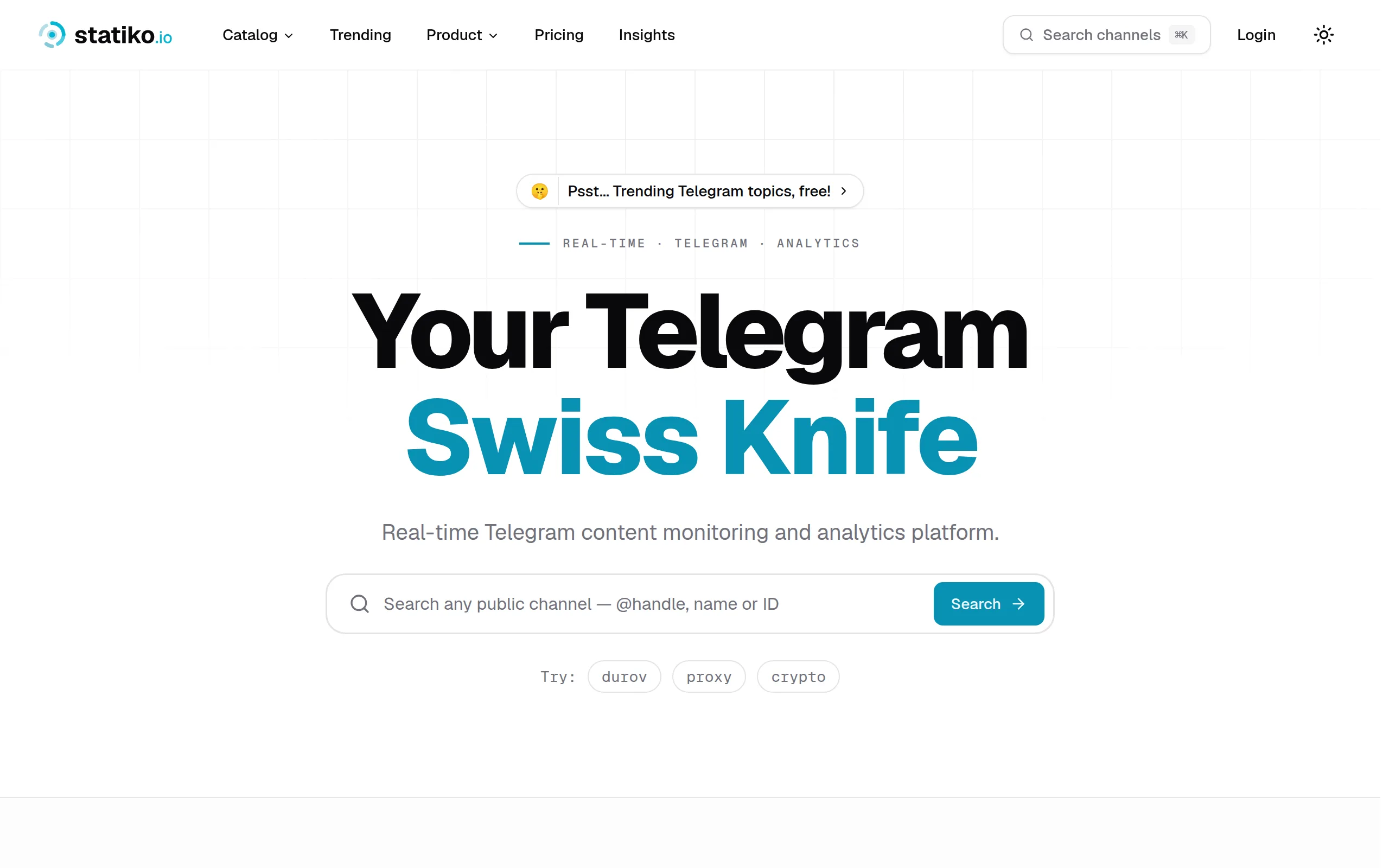
Statiko
Monitor any Telegram channel in real time - track posts, edits, deletions, and growth with AI recaps 📡
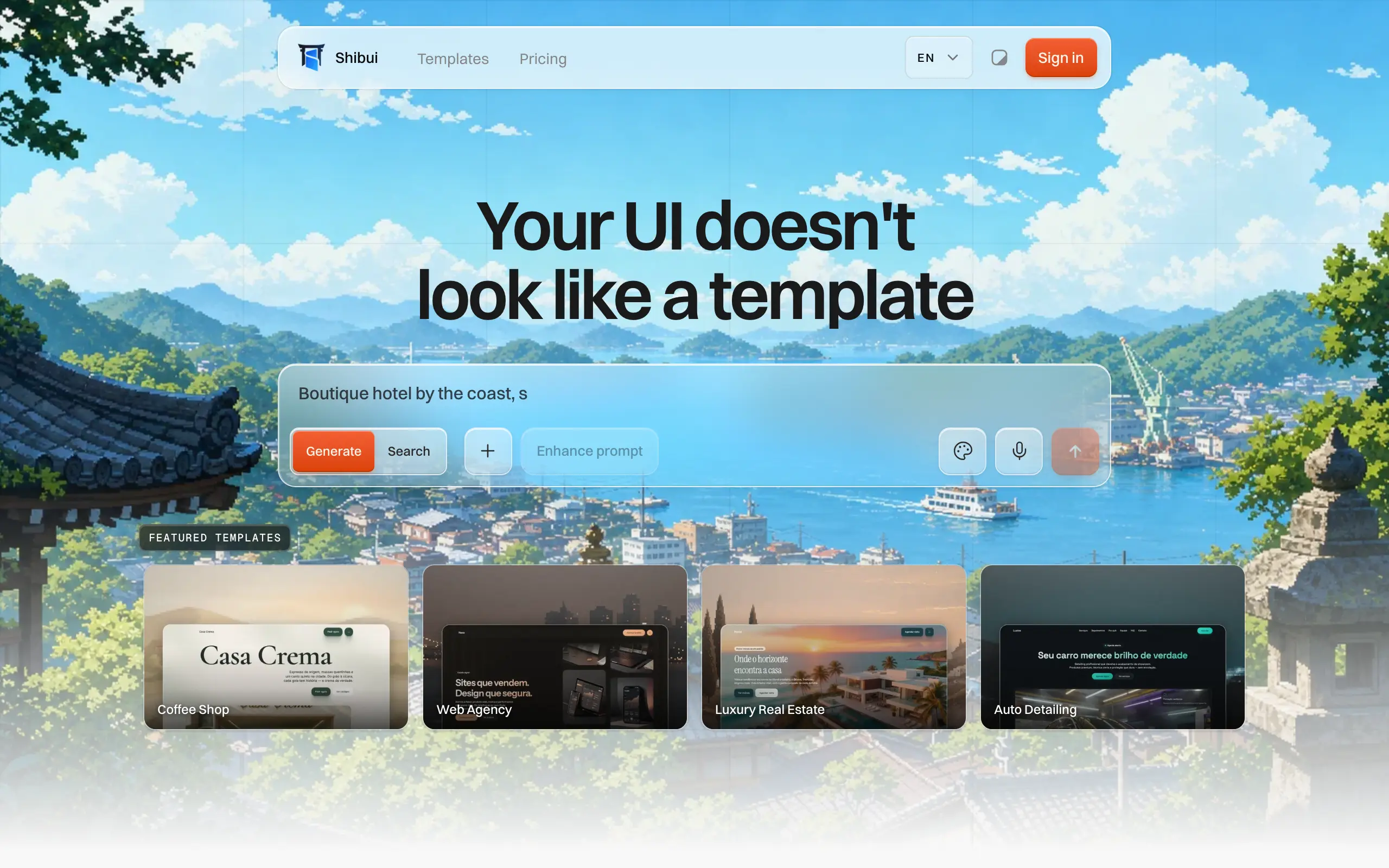
Shibui
AI website builder - describe your business, pick a niche template, edit by chatting, and publish instantly ✨

Pro Service
Find verified home service professionals, compare quotes, and pay securely through escrow - built for Brazilians across the US 🏠
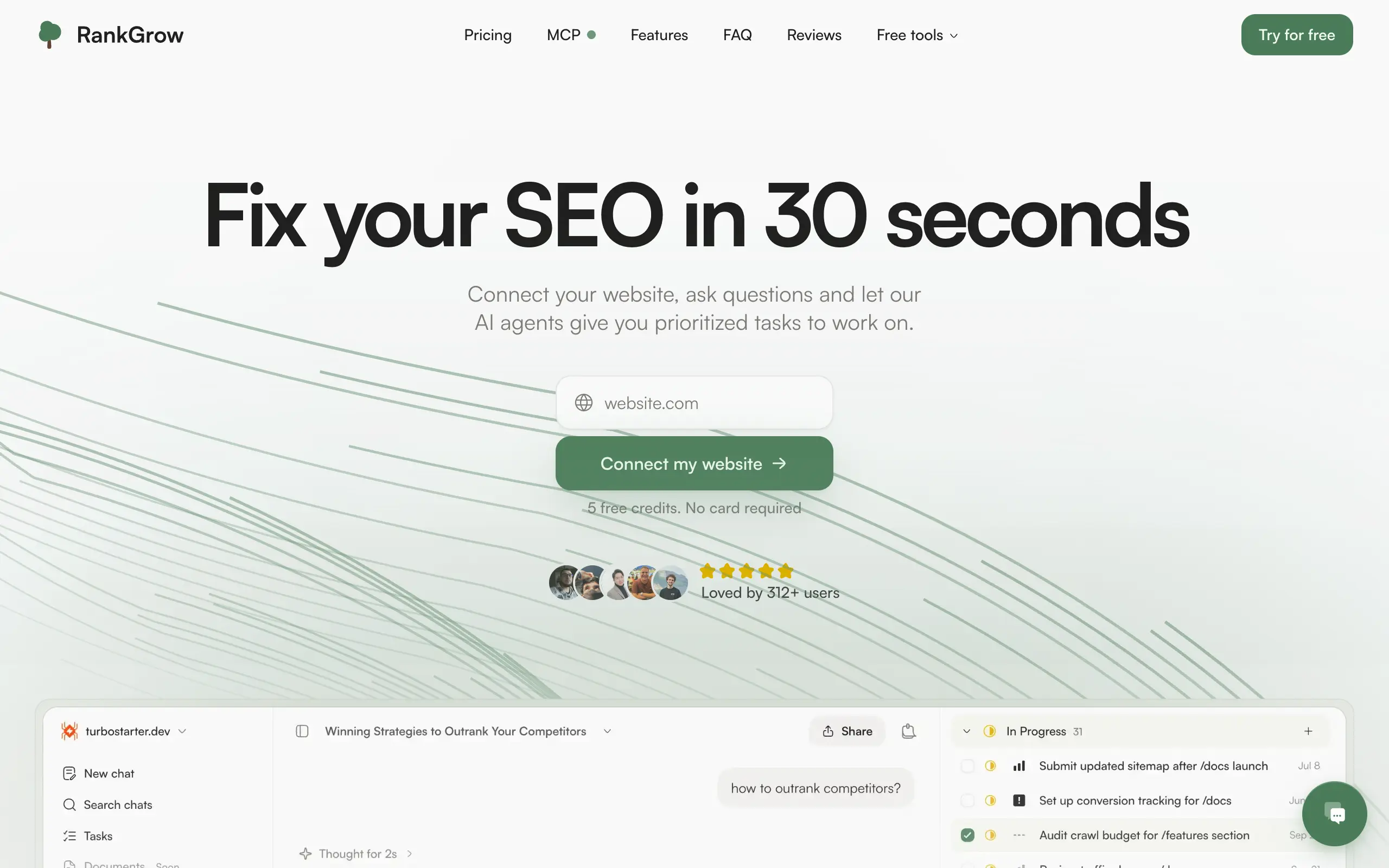
RankGrow
Fix your SEO with AI agents - connect Search Console, get prioritized tasks, and grow organic traffic 📈
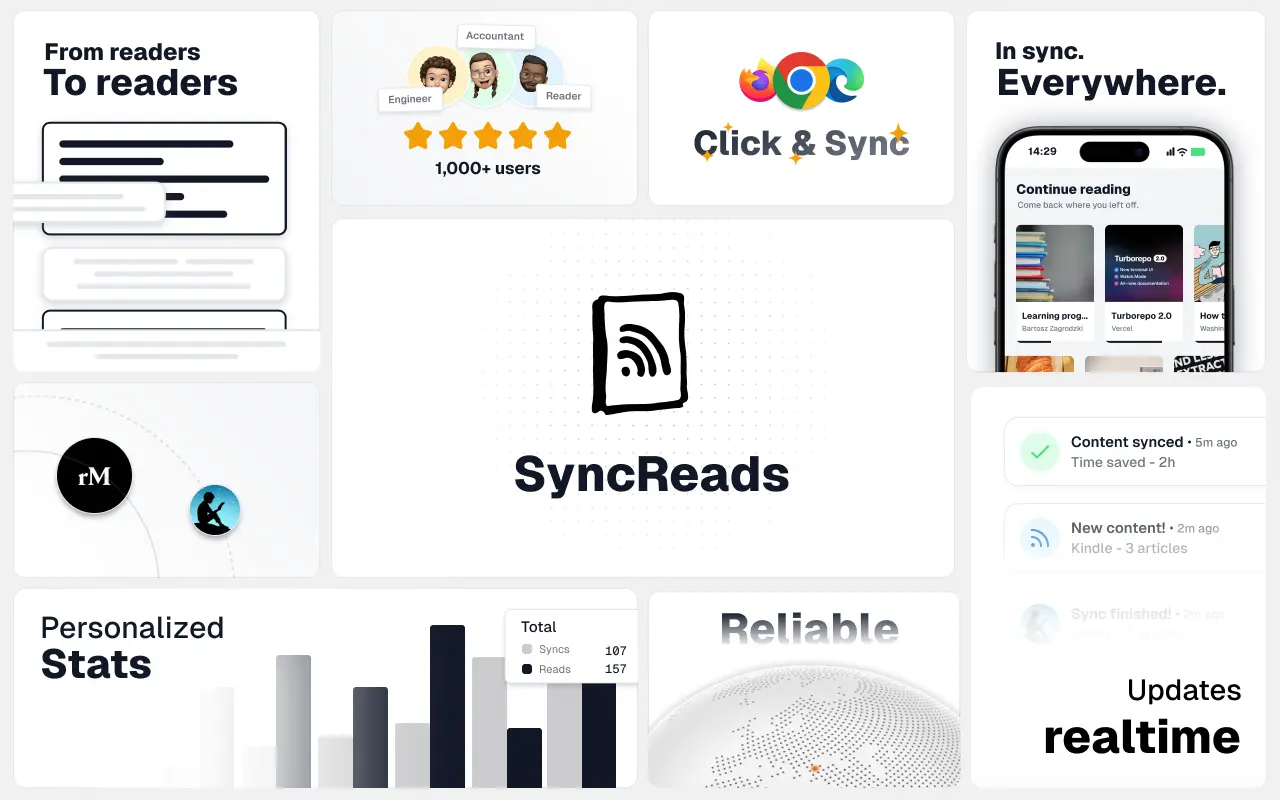
SyncReads
Sync your favorite content for distraction-free reading, save time and replace multiple apps. Anytime, anywhere 🔄
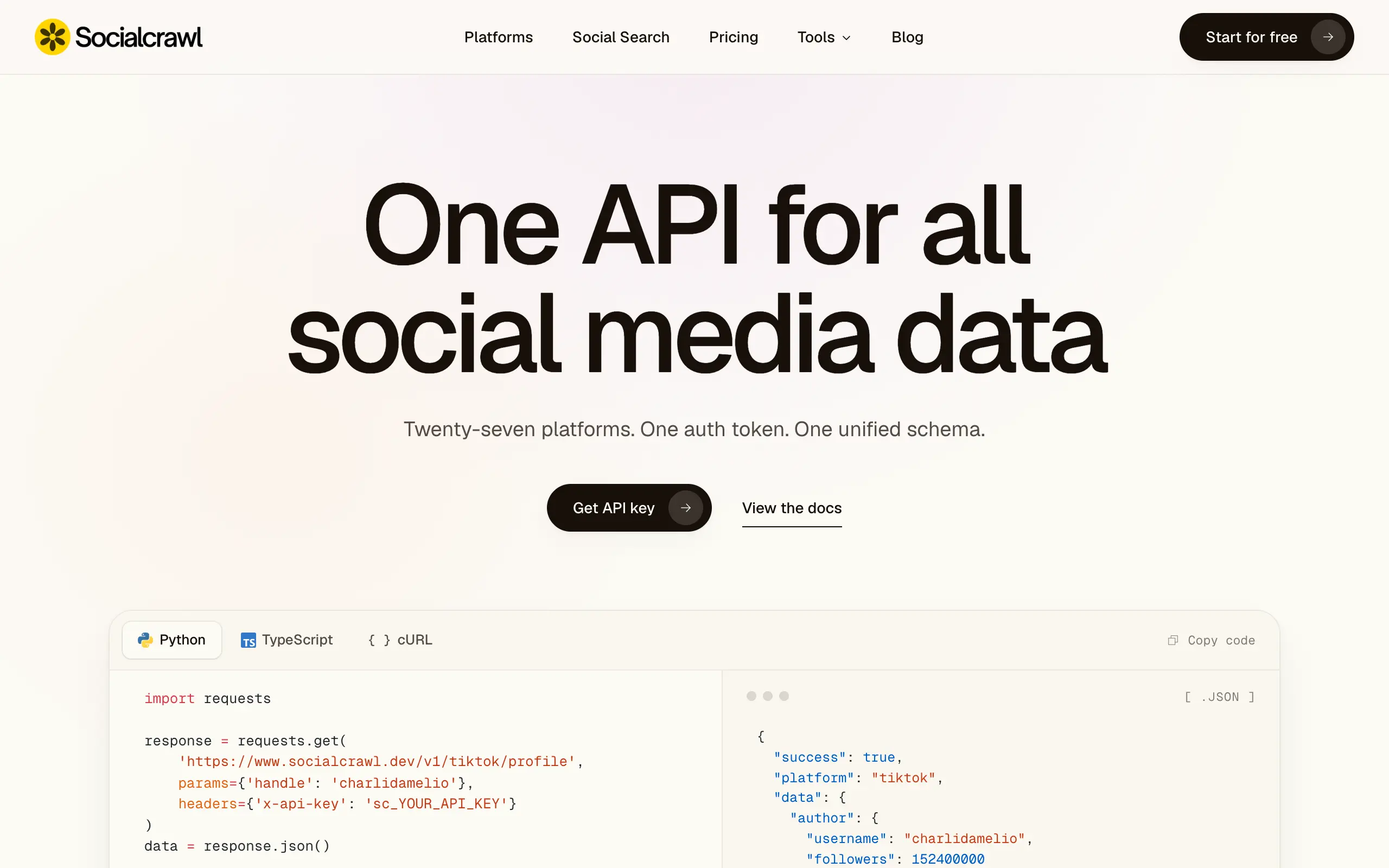
Socialcrawl
Get clean, structured data from 21 platforms like TikTok, Instagram, and YouTube with a single request 📊
Statiko
Monitor any Telegram channel in real time - track posts, edits, deletions, and growth with AI recaps 📡
Shibui
AI website builder - describe your business, pick a niche template, edit by chatting, and publish instantly ✨
Pro Service
Find verified home service professionals, compare quotes, and pay securely through escrow - built for Brazilians across the US 🏠
RankGrow
Fix your SEO with AI agents - connect Search Console, get prioritized tasks, and grow organic traffic 📈
SyncReads
Sync your favorite content for distraction-free reading, save time and replace multiple apps. Anytime, anywhere 🔄
Socialcrawl
Get clean, structured data from 21 platforms like TikTok, Instagram, and YouTube with a single request 📊
Statiko
Monitor any Telegram channel in real time - track posts, edits, deletions, and growth with AI recaps 📡
Shibui
AI website builder - describe your business, pick a niche template, edit by chatting, and publish instantly ✨
Pro Service
Find verified home service professionals, compare quotes, and pay securely through escrow - built for Brazilians across the US 🏠
RankGrow
Fix your SEO with AI agents - connect Search Console, get prioritized tasks, and grow organic traffic 📈
SyncReads
Sync your favorite content for distraction-free reading, save time and replace multiple apps. Anytime, anywhere 🔄
Socialcrawl
Get clean, structured data from 21 platforms like TikTok, Instagram, and YouTube with a single request 📊
Statiko
Monitor any Telegram channel in real time - track posts, edits, deletions, and growth with AI recaps 📡
Shibui
AI website builder - describe your business, pick a niche template, edit by chatting, and publish instantly ✨
Pro Service
Find verified home service professionals, compare quotes, and pay securely through escrow - built for Brazilians across the US 🏠
RankGrow
Fix your SEO with AI agents - connect Search Console, get prioritized tasks, and grow organic traffic 📈
SyncReads
Sync your favorite content for distraction-free reading, save time and replace multiple apps. Anytime, anywhere 🔄
Socialcrawl
Get clean, structured data from 21 platforms like TikTok, Instagram, and YouTube with a single request 📊
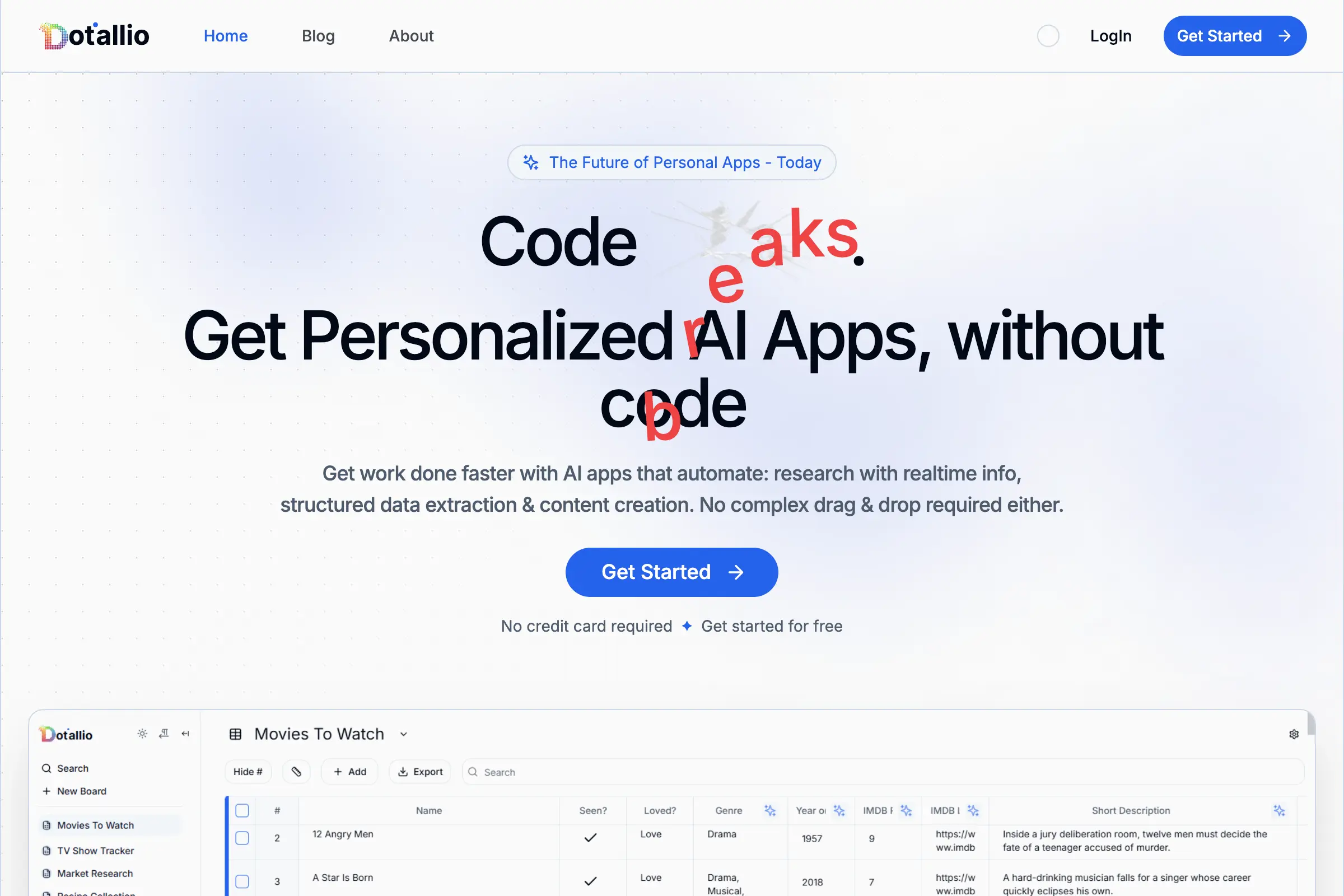
Dotallio
Personalized AI apps that automate research, data extraction, and content creation without code 🤖
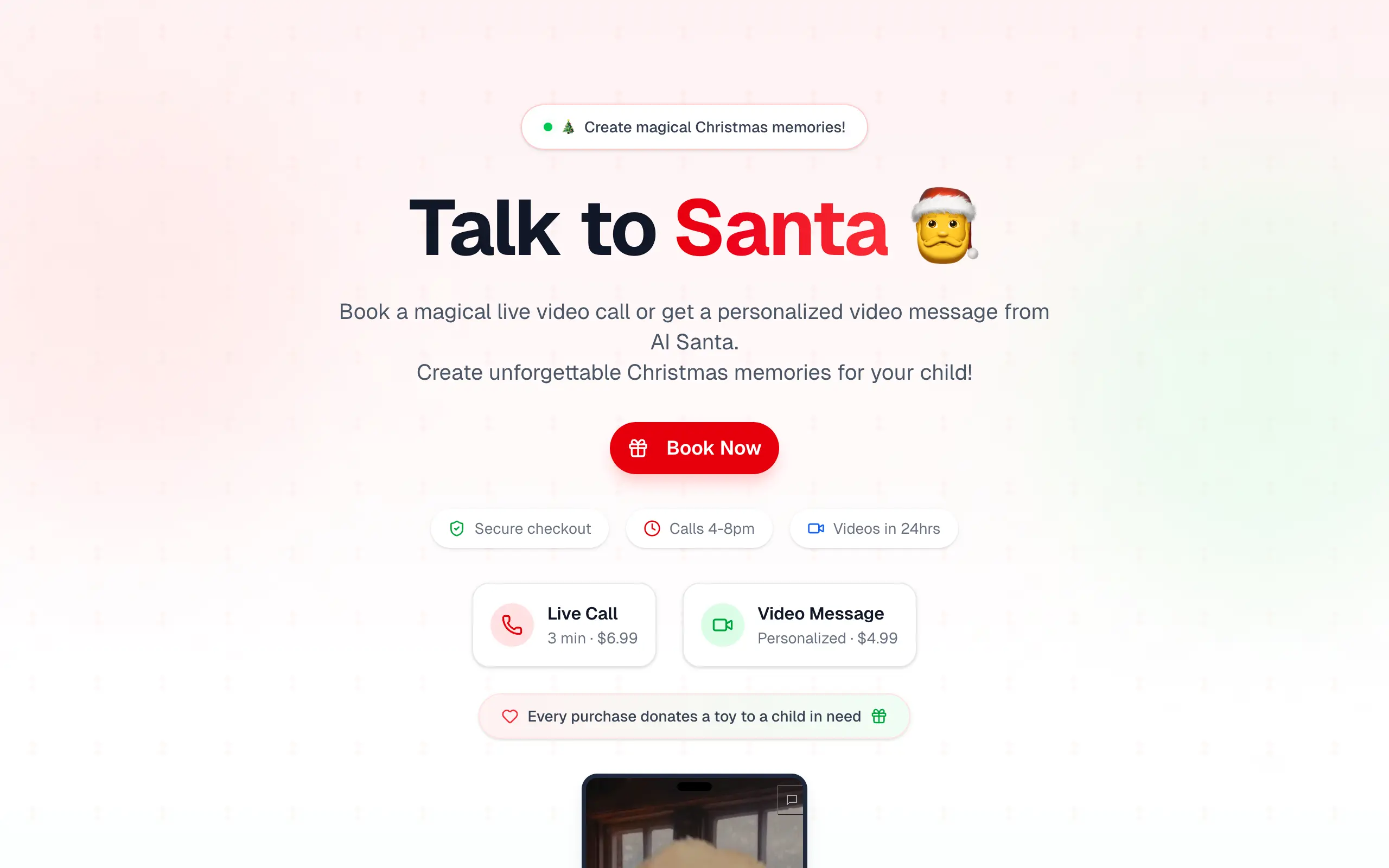
Talk to Santa
Enjoy a magical live video chat or receive a unique AI-generated video greeting from Santa Claus 🎅
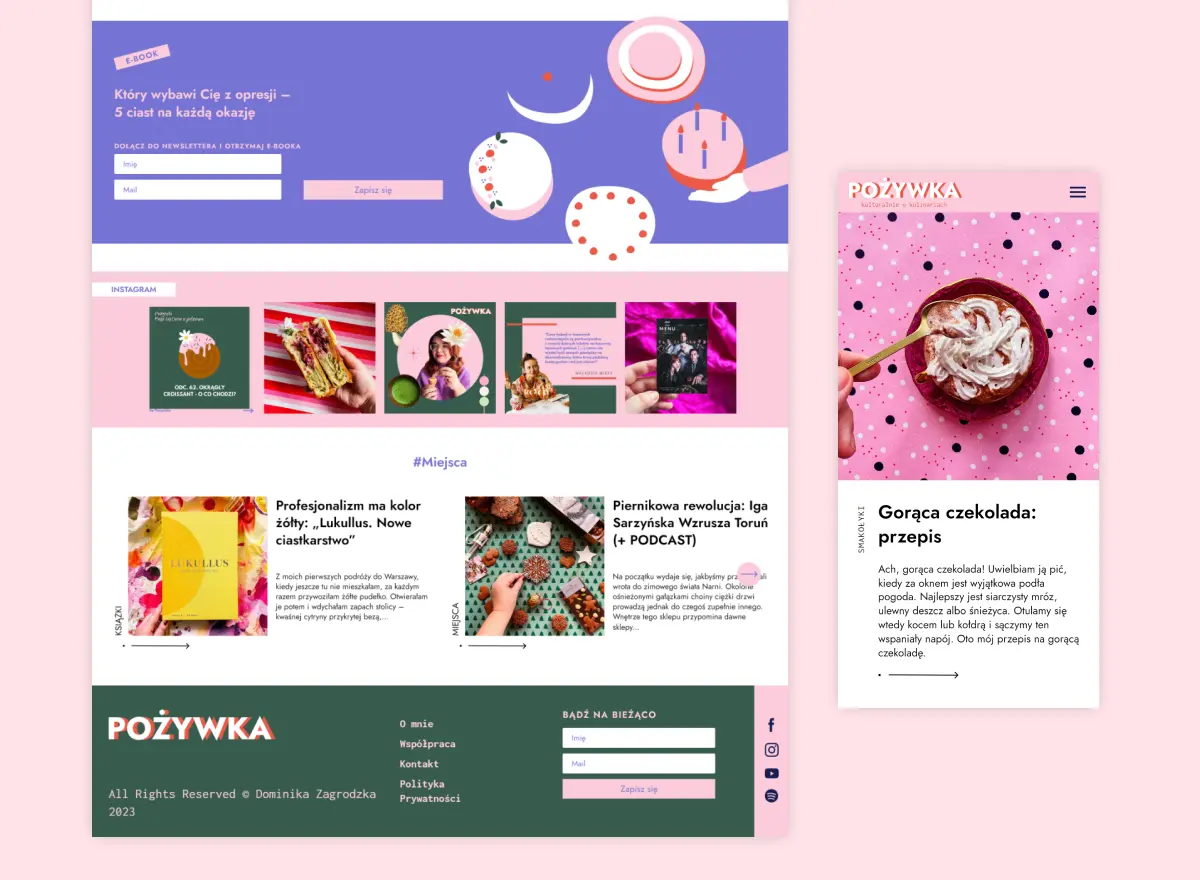
pozywka.pl
Scalable blog for food journalist, focused on performance and user experience 🌭
zagrodzki.me
Personal blog and portfolio of Bart Zagrodzki, where he shares his knowledge and work 💼
TurboStarter
Ship your startup everywhere. In minutes.
HTML to Markdown
Convert HTML to Markdown with ease, directly in your browser 📄
Dotallio
Personalized AI apps that automate research, data extraction, and content creation without code 🤖
Talk to Santa
Enjoy a magical live video chat or receive a unique AI-generated video greeting from Santa Claus 🎅
pozywka.pl
Scalable blog for food journalist, focused on performance and user experience 🌭
zagrodzki.me
Personal blog and portfolio of Bart Zagrodzki, where he shares his knowledge and work 💼
TurboStarter
Ship your startup everywhere. In minutes.
HTML to Markdown
Convert HTML to Markdown with ease, directly in your browser 📄
Dotallio
Personalized AI apps that automate research, data extraction, and content creation without code 🤖
Talk to Santa
Enjoy a magical live video chat or receive a unique AI-generated video greeting from Santa Claus 🎅
pozywka.pl
Scalable blog for food journalist, focused on performance and user experience 🌭
zagrodzki.me
Personal blog and portfolio of Bart Zagrodzki, where he shares his knowledge and work 💼
TurboStarter
Ship your startup everywhere. In minutes.
HTML to Markdown
Convert HTML to Markdown with ease, directly in your browser 📄
Dotallio
Personalized AI apps that automate research, data extraction, and content creation without code 🤖
Talk to Santa
Enjoy a magical live video chat or receive a unique AI-generated video greeting from Santa Claus 🎅
pozywka.pl
Scalable blog for food journalist, focused on performance and user experience 🌭
zagrodzki.me
Personal blog and portfolio of Bart Zagrodzki, where he shares his knowledge and work 💼
TurboStarter
Ship your startup everywhere. In minutes.
HTML to Markdown
Convert HTML to Markdown with ease, directly in your browser 📄
Omichat
Chat with 50+ AI models, including ChatGPT and Claude, in one place - switch models anytime without losing context 🤖
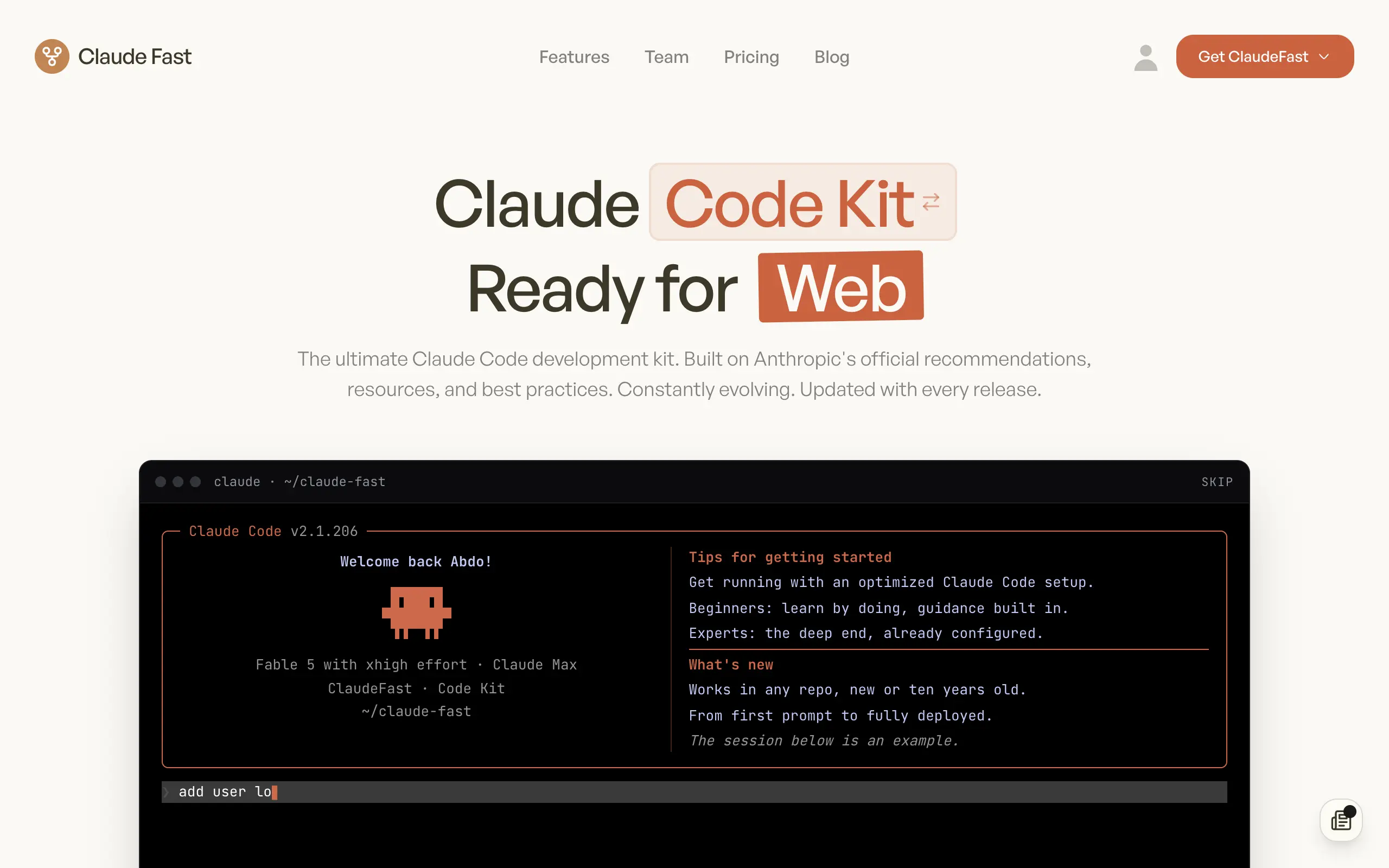
Claude Fast
Supercharge your Claude Code with 6x effective context window and specialized AI agents 🤖
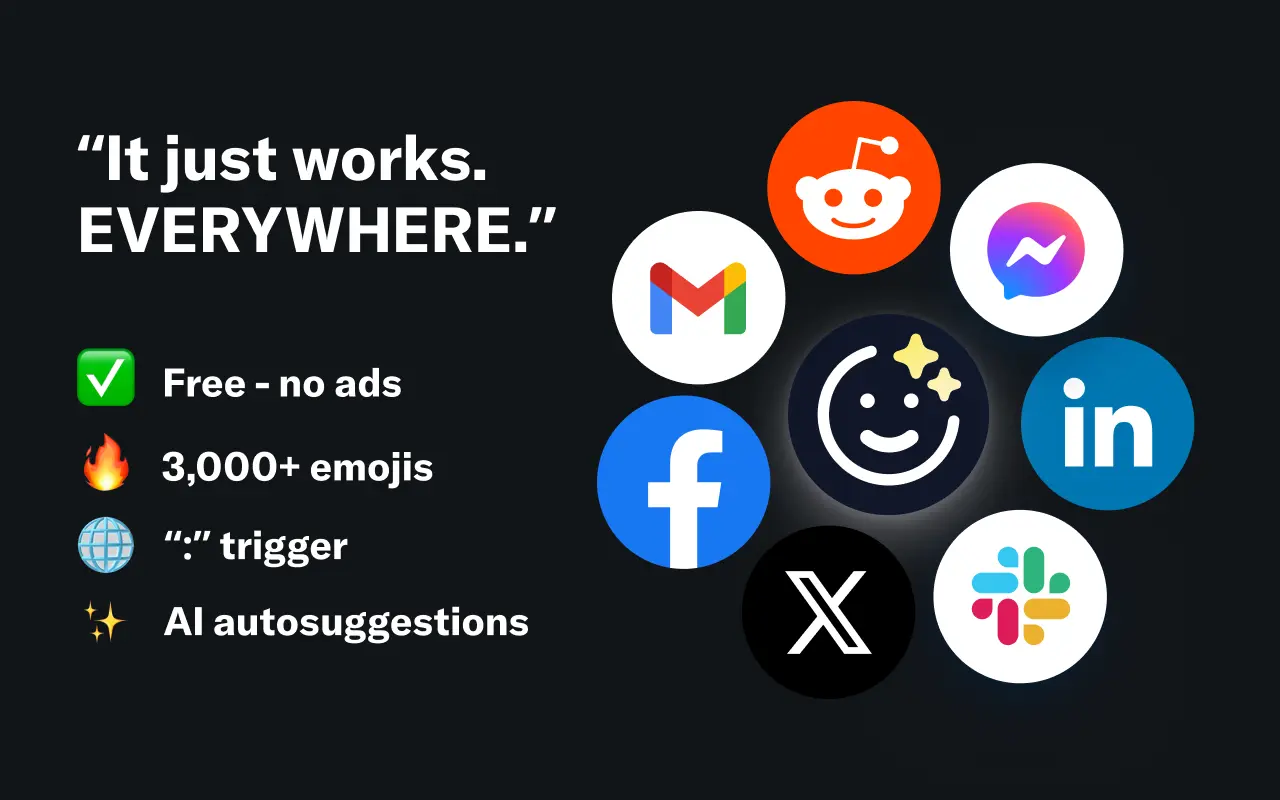
EmojAI
AI-powered emoji picker with smart, context-aware suggestions 🤖
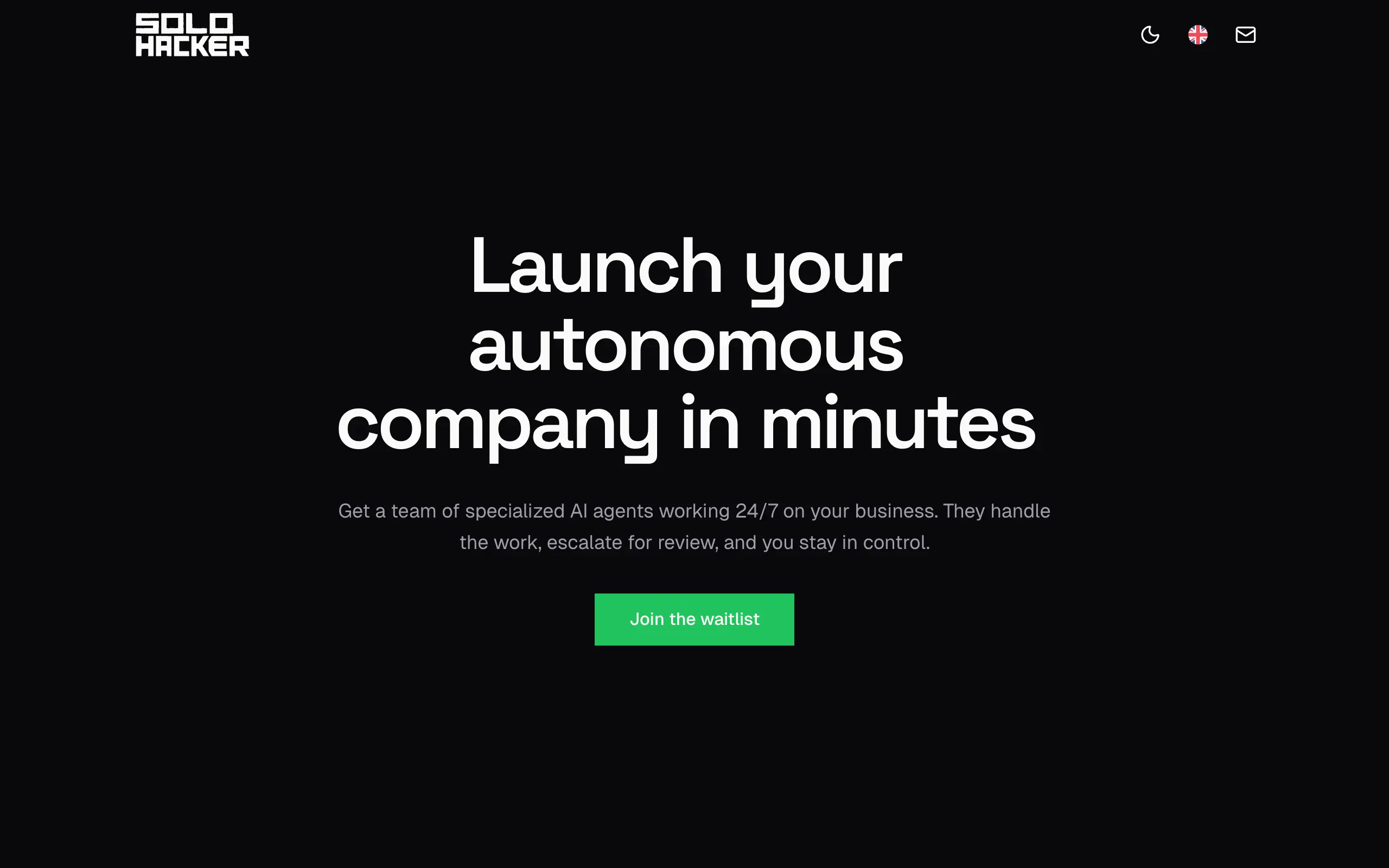
Solohacker
Autonomous company launcher - AI agents work 24/7, escalate what matters, and you stay in control 🤖
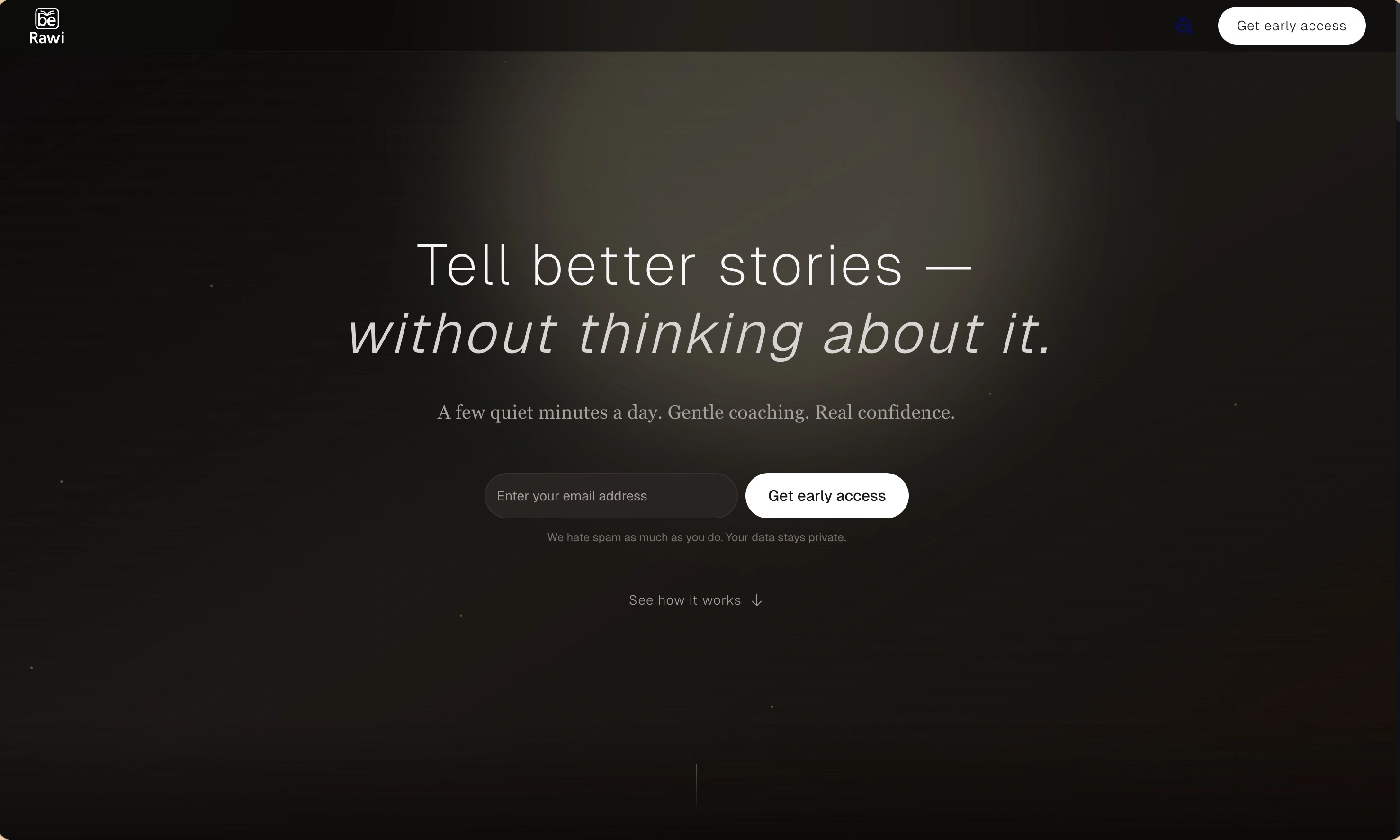
BeRawi: Storytelling Coach
Practice storytelling daily with instant feedback to sound clearer, more engaging, and confident 🎤
Omichat
Chat with 50+ AI models, including ChatGPT and Claude, in one place - switch models anytime without losing context 🤖
Claude Fast
Supercharge your Claude Code with 6x effective context window and specialized AI agents 🤖
EmojAI
AI-powered emoji picker with smart, context-aware suggestions 🤖
Solohacker
Autonomous company launcher - AI agents work 24/7, escalate what matters, and you stay in control 🤖
BeRawi: Storytelling Coach
Practice storytelling daily with instant feedback to sound clearer, more engaging, and confident 🎤
Omichat
Chat with 50+ AI models, including ChatGPT and Claude, in one place - switch models anytime without losing context 🤖
Claude Fast
Supercharge your Claude Code with 6x effective context window and specialized AI agents 🤖
EmojAI
AI-powered emoji picker with smart, context-aware suggestions 🤖
Solohacker
Autonomous company launcher - AI agents work 24/7, escalate what matters, and you stay in control 🤖
BeRawi: Storytelling Coach
Practice storytelling daily with instant feedback to sound clearer, more engaging, and confident 🎤
Omichat
Chat with 50+ AI models, including ChatGPT and Claude, in one place - switch models anytime without losing context 🤖
Claude Fast
Supercharge your Claude Code with 6x effective context window and specialized AI agents 🤖
EmojAI
AI-powered emoji picker with smart, context-aware suggestions 🤖
Solohacker
Autonomous company launcher - AI agents work 24/7, escalate what matters, and you stay in control 🤖
BeRawi: Storytelling Coach
Practice storytelling daily with instant feedback to sound clearer, more engaging, and confident 🎤

Connect with like-minded people
Join our community to get feedback, support, and grow together with 1,000+ builders on board, let's ship it!
Join usShip your startup everywhere. In minutes.
Don't burn tokens on setup and start building features on day one.