SiteSignal
Prioritize commercial property maintenance by combining work orders, inspections, and equipment data into clear, trackable action plans.
What SiteSignal solves for mobile service teams
SiteSignal is a mobile field service reporting app designed for small service businesses that need to turn on-site work into clear, client-ready job reports. Instead of asking technicians to type lengthy notes after every visit, the app captures voice notes, photos, checklist responses, and job details in the field, then organizes them into professional documentation.
The primary keyword for this concept is field service reporting software. Related terms include:
- Mobile field service app
- Job report software
- Technician reporting app
- Field service documentation
- Client-ready service reports
- Digital inspection checklists
- Photo documentation software
- Service business operations software
- Voice-to-text job notes
- Field technician management
For many small service teams, reporting is still fragmented. Technicians may send photos through text messages, dictate notes into personal phones, complete paper checklists, or leave office staff to reconstruct what happened from incomplete information. This creates delays, billing disputes, inconsistent customer communication, and operational blind spots.
SiteSignal creates a simpler workflow:
- A technician opens a job on their phone.
- They follow a service checklist, capture photos, and record voice notes.
- The app transcribes and structures the notes.
- A polished job report is generated and shared with the client or office team.
The product is especially compelling because it addresses a practical problem with a workflow that matches how field teams already work. Technicians are moving between sites, handling equipment, speaking with customers, and working in environments where typing detailed notes is inconvenient. Voice-first capture combined with structured reporting can remove much of that friction.
The central value proposition
SiteSignal helps small field service teams document work faster, prove what was completed, and deliver more professional reports without requiring technicians to become data-entry specialists.
Target audience for field service reporting software
The strongest initial market is not every field service business. It is the segment that has enough recurring jobs and reporting requirements to feel operational pain, but not enough internal resources to justify a complex enterprise field service management platform.
Primary customer profile
The ideal SiteSignal customer is a small service company with roughly 3 to 50 field workers. These businesses often have owners, operations managers, dispatchers, or office administrators who are responsible for making sure field work is documented correctly.
Relevant verticals include:
- HVAC maintenance and repair companies
- Plumbing and electrical contractors
- Commercial cleaning teams
- Facilities maintenance providers
- Property inspection businesses
- Landscaping and grounds maintenance companies
- Fire safety and compliance service providers
- Pest control operators
- Restoration and remediation contractors
- Security system installers
- Equipment maintenance firms
- Pool, roofing, and exterior service businesses
These businesses share common needs. They must verify completed work, communicate outcomes to customers, create a record for future visits, and provide office staff with enough detail to invoice accurately.
Buyer and user roles
SiteSignal should recognize that the economic buyer is not always the daily app user.
| Role | Primary concern | SiteSignal value | Likely objection | Buying influence |
|---|---|---|---|---|
| Business owner | Margins and customer trust | Faster proof of work and fewer disputes | Team adoption | High |
| Operations manager | Consistent processes | Standardized reports and checklists | Setup time | High |
| Field technician | Speed and simplicity | Voice, photos, and mobile-first workflows | Extra admin work | Medium |
| Office administrator | Billing accuracy | Complete job details in one place | Integration requirements | Medium |
| Client or property manager | Visibility and accountability | Professional, evidence-rich reports | None if reports are clear | Indirect |
Jobs to be done
The best SaaS products are built around repeatable customer jobs rather than broad feature lists. For SiteSignal, the core jobs are straightforward.
A business owner wants to know that technicians completed work properly without chasing them for updates.
An operations manager wants every job documented consistently, even when different technicians perform similar work.
A technician wants to record what happened quickly, preferably while standing next to the equipment, customer site, or inspection area.
An office manager wants complete information before invoicing, scheduling follow-up work, or responding to a client question.
A commercial customer wants proof that a service visit happened, what was found, what was repaired, and what should happen next.
The market gap in mobile job reporting
There are established field service management platforms with scheduling, dispatching, CRM capabilities, payments, inventory, and customer portals. Those products can be powerful, but they are frequently overbuilt for a small team that has one immediate issue: field reports are slow, inconsistent, and hard to trust.
The market gap is a focused, lightweight layer between field work and client communication.
Why current reporting workflows fail
Small businesses often rely on a mixture of tools:
- Paper forms stored in trucks or office folders
- Shared spreadsheets that are difficult to update from a job site
- Messaging apps for photos and quick updates
- Email threads with incomplete context
- Generic form tools that do not create polished client reports
- Full field service suites that require lengthy onboarding
- Notes apps with no connection to a specific job or customer
Each method creates avoidable friction. Photos become detached from the right work order. Technicians forget details by the time they return to the office. Checklists vary by employee. Clients receive inconsistent summaries, if they receive reports at all.
A dedicated field service reporting app should solve this narrow problem exceptionally well before expanding into dispatching or broader business management.
Why voice-first reporting is a competitive opening
Voice capture is particularly suited to field work. A technician can speak naturally while moving through a site, inspecting an asset, or wrapping up a visit. Modern speech-to-text services make it possible to convert spoken observations into searchable, editable notes.
However, raw transcription is not enough. The useful product experience is:
- Capture a technician’s spoken account quickly
- Associate it with the right customer, location, and job
- Extract useful sections such as findings, completed work, recommendations, and follow-up actions
- Let the technician or office team review the content
- Combine notes with images and checklist results
- Generate a client-ready service report
This approach creates a differentiated promise: speak naturally in the field, then send a professional report without rewriting everything later.
SiteSignal’s unique selling proposition
SiteSignal should not position itself as another all-in-one field service management platform. Its strongest positioning is as a fast, evidence-driven reporting system for teams in the field.
A concise positioning statement could be:
SiteSignal helps service teams turn on-site voice notes, photos, and checklists into polished job reports clients can trust.
The product’s unique selling proposition rests on four connected advantages.
Field-first capture instead of office-first admin
Many business tools were designed around desktop workflows. SiteSignal begins with the technician experience. Every major action should work well with one hand, in poor lighting, with gloves off only briefly, and in a location with limited connectivity.
Evidence-rich reports instead of generic summaries
A simple text summary does not always resolve questions from customers, property managers, or internal teams. SiteSignal reports should include time-stamped photos, annotated images, checklist status, notes, recommendations, and signatures where needed.
Faster documentation through voice
Typing detailed notes is slow and unpopular. Voice notes can dramatically reduce the perceived burden of reporting, especially for technicians who spend most of their day away from a keyboard.
Professional communication without design work
Small service companies often compete on trust and responsiveness. Branded reports with a company logo, clear sections, and well-organized evidence make a business look more reliable without requiring manual formatting.
For technicians
Capture job details while they are fresh using voice, photos, and guided checklists.
For operations teams
Standardize documentation across jobs, technicians, customers, and service categories.
For customers
Receive easy-to-read proof of completed work, findings, and next-step recommendations.
Core features for a field service reporting app
The first version of SiteSignal should focus on helping a technician complete a report from the job site in under a few minutes. Feature depth matters less than a dependable end-to-end workflow.
Job and customer records
A technician needs a clear job context before capturing information. Each job record should include:
- Customer name and primary contact
- Service location and site details
- Assigned technician or crew
- Scheduled date and arrival window
- Job category and service template
- Previous visit history when available
- Assets or equipment associated with the location
- Internal notes and access instructions
For an MVP, jobs can be created manually, imported from CSV, or synced from a scheduling tool. Direct integrations can come later once the core reporting experience is validated.
Voice notes with transcription and review
Voice notes are a major differentiator, but accuracy and accountability must be built into the feature.
A strong workflow allows a technician to:
- Record a voice note during or after a job.
- Upload audio safely, including when connectivity is restored.
- Receive a speech-to-text transcript.
- Edit obvious transcription errors.
- Convert the note into report sections.
- Mark the content as ready for client delivery.
The product should never silently send unreviewed AI-generated text to a client. In service documentation, accuracy affects trust, billing, warranty work, and in some industries regulatory compliance.
Photo and annotation capture
Photos are often the most persuasive form of proof. SiteSignal should support before-and-after photos, equipment images, damage documentation, and visual confirmation of completed repairs.
Important capabilities include:
- Camera capture directly in the mobile app
- Attachment of existing photos from the device
- Automatic job association
- Timestamp and optional location metadata
- Captions and voice-linked photo notes
- Basic markup, arrows, circles, and labels
- Image compression for reliable uploads
- Clear client-facing photo galleries
Avoid making location tracking mandatory. Some businesses need it for compliance or proof of service, while others may view it as intrusive. Make it an organization-level setting with transparent technician communication.
Configurable service checklists
Checklists turn informal habits into repeatable service standards. They are especially valuable for inspections, compliance-oriented work, preventive maintenance, and multi-step jobs.
Checklist templates should support:
- Required and optional items
- Pass, fail, not applicable, and custom statuses
- Notes for exceptions
- Photo requirements for certain items
- Conditional follow-up prompts
- Separate templates for different service types
- Version history for operational accountability
For example, an HVAC maintenance checklist might ask whether filters were replaced, electrical connections were inspected, drain lines were cleared, and any safety concerns were found.
Automated client-ready job reports
The generated report is the product’s visible outcome. It should be easy to read on a phone, printable as a PDF, and useful months after the job is completed.
A report can include:
- Business branding and contact details
- Customer and site information
- Job date, technicians, and service category
- Work completed
- Findings and observations
- Checklist outcomes
- Photos with captions
- Recommendations and quoted follow-up work
- Client signature where applicable
- Acknowledgment and next steps
A branded HTML report is often more useful than a PDF alone because it is easier to view on mobile devices. Offer both formats, with a shareable web link protected by access controls when appropriate.
Report approval and delivery workflow
Not every report should be sent automatically. A practical approval workflow supports different team sizes.
The technician completes the report and sends it directly to the client after a final review.
The technician submits the report, then an office manager reviews it before delivery and invoicing.
Reports require a supervisor review, signature confirmation, and immutable delivery records before release.
This flexibility helps SiteSignal serve both owner-operated businesses and teams with more formal quality controls.
Offline support and sync reliability
A mobile field service app must assume that some job sites have weak or unavailable internet. Basements, rural sites, mechanical rooms, construction zones, and large commercial buildings can all present connectivity challenges.
The application should allow technicians to:
- Open assigned jobs while offline
- Complete checklists locally
- Capture photos and voice recordings
- Queue uploads securely
- See sync status clearly
- Resolve conflicts without losing work
Offline capability is difficult to implement well, but it is a meaningful competitive advantage. A technician who loses a report after leaving a job site is unlikely to trust the product again.
Recommended technology stack for SiteSignal
SiteSignal needs a stack that supports fast iteration, secure file uploads, reliable mobile workflows, and a maintainable SaaS back office.
Mobile application
For the mobile client, React Native is a strong choice because it enables a shared JavaScript or TypeScript codebase across iOS and Android. Teams can move quickly while still accessing native device capabilities such as cameras, microphones, file storage, notifications, and background uploads.
Expo is particularly attractive for an MVP because it simplifies mobile development, builds, and over-the-air updates.
The trade-off is that advanced offline synchronization, intensive background processing, or specialized native integrations may eventually require custom native modules. That is manageable if the architecture keeps device storage, sync queues, and API boundaries clean from the beginning.
Web dashboard
A browser-based dashboard should support office staff, administrators, and business owners. Next.js is an excellent option for this application because it supports secure server-side logic, responsive dashboards, API routes, and marketing pages in one ecosystem.
For UI development, Tailwind CSS can speed up the creation of consistent internal tools and branded report templates. The primary trade-off is that teams need a disciplined design system to avoid inconsistent utility-heavy markup over time.
Backend and database
A relational database is the right fit for jobs, customers, users, checklist templates, report versions, and permissions. PostgreSQL provides mature relational modeling, strong transactional guarantees, full-text search options, and broad ecosystem support.
A managed backend platform such as Supabase can accelerate early development with authentication, PostgreSQL, storage, and row-level security. It is well suited to a SaaS MVP, though teams should still design data access policies carefully and avoid treating authorization as an afterthought.
Core data entities will likely include:
type JobReport = {
  id: string;
  organizationId: string;
  jobId: string;
  technicianId: string;
  status: "draft" | "submitted" | "approved" | "sent";
  summary: string;
  findings: string[];
  recommendations: string[];
  completedAt?: string;
};
File storage and media processing
Photos and audio files should live in object storage rather than the main database. The system needs secure uploads, access-controlled download URLs, retention rules, and optimized image derivatives.
Key implementation decisions include:
- Store original photos when evidence preservation matters
- Generate compressed previews for fast mobile and web loading
- Preserve timestamps and relevant metadata deliberately
- Encrypt data at rest and in transit
- Use signed URLs for controlled client access
- Define retention policies by customer plan and industry needs
AI transcription and report assistance
Speech-to-text can create a strong user experience, but it must be designed as an assistive system. The model should help transform raw field notes into clean report drafts without inventing facts.
AI-assisted functions can include:
- Audio transcription
- Grammar cleanup
- Categorization into report sections
- Suggestion of concise summaries
- Extraction of stated recommendations
- Detection of missing checklist-related information
The product should clearly distinguish technician-entered information from AI-generated formatting or summaries. Use human confirmation before client delivery.
Avoid unsupported automation
Do not let an AI model infer completed work, safety status, repair outcomes, or compliance results from incomplete notes. In field operations, a polished but inaccurate report can create legal, financial, and reputational risk.
Payments, authentication, and observability
For subscription billing, Stripe provides a mature foundation for recurring payments, seat-based pricing, invoices, trials, and tax-related workflows.
Authentication should support email login first, with optional Google or Microsoft sign-in for office users. Role-based access control is essential because technicians, supervisors, administrators, and clients should not see the same information.
Operational monitoring should include:
- Mobile crash reporting
- Failed upload alerts
- Background sync health
- Transcription processing failures
- Report delivery failures
- Audit logs for report edits and sends
Monetization strategy for SiteSignal
The most natural model is subscription pricing based on active field users, with plan limits that map to report volume, storage, and advanced workflow needs.
Recommended pricing structure
A simple structure may look like this:
- Starter for owner-operators and small crews
- Team for companies that need multiple technicians, templates, and branded reports
- Pro for larger teams needing approval workflows, advanced permissions, integrations, and higher storage limits
- Enterprise or custom for compliance-heavy customers needing dedicated support, custom retention, or single sign-on
Rather than offering a permanently free plan with expensive media storage, SiteSignal could provide a short trial that lets teams complete real reports on active jobs. The activation moment should be obvious: the customer creates a report, shares it, and sees how much time it saves.
Expansion revenue opportunities
Once the core reporting product is trusted, SiteSignal can add optional revenue streams:
- Additional technician seats
- Premium storage for high photo and audio volume
- White-label client portals
- Advanced report templates
- Integration packages
- SMS report delivery credits
- Custom onboarding and data migration
- Compliance archive retention
- AI transcription usage bundles
The business should avoid monetizing core trust features too aggressively. Basic report history, reliable exports, and standard branding should remain available at accessible tiers. Customers will not tolerate being locked out of documentation they need for client relationships or disputes.
Competitive advantage analysis
The field service software category is competitive, but SiteSignal can win through focus. Large platforms may have broader functionality, while generic form builders may have lower prices. The opportunity lies in offering a superior middle ground for documentation-heavy field work.
How SiteSignal can differentiate
| Category | Typical weakness | SiteSignal advantage |
|---|---|---|
| Full field service suites | Complex setup and feature overload | Fast adoption with reporting as the central workflow |
| Generic forms | Weak client-facing report experience | Branded, evidence-rich service reports |
| Messaging apps | Information is scattered and unstructured | Job-linked media, notes, and checklists |
| Paper documentation | Slow, inconsistent, and hard to search | Mobile capture with searchable history |
| Basic photo apps | No operational context | Photos tied to jobs, findings, and completion records |
The defensible advantage is not merely using AI or recording voice notes. Those features can be copied. The stronger moat comes from accumulated workflow intelligence:
- High-quality vertical templates
- Trusted historical job documentation
- Embedded client report habits
- Integrations with the customer’s scheduling and invoicing tools
- Technician familiarity with a low-friction mobile workflow
- Data that reveals recurring findings, common follow-ups, and service quality trends
Verticalization as a growth strategy
SiteSignal should launch with a horizontal core but market through vertical-specific language and templates. An HVAC company, for example, responds better to “maintenance reports with equipment photos and service recommendations” than to a generic promise about digital forms.
Potential vertical landing pages and template packs can focus on:
- HVAC service report software
- Property inspection reporting software
- Commercial cleaning job reports
- Pest control service documentation
- Electrical work completion reports
- Facilities maintenance checklists
This approach improves SEO relevance and makes onboarding feel more immediately useful.
Risks and practical mitigation strategies
Every SaaS concept involving field data, media, and AI has meaningful risks. Addressing them early improves product reliability and buyer confidence.
Risk of poor technician adoption
Technicians may see reporting software as surveillance or administrative overhead.
Mitigation begins with speed. The app should require fewer taps than the current process, support voice capture, remember common answers, and offer templates that match real work. Pilot customers should measure completion time and ask technicians where friction occurs.
Risk of inaccurate transcription
Technical terminology, noisy environments, accents, and equipment names can reduce speech-to-text quality.
Mitigate this by allowing quick transcript editing, preserving the original audio where appropriate, supporting custom vocabulary, and making report approval explicit. Over time, organization-specific terminology can improve suggestion quality.
Risk of data loss in poor connectivity
Field work often happens where the internet is unreliable.
Use local persistence, visible sync queues, retry logic, resumable uploads, and clear status indicators. Test the app deliberately in airplane mode, slow networks, interrupted uploads, and device restarts.
Risk of sensitive client data exposure
Job reports may contain addresses, access notes, photos of private property, and potentially sensitive operational details.
Mitigation should include encrypted transport, secure storage, role-based permissions, signed delivery links, audit logs, data retention controls, and a documented privacy policy. Customers in regulated industries may also require contractual safeguards and region-specific data handling.
Risk of competing with entrenched platforms
Existing field service management vendors may already own scheduling and invoicing workflows.
SiteSignal should position itself as a complement first. Integrations and imports can let customers improve reporting without immediately replacing their existing systems. A focused wedge is easier to sell than an all-or-nothing migration.
Go-to-market strategy for SiteSignal
The best early sales motion combines vertical specificity, product-led proof, and founder-led customer discovery.
Start with one or two high-documentation verticals
A broad initial audience makes messaging vague. Choose verticals where photo evidence, recurring checklists, and client reporting are already expected.
Good early candidates include HVAC maintenance, commercial property services, restoration, and inspections. These businesses benefit from visible proof of work and often need to communicate findings to property managers or owners.
Use customer interviews to validate workflows
Interview at least 20 potential customers before investing heavily in advanced features. Ask to see actual reports, paper forms, photo folders, and current communication processes.
Useful discovery questions include:
- How do technicians document work today?
- What information is commonly missing from completed jobs?
- How often do customers ask for proof or clarification?
- Who creates and sends job reports?
- What causes invoice delays?
- Which service categories require checklists?
- What happens when a technician has no signal?
- Which existing tools are mandatory to keep?
The strongest evidence is not a customer saying they like the idea. It is a customer agreeing to pilot the workflow on real jobs.
Build content around operational pain
SEO content should target high-intent searches from service operators. Useful content clusters include:
- How to create a field service report
- Field service report template guides
- Digital inspection checklist best practices
- How to document maintenance work for clients
- Before-and-after photo documentation standards
- How service businesses reduce billing disputes
- Technician checklist examples by industry
Each article should include practical examples, downloadable or in-product template offers, and a clear connection to the SiteSignal workflow.
For market claims or industry benchmarks, cite authoritative sources such as recognized trade associations, government agencies, or published research. Avoid unsupported claims about time savings or revenue impact until SiteSignal has customer data and permission to publish case studies.
An actionable implementation roadmap
SiteSignal should be built around a narrow, testable workflow rather than a massive feature backlog.
MVP feature priorities
The first production release should include:
- Organization and user management
- Customer and job records
- Mobile photo capture
- Voice note recording
- Speech-to-text transcription
- Configurable checklist templates
- Offline draft storage
- Report generation
- Branded PDF and web report delivery
- Basic approval states
- Secure media storage
- Subscription billing
Features that can wait include route optimization, invoicing, inventory management, advanced workforce scheduling, customer messaging automation, and complex analytics. These may become valuable later, but they should not delay validation of the reporting workflow.
Build faster without sacrificing SaaS foundations
A production-ready SaaS starter can reduce the time spent rebuilding authentication, billing, teams, dashboards, and application infrastructure. TurboStarter can be a useful starting point for founders who want to focus engineering effort on SiteSignal’s distinctive mobile reporting workflow instead of commodity SaaS plumbing.
Final perspective on the SiteSignal opportunity
SiteSignal has a credible opportunity because it solves a frequent, expensive, and emotionally frustrating problem for service businesses: proving work was completed and communicating that work professionally.
The winning product will not be the one with the longest feature list. It will be the one technicians actually use at the job site, office teams trust for billing and follow-up, and clients recognize as clear proof of service.
The product strategy should remain disciplined:
- Make field documentation dramatically easier
- Make reports more consistent and professional
- Make evidence easy to find later
- Make offline reliability a core promise
- Use AI to assist, not invent
- Expand only after the reporting workflow earns trust
By focusing on voice-first capture, photo evidence, operational checklists, and polished client delivery, SiteSignal can create a meaningful position in the field service reporting software market without trying to replace every tool a service business already uses.
More 📱 Mobile App SaaS ideas
Discover more innovative mobile app SaaS ideas that are trending in 2026. Each idea is AI-generated with market validation and growth potential to help you find your next profitable venture faster than competitors.
Your competitors are building with TurboStarter
Below are some of the SaaS ideas that have been generated and built with our starter kit.
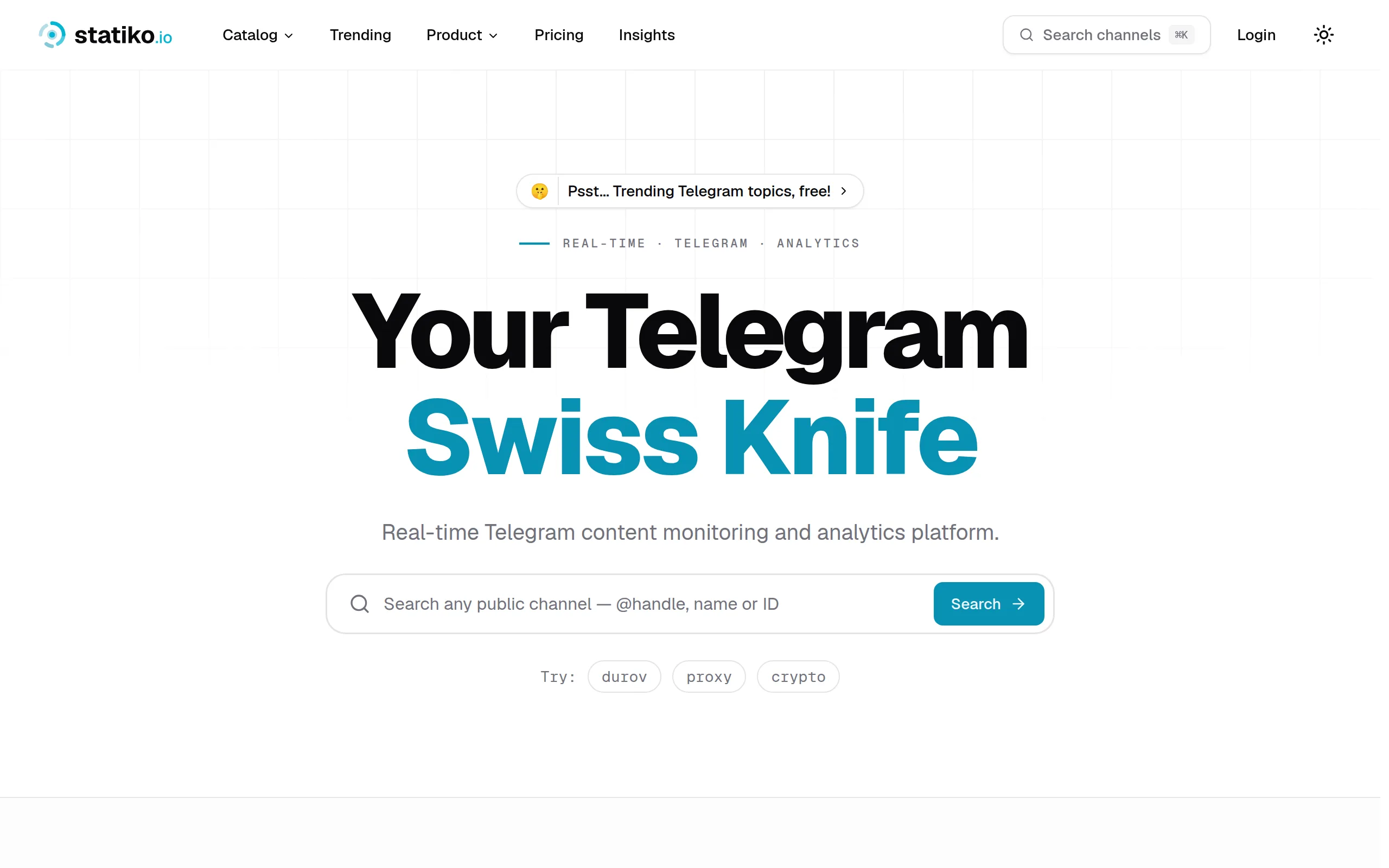
Statiko
Monitor any Telegram channel in real time - track posts, edits, deletions, and growth with AI recaps 📡
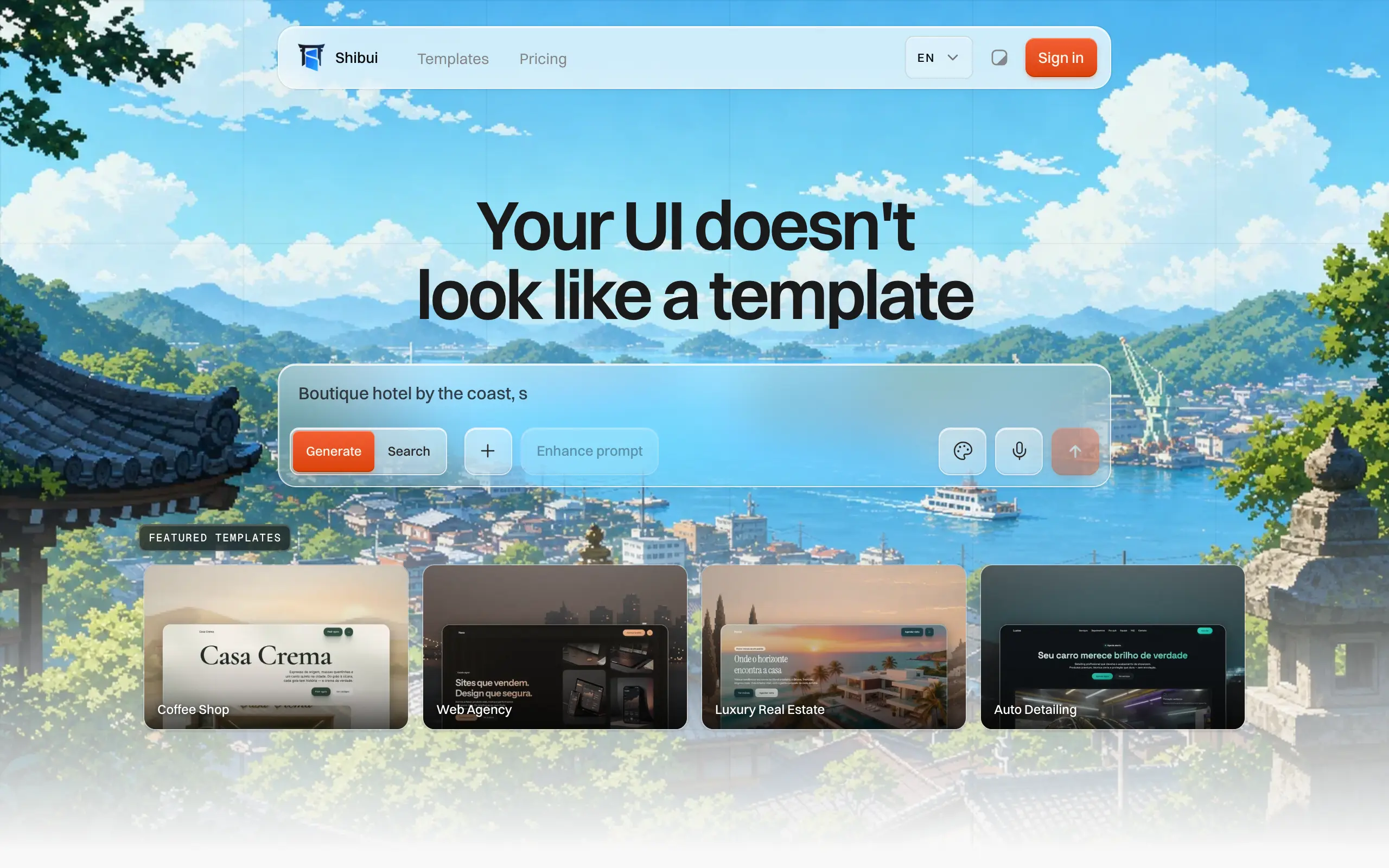
Shibui
AI website builder - describe your business, pick a niche template, edit by chatting, and publish instantly ✨
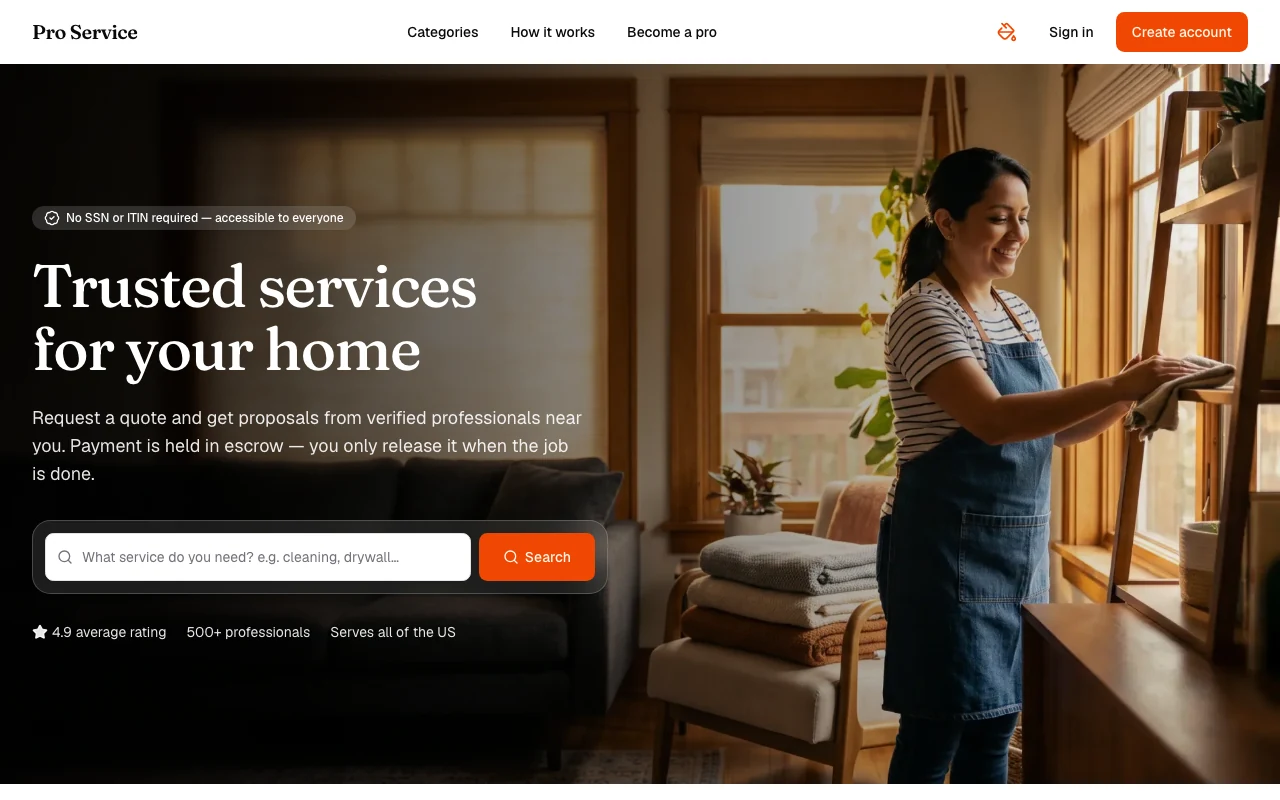
Pro Service
Find verified home service professionals, compare quotes, and pay securely through escrow - built for Brazilians across the US 🏠
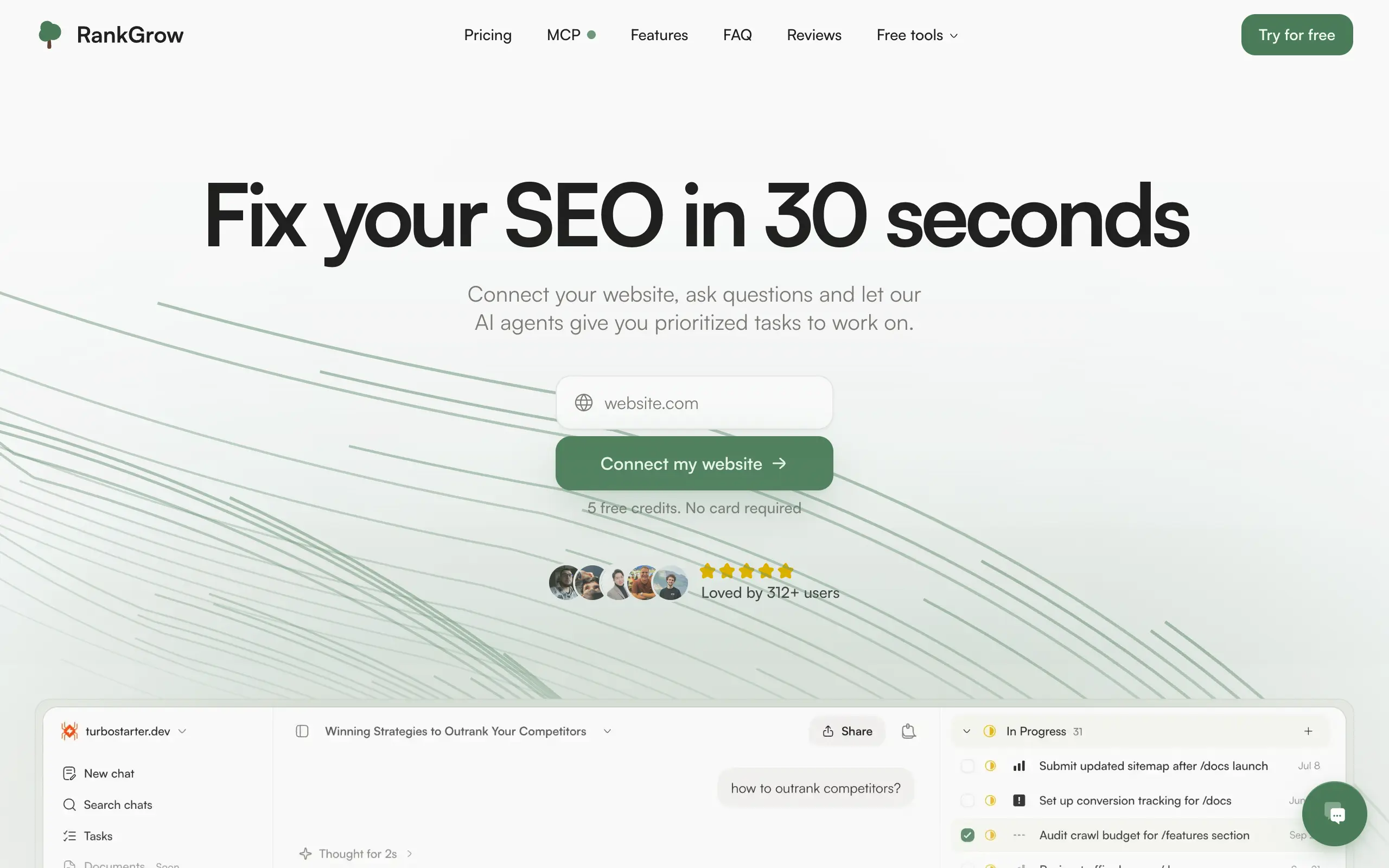
RankGrow
Fix your SEO with AI agents - connect Search Console, get prioritized tasks, and grow organic traffic 📈
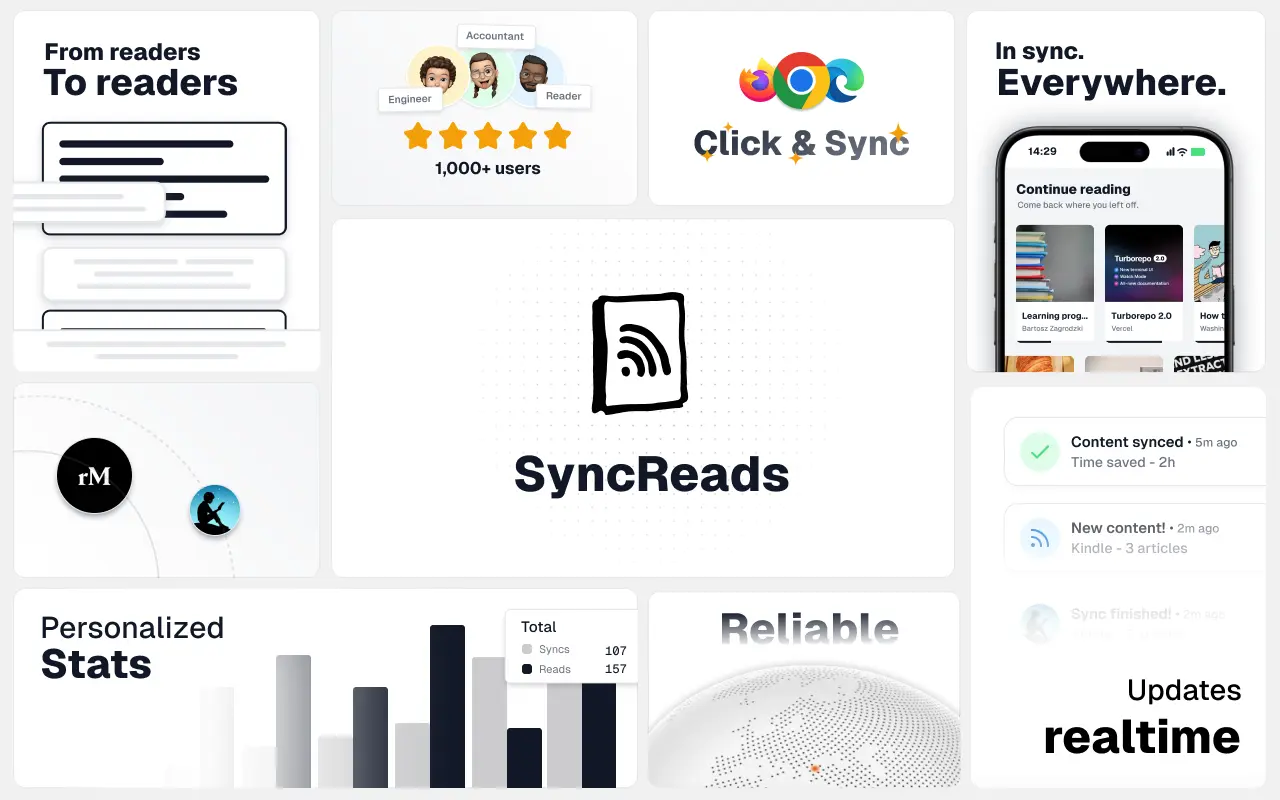
SyncReads
Sync your favorite content for distraction-free reading, save time and replace multiple apps. Anytime, anywhere 🔄
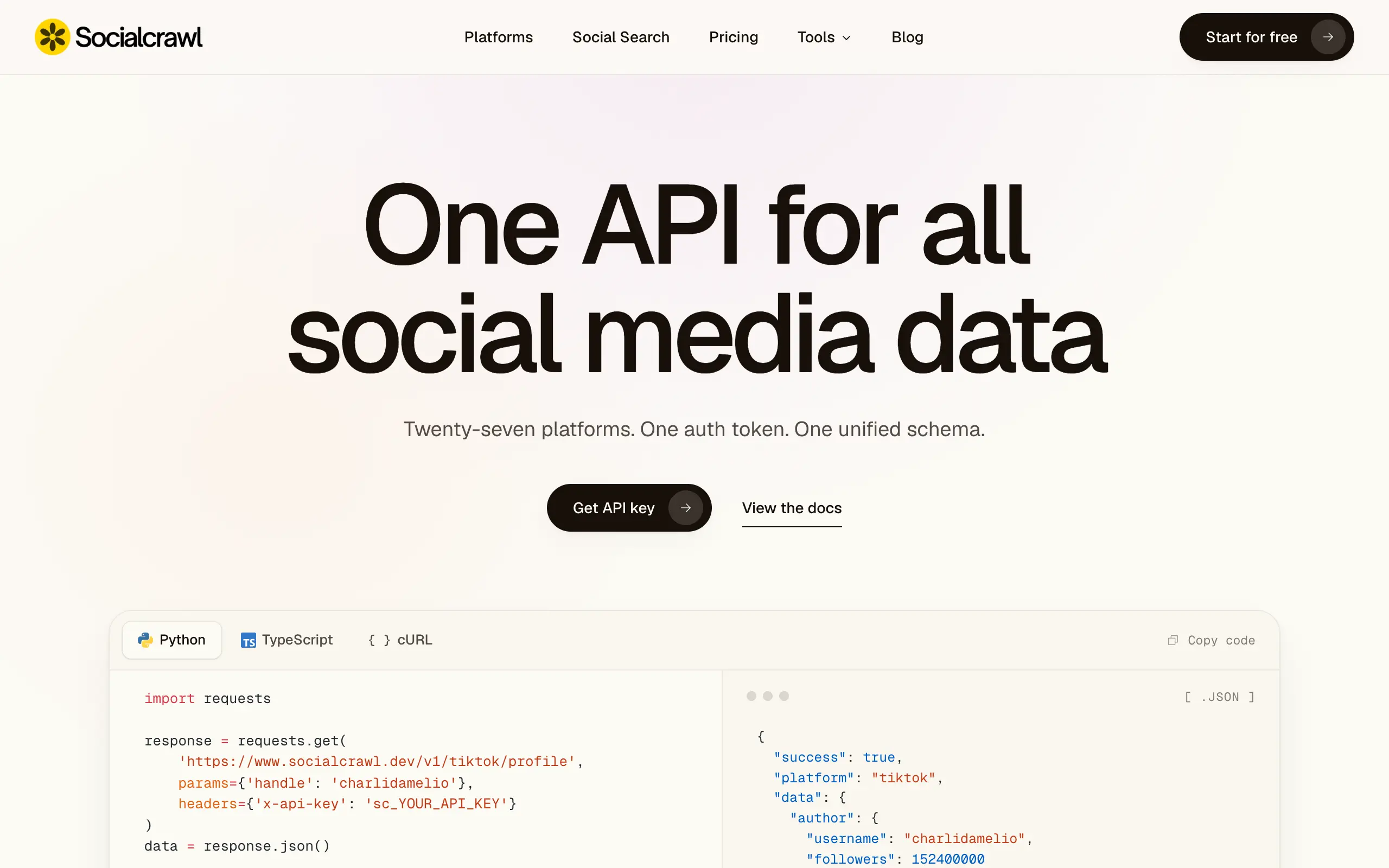
Socialcrawl
Get clean, structured data from 21 platforms like TikTok, Instagram, and YouTube with a single request 📊
Statiko
Monitor any Telegram channel in real time - track posts, edits, deletions, and growth with AI recaps 📡
Shibui
AI website builder - describe your business, pick a niche template, edit by chatting, and publish instantly ✨
Pro Service
Find verified home service professionals, compare quotes, and pay securely through escrow - built for Brazilians across the US 🏠
RankGrow
Fix your SEO with AI agents - connect Search Console, get prioritized tasks, and grow organic traffic 📈
SyncReads
Sync your favorite content for distraction-free reading, save time and replace multiple apps. Anytime, anywhere 🔄
Socialcrawl
Get clean, structured data from 21 platforms like TikTok, Instagram, and YouTube with a single request 📊
Statiko
Monitor any Telegram channel in real time - track posts, edits, deletions, and growth with AI recaps 📡
Shibui
AI website builder - describe your business, pick a niche template, edit by chatting, and publish instantly ✨
Pro Service
Find verified home service professionals, compare quotes, and pay securely through escrow - built for Brazilians across the US 🏠
RankGrow
Fix your SEO with AI agents - connect Search Console, get prioritized tasks, and grow organic traffic 📈
SyncReads
Sync your favorite content for distraction-free reading, save time and replace multiple apps. Anytime, anywhere 🔄
Socialcrawl
Get clean, structured data from 21 platforms like TikTok, Instagram, and YouTube with a single request 📊
Statiko
Monitor any Telegram channel in real time - track posts, edits, deletions, and growth with AI recaps 📡
Shibui
AI website builder - describe your business, pick a niche template, edit by chatting, and publish instantly ✨
Pro Service
Find verified home service professionals, compare quotes, and pay securely through escrow - built for Brazilians across the US 🏠
RankGrow
Fix your SEO with AI agents - connect Search Console, get prioritized tasks, and grow organic traffic 📈
SyncReads
Sync your favorite content for distraction-free reading, save time and replace multiple apps. Anytime, anywhere 🔄
Socialcrawl
Get clean, structured data from 21 platforms like TikTok, Instagram, and YouTube with a single request 📊
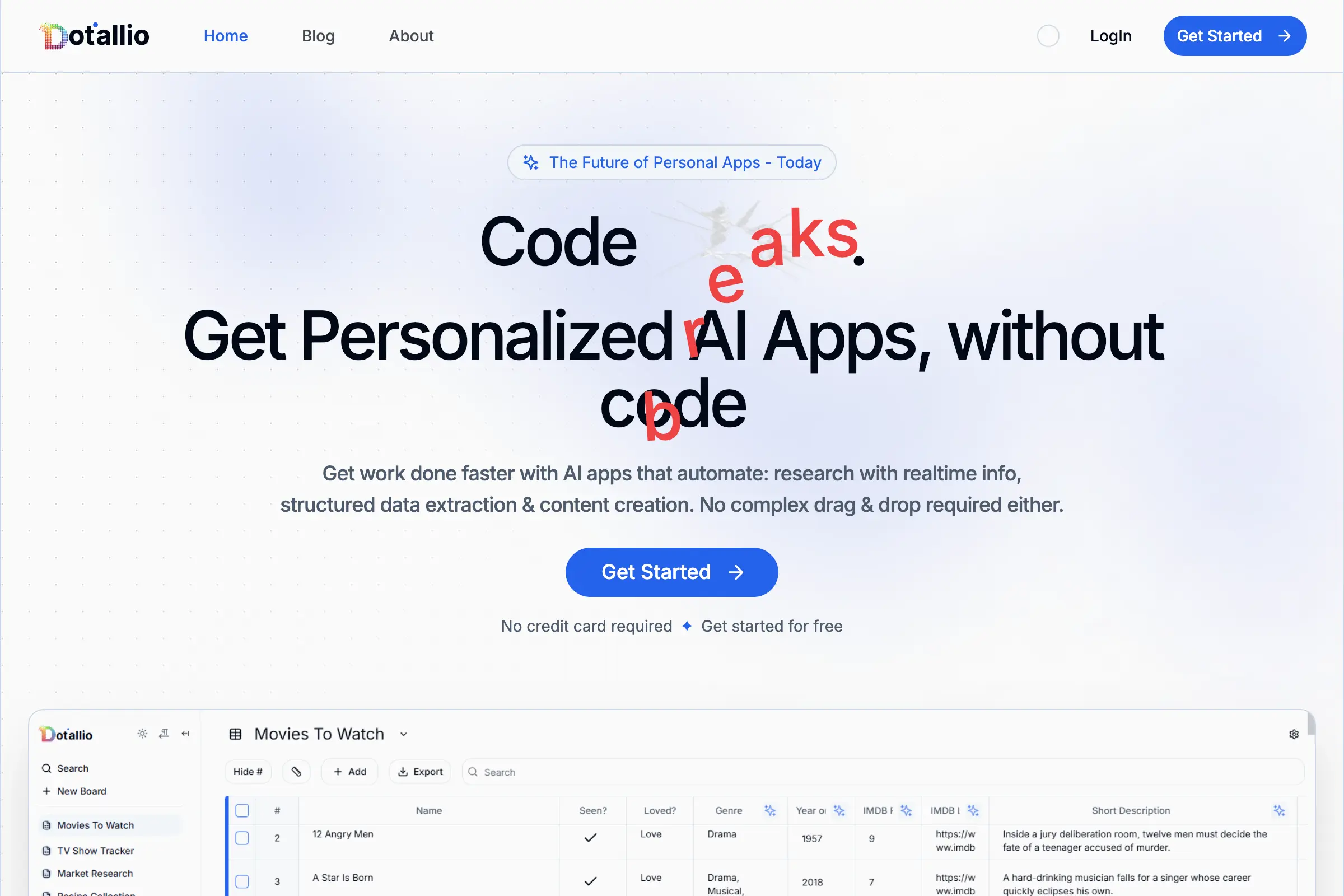
Dotallio
Personalized AI apps that automate research, data extraction, and content creation without code 🤖
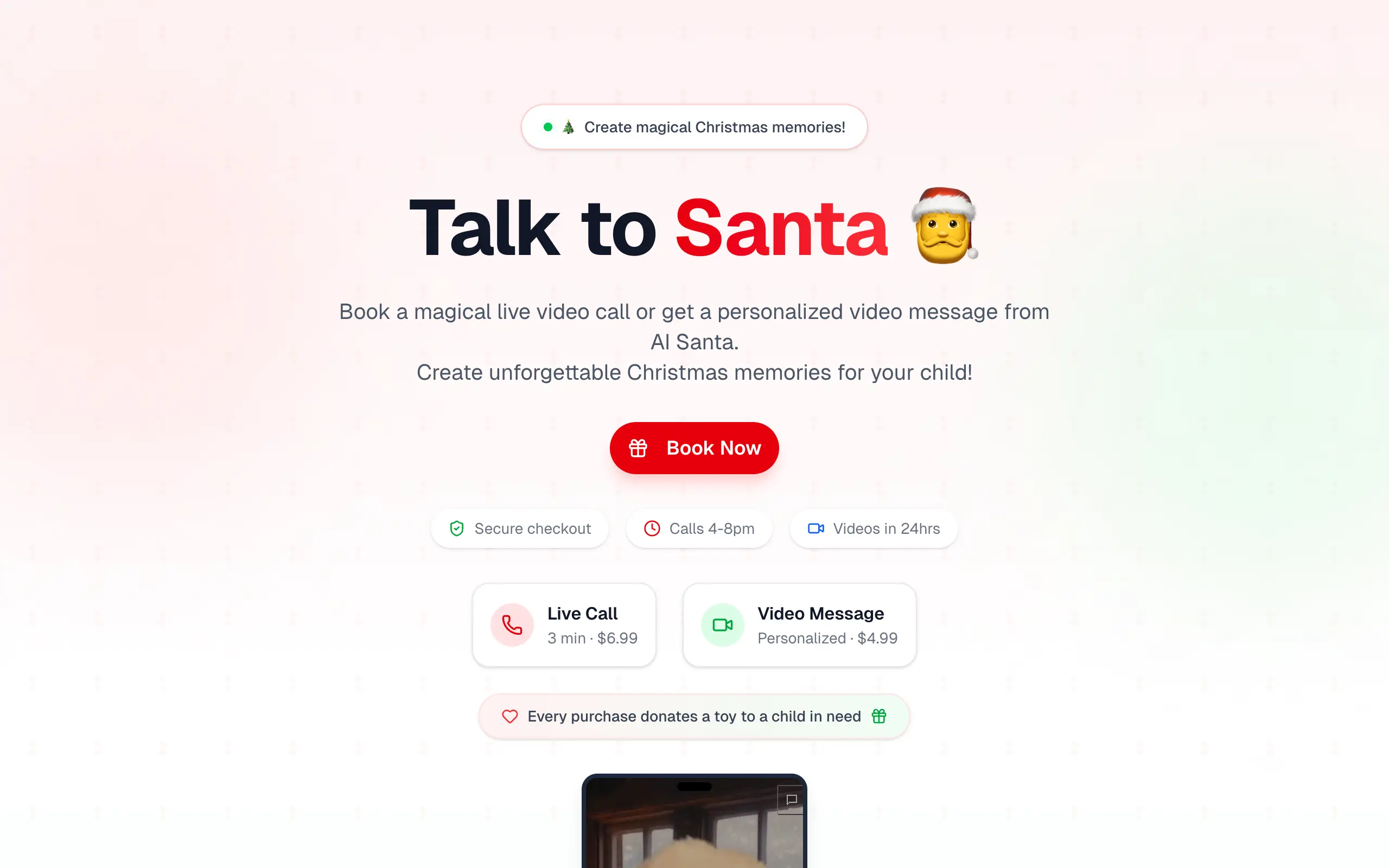
Talk to Santa
Enjoy a magical live video chat or receive a unique AI-generated video greeting from Santa Claus 🎅
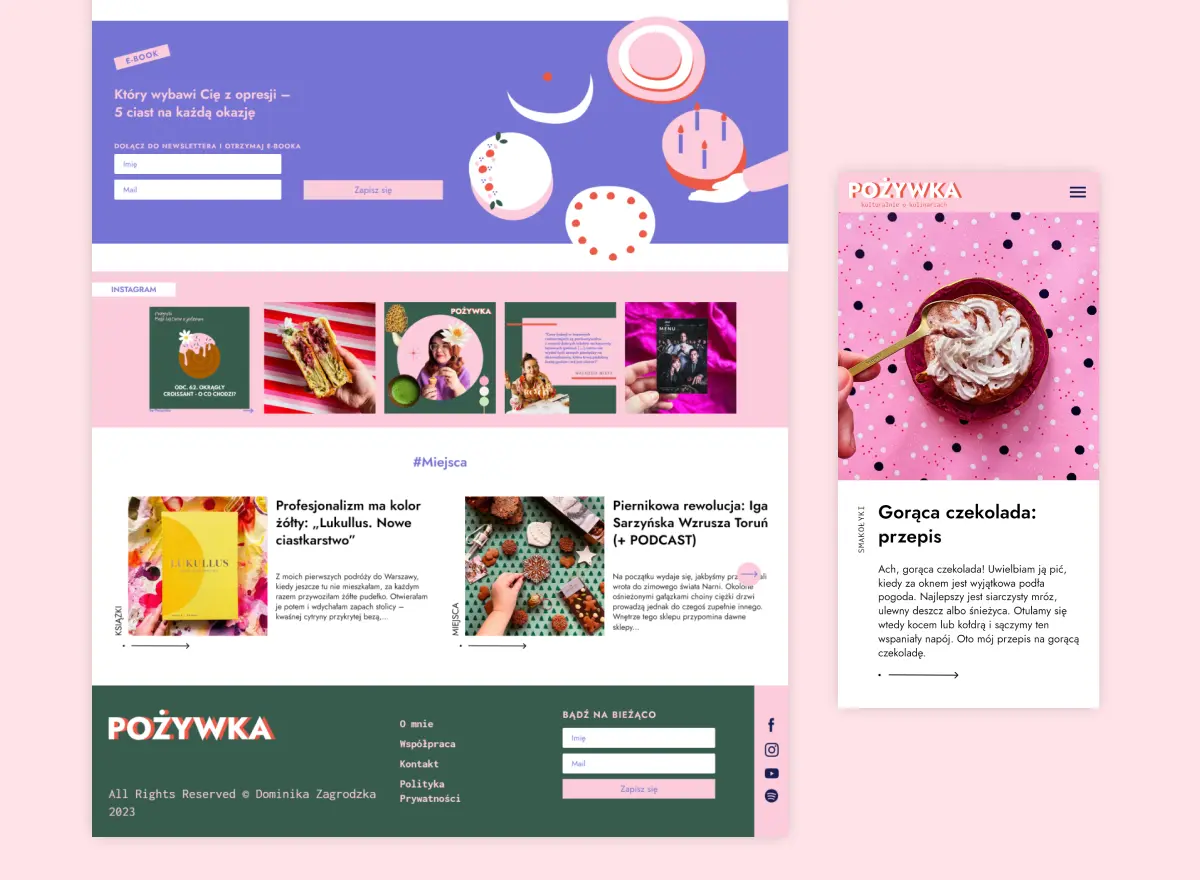
pozywka.pl
Scalable blog for food journalist, focused on performance and user experience 🌭
zagrodzki.me
Personal blog and portfolio of Bart Zagrodzki, where he shares his knowledge and work 💼
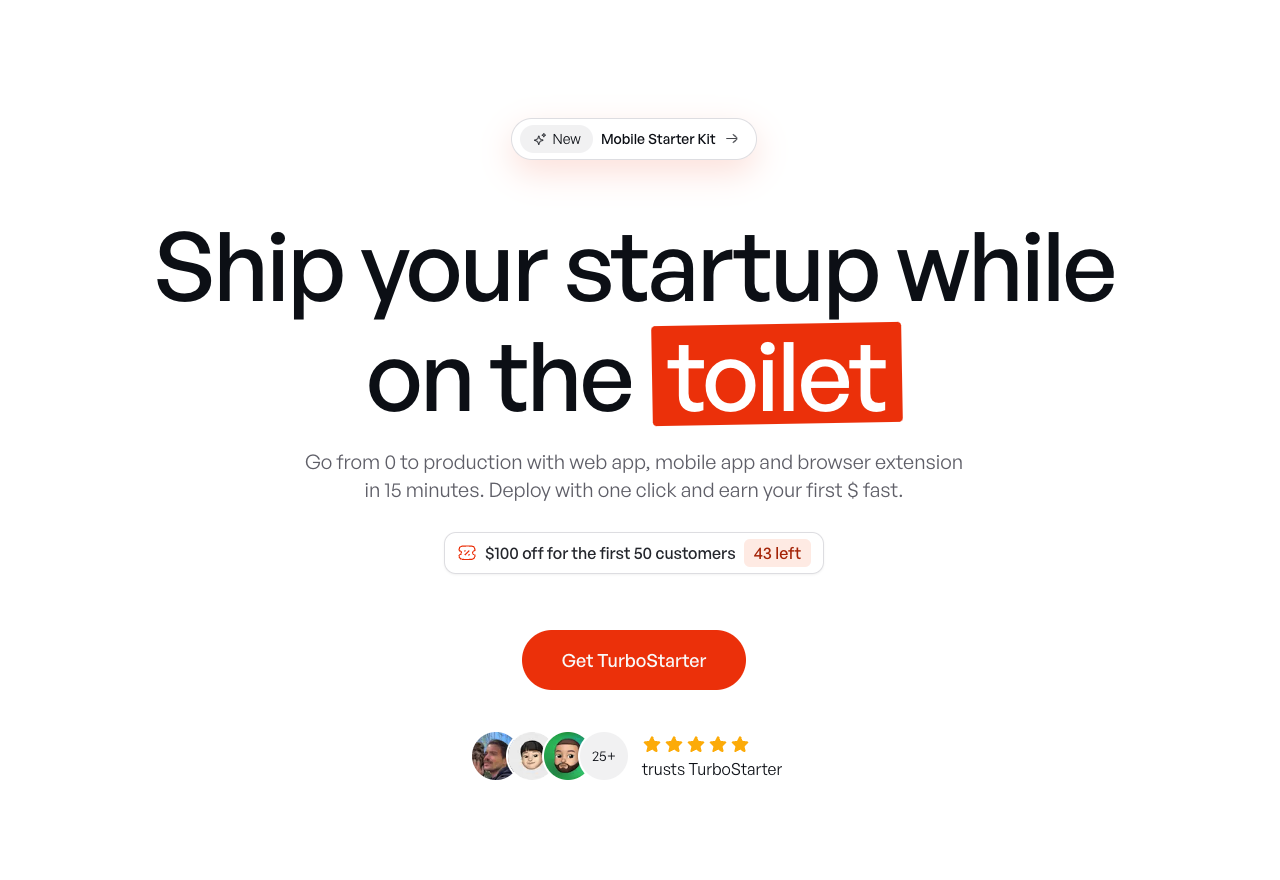
TurboStarter
Ship your startup everywhere. In minutes.
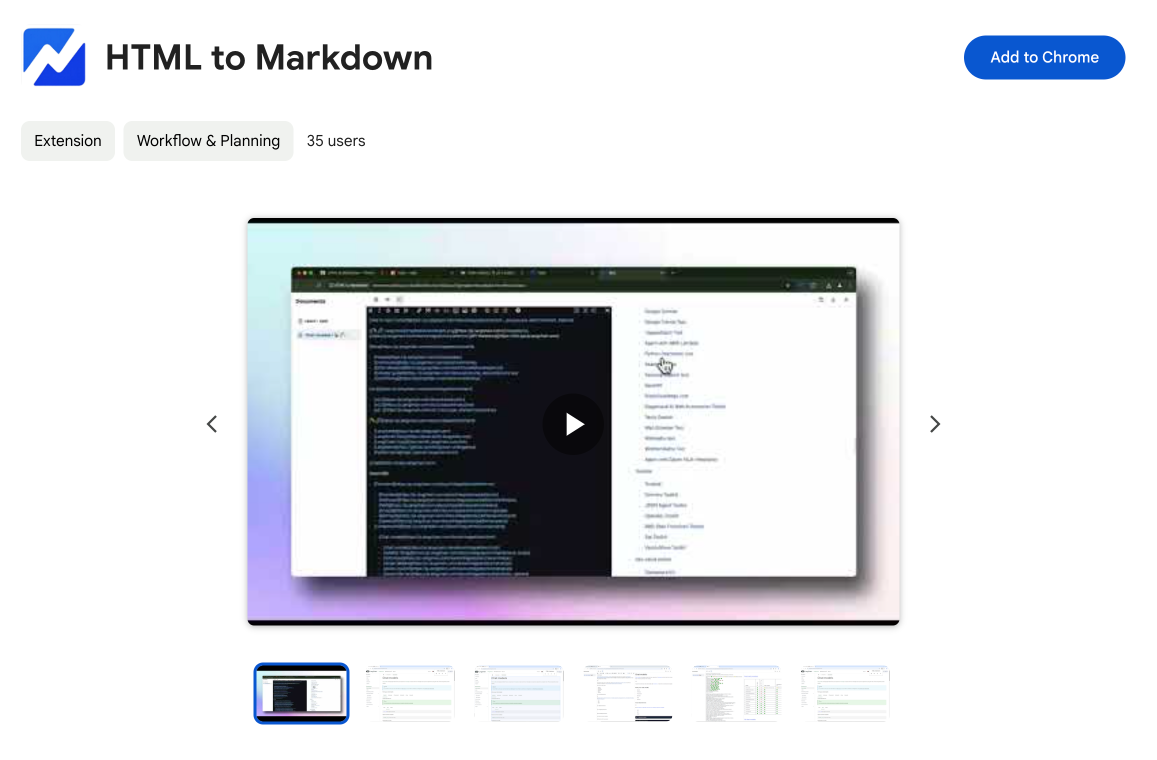
HTML to Markdown
Convert HTML to Markdown with ease, directly in your browser 📄
Dotallio
Personalized AI apps that automate research, data extraction, and content creation without code 🤖
Talk to Santa
Enjoy a magical live video chat or receive a unique AI-generated video greeting from Santa Claus 🎅
pozywka.pl
Scalable blog for food journalist, focused on performance and user experience 🌭
zagrodzki.me
Personal blog and portfolio of Bart Zagrodzki, where he shares his knowledge and work 💼
TurboStarter
Ship your startup everywhere. In minutes.
HTML to Markdown
Convert HTML to Markdown with ease, directly in your browser 📄
Dotallio
Personalized AI apps that automate research, data extraction, and content creation without code 🤖
Talk to Santa
Enjoy a magical live video chat or receive a unique AI-generated video greeting from Santa Claus 🎅
pozywka.pl
Scalable blog for food journalist, focused on performance and user experience 🌭
zagrodzki.me
Personal blog and portfolio of Bart Zagrodzki, where he shares his knowledge and work 💼
TurboStarter
Ship your startup everywhere. In minutes.
HTML to Markdown
Convert HTML to Markdown with ease, directly in your browser 📄
Dotallio
Personalized AI apps that automate research, data extraction, and content creation without code 🤖
Talk to Santa
Enjoy a magical live video chat or receive a unique AI-generated video greeting from Santa Claus 🎅
pozywka.pl
Scalable blog for food journalist, focused on performance and user experience 🌭
zagrodzki.me
Personal blog and portfolio of Bart Zagrodzki, where he shares his knowledge and work 💼
TurboStarter
Ship your startup everywhere. In minutes.
HTML to Markdown
Convert HTML to Markdown with ease, directly in your browser 📄
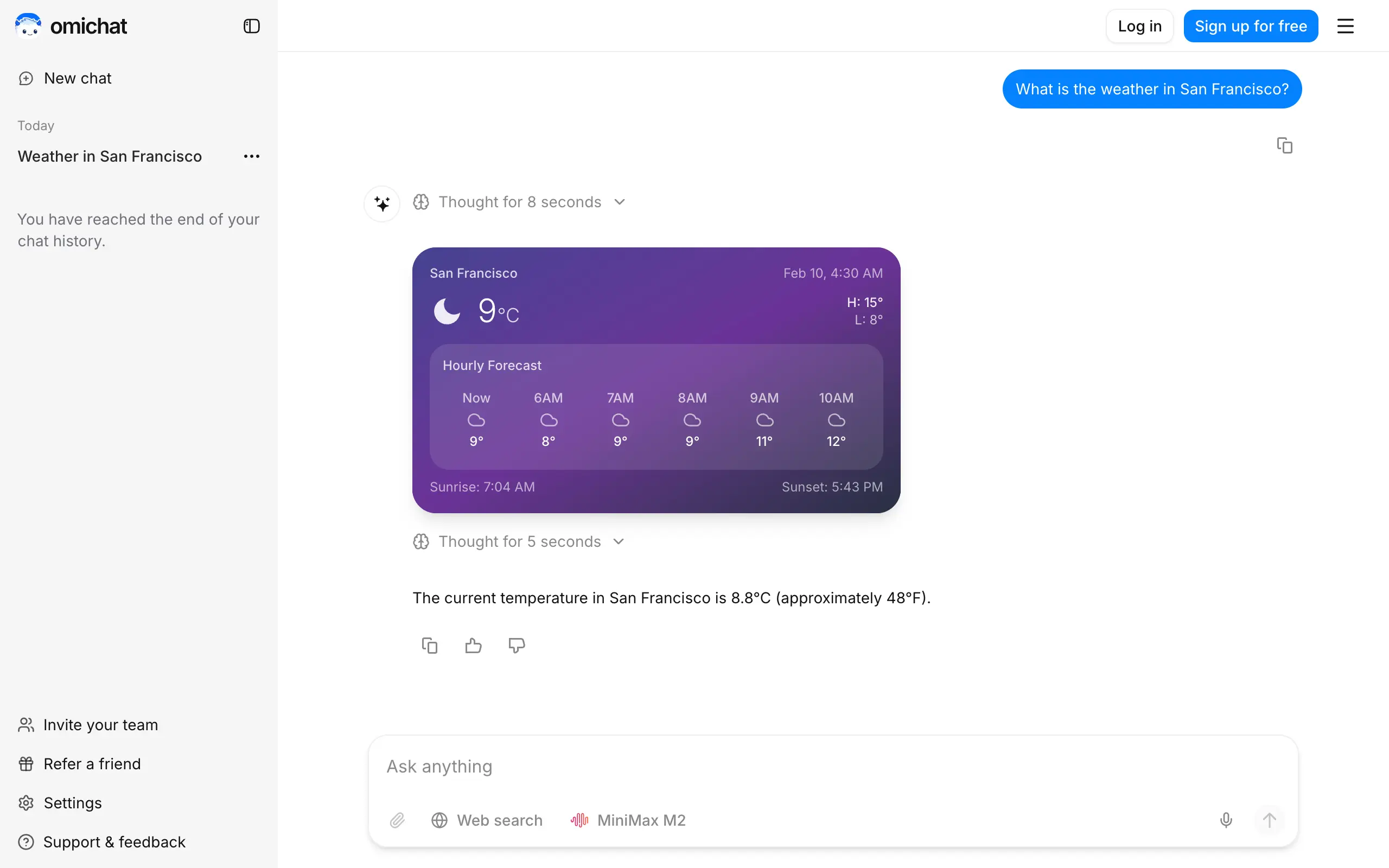
Omichat
Chat with 50+ AI models, including ChatGPT and Claude, in one place - switch models anytime without losing context 🤖
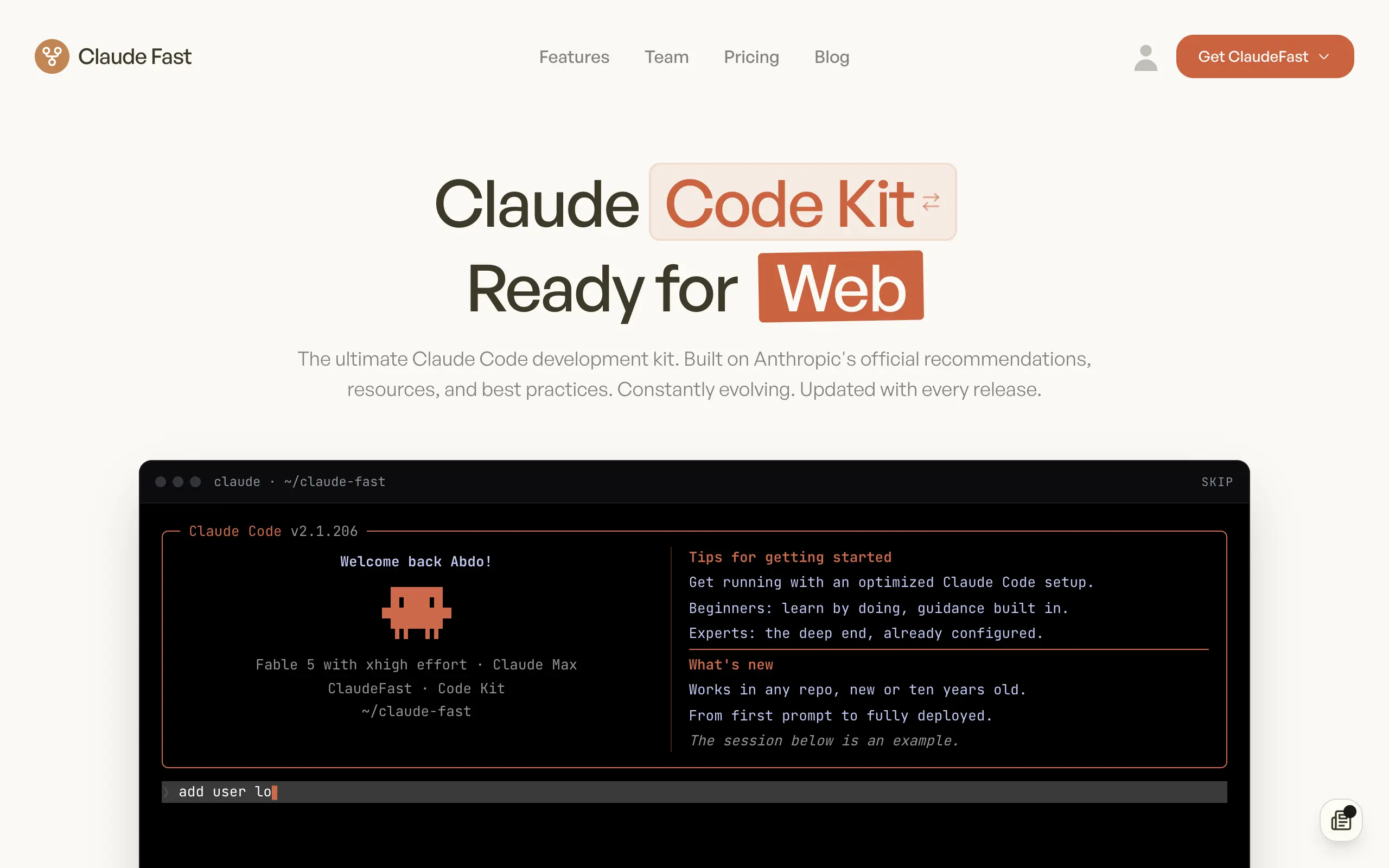
Claude Fast
Supercharge your Claude Code with 6x effective context window and specialized AI agents 🤖
EmojAI
AI-powered emoji picker with smart, context-aware suggestions 🤖
Solohacker
Autonomous company launcher - AI agents work 24/7, escalate what matters, and you stay in control 🤖
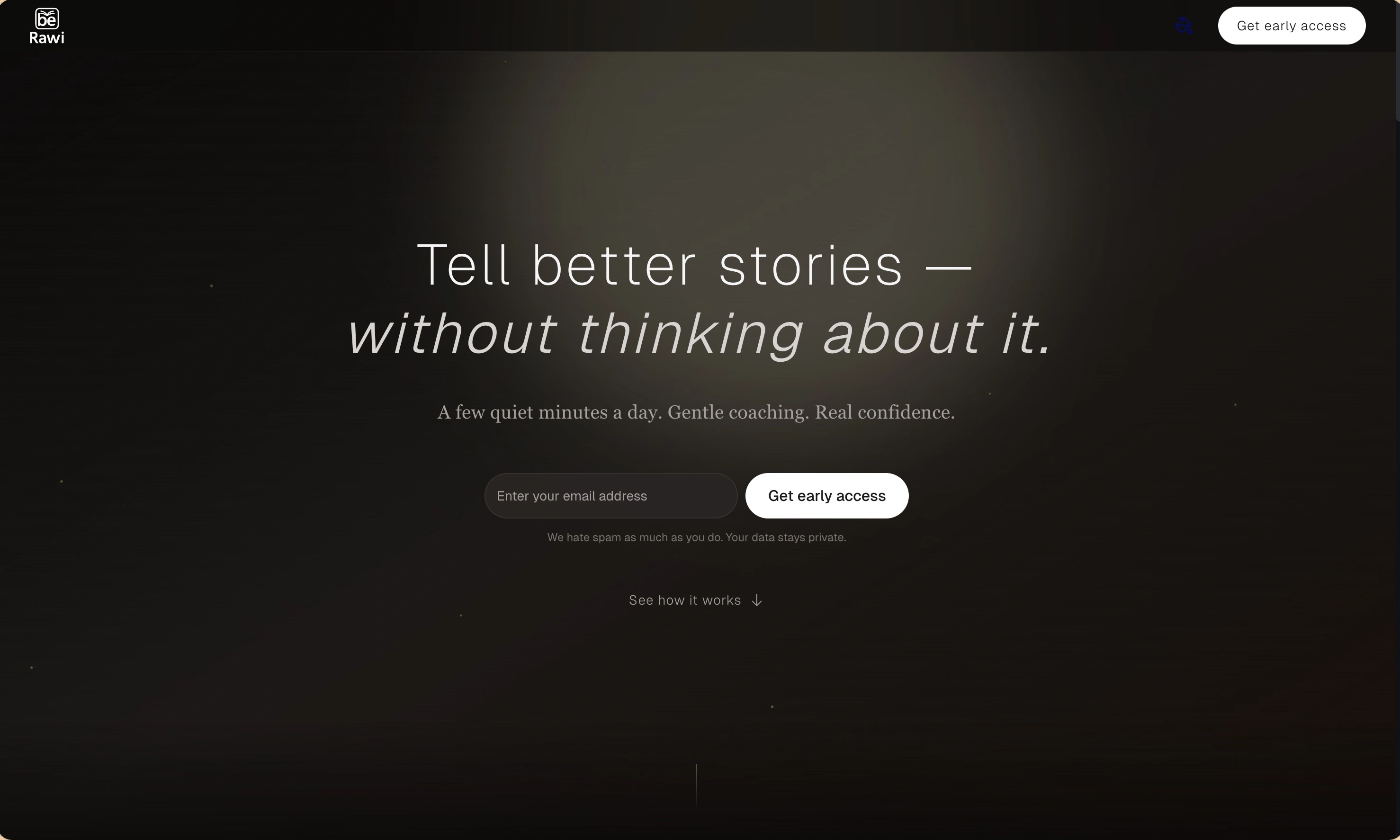
BeRawi: Storytelling Coach
Practice storytelling daily with instant feedback to sound clearer, more engaging, and confident 🎤
Omichat
Chat with 50+ AI models, including ChatGPT and Claude, in one place - switch models anytime without losing context 🤖
Claude Fast
Supercharge your Claude Code with 6x effective context window and specialized AI agents 🤖
EmojAI
AI-powered emoji picker with smart, context-aware suggestions 🤖
Solohacker
Autonomous company launcher - AI agents work 24/7, escalate what matters, and you stay in control 🤖
BeRawi: Storytelling Coach
Practice storytelling daily with instant feedback to sound clearer, more engaging, and confident 🎤
Omichat
Chat with 50+ AI models, including ChatGPT and Claude, in one place - switch models anytime without losing context 🤖
Claude Fast
Supercharge your Claude Code with 6x effective context window and specialized AI agents 🤖
EmojAI
AI-powered emoji picker with smart, context-aware suggestions 🤖
Solohacker
Autonomous company launcher - AI agents work 24/7, escalate what matters, and you stay in control 🤖
BeRawi: Storytelling Coach
Practice storytelling daily with instant feedback to sound clearer, more engaging, and confident 🎤
Omichat
Chat with 50+ AI models, including ChatGPT and Claude, in one place - switch models anytime without losing context 🤖
Claude Fast
Supercharge your Claude Code with 6x effective context window and specialized AI agents 🤖
EmojAI
AI-powered emoji picker with smart, context-aware suggestions 🤖
Solohacker
Autonomous company launcher - AI agents work 24/7, escalate what matters, and you stay in control 🤖
BeRawi: Storytelling Coach
Practice storytelling daily with instant feedback to sound clearer, more engaging, and confident 🎤

Connect with like-minded people
Join our community to get feedback, support, and grow together with 1,000+ builders on board, let's ship it!
Join usShip your startup everywhere. In minutes.
Don't burn tokens on setup and start building features on day one.