SiteSprint
Field teams use an AI voice copilot to capture job updates and pin 3D notes to real locations. Gamified checklists make inspections less tedious.
What SiteSprint is and why field teams need it
SiteSprint is an AI voice copilot for field teams. It helps workers capture job updates by speaking naturally, attach 3D notes to real locations, and complete inspections through gamified checklists.
The idea addresses a common operational problem: important details from a job often live in a worker’s memory, a hurried text message, a paper form, or a photo with little context. Those fragments can be difficult for supervisors and office staff to find, interpret, and act on later.
A field worker might finish an inspection with a clear understanding of what happened, but the record may not reflect that understanding. Typing a detailed report on a phone can be slow and awkward, especially when a worker is wearing gloves, moving between locations, or working in a noisy environment. A generic checklist can capture whether a task was completed without explaining why an issue matters or where exactly it occurred.
SiteSprint’s opportunity is to connect voice capture, location-aware documentation, and repeatable inspections in one mobile workflow.
The product should not position AI as a substitute for field expertise. Instead, it should help workers record what they observe, preserve the context of those observations, and turn them into useful, reviewable job records.
The target audience for an AI voice copilot
“Field teams” is a broad category. SiteSprint will be easier to build, sell, and market if it begins with a defined customer segment that has frequent inspections, expensive documentation gaps, and a clear reason to improve record quality.
Primary customer segments
Strong early segments may include:
- Construction and specialty contractors that document site conditions, defects, punch lists, and progress.
- Facilities and property maintenance teams that inspect buildings, equipment, utilities, and repair work.
- Environmental and infrastructure crews that record conditions across geographically distributed sites.
- Industrial service providers that need consistent inspection records and evidence of completed work.
- Field service organizations that capture job notes, asset conditions, and follow-up requirements.
These markets share a need for reliable records, but their workflows are not identical. A building inspector may need room-by-room notes and photo evidence. A maintenance technician may need to link an observation to a particular asset. A construction supervisor may care about the relationship between an issue, a plan location, and the responsible trade.
A focused launch should choose one workflow where the product’s combination of voice and spatial context is especially valuable. Trying to support every type of field operation at the same time risks creating a general-purpose app that feels less useful than specialized tools.
The daily user and the economic buyer
SiteSprint serves at least two important audiences:
- Field workers need quick, clear ways to record observations without disrupting the job.
- Supervisors need complete updates, consistent checklist results, and a way to review and assign follow-up work.
- Operations leaders want fewer missing records, more predictable processes, and a clearer view of work across sites.
- Safety, compliance, or quality managers need documentation that can be reviewed and retained according to company policy.
- IT and procurement teams need confidence in security, data handling, device support, and integration options.
This creates a familiar B2B product challenge: the person who uses SiteSprint most often may not be the person who approves the purchase. Product design must serve the field worker, while reporting, administration, security, and measurable operational value help make the case to a buyer.
The best initial customer profile
A promising initial customer profile could be a small or midsize organization that:
- Has teams conducting recurring inspections or service visits.
- Uses phones or tablets in the field.
- Relies on paper forms, spreadsheets, chat messages, or disconnected photo storage.
- Has a supervisor who spends time turning rough notes into usable records.
- Can identify a specific cost associated with incomplete or delayed documentation.
Before building deeply, interview workers and supervisors separately. Ask workers to walk through their last real inspection, including where they stopped to take notes and what they did when they encountered an unexpected issue. Ask supervisors how they currently identify incomplete records and what they do when a report lacks location or context.
These conversations reveal whether the core problem is slow data entry, poor report quality, missing evidence, delayed follow-up, or something else. SiteSprint’s feature priorities should follow the answer.
The market opportunity and product gap
The opportunity is not simply to build another checklist app or add speech-to-text to a mobile form. SiteSprint can stand out by joining three parts of field documentation that are often treated separately:
- Capture what the worker observed.
- Locate the observation in the real environment.
- Structure the information so the organization can review and act on it.
Many organizations already use some mix of mobile forms, work-order software, digital plans, messaging tools, cameras, or project management platforms. These tools can be effective within their intended scope. The gap appears when a worker must move between them, repeat information, or remember context later.
A voice note can be fast but hard to search. A photo can show a defect but may not say which room, asset, or component it belongs to. A checklist can standardize inspection steps but may not make the process engaging or capture important exceptions. A location pin can help, but only if it is easy to add and meaningful to someone reviewing the job.
SiteSprint’s product hypothesis is that field documentation becomes more useful when capturing an observation is as natural as saying it, and placing it is as intuitive as pointing to where it happened.
This is a hypothesis to validate, not a guaranteed market fact. During customer research, test whether workers want voice as their primary input, a backup to typing, or an option they use only in particular conditions. Also test whether “3D notes” is a compelling way to describe the feature or whether customers understand the value more readily as location-linked annotations on a site model.
To support market analysis, gather current information from credible industry publications, public procurement records, relevant trade associations, and customer interviews. When including market-size figures in a pitch or public article, cite the original report, publication date, geography, and methodology rather than repeating an unsourced estimate.
Core SiteSprint features and how they solve the problem
1. AI-assisted voice job updates
The voice workflow should let a worker record an update without navigating a long form. For example, a worker might say:
“There is water staining near the west stairwell door. The ceiling tile is soft, and maintenance should check above it before closing this inspection.”
SiteSprint could transform that utterance into a draft with fields such as location, observation, severity, and recommended follow-up. The worker should be able to review and correct the result before it becomes part of the official job record.
The AI should distinguish between transcription and interpretation. Transcription records what was said. Interpretation attempts to classify or summarize it. Both can be useful, but a generated classification should not be presented as a fact unless the worker confirms it.
Important design details include:
- Show the original transcript alongside any AI-generated summary.
- Make editing easy, including for individual fields.
- Preserve uncertainty when the audio is unclear.
- Allow users to mark a recording as incomplete or retry it.
- Keep a clear record of who submitted and edited an update.
- Avoid silently changing a worker’s meaning during summarization.
The goal is to reduce friction while preserving worker control and the integrity of the record.
2. Location-aware 3D notes
SiteSprint’s 3D notes should connect an observation to a place, not merely decorate a model. The useful workflow is to select or confirm a site, floor, room, asset, or point on a supported spatial view, then attach a note, photo, voice recording, or checklist finding.
The first release does not necessarily need advanced 3D authoring. A well-designed floor plan or site map with reliable pins may be more useful than a complex model that loads slowly or is difficult to navigate on a phone.
Consider a progressive spatial roadmap:
- Start with site and asset selection.
- Add pins to a plan, map, or image.
- Support a limited set of 3D model formats or simplified views.
- Add richer spatial collaboration only after customers demonstrate a need.
Each note should retain enough context to remain useful when reopened later. That may include the site, floor or zone, asset identifier, timestamp, author, associated work order, and any linked media. When a model changes, SiteSprint should have a strategy for preserving or reviewing notes whose coordinates may no longer align.
3. Gamified inspection checklists
Gamification can encourage completion, but the design must respect the seriousness of inspections. The goal is not to turn a safety check into a competition or reward workers for rushing. Instead, use light, supportive feedback to make a tedious workflow feel clear and progress-oriented.
Potential elements include:
- A visible progress indicator for the current inspection.
- Clear milestones for completing required sections.
- Personal streaks for consistent documentation, where appropriate.
- Team recognition for reliable record quality rather than speed alone.
- Friendly prompts when a required item is missing.
- Optional celebrations that can be disabled by an administrator.
Avoid leaderboards that rank workers primarily by inspection speed. Those incentives can encourage shortcuts and reduce trust in the product. Reward behaviors that support completeness, accuracy, and responsible escalation.
4. Supervisor review and follow-up
Voice capture and spatial notes become more valuable when they lead to action. A supervisor workflow should make it easy to review updates, identify unresolved issues, and assign follow-up work.
A useful review screen could show:
- New observations awaiting review.
- Items grouped by site, work order, or priority.
- Notes missing a required location or confirmation.
- A review history for each update.
- Follow-up status and assigned owner.
- A clear link back to the original evidence.
SiteSprint should avoid presenting AI-generated severity as an authoritative decision. It can suggest a category or flag a record for review, but organizations should configure their own approval rules and accountability.
5. Offline-first field use
Field teams may work in basements, remote areas, industrial facilities, or other places with limited connectivity. The product should treat intermittent network access as a normal operating condition, not an edge case.
A practical offline workflow should let users:
- Open assigned jobs that were downloaded in advance.
- Complete checklists and create draft notes offline.
- Capture photos and preserve local timestamps.
- See which records are waiting to sync.
- Resolve conflicts clearly when data changes elsewhere.
- Know when an upload has succeeded.
Offline behavior must be designed and tested early. Adding it late can require rethinking data models, local storage, sync rules, and user interface states.
Feature prioritization for an MVP
A focused minimum viable product should prove that the central workflow is faster and produces records that supervisors can use.
| Capability | MVP priority | Why it matters | Validation signal | Main risk |
|---|---|---|---|---|
| Voice capture and editable transcript | High | Reduces mobile typing while preserving user review | Workers submit more complete updates | Poor audio in noisy environments |
| Structured job and inspection records | High | Makes notes searchable and reviewable | Supervisors can find and act on findings | Overly rigid forms |
| Location-linked notes | High | Preserves where an observation occurred | Fewer clarification requests about location | Mapping setup takes too long |
| Offline drafts and sync status | High | Supports real field conditions | Workers complete jobs without connectivity | Confusing sync conflicts |
| Gamified progress feedback | Medium | Can make repeatable checklists feel less tedious | Higher completion without lower quality | Incentives encourage rushing |
| Advanced 3D model workflows | Later | Can deepen spatial context for selected buyers | Customers request model-based annotation | Complexity and device performance |
The competitive advantage and positioning
SiteSprint will compete with several categories of products, even if no single competitor offers the exact same combination of capabilities.
| Alternative | Typical strength | Potential limitation for this use case | SiteSprint opportunity |
|---|---|---|---|
| Paper forms | Familiar and easy to start | Difficult to search, route, or connect to media | Capture structured records on mobile |
| Generic form builders | Flexible data collection | Often require extensive configuration for field context | Provide a workflow designed around jobs and inspections |
| Messaging apps | Fast communication | Updates can become fragmented and difficult to audit | Turn informal observations into organized records |
| Voice transcription tools | Convenient speech capture | May not link transcripts to work, location, or follow-up | Connect voice to inspection context |
| Mapping or model viewers | Spatial visualization | May not provide a lightweight inspection workflow | Attach actionable notes to real places |
| Work-order systems | Manage service processes | Field capture may still feel form-heavy | Improve the moment of observation and documentation |
The strongest competitive advantage is not “AI” by itself. Many products can add transcription or summarization. SiteSprint’s potential USP is the end-to-end field capture workflow: a worker speaks, confirms the record, pins it to a relevant location, completes the inspection, and hands the result to a supervisor without recreating the information elsewhere.
That advantage will be credible only if the product performs reliably under real working conditions. A fast demo is not enough. SiteSprint should prove that workers can use it with gloves, in imperfect lighting, with background noise, and during intermittent connectivity.
A positioning statement to test with customers could be:
SiteSprint helps field teams capture inspection updates by voice, attach them to the places they happened, and turn them into clear records supervisors can act on.
Test this message against alternatives that emphasize speed, documentation quality, or easier inspections. The best positioning will depend on which outcome buyers are willing to fund.
Recommended technology stack for SiteSprint
The technical design should support mobile reliability, structured records, media handling, and safe AI integration. The exact choices depend on the founding team’s experience and the first customer’s requirements.
Mobile application
A cross-platform approach can help a small team support both iOS and Android while sharing much of its interface and business logic. React Native is one option; Expo can simplify development, builds, and access to common device capabilities.
Trade-off: Cross-platform development can accelerate iteration, but device-specific work may still be needed for background recording, offline storage, audio permissions, camera behavior, and performance. Validate the most demanding workflows on actual target devices before committing to an architecture.
A mobile-first design should also account for accessibility, large touch targets, readable outdoor contrast, and fast recovery from accidental navigation.
Web application and administration
A web dashboard can serve supervisors and administrators who configure inspection templates, assign work, review findings, and export records. React is a widely used option for building interactive interfaces.
The field app and web dashboard should share a consistent data model but need not share every interaction pattern. Workers need a fast, focused mobile workflow. Administrators need searchable tables, configuration screens, and reporting tools.
Data and authentication
A relational database such as PostgreSQL is a strong fit for structured entities like organizations, sites, jobs, inspections, checklist responses, notes, users, and permissions. Spatial features may require a geospatial extension or a separate mapping strategy, depending on the data being stored.
Authentication and authorization should be designed around organizations and roles from the beginning. A user should only access the sites, jobs, and records their account is allowed to see. For enterprise customers, plan for configurable retention, auditability, and identity management as the product matures.
AI and audio processing
Use a transcription service and language model behind a server-side boundary, rather than exposing secret credentials in the mobile client. The AI layer can produce structured drafts, but the application should keep the original audio or transcript according to customer settings and retention requirements.
A robust processing flow might be:
- Record audio with a visible state and clear consent.
- Store the file securely and associate it with a draft update.
- Transcribe the audio and retain confidence or error information where available.
- Generate a structured draft with a constrained schema.
- Ask the worker to review uncertain or consequential fields.
- Save the approved record with provenance and timestamps.
The application should be designed so transcription or model-provider changes do not require rewriting the full product. Keep provider-specific code behind an internal service layer, and test model output against realistic field recordings rather than clean studio audio.
Maps, plans, and 3D data
A location feature may use a map provider for outdoor sites, image-based plans for indoor spaces, and a model viewer for selected 3D use cases. Do not assume that geographic GPS coordinates alone are sufficient indoors. Many buildings require a floor, room, asset, or plan-relative coordinate to identify an observation accurately.
Begin with the simplest spatial representation customers understand. Define how a note’s location is stored, how it appears on different devices, and what happens when a plan or model is updated. These decisions affect data migration and long-term record reliability.
Suggested architecture
A practical early architecture could include:
- A mobile application for field capture.
- A web dashboard for supervisors and administrators.
- An API layer that enforces authorization and validates records.
- PostgreSQL for core business data.
- Object storage for audio, photos, and other attachments.
- A background job queue for transcription, file processing, and notifications.
- A synchronization layer for offline drafts and conflict handling.
- Monitoring and audit logs for operational reliability.
This architecture is more important than choosing the trendiest individual service. Optimize for data integrity, observability, and the ability to change vendors as customer needs become clearer.
For a faster launch, TurboStarter can help provide a starting point for a SaaS application. Evaluate any starter against SiteSprint’s specific mobile, offline, spatial, and permission requirements before adopting it as the foundation.
Example of a structured update
The API should store an approved field update as structured data rather than only a block of generated text.
type FieldUpdate = {
  id: string;
  jobId: string;
  authorId: string;
  transcript: string;
  summary: string;
  location: {
    siteId: string;
    floorId?: string;
    assetId?: string;
    x?: number;
    y?: number;
  };
  status: "draft" | "submitted" | "reviewed";
  createdAt: string;
  reviewedAt?: string;
};
This kind of model is only a starting point. In a production system, define validation rules, access controls, retention behavior, version history, and how updates are handled when a job or location changes.
Monetization strategy options
SiteSprint’s pricing should reflect the value it creates and the way organizations purchase field software. A free consumer-style plan may be useful for product-led discovery, but larger organizations often need predictable billing, administration, security, and support.
Per-seat subscription
Charge per active user per month or year. This model is simple to explain and ties revenue to team size.
It can work well when workers use the app frequently, but it may discourage broad adoption if organizations have many seasonal or occasional users. Consider different roles or usage patterns, such as full field users and read-only reviewers.
Per-site or per-team pricing
Price based on the number of locations, teams, or operating units. This can better match the value for customers whose workers move between sites or whose user counts change over time.
The challenge is choosing a unit that customers can forecast without feeling penalized for growth. Test pricing against real purchasing behavior rather than relying only on stated willingness to pay.
Tiered plans
A tiered model could separate smaller teams from larger organizations:
- Starter for a limited number of users, jobs, and standard inspection templates.
- Team for offline workflows, supervisor review, integrations, and more storage.
- Enterprise for advanced administration, custom retention, single sign-on, support commitments, and procurement requirements.
Avoid using artificial feature limits that interfere with the core workflow. A customer should be able to evaluate the product’s main value before being forced into an upgrade.
Usage-based AI or storage charges
Audio processing and media storage have variable costs. SiteSprint could include a defined usage allowance in each plan and charge for additional consumption, or use fair-use limits that trigger a plan review.
Pricing should remain understandable. Surprise charges for a busy month can undermine trust, so show usage clearly and provide alerts before limits are reached.
Risks and practical mitigation
AI errors and misplaced confidence
A model may mishear a technical term, omit a detail, or summarize a statement in a way that changes its meaning.
Mitigation: Keep the source transcript available, require confirmation for consequential fields, provide correction tools, and make AI-generated content visibly distinguishable from user-entered facts.
Noise and recording conditions
Construction sites and industrial environments can be noisy, and workers may not be able to speak freely at every moment.
Mitigation: Support short recordings, text entry, and quick structured selections. Test microphones and transcription with real customer environments. Let users retry or mark a note as requiring follow-up rather than forcing a low-quality result.
Worker adoption and perceived surveillance
Workers may worry that voice capture is being used to monitor them rather than reduce administrative burden. Recording can also raise privacy and policy questions.
Mitigation: Explain what is captured, who can access it, how long it is retained, and whether audio is stored after transcription. Involve field workers in product testing and make recording status obvious.
Offline sync and data conflicts
A field worker may edit a job while offline, while a supervisor changes the same record online. Poor conflict handling can result in lost updates or duplicate work.
Mitigation: Define conflict rules before launch, preserve edit history, show pending sync clearly, and avoid silently overwriting user changes. Test airplane mode, app restarts, low storage, and partial uploads.
3D complexity
Spatial interfaces can be compelling in a demo but burdensome on mobile devices. Large models may load slowly, and outdated plans can make notes misleading.
Mitigation: Start with the least complex spatial feature that solves a validated problem. Establish model and plan versioning, test on lower-powered devices, and provide a useful non-3D fallback.
Compliance and record retention
Inspection records may support safety, quality, or contractual processes. Requirements differ by customer, industry, and jurisdiction.
Mitigation: Avoid claiming that SiteSprint makes an organization compliant by itself. Offer configurable retention, exportable records, audit history, and clear administrative controls. Ask customers and qualified advisers which requirements apply to their use case.
Scope expansion
The concept could expand into work orders, asset management, project management, digital twins, compliance software, and analytics. Building all of these too early can weaken the core experience.
Mitigation: Track feature requests by underlying job-to-be-done. Prioritize work that improves capture, location, review, or follow-up for the chosen initial segment.
Actionable implementation steps
Choose one launch segment. Select a customer group with recurring field inspections and a visible documentation problem. Write down the specific job, user, buyer, and current workaround.
Observe the workflow in context. Interview field workers and supervisors, then watch real inspections where permission allows. Record where workers pause, what information gets missed, and how follow-up is assigned.
Test the riskiest assumptions. Run low-fidelity tests for voice capture, location selection, and checklist completion. Find out whether workers prefer a plan pin, an asset selector, a map, or a 3D view.
Define a narrow MVP. Build editable voice updates, structured inspection records, location-linked notes, a supervisor review view, and essential offline behavior. Defer advanced model features until customers validate the need.
Set success measures before the pilot. Track completion rates, time to submit a usable record, correction rates, missing-location issues, sync failures, and supervisor follow-up. Compare these measures with the customer’s existing workflow.
Pilot with real teams. Onboard a small group across representative devices and working conditions. Review failures with users weekly and distinguish product usability problems from network or process constraints.
Prove repeatable value before expanding. Confirm that teams continue using SiteSprint after the novelty wears off and that a buyer can identify a concrete operational benefit. Then add integrations, administration, and broader spatial capabilities in response to evidence.
A successful SiteSprint launch depends on proving more than fast transcription. It must show that field teams can create better job records with less friction, that supervisors can understand what happened without chasing missing context, and that location-linked observations lead to useful follow-up.
How to evaluate whether SiteSprint is working
During pilots, combine product analytics with direct observation and user feedback. A dashboard can show how many updates were submitted, but it cannot always explain why a worker abandoned a checklist or corrected an AI-generated summary.
Useful measures include:
- Capture completion: the share of assigned inspections with a submitted record.
- Record completeness: the share of records containing required fields and evidence.
- Time to a usable update: elapsed time from opening a job to submitting a reviewable record.
- Location clarity: how often supervisors need to ask where an observation occurred.
- Correction frequency: how often users edit transcripts, summaries, or suggested categories.
- Follow-up throughput: how quickly assigned issues move from submission to resolution.
- Offline reliability: the share of offline-created records that sync without user intervention.
- Continued use: whether teams keep using the product after the initial pilot period.
Treat these as diagnostic measures, not vanity metrics. For example, a shorter time to completion is not necessarily positive if workers skip important checks. Review speed alongside completeness, correction rates, and customer feedback.
Final perspective
SiteSprint has a clear product opportunity at the intersection of AI voice capture, mobile inspections, and spatial field documentation. Its most compelling promise is to make it easier for workers to record what they see, attach that information to the right place, and give supervisors a reliable record they can act on.
The strongest version of the product will be focused, dependable, and respectful of field expertise. Start with a specific industry and a repeatable workflow. Make AI output reviewable. Treat offline use and privacy as product fundamentals. Use gamification to support careful completion rather than speed. Add 3D depth only when it makes the job meaningfully easier.
With those principles, SiteSprint can differentiate itself not as another mobile checklist, but as a practical field operations copilot that connects what happened, where it happened, and what should happen next.
More 📱 Mobile App SaaS ideas
Discover more innovative mobile app SaaS ideas that are trending in 2026. Each idea is AI-generated with market validation and growth potential to help you find your next profitable venture faster than competitors.
Your competitors are building with TurboStarter
Below are some of the SaaS ideas that have been generated and built with our starter kit.
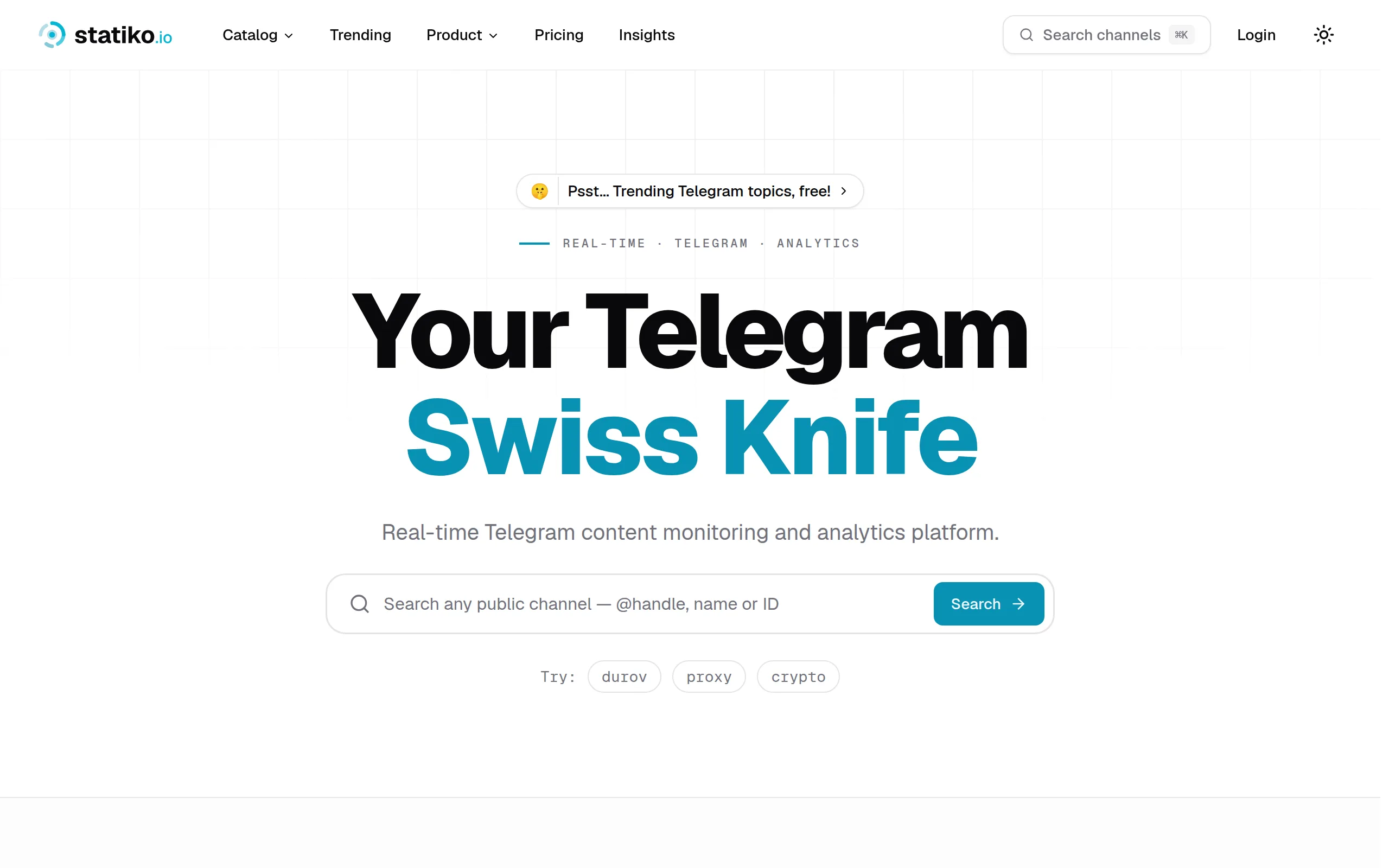
Statiko
Monitor any Telegram channel in real time - track posts, edits, deletions, and growth with AI recaps 📡

Shibui
AI website builder - describe your business, pick a niche template, edit by chatting, and publish instantly ✨

Pro Service
Find verified home service professionals, compare quotes, and pay securely through escrow - built for Brazilians across the US 🏠
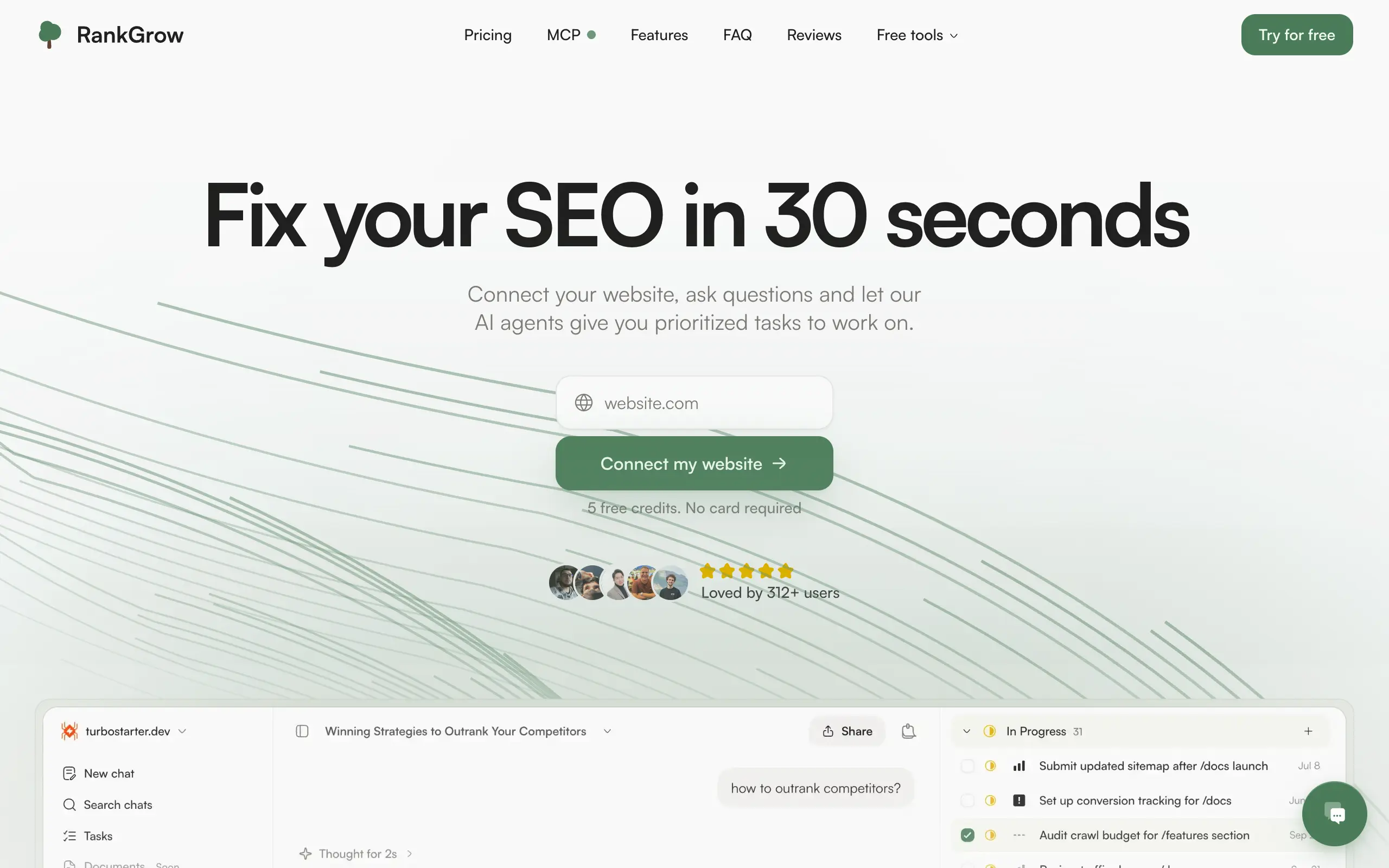
RankGrow
Fix your SEO with AI agents - connect Search Console, get prioritized tasks, and grow organic traffic 📈
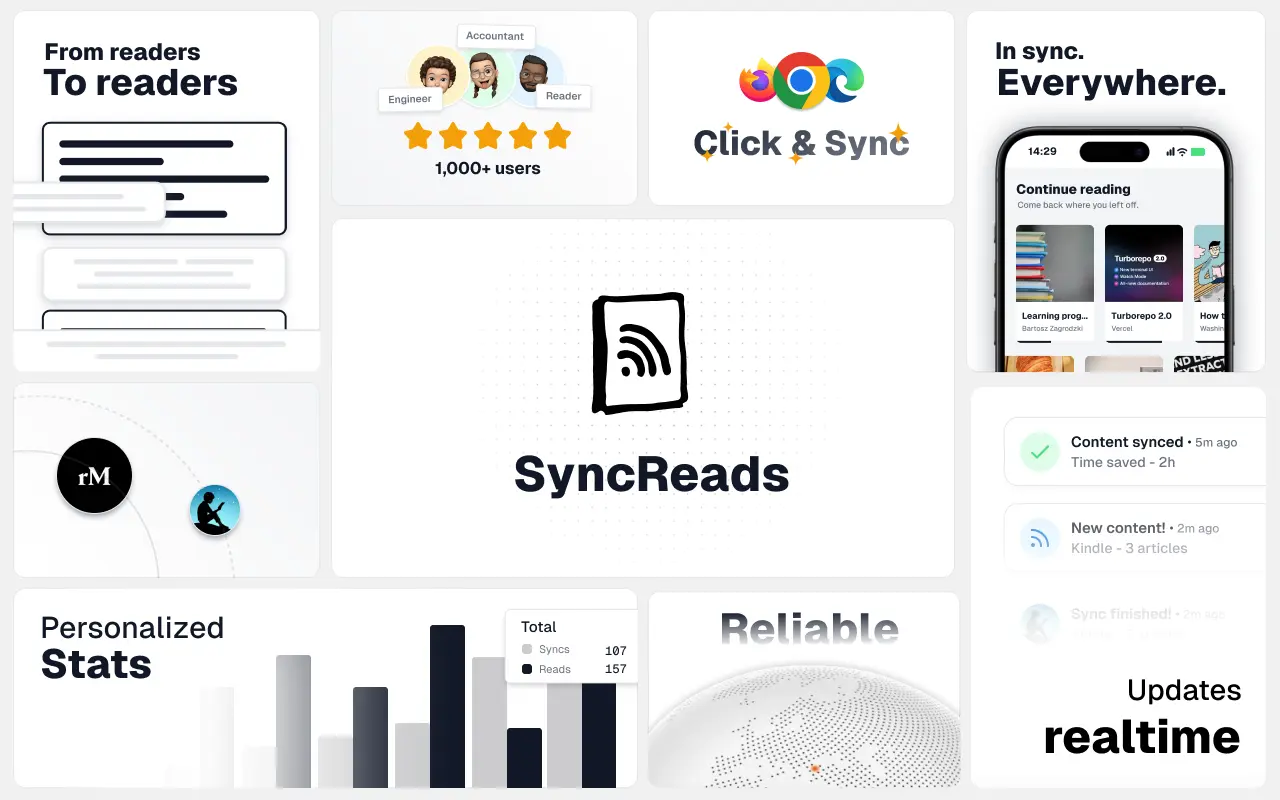
SyncReads
Sync your favorite content for distraction-free reading, save time and replace multiple apps. Anytime, anywhere 🔄
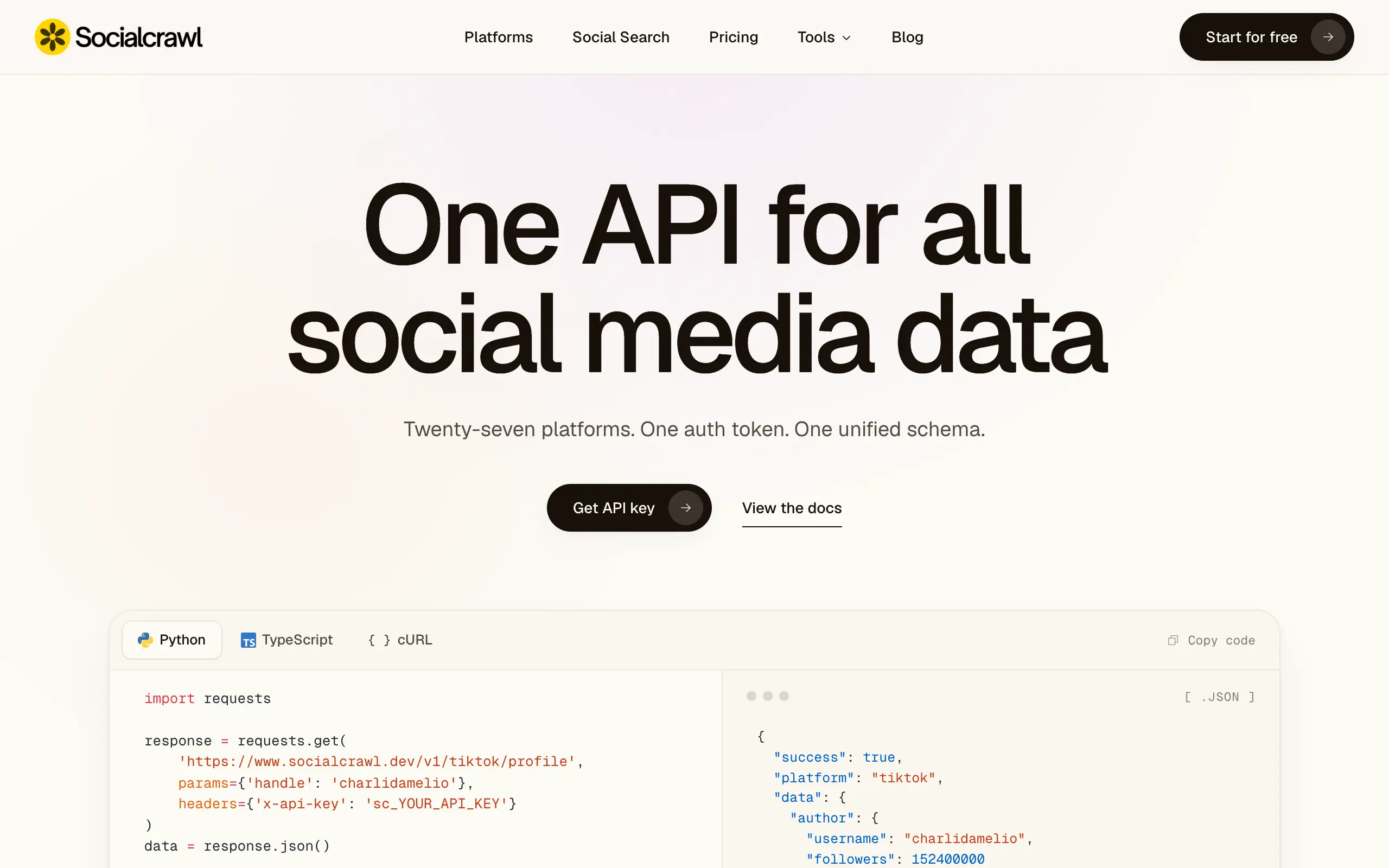
Socialcrawl
Get clean, structured data from 21 platforms like TikTok, Instagram, and YouTube with a single request 📊
Statiko
Monitor any Telegram channel in real time - track posts, edits, deletions, and growth with AI recaps 📡
Shibui
AI website builder - describe your business, pick a niche template, edit by chatting, and publish instantly ✨
Pro Service
Find verified home service professionals, compare quotes, and pay securely through escrow - built for Brazilians across the US 🏠
RankGrow
Fix your SEO with AI agents - connect Search Console, get prioritized tasks, and grow organic traffic 📈
SyncReads
Sync your favorite content for distraction-free reading, save time and replace multiple apps. Anytime, anywhere 🔄
Socialcrawl
Get clean, structured data from 21 platforms like TikTok, Instagram, and YouTube with a single request 📊
Statiko
Monitor any Telegram channel in real time - track posts, edits, deletions, and growth with AI recaps 📡
Shibui
AI website builder - describe your business, pick a niche template, edit by chatting, and publish instantly ✨
Pro Service
Find verified home service professionals, compare quotes, and pay securely through escrow - built for Brazilians across the US 🏠
RankGrow
Fix your SEO with AI agents - connect Search Console, get prioritized tasks, and grow organic traffic 📈
SyncReads
Sync your favorite content for distraction-free reading, save time and replace multiple apps. Anytime, anywhere 🔄
Socialcrawl
Get clean, structured data from 21 platforms like TikTok, Instagram, and YouTube with a single request 📊
Statiko
Monitor any Telegram channel in real time - track posts, edits, deletions, and growth with AI recaps 📡
Shibui
AI website builder - describe your business, pick a niche template, edit by chatting, and publish instantly ✨
Pro Service
Find verified home service professionals, compare quotes, and pay securely through escrow - built for Brazilians across the US 🏠
RankGrow
Fix your SEO with AI agents - connect Search Console, get prioritized tasks, and grow organic traffic 📈
SyncReads
Sync your favorite content for distraction-free reading, save time and replace multiple apps. Anytime, anywhere 🔄
Socialcrawl
Get clean, structured data from 21 platforms like TikTok, Instagram, and YouTube with a single request 📊
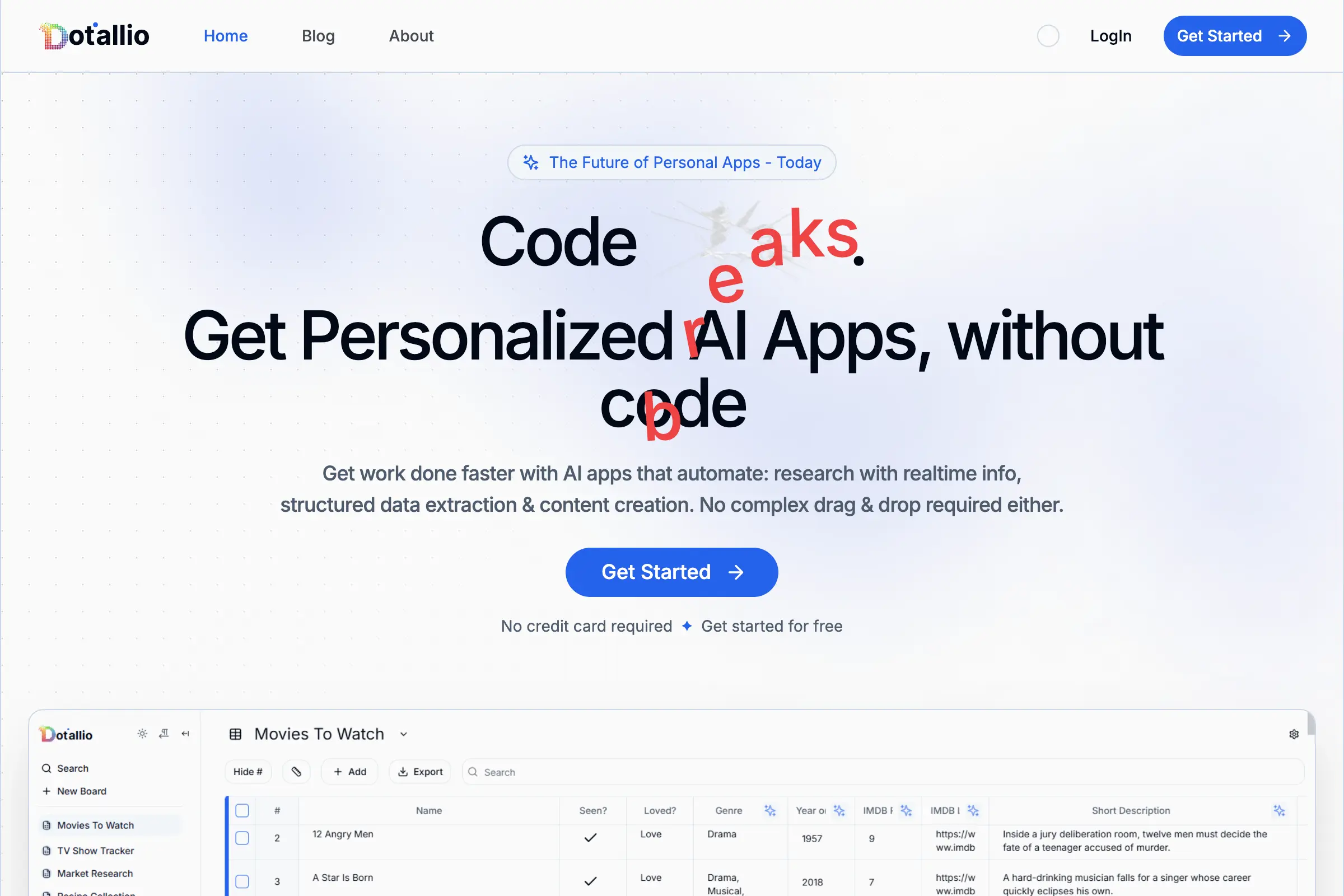
Dotallio
Personalized AI apps that automate research, data extraction, and content creation without code 🤖

Talk to Santa
Enjoy a magical live video chat or receive a unique AI-generated video greeting from Santa Claus 🎅

pozywka.pl
Scalable blog for food journalist, focused on performance and user experience 🌭
zagrodzki.me
Personal blog and portfolio of Bart Zagrodzki, where he shares his knowledge and work 💼
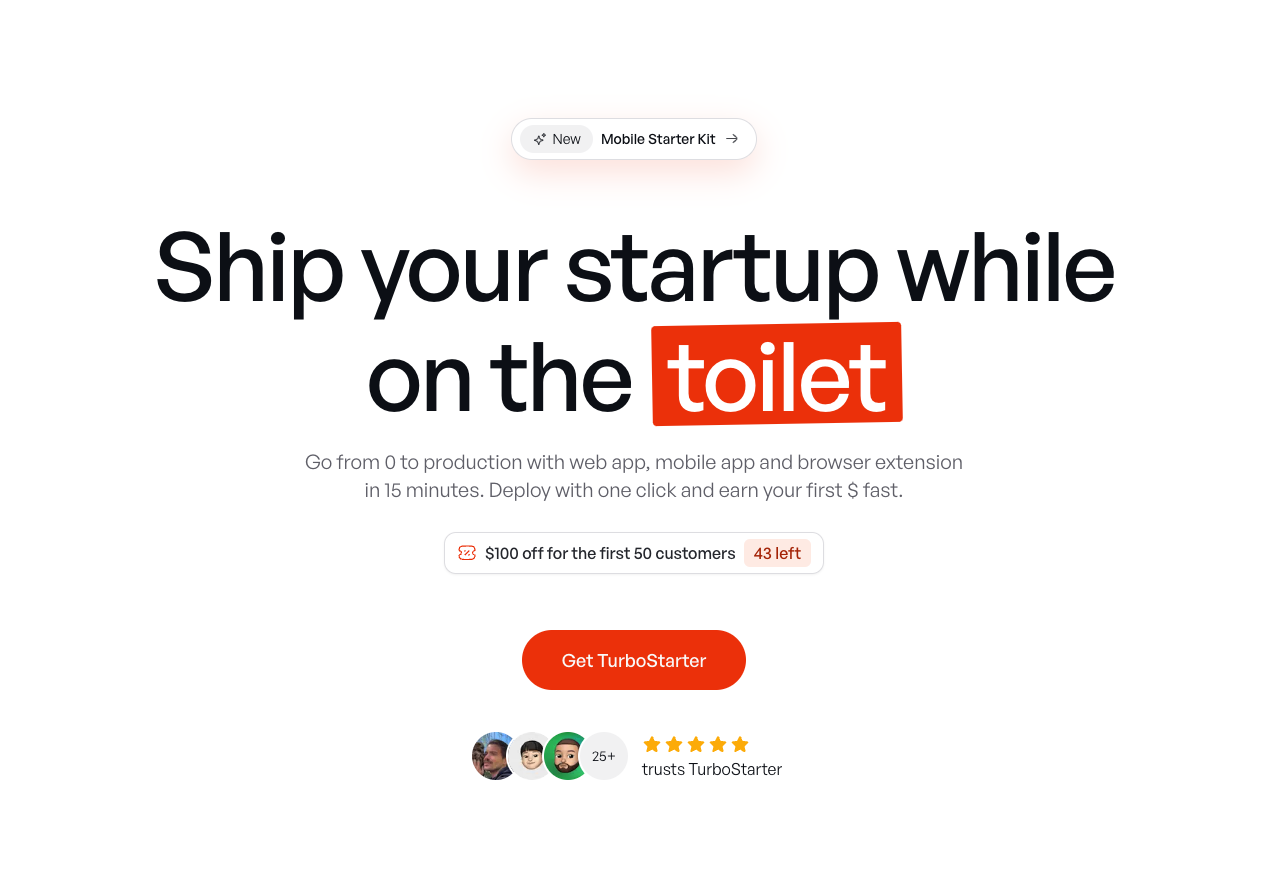
TurboStarter
Ship your startup everywhere. In minutes.
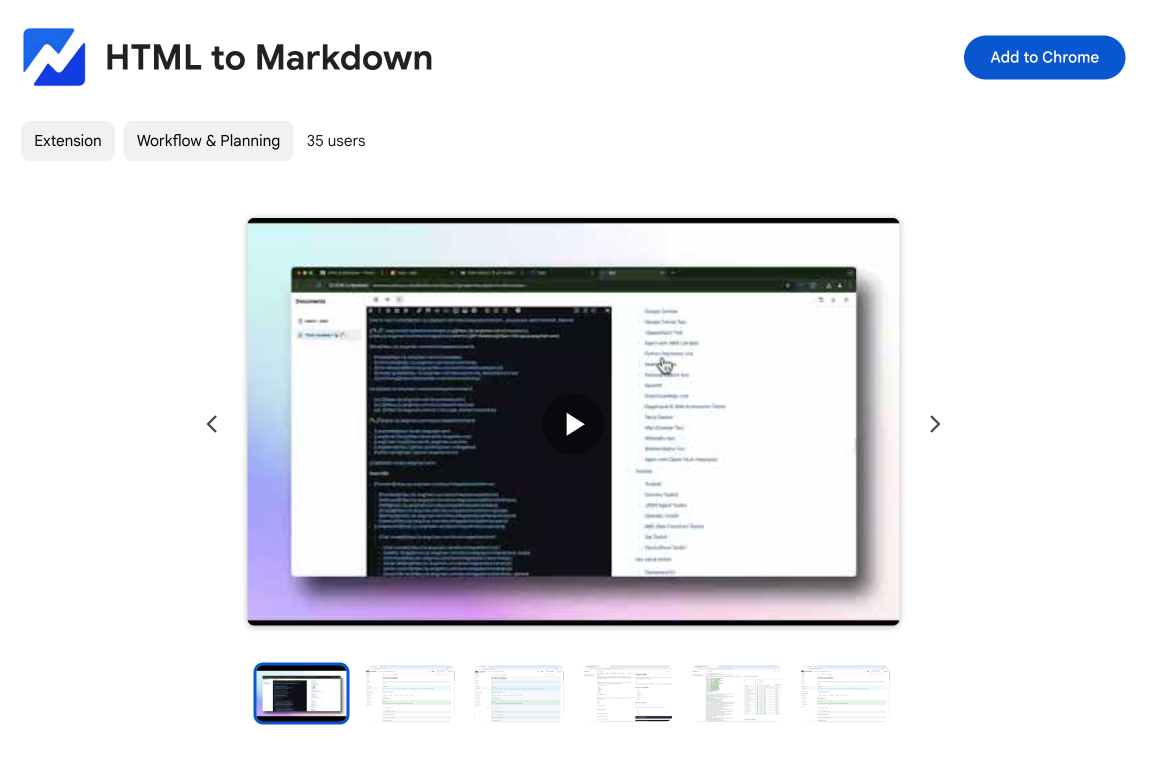
HTML to Markdown
Convert HTML to Markdown with ease, directly in your browser 📄
Dotallio
Personalized AI apps that automate research, data extraction, and content creation without code 🤖
Talk to Santa
Enjoy a magical live video chat or receive a unique AI-generated video greeting from Santa Claus 🎅
pozywka.pl
Scalable blog for food journalist, focused on performance and user experience 🌭
zagrodzki.me
Personal blog and portfolio of Bart Zagrodzki, where he shares his knowledge and work 💼
TurboStarter
Ship your startup everywhere. In minutes.
HTML to Markdown
Convert HTML to Markdown with ease, directly in your browser 📄
Dotallio
Personalized AI apps that automate research, data extraction, and content creation without code 🤖
Talk to Santa
Enjoy a magical live video chat or receive a unique AI-generated video greeting from Santa Claus 🎅
pozywka.pl
Scalable blog for food journalist, focused on performance and user experience 🌭
zagrodzki.me
Personal blog and portfolio of Bart Zagrodzki, where he shares his knowledge and work 💼
TurboStarter
Ship your startup everywhere. In minutes.
HTML to Markdown
Convert HTML to Markdown with ease, directly in your browser 📄
Dotallio
Personalized AI apps that automate research, data extraction, and content creation without code 🤖
Talk to Santa
Enjoy a magical live video chat or receive a unique AI-generated video greeting from Santa Claus 🎅
pozywka.pl
Scalable blog for food journalist, focused on performance and user experience 🌭
zagrodzki.me
Personal blog and portfolio of Bart Zagrodzki, where he shares his knowledge and work 💼
TurboStarter
Ship your startup everywhere. In minutes.
HTML to Markdown
Convert HTML to Markdown with ease, directly in your browser 📄
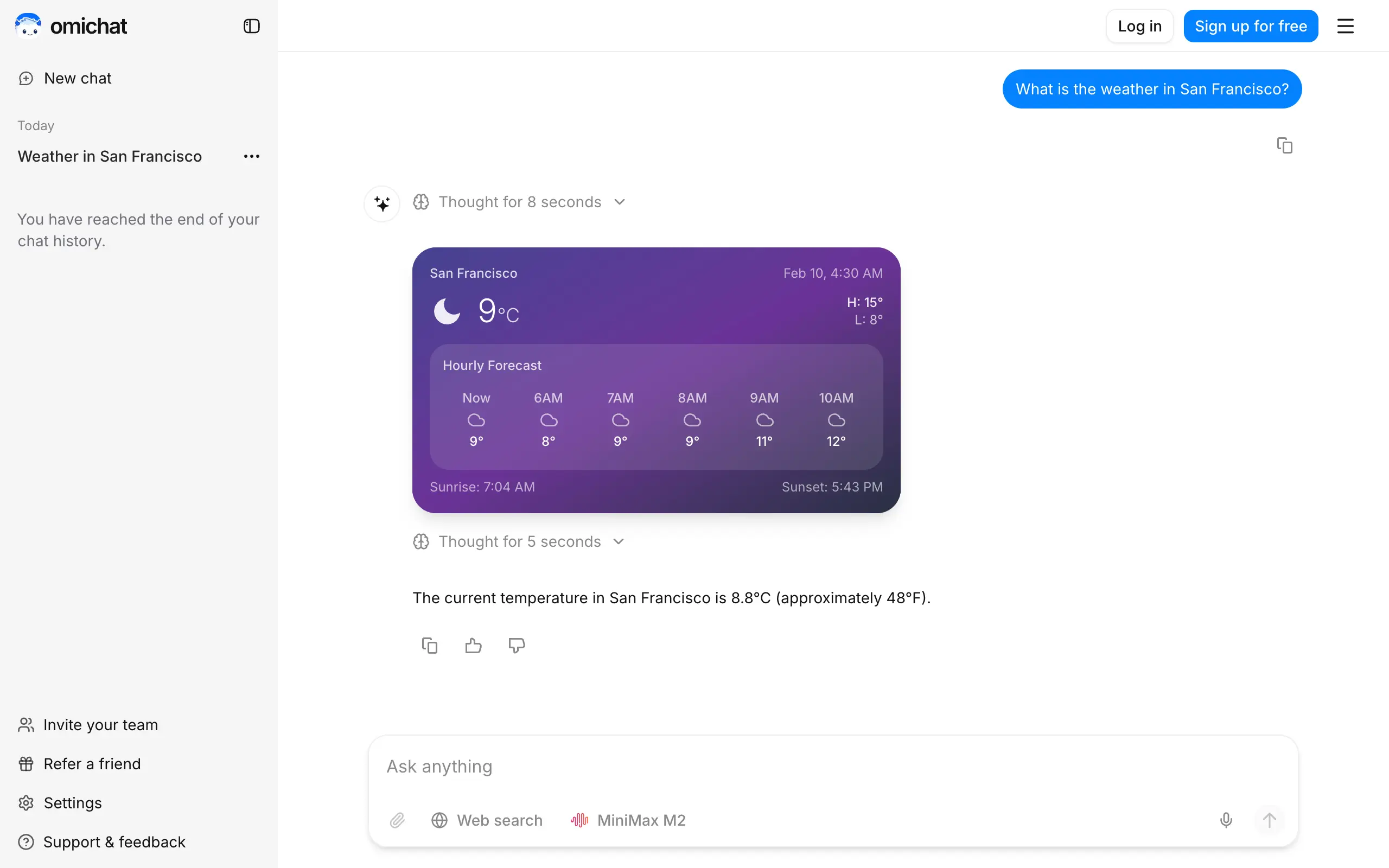
Omichat
Chat with 50+ AI models, including ChatGPT and Claude, in one place - switch models anytime without losing context 🤖
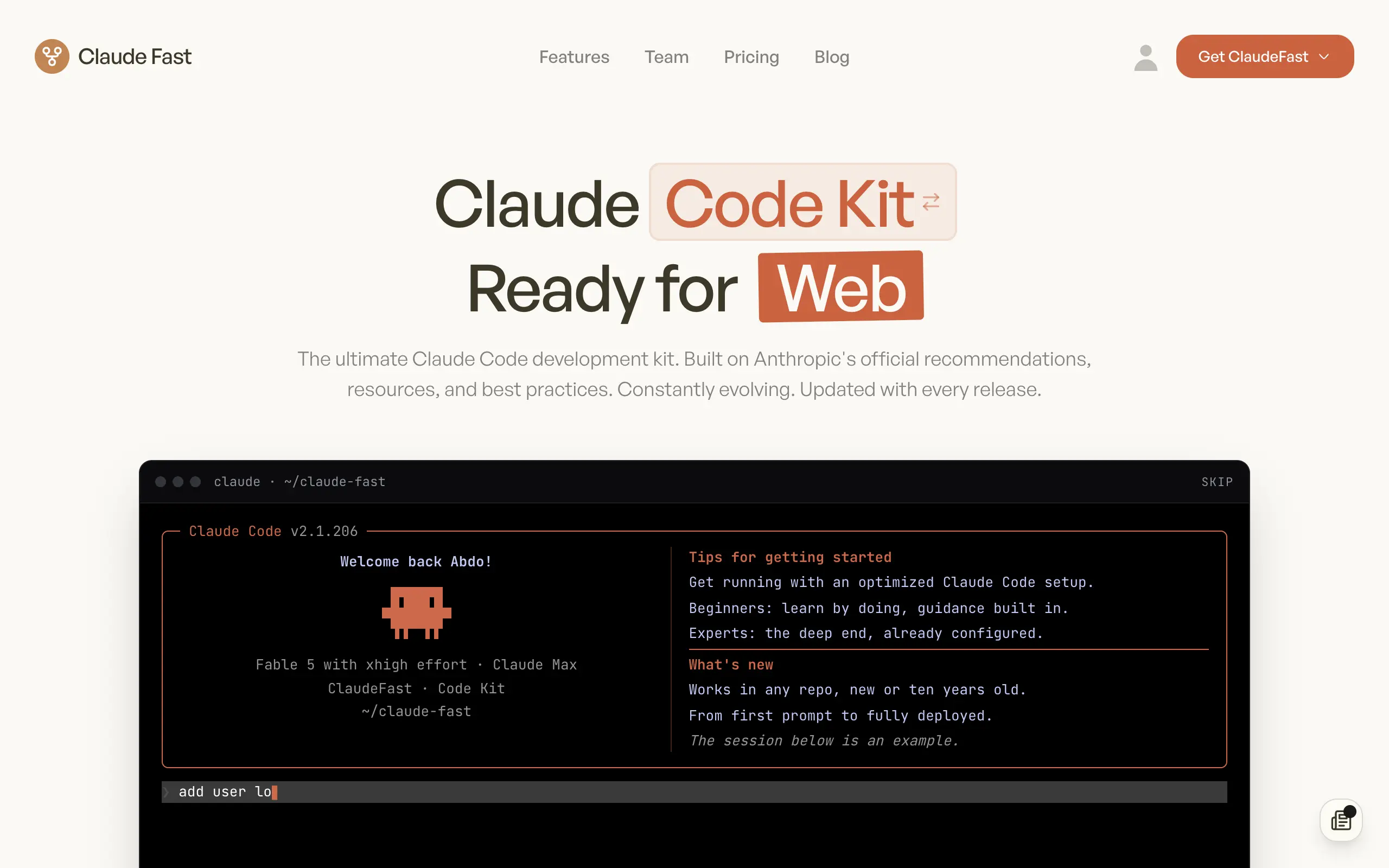
Claude Fast
Supercharge your Claude Code with 6x effective context window and specialized AI agents 🤖
EmojAI
AI-powered emoji picker with smart, context-aware suggestions 🤖
Solohacker
Autonomous company launcher - AI agents work 24/7, escalate what matters, and you stay in control 🤖
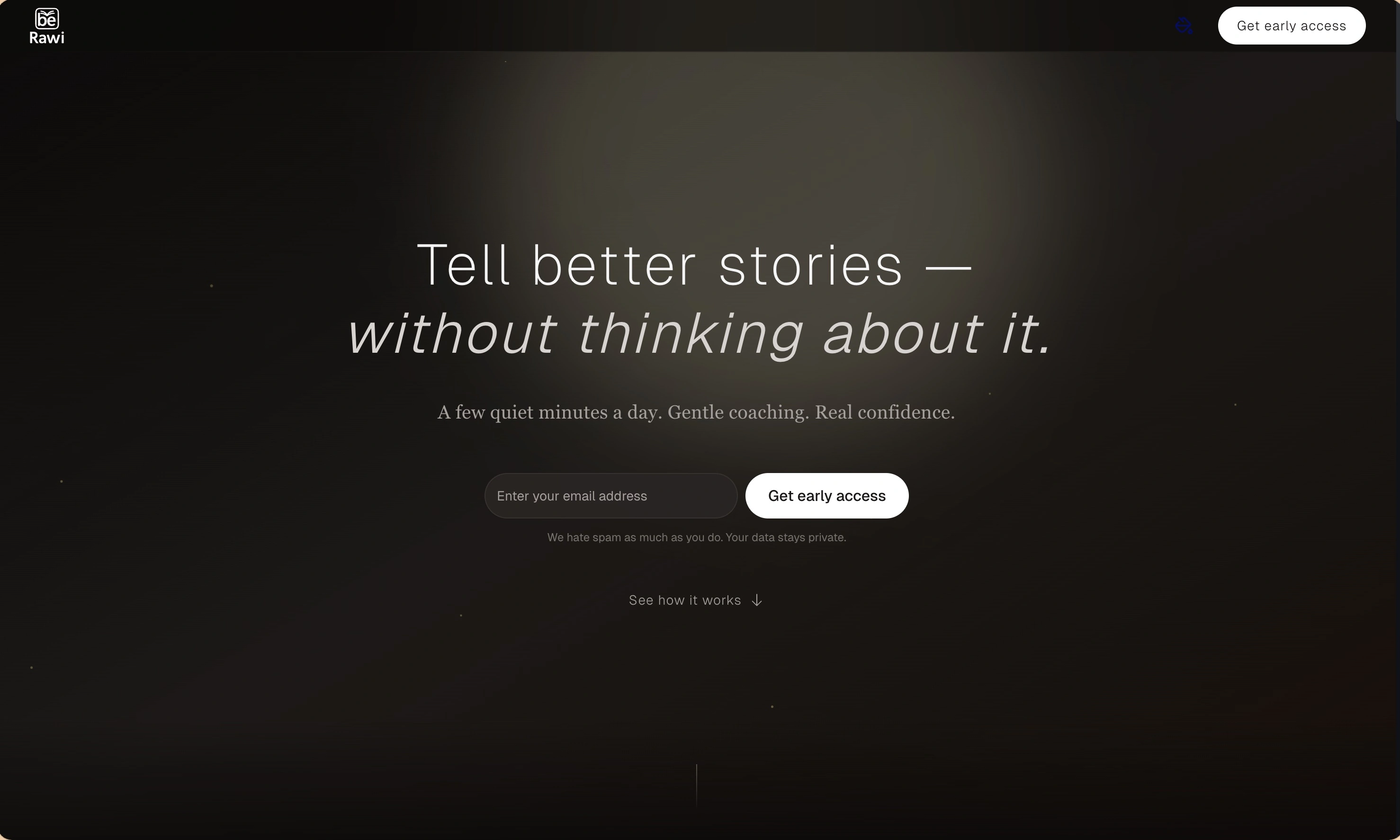
BeRawi: Storytelling Coach
Practice storytelling daily with instant feedback to sound clearer, more engaging, and confident 🎤
Omichat
Chat with 50+ AI models, including ChatGPT and Claude, in one place - switch models anytime without losing context 🤖
Claude Fast
Supercharge your Claude Code with 6x effective context window and specialized AI agents 🤖
EmojAI
AI-powered emoji picker with smart, context-aware suggestions 🤖
Solohacker
Autonomous company launcher - AI agents work 24/7, escalate what matters, and you stay in control 🤖
BeRawi: Storytelling Coach
Practice storytelling daily with instant feedback to sound clearer, more engaging, and confident 🎤
Omichat
Chat with 50+ AI models, including ChatGPT and Claude, in one place - switch models anytime without losing context 🤖
Claude Fast
Supercharge your Claude Code with 6x effective context window and specialized AI agents 🤖
EmojAI
AI-powered emoji picker with smart, context-aware suggestions 🤖
Solohacker
Autonomous company launcher - AI agents work 24/7, escalate what matters, and you stay in control 🤖
BeRawi: Storytelling Coach
Practice storytelling daily with instant feedback to sound clearer, more engaging, and confident 🎤
Omichat
Chat with 50+ AI models, including ChatGPT and Claude, in one place - switch models anytime without losing context 🤖
Claude Fast
Supercharge your Claude Code with 6x effective context window and specialized AI agents 🤖
EmojAI
AI-powered emoji picker with smart, context-aware suggestions 🤖
Solohacker
Autonomous company launcher - AI agents work 24/7, escalate what matters, and you stay in control 🤖
BeRawi: Storytelling Coach
Practice storytelling daily with instant feedback to sound clearer, more engaging, and confident 🎤

Connect with like-minded people
Join our community to get feedback, support, and grow together with 1,000+ builders on board, let's ship it!
Join usShip your startup everywhere. In minutes.
Don't burn tokens on setup and start building features on day one.