SplitSnap
Automatically track and settle shared expenses from receipts, messages, or photos. Designed for roommates and small friend groups who hate manual splitting.
The future of effortless expense sharing for roommates and friend groups
Managing shared expenses sounds simple—until it isn’t. Anyone who has lived with roommates or traveled with friends knows the friction: tracking who paid for groceries, splitting rent add-ons, remembering that late-night pizza order, or reconciling weeks of small expenses.
This is where a mobile-first SaaS like SplitSnap becomes not just useful—but essential.
SplitSnap is designed to automatically track and settle shared expenses using receipts, messages, or photos. Instead of manually entering transactions, users simply snap, forward, or upload—and the app does the rest.
In this deep dive, we’ll explore the market opportunity, product strategy, feature design, monetization, tech stack, and execution roadmap behind building a powerful AI-driven expense splitting app.
Understanding the user intent behind expense splitting apps
Before building anything, it’s critical to understand what users actually want when they search for tools like:
- “best expense splitting app”
- “how to split bills with roommates”
- “automatic expense tracker for groups”
- “split expenses from receipts app”
These users are typically looking for:
- Convenience: Avoid manual entry
- Accuracy: No disputes or confusion
- Speed: Instant splitting and tracking
- Fairness: Transparent calculations
- Low friction: Minimal effort, maximum automation
Most current tools (like Splitwise) solve part of the problem—but still rely heavily on manual input, which is exactly what users hate.
SplitSnap directly targets this pain point.
The core idea: AI-powered automatic expense splitting
SplitSnap’s unique value lies in automating the entire expense tracking workflow using:
- OCR (optical character recognition)
- NLP (natural language processing)
- Smart categorization
- Context-aware group detection
Instead of:
“Hey, can someone log that $42 grocery bill?”
Users simply:
- Snap a photo of a receipt
- Forward a payment screenshot
- Paste a chat message
And SplitSnap automatically:
- Extracts total amount
- Identifies items or categories
- Suggests split ratios
- Assigns participants
- Updates balances
Target audience analysis
Primary users
- Roommates (18–35 years old)
- Students in shared housing
- Urban young professionals
- Digital-native users comfortable with mobile apps
Secondary users
- Travelers splitting group expenses
- Couples managing shared finances (light use case)
- Small informal groups (clubs, teams)
Behavioral insights
- Prefer mobile-first experiences
- Avoid financial admin tasks
- Use apps like Venmo, Cash App, PayPal
- Already take photos/screenshots of receipts
- Communicate via WhatsApp, iMessage, Telegram
Key insight
Users are not looking for “better spreadsheets”—they’re looking for less effort. Automation is the real differentiator.
Market opportunity and gap analysis
Existing players
- Splitwise
- Tricount
- Settle Up
Their limitations
- Manual expense entry
- Limited automation
- Weak OCR capabilities
- Poor UX for fast input
- No deep integration with messaging apps
Market trends (2024–2026)
- Rise of AI-powered consumer apps
- Increased reliance on camera-first UX
- Growth in shared living arrangements
- Expansion of peer-to-peer payments
The opportunity gap
SplitSnap sits at the intersection of:
- Fintech
- AI automation
- Mobile UX innovation
And fills a clear gap:
“Make expense splitting invisible.”
Core features of SplitSnap
1. smart receipt scanning
Users take a photo, and the app:
- Detects merchant
- Extracts total amount
- Identifies line items
- Suggests splits
2. screenshot & message parsing
Upload:
- Venmo screenshots
- Bank transaction alerts
- Chat messages like:
“I paid $60 for dinner, split between 3 of us”
SplitSnap converts them into structured expenses.
3. automatic group detection
The app learns:
- Frequent participants
- Common groups (roommates, travel groups)
- Recurring expenses
4. intelligent split suggestions
Options include:
- Equal split
- Item-based split
- Percentage split
- Custom rules (e.g., “Alex doesn’t pay for alcohol”)
5. real-time balance tracking
- Who owes whom
- Net balances
- Simplified settlements
6. settlement optimization
Minimize transactions:
Instead of:
- A pays B
- B pays C
- C pays A
SplitSnap suggests:
- One clean payment chain
7. payment integrations (optional)
- Venmo
- PayPal
- Cash App
8. reminders & nudges
- Gentle reminders for unpaid balances
- Smart timing based on user behavior
Feature comparison vs traditional apps
| Feature | SplitSnap | Splitwise | Manual spreadsheets | Bank apps |
|---|---|---|---|---|
| Automatic receipt parsing | ✅ | ❌ | ❌ | ❌ |
| Screenshot import | ✅ | ❌ | ❌ | ❌ |
| AI split suggestions | ✅ | ⚠️ | ❌ | ❌ |
| Real-time balance simplification | ✅ | ✅ | ❌ | ❌ |
Technical architecture and recommended stack
Building SplitSnap requires a balance of:
- Performance
- AI capabilities
- Mobile-first UX
frontend (mobile)
- React Native or Expo
- Alternatively: Flutter
Why React Native?
- Faster iteration
- Shared codebase
- Strong ecosystem
backend
- Node.js (with NestJS)
- Or Python (FastAPI for AI-heavy workloads)
database
- PostgreSQL (structured data)
- Redis (caching & real-time updates)
AI & OCR layer
- OpenAI for NLP parsing
- Google Vision API or Tesseract for OCR
storage
- AWS S3 (receipts, images)
authentication
- Firebase Auth or Auth0
payments integration
- Venmo API (limited)
- PayPal SDK
Example: parsing a receipt with AI
const parseReceipt = async (imageUrl: string) => {
  const response = await fetch("/api/parse-receipt", {
    method: "POST",
    body: JSON.stringify({ imageUrl }),
  });

  const data = await response.json();

  return {
    total: data.total,
    items: data.items,
    suggestedSplit: data.split,
  };
};
UX strategy: why simplicity wins
SplitSnap’s success depends heavily on UX.
design principles
- Zero-friction input
- Camera-first interface
- One-tap confirmations
- Minimal typing
onboarding flow
Monetization strategy
freemium model (recommended)
Free tier:
- Basic splitting
- Limited scans per month
- Ads (optional)
Premium tier ($4–$8/month):
- Unlimited scans
- Advanced AI parsing
- Smart insights (spending trends)
- Priority processing
alternative revenue streams
- Transaction fees (on payments)
- Affiliate revenue (fintech integrations)
- Group subscription plans
Competitive advantage (USP)
SplitSnap’s differentiation is clear:
Zero manual input
No typing expenses—just snap or upload.
AI-first experience
Smart parsing and automatic categorization.
Frictionless UX
Designed for speed, not accounting.
Context-aware splitting
Understands groups, habits, and patterns.
Risks and mitigation strategies
1. OCR inaccuracies
Risk: Incorrect parsing leads to user frustration
Mitigation:
- Editable fields
- Confidence scores
- Continuous model training
2. privacy concerns
Risk: Users hesitate to upload receipts or financial data
Mitigation:
- End-to-end encryption
- Transparent data policies
- Local processing where possible
3. competition catching up
Risk: Existing apps add similar features
Mitigation:
- Move fast
- Focus on UX excellence
- Build strong brand loyalty
4. payment API limitations
Risk: Limited access to payment integrations
Mitigation:
- Focus on tracking first
- Add integrations gradually
Go-to-market strategy
initial launch
- Target college students
- Partner with housing communities
- Launch on Product Hunt
viral growth loops
- Group invitations
- Shared expense visibility
- Social proof (“Alex settled via SplitSnap”)
content marketing
Focus on SEO topics like:
- “how to split bills with roommates”
- “best expense splitting apps 2026”
- “track shared expenses automatically”
SEO strategy for SplitSnap
Primary keyword targets:
- automatic expense splitting app
- AI expense tracker
- receipt splitting app
- roommate expense tracker
Secondary keywords:
- split bills automatically
- group expense management app
- shared expense calculator
content clusters
- Guides (how to split rent fairly)
- Comparisons (SplitSnap vs Splitwise)
- Use cases (travel, roommates, couples)
Implementation roadmap
phase 1: MVP (6–8 weeks)
- Receipt scanning (basic OCR)
- Manual correction UI
- Group creation
- Balance tracking
phase 2: AI enhancement
- NLP message parsing
- Smart split suggestions
- Learning user behavior
phase 3: scale & polish
- Payment integrations
- Notifications
- Advanced analytics
Build faster with the right foundation
Instead of building everything from scratch, using a SaaS starter kit can accelerate development significantly.
TurboStarter provides a strong foundation with:
- Authentication
- Billing infrastructure
- Scalable architecture
- Modern frontend stack
This lets you focus on your core differentiator: AI-powered expense automation.
Final execution plan
Closing thoughts
SplitSnap isn’t just another expense tracker—it’s a shift toward invisible financial coordination.
By eliminating manual entry and leveraging AI, it aligns perfectly with modern user expectations:
- Fast
- Automated
- Effortless
The opportunity is strong, the pain point is real, and the timing is right.
If executed well, SplitSnap can become the default way people manage shared expenses—without ever thinking about it.
More 📱 Mobile App SaaS ideas
Discover more innovative mobile app SaaS ideas that are trending in 2026. Each idea is AI-generated with market validation and growth potential to help you find your next profitable venture faster than competitors.
Your competitors are building with TurboStarter
Below are some of the SaaS ideas that have been generated and built with our starter kit.
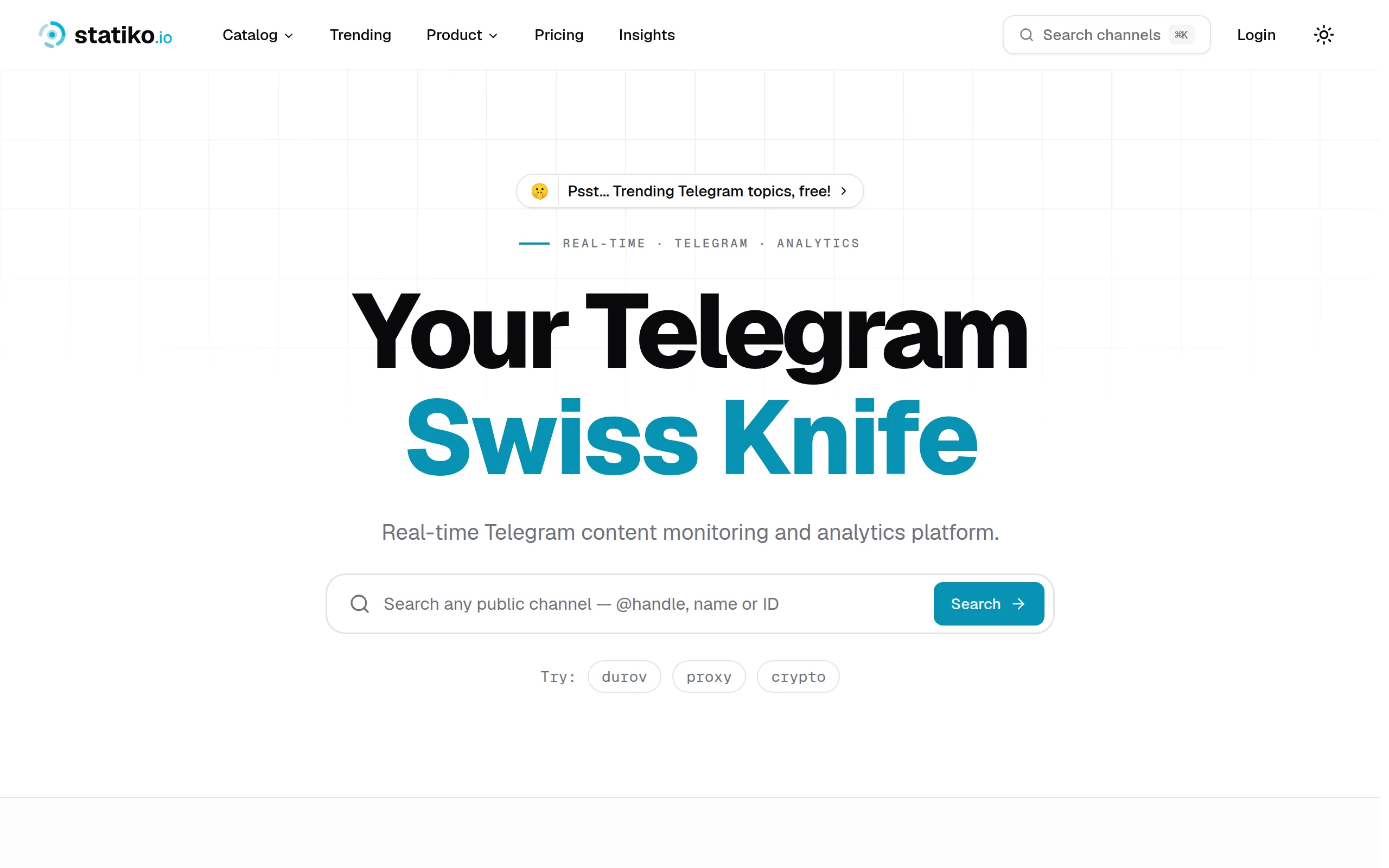
Statiko
Monitor any Telegram channel in real time - track posts, edits, deletions, and growth with AI recaps 📡

Shibui
AI website builder - describe your business, pick a niche template, edit by chatting, and publish instantly ✨

Pro Service
Find verified home service professionals, compare quotes, and pay securely through escrow - built for Brazilians across the US 🏠
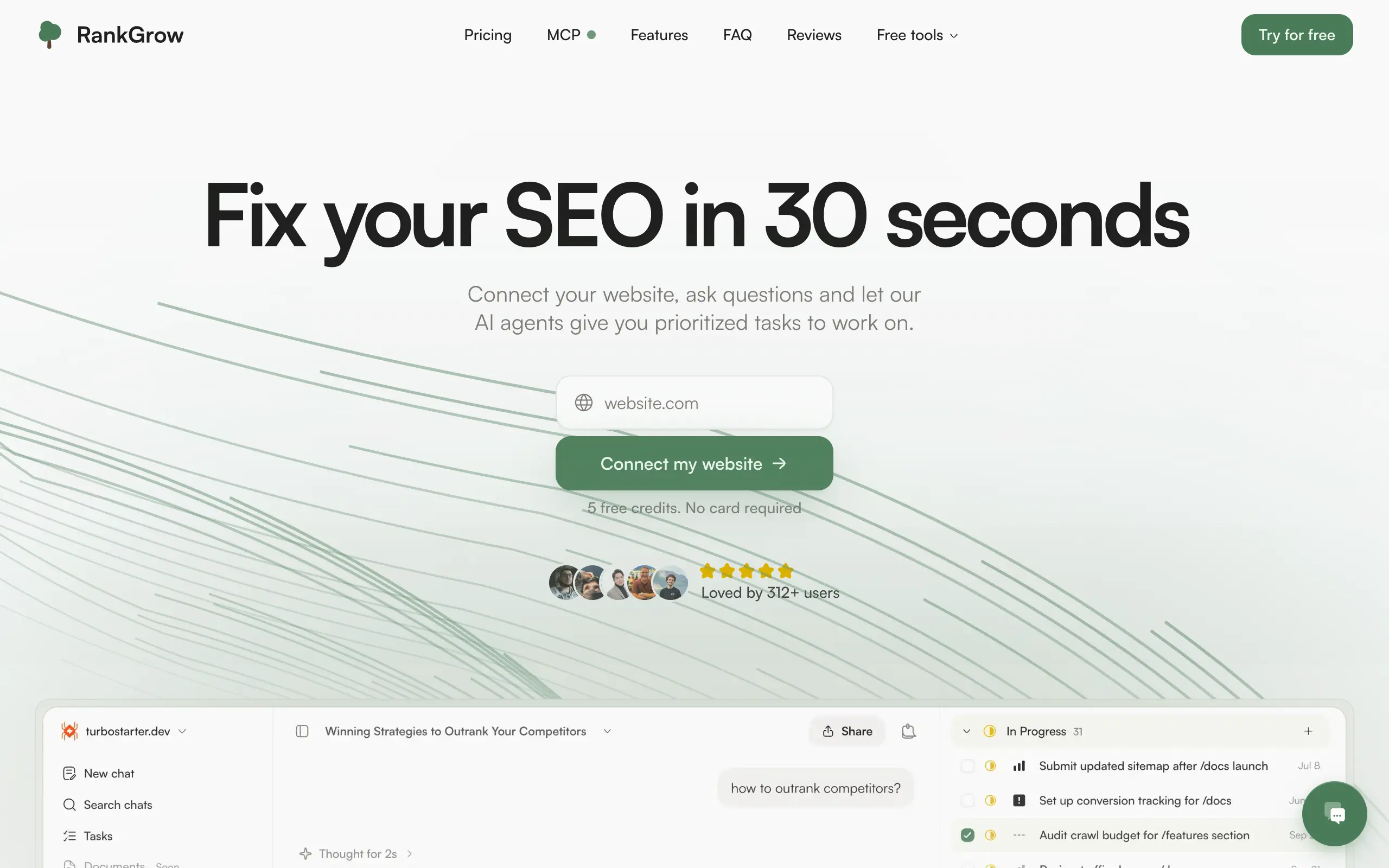
RankGrow
Fix your SEO with AI agents - connect Search Console, get prioritized tasks, and grow organic traffic 📈
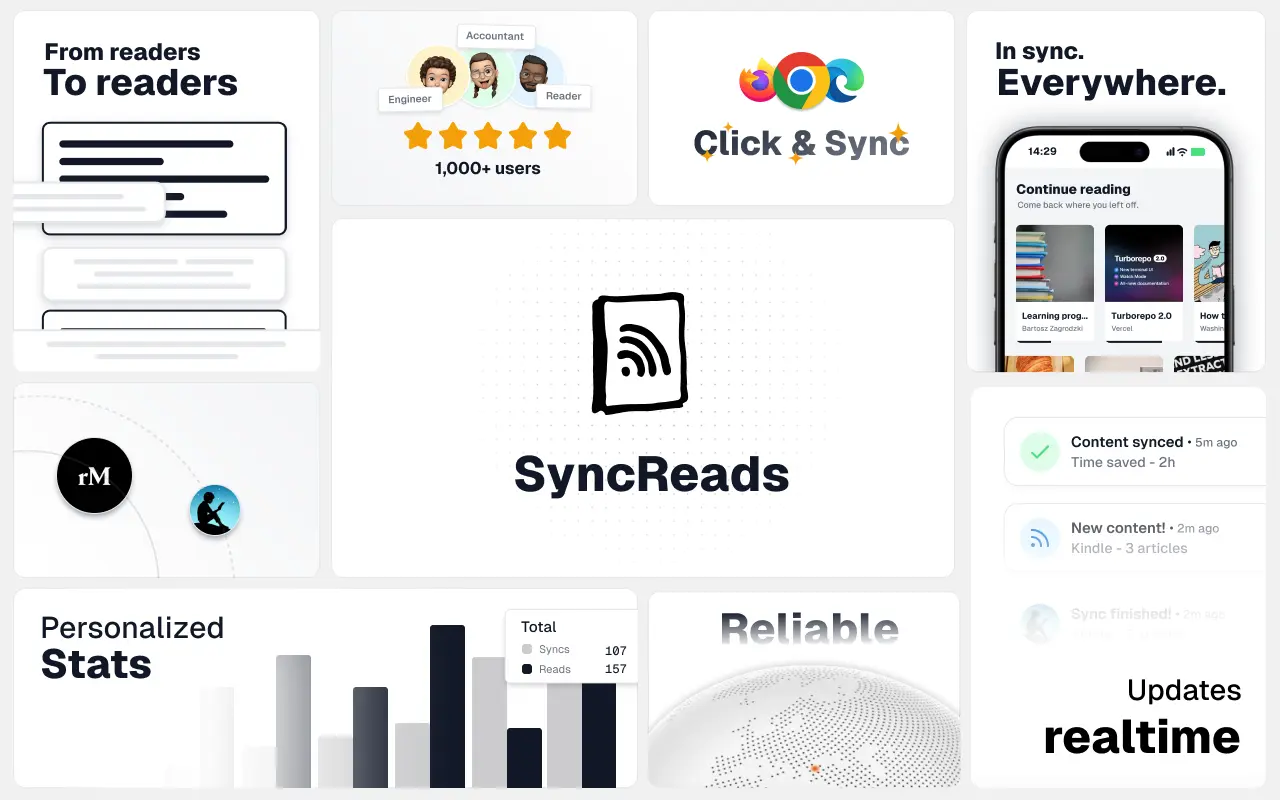
SyncReads
Sync your favorite content for distraction-free reading, save time and replace multiple apps. Anytime, anywhere 🔄
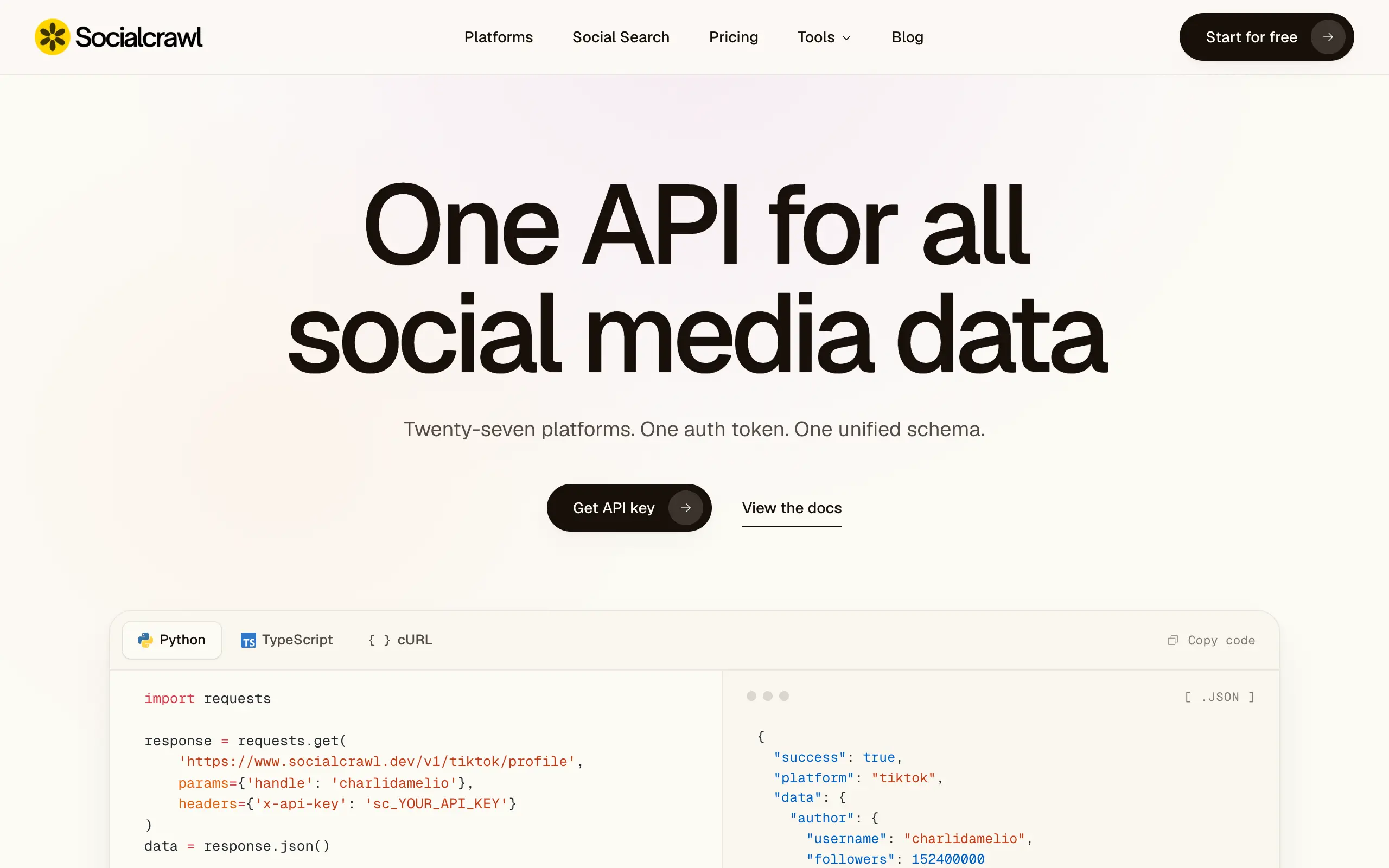
Socialcrawl
Get clean, structured data from 21 platforms like TikTok, Instagram, and YouTube with a single request 📊
Statiko
Monitor any Telegram channel in real time - track posts, edits, deletions, and growth with AI recaps 📡
Shibui
AI website builder - describe your business, pick a niche template, edit by chatting, and publish instantly ✨
Pro Service
Find verified home service professionals, compare quotes, and pay securely through escrow - built for Brazilians across the US 🏠
RankGrow
Fix your SEO with AI agents - connect Search Console, get prioritized tasks, and grow organic traffic 📈
SyncReads
Sync your favorite content for distraction-free reading, save time and replace multiple apps. Anytime, anywhere 🔄
Socialcrawl
Get clean, structured data from 21 platforms like TikTok, Instagram, and YouTube with a single request 📊
Statiko
Monitor any Telegram channel in real time - track posts, edits, deletions, and growth with AI recaps 📡
Shibui
AI website builder - describe your business, pick a niche template, edit by chatting, and publish instantly ✨
Pro Service
Find verified home service professionals, compare quotes, and pay securely through escrow - built for Brazilians across the US 🏠
RankGrow
Fix your SEO with AI agents - connect Search Console, get prioritized tasks, and grow organic traffic 📈
SyncReads
Sync your favorite content for distraction-free reading, save time and replace multiple apps. Anytime, anywhere 🔄
Socialcrawl
Get clean, structured data from 21 platforms like TikTok, Instagram, and YouTube with a single request 📊
Statiko
Monitor any Telegram channel in real time - track posts, edits, deletions, and growth with AI recaps 📡
Shibui
AI website builder - describe your business, pick a niche template, edit by chatting, and publish instantly ✨
Pro Service
Find verified home service professionals, compare quotes, and pay securely through escrow - built for Brazilians across the US 🏠
RankGrow
Fix your SEO with AI agents - connect Search Console, get prioritized tasks, and grow organic traffic 📈
SyncReads
Sync your favorite content for distraction-free reading, save time and replace multiple apps. Anytime, anywhere 🔄
Socialcrawl
Get clean, structured data from 21 platforms like TikTok, Instagram, and YouTube with a single request 📊
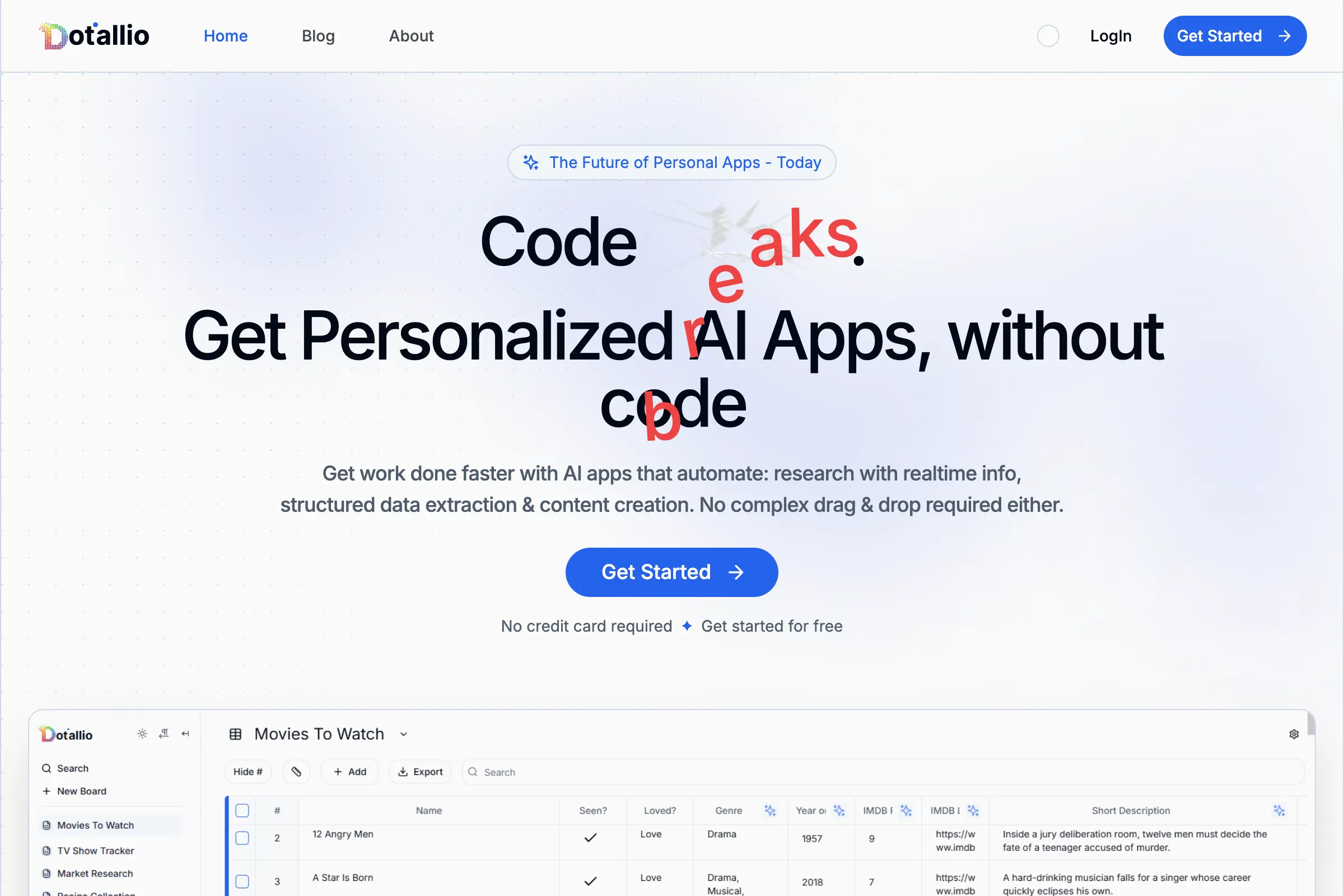
Dotallio
Personalized AI apps that automate research, data extraction, and content creation without code 🤖
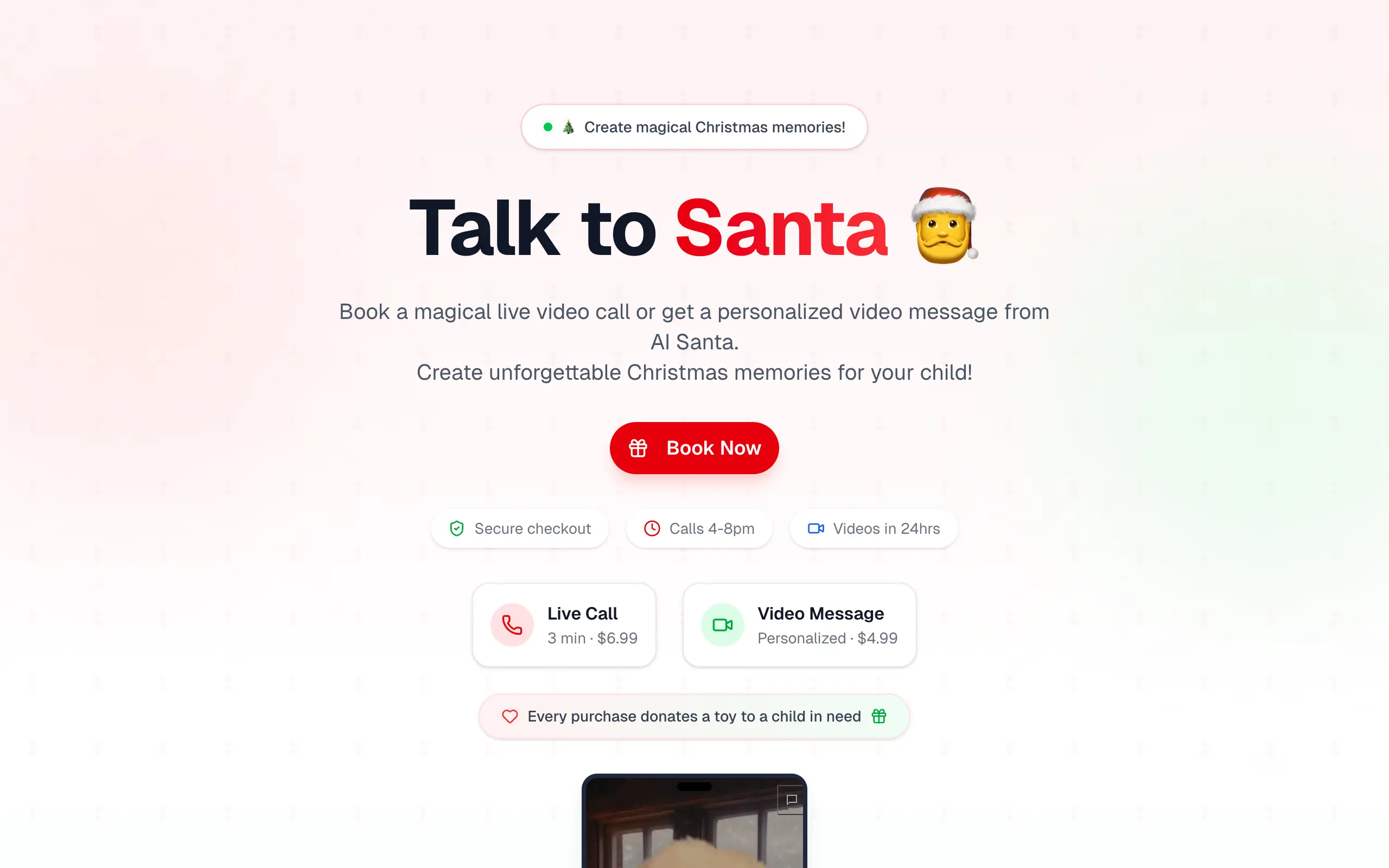
Talk to Santa
Enjoy a magical live video chat or receive a unique AI-generated video greeting from Santa Claus 🎅
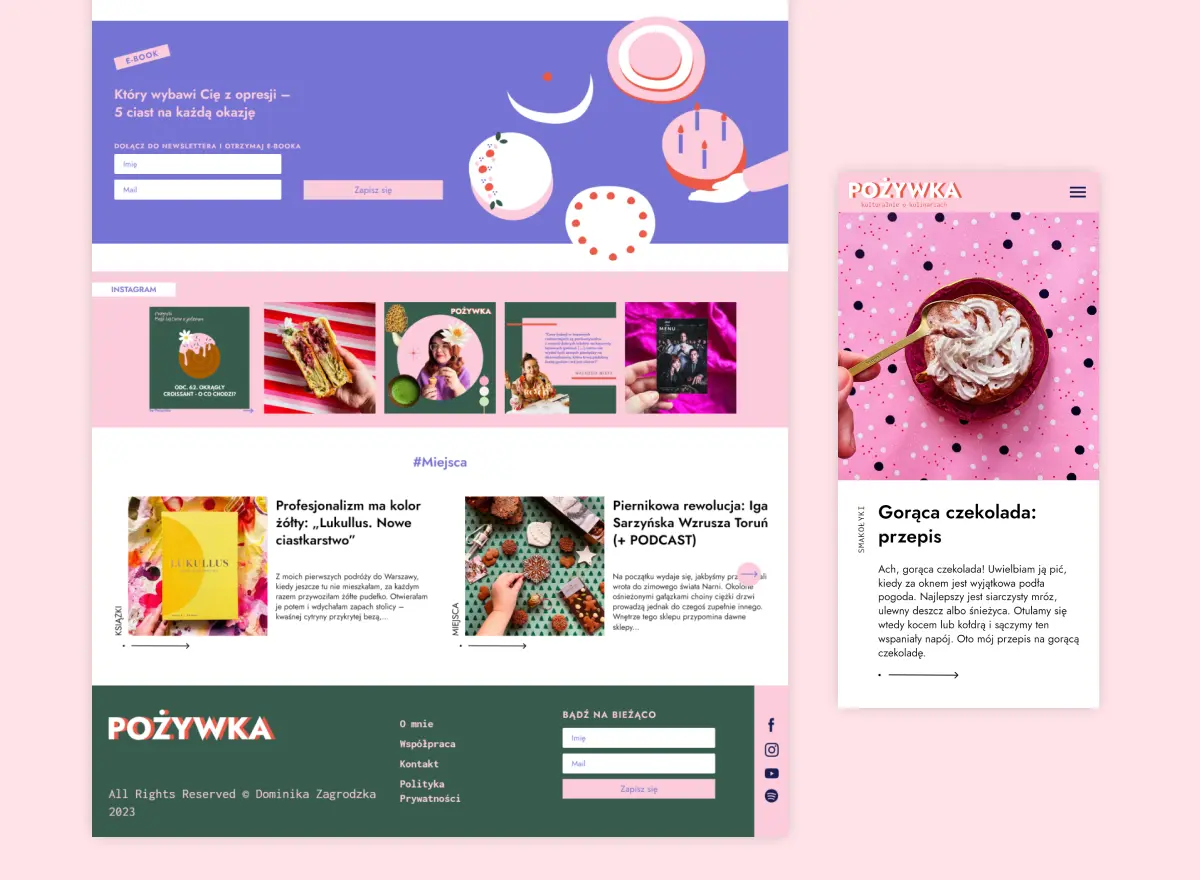
pozywka.pl
Scalable blog for food journalist, focused on performance and user experience 🌭
zagrodzki.me
Personal blog and portfolio of Bart Zagrodzki, where he shares his knowledge and work 💼
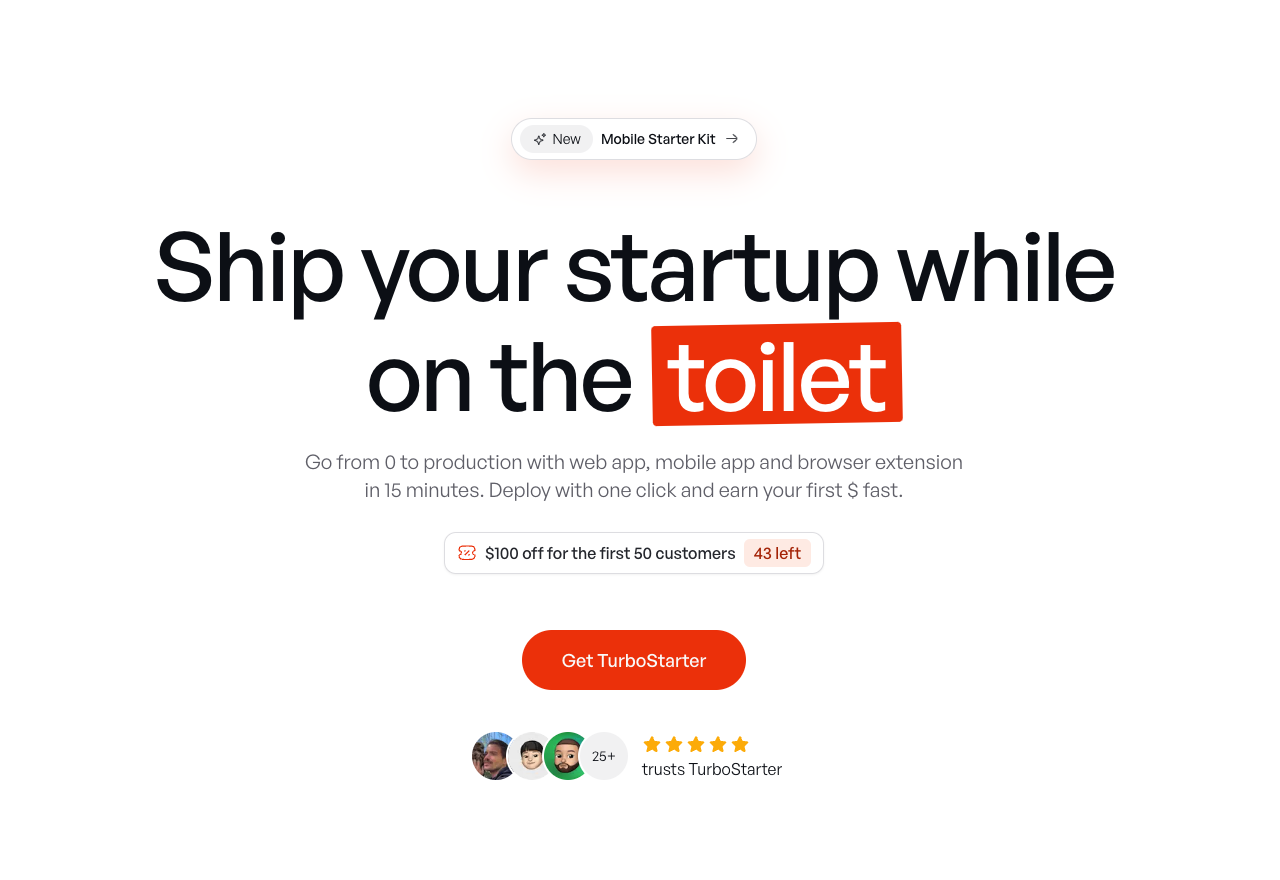
TurboStarter
Ship your startup everywhere. In minutes.
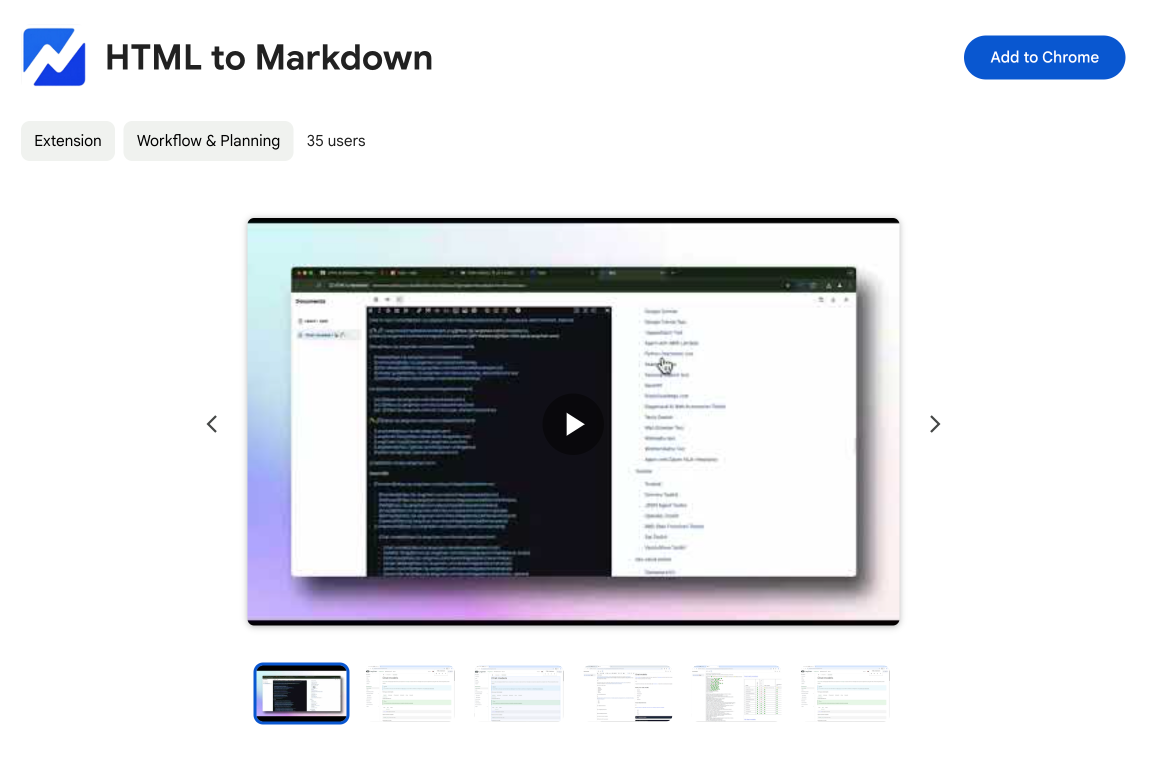
HTML to Markdown
Convert HTML to Markdown with ease, directly in your browser 📄
Dotallio
Personalized AI apps that automate research, data extraction, and content creation without code 🤖
Talk to Santa
Enjoy a magical live video chat or receive a unique AI-generated video greeting from Santa Claus 🎅
pozywka.pl
Scalable blog for food journalist, focused on performance and user experience 🌭
zagrodzki.me
Personal blog and portfolio of Bart Zagrodzki, where he shares his knowledge and work 💼
TurboStarter
Ship your startup everywhere. In minutes.
HTML to Markdown
Convert HTML to Markdown with ease, directly in your browser 📄
Dotallio
Personalized AI apps that automate research, data extraction, and content creation without code 🤖
Talk to Santa
Enjoy a magical live video chat or receive a unique AI-generated video greeting from Santa Claus 🎅
pozywka.pl
Scalable blog for food journalist, focused on performance and user experience 🌭
zagrodzki.me
Personal blog and portfolio of Bart Zagrodzki, where he shares his knowledge and work 💼
TurboStarter
Ship your startup everywhere. In minutes.
HTML to Markdown
Convert HTML to Markdown with ease, directly in your browser 📄
Dotallio
Personalized AI apps that automate research, data extraction, and content creation without code 🤖
Talk to Santa
Enjoy a magical live video chat or receive a unique AI-generated video greeting from Santa Claus 🎅
pozywka.pl
Scalable blog for food journalist, focused on performance and user experience 🌭
zagrodzki.me
Personal blog and portfolio of Bart Zagrodzki, where he shares his knowledge and work 💼
TurboStarter
Ship your startup everywhere. In minutes.
HTML to Markdown
Convert HTML to Markdown with ease, directly in your browser 📄
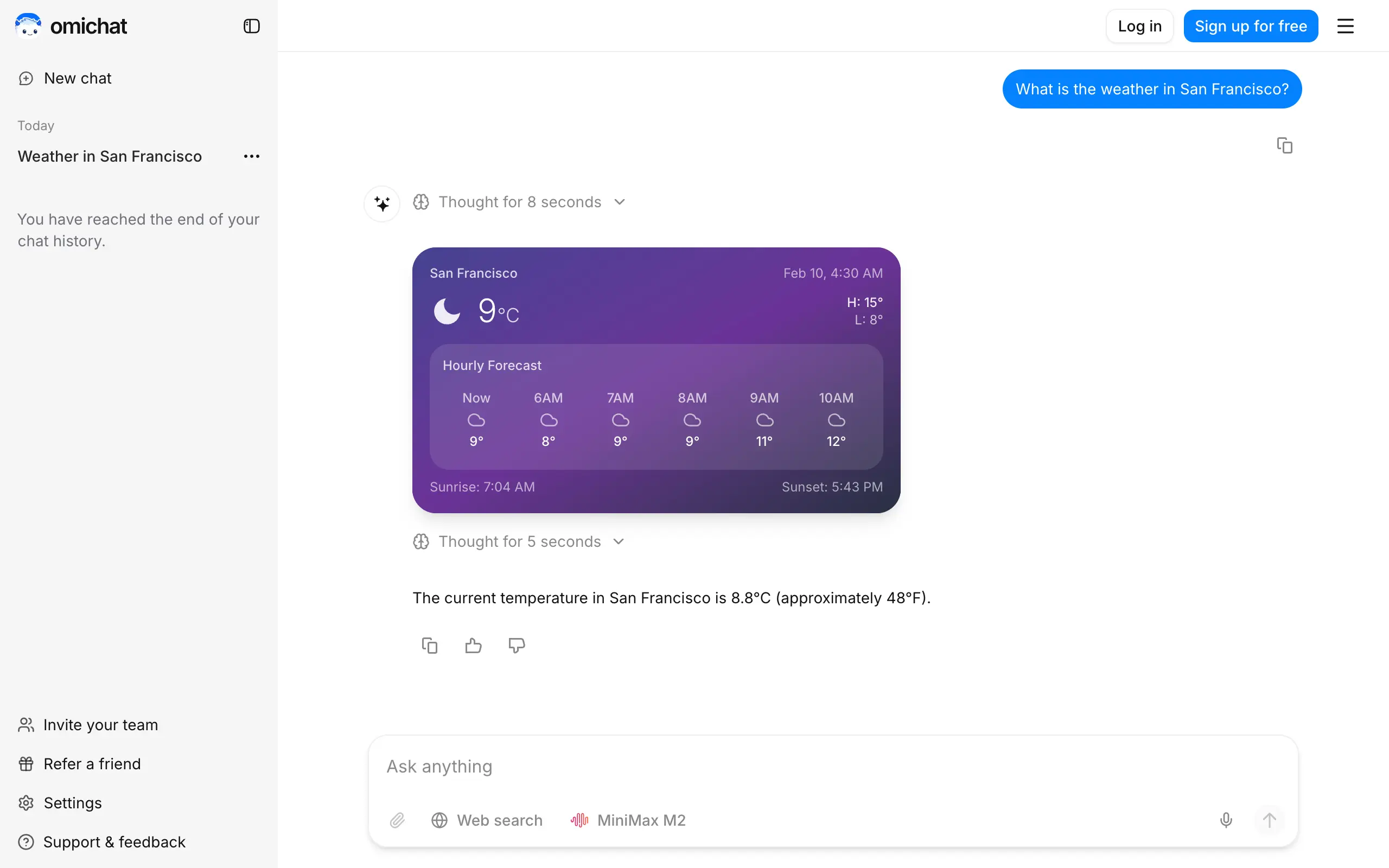
Omichat
Chat with 50+ AI models, including ChatGPT and Claude, in one place - switch models anytime without losing context 🤖
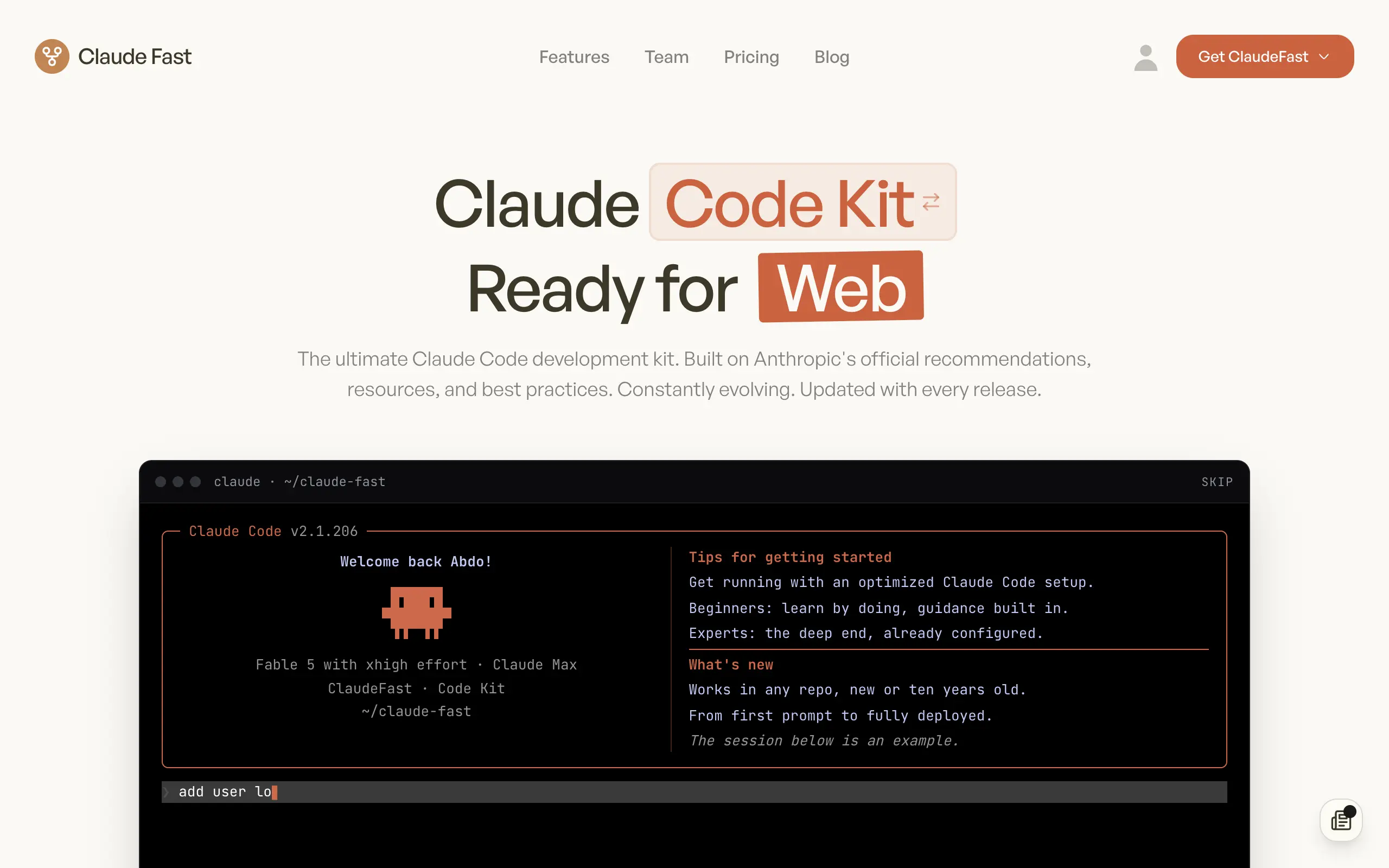
Claude Fast
Supercharge your Claude Code with 6x effective context window and specialized AI agents 🤖
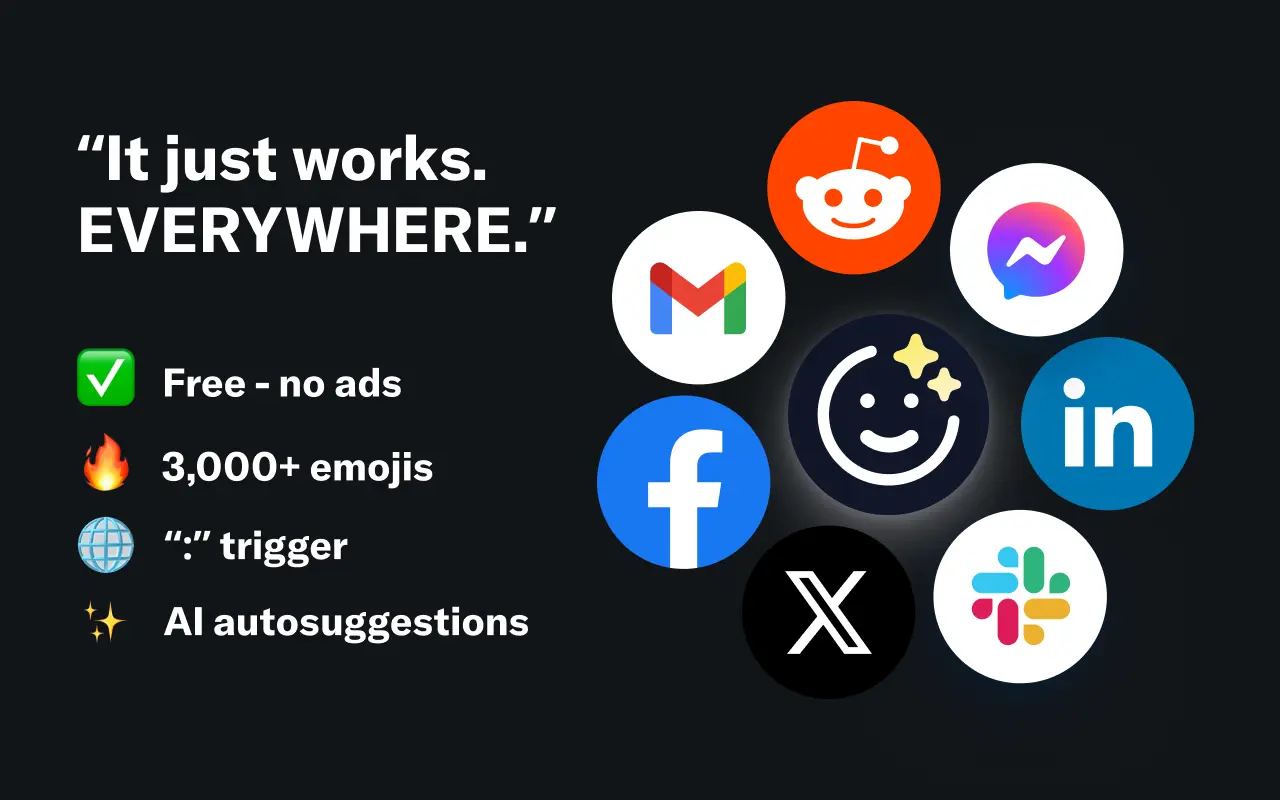
EmojAI
AI-powered emoji picker with smart, context-aware suggestions 🤖
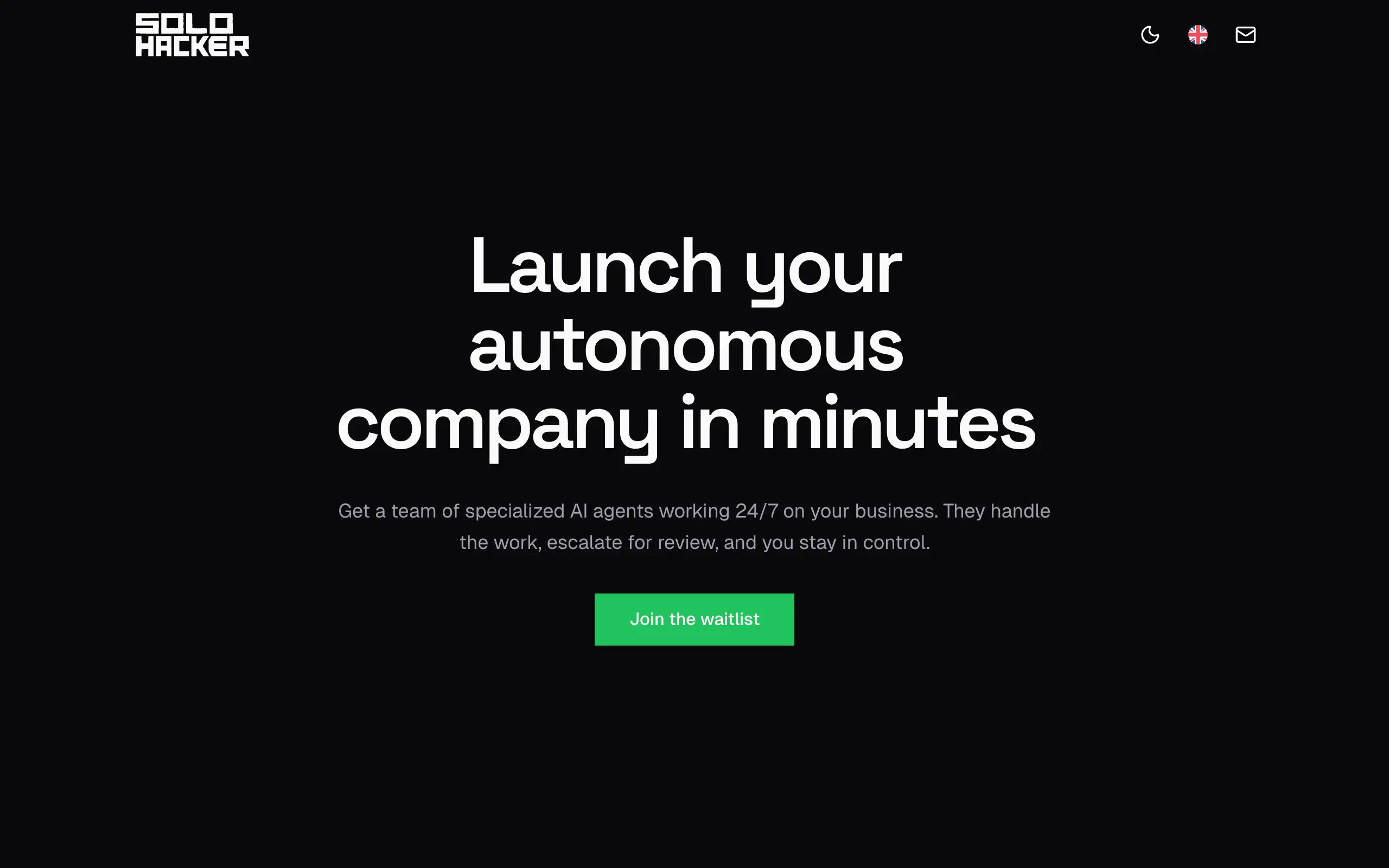
Solohacker
Autonomous company launcher - AI agents work 24/7, escalate what matters, and you stay in control 🤖
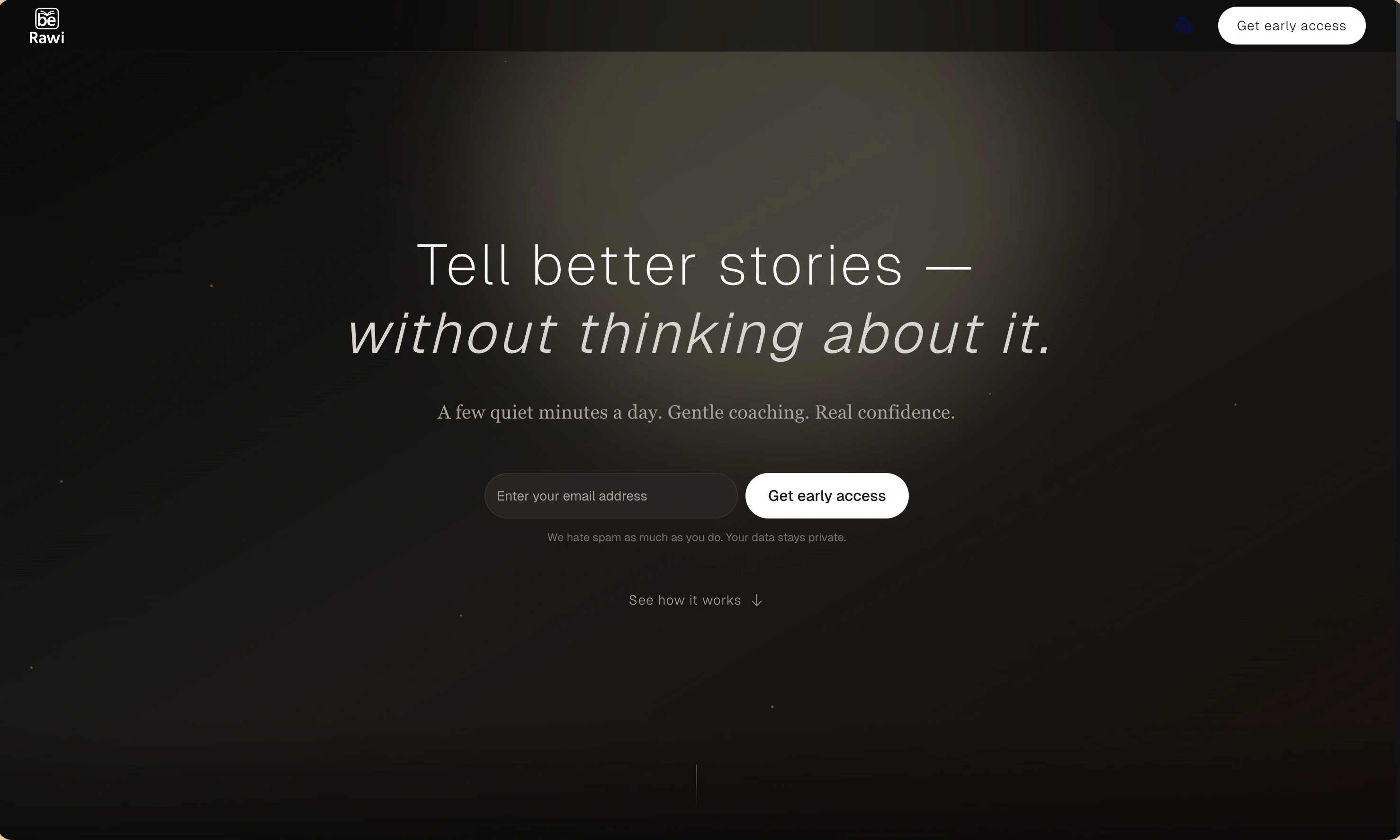
BeRawi: Storytelling Coach
Practice storytelling daily with instant feedback to sound clearer, more engaging, and confident 🎤
Omichat
Chat with 50+ AI models, including ChatGPT and Claude, in one place - switch models anytime without losing context 🤖
Claude Fast
Supercharge your Claude Code with 6x effective context window and specialized AI agents 🤖
EmojAI
AI-powered emoji picker with smart, context-aware suggestions 🤖
Solohacker
Autonomous company launcher - AI agents work 24/7, escalate what matters, and you stay in control 🤖
BeRawi: Storytelling Coach
Practice storytelling daily with instant feedback to sound clearer, more engaging, and confident 🎤
Omichat
Chat with 50+ AI models, including ChatGPT and Claude, in one place - switch models anytime without losing context 🤖
Claude Fast
Supercharge your Claude Code with 6x effective context window and specialized AI agents 🤖
EmojAI
AI-powered emoji picker with smart, context-aware suggestions 🤖
Solohacker
Autonomous company launcher - AI agents work 24/7, escalate what matters, and you stay in control 🤖
BeRawi: Storytelling Coach
Practice storytelling daily with instant feedback to sound clearer, more engaging, and confident 🎤
Omichat
Chat with 50+ AI models, including ChatGPT and Claude, in one place - switch models anytime without losing context 🤖
Claude Fast
Supercharge your Claude Code with 6x effective context window and specialized AI agents 🤖
EmojAI
AI-powered emoji picker with smart, context-aware suggestions 🤖
Solohacker
Autonomous company launcher - AI agents work 24/7, escalate what matters, and you stay in control 🤖
BeRawi: Storytelling Coach
Practice storytelling daily with instant feedback to sound clearer, more engaging, and confident 🎤

Connect with like-minded people
Join our community to get feedback, support, and grow together with 1,000+ builders on board, let's ship it!
Join usShip your startup everywhere. In minutes.
Don't burn tokens on setup and start building features on day one.