Stagehand AR
Help small event crews prep venues with AI checklists and 3D equipment overlays. Complete setup missions and catch problems before showtime.
What Stagehand AR is and the problem it solves
Stagehand AR is a mobile app concept for helping small event crews prepare venues with AI-assisted checklists and augmented reality (AR) equipment overlays. It turns setup plans into practical, location-aware missions: crew members can see what needs to happen, where equipment belongs, and which problems still need attention before doors open.
The idea addresses a familiar event-production challenge. A plan may be documented in a spreadsheet, a messaging thread, a printed run sheet, or one experienced person’s memory. When the crew reaches the venue, they still have to interpret that plan in a physical space—often while juggling tight deadlines, unfamiliar layouts, and last-minute changes.
Stagehand AR aims to close that gap between the setup plan and the real venue. Its promise is not simply “put 3D objects on a camera view.” It is to give small teams a shared, actionable way to complete setup work and verify that the room is show-ready.
For founders evaluating this idea, the central product question is therefore not whether AR is impressive. It is whether a crew can complete a setup more reliably, with less confusion and fewer preventable surprises, using a phone they already carry.
The target audience for Stagehand AR
The strongest initial audience is likely to be small event-production teams that repeat similar setups across different venues. These teams have enough operational complexity to benefit from a shared workflow, but may not have the budget or need for a large enterprise production system.
Primary users
- Small production companies that provide audio, lighting, staging, or general event support.
- Venue operations teams preparing rooms for meetings, performances, conferences, or community events.
- Corporate event coordinators who manage in-house equipment and work with temporary crews.
- AV technicians and stagehands who need clear assignments and dependable placement references.
- Rental companies that deliver equipment and want a consistent process for setup and handoff.
These users are not necessarily looking for advanced 3D authoring software. They want to know what must be done, who is responsible, where items go, and whether the setup has been checked.
Secondary users and expansion markets
Once the workflow works for event crews, adjacent users may include:
- Wedding and private-event planners coordinating venue transformations.
- Schools and universities setting up auditoriums, lecture rooms, and temporary event spaces.
- Houses of worship preparing stages and presentation equipment.
- Trade-show exhibitors installing displays and booth equipment.
- Touring teams that need to transfer setup knowledge between venues.
- Hospitality groups preparing meeting rooms across multiple locations.
These segments share a need for repeatable physical setup, but differ in terminology, equipment, safety requirements, and purchasing behavior. Stagehand AR should prove its value in one focused segment before trying to support all of them.
Buyer, user, and champion
In a small production business, the buyer may be the owner or operations manager, while the daily user is a technician or crew lead. The person who advocates for the app may be the one who is repeatedly asked to answer questions such as “Where does this go?” or “Has anyone checked the cable run?”
That distinction matters. The product should make the crew’s work easier without creating a second administrative job for the manager. Setup plans need to be quick to create, easy to reuse, and simple to update when the client or venue changes the brief.
The market opportunity and the gap
Event setup combines two types of information that are often separated:
- Operational instructions, such as tasks, assignments, notes, and completion status.
- Spatial context, such as room layout, equipment position, access routes, and orientation.
A checklist can track whether a speaker was placed, but may not show which side of the stage it belongs on. A floor plan can show the intended layout, but may not tell a new crew member which tasks are complete or which issue blocks the next step. A messaging app can handle quick coordination, but important instructions can disappear into a busy conversation.
Stagehand AR can occupy the space between these tools by connecting a task to a location and a verification step. The opportunity is strongest when the product reduces rework or coordination overhead—not when it merely adds a visual effect.
Why small crews may be underserved
Many event teams already use general project-management products, spreadsheets, venue diagrams, or production-specific software. These tools can be useful, but a small crew may still need to translate a plan into on-site action manually. A system designed for broad task management may not represent physical equipment placement well. A detailed production platform may offer more functionality than a small team wants to configure.
This creates a product-design opening rather than proof of an uncontested market. Stagehand AR should validate whether crews will pay for a focused setup workflow and whether AR materially improves that workflow compared with a well-designed mobile checklist and annotated floor plan.
A useful way to validate demand
Before building advanced spatial features, interview crew leads and observe real setups. Ask about recent events rather than hypothetical interest:
- What setup mistake or delay happened at the last event?
- How did the team communicate equipment placement?
- Which instructions were repeated most often?
- What information was missing when a new person joined the crew?
- How does the team confirm that a room is ready?
- What tools are already paid for, and what do they fail to handle?
- How often does the team reuse a similar setup?
Look for recurring pain with clear consequences: extra labor, delayed sound checks, misplaced equipment, missed tasks, or last-minute calls to the crew lead. If those problems are rare or inexpensive, a dedicated product may be difficult to sell. If they are common and costly, the idea has a clearer path to a paid pilot.
Core features for an event setup checklist and AR app
A successful first version should make the complete setup loop dependable: prepare a plan, assign work, guide the crew in the venue, record completion, and identify unresolved problems.
1. Reusable setup missions
A mission is a structured plan for a specific event or setup type. It can contain:
- Event name, venue, room, and setup window.
- Ordered tasks grouped by phase, such as load-in, room setup, sound check, and handoff.
- Assigned crew members or roles.
- Equipment requirements and quantities.
- Reference images, diagrams, and short instructions.
- Dependencies that prevent a task from being marked ready too early.
Templates help teams repeat reliable setups without copying a document from scratch. For example, a small company could create separate templates for a panel discussion, a basic presentation, and a live music performance.
Templates should remain editable. Real events change, and a rigid checklist can create more friction than it removes.
2. Location-aware equipment overlays
The AR view can show a marker or simplified 3D representation of an item in the camera view. A crew member might see where a speaker, lighting stand, lectern, or cable ramp is expected to be placed.
The first version should favor clear placement cues over photorealistic models. A labeled marker, direction arrow, or transparent bounding shape can be easier to interpret than a detailed object that looks convincing but is slightly misaligned.
Every overlay should connect to useful information, such as:
- Equipment name and quantity.
- Placement notes and orientation.
- The task responsible for installation.
- A reference photo or approved diagram.
- A confirmation action or issue-reporting option.
AR should be optional. A crew member should still be able to complete the task from a list or floor plan if the camera view is unavailable, the venue is too dark, or the device cannot maintain tracking.
3. AI-assisted checklist creation
AI can help turn rough event notes into a draft checklist. A manager might provide a short brief describing the room, equipment, and event format; the app can suggest task groups and flag missing details for review.
The AI should act as an assistant, not an authority. It should:
- Clearly label generated content as a draft.
- Ask for missing details instead of silently inventing them.
- Let a human edit, reorder, and approve tasks.
- Avoid presenting safety-critical instructions as verified guidance.
- Preserve the source notes so users can compare the plan with the generated checklist.
A practical implementation could start with text-based checklist suggestions and defer image understanding or autonomous floor-plan generation until the team has validated the simpler workflow.
4. Completion evidence and issue reporting
A checkbox alone may not provide enough context when teams work across shifts or locations. Stagehand AR can let crew members attach a photo, note, or issue report to a task.
Useful issue states might include:
- Blocked because equipment is missing.
- Needs review because placement differs from the plan.
- Resolved after a lead confirms the fix.
- Not applicable because the event requirements changed.
The goal is not to create unnecessary reporting. Evidence should be quick to capture and required only when it helps the team make a decision or confirm a handoff.
5. Offline-friendly mission access
Event venues can have unreliable connectivity, especially in basements, temporary spaces, or crowded halls. A mission should be available on the device before the crew starts work. Changes made offline can sync later, with clear handling for conflicts such as two crew members editing the same task.
Offline behavior is part of the core product, not a late-stage enhancement. At minimum, the app should clearly communicate whether a mission is downloaded, whether edits are pending sync, and when the most recent server update occurred.
6. Role-aware views and handoffs
A crew lead needs an overview of progress and blockers. A technician may need only their assigned tasks, placement references, and a way to report a problem. A client or venue representative may need a final readiness summary without access to internal notes.
Role-aware views reduce clutter and support a cleaner handoff. They also create a basis for future features such as client approval, venue sign-off, or multi-team coordination.
How Stagehand AR can differentiate itself
Stagehand AR’s competitive advantage should be framed around its workflow, not around AR alone. AR technology is increasingly accessible, and competitors can add camera-based features. The more durable differentiation comes from combining event-specific tasks, spatial guidance, and verification in one usable mobile experience.
| Product category | Strength | Common limitation Stagehand AR could address |
|---|---|---|
| General task-management tools | Flexible tasks, assignments, and collaboration | Physical placement and venue context may need manual explanation |
| Spreadsheets and printed checklists | Familiar, inexpensive, and easy to share | Limited live status, evidence, and location-aware guidance |
| Floor plans and diagrams | Clear spatial overview | Often separate from task ownership and completion tracking |
| Messaging apps | Fast communication and quick updates | Instructions can be hard to find and verify later |
| Enterprise production platforms | Broad workflows and advanced controls | May be more complex than a small crew needs |
| Stagehand AR | Tasks linked to equipment locations and setup verification | Must prove AR improves outcomes enough to justify adoption |
The product’s strongest USP could be expressed as:
A mobile event setup system that connects every important task to the equipment’s intended place and the crew’s proof of completion.
That is more specific than “AI for events” or “AR checklists.” It tells buyers what changes in their workflow.
Defensibility beyond the AR feature
Long-term advantage can come from operational knowledge accumulated through use:
- Reusable setup templates tuned to real event types.
- Equipment libraries with consistent names and placement guidance.
- Historical records showing which tasks repeatedly become blocked.
- Venue-specific notes and room layouts.
- A reliable workflow that crews already understand.
- Integrations with existing event planning and inventory systems.
This data should be handled responsibly. The product should make it clear who owns a venue layout, who can access event records, and how long photos or operational data are retained.
Recommended technology stack and trade-offs
The stack should support reliable mobile camera access, offline work, team collaboration, and an implementation path that does not over-invest in AR before product-market fit is clearer.
Mobile app and AR
A cross-platform mobile app built with React Native can help a small team share application logic across iOS and Android. Expo can speed up development and simplify common mobile workflows, although some AR capabilities may require native modules or a development build rather than a standard managed setup.
For AR, the team should evaluate Apple’s ARKit and Google’s ARCore against the devices and environments customers actually use. The choice affects device compatibility, tracking behavior, and implementation effort.
A cross-platform approach reduces duplicated business logic, but does not remove the need to test AR behavior on physical devices. Different sensors, operating-system versions, lighting conditions, and room surfaces can produce different results. The app should offer a non-AR fallback from day one.
Backend and data model
A relational database such as PostgreSQL is a good fit for connected records such as organizations, users, events, venues, missions, tasks, equipment, and completion evidence. A managed backend such as Supabase can accelerate authentication, database access, storage, and real-time collaboration.
Trade-offs to consider include:
- A managed service reduces operational work but can constrain choices as the product grows.
- Real-time updates are useful for crew coordination, but every screen does not need instant synchronization.
- Photos and media should use object storage rather than being stored directly in database rows.
- Authorization rules need to be tested carefully so one company cannot access another company’s event data.
AI services
AI can be introduced behind a server-side service boundary, allowing the team to change providers or models without rewriting the app. Keep API credentials off the mobile client. Record the user’s source input, generated draft, approval state, and any edits needed to understand whether the feature is actually saving time.
For early versions, prefer structured outputs such as task lists with names, descriptions, and dependencies. Validate the generated response against a schema before showing it to users. Avoid using AI to make safety-critical decisions or to claim that a venue is compliant.
Offline data and synchronization
A mobile app should cache assigned missions and necessary reference assets locally. Local edits can be queued and synchronized when connectivity returns. For conflicts, use explicit rules—for example, preserve task history and require a lead to resolve contradictory status changes—rather than silently overwriting user input.
A basic synchronization design should define:
- Which records are available offline.
- How local edits are timestamped and attributed.
- How conflicts are displayed.
- How photo uploads resume after interruption.
- How users know whether data is current.
Analytics, reliability, and payments
Product analytics can help answer questions such as whether users finish missions, where tasks become blocked, and how often the AR view is opened. Collect only data needed for product improvement, disclose relevant tracking, and avoid treating feature usage as proof of business value.
For error monitoring, a tool such as Sentry can help identify crashes and failed requests. If subscriptions are part of the business model, Stripe offers payment infrastructure, though the team should evaluate platform-specific rules for in-app purchases and digital subscriptions before choosing a checkout flow.
Monetization strategies for Stagehand AR
Pricing should reflect the value of reliable event operations and fit how small production teams budget. A useful early model is to make the product easy to trial, then charge for team coordination, reusable workflows, or operational scale.
Per-seat subscription
Charge monthly or annually for each active crew member. This model is easy to explain and can grow with team size.
Potential downside: event teams may have seasonal staff or occasional contractors. Pricing strictly by seat can discourage inviting the people who need the setup plan. Consider guest access, temporary seats, or a reasonable allowance for occasional collaborators.
Per-company subscription
Offer tiers based on organization size, number of active missions, or included storage. This can be easier for an owner to budget and avoids penalizing teams for adding temporary crew members.
Potential tier differences might include:
- Number of saved templates.
- Number of active events.
- Team roles and approval workflows.
- Venue libraries.
- Reporting and export options.
- Integrations and support level.
Per-event or seasonal pricing
A team that produces only a few events may prefer to pay per event or purchase a seasonal package. This approach can reduce the commitment required for first-time customers, but revenue may be less predictable.
Enterprise and multi-venue plans
Larger venues, educational institutions, and production companies may pay for centralized administration, multiple locations, custom onboarding, audit history, and integrations. These features should follow evidence of demand rather than being built solely to pursue large contracts.
Services and onboarding
For customers with complex venue layouts, onboarding services could include importing floor plans, creating initial templates, or training team leads. Services can generate early revenue and reveal customer needs, but the company should avoid becoming a custom consulting business unless that is a deliberate strategy.
Risks and how to mitigate them
AR tracking may be unreliable
AR placement can be affected by lighting, reflective surfaces, plain walls, device capability, and how a user moves the phone. A marker that drifts or appears in the wrong place can reduce trust quickly.
Mitigation: test in real venues, communicate confidence and limitations, support manual alignment, and keep diagrams and task lists available as fallbacks. Do not make setup completion depend on flawless tracking.
Setup plans may become outdated
Events change. A client may move the stage, remove a lighting fixture, or add equipment after the mission is created.
Mitigation: show the plan’s latest update, record changes, and let users flag a mismatch directly from the task. Keep a clear distinction between an approved plan and a draft.
AI-generated instructions may be wrong
A plausible task list is not necessarily a correct one. If AI-generated instructions are treated as authoritative, the product could create operational or safety risks.
Mitigation: require human review before publishing generated missions, cite the source information used where practical, and avoid generating technical or safety guidance without an appropriate review process.
Adoption may create more work
If managers have to recreate every plan manually, or crew members must complete excessive forms, the product may be abandoned even if the AR feature is impressive.
Mitigation: import existing plans where practical, provide reusable templates, make task completion quick, and measure the time needed to create and run a mission.
Privacy and venue security need attention
Photos and room layouts may reveal client information, access points, equipment inventories, or private event details.
Mitigation: provide organization-level permissions, clear retention controls, secure storage, and transparent data practices. Avoid collecting precise location data unless a feature genuinely needs it.
The market may not pay for AR specifically
Customers may appreciate the AR demonstration but prefer a cheaper checklist or diagram-based workflow.
Mitigation: test willingness to pay for the complete operational outcome. Compare mission completion, setup time, and issue resolution with and without AR. If the checklist creates most of the value, keep AR as a premium or optional mode rather than forcing it into every workflow.
Implementation steps for building the MVP
The best route is to validate the operational workflow before building a sophisticated spatial platform.
Interview and observe real crews
Talk with production managers, technicians, and venue staff. Observe setup work where possible, with permission. Document the handoffs, repeated questions, common changes, and points where mistakes create rework.
Choose one initial customer segment
Pick a specific early market, such as small AV companies supporting corporate events. Define the team size, event frequency, and current tools you intend to serve. A narrow starting point will make product decisions and sales conversations clearer.
Prototype the mission workflow
Create a clickable prototype for planning a mission, assigning tasks, viewing equipment references, reporting blockers, and confirming readiness. Test it with users before investing in production AR. Ask them to complete realistic scenarios rather than merely react to screens.
Build a checklist-first MVP
Implement accounts, organizations, reusable templates, assigned tasks, status updates, notes, photos, and an event summary. Include offline access for active missions. This version tests whether teams will adopt the core coordination product.
Add lightweight spatial guidance
Start with annotated venue images or a simple 2D floor plan. Then test AR markers with a small set of common equipment placements. Compare whether users find the AR view faster or more accurate than the fallback.
Introduce AI as a draft assistant
Use AI to suggest checklist tasks from a brief or an existing plan. Require review, record edits, and measure whether the suggestions reduce planning time. Do not automate safety-critical approvals.
Run paid pilots and measure outcomes
Work with a small number of teams on real events. Agree on a few measurable outcomes, such as checklist completion, number of unresolved blockers at handoff, time to create a mission, or reported setup rework. Capture feedback from both managers and crew members.
Improve reliability before expanding features
Fix synchronization problems, confusing task states, slow loading, and AR tracking failures before adding complex integrations. In an event environment, dependable basics are more valuable than a long feature list.
For a faster launch, founders can use TurboStarter as a starting point for common SaaS foundations, then focus engineering effort on the event-specific mission workflow, mobile experience, and AR behavior.
Metrics that show whether the product is working
Downloads and AR sessions are not enough to prove product value. Track measures tied to the crew’s work:
- Activation: whether a team creates and runs its first mission.
- Time to first mission: how long it takes to set up a usable event plan.
- Mission completion: the share of assigned tasks completed before the handoff.
- Blocker resolution: how quickly reported issues are acknowledged and closed.
- Repeat usage: whether a team reuses templates for later events.
- Crew participation: whether assigned users open and update their tasks.
- Customer retention: whether teams continue using the product across event cycles.
- AR usefulness: whether AR reduces placement confusion compared with a diagram or list.
Interpret metrics in context. A high AR usage rate could indicate real value—or that users are being pushed into a feature they do not need. Pair quantitative data with short interviews and on-site observation.
A practical product roadmap
A staged roadmap limits risk and gives the team evidence at each step.
Stage one: operational checklist. Build organization accounts, reusable missions, assignments, status tracking, photos, notes, and offline access.
Stage two: venue context. Add floor plans, annotated images, equipment references, and clearer handoff summaries.
Stage three: AR placement guidance. Support a limited set of common objects and workflows, with calibration controls and non-AR fallbacks.
Stage four: assisted planning. Add AI-generated checklist drafts, plan import, and suggestions informed by customer-approved templates.
Stage five: integrations and scale. Consider inventory systems, calendar tools, single sign-on, advanced reporting, and multi-location administration when pilots show that customers need them.
The bottom line
Stagehand AR has a compelling product premise because it connects event tasks to the physical places where work happens. Its opportunity is not simply to bring AR into event production; it is to make setup instructions easier to understand, complete, and verify.
The strongest version of the product will treat AR as one part of a dependable workflow. It will work when the camera cannot, keep missions usable offline, make AI suggestions reviewable, and help managers reuse plans without adding busywork for the crew.
For founders, the next step is to validate the pain with real event teams, build a checklist-first MVP, and test whether spatial guidance improves measurable setup outcomes. If customers repeatedly reuse missions, invite their crews, and pay to reduce coordination problems, Stagehand AR can develop a defensible position as a practical event setup platform—not just an impressive AR demo.
More 📱 Mobile App SaaS ideas
Discover more innovative mobile app SaaS ideas that are trending in 2026. Each idea is AI-generated with market validation and growth potential to help you find your next profitable venture faster than competitors.
Your competitors are building with TurboStarter
Below are some of the SaaS ideas that have been generated and built with our starter kit.
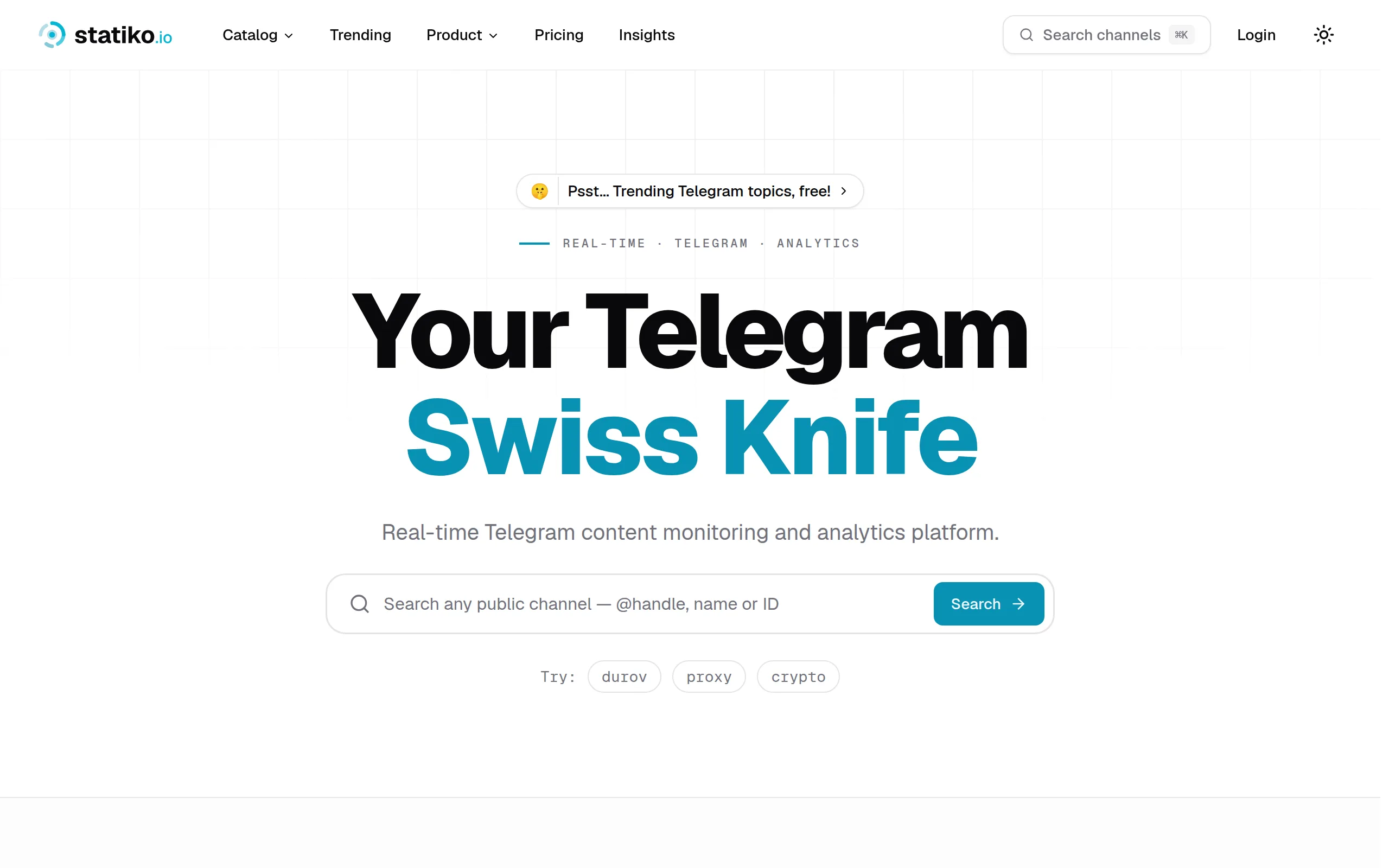
Statiko
Monitor any Telegram channel in real time - track posts, edits, deletions, and growth with AI recaps 📡
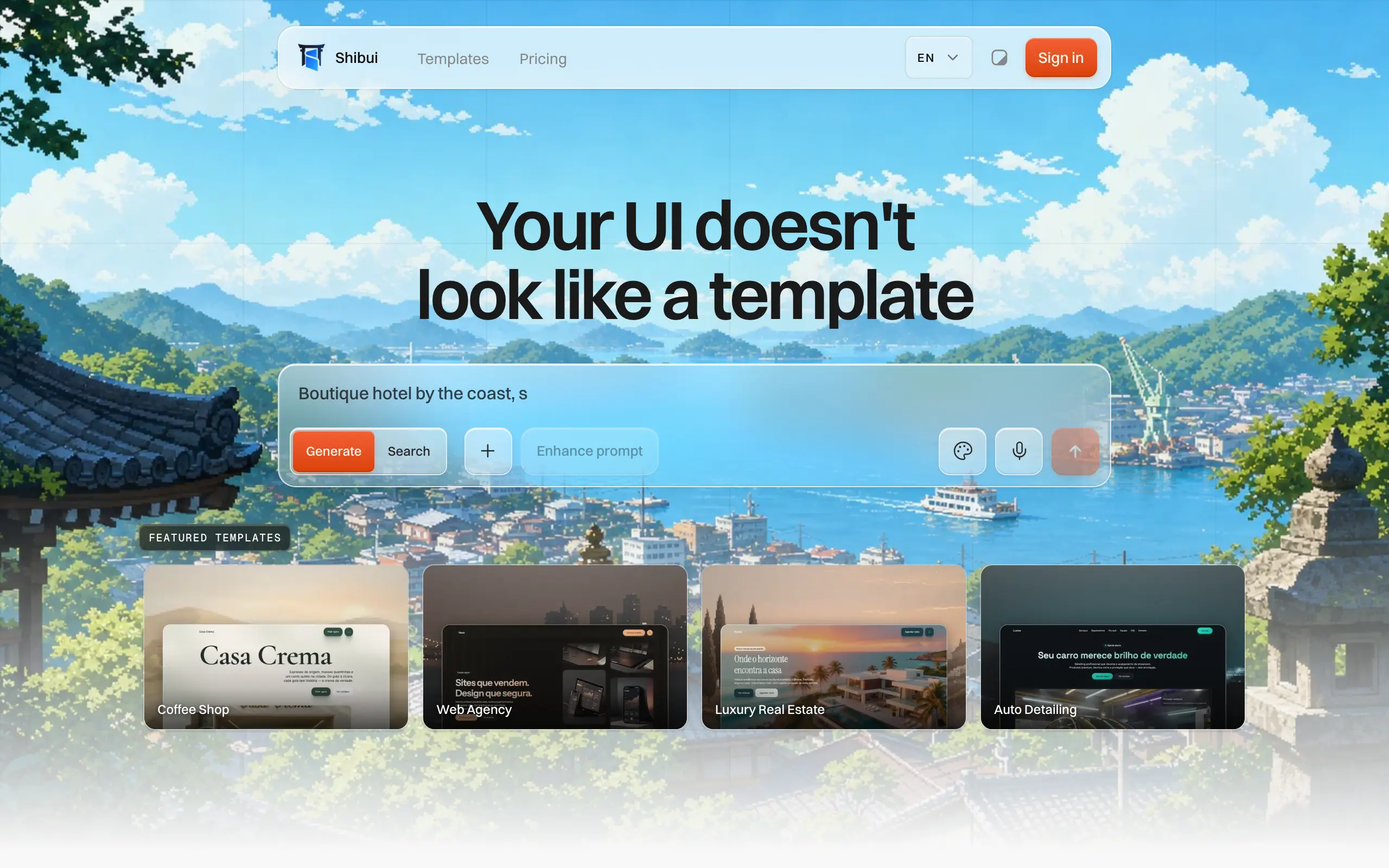
Shibui
AI website builder - describe your business, pick a niche template, edit by chatting, and publish instantly ✨
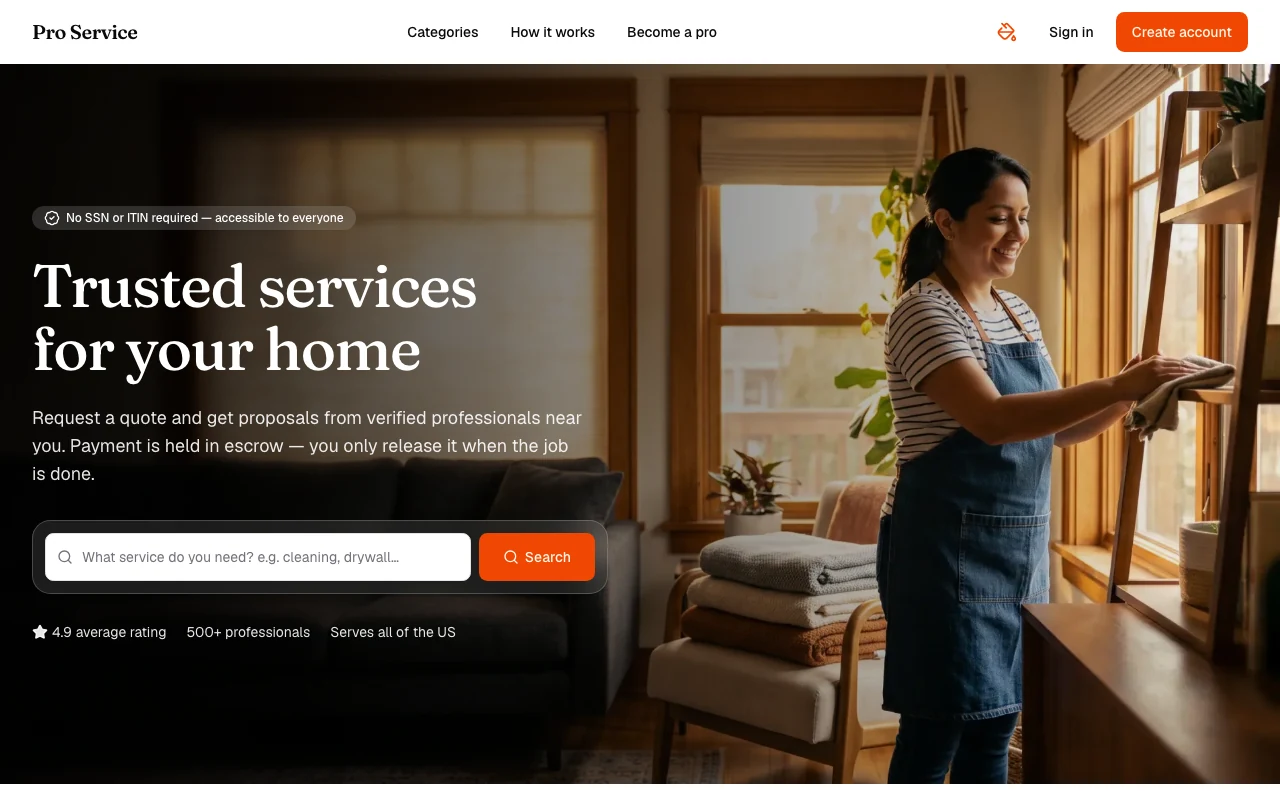
Pro Service
Find verified home service professionals, compare quotes, and pay securely through escrow - built for Brazilians across the US 🏠
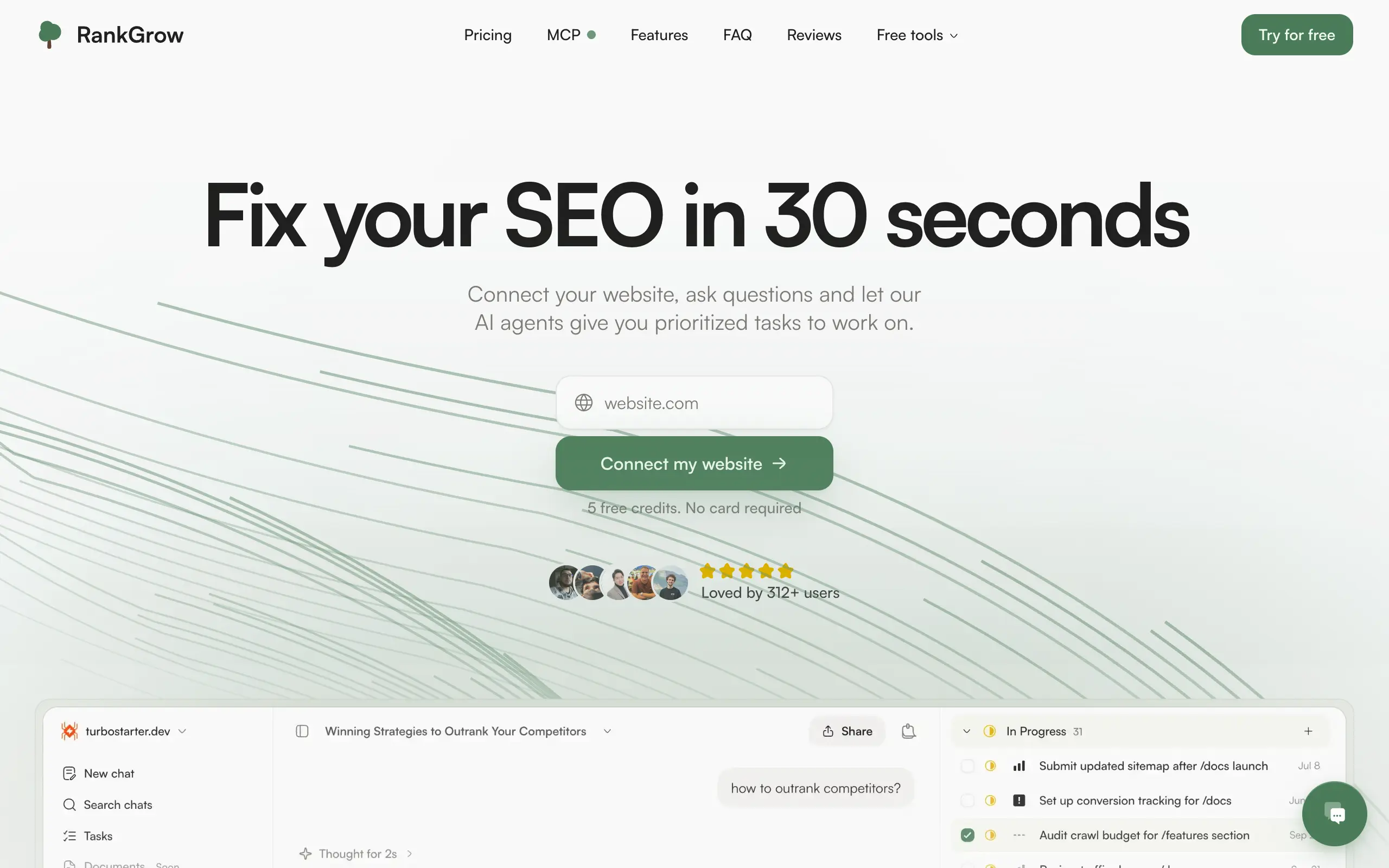
RankGrow
Fix your SEO with AI agents - connect Search Console, get prioritized tasks, and grow organic traffic 📈
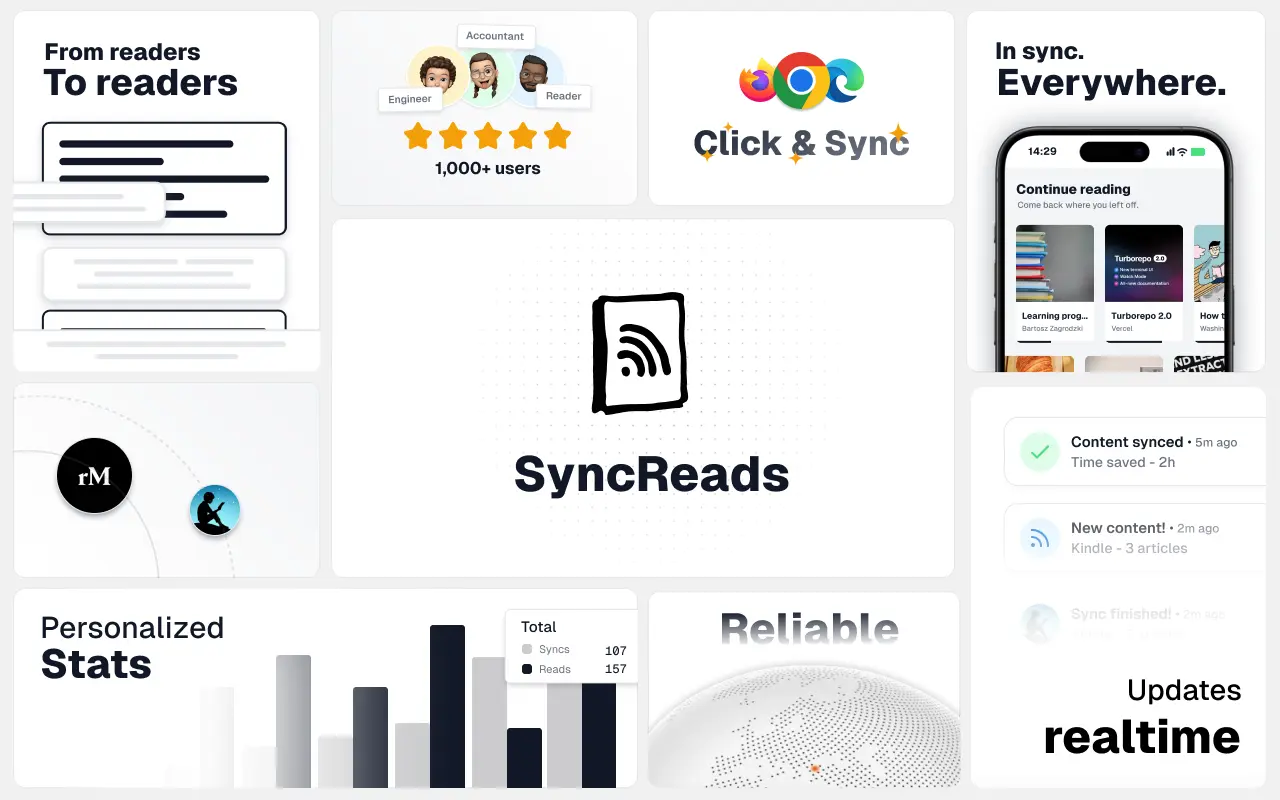
SyncReads
Sync your favorite content for distraction-free reading, save time and replace multiple apps. Anytime, anywhere 🔄
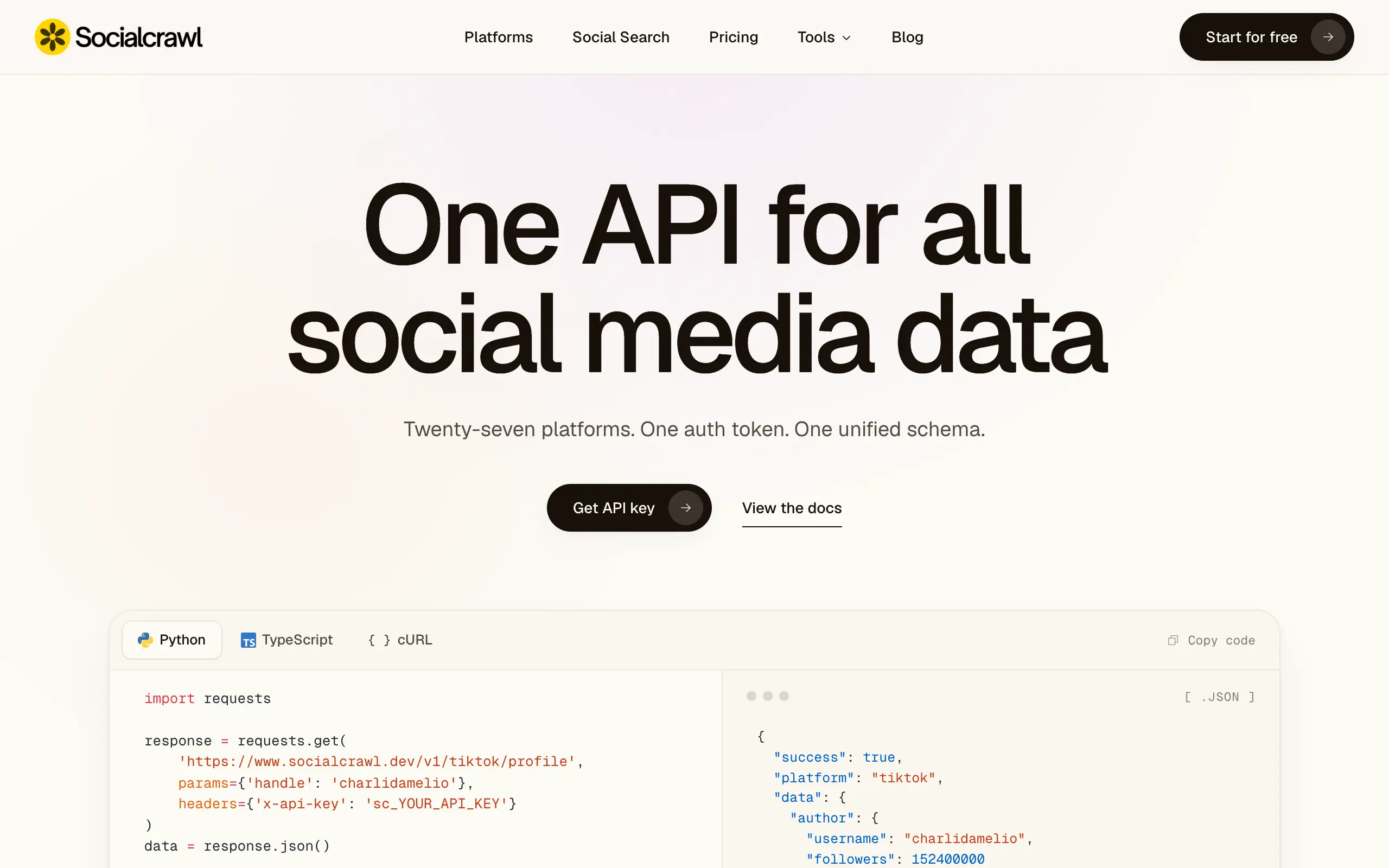
Socialcrawl
Get clean, structured data from 21 platforms like TikTok, Instagram, and YouTube with a single request 📊
Statiko
Monitor any Telegram channel in real time - track posts, edits, deletions, and growth with AI recaps 📡
Shibui
AI website builder - describe your business, pick a niche template, edit by chatting, and publish instantly ✨
Pro Service
Find verified home service professionals, compare quotes, and pay securely through escrow - built for Brazilians across the US 🏠
RankGrow
Fix your SEO with AI agents - connect Search Console, get prioritized tasks, and grow organic traffic 📈
SyncReads
Sync your favorite content for distraction-free reading, save time and replace multiple apps. Anytime, anywhere 🔄
Socialcrawl
Get clean, structured data from 21 platforms like TikTok, Instagram, and YouTube with a single request 📊
Statiko
Monitor any Telegram channel in real time - track posts, edits, deletions, and growth with AI recaps 📡
Shibui
AI website builder - describe your business, pick a niche template, edit by chatting, and publish instantly ✨
Pro Service
Find verified home service professionals, compare quotes, and pay securely through escrow - built for Brazilians across the US 🏠
RankGrow
Fix your SEO with AI agents - connect Search Console, get prioritized tasks, and grow organic traffic 📈
SyncReads
Sync your favorite content for distraction-free reading, save time and replace multiple apps. Anytime, anywhere 🔄
Socialcrawl
Get clean, structured data from 21 platforms like TikTok, Instagram, and YouTube with a single request 📊
Statiko
Monitor any Telegram channel in real time - track posts, edits, deletions, and growth with AI recaps 📡
Shibui
AI website builder - describe your business, pick a niche template, edit by chatting, and publish instantly ✨
Pro Service
Find verified home service professionals, compare quotes, and pay securely through escrow - built for Brazilians across the US 🏠
RankGrow
Fix your SEO with AI agents - connect Search Console, get prioritized tasks, and grow organic traffic 📈
SyncReads
Sync your favorite content for distraction-free reading, save time and replace multiple apps. Anytime, anywhere 🔄
Socialcrawl
Get clean, structured data from 21 platforms like TikTok, Instagram, and YouTube with a single request 📊
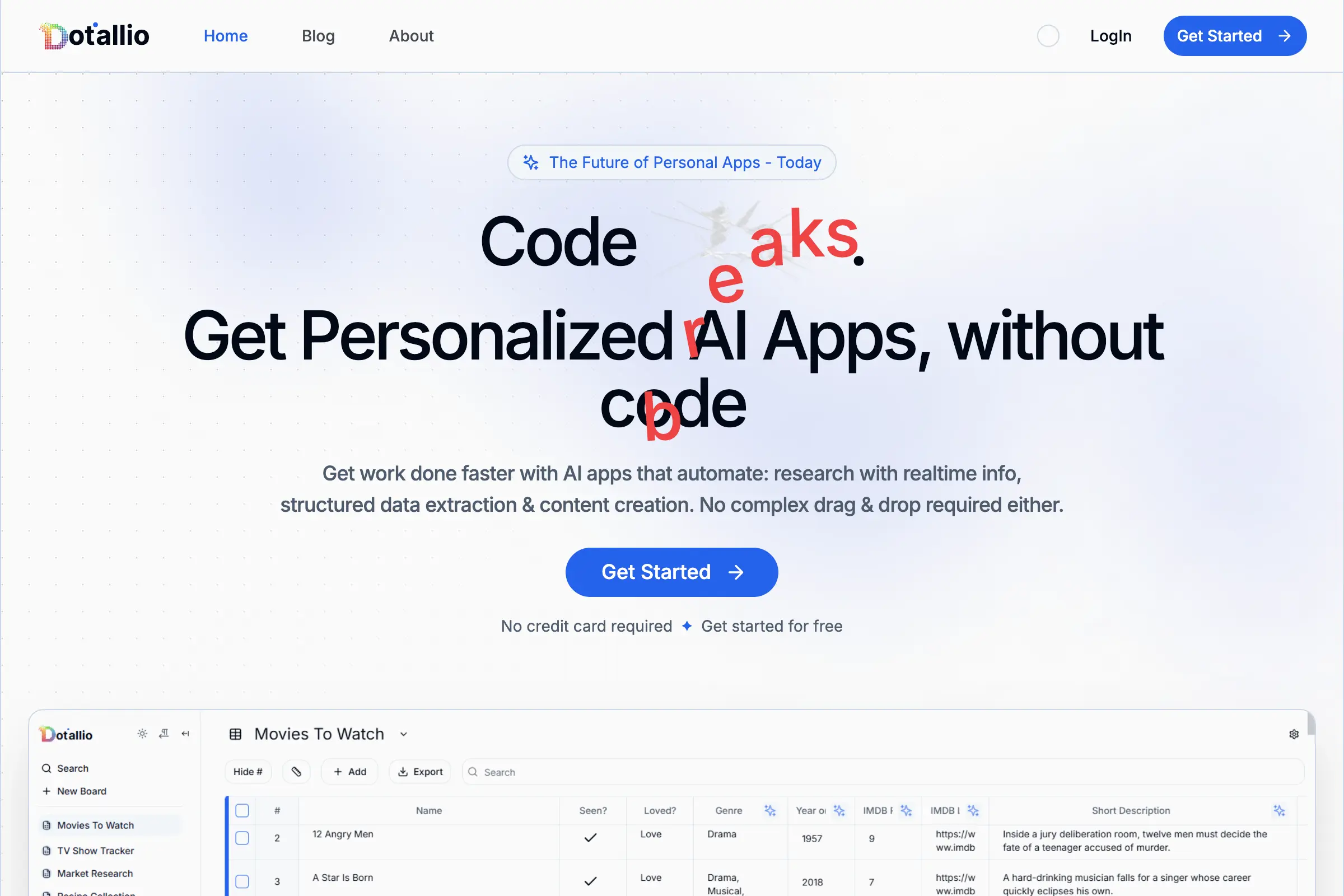
Dotallio
Personalized AI apps that automate research, data extraction, and content creation without code 🤖
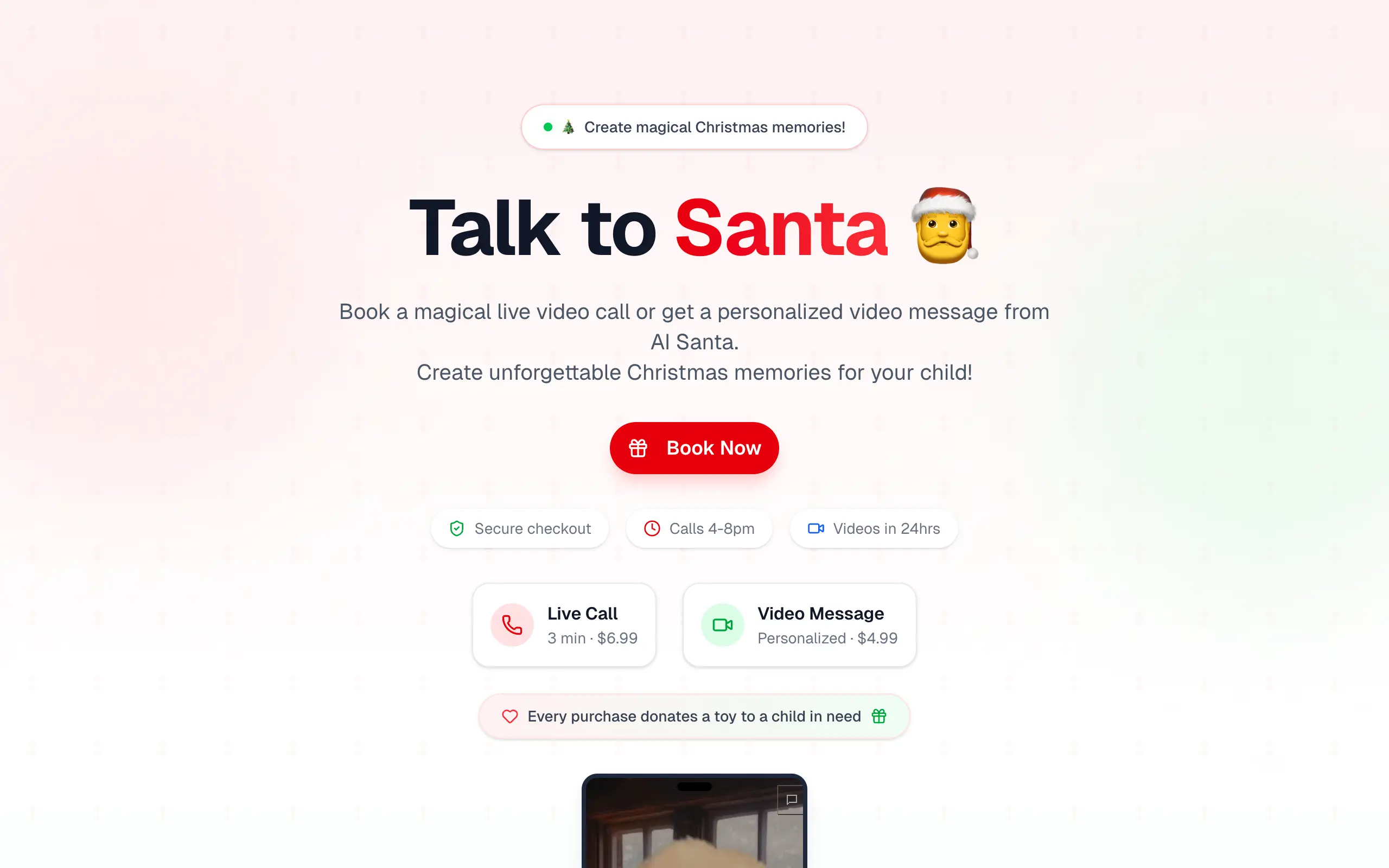
Talk to Santa
Enjoy a magical live video chat or receive a unique AI-generated video greeting from Santa Claus 🎅
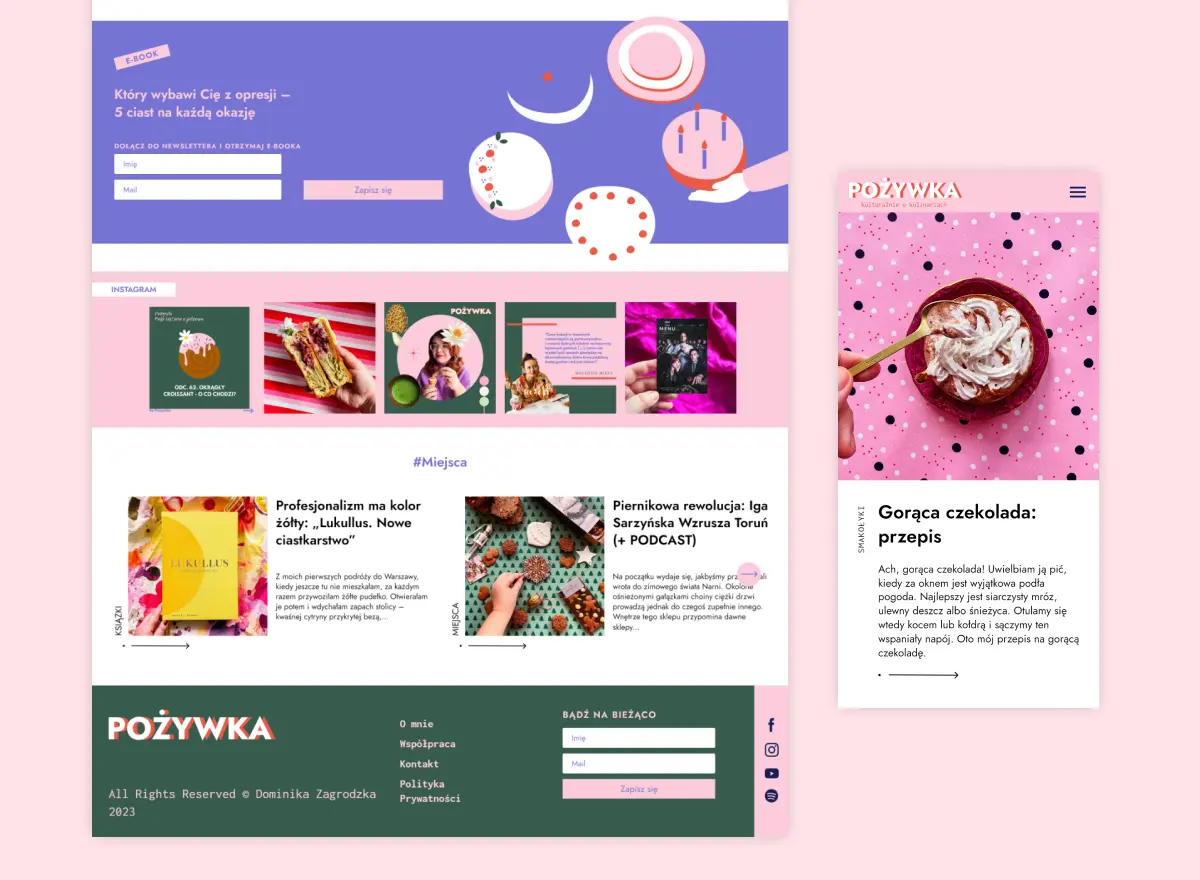
pozywka.pl
Scalable blog for food journalist, focused on performance and user experience 🌭
zagrodzki.me
Personal blog and portfolio of Bart Zagrodzki, where he shares his knowledge and work 💼
TurboStarter
Ship your startup everywhere. In minutes.
HTML to Markdown
Convert HTML to Markdown with ease, directly in your browser 📄
Dotallio
Personalized AI apps that automate research, data extraction, and content creation without code 🤖
Talk to Santa
Enjoy a magical live video chat or receive a unique AI-generated video greeting from Santa Claus 🎅
pozywka.pl
Scalable blog for food journalist, focused on performance and user experience 🌭
zagrodzki.me
Personal blog and portfolio of Bart Zagrodzki, where he shares his knowledge and work 💼
TurboStarter
Ship your startup everywhere. In minutes.
HTML to Markdown
Convert HTML to Markdown with ease, directly in your browser 📄
Dotallio
Personalized AI apps that automate research, data extraction, and content creation without code 🤖
Talk to Santa
Enjoy a magical live video chat or receive a unique AI-generated video greeting from Santa Claus 🎅
pozywka.pl
Scalable blog for food journalist, focused on performance and user experience 🌭
zagrodzki.me
Personal blog and portfolio of Bart Zagrodzki, where he shares his knowledge and work 💼
TurboStarter
Ship your startup everywhere. In minutes.
HTML to Markdown
Convert HTML to Markdown with ease, directly in your browser 📄
Dotallio
Personalized AI apps that automate research, data extraction, and content creation without code 🤖
Talk to Santa
Enjoy a magical live video chat or receive a unique AI-generated video greeting from Santa Claus 🎅
pozywka.pl
Scalable blog for food journalist, focused on performance and user experience 🌭
zagrodzki.me
Personal blog and portfolio of Bart Zagrodzki, where he shares his knowledge and work 💼
TurboStarter
Ship your startup everywhere. In minutes.
HTML to Markdown
Convert HTML to Markdown with ease, directly in your browser 📄
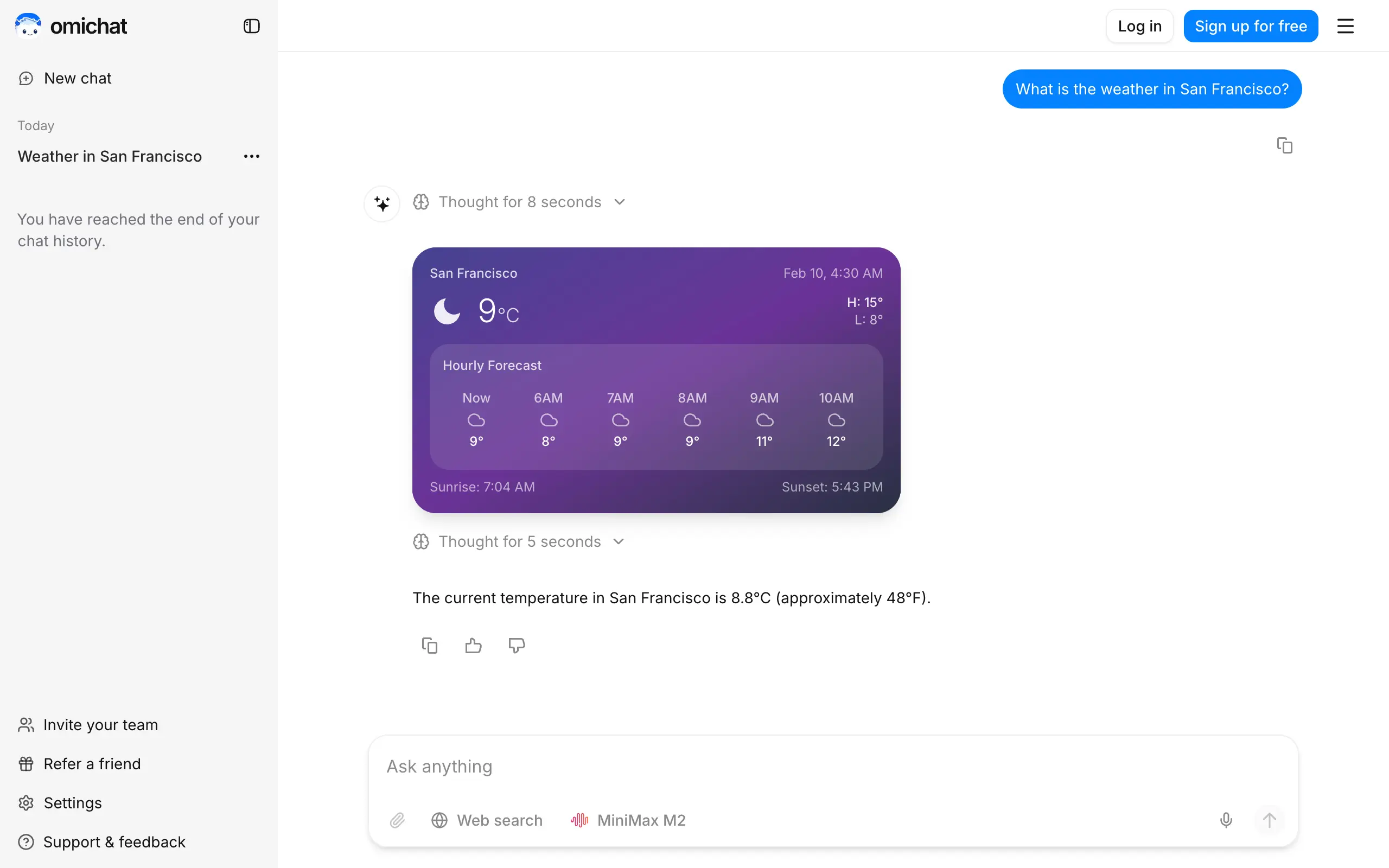
Omichat
Chat with 50+ AI models, including ChatGPT and Claude, in one place - switch models anytime without losing context 🤖
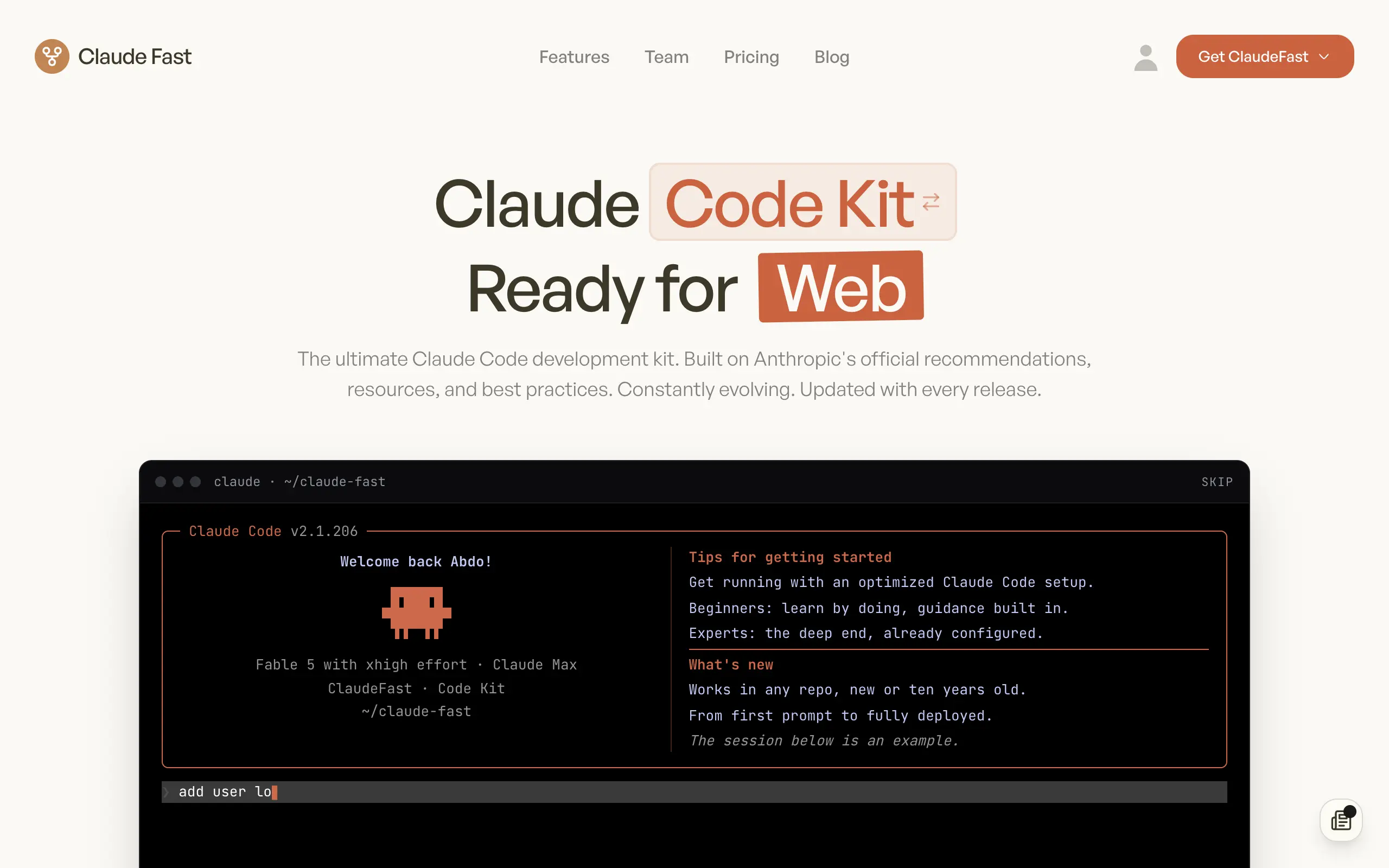
Claude Fast
Supercharge your Claude Code with 6x effective context window and specialized AI agents 🤖
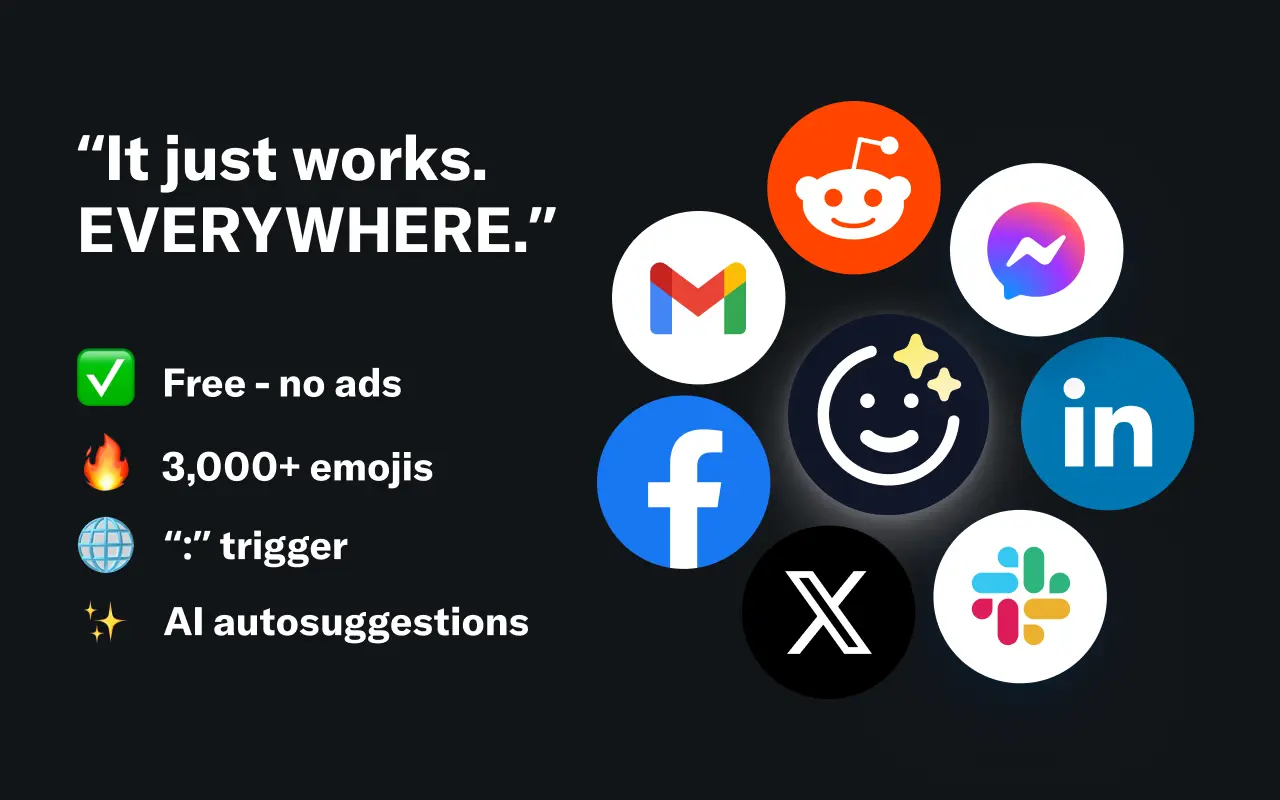
EmojAI
AI-powered emoji picker with smart, context-aware suggestions 🤖
Solohacker
Autonomous company launcher - AI agents work 24/7, escalate what matters, and you stay in control 🤖
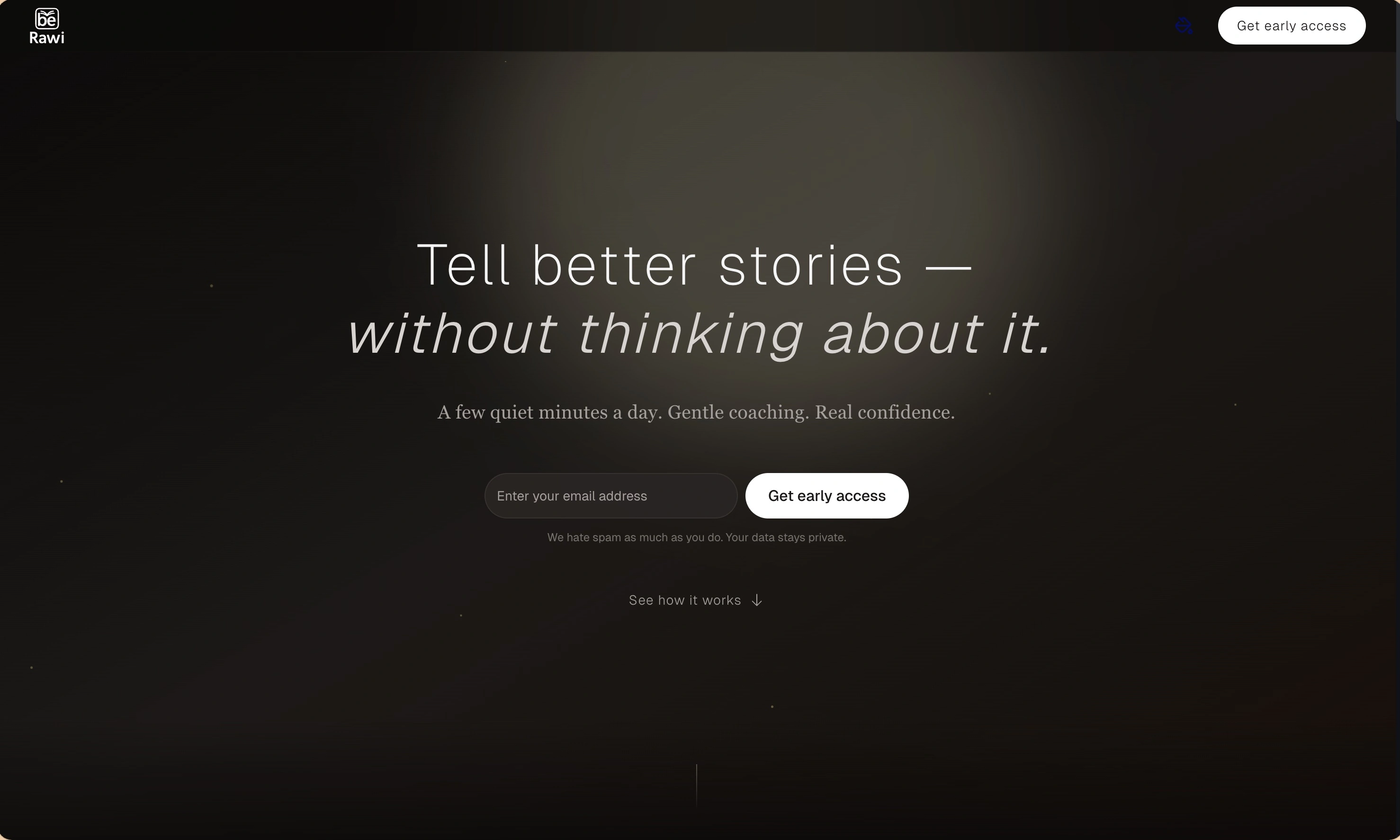
BeRawi: Storytelling Coach
Practice storytelling daily with instant feedback to sound clearer, more engaging, and confident 🎤
Omichat
Chat with 50+ AI models, including ChatGPT and Claude, in one place - switch models anytime without losing context 🤖
Claude Fast
Supercharge your Claude Code with 6x effective context window and specialized AI agents 🤖
EmojAI
AI-powered emoji picker with smart, context-aware suggestions 🤖
Solohacker
Autonomous company launcher - AI agents work 24/7, escalate what matters, and you stay in control 🤖
BeRawi: Storytelling Coach
Practice storytelling daily with instant feedback to sound clearer, more engaging, and confident 🎤
Omichat
Chat with 50+ AI models, including ChatGPT and Claude, in one place - switch models anytime without losing context 🤖
Claude Fast
Supercharge your Claude Code with 6x effective context window and specialized AI agents 🤖
EmojAI
AI-powered emoji picker with smart, context-aware suggestions 🤖
Solohacker
Autonomous company launcher - AI agents work 24/7, escalate what matters, and you stay in control 🤖
BeRawi: Storytelling Coach
Practice storytelling daily with instant feedback to sound clearer, more engaging, and confident 🎤
Omichat
Chat with 50+ AI models, including ChatGPT and Claude, in one place - switch models anytime without losing context 🤖
Claude Fast
Supercharge your Claude Code with 6x effective context window and specialized AI agents 🤖
EmojAI
AI-powered emoji picker with smart, context-aware suggestions 🤖
Solohacker
Autonomous company launcher - AI agents work 24/7, escalate what matters, and you stay in control 🤖
BeRawi: Storytelling Coach
Practice storytelling daily with instant feedback to sound clearer, more engaging, and confident 🎤

Connect with like-minded people
Join our community to get feedback, support, and grow together with 1,000+ builders on board, let's ship it!
Join usShip your startup everywhere. In minutes.
Don't burn tokens on setup and start building features on day one.