TeamSync Lab
Organize student software projects with lightweight stand-ups, GitHub activity, task ownership, and peer contribution snapshots in one app.
Why student software teams need a purpose-built coordination layer
Student software projects are often evaluated as if they operate like professional product teams. In reality, they face a very different operating environment. Team members balance lectures, exams, part-time work, changing schedules, group deadlines, and uneven technical experience. A project may look healthy during a weekly meeting, then stall because nobody clearly owns the next task, a pull request sits unreviewed, or one contributor quietly carries most of the implementation work.
TeamSync Lab is a mobile-first student software project management app designed to solve that coordination problem. It combines lightweight stand-ups, GitHub activity, task ownership, and peer contribution snapshots in one focused workspace.
The core opportunity is not to build another generic task board. Students already have access to tools such as spreadsheets, group chats, GitHub Projects, Notion, Trello, and Discord. The gap is that these tools typically make students assemble their own process. They do not connect daily accountability, source-control evidence, contribution visibility, and instructor-ready reporting in a simple experience.
A student software project management app should answer practical questions quickly:
- Who owns each active task?
- What did each team member complete this week?
- Which work is blocked and needs help?
- Is GitHub activity aligned with the team’s stated progress?
- Are contributions distributed fairly?
- What should the team discuss in the next stand-up?
- How can an instructor assess collaboration without manually inspecting every commit?
TeamSync Lab can become the operational hub for capstone groups, hackathon teams, computer science courses, coding bootcamps, and student developer clubs.
The product thesis
The strongest version of TeamSync Lab does not compete by offering more project-management features. It wins by making student collaboration visible, low-friction, fairer, and easier to assess.
Target audience for a student software project management app
The ideal audience is not one broad category called “students.” TeamSync Lab serves several users with different motivations, workflows, and willingness to pay.
Primary users: student software project teams
The primary end users are teams of three to eight students building a web app, mobile app, machine learning prototype, game, API, or full-stack capstone project.
These students commonly use GitHub but may lack experience with agile rituals, project estimation, task decomposition, code review, or transparent collaboration practices. They need an app that feels helpful rather than managerial.
Their most important jobs to be done include:
- Turning a vague project brief into owned, actionable work
- Keeping meetings short and productive
- Showing teammates what they completed without writing lengthy updates
- Identifying blockers before a deadline is at risk
- Connecting code activity to project progress
- Building evidence of personal contribution for peer reviews or portfolios
- Avoiding uncomfortable disputes over unequal participation
For this group, a mobile-first workflow is valuable because collaboration does not happen only at a laptop. Students may update a stand-up while commuting, check an assignment deadline between classes, or respond to a blocker from a phone.
Secondary users: instructors and teaching assistants
Instructors, teaching assistants, and course coordinators need a different outcome. They do not need to micromanage student teams, but they need enough visibility to intervene early and grade fairly.
Their key needs include:
- Viewing project health across many teams
- Spotting inactive teams or persistent blockers
- Reviewing contribution patterns over a sprint or semester
- Collecting peer feedback in a structured way
- Reducing the administrative workload of group assessment
- Creating defensible, evidence-based grading records
A well-designed instructor view can make TeamSync Lab especially valuable in software engineering, human-computer interaction, computer science capstones, and bootcamp cohort programs.
Tertiary users: student organizations and hackathon teams
Student developer clubs, startup societies, open-source groups, and hackathon participants have shorter project cycles but similar coordination challenges.
They need fast onboarding and minimal process overhead. A club lead may want to see whether volunteers are making progress, while a hackathon team may need a simple way to assign work and track decisions over a single weekend.
Student teams
Need clarity, accountability, and a lightweight daily workflow that does not feel like corporate project management.
Educators
Need project visibility and credible collaboration evidence without reading every repository commit.
Programs and clubs
Need repeatable team coordination for cohorts, hackathons, demos, and portfolio-building projects.
Market gap: why GitHub and task boards are not enough
GitHub is essential for software projects, but it is not a complete student collaboration system. A commit shows that code changed. It does not reliably show why the work mattered, whether it was planned, whether a teammate was blocked, or how the team divided non-code responsibilities such as research, UI design, testing, documentation, and presentations.
Likewise, generic project tools are flexible, but flexibility can create friction. Students must decide how to structure boards, define statuses, run stand-ups, assign tasks, and report progress. Many teams skip these habits until project deadlines become urgent.
The key market gap sits between developer workflow tools and educational collaboration tools.
| Need | GitHub alone | Generic task board | TeamSync Lab opportunity | Instructor value |
|---|---|---|---|---|
| Code activity | Strong | Limited | Connect commits and pull requests to owned work | Visible technical evidence |
| Daily accountability | Weak | Manual setup | Mobile stand-ups with reminders and blocker prompts | Earlier intervention |
| Fair contribution insight | Incomplete | Self-reported | Balanced snapshot across code, tasks, reviews, and collaboration | More defensible assessment |
| Academic workflow | Not designed for it | Not designed for it | Milestones, peer feedback, and course-level dashboards | Less grading overhead |
A defensible market thesis is that student teams do not need enterprise-grade project management. They need structured simplicity. That means fewer screens, clearer defaults, mobile-friendly actions, and language that matches academic projects instead of corporate delivery processes.
Recent trends support this positioning:
- Software engineering programs increasingly assess teamwork alongside technical output.
- Hybrid and asynchronous learning make informal in-person coordination less reliable.
- GitHub-based portfolios have become a common proof point for early-career developers.
- AI coding tools may increase implementation speed, but they also make task ownership, review, and contribution context more important.
- Educators need more transparent ways to distinguish individual learning from group output.
When validating these trends for investor materials or a university sales page, cite current sources from organizations such as EDUCAUSE, GitHub Education, ACM, or institutional learning and teaching reports. Avoid using uncited headline statistics, particularly around market size, adoption, or learning outcomes.
The TeamSync Lab solution and unique selling proposition
TeamSync Lab should position itself as the mobile collaboration layer for student software teams.
Its unique selling proposition is the combination of four evidence streams in one simple product:
- Lightweight stand-ups that capture progress, plans, and blockers
- Task ownership that makes responsibilities explicit
- GitHub activity that provides technical context
- Peer contribution snapshots that reveal collaboration patterns over time
Most alternatives cover one or two of these areas. TeamSync Lab can create a stronger product by connecting them without turning student work into surveillance.
That final point matters. The product should not imply that commit count equals contribution. Great student contributions may include product research, design systems, usability testing, documentation, QA, stakeholder interviews, sprint planning, code review, and deployment support. The app should present GitHub data as contextual evidence, not as a single productivity score.
Core product promise
A student should be able to open TeamSync Lab in under a minute and understand:
- What they own next
- Whether they owe the team an update
- What is blocked
- What their teammates are currently working on
- How the team is progressing toward the next milestone
An instructor should be able to open the dashboard and understand:
- Which teams are at risk
- Which teams have unresolved blockers
- Whether workload appears uneven
- Which groups need support before the next review
- Whether contribution records support a fair peer assessment discussion
Core features for TeamSync Lab
Lightweight stand-ups built for academic schedules
Traditional daily stand-ups can feel excessive for students who only meet a few times per week. TeamSync Lab should offer configurable check-in cadences, such as daily, twice weekly, weekly, or milestone-based.
Each check-in can use three short prompts:
- What did you complete since your last update?
- What are you working on next?
- Are you blocked or waiting on anyone?
The app should let users complete a stand-up in less than two minutes. Useful enhancements include:
- Smart reminders based on team-selected schedules
- One-tap reuse of recently completed tasks
- Blocker categories such as technical, dependency, feedback, scheduling, or unclear requirements
- Optional visibility controls for sensitive notes
- A team digest that summarizes updates before a meeting
- An automatic prompt when a user has not checked in for a configurable period
The goal is not to enforce ceremonial agile. It is to create a low-effort habit of making work visible.
Shared task ownership and milestone planning
The task system should be deliberately narrower than enterprise platforms. A student project management app does not need dozens of custom workflow states at launch.
A strong minimum workflow includes:
- Backlog
- Ready
- In progress
- In review
- Done
- Blocked
Every active task should have a clear owner, a due date when appropriate, and an optional GitHub issue or pull request connection. Teams should also be able to assign collaborators without weakening primary ownership.
Important task fields include:
- Task title and concise acceptance criteria
- Owner and optional collaborators
- Project milestone or sprint
- Status
- Priority
- Due date
- Linked GitHub issue, branch, pull request, or commit
- Evidence of completion
- Blocker status and blocker owner
This model makes the app useful to students who have never run a sprint while remaining compatible with teams that already use GitHub Issues.
GitHub activity integration with meaningful context
The GitHub integration is one of TeamSync Lab’s strongest acquisition and retention levers. Connecting a repository should feel simple, safe, and transparent.
Use the GitHub REST API and webhooks to retrieve relevant events, while clearly explaining what data is accessed and why. Users should see repository connections, permissions, and sync status within the app.
Instead of displaying a raw activity feed, translate events into project context:
- Pull requests linked to assigned tasks
- Reviews completed by teammates
- Issues opened, closed, or commented on
- Commits associated with a milestone
- Stale pull requests that may need review
- Repositories with no recent activity when work is expected
- Activity that occurred without a corresponding task, suggesting planning gaps
A practical activity timeline might say, “Maya merged the authentication flow pull request, completing the assigned login task,” rather than simply showing an opaque commit hash.
Avoid the commit-count trap
Do not rank students solely by commits, lines changed, or pull requests. These measures are easy to misread, may reward noisy code, and overlook critical non-code work. Contribution insights should combine quantitative signals with task evidence and peer context.
Peer contribution snapshots for fairer reflection
Peer evaluation is often rushed, emotional, and completed at the end of a project when memories are incomplete. TeamSync Lab can improve this process with periodic contribution snapshots.
A snapshot should combine several sources:
- Completed and active task ownership
- Stand-up consistency
- GitHub activity and review participation
- Documented blockers and support provided
- Peer recognition or structured feedback
- Self-reflection notes
- Non-code contribution categories
The output should be descriptive rather than punitive. For example, show a balanced view such as:
Jordan completed three assigned development tasks, reviewed four pull requests, and reported one unresolved design dependency. Peers recognized Jordan for supporting testing and deployment.
This approach gives students time to correct imbalance and gives instructors a richer basis for conversation.
Instructor and teaching assistant dashboard
The educator dashboard should prioritize exception management. An instructor managing 20 teams cannot inspect every team every day.
Useful dashboard signals include:
- Teams with no recent stand-up activity
- Tasks overdue beyond a configurable threshold
- Unresolved blockers
- Large ownership imbalance
- Missing repository integrations
- Milestone progress by team
- Peer review completion status
- Teams with potentially low collaboration participation
The dashboard should not make automated judgments about students. It should surface signals for human review.
Mobile-first notifications and offline resilience
Because TeamSync Lab is a mobile SaaS product, push notifications are central to the value proposition. Notifications should be timely and actionable, not noisy.
Good notification examples include:
- “Your stand-up is due today. It should take about one minute.”
- “A teammate marked the API task as blocked and mentioned you.”
- “Your pull request has been waiting for review for two days.”
- “Your team has three tasks due before Friday’s milestone.”
Support offline capture for stand-ups and task updates, then sync when a connection becomes available. This is especially useful for students moving between campus buildings, commuting, or working in environments with unreliable connectivity.
How the user journey should work
The first-run experience must get a team to value quickly. Asking users to configure an elaborate workspace before they can add a task will create abandonment.
A student creates or joins a team with an invite link, selects a project template, connects GitHub if applicable, adds the next milestone, and claims an initial task. The app then prompts the student for a short first check-in.
An instructor creates a course workspace, defines teams manually or imports a roster, sets check-in cadence, chooses contribution categories, and shares team invites. The instructor can begin with a basic health dashboard without requiring immediate repository access.
Students post brief updates, claim or complete tasks, review code, flag blockers, and prepare for a weekly meeting using the team digest. At the end of a milestone, they complete a contribution reflection and peer feedback snapshot.
The product should make GitHub optional at first. Some student teams may work on design, research, no-code prototypes, or early discovery before a repository exists. GitHub becomes a high-value enhancement, not an onboarding blocker.
Recommended technology stack for a mobile SaaS app
TeamSync Lab needs a stack that supports rapid iteration, reliable real-time collaboration, mobile notifications, GitHub integrations, and role-based access. A pragmatic architecture is more valuable than prematurely optimizing for massive scale.
Mobile application and web dashboard
For the mobile app, React Native with Expo is a strong choice. It allows a small team to build iOS and Android experiences from a shared TypeScript codebase while accelerating development of notifications, builds, and over-the-air updates.
For an instructor dashboard and marketing site, use Next.js with React. This combination supports a modern web experience, server-side rendering for public pages, and a shared TypeScript domain model with the mobile application.
Tailwind CSS is a sensible option for the web dashboard because it improves interface consistency and development speed. For React Native styling, use a compatible utility-first system or a focused component library, but avoid forcing a web-centric styling approach where platform-native behavior matters.
Backend, database, and real-time data
A PostgreSQL database is an excellent foundation because TeamSync Lab has relational data at its core. Users belong to courses, courses contain teams, teams own projects, projects contain tasks, and tasks connect to GitHub events and contribution records.
Recommended backend building blocks include:
- TypeScript services or server functions for shared type safety
- PostgreSQL for core relational data
- A background job queue for GitHub syncs, report generation, and reminders
- Object storage for optional attachments
- Real-time subscriptions for task updates and team activity
- Audit logs for educator-facing actions and permission changes
A backend platform such as Supabase can accelerate an MVP with authentication, PostgreSQL, storage, and real-time capabilities. The trade-off is that highly customized authorization logic, workflow orchestration, and complex analytics may eventually require more dedicated backend services. That is not a reason to avoid it early; it is a reason to model permissions carefully from day one.
Authentication and authorization
Support email authentication and university-friendly sign-in options where possible. Role-based access control should distinguish at least:
- Student
- Team lead
- Teaching assistant
- Instructor
- Organization administrator
Permissions must protect peer feedback, private reflections, and course data. A student should not be able to view confidential peer evaluations unless the course policy explicitly allows it.
GitHub integration architecture
Use GitHub OAuth for individual repository authorization and consider a GitHub App for more controlled organization-level installation flows. A GitHub App can provide scoped repository access and webhook-driven updates, which is usually preferable to frequent polling.
Key implementation safeguards include:
- Request the smallest necessary permission scope
- Encrypt tokens at rest
- Verify webhook signatures
- Handle deleted repositories and revoked access gracefully
- Store normalized event data rather than relying on repeated API calls
- Respect API rate limits with queues and backoff logic
- Show users the last successful sync time
AI features: useful, but not foundational
AI can improve the product without becoming the core promise. Examples include summarizing a week’s stand-ups, suggesting a meeting agenda, identifying duplicated tasks, or converting vague task descriptions into acceptance criteria.
However, AI-generated contribution judgments are risky. The application should never autonomously determine student grades or label a student as underperforming based on incomplete behavioral data.
A safer implementation uses AI as an optional drafting tool:
type StandupSummaryInput = {
  completed: string[]
  planned: string[]
  blockers: string[]
  linkedTasks: string[]
}

export function buildWeeklySummary(input: StandupSummaryInput) {
  return {
    prompt: `
      Summarize this student software team's weekly progress.
      Preserve uncertainty, highlight blockers, and do not score individuals.
      Completed work: ${input.completed.join(", ")}
      Planned work: ${input.planned.join(", ")}
      Blockers: ${input.blockers.join(", ")}
      Linked tasks: ${input.linkedTasks.join(", ")}
    `
  }
}
The human user should always review, edit, and approve generated text before sharing it.
Monetization strategies for TeamSync Lab
The best monetization model depends on whether TeamSync Lab enters through students or educators. A hybrid strategy can work well.
Freemium for student teams
A free tier can drive adoption among student teams and hackathon participants. It should provide enough value to establish a habit.
Potential free plan inclusions:
- One active team workspace
- Basic task ownership
- Stand-ups
- Limited GitHub repository connection
- Recent activity history
- Basic contribution snapshot
A paid student plan could add longer history, advanced exports, multiple projects, custom reminder schedules, portfolio-ready project summaries, and enhanced analytics. However, student willingness to pay is usually limited, so this should not be the primary revenue engine.
Course and instructor subscriptions
The strongest business model is likely a per-course or per-seat educator plan. Instructors and departments have clearer value because the product saves administrative time and supports more consistent group assessment.
Pricing could be structured around:
- Per active student per term
- Per course section
- Per instructor workspace
- Department license with volume discounts
The paid educator tier should include cohort dashboards, configurable peer review forms, exportable reports, grading workflow support, teaching assistant permissions, and longer audit history.
Institutional licensing
Universities, bootcamps, and coding academies may prefer annual licenses. This model offers larger contract values but comes with longer procurement cycles, privacy reviews, accessibility requirements, and integration expectations.
Institutional features may include:
- Single sign-on
- Learning management system integrations
- Data retention controls
- Accessibility documentation
- Dedicated onboarding
- Department-level analytics
- Custom branding
- Procurement and security documentation
Ethical monetization principle
Do not monetize by selling student behavioral data or turning contribution analytics into opaque surveillance. Trust is a product feature in education. Clear privacy policies and restrained data collection will support retention more effectively than aggressive data extraction.
Competitive advantage and defensibility
TeamSync Lab will face competition from established project management, communication, and developer tools. Its defensibility comes from workflow depth and audience focus, not from trying to replace every existing tool.
The product is purpose-built for student software collaboration
Generic tools ask users to create a process. TeamSync Lab provides a student-friendly process by default:
- Check-ins instead of heavyweight agile ceremony
- Milestones instead of enterprise roadmaps
- Contribution snapshots instead of simplistic activity leaderboards
- Instructor signals instead of broad executive analytics
- GitHub context without requiring students to live in GitHub
This product language matters. Students and educators should immediately see that the app understands their environment.
The data model becomes more valuable over time
As a project progresses, TeamSync Lab accumulates structured collaboration history. The combination of tasks, stand-ups, GitHub events, blockers, reviews, and peer reflections creates useful context that is difficult to reconstruct in a spreadsheet at semester end.
This history supports:
- Better retrospective discussions
- More credible peer feedback
- Useful portfolio summaries
- Earlier instructor intervention
- Department-level insight into recurring project challenges
The defensible asset is not raw activity data. It is the trusted, contextual relationship between planned work, completed work, technical evidence, and human reflection.
Distribution can be built into academic workflows
A student-led product can spread team by team, especially through capstones, hackathons, and developer clubs. An instructor-led product can spread course by course.
Early distribution channels should include:
- Computer science departments
- Software engineering instructors
- Coding bootcamps
- GitHub Campus Experts and student developer communities
- Hackathon organizers
- University entrepreneurship centers
- Student project incubators
The most effective early growth loop is likely simple. A student joins a team, sees a clear contribution record, then recommends the app to the next group project. Instructors amplify that loop by making TeamSync Lab the recommended coordination workspace for a course.
Risks and mitigation strategies
Risk: students perceive the app as surveillance
If TeamSync Lab looks like a productivity tracker, students may resist adoption or try to game metrics.
Mitigation should include:
- Explain clearly what data is collected and why
- Make GitHub metrics contextual, not determinative
- Let instructors configure visibility appropriately
- Support non-code contribution categories
- Avoid public rankings and simplistic scores
- Give students access to their own records and corrections
- Use human review for any high-stakes academic decision
Risk: GitHub data is incomplete or misleading
Not all work occurs in a repository. Some students may pair program, use a single account, work on documentation, or contribute through design and testing.
Mitigation should include:
- Let users attach evidence to tasks beyond GitHub
- Include peer recognition and self-reflection
- Support manual links to documents or design artifacts
- Present GitHub events as one signal among several
- Let instructors disable contribution comparisons if unsuitable for a course
Risk: feature creep against mature project management tools
Building roadmaps, chat, documents, calendars, issue trackers, and full CI/CD management would dilute the product.
Mitigation is disciplined positioning. TeamSync Lab should integrate with the tools students already use rather than replace them all. Focus on the coordination layer and the contribution evidence layer.
Risk: education sales cycles are slow
University procurement and privacy approval can take months.
Mitigation should include a bottom-up adoption path. Offer a useful self-serve version for student teams and individual instructors, then use validated adoption data to support department-level conversations.
Risk: privacy and compliance requirements increase
Educational data can trigger requirements around consent, retention, data access, and regional privacy laws.
Mitigation should include privacy-by-design practices from the MVP:
- Collect only necessary data
- Define retention windows
- Implement deletion workflows
- Keep audit logs for sensitive actions
- Document subprocessors
- Obtain professional legal and security guidance before enterprise sales
- Prepare accessibility and security documentation early
No. The strongest product strategy is to complement GitHub Projects and GitHub Issues. Teams that already use GitHub for planning can sync or link work, while TeamSync Lab adds mobile stand-ups, course-aware milestones, contribution reflection, and educator visibility.
They can provide supporting evidence, but they should not be the sole basis for grading. Instructors should combine snapshots with project outcomes, individual reflections, demonstrations, peer feedback, and their own academic judgment.
Exclude chat, complex custom workflows, automated grading, employee-style productivity scoring, broad document editing, and deep enterprise integrations. These features add complexity without proving the core collaboration problem is solved.
A practical MVP scope and implementation roadmap
The initial version should prove one critical behavior: student teams consistently make ownership and progress visible, while educators can identify where support is needed.
Build the MVP around a single course or capstone workflow before expanding to broader student productivity.
Define the first ideal customer profile. Start with software engineering instructors running team-based projects of six to twelve weeks. Interview at least 15 instructors, teaching assistants, and students about how they currently run stand-ups, assess contribution, and resolve team conflict.
Prototype the core student loop. Build team creation, invitations, task ownership, short stand-ups, a basic activity feed, and weekly team summaries. Test whether students complete check-ins without instructor pressure.
Add GitHub as an opt-in integration. Start with repository connection, issue links, pull request visibility, and a simple recent activity timeline. Do not attempt complex contribution scoring in the first release.
Create a focused instructor dashboard. Show team health, missing check-ins, blocked tasks, milestone progress, and basic contribution context. Validate whether these signals help instructors intervene earlier.
Pilot with a small number of real courses. Measure activation, weekly active teams, stand-up completion, task ownership coverage, repository connection rate, and instructor retention through the end of term.
Use pilot feedback to refine contribution snapshots, privacy controls, and reporting. Only then add monetizable educator features such as exports, configurable peer reviews, and multi-course administration.
A useful initial success metric is not simply downloads. Measure whether active teams create a repeatable coordination habit. For example, track the percentage of teams that complete at least two check-ins per member per week, assign owners to active tasks, and review a weekly summary before a milestone.
For implementation speed, use a proven SaaS foundation rather than spending weeks rebuilding authentication, billing, dashboard infrastructure, and application scaffolding. TurboStarter can help accelerate the web SaaS foundation so the product team can spend more time on the differentiated student collaboration workflow.
Final perspective: build trust before analytics
TeamSync Lab has a compelling opportunity because student software projects need more than a to-do list and more than a repository. They need a lightweight system that helps teams coordinate work, surface blockers, recognize different kinds of contribution, and give educators useful context without creating a surveillance culture.
The winning product will make collaboration easier for students first. When students see that the app reduces confusion, clarifies ownership, and protects them from invisible work, they will adopt it more willingly. Instructor dashboards, contribution reporting, and institutional plans then become natural extensions of a trusted student workflow.
Start small, validate with real courses, integrate GitHub thoughtfully, and treat contribution data as a conversation starter rather than a verdict. That positioning gives TeamSync Lab a clear path to becoming an essential mobile SaaS platform for student software project management.
More 📱 Mobile App SaaS ideas
Discover more innovative mobile app SaaS ideas that are trending in 2026. Each idea is AI-generated with market validation and growth potential to help you find your next profitable venture faster than competitors.
Your competitors are building with TurboStarter
Below are some of the SaaS ideas that have been generated and built with our starter kit.
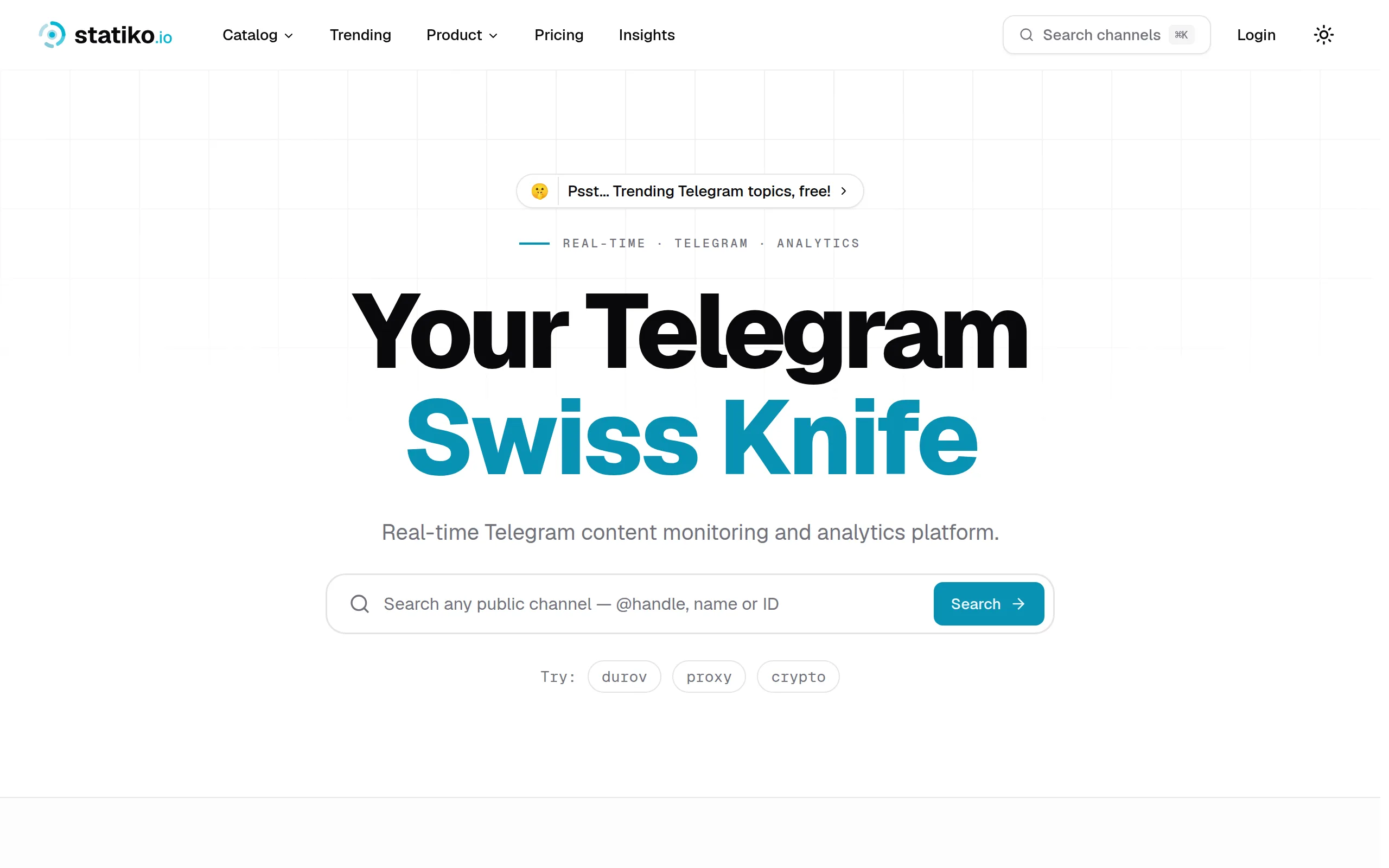
Statiko
Monitor any Telegram channel in real time - track posts, edits, deletions, and growth with AI recaps 📡

Shibui
AI website builder - describe your business, pick a niche template, edit by chatting, and publish instantly ✨

Pro Service
Find verified home service professionals, compare quotes, and pay securely through escrow - built for Brazilians across the US 🏠
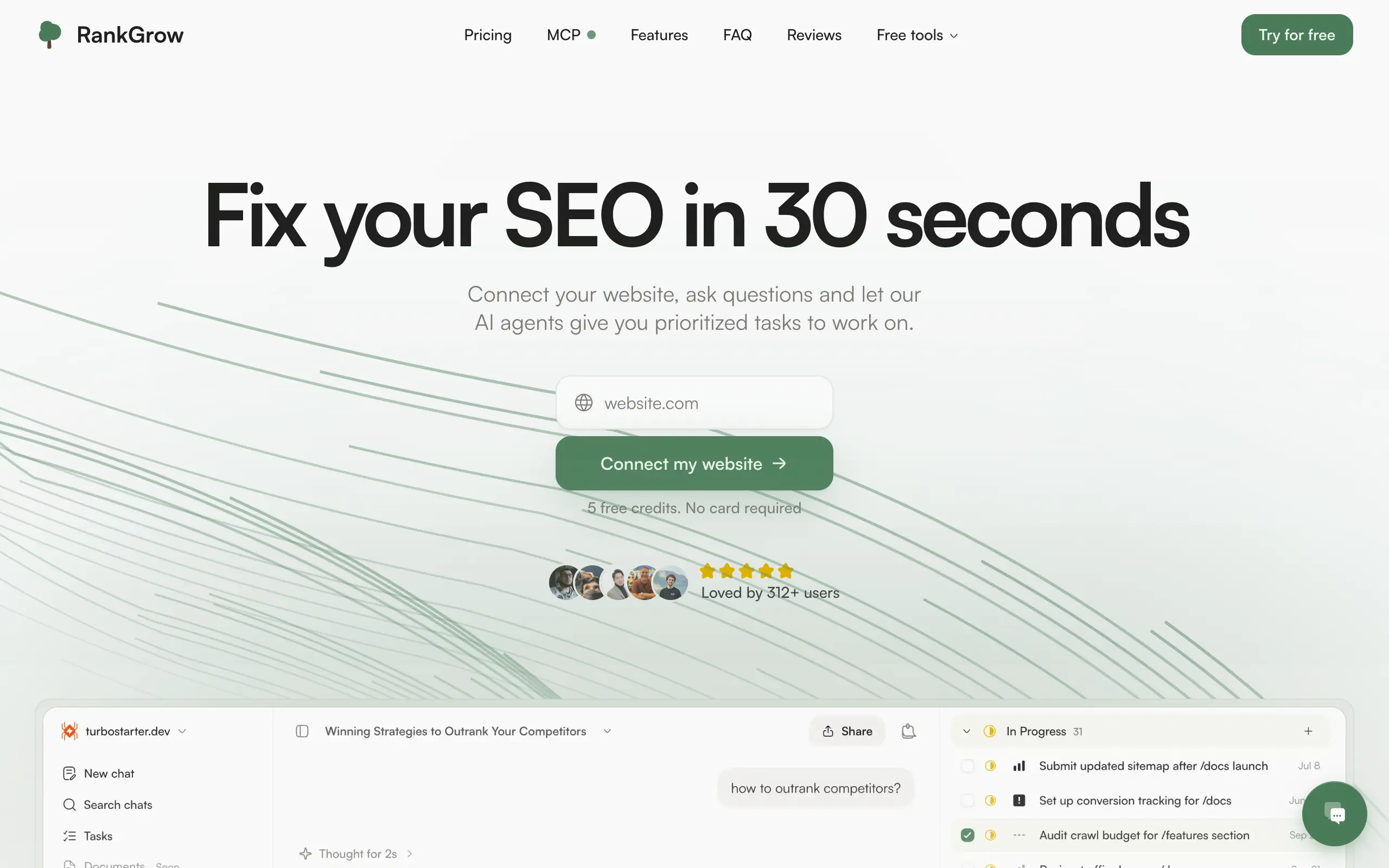
RankGrow
Fix your SEO with AI agents - connect Search Console, get prioritized tasks, and grow organic traffic 📈
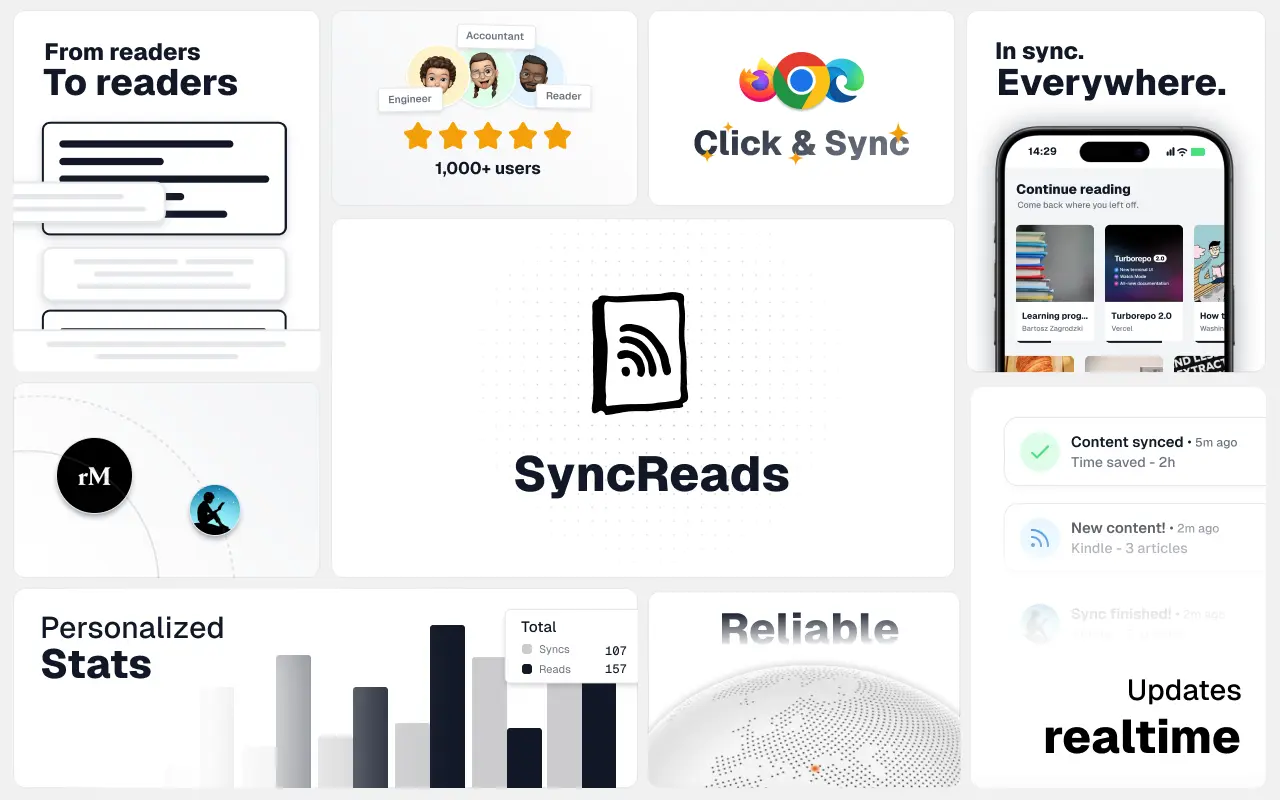
SyncReads
Sync your favorite content for distraction-free reading, save time and replace multiple apps. Anytime, anywhere 🔄
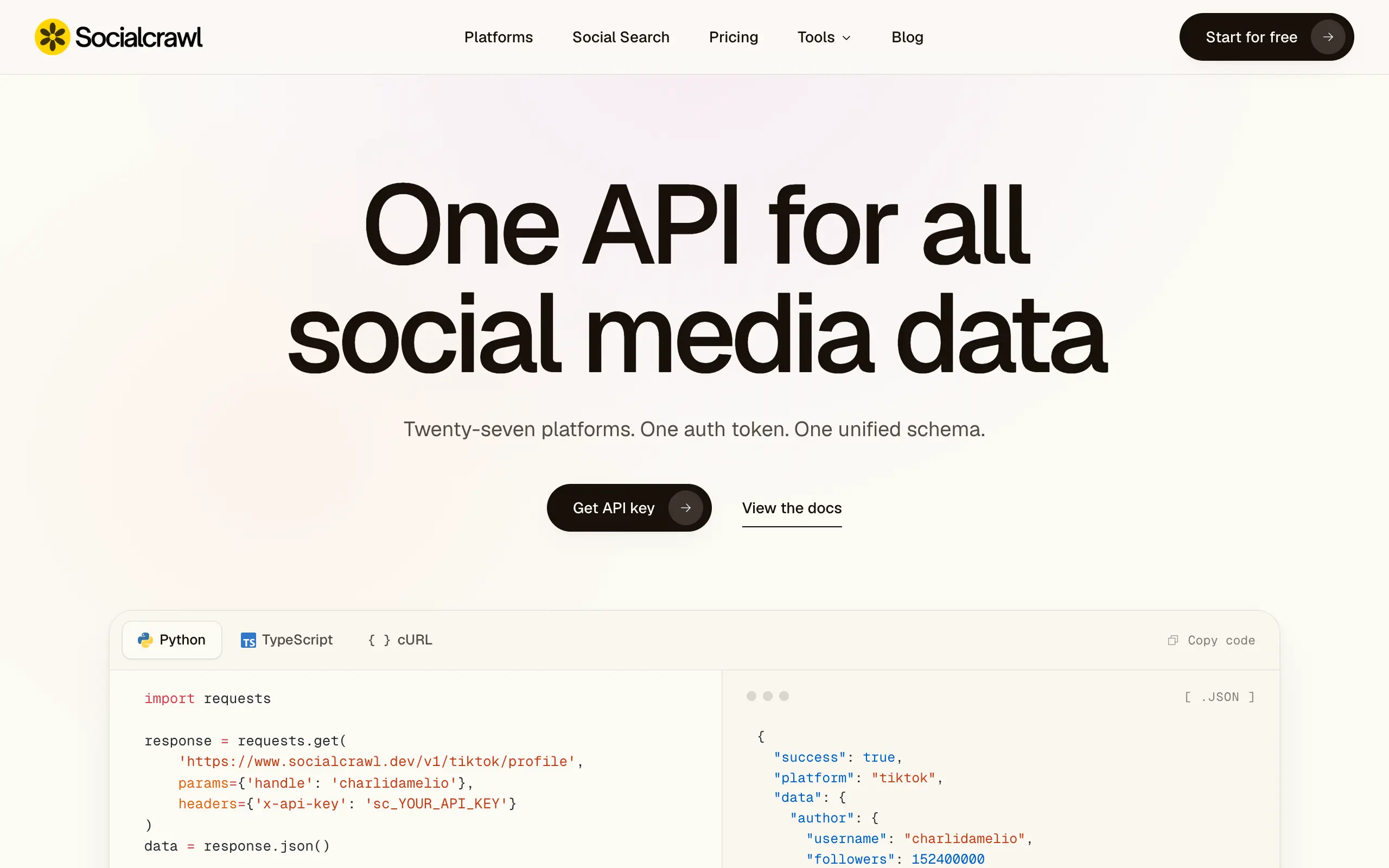
Socialcrawl
Get clean, structured data from 21 platforms like TikTok, Instagram, and YouTube with a single request 📊
Statiko
Monitor any Telegram channel in real time - track posts, edits, deletions, and growth with AI recaps 📡
Shibui
AI website builder - describe your business, pick a niche template, edit by chatting, and publish instantly ✨
Pro Service
Find verified home service professionals, compare quotes, and pay securely through escrow - built for Brazilians across the US 🏠
RankGrow
Fix your SEO with AI agents - connect Search Console, get prioritized tasks, and grow organic traffic 📈
SyncReads
Sync your favorite content for distraction-free reading, save time and replace multiple apps. Anytime, anywhere 🔄
Socialcrawl
Get clean, structured data from 21 platforms like TikTok, Instagram, and YouTube with a single request 📊
Statiko
Monitor any Telegram channel in real time - track posts, edits, deletions, and growth with AI recaps 📡
Shibui
AI website builder - describe your business, pick a niche template, edit by chatting, and publish instantly ✨
Pro Service
Find verified home service professionals, compare quotes, and pay securely through escrow - built for Brazilians across the US 🏠
RankGrow
Fix your SEO with AI agents - connect Search Console, get prioritized tasks, and grow organic traffic 📈
SyncReads
Sync your favorite content for distraction-free reading, save time and replace multiple apps. Anytime, anywhere 🔄
Socialcrawl
Get clean, structured data from 21 platforms like TikTok, Instagram, and YouTube with a single request 📊
Statiko
Monitor any Telegram channel in real time - track posts, edits, deletions, and growth with AI recaps 📡
Shibui
AI website builder - describe your business, pick a niche template, edit by chatting, and publish instantly ✨
Pro Service
Find verified home service professionals, compare quotes, and pay securely through escrow - built for Brazilians across the US 🏠
RankGrow
Fix your SEO with AI agents - connect Search Console, get prioritized tasks, and grow organic traffic 📈
SyncReads
Sync your favorite content for distraction-free reading, save time and replace multiple apps. Anytime, anywhere 🔄
Socialcrawl
Get clean, structured data from 21 platforms like TikTok, Instagram, and YouTube with a single request 📊
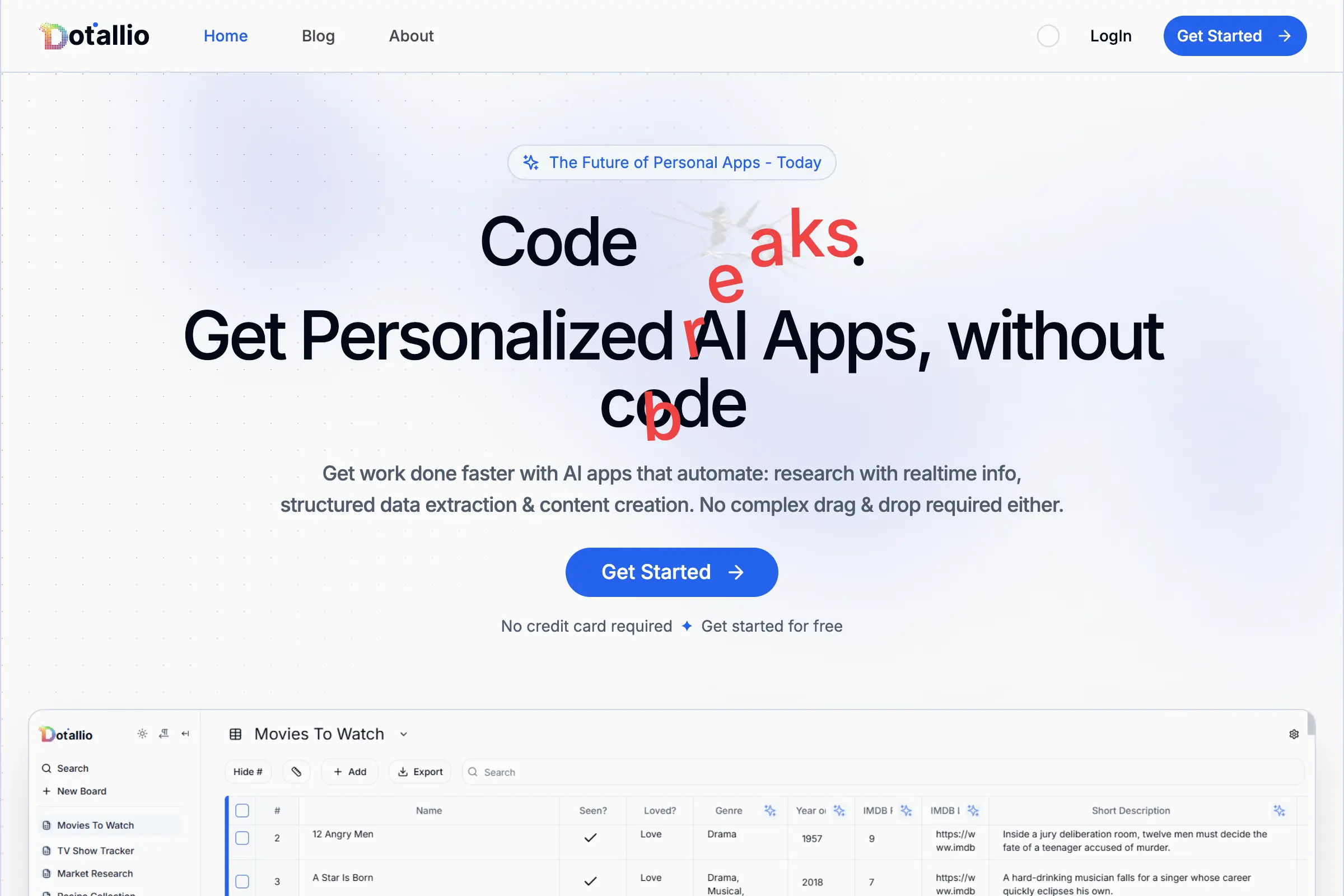
Dotallio
Personalized AI apps that automate research, data extraction, and content creation without code 🤖
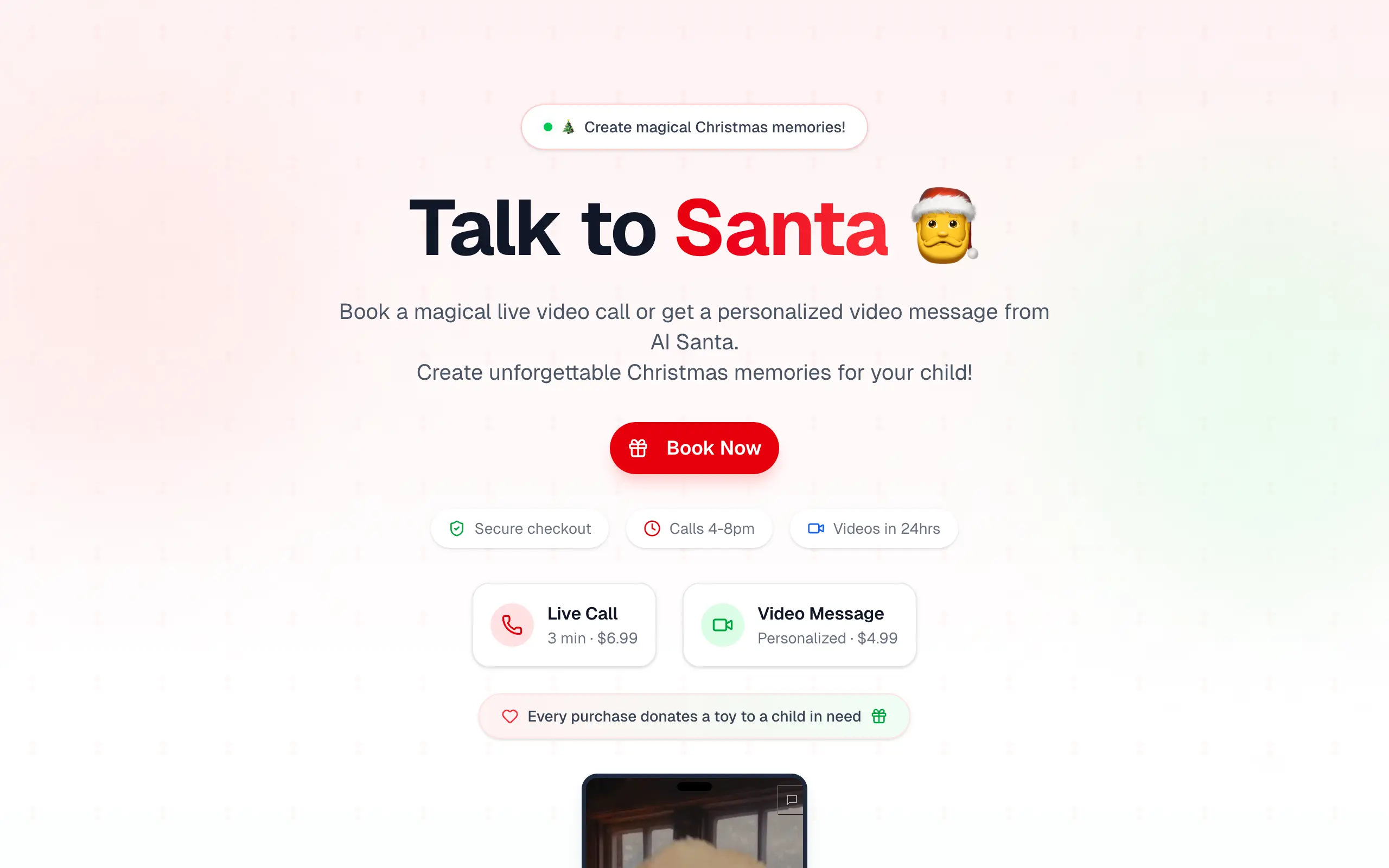
Talk to Santa
Enjoy a magical live video chat or receive a unique AI-generated video greeting from Santa Claus 🎅
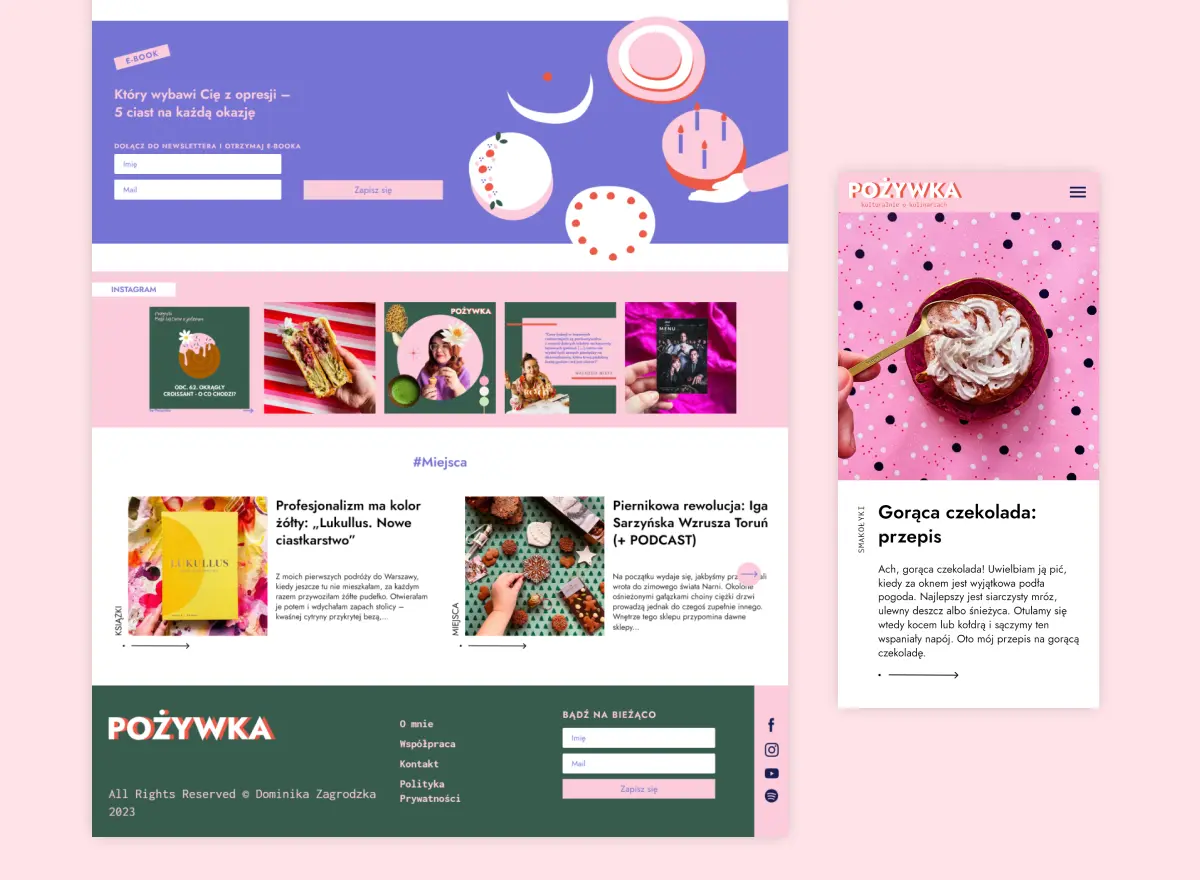
pozywka.pl
Scalable blog for food journalist, focused on performance and user experience 🌭
zagrodzki.me
Personal blog and portfolio of Bart Zagrodzki, where he shares his knowledge and work 💼
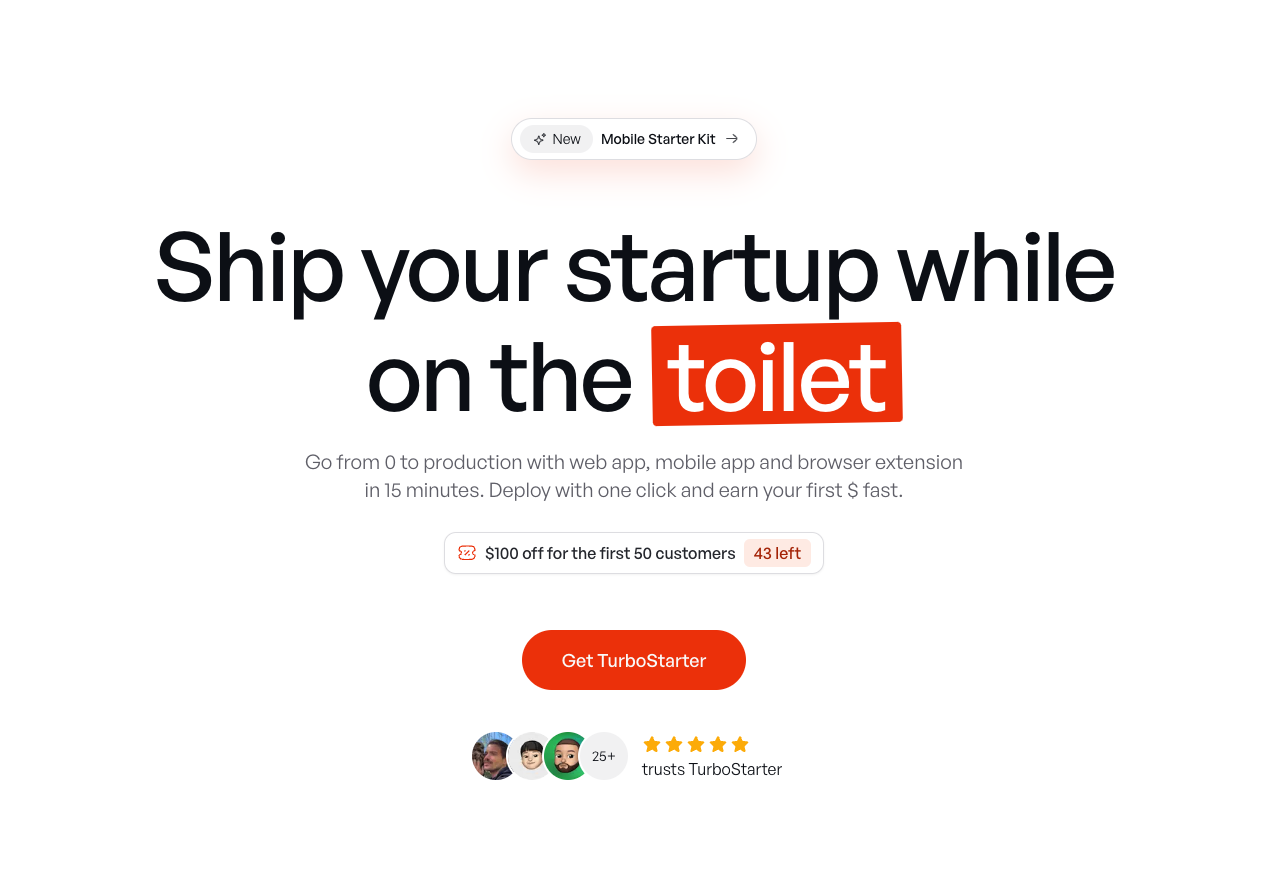
TurboStarter
Ship your startup everywhere. In minutes.
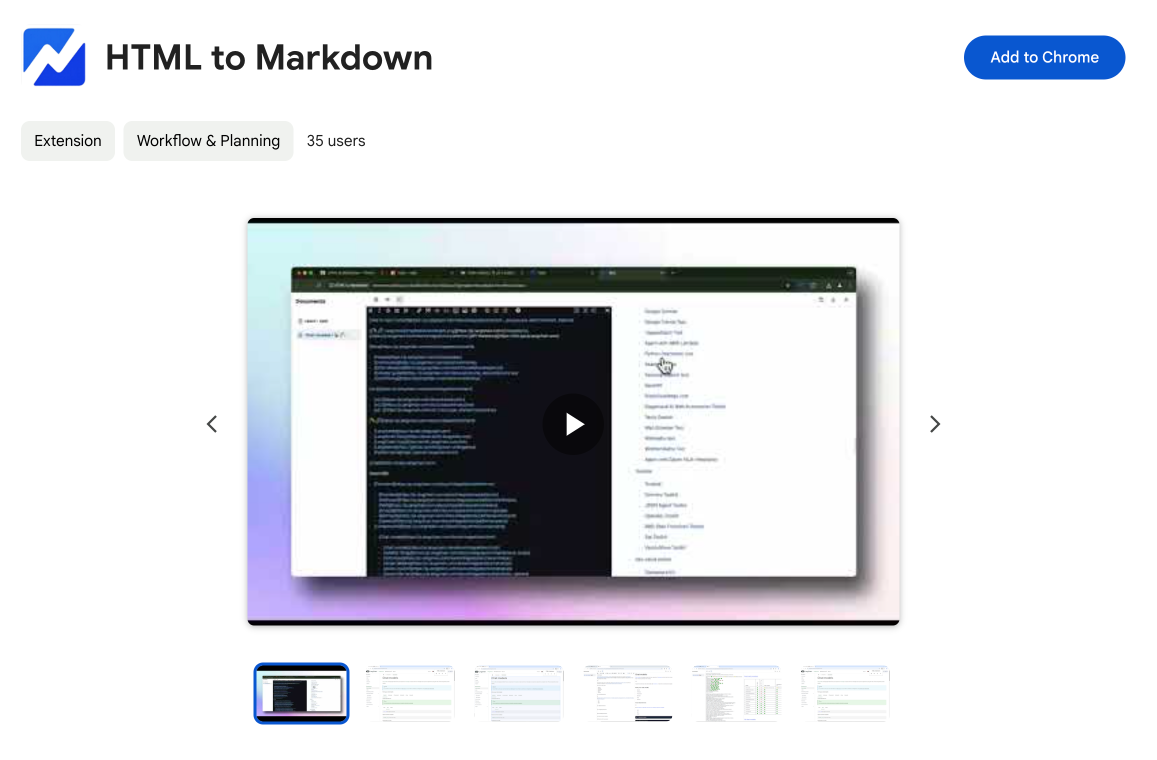
HTML to Markdown
Convert HTML to Markdown with ease, directly in your browser 📄
Dotallio
Personalized AI apps that automate research, data extraction, and content creation without code 🤖
Talk to Santa
Enjoy a magical live video chat or receive a unique AI-generated video greeting from Santa Claus 🎅
pozywka.pl
Scalable blog for food journalist, focused on performance and user experience 🌭
zagrodzki.me
Personal blog and portfolio of Bart Zagrodzki, where he shares his knowledge and work 💼
TurboStarter
Ship your startup everywhere. In minutes.
HTML to Markdown
Convert HTML to Markdown with ease, directly in your browser 📄
Dotallio
Personalized AI apps that automate research, data extraction, and content creation without code 🤖
Talk to Santa
Enjoy a magical live video chat or receive a unique AI-generated video greeting from Santa Claus 🎅
pozywka.pl
Scalable blog for food journalist, focused on performance and user experience 🌭
zagrodzki.me
Personal blog and portfolio of Bart Zagrodzki, where he shares his knowledge and work 💼
TurboStarter
Ship your startup everywhere. In minutes.
HTML to Markdown
Convert HTML to Markdown with ease, directly in your browser 📄
Dotallio
Personalized AI apps that automate research, data extraction, and content creation without code 🤖
Talk to Santa
Enjoy a magical live video chat or receive a unique AI-generated video greeting from Santa Claus 🎅
pozywka.pl
Scalable blog for food journalist, focused on performance and user experience 🌭
zagrodzki.me
Personal blog and portfolio of Bart Zagrodzki, where he shares his knowledge and work 💼
TurboStarter
Ship your startup everywhere. In minutes.
HTML to Markdown
Convert HTML to Markdown with ease, directly in your browser 📄
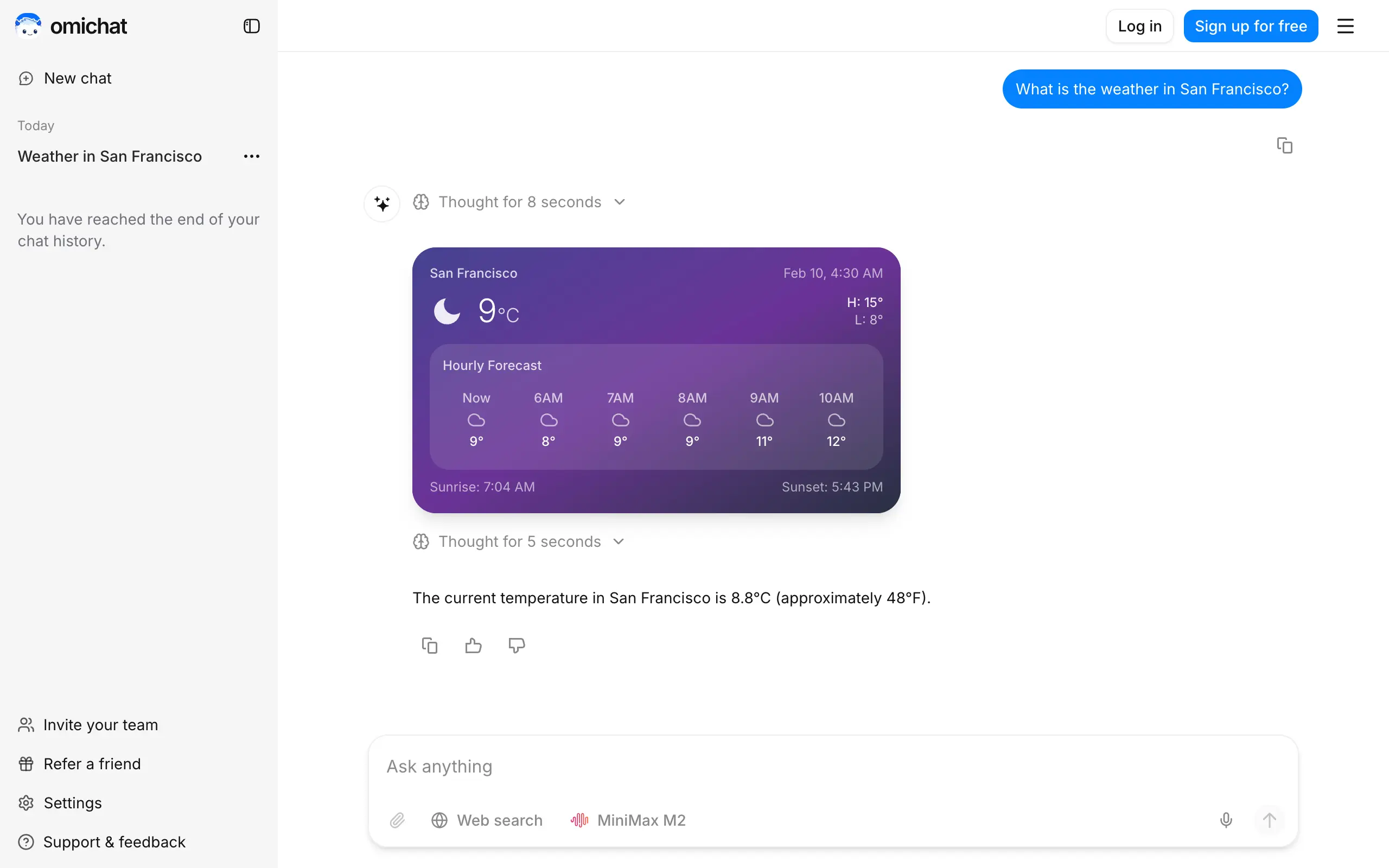
Omichat
Chat with 50+ AI models, including ChatGPT and Claude, in one place - switch models anytime without losing context 🤖
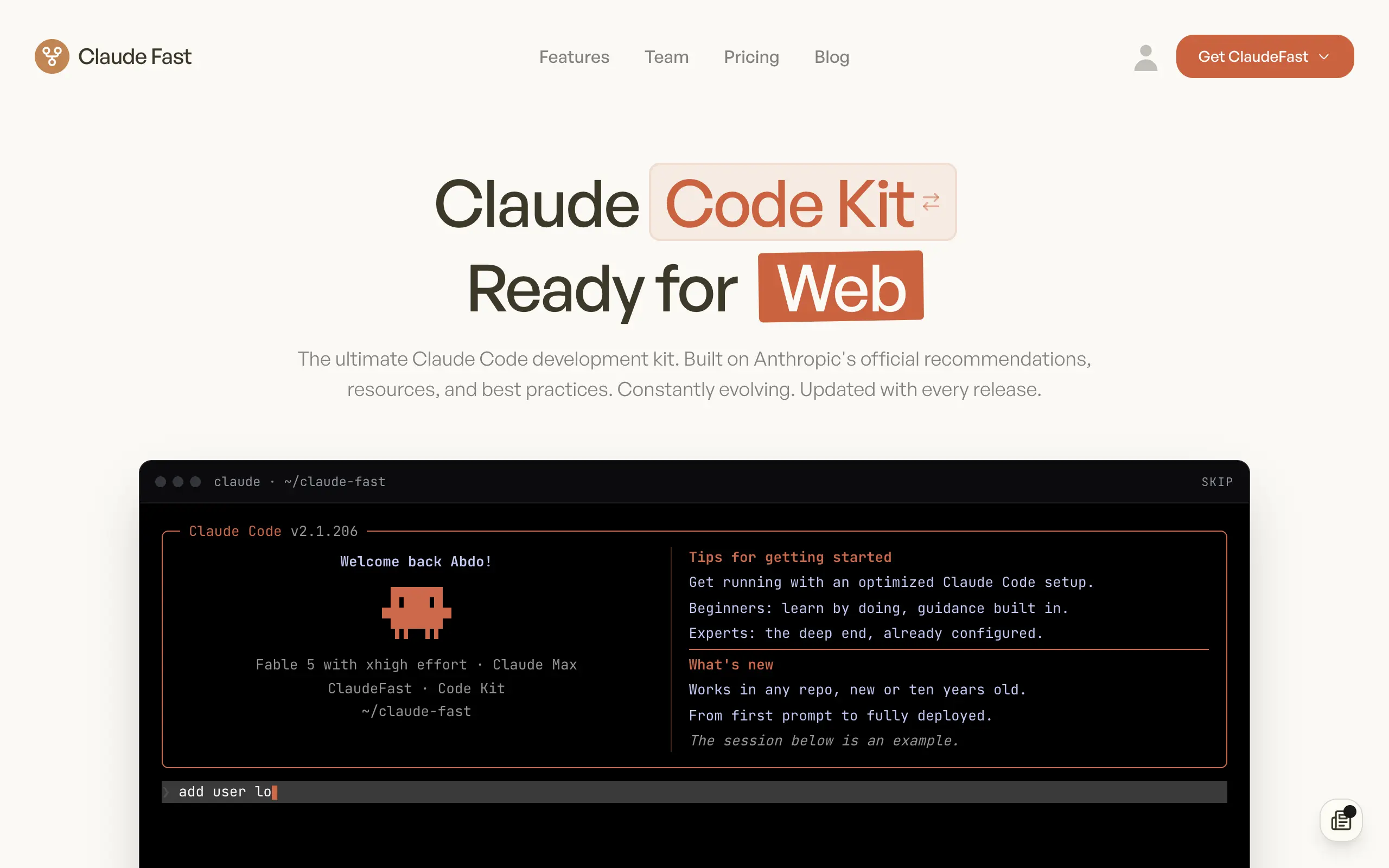
Claude Fast
Supercharge your Claude Code with 6x effective context window and specialized AI agents 🤖
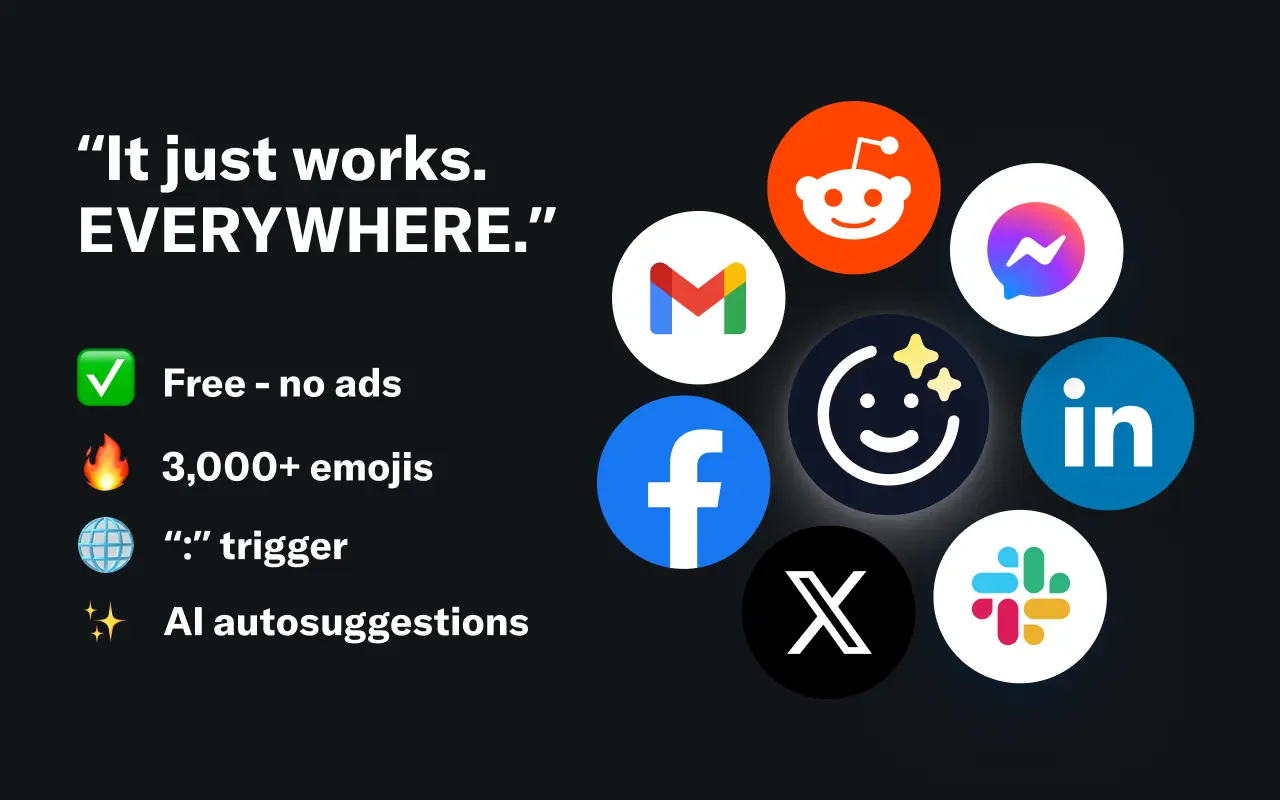
EmojAI
AI-powered emoji picker with smart, context-aware suggestions 🤖
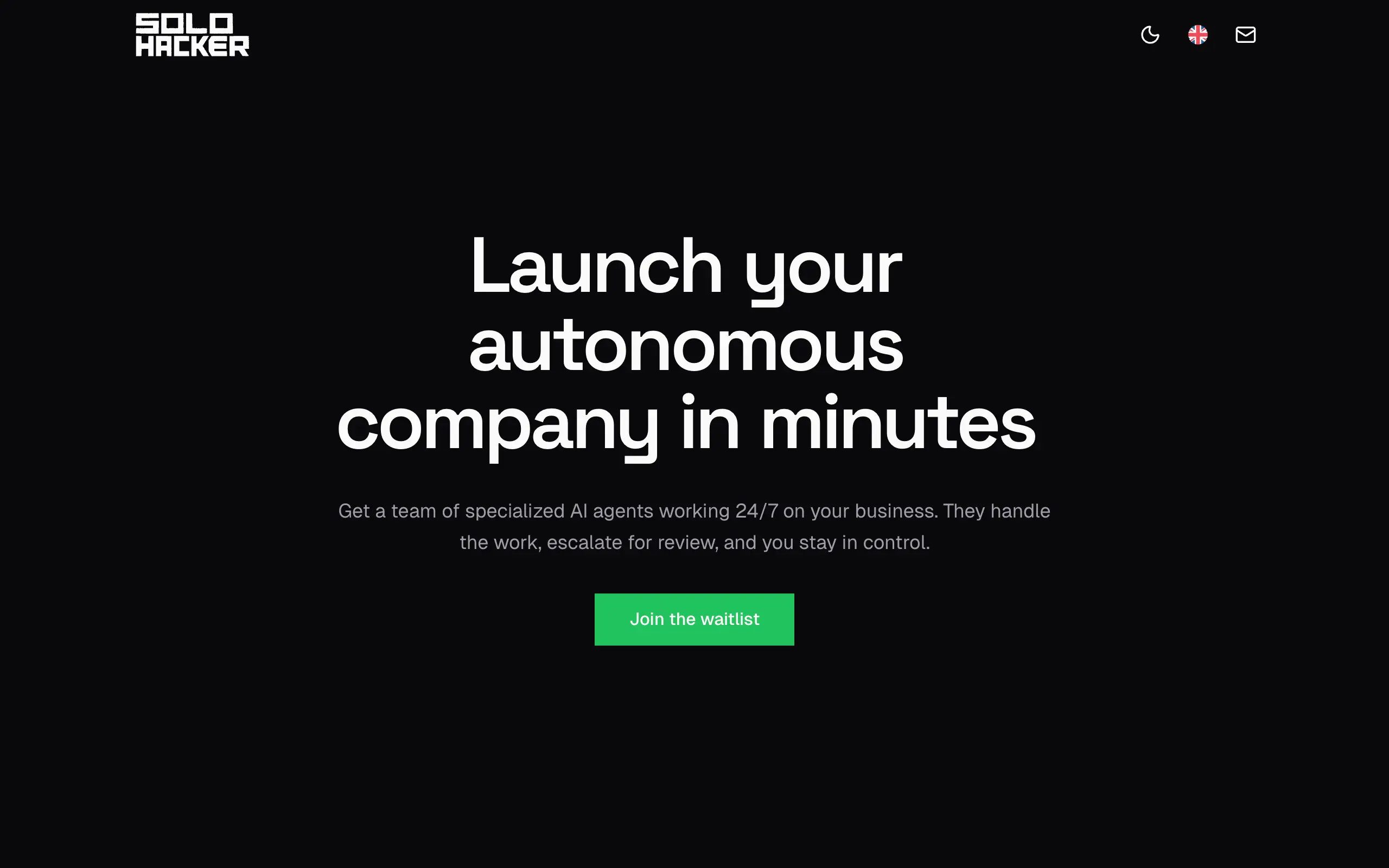
Solohacker
Autonomous company launcher - AI agents work 24/7, escalate what matters, and you stay in control 🤖
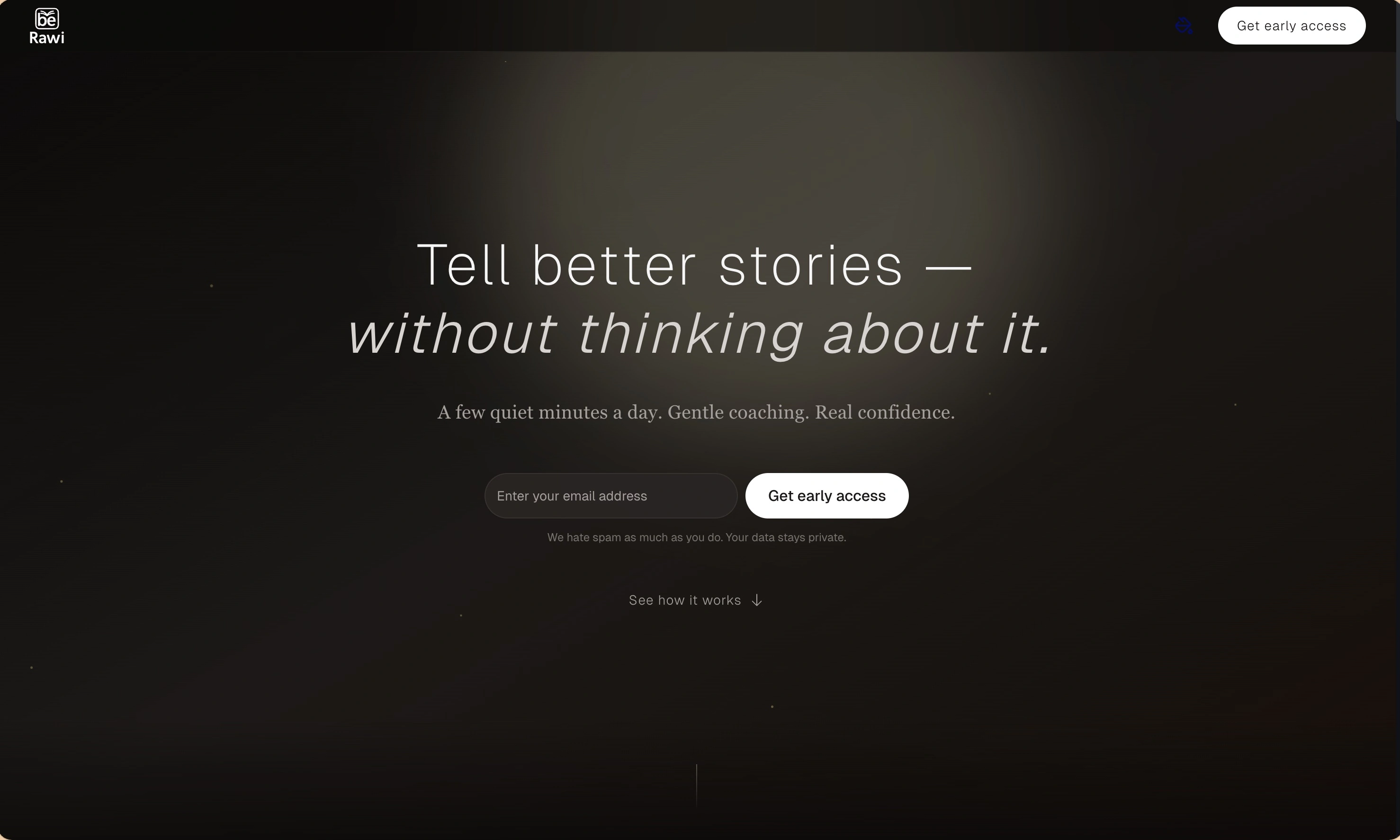
BeRawi: Storytelling Coach
Practice storytelling daily with instant feedback to sound clearer, more engaging, and confident 🎤
Omichat
Chat with 50+ AI models, including ChatGPT and Claude, in one place - switch models anytime without losing context 🤖
Claude Fast
Supercharge your Claude Code with 6x effective context window and specialized AI agents 🤖
EmojAI
AI-powered emoji picker with smart, context-aware suggestions 🤖
Solohacker
Autonomous company launcher - AI agents work 24/7, escalate what matters, and you stay in control 🤖
BeRawi: Storytelling Coach
Practice storytelling daily with instant feedback to sound clearer, more engaging, and confident 🎤
Omichat
Chat with 50+ AI models, including ChatGPT and Claude, in one place - switch models anytime without losing context 🤖
Claude Fast
Supercharge your Claude Code with 6x effective context window and specialized AI agents 🤖
EmojAI
AI-powered emoji picker with smart, context-aware suggestions 🤖
Solohacker
Autonomous company launcher - AI agents work 24/7, escalate what matters, and you stay in control 🤖
BeRawi: Storytelling Coach
Practice storytelling daily with instant feedback to sound clearer, more engaging, and confident 🎤
Omichat
Chat with 50+ AI models, including ChatGPT and Claude, in one place - switch models anytime without losing context 🤖
Claude Fast
Supercharge your Claude Code with 6x effective context window and specialized AI agents 🤖
EmojAI
AI-powered emoji picker with smart, context-aware suggestions 🤖
Solohacker
Autonomous company launcher - AI agents work 24/7, escalate what matters, and you stay in control 🤖
BeRawi: Storytelling Coach
Practice storytelling daily with instant feedback to sound clearer, more engaging, and confident 🎤

Connect with like-minded people
Join our community to get feedback, support, and grow together with 1,000+ builders on board, let's ship it!
Join usShip your startup everywhere. In minutes.
Don't burn tokens on setup and start building features on day one.