Build to Broadcast
Turn tickets, demos, and release notes into accurate YouTube scripts and storyboards, with source links, stakeholder approvals, and a publish plan.
What is Build to Broadcast?
Build to Broadcast is a SaaS product that turns product-development information—such as tickets, demos, and release notes—into accurate YouTube scripts and storyboards. It helps product and marketing teams explain what changed, why it matters, and how to present it on video.
The product addresses a gap between shipping software and communicating its value. Teams often have detailed source material in project-management tools, documentation, or recorded demos, but turning those materials into a clear, publishable video can take substantial coordination. Build to Broadcast creates a workflow for transforming those inputs into a reviewable production plan, complete with source links, stakeholder approvals, and publishing recommendations.
The central promise is not simply “generate a script with AI.” It is help teams produce trustworthy product-update videos from the evidence they already have.
That distinction matters. A fluent script that invents a feature or overstates its capabilities can damage credibility. A useful script needs to preserve context, cite its sources, distinguish confirmed facts from assumptions, and make review straightforward.
The problem Build to Broadcast solves
Software teams produce a steady stream of product information:
- Engineering tickets describe implementation details.
- Product specifications explain user problems and intended behavior.
- Release notes summarize completed changes.
- Demo recordings show how features work.
- Customer feedback explains why a change matters.
- Marketing plans set messaging, audience, and launch timing.
These materials are useful, but they are not automatically suitable for a video. A ticket may be accurate yet too technical for a customer-facing explanation. Release notes may be concise but lack a story. A demo may show a feature without explaining its value or limitations.
Someone still has to connect the information, choose the right audience, write a narrative, prepare visuals, obtain approvals, and plan publication.
That work creates several recurring problems.
Product context is scattered
The person writing a video script may have to search across project-management software, product documentation, design files, chat, and recordings. A single feature can have several related tickets and multiple revisions. If the writer relies on only one source, important context may be missed.
Internal language does not translate automatically
Teams often describe features in terms of implementation: a new endpoint, a permissions change, or a redesigned workflow. Viewers usually want to know what they can now do, who benefits, and whether they need to take action.
The translation is editorial as much as technical. It requires an understanding of the product, the audience, and the limits of the feature.
Video work is difficult to coordinate
A product marketer may draft the script, a product manager may verify the claims, an engineer may confirm technical accuracy, and a creator or designer may prepare the visuals. Without a defined review process, comments can arrive late, approvals can be ambiguous, and different versions can circulate.
Publishing can become an afterthought
A script is only one part of a video launch. Teams also need to decide what to show, how to title and describe the video, when to publish it, and how to connect it to a broader release. These details are often handled in separate documents or left until the last minute.
Build to Broadcast can bring those activities into one repeatable workflow.
Who should use a product-update video workflow?
The strongest initial customers are organizations that ship product changes regularly and need to explain them to an external audience. The product is particularly relevant when a team already has structured product information but lacks a repeatable way to turn it into video.
SaaS product marketing teams
Product marketers are a natural starting audience. They often own launch messaging and need to translate product capabilities into language that resonates with prospects and customers.
Build to Broadcast can help them:
- Draft scripts from approved product materials.
- Keep feature claims connected to source evidence.
- Reuse messaging across release videos, tutorials, and launch content.
- Coordinate reviews with product and engineering stakeholders.
- Maintain a consistent voice across a series of videos.
Product managers
Product managers can use the workflow to explain what shipped and why it matters. They can also supply context that is easy to lose when a ticket is treated as the only source of truth.
For example, a product manager could provide the target user, the problem being addressed, known limitations, and the intended call to action. The system can then use that context alongside tickets and release notes rather than treating raw implementation descriptions as finished messaging.
Developer relations and technical education teams
Developer relations teams frequently need to explain API changes, platform capabilities, integration patterns, and technical workflows. Their content must be accessible without sacrificing correctness.
For this audience, source traceability is essential. A script should make it easy to check whether a code example, compatibility statement, or behavioral claim matches the relevant documentation.
Customer success and support teams
Customer-facing teams may need short videos to demonstrate a new workflow, explain a change, or reduce repeated support questions. Build to Broadcast could help them create consistent video outlines from approved help content and product documentation.
This audience may prioritize clarity and timeliness over polished brand storytelling. Templates for walkthroughs, change explanations, and frequently asked questions would be useful.
Agencies and production partners
Agencies that create product videos for multiple clients can use the product to organize briefs, source materials, script drafts, and approvals. Their needs differ from those of an in-house team: client separation, permissions, reusable templates, and clear export workflows become especially important.
Market opportunity and product gap
Build to Broadcast sits between product operations and video production. Existing tools often serve one side of that process well, but leave the handoff between them to people and documents.
A ticketing tool is designed to track work. A documentation system is designed to store knowledge. A video editor is designed to assemble media. A general-purpose AI writing tool can draft prose. None of these categories, on its own, necessarily provides a reliable path from verified product evidence to approved video content.
That creates an opportunity for a focused workflow product.
The opportunity is in the handoff
The valuable problem is not merely generating words. It is managing the transition from product change to audience-facing explanation:
- Identify which product changes are worth communicating.
- Gather the relevant evidence.
- Explain the change for a specific audience.
- Draft a script and visual plan.
- Verify claims with accountable stakeholders.
- Prepare the content for publication.
A product that supports this entire sequence can be more useful than a generic prompt box. Its value increases when it preserves context, makes review efficient, and helps teams repeat the process.
Start with a narrow content job
A broad promise such as “AI video marketing platform” would make the product harder to understand and compete with a large range of tools. A sharper initial positioning is:
Turn approved product updates into sourced, reviewable YouTube scripts and storyboards.
This gives the product a defined input, output, and customer. It also creates a practical boundary for early development. The first version does not need to create finished video, replace an editor, or automate every marketing task.
Validate the market with workflow evidence
Before investing in a large feature set, validate how teams handle product-update videos today. Interviews should focus on recent, specific examples rather than general enthusiasm for AI.
Ask prospective users:
- What was the last product change you turned into a video?
- Where did the source information live?
- Who wrote the script, and how long did the process take?
- Which claims required technical or legal review?
- What caused the most revisions?
- How did you plan the visuals and publication?
- What parts of the workflow would you not trust software to automate?
- How often does this process happen?
- What would make a new tool worth adopting?
These questions help distinguish a frequent operational problem from an occasional inconvenience. They also reveal whether the buyer is a product marketing leader, a content lead, a founder, or an agency.
Core features for Build to Broadcast
The product should make accuracy and workflow visibility central. AI generation is valuable, but it should operate within a structured system that gives users control over sources, claims, and approvals.
1. Source collection and organization
Users should be able to create a project for a release, feature, or video and attach relevant material. Early source types might include:
- Product tickets and issue descriptions.
- Release notes and product documentation.
- Text pasted directly into the project.
- Demo transcripts or meeting notes.
- Links to approved internal documents.
- A brief written by a product or marketing owner.
Integrations should be added based on observed customer demand. Supporting many connectors before validating the core workflow can create a maintenance burden without improving product fit.
Every source should retain useful metadata, such as its title, owner, date, and original URL. Where permissions allow, the generated script should link back to evidence so a reviewer can verify a claim quickly.
2. An audience and message brief
Before drafting, the user should define the communication goal. A lightweight brief might include:
- Intended audience.
- Viewer problem or job to be done.
- Main product change.
- Key benefit.
- Required caveats or limitations.
- Preferred tone and level of technical detail.
- Desired video length.
- Call to action.
This step reduces generic output. It also helps the system decide which source details are relevant and which are implementation noise.
3. Evidence-grounded script generation
The script generator should use the selected project sources and brief to create a structured draft. A practical script format could include:
- Hook or opening.
- Viewer problem.
- Product change.
- Demonstration or explanation.
- Important limitations.
- Recap.
- Call to action.
A useful draft should separate verified facts from editorial suggestions. For example, if a source confirms that a setting exists but does not establish whether it is enabled by default, the system should not make that assumption.
A strong product experience can include claim-level references: a reviewer selects a sentence and sees the supporting source, or sees that the claim needs confirmation. This makes the review process more concrete than asking users to trust an AI-generated document as a whole.
4. Storyboard and visual direction
A script is easier to produce when it explains what the viewer should see. The storyboard could map each script section to:
- On-screen action.
- Product screen or workflow.
- Narration.
- Text overlay.
- Suggested transition.
- Notes for the presenter or editor.
For example, a segment explaining a new reporting filter might pair narration with a screen recording of the filter being applied. The product should avoid pretending that a suggested visual is an actual recording or screenshot. It should label generated ideas clearly so production teams know what still needs to be captured.
5. Stakeholder review and approval
Review should be designed into the product rather than bolted on as a generic comment box. Different reviewers may have distinct responsibilities:
- Product verifies what shipped.
- Engineering checks technical claims.
- Marketing checks positioning and voice.
- Legal or compliance reviews sensitive statements.
- A content owner approves the final version.
The workflow should make it clear who needs to act, what they are reviewing, and whether a draft is approved, blocked, or awaiting changes. Version history is important so teams can see what changed after feedback.
6. A publish plan
The publish plan should prepare the content for the next step without promising that one format works for every channel. It might include:
- Working title options.
- Video description draft.
- Chapters or segment markers.
- Thumbnail concept notes.
- Suggested publication date.
- Required links or calls to action.
- A checklist for final review.
The plan should remain editable and should distinguish suggestions from confirmed publication details. A team should not accidentally publish a draft title or unverified claim simply because it appeared in an AI-generated package.
7. Templates and reusable brand guidance
Teams often repeat similar video formats. Templates can help standardize product announcements, feature walkthroughs, release roundups, and technical explainers.
Brand guidance could include terminology preferences, prohibited claims, tone, pronunciation notes, and standard calls to action. This helps the system produce more consistent drafts while keeping the user in control of final messaging.
How the product should work
A dependable workflow can be simple from the user’s perspective while still enforcing important checks behind the scenes.
Create a video project. Choose a template, identify the product change, and set the target audience and intended outcome.
Add source material. Attach tickets, release notes, documentation, a demo transcript, or a written brief. The system should show what information it can and cannot access.
Review the source summary. Confirm that the system understands the change, its benefits, and any limitations before asking it to write.
Generate a script and storyboard. Create a structured draft with evidence references, visual suggestions, and clear markers for uncertain claims.
Request stakeholder approval. Assign reviewers, collect comments, and track changes until the content is ready to publish.
Prepare the publish plan. Finalize the title, description, chapters, call to action, and production checklist for the team’s chosen process.
The workflow should make it easy to edit each stage without forcing users to restart when the brief changes. If a product manager corrects a limitation, the user should be able to update the relevant script section and identify any downstream copy that may also need revision.
Recommended technology stack
The ideal stack depends on the team’s existing expertise, expected customer requirements, and integration roadmap. For a typical web-first SaaS product, prioritize a maintainable application architecture, strong access controls, and a clear separation between source data and generated content.
Frontend
A modern React-based application is a sensible fit for a collaborative editing experience. React supports component-driven interfaces, while a framework can provide routing, server rendering, and server-side capabilities where appropriate.
The interface will need to handle more than a basic form. Important product surfaces include a source browser, structured script editor, approval panel, version history, and project dashboard. Prioritize keyboard accessibility, clear loading states, and robust handling of long documents.
A rich-text editor should be selected carefully. The requirements include structured script sections, comments, revision history, and possibly inline source references. Avoid choosing an editor based only on how quickly it can display formatted text.
Backend and data storage
A relational database such as PostgreSQL is a good default for users, organizations, projects, sources, approvals, and versions. These entities have clear relationships and benefit from transactional consistency.
Store original source metadata separately from generated artifacts. Depending on integration permissions and customer needs, the product may store source content, extracted text, or only references and summaries. Make this behavior transparent and configurable where possible.
Background jobs are useful for importing documents, transcribing media, generating drafts, and processing large source sets. They also help keep the user interface responsive when an operation takes longer than a typical web request.
AI and retrieval architecture
The AI layer should retrieve relevant evidence from a project rather than send an undifferentiated pile of text into a prompt. A practical pipeline may include:
- Extract and normalize source content.
- Divide long documents into meaningful sections.
- Index relevant passages for retrieval.
- Retrieve evidence based on the user’s brief and requested script section.
- Generate a structured draft with source identifiers.
- Validate that references resolve to stored evidence.
- Present uncertain or unsupported claims for human review.
The specific model provider may change over time, so isolate model calls behind an internal service layer. This makes it easier to compare providers, manage costs, and adapt to new model capabilities without rebuilding the whole product.
Do not treat a model’s confidence language as proof of accuracy. The product should rely on traceable evidence, explicit uncertainty handling, and human approval.
Authentication, permissions, and integrations
Organizations may expect single sign-on, role-based access, audit history, and separation between customer workspaces as the product matures. A small launch product can begin with simpler controls, but the data model should not assume that every user belongs to one shared workspace.
Integrations should use the minimum access scopes necessary. If the product connects to a project-management system, explain which data is imported, how long it is retained, and how a user can remove it.
Build speed and trade-offs
An established SaaS starter can reduce time spent on common foundations such as authentication, billing, and application structure. TurboStarter is one option to evaluate when the team wants to accelerate that foundation.
The trade-off is that a starter should not dictate the product architecture. Confirm that its conventions fit the requirements for collaboration, access control, background jobs, and integrations. A faster initial setup is only useful if the team can maintain and extend the resulting application.
Monetization strategy
Build to Broadcast can use a subscription model, but pricing should reflect the value of the workflow rather than the number of AI-generated words alone. The buyer is paying for time saved, better coordination, repeatability, and reduced risk of publishing inaccurate product claims.
Tiered subscriptions
A practical structure could differentiate plans by team size, projects, collaboration, and governance.
- Starter plan for individual creators or small teams testing the workflow.
- Team plan for shared projects, approval assignments, and reusable templates.
- Business plan for advanced permissions, integrations, audit history, and higher usage.
- Agency plan for managing multiple client workspaces and repeatable production processes.
Avoid limiting the product only by generation volume if that makes review and collaboration feel artificially restricted. Teams may value project history and approvals more than unlimited draft variations.
Usage-based pricing
Some capabilities have variable costs, including transcription, large-scale source processing, and model usage. Usage-based pricing can help align cost with consumption, but it should be predictable.
Provide clear usage indicators, sensible limits, and alerts before a customer reaches a paid threshold. A surprise bill can undermine trust, particularly when the user does not control how much text an integration imports.
Enterprise contracts
Larger customers may require security reviews, custom retention policies, access controls, and procurement support. Enterprise pricing can make sense once the product has demonstrated a repeatable use case and can reliably meet those requirements.
Do not market enterprise readiness prematurely. Security documentation, support processes, and operational practices need to match the promise.
Services and onboarding
Early customers may benefit from help setting up brand guidance, templates, and approval processes. Paid onboarding or implementation support can generate revenue while teaching the team where users need assistance.
Services should inform product development, not become a permanent substitute for a usable self-serve experience.
Competitive advantage and positioning
Build to Broadcast will compete indirectly with generic AI writers, project-management platforms, documentation tools, video-production software, and internal processes. Its advantage should be defined around the workflow it owns rather than a claim that it has the best model.
| Capability | General AI writer | Project or documentation tool | Video editor | Build to Broadcast |
|---|---|---|---|---|
| Drafts audience-friendly copy | Often | Rarely | Sometimes | Yes |
| Connects copy to product evidence | Usually limited | Stores source material | Rarely | Core workflow |
| Creates a video storyboard | Sometimes | Rarely | Visual timeline | Yes |
| Coordinates product approvals | Limited | Varies | Limited | Core workflow |
| Prepares a publishing plan | Sometimes | Rarely | Export-focused | Yes |
| Supports repeatable product-update content | Limited | Not usually | Not usually | Designed for it |
The table describes product-category tendencies, not guarantees about every vendor. Buyers should evaluate actual products against their own workflows.
A defensible product advantage
A credible competitive advantage can grow from several reinforcing assets:
- Structured product context that connects a feature, audience, evidence, and output.
- Traceability that lets reviewers verify claims without searching manually.
- Purpose-built approval workflows for product, engineering, and marketing stakeholders.
- Reusable templates that reflect how teams communicate different kinds of updates.
- Workflow data that helps teams understand bottlenecks and improve their production process.
This advantage is stronger than simply adding a text-generation feature. Model capabilities are widely available and can change quickly; a trusted workflow, well-designed integrations, and customer-specific process knowledge are harder to replace.
The unique selling proposition
A clear USP could be:
Build to Broadcast turns verified product information into ready-to-review YouTube scripts and storyboards, with sources and approvals built into the workflow.
This explains the input, output, and differentiator in one sentence. It also avoids claiming that the system can fully automate video production or guarantee that AI-generated content is correct.
Risks and how to mitigate them
Inaccurate or unsupported claims
The most important product risk is that a generated script misstates product behavior. A polished video can make an error more visible and more costly.
Mitigation: Require source grounding, show evidence alongside claims, flag unsupported statements, and make human approval mandatory for publication-ready content. Include a clear process for correcting and updating generated drafts.
Sensitive information in source material
Tickets and internal documents may contain customer details, unreleased information, credentials, or other sensitive data.
Mitigation: Minimize stored data, use secure access controls, document retention behavior, provide deletion controls, and explain what information is sent to model providers. Evaluate security requirements before adding integrations that ingest broad workspaces.
Weak source permissions
An integration could expose content to a user who is not authorized to view it in the original system if permissions are not handled carefully.
Mitigation: Respect source permissions where technically possible, scope integrations narrowly, and design workspace permissions explicitly. Do not assume that an API token grants permission to display every imported item to every member of an organization.
Poor adoption because the workflow is too complex
If users must fill out a long brief, connect several tools, and assign multiple reviewers before seeing value, they may return to their existing process.
Mitigation: Offer a fast first-use path. Let a user start with a release note or a short brief, generate a useful draft, and add more sources or reviewers as needed. Keep advanced controls available without making them mandatory for every project.
Integration maintenance
Third-party APIs change, access scopes evolve, and customer environments differ. Integrations can become expensive to maintain.
Mitigation: Start with the source types customers actually use. Build a stable internal source model, monitor connector failures, and provide a manual upload or paste option as a reliable fallback.
Unclear return on investment
Teams may like the concept but struggle to justify a subscription if they publish video infrequently or cannot measure time savings.
Mitigation: Focus initial sales on organizations with recurring product communication needs. Track operational outcomes such as time from release information to approved script, revision count, and review completion time. Use customer-specific evidence rather than broad, unsupported savings claims.
Overreliance on video as the only output
A YouTube script may not be the best format for every product update. Some changes are better communicated through documentation, email, in-app messaging, or a short social clip.
Mitigation: Position YouTube as the initial workflow, but design the content model so verified messaging can later support related formats. Avoid expanding into every channel before validating the core product.
Metrics to track
Measure whether Build to Broadcast improves the workflow, not just how often users click the generation button.
Activation metrics
- Percentage of new users who create a project.
- Percentage who add a source and generate a first draft.
- Time from signup to first usable script.
- Percentage who invite a reviewer.
Quality and workflow metrics
- Time from project creation to approved script.
- Number of review rounds per project.
- Percentage of generated claims with linked evidence.
- Frequency of user edits to factual claims.
- Percentage of projects that reach a publish-ready state.
Retention and business metrics
- Repeat projects per organization.
- Weekly or monthly active teams.
- Conversion from trial to paid plan.
- Expansion from individual use to team use.
- Customer retention and cancellation reasons.
These measures should be interpreted together. A high generation count is not a success if users repeatedly discard the output or fail to obtain approvals.
Actionable implementation steps
1. Select a focused customer segment
Begin with one customer profile, such as SaaS product marketing teams that publish product-update videos regularly. Define the team size, publishing cadence, current tools, and likely budget owner.
2. Interview users about recent work
Talk to people who have recently produced a product video. Ask them to walk through the actual process and show sanitized examples of briefs, scripts, source material, and review comments where possible.
The goal is to find repeated friction, not to collect feature requests without context.
3. Test the workflow manually
Before building a broad platform, offer a concierge-style service using a simple project intake, source review, draft generation, and approval process. Observe where users need the most help and which parts they trust software to handle.
This can validate the central workflow before significant investment in integrations or custom AI infrastructure.
4. Build a narrow MVP
The first version should focus on the essential path:
- Create a project and audience brief.
- Add source material.
- Generate a script with source references.
- Create a basic storyboard.
- Collect reviewer comments and approval.
- Export a publish plan.
Do not begin with automated video rendering, a large integration marketplace, or a complex analytics suite unless customer evidence points directly to those needs.
5. Establish an accuracy standard
Define what the product considers a supported claim, how it handles conflicting sources, and what should happen when evidence is missing. Test these behaviors with realistic examples before allowing users to rely on generated scripts.
A clear accuracy standard is both a product requirement and a trust signal.
6. Add integrations based on repeated demand
Prioritize integrations that appear across interviews and pilot accounts. Make sure each connector solves a real source-gathering problem rather than serving as a feature checklist item.
7. Pilot with a small set of teams
Run a structured pilot. Record the steps customers complete, points of confusion, review bottlenecks, and reasons they choose to publish or abandon a draft. Ask for feedback after several real projects, not only after a product tour.
8. Refine packaging and pricing
Use pilot evidence to identify who receives the most value and which capabilities are important enough to pay for. Test pricing with buyers, and make usage limits understandable before asking customers to commit.
9. Expand only after the core loop works
When teams reliably move from sources to approved scripts, consider adding more formats, integrations, governance controls, or production features. Each expansion should strengthen the central promise rather than blur the product’s positioning.
Build around trust
The defining product decision is whether Build to Broadcast behaves like a generic AI writer or a source-aware production workflow. Make evidence, review, and approval visible from the first version. That foundation is what can turn generated copy into content a team is willing to publish.
The bottom line
Build to Broadcast has a clear opportunity to help product teams turn fragmented product information into accurate, coordinated YouTube content. Its strongest position is not “AI makes videos for you.” It is a dependable bridge between product work and audience-facing communication.
The product can stand out by combining source collection, script generation, storyboard planning, stakeholder approvals, and publishing preparation in one focused workflow. To earn trust, it must make evidence easy to inspect, flag uncertainty, respect data permissions, and keep humans accountable for final claims.
The best next step is to validate the workflow with teams that already publish product videos. Learn where their current process breaks down, test a narrow end-to-end experience, and build only the integrations and controls that solve proven problems. Done well, Build to Broadcast can become the operational layer that helps software companies explain what they build—and why it matters.
More 💡 Other SaaS ideas
Discover more innovative other SaaS ideas that are trending in 2026. Each idea is AI-generated with market validation and growth potential to help you find your next profitable venture faster than competitors.
Your competitors are building with TurboStarter
Below are some of the SaaS ideas that have been generated and built with our starter kit.

Statiko
Monitor any Telegram channel in real time - track posts, edits, deletions, and growth with AI recaps 📡

Shibui
AI website builder - describe your business, pick a niche template, edit by chatting, and publish instantly ✨

Pro Service
Find verified home service professionals, compare quotes, and pay securely through escrow - built for Brazilians across the US 🏠
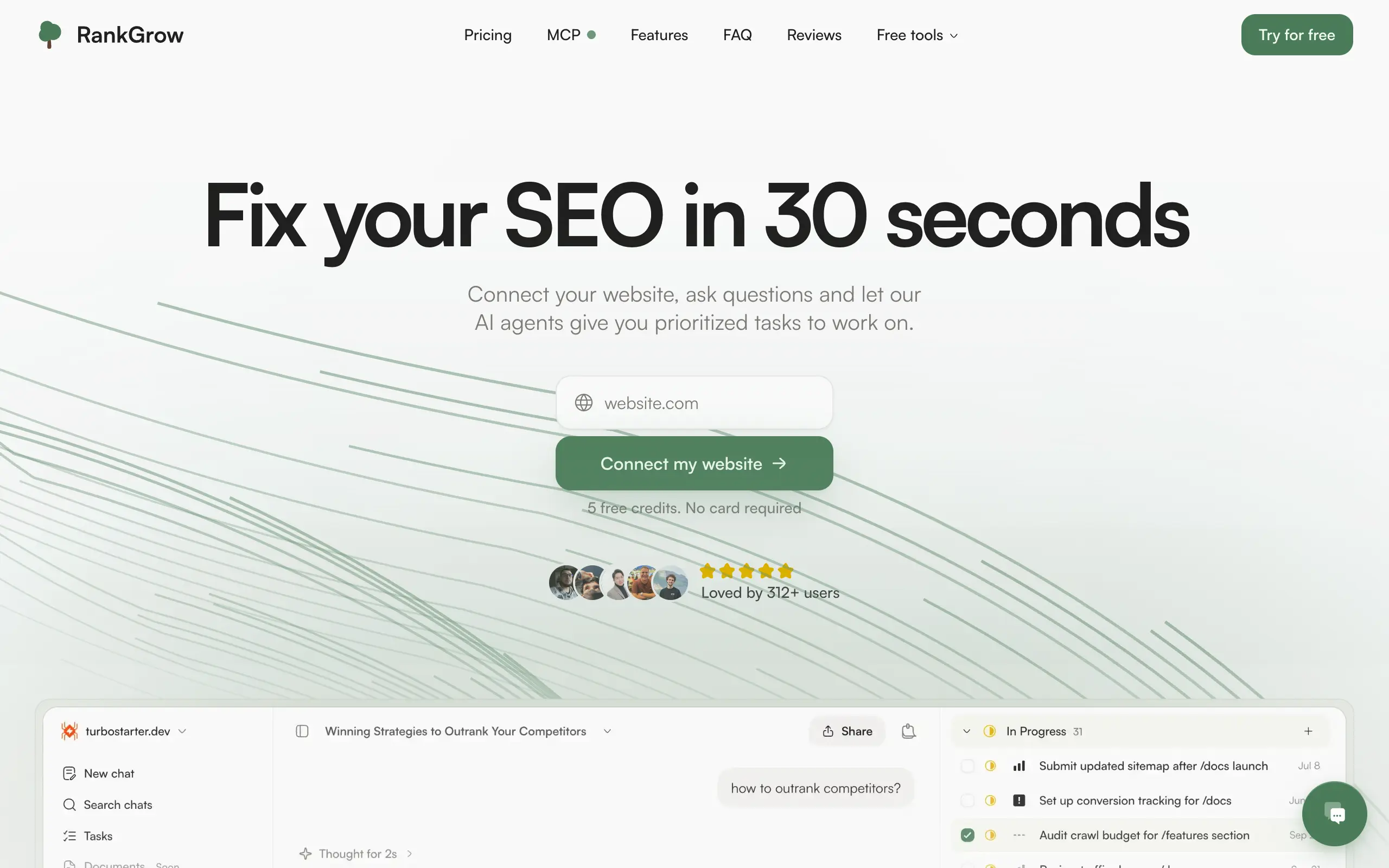
RankGrow
Fix your SEO with AI agents - connect Search Console, get prioritized tasks, and grow organic traffic 📈
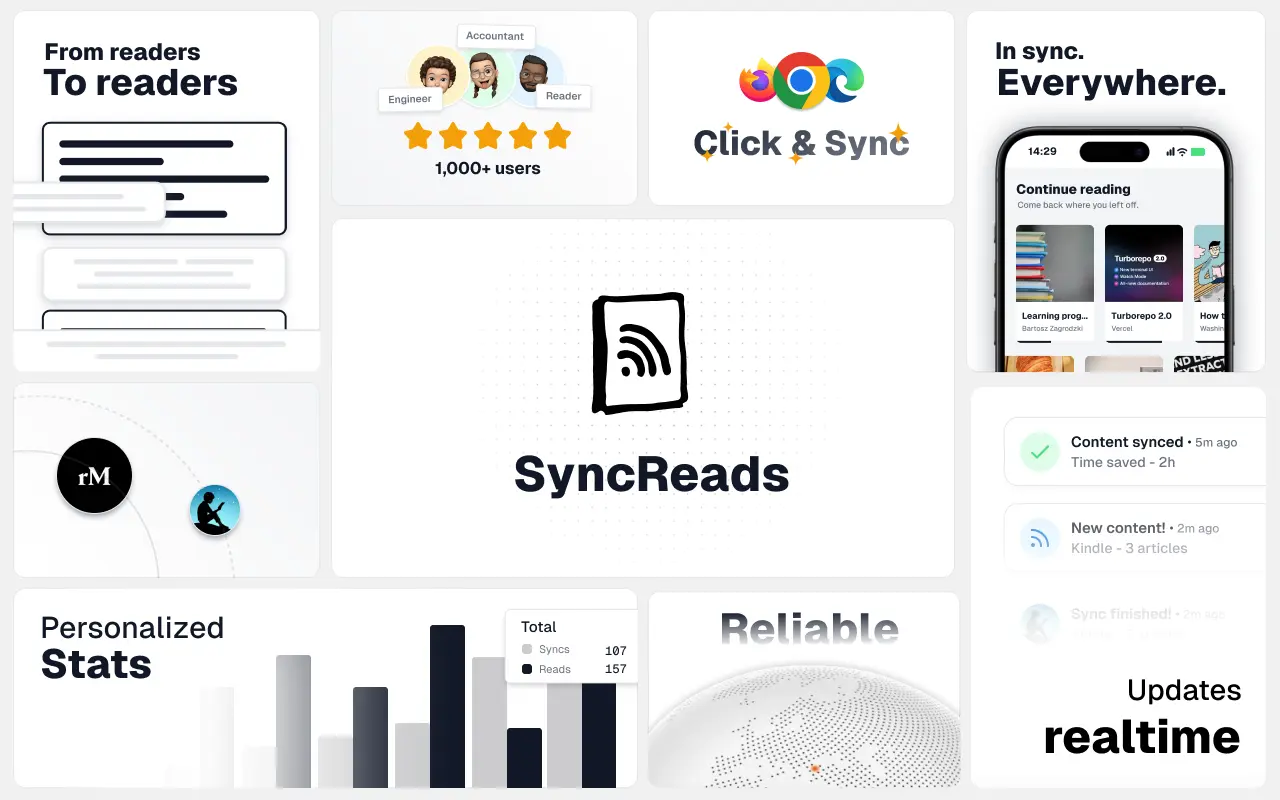
SyncReads
Sync your favorite content for distraction-free reading, save time and replace multiple apps. Anytime, anywhere 🔄
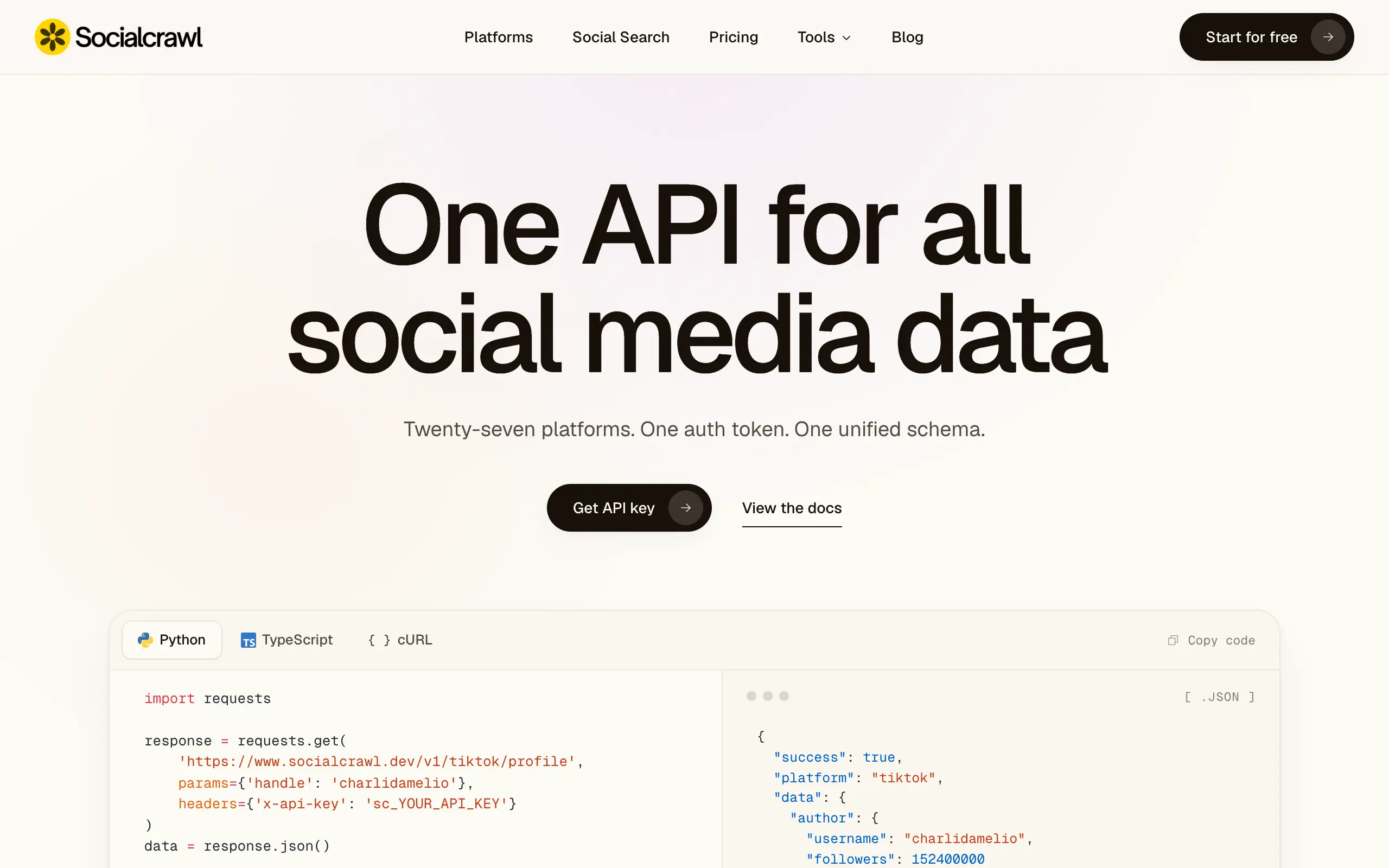
Socialcrawl
Get clean, structured data from 21 platforms like TikTok, Instagram, and YouTube with a single request 📊
Statiko
Monitor any Telegram channel in real time - track posts, edits, deletions, and growth with AI recaps 📡
Shibui
AI website builder - describe your business, pick a niche template, edit by chatting, and publish instantly ✨
Pro Service
Find verified home service professionals, compare quotes, and pay securely through escrow - built for Brazilians across the US 🏠
RankGrow
Fix your SEO with AI agents - connect Search Console, get prioritized tasks, and grow organic traffic 📈
SyncReads
Sync your favorite content for distraction-free reading, save time and replace multiple apps. Anytime, anywhere 🔄
Socialcrawl
Get clean, structured data from 21 platforms like TikTok, Instagram, and YouTube with a single request 📊
Statiko
Monitor any Telegram channel in real time - track posts, edits, deletions, and growth with AI recaps 📡
Shibui
AI website builder - describe your business, pick a niche template, edit by chatting, and publish instantly ✨
Pro Service
Find verified home service professionals, compare quotes, and pay securely through escrow - built for Brazilians across the US 🏠
RankGrow
Fix your SEO with AI agents - connect Search Console, get prioritized tasks, and grow organic traffic 📈
SyncReads
Sync your favorite content for distraction-free reading, save time and replace multiple apps. Anytime, anywhere 🔄
Socialcrawl
Get clean, structured data from 21 platforms like TikTok, Instagram, and YouTube with a single request 📊
Statiko
Monitor any Telegram channel in real time - track posts, edits, deletions, and growth with AI recaps 📡
Shibui
AI website builder - describe your business, pick a niche template, edit by chatting, and publish instantly ✨
Pro Service
Find verified home service professionals, compare quotes, and pay securely through escrow - built for Brazilians across the US 🏠
RankGrow
Fix your SEO with AI agents - connect Search Console, get prioritized tasks, and grow organic traffic 📈
SyncReads
Sync your favorite content for distraction-free reading, save time and replace multiple apps. Anytime, anywhere 🔄
Socialcrawl
Get clean, structured data from 21 platforms like TikTok, Instagram, and YouTube with a single request 📊
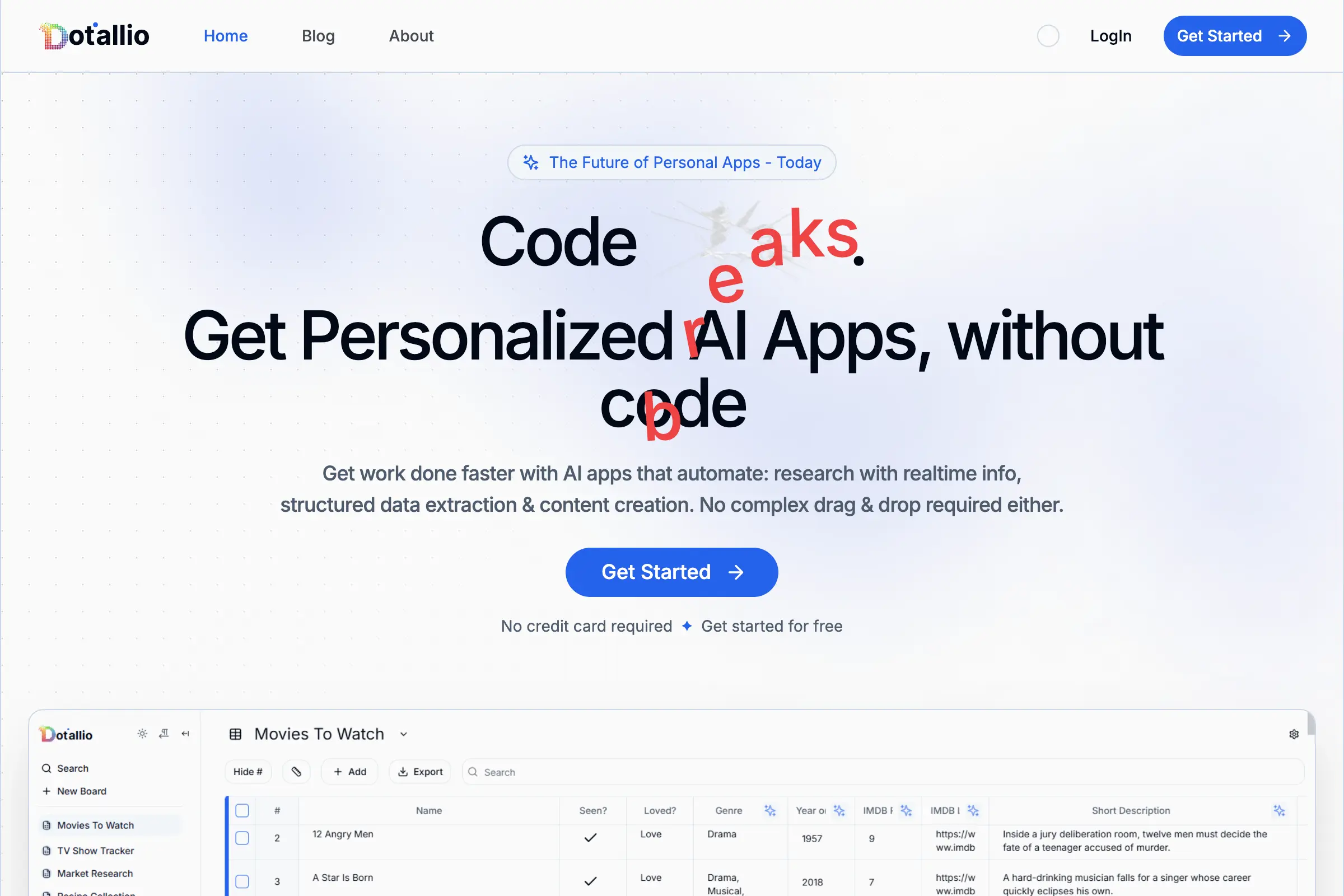
Dotallio
Personalized AI apps that automate research, data extraction, and content creation without code 🤖
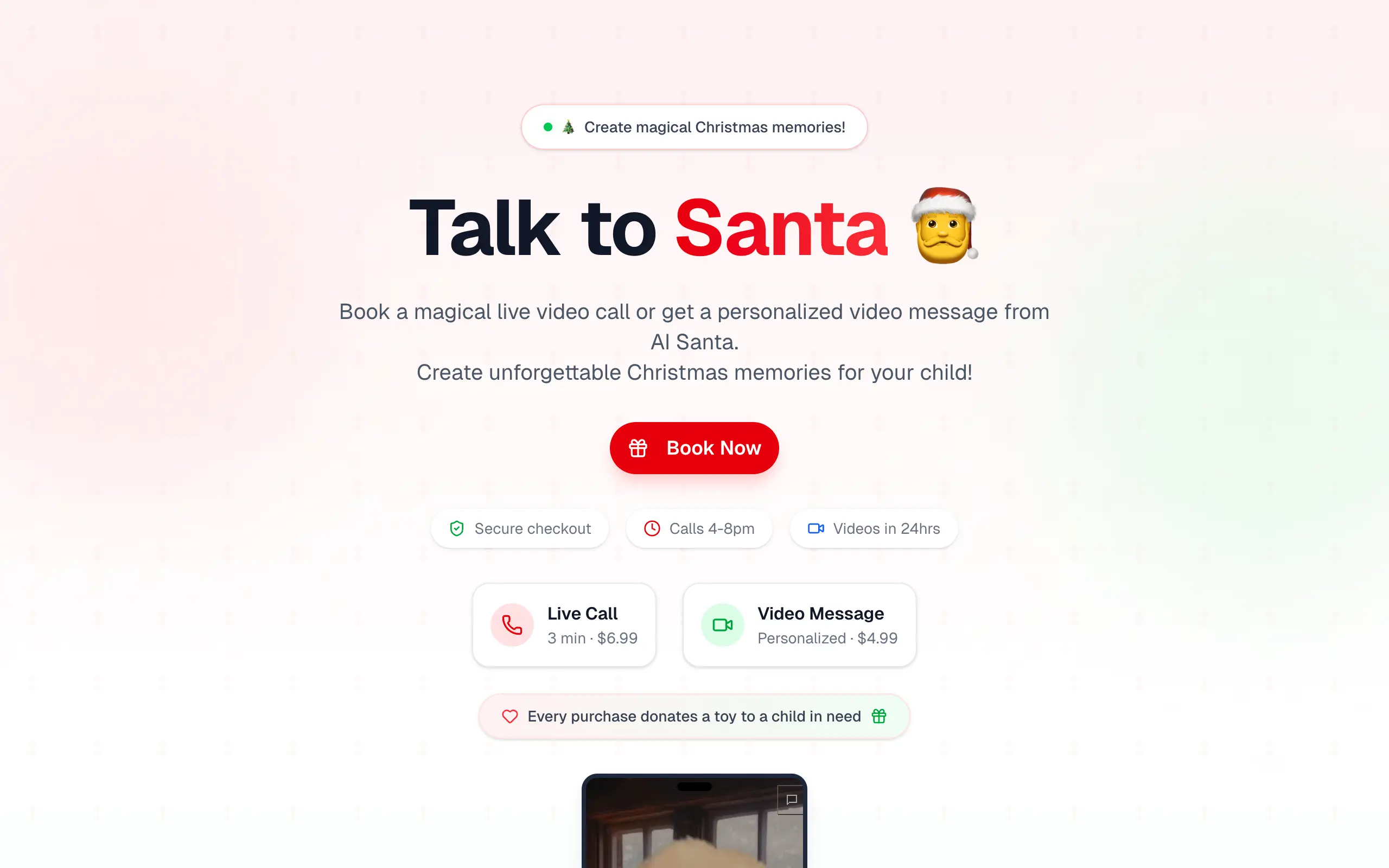
Talk to Santa
Enjoy a magical live video chat or receive a unique AI-generated video greeting from Santa Claus 🎅

pozywka.pl
Scalable blog for food journalist, focused on performance and user experience 🌭
zagrodzki.me
Personal blog and portfolio of Bart Zagrodzki, where he shares his knowledge and work 💼
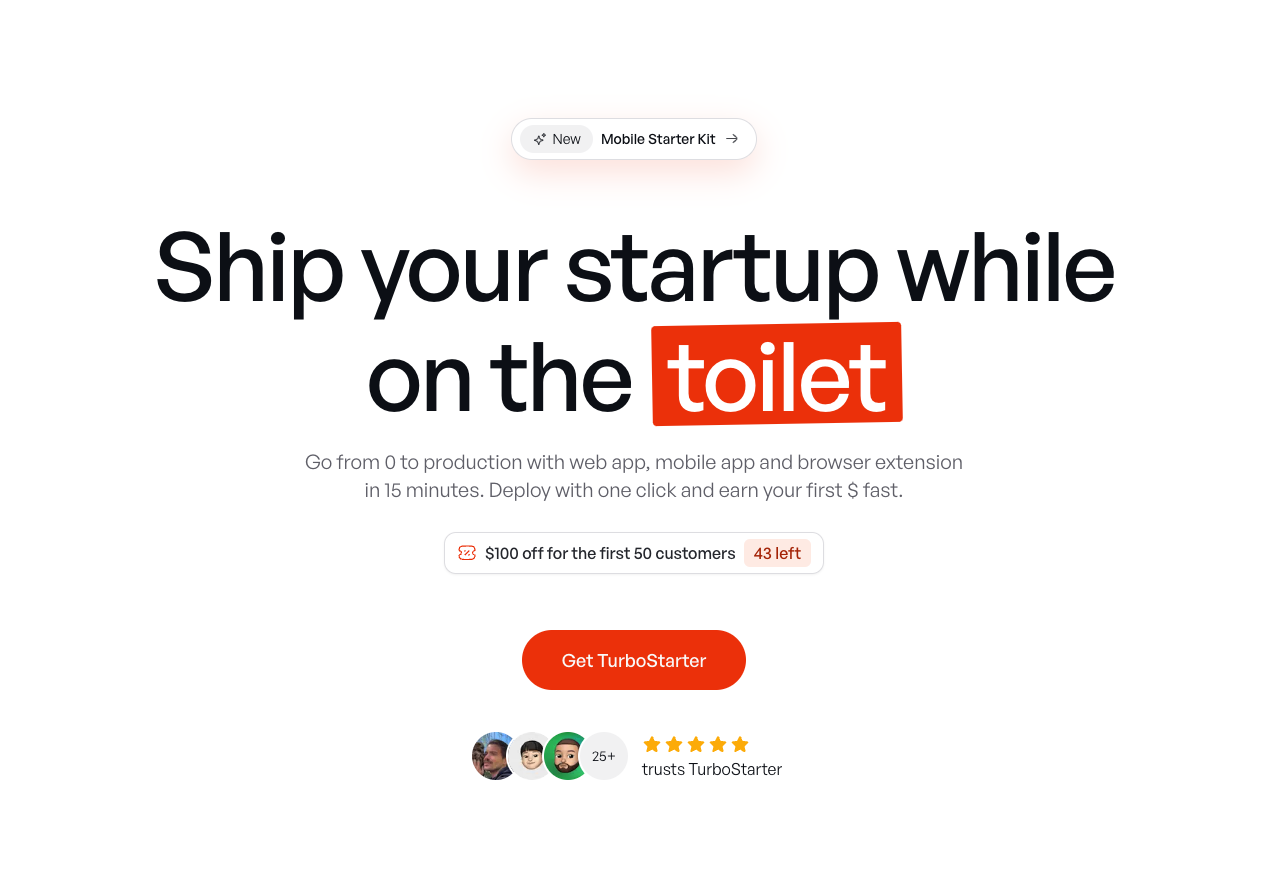
TurboStarter
Ship your startup everywhere. In minutes.
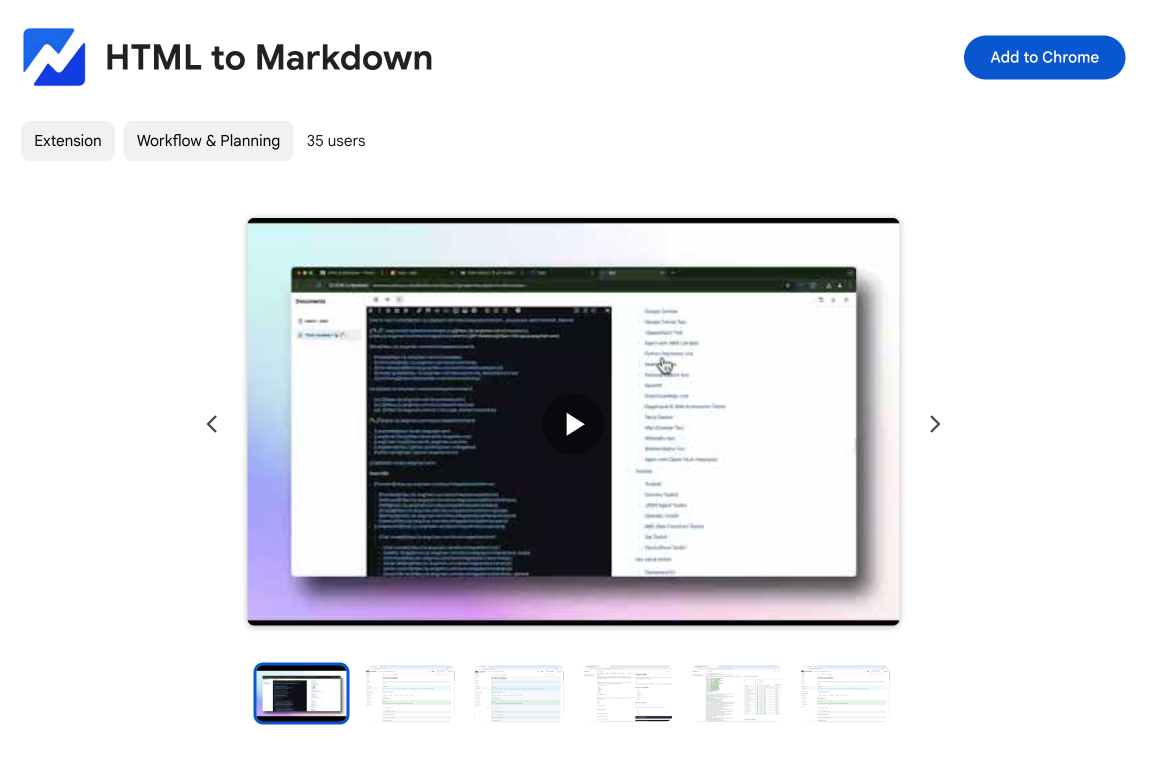
HTML to Markdown
Convert HTML to Markdown with ease, directly in your browser 📄
Dotallio
Personalized AI apps that automate research, data extraction, and content creation without code 🤖
Talk to Santa
Enjoy a magical live video chat or receive a unique AI-generated video greeting from Santa Claus 🎅
pozywka.pl
Scalable blog for food journalist, focused on performance and user experience 🌭
zagrodzki.me
Personal blog and portfolio of Bart Zagrodzki, where he shares his knowledge and work 💼
TurboStarter
Ship your startup everywhere. In minutes.
HTML to Markdown
Convert HTML to Markdown with ease, directly in your browser 📄
Dotallio
Personalized AI apps that automate research, data extraction, and content creation without code 🤖
Talk to Santa
Enjoy a magical live video chat or receive a unique AI-generated video greeting from Santa Claus 🎅
pozywka.pl
Scalable blog for food journalist, focused on performance and user experience 🌭
zagrodzki.me
Personal blog and portfolio of Bart Zagrodzki, where he shares his knowledge and work 💼
TurboStarter
Ship your startup everywhere. In minutes.
HTML to Markdown
Convert HTML to Markdown with ease, directly in your browser 📄
Dotallio
Personalized AI apps that automate research, data extraction, and content creation without code 🤖
Talk to Santa
Enjoy a magical live video chat or receive a unique AI-generated video greeting from Santa Claus 🎅
pozywka.pl
Scalable blog for food journalist, focused on performance and user experience 🌭
zagrodzki.me
Personal blog and portfolio of Bart Zagrodzki, where he shares his knowledge and work 💼
TurboStarter
Ship your startup everywhere. In minutes.
HTML to Markdown
Convert HTML to Markdown with ease, directly in your browser 📄
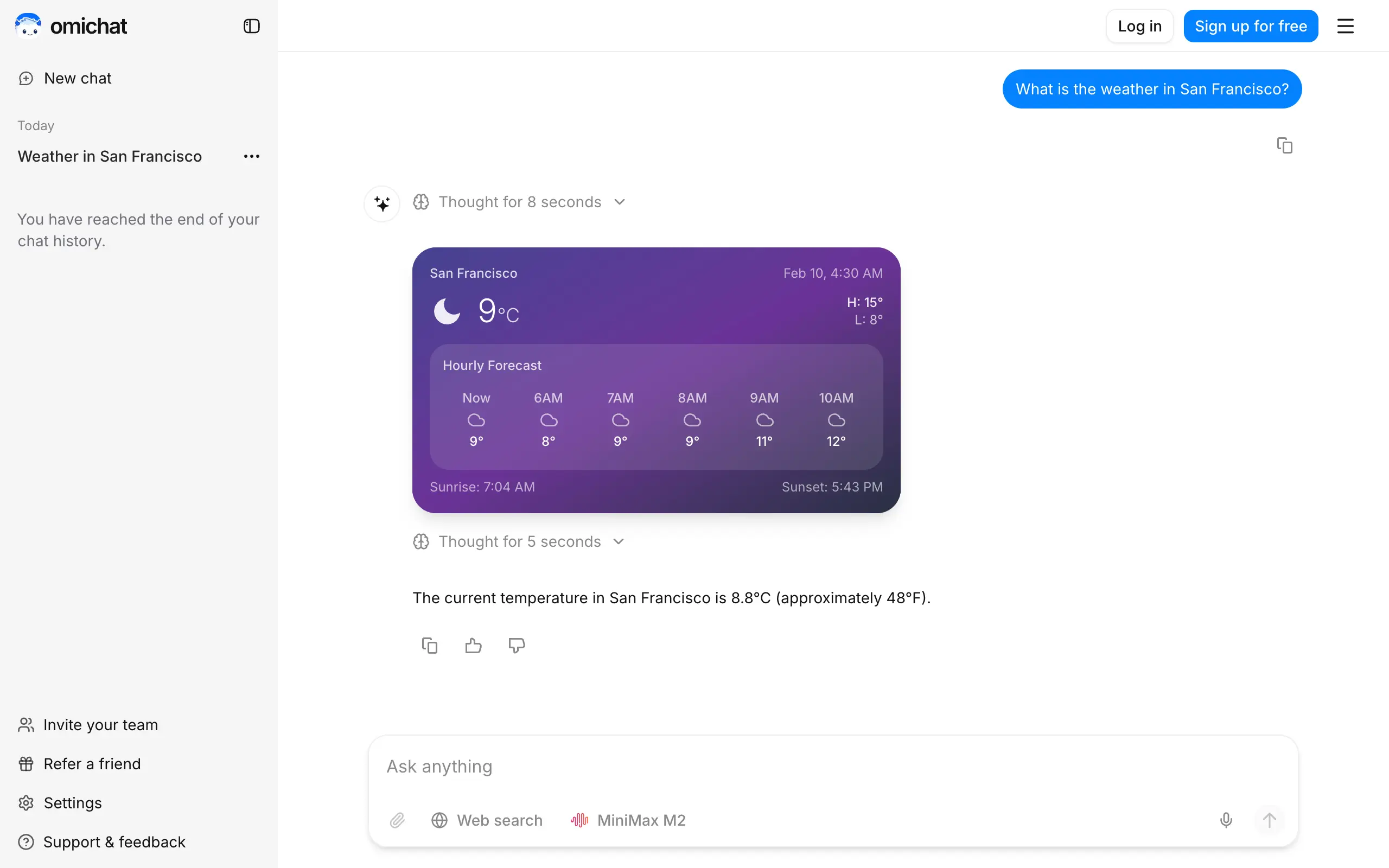
Omichat
Chat with 50+ AI models, including ChatGPT and Claude, in one place - switch models anytime without losing context 🤖
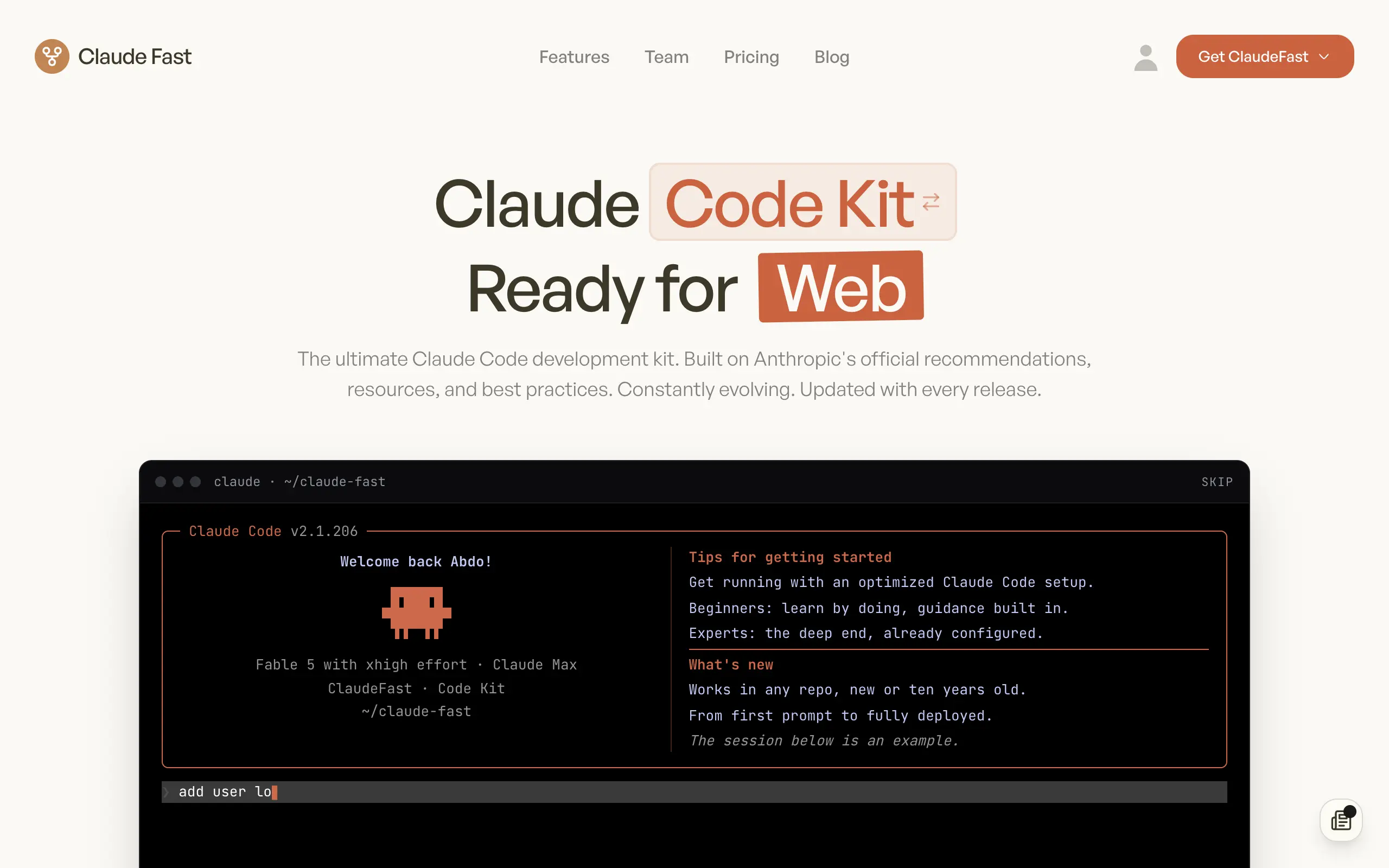
Claude Fast
Supercharge your Claude Code with 6x effective context window and specialized AI agents 🤖
EmojAI
AI-powered emoji picker with smart, context-aware suggestions 🤖
Solohacker
Autonomous company launcher - AI agents work 24/7, escalate what matters, and you stay in control 🤖
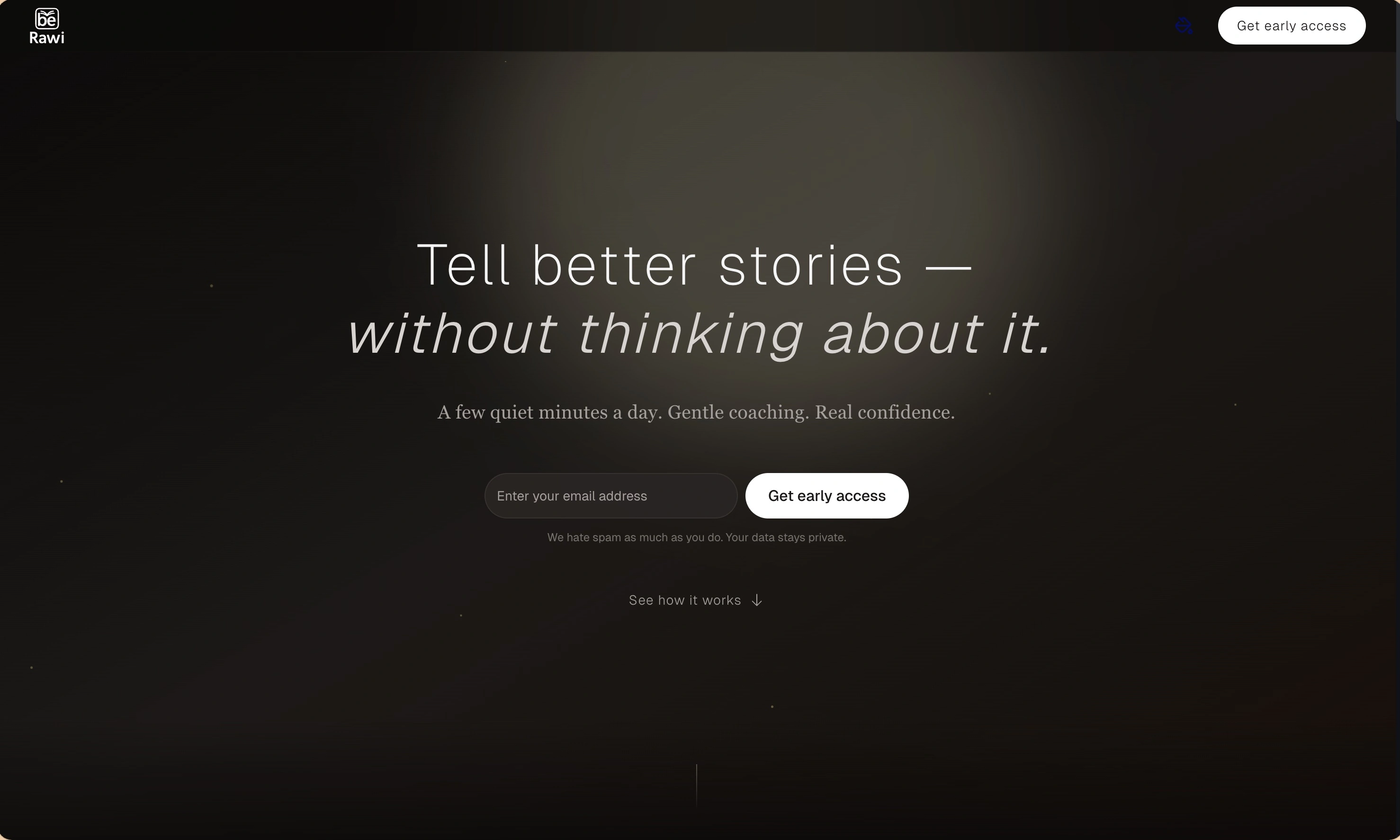
BeRawi: Storytelling Coach
Practice storytelling daily with instant feedback to sound clearer, more engaging, and confident 🎤
Omichat
Chat with 50+ AI models, including ChatGPT and Claude, in one place - switch models anytime without losing context 🤖
Claude Fast
Supercharge your Claude Code with 6x effective context window and specialized AI agents 🤖
EmojAI
AI-powered emoji picker with smart, context-aware suggestions 🤖
Solohacker
Autonomous company launcher - AI agents work 24/7, escalate what matters, and you stay in control 🤖
BeRawi: Storytelling Coach
Practice storytelling daily with instant feedback to sound clearer, more engaging, and confident 🎤
Omichat
Chat with 50+ AI models, including ChatGPT and Claude, in one place - switch models anytime without losing context 🤖
Claude Fast
Supercharge your Claude Code with 6x effective context window and specialized AI agents 🤖
EmojAI
AI-powered emoji picker with smart, context-aware suggestions 🤖
Solohacker
Autonomous company launcher - AI agents work 24/7, escalate what matters, and you stay in control 🤖
BeRawi: Storytelling Coach
Practice storytelling daily with instant feedback to sound clearer, more engaging, and confident 🎤
Omichat
Chat with 50+ AI models, including ChatGPT and Claude, in one place - switch models anytime without losing context 🤖
Claude Fast
Supercharge your Claude Code with 6x effective context window and specialized AI agents 🤖
EmojAI
AI-powered emoji picker with smart, context-aware suggestions 🤖
Solohacker
Autonomous company launcher - AI agents work 24/7, escalate what matters, and you stay in control 🤖
BeRawi: Storytelling Coach
Practice storytelling daily with instant feedback to sound clearer, more engaging, and confident 🎤

Connect with like-minded people
Join our community to get feedback, support, and grow together with 1,000+ builders on board, let's ship it!
Join usShip your startup everywhere. In minutes.
Don't burn tokens on setup and start building features on day one.