ClipPlan
Coordinate YouTube production in one workspace: turn briefs into shot lists, assign owners, track edits, and keep reviews on schedule.
ClipPlan is a YouTube production management software concept for creators and teams that need to coordinate video work from the first brief through final review. It brings planning, shot lists, task ownership, editing progress, and review deadlines into one workspace, helping teams replace scattered documents and messages with a repeatable production process.
The opportunity is not simply to make another project management board. ClipPlan can stand out by organizing work around the realities of making YouTube videos: research and scripting, filming, editing, thumbnails, approvals, publishing schedules, and revisions. To succeed, it should help a team answer practical questions quickly: What needs to happen next? Who owns it? What is blocking the video? When will it be ready to publish?
What ClipPlan could solve
YouTube production often involves more than one person, even when a channel appears to have a single creator. A creator may work with a writer, camera operator, editor, thumbnail designer, producer, or brand contact. Each video has its own context, deadlines, assets, and approval requirements.
That work can become fragmented across tools. A brief might live in a document, a shot list in a spreadsheet, feedback in email, files in cloud storage, and deadlines in a calendar. Teams can still complete videos this way, but coordination becomes harder as output increases or more people join the process.
ClipPlan would give each video a shared production plan. Instead of treating a video as a generic project, it could provide a production-specific workflow that connects:
- A brief to the tasks and deliverables it creates
- A shot list to filming assignments and footage status
- An edit to its owner, deadline, and review stage
- Feedback to a specific version or timecode
- A video’s production progress to the channel’s publishing calendar
The product’s central promise should be straightforward: keep YouTube production organized from brief to publish without making the workflow feel like enterprise project management.
Target audience for YouTube production management software
ClipPlan should start with a focused customer segment rather than trying to serve every creator, agency, and media company from day one. The best initial users are likely to have recurring production work, multiple contributors, and a visible cost when a video is delayed.
Solo creators who collaborate
A solo creator may still coordinate with a freelance editor, thumbnail designer, researcher, or assistant. Their main need is a lightweight place to clarify what is expected and when. ClipPlan can help them move recurring instructions out of direct messages and into a reusable video workflow.
For this audience, the product must be quick to set up. A creator who has to configure complex boards, custom fields, or permissions before planning one video may abandon the tool. Templates, sensible defaults, and simple task assignment are more valuable than extensive customization at the beginning.
Small YouTube teams
Small teams are a strong early audience because they face coordination challenges without necessarily having a dedicated operations manager. They may publish multiple videos per month and need to know which work is in research, scripting, filming, editing, or review.
ClipPlan can give these teams a shared source of truth. Producers can see the status of the full slate, while editors and designers can focus on the tasks assigned to them. This audience may also be willing to pay for collaboration features that reduce follow-up and prevent avoidable production delays.
YouTube agencies and production studios
Agencies often manage several channels or clients at once. Their needs can include client-specific approvals, reusable workflows, clear assignment ownership, and visibility into capacity across teams. A production studio may also need to track dependencies, such as a script approval that must happen before a shoot can be scheduled.
This segment has higher potential revenue per account, but it also brings more complex requirements. Agencies may expect separate workspaces, guest access, client review links, and controls for confidential projects. ClipPlan should validate these needs with interviews before building an agency-grade permission system.
In-house content marketing teams
Brands use YouTube for education, product marketing, customer stories, and support content. These teams often have reviewers beyond the production crew, such as legal, product, or marketing stakeholders. Their challenge is not only producing a video but also coordinating approvals and preserving a clear record of decisions.
ClipPlan could serve this audience with approval stages, audit history, and structured review requests. However, larger organizations may have procurement, security, and integration requirements that make them a poor first customer segment for a new product.
Market opportunity and product gap
The market opportunity for ClipPlan comes from a workflow gap: generic tools can track tasks, while video teams need to coordinate a sequence of creative production stages. The distinction matters. A task board can show that an edit is in progress, but it may not explain which brief it belongs to, whether the footage is ready, who must review it, or what needs to change before publication.
This gap should be treated as a product hypothesis, not as proof that existing tools are inadequate. Before investing heavily, ClipPlan’s team should interview creators, editors, and producers to learn:
- Which steps are most likely to get missed or delayed
- How many tools a team uses for one video
- How feedback is currently collected and resolved
- Whether teams already have a workflow they are reluctant to replace
- What would make a production workspace worth paying for
- Which tools need to remain in place, such as cloud storage or editing software
A focused product can compete by making a common workflow easier to understand and repeat. ClipPlan does not need to replace video editing applications, cloud drives, or channel analytics platforms. It needs to coordinate the work around them.
Trends that may shape the product
Several broad software trends are relevant to a YouTube production platform:
- Distributed creative teams make clear ownership and asynchronous review more important.
- Creator businesses increasingly involve recurring roles, contractors, and sponsorship deliverables rather than one person doing every task.
- AI-assisted workflows can speed up drafting, summarization, and asset organization, but teams still need human judgment for creative decisions.
- Integration expectations are rising. Users want tools to work with the services they already use rather than forcing a complete workflow change.
- Data privacy and permission controls matter when production work includes unpublished content, client material, or confidential campaign details.
For current market figures, ClipPlan should use recent, clearly attributed research from recognized industry sources. Any statistics in the product’s marketing should identify the source, publication date, and methodology rather than relying on unsourced creator-economy estimates.
Core ClipPlan features
The first version should solve the core coordination problem before attempting to become an all-in-one creator operating system. A useful MVP would help teams plan a video, move it through production, and keep the relevant people informed.
Video briefs and production templates
Each video should have a structured brief with fields such as working title, audience, objective, format, key message, reference links, and target publish date. Teams should be able to adapt the brief to their needs without having to build a schema from scratch.
Templates can make repeat production easier. A channel might create a workflow for interviews, product reviews, tutorials, or recurring news updates. A template could include standard stages and tasks while leaving each video’s creative details editable.
The goal is not to prescribe how every channel should make videos. It is to provide a useful starting point that teams can change as their process evolves.
Shot lists and filming coordination
A shot list turns a plan into a filming guide. It can include the scene or shot, location, required equipment, talent, notes, and completion status. Owners should be able to see what is assigned to them without reading a long production document.
For the MVP, a shot list does not need to replace professional call-sheet software. It needs to connect filming requirements to the video’s overall plan, so teams can tell whether production is ready and which shots remain outstanding.
Task ownership and production stages
ClipPlan should make responsibility explicit. Every task should have an owner, status, due date, and connection to the relevant video. A production board might include stages such as:
- Idea
- Brief
- Research and script
- Pre-production
- Filming
- Editing
- Review
- Ready to publish
- Published
Teams should be able to adjust stage names or add steps, but the default workflow should be ready to use. Progress indicators should reflect real work, not just provide decorative status labels.
Editing progress and review management
Editing is often a major source of coordination work. ClipPlan can track whether an edit is waiting for footage, in progress, ready for review, or awaiting revisions. It should also record who is expected to act next and by when.
A practical MVP can link to the team’s existing video files and review tools instead of attempting to host large media files. Later, ClipPlan could consider timecoded feedback or review integrations if customer research shows that fragmented review is a frequent pain point.
Review requests should be structured enough to reduce ambiguity. For example, the requester could specify the review deadline and whether the reviewer is checking creative direction, factual accuracy, branding, or final approval.
Publishing calendar and workload visibility
A calendar can help a team compare planned publishing dates with production progress. The calendar should make risk visible: a video scheduled to publish soon but still waiting for a script approval needs attention.
For managers, a portfolio view can show the production slate across channels or clients. For contributors, personal views can show assigned tasks and upcoming deadlines. These views should be different ways to understand the same underlying work, rather than separate data stores that become inconsistent.
Notifications and activity history
Notifications should surface meaningful changes without creating a new source of noise. Users may need to know when they are assigned a task, when feedback is requested, when a deadline changes, or when a review is complete.
An activity history can provide context when a project has multiple contributors. It should record important changes to ownership, status, due dates, and approvals. This is especially useful for teams that work asynchronously or hand work between contractors.
Feature priorities for an MVP
ClipPlan should resist building every potentially useful feature at once. The following comparison can help separate core workflow needs from possible later investments.
| Capability | MVP priority | Primary user value | Build complexity | Validation question |
|---|---|---|---|---|
| Video briefs and templates | High | Consistent planning | Low to medium | Do teams reuse the same brief structure? |
| Tasks and owners | High | Clear accountability | Medium | Does ownership reduce follow-up work? |
| Production stages | High | Understand video progress | Medium | Do teams share a repeatable workflow? |
| Publishing calendar | Medium to high | Coordinate deadlines | Medium | Do users plan across several videos? |
| Advanced media review | Later | Centralize detailed feedback | High | Will teams switch from current review tools? |
Competitive advantage and positioning
ClipPlan will compete indirectly with general project management platforms, spreadsheets, documents, production tools, and the communication apps teams already use. Its advantage cannot be based on the claim that it has more features. It needs to be meaningfully better for a specific job.
A production-first workflow
Generic work management products are flexible, but teams may need to configure them before they reflect a video production process. ClipPlan can provide a useful default workflow for YouTube teams, including briefs, filming, editing, reviews, and publishing readiness.
This can create a faster path to value. A new team should be able to create a workspace, add a video, assign the next steps, and see the production slate without a lengthy setup process.
Context attached to each video
The video should be the organizing unit. Tasks, assets, notes, approvals, deadlines, and decisions should be easy to find from the video’s workspace. This reduces the effort of reconstructing context from separate boards and chat threads.
A strong interface would let users move between a single video view and a channel-wide view without losing the connection between tasks and deliverables.
Useful structure without excessive rigidity
Creators value flexibility, but too much flexibility pushes configuration work onto the user. ClipPlan’s product design should balance structure with customization:
- Offer recommended production templates.
- Allow teams to change stages and task lists.
- Keep essential information visible without requiring many custom fields.
- Make collaboration easy for occasional contributors and guests.
- Avoid forcing every team into the same approval process.
A clear positioning statement
A concise positioning statement could be:
ClipPlan helps YouTube creators and production teams plan videos, assign production work, manage edits, and meet review deadlines in one production-focused workspace.
This statement is specific enough to distinguish the product from generic task management while leaving room to serve different types of teams.
Recommended technology stack
The best stack depends on the founding team’s experience, expected scale, and integration needs. For an early SaaS product, the priorities should be fast iteration, reliable authorization, maintainable data modeling, and a good collaboration experience.
Frontend
A web application built with React can support interactive boards, calendars, forms, and video workspaces. A framework such as Next.js can provide routing, server-rendered pages where useful, and an established application structure.
TypeScript is a strong choice for a collaborative SaaS product because it can make shared data models and complex workflow states easier to maintain. A utility-first styling system such as Tailwind CSS can help a small team build and refine interfaces quickly.
The trade-off is that frontend flexibility can lead to a sprawling application if teams do not define clear component and data patterns. Establish conventions early for forms, loading states, error handling, and accessibility.
Backend and database
A relational database such as PostgreSQL is a good fit for workspaces, users, videos, tasks, comments, approvals, and activity records. These entities have clear relationships, and teams will likely need queries that combine data across a workspace, channel, and production stage.
A backend can be implemented with a framework the team knows well, or with a managed database platform that provides authentication and storage primitives. The key is to design authorization carefully. Every query that reads or changes workspace data should confirm that the user has permission to access it.
A useful initial data model might include:
- Workspaces and workspace memberships
- Channels or client accounts
- Videos and production templates
- Tasks and assignments
- Comments and review requests
- Linked assets and external URLs
- Notifications and activity events
Authentication, storage, and email
ClipPlan should support standard sign-in methods and clear workspace invitations. Email is still important for onboarding, invitations, reminders, and review requests, but users should be able to control notification frequency.
If the platform stores media, storage costs and file handling become more complex. For an MVP, linking to existing cloud storage may be simpler and safer than hosting large raw footage files. If media uploads are introduced later, the product should establish file size limits, retention rules, access controls, and a storage-cost model before launch.
YouTube integrations
YouTube API integration could eventually help ClipPlan connect production plans to published videos or channel metadata. The official YouTube Data API documentation is the right starting point for understanding available capabilities, authorization requirements, quotas, and policy obligations.
Integration should not be assumed to be the MVP’s main value. ClipPlan can solve a production coordination problem without accessing a channel’s data. A later integration should be built around a validated user need, such as linking a published video to its production record or reducing manual metadata entry.
A practical product architecture
For an early launch, a modular monolith is often easier to build and operate than a distributed system. Keep the application’s major domains separated in code, but avoid microservices until there is a concrete scaling or organizational reason to introduce them.
The architecture should support:
- Workspace-level authorization
- Background processing for notifications and scheduled reminders
- Audit-friendly activity events
- Database backups and a tested restore process
- Observability for errors, slow requests, and failed jobs
- Data export and deletion workflows
The trade-off is straightforward: a small, coherent system can ship sooner, but it still needs disciplined access control and operational practices. Simplicity should not mean ignoring security or backups.
Monetization strategy for ClipPlan
ClipPlan’s pricing should reflect the value of coordination and the number of people or workflows supported. Pricing can be tested through customer conversations and paid pilots rather than inferred from competitor pricing alone.
Free plan for individual adoption
A free tier could let a solo creator plan a small number of videos and invite a limited number of collaborators. This can reduce the friction of trying the product, but it should not be so generous that growing teams have no reason to upgrade.
A free plan is most useful if it creates a natural path to paid use. For example, a creator might upgrade when they need more active videos, additional collaborators, reusable templates, or multiple channels.
Per-workspace or per-seat subscription
A subscription could be priced by workspace, by active team members, or through a hybrid model. Workspace-based pricing is easy to understand for small teams, while per-seat pricing may better reflect support and collaboration costs as an account grows.
The risk of per-seat pricing is that it can discourage inviting occasional reviewers, designers, or clients. ClipPlan could consider differentiated access, such as free guest reviewers or limited collaborator roles, while reserving advanced controls for paid plans.
Agency and studio plans
An agency plan could include multi-client management, guest review access, reusable client workflows, role-based permissions, and portfolio reporting. This could support higher-value accounts, but only if those features solve real agency pain rather than adding complexity for all users.
Before committing to this tier, ClipPlan should interview agencies about how they manage multiple clients and whether they would adopt a specialized tool alongside their current project management system.
Annual plans and paid onboarding
Annual subscriptions can improve revenue predictability and reward committed customers with a discount. Paid onboarding or workflow setup may also suit larger teams that need help translating an existing process into ClipPlan.
Any services revenue should be treated as a complement to, not a substitute for, a product that users can configure successfully themselves.
Risks and how to mitigate them
Teams may not want another tool
The most important adoption risk is that users already have a collection of tools that works well enough. A new workspace can feel like extra administrative work unless it reduces repeated coordination.
Mitigation: Build around a clear production workflow, support links to existing assets, and test the product with teams using their actual videos. Measure whether the product reduces missed handoffs or time spent asking for status.
Existing project tools may be flexible enough
A team might already have a configured board that handles its process. ClipPlan’s production focus is not automatically a competitive advantage if users see no meaningful difference.
Mitigation: Identify the moments that generic tools handle poorly, such as connecting a brief to a shot list and review sequence. Demonstrate those improvements in onboarding and product messaging. Avoid competing only on a longer feature checklist.
Feature scope can grow too quickly
Video teams may request media hosting, timecoded comments, analytics, AI scripting, sponsor management, and publishing integrations. Building all of these at once could delay the core product.
Mitigation: Rank requests by frequency, severity, and impact on activation or retention. Prototype expensive features before committing to full implementations. Keep the MVP centered on planning, ownership, progress, and deadlines.
Permission and confidentiality problems
Unpublished videos and client campaigns can be sensitive. Incorrect access controls could expose work to the wrong workspace members or guests.
Mitigation: Design authorization at the data layer, test workspace boundaries, provide clear role definitions, and log sensitive permission changes. Conduct security reviews before supporting larger organizations or confidential client workflows.
Notification fatigue
Too many reminders can cause users to disable notifications or ignore them. Too few can make deadlines and review requests easy to miss.
Mitigation: Make notification preferences understandable, use digest options where appropriate, and prioritize notifications that require action. Evaluate engagement and user feedback rather than sending reminders by default for every status change.
Integration and API dependency
Integrations can increase product value, but third-party services may change their APIs, authorization requirements, or usage limits.
Mitigation: Keep the core workflow useful without integrations. Build integrations with clear error handling and graceful fallback behavior. Review the relevant platform documentation and policies before launching a connected feature.
Metrics to validate product-market fit
ClipPlan should use a small set of product metrics that reflect whether teams are completing production work more reliably. Sign-ups alone are not enough.
Useful early indicators include:
- Activation: whether a new workspace creates a video plan, adds contributors, and assigns production work
- Time to first value: how quickly a user reaches a useful outcome after joining
- Workflow completion: whether videos progress through defined production stages
- Collaboration depth: how many invited contributors actively update or review work
- Retention: whether teams return to plan and manage later videos
- Deadline reliability: whether planned review and production dates are met
- Customer-reported coordination value: whether users report less time spent chasing updates
These metrics should be interpreted carefully. A team might use ClipPlan regularly because it has to, without finding it helpful. Combine usage data with interviews and direct observation of how people plan and review real videos.
Actionable implementation steps
1. Interview the right teams
Talk with creators, editors, producers, and agency operators who publish regularly. Ask them to walk through their most recent video from idea to publication. Focus on actual behavior and workarounds rather than asking whether they like the product idea.
2. Define one initial customer profile
Choose a segment with recurring production needs and a clear coordination problem. For example, start with small teams publishing multiple videos each month, then expand only after the core workflow has been validated.
3. Map the production workflow
Document the stages, roles, handoffs, and review points teams use. Identify which steps are common across customers and which need to remain configurable. Use this map to define the first product template.
4. Prototype the video workspace
Create a clickable prototype for the brief, task list, production stages, and review status. Test it with real users using a current or recently completed video. Watch for confusion about ownership, deadlines, and what action should happen next.
5. Build the smallest useful MVP
Prioritize workspace creation, video briefs, task ownership, production stages, a simple calendar, and essential notifications. Link to external assets rather than building media hosting until users demonstrate that the integration gap is a major problem.
6. Run a paid or closely supported pilot
Invite a small number of teams and help them onboard their real workflows. A paid pilot can test willingness to pay, while a supported pilot can expose setup and usability problems. Make clear what is experimental and collect feedback regularly.
7. Improve activation and repeat use
Study where users stop during onboarding and whether they return for their next video. Improve templates and defaults before adding advanced customization. Add features only when they address a repeated, important problem.
8. Expand integrations and pricing based on evidence
Prioritize integrations that remove repeated manual work, not those that merely look impressive in a feature list. Test pricing with different customer segments and make sure the model supports occasional collaborators as well as core team members.
A SaaS starter can help reduce the time spent on common application foundations, leaving more time for product discovery and workflow design. TurboStarter is one option to evaluate when establishing the foundations of a SaaS application.
The ClipPlan opportunity
ClipPlan has a promising, focused product direction: help YouTube teams coordinate the work surrounding a video, rather than trying to replace every tool in a creator’s stack. Its strongest differentiator would be a production-first workspace that connects briefs, shot lists, assignments, edits, reviews, and deadlines to a single video.
The idea still needs validation. The most important questions are whether teams experience enough coordination friction to adopt another tool, which workflow stages are shared across different channels, and whether users will pay for a dedicated production workspace. Interviews and real-world pilots can answer those questions before the product invests in complex integrations or media features.
If ClipPlan begins with a clear audience, ships a focused workflow, and measures whether teams complete production with less confusion, it can build a credible advantage through relevance and ease of use. The goal is not to add more software to the creator workflow. It is to make the work already happening easier to see, assign, and finish.
More 💡 Other SaaS ideas
Discover more innovative other SaaS ideas that are trending in 2026. Each idea is AI-generated with market validation and growth potential to help you find your next profitable venture faster than competitors.
Your competitors are building with TurboStarter
Below are some of the SaaS ideas that have been generated and built with our starter kit.
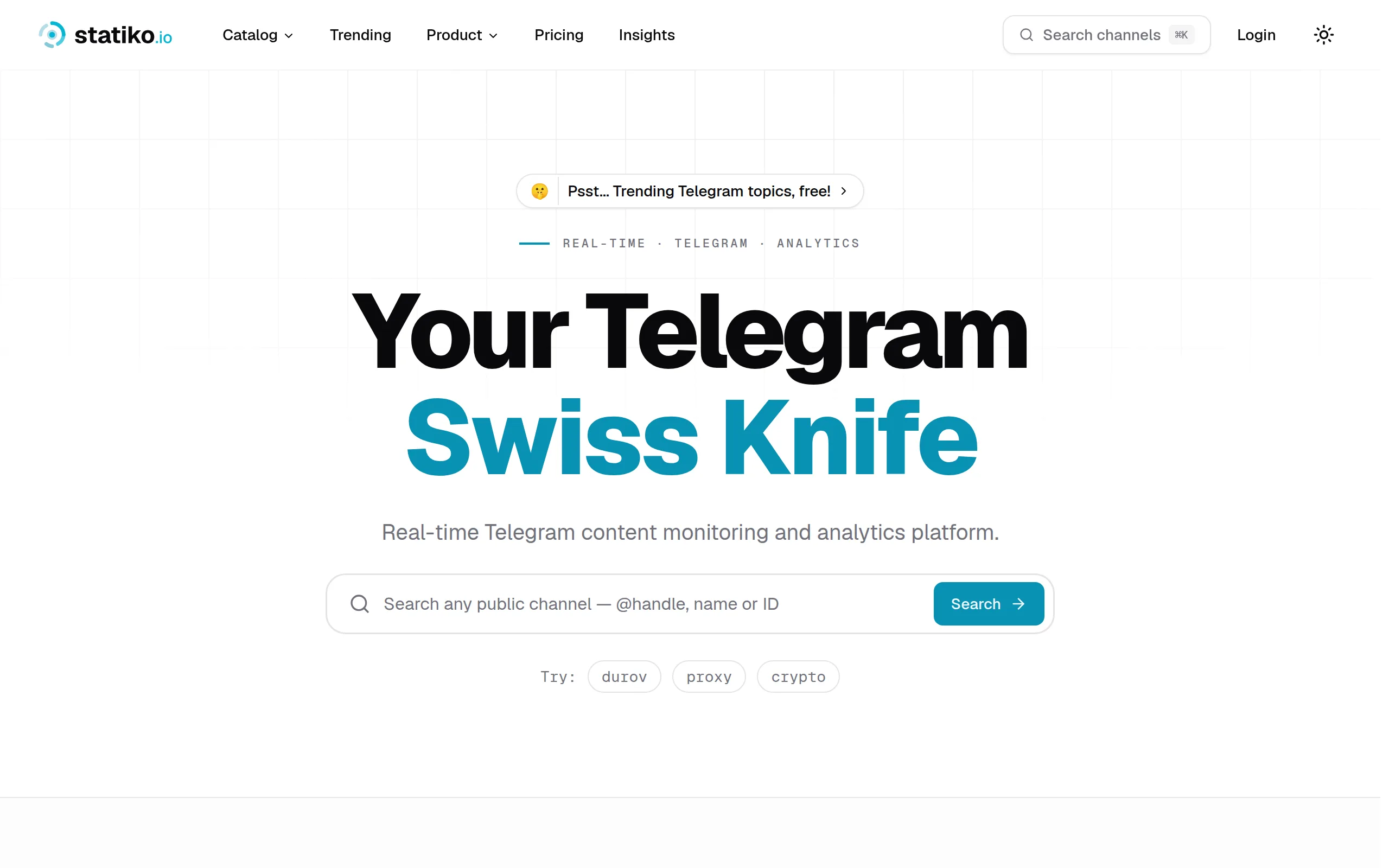
Statiko
Monitor any Telegram channel in real time - track posts, edits, deletions, and growth with AI recaps 📡

Shibui
AI website builder - describe your business, pick a niche template, edit by chatting, and publish instantly ✨
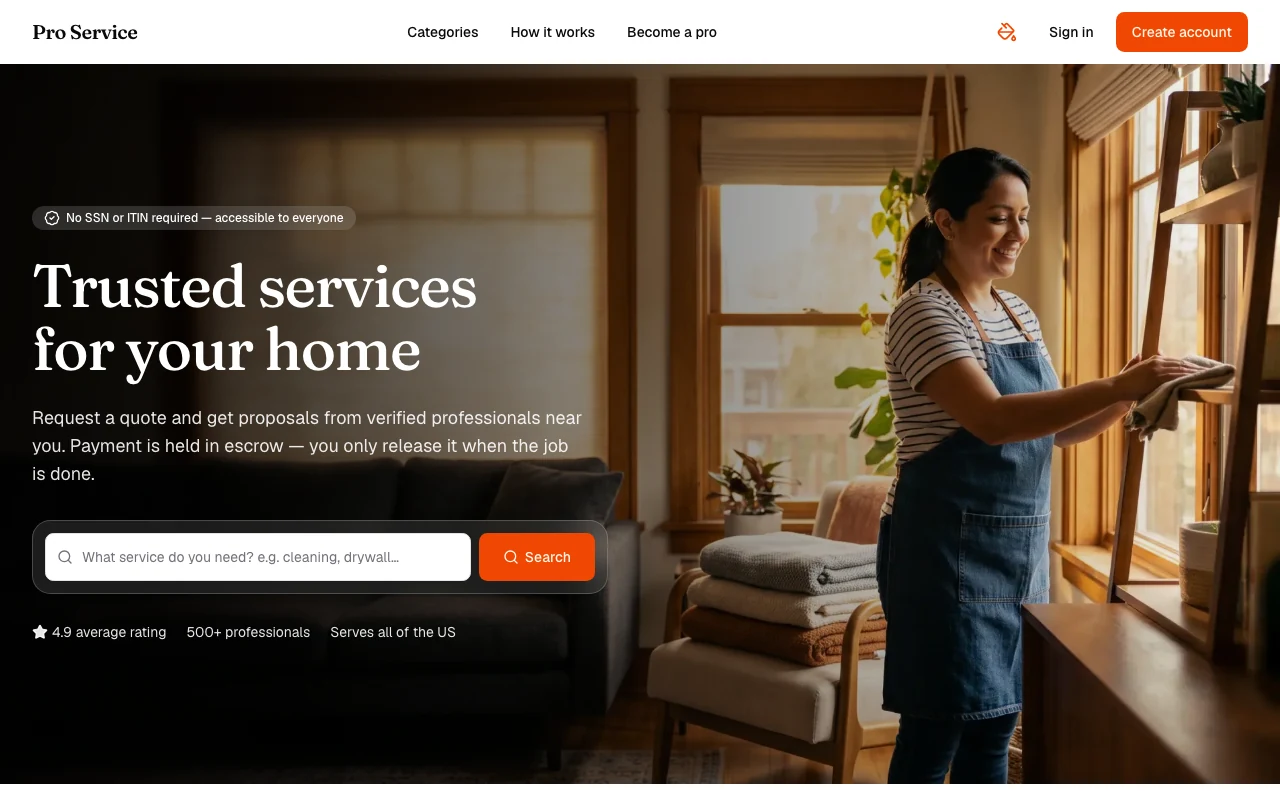
Pro Service
Find verified home service professionals, compare quotes, and pay securely through escrow - built for Brazilians across the US 🏠
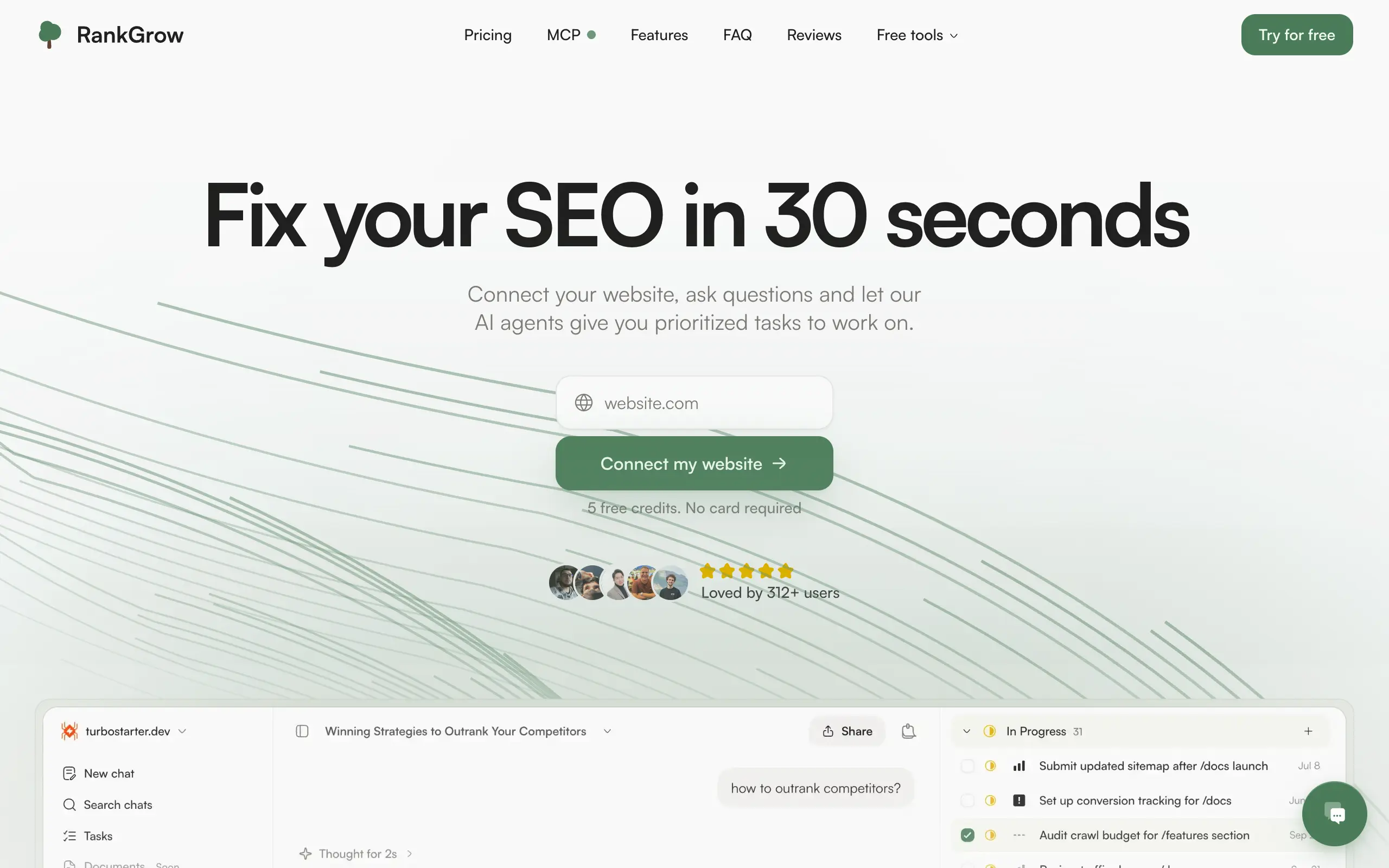
RankGrow
Fix your SEO with AI agents - connect Search Console, get prioritized tasks, and grow organic traffic 📈
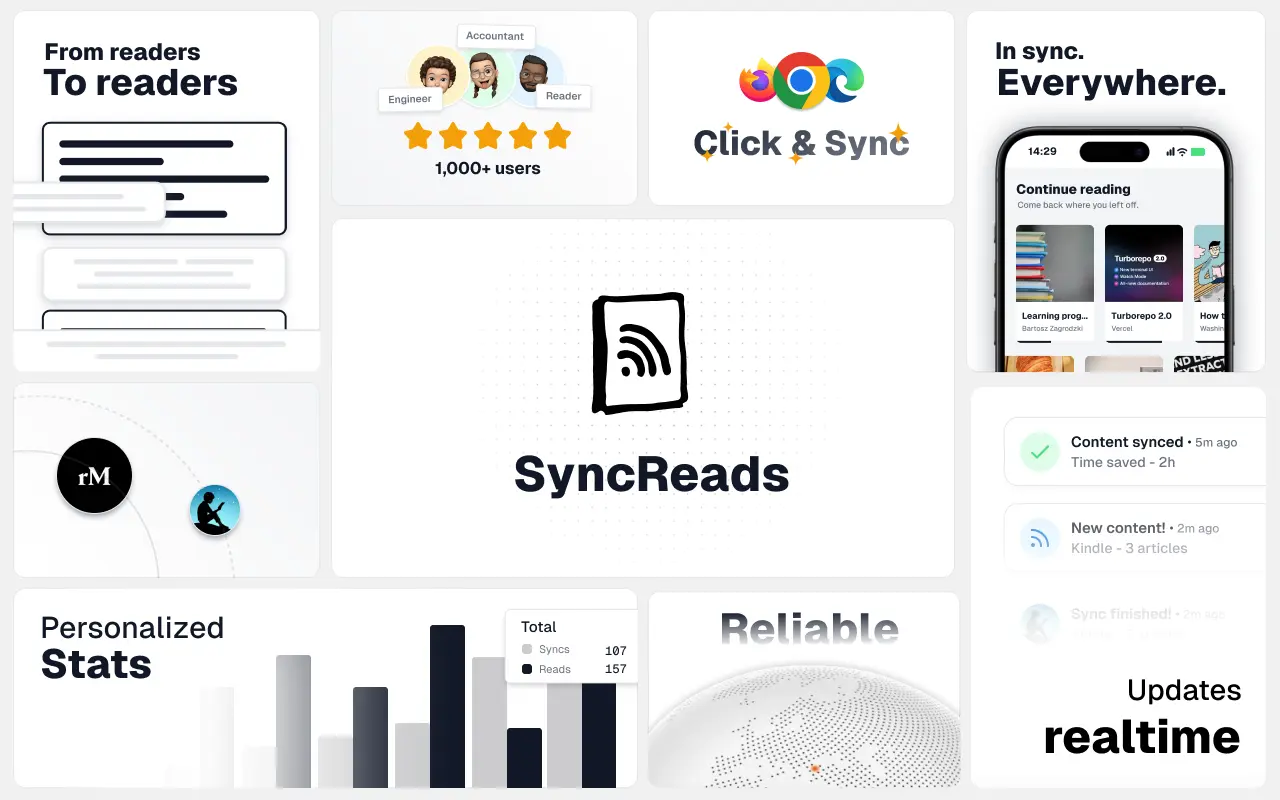
SyncReads
Sync your favorite content for distraction-free reading, save time and replace multiple apps. Anytime, anywhere 🔄
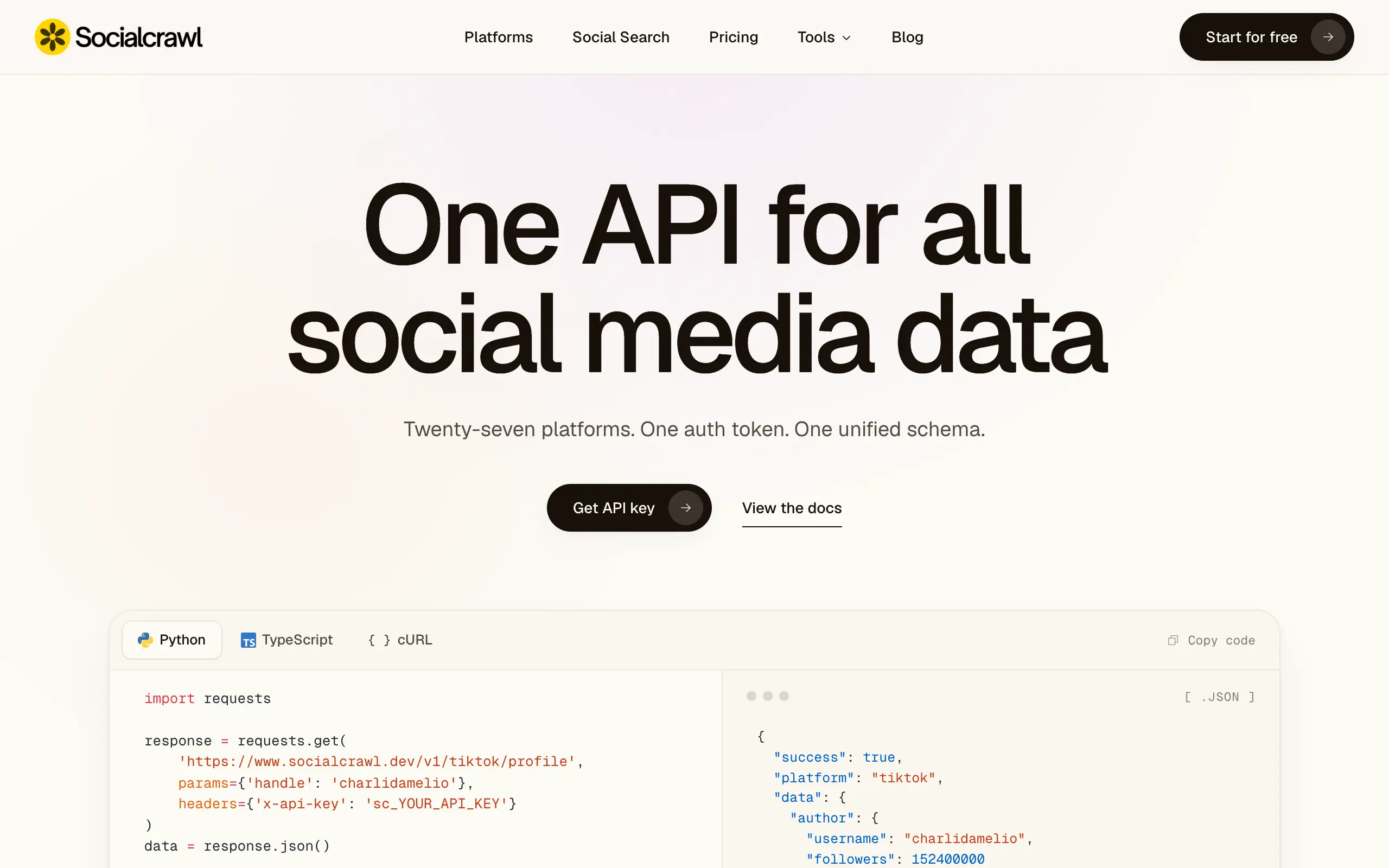
Socialcrawl
Get clean, structured data from 21 platforms like TikTok, Instagram, and YouTube with a single request 📊
Statiko
Monitor any Telegram channel in real time - track posts, edits, deletions, and growth with AI recaps 📡
Shibui
AI website builder - describe your business, pick a niche template, edit by chatting, and publish instantly ✨
Pro Service
Find verified home service professionals, compare quotes, and pay securely through escrow - built for Brazilians across the US 🏠
RankGrow
Fix your SEO with AI agents - connect Search Console, get prioritized tasks, and grow organic traffic 📈
SyncReads
Sync your favorite content for distraction-free reading, save time and replace multiple apps. Anytime, anywhere 🔄
Socialcrawl
Get clean, structured data from 21 platforms like TikTok, Instagram, and YouTube with a single request 📊
Statiko
Monitor any Telegram channel in real time - track posts, edits, deletions, and growth with AI recaps 📡
Shibui
AI website builder - describe your business, pick a niche template, edit by chatting, and publish instantly ✨
Pro Service
Find verified home service professionals, compare quotes, and pay securely through escrow - built for Brazilians across the US 🏠
RankGrow
Fix your SEO with AI agents - connect Search Console, get prioritized tasks, and grow organic traffic 📈
SyncReads
Sync your favorite content for distraction-free reading, save time and replace multiple apps. Anytime, anywhere 🔄
Socialcrawl
Get clean, structured data from 21 platforms like TikTok, Instagram, and YouTube with a single request 📊
Statiko
Monitor any Telegram channel in real time - track posts, edits, deletions, and growth with AI recaps 📡
Shibui
AI website builder - describe your business, pick a niche template, edit by chatting, and publish instantly ✨
Pro Service
Find verified home service professionals, compare quotes, and pay securely through escrow - built for Brazilians across the US 🏠
RankGrow
Fix your SEO with AI agents - connect Search Console, get prioritized tasks, and grow organic traffic 📈
SyncReads
Sync your favorite content for distraction-free reading, save time and replace multiple apps. Anytime, anywhere 🔄
Socialcrawl
Get clean, structured data from 21 platforms like TikTok, Instagram, and YouTube with a single request 📊
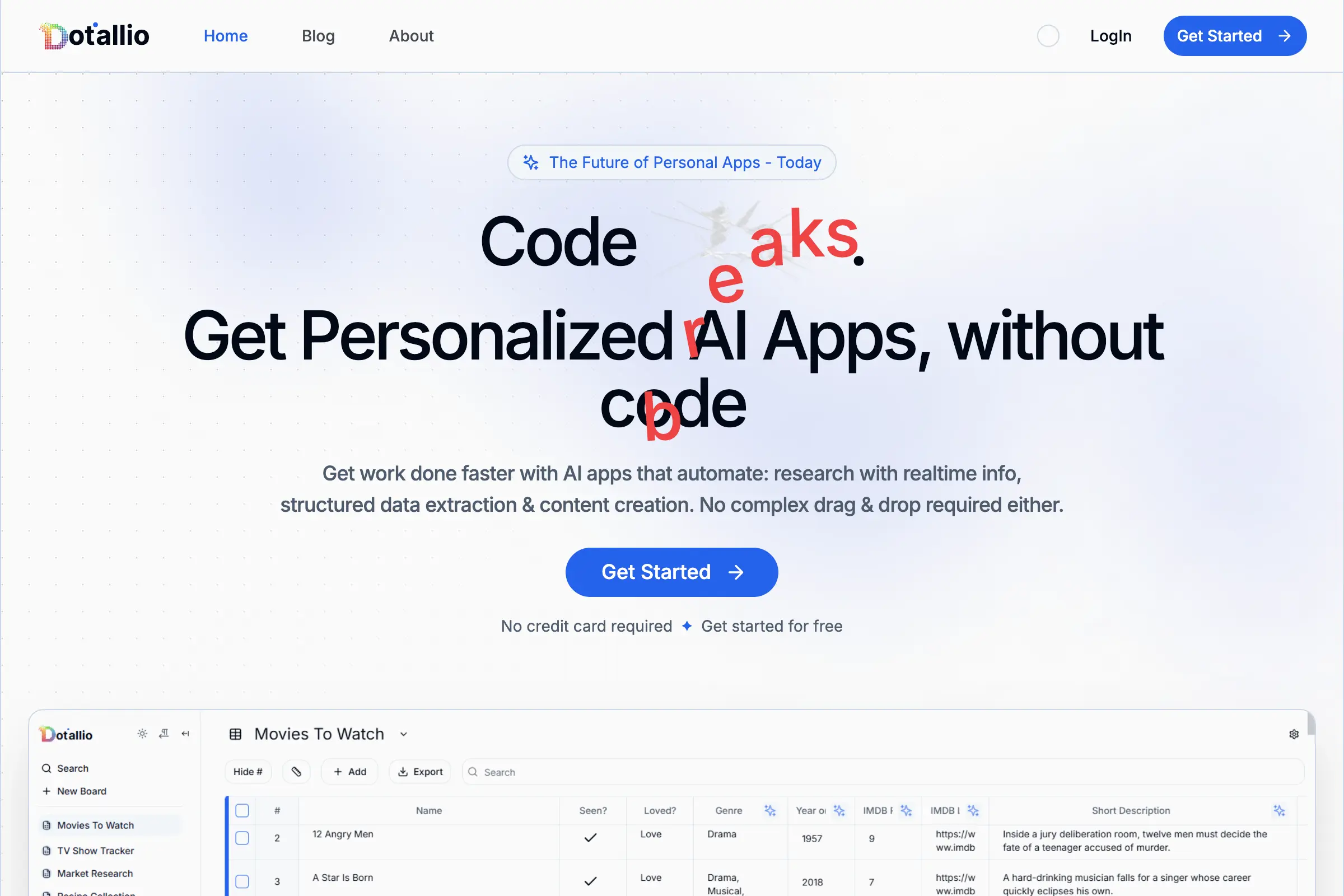
Dotallio
Personalized AI apps that automate research, data extraction, and content creation without code 🤖
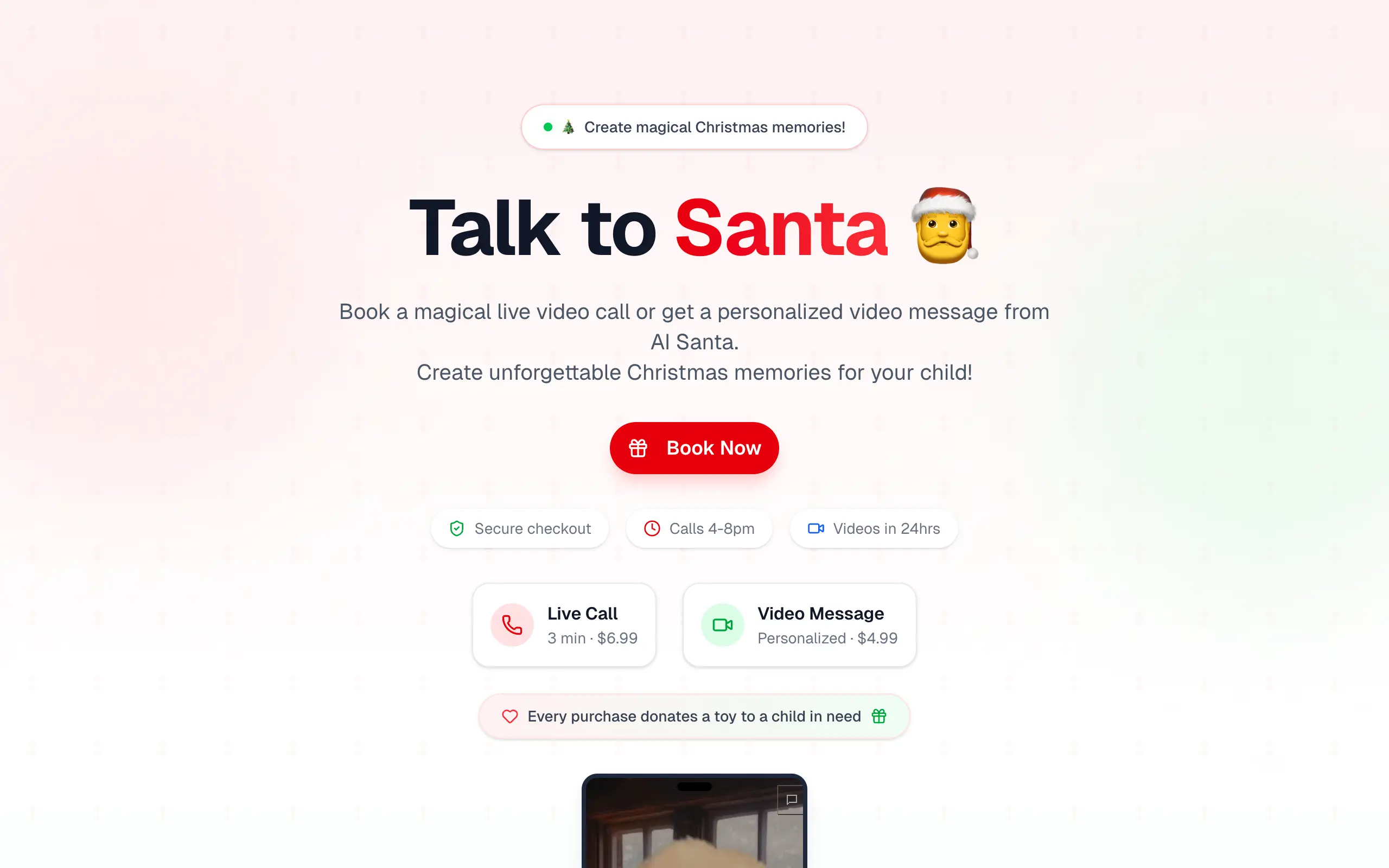
Talk to Santa
Enjoy a magical live video chat or receive a unique AI-generated video greeting from Santa Claus 🎅
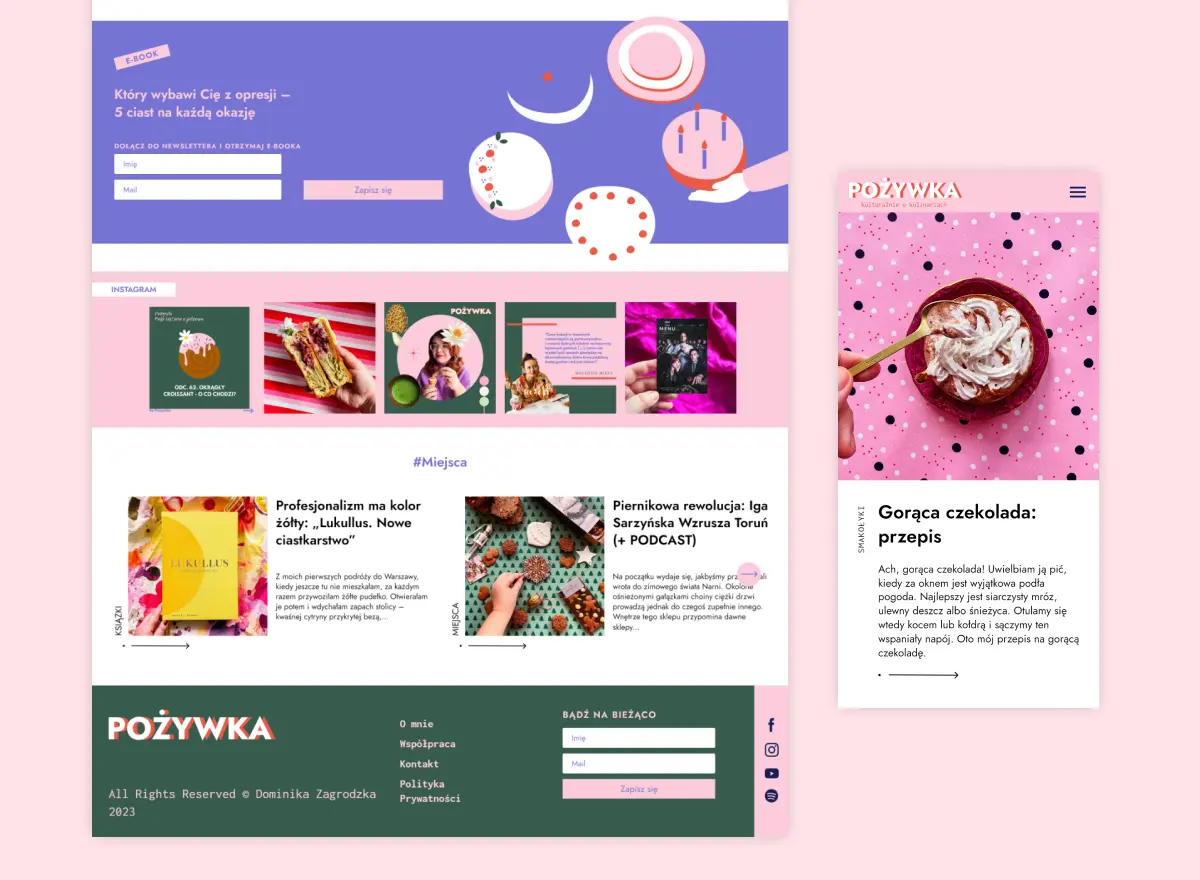
pozywka.pl
Scalable blog for food journalist, focused on performance and user experience 🌭
zagrodzki.me
Personal blog and portfolio of Bart Zagrodzki, where he shares his knowledge and work 💼
TurboStarter
Ship your startup everywhere. In minutes.
HTML to Markdown
Convert HTML to Markdown with ease, directly in your browser 📄
Dotallio
Personalized AI apps that automate research, data extraction, and content creation without code 🤖
Talk to Santa
Enjoy a magical live video chat or receive a unique AI-generated video greeting from Santa Claus 🎅
pozywka.pl
Scalable blog for food journalist, focused on performance and user experience 🌭
zagrodzki.me
Personal blog and portfolio of Bart Zagrodzki, where he shares his knowledge and work 💼
TurboStarter
Ship your startup everywhere. In minutes.
HTML to Markdown
Convert HTML to Markdown with ease, directly in your browser 📄
Dotallio
Personalized AI apps that automate research, data extraction, and content creation without code 🤖
Talk to Santa
Enjoy a magical live video chat or receive a unique AI-generated video greeting from Santa Claus 🎅
pozywka.pl
Scalable blog for food journalist, focused on performance and user experience 🌭
zagrodzki.me
Personal blog and portfolio of Bart Zagrodzki, where he shares his knowledge and work 💼
TurboStarter
Ship your startup everywhere. In minutes.
HTML to Markdown
Convert HTML to Markdown with ease, directly in your browser 📄
Dotallio
Personalized AI apps that automate research, data extraction, and content creation without code 🤖
Talk to Santa
Enjoy a magical live video chat or receive a unique AI-generated video greeting from Santa Claus 🎅
pozywka.pl
Scalable blog for food journalist, focused on performance and user experience 🌭
zagrodzki.me
Personal blog and portfolio of Bart Zagrodzki, where he shares his knowledge and work 💼
TurboStarter
Ship your startup everywhere. In minutes.
HTML to Markdown
Convert HTML to Markdown with ease, directly in your browser 📄
Omichat
Chat with 50+ AI models, including ChatGPT and Claude, in one place - switch models anytime without losing context 🤖
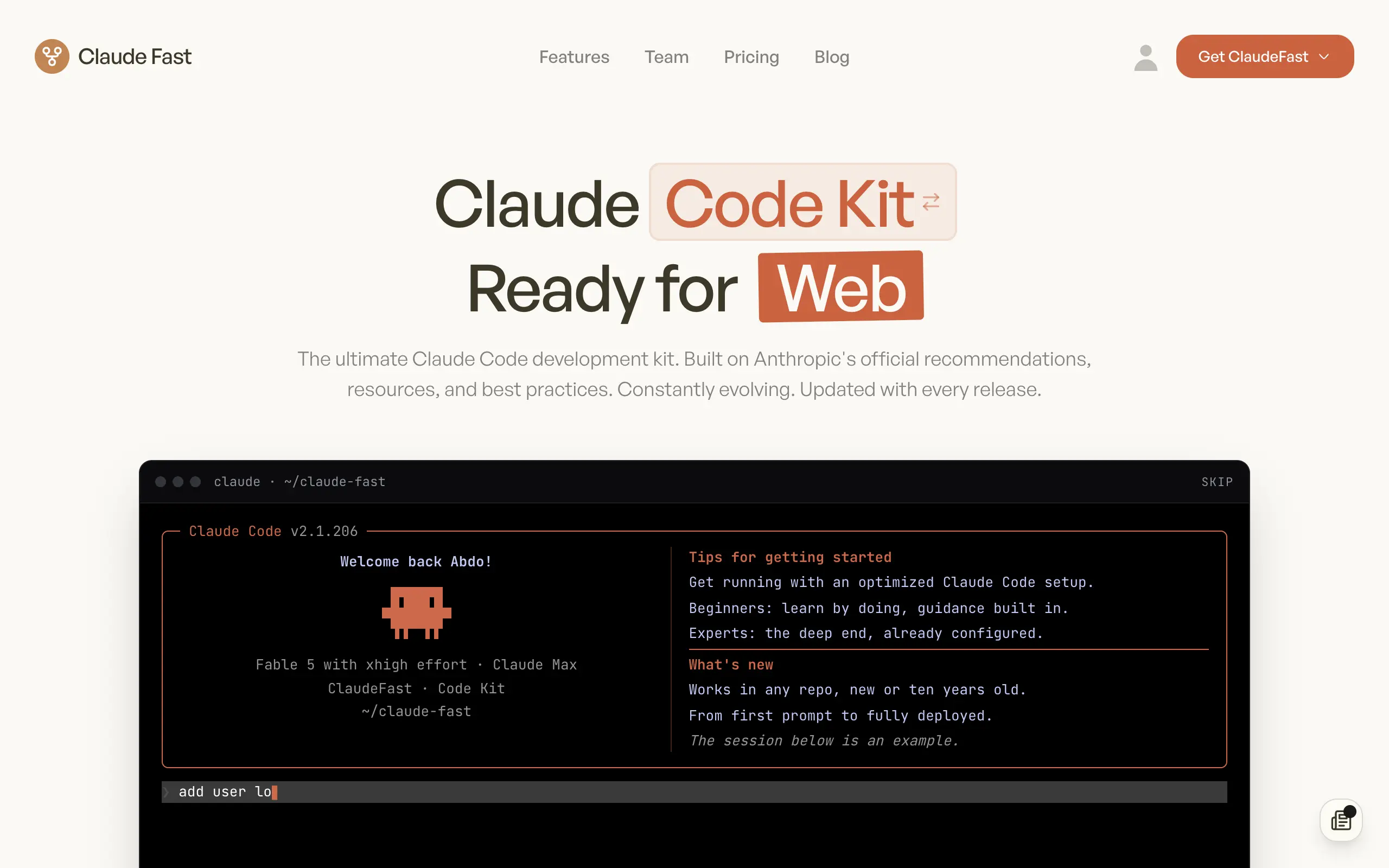
Claude Fast
Supercharge your Claude Code with 6x effective context window and specialized AI agents 🤖
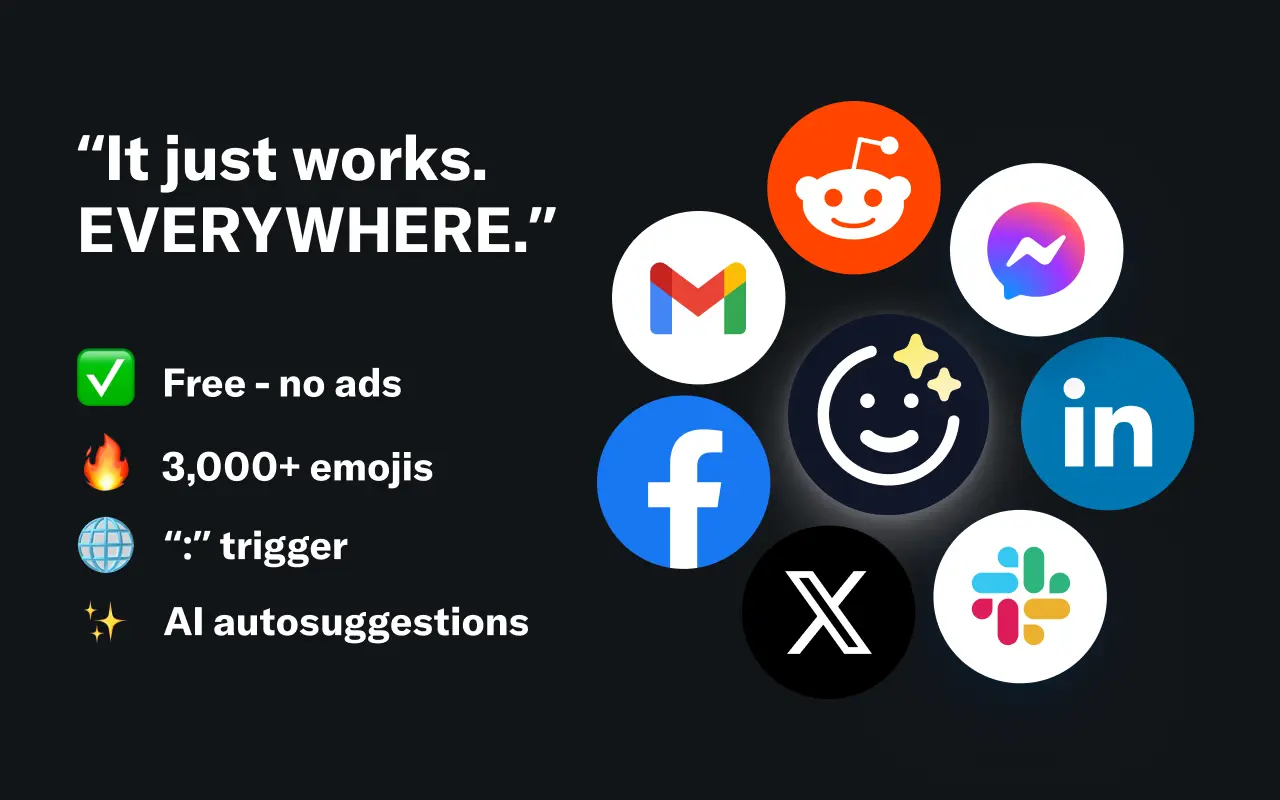
EmojAI
AI-powered emoji picker with smart, context-aware suggestions 🤖
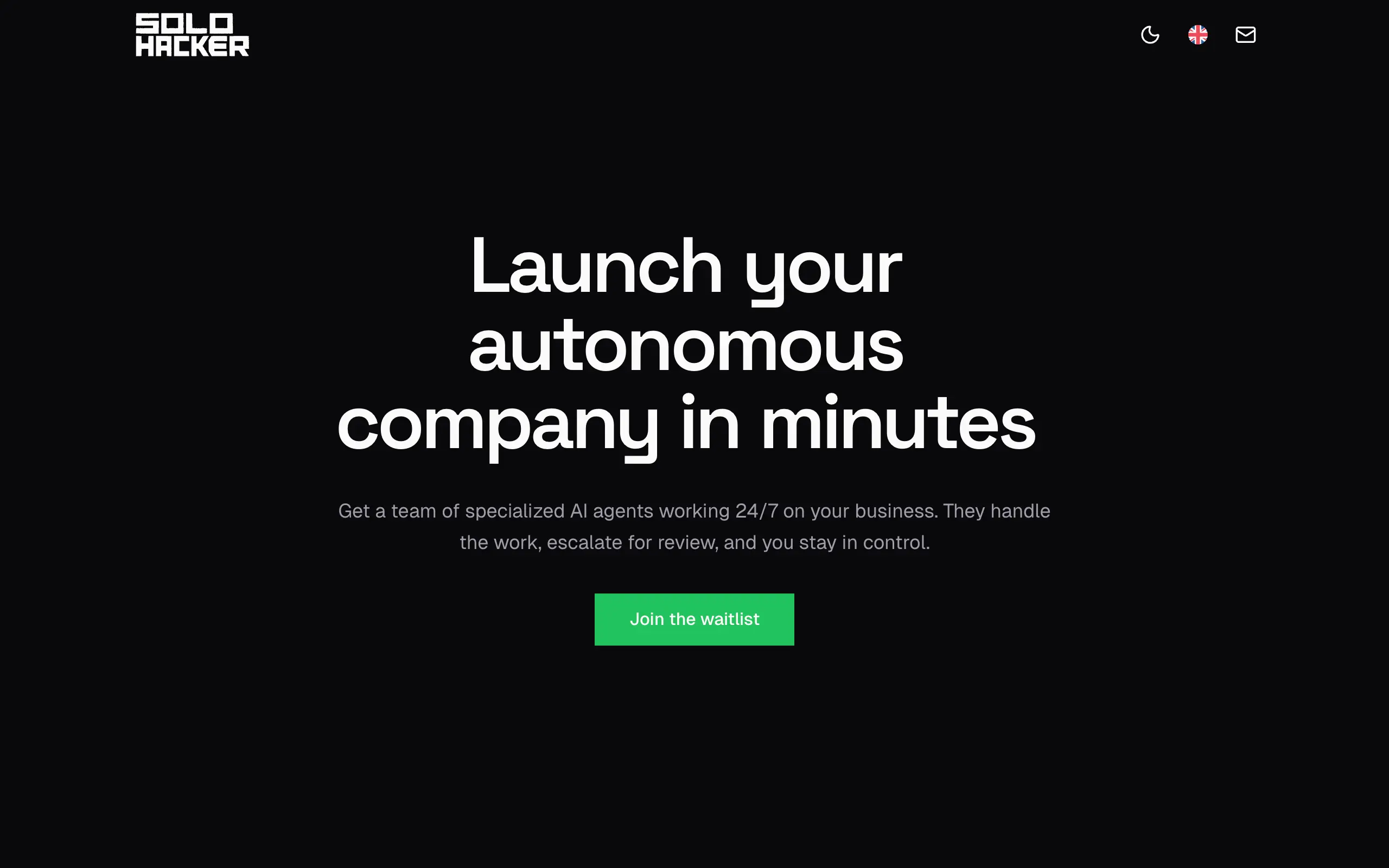
Solohacker
Autonomous company launcher - AI agents work 24/7, escalate what matters, and you stay in control 🤖
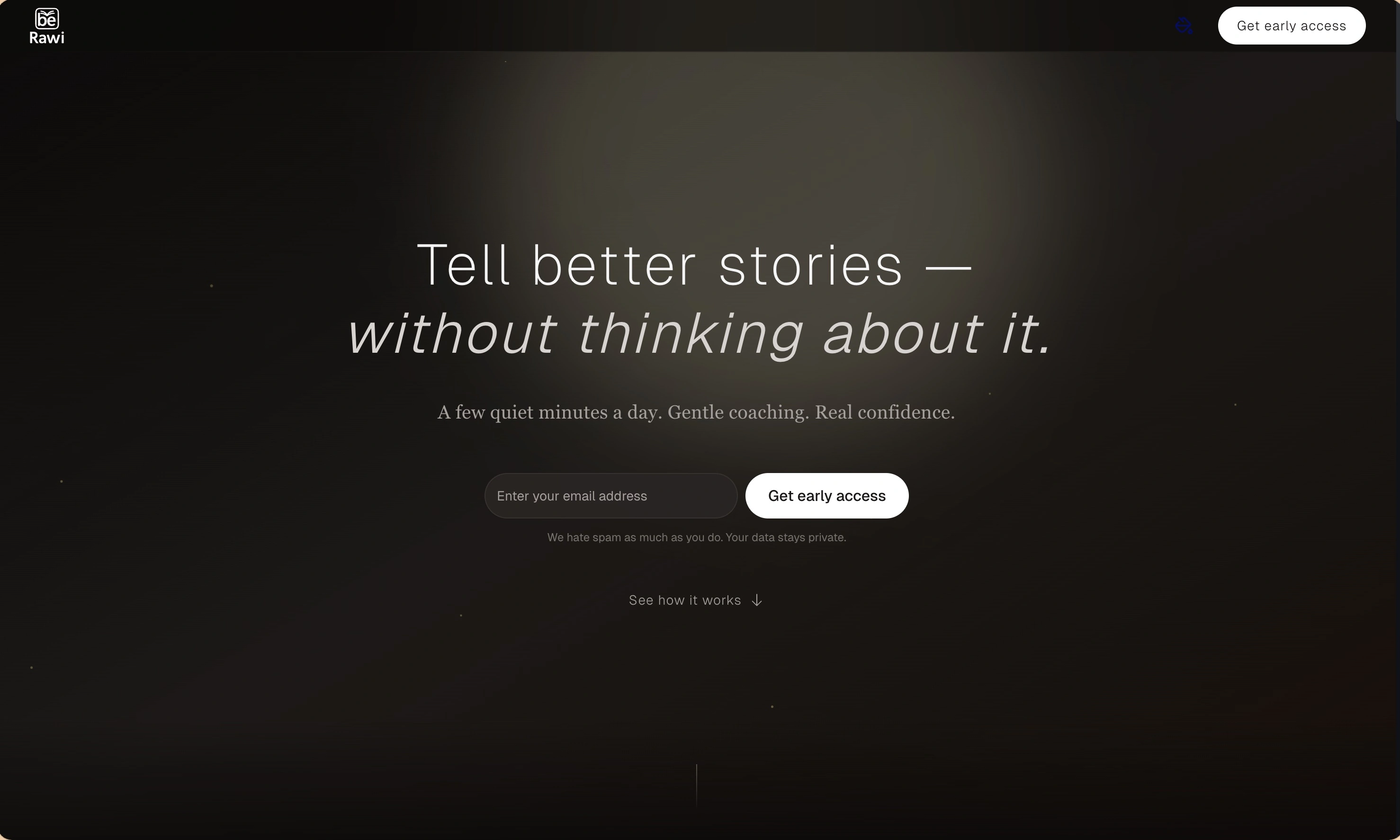
BeRawi: Storytelling Coach
Practice storytelling daily with instant feedback to sound clearer, more engaging, and confident 🎤
Omichat
Chat with 50+ AI models, including ChatGPT and Claude, in one place - switch models anytime without losing context 🤖
Claude Fast
Supercharge your Claude Code with 6x effective context window and specialized AI agents 🤖
EmojAI
AI-powered emoji picker with smart, context-aware suggestions 🤖
Solohacker
Autonomous company launcher - AI agents work 24/7, escalate what matters, and you stay in control 🤖
BeRawi: Storytelling Coach
Practice storytelling daily with instant feedback to sound clearer, more engaging, and confident 🎤
Omichat
Chat with 50+ AI models, including ChatGPT and Claude, in one place - switch models anytime without losing context 🤖
Claude Fast
Supercharge your Claude Code with 6x effective context window and specialized AI agents 🤖
EmojAI
AI-powered emoji picker with smart, context-aware suggestions 🤖
Solohacker
Autonomous company launcher - AI agents work 24/7, escalate what matters, and you stay in control 🤖
BeRawi: Storytelling Coach
Practice storytelling daily with instant feedback to sound clearer, more engaging, and confident 🎤
Omichat
Chat with 50+ AI models, including ChatGPT and Claude, in one place - switch models anytime without losing context 🤖
Claude Fast
Supercharge your Claude Code with 6x effective context window and specialized AI agents 🤖
EmojAI
AI-powered emoji picker with smart, context-aware suggestions 🤖
Solohacker
Autonomous company launcher - AI agents work 24/7, escalate what matters, and you stay in control 🤖
BeRawi: Storytelling Coach
Practice storytelling daily with instant feedback to sound clearer, more engaging, and confident 🎤

Connect with like-minded people
Join our community to get feedback, support, and grow together with 1,000+ builders on board, let's ship it!
Join usShip your startup everywhere. In minutes.
Don't burn tokens on setup and start building features on day one.