CutQueue
Coordinate YouTube video production with AI-generated tasks, timestamped feedback, and version approvals. Keep editors and creators aligned from script to publish.
YouTube production can look deceptively simple from the outside: write a script, record footage, edit, and publish. In practice, each video may involve a creator, one or more editors, thumbnail designers, producers, and reviewers working across documents, chat threads, cloud drives, and editing tools. When feedback is scattered or approvals are unclear, teams lose time reconciling versions instead of making better videos.
CutQueue is a concept for YouTube video production workflow software that brings those moving parts into one coordinated process. It combines AI-generated production tasks, timestamped video feedback, and version approvals so creators and editors can stay aligned from script to publish.
The opportunity is not simply to create another project-management board. It is to build a production workspace around the specific objects video teams already use: scripts, footage, timelines, review cuts, revisions, thumbnails, and final deliverables. This guide explores CutQueue’s target audience, market opportunity, product design, technical approach, monetization options, risks, and practical steps for validating and launching the idea.
What CutQueue does
CutQueue helps YouTube teams plan, review, and approve videos in one place. A typical workflow could begin with a video idea, move through scripting and production, and end with an approved upload package.
A creator might add a brief, target publish date, and reference links. CutQueue could turn that brief into an editable task list, assign work to collaborators, and keep the script, video files, comments, and approvals connected to the same project. During review, a team member could leave feedback at a specific timestamp rather than describing a moment vaguely in chat. After revisions, reviewers could compare versions and record a clear approval.
The product’s central promise is straightforward:
Reduce coordination overhead so video teams can spend more time creating and less time chasing feedback.
That promise should guide the product. Every feature should make production status clearer, feedback more actionable, or handoffs less error-prone.
Who is CutQueue for?
CutQueue is most useful for people who produce YouTube content with other people. It may also help solo creators who have outgrown personal reminders and need a repeatable workflow.
Independent creators with recurring output
A creator publishing on a regular schedule has to manage more than editing. They may coordinate research, scripting, recording, editing, thumbnails, descriptions, and uploads. Even a small team can have enough handoffs for tasks to become difficult to track.
For this audience, CutQueue should make the next action obvious. A creator should be able to see which videos need a script, which are waiting for an edit, and which are blocked by review.
Creator-led teams and small studios
Small production teams often rely on a mix of spreadsheets, messaging apps, shared folders, and video-review tools. Each tool may work well alone, but context can be lost between them.
A shared production workspace can help these teams by providing:
- A consistent workflow for every video
- Clear ownership for each task
- A review history connected to the relevant cut
- A visible approval state before publishing
- Reusable checklists for recurring production steps
Freelance video editors
Editors need feedback that is specific, prioritized, and tied to the correct version. “Make the intro faster” is less actionable than a comment attached to a precise moment in a particular cut.
CutQueue can help editors by giving clients a structured place to submit feedback, see which changes are approved, and distinguish new requests from resolved notes. This is especially valuable when a project has several reviewers or multiple revision rounds.
Agencies and production companies
Agencies may manage multiple channels, clients, and editors at once. Their challenge is not only completing individual videos; it is preserving a reliable process across accounts.
For these teams, workspace separation, role-based permissions, client review access, and repeatable templates may matter more than AI-generated tasks. They are potential higher-value customers, but their security and onboarding requirements can make them a more demanding initial market.
Solo creators who want a production system
A solo creator may not need team approvals today. However, a system that tracks ideas, scripts, edits, and publishing requirements can still be useful as their channel grows.
This segment may respond to a simpler plan with a personal pipeline and limited storage. It is worth testing, but CutQueue’s strongest differentiation is likely to come from collaboration rather than serving as a generic personal planner.
The market opportunity and the gap
Video teams already use project-management platforms, shared documents, cloud storage, chat, and dedicated review tools. This means CutQueue does not need to convince users that coordination is a problem. It needs to show that a production-specific workspace handles that problem with less friction than their current combination of tools.
A common workflow gap appears at the handoffs:
- A script is ready, but the editor does not know which assets are final.
- A reviewer leaves feedback in a chat message that is separated from the video.
- An editor responds to comments on an outdated cut.
- A producer cannot tell whether a video is waiting on a revision or an approval.
- A team finishes editing but misses a thumbnail, description, or upload checklist item.
General project-management software can organize tasks, but it may not provide a natural model for video versions, time-based notes, review rounds, or publish readiness. Video review products can make feedback easier, but may not cover the full process from idea through publishing. CutQueue can differentiate by connecting these stages rather than asking teams to recreate their workflow in separate systems.
The opportunity is a vertical workflow layer: software that understands the work pattern of YouTube production and connects planning, editing review, and approval in one process.
Validate the gap before building around it
The existence of a coordination problem does not automatically prove demand for a new platform. Teams may tolerate their current tools, or they may value integration more than consolidation. Before building deeply, investigate how target users actually work.
Interview creators, editors, and producers about their most recent completed video. Ask them to walk through the real process, including where files were stored, how reviewers gave feedback, and how the team knew the work was approved. Recent examples produce more useful evidence than broad questions such as “Would you use this?”
Look for repeated signs of costly friction:
- Feedback is frequently lost or repeated.
- Teams cannot identify the latest approved version.
- Creators spend meaningful time requesting status updates.
- Editors receive incomplete or contradictory notes.
- Videos are delayed by unclear ownership or approval.
- Teams pay for multiple products but still rely on manual coordination.
Treat those findings as hypotheses to test, not proof of a market size. If you later publish market estimates, use a clearly described methodology and cite the original, authoritative sources for any statistics.
Core features for a useful first version
CutQueue should launch with a focused set of features that supports one complete production workflow. Building every possible collaboration tool at once would increase complexity before the team knows which problem users will pay to solve.
1. Video projects and production templates
Each video should be a project with a name, owner, status, target publish date, and connected production materials. A template could define stages such as:
- Idea approved
- Brief and research
- Script
- Recording
- Editing
- Review
- Thumbnail and metadata
- Approved to publish
- Published
Teams should be able to adjust these stages. A solo creator may need a compact workflow, while a studio may want separate steps for a rough cut, internal review, client review, and final quality check.
Templates are valuable because they reduce setup work and make recurring processes visible. They should remain editable rather than forcing every channel into the same production method.
2. AI-generated tasks from a brief
A creator could enter a short description of a video, audience, format, and deadline. CutQueue could suggest a starting checklist, such as research, outline, script review, recording, editing, thumbnail design, and upload checks.
AI should generate a draft plan, not silently decide how a team must work. Users should be able to edit, delete, reorder, or assign suggested tasks. The interface should clearly distinguish AI suggestions from confirmed team decisions.
This feature is most useful when it saves setup time without creating extra cleanup. It should be tested against a simple template-based workflow: if suggestions are generic or require extensive editing, a reusable checklist may deliver more value than an AI feature.
3. Timestamped feedback
Reviewers should be able to attach a comment to a specific time in a video. A useful note includes the timestamp, text, author, status, and the version it refers to.
For example, a reviewer could flag a confusing graphic at 02:18, assign the note to an editor, and mark it resolved after the next cut. The team should be able to distinguish open notes from resolved notes and, where possible, navigate directly to the relevant point in the review player.
The key product decision is how video is uploaded, stored, and played. A first version may accept a review copy or connect to an existing storage workflow. It should clearly explain which file is under review and avoid implying that a comment applies to a newer version when it was written on an older one.
4. Version history and approvals
A video review process needs more than a file labeled “final.” CutQueue should make version identity clear and record who approved what.
A practical approval flow might include:
- A version label and upload time
- The person who submitted the cut
- A review round or status
- Open feedback linked to that version
- An approval record
- A visible indication when a newer version exists
Approval should be explicit. A reviewer marking a single comment as resolved is not necessarily the same as approving the whole cut. Separating those actions prevents accidental sign-off.
5. Team roles and guest review
Creators need a straightforward way to invite collaborators. At minimum, the product should distinguish workspace administrators, contributors, and reviewers. External reviewers may need access to a specific video without seeing every project in the workspace.
Permissions should be understandable at the moment users invite someone. A simple permission model is better than a confusing collection of switches. For teams handling client material, clear access boundaries are a product requirement, not an advanced extra.
6. Publishing readiness
CutQueue should help teams complete production without trying to replace YouTube Studio. A publish checklist could include title, description, thumbnail, captions, links, and final review. The checklist should make missing items visible while letting teams customize their own requirements.
A useful integration strategy is to begin with workflow support and links to the tools users already rely on. Direct publishing or channel-level integrations can be considered later, after customer research confirms that they solve a high-priority problem and the platform rules are understood.
7. Notifications that preserve focus
Notifications should help people act, not create another noisy channel. Users need to know when they are assigned a task, mentioned in feedback, asked to review a cut, or waiting on a decision.
Allow users to control notification frequency and channel where practical. A daily digest may suit a creator, while an urgent approval alert may suit a production lead. Avoid sending notifications for every minor state change by default.
How CutQueue can stand out from alternatives
CutQueue will compete with established project-management products, video-review platforms, and the combination of tools teams already use. The product should not position itself as “everything for everyone.” Its advantage should be a clear fit for YouTube production.
| Product approach | Production stages | Timestamped feedback | Video versions | YouTube workflow fit | Typical trade-off |
|---|---|---|---|---|---|
| General project-management tools | Tasks and projects | Often limited or external | Usually manual | Depends on customization | Flexible, but setup can be generic |
| Video-review tools | Primarily review | Often central | Often review-focused | May not cover planning and publishing | Strong review, narrower production scope |
| Spreadsheets and chat | Whatever a team creates | Scattered across tools | Manual conventions | Informal and adaptable | Familiar, but context can fragment |
| CutQueue’s proposed position | Idea to publish | Connected to review tasks | Connected to approvals | Designed around creator workflows | Must prove it is easier than the current stack |
CutQueue’s unique selling proposition should be production context in one workflow. A timestamped comment is more useful when it is attached to the correct cut, connected to an assigned task, and visible within a video’s approval history.
The competitive advantage is not AI alone. Many tools can generate task lists. The defensible experience comes from combining:
- A video-centric project model
- Feedback anchored to time and version
- Clear ownership and approval states
- Repeatable workflows for recurring channel production
- A straightforward experience for both creators and external collaborators
That advantage will only be credible if the product is faster and clearer than the existing combination of tools. Onboarding should help a team import or recreate its workflow without requiring an expensive process redesign.
Recommended technology stack
The best technology stack depends on product requirements, team experience, file sizes, and integration needs. For a small team validating CutQueue, the priority should be shipping a reliable web application while avoiding premature investment in complex video infrastructure.
Web application
A web app built with React can support interactive project boards, review interfaces, and collaboration features. A framework such as Next.js can provide routing and server-side capabilities alongside the React interface.
The trade-off is that framework features can add complexity. Choose a structure the team can maintain, and avoid using server rendering for screens that do not benefit from it. The core experience should work well on desktop because editing and review workflows often involve larger screens, while still remaining usable on mobile for quick approvals.
Data and authentication
A relational database such as PostgreSQL is a strong fit for workspaces, users, projects, tasks, review notes, versions, and approval records. These entities have clear relationships, and preserving their history matters.
Authentication should support secure sign-in, invitations, and workspace membership. Whether the team uses a managed authentication service or builds more in-house should depend on its security expertise and delivery goals. Regardless of provider, test account recovery, invitation expiry, and access removal early.
Video storage and playback
Video files introduce cost, upload reliability, processing time, and bandwidth concerns. Do not assume that storing full-resolution source footage is necessary for the first release. Teams may only need to review compressed cuts, or they may prefer to keep source files in their existing storage service.
Before choosing a provider, define:
- Maximum supported upload size
- Expected file formats and durations
- Whether the product needs transcoding
- How long review copies are retained
- Whether users need downloads
- How deletion and workspace offboarding work
A managed media or object-storage service may reduce operational work, but it has ongoing usage costs and vendor-specific behavior. Building video processing infrastructure yourself offers more control but adds engineering and reliability responsibilities. Model realistic usage before offering unlimited storage.
Real-time updates and notifications
Real-time updates can help collaborators see new comments, status changes, and approvals without refreshing. However, not every feature needs live synchronization. For an early version, reliable background notifications and predictable refresh behavior may be sufficient.
Use a queue or background job system for email, processing, and other tasks that should not block a user action. Keep a record of notification delivery attempts so support teams can diagnose missing or duplicated messages.
AI task generation
An AI model can help turn structured video briefs into draft checklists. Keep the input format consistent and give users control over the result. Avoid sending sensitive client data to an external model without clear disclosure and appropriate controls.
A well-designed AI feature should have measurable product outcomes, such as reducing the time required to create a video project or increasing the rate at which teams complete their setup. If it does not improve those outcomes, simplify or remove it.
A practical starter architecture
TurboStarter can help teams move faster when creating a SaaS foundation. A starter kit may reduce time spent on common application infrastructure, leaving more effort for CutQueue’s distinct workflow. Evaluate its current features and fit against the product’s requirements rather than assuming a starter will eliminate the need for architecture, security, and integration decisions.
Monetization strategy
CutQueue’s pricing should reflect the value of coordination and the cost of serving video files. A free plan can help creators try the workflow, but unlimited storage and unrestricted guest access can become expensive.
Freemium for individual creators
A free tier could support one workspace, a limited number of active projects, and basic tasks. This gives an individual creator a low-friction way to test the workflow. Limits should be based on a meaningful upgrade reason, such as more collaborators, longer history, or additional active videos—not on arbitrary restrictions that make the core product unusable.
Per-seat subscription for teams
A team plan can charge per member and include collaboration, templates, version history, and more active projects. This model is easy to understand, but it can discourage users from inviting occasional reviewers.
A possible alternative is to charge for internal team seats while allowing a limited number of guest reviewers. Test both approaches with customers. The right model depends on whether the product’s value scales primarily with team size, project volume, or media consumption.
Usage-based media allowances
If CutQueue hosts or processes review videos, include a clear storage or processing allowance. Offer paid usage tiers for teams with higher volume, and explain how overages work before customers upload large files.
Transparent media pricing helps users trust the product and protects margins. Avoid promising unlimited video storage unless the unit economics and acceptable-use policy support it.
Agency and studio plans
A higher-tier plan could offer multiple workspaces, client review access, advanced permissions, longer retention, priority support, and centralized billing. These features should follow evidence from agency prospects rather than being bundled prematurely into the first launch.
Avoid pricing for features instead of outcomes
Customers do not buy “five AI generations” in isolation. They buy a more dependable production process, less time spent coordinating, and clearer approvals. Pricing research should test what customers already spend on tools and labor, but willingness to pay must be validated through actual offers rather than hypothetical survey answers alone.
Key risks and how to reduce them
Risk: CutQueue becomes another tool to maintain
If users must update tasks in CutQueue while continuing to coordinate in chat and documents, the product may increase work instead of reducing it.
Mitigation: Focus the first release on a complete workflow for one audience. Integrate with existing storage and communication habits where possible. Measure whether teams return to CutQueue during active production, not just during onboarding.
Risk: AI-generated work is generic
A generic checklist can look impressive in a demo but create little real value.
Mitigation: Start with user-editable templates and test AI suggestions against real briefs. Capture which suggested tasks users keep, remove, or rewrite. Make the feature optional and avoid presenting a generated plan as authoritative.
Risk: Version confusion undermines trust
A review comment on one cut can become misleading when a newer version is uploaded.
Mitigation: Attach feedback and approvals to a specific version. Make the active version prominent, and clearly label comments from older versions. Design review states so “resolved” and “approved” are separate actions.
Risk: Storage and processing costs rise faster than revenue
Video-heavy products can incur significant infrastructure costs, particularly if teams upload large files frequently.
Mitigation: Set limits based on measured usage, choose an appropriate media strategy, and monitor cost per active workspace. Communicate retention and file limits clearly. Do not make unlimited storage a default promise.
Risk: Security and client access are insufficient
Creators may handle unreleased content, sponsor materials, or client work. A permissions mistake can damage trust.
Mitigation: Use least-privilege access, workspace isolation, secure invitations, and clear removal behavior. Document how data is stored and deleted. Before selling to agencies, review access controls and security practices with qualified professionals.
Risk: Platform integrations introduce maintenance work
Integrations can improve convenience, but external APIs and policies can change. A feature that depends on a third-party platform can also slow down onboarding or create support needs.
Mitigation: Keep the core workflow useful without deep platform access. Add integrations only after users identify a recurring, high-value job that an integration can reliably handle. Review official platform documentation before implementation.
Metrics that show whether the product works
Track outcomes that indicate production coordination is improving. Useful early measures include:
- Time from project creation to a usable production plan
- Percentage of projects with assigned owners and deadlines
- Time from first review submission to approval
- Number of feedback notes reopened or duplicated
- Share of projects with approval recorded before publishing
- Weekly active workspaces during production
- Invite acceptance and collaborator participation
- Conversion from trial usage to a paid plan
- Storage and processing cost per active workspace
Metrics need context. A shorter review cycle may be positive, but not if users are approving work without giving it adequate attention. Pair quantitative signals with customer interviews and workflow observation.
Actionable implementation steps
A disciplined launch can test the riskiest assumptions before the team invests in a broad feature set.
1. Pick a narrow initial customer
Choose a group such as creator-led teams producing recurring long-form videos, or freelance editors collaborating with multiple creators. Avoid designing the first release for every YouTube channel type at once.
2. Map one real video workflow
Interview several people in the target segment and ask them to reconstruct their last completed video. Document the tools, handoffs, delays, and approval decisions. Look for problems that recur across more than one team.
3. Prototype the core loop
Create a clickable or lightweight prototype that covers project setup, task ownership, timestamped notes, version selection, and approval. Test it with a real review cut rather than only walking users through a polished mockup.
4. Define the minimum valuable product
Build the smallest product that supports one video from planning through approval. Prioritize projects, tasks, review feedback, versions, permissions, and notifications. Treat advanced AI, complex analytics, and deep publishing integrations as later decisions.
5. Run a paid or high-commitment pilot
Invite a small number of teams to use CutQueue on active projects. Ask for a commitment that demonstrates real intent, such as a paid pilot or scheduled weekly use. Observe where users return to chat, spreadsheets, or other tools.
6. Measure workflow improvement
Establish a baseline for review time, coordination effort, and missed handoffs. Compare those measures during the pilot. Combine product analytics with interviews to understand why teams adopt or abandon features.
7. Improve onboarding and pricing
Use pilot feedback to refine templates, permissions, storage limits, and plan boundaries. Test pricing with concrete offers and learn which value proposition resonates: faster review, better coordination, or a more predictable publishing workflow.
Final perspective
CutQueue has a promising product direction because it focuses on a recognizable coordination problem: the work of making a YouTube video is distributed across people, files, revisions, and decisions. Its strongest version is not a generic task board with an AI label. It is a video production workspace where tasks, timestamped feedback, versions, and approvals remain connected from the initial brief through publishing readiness.
The main challenge is proving that creators and editors will adopt one more tool—and that the product saves more effort than it creates. Start with a narrow audience, observe real production work, and make the review-and-approval loop exceptionally clear. If teams can quickly find the current cut, understand what needs changing, and know when a video is approved, CutQueue will have a meaningful foundation for expansion.
Frequently asked questions
CutQueue is a proposed YouTube video production workflow platform for coordinating creators, editors, and reviewers. It focuses on AI-assisted task planning, timestamped video feedback, version tracking, and approvals.
The strongest initial users are likely creator-led teams, freelance editors, and small production studios that collaborate on recurring YouTube videos. Solo creators may also benefit if they need a more structured production pipeline.
A general project-management app can track tasks, but CutQueue’s proposed focus is connecting tasks to video-specific work: review timestamps, individual cuts, feedback rounds, and approval states. That specialization is valuable only if it makes the workflow easier than the tools a team already uses.
AI can help draft a task list from a video brief, but suggestions should remain editable and optional. The feature should be measured by whether it saves setup time and helps teams complete projects—not by the number of AI features shipped.
A focused first version should include video projects, editable workflow templates, assigned tasks, timestamped feedback, version-specific review, basic permissions, and explicit approvals. Advanced analytics and deep publishing integrations can wait until customer research supports them.
More 💡 Other SaaS ideas
Discover more innovative other SaaS ideas that are trending in 2026. Each idea is AI-generated with market validation and growth potential to help you find your next profitable venture faster than competitors.
Your competitors are building with TurboStarter
Below are some of the SaaS ideas that have been generated and built with our starter kit.
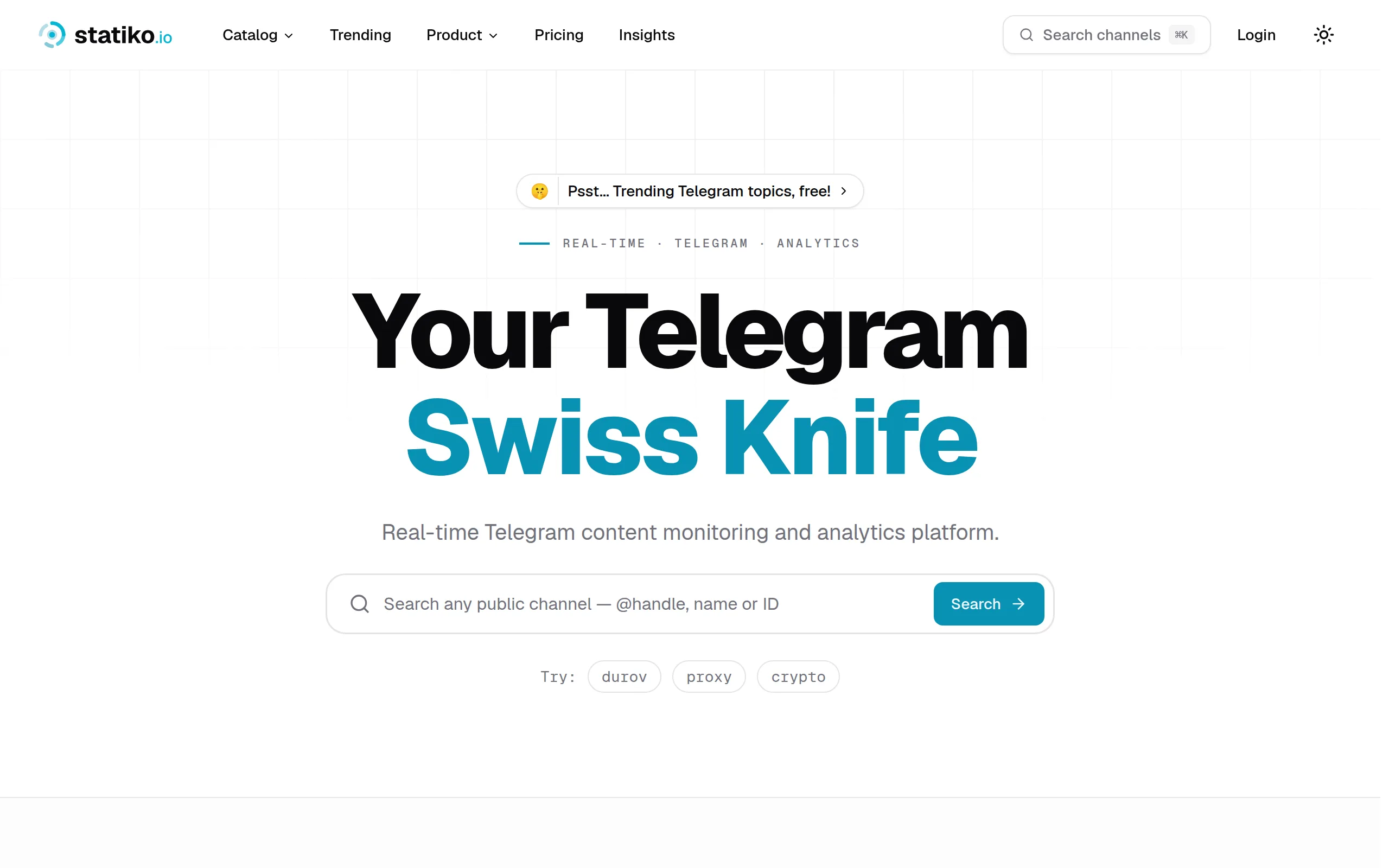
Statiko
Monitor any Telegram channel in real time - track posts, edits, deletions, and growth with AI recaps 📡

Shibui
AI website builder - describe your business, pick a niche template, edit by chatting, and publish instantly ✨

Pro Service
Find verified home service professionals, compare quotes, and pay securely through escrow - built for Brazilians across the US 🏠
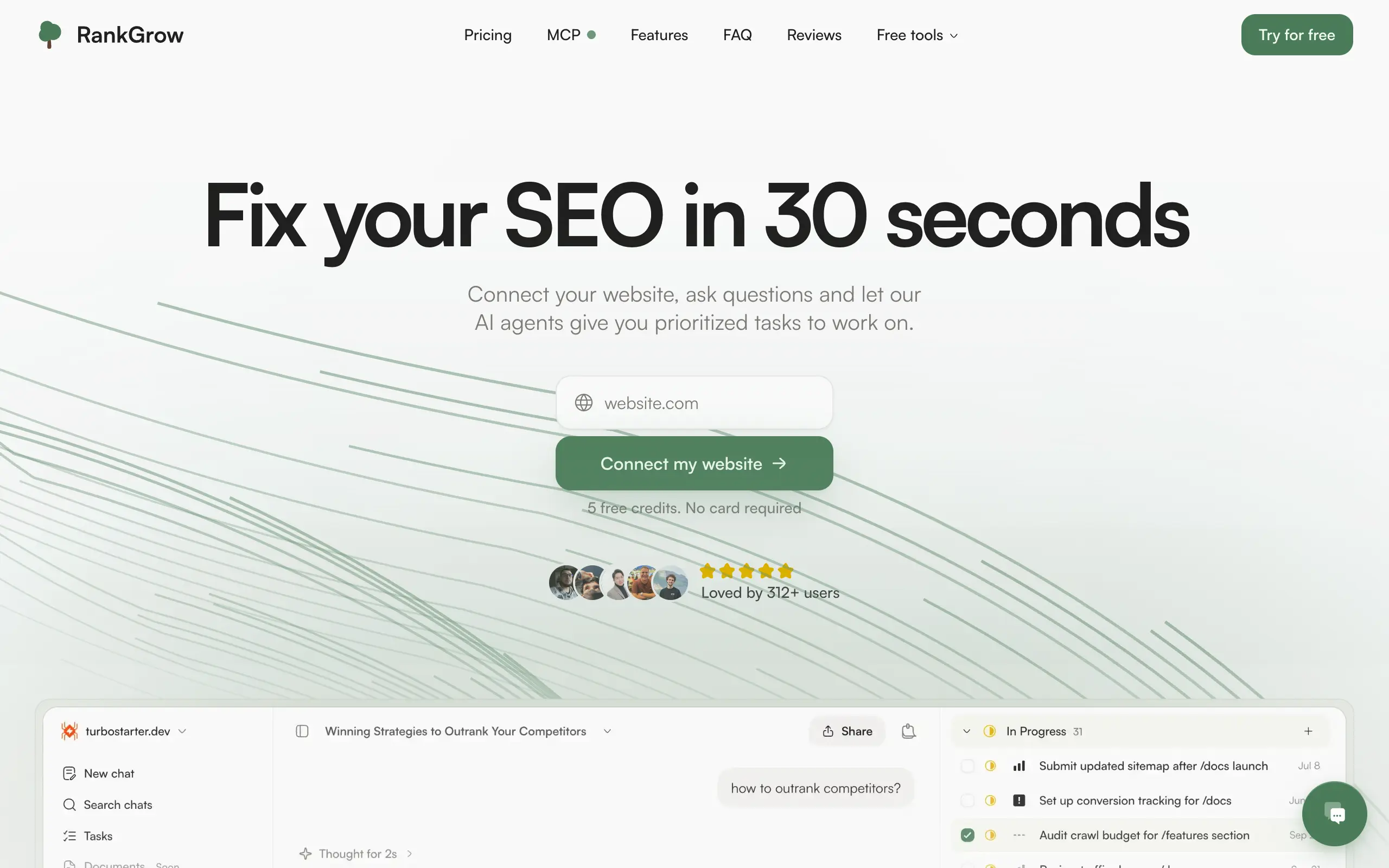
RankGrow
Fix your SEO with AI agents - connect Search Console, get prioritized tasks, and grow organic traffic 📈
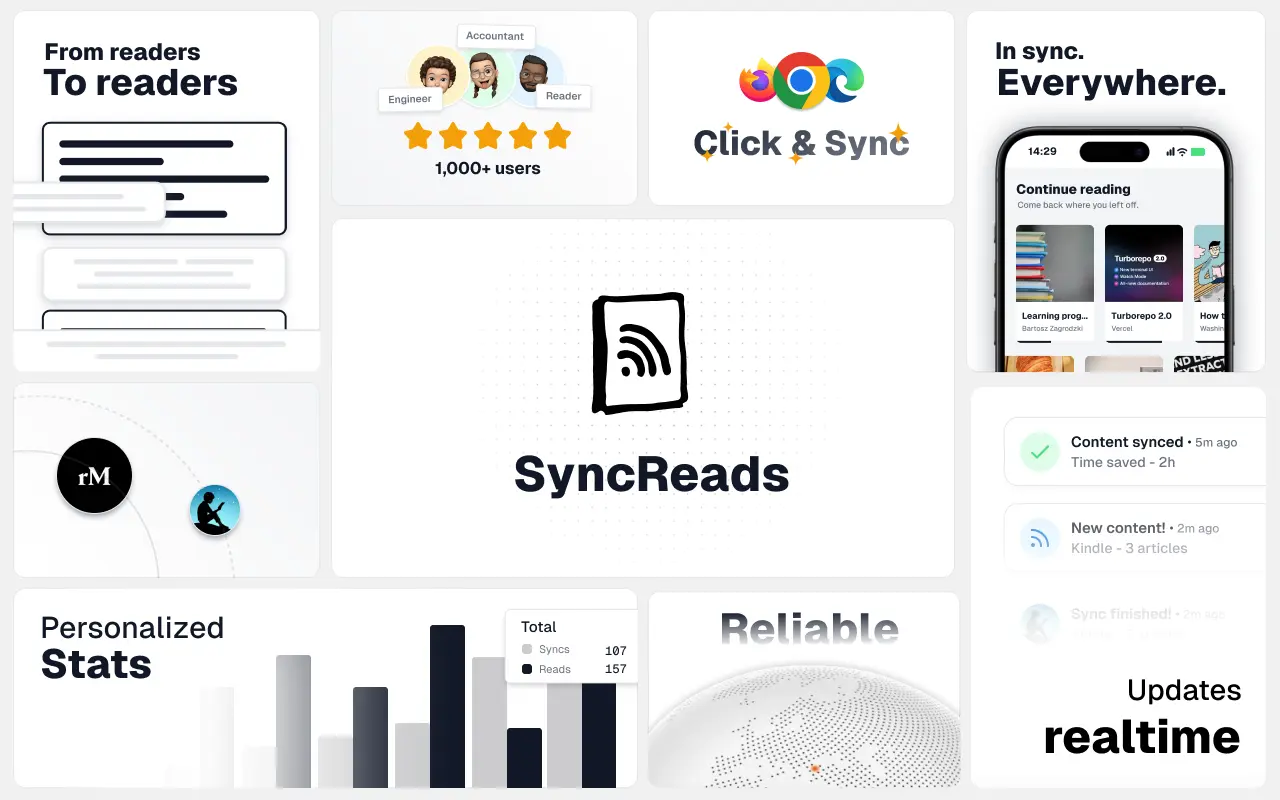
SyncReads
Sync your favorite content for distraction-free reading, save time and replace multiple apps. Anytime, anywhere 🔄
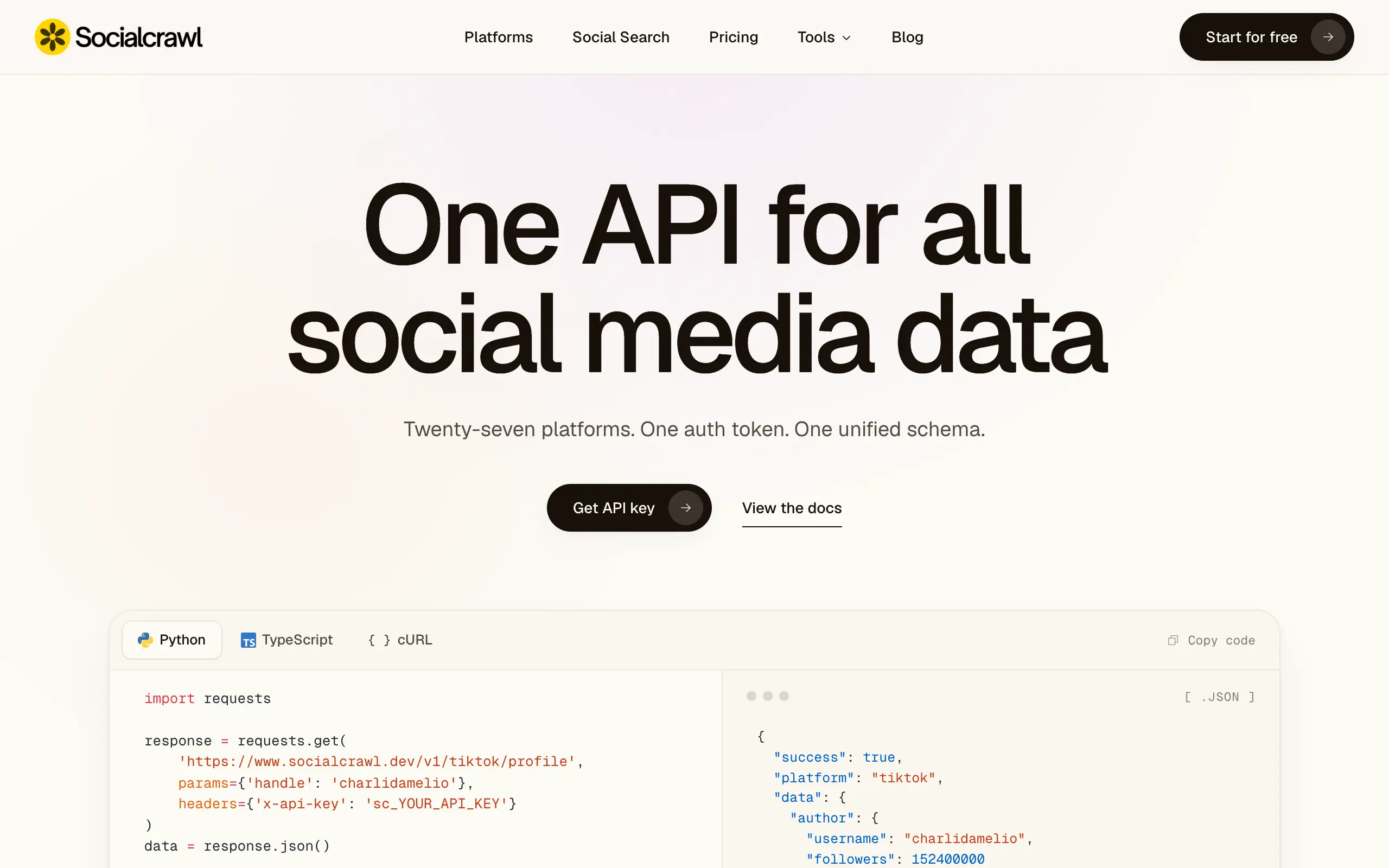
Socialcrawl
Get clean, structured data from 21 platforms like TikTok, Instagram, and YouTube with a single request 📊
Statiko
Monitor any Telegram channel in real time - track posts, edits, deletions, and growth with AI recaps 📡
Shibui
AI website builder - describe your business, pick a niche template, edit by chatting, and publish instantly ✨
Pro Service
Find verified home service professionals, compare quotes, and pay securely through escrow - built for Brazilians across the US 🏠
RankGrow
Fix your SEO with AI agents - connect Search Console, get prioritized tasks, and grow organic traffic 📈
SyncReads
Sync your favorite content for distraction-free reading, save time and replace multiple apps. Anytime, anywhere 🔄
Socialcrawl
Get clean, structured data from 21 platforms like TikTok, Instagram, and YouTube with a single request 📊
Statiko
Monitor any Telegram channel in real time - track posts, edits, deletions, and growth with AI recaps 📡
Shibui
AI website builder - describe your business, pick a niche template, edit by chatting, and publish instantly ✨
Pro Service
Find verified home service professionals, compare quotes, and pay securely through escrow - built for Brazilians across the US 🏠
RankGrow
Fix your SEO with AI agents - connect Search Console, get prioritized tasks, and grow organic traffic 📈
SyncReads
Sync your favorite content for distraction-free reading, save time and replace multiple apps. Anytime, anywhere 🔄
Socialcrawl
Get clean, structured data from 21 platforms like TikTok, Instagram, and YouTube with a single request 📊
Statiko
Monitor any Telegram channel in real time - track posts, edits, deletions, and growth with AI recaps 📡
Shibui
AI website builder - describe your business, pick a niche template, edit by chatting, and publish instantly ✨
Pro Service
Find verified home service professionals, compare quotes, and pay securely through escrow - built for Brazilians across the US 🏠
RankGrow
Fix your SEO with AI agents - connect Search Console, get prioritized tasks, and grow organic traffic 📈
SyncReads
Sync your favorite content for distraction-free reading, save time and replace multiple apps. Anytime, anywhere 🔄
Socialcrawl
Get clean, structured data from 21 platforms like TikTok, Instagram, and YouTube with a single request 📊
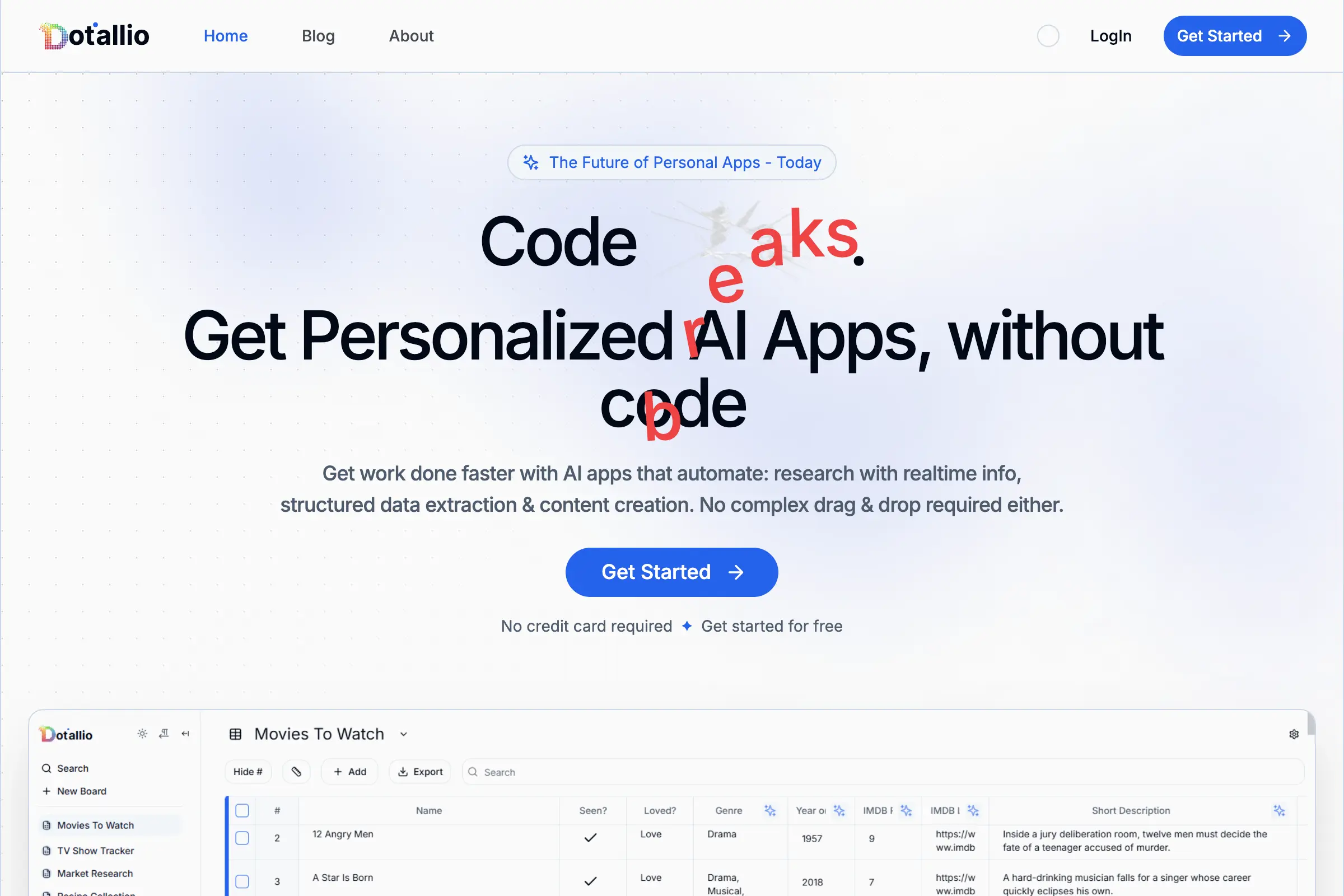
Dotallio
Personalized AI apps that automate research, data extraction, and content creation without code 🤖

Talk to Santa
Enjoy a magical live video chat or receive a unique AI-generated video greeting from Santa Claus 🎅

pozywka.pl
Scalable blog for food journalist, focused on performance and user experience 🌭
zagrodzki.me
Personal blog and portfolio of Bart Zagrodzki, where he shares his knowledge and work 💼
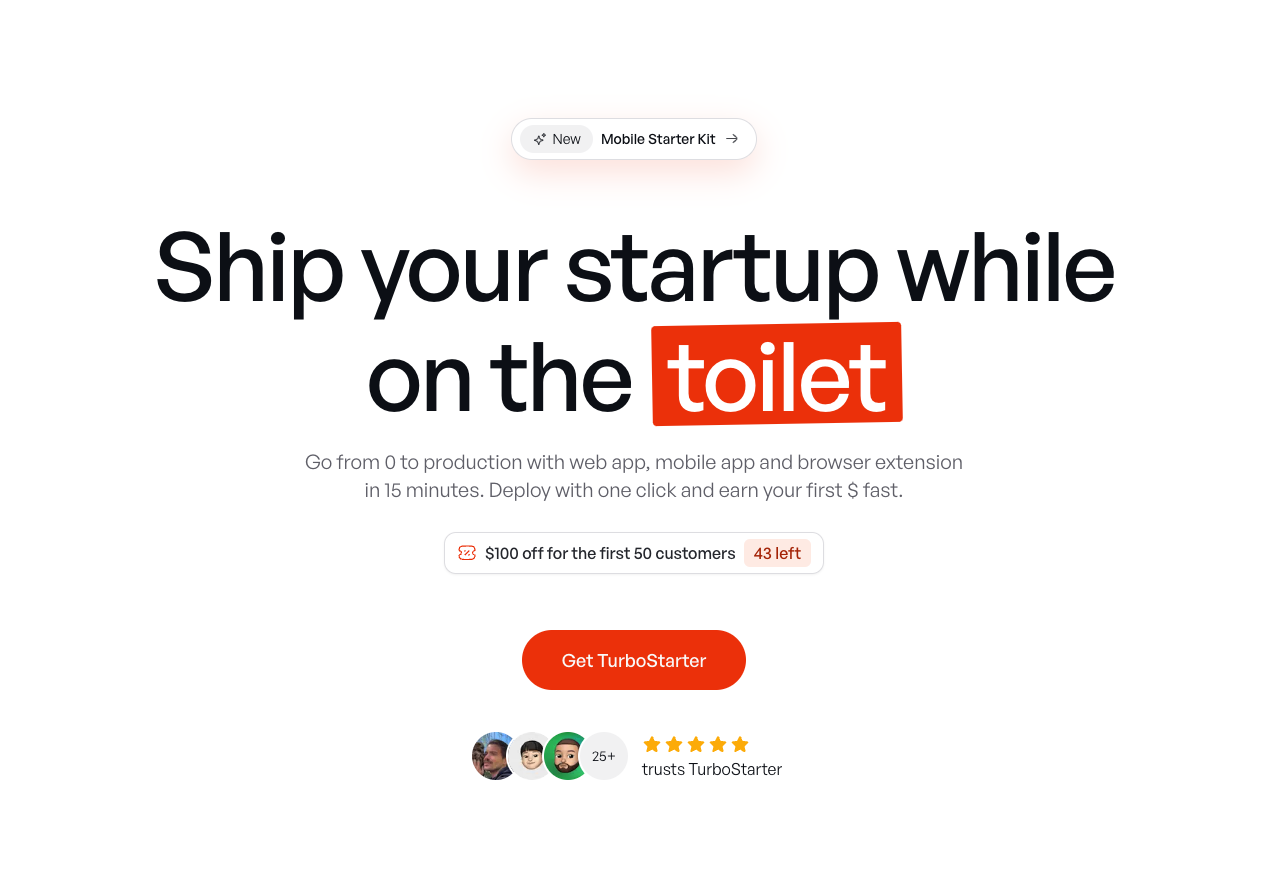
TurboStarter
Ship your startup everywhere. In minutes.
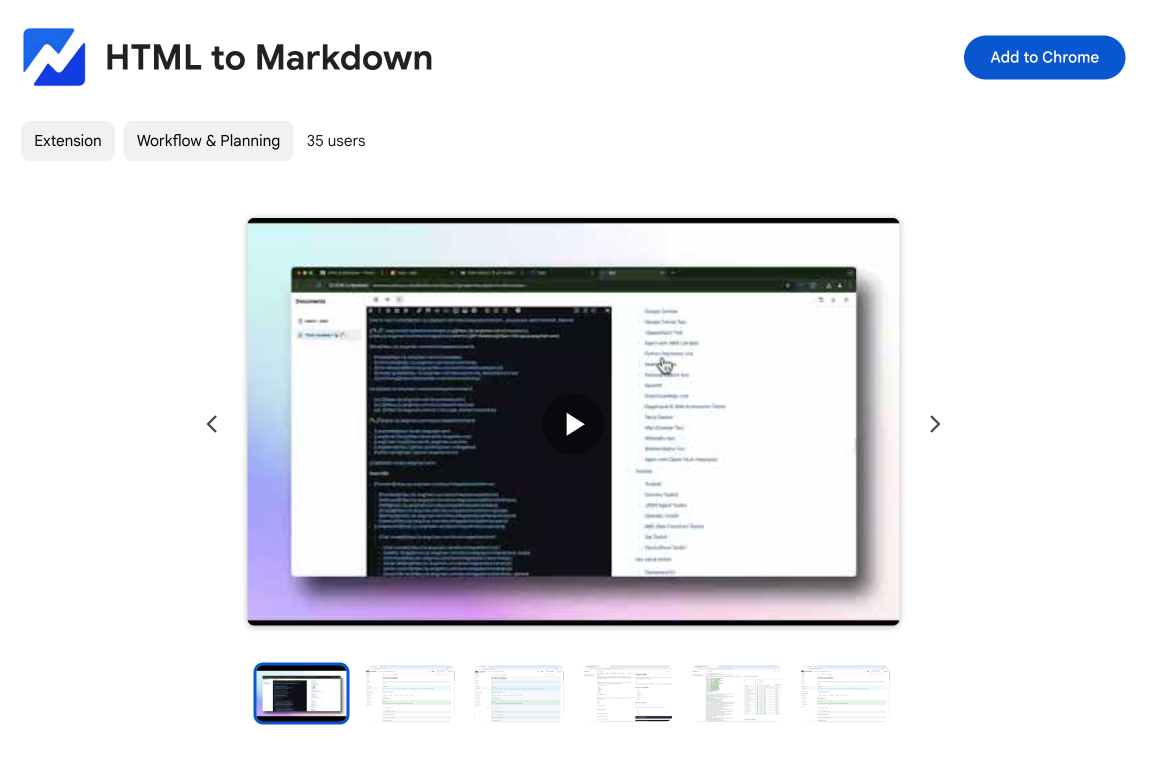
HTML to Markdown
Convert HTML to Markdown with ease, directly in your browser 📄
Dotallio
Personalized AI apps that automate research, data extraction, and content creation without code 🤖
Talk to Santa
Enjoy a magical live video chat or receive a unique AI-generated video greeting from Santa Claus 🎅
pozywka.pl
Scalable blog for food journalist, focused on performance and user experience 🌭
zagrodzki.me
Personal blog and portfolio of Bart Zagrodzki, where he shares his knowledge and work 💼
TurboStarter
Ship your startup everywhere. In minutes.
HTML to Markdown
Convert HTML to Markdown with ease, directly in your browser 📄
Dotallio
Personalized AI apps that automate research, data extraction, and content creation without code 🤖
Talk to Santa
Enjoy a magical live video chat or receive a unique AI-generated video greeting from Santa Claus 🎅
pozywka.pl
Scalable blog for food journalist, focused on performance and user experience 🌭
zagrodzki.me
Personal blog and portfolio of Bart Zagrodzki, where he shares his knowledge and work 💼
TurboStarter
Ship your startup everywhere. In minutes.
HTML to Markdown
Convert HTML to Markdown with ease, directly in your browser 📄
Dotallio
Personalized AI apps that automate research, data extraction, and content creation without code 🤖
Talk to Santa
Enjoy a magical live video chat or receive a unique AI-generated video greeting from Santa Claus 🎅
pozywka.pl
Scalable blog for food journalist, focused on performance and user experience 🌭
zagrodzki.me
Personal blog and portfolio of Bart Zagrodzki, where he shares his knowledge and work 💼
TurboStarter
Ship your startup everywhere. In minutes.
HTML to Markdown
Convert HTML to Markdown with ease, directly in your browser 📄
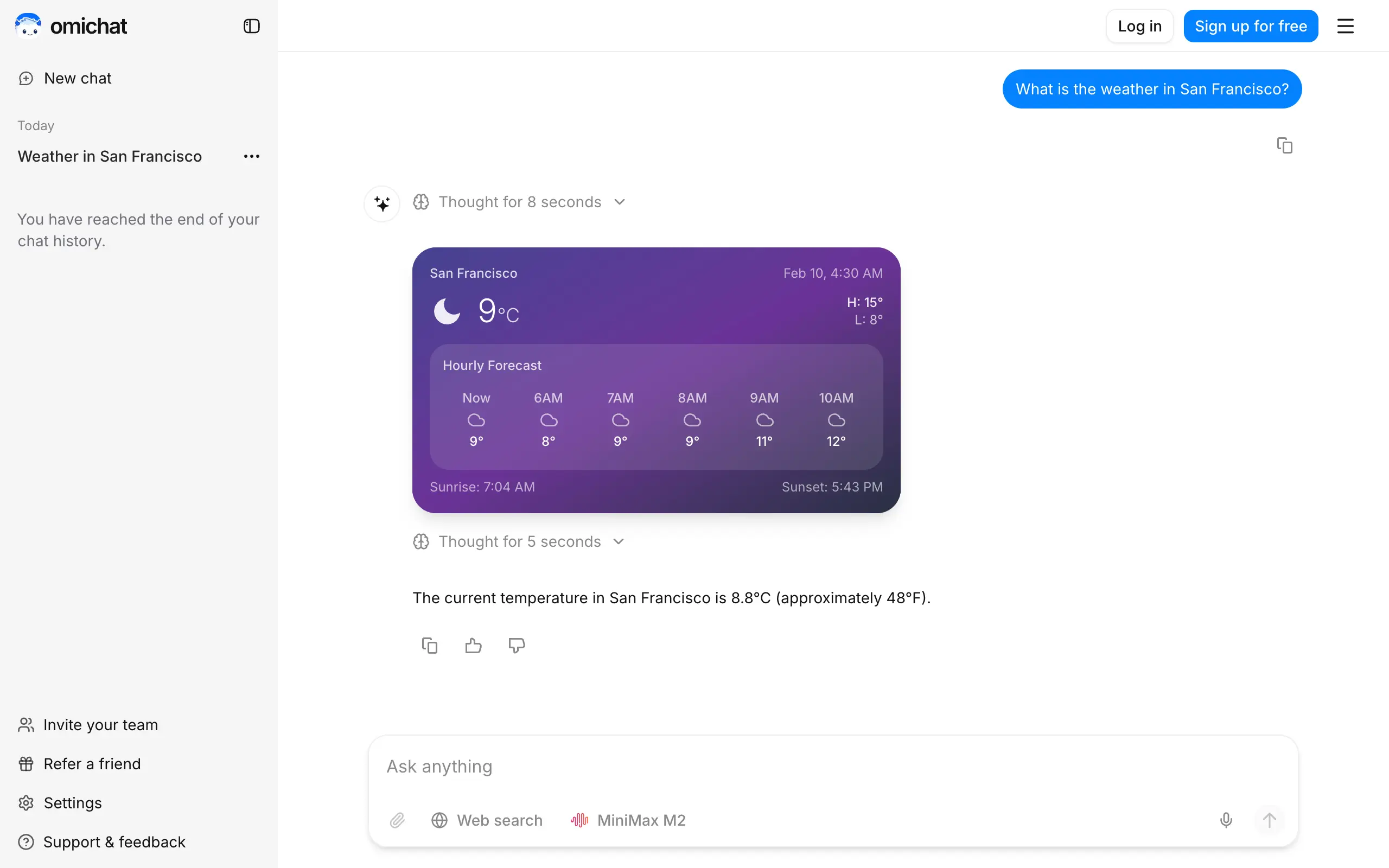
Omichat
Chat with 50+ AI models, including ChatGPT and Claude, in one place - switch models anytime without losing context 🤖
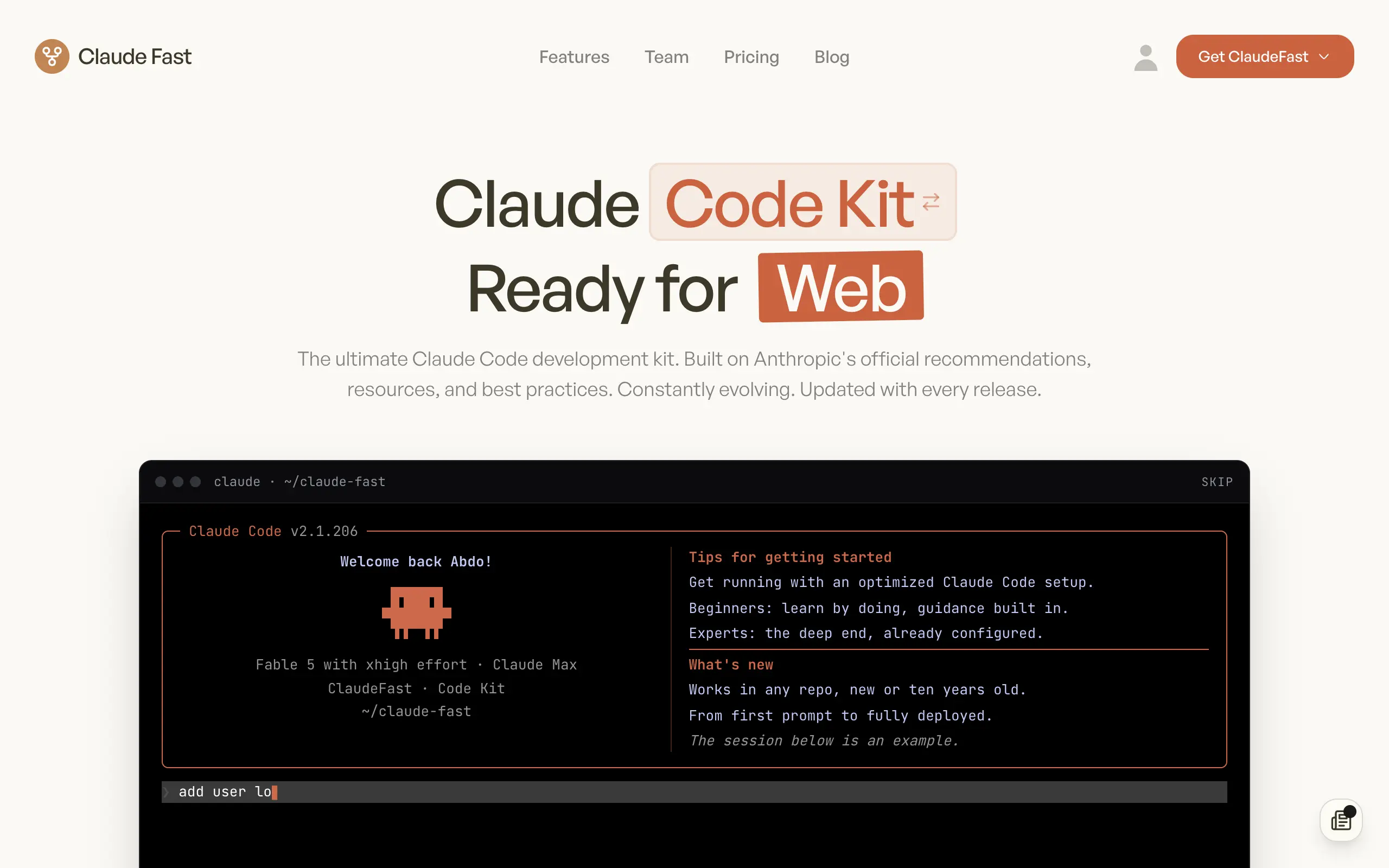
Claude Fast
Supercharge your Claude Code with 6x effective context window and specialized AI agents 🤖
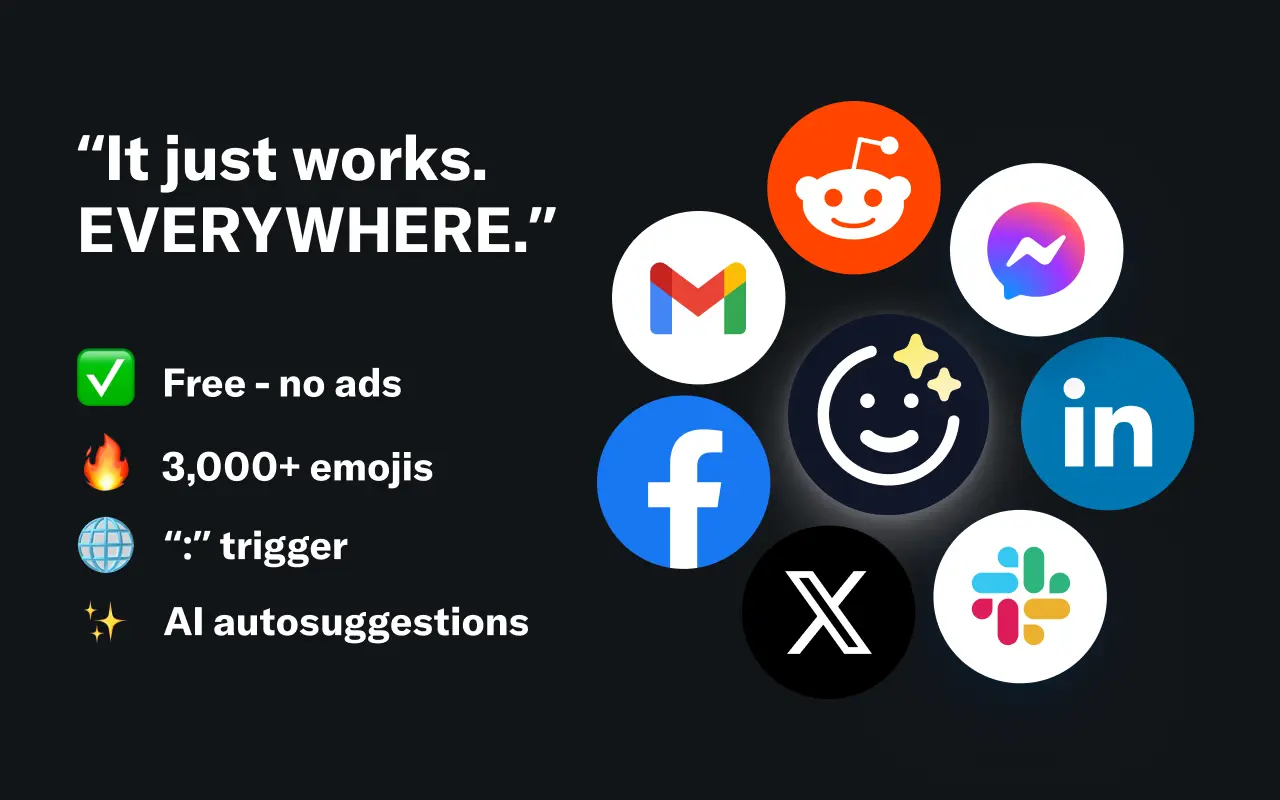
EmojAI
AI-powered emoji picker with smart, context-aware suggestions 🤖
Solohacker
Autonomous company launcher - AI agents work 24/7, escalate what matters, and you stay in control 🤖
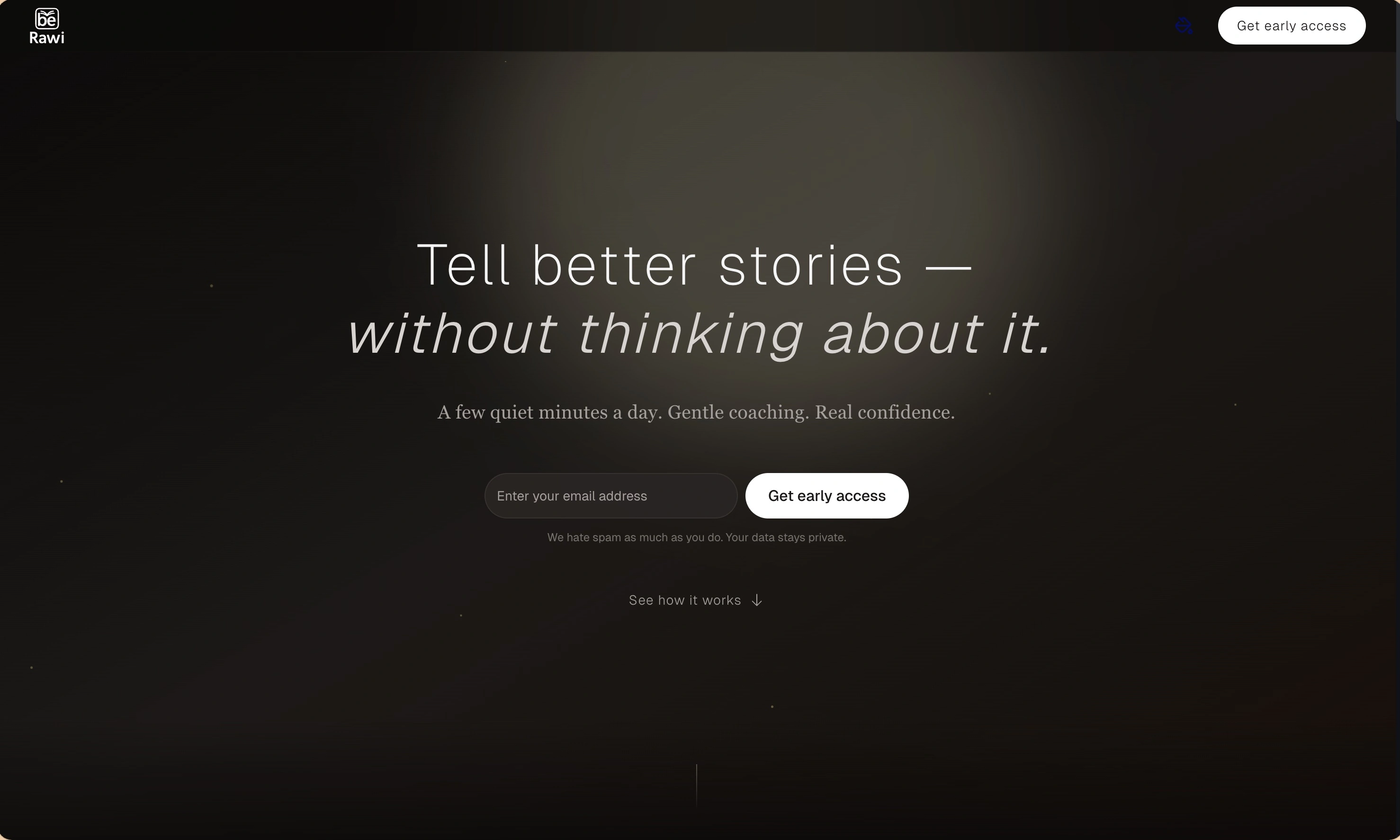
BeRawi: Storytelling Coach
Practice storytelling daily with instant feedback to sound clearer, more engaging, and confident 🎤
Omichat
Chat with 50+ AI models, including ChatGPT and Claude, in one place - switch models anytime without losing context 🤖
Claude Fast
Supercharge your Claude Code with 6x effective context window and specialized AI agents 🤖
EmojAI
AI-powered emoji picker with smart, context-aware suggestions 🤖
Solohacker
Autonomous company launcher - AI agents work 24/7, escalate what matters, and you stay in control 🤖
BeRawi: Storytelling Coach
Practice storytelling daily with instant feedback to sound clearer, more engaging, and confident 🎤
Omichat
Chat with 50+ AI models, including ChatGPT and Claude, in one place - switch models anytime without losing context 🤖
Claude Fast
Supercharge your Claude Code with 6x effective context window and specialized AI agents 🤖
EmojAI
AI-powered emoji picker with smart, context-aware suggestions 🤖
Solohacker
Autonomous company launcher - AI agents work 24/7, escalate what matters, and you stay in control 🤖
BeRawi: Storytelling Coach
Practice storytelling daily with instant feedback to sound clearer, more engaging, and confident 🎤
Omichat
Chat with 50+ AI models, including ChatGPT and Claude, in one place - switch models anytime without losing context 🤖
Claude Fast
Supercharge your Claude Code with 6x effective context window and specialized AI agents 🤖
EmojAI
AI-powered emoji picker with smart, context-aware suggestions 🤖
Solohacker
Autonomous company launcher - AI agents work 24/7, escalate what matters, and you stay in control 🤖
BeRawi: Storytelling Coach
Practice storytelling daily with instant feedback to sound clearer, more engaging, and confident 🎤

Connect with like-minded people
Join our community to get feedback, support, and grow together with 1,000+ builders on board, let's ship it!
Join usShip your startup everywhere. In minutes.
Don't burn tokens on setup and start building features on day one.