DeployDeck
Build reliable CI/CD visually with generated GitHub Actions, preview environments, secret checks, health probes, and rollback steps for your tech stack.
A reliable release process should not require every developer to become a CI/CD specialist. DeployDeck is a concept for a visual CI/CD platform that helps teams build and maintain deployment workflows through generated GitHub Actions, preview environments, secret checks, health probes, and rollback guidance.
The opportunity is not simply to make YAML easier to write. It is to help teams understand what a pipeline does, catch risky configuration before a release, and recover when a deployment fails. This guide explores the audience, product opportunity, feature set, technical architecture, business model, risks, and practical steps for validating and building DeployDeck.
What a visual CI/CD platform should solve
Continuous integration and continuous delivery pipelines connect code changes to testing, packaging, and deployment. For a small team, the first pipeline might be a short workflow file. As the application grows, that file can accumulate build steps, environment-specific settings, deployment credentials, test jobs, and conditional logic.
The pain is rarely just “YAML is hard.” Teams also need to answer questions such as:
- Which checks run before production?
- Are preview environments created for pull requests?
- Do the deployed services pass health checks?
- Are secrets configured for the right environment?
- How can someone roll back if the release is unhealthy?
- Will a configuration change break an existing workflow?
DeployDeck could provide a visual interface for describing and reviewing this delivery process, then generate a workflow that teams can inspect, commit, and own. That last point matters. A useful CI/CD product should not hide deployment behavior behind an opaque system. Its output should be understandable, version-controlled, and portable.
The product’s initial scope should be deliberately specific: help developers create and improve GitHub Actions workflows for a defined set of technology stacks and deployment targets. A focused, explainable workflow builder is more valuable than a universal automation canvas that promises to support every tool from day one.
Target audience for DeployDeck
DeployDeck is most likely to appeal to teams that need dependable releases but do not have dedicated platform engineering capacity. Different users may share the same organization, but they have distinct jobs to be done.
Early-stage startups
Small product teams often have a few engineers responsible for application code, infrastructure, and releases. Their delivery process may have grown through copied workflow snippets and undocumented fixes.
For these teams, DeployDeck could help establish a sound baseline:
- A repeatable test and build process
- Pull-request previews where the hosting provider supports them
- Environment-specific deployment configuration
- Basic health checks after deployment
- Clear recovery instructions
The product should not suggest that a generated pipeline replaces infrastructure expertise. It should make safe practices easier to adopt and help a small team see what it has configured.
Agencies and software consultancies
Agencies often move between client repositories and technology stacks. Their challenge is not only setup speed; it is delivering a process that a client can understand and continue using after handoff.
DeployDeck could support this audience with reusable project templates, configuration summaries, and exportable documentation. A consultancy may also value a standardized checklist for reviewing secrets, deployment permissions, and rollback readiness across projects.
Independent developers and small SaaS teams
A solo developer may be comfortable writing code but less confident with cloud permissions, CI configuration, or production recovery. For this audience, the interface should explain decisions in plain language, offer secure defaults, and show the generated workflow before it is committed.
The experience should remain lightweight. A developer who needs a simple deployment should not have to complete a lengthy infrastructure questionnaire just to generate a basic pipeline.
Platform and DevOps practitioners
Experienced practitioners may not need a visual editor for every workflow. They may still find value in generating a consistent starting point, reviewing configuration across repositories, or giving application teams a guided path to approved deployment patterns.
This audience will scrutinize the quality of generated output. DeployDeck should let them inspect and modify the workflow rather than forcing a proprietary runtime or hiding the underlying configuration.
The initial ideal customer profile
A useful first ideal customer profile might be:
- A software team of roughly 2–30 engineers
- A web application hosted on a supported platform
- GitHub as its source-control and CI environment
- No dedicated release engineering team
- A need for previews, production checks, or clearer deployment recovery
This is a hypothesis, not a market fact. Validate it through interviews and prototype testing before treating it as a fixed segment.
The market opportunity and product gap
CI/CD is a mature category, so DeployDeck should not position itself as a replacement for every existing build system. GitHub Actions and other automation platforms already execute workflows. Cloud providers and deployment platforms may also offer build and release features.
The more specific opportunity is to improve the path between “we need a dependable deployment process” and “we have a reviewed, maintainable workflow in the repository.”
Many teams can find examples and starter templates online. But examples do not necessarily match a project’s package manager, test commands, hosting target, environment layout, or security requirements. A copied workflow may work once and then become difficult to maintain. A visual CI/CD platform can address this gap by guiding configuration, checking for common omissions, and producing an artifact that remains under the team’s control.
Potential points of differentiation
DeployDeck could stand out through a combination of capabilities rather than one isolated feature:
- Stack-aware generation: Ask about the project’s framework, package manager, build command, and deployment target before generating actions.
- Readable workflow output: Show the generated configuration alongside a visual explanation of its stages.
- Preflight checks: Detect missing environment variables, unclear environment boundaries, or absent post-deployment verification.
- Preview workflow guidance: Help teams understand which preview behaviors depend on their hosting provider and repository setup.
- Recovery as part of setup: Include health verification and rollback planning in the creation flow instead of treating recovery as an advanced afterthought.
- Repository-native ownership: Keep workflows in the customer’s repository so teams can review, edit, and run them through familiar tools.
The product should be honest about its limits. A configuration checker can flag known risks, but it cannot guarantee that a deployment is secure or that a rollback will restore application data correctly. Good product language makes this distinction clear.
Core features and how they work
A focused first release should solve one coherent workflow end to end. The following capabilities can form a roadmap, but not all need to ship in the MVP.
1. Guided workflow generation
The user begins by connecting a repository or providing project details. DeployDeck asks only questions that materially affect the generated workflow, such as:
- What framework or runtime does the app use?
- Which package manager and version should CI use?
- What command runs tests?
- Where is the application deployed?
- Which branches or pull requests should trigger the workflow?
- Which environments are needed?
The tool then generates a GitHub Actions workflow and explains the purpose of each job. Users should be able to review the output, compare revisions, and download or commit it.
Generated workflows need to be deterministic and testable. If the same inputs produce materially different output without explanation, users may lose confidence. Templates should be versioned, and changes to templates should be reviewable.
2. Visual pipeline editor
A visual editor can represent a workflow as stages such as:
- Checkout source
- Install dependencies
- Run tests and linting
- Build the application
- Deploy to a preview or target environment
- Verify the deployed service
- Promote or roll back
The editor should make dependencies and conditions visible. For example, a production deployment might require a successful build and an approved environment. A diagram that merely decorates the YAML is less useful than one that helps a user reason about triggers, jobs, and deployment gates.
A practical implementation should initially support a constrained set of workflow patterns. Arbitrary workflow logic is difficult to represent faithfully in a simple visual model. When a workflow contains unsupported expressions or custom actions, DeployDeck should preserve them or clearly explain that the visual editor cannot safely modify that section.
3. Preview environments
Preview environments let teams review a change in a running application before it reaches production. DeployDeck could help configure preview deployment triggers and document how a preview URL is surfaced to reviewers.
The exact implementation depends on the hosting provider. Some platforms create previews automatically; others require workflow steps, API credentials, or additional infrastructure. DeployDeck should distinguish between:
- A preview workflow generated by DeployDeck
- A preview environment provided by the hosting service
- A preview URL or status supplied by a deployment integration
That distinction helps users understand which system is responsible when a preview fails.
4. Secret and configuration checks
Secrets are sensitive credentials, while environment variables can also include non-secret configuration. A useful product should help users identify what is needed without encouraging them to paste credentials into an unsafe interface.
A secure design could:
- Check whether required secret names are referenced in the workflow
- Explain how to add secrets to the relevant repository or environment
- Avoid collecting secret values unless there is a strong, clearly explained need
- Never log secret values
- Identify potentially risky permissions or broad token scopes
- Separate development, preview, and production configuration
Secret checks must be carefully worded. Finding a variable reference does not prove that its value is correct, restricted, or rotated. The interface should report what it can actually verify and avoid implying that a project is “secure” because a checklist passed.
5. Health probes and deployment verification
A deployment job should not always be treated as successful merely because the deployment command finished. A health probe can request an application endpoint or inspect a provider-reported deployment status after release.
DeployDeck might allow users to configure:
- A health-check URL
- Expected HTTP status codes
- A timeout and retry policy
- A delay before the first probe
- A clear failure action
The product should make the consequences visible. A health check that is too strict can cause false alarms; one that checks only a static page may miss a broken dependency or unavailable application feature.
6. Rollback planning
Rollback behavior varies by deployment target and application architecture. Some platforms can restore a previous deployment quickly. Other systems require redeployment of a prior artifact, and database changes may not be reversible.
DeployDeck should provide target-specific rollback steps where feasible and show the user how to verify recovery. It should not promise a universal one-click rollback until it can safely control the relevant infrastructure and account permissions.
For the MVP, rollback guidance could include:
- Identifying the previous successful deployment
- Linking the rollback action to the hosting provider’s supported method
- Explaining how to verify the restored version
- Warning when the application may include irreversible data migrations
7. Workflow checks and change review
Before a user commits a generated workflow, DeployDeck can run static checks against supported patterns. Potential checks include missing triggers, undeclared environment references, overly broad permissions, or a deployment job that can run without required tests.
These checks should be transparent. Each finding should explain:
- What DeployDeck detected
- Why it may matter
- How confident the check is
- What the user can do next
Treat findings as guidance, not as a substitute for reviewing the workflow and the hosting provider’s security documentation.
A practical MVP scope
A good MVP should validate the product’s core promise without taking on every deployment provider and advanced workflow use case.
| MVP capability | What it proves | What can wait |
|---|---|---|
| Stack and deployment questionnaire | Users can describe a project without starting from raw YAML | Automatic discovery of every repository setting |
| GitHub Actions generation | The product can create useful, reviewable workflows | Support for every CI provider |
| Workflow preview and export | Users trust the generated artifact enough to inspect it | Complex collaborative editing |
| Basic secret-reference checks | The product can catch selected configuration gaps | Full secrets management |
| Post-deployment health probe | Users value verification after deployment | Advanced observability integrations |
| Rollback guidance for one target | Recovery belongs in the setup conversation | Universal automatic rollback |
A narrow stack and hosting combination is a strategic choice, not a weakness. It makes it possible to test whether users value the workflow-building experience before expanding the integration surface.
Recommended technical stack
The right architecture depends on whether DeployDeck is initially a workflow generator, a repository-integrated application, or a system that also executes deployments. For an MVP, generating and reviewing GitHub Actions workflows is substantially easier to secure than becoming a deployment runner.
Frontend
A practical web interface could use React with Next.js for routing, rendering, and application structure. Tailwind CSS can accelerate consistent interface styling, while a typed component system helps keep forms, workflow previews, and status states predictable.
The visual editor could use a graph or node-based interface, but it should not be the first engineering priority. Begin with a clear step-based configuration flow and a synchronized workflow preview. Add free-form visual editing only after users demonstrate that it improves comprehension.
Backend and data model
A TypeScript backend can handle authentication, repository connections, workflow generation, and background validation. A relational database such as PostgreSQL is a sensible option for users, projects, integration metadata, template versions, and audit records.
Store configuration metadata separately from secrets. Prefer short-lived authorization flows and narrowly scoped permissions. If DeployDeck does not need to store deployment credentials, do not collect them. If a future integration requires secrets, use a managed secrets service and document retention, encryption, and access controls.
GitHub integration
GitHub integration could use an app-based authorization model to access repositories and create or update workflow files. Keep permissions limited to the features required by the product, and make the requested permissions clear before installation.
The generated artifact should live in the repository as a normal workflow file. Users should be able to open a pull request for changes rather than silently overwriting production automation. That provides a familiar review path and preserves a record of configuration changes.
For GitHub Actions syntax and platform behavior, consult the official GitHub Actions documentation. Avoid hardcoding assumptions about platform features that may change; validate generated workflows against the current documentation and supported runner behavior.
Workflow generation and validation
Represent a workflow internally as structured data, then render that data into YAML. This is safer than concatenating arbitrary strings and makes it easier to validate required fields, supported combinations, and template versions.
A simplified internal model might look like this:
type PipelineConfig = {
  runtime: "node";
  packageManager: "npm" | "pnpm" | "yarn";
  testCommand: string;
  buildCommand: string;
  deploymentTarget: string;
  healthCheckUrl?: string;
};

function validatePipeline(config: PipelineConfig) {
  const issues: string[] = [];

  if (!config.testCommand.trim()) {
    issues.push("Add a test command or explicitly configure a test-free workflow.");
  }

  if (!config.buildCommand.trim()) {
    issues.push("Add a build command before generating a deployment workflow.");
  }

  return issues;
}
In production, validate input on both the client and server. Treat repository names, commands, and configuration values as untrusted input. Do not execute user-provided commands in DeployDeck’s own infrastructure just to preview a workflow.
Infrastructure and observability
Use managed hosting for the application where it fits the security and operational requirements. Keep application logs free of secret values, and record meaningful audit events such as repository installation, workflow generation, and configuration changes.
Monitoring should cover the DeployDeck service itself, not only the pipelines it generates. Track application errors, integration failures, generation latency, and background job status. Define a retention policy for logs and repository metadata before launch.
Trade-offs to consider
- Hosted generator versus hosted runner: A generator is easier to keep isolated from customer code. A runner offers more control but expands the security and operations burden.
- Visual editing versus structured forms: A canvas can be expressive, but forms are often easier to validate and support. Start with constrained structure.
- Broad provider support versus deep integration: Supporting more targets can increase reach, but each one introduces testing, documentation, and maintenance work.
- Automatic writes versus pull requests: Direct writes are convenient, while pull requests create a review checkpoint. For production workflows, a pull-request-first model is generally easier to audit.
Monetization strategy options
DeployDeck’s pricing should match the value it provides and the costs it incurs. Avoid charging for superficial workflow generation if users can produce equivalent boilerplate with a template and a few minutes of editing.
Free tier with paid team features
A free plan could support individual users and a limited number of projects. Paid plans could add team collaboration, shared templates, repository-wide checks, audit history, or advanced integrations.
This model can reduce friction for evaluation while creating a path to revenue when a team adopts DeployDeck across multiple repositories.
Per-seat subscriptions
A per-seat plan is easy to understand for collaborative features such as approvals, shared configuration, and team administration. It may be less compelling if the product primarily generates files that only one person uses occasionally.
Usage-based pricing
Usage pricing may fit if DeployDeck operates costly validation jobs or deployment services. If the product only generates configuration and runs lightweight checks, usage-based billing could make costs and value feel disconnected.
Agency and consultancy plans
Agencies may pay for reusable client templates, project workspaces, review checklists, and handoff documentation. This segment may also value the ability to standardize delivery without taking ownership of a client’s production credentials.
Enterprise features
Larger organizations may require centralized policy controls, private templates, single sign-on, audit exports, and approved deployment patterns. These features should follow evidence of demand and a mature security program. Enterprise language alone does not create enterprise readiness.
A sensible pricing validation process is to interview users about their current release costs, identify who controls the budget, and test packaging before choosing final price points. Avoid presenting speculative willingness-to-pay as a market fact.
Competitive advantage and positioning
DeployDeck would operate alongside existing CI systems, hosting platforms, developer portals, and workflow templates. Its position should be clear: it helps teams design and understand their delivery process, then produces configuration that remains visible in the repository.
| Product category | Typical strength | Possible gap DeployDeck can address |
|---|---|---|
| CI platforms | Execute configured jobs at scale | May require users to understand workflow structure before setup |
| Hosting platforms | Simplify deployment to their own environment | May focus on one provider or deployment path |
| Workflow templates | Offer fast examples | May not account for a team’s exact stack, checks, or recovery needs |
| Internal platform tools | Standardize processes across an organization | Can require dedicated engineering and maintenance |
| DeployDeck concept | Guided setup with generated, reviewable workflows | Must prove reliability, clarity, and safe defaults |
The defensible advantage is unlikely to be “we generate YAML.” That capability can be copied. A stronger advantage could come from a high-quality library of validated workflow patterns, clear explanations, provider-specific checks, and a feedback loop that helps teams understand why deployments fail.
That advantage must be earned. Maintain templates as software, test them against representative projects, document supported configurations, and make it easy for users to report a generated workflow that does not work as expected.
Risks and mitigation
Generated workflows can be wrong
A workflow may be syntactically valid but still fail because of project-specific assumptions, permissions, runner behavior, or provider settings.
Mitigation: Support a narrow set of configurations, test templates continuously, show assumptions explicitly, and make output reviewable before committing.
Users may overestimate security checks
A green checkmark can be interpreted as proof that a workflow is secure, even when the product only checked a limited set of known patterns.
Mitigation: Describe each check precisely. Use language such as “no unsupported secret references detected” rather than “your secrets are secure.” Link users to official platform guidance where appropriate.
Credential handling creates serious exposure
If DeployDeck stores or processes cloud credentials, it becomes a more sensitive service and an attractive target.
Mitigation: Design the MVP to avoid handling secret values. Use least-privilege access, isolate authorization tokens, minimize retention, and obtain a professional security review before introducing sensitive credential storage.
Integration changes create maintenance work
GitHub, hosting providers, and workflow actions evolve. A template that worked last year may rely on outdated actions or changed behavior.
Mitigation: Version templates, track supported versions, test updates, and give users a migration path. Avoid silently changing generated production workflows.
Scope can expand too quickly
Supporting many frameworks, CI systems, deployment platforms, and infrastructure tools can overwhelm a small product team.
Mitigation: Choose one or two high-confidence combinations for launch. Expand based on repeated customer requests and evidence that existing templates are reliable.
Rollback may not be safe for every application
A deployment rollback can restore application code without reversing database changes or other external side effects.
Mitigation: Explain the boundary between application rollback and data recovery. Include explicit warnings when a workflow cannot determine whether database migrations are reversible.
The interface can obscure important complexity
A visual workflow may make a process appear simpler than it is. Users need to see triggers, permissions, environments, and failure behavior—not just attractive boxes and arrows.
Mitigation: Pair visual summaries with the underlying workflow file, explain important decisions, and allow experienced users to inspect the details.
Set an honest product boundary
DeployDeck can make good deployment practices easier to configure, but it should not claim to guarantee security, availability, or successful recovery. Keep generated workflows inspectable, document supported configurations, and make limitations visible before users rely on them in production.
How to validate the idea before building broadly
The best validation is evidence that a target user has a recurring problem and is willing to adopt a new workflow for solving it. General interest in “easier CI/CD” is not enough.
Interview developers about recent releases
Ask participants to walk through the last time they configured or repaired a deployment pipeline. Focus on specific behavior:
- What triggered the work?
- Which files or tools did they use?
- Where did they get stuck?
- What did they do when the deployment failed?
- Who reviewed the change?
- Which part would they trust a tool to generate?
Avoid leading questions such as “Would you use a visual CI/CD builder?” People often express interest in an idea without changing their current habits.
Prototype the setup flow
Test a clickable prototype that asks about a project and shows a generated workflow summary. Observe whether users can explain what the workflow will do, where secrets belong, and what happens after a failed health check.
If users like the interface but cannot understand the output, the product needs better explanations. If they trust the YAML but do not want another account or integration, consider a local or repository-first experience.
Measure useful behavior
Potential early signals include:
- Users complete workflow generation without founder assistance
- Users inspect or export the generated workflow
- Users create a pull request containing the workflow
- Users return to update a workflow after changing their project
- Users request a second repository or team workspace
Measure completion and adoption, not just page views or sign-ups. A generated pipeline that is never committed is weak evidence of product value.
Validate trust requirements
Ask users what access they would grant, what data they would allow the product to store, and which actions should require approval. Security expectations can determine whether DeployDeck should remain a generator or become a more deeply integrated deployment service.
Actionable implementation steps
A staged plan helps the team learn before taking on expensive integrations or security obligations.
Define the first user and workflow
Choose one initial audience, one source-control system, one application pattern, and one deployment target. Write down what the MVP will not support, including unsupported workflow expressions and infrastructure types.
Interview and map the current process
Speak with developers who recently configured CI/CD. Document their existing steps, failure modes, tools, and review practices. Look for a repeated problem rather than a feature request in isolation.
Build a read-only workflow prototype
Create a guided form that generates a workflow preview without connecting to customer repositories. Let users inspect the YAML, see a visual explanation, and identify assumptions or missing configuration.
Test generated workflows against sample projects
Create representative example repositories for the chosen stack. Run generated workflows in a controlled test environment, validate expected success and failure cases, and keep a regression suite for template changes.
Add repository integration with minimal permissions
Once users trust the output, add a repository connection that proposes changes through a reviewable pull request. Request only permissions needed for that flow, and document why each permission is required.
Introduce checks and recovery guidance
Add a small number of transparent preflight checks, followed by health verification and target-specific rollback instructions. Clearly state what the checks do not verify.
Measure adoption and expand carefully
Track whether users commit generated workflows, maintain them, and invite teammates. Add another framework or deployment target only when customer evidence and test coverage justify the added maintenance burden.
For teams building the product itself, TurboStarter can be considered as a starting point for SaaS foundations, helping a team focus earlier on DeployDeck’s workflow-generation experience and customer validation.
Frequently asked questions
DeployDeck is a proposed visual CI/CD platform for configuring and reviewing deployment workflows. Its core concept is to generate GitHub Actions, guide preview environment setup, check selected secret references, run health probes, and explain rollback steps.
The strongest initial audience is likely small software teams without dedicated platform engineering support, along with agencies that need repeatable, understandable delivery workflows. Experienced platform teams may also use it to provide approved patterns to application developers.
No. The product should help users configure and understand workflows that GitHub Actions executes. Keeping the workflow in the repository preserves visibility, review, and ownership.
No tool can make that guarantee based on workflow configuration alone. DeployDeck can identify selected issues and encourage safer practices, but teams still need to review permissions, secrets, infrastructure, application behavior, and provider guidance.
A focused MVP could include a guided project questionnaire, generated GitHub Actions workflows, an inspectable preview, basic configuration checks, and support for one deployment target with a health probe. Broader provider coverage and automatic rollback can follow only after the core workflow is validated.
The opportunity for DeployDeck
DeployDeck has a credible product direction if it solves a specific, recurring CI/CD problem for teams that lack dedicated release engineering support. Its strongest promise is not that deployment becomes effortless. It is that teams can create a clearer, more reviewable, and more dependable release process without starting from an empty workflow file.
The product’s success will depend on trustworthy generation, restrained claims, secure integration design, and a focused initial scope. Start with one stack and one deployment path. Validate the generated workflow with real users and representative projects. Then expand based on evidence that teams adopt, understand, and maintain what DeployDeck creates.
More 💡 Other SaaS ideas
Discover more innovative other SaaS ideas that are trending in 2026. Each idea is AI-generated with market validation and growth potential to help you find your next profitable venture faster than competitors.
Your competitors are building with TurboStarter
Below are some of the SaaS ideas that have been generated and built with our starter kit.
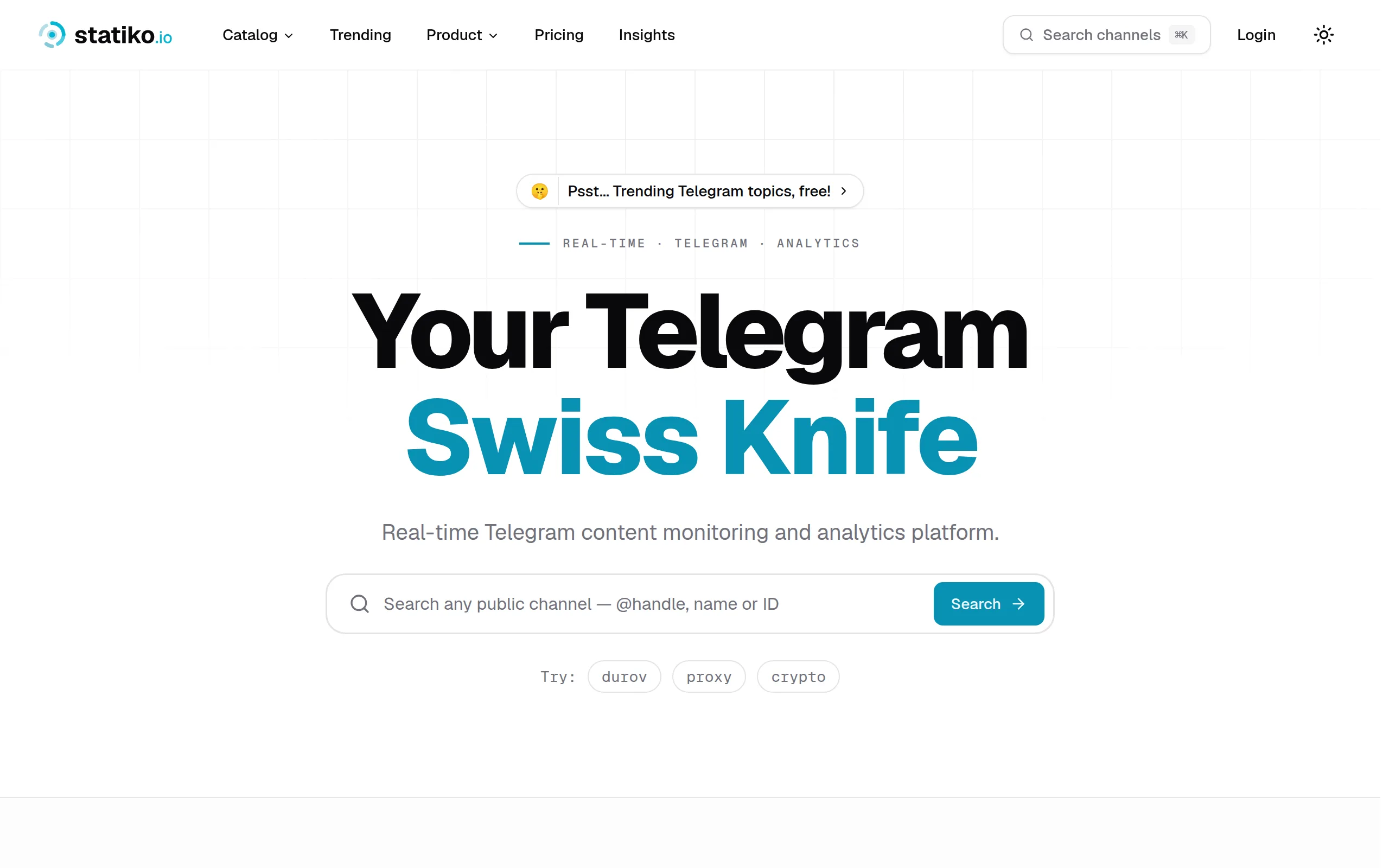
Statiko
Monitor any Telegram channel in real time - track posts, edits, deletions, and growth with AI recaps 📡

Shibui
AI website builder - describe your business, pick a niche template, edit by chatting, and publish instantly ✨

Pro Service
Find verified home service professionals, compare quotes, and pay securely through escrow - built for Brazilians across the US 🏠

RankGrow
Fix your SEO with AI agents - connect Search Console, get prioritized tasks, and grow organic traffic 📈
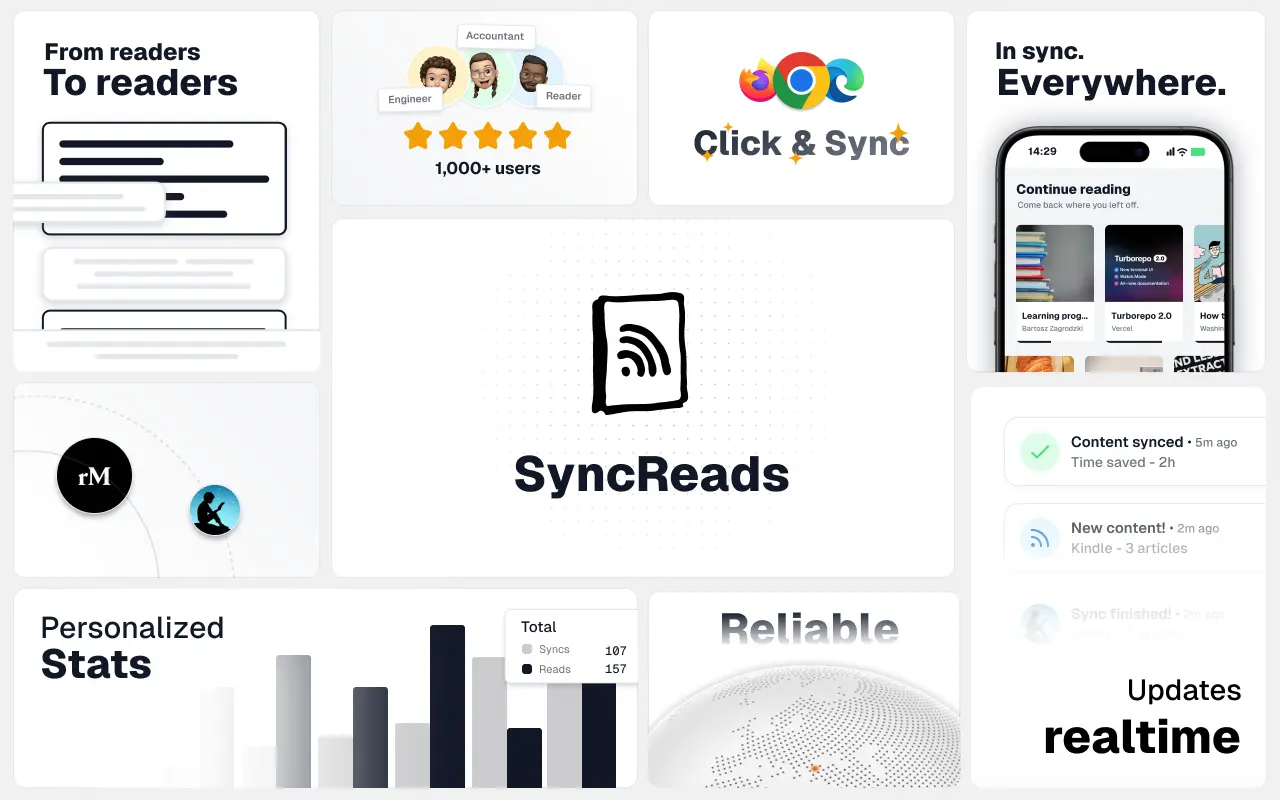
SyncReads
Sync your favorite content for distraction-free reading, save time and replace multiple apps. Anytime, anywhere 🔄
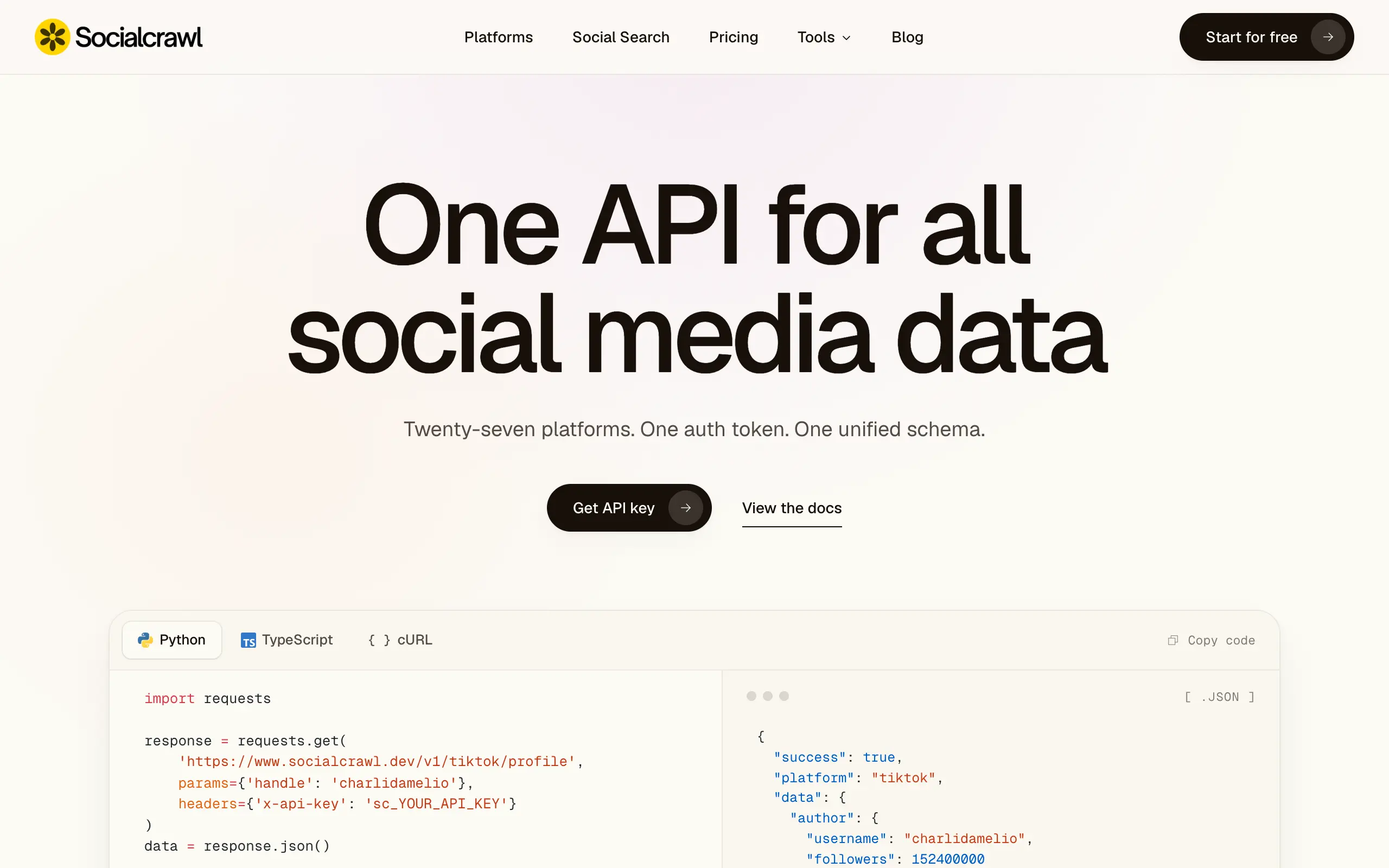
Socialcrawl
Get clean, structured data from 21 platforms like TikTok, Instagram, and YouTube with a single request 📊
Statiko
Monitor any Telegram channel in real time - track posts, edits, deletions, and growth with AI recaps 📡
Shibui
AI website builder - describe your business, pick a niche template, edit by chatting, and publish instantly ✨
Pro Service
Find verified home service professionals, compare quotes, and pay securely through escrow - built for Brazilians across the US 🏠
RankGrow
Fix your SEO with AI agents - connect Search Console, get prioritized tasks, and grow organic traffic 📈
SyncReads
Sync your favorite content for distraction-free reading, save time and replace multiple apps. Anytime, anywhere 🔄
Socialcrawl
Get clean, structured data from 21 platforms like TikTok, Instagram, and YouTube with a single request 📊
Statiko
Monitor any Telegram channel in real time - track posts, edits, deletions, and growth with AI recaps 📡
Shibui
AI website builder - describe your business, pick a niche template, edit by chatting, and publish instantly ✨
Pro Service
Find verified home service professionals, compare quotes, and pay securely through escrow - built for Brazilians across the US 🏠
RankGrow
Fix your SEO with AI agents - connect Search Console, get prioritized tasks, and grow organic traffic 📈
SyncReads
Sync your favorite content for distraction-free reading, save time and replace multiple apps. Anytime, anywhere 🔄
Socialcrawl
Get clean, structured data from 21 platforms like TikTok, Instagram, and YouTube with a single request 📊
Statiko
Monitor any Telegram channel in real time - track posts, edits, deletions, and growth with AI recaps 📡
Shibui
AI website builder - describe your business, pick a niche template, edit by chatting, and publish instantly ✨
Pro Service
Find verified home service professionals, compare quotes, and pay securely through escrow - built for Brazilians across the US 🏠
RankGrow
Fix your SEO with AI agents - connect Search Console, get prioritized tasks, and grow organic traffic 📈
SyncReads
Sync your favorite content for distraction-free reading, save time and replace multiple apps. Anytime, anywhere 🔄
Socialcrawl
Get clean, structured data from 21 platforms like TikTok, Instagram, and YouTube with a single request 📊
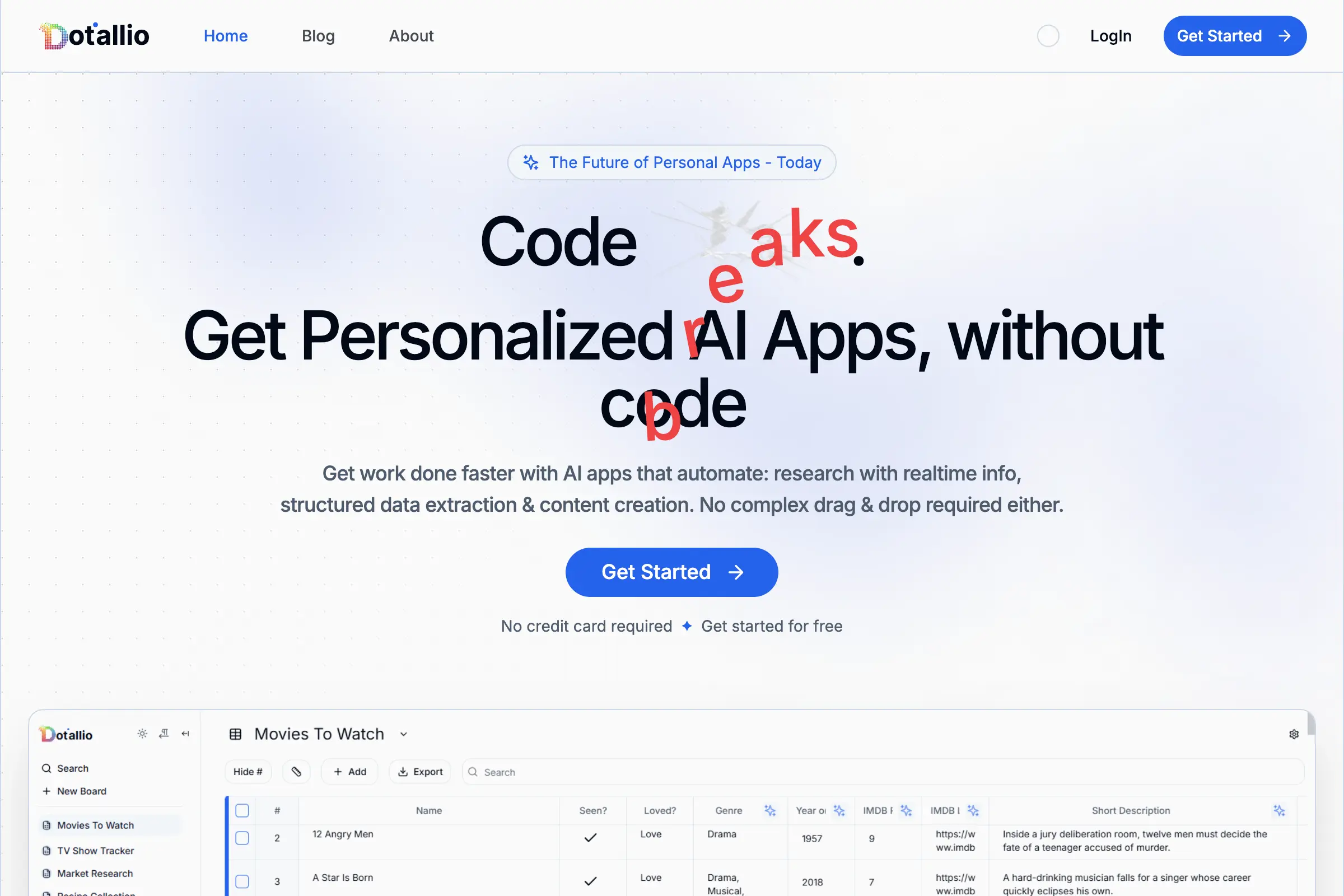
Dotallio
Personalized AI apps that automate research, data extraction, and content creation without code 🤖

Talk to Santa
Enjoy a magical live video chat or receive a unique AI-generated video greeting from Santa Claus 🎅

pozywka.pl
Scalable blog for food journalist, focused on performance and user experience 🌭
zagrodzki.me
Personal blog and portfolio of Bart Zagrodzki, where he shares his knowledge and work 💼
TurboStarter
Ship your startup everywhere. In minutes.
HTML to Markdown
Convert HTML to Markdown with ease, directly in your browser 📄
Dotallio
Personalized AI apps that automate research, data extraction, and content creation without code 🤖
Talk to Santa
Enjoy a magical live video chat or receive a unique AI-generated video greeting from Santa Claus 🎅
pozywka.pl
Scalable blog for food journalist, focused on performance and user experience 🌭
zagrodzki.me
Personal blog and portfolio of Bart Zagrodzki, where he shares his knowledge and work 💼
TurboStarter
Ship your startup everywhere. In minutes.
HTML to Markdown
Convert HTML to Markdown with ease, directly in your browser 📄
Dotallio
Personalized AI apps that automate research, data extraction, and content creation without code 🤖
Talk to Santa
Enjoy a magical live video chat or receive a unique AI-generated video greeting from Santa Claus 🎅
pozywka.pl
Scalable blog for food journalist, focused on performance and user experience 🌭
zagrodzki.me
Personal blog and portfolio of Bart Zagrodzki, where he shares his knowledge and work 💼
TurboStarter
Ship your startup everywhere. In minutes.
HTML to Markdown
Convert HTML to Markdown with ease, directly in your browser 📄
Dotallio
Personalized AI apps that automate research, data extraction, and content creation without code 🤖
Talk to Santa
Enjoy a magical live video chat or receive a unique AI-generated video greeting from Santa Claus 🎅
pozywka.pl
Scalable blog for food journalist, focused on performance and user experience 🌭
zagrodzki.me
Personal blog and portfolio of Bart Zagrodzki, where he shares his knowledge and work 💼
TurboStarter
Ship your startup everywhere. In minutes.
HTML to Markdown
Convert HTML to Markdown with ease, directly in your browser 📄
Omichat
Chat with 50+ AI models, including ChatGPT and Claude, in one place - switch models anytime without losing context 🤖
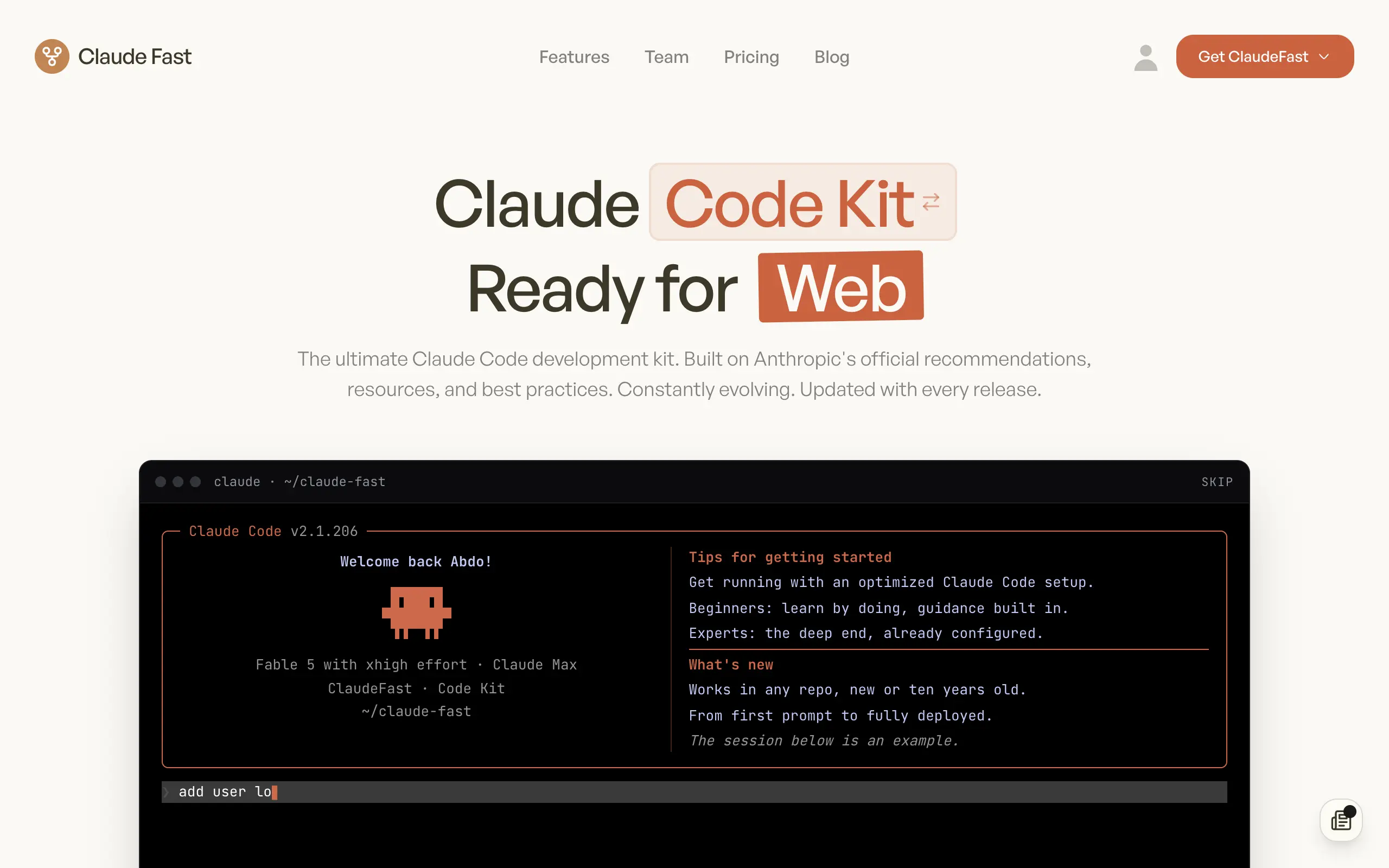
Claude Fast
Supercharge your Claude Code with 6x effective context window and specialized AI agents 🤖
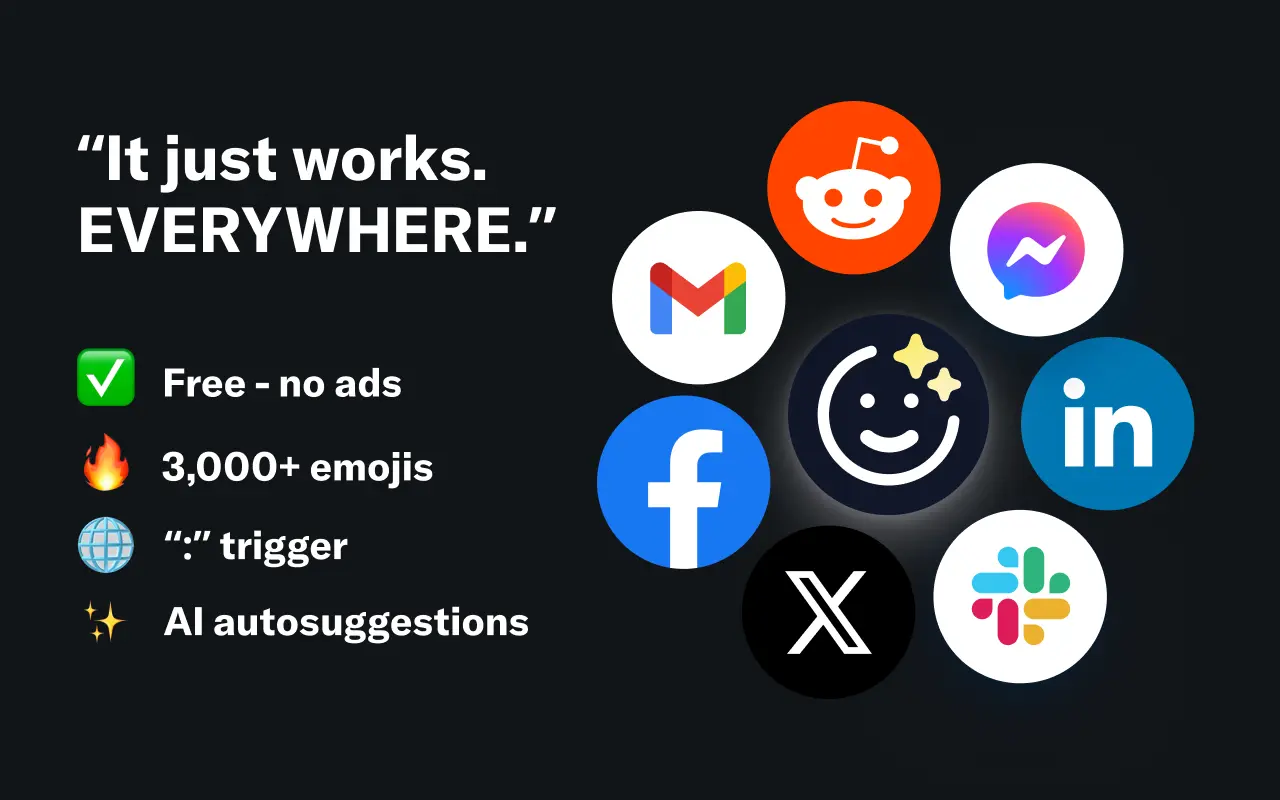
EmojAI
AI-powered emoji picker with smart, context-aware suggestions 🤖
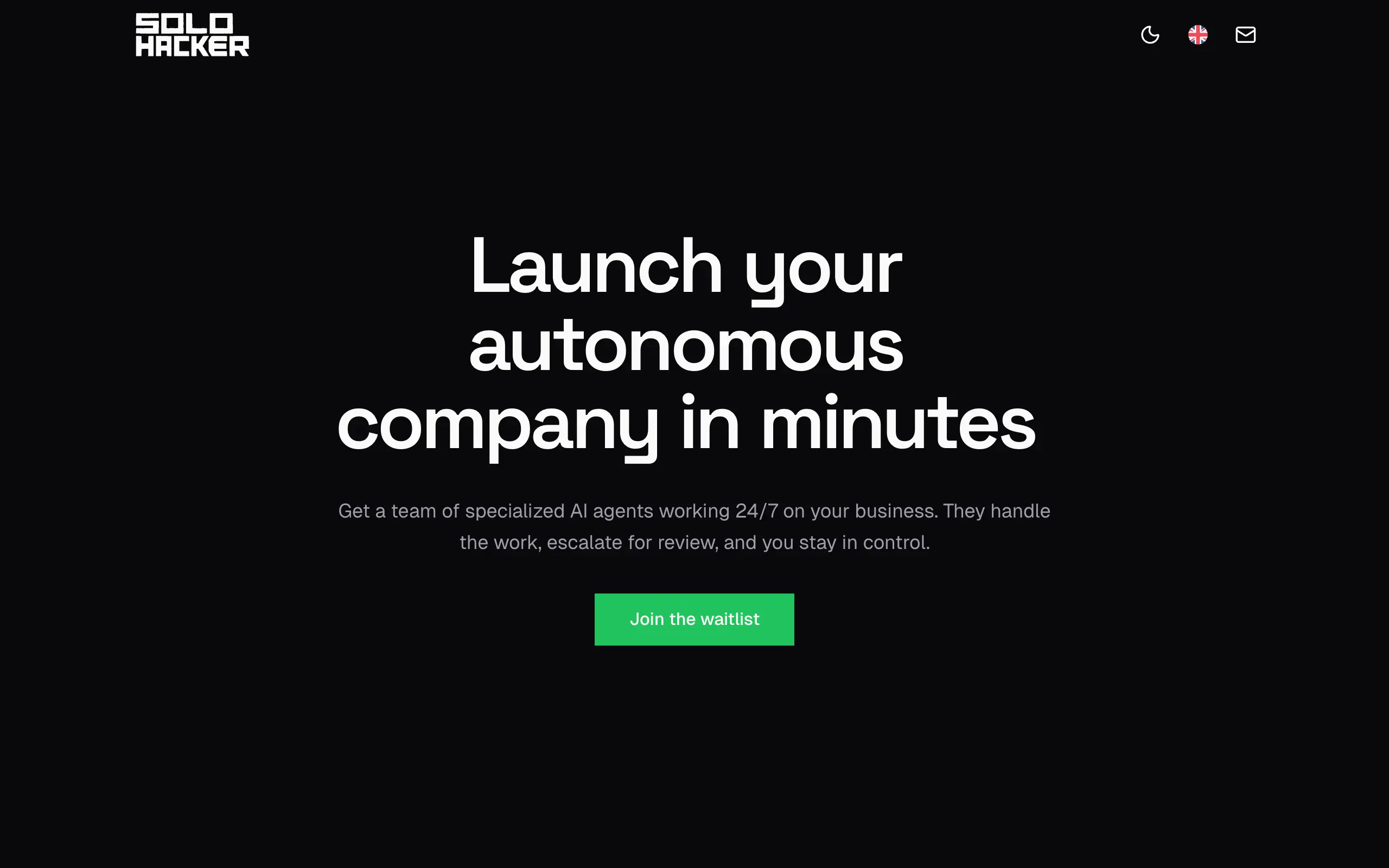
Solohacker
Autonomous company launcher - AI agents work 24/7, escalate what matters, and you stay in control 🤖
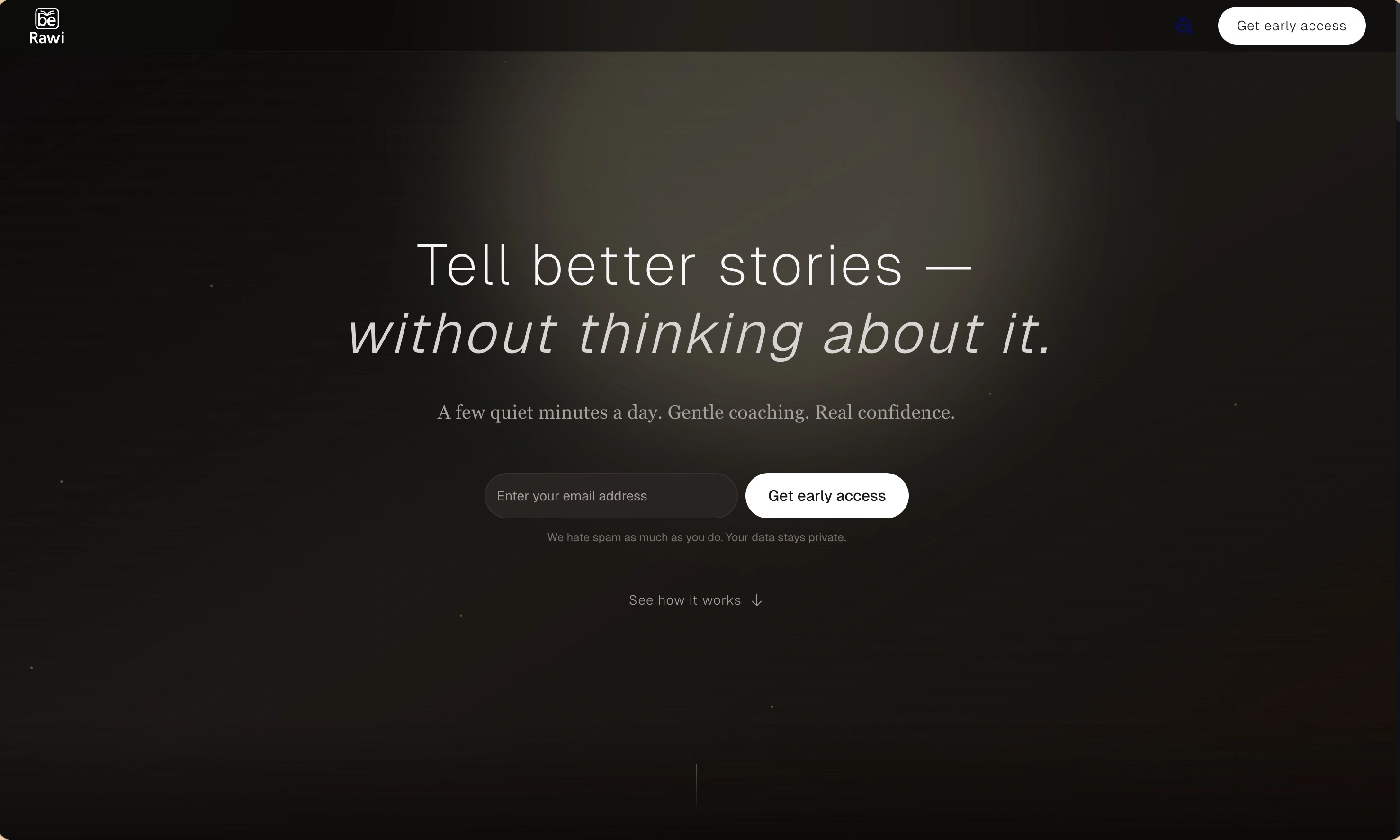
BeRawi: Storytelling Coach
Practice storytelling daily with instant feedback to sound clearer, more engaging, and confident 🎤
Omichat
Chat with 50+ AI models, including ChatGPT and Claude, in one place - switch models anytime without losing context 🤖
Claude Fast
Supercharge your Claude Code with 6x effective context window and specialized AI agents 🤖
EmojAI
AI-powered emoji picker with smart, context-aware suggestions 🤖
Solohacker
Autonomous company launcher - AI agents work 24/7, escalate what matters, and you stay in control 🤖
BeRawi: Storytelling Coach
Practice storytelling daily with instant feedback to sound clearer, more engaging, and confident 🎤
Omichat
Chat with 50+ AI models, including ChatGPT and Claude, in one place - switch models anytime without losing context 🤖
Claude Fast
Supercharge your Claude Code with 6x effective context window and specialized AI agents 🤖
EmojAI
AI-powered emoji picker with smart, context-aware suggestions 🤖
Solohacker
Autonomous company launcher - AI agents work 24/7, escalate what matters, and you stay in control 🤖
BeRawi: Storytelling Coach
Practice storytelling daily with instant feedback to sound clearer, more engaging, and confident 🎤
Omichat
Chat with 50+ AI models, including ChatGPT and Claude, in one place - switch models anytime without losing context 🤖
Claude Fast
Supercharge your Claude Code with 6x effective context window and specialized AI agents 🤖
EmojAI
AI-powered emoji picker with smart, context-aware suggestions 🤖
Solohacker
Autonomous company launcher - AI agents work 24/7, escalate what matters, and you stay in control 🤖
BeRawi: Storytelling Coach
Practice storytelling daily with instant feedback to sound clearer, more engaging, and confident 🎤

Connect with like-minded people
Join our community to get feedback, support, and grow together with 1,000+ builders on board, let's ship it!
Join usShip your startup everywhere. In minutes.
Don't burn tokens on setup and start building features on day one.