Handoffkit
Packages project notes, credentials, and open tasks into a clean handover page when a freelancer hands work to a client. Clients stop asking the same follow-up questions.
Handoffkit is a client handover tool for freelancers: it turns scattered project notes, credentials, and open tasks into one clean page the client can use after delivery. The best way to describe the opportunity is a freelancer client handover tool that replaces the messy final email, the shared doc nobody reads, and the three follow-up questions that arrive a week after the invoice is paid. In 2026, with more solo developers, designers, and automation builders shipping client work with AI-assisted speed, the handover is often the weakest part of an otherwise polished delivery.
Key takeaways
- Target customer: solo freelancers and tiny studios (web developers, Webflow and Shopify builders, automation consultants) who deliver finished projects to non-technical clients.
- Pricing angle: a flat monthly subscription for the freelancer, with a per-handover option for occasional users. The client never pays or needs an account.
- Biggest risk: handling client credentials safely. If you store secrets badly, one incident ends the business.
- Time to MVP: about 3 to 4 weeks for one developer using a starter kit, with a working handover page generator and a share link.
What problem does a freelancer client handover tool solve?
It solves the gap between "the work is done" and "the client can run it without you." Freelancers finish a project, send a loose email with logins and a few notes, and then field the same questions for weeks: where is the domain registered, how do I edit this page, who do I call if the form breaks.
Who feels it most?
The ideal customer is a solo web developer or small studio doing 6 to 20 client projects a year, with clients who are small business owners, not technical staff. These freelancers bill by project, so every unpaid hour of follow-up support comes straight out of their margin. They are also the people most likely to care about looking professional at the moment the final invoice is due.
What do they do today?
The common workarounds are predictable:
- A long final email with logins pasted in plain text.
- A Google Doc or Notion page, copied and edited per client.
- A PDF "handover document" built in a design tool.
- A recorded Loom walkthrough that the client watches once and forgets.
Why the workarounds fail
Each of these is manual, inconsistent, and unstructured. Emails get buried, and credentials sitting in an inbox are a security problem. Docs go stale the moment something changes, and nothing tells the freelancer whether the client ever opened it. Most importantly, none of them separate what the client must do next from what is simply reference material, so clients ignore all of it and ask by email instead.
Is there a market gap for client handover software in 2026?
Yes, but a narrow one, and it is worth being honest about why. Handover sits between several well-known categories, and none of them owns it.
Project management tools such as Notion, Trello, and Asana are good at tracking work during a project. Client portals and proposal tools such as HoneyBook and Dubsado handle contracts, invoices, and communication. Password managers such as 1Password and Bitwarden can share secrets securely. Nobody packages the end state of a project into a single page designed for the client to read.
Why now?
Three trends make the timing reasonable, assuming you read them cautiously:
- More solo delivery. Freelancers increasingly ship full products alone, which means they hold every login and every decision in their head.
- AI-assisted building. When builds get faster, the handover becomes a larger share of the total effort, and clients ask more questions about systems they did not watch being built.
- Higher client expectations. Clients compare freelancers against agencies that deliver polished documentation as standard.
The gap is real, but it is a feature gap more than a category gap. The risk is that big tools add a "handover template" and call it done, so your edge has to be workflow and trust, not the document itself.
What should the Handoffkit MVP include?
Build the smallest thing that produces the aha moment: the freelancer pastes in rough notes and, in under ten minutes, has a client-ready page with a share link. Everything else is secondary. The client's aha moment is opening that page and finding exactly what they need without writing back.
Handover page builder
Structured sections for overview, how-to notes, accounts, and next steps, generated from rough freelancer input.
Secure credential vault
Encrypted fields for logins, revealed only to the client through the share link, with an option to expire access.
Open task list
Clear items marked as client action, freelancer action, or optional, so the client knows what to do next.
Share link with view tracking
A private link plus a simple signal that the client opened the page, so the freelancer knows when to follow up.
What to cut from version one
Leave out templates marketplaces, custom domains, team seats, white-label branding, and integrations with project tools. Skip a client login entirely: a signed, expiring link is enough. AI-assisted drafting from raw notes is worth including only if it takes days rather than weeks, because the structured page is the product and the AI is a shortcut.
How is Handoffkit different from a Notion doc or a password manager?
The unique selling proposition is simple: Handoffkit is built for the moment of delivery, and for the client as the reader. A Notion template can hold the same text, but it does not enforce structure, protect secrets properly, or tell you whether the client looked at it.
| Option | Client-friendly page | Secure credentials | Open task clarity | Open tracking |
|---|---|---|---|---|
| Handoffkit | ✅ | ✅ | ✅ | ✅ |
| Notion or Google Docs | Depends | ❌ | Manual | Limited |
| Password manager sharing | ❌ | ✅ | ❌ | ❌ |
| Final email with attachments | ❌ | ❌ | ❌ | ❌ |
| Client portal suites | Depends | Depends | Depends | Depends |
The honest caveat: a disciplined freelancer with a good Notion template gets maybe 70 percent of the value. Your job is to make the remaining 30 percent (security, consistency, tracking) feel worth a monthly fee.
How would Handoffkit make money?
Charge the freelancer, never the client. Freelancers already treat tools as a business expense, and the client sees only the finished page, which doubles as free exposure.
Pricing options
- Flat monthly plan: for example $15 to $25 per month for unlimited handovers. This suits freelancers with steady work and is the easiest to explain.
- Pay per handover: for example a small one-time fee per project. This suits occasional freelancers and lowers the barrier to trying it, but revenue is lumpy.
- Studio plan: a higher price for small teams with shared templates and multiple seats, added once solo users ask for it.
As an assumption to test: if you charge $19 per month and convert 3 percent of trial users, you need roughly 1,000 trial signups to reach about 30 paying customers and around $570 in monthly revenue. That is a slow start, so the real lever is retention and word of mouth from clients who see the page.
First growth channel
Start where freelancers already gather: communities for Webflow, WordPress, and Shopify builders, indie developer forums, and freelancer subreddits. A short, useful template or checklist ("what to include in a website handover") works as a lead magnet. A small "Delivered with Handoffkit" footer on free-plan pages can add passive reach, since every handover is seen by a prospective future client.
How do you validate a handover tool before building it?
Spend one to two weeks proving that freelancers feel this pain and will pay to fix it. You are testing willingness to pay, not whether the idea sounds good.
Interview eight to ten freelancers
Ask them to walk through their last two project deliveries and what questions came back afterward. Listen for how many hours of follow-up they absorbed and whether they already built their own template.
Audit real handover documents
Ask three or four freelancers to share an anonymized handover they sent. Note which sections repeat across projects, because that is your page structure.
Publish a landing page
Promise one outcome: a client-ready handover page in ten minutes. Add a waitlist form and post it in two or three freelancer communities.
Offer a manual pre-sale
Offer to build handover pages by hand for a small fee, using a doc or simple page, in exchange for feedback. If nobody pays even a modest amount, the pain is probably not sharp enough.
Set a go or no-go bar
Before you start, decide on a threshold, such as several paid manual handovers or a meaningful share of interviewees asking for access. Write it down so you cannot move the goalposts later.
What tech stack should you use to build Handoffkit?
Use a conventional full-stack TypeScript setup and spend your time on the handover experience and credential security, not plumbing. A starter kit saves the most time here, since you need authentication, billing, a database, transactional emails, and a polished marketing site on day one. TurboStarter ships those pieces in a ready-made monorepo, so the first version becomes mostly product logic.
What TurboStarter covers for this idea
- Accounts: freelancer sign-up and sessions through authentication.
- Revenue: subscriptions and one-time payments through billing, which maps directly to a monthly plan plus a per-handover option.
- Data: projects, handovers, and tasks in the database layer.
- Notifications: "your client opened the handover" and reminder messages through emails.
You write the page builder, the credential handling, and the share-link logic. Everything else is already there.
Which database and AI approach fits?
The safer default for a SaaS with multi-user accounts, row-level separation between freelancers, and growth ahead. Managed Postgres is widely available and handles encrypted columns and migrations well.
Fine for a quick prototype or a single-server deployment, and cheap to run. It becomes limiting once you need concurrent writes, managed backups, and straightforward scaling, so treat it as a prototype choice.
How should you handle credentials?
Never store secrets in plain text. Encrypt each secret field at the application level with a per-record key, keep encryption keys outside the database, and reveal values to the client only through an expiring, signed link. A simplified data model looks like this:
type Handover = {
  id: string;
  ownerId: string;
  title: string;
  shareToken: string; // random, unguessable
  expiresAt: Date | null;
  sections: { heading: string; body: string }[];
  secrets: { label: string; ciphertext: string; iv: string }[];
  tasks: { text: string; owner: "client" | "freelancer"; done: boolean }[];
  firstOpenedAt: Date | null;
};
For drafting pages from rough notes, a hosted LLM API is the fastest route, and the AI docs show how it fits in. Be careful not to send secrets to any model: only pass the free-text notes, and keep credentials in separate fields that never reach the prompt.
What are the biggest risks, and how do you handle them?
Four things could realistically sink this business.
Biggest risk: storing client credentials
You become a custodian of logins to other people's websites, domains, and payment tools. A breach would destroy trust immediately, and freelancers are liable to their own clients. Mitigate it by encrypting secrets at the field level, supporting expiry and revocation, logging access, and encouraging users to share temporary or scoped credentials. Consider a version one that links to a password manager entry instead of storing secrets at all, and add native storage only once you have a proper security review.
- Template substitution: freelancers may decide a Notion template is good enough. Counter this by making tracking, security, and structure the visible difference, and by shipping the ten-minute workflow rather than a blank canvas.
- Low frequency of use: a freelancer might deliver only a few projects a year, which hurts retention. Offer a pay-per-handover plan, and add recurring value such as maintenance notes or a post-launch checklist.
- Feature absorption: a bigger client portal could add a handover module. Stay focused on the delivery moment and the freelancer's reputation, and move quickly with a niche such as Webflow or Shopify builders.
What should you do in the first 30 days?
Follow a tight plan that ends with paying users rather than a finished product.
- Days 1 to 5: run interviews, collect real handover examples, and define the page structure.
- Days 6 to 8: publish the landing page and waitlist, and post in two freelancer communities.
- Days 9 to 12: set up the project from TurboStarter, configure authentication and billing, and model handovers and tasks.
- Days 13 to 20: build the page builder, share link, and encrypted secret fields.
- Days 21 to 25: add open tracking and email notifications, then test with three friendly freelancers on real projects.
- Days 26 to 30: fix what they hit, turn on paid plans, and ask each tester for a referral or a public mention.
If the validation plan produced a clear signal, the work above is realistic for one developer. If it did not, spend the month on more interviews instead. A freelancer client handover tool only works if the pain is sharp for a specific group, so pick a niche and prove it before widening.
FAQ
Interview eight to ten freelancers about their last deliveries, then test a landing page and a manual paid handover. The strongest signal is someone paying for a hand-built version before any software exists.
A flat plan in the range of $15 to $25 per month is a reasonable starting assumption, with an optional per-handover price for occasional users. Test two price points with your waitlist before committing, and measure conversion rather than relying on opinions.
There is no dominant dedicated product, so the real competition is general tools: Notion and Google Docs for documentation, password managers like 1Password and Bitwarden for secrets, and client portal suites such as HoneyBook. Your edge is combining structure, secure sharing, and tracking for one specific moment.
A TypeScript full-stack app with Postgres, transactional email, and a hosted LLM for optional drafting is a sensible choice. Starting from a kit like TurboStarter covers authentication, billing, and the database so you can focus on the handover page and credential handling.
A solo developer can usually ship a usable MVP in three to four weeks with a starter kit, and longer if building authentication and billing from scratch. Early costs are mostly hosting, email sending, and any AI usage, which stay modest at low volume.
No, and they should not have to. A private, expiring link keeps friction low and makes adoption easier, while access logs and revocation provide the control the freelancer needs.
More 💡 Other SaaS ideas
Discover more innovative other SaaS ideas that are trending in 2026. Each idea is AI-generated with market validation and growth potential to help you find your next profitable venture faster than competitors.
Your competitors are building with TurboStarter
Below are some of the SaaS ideas that have been generated and built with our starter kit.

Monitor any Telegram channel in real time - track posts, edits, deletions, and growth with AI recaps 📡

AI website builder - describe your business, pick a niche template, edit by chatting, and publish instantly ✨

Find verified home service professionals, compare quotes, and pay securely through escrow - built for Brazilians across the US 🏠
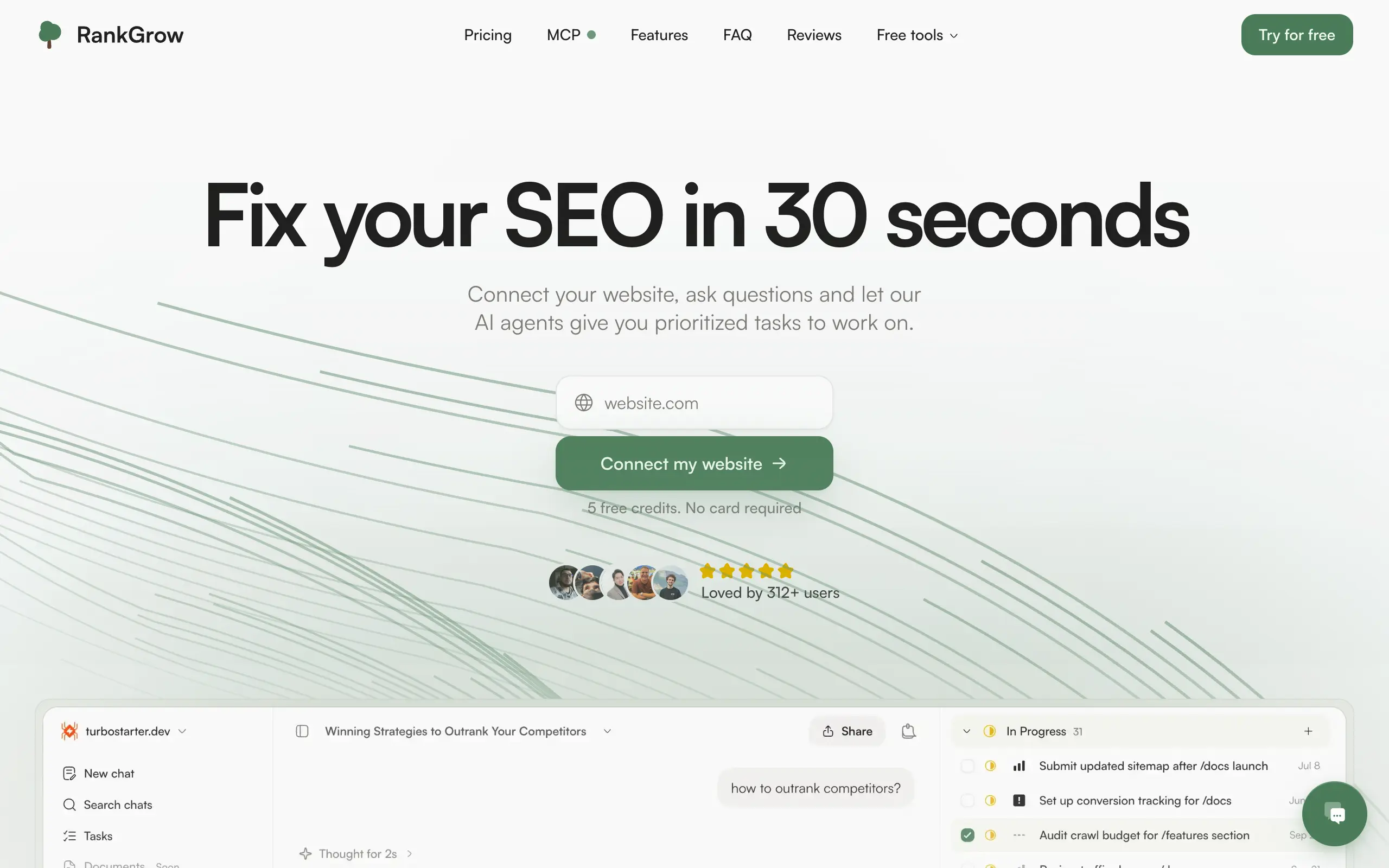
Fix your SEO with AI agents - connect Search Console, get prioritized tasks, and grow organic traffic 📈
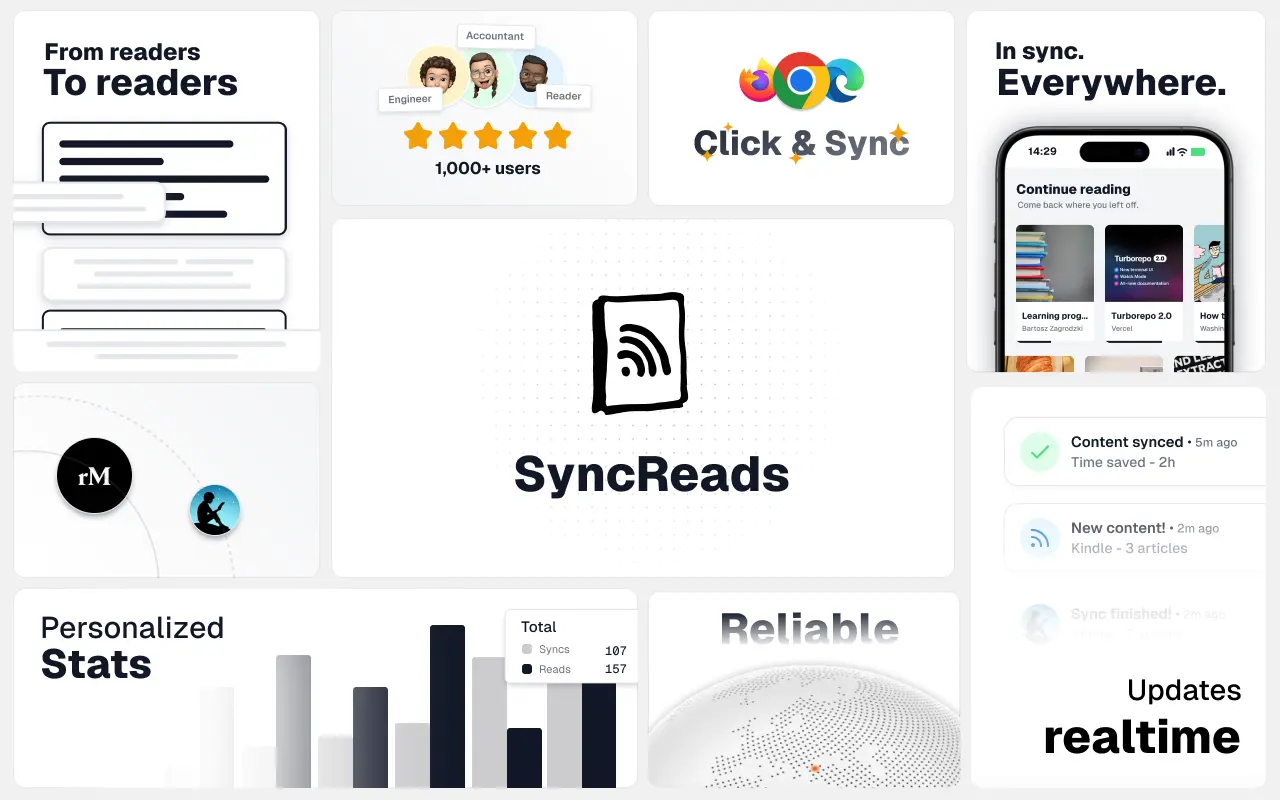
Sync your favorite content for distraction-free reading, save time and replace multiple apps. Anytime, anywhere 🔄
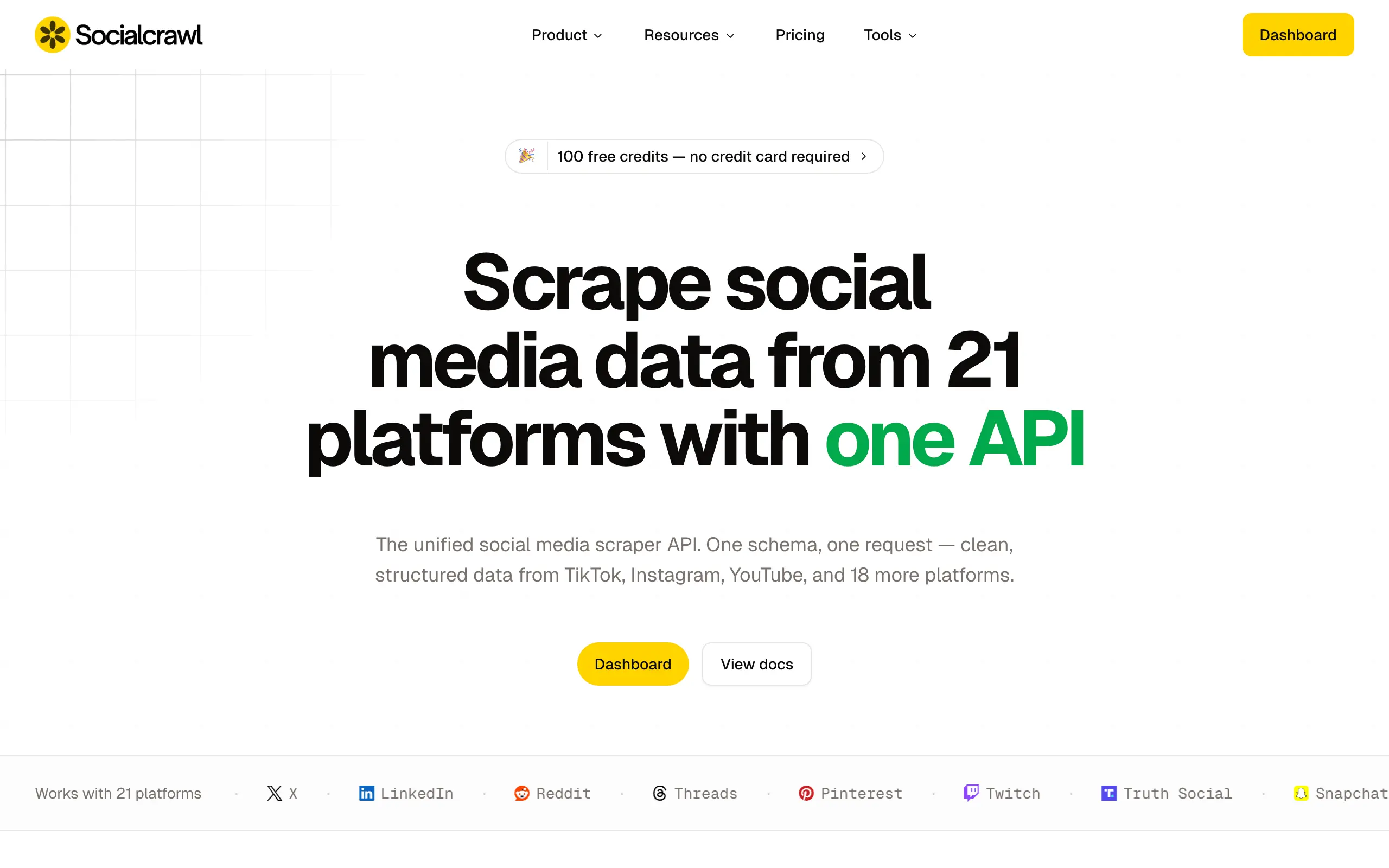
Get clean, structured data from 21 platforms like TikTok, Instagram, and YouTube with a single request 📊
Monitor any Telegram channel in real time - track posts, edits, deletions, and growth with AI recaps 📡
AI website builder - describe your business, pick a niche template, edit by chatting, and publish instantly ✨
Find verified home service professionals, compare quotes, and pay securely through escrow - built for Brazilians across the US 🏠
Fix your SEO with AI agents - connect Search Console, get prioritized tasks, and grow organic traffic 📈
Sync your favorite content for distraction-free reading, save time and replace multiple apps. Anytime, anywhere 🔄
Get clean, structured data from 21 platforms like TikTok, Instagram, and YouTube with a single request 📊
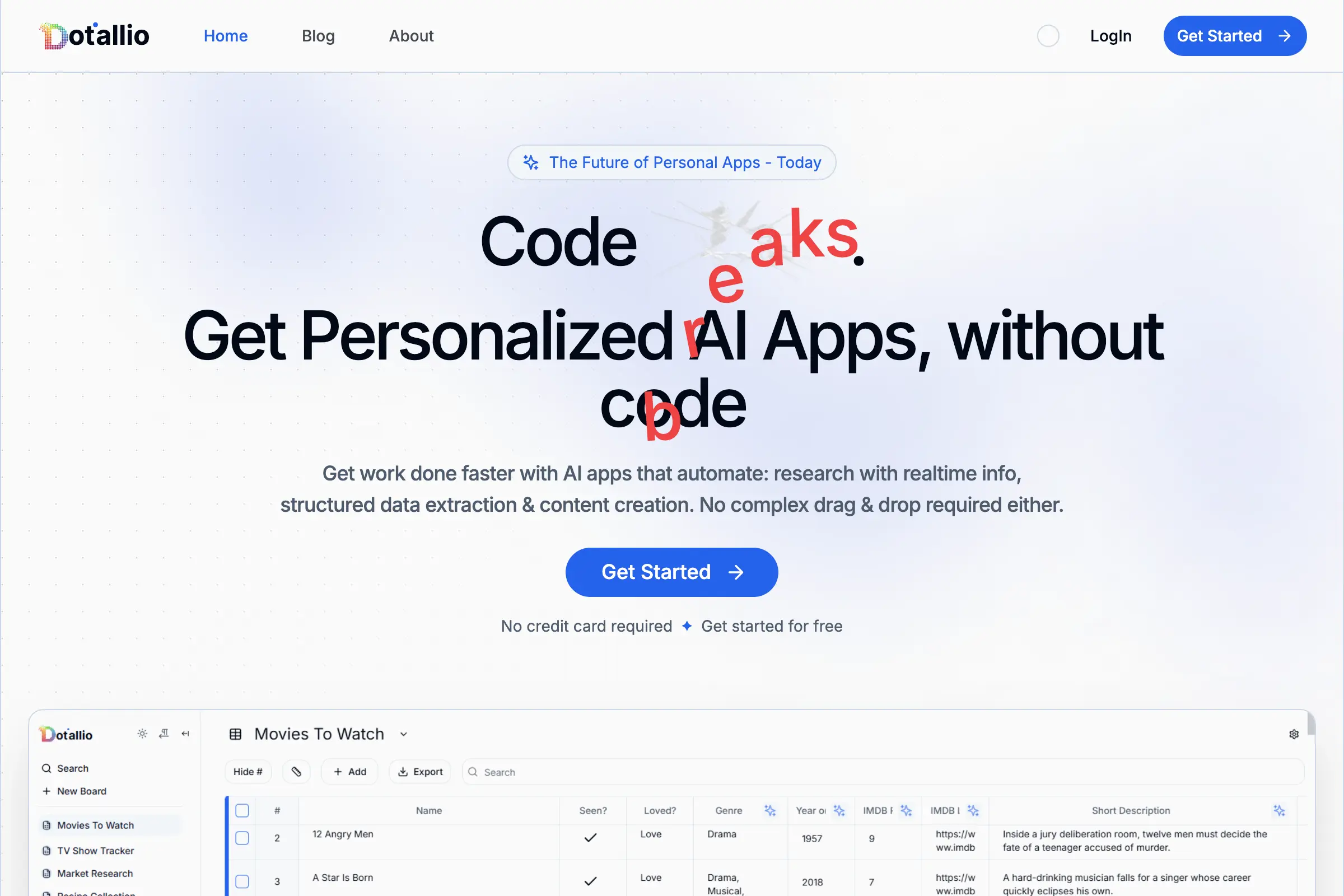
Personalized AI apps that automate research, data extraction, and content creation without code 🤖
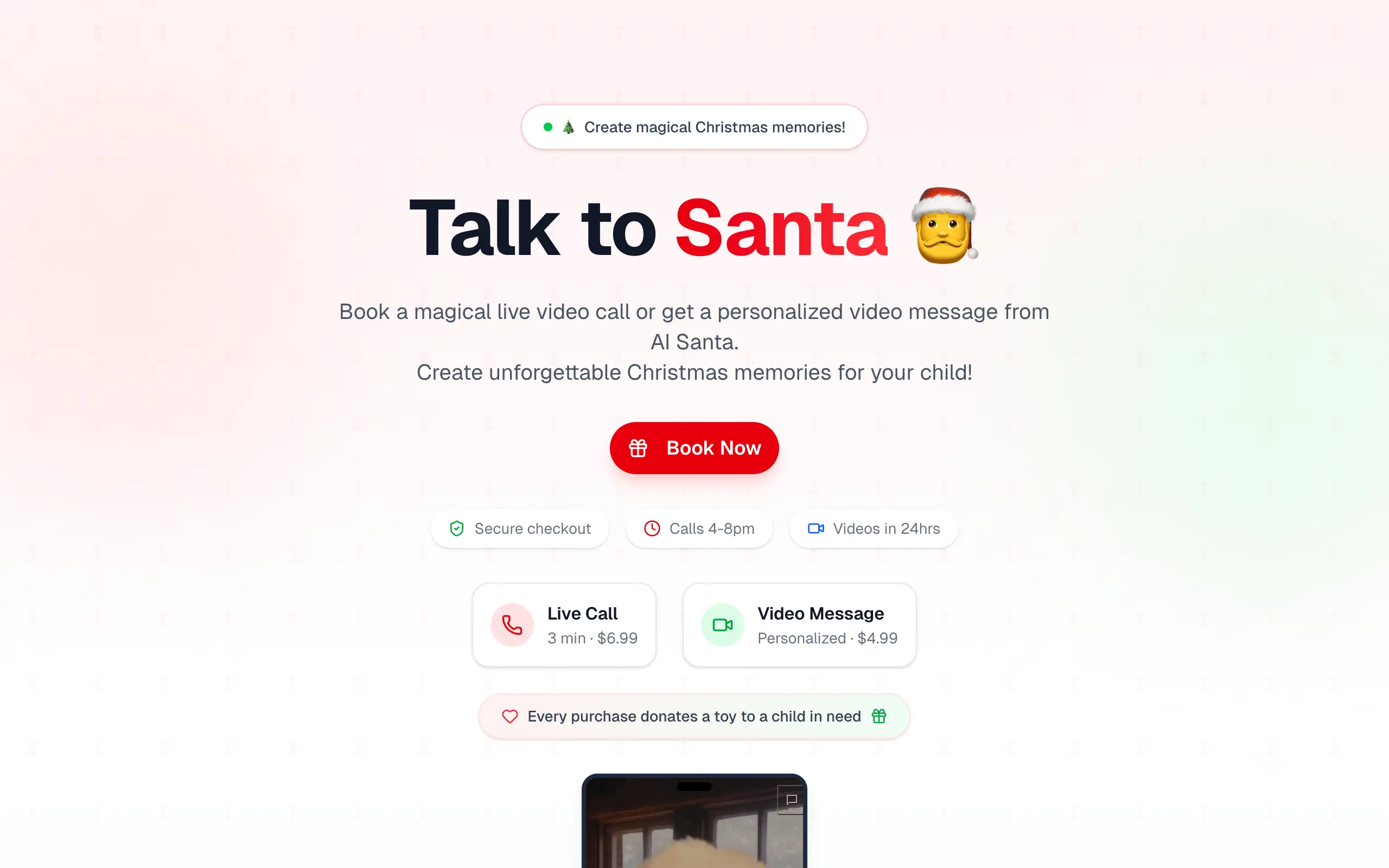
Enjoy a magical live video chat or receive a unique AI-generated video greeting from Santa Claus 🎅
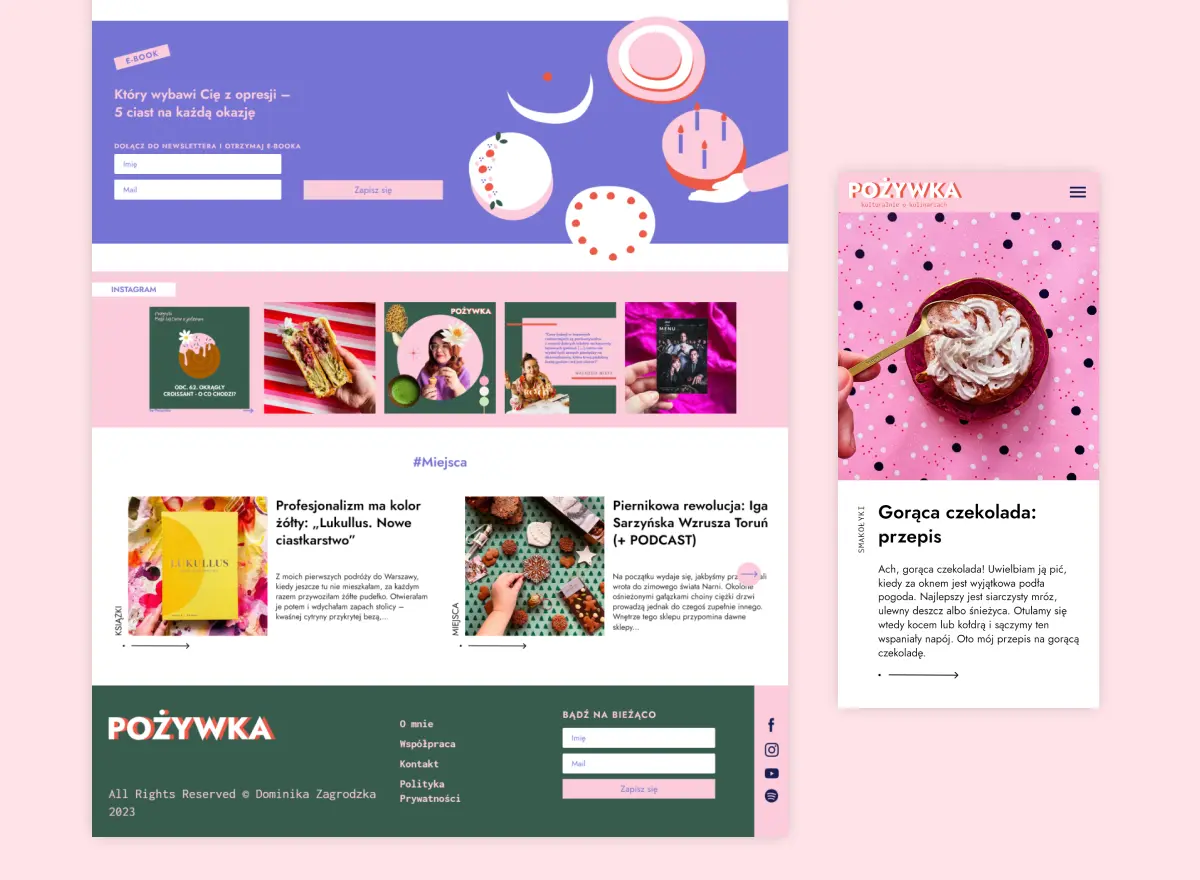
Scalable blog for food journalist, focused on performance and user experience 🌭
Personal blog and portfolio of Bart Zagrodzki, where he shares his knowledge and work 💼
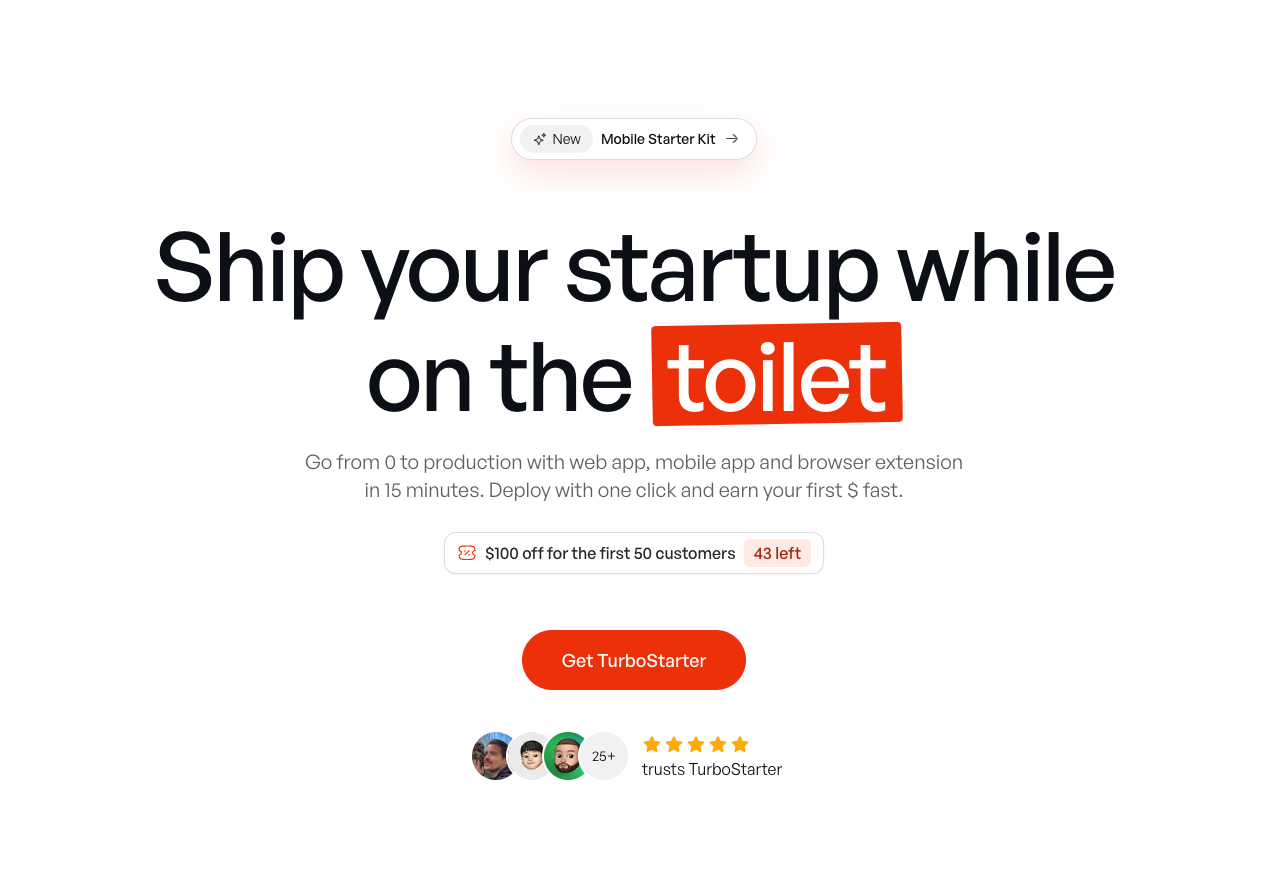
Ship your startup everywhere. In minutes.
Convert HTML to Markdown with ease, directly in your browser 📄
Personalized AI apps that automate research, data extraction, and content creation without code 🤖
Enjoy a magical live video chat or receive a unique AI-generated video greeting from Santa Claus 🎅
Scalable blog for food journalist, focused on performance and user experience 🌭
Personal blog and portfolio of Bart Zagrodzki, where he shares his knowledge and work 💼
Ship your startup everywhere. In minutes.
Convert HTML to Markdown with ease, directly in your browser 📄
Chat with 50+ AI models, including ChatGPT and Claude, in one place - switch models anytime without losing context 🤖
Supercharge your Claude Code with 6x effective context window and specialized AI agents 🤖
AI-powered emoji picker with smart, context-aware suggestions 🤖
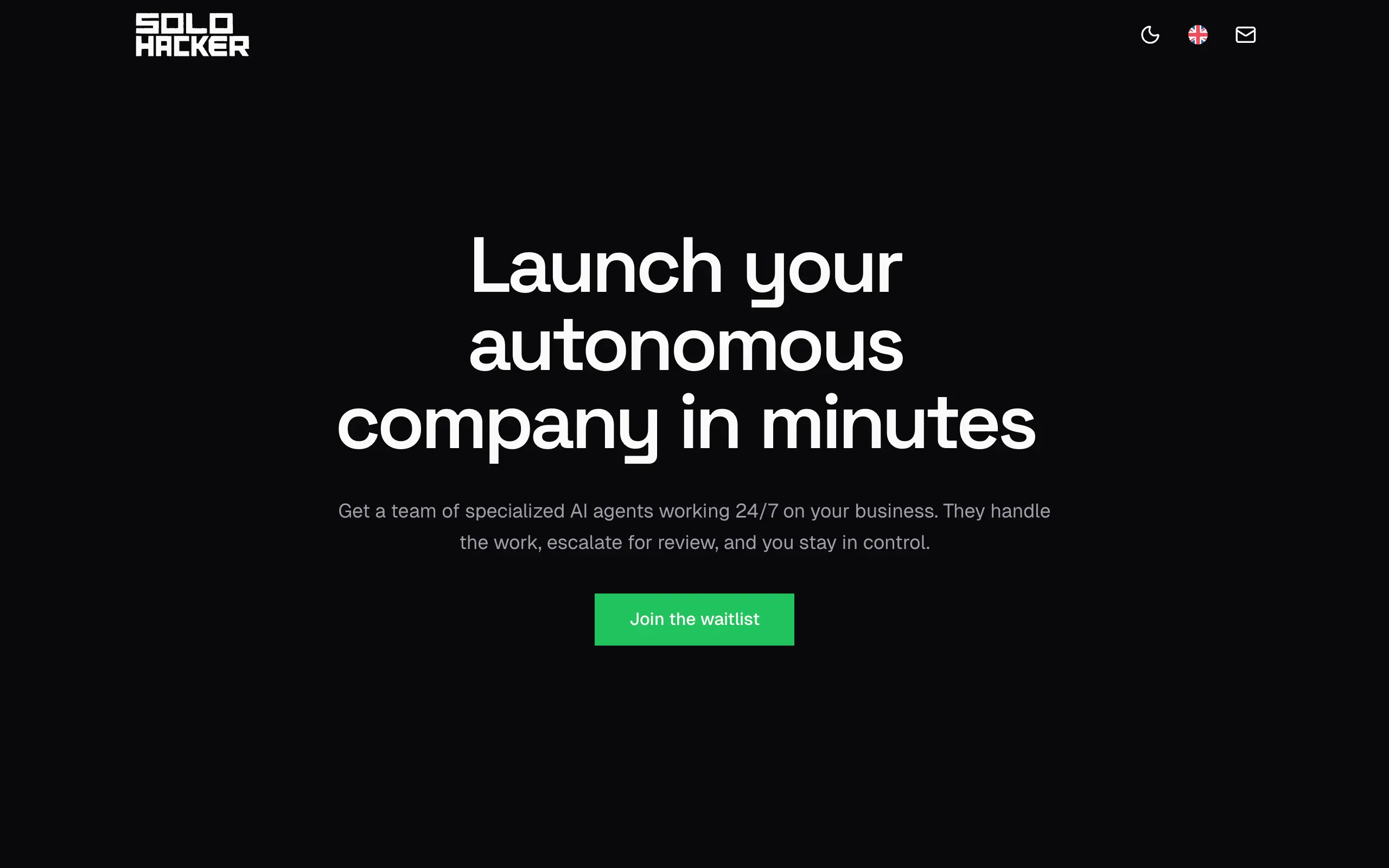
Autonomous company launcher - AI agents work 24/7, escalate what matters, and you stay in control 🤖
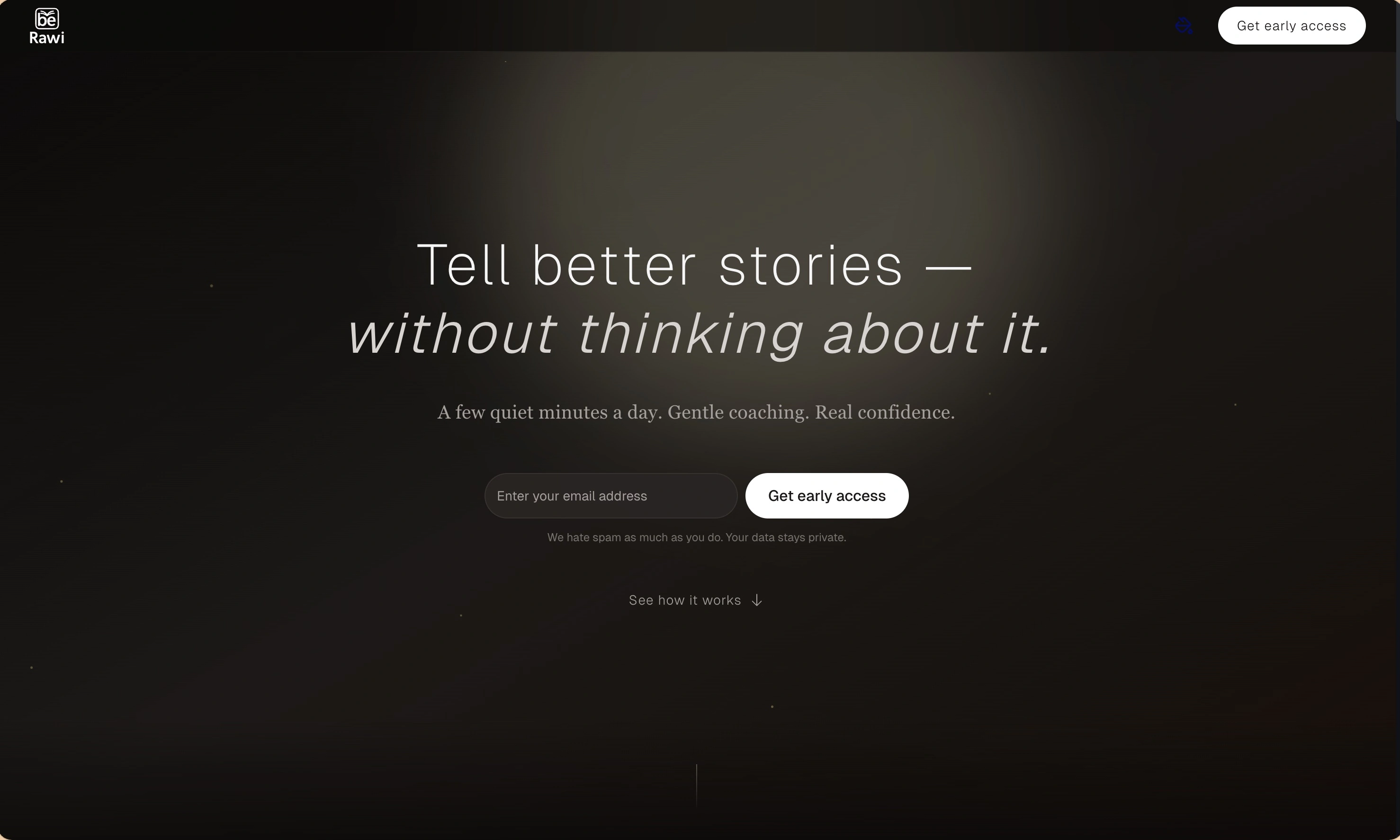
Practice storytelling daily with instant feedback to sound clearer, more engaging, and confident 🎤
Chat with 50+ AI models, including ChatGPT and Claude, in one place - switch models anytime without losing context 🤖
Supercharge your Claude Code with 6x effective context window and specialized AI agents 🤖
AI-powered emoji picker with smart, context-aware suggestions 🤖
Autonomous company launcher - AI agents work 24/7, escalate what matters, and you stay in control 🤖
Practice storytelling daily with instant feedback to sound clearer, more engaging, and confident 🎤

Connect with like-minded people
Join our community to get feedback, support, and grow together with 1,000+ builders on board, let's ship it!
Join usShip your startup everywhere. In minutes.
Don't burn tokens on setup and start building features on day one.