LaunchLayer
Turn UI screens into production-ready plans with database schemas, API contracts, authentication, security checks, and deployment steps. Built for designers shipping their first full-stack app.
Designers can create polished screens long before they know how those screens should work behind the scenes. The difficult part comes next: turning a visual concept into a secure, deployable application with a database, API contracts, authentication, and a practical implementation plan.
LaunchLayer is a SaaS concept designed to bridge that gap. It turns UI screens into production-ready plans that help designers and first-time full-stack builders move from interface to implementation with fewer architectural blind spots. This article examines the product opportunity, ideal customers, feature set, technical approach, pricing, risks, and a practical roadmap for building and validating LaunchLayer.
What LaunchLayer does
LaunchLayer takes screens or interface descriptions as input and produces a structured plan for building the application behind them. That plan could include:
- A proposed database schema and relationships
- API endpoints and request or response contracts
- Authentication and authorization recommendations
- Security checks tailored to the app’s features
- A deployment checklist and environment requirements
- A sequence of implementation tasks
The product’s central promise is not simply “generate code from a screenshot.” It is to explain what a visual interface implies for the system that must support it.
For example, a designer might upload a dashboard showing projects, team members, activity, and billing. LaunchLayer could identify likely entities such as Project, User, Membership, and Subscription; suggest how they relate; describe which operations require authorization; and produce an initial API contract.
That output should be treated as a reviewable engineering plan, not an unquestionable source of truth. A screen does not reveal every business rule, data-retention requirement, or permission boundary. LaunchLayer’s value depends on making assumptions visible and helping users resolve them before implementation.
The problem behind the idea
A screen is a description of what a user can see. It is not a complete specification of what the software must do.
A single interface can conceal questions such as:
- Which user roles can view or change this information?
- Is a displayed value editable, calculated, or synchronized from another service?
- What happens when a record is deleted?
- Which fields are required, private, or subject to retention rules?
- Does this action need a background job, a webhook, or an immediate API request?
- How should the application behave when a user is offline or an external service fails?
Experienced engineers answer these questions through product discussions, design reviews, system diagrams, and iterative implementation. A designer or solo builder may not know which questions to ask, let alone how to turn the answers into a database schema or a secure API.
That leaves a gap between design handoff and technical planning. Teams may fill it with a collection of documents, spreadsheets, diagramming tools, boilerplate repositories, AI chat sessions, and informal conversations. Each can be useful, but the workflow is often fragmented. Decisions made in one place may not carry through to another.
LaunchLayer could make that transition more coherent by treating the screen as the beginning of a structured discovery process.
Who should use LaunchLayer?
The strongest initial audience is not every software team. LaunchLayer is most compelling for people who have a concrete interface and need help understanding what has to exist behind it.
Designers shipping their first full-stack app
Independent designers, product designers, and design-led founders often have a strong understanding of the user experience but less confidence in backend architecture. They may be comfortable with prototypes and visual systems yet uncertain about data modeling, authentication, API design, or deployment.
For this audience, LaunchLayer should explain its recommendations in plain language. A schema diagram without context may not help a first-time builder. A schema with a short rationale, examples of how records connect, and questions that need answers is more useful.
Solo founders validating a product
A founder who is testing an early product idea needs enough technical clarity to estimate effort and avoid foundational mistakes. They may not need a complete production architecture on day one, but they do need to understand the likely components, risks, and decisions involved.
LaunchLayer can help turn a set of proposed screens into a credible technical brief for a developer, contractor, or potential technical cofounder. That is valuable even when the founder does not implement the generated plan directly.
Small agencies and freelance developers
A small agency may use LaunchLayer during discovery to standardize early technical planning across projects. A freelancer can use it to produce a first-pass proposal, identify missing product requirements, and explain trade-offs to a client.
This audience may have higher willingness to pay than individual hobbyists, particularly if the tool saves time during paid discovery work. Their needs will also be more demanding: they may expect collaboration, exportable deliverables, client workspaces, and the ability to revise generated plans.
Educators and bootcamp learners
Students learning full-stack development often understand individual technologies before they understand how a product’s interface maps to a complete system. LaunchLayer could serve as a teaching aid by showing the relationship between screens, data, permissions, endpoints, and deployment.
It should not present one implementation as the only correct answer. Showing alternatives and explaining the trade-offs would make the product a stronger learning tool.
Users to avoid targeting first
Large engineering organizations may expect integrations with established architecture processes, code repositories, identity systems, and governance tools. Supporting their requirements would add significant complexity.
Likewise, a user who expects a screenshot to produce a complete, correct, production-ready application with no review is likely to be disappointed. LaunchLayer should set a clear expectation: it accelerates planning and surfaces decisions; it does not replace engineering judgment or product discovery.
Market opportunity and the product gap
LaunchLayer sits at the intersection of several existing workflows: design handoff, AI-assisted development, application scaffolding, technical documentation, and software architecture planning. That overlap creates opportunity, but it also means the product must be precise about what it does better.
A design handoff tool can communicate spacing, typography, assets, and component states. A code-generation tool can produce interface or application code. A diagramming product can represent entities and relationships. An AI assistant can answer implementation questions. LaunchLayer’s potential gap is connecting those pieces into a traceable, screen-grounded implementation plan.
Its differentiation should come from the continuity between input and output:
- The user supplies screens and project context.
- LaunchLayer identifies features and unknowns.
- The user confirms or corrects assumptions.
- The system generates linked technical artifacts.
- The user reviews, exports, and updates the plan as the product changes.
This is more useful than producing isolated artifacts that do not explain how they relate. If a screen includes an invite flow, for example, the plan should connect that flow to membership data, an invitation endpoint, authorization rules, email delivery, and relevant security checks.
The opportunity is still a hypothesis until tested with users. Founders should validate whether customers actually struggle with this handoff, how frequently the problem occurs, and whether a structured plan is valuable enough to pay for. Customer interviews, paid pilots, and observed workflow tests are more credible evidence than a broad claim about the size of the AI or no-code market.
A useful validation question is not merely, “Would you use an AI tool for this?” Ask a designer or builder to show how they planned their last project. Look for repeated work, confusing decisions, forgotten requirements, and artifacts they had to create manually. Then test whether LaunchLayer improves that specific workflow.
How the core product should work
The quality of LaunchLayer will depend on its workflow as much as its generation model. A tool that produces a convincing-looking schema in seconds can still fail if the output is difficult to verify or disconnected from the actual interface.
1. Import screens and project context
Users should be able to start with one or more screen images, a design export, or a written product description. The first version should support a limited, reliable set of inputs rather than promising compatibility with every design platform.
Along with screens, ask for context that cannot be inferred visually:
- What the product does
- Who uses it
- Whether it is single-user or multi-tenant
- Which platforms or framework the user prefers
- Whether payments, messaging, or other external services are required
- Any known privacy, compliance, or data-residency constraints
This step should distinguish what the system observed from what the user stated. A label such as “inferred” or “confirmed” can help prevent guesses from becoming invisible assumptions.
2. Identify features, entities, and open questions
Before generating a full implementation plan, LaunchLayer should create an intermediate interpretation. It might identify visible features such as project creation, invitations, comments, and billing, then propose related entities and list unresolved questions.
This stage gives users a chance to correct the system before those assumptions spread into the schema, API contract, and task list. It also creates a valuable opportunity for LaunchLayer to provide guidance rather than acting as a one-shot generator.
Useful clarification questions might include:
- Can one user belong to more than one workspace?
- Can members have different permissions?
- Are archived records still visible to administrators?
- Does a subscription belong to a user or an organization?
The product should prioritize questions that materially change architecture. Asking too many minor questions creates friction; asking too few invites incorrect plans.
3. Generate connected technical artifacts
After the user reviews the interpretation, LaunchLayer can generate a set of related outputs.
Database design should include proposed tables or collections, field types, relationships, constraints, and notes on sensitive data. The product should explain why a relationship exists and identify assumptions, such as whether membership belongs to a workspace.
API contracts should describe operations, parameters, response shapes, errors, and authorization expectations. A contract is useful only if it is specific enough for a developer to implement and consistent with the data model.
Authentication and authorization guidance should distinguish identity from permissions. Signing in tells the application who a user is; it does not automatically determine which workspace or record that person may access.
Security checks should connect risks to features. For example, a multi-tenant dashboard should prompt the user to verify that records are scoped to the correct tenant on the server, not just hidden in the interface.
Deployment steps should cover the practical transition from local development to a hosted environment. Depending on the chosen stack, that could include environment variables, database migrations, secrets management, backups, domain configuration, and a release checklist.
4. Make the plan reviewable and exportable
Users should be able to edit generated artifacts, add notes, and see how a change affects other outputs. If a user changes a relationship in the data model, the API contract may need review as well.
Export options could include Markdown documentation, diagram formats, and structured specifications. Supporting established formats reduces lock-in and makes the plan easier to use in an existing workflow. An OpenAPI document, for example, can be consumed by tooling that supports the standard; it should be generated only when the API design is sufficiently complete.
5. Keep the plan connected to implementation
A later version could connect plans to a code repository or issue tracker. That should follow, rather than precede, the validation of the core planning workflow. Integrations are valuable when they reduce repeated work; they are not a substitute for a useful plan.
The most important long-term product behavior is change management. When screens, requirements, or user roles change, LaunchLayer should help users identify which technical decisions need to be revisited.
Recommended MVP feature set
A focused first release should prove that users value the planning layer before attempting broad code generation.
Include in the first version
- A project workspace with a clear product description
- Upload for a small number of screen images
- A guided flow for confirming inferred features and entities
- A simple, editable data model
- A first-pass API contract
- Authentication and permission prompts
- A risk and security checklist
- An implementation sequence with dependencies
- Markdown export
- Feedback controls for correcting generated results
Defer until there is evidence of demand
- One-click generation of a complete application
- Many design-platform integrations
- Real-time multi-user editing
- A large catalog of framework-specific templates
- Automatic deployment to multiple hosting providers
- Deep repository synchronization
- Compliance guarantees or automated certification
The MVP should measure whether users can create a more complete and actionable plan with less confusion. The aim is not to maximize the number of generated artifacts. It is to help a user make better decisions and take the next implementation step.
Technical approach and recommended stack
LaunchLayer is itself a software product, so its architecture should support secure file handling, asynchronous analysis, editable project data, and reliable artifact generation. A conventional web stack is a sensible starting point.
Frontend
React is a strong choice for building an interactive workspace with forms, project views, and editable technical artifacts. Next.js can provide the application framework, routing, server-rendered pages where useful, and server-side functionality.
TypeScript is useful across the application because generated artifacts have structured shapes. Types can catch mismatches between the database model, API schema, and user interface. They cannot guarantee that an AI-generated plan is correct, so runtime validation is also important.
A component library or design system can keep the interface consistent, but avoid investing in a large visual system before confirming the workflow. The difficult product work is likely to be around artifact review, assumption management, and plan revision rather than decorative interface features.
Backend and data storage
A relational database is a natural fit because projects, screens, users, artifacts, revisions, and comments have clear relationships. PostgreSQL supports relational data, transactions, and JSON fields that may be useful for storing versioned artifacts.
A managed backend platform such as Supabase may accelerate an MVP by providing hosted Postgres and related services. The trade-off is that the product becomes more dependent on a provider’s conventions and feature set. A custom backend offers more control but requires more operational work.
If using an ORM such as Prisma, keep the core schema and migrations understandable. Generated technical artifacts should not be allowed to silently change the production database. Users should review and apply migrations through a deliberate process.
Authentication and authorization
Choose an authentication solution that matches the team’s experience and product requirements. Clerk offers a managed identity product, while Auth.js is an option for teams building authentication into a web application. These choices have different implementation and operational trade-offs; compare pricing, supported identity providers, session behavior, and migration flexibility before committing.
Regardless of provider, LaunchLayer must enforce access control on the server. A project identifier in a URL is not proof that a user has permission to access that project. Multi-tenant authorization should be designed and tested explicitly.
AI and artifact generation
Use a model for tasks that benefit from language and visual interpretation, but do not rely on free-form output for every system component. A robust pattern is to ask the model for structured data, validate that data against a schema, and reject or repair invalid results before showing them.
A simplified artifact shape might look like this:
type ProjectPlan = {
  assumptions: Array<{
    statement: string;
    status: "inferred" | "confirmed" | "unknown";
  }>;
  entities: Array<{
    name: string;
    fields: Array<{
      name: string;
      type: string;
      sensitive: boolean;
    }>;
  }>;
  endpoints: Array<{
    method: "GET" | "POST" | "PATCH" | "DELETE";
    path: string;
    purpose: string;
    authorizationNotes: string[];
  }>;
  openQuestions: string[];
};
The key design principle is separation of interpretation from execution. The model can propose a plan, but deterministic application logic should validate required fields, enforce size limits, and prevent unsafe actions. Users should approve changes before LaunchLayer writes to external systems or modifies code.
File processing and deployment
Screen uploads introduce privacy and security responsibilities. Use private storage, restrict file size and type, apply access controls, and establish a retention policy. Do not keep source images indefinitely by default if they are no longer needed.
Docker can support consistent development and deployment environments. A hosting platform such as Vercel may be convenient for a Next.js product, though the best deployment choice depends on background-job needs, data location, and operational requirements. Image analysis and generation tasks may need a queue so that slow processing does not block normal web requests.
Competitive advantage and positioning
LaunchLayer’s strongest potential advantage is contextual consistency. It can connect what appears on a screen to the data, endpoints, permissions, and implementation tasks required to support it.
The product should avoid positioning itself as “AI that builds your app automatically” unless it can reliably deliver that outcome. A narrower and more credible position is:
Turn interface concepts into an editable, explainable technical plan for building a full-stack application.
That position speaks directly to designers and first-time builders while setting a realistic expectation.
| Product approach | Typical strength | Potential gap LaunchLayer can address |
|---|---|---|
| Design handoff tools | Communicate visual specifications | Often leave backend decisions to the implementation team |
| AI coding assistants | Accelerate code creation | May require users to already understand architecture and requirements |
| Diagramming tools | Represent systems visually | Usually depend on users to create and maintain the diagrams |
| App scaffolding tools | Start a project quickly | Can generate a structure without clarifying product-specific assumptions |
| LaunchLayer concept | Connect screens to a technical plan | Must prove that its outputs are accurate, editable, and useful |
This comparison describes product categories, not a claim that every tool in a category lacks these capabilities. The market changes quickly, so founders should compare current products directly before making public competitive claims.
For durable differentiation, LaunchLayer needs more than access to a general-purpose AI model. Potential sources of defensibility include:
- A high-quality workflow for resolving missing product requirements
- Strong links between screens and generated artifacts
- User corrections that improve project-specific context
- Reliable, editable exports in formats developers already use
- A reputation for transparent assumptions and careful security guidance
- Repeatable templates for common application patterns
Monetization options
Pricing should reflect the customer’s workflow and the value of the output, not only the cost of model usage.
Freemium for individual exploration
A free tier can let users create a small number of projects or generate a limited plan. This reduces friction for designers and learners discovering the product. The free experience should still demonstrate useful value; a plan that is too restricted to evaluate will not build trust.
Subscription for solo builders
A paid individual plan could provide more projects, artifact revisions, export formats, and saved history. This model works best when users return across multiple projects or continue updating a plan during development.
Team and agency plans
Agencies and small product teams may pay for shared workspaces, client-facing exports, collaboration, reusable templates, and project organization. A team plan should solve coordination problems rather than simply multiplying individual seat limits.
Usage-based analysis
If image processing or model calls create meaningful variable costs, usage limits or credits may help protect margins. Pricing should remain predictable. A user planning a project should be able to understand what a generation or revision will cost before triggering it.
Paid discovery deliverables
Some customers may value a polished technical brief more than an ongoing SaaS workspace. A paid export or guided discovery package could be tested as an add-on, especially for freelancers and agencies. This should not distract from the central product unless customers demonstrate demand.
A practical pricing experiment is to interview target users, show them a working prototype, and test specific offers. Stated willingness to pay is weaker evidence than a purchase, a paid pilot, or a clear commitment to use the product in a real client project.
Risks and ways to reduce them
Incorrect or incomplete architecture
A screen does not contain all the requirements needed to design a system. Generated outputs can appear authoritative even when they are based on guesses.
Mitigation: Label assumptions, ask targeted questions, explain reasoning, and require review before implementation. Provide confidence indicators carefully; they should communicate uncertainty, not imply mathematical certainty where none exists.
Security advice that creates false confidence
A generated checklist is not a security audit. Missing a risk could cause a user to deploy a vulnerable application.
Mitigation: Present checks as guidance, avoid claims of certification, and include explicit review steps for sensitive flows. Reference established security practices such as the OWASP resources when building the product’s security education. High-risk systems should receive qualified human review.
Sensitive designs and user data
Screens may contain customer names, internal product details, or confidential business information.
Mitigation: Explain how uploaded content is stored and processed, restrict access, define deletion controls, and avoid using customer content for model training unless users have clearly opted in and the policy supports it. Collect only what the product needs.
Output quality that varies by project
A simple task manager and a regulated healthcare application do not carry the same architectural requirements. A single generic output format may be inadequate.
Mitigation: Set clear scope boundaries for the MVP, identify project types that need specialist review, and let users specify constraints. Do not imply that one generated plan is suitable for every industry or jurisdiction.
Feature sprawl
It is tempting to add code generation, integrations, diagramming, collaboration, and deployment automation at once.
Mitigation: Choose one primary user and one end-to-end workflow. Measure whether users complete the planning task and use the result. Expand only when evidence shows where the workflow breaks down.
Fast-moving AI competition
Similar features may be added to design, coding, and project-management products.
Mitigation: Build around workflow quality, transparent assumptions, artifact consistency, and user trust. These are more durable than a superficial claim to use AI.
Unclear responsibility
Users may mistake a generated plan for a professional engineering review.
Mitigation: Explain the product’s limitations in context. Use plain language, avoid guarantees, and distinguish educational guidance from legal, compliance, or security advice.
Metrics that reveal whether the product works
Avoid relying solely on sign-ups or the number of generated plans. Those metrics can increase even if users do not trust or use the output.
Track measures that reflect genuine task completion:
- The percentage of users who finish a first project plan
- Time from uploading screens to reviewing a usable plan
- How often users edit or reject generated assumptions
- The percentage of plans exported or shared
- Whether users return to revise a plan
- Conversion from a completed free plan to a paid action
- User-reported confidence before and after the workflow
- The frequency of errors discovered in user review
Qualitative feedback is essential. When a user edits an artifact, ask why. The change may signal a model weakness, a missing product requirement, or a confusing interface. Those explanations are more actionable than a simple satisfaction score.
Actionable implementation steps
A disciplined build process will help LaunchLayer validate the core idea before investing in a broad platform.
Interview the target audience. Speak with designers, solo founders, and small agencies that have recently taken a design into development. Ask them to walk through their actual process and identify where they lose time, confidence, or information.
Choose one initial user and project type. For example, focus on designers building straightforward SaaS dashboards. A narrow scope makes it easier to define useful schemas, permissions, and implementation outputs.
Prototype the planning workflow. Test screen intake, feature extraction, clarification questions, and artifact review with a clickable prototype or a manually assisted service before building extensive automation.
Define a structured artifact model. Specify how assumptions, entities, endpoints, authorization notes, and implementation tasks relate. Validate generated data before presenting it to users.
Build the smallest useful product. Implement project creation, private uploads, reviewable outputs, edits, and Markdown export. Keep code generation and numerous third-party integrations out of the first release.
Run a real-project pilot. Ask a small group to use LaunchLayer on an application they intend to build. Observe where they correct the plan and whether they carry the output into implementation.
Test pricing with actual commitments. Offer a defined paid pilot or subscription rather than relying on hypothetical willingness-to-pay answers.
Improve trust and reliability. Review failure cases, clarify uncertainty, strengthen permissions, and document data handling before broadening access.
For teams building the product itself, TurboStarter can be considered as a starting point for SaaS foundations. Evaluate any starter kit against the product’s authentication, billing, data, and deployment requirements rather than assuming it removes the need for architectural decisions.
The opportunity for LaunchLayer
LaunchLayer addresses a practical and specific challenge: translating a visual product concept into a plan that a builder can evaluate and implement. Its strongest version will not pretend that a screenshot contains every answer. Instead, it will use the screen as evidence, ask about what is missing, connect decisions across technical artifacts, and make uncertainty easy to review.
That approach gives the product a clear potential USP: a transparent bridge from UI screens to an editable full-stack implementation plan. The opportunity is worth validating with designers, solo founders, and small agencies that regularly cross the design-to-development gap.
The next step is not to build every feature in the vision. It is to observe how a narrowly defined group plans a real application, prototype the handoff, and test whether LaunchLayer helps them produce a better plan with less uncertainty. If users trust the output enough to carry it into development—and return when their product changes—the concept has a meaningful foundation for growth.
Frequently asked questions
The core concept is a planning tool that turns screens into connected technical artifacts such as schemas, API contracts, security checks, and deployment steps. Code generation could be added later, but it should not replace the reviewable planning workflow unless users demonstrate that they need it.
No. A screenshot can reveal visible features and suggest data relationships, but it usually cannot establish business rules, permissions, retention requirements, or error behavior. LaunchLayer should ask users to confirm important assumptions before generating a plan.
Designers and solo founders who are building their first full-stack application are a strong initial audience because they often have interface ideas but need help understanding the technical work behind them. Small agencies are another promising segment if they value repeatable discovery and client-ready deliverables.
It should provide contextual guidance, explain why a check matters, and avoid presenting generated output as a formal audit or guarantee. Authorization should be reviewed and tested by people with appropriate expertise, especially for applications handling sensitive information.
More 💡 Other SaaS ideas
Discover more innovative other SaaS ideas that are trending in 2026. Each idea is AI-generated with market validation and growth potential to help you find your next profitable venture faster than competitors.
Your competitors are building with TurboStarter
Below are some of the SaaS ideas that have been generated and built with our starter kit.
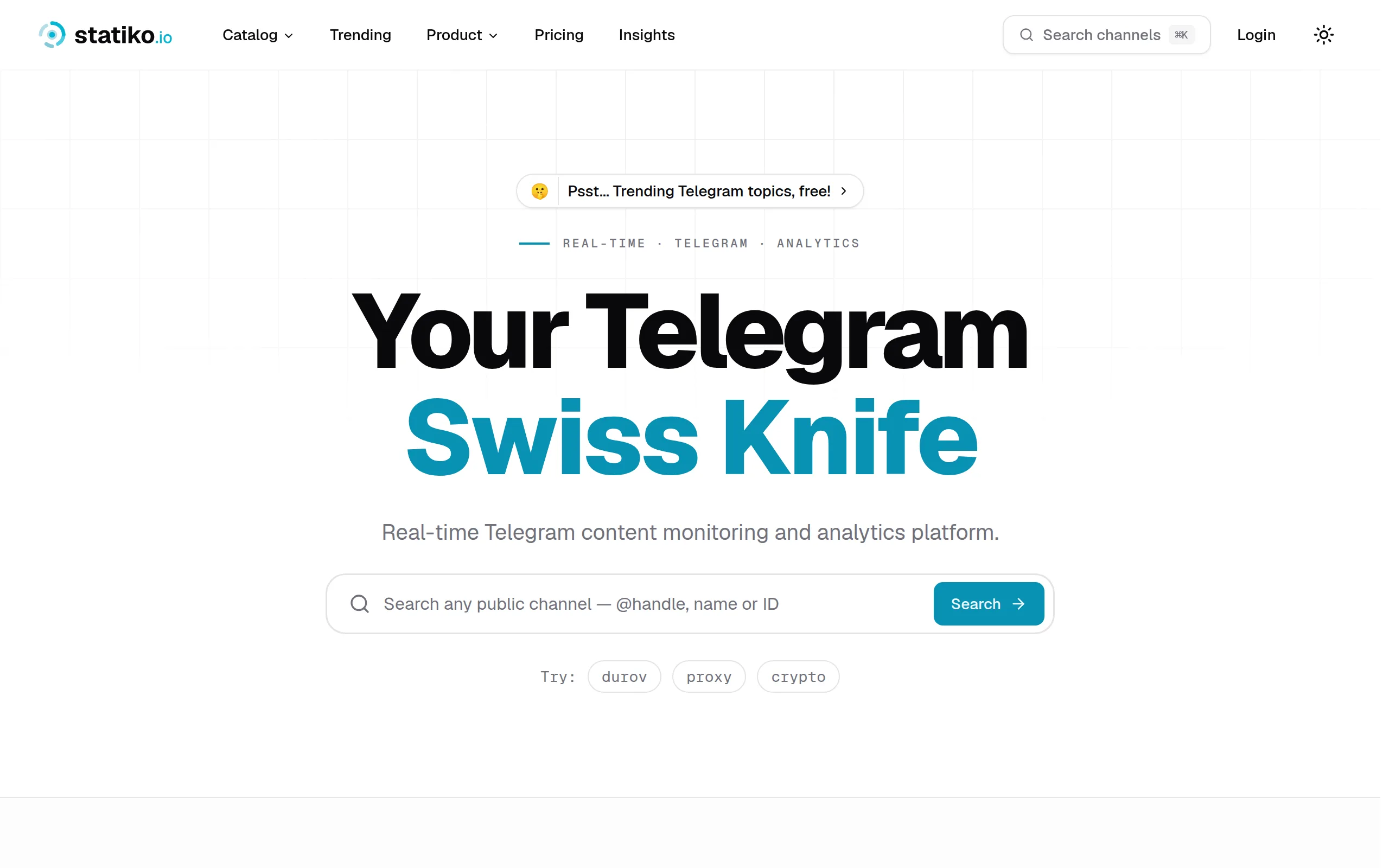
Statiko
Monitor any Telegram channel in real time - track posts, edits, deletions, and growth with AI recaps 📡

Shibui
AI website builder - describe your business, pick a niche template, edit by chatting, and publish instantly ✨

Pro Service
Find verified home service professionals, compare quotes, and pay securely through escrow - built for Brazilians across the US 🏠
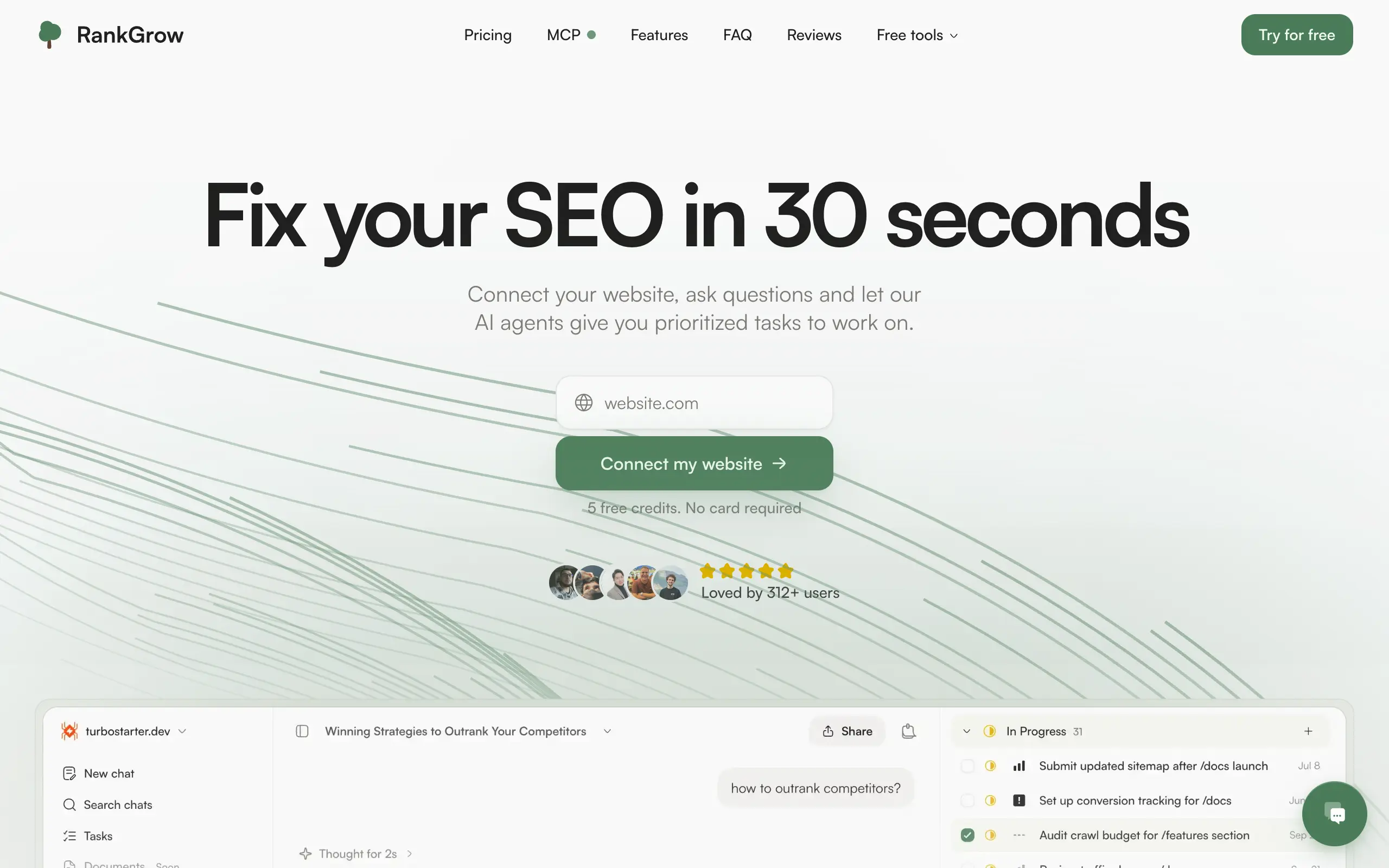
RankGrow
Fix your SEO with AI agents - connect Search Console, get prioritized tasks, and grow organic traffic 📈
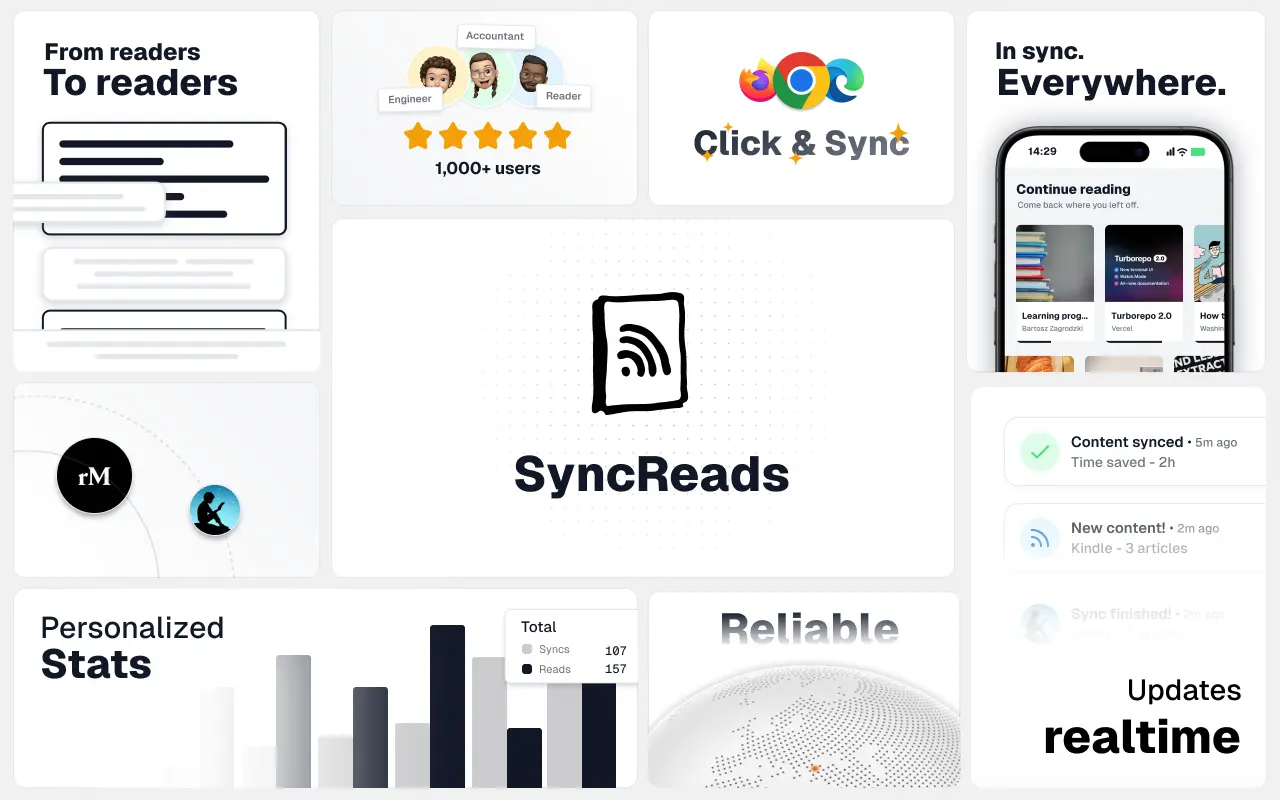
SyncReads
Sync your favorite content for distraction-free reading, save time and replace multiple apps. Anytime, anywhere 🔄
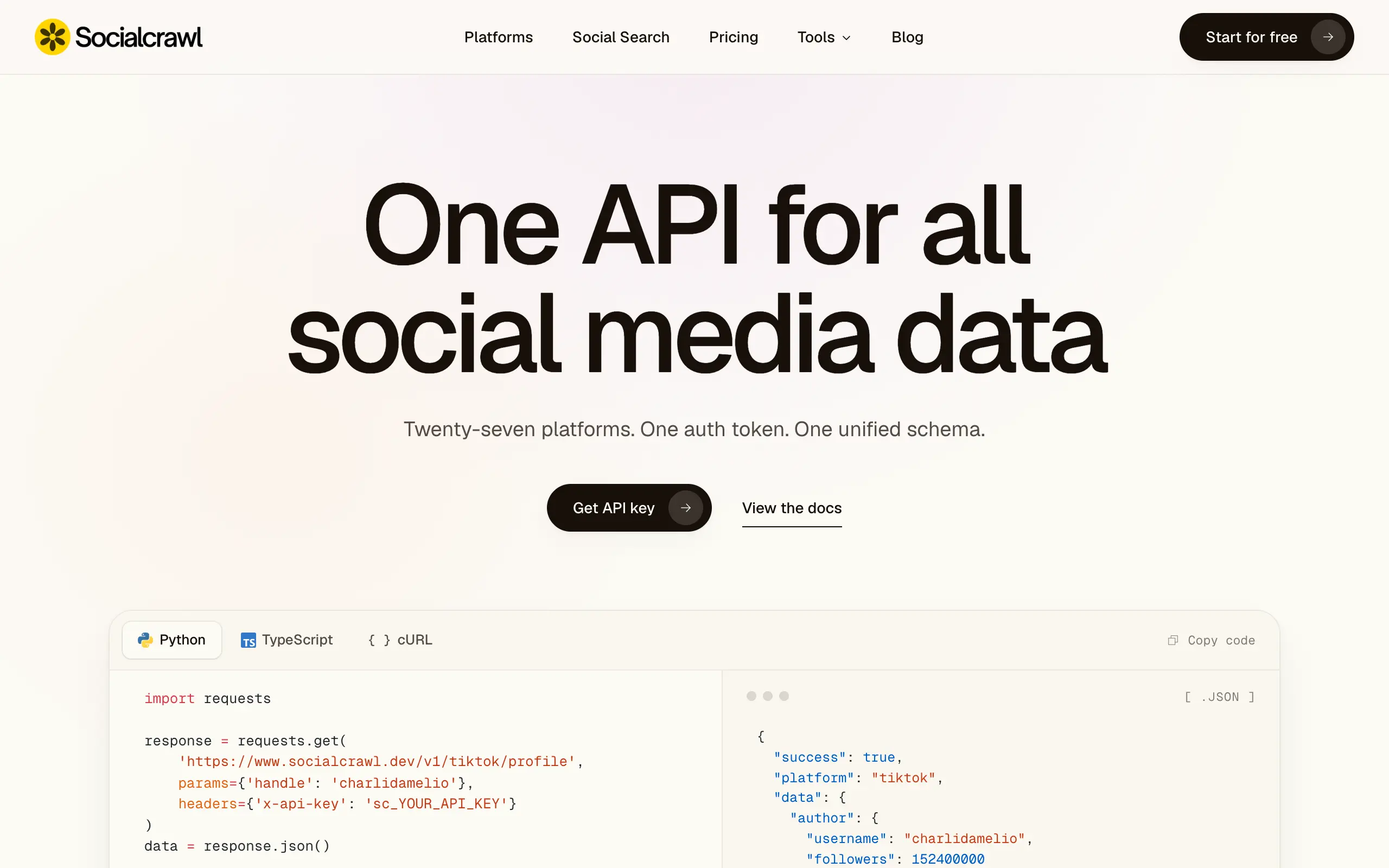
Socialcrawl
Get clean, structured data from 21 platforms like TikTok, Instagram, and YouTube with a single request 📊
Statiko
Monitor any Telegram channel in real time - track posts, edits, deletions, and growth with AI recaps 📡
Shibui
AI website builder - describe your business, pick a niche template, edit by chatting, and publish instantly ✨
Pro Service
Find verified home service professionals, compare quotes, and pay securely through escrow - built for Brazilians across the US 🏠
RankGrow
Fix your SEO with AI agents - connect Search Console, get prioritized tasks, and grow organic traffic 📈
SyncReads
Sync your favorite content for distraction-free reading, save time and replace multiple apps. Anytime, anywhere 🔄
Socialcrawl
Get clean, structured data from 21 platforms like TikTok, Instagram, and YouTube with a single request 📊
Statiko
Monitor any Telegram channel in real time - track posts, edits, deletions, and growth with AI recaps 📡
Shibui
AI website builder - describe your business, pick a niche template, edit by chatting, and publish instantly ✨
Pro Service
Find verified home service professionals, compare quotes, and pay securely through escrow - built for Brazilians across the US 🏠
RankGrow
Fix your SEO with AI agents - connect Search Console, get prioritized tasks, and grow organic traffic 📈
SyncReads
Sync your favorite content for distraction-free reading, save time and replace multiple apps. Anytime, anywhere 🔄
Socialcrawl
Get clean, structured data from 21 platforms like TikTok, Instagram, and YouTube with a single request 📊
Statiko
Monitor any Telegram channel in real time - track posts, edits, deletions, and growth with AI recaps 📡
Shibui
AI website builder - describe your business, pick a niche template, edit by chatting, and publish instantly ✨
Pro Service
Find verified home service professionals, compare quotes, and pay securely through escrow - built for Brazilians across the US 🏠
RankGrow
Fix your SEO with AI agents - connect Search Console, get prioritized tasks, and grow organic traffic 📈
SyncReads
Sync your favorite content for distraction-free reading, save time and replace multiple apps. Anytime, anywhere 🔄
Socialcrawl
Get clean, structured data from 21 platforms like TikTok, Instagram, and YouTube with a single request 📊
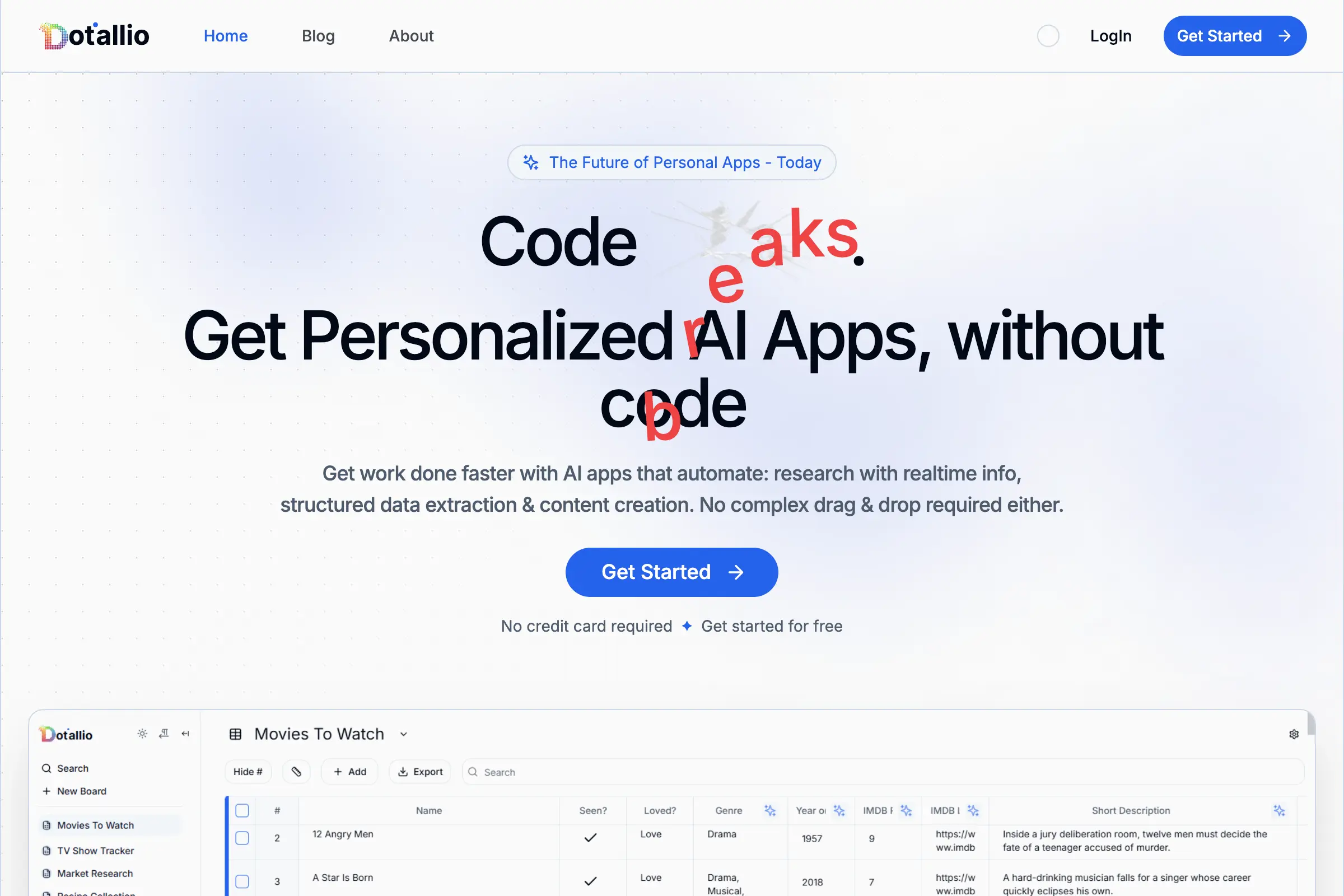
Dotallio
Personalized AI apps that automate research, data extraction, and content creation without code 🤖

Talk to Santa
Enjoy a magical live video chat or receive a unique AI-generated video greeting from Santa Claus 🎅

pozywka.pl
Scalable blog for food journalist, focused on performance and user experience 🌭
zagrodzki.me
Personal blog and portfolio of Bart Zagrodzki, where he shares his knowledge and work 💼
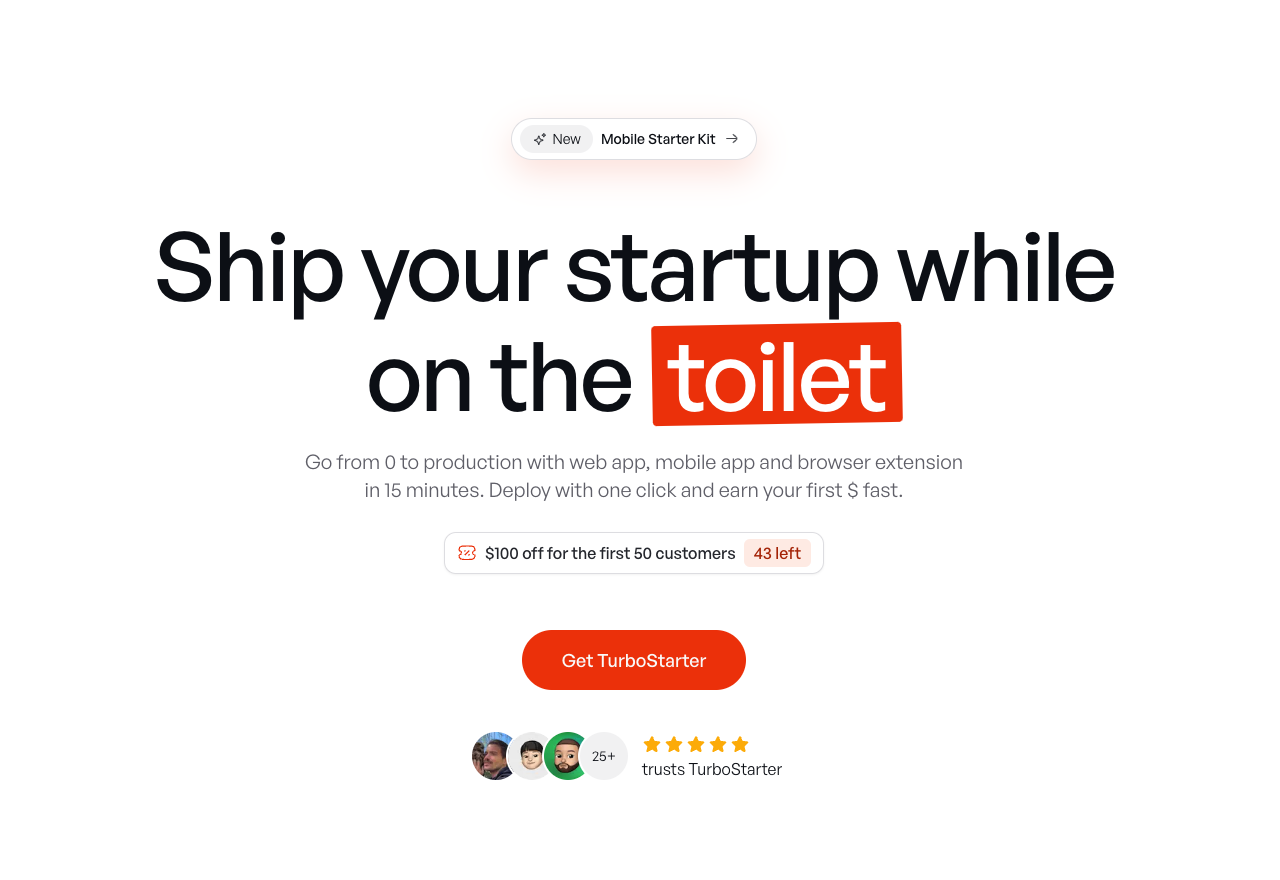
TurboStarter
Ship your startup everywhere. In minutes.
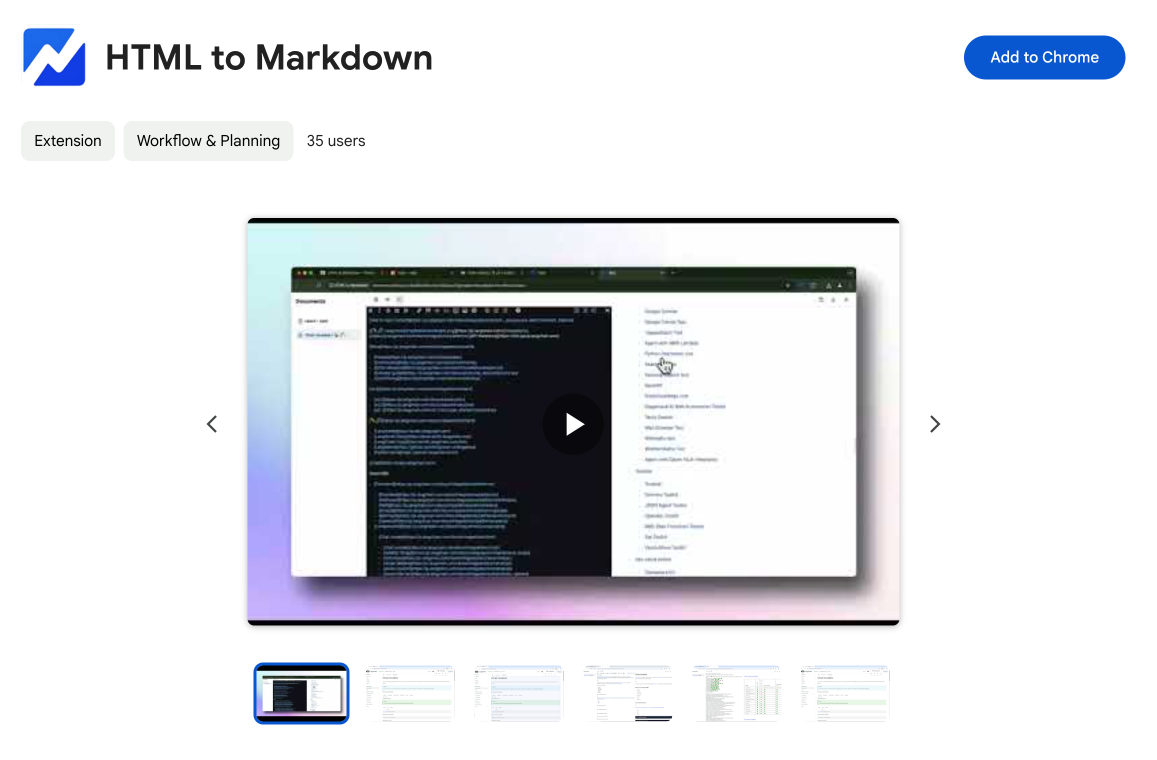
HTML to Markdown
Convert HTML to Markdown with ease, directly in your browser 📄
Dotallio
Personalized AI apps that automate research, data extraction, and content creation without code 🤖
Talk to Santa
Enjoy a magical live video chat or receive a unique AI-generated video greeting from Santa Claus 🎅
pozywka.pl
Scalable blog for food journalist, focused on performance and user experience 🌭
zagrodzki.me
Personal blog and portfolio of Bart Zagrodzki, where he shares his knowledge and work 💼
TurboStarter
Ship your startup everywhere. In minutes.
HTML to Markdown
Convert HTML to Markdown with ease, directly in your browser 📄
Dotallio
Personalized AI apps that automate research, data extraction, and content creation without code 🤖
Talk to Santa
Enjoy a magical live video chat or receive a unique AI-generated video greeting from Santa Claus 🎅
pozywka.pl
Scalable blog for food journalist, focused on performance and user experience 🌭
zagrodzki.me
Personal blog and portfolio of Bart Zagrodzki, where he shares his knowledge and work 💼
TurboStarter
Ship your startup everywhere. In minutes.
HTML to Markdown
Convert HTML to Markdown with ease, directly in your browser 📄
Dotallio
Personalized AI apps that automate research, data extraction, and content creation without code 🤖
Talk to Santa
Enjoy a magical live video chat or receive a unique AI-generated video greeting from Santa Claus 🎅
pozywka.pl
Scalable blog for food journalist, focused on performance and user experience 🌭
zagrodzki.me
Personal blog and portfolio of Bart Zagrodzki, where he shares his knowledge and work 💼
TurboStarter
Ship your startup everywhere. In minutes.
HTML to Markdown
Convert HTML to Markdown with ease, directly in your browser 📄
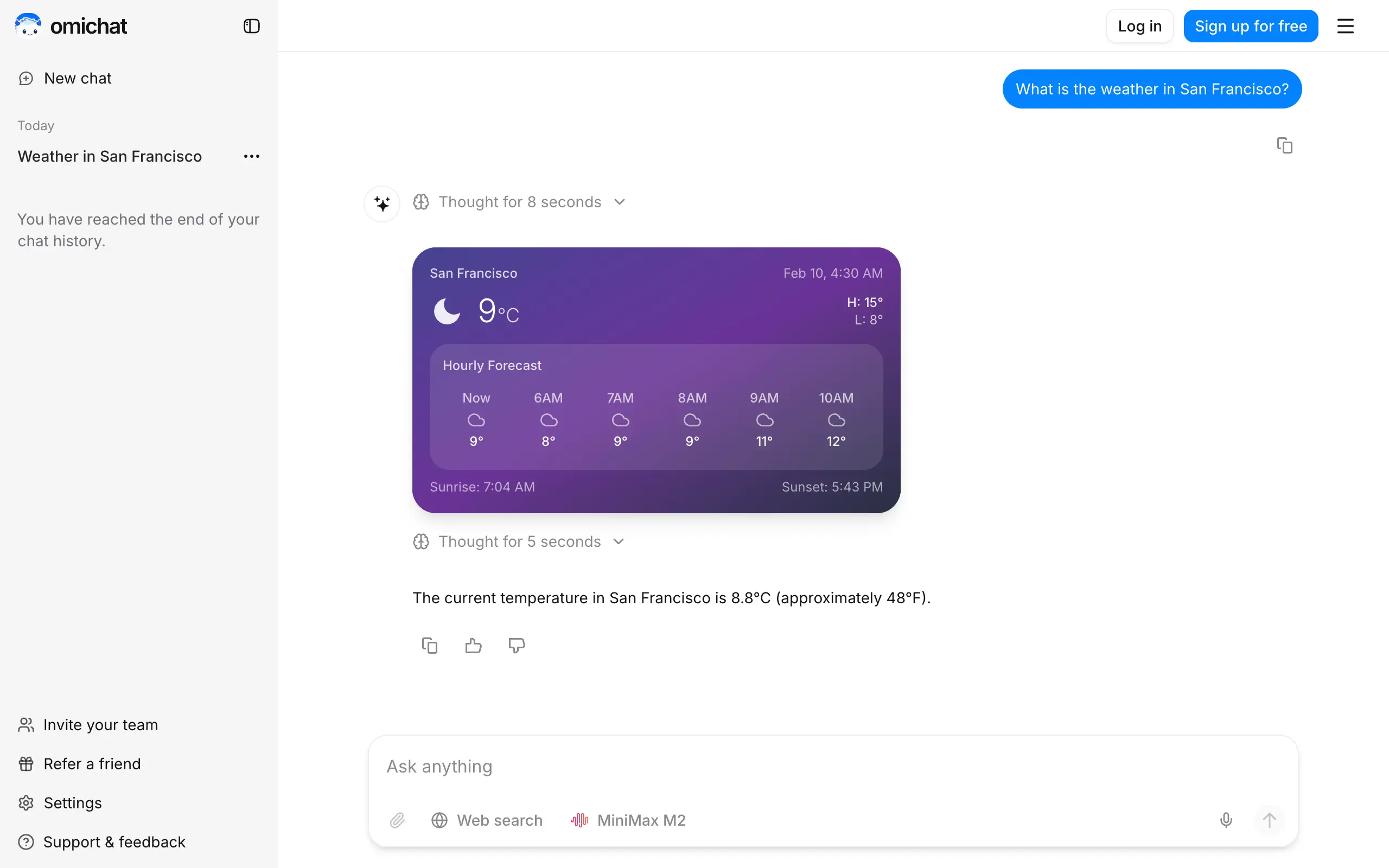
Omichat
Chat with 50+ AI models, including ChatGPT and Claude, in one place - switch models anytime without losing context 🤖
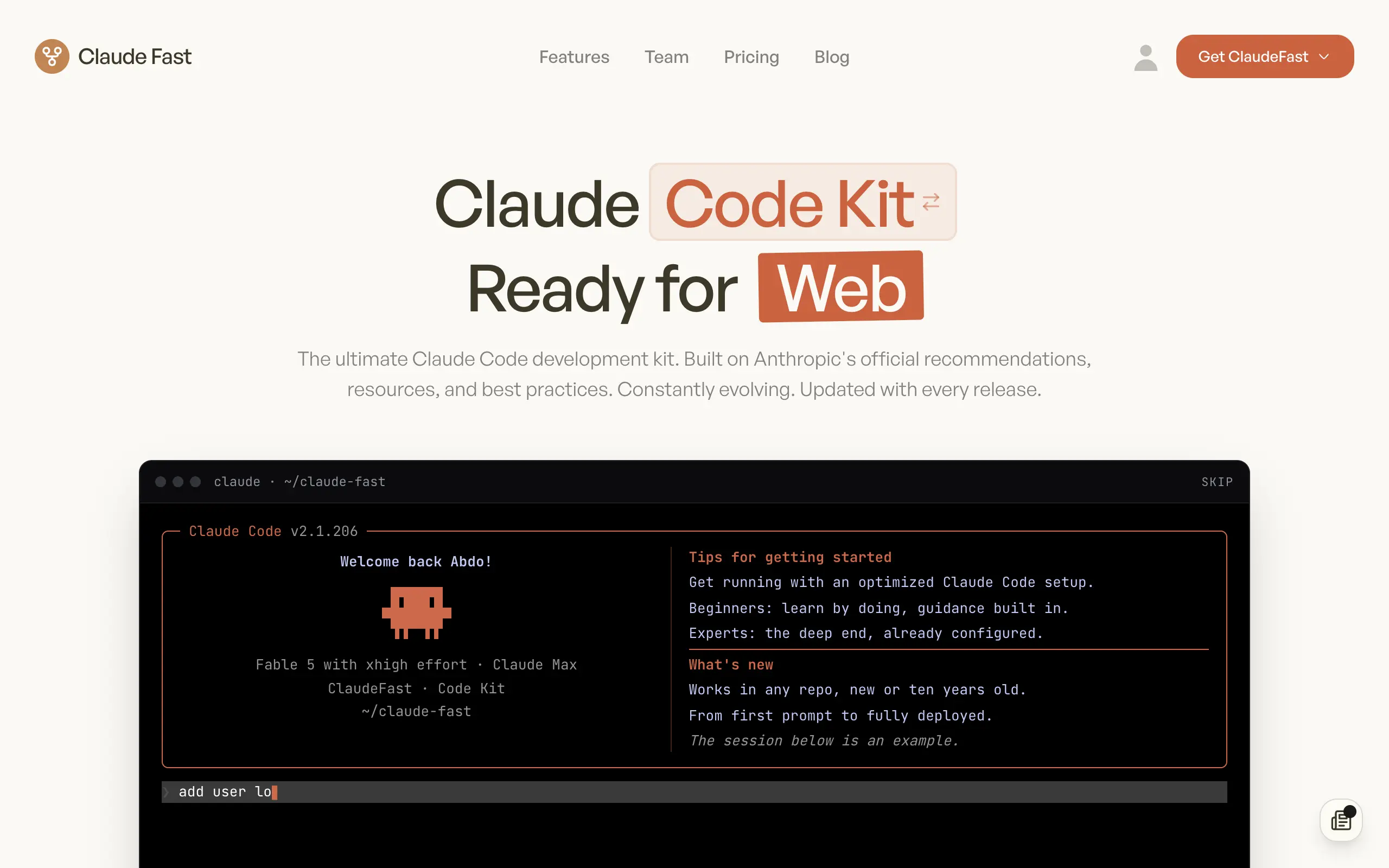
Claude Fast
Supercharge your Claude Code with 6x effective context window and specialized AI agents 🤖
EmojAI
AI-powered emoji picker with smart, context-aware suggestions 🤖
Solohacker
Autonomous company launcher - AI agents work 24/7, escalate what matters, and you stay in control 🤖
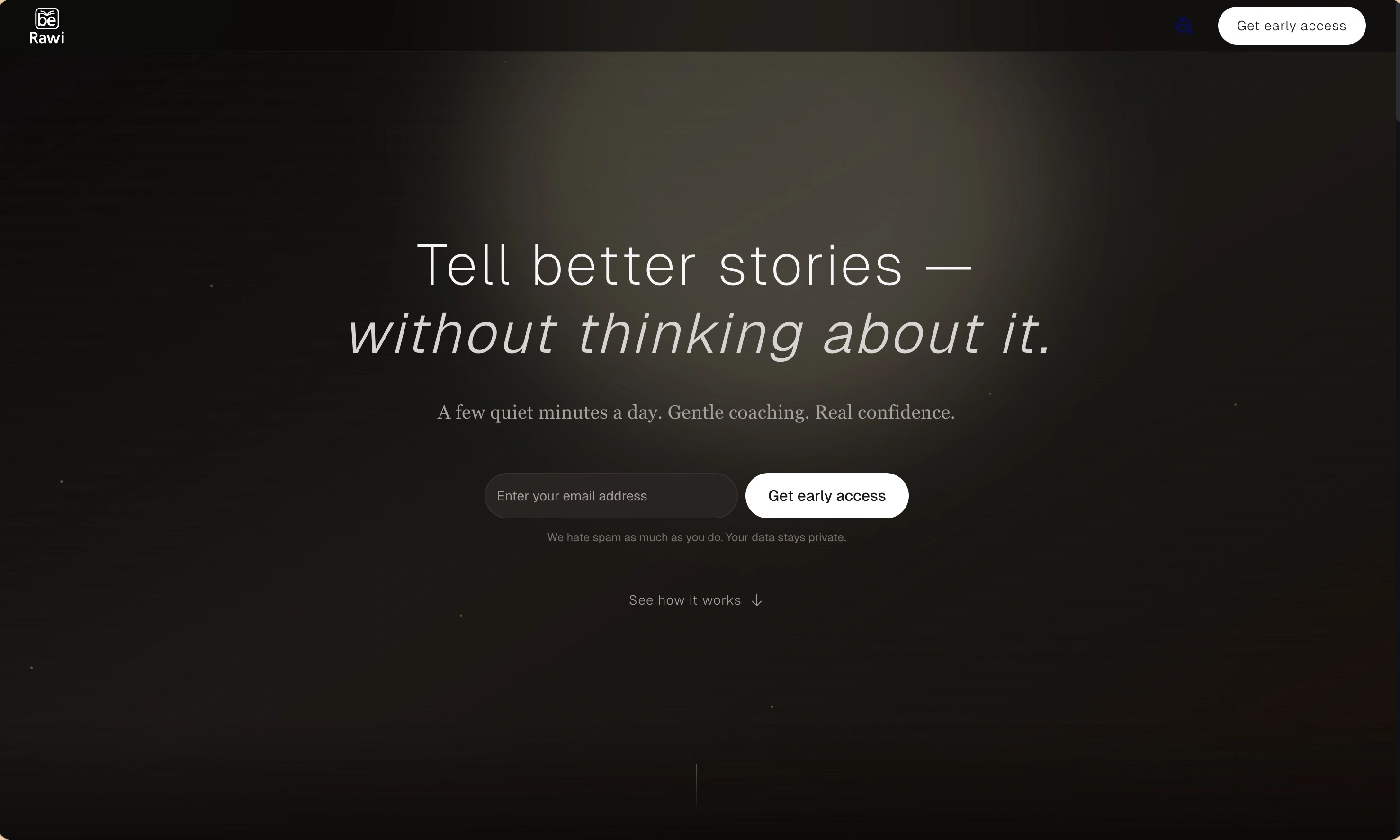
BeRawi: Storytelling Coach
Practice storytelling daily with instant feedback to sound clearer, more engaging, and confident 🎤
Omichat
Chat with 50+ AI models, including ChatGPT and Claude, in one place - switch models anytime without losing context 🤖
Claude Fast
Supercharge your Claude Code with 6x effective context window and specialized AI agents 🤖
EmojAI
AI-powered emoji picker with smart, context-aware suggestions 🤖
Solohacker
Autonomous company launcher - AI agents work 24/7, escalate what matters, and you stay in control 🤖
BeRawi: Storytelling Coach
Practice storytelling daily with instant feedback to sound clearer, more engaging, and confident 🎤
Omichat
Chat with 50+ AI models, including ChatGPT and Claude, in one place - switch models anytime without losing context 🤖
Claude Fast
Supercharge your Claude Code with 6x effective context window and specialized AI agents 🤖
EmojAI
AI-powered emoji picker with smart, context-aware suggestions 🤖
Solohacker
Autonomous company launcher - AI agents work 24/7, escalate what matters, and you stay in control 🤖
BeRawi: Storytelling Coach
Practice storytelling daily with instant feedback to sound clearer, more engaging, and confident 🎤
Omichat
Chat with 50+ AI models, including ChatGPT and Claude, in one place - switch models anytime without losing context 🤖
Claude Fast
Supercharge your Claude Code with 6x effective context window and specialized AI agents 🤖
EmojAI
AI-powered emoji picker with smart, context-aware suggestions 🤖
Solohacker
Autonomous company launcher - AI agents work 24/7, escalate what matters, and you stay in control 🤖
BeRawi: Storytelling Coach
Practice storytelling daily with instant feedback to sound clearer, more engaging, and confident 🎤

Connect with like-minded people
Join our community to get feedback, support, and grow together with 1,000+ builders on board, let's ship it!
Join usShip your startup everywhere. In minutes.
Don't burn tokens on setup and start building features on day one.