LogicCanvas
Map user journeys to backend rules, data flows, and practical algorithms before you code. Get implementation options explained in plain language, with edge cases and trade-offs.
What is LogicCanvas?
LogicCanvas is a visual backend logic mapping tool for turning a product idea or user journey into a clear, implementation-ready plan. It helps teams map what a user does, what the system must decide, which data moves between services, and what should happen when something goes wrong—all before they write production code.
The core promise is practical: make backend behavior easier to understand, discuss, and implement. Instead of leaving requirements scattered across tickets, diagrams, and chat threads, LogicCanvas would connect user journeys to backend rules, data flows, algorithms, edge cases, and engineering trade-offs in one shared workspace.
This matters because a user-facing feature is rarely just a screen. A simple “invite a teammate” flow might require permission checks, token generation, email delivery, expiration rules, duplicate-invitation handling, audit records, and recovery behavior. LogicCanvas can help teams make those decisions visible before they become expensive surprises during development.
For founders evaluating the idea, the opportunity is to build more than a diagramming app. LogicCanvas could become a translation layer between product intent and backend implementation: visual enough for collaborative planning, structured enough for developers to use, and explanatory enough to help less technical stakeholders understand trade-offs.
The problem LogicCanvas solves
Product teams often know what they want a feature to do but have not yet resolved how it should behave under real conditions. The gap between an ideal user journey and dependable backend logic is where misunderstandings and rework accumulate.
A product manager may describe a flow such as:
- A customer submits a request.
- The system checks eligibility.
- The request is approved or rejected.
- The customer receives a notification.
That description leaves critical questions unanswered:
- What counts as eligible?
- Is the eligibility check performed synchronously or in the background?
- What happens if the relevant service is unavailable?
- Can a customer submit a second request?
- Does an approval need human review?
- What should be recorded for auditing?
- Can the customer appeal a rejection?
- Which system owns the final decision?
These are not unusual edge cases. They are part of the product behavior that engineers eventually need to implement. When they are discovered late, teams may need to revise APIs, data models, user interfaces, and tests.
Existing artifacts often capture only part of the problem. A flowchart can show the sequence of events but omit data ownership. A specification can describe rules but be difficult to scan. A ticket can define a task without showing how it connects to the larger journey. An architecture diagram can show services but not explain the product decisions those services enforce.
LogicCanvas can address this gap by connecting several views of the same feature:
- User journey: What the person is trying to accomplish.
- Backend decision logic: What rules the system applies.
- Data flow: What information is read, created, changed, or sent.
- Failure and exception paths: What happens when the normal flow breaks.
- Implementation options: Reasonable technical approaches and their trade-offs.
- Delivery artifacts: Requirements, acceptance criteria, test scenarios, or developer handoff notes.
The goal is not to eliminate technical discussions. It is to make those discussions happen earlier, with a shared model of the intended behavior.
Who is the ideal LogicCanvas customer?
The best initial audience is not “everyone who builds software.” A focused product will have a clearer message and a more useful first version if it begins with teams that regularly need to translate ambiguous requirements into backend behavior.
Product managers and business analysts
Product managers and business analysts are often responsible for turning customer needs into requirements that engineers can act on. LogicCanvas could help them describe a feature in terms of decisions, data, and outcomes rather than relying on a long narrative alone.
For this group, the value is clearer conversations with engineering. A product manager could map a journey, identify unanswered policy questions, and invite developers to add implementation constraints before the feature enters a sprint.
Software engineers and technical leads
Engineers may be asked to build from incomplete tickets or informal explanations. LogicCanvas could provide a place to inspect the intended behavior, document architectural assumptions, and flag cases that need product decisions.
Technical leads may benefit from comparing implementation options before committing to a design. For example, they could evaluate whether a workflow should use a synchronous request, a background job, or an event-driven process—and make the implications understandable to non-engineers.
Startup founders and small product teams
Early-stage teams often lack dedicated systems analysts or technical writers. Founders may need to align business goals, customer experience, and engineering work without adding another heavy process.
LogicCanvas could serve as a lightweight planning environment for these teams, especially when a small number of people share responsibility across product, design, and engineering.
Agencies and software consultancies
Agencies frequently move between client domains and need to clarify requirements before estimating or delivering work. A reusable mapping process can help them surface assumptions, explain scope, and reduce confusion about what a feature includes.
For consultants, the potential benefit is not only better internal planning. A polished, shareable LogicCanvas workspace could become part of client discovery and handoff.
Teams adopting AI-assisted development
AI coding tools can help developers produce code faster, but they do not remove the need to specify what the software should do. If a team has not agreed on business rules, edge cases, and data ownership, faster code generation may simply accelerate the wrong implementation.
LogicCanvas could help teams create structured context for AI-assisted work. The product should position this as better-defined inputs for implementation, not as a guarantee that generated code will be correct.
The market opportunity and product gap
LogicCanvas would operate across several familiar categories:
- Diagramming and whiteboarding tools
- Product requirements and specification software
- Workflow automation platforms
- API design and architecture tools
- AI-assisted software development products
The opportunity lies in the space between them. General-purpose whiteboards are flexible, but teams often need to create their own conventions. Requirements tools can be structured, but may not make system behavior easy to explore visually. Architecture tools can represent technical components, but may not begin with a user journey or explain business rules in plain language.
LogicCanvas can differentiate by combining journey mapping, backend decision modeling, and implementation guidance in a single workflow.
A useful way to test the gap is not to ask whether existing products can draw a flowchart. Many can. Instead, ask whether a team can use one product to answer all of these questions together:
- What is the user trying to accomplish?
- What decisions does the backend make?
- What data does each decision require?
- What happens on success, failure, timeout, or retry?
- Which implementation approaches are viable?
- What should engineering build and test next?
If teams currently answer those questions in separate documents or meetings, LogicCanvas has a potential wedge.
Validate the workflow, not just the diagram
Interview teams about the last feature that required substantial clarification or rework. Ask what artifacts they used, which decisions were missed, and who had to resolve them. Those details are stronger evidence of demand than general enthusiasm for a new planning tool.
Market sizing should be grounded in research rather than an unsupported top-down estimate. A founder can build a more credible opportunity model by defining a reachable customer segment, estimating how many teams fit the profile, and testing willingness to pay through interviews, pilots, and pre-sales. If publishing market statistics, cite the original report, its publication date, methodology, and the population it measured.
Core features for a useful LogicCanvas MVP
The first version should prove that teams can move from an informal feature idea to a shared, reviewable backend plan. It should avoid trying to become a complete project management suite, code editor, architecture repository, and automation platform at once.
1. Journey-to-logic canvas
The canvas should let users create connected nodes for:
- User actions
- System processes
- Decision points
- Data reads and writes
- External service calls
- Notifications
- Errors and recovery paths
A useful canvas must support more than drawing. Each node should have structured fields, such as a short description, responsible system, triggering condition, and related data. Connections should communicate the order or dependency between steps.
The interface should also make it easy to move between a high-level overview and the details of an individual step. Large diagrams become hard to use when every node contains too much text.
2. Plain-language backend rules
Decision points are often where product intent becomes ambiguous. LogicCanvas should provide a guided format for describing a rule in clear language.
For example:
If the account is active and the payment is confirmed, enable access. Otherwise, keep access disabled and show the appropriate recovery message.
The product could then prompt users to clarify questions such as:
- What does “active” mean?
- Which system confirms payment?
- How quickly must the access state update?
- What does the user see while confirmation is pending?
- Can an administrator override the decision?
The software should help users find missing information without pretending it can resolve every policy question automatically.
3. Data-flow mapping
A backend decision depends on information. For every step, LogicCanvas should help teams record:
- Data required as input
- Data created or updated
- The system that owns the data
- Whether the data is sensitive
- When the information is retained or discarded
- Which later steps depend on it
This helps prevent a common planning failure: describing behavior without deciding where its source of truth lives. Teams should be able to distinguish a value supplied by the user from one retrieved from a trusted internal service.
4. Edge-case and failure-path prompts
A normal-path diagram is not enough for a production feature. LogicCanvas can provide contextual prompts based on the type of step being modeled.
For an external API call, prompts might include:
- What if the request times out?
- Is retrying safe?
- Could a retry create a duplicate action?
- How will the team observe repeated failures?
- Is there a fallback or manual process?
For a user-submitted form, prompts might cover validation, duplicate submissions, permission checks, and partial completion.
These prompts should be configurable and relevant. A generic checklist attached to every node quickly becomes noise.
5. Implementation options with trade-offs
LogicCanvas’s description promises implementation options in plain language. This is potentially a strong differentiator, but it requires careful product design.
Recommendations should explain the conditions under which an option may be appropriate. For example, a background job might be suitable when an operation takes too long for a user-facing request or must be retried independently. A synchronous request may be simpler when the operation is quick and the user needs an immediate result.
A useful recommendation should include:
- The proposed approach
- Why it fits the described requirement
- The assumptions it depends on
- Key advantages and disadvantages
- Operational concerns
- Questions the team must answer before implementation
Rather than presenting a single answer as universally correct, LogicCanvas should make uncertainty visible and encourage review by the responsible engineer.
6. Review, comments, and decisions
A model is useful only if the team can discuss it. The MVP should support comments on specific nodes, a clear record of unresolved questions, and a way to capture decisions and their rationale.
A decision log can prevent teams from reopening the same discussion without context. It also gives new contributors a faster way to understand why a particular implementation was chosen.
7. Developer handoff
A practical first release should turn a reviewed canvas into artifacts that engineers already use, such as:
- A concise feature specification
- Acceptance criteria
- A list of open questions
- Data and service dependencies
- Test scenarios
- A shareable diagram or document
The initial export can be simple. Reliable, clear output is more valuable than generating code before LogicCanvas has earned trust in the underlying specification.
Example workflow: mapping a subscription upgrade
Consider a user who wants to upgrade from a free plan to a paid plan. A basic user journey might show the user selecting a plan and confirming payment. A LogicCanvas workflow would make the backend behavior explicit.
Step 1: Describe the user goal
The user wants access to paid features. The product team identifies the relevant entry points, such as a billing page or an upgrade prompt.
Step 2: Map decisions and dependencies
The team models the system’s checks:
- Is the user authorized to change the subscription?
- Is the selected plan available?
- Is the payment method valid?
- Has the payment provider confirmed the transaction?
- Does the account already have an active subscription?
Step 3: Define state changes
The team decides which system owns the subscription status, what states are possible, and when access changes. The workflow should distinguish a payment that is pending from one that has succeeded or failed.
Step 4: Add exception paths
The team considers a payment timeout, a declined card, a repeated submit, and a delayed provider notification. It defines how the interface communicates those states and whether retries are safe.
Step 5: Choose an implementation approach
Engineers compare the options. A direct request may be appropriate for an immediate validation step, while payment confirmation may depend on an asynchronous provider event. The choice depends on the provider’s behavior, user experience requirements, and the system’s consistency needs.
Step 6: Produce testable requirements
The final handoff includes conditions such as:
- A user receives paid access only after the payment is confirmed.
- Repeated confirmation events do not create duplicate subscriptions.
- A pending payment is shown as pending rather than successful.
- A failed payment leaves the account in its previous access state.
The exact rules depend on the product and payment provider. The value of LogicCanvas is making those rules visible and reviewable before the team builds them.
Recommended technology stack
The right stack depends on the team’s experience, expected collaboration requirements, and how much of the product’s value comes from a highly interactive canvas. The following is a practical starting point, not a requirement.
Frontend
A web application built with React and TypeScript is a sensible choice for a product with a rich, interactive interface. TypeScript can help teams model nodes, connections, permissions, and workflow states with more explicit types.
For the canvas itself, evaluate established graph or diagram libraries before building a rendering engine from scratch. A library can accelerate node rendering, zooming, panning, and edge management, but it may constrain interaction patterns or require customization. Test the most important canvas behaviors in a prototype before selecting one.
A component system and a consistent design language are especially important because users will spend time editing complex workspaces. Prioritize keyboard access, clear selection states, undo behavior, and readable diagrams at different zoom levels.
Backend and database
A conventional API backend can support accounts, workspaces, collaboration, exports, and billing. A relational database such as PostgreSQL is a strong default because the core product includes structured entities and relationships: users, projects, nodes, edges, comments, decisions, and versions.
The team should decide how to store workflow documents. One approach is to store a complete versioned document as JSON while indexing key entities in relational tables. Another is to model nodes and connections as separate records. The better choice depends on collaboration requirements, query patterns, and how often users need to update the entire canvas.
Do not choose a storage model based on the assumption that the canvas will never change. Versioning, recovery, and migration become important as users build valuable specifications.
Collaboration and version history
Real-time collaboration is attractive, but it can add substantial complexity. Concurrent editing introduces questions about conflict resolution, presence, permissions, and data consistency.
A staged approach can reduce risk:
- Begin with reliable saving and clear ownership.
- Add comments and review states.
- Add version history and restore.
- Introduce simultaneous editing when user research confirms it is essential.
This sequence tests the collaboration value before committing to the most complex infrastructure.
AI capabilities
AI could help summarize journeys, suggest missing edge cases, explain technical options, and turn structured plans into first-draft acceptance criteria. Its role should remain assistive.
A safer design is to generate suggestions from the current workspace, display the assumptions behind them, and let users accept or edit each suggestion. The system should avoid presenting generated implementation advice as verified engineering truth.
Important safeguards include:
- Clear disclosure when content is AI-generated
- A way to review and correct suggestions
- Permission-aware handling of workspace data
- Controls over data retention and model processing
- Evaluation against representative workflows
- Monitoring for confidently stated but incorrect recommendations
AI product features should be designed around user trust. For high-impact technical decisions, traceability and review matter more than novelty.
Monetization options for LogicCanvas
The best pricing model should reflect who receives value and how frequently they use the product. A free plan may attract individual users, but a team plan is likely to be more aligned with shared workflows and collaboration.
Free and individual plans
A free tier can help developers and founders explore the canvas. It might limit the number of active projects, collaborators, or exports. The free experience should still demonstrate the product’s core value rather than functioning only as a restricted trial.
An individual paid plan could suit consultants or technical writers who prepare specifications for several clients. Potential paid features include more projects, version history, reusable templates, and advanced exports.
Team subscriptions
A per-seat or team-based subscription could include shared workspaces, comments, permissions, review workflows, and integrations. Per-seat pricing is familiar, but it may discourage inviting occasional collaborators. A workspace-based plan with a reasonable member allowance could encourage broader adoption.
Pricing should be tested with actual teams. Interviews can reveal whether customers think of LogicCanvas as an individual productivity tool, a team collaboration product, or a client-facing documentation platform.
Business and enterprise plans
Larger organizations may pay for features such as:
- Single sign-on
- Advanced access control
- Audit history
- Workspace administration
- Data retention controls
- Security and compliance documentation
- Priority support
These features should follow evidence of enterprise demand. Building them too early can divert a small team from proving product-market fit.
Templates and specialist workflows
Industry-specific templates could serve as acquisition and retention tools. Examples might include onboarding, approval workflows, account recovery, billing changes, or data-processing reviews. Templates are most valuable when they encode useful questions and decisions rather than merely changing the canvas’s appearance.
Competitive advantage and positioning
LogicCanvas should not compete on the broad claim that it can “draw diagrams.” That category is crowded and easy to imitate. Its advantage should come from the quality of the workflow that connects a user need to an implementation-ready backend plan.
A distinctive product position
A clear positioning statement could be:
LogicCanvas helps product and engineering teams turn user journeys into backend rules, data flows, and testable implementation plans—before they code.
This is more specific than “a better whiteboard” and more accessible than “a technical architecture modeling tool.”
Potential sources of differentiation
- Journey-first modeling: Start with what the user is trying to do, then reveal the backend logic needed to support it.
- Edge cases as part of the workflow: Treat failure paths, retries, and permissions as first-class elements rather than optional notes.
- Plain-language explanations: Help product and engineering participants understand options without flattening important technical nuance.
- Connected handoff: Keep the visual model, requirements, and test scenarios linked so they do not drift into separate artifacts.
- Practical scope: Focus on planning backend behavior rather than trying to replace every project management or diagramming tool.
The hardest part of defending this position will be maintaining depth without making the product intimidating. If the canvas is too technical, non-engineers may not participate. If it is too simplified, experienced engineers may not trust its output.
Risks and how to mitigate them
Risk: becoming a generic diagramming app
If users can only create boxes and arrows, LogicCanvas may be difficult to distinguish from tools they already have.
Mitigation: Build structured node types, contextual prompts, and useful handoff outputs. Validate that users complete a better planning task, not merely a more attractive diagram.
Risk: overly prescriptive technical guidance
Implementation advice can be wrong when the system context is incomplete. A recommendation that ignores scale, security, reliability, or existing architecture can create a false sense of certainty.
Mitigation: Present options with assumptions and trade-offs. Let teams record their chosen approach and the reason for it. Make unresolved questions visible instead of hiding them behind confident language.
Risk: diagram complexity
Large workflows can become difficult to read. Users may stop maintaining a diagram once it grows beyond a manageable size.
Mitigation: Support modular subflows, reusable components, search, filtering, and clear levels of detail. Keep the overview readable while allowing users to inspect the details of individual processes.
Risk: weak collaboration incentives
One person may create a canvas, but the product becomes much more valuable when others review it. If collaboration is awkward, teams may revert to documents and meetings.
Mitigation: Make sharing and review simple. Start with comments, mentions, and a visible list of open decisions. Prioritize real-time co-editing only if research shows it is necessary for adoption.
Risk: AI-generated errors
If AI features invent requirements or present inaccurate advice as fact, users may lose confidence in the entire product.
Mitigation: Use AI to suggest, summarize, and question—not silently decide. Keep outputs editable, explain assumptions, and test the feature on real workflows with expert review.
Risk: difficult adoption and change management
Teams already have established ways to plan software. A new product may feel like extra process rather than a faster route to clarity.
Mitigation: Integrate with existing workflows and let users start from familiar sources, such as a feature description or meeting notes. Demonstrate how LogicCanvas reduces ambiguity or accelerates handoff in a specific use case.
Risk: data sensitivity
Workspaces may include business rules, system details, customer data descriptions, or security-sensitive information.
Mitigation: Minimize the collection of sensitive data, provide clear access controls, document data handling, and avoid encouraging users to paste production secrets or personal information into a canvas.
Actionable implementation steps
A disciplined launch should prove the central workflow before expanding into a broad platform.
1. Choose a narrow first use case
Select a workflow with frequent ambiguity and recognizable backend complexity. Examples include user onboarding, account recovery, subscription changes, approval processes, or team invitations.
Interview product managers and engineers who recently worked on that type of feature. Ask them to show the artifacts they used and explain where they needed clarification.
2. Define the core modeling language
Decide which elements belong in the first canvas: user actions, backend processes, decisions, data, external services, and failure paths. Keep the model small enough to learn quickly but expressive enough to represent a real workflow.
3. Prototype the end-to-end experience
Create a clickable prototype that takes a user from an initial journey to a reviewed handoff document. Test it with people who have different levels of technical experience.
Observe where they hesitate, which prompts feel useful, and whether they understand the relationship between the visual model and the generated specification.
4. Build the smallest valuable product
Prioritize canvas editing, reliable saving, structured node details, comments, and a practical export. Delay advanced integrations, enterprise controls, and automated code generation unless early customers show a clear need.
5. Measure outcomes, not canvas activity
Useful product signals include whether teams finish a workflow, how many unresolved questions they identify, whether engineers find the handoff usable, and whether teams return for another feature.
Do not rely on diagram counts alone. A large number of nodes does not prove that LogicCanvas has reduced misunderstanding or improved delivery.
6. Pilot with real teams and refine
Run pilots with a small number of teams. Review completed workspaces, gather feedback from both product and engineering participants, and compare the process with their previous planning method.
Use this evidence to refine the product’s prompts, terminology, templates, and exports.
7. Add integrations based on observed demand
Once users repeatedly complete the core workflow, prioritize the integrations they request most. Potential destinations may include project tracking, documentation, or developer collaboration tools. Choose integrations that preserve context rather than merely copying unstructured text.
For teams building the SaaS product itself, TurboStarter can be considered as a starting point for common SaaS foundations. The key is to spend saved implementation time validating the distinctive LogicCanvas experience: the canvas, the modeling language, and the handoff workflow.
How to validate demand before scaling
A promising concept is not yet evidence of a sustainable business. LogicCanvas should be validated through behavior and willingness to pay, not only positive feedback.
Start by identifying a small group of people who recently had to define backend behavior for a feature. Ask them to walk through the process from the original request to the final implementation. Look for repeated friction, such as missing edge cases, unclear ownership, duplicated documentation, or engineering work delayed by unresolved decisions.
Then test a prototype against a real feature. A useful validation session should reveal whether participants can:
- Represent the main user journey
- Identify important backend decisions
- Link decisions to relevant data
- Describe failure and recovery paths
- Agree on the next implementation steps
After the session, ask what they would use the resulting artifact for and whether they would repeat the process for another feature. A team that praises the interface but returns to its old workflow may not have a strong enough problem to solve.
Finally, test commercial intent. Offer a paid pilot, request a purchase commitment, or ask the person responsible for the budget to evaluate a defined plan. The exact method depends on the customer segment, but the goal is to learn whether the product’s value is important enough to fund.
The long-term product vision
The strongest version of LogicCanvas could become a living model of how a product behaves. A user journey would connect to backend decisions, data ownership, service dependencies, tests, and delivery tasks. When a requirement changes, the team could see which parts of the plan may need review.
That vision should be approached incrementally. The first milestone is not a fully automated software design system. It is a workspace that helps a team turn an ambiguous feature into a clear, reviewable plan with fewer missing decisions.
If LogicCanvas consistently improves that moment—before implementation begins—it can earn the right to expand into templates, integrations, version comparison, analytics, and AI-assisted review. Its best competitive advantage will be trust: teams should understand what the product recommends, why it recommends it, and where human judgment is still required.
The opportunity is compelling because the underlying problem is practical and persistent. Software teams do not only need to draw user journeys or write requirements. They need to connect user intent to dependable system behavior. LogicCanvas can stand out by making that connection explicit, collaborative, and useful to both product and engineering.
More 💡 Other SaaS ideas
Discover more innovative other SaaS ideas that are trending in 2026. Each idea is AI-generated with market validation and growth potential to help you find your next profitable venture faster than competitors.
Your competitors are building with TurboStarter
Below are some of the SaaS ideas that have been generated and built with our starter kit.
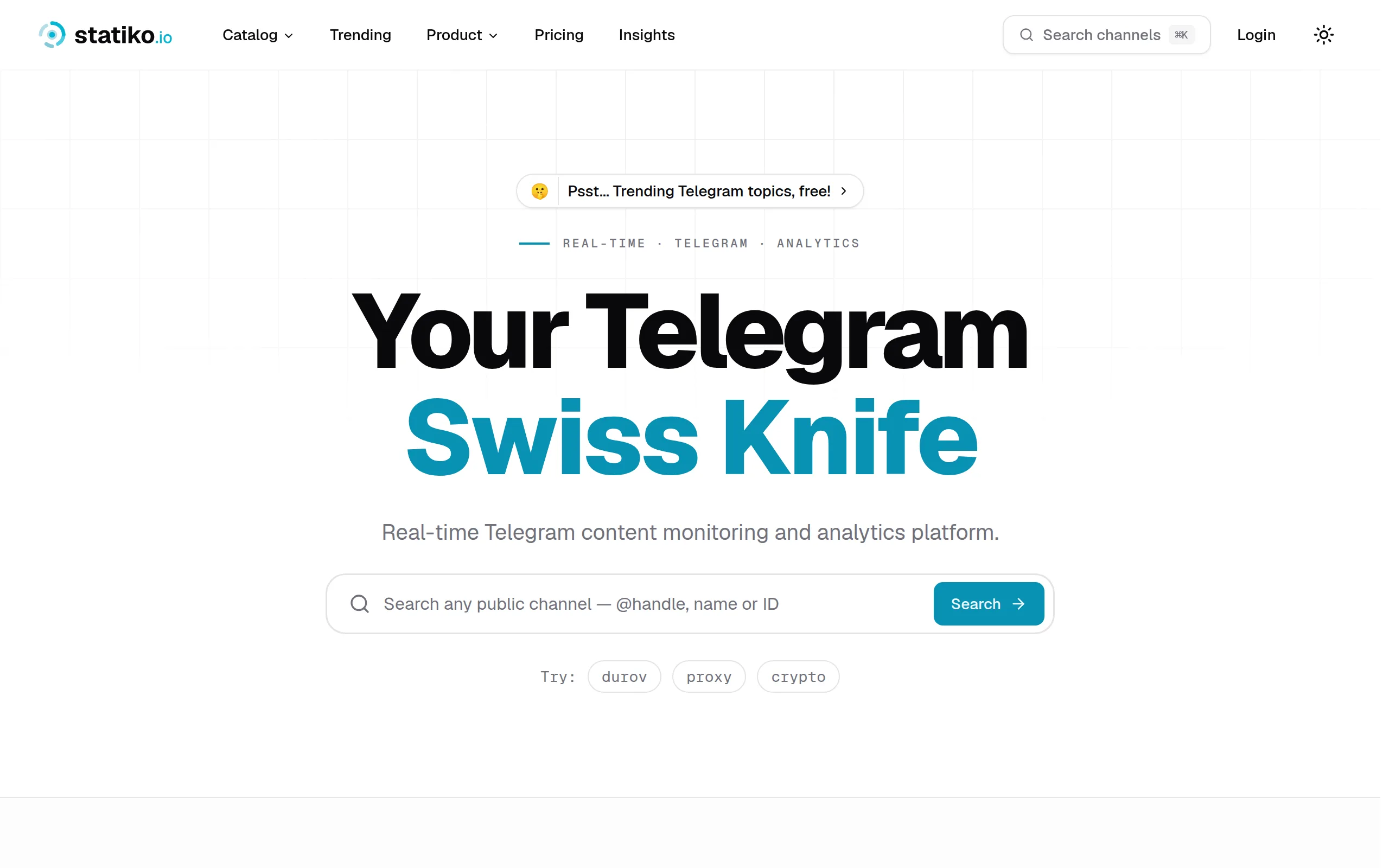
Statiko
Monitor any Telegram channel in real time - track posts, edits, deletions, and growth with AI recaps 📡

Shibui
AI website builder - describe your business, pick a niche template, edit by chatting, and publish instantly ✨

Pro Service
Find verified home service professionals, compare quotes, and pay securely through escrow - built for Brazilians across the US 🏠
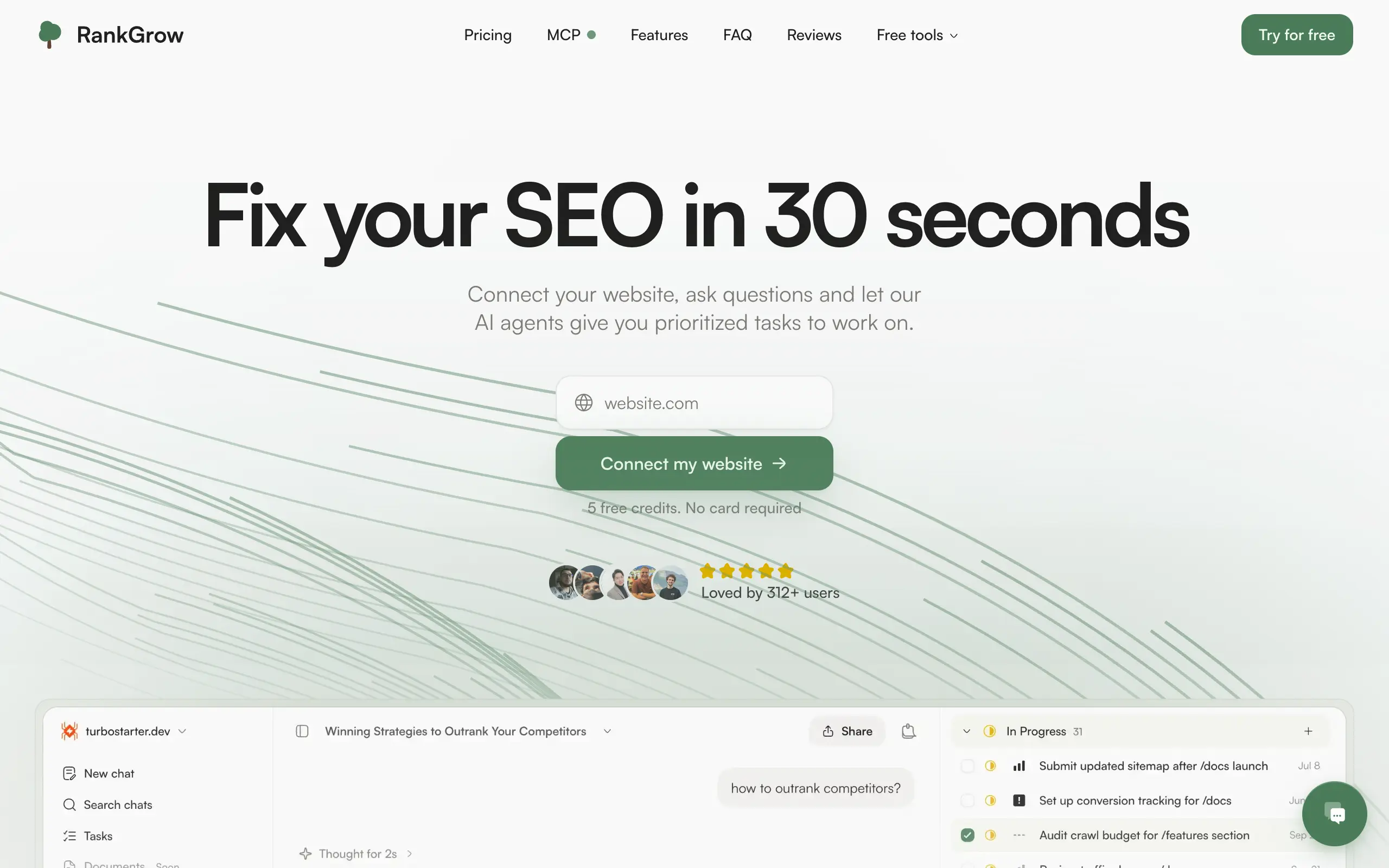
RankGrow
Fix your SEO with AI agents - connect Search Console, get prioritized tasks, and grow organic traffic 📈
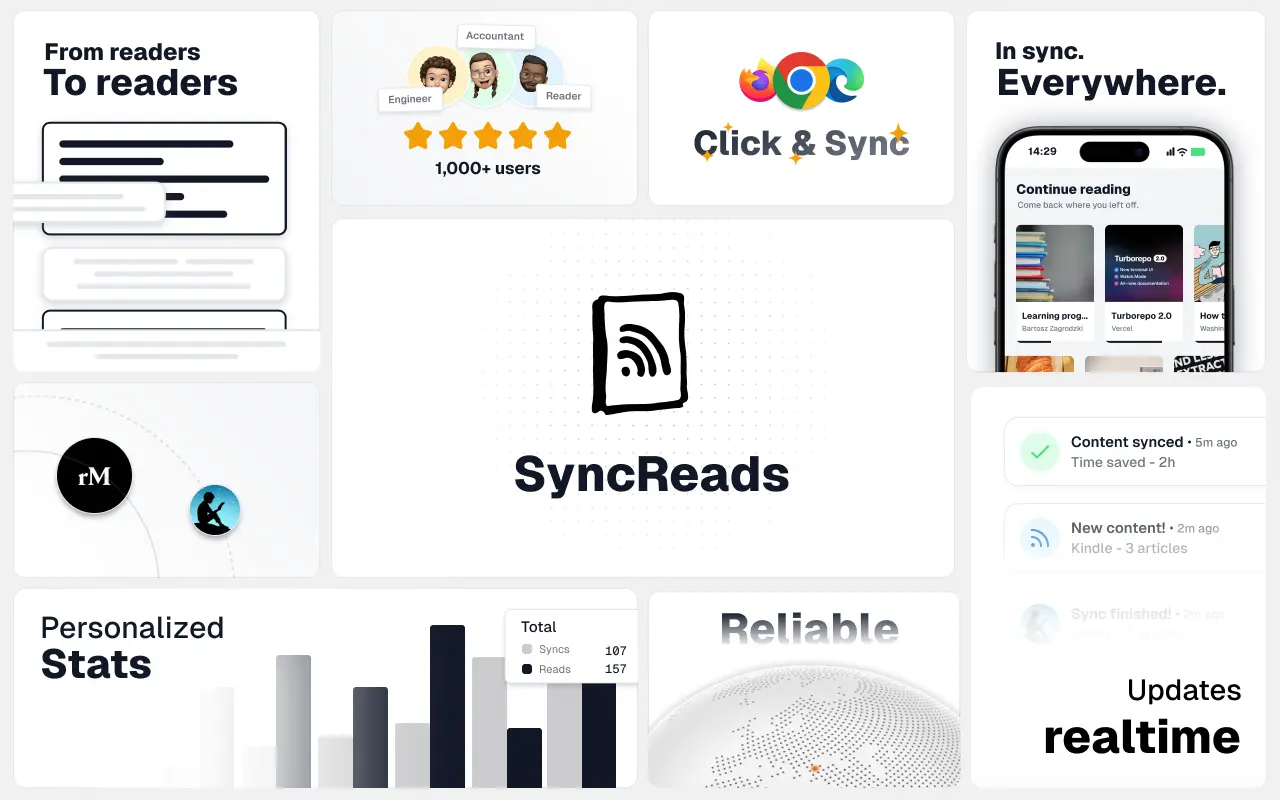
SyncReads
Sync your favorite content for distraction-free reading, save time and replace multiple apps. Anytime, anywhere 🔄
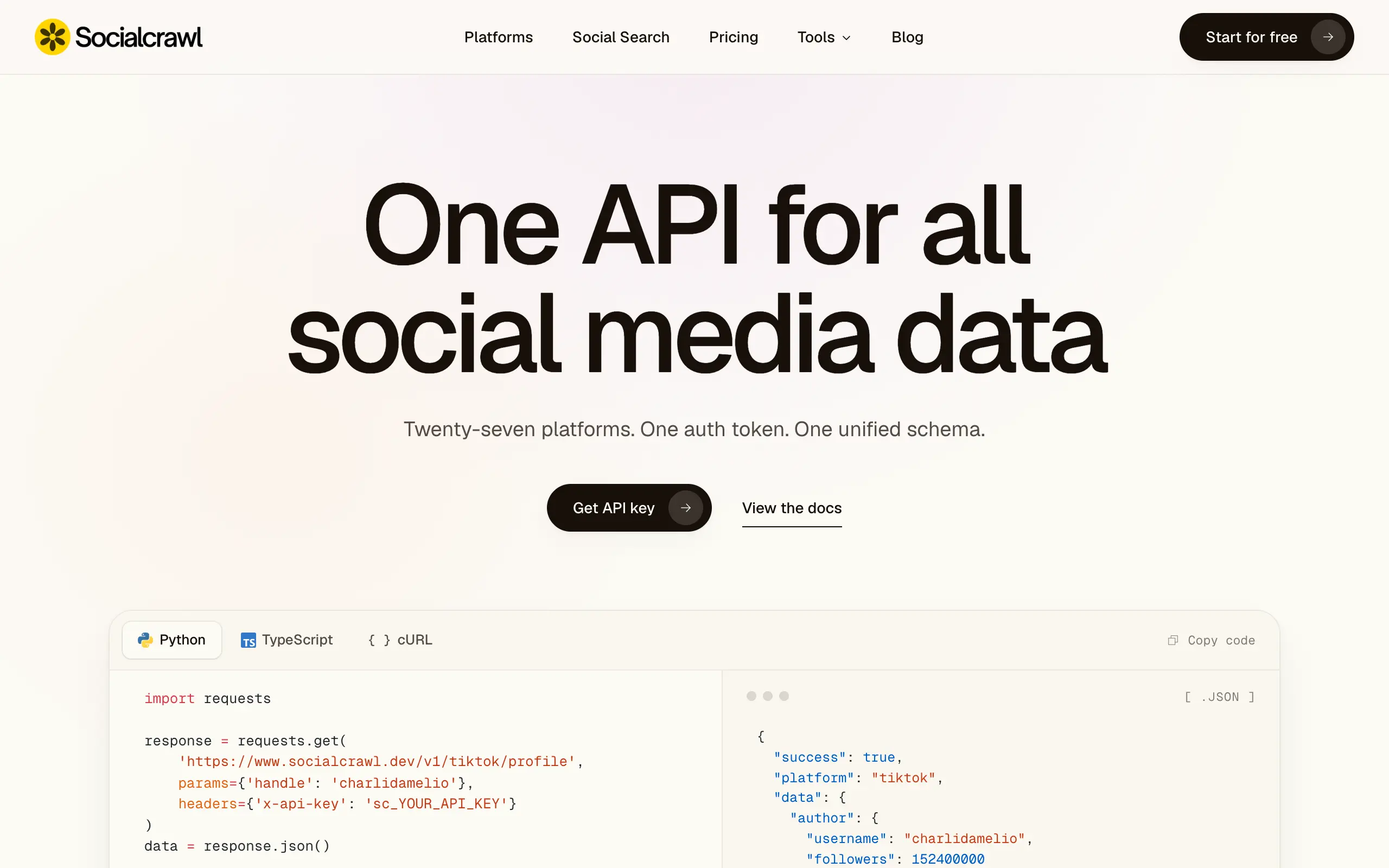
Socialcrawl
Get clean, structured data from 21 platforms like TikTok, Instagram, and YouTube with a single request 📊
Statiko
Monitor any Telegram channel in real time - track posts, edits, deletions, and growth with AI recaps 📡
Shibui
AI website builder - describe your business, pick a niche template, edit by chatting, and publish instantly ✨
Pro Service
Find verified home service professionals, compare quotes, and pay securely through escrow - built for Brazilians across the US 🏠
RankGrow
Fix your SEO with AI agents - connect Search Console, get prioritized tasks, and grow organic traffic 📈
SyncReads
Sync your favorite content for distraction-free reading, save time and replace multiple apps. Anytime, anywhere 🔄
Socialcrawl
Get clean, structured data from 21 platforms like TikTok, Instagram, and YouTube with a single request 📊
Statiko
Monitor any Telegram channel in real time - track posts, edits, deletions, and growth with AI recaps 📡
Shibui
AI website builder - describe your business, pick a niche template, edit by chatting, and publish instantly ✨
Pro Service
Find verified home service professionals, compare quotes, and pay securely through escrow - built for Brazilians across the US 🏠
RankGrow
Fix your SEO with AI agents - connect Search Console, get prioritized tasks, and grow organic traffic 📈
SyncReads
Sync your favorite content for distraction-free reading, save time and replace multiple apps. Anytime, anywhere 🔄
Socialcrawl
Get clean, structured data from 21 platforms like TikTok, Instagram, and YouTube with a single request 📊
Statiko
Monitor any Telegram channel in real time - track posts, edits, deletions, and growth with AI recaps 📡
Shibui
AI website builder - describe your business, pick a niche template, edit by chatting, and publish instantly ✨
Pro Service
Find verified home service professionals, compare quotes, and pay securely through escrow - built for Brazilians across the US 🏠
RankGrow
Fix your SEO with AI agents - connect Search Console, get prioritized tasks, and grow organic traffic 📈
SyncReads
Sync your favorite content for distraction-free reading, save time and replace multiple apps. Anytime, anywhere 🔄
Socialcrawl
Get clean, structured data from 21 platforms like TikTok, Instagram, and YouTube with a single request 📊
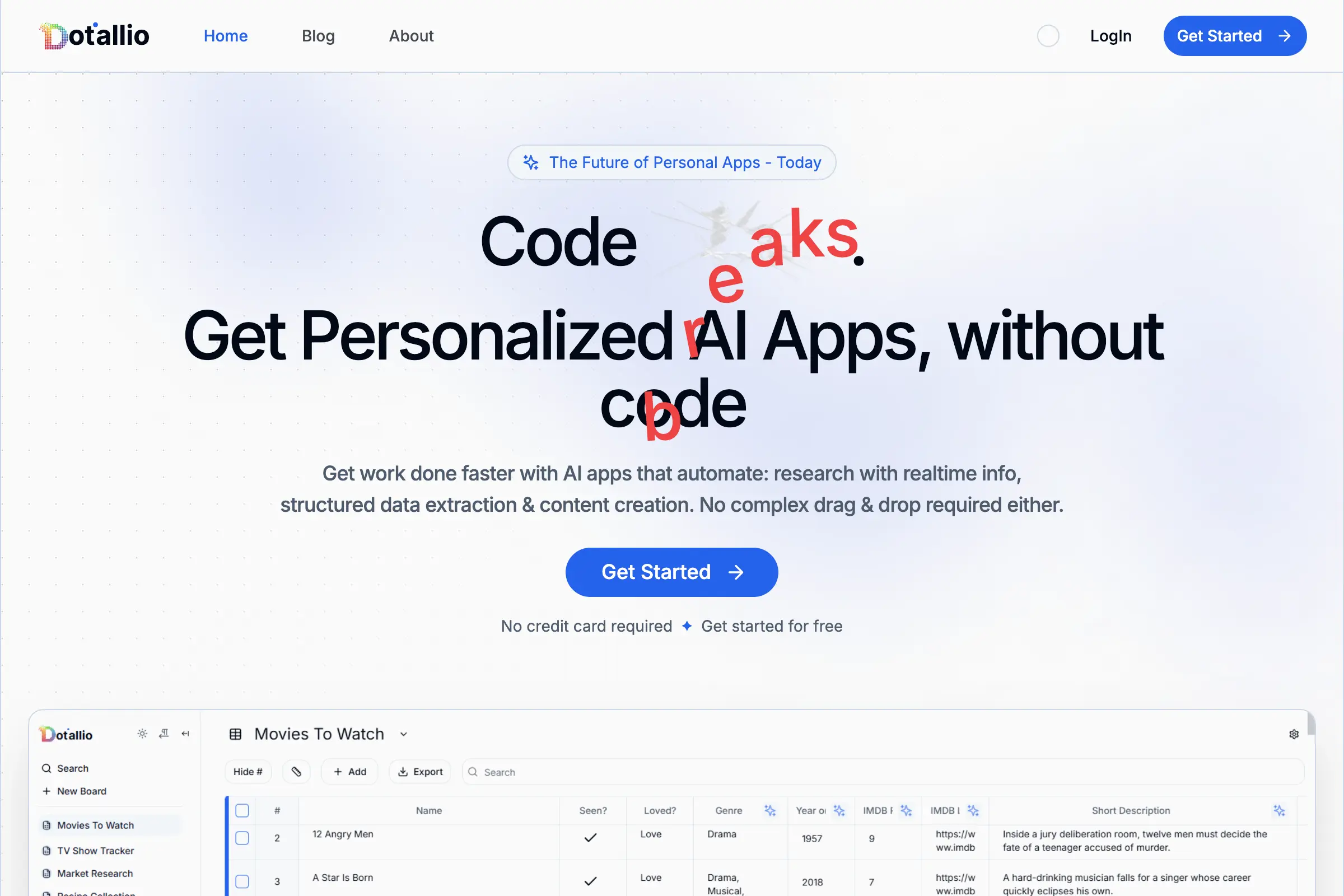
Dotallio
Personalized AI apps that automate research, data extraction, and content creation without code 🤖

Talk to Santa
Enjoy a magical live video chat or receive a unique AI-generated video greeting from Santa Claus 🎅
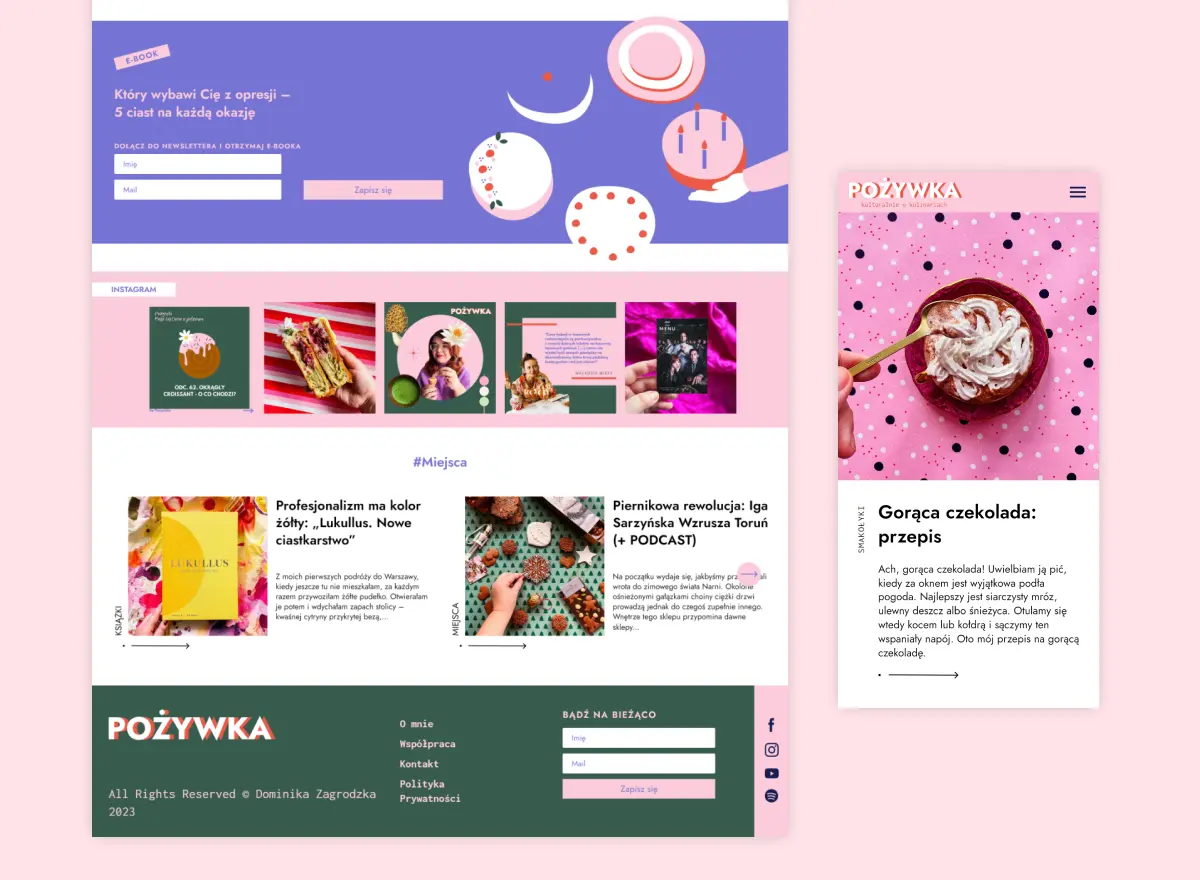
pozywka.pl
Scalable blog for food journalist, focused on performance and user experience 🌭
zagrodzki.me
Personal blog and portfolio of Bart Zagrodzki, where he shares his knowledge and work 💼
TurboStarter
Ship your startup everywhere. In minutes.
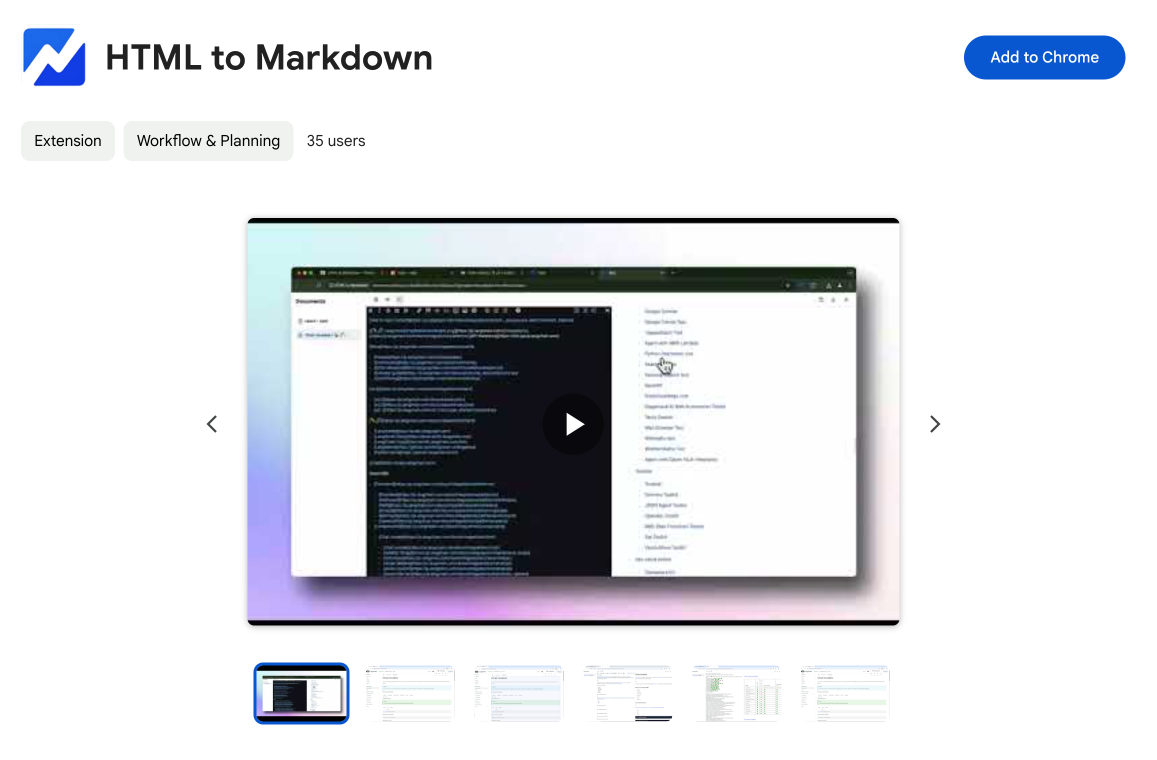
HTML to Markdown
Convert HTML to Markdown with ease, directly in your browser 📄
Dotallio
Personalized AI apps that automate research, data extraction, and content creation without code 🤖
Talk to Santa
Enjoy a magical live video chat or receive a unique AI-generated video greeting from Santa Claus 🎅
pozywka.pl
Scalable blog for food journalist, focused on performance and user experience 🌭
zagrodzki.me
Personal blog and portfolio of Bart Zagrodzki, where he shares his knowledge and work 💼
TurboStarter
Ship your startup everywhere. In minutes.
HTML to Markdown
Convert HTML to Markdown with ease, directly in your browser 📄
Dotallio
Personalized AI apps that automate research, data extraction, and content creation without code 🤖
Talk to Santa
Enjoy a magical live video chat or receive a unique AI-generated video greeting from Santa Claus 🎅
pozywka.pl
Scalable blog for food journalist, focused on performance and user experience 🌭
zagrodzki.me
Personal blog and portfolio of Bart Zagrodzki, where he shares his knowledge and work 💼
TurboStarter
Ship your startup everywhere. In minutes.
HTML to Markdown
Convert HTML to Markdown with ease, directly in your browser 📄
Dotallio
Personalized AI apps that automate research, data extraction, and content creation without code 🤖
Talk to Santa
Enjoy a magical live video chat or receive a unique AI-generated video greeting from Santa Claus 🎅
pozywka.pl
Scalable blog for food journalist, focused on performance and user experience 🌭
zagrodzki.me
Personal blog and portfolio of Bart Zagrodzki, where he shares his knowledge and work 💼
TurboStarter
Ship your startup everywhere. In minutes.
HTML to Markdown
Convert HTML to Markdown with ease, directly in your browser 📄
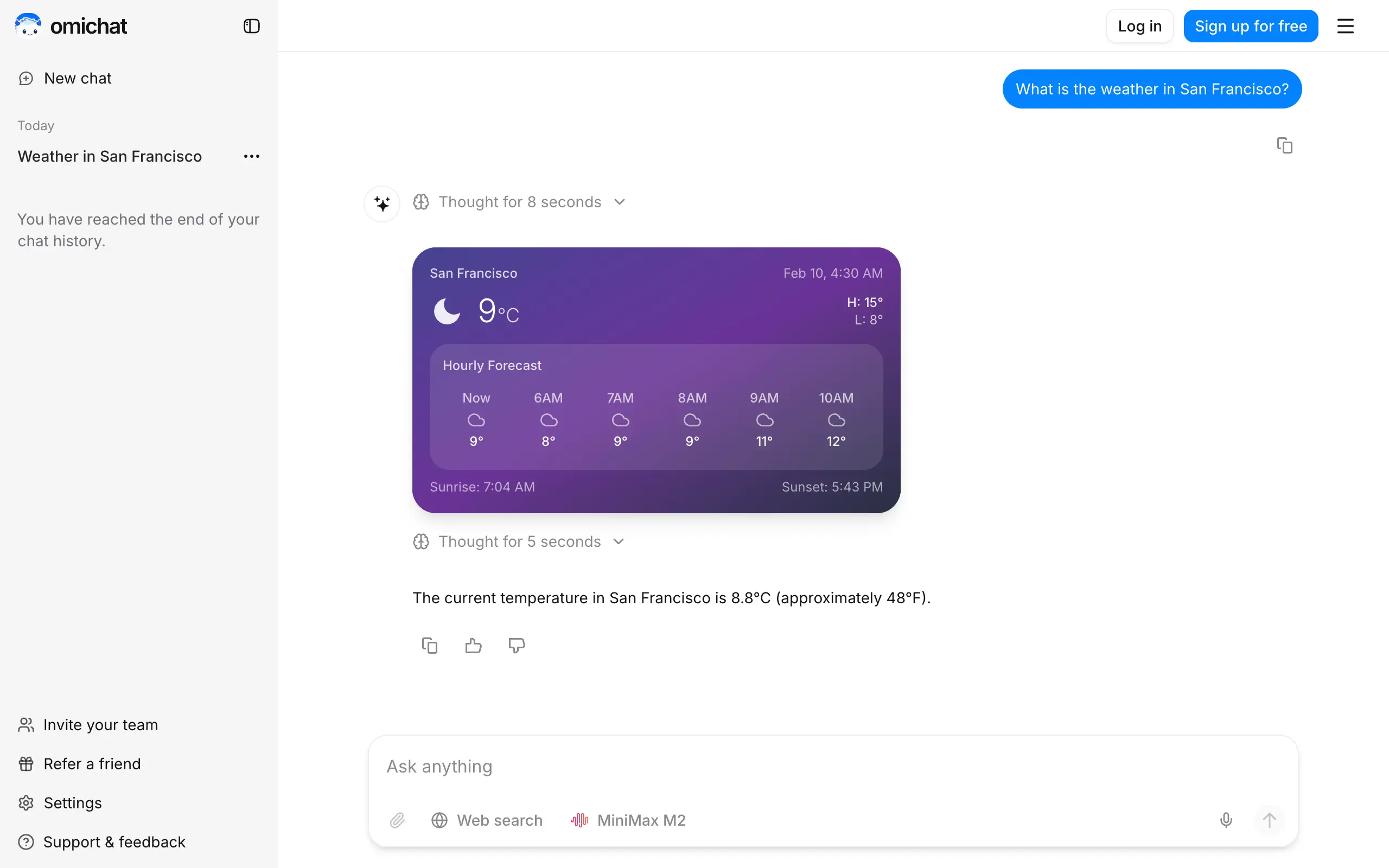
Omichat
Chat with 50+ AI models, including ChatGPT and Claude, in one place - switch models anytime without losing context 🤖
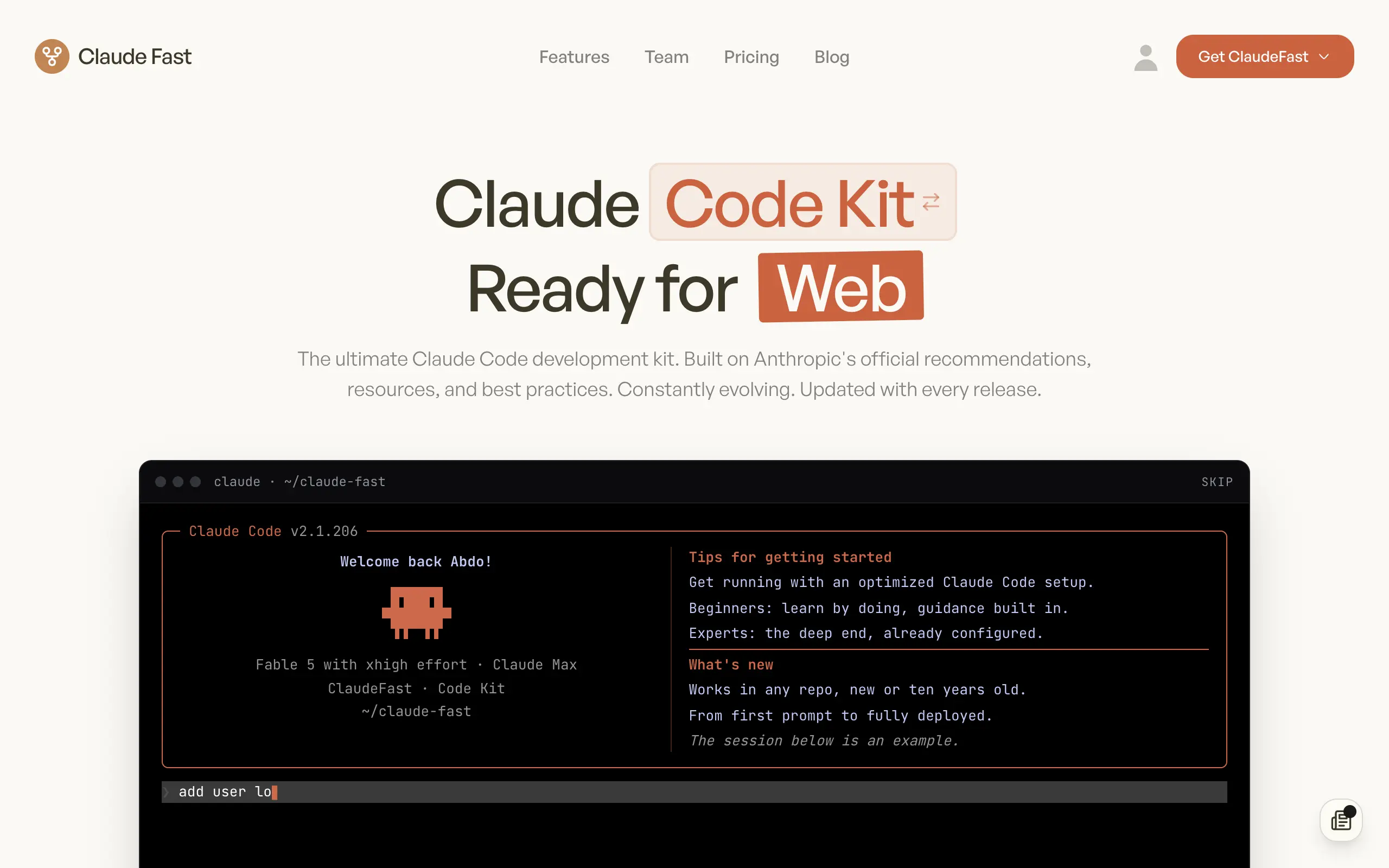
Claude Fast
Supercharge your Claude Code with 6x effective context window and specialized AI agents 🤖
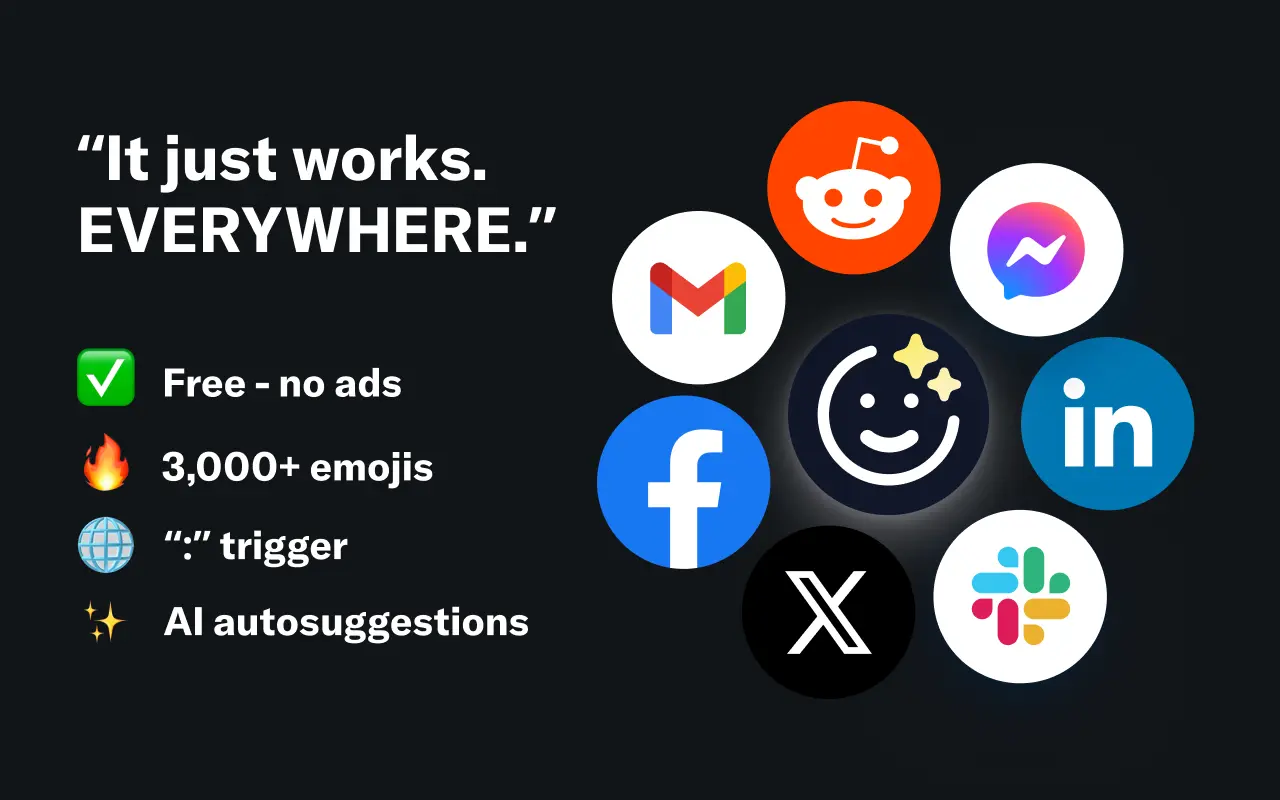
EmojAI
AI-powered emoji picker with smart, context-aware suggestions 🤖
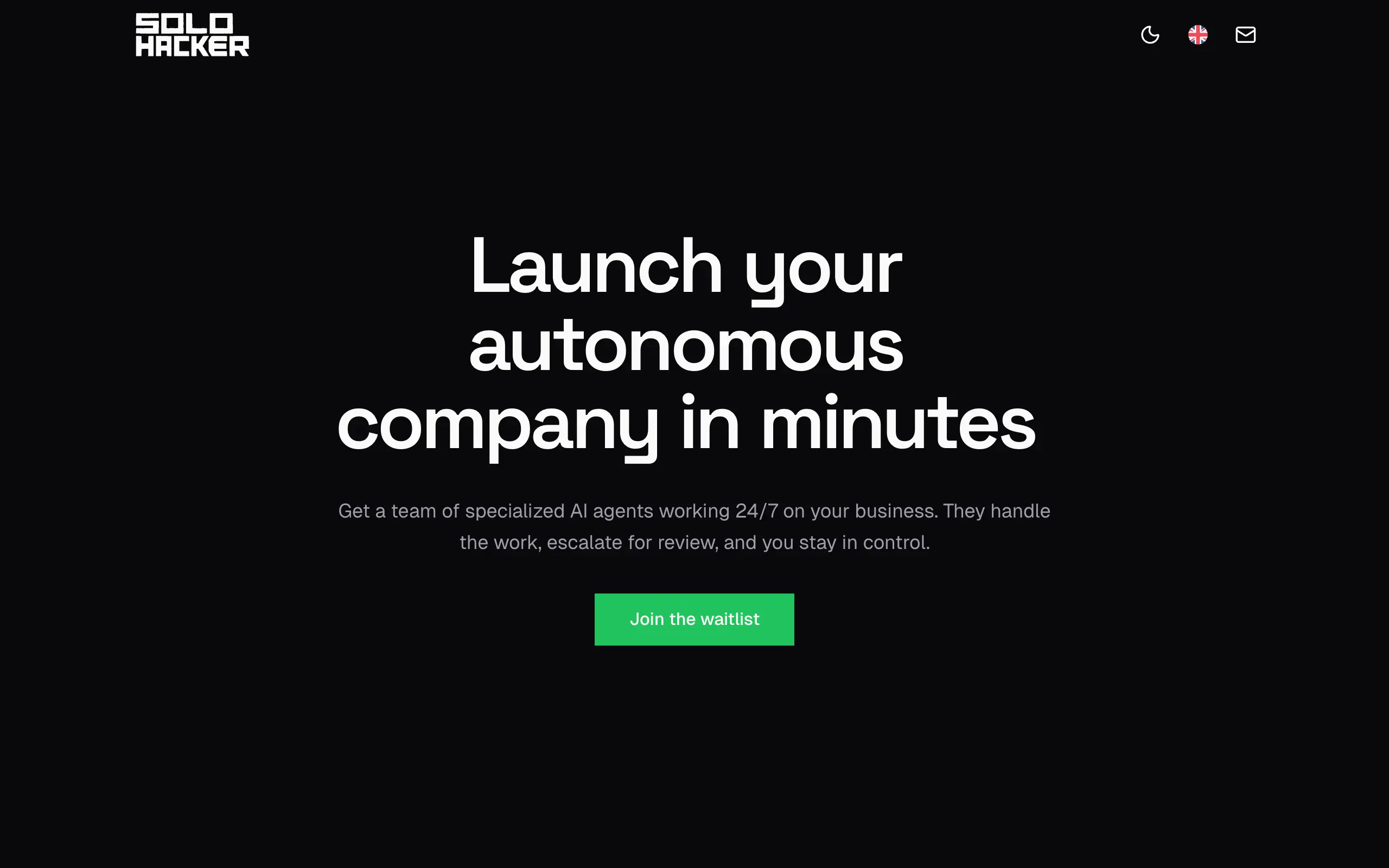
Solohacker
Autonomous company launcher - AI agents work 24/7, escalate what matters, and you stay in control 🤖
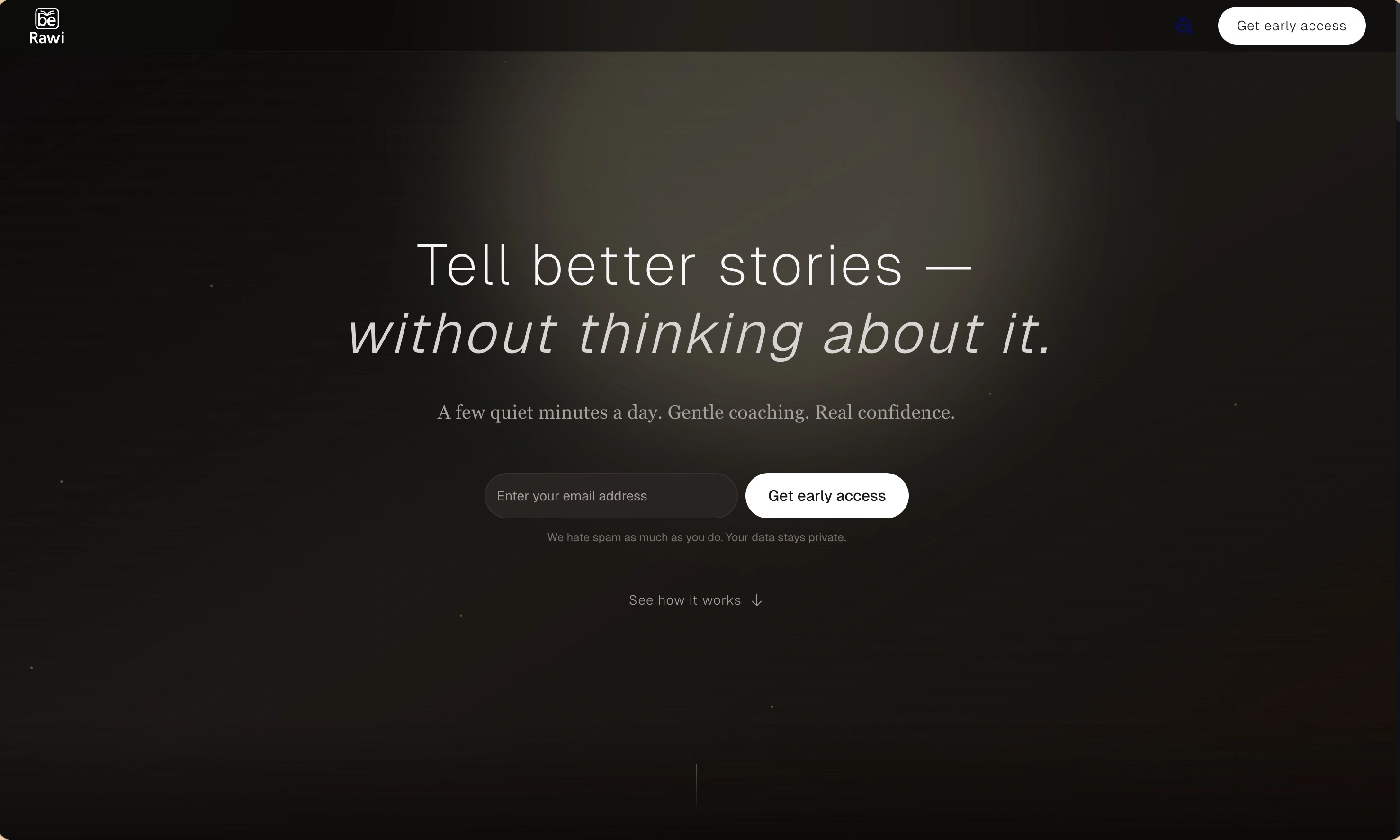
BeRawi: Storytelling Coach
Practice storytelling daily with instant feedback to sound clearer, more engaging, and confident 🎤
Omichat
Chat with 50+ AI models, including ChatGPT and Claude, in one place - switch models anytime without losing context 🤖
Claude Fast
Supercharge your Claude Code with 6x effective context window and specialized AI agents 🤖
EmojAI
AI-powered emoji picker with smart, context-aware suggestions 🤖
Solohacker
Autonomous company launcher - AI agents work 24/7, escalate what matters, and you stay in control 🤖
BeRawi: Storytelling Coach
Practice storytelling daily with instant feedback to sound clearer, more engaging, and confident 🎤
Omichat
Chat with 50+ AI models, including ChatGPT and Claude, in one place - switch models anytime without losing context 🤖
Claude Fast
Supercharge your Claude Code with 6x effective context window and specialized AI agents 🤖
EmojAI
AI-powered emoji picker with smart, context-aware suggestions 🤖
Solohacker
Autonomous company launcher - AI agents work 24/7, escalate what matters, and you stay in control 🤖
BeRawi: Storytelling Coach
Practice storytelling daily with instant feedback to sound clearer, more engaging, and confident 🎤
Omichat
Chat with 50+ AI models, including ChatGPT and Claude, in one place - switch models anytime without losing context 🤖
Claude Fast
Supercharge your Claude Code with 6x effective context window and specialized AI agents 🤖
EmojAI
AI-powered emoji picker with smart, context-aware suggestions 🤖
Solohacker
Autonomous company launcher - AI agents work 24/7, escalate what matters, and you stay in control 🤖
BeRawi: Storytelling Coach
Practice storytelling daily with instant feedback to sound clearer, more engaging, and confident 🎤

Connect with like-minded people
Join our community to get feedback, support, and grow together with 1,000+ builders on board, let's ship it!
Join usShip your startup everywhere. In minutes.
Don't burn tokens on setup and start building features on day one.