MediaLedger
Track licenses, talent releases, sponsor obligations, and usage windows for every video asset, with AI flagging risks before publishing.
MediaLedger is a SaaS concept for managing the rights and obligations attached to video content. It gives teams one place to track licenses, talent releases, sponsor commitments, and usage windows, then flags potential issues before a video is published.
The opportunity is bigger than storing signed PDFs. Media teams need to know whether a particular asset can appear in a particular video, on a particular channel, in a particular territory, at a particular time. MediaLedger can turn scattered legal documents and spreadsheet notes into a searchable, practical workflow for answering those questions.
What MediaLedger does
MediaLedger is media asset rights management software designed for teams that produce, license, publish, or monetize video. It connects video assets to the agreements and obligations that govern their use.
A typical record might connect:
- A video, clip, image, music track, or other media asset
- The person, company, or organization that owns or controls the relevant rights
- One or more licenses or talent releases
- Permitted channels, territories, formats, and usage dates
- Sponsor deliverables and related proof of fulfillment
- Risks, missing documents, and review history
The goal is to help a team answer questions such as:
- Can we publish this video on our social channels?
- Does this music license cover paid advertising?
- Is this person’s release still valid for the planned use?
- Does a sponsor agreement require a certain placement or mention?
- Is a license limited to a particular territory or campaign?
- Which videos need review because a usage window is ending?
MediaLedger should support decisions and workflows, not present its AI analysis as legal advice. The product can highlight relevant clauses and missing information, but a customer’s authorized reviewer should make final determinations when a rights question is material.
Why media rights management is a real workflow problem
Video production creates a chain of dependencies. A single published asset may include footage from multiple shoots, licensed music, stock video, locations, on-camera talent, brand elements, and sponsor placements. Each component can have its own permissions and restrictions.
The information that governs those rights often lives in different places. A signed release may be in cloud storage, a license may be in an email thread, a sponsor obligation may be in a contract, and the production team’s notes may be in a spreadsheet. That fragmentation makes it difficult to determine whether a specific video is ready for a specific use.
The problem becomes more complex as a company distributes content across platforms and markets. A permission that covers an organic social post might not cover paid promotion. A license that applies to one region might not permit global distribution. A release may cover a defined campaign period but not a later reuse.
MediaLedger can address this by making rights information connected, searchable, and actionable. Instead of asking users to remember where documents are stored, it gives them an operational view of what each asset can be used for and what needs attention.
Target audience for MediaLedger
A useful first version should focus on a clearly defined customer group. “Anyone who makes video” is too broad for product design, messaging, and sales. MediaLedger can eventually support several segments, but it should begin with teams that have recurring content, meaningful rights exposure, and a clear reason to improve their current process.
Production companies and video agencies
Production companies manage footage, releases, music, locations, and client approvals across multiple projects. They may need to answer both internal questions and client questions about future usage.
For this audience, MediaLedger can provide:
- Project-level rights records
- Search across clients, productions, and assets
- Expiration and renewal reminders
- A way to share a rights summary with clients
- Reuse tracking for footage and other production materials
The product should make client separation and permissions especially clear. An agency must not accidentally expose one client’s documents or project details to another.
In-house marketing and creative teams
Brands and in-house teams often publish the same campaign assets in several formats. A campaign might include a hero video, short edits, paid social variants, creator content, and internal cuts. Each version may inherit some rights from the original assets, but the permitted usage may differ.
MediaLedger can help marketing teams create a reliable handoff between production, legal, and publishing. A producer can record the asset and its documentation, a reviewer can validate the applicable permissions, and a publisher can check whether a planned use falls within the approved scope.
Broadcasters, publishers, and digital media companies
Organizations with large content libraries need to know which material can be republished, syndicated, clipped, or monetized. The challenge is often not just finding a document, but understanding how rights apply across a catalog.
For this segment, MediaLedger may eventually need integrations with digital asset management systems, editorial tools, and content management platforms. It should not begin by trying to replace those systems. A focused rights layer can complement them by storing structured permissions and connecting them to existing asset records.
Creator businesses and influencer teams
Creators and their managers handle brand deals, appearances, music, footage, and usage permissions. A sponsor agreement might include requirements for a specific platform, caption, product mention, or posting window. Missing one obligation can create a business and relationship problem.
A streamlined version of MediaLedger could give creator teams a calendar of obligations, links to evidence, and clear visibility into permitted reuse by sponsors. The product should avoid overcomplicating onboarding for smaller teams that do not have dedicated legal or operations staff.
The ideal initial customer
A strong initial customer profile is likely a small or midsize video production company, media agency, or in-house creative team that:
- Produces or manages video regularly
- Reuses content across channels or campaigns
- Has more than one person involved in rights review
- Relies on spreadsheets, email, and shared drives
- Has experienced delays or uncertainty around permissions
- Can adopt a new workflow without a long enterprise procurement cycle
This audience can help validate whether MediaLedger’s central value is rights visibility, approval workflow, document organization, or sponsor tracking. Product decisions should follow observed usage rather than assumptions about what every media team needs.
Market opportunity and the product gap
MediaLedger sits at the intersection of digital asset management, contract management, production operations, and compliance workflows. Those categories each solve part of the problem, but a team may still need a separate process for connecting a contract clause to an individual asset and its intended use.
The product opportunity is not necessarily to replace existing systems. It is to make rights information useful in the tools and decisions that already exist.
The gap between files and decisions
A folder can store a release, but it does not automatically tell a producer whether that release covers a planned paid campaign. A spreadsheet can contain an expiration date, but it may not link the date to every affected clip. A general contract repository can preserve agreements without translating their terms into a production workflow.
MediaLedger’s potential gap is the missing operational layer between documents and publishing decisions. It can help teams move from “the document is somewhere” to “this asset has these permissions, these restrictions, and these unresolved questions.”
Why specialized workflow matters
Generic project-management tools can track tasks, but they are not designed around rights relationships. Digital asset management platforms can organize files, but the level of rights interpretation and obligation tracking varies by product and configuration. Contract lifecycle management software can support agreement workflows, but it may be too broad or legal-team oriented for everyday video production.
A specialized product can offer a more direct model:
- Rights are attached to assets and uses, not only to folders or projects.
- Restrictions are represented as structured fields where possible.
- Agreements can be connected to affected people, footage, and campaigns.
- Reviews happen in the context of a planned publication.
- Alerts are tied to dates, obligations, and unresolved risks.
This is a product hypothesis to validate with interviews and workflow observation. It should not be treated as proof that no competing product already offers a similar feature. Before launch, the team should compare current DAM, contract, production, and creator-management platforms using customer interviews and hands-on product research.
Core features and how they work
MediaLedger should make the basic rights workflow dependable before adding complex automation. A clear record, reliable search, and well-designed review process will be more valuable than an AI feature that users cannot trust.
1. Asset and project records
Users should be able to create or import records for videos, clips, music, images, releases, and other relevant materials. Each record should include enough context to identify it and understand where it is used.
Useful fields may include:
- Asset name, type, and description
- Project, campaign, or client
- Owner or rights holder
- Source file or external asset reference
- Relevant dates
- Related people, agreements, and versions
- Current review status
MediaLedger should support stable identifiers so that a video record remains recognizable if its filename changes or it is moved in a connected storage system. A good product should not require users to duplicate large media files just to track rights information.
2. License and release management
Each agreement should be connected to the people and assets it governs. Users need a way to capture important terms, including permitted uses, channels, territories, effective dates, expiry dates, and restrictions.
The system should preserve the original document and show how extracted data was obtained. If AI reads a clause, the interface should link the extracted result to the relevant text or page. Users should be able to correct the interpretation and retain a record of who made the change.
3. Usage windows and restrictions
A permission is often conditional. MediaLedger should let users represent restrictions such as:
- A defined start and end date
- Specific channels or platforms
- A territory or market
- Organic use versus paid advertising
- A campaign or client limitation
- Excluded contexts or required attribution
- Limits on edits, sublicensing, or reuse
The system should allow an “unknown” or “needs review” state. Forcing users to choose a definitive answer when the document is ambiguous creates false confidence.
4. Sponsor obligation tracking
Sponsor commitments are not just contract metadata. They may be tasks that someone has to complete and prove.
A sponsor obligation could include a required mention, placement, link, product appearance, disclosure, publication date, or reporting deliverable. MediaLedger can track each obligation with an owner, deadline, status, and evidence attachment.
This creates a useful bridge between rights management and campaign operations. It also gives teams a way to verify that a deliverable was completed without treating an informal note as definitive legal interpretation.
5. Pre-publication risk checks
Before publishing, a user should be able to select a video and its planned use. MediaLedger can then surface relevant issues, such as:
- A required release is missing
- The planned channel is not listed as permitted
- A usage window has expired or is about to end
- A document contains a restriction that needs review
- An obligation is incomplete
- The rights record has not been reviewed by an authorized person
The output should be an explainable checklist rather than an opaque “safe” or “unsafe” score. Each finding should state what triggered it, where the information came from, and what action the user can take.
6. Search, reporting, and audit history
Search should work across names, projects, documents, rights holders, and structured fields. Users should be able to filter by status, expiry, client, territory, or channel.
An audit history should record important changes, including who uploaded a document, edited a rights field, resolved a risk, or approved a use. This is important for internal accountability and for resolving disagreements about how a record was created.
7. Integrations and data import
MediaLedger will be more useful if it fits into existing workflows. Early integrations should address the places where customers already store assets and documents, rather than chasing a large number of connectors.
Potential integration categories include:
- Cloud storage for document and asset references
- Digital asset management systems
- Project-management tools
- Video publishing and review platforms
- Identity providers for larger organizations
CSV import can be a practical first step. It lets a team bring in existing rights trackers and helps the product team learn which fields customers actually use.
How AI should be used in MediaLedger
AI can help reduce manual work, but rights management is a high-trust use case. The product should use AI to assist with document review and triage, not to silently make legal decisions.
Useful AI capabilities
A responsible initial AI workflow could:
- Extract names, dates, territories, channels, and obligations from documents
- Identify clauses that may restrict use
- Compare a planned use with the structured rights record
- Flag missing or conflicting information
- Summarize an agreement with links to source passages
- Suggest follow-up questions for a human reviewer
The user should be able to inspect the source passage behind every important finding. The interface should distinguish between text extracted from a document, a model-generated interpretation, and a human-confirmed field.
Design for uncertainty and review
AI confidence should not be presented as certainty. A model may misread a scanned document, misunderstand an exception, or overlook a clause that modifies a general permission. MediaLedger should make it easy to mark an item as unresolved and route it to the right person.
A useful status model might include:
- Unreviewed — information has not been checked by a person.
- Needs attention — the system found missing or potentially conflicting terms.
- Reviewed — an authorized user checked the extracted information.
- Approved for this use — a reviewer confirmed the specific planned use.
These labels describe workflow state; they should not imply that the software guarantees legal compliance.
Keep humans accountable for rights decisions
MediaLedger should present AI findings as review assistance, show the underlying evidence, and preserve human approval records. Avoid marketing claims that imply automated legal certainty.
Recommended technology stack
The right stack depends on the team’s experience, security requirements, and expected integrations. The first version should favor a maintainable product architecture over unnecessary infrastructure.
Web application and backend
A TypeScript web application built with Next.js can support authenticated product pages, dashboards, and server-side workflows. TypeScript helps keep shared data structures consistent between the interface and backend services.
For a lean team, a managed backend such as Supabase can provide a starting point for authentication, database access, and storage. A more customized backend may be preferable if the application needs complex permission rules, enterprise integrations, or specialized processing jobs.
Database and file storage
A relational database is a strong fit because MediaLedger has connected entities: organizations, users, projects, assets, documents, agreements, obligations, and review events. PostgreSQL supports relational data and flexible fields, which can help balance structured permissions with less predictable agreement metadata.
Store large files in object storage and keep references and metadata in the database. For example, Amazon S3 is one possible storage option. Use private storage, short-lived access links, and clear retention rules for sensitive documents.
Document processing and search
Document processing can run in a background job so uploads do not block the user interface. A practical pipeline can:
- Validate and store the uploaded file.
- Extract text from searchable PDFs or run optical character recognition where necessary.
- Identify likely entities, dates, and clauses.
- Store extracted values alongside source locations and model metadata.
- Ask a user to review uncertain fields.
- Index approved text and structured data for search.
The system should treat the original document as the source of record. Extracted content should be traceable to the original, and the application should provide a way to correct errors.
Authentication and permissions
Start with role-based access control for organizations, projects, and sensitive records. Roles might distinguish administrators, editors, reviewers, and read-only users. Avoid assuming that everyone in an organization should see every client’s documents.
For enterprise readiness, plan for single sign-on, user provisioning, session controls, and organization-level audit exports. These capabilities may not belong in the first release, but the data model should not make them difficult to add later.
Billing and observability
A billing service such as Stripe can support subscriptions and usage-based plans. Keep billing events separate from rights data so that subscription changes do not affect a customer’s records.
Use application monitoring, structured logs, error tracking, and background-job visibility from the beginning. A document-processing failure should be visible to both the internal team and the user, rather than leaving an upload stuck without explanation.
Important trade-offs
A managed platform can shorten time to market, but it may introduce constraints around data residency, custom authorization, or vendor-specific workflows. A fully custom architecture offers control but increases operational responsibility.
For an early product, a sensible approach is to use established services for authentication, storage, and billing while keeping core rights logic in code and in a well-designed relational schema. That preserves flexibility without requiring a large infrastructure team.
Competitive advantage and positioning
MediaLedger’s strongest potential advantage is its focus on the relationship between a media asset, the rights that govern it, and the use a team intends to make of it. The differentiation should be visible in everyday workflows, not only in a feature list.
A rights graph instead of a document cabinet
The product can represent connections between assets, people, agreements, projects, and planned uses. This makes it possible to identify which assets may be affected when a license expires or a restriction is discovered.
Pre-publication workflow instead of after-the-fact recordkeeping
A rights repository is useful, but MediaLedger can go further by bringing checks into the publishing process. The product can help teams catch questions while there is still time to replace an asset, request permission, or obtain review.
Explainable AI instead of automated approval
MediaLedger can differentiate through traceability. Each AI-assisted field or risk should point back to a clause or document passage, show its review status, and make corrections auditable.
A focused product that complements existing systems
MediaLedger does not have to replace a DAM, contract repository, or production-management platform. Its role can be to structure rights data and connect it to assets that already exist elsewhere. This positioning may reduce adoption friction for teams that have already invested in core systems.
Monetization strategy
Pricing should reflect the value of reducing rights uncertainty and administrative work, while remaining understandable to teams that do not have large legal or operations budgets.
Tiered subscriptions
A subscription can scale with the size and complexity of a customer’s workflow. Possible pricing dimensions include:
- Number of users
- Number of active projects
- Number of tracked assets
- Document-processing volume
- Retention and audit features
- Integration availability
Avoid charging for every minor action if that would discourage teams from keeping records current. Pricing should encourage consistent use, because incomplete data weakens the product’s value.
Team and enterprise plans
A team plan could include shared projects, basic roles, search, reminders, and a limited number of AI-assisted document reviews. An enterprise plan could add single sign-on, advanced permission controls, audit exports, custom retention policies, and priority support.
Enterprise features should be sold only when the product can deliver them reliably. Security reviews and procurement processes can be demanding, so avoid promising controls that have not been implemented and tested.
Usage-based AI processing
If document extraction or AI review has a meaningful variable cost, a usage allowance or add-on may make sense. Make the allowance transparent and show customers what happens when they reach it. Do not make basic access to stored rights information dependent on unpredictable processing charges.
Services and onboarding
Some customers may need help importing spreadsheets, mapping their current workflow, or organizing an existing library. Paid onboarding can create revenue and improve adoption, but it should not become a substitute for a usable self-service product.
Risks and mitigation
Risk of incorrect AI interpretation
A model can extract the wrong date, miss an exception, or misinterpret a clause.
Mitigation: Show source passages, mark unreviewed values clearly, allow corrections, retain a change history, and avoid automated legal conclusions.
Risk of incomplete records
Users may upload only some agreements or fail to connect documents to the right assets. A dashboard could then appear more complete than the underlying data.
Mitigation: Track document coverage, show missing information explicitly, support bulk imports, and avoid presenting an asset as cleared when key fields are unknown.
Risk of workflow friction
If MediaLedger requires too much manual entry, production teams may return to spreadsheets and shared drives.
Mitigation: Start with import tools, sensible defaults, quick document upload, reusable project templates, and integrations based on observed customer workflows.
Risk of security exposure
Contracts, releases, and unreleased footage can be sensitive. A permissions mistake could expose confidential client information.
Mitigation: Use least-privilege access, test tenant isolation, encrypt data in transit and at rest, maintain audit logs, review subprocessors, and establish a clear incident-response process.
Risk of unclear legal responsibility
Customers may believe that a “low-risk” label guarantees they are legally permitted to publish.
Mitigation: Use specific, evidence-based wording. Explain that automated findings are prompts for review, provide configurable approval workflows, and ask qualified legal counsel to review product language and terms.
Risk of trying to serve every segment
Creators, broadcasters, agencies, and in-house teams have different workflows and buying processes.
Mitigation: Choose one initial segment, learn its vocabulary and approval process, and expand only when the first workflow is working. Keep the underlying data model flexible, but keep the launch message focused.
A practical MVP scope
The first release should prove that customers can create a reliable rights record and use it to make a better publishing decision.
A focused MVP could include:
- Organization accounts with basic roles
- Projects and asset records
- Uploads for licenses and releases
- Structured fields for dates, channels, territories, and restrictions
- Document search and expiry reminders
- A pre-publication checklist for a selected asset and use
- Human review states and an audit history
- CSV import and export
Delay advanced integrations, highly configurable workflows, and complex AI recommendations until customer research shows they are necessary. A narrow but trustworthy product is more valuable than a broad set of partially implemented features.
How to validate the idea before building too much
Start with interviews that focus on recent behavior rather than hypothetical interest. Ask people to describe the last time they needed to confirm a video’s rights, find an agreement, or resolve a sponsor obligation.
Useful questions include:
- Where did the relevant documents live?
- Who was responsible for confirming the planned use?
- What information was hard to find?
- What happened when a restriction or missing release was discovered late?
- How are expiry dates and sponsor deliverables tracked today?
- Which systems would MediaLedger need to work with?
- What evidence would a reviewer need before approving publication?
Ask to observe a real workflow when customers are comfortable sharing it. Remove or anonymize confidential information, and never use customer documents for AI testing without explicit permission and appropriate safeguards.
A pilot should measure operational outcomes rather than vanity metrics. Consider tracking:
- Time required to locate rights documentation
- Percentage of assets with complete records
- Number of unresolved risks found before publication
- Time from asset submission to review completion
- Frequency of expired or missing permissions
- Whether users continue using the product after the initial data import
These indicators help determine whether MediaLedger solves a recurring problem or merely organizes information that customers rarely consult.
Actionable implementation steps
Choose one launch segment
Select a specific initial customer type, such as video agencies with recurring brand campaigns. Write down its current workflow, the people involved, and the most costly points of confusion.
Map the rights data model
Define how organizations, projects, assets, agreements, people, usage windows, obligations, and review events relate. Include unknown and disputed values so that the system does not force false certainty.
Prototype the pre-publication check
Create a simple interface where a user selects an asset and intended use, then sees relevant permissions, restrictions, missing evidence, and review status. Test the prototype with real workflow scenarios.
Build import and document foundations
Support secure uploads, CSV import, document records, structured fields, and search. Preserve source files and make extracted information traceable to its origin.
Add explainable AI assistance
Introduce extraction and risk flagging only after the manual workflow is clear. Require users to review uncertain findings and keep source evidence visible.
Run a limited customer pilot
Onboard a small number of target customers, support them closely, and measure time saved, record completeness, and the frequency of useful pre-publication findings.
Refine pricing and expand carefully
Use pilot feedback to decide whether value is best measured by seats, projects, assets, or processing volume. Add integrations and enterprise controls based on demonstrated demand.
For a faster foundation for authentication, billing, and core SaaS workflows, teams can evaluate TurboStarter and focus more of their early development effort on MediaLedger’s rights-management experience.
The opportunity ahead
MediaLedger has a clear product thesis: media teams need more than a place to store rights documents. They need a dependable way to connect agreements to assets, understand restrictions, track obligations, and review planned uses before publication.
The strongest version of the idea will be specific, explainable, and careful about trust. It will not claim to replace legal judgment. Instead, it will help teams find the right evidence sooner, make unresolved questions visible, and create a consistent record of how a publishing decision was reviewed.
Start with one audience and one high-value workflow. If customers repeatedly use MediaLedger to answer rights questions that currently require searching across folders, email, and spreadsheets, the product will have a credible foundation for expanding into a broader media rights operations platform.
More 💡 Other SaaS ideas
Discover more innovative other SaaS ideas that are trending in 2026. Each idea is AI-generated with market validation and growth potential to help you find your next profitable venture faster than competitors.
Your competitors are building with TurboStarter
Below are some of the SaaS ideas that have been generated and built with our starter kit.
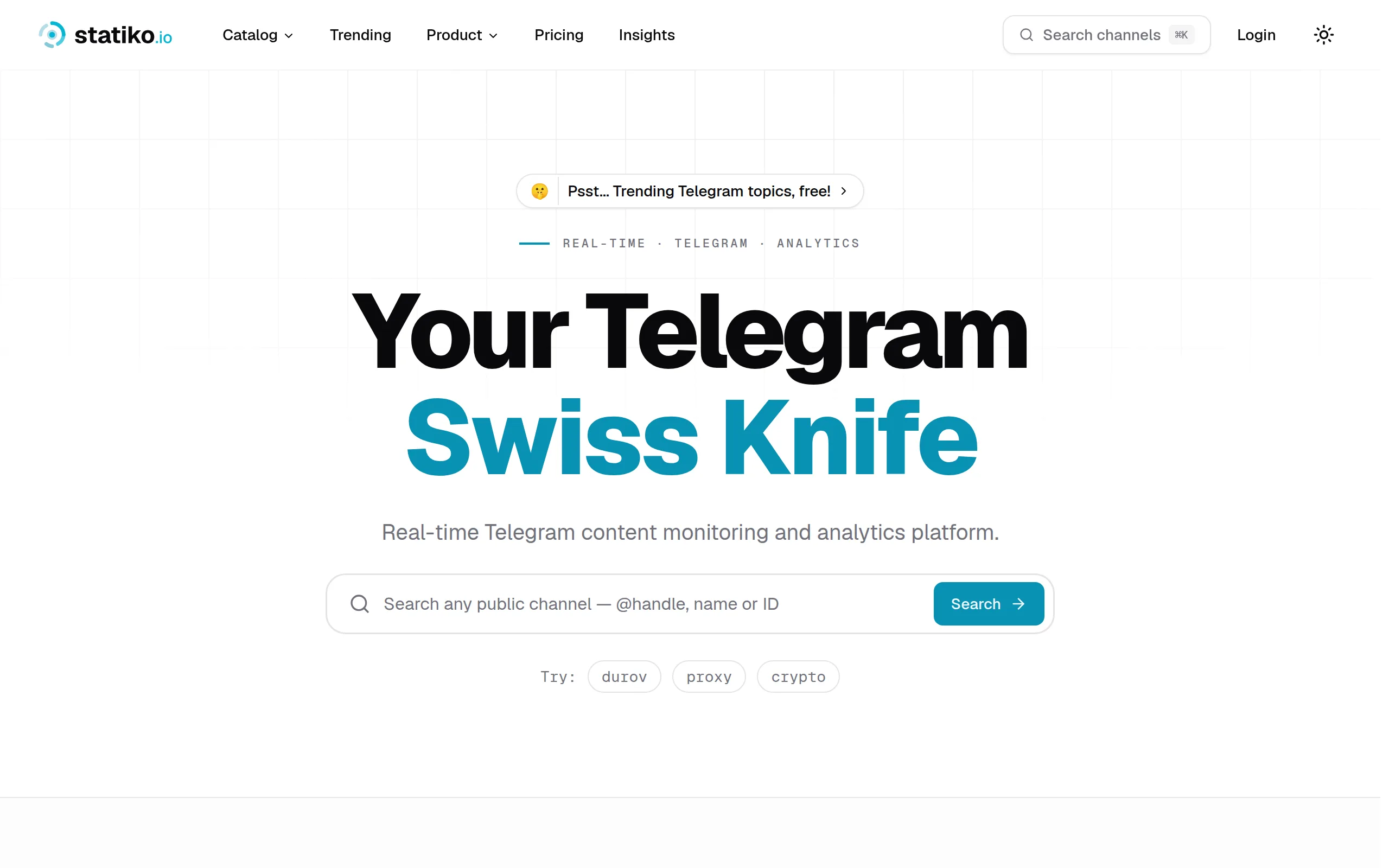
Statiko
Monitor any Telegram channel in real time - track posts, edits, deletions, and growth with AI recaps 📡

Shibui
AI website builder - describe your business, pick a niche template, edit by chatting, and publish instantly ✨

Pro Service
Find verified home service professionals, compare quotes, and pay securely through escrow - built for Brazilians across the US 🏠
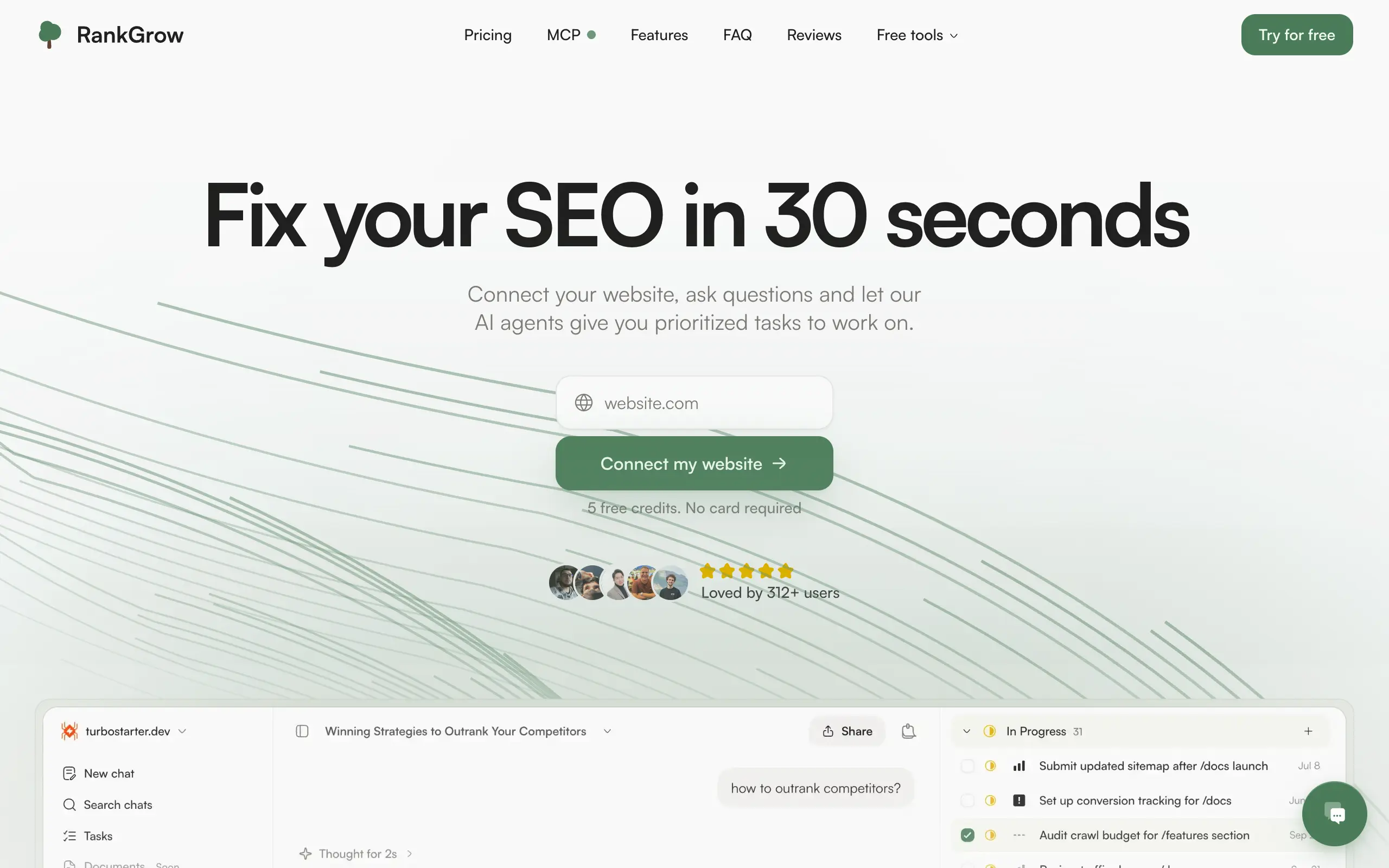
RankGrow
Fix your SEO with AI agents - connect Search Console, get prioritized tasks, and grow organic traffic 📈
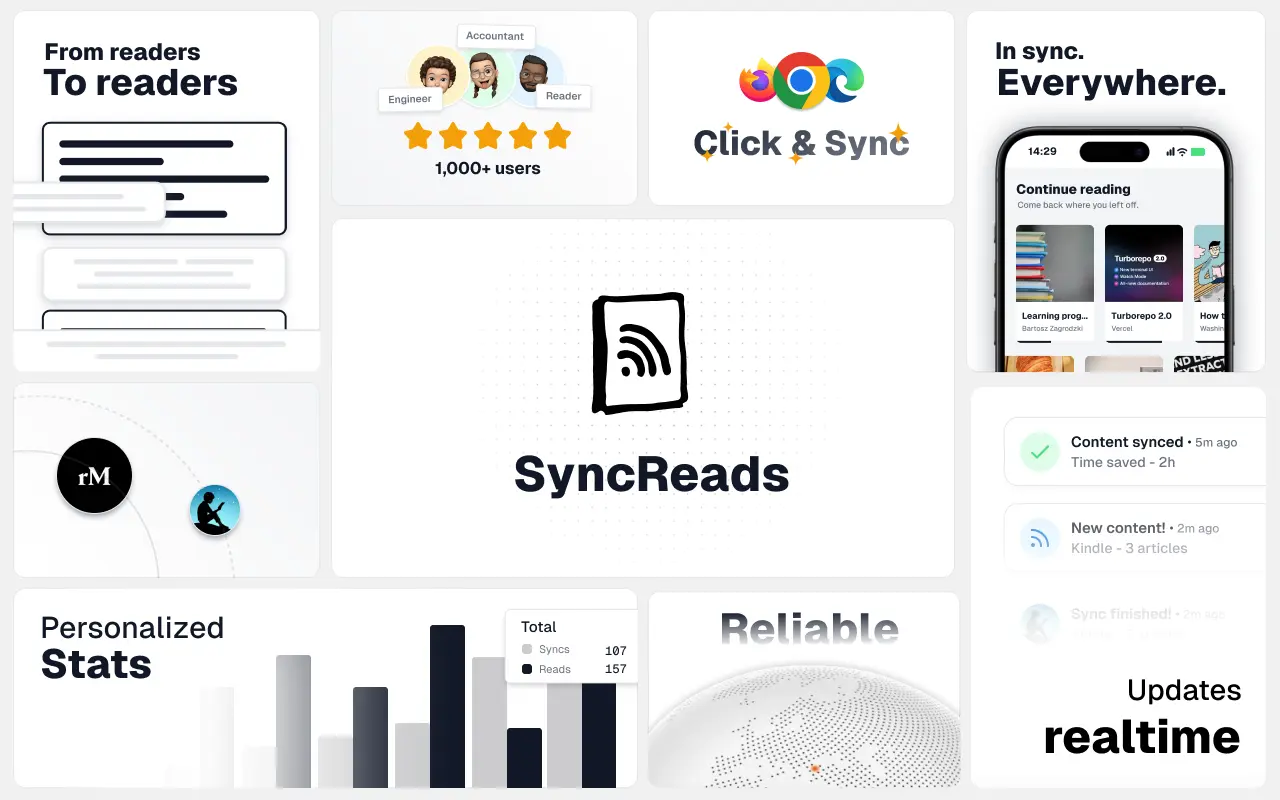
SyncReads
Sync your favorite content for distraction-free reading, save time and replace multiple apps. Anytime, anywhere 🔄
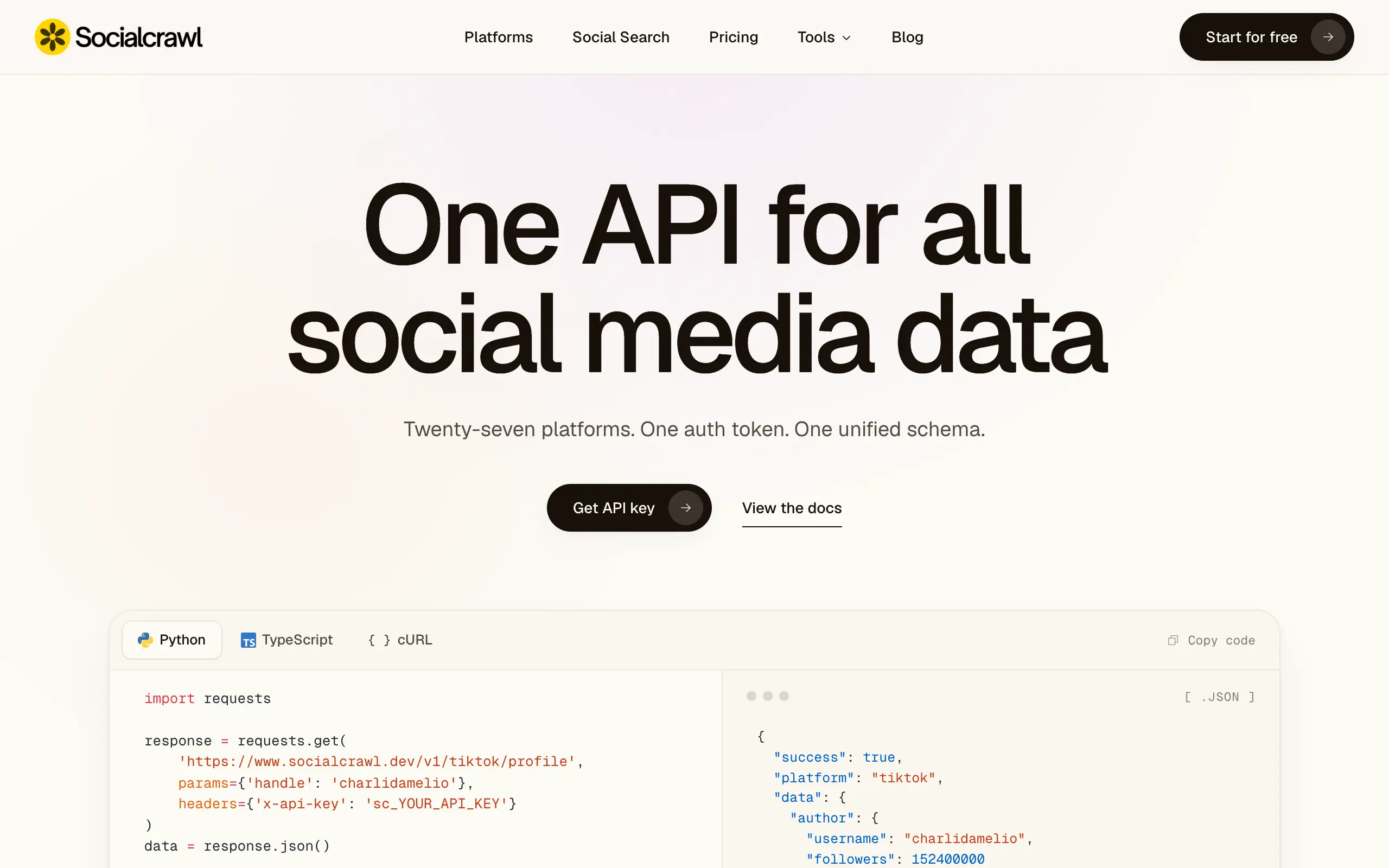
Socialcrawl
Get clean, structured data from 21 platforms like TikTok, Instagram, and YouTube with a single request 📊
Statiko
Monitor any Telegram channel in real time - track posts, edits, deletions, and growth with AI recaps 📡
Shibui
AI website builder - describe your business, pick a niche template, edit by chatting, and publish instantly ✨
Pro Service
Find verified home service professionals, compare quotes, and pay securely through escrow - built for Brazilians across the US 🏠
RankGrow
Fix your SEO with AI agents - connect Search Console, get prioritized tasks, and grow organic traffic 📈
SyncReads
Sync your favorite content for distraction-free reading, save time and replace multiple apps. Anytime, anywhere 🔄
Socialcrawl
Get clean, structured data from 21 platforms like TikTok, Instagram, and YouTube with a single request 📊
Statiko
Monitor any Telegram channel in real time - track posts, edits, deletions, and growth with AI recaps 📡
Shibui
AI website builder - describe your business, pick a niche template, edit by chatting, and publish instantly ✨
Pro Service
Find verified home service professionals, compare quotes, and pay securely through escrow - built for Brazilians across the US 🏠
RankGrow
Fix your SEO with AI agents - connect Search Console, get prioritized tasks, and grow organic traffic 📈
SyncReads
Sync your favorite content for distraction-free reading, save time and replace multiple apps. Anytime, anywhere 🔄
Socialcrawl
Get clean, structured data from 21 platforms like TikTok, Instagram, and YouTube with a single request 📊
Statiko
Monitor any Telegram channel in real time - track posts, edits, deletions, and growth with AI recaps 📡
Shibui
AI website builder - describe your business, pick a niche template, edit by chatting, and publish instantly ✨
Pro Service
Find verified home service professionals, compare quotes, and pay securely through escrow - built for Brazilians across the US 🏠
RankGrow
Fix your SEO with AI agents - connect Search Console, get prioritized tasks, and grow organic traffic 📈
SyncReads
Sync your favorite content for distraction-free reading, save time and replace multiple apps. Anytime, anywhere 🔄
Socialcrawl
Get clean, structured data from 21 platforms like TikTok, Instagram, and YouTube with a single request 📊
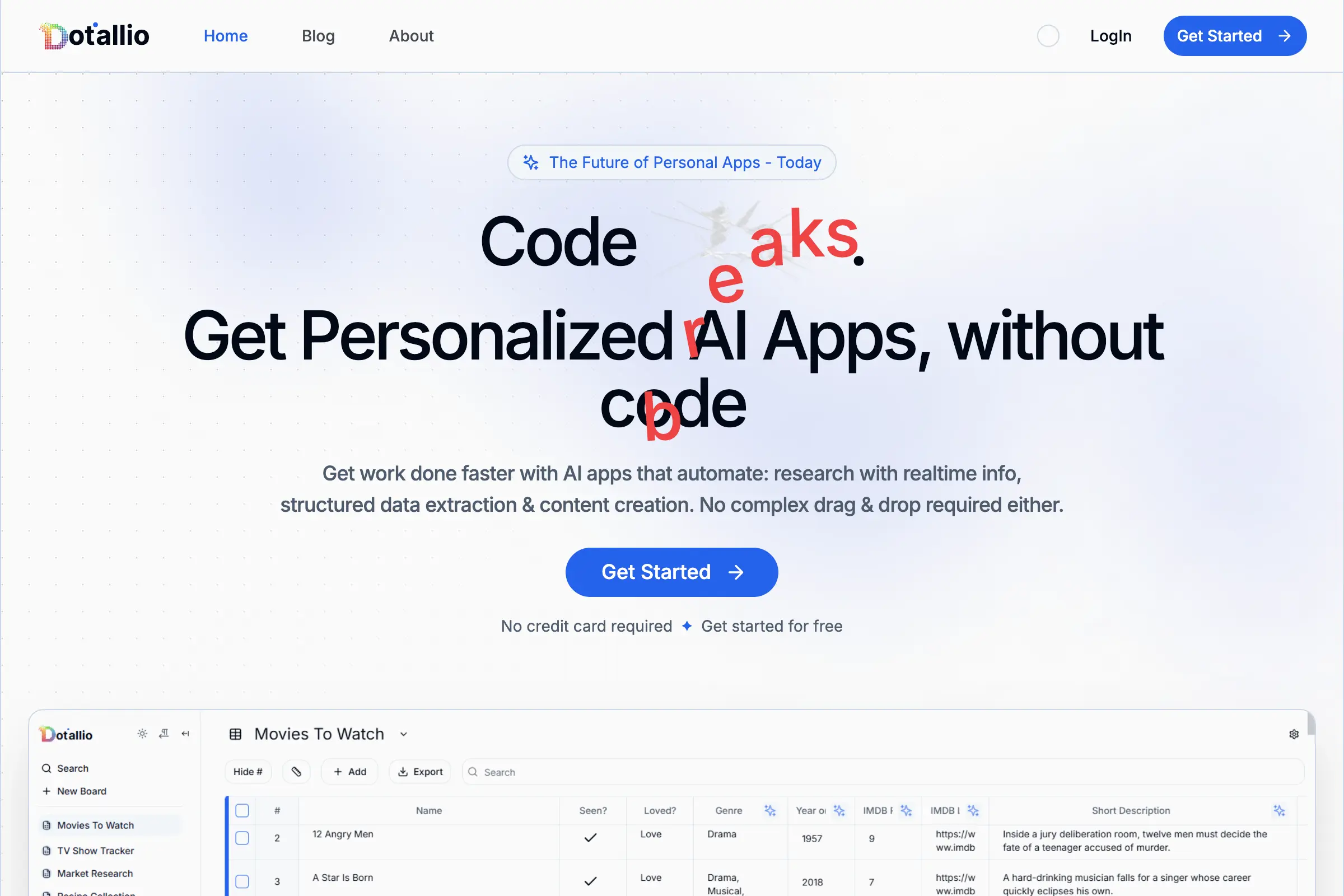
Dotallio
Personalized AI apps that automate research, data extraction, and content creation without code 🤖

Talk to Santa
Enjoy a magical live video chat or receive a unique AI-generated video greeting from Santa Claus 🎅

pozywka.pl
Scalable blog for food journalist, focused on performance and user experience 🌭
zagrodzki.me
Personal blog and portfolio of Bart Zagrodzki, where he shares his knowledge and work 💼
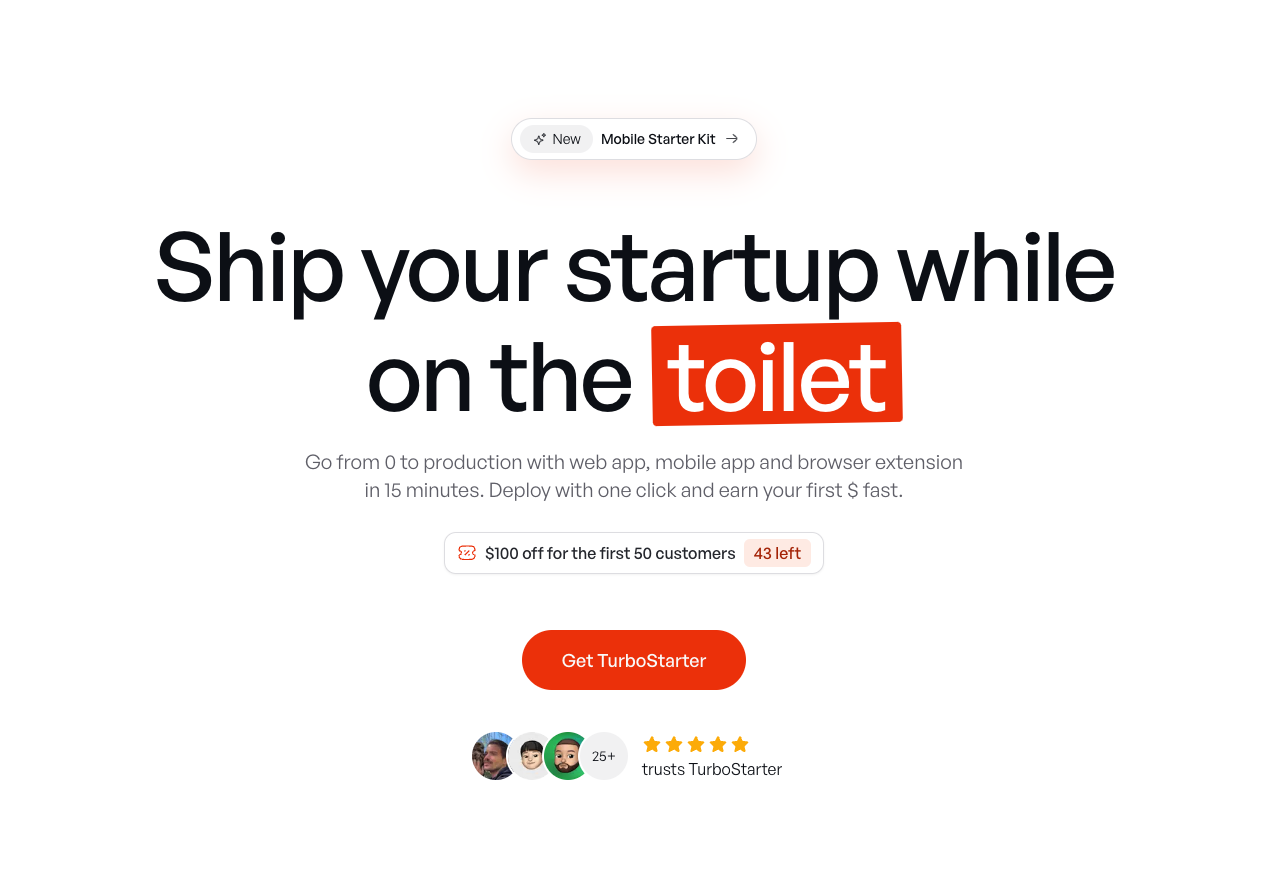
TurboStarter
Ship your startup everywhere. In minutes.
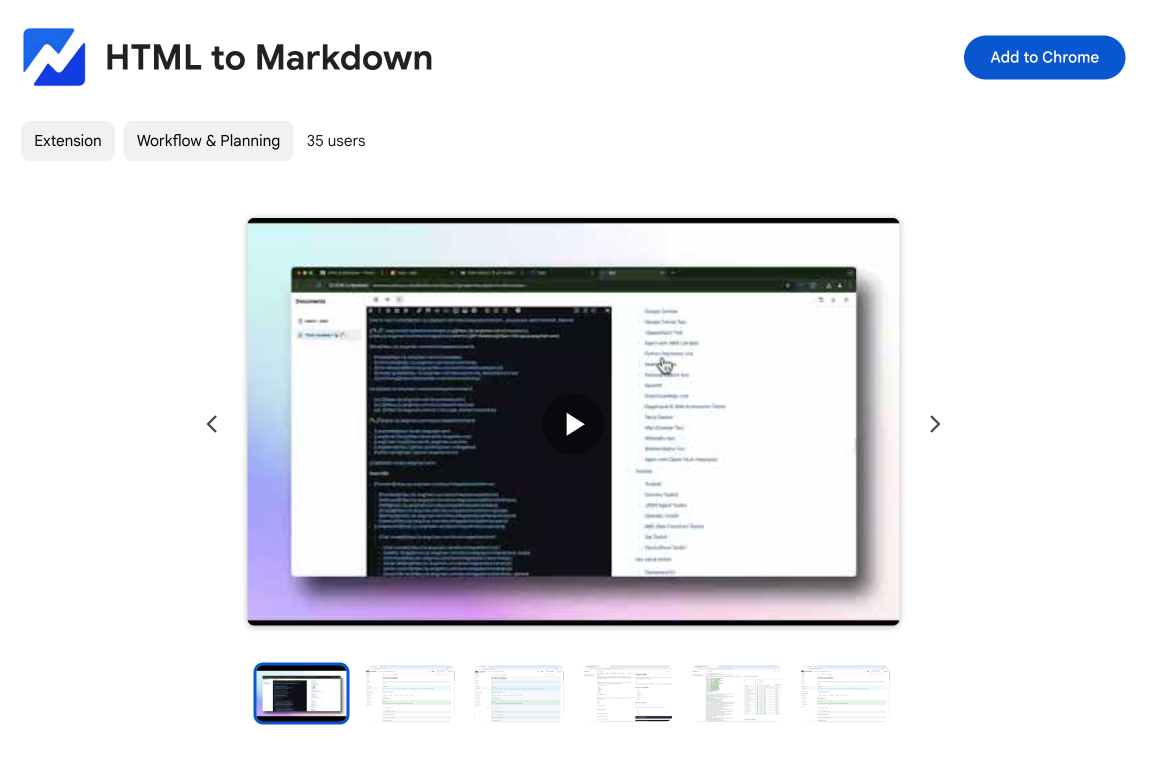
HTML to Markdown
Convert HTML to Markdown with ease, directly in your browser 📄
Dotallio
Personalized AI apps that automate research, data extraction, and content creation without code 🤖
Talk to Santa
Enjoy a magical live video chat or receive a unique AI-generated video greeting from Santa Claus 🎅
pozywka.pl
Scalable blog for food journalist, focused on performance and user experience 🌭
zagrodzki.me
Personal blog and portfolio of Bart Zagrodzki, where he shares his knowledge and work 💼
TurboStarter
Ship your startup everywhere. In minutes.
HTML to Markdown
Convert HTML to Markdown with ease, directly in your browser 📄
Dotallio
Personalized AI apps that automate research, data extraction, and content creation without code 🤖
Talk to Santa
Enjoy a magical live video chat or receive a unique AI-generated video greeting from Santa Claus 🎅
pozywka.pl
Scalable blog for food journalist, focused on performance and user experience 🌭
zagrodzki.me
Personal blog and portfolio of Bart Zagrodzki, where he shares his knowledge and work 💼
TurboStarter
Ship your startup everywhere. In minutes.
HTML to Markdown
Convert HTML to Markdown with ease, directly in your browser 📄
Dotallio
Personalized AI apps that automate research, data extraction, and content creation without code 🤖
Talk to Santa
Enjoy a magical live video chat or receive a unique AI-generated video greeting from Santa Claus 🎅
pozywka.pl
Scalable blog for food journalist, focused on performance and user experience 🌭
zagrodzki.me
Personal blog and portfolio of Bart Zagrodzki, where he shares his knowledge and work 💼
TurboStarter
Ship your startup everywhere. In minutes.
HTML to Markdown
Convert HTML to Markdown with ease, directly in your browser 📄
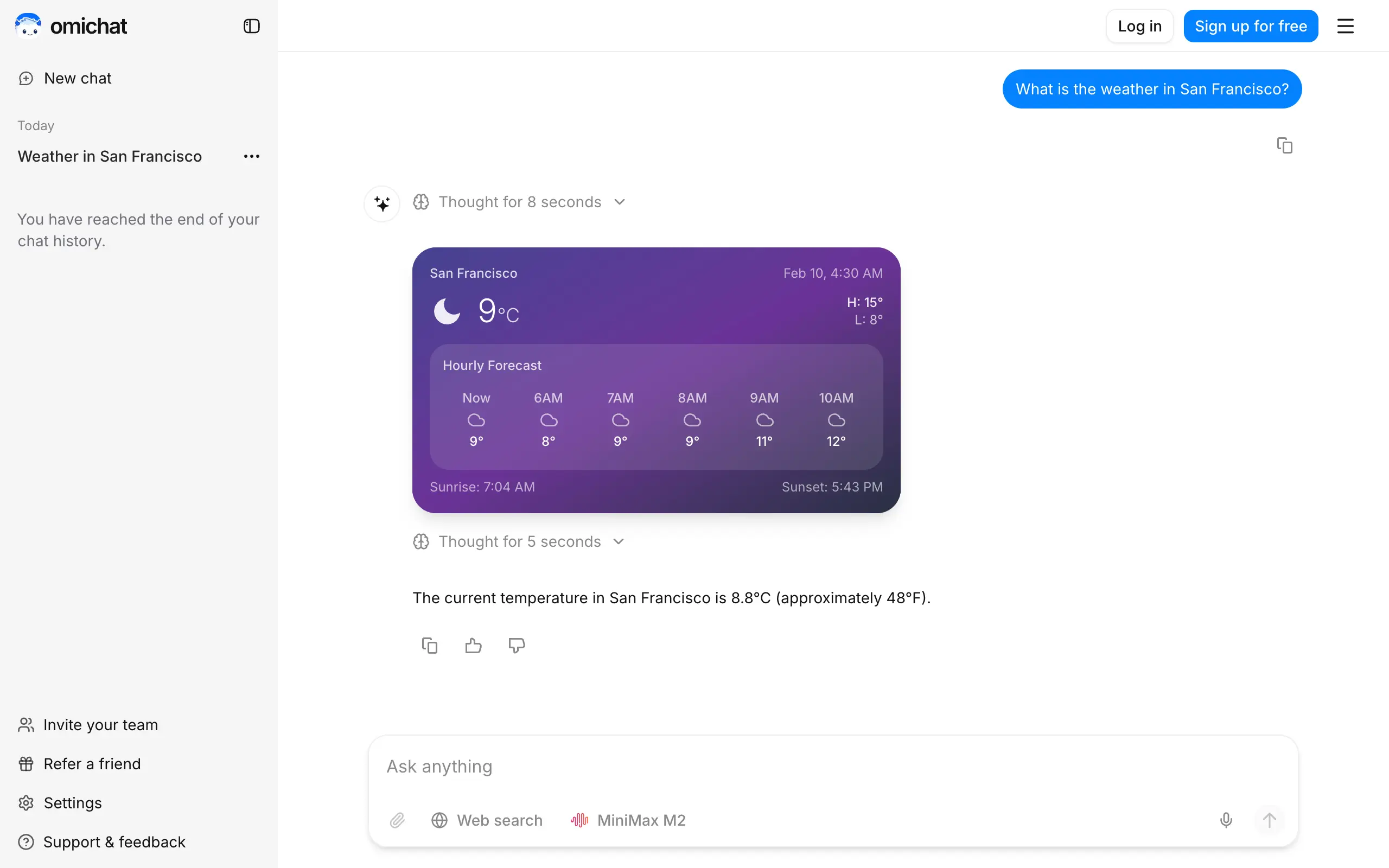
Omichat
Chat with 50+ AI models, including ChatGPT and Claude, in one place - switch models anytime without losing context 🤖
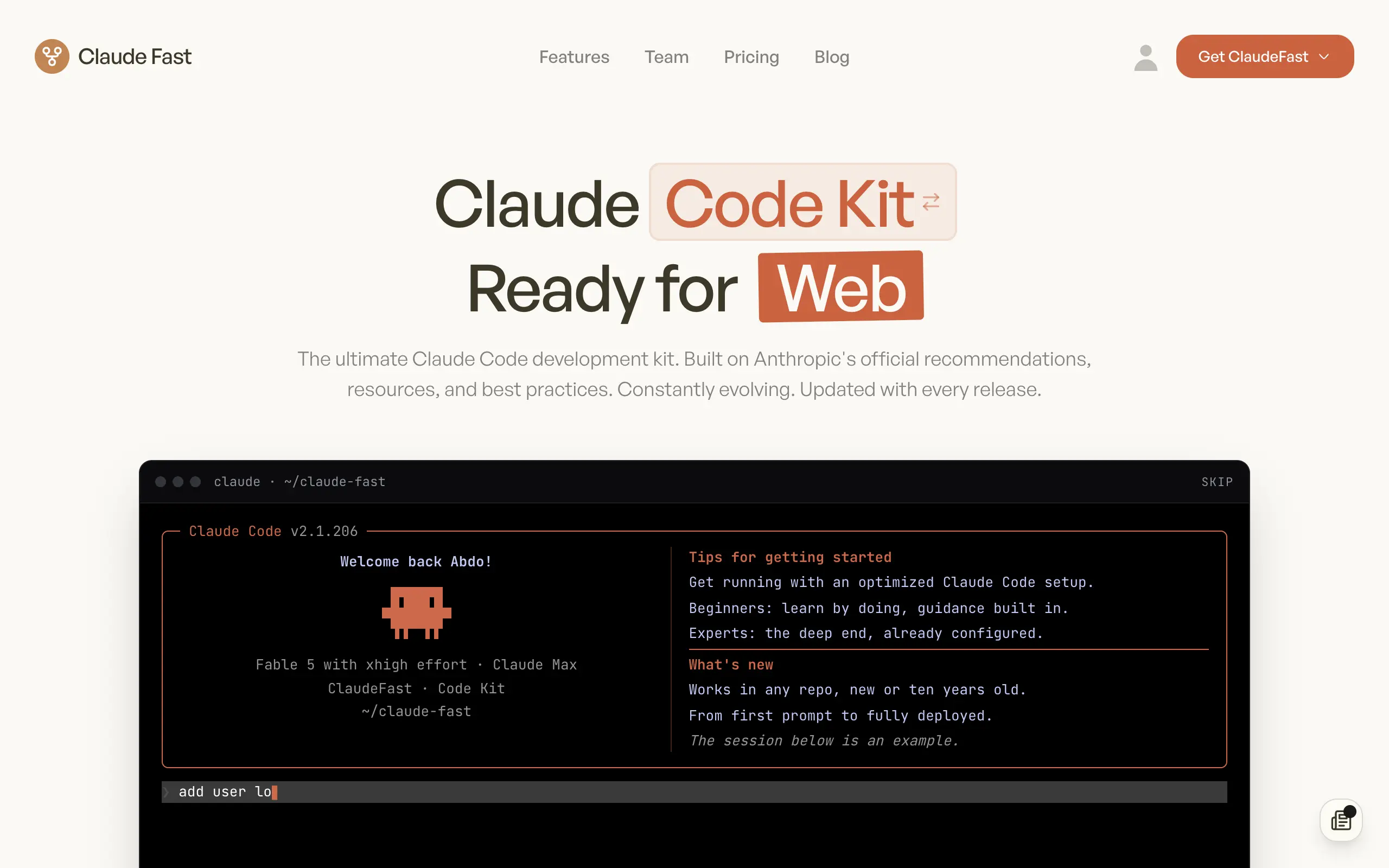
Claude Fast
Supercharge your Claude Code with 6x effective context window and specialized AI agents 🤖
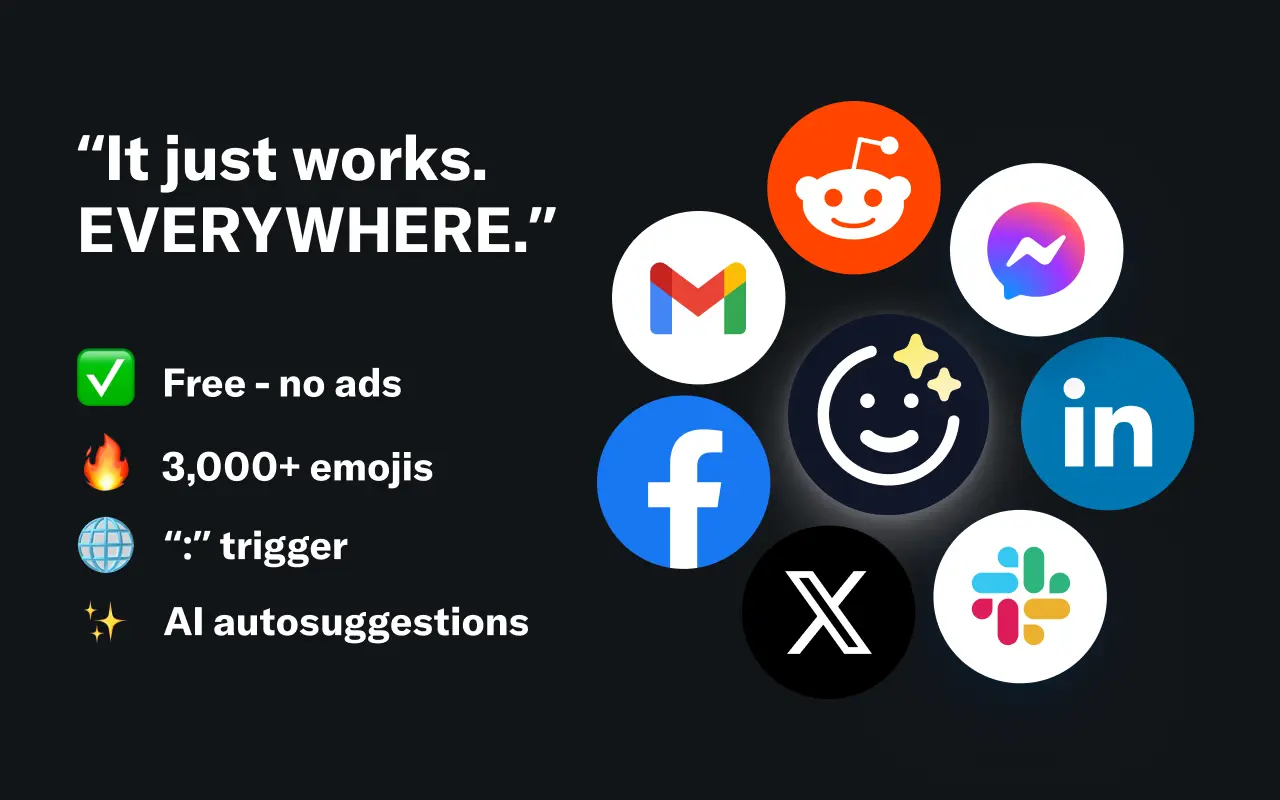
EmojAI
AI-powered emoji picker with smart, context-aware suggestions 🤖
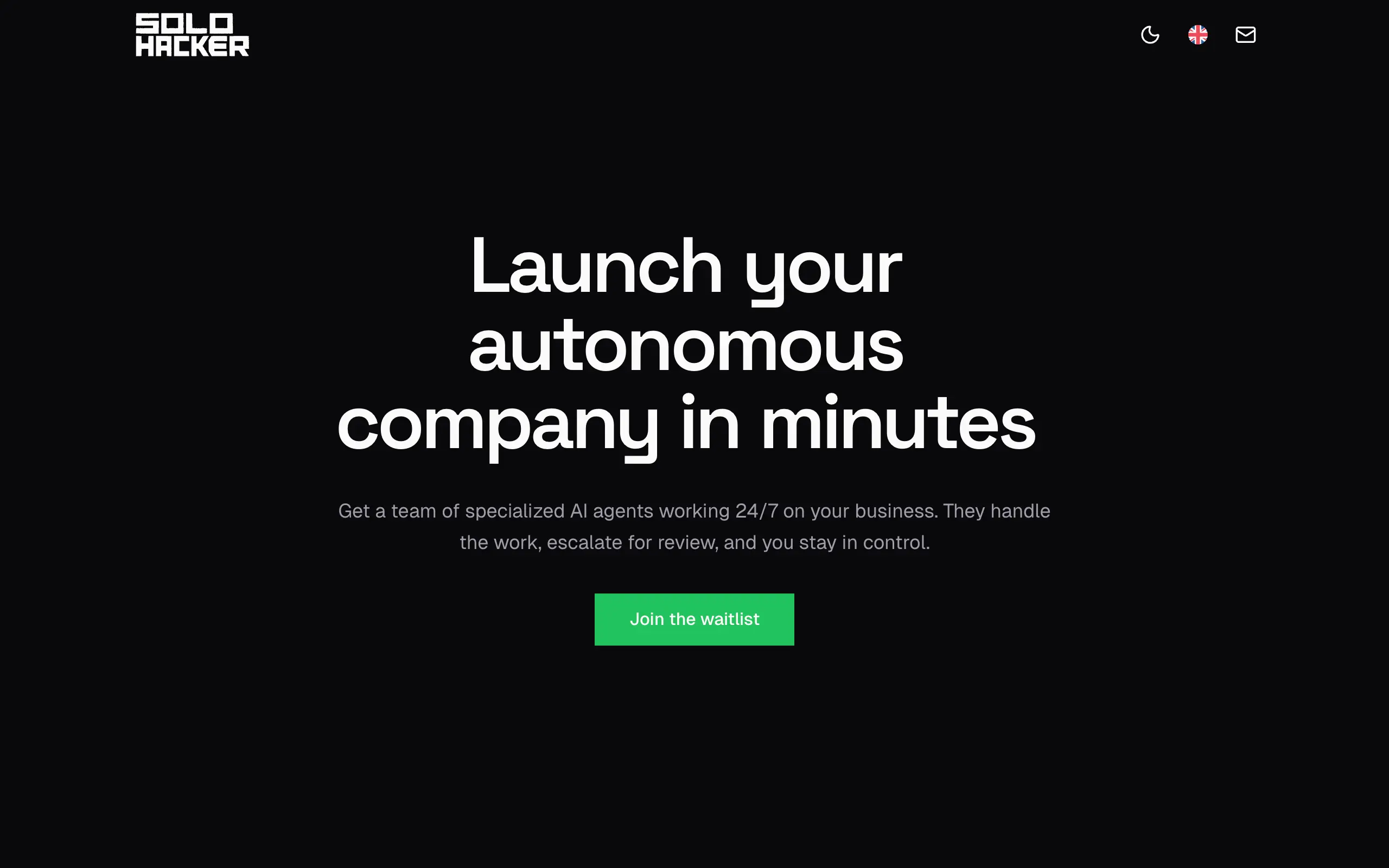
Solohacker
Autonomous company launcher - AI agents work 24/7, escalate what matters, and you stay in control 🤖
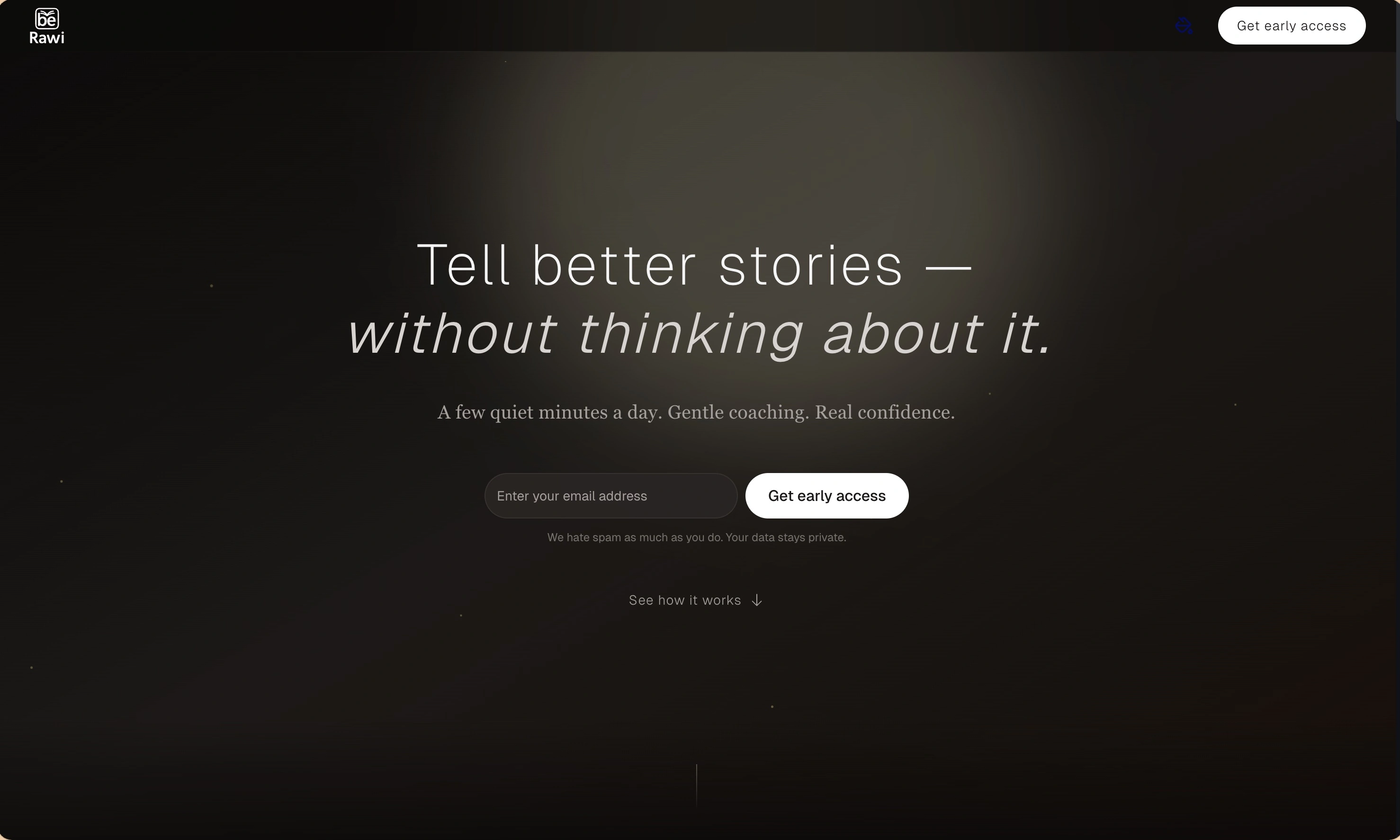
BeRawi: Storytelling Coach
Practice storytelling daily with instant feedback to sound clearer, more engaging, and confident 🎤
Omichat
Chat with 50+ AI models, including ChatGPT and Claude, in one place - switch models anytime without losing context 🤖
Claude Fast
Supercharge your Claude Code with 6x effective context window and specialized AI agents 🤖
EmojAI
AI-powered emoji picker with smart, context-aware suggestions 🤖
Solohacker
Autonomous company launcher - AI agents work 24/7, escalate what matters, and you stay in control 🤖
BeRawi: Storytelling Coach
Practice storytelling daily with instant feedback to sound clearer, more engaging, and confident 🎤
Omichat
Chat with 50+ AI models, including ChatGPT and Claude, in one place - switch models anytime without losing context 🤖
Claude Fast
Supercharge your Claude Code with 6x effective context window and specialized AI agents 🤖
EmojAI
AI-powered emoji picker with smart, context-aware suggestions 🤖
Solohacker
Autonomous company launcher - AI agents work 24/7, escalate what matters, and you stay in control 🤖
BeRawi: Storytelling Coach
Practice storytelling daily with instant feedback to sound clearer, more engaging, and confident 🎤
Omichat
Chat with 50+ AI models, including ChatGPT and Claude, in one place - switch models anytime without losing context 🤖
Claude Fast
Supercharge your Claude Code with 6x effective context window and specialized AI agents 🤖
EmojAI
AI-powered emoji picker with smart, context-aware suggestions 🤖
Solohacker
Autonomous company launcher - AI agents work 24/7, escalate what matters, and you stay in control 🤖
BeRawi: Storytelling Coach
Practice storytelling daily with instant feedback to sound clearer, more engaging, and confident 🎤

Connect with like-minded people
Join our community to get feedback, support, and grow together with 1,000+ builders on board, let's ship it!
Join usShip your startup everywhere. In minutes.
Don't burn tokens on setup and start building features on day one.