MediaShelf
Find footage, clips, and transcripts across a creator’s media library with AI search. Track usage rights and reuse-ready assets alongside each YouTube project.
MediaShelf is an AI-powered media library search platform for YouTube creators. It helps creators find footage, clips, and transcripts across a growing archive, while keeping usage rights and reuse-ready assets connected to each project.
The product opportunity is compelling because many creators already have valuable media libraries but lack a reliable way to search them. Files accumulate across drives, folders, editing projects, and cloud storage. A creator may remember filming a particular moment but not where it lives, what it is called, or whether it is cleared for reuse.
MediaShelf can make that archive searchable and useful. Its strongest positioning is not simply “AI search for videos.” It is a working media operations platform that connects discovery, context, rights, and reuse in one place.
What MediaShelf should solve
A creator’s media library can contain years of footage, interviews, project exports, voiceovers, b-roll, thumbnails, and transcripts. The bigger the archive becomes, the harder it is to answer straightforward questions:
- Which clip shows the product demonstration filmed last spring?
- Where is the interview segment where a guest discusses pricing?
- Is this music track licensed for another YouTube video?
- Which project used this footage, and what was the source?
- Can an editor reuse this clip without asking the creator to locate it?
Traditional file organization depends on folders and filenames. Those methods work when a library is small and consistently maintained. They become less effective when assets arrive from many sources, filenames are generic, and project work moves quickly.
MediaShelf can address this problem by turning media into a searchable, contextualized catalog. A user should be able to search using ordinary language, inspect results quickly, understand where an asset came from, and make an informed decision about reuse.
That combination matters. Search without context may find a clip but leave the creator unsure whether it is the right version. Rights tracking without search may document licensing terms but fail to help anyone find the asset. MediaShelf’s opportunity is to make both functions part of the same workflow.
Target audience and highest-value customers
MediaShelf should begin with a focused audience rather than trying to serve every organization with video files. The clearest initial market is independent YouTube creators and small production teams with enough recurring content to feel the pain of disorganized media.
Primary audience: growing YouTube creators
A solo creator may begin with a camera, a laptop, and a handful of folders. Over time, they collect footage from multiple cameras, record interviews, create recurring formats, and repurpose content across channels. They often do not have a dedicated media manager.
These creators may be an especially strong fit when they:
- Publish consistently and have a substantial back catalog.
- Make educational, documentary, review, interview, or commentary videos.
- Reuse b-roll, intros, explainers, interviews, and product footage.
- Work with a freelance editor or a small production team.
- Store assets across external drives and cloud services.
- Need to track music, stock footage, talent releases, or client permissions.
For this group, the product’s value is practical: spend less time hunting through files and reduce uncertainty about what can be reused.
Secondary audience: creator teams and freelance editors
Editors and producers often manage media on behalf of multiple creators or clients. They need access to footage, project context, and clear handoffs. A searchable library can reduce repeated requests such as “Can you send me that clip from the older video?” or “Which version was approved?”
For teams, MediaShelf should support shared workspaces, roles, project-level organization, and an audit trail. These features turn the product from an individual search tool into a collaboration layer.
Potential expansion audiences
Once the core workflow is proven, MediaShelf could expand to:
- Podcast teams with recorded video and audio archives.
- Small agencies managing content for several clients.
- Documentary and educational production teams.
- In-house marketing teams with recurring video output.
- Course creators maintaining lessons and source footage.
These segments have related needs, but they should not distract from the initial product. Each audience introduces different requirements around permissions, storage, compliance, and integrations. The best expansion path is to earn a strong position with creators first, then adapt the product for adjacent workflows.
Market opportunity and product gap
The broader market includes cloud storage, digital asset management (DAM), video editing, transcription, and AI media tools. These categories overlap, but they often solve different parts of the creator’s problem.
Cloud storage is built to store and sync files. Editing software is built to produce finished content. Transcription tools make spoken words searchable. DAM systems organize company assets, often with capabilities designed for larger teams. MediaShelf can sit between these categories by focusing on finding and reusing creator-owned media.
The gap is not that creators lack storage. It is that storage alone rarely answers questions about meaning, origin, rights, or reuse. A folder named Final_Project_2 cannot explain what is inside. A transcript can find a spoken phrase but may not surface a relevant silent visual. A licensing spreadsheet may contain a track’s terms without connecting those terms to the project that used it.
MediaShelf’s opportunity is to connect these pieces through asset-level context:
- Content: What is shown or said in the clip?
- Location: Where is the original file stored?
- Project: Which video or production does the asset belong to?
- Rights: Who owns it, and what usage is permitted?
- Reuse: Is the asset approved, restricted, expired, or awaiting review?
Market sizing should be validated rather than assumed. Before committing to a large forecast, interview creators and measure how often they search for old media, how much time those searches take, what tools they currently use, and what they would pay to improve the workflow. A credible opportunity assessment can combine creator interviews, landing-page conversion tests, competitor research, and pricing experiments. For any market statistics in a pitch or public article, cite the original research organization, report title, publication date, and methodology rather than repeating an unsourced estimate.
The MediaShelf value proposition
A concise value proposition could be:
Find the right footage in your media library, understand its context and rights, and reuse it with confidence.
This statement is stronger than “search your videos with AI” because it describes the outcome rather than only the technology. AI is an enabling capability, not the product’s entire value.
MediaShelf’s core promise can be expressed through four benefits:
- Find faster: Search video, audio, transcripts, and metadata from one interface.
- Understand more: Preview relevant moments with timestamps and project context.
- Reuse safely: See usage terms and restrictions before adding an asset to a new project.
- Keep work organized: Connect source media, derived clips, and published projects.
The product should avoid promising that AI will always identify the correct clip or determine legal rights. It can surface evidence and reduce manual effort, but users need clear controls and confidence indicators for decisions that carry legal or reputational risk.
Core features for an effective AI media library
1. Flexible media ingestion
Creators should be able to add assets without rebuilding their existing organization. A first version might support direct uploads and selected cloud storage connections, followed by integrations based on customer demand.
For each asset, MediaShelf should preserve useful metadata such as:
- Filename, file type, duration, size, and resolution.
- Upload date and original creation date when available.
- Folder, drive, or source location.
- Project association and creator-defined tags.
- Processing status and any detected errors.
The product should explain what happens during ingestion. Large video files can take time to analyze, and users need to know whether an asset is uploaded, queued, processing, indexed, or ready to search.
2. Search across speech and visual content
The search experience should combine several kinds of signals rather than treating every request as a transcript lookup.
A creator might search for “the clip where I unbox the blue camera” or “the part where the guest explains how they priced the first version.” The first query depends on visual recognition. The second depends on spoken language. Other searches may rely on filenames, tags, dates, or project names.
A useful retrieval system can combine:
- Speech-to-text transcripts with timestamps.
- Text search across filenames, tags, and project notes.
- Semantic search over transcript segments and descriptions.
- Visual descriptions or detected objects, where useful.
- Filters for duration, date, project, source, and rights status.
Search results should show why they matched. For example, a result could include a transcript excerpt, a short visual description, the project name, and a playable timestamp. This helps users evaluate relevance without opening every source file.
3. Fast, useful previews
Search has limited value if the user must download an entire video to verify a result. MediaShelf should provide a preview that opens at the relevant moment, with enough surrounding context to judge whether the clip is usable.
A good result card might display:
- A representative thumbnail.
- The matching timestamp or time range.
- A transcript excerpt or visual summary.
- The source file and project.
- Rights or review status.
- A clear action to save, share, or add to a collection.
Preview generation should be designed with processing cost and playback performance in mind. The product can begin with thumbnails and timestamped playback before investing in sophisticated automated clip extraction.
4. Project and asset relationships
Media assets rarely exist in isolation. A creator may have raw footage, selected excerpts, a published video, a thumbnail, and a license record connected to one project. MediaShelf should let users connect these objects without requiring a complex enterprise DAM setup.
Useful relationships include:
- Source footage linked to a project.
- A published YouTube video linked to the source assets used.
- Music or stock footage linked to its license documentation.
- Derived clips linked to their original files.
- Notes and approvals attached to a project or asset.
This context can become a meaningful differentiator over generic file search. It also helps teams onboard editors and understand how a library has been used over time.
5. Rights and reuse tracking
Rights tracking is one of MediaShelf’s most valuable potential features—and one of the easiest to oversimplify. The product should help users record and review usage information without implying that a software status is a legal guarantee.
For each applicable asset, users may need to store:
- Rights holder or source.
- License type and relevant terms.
- Purchase or approval date.
- Expiration date, if applicable.
- Platforms, territories, or usage limits.
- Release documents or supporting files.
- Internal review notes and approver.
A simple status model can make these details actionable: cleared, restricted, expired, needs review, or unknown. Users should be able to customize statuses and attach evidence.
MediaShelf should distinguish between information entered by a user, information imported from a provider, and information inferred by AI. A clear provenance trail builds trust and reduces the risk that users mistake an automated guess for verified permission.
6. Collaboration and sharing
The first version may focus on a single creator, but collaboration should be considered early in the data model. Shared projects, editor access, and review links can make the product more useful without requiring every collaborator to have full administrative access.
Important collaboration controls include:
- Workspace roles and permissions.
- Read-only or time-limited sharing.
- Project-level access.
- Activity history for edits to rights or metadata.
- Clear ownership when contractors leave a project.
Access controls are especially important when a creator’s library contains unreleased content, client assets, or personal footage.
Recommended MVP scope
A strong minimum viable product should validate the core job: finding relevant assets quickly and understanding whether they can be reused.
A practical MVP could include:
- Account and workspace creation.
- Upload or connection to one initial storage source.
- Video metadata extraction and thumbnail generation.
- Speech transcription with timestamped segments.
- Keyword and semantic search across indexed assets.
- Search results that open a preview at the matching timestamp.
- Basic projects, tags, and notes.
- A manual rights-status field with attached documentation.
- Processing and indexing status visibility.
- A way to export or retrieve original files.
Avoid building a large catalog of integrations before validating the search workflow. Also avoid beginning with a rights automation promise. Manual, transparent rights records are more trustworthy than an opaque AI-generated “safe to use” label.
Features to defer until the core workflow works
Potentially valuable features such as automatic clip editing, advanced face recognition, large-scale team administration, complex approval chains, and multi-platform publishing can wait. They add product and engineering complexity while making it harder to identify whether users value the central search experience.
The MVP should answer three questions:
- Do users connect or import enough media to make the library useful?
- Do they find relevant footage more quickly than with their existing method?
- Do rights and project context influence whether they return to the product?
Recommended technology stack
MediaShelf combines a conventional SaaS application with media processing and search infrastructure. The system should be designed to process files asynchronously because video analysis can take significantly longer than ordinary web requests.
Web application
A modern application can use Next.js with React for the product interface. A component system styled with Tailwind CSS can help a small team build and refine search results, asset details, and project views quickly.
The trade-off is that a framework does not solve the harder product challenges: large-file handling, background jobs, search relevance, and media processing. Keep the interface responsive, but do not make long-running analysis depend on a user keeping a browser tab open.
Database and search
PostgreSQL is a strong starting point for users, workspaces, projects, asset metadata, rights records, and audit events. Its structured data model can keep relationships clear as the product grows.
For semantic retrieval, pgvector can support vector similarity search alongside relational data. This may simplify an early architecture, but a dedicated search service could become appropriate if scale, ranking requirements, or filtering complexity outgrow the initial setup.
A useful first search design combines exact text matching, metadata filters, and semantic similarity. Do not assume embeddings alone will produce a good search experience. Measure relevance using real creator queries and let users report when results miss the mark.
Object storage and media processing
Store original files and generated derivatives in object storage. Amazon S3 is a well-established option, while Cloudflare R2 may be worth evaluating based on the product’s delivery patterns and cost model. Compare storage, egress, lifecycle policies, regional needs, and operational complexity before choosing.
Use a background-job system for transcription, thumbnail creation, metadata extraction, and indexing. A typical pipeline could be:
- Record the upload and storage location.
- Validate the file and extract basic metadata.
- Generate thumbnails or preview assets.
- Transcribe speech and store timestamped segments.
- Create searchable text and semantic representations.
- Mark the asset as indexed and notify the user.
Tools such as FFmpeg can support media inspection and transformation. The trade-off is operational: video processing requires careful resource management, retries, file validation, and protection against malformed or unexpectedly large uploads.
AI and transcription services
MediaShelf can begin with a managed transcription or multimodal AI provider to reduce the time required to launch. This lets the team test whether users value the results before investing in model hosting or specialized infrastructure.
Provider selection should consider:
- Accuracy across accents, audio quality, and languages.
- Timestamp quality and speaker handling.
- Data retention and training policies.
- Regional processing requirements.
- Cost per minute and predictable billing.
- Ability to delete data and reprocess assets.
- Latency and rate limits.
Keep the AI layer replaceable. Store model and processing metadata alongside results so the team can compare providers, re-index assets, and explain how a result was produced.
Authentication, payments, and operations
Use a proven authentication approach with secure sessions, account recovery, and workspace membership. For billing, Stripe offers subscription and payment infrastructure, but the product should not introduce paid plans until it understands the cost of storage and processing.
Operational essentials include error monitoring, job retry policies, backups, audit logging, encryption in transit and at rest, and clear deletion workflows. MediaShelf should treat customers’ footage as sensitive data even when the content is intended for public distribution.
Monetization options for MediaShelf
Pricing should reflect both the value delivered and the costs incurred. Storage and AI processing are usage-sensitive, so an unlimited plan can become unprofitable if it attracts heavy users without appropriate limits.
Tiered subscriptions
A tiered subscription is likely the simplest starting model:
- Starter: A limited library size and core search features.
- Creator: More indexed media, longer history, and rights tracking.
- Team: Shared workspaces, roles, and collaboration controls.
- Studio: Higher usage allowances, priority support, and administrative features.
Define limits in terms customers understand. “Indexed hours,” “active projects,” and “workspace members” may be clearer than internal measures such as vector count or processing units.
Usage-based processing
A usage component can align pricing with transcription and analysis costs. For example, a plan may include a monthly allowance of processed media, with additional usage billed transparently. The product should show the estimated cost before a large batch is processed.
Storage-aware plans
If MediaShelf hosts original files, pricing can reflect storage volume and bandwidth. Alternatively, a connector-first model can index files stored elsewhere and charge primarily for search and processing. The second approach may lower storage costs but introduces dependency on external storage permissions and availability.
Team and agency plans
Agencies and production teams may pay more for multiple workspaces, client separation, permission controls, and audit history. This segment can offer higher contract value, but it also requires stronger support and clearer administration.
A sound pricing test should compare willingness to pay with actual product usage. Interview customers about the cost of their current workflow, then test plan packaging with real purchase decisions rather than relying only on survey responses.
Competitive advantage and positioning
MediaShelf will compete indirectly with several types of products rather than only one named rival. The strategic question is what users can do more easily with MediaShelf than with a combination of folders, transcripts, spreadsheets, and editing software.
| Capability | Cloud storage | Transcription tools | Enterprise DAM | MediaShelf opportunity |
|---|---|---|---|---|
| Store and sync files | Strong | Limited | Often strong | Connect or complement |
| Search spoken content | Usually limited | Strong | Varies | Search with timestamps |
| Find visual moments | Limited | Limited | Varies | Combine visual and text signals |
| Track project context | Folder-dependent | Limited | Often available | Make creator workflows simple |
| Track usage rights | Usually manual | Rarely central | Often available | Keep rights beside each asset |
| Designed for creators | General-purpose | Sometimes | Often enterprise-oriented | Focus on creator needs |
The table is a positioning framework, not a claim that every product in a category behaves the same way. Competitor capabilities change, so validate comparisons through current product research and user interviews.
The strongest potential USP
MediaShelf’s potential unique selling proposition is creator-first media search with rights-aware reuse. The key is to deliver both parts well:
- Search that works across speech, visuals, metadata, and project context.
- Reuse information that is visible at the moment an asset is selected.
That combination can create durable value because the product becomes more useful as the library accumulates metadata and project relationships. However, data accumulation alone is not a moat. Users must be able to export their information and retain control over their original files. Trust and portability can become advantages rather than obstacles.
Risks and how to mitigate them
Search results may feel inaccurate
If users search naturally and receive irrelevant results, they may stop trusting the product. Search quality depends on transcription quality, visual understanding, metadata, ranking, and the way results are presented.
Mitigation: Start with a narrow set of common search tasks. Build an evaluation set from real queries, measure whether relevant clips appear near the top, and make it easy to refine searches with filters. Show matching evidence rather than presenting an unexplained score.
Processing costs can grow quickly
Video analysis can be more expensive than ordinary text indexing. A library import may trigger substantial compute and storage costs before a customer has demonstrated willingness to pay.
Mitigation: Use transparent usage allowances, asynchronous processing, deduplication, configurable indexing, and cost monitoring. Consider allowing users to prioritize selected folders or projects instead of analyzing everything immediately.
Rights information can be misunderstood
A green “cleared” label could be interpreted as a legal guarantee, even if the status was entered by a user or inferred from incomplete data.
Mitigation: Track the source of each rights record, display uncertainty, retain documentation, and use language such as “recorded as approved” rather than “legally safe.” Give users control over review policies and encourage them to consult qualified legal professionals for legal determinations.
Creators may resist switching workflows
Users already have habits built around folders, drives, and editors. A new tool that requires a full migration may seem like extra work.
Mitigation: Make the first experience useful without demanding reorganization. Support existing storage locations, preserve original filenames, and demonstrate value with a small sample library before asking users to index everything.
Privacy and security failures could be severe
Media libraries can include unpublished videos, client work, personal information, and licensed material. A breach or unclear data policy could damage trust.
Mitigation: Use least-privilege access, secure storage, clear retention settings, documented deletion behavior, and careful vendor review. Explain whether third-party AI providers process customer data and what controls apply. Never imply that uploaded content is private without describing the actual safeguards.
Integrations can consume the roadmap
Every cloud drive, editing application, and publishing platform adds maintenance and support work. Integrations may also change their APIs or authorization policies.
Mitigation: Prioritize based on observed customer demand and the number of workflows unlocked. Build a reliable ingestion and export foundation before expanding the integration catalog.
Go-to-market strategy
MediaShelf should find early users in communities where creators already discuss production workflows, editing bottlenecks, and asset organization. The goal is not broad awareness first; it is to learn which users experience the problem often enough to adopt a dedicated product.
A focused launch plan could include:
- Recruiting a small group of creators with large, active libraries.
- Offering guided onboarding and observing their first real searches.
- Publishing practical guides about managing creator footage, searchable video archives, and content reuse.
- Partnering with freelance editors and creator operations consultants.
- Demonstrating real workflows with permission from participating creators.
- Encouraging referrals between creators and their editors.
Content marketing can target search intent around phrases such as “search video files by transcript,” “organize YouTube footage,” “find clips in a video library,” and “track video usage rights.” Useful content should answer these questions directly and show realistic workflows rather than repeating generic AI claims.
For market or industry claims in public materials, cite a primary report or research organization and include the report name, date, and relevant methodology. Avoid using a statistic simply because it appears in a secondary marketing article.
Metrics to validate product-market fit
MediaShelf should measure whether it improves the actual media discovery workflow, not only whether users upload files.
Useful early metrics include:
- Time from query to a relevant preview.
- Search success rate based on user feedback or selected results.
- Percentage of indexed assets that receive meaningful searches.
- Weekly active creators and returning searchers.
- Number of assets reused across projects.
- Rights records completed for reusable assets.
- Processing cost per indexed hour.
- Conversion from trial to paid plan.
- Retention by creator library size and publishing frequency.
A high upload count can be misleading if users do not return to search. Likewise, a high search count may not indicate value if results fail to produce useful clips. Pair product analytics with customer interviews and direct observation.
Actionable implementation steps
1. Interview creators before building
Talk with creators, editors, and small production teams who manage recurring video projects. Ask them to show how they currently find old footage, track licenses, and hand assets to collaborators. Focus on recent examples rather than hypothetical interest.
2. Define one high-value search workflow
Choose a concrete job, such as finding a timestamped spoken moment across a creator’s back catalog. Write down what counts as a successful result, how users currently solve the task, and which information they need before reusing the clip.
3. Build a narrow ingestion and indexing pipeline
Support one dependable way to bring in media. Extract metadata, generate previews, transcribe speech, and expose clear processing status. Add semantic search only alongside useful keyword and metadata search.
4. Test relevance with real libraries
Use permissioned customer data and real creator queries to evaluate search quality. Record failed searches, missing metadata, confusing results, and processing errors. Improve ranking before adding a large number of secondary features.
5. Add rights context as structured, reviewable data
Let users attach rights documentation and record status, source, and expiration details. Make uncertainty visible, and avoid presenting automated judgments as legal conclusions.
6. Validate pricing against product costs
Estimate storage, transcription, media processing, and support costs per customer. Test subscription tiers and usage allowances with prospective buyers. Make limits understandable and notify users before they incur unexpected charges.
7. Expand through evidence
Add connectors, team controls, and additional media types only when customer behavior shows that they unlock adoption or retention. Keep export, deletion, and data portability in the roadmap from the beginning.
How to build the first version efficiently
A small team can reduce setup time by starting with a proven SaaS foundation instead of building every account, billing, and workspace primitive from scratch. TurboStarter can help accelerate the application foundation, leaving more time for the product-specific challenges: media ingestion, search relevance, rights context, and processing economics.
The important architectural decision is to keep MediaShelf’s differentiating workflows modular. Authentication, billing, and workspace management are foundational capabilities. The indexing pipeline, search ranking, asset relationships, and rights model are where the product should invest its distinctive effort.
The long-term potential of MediaShelf
MediaShelf can become more than a searchable folder if it helps creators understand the history and future use of their media. An asset that once lived in an old project can become a discoverable building block for a new video, provided the creator can verify its source and permissions.
The product should earn that role through reliability. Search results need to be explainable. Rights records need clear provenance. Processing needs to be predictable. Users need control over their files and data.
The strongest path is therefore focused: start with creators who repeatedly lose time finding footage, deliver dependable search across their existing libraries, and connect each result to the context required for safe reuse. If MediaShelf can make that workflow noticeably faster without asking users to reorganize everything, it has a credible opportunity to become an essential part of the creator production stack.
MediaShelf is a proposed AI-powered media library platform for creators. It helps users search footage, clips, and transcripts while keeping project context and usage-rights information close to each asset.
Its best initial audience is YouTube creators and small production teams with growing media archives, recurring publishing schedules, and a need to reuse footage or collaborate with editors.
A focused MVP should support media ingestion, metadata extraction, timestamped transcription, search, preview playback, basic project organization, and manually maintained rights records. Advanced editing and complex enterprise controls can follow after the central workflow is validated.
More 💡 Other SaaS ideas
Discover more innovative other SaaS ideas that are trending in 2026. Each idea is AI-generated with market validation and growth potential to help you find your next profitable venture faster than competitors.
Your competitors are building with TurboStarter
Below are some of the SaaS ideas that have been generated and built with our starter kit.
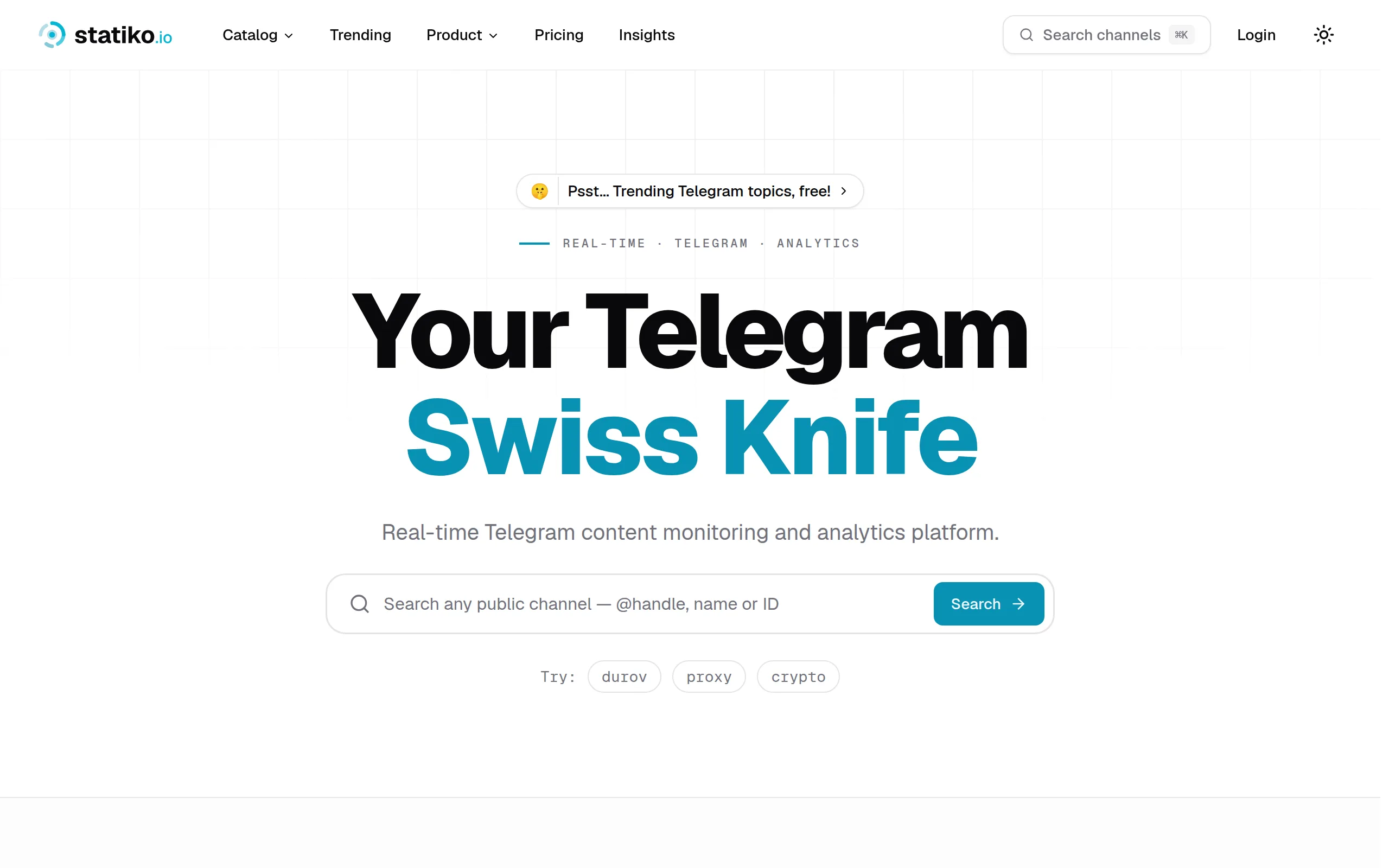
Statiko
Monitor any Telegram channel in real time - track posts, edits, deletions, and growth with AI recaps 📡

Shibui
AI website builder - describe your business, pick a niche template, edit by chatting, and publish instantly ✨

Pro Service
Find verified home service professionals, compare quotes, and pay securely through escrow - built for Brazilians across the US 🏠
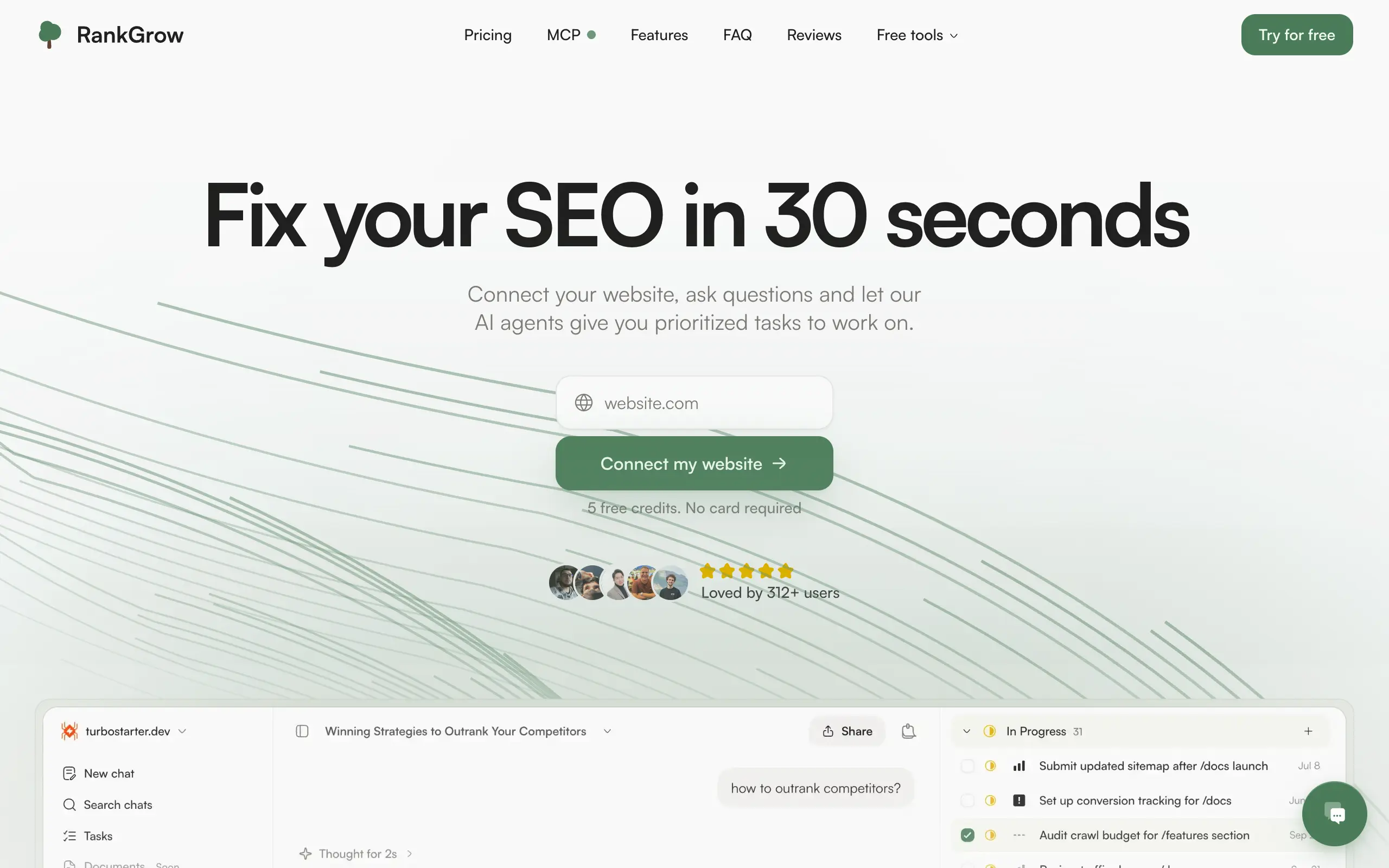
RankGrow
Fix your SEO with AI agents - connect Search Console, get prioritized tasks, and grow organic traffic 📈
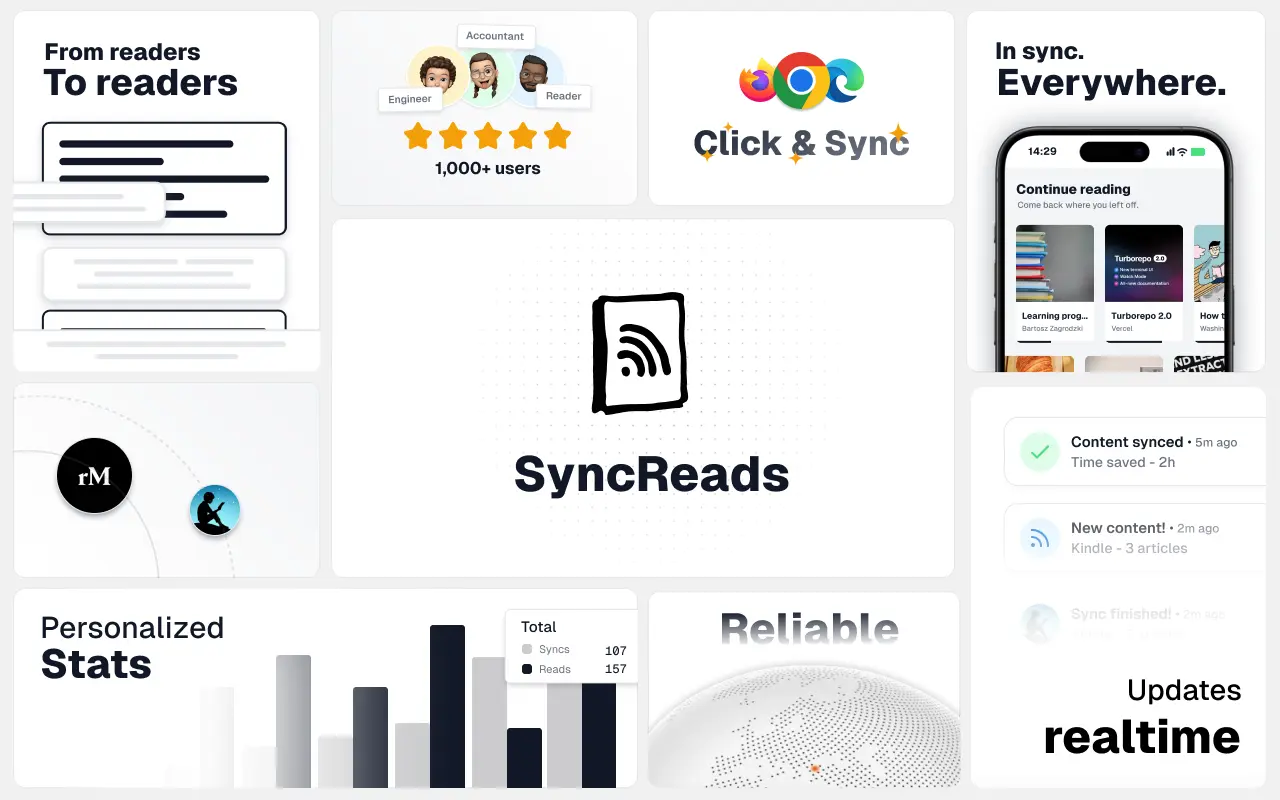
SyncReads
Sync your favorite content for distraction-free reading, save time and replace multiple apps. Anytime, anywhere 🔄
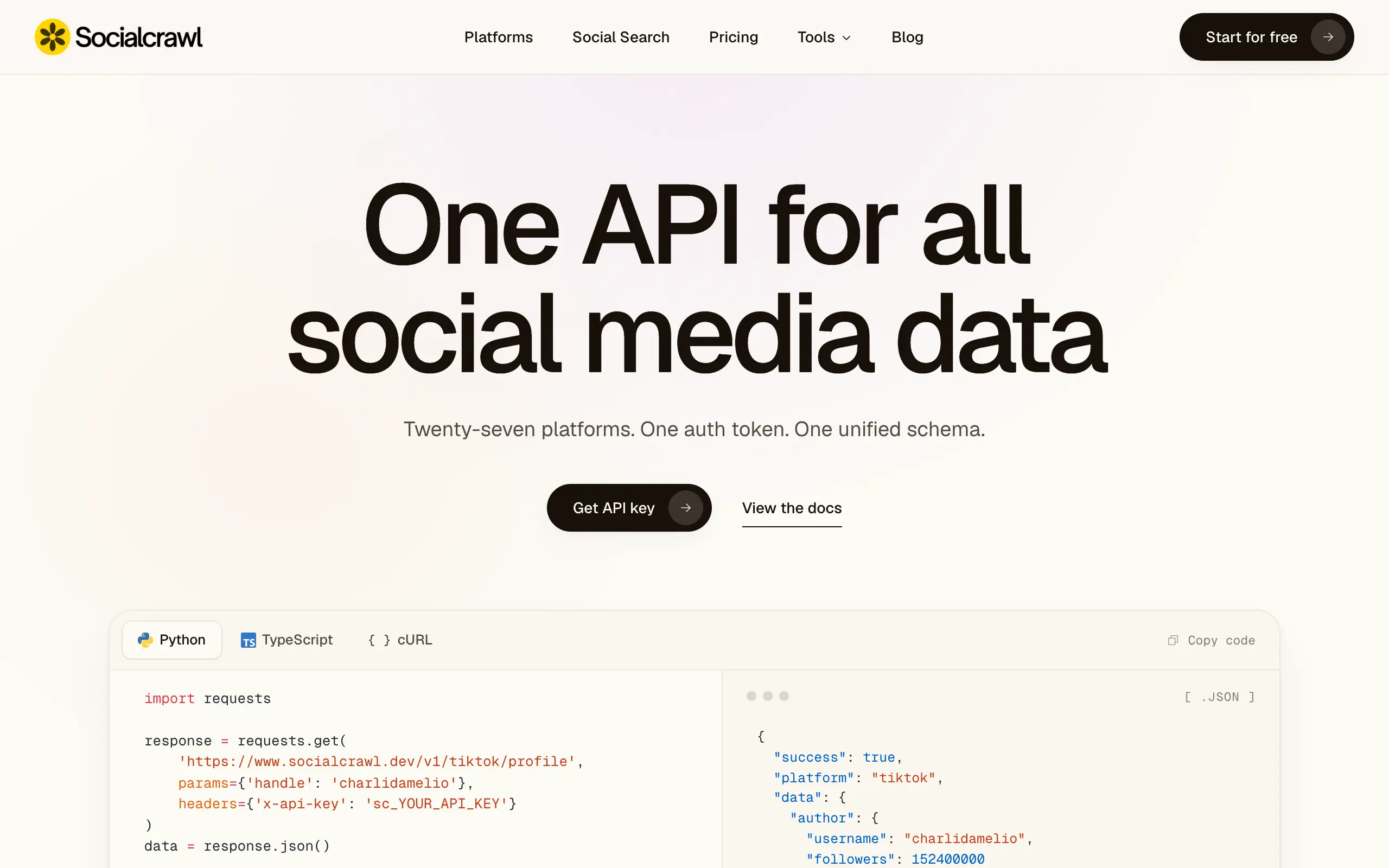
Socialcrawl
Get clean, structured data from 21 platforms like TikTok, Instagram, and YouTube with a single request 📊
Statiko
Monitor any Telegram channel in real time - track posts, edits, deletions, and growth with AI recaps 📡
Shibui
AI website builder - describe your business, pick a niche template, edit by chatting, and publish instantly ✨
Pro Service
Find verified home service professionals, compare quotes, and pay securely through escrow - built for Brazilians across the US 🏠
RankGrow
Fix your SEO with AI agents - connect Search Console, get prioritized tasks, and grow organic traffic 📈
SyncReads
Sync your favorite content for distraction-free reading, save time and replace multiple apps. Anytime, anywhere 🔄
Socialcrawl
Get clean, structured data from 21 platforms like TikTok, Instagram, and YouTube with a single request 📊
Statiko
Monitor any Telegram channel in real time - track posts, edits, deletions, and growth with AI recaps 📡
Shibui
AI website builder - describe your business, pick a niche template, edit by chatting, and publish instantly ✨
Pro Service
Find verified home service professionals, compare quotes, and pay securely through escrow - built for Brazilians across the US 🏠
RankGrow
Fix your SEO with AI agents - connect Search Console, get prioritized tasks, and grow organic traffic 📈
SyncReads
Sync your favorite content for distraction-free reading, save time and replace multiple apps. Anytime, anywhere 🔄
Socialcrawl
Get clean, structured data from 21 platforms like TikTok, Instagram, and YouTube with a single request 📊
Statiko
Monitor any Telegram channel in real time - track posts, edits, deletions, and growth with AI recaps 📡
Shibui
AI website builder - describe your business, pick a niche template, edit by chatting, and publish instantly ✨
Pro Service
Find verified home service professionals, compare quotes, and pay securely through escrow - built for Brazilians across the US 🏠
RankGrow
Fix your SEO with AI agents - connect Search Console, get prioritized tasks, and grow organic traffic 📈
SyncReads
Sync your favorite content for distraction-free reading, save time and replace multiple apps. Anytime, anywhere 🔄
Socialcrawl
Get clean, structured data from 21 platforms like TikTok, Instagram, and YouTube with a single request 📊
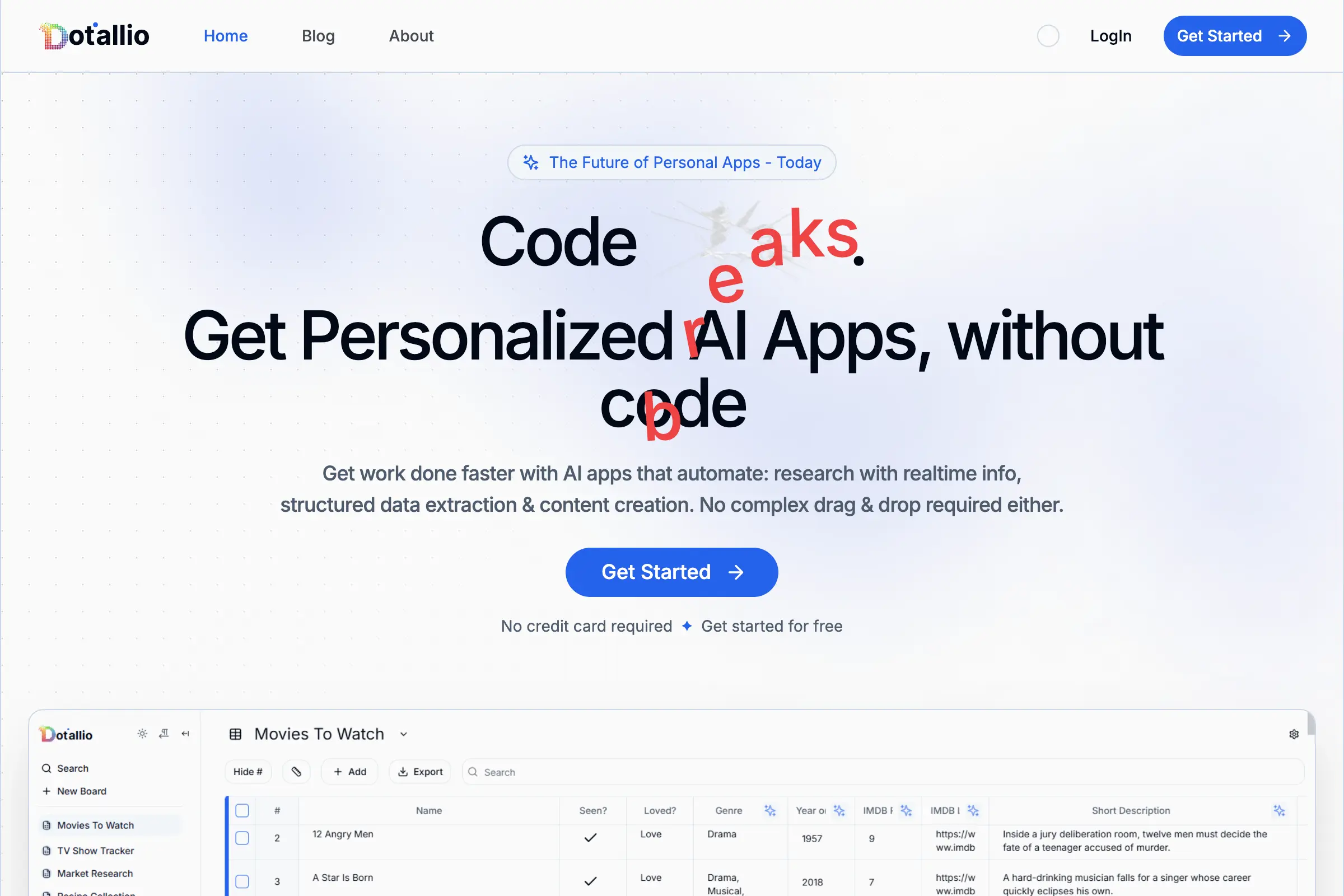
Dotallio
Personalized AI apps that automate research, data extraction, and content creation without code 🤖
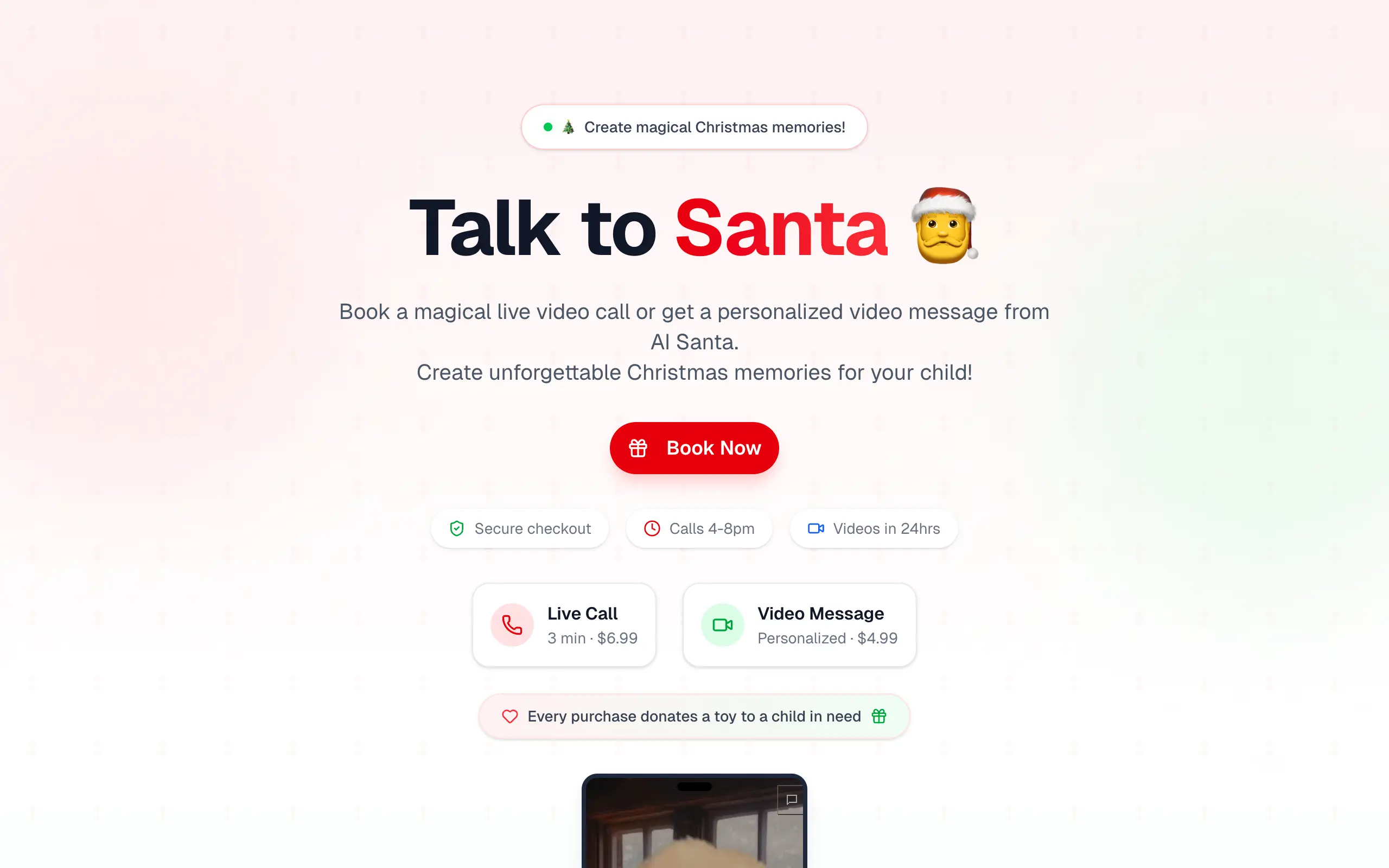
Talk to Santa
Enjoy a magical live video chat or receive a unique AI-generated video greeting from Santa Claus 🎅
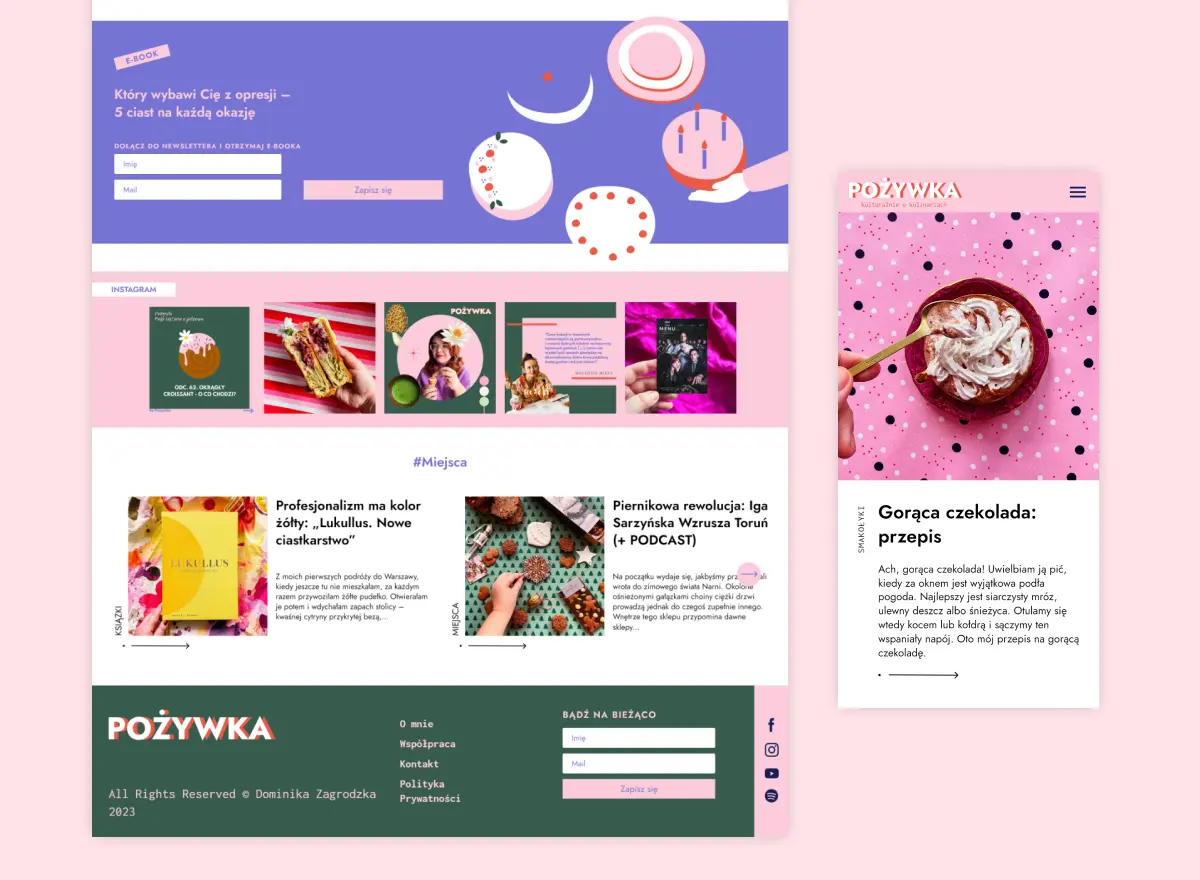
pozywka.pl
Scalable blog for food journalist, focused on performance and user experience 🌭
zagrodzki.me
Personal blog and portfolio of Bart Zagrodzki, where he shares his knowledge and work 💼
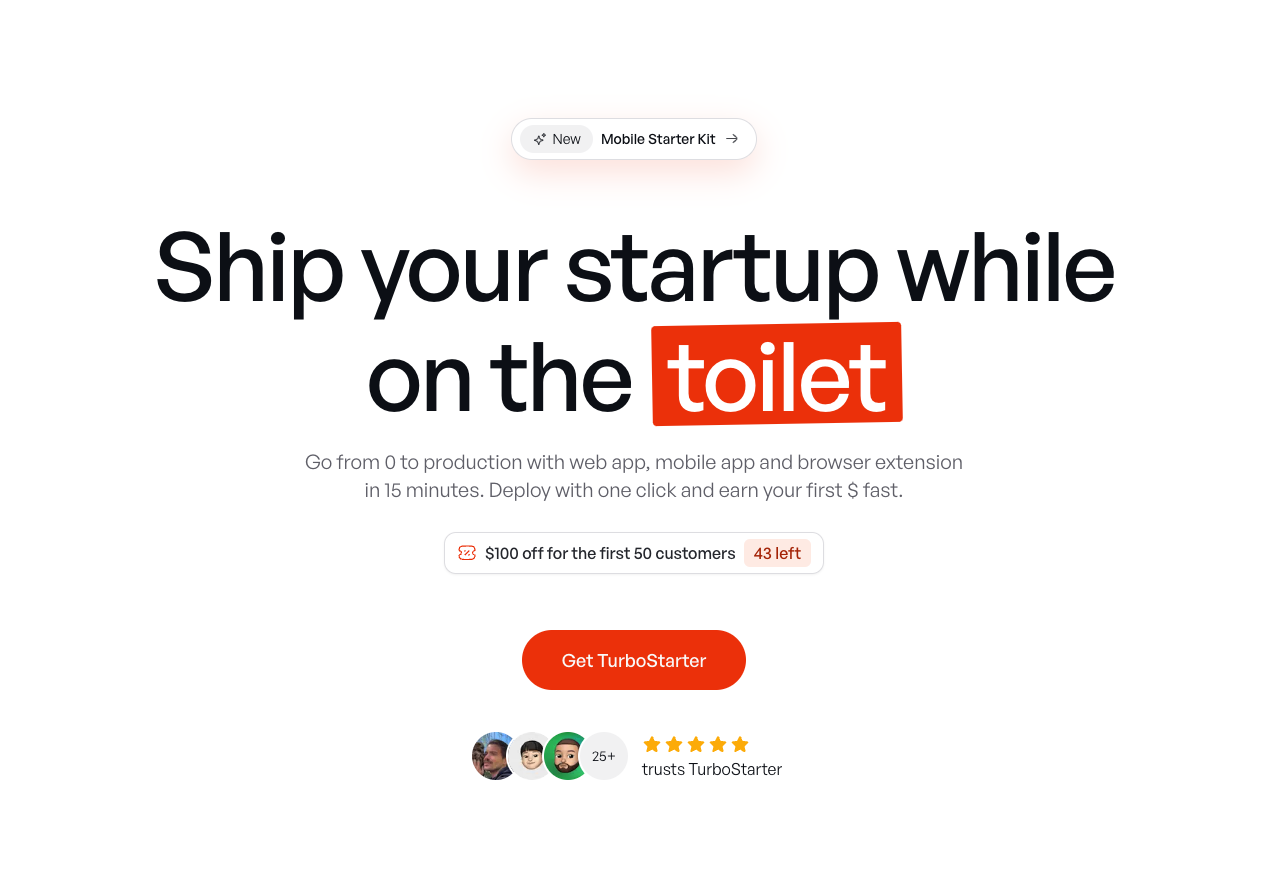
TurboStarter
Ship your startup everywhere. In minutes.
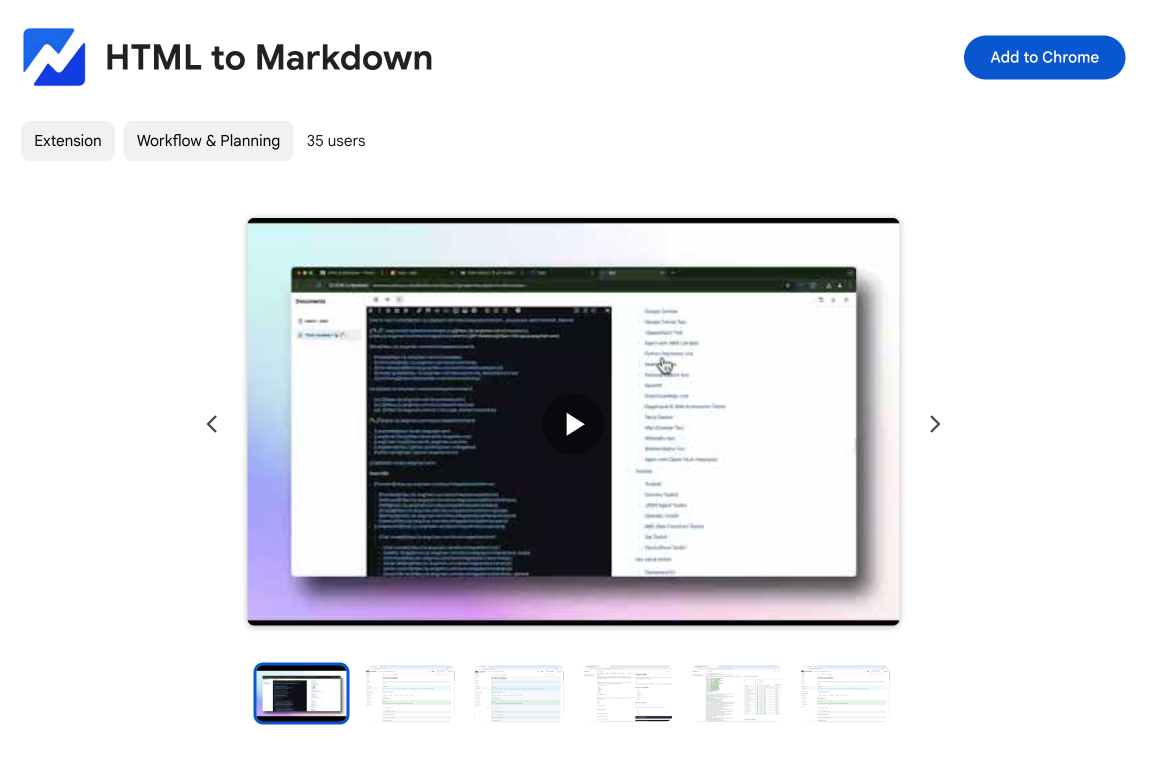
HTML to Markdown
Convert HTML to Markdown with ease, directly in your browser 📄
Dotallio
Personalized AI apps that automate research, data extraction, and content creation without code 🤖
Talk to Santa
Enjoy a magical live video chat or receive a unique AI-generated video greeting from Santa Claus 🎅
pozywka.pl
Scalable blog for food journalist, focused on performance and user experience 🌭
zagrodzki.me
Personal blog and portfolio of Bart Zagrodzki, where he shares his knowledge and work 💼
TurboStarter
Ship your startup everywhere. In minutes.
HTML to Markdown
Convert HTML to Markdown with ease, directly in your browser 📄
Dotallio
Personalized AI apps that automate research, data extraction, and content creation without code 🤖
Talk to Santa
Enjoy a magical live video chat or receive a unique AI-generated video greeting from Santa Claus 🎅
pozywka.pl
Scalable blog for food journalist, focused on performance and user experience 🌭
zagrodzki.me
Personal blog and portfolio of Bart Zagrodzki, where he shares his knowledge and work 💼
TurboStarter
Ship your startup everywhere. In minutes.
HTML to Markdown
Convert HTML to Markdown with ease, directly in your browser 📄
Dotallio
Personalized AI apps that automate research, data extraction, and content creation without code 🤖
Talk to Santa
Enjoy a magical live video chat or receive a unique AI-generated video greeting from Santa Claus 🎅
pozywka.pl
Scalable blog for food journalist, focused on performance and user experience 🌭
zagrodzki.me
Personal blog and portfolio of Bart Zagrodzki, where he shares his knowledge and work 💼
TurboStarter
Ship your startup everywhere. In minutes.
HTML to Markdown
Convert HTML to Markdown with ease, directly in your browser 📄
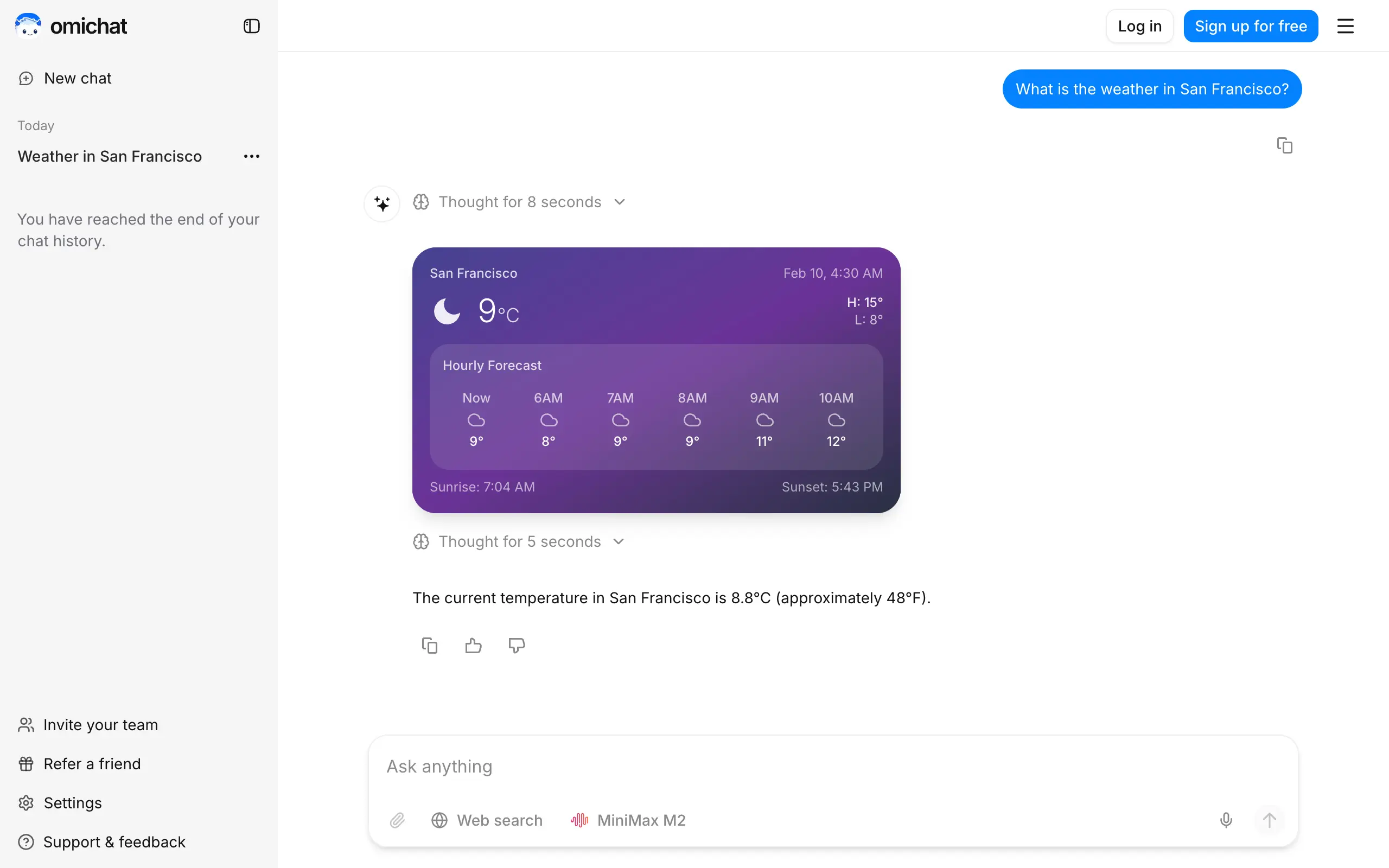
Omichat
Chat with 50+ AI models, including ChatGPT and Claude, in one place - switch models anytime without losing context 🤖
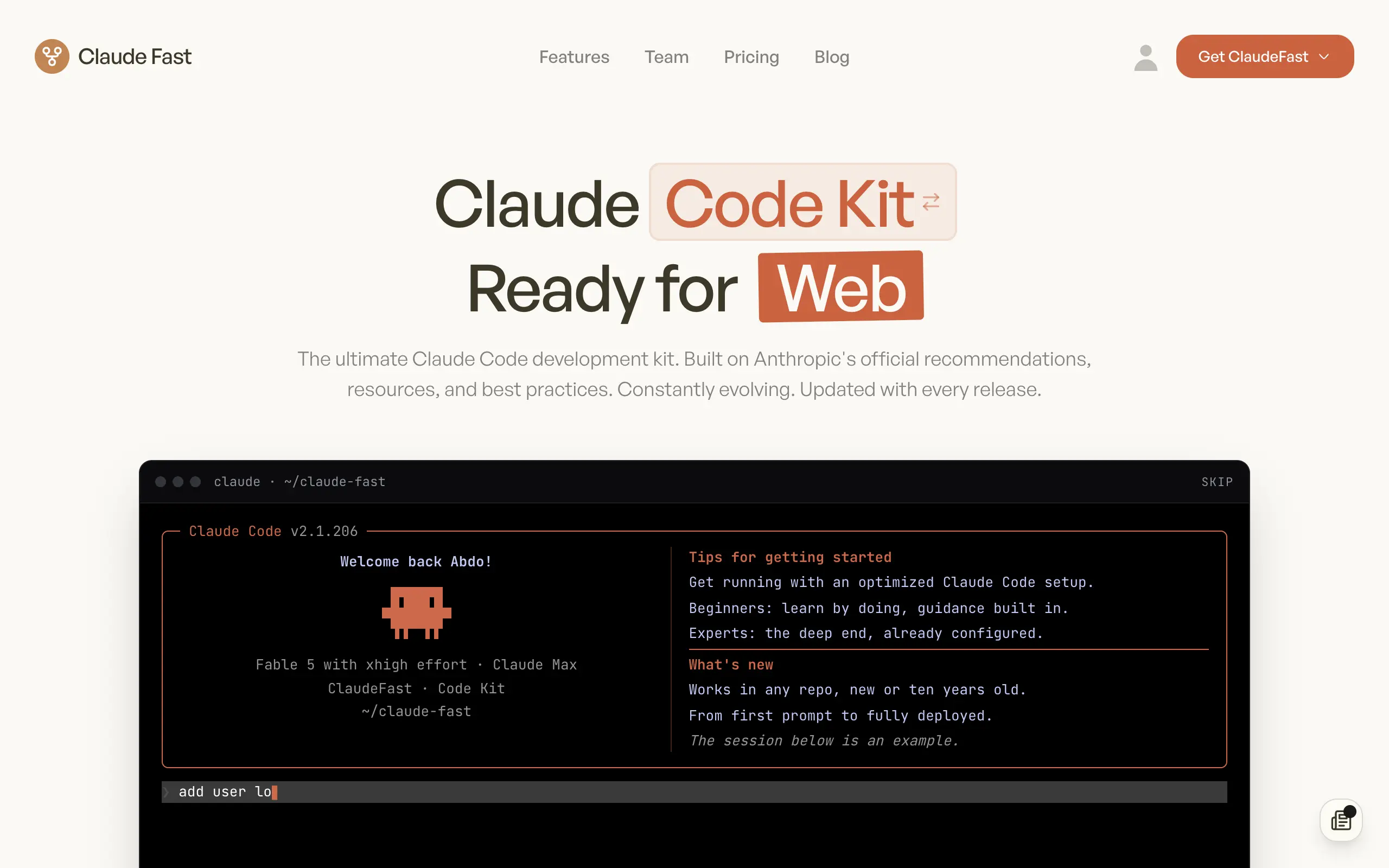
Claude Fast
Supercharge your Claude Code with 6x effective context window and specialized AI agents 🤖
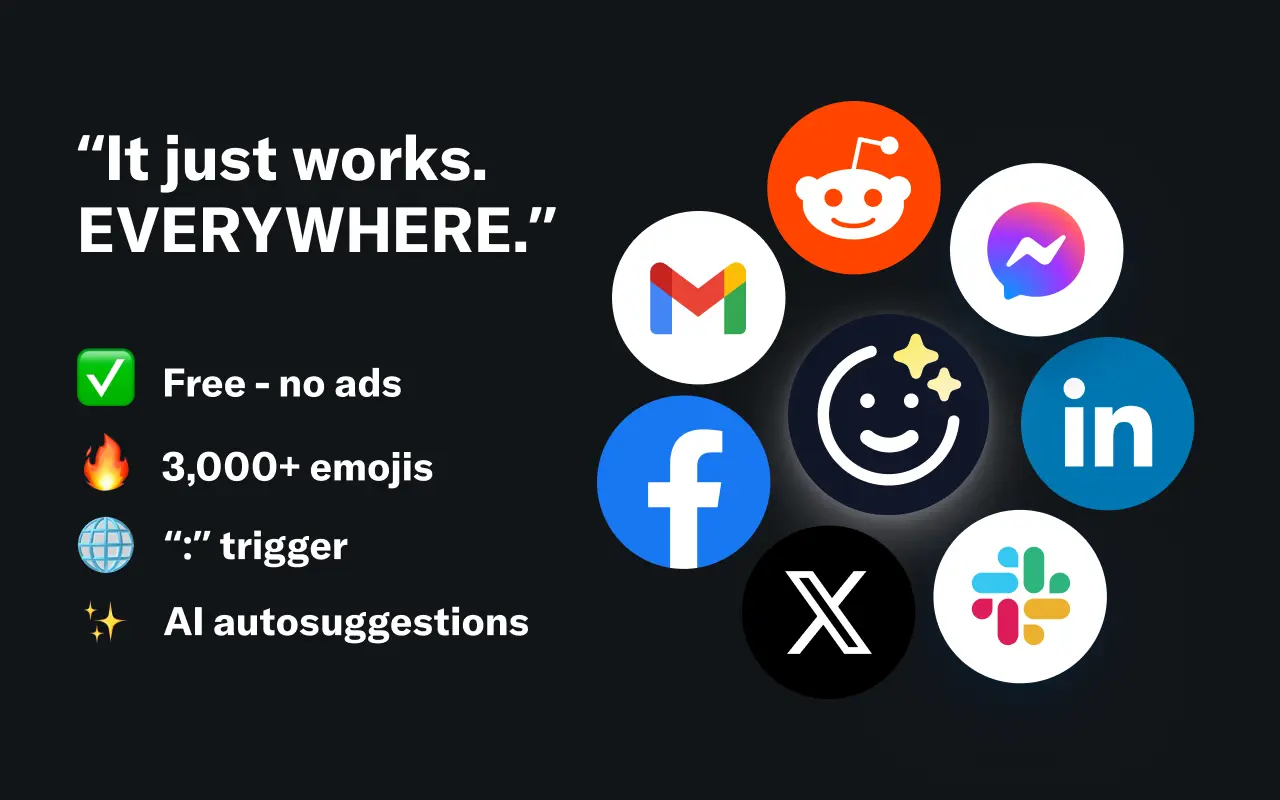
EmojAI
AI-powered emoji picker with smart, context-aware suggestions 🤖
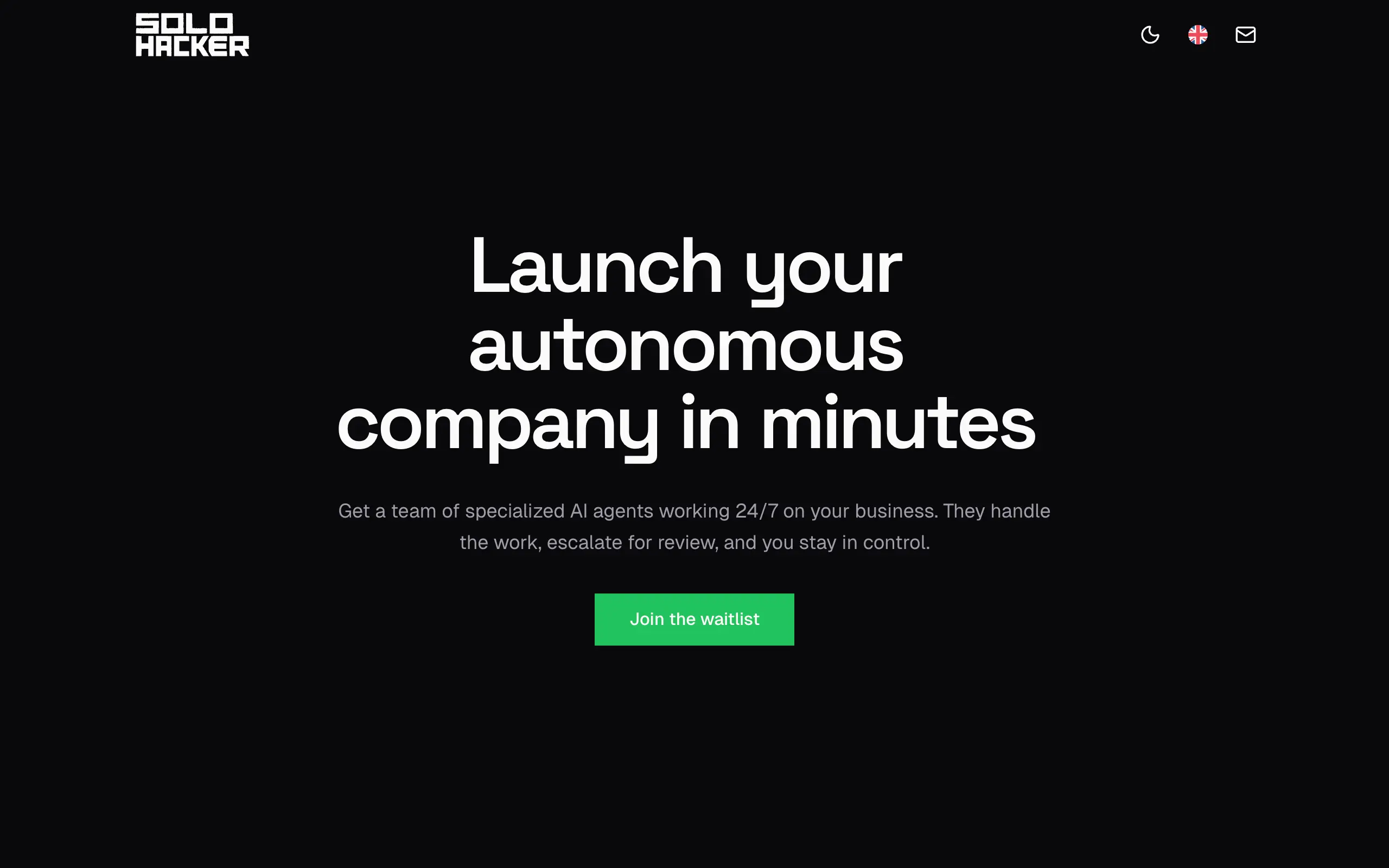
Solohacker
Autonomous company launcher - AI agents work 24/7, escalate what matters, and you stay in control 🤖
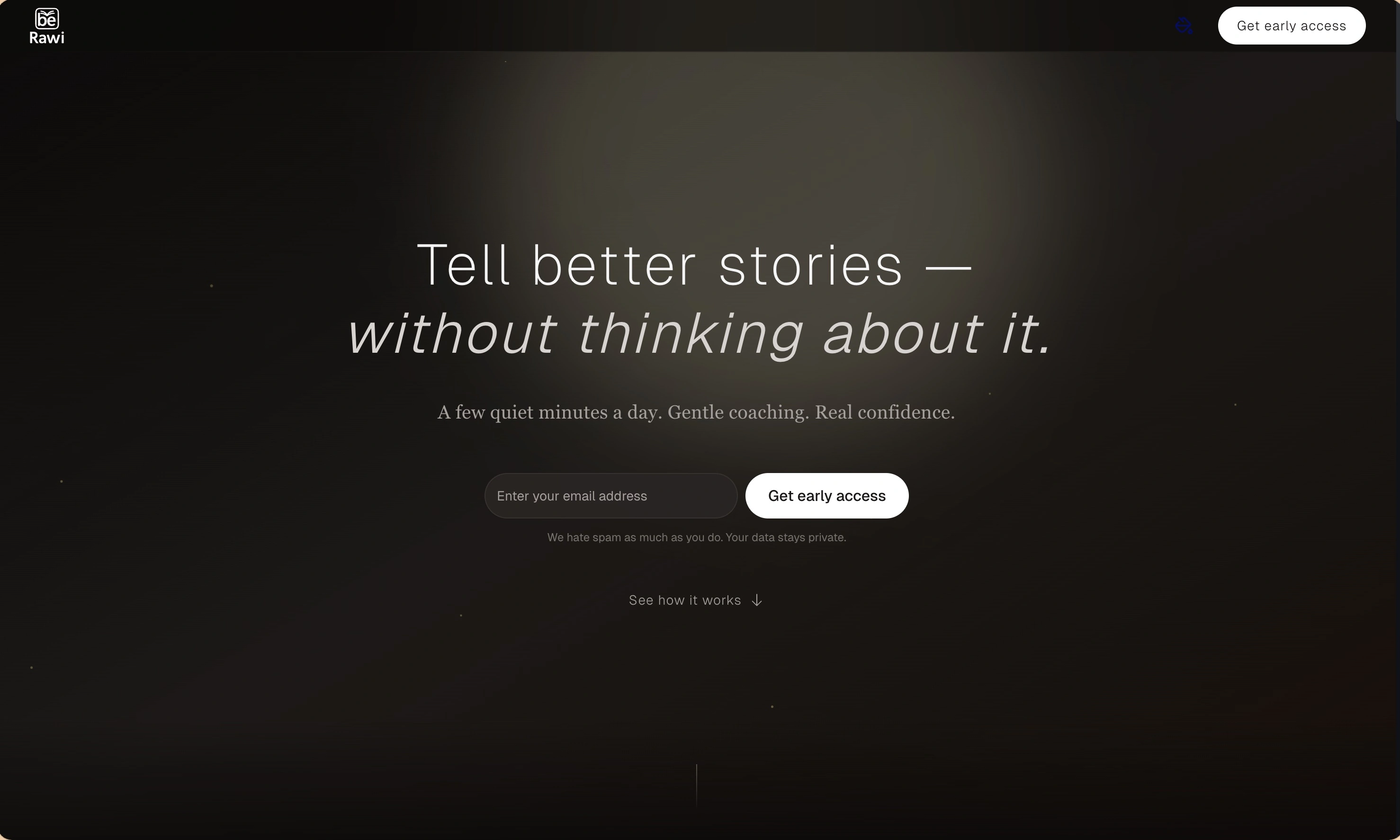
BeRawi: Storytelling Coach
Practice storytelling daily with instant feedback to sound clearer, more engaging, and confident 🎤
Omichat
Chat with 50+ AI models, including ChatGPT and Claude, in one place - switch models anytime without losing context 🤖
Claude Fast
Supercharge your Claude Code with 6x effective context window and specialized AI agents 🤖
EmojAI
AI-powered emoji picker with smart, context-aware suggestions 🤖
Solohacker
Autonomous company launcher - AI agents work 24/7, escalate what matters, and you stay in control 🤖
BeRawi: Storytelling Coach
Practice storytelling daily with instant feedback to sound clearer, more engaging, and confident 🎤
Omichat
Chat with 50+ AI models, including ChatGPT and Claude, in one place - switch models anytime without losing context 🤖
Claude Fast
Supercharge your Claude Code with 6x effective context window and specialized AI agents 🤖
EmojAI
AI-powered emoji picker with smart, context-aware suggestions 🤖
Solohacker
Autonomous company launcher - AI agents work 24/7, escalate what matters, and you stay in control 🤖
BeRawi: Storytelling Coach
Practice storytelling daily with instant feedback to sound clearer, more engaging, and confident 🎤
Omichat
Chat with 50+ AI models, including ChatGPT and Claude, in one place - switch models anytime without losing context 🤖
Claude Fast
Supercharge your Claude Code with 6x effective context window and specialized AI agents 🤖
EmojAI
AI-powered emoji picker with smart, context-aware suggestions 🤖
Solohacker
Autonomous company launcher - AI agents work 24/7, escalate what matters, and you stay in control 🤖
BeRawi: Storytelling Coach
Practice storytelling daily with instant feedback to sound clearer, more engaging, and confident 🎤

Connect with like-minded people
Join our community to get feedback, support, and grow together with 1,000+ builders on board, let's ship it!
Join usShip your startup everywhere. In minutes.
Don't burn tokens on setup and start building features on day one.