PosterPilot
Create polished event posters from a brief, then resize them for every social platform. Student clubs and small creators can publish faster with Canva-ready designs.
Student clubs and independent creators often need a polished event poster by the end of the day—not a long design process, a complicated template library, or a file that looks wrong once it is posted to social media. PosterPilot is a SaaS concept built around that specific job: turn an event brief into a professional poster, then adapt the design for the platforms where people will see it.
The idea sits between a general-purpose design editor and a hands-off AI image generator. Its potential advantage is a focused workflow: capture the important event details, create a usable design, and prepare the right set of social assets without rebuilding the poster from scratch.
For people searching for an event poster maker, a social media poster generator, or an easier way to create event graphics, PosterPilot could offer a practical solution. For founders, the opportunity is to build a product that saves time while preserving the control and editability that clubs and small creators need.
What PosterPilot is and the problem it solves
PosterPilot is an event poster creation and resizing tool for student clubs and small creators. A user provides a brief—such as an event name, date, venue, audience, and desired style—and receives a polished poster concept that can be adapted for different social platforms.
The product is not simply “AI that makes a poster.” Its value depends on helping users complete the work around the poster:
- Organize event details into a clear creative brief.
- Generate or assemble a design that gives key information enough prominence.
- Let the user adjust the copy, colors, layout, and imagery.
- Resize and reflow the design for multiple destinations.
- Export files that are ready to publish or continue editing in a familiar design tool.
That full workflow matters. A visually impressive image is not useful if the date is wrong, the venue is missing, the text is unreadable on a phone, or the design cannot be edited after generation. PosterPilot should optimize for publishable event assets, not just attractive previews.
The core customer promise
A clear positioning statement could be:
PosterPilot turns an event brief into an editable poster and a coordinated set of social graphics, so small teams can promote events without starting every design from scratch.
This promise is narrow enough to guide product decisions. It also distinguishes PosterPilot from broad design software, which must serve many kinds of creative work, and from generic image generation, which may not reliably handle structured text or platform-specific layouts.
Who should use an event poster maker like PosterPilot?
The strongest early audience is not every person who needs a graphic. It is a group with recurring event-promotion work, limited design capacity, and a reason to publish quickly.
Student clubs and campus organizations
Student groups frequently promote meetings, performances, fundraisers, workshops, parties, and other campus events. Their design work may be shared between volunteers, with members changing each term. A product that makes templates easy to reuse can help preserve visual consistency even when the person responsible for promotion changes.
Common needs include:
- Fast creation for events with short lead times.
- Shared access for club officers and volunteers.
- Easy updates when event details change.
- Consistent colors, logos, and typography across a semester.
- Multiple formats for social posts, stories, and printed notices.
- A low-cost plan that fits a small organization’s budget.
The product should not assume every club has a designer. Guided questions and sensible defaults can make the first result useful even when a user has no experience with layout or visual hierarchy.
Independent creators and local organizers
Small creators, musicians, workshop hosts, community organizers, and local venues often promote events with limited time and resources. They may need an announcement graphic for a show, class, meetup, pop-up, or online session.
For these customers, PosterPilot’s benefit is not only reduced design time. It can also reduce the friction of maintaining a recognizable look across repeated events. A creator could keep a brand kit, reuse a previous campaign, or generate a new version without losing the visual elements their audience recognizes.
Other potential customer segments
Once the product works well for clubs and small creators, adjacent segments may be worth testing:
- Student unions and campus departments.
- Volunteer-led nonprofits.
- Community theaters and arts organizations.
- Local cafés, bars, and music venues.
- Recurring meetup organizers.
- Small event agencies serving local clients.
These audiences have related workflows, but they may expect additional features such as approval steps, client management, print specifications, or more advanced brand controls. PosterPilot should validate them rather than assuming one product experience will serve everyone equally well from launch.
Market opportunity and the gap PosterPilot can address
PosterPilot would enter a mature design market. People can already choose from general-purpose design editors, social media scheduling tools, template marketplaces, and AI image-generation products. That competition is evidence that the underlying job exists, but it also means “make a poster with AI” is not a durable differentiator by itself.
The more specific opportunity is the gap between creating one design and finishing an event promotion package.
A typical small-team workflow can involve:
- Writing the event copy in one place.
- Searching for a suitable template elsewhere.
- Re-entering details into a design editor.
- Making a square version and a vertical version separately.
- Checking every date, location, and link manually.
- Asking a teammate to review the design.
- Repeating the process when event details change.
PosterPilot can compete by reducing this coordination and production burden. It should make repeatable tasks—like adapting a poster into a story graphic—feel like a natural part of one flow.
Why focus can be a competitive advantage
General design tools need to support many use cases. PosterPilot can make more opinionated choices for event promotion:
- Event details receive appropriate visual priority.
- Text has safe margins for different formats.
- The date, time, and location remain prominent after resizing.
- Layouts account for the difference between feed graphics and vertical stories.
- Common event categories have relevant starting structures.
- Changes to important details can update all related assets.
This specialization could make PosterPilot easier to use than a broad editor for the target audience, even if the general editor offers more advanced controls.
Validate the gap before building a large product
The idea should be tested through customer research, not just competitor comparisons. Interview organizers about their last few events and ask them to walk through the actual process. Useful questions include:
- How did you create the last event graphic?
- Which steps took the longest?
- What had to be changed after the first version?
- Which formats did you publish?
- Who reviewed or approved the design?
- What happens when an event detail changes?
- Which tools do you currently use, and what do you wish they handled better?
Ask about behavior rather than hypothetical interest. “Would you use an AI poster tool?” invites a polite yes. “Show me how you made your last event poster” reveals the actual workflow and its pain points.
A useful early validation test is to create several posters manually using the proposed workflow, then measure whether users can complete the job faster and with fewer revisions than their normal process. This is more informative than measuring whether they like a landing page headline.
Core features for a useful event poster generator
PosterPilot should begin with a focused set of features that delivers the entire core outcome. A large library of options is less valuable than a small, reliable workflow.
1. A structured event brief
The brief should turn an unstructured prompt into reliable design inputs. It can collect:
- Event title.
- Date and time.
- Venue or online location.
- Short description.
- Call to action.
- Audience or event category.
- Brand colors and logo.
- Preferred style or mood.
- Required output formats.
A user should be able to paste a rough description and have PosterPilot suggest a structured version, but they must be able to review every detail before generation. The product should treat event information as data, not as decorative text buried in a prompt.
2. Design generation with human control
PosterPilot can use templates, generative features, or a combination of both. The output should remain editable. Users need to adjust text, imagery, color, spacing, and hierarchy without having to regenerate the entire design.
A useful generation flow might provide a small set of distinct directions rather than dozens of near-identical options. For example, one version could be bold and typographic, another image-led, and another minimal. Users should be able to choose a direction and refine it.
The product should also offer predictable controls, such as:
- Replace or reposition an image.
- Edit event copy in a dedicated panel.
- Change the color palette.
- Switch between approved font pairings.
- Choose a layout density.
- Undo and redo changes.
The goal is to make creative decisions easier, not to hide how the design works.
3. Platform resizing and intelligent reflow
“Resize for every social platform” is a compelling promise, but a simple crop is not enough. Different aspect ratios change how much space is available and where attention falls. A square design may not translate cleanly into a vertical story format.
PosterPilot should treat each destination as a layout adaptation. Its resizing system can:
- Reflow elements when a format changes.
- Keep text within safe areas.
- Preserve a strong visual hierarchy.
- Warn when a design is too crowded.
- Flag text that becomes too small.
- Allow users to review each version before export.
The product should avoid claiming universal compatibility unless it continuously verifies the destination specifications it supports. Platform requirements can change, so format presets should be maintained and versioned.
4. Brand kits and reusable event templates
A brand kit can store an organization’s logo, colors, fonts, and preferred visual style. Reusable templates can help a club promote a recurring meeting or a creator announce a new show without recreating the structure every time.
For student organizations, handoff is especially important. A future club officer should be able to open a previous campaign, update the relevant details, and keep the organization’s identity intact.
5. Collaboration and review
Collaboration does not need to be elaborate in the first release. Useful basics include:
- Shared workspaces for an organization.
- Roles for owners, editors, and viewers.
- A shareable review link.
- Commenting or approval status.
- Version history for important edits.
These features address a real organizational problem: the person creating the poster may not be the person who confirms the venue, date, or branding. Review workflows reduce the chance that a polished design still contains incorrect event information.
6. Export and Canva-ready handoff
The product context calls for Canva-ready designs. Treat this as a handoff requirement that needs explicit validation. Users may expect an editable file, a compatible transfer flow, or assets they can continue working with in Canva. Those are different product promises.
Before making a compatibility claim, define and test what the export preserves: text editability, fonts, images, grouping, dimensions, and layout. If a direct integration is not available or is not part of the initial release, be clear about the supported alternatives, such as exporting common image formats and providing organized assets for follow-up editing.
PosterPilot should never suggest that a flattened image is fully editable just because it can be uploaded to another editor. Clear expectations help build trust.
Recommended product experience
A successful PosterPilot flow should feel short, but it should still include checks that protect the user from obvious mistakes.
- Start with the event. The user enters a brief or fills out a guided form.
- Confirm the details. PosterPilot displays the title, date, location, and call to action for review.
- Choose a creative direction. The user selects from a small, meaningfully different set of designs.
- Edit the poster. The user adjusts the content, visual style, and brand elements.
- Create platform versions. PosterPilot adapts the design into selected formats.
- Review and export. The user checks each version, confirms the details, and downloads or hands off the files.
A key principle is that generation should not bypass confirmation. A poster with the wrong date can cause more harm than a plain poster that takes a few extra minutes to fix.
Competitive advantage and positioning
PosterPilot’s competitive advantage should be expressed as a workflow advantage, not as a claim that its AI is inherently better. Models and design features can be copied or improved by larger platforms. A focused, trusted workflow is harder to replace when it becomes part of how a team runs events.
| Product category | What users get | Common limitation PosterPilot can address |
|---|---|---|
| General-purpose design editor | Flexible tools and broad template libraries | Users still have to structure the event workflow and adapt formats themselves |
| AI image generator | Fast visual concepts and image exploration | Structured event text may need manual correction and layout work |
| Social scheduling tool | A place to plan or publish content | Often does not create a polished, editable event design from a brief |
| Template marketplace | Ready-made starting points | Users may still need to customize, resize, and coordinate versions |
| PosterPilot | Event brief, editable poster, and coordinated formats | Must prove quality, reliability, and a genuinely useful export workflow |
The table describes categories, not every vendor in them. Specific competitors vary by feature set and change over time, so founders should compare current products directly before making public claims.
PosterPilot’s potential unique selling proposition
A strong USP could combine four benefits:
- Event-specific input: The product captures the details that make an event graphic useful.
- Editable output: Users retain control instead of receiving only a finished image.
- Multi-format adaptation: Poster versions are reflowed for selected destinations.
- Team continuity: Brand kits and reusable campaigns help organizations maintain consistency.
The strongest differentiator is the connection between these benefits. A template library may offer speed, and an AI tool may offer generation, but PosterPilot can aim to connect the brief, design, adaptation, review, and handoff in one event-focused process.
Recommended technology stack
The right technology depends on the team’s strengths, expected usage, and the design editor’s technical requirements. The stack should support a fast product experiment without locking the company into an architecture that makes rendering and collaboration difficult.
Frontend and application framework
A web application built with React and Next.js can support the marketing site, authenticated product, and server-rendered pages where useful. Tailwind CSS can speed up interface styling, particularly for dashboards and forms.
The main trade-off is that a browser-based design editor requires more than standard form components. The team will need to evaluate a canvas, SVG, or other rendering approach that supports selectable objects, text editing, zooming, layers, and export. The best choice depends on whether PosterPilot prioritizes highly editable designs, fast rendering, or compatibility with particular file formats.
Backend and data
A relational database such as PostgreSQL is a strong fit for users, workspaces, event briefs, design documents, permissions, and subscriptions. A managed platform such as Supabase can reduce the amount of infrastructure needed early on, but the team should understand how its authentication, storage, and database features map to its long-term requirements.
A useful data model might include:
- Users and organizations.
- Workspace membership and roles.
- Event briefs and confirmed event details.
- Design documents and versions.
- Brand assets and template references.
- Export jobs and their status.
- Subscription and usage records.
Store generated files in object storage rather than directly in database rows. Use signed access where appropriate, define retention rules, and ensure users can delete their assets.
Image generation and AI services
AI can help interpret a brief, suggest copy, generate visual concepts, or assist with layout decisions. It should not be the only source of truth for essential event information.
A safer architecture separates structured content from visual generation:
- Store event details in validated fields.
- Generate or select visual assets independently.
- Place event text into controlled design elements.
- Run checks for missing fields, overflow, and legibility.
- Ask the user to confirm the final result.
This reduces the risk of generated text changing dates, names, or other critical information. It also makes it easier to offer different generation providers later without rebuilding the whole product.
Payments, analytics, and email
A payment provider such as Stripe can support subscriptions, usage limits, and billing management. Product analytics should track meaningful actions—such as first export, repeat use, format selection, and team invitations—rather than only page views.
Email can support account verification, project sharing, and billing notices. Avoid sending unnecessary event details or private creative assets through email. Keep sensitive operations inside authenticated product flows where possible.
Architecture trade-offs to consider
- Managed services reduce operational work but may create platform dependency.
- A custom editor offers control but increases build time and quality risk.
- Third-party generation APIs accelerate experimentation but introduce cost, latency, and provider dependence.
- Server-side rendering can improve public site performance, while the editor itself may rely heavily on client-side interaction.
- Real-time collaboration can be valuable but adds synchronization complexity. It may be better to start with shared projects and review links before building live multiplayer editing.
The initial stack should serve the product hypothesis. Avoid building complex infrastructure for scale before usage patterns are understood.
Monetization strategies for PosterPilot
The ideal pricing model depends on how often customers create designs and whether they work alone or as a team. Because clubs and small creators can be price-sensitive, a free entry point may help users experience the core workflow before paying.
Freemium subscription
A free plan can let users create a limited number of posters or export a restricted set of formats. A paid plan can add higher usage, brand kits, additional workspaces, premium templates, collaboration, and more export options.
The free plan should demonstrate real value. If it blocks the user before they can create a complete poster, it may generate frustration rather than conversion.
Individual creator plan
A lower-cost individual plan could serve creators who promote recurring events. It might include personal brand settings, project history, and a monthly design allowance. Pricing should be tested with real users rather than copied from unrelated design tools.
Organization or campus plan
A team plan could support multiple members, shared brand assets, roles, and reusable templates. Campus organizations may have budget cycles or require reimbursement, so billing flexibility and easy account ownership transfer can matter as much as the headline price.
Usage-based credits
Credits can help align revenue with variable AI or rendering costs, but they may make pricing harder to understand. If credits are used, explain exactly what consumes them and show the cost before an action is taken. Unexpected limits can damage trust, especially when a user is preparing a time-sensitive event.
Services and partnerships
Potential later revenue sources include customized onboarding, template packs for institutions, or partnerships with student organizations and event platforms. These should complement a self-serve product, not create a services business that prevents the team from improving the core software.
Risks and how to mitigate them
A focused SaaS product still faces meaningful product, technical, and commercial risks.
Low-quality or inaccurate output
AI-generated layouts may look generic, and generated copy can contain errors. Make event details editable and reviewable. Use templates and design constraints where they improve consistency. Add a final checklist for dates, venue, and call to action before export.
Weak differentiation
If users can get the same result by entering a prompt into a general design tool, PosterPilot may struggle to retain them. Focus on the full workflow: structured event data, reusable identity, reliable resizing, and team handoff. Measure repeat use, not just first-generation excitement.
Export expectations that cannot be met
“Canva-ready” can mean different things to different users. Validate the desired workflow with customers and test exports in the destination tools. State precisely what is editable and what is flattened. Do not advertise a level of compatibility the product has not verified.
Copyright, licensing, and user trust
Users may upload logos, photos, or other assets they do not own. Provide clear rules about user-provided content, document the rights and terms attached to generated assets, and give users a way to report suspected misuse. For commercial use cases, have qualified counsel review the product’s terms and licensing approach.
Privacy and security
Event briefs may contain private or unpublished information. Keep access permissions understandable, protect stored files, and define retention and deletion practices. If a third-party AI provider processes user content, disclose the relevant data handling practices and select providers whose policies fit the product’s needs.
Platform changes
Social platforms can change dimensions, placement behavior, or publishing rules. Treat format presets as maintained product data. Monitor official platform guidance and provide clear dates or version information for supported presets when relevant.
Seasonal usage and churn
Some customers may only create graphics during busy parts of an academic term or around specific events. Encourage recurring use through saved templates, campaign history, and club handoffs, but do not assume every user needs a monthly subscription. Test annual, seasonal, or team-based pricing if behavior suggests a better fit.
How to measure product-market fit
PosterPilot should track whether users complete the whole job, not merely whether they click “generate.”
Useful early metrics include:
- Time to first usable export: How quickly a new user produces an asset they consider publishable.
- Brief completion rate: Whether users can provide the details needed for a design.
- Generation-to-export rate: Whether generated concepts lead to usable outputs.
- Revision rate: How many changes are needed before export.
- Multi-format adoption: Whether users create more than one size for an event.
- Repeat event creation: Whether users return for their next event.
- Team adoption: Whether users invite collaborators or reuse shared brand assets.
- Paid conversion and retention: Whether customers find continued value at the selected price.
Pair analytics with interviews and usability tests. A high generation rate followed by low export completion may signal attractive demos but poor practical results. A modest number of users who return for every event may be more promising than a large number who try the tool once and leave.
Freshness, accessibility, and trust considerations
Design software is evolving quickly, especially in areas such as generative AI, browser-based editing, and social content production. PosterPilot should keep its product claims tied to capabilities it can consistently deliver. For market statistics or claims about creator behavior, founders should consult current, credible research and cite the source, publication date, sample, and methodology rather than repeating unsourced industry estimates.
Accessibility should be part of the design system. Encourage sufficient color contrast, readable text sizes, and clear hierarchy. Provide meaningful alt text where the product supports web publishing, and help users avoid relying on color alone to communicate important information. These choices improve usability for more people and can make event information easier to understand at a glance.
Trust also depends on transparency. Tell users when AI is used, what content may be processed by third-party services, what happens to uploaded assets, and which export features are included in each plan.
Actionable implementation steps
A practical build plan should begin with the narrowest version of the product that can prove the workflow.
Interview target users. Speak with student club officers and independent creators who have recently promoted events. Ask them to demonstrate their current process and identify the steps they would most like to remove.
Define the first use case. Choose one segment and a small number of event types. For example, begin with student organizations creating campus events rather than attempting to serve every local business and creator at once.
Prototype the complete workflow. Create a clickable prototype covering the brief, design selection, editing, format adaptation, and export. Test whether users understand what they can edit and what “Canva-ready” means to them.
Build the minimum viable product. Include structured event inputs, a small set of high-quality design directions, editable content, selected output sizes, and reliable export. Add organization features only when research shows they are essential to the initial workflow.
Run a concierge pilot. Help a small group create real event campaigns. Observe where they hesitate, what they change, and whether they use the exported versions. Manual support can reveal product needs before automation is complete.
Set quality gates. Check for missing event details, text overflow, safe margins, and poor readability. Confirm export behavior in every supported format before promising compatibility.
Test willingness to pay. Present pricing to users who have completed a real campaign. Compare individual, organization, and usage-based options, and pay attention to repeat behavior as well as stated preferences.
Iterate using retention signals. Prioritize improvements that help users return for another event, reuse their branding, and publish multiple formats. Expand to adjacent segments only after the initial audience gets reliable value.
Validate the problem, define the export promise, test the core design workflow, and recruit a small pilot group. Keep the initial set of formats and templates intentionally limited.
Review export completion, repeat event creation, format adoption, and user feedback. Improve the points where people abandon the workflow before adding features that do not address a demonstrated need.
Why PosterPilot could stand out
PosterPilot’s opportunity is not to replace every design tool. It is to become the fastest dependable way for a small team to go from an event idea to a coordinated set of usable promotional graphics.
The product’s strongest potential advantages are:
- A workflow designed around event details rather than a blank canvas.
- Editable designs that keep users in control.
- Resizing that adapts layouts instead of merely cropping them.
- Reusable brand settings that support continuity across events.
- Collaboration and handoff features designed for volunteer-led teams.
- Clear, tested export expectations, including any Canva-related workflow.
The central challenge is execution. A generic AI poster generator may produce an exciting first impression, but a dependable event poster maker must also protect factual accuracy, maintain readability, handle revisions, and deliver files users can publish.
For founders building the first version, speed matters—but so does a solid foundation for authentication, billing, and product iteration. TurboStarter can help teams get a SaaS starting point in place while they focus on validating PosterPilot’s event-creation workflow and design experience.
PosterPilot is most promising when it solves a repeat problem for a clearly defined audience. Start with real student clubs or small creators, observe how they create and share event graphics today, and build only the features that make that process faster and more dependable. If users can reliably turn a brief into an editable poster, adapt it for their channels, and return for their next event, PosterPilot has a focused foundation on which to grow.
More 💡 Other SaaS ideas
Discover more innovative other SaaS ideas that are trending in 2026. Each idea is AI-generated with market validation and growth potential to help you find your next profitable venture faster than competitors.
Your competitors are building with TurboStarter
Below are some of the SaaS ideas that have been generated and built with our starter kit.
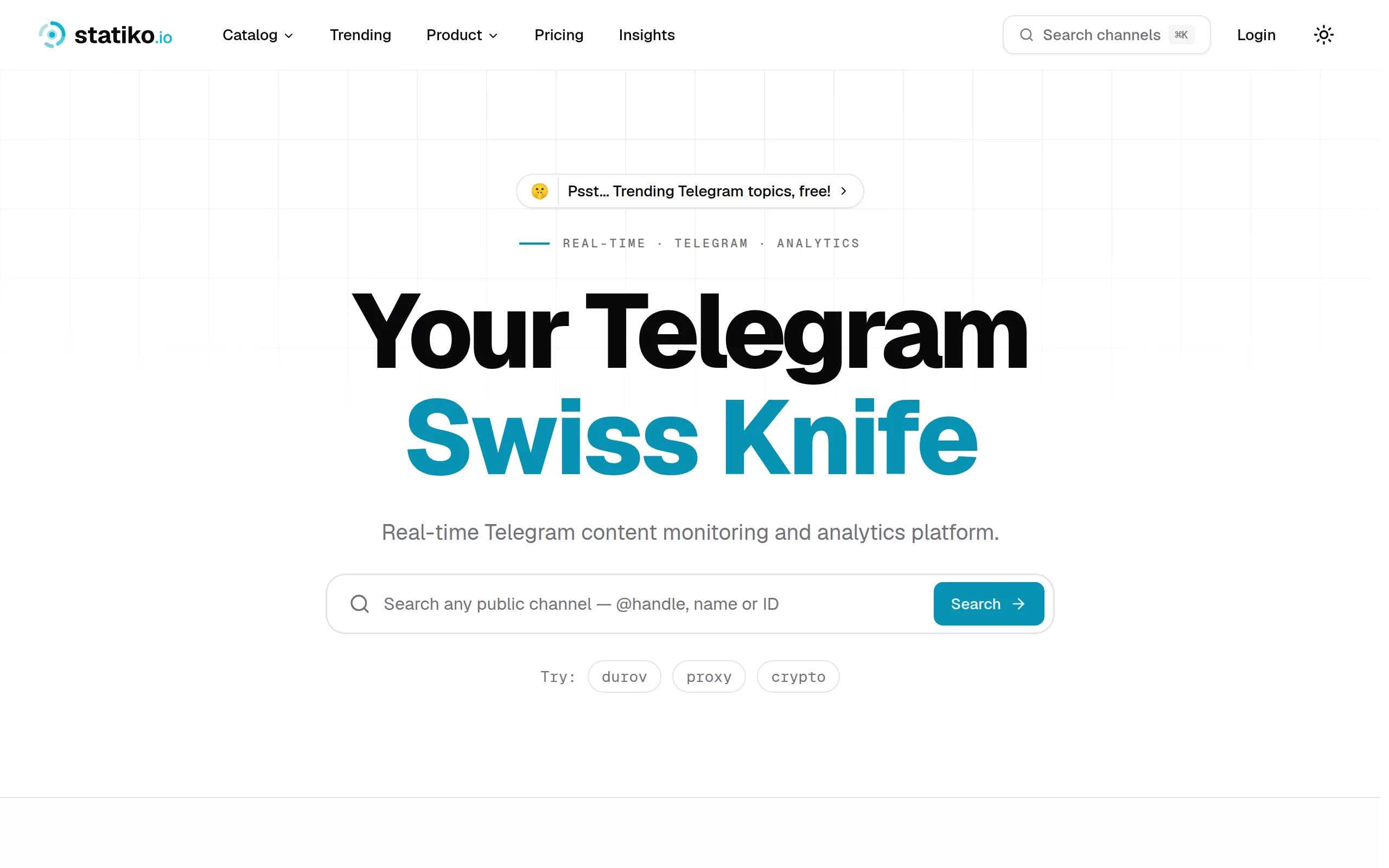
Statiko
Monitor any Telegram channel in real time - track posts, edits, deletions, and growth with AI recaps 📡
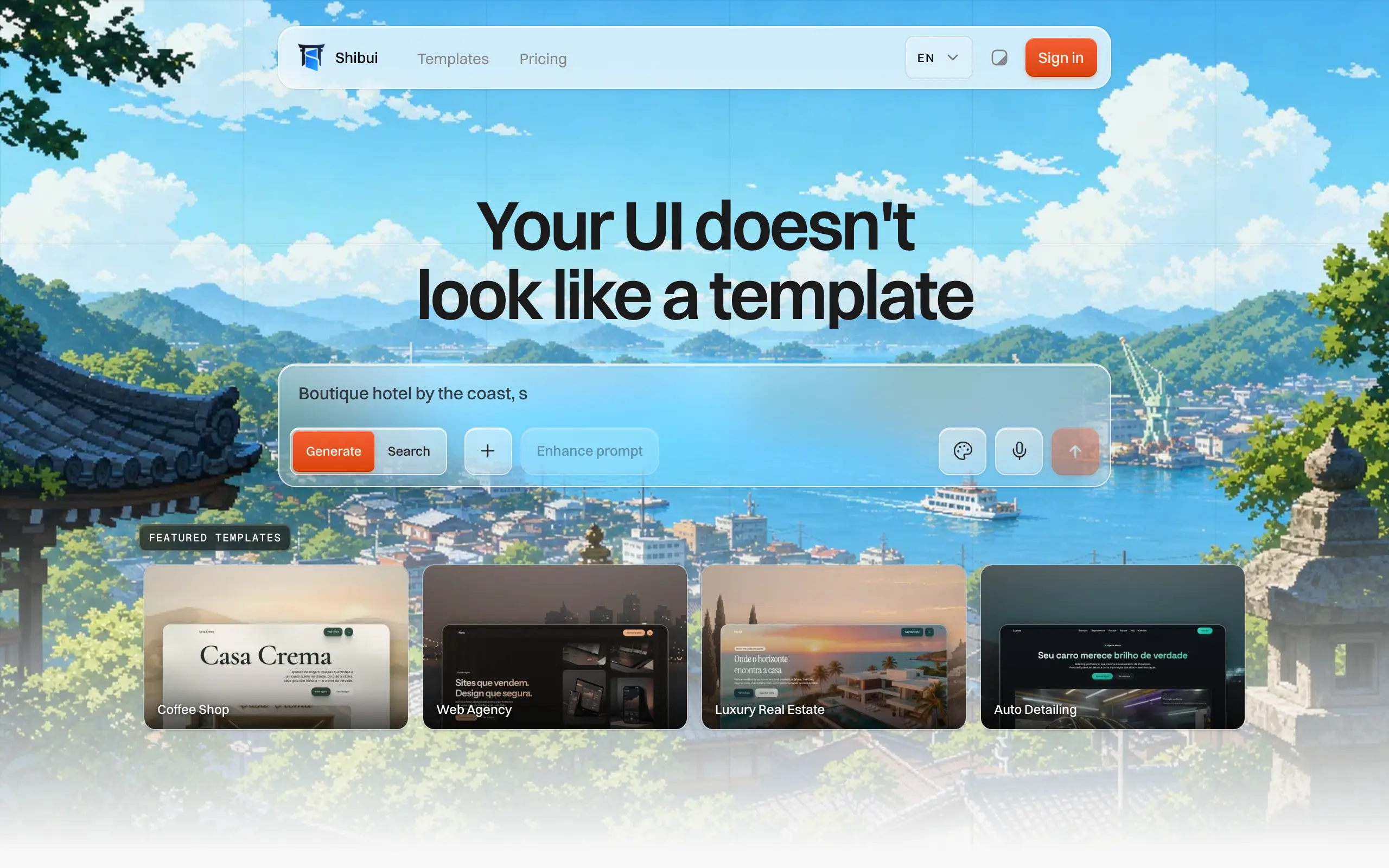
Shibui
AI website builder - describe your business, pick a niche template, edit by chatting, and publish instantly ✨
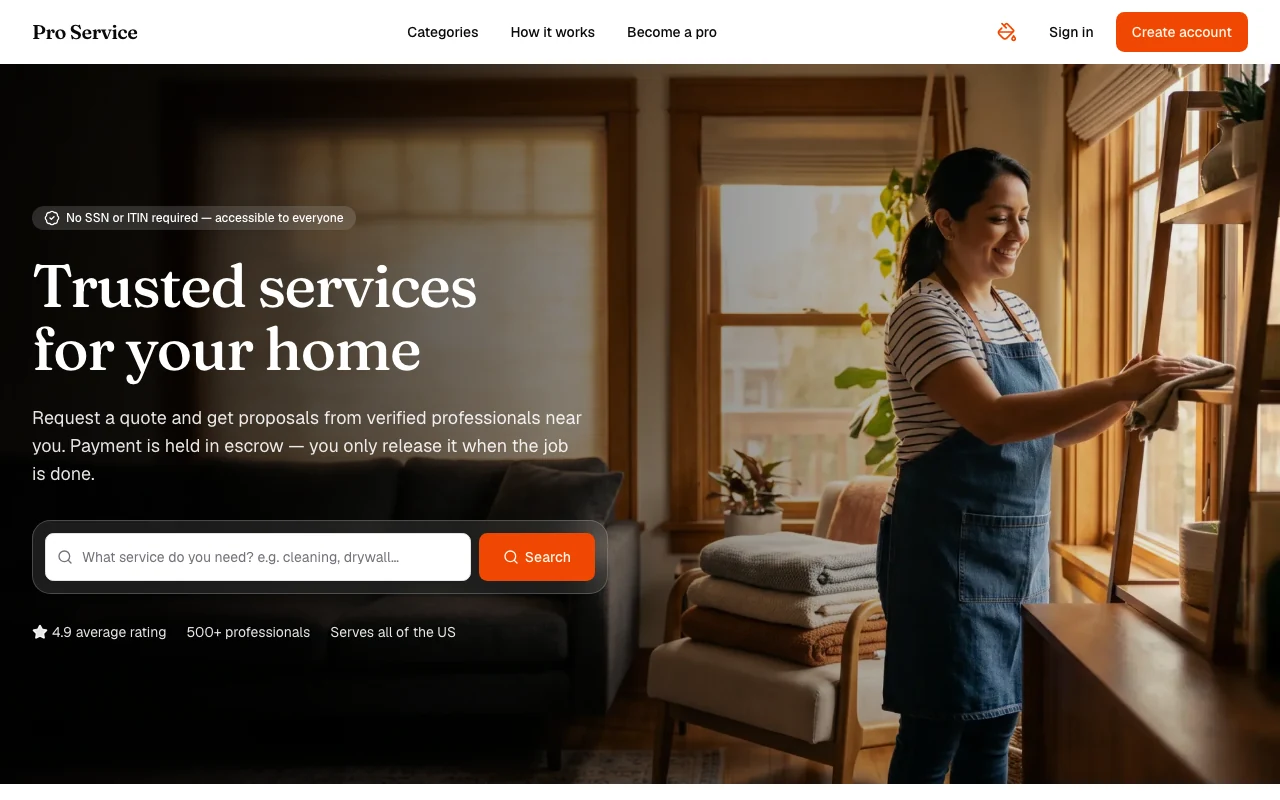
Pro Service
Find verified home service professionals, compare quotes, and pay securely through escrow - built for Brazilians across the US 🏠
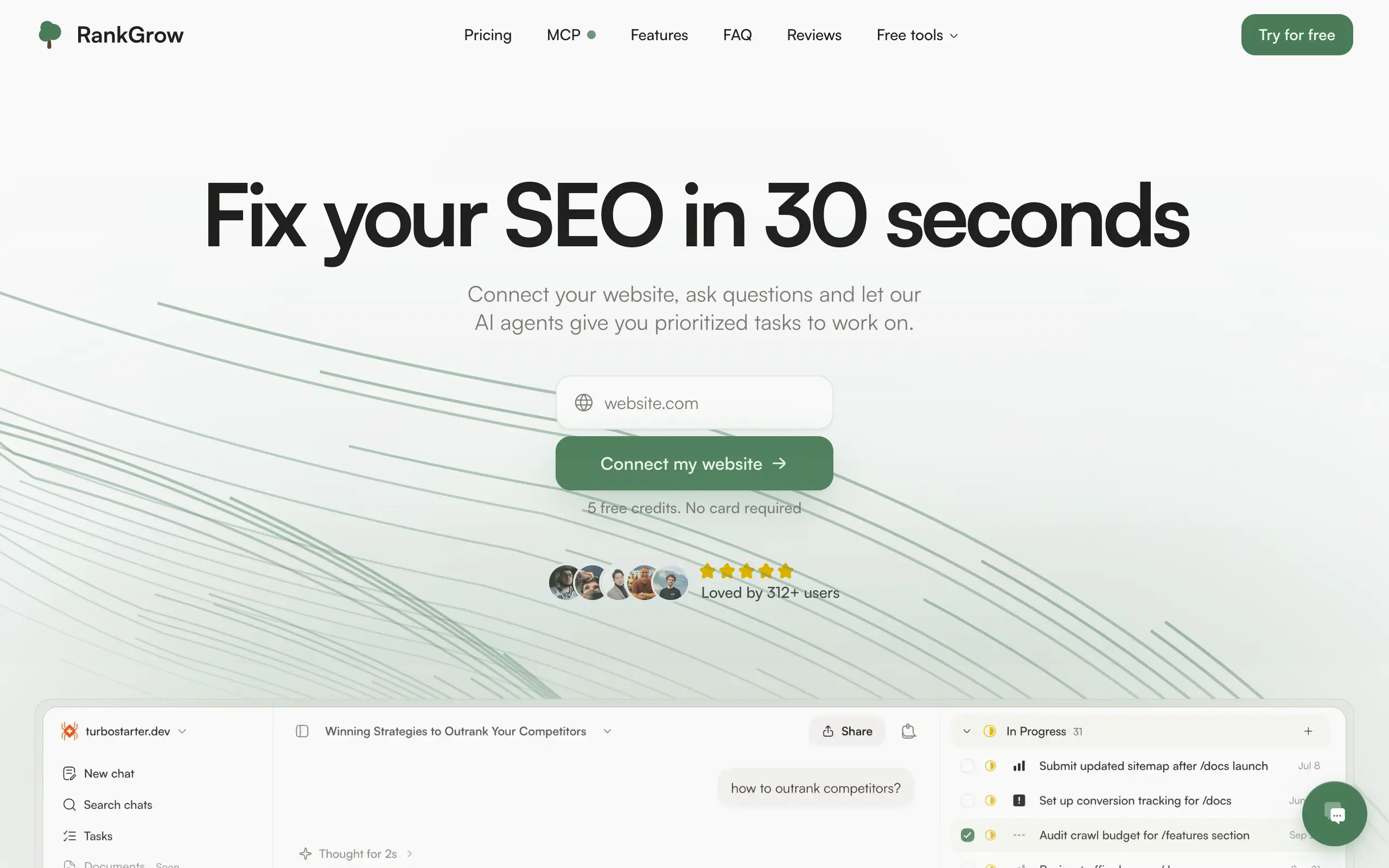
RankGrow
Fix your SEO with AI agents - connect Search Console, get prioritized tasks, and grow organic traffic 📈
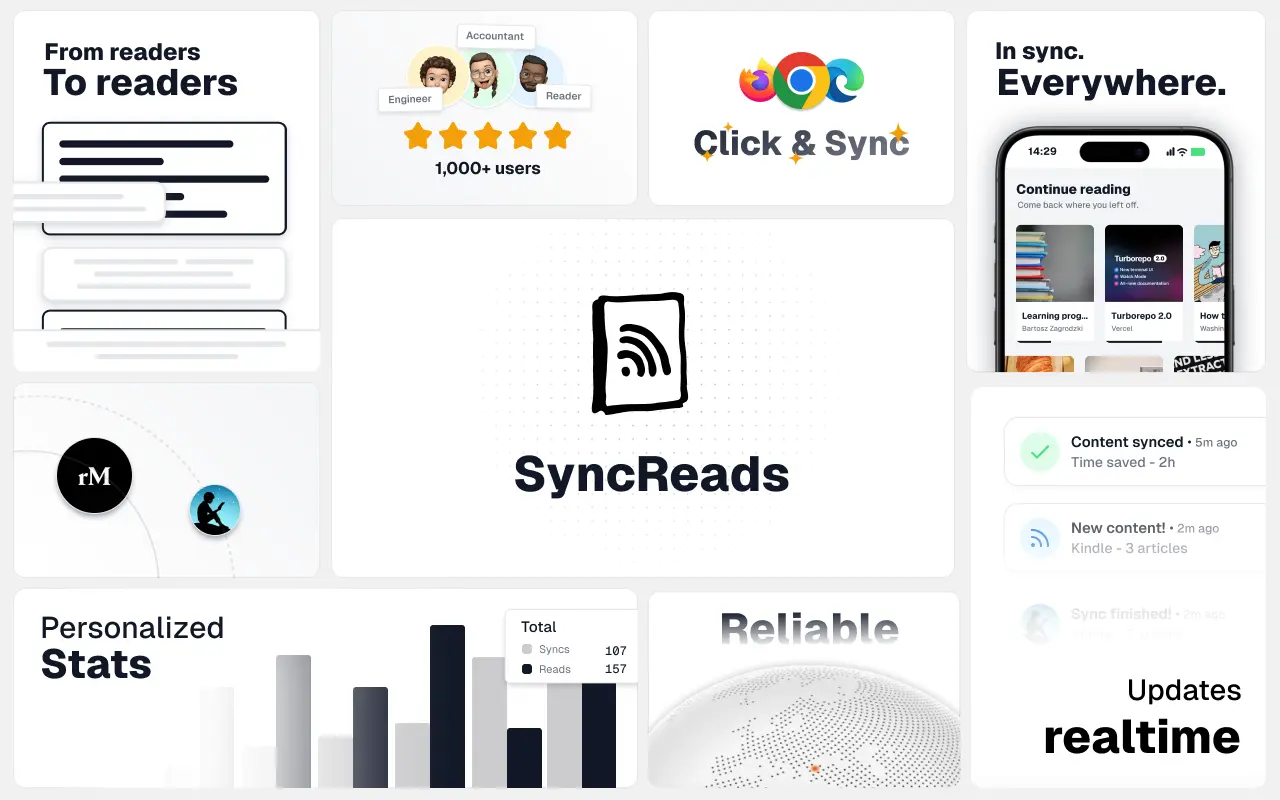
SyncReads
Sync your favorite content for distraction-free reading, save time and replace multiple apps. Anytime, anywhere 🔄
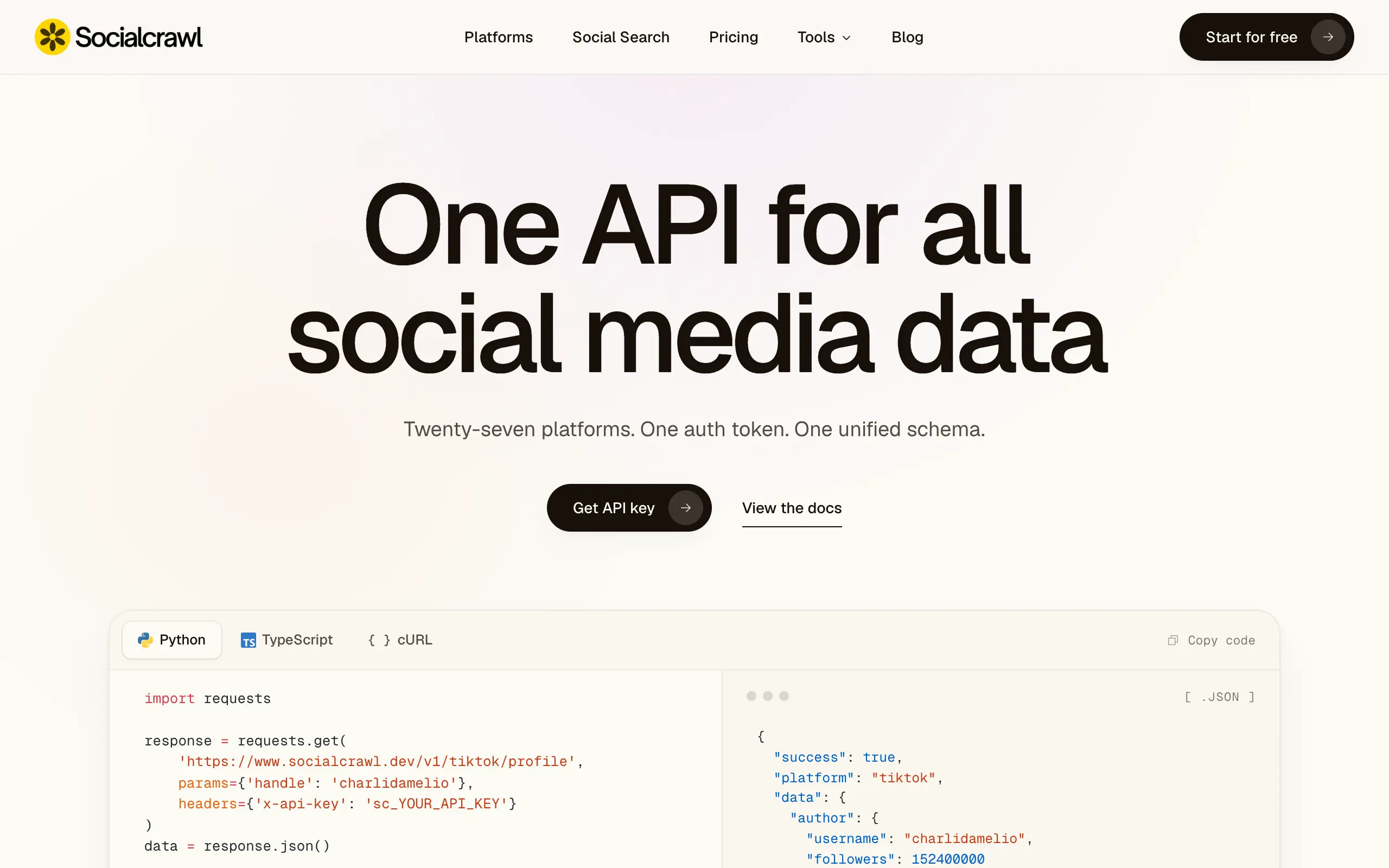
Socialcrawl
Get clean, structured data from 21 platforms like TikTok, Instagram, and YouTube with a single request 📊
Statiko
Monitor any Telegram channel in real time - track posts, edits, deletions, and growth with AI recaps 📡
Shibui
AI website builder - describe your business, pick a niche template, edit by chatting, and publish instantly ✨
Pro Service
Find verified home service professionals, compare quotes, and pay securely through escrow - built for Brazilians across the US 🏠
RankGrow
Fix your SEO with AI agents - connect Search Console, get prioritized tasks, and grow organic traffic 📈
SyncReads
Sync your favorite content for distraction-free reading, save time and replace multiple apps. Anytime, anywhere 🔄
Socialcrawl
Get clean, structured data from 21 platforms like TikTok, Instagram, and YouTube with a single request 📊
Statiko
Monitor any Telegram channel in real time - track posts, edits, deletions, and growth with AI recaps 📡
Shibui
AI website builder - describe your business, pick a niche template, edit by chatting, and publish instantly ✨
Pro Service
Find verified home service professionals, compare quotes, and pay securely through escrow - built for Brazilians across the US 🏠
RankGrow
Fix your SEO with AI agents - connect Search Console, get prioritized tasks, and grow organic traffic 📈
SyncReads
Sync your favorite content for distraction-free reading, save time and replace multiple apps. Anytime, anywhere 🔄
Socialcrawl
Get clean, structured data from 21 platforms like TikTok, Instagram, and YouTube with a single request 📊
Statiko
Monitor any Telegram channel in real time - track posts, edits, deletions, and growth with AI recaps 📡
Shibui
AI website builder - describe your business, pick a niche template, edit by chatting, and publish instantly ✨
Pro Service
Find verified home service professionals, compare quotes, and pay securely through escrow - built for Brazilians across the US 🏠
RankGrow
Fix your SEO with AI agents - connect Search Console, get prioritized tasks, and grow organic traffic 📈
SyncReads
Sync your favorite content for distraction-free reading, save time and replace multiple apps. Anytime, anywhere 🔄
Socialcrawl
Get clean, structured data from 21 platforms like TikTok, Instagram, and YouTube with a single request 📊
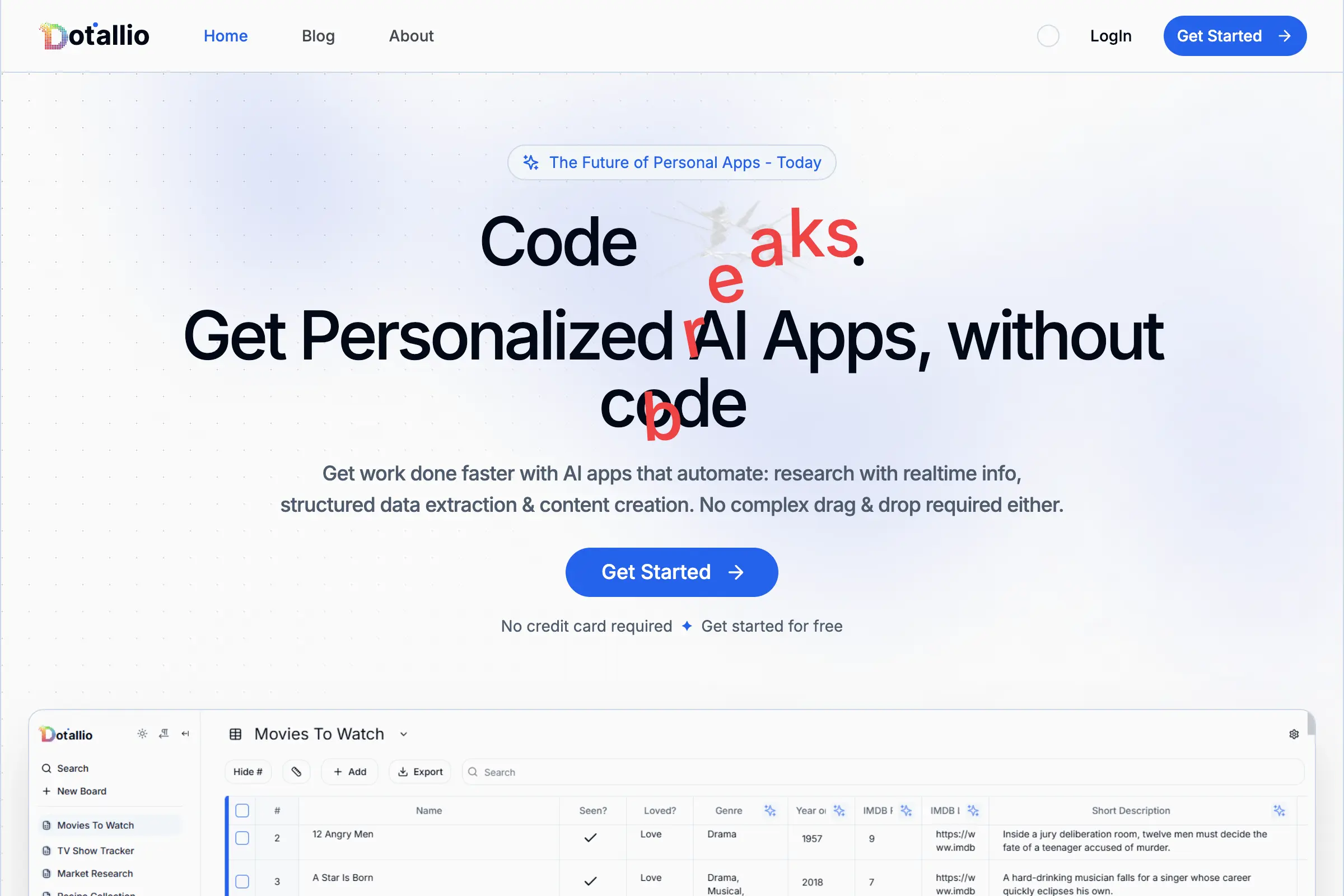
Dotallio
Personalized AI apps that automate research, data extraction, and content creation without code 🤖
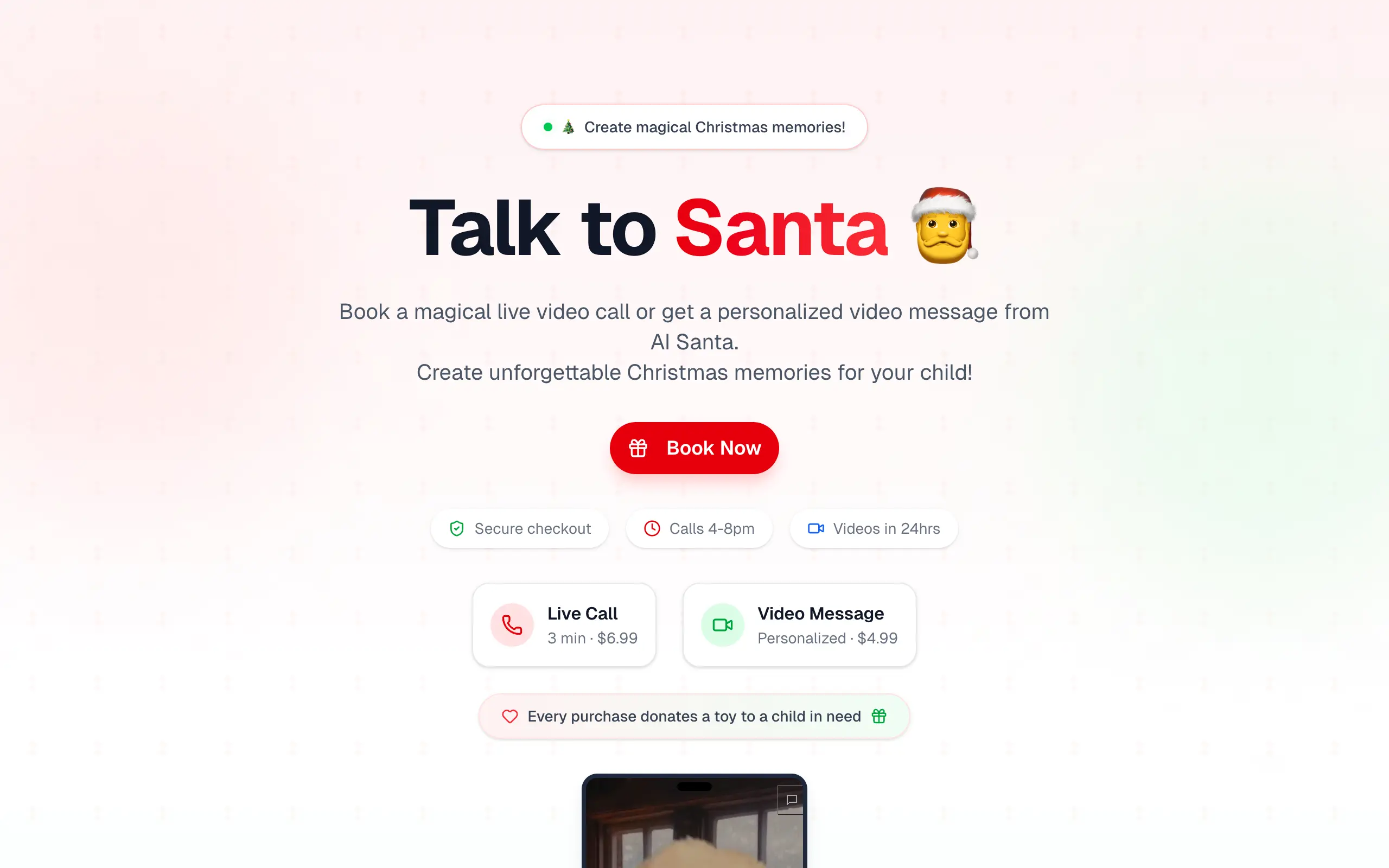
Talk to Santa
Enjoy a magical live video chat or receive a unique AI-generated video greeting from Santa Claus 🎅
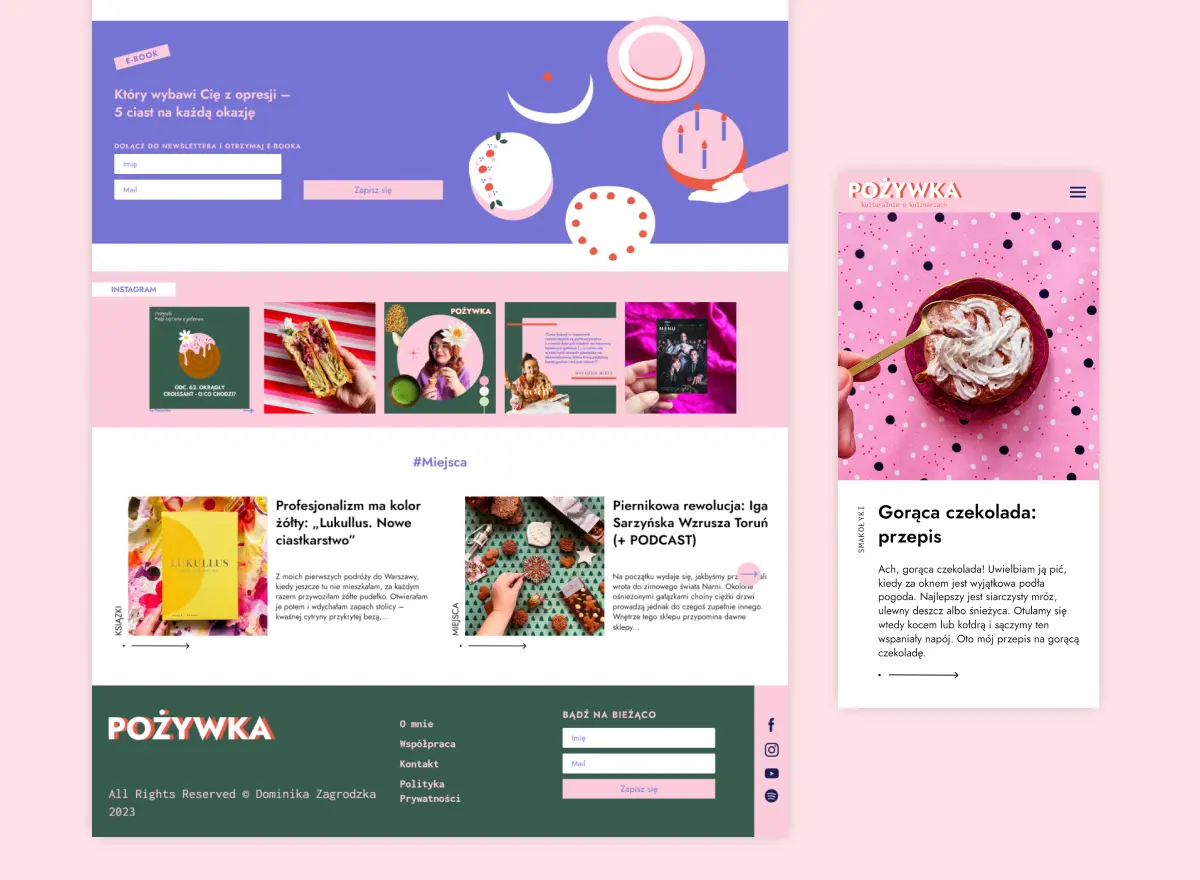
pozywka.pl
Scalable blog for food journalist, focused on performance and user experience 🌭
zagrodzki.me
Personal blog and portfolio of Bart Zagrodzki, where he shares his knowledge and work 💼
TurboStarter
Ship your startup everywhere. In minutes.
HTML to Markdown
Convert HTML to Markdown with ease, directly in your browser 📄
Dotallio
Personalized AI apps that automate research, data extraction, and content creation without code 🤖
Talk to Santa
Enjoy a magical live video chat or receive a unique AI-generated video greeting from Santa Claus 🎅
pozywka.pl
Scalable blog for food journalist, focused on performance and user experience 🌭
zagrodzki.me
Personal blog and portfolio of Bart Zagrodzki, where he shares his knowledge and work 💼
TurboStarter
Ship your startup everywhere. In minutes.
HTML to Markdown
Convert HTML to Markdown with ease, directly in your browser 📄
Dotallio
Personalized AI apps that automate research, data extraction, and content creation without code 🤖
Talk to Santa
Enjoy a magical live video chat or receive a unique AI-generated video greeting from Santa Claus 🎅
pozywka.pl
Scalable blog for food journalist, focused on performance and user experience 🌭
zagrodzki.me
Personal blog and portfolio of Bart Zagrodzki, where he shares his knowledge and work 💼
TurboStarter
Ship your startup everywhere. In minutes.
HTML to Markdown
Convert HTML to Markdown with ease, directly in your browser 📄
Dotallio
Personalized AI apps that automate research, data extraction, and content creation without code 🤖
Talk to Santa
Enjoy a magical live video chat or receive a unique AI-generated video greeting from Santa Claus 🎅
pozywka.pl
Scalable blog for food journalist, focused on performance and user experience 🌭
zagrodzki.me
Personal blog and portfolio of Bart Zagrodzki, where he shares his knowledge and work 💼
TurboStarter
Ship your startup everywhere. In minutes.
HTML to Markdown
Convert HTML to Markdown with ease, directly in your browser 📄
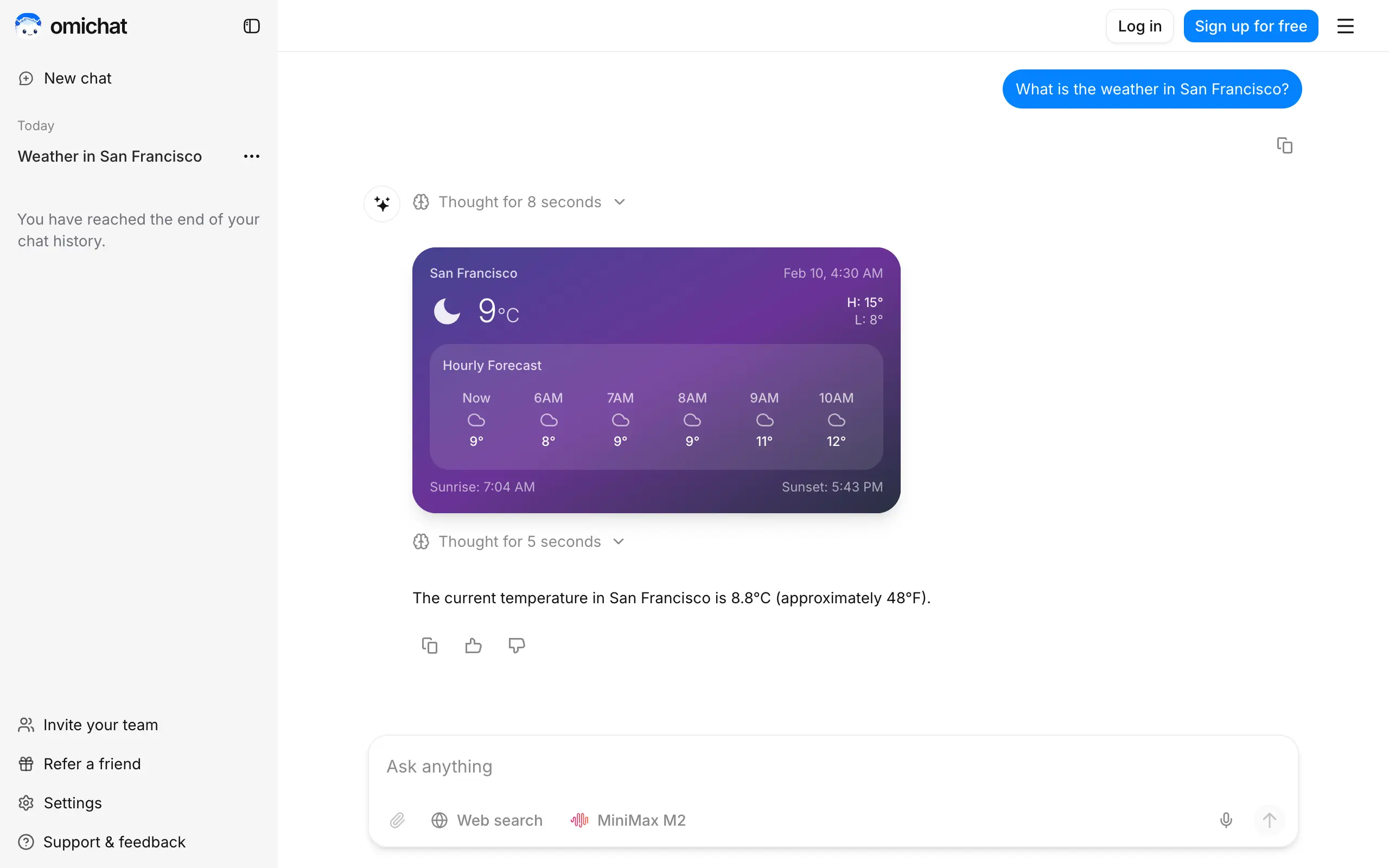
Omichat
Chat with 50+ AI models, including ChatGPT and Claude, in one place - switch models anytime without losing context 🤖
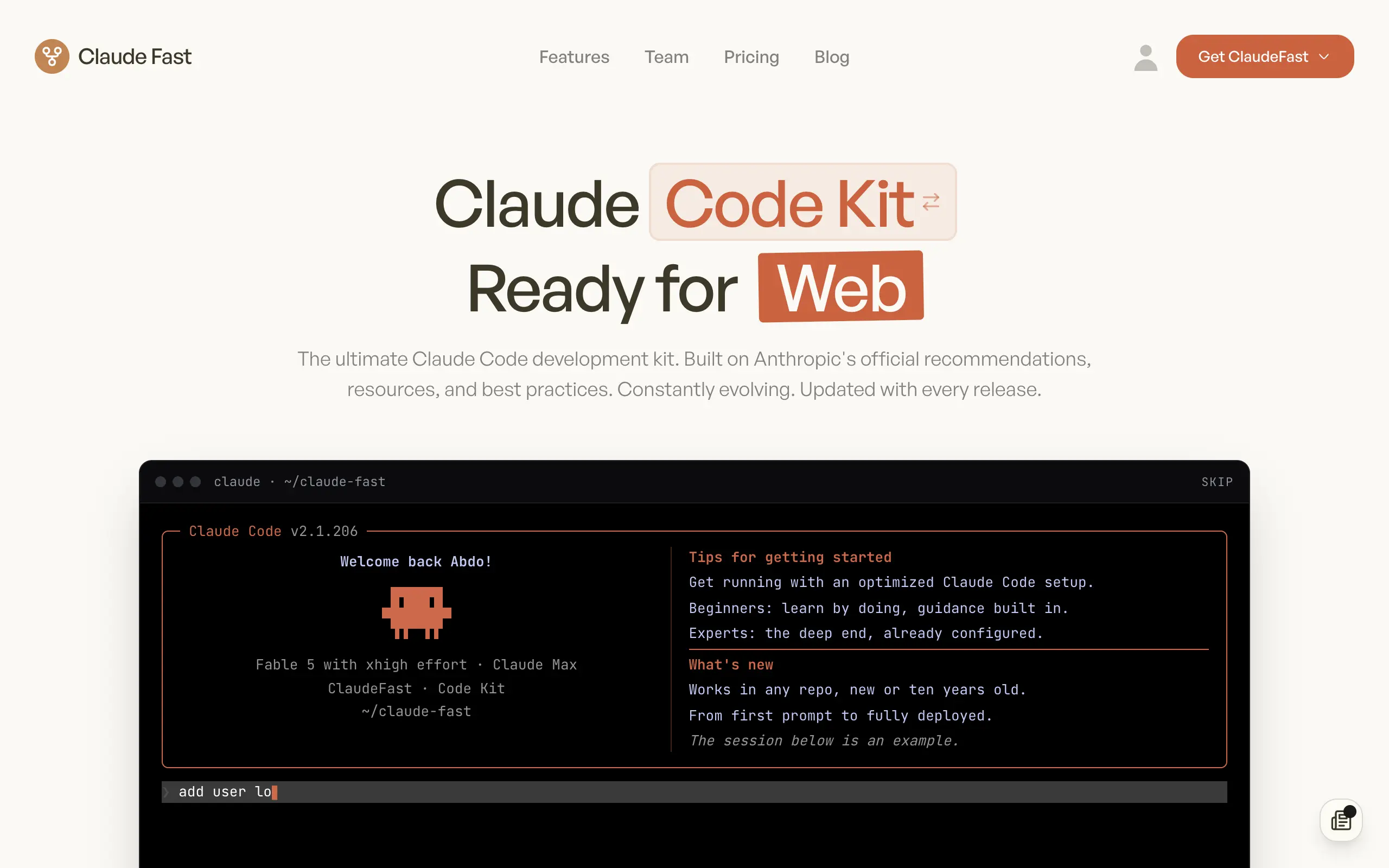
Claude Fast
Supercharge your Claude Code with 6x effective context window and specialized AI agents 🤖
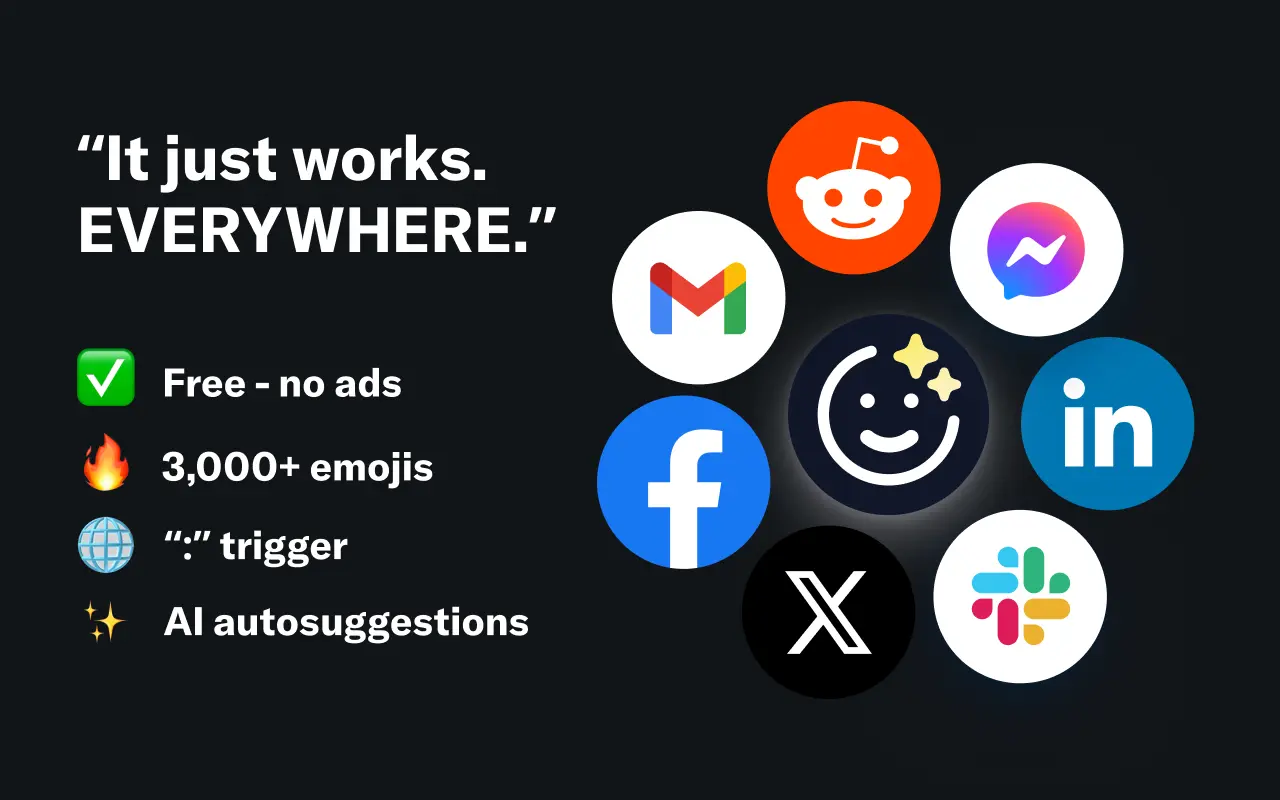
EmojAI
AI-powered emoji picker with smart, context-aware suggestions 🤖
Solohacker
Autonomous company launcher - AI agents work 24/7, escalate what matters, and you stay in control 🤖
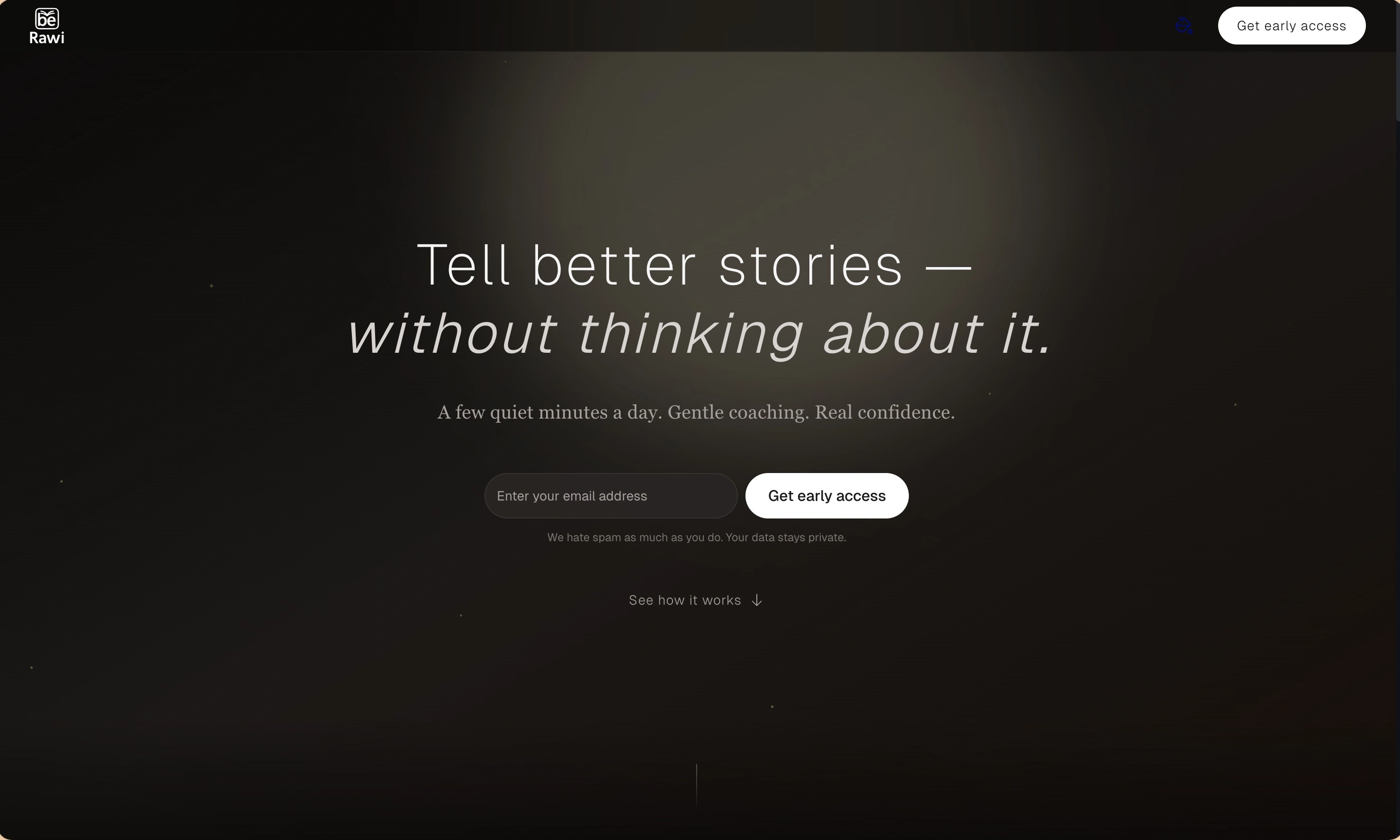
BeRawi: Storytelling Coach
Practice storytelling daily with instant feedback to sound clearer, more engaging, and confident 🎤
Omichat
Chat with 50+ AI models, including ChatGPT and Claude, in one place - switch models anytime without losing context 🤖
Claude Fast
Supercharge your Claude Code with 6x effective context window and specialized AI agents 🤖
EmojAI
AI-powered emoji picker with smart, context-aware suggestions 🤖
Solohacker
Autonomous company launcher - AI agents work 24/7, escalate what matters, and you stay in control 🤖
BeRawi: Storytelling Coach
Practice storytelling daily with instant feedback to sound clearer, more engaging, and confident 🎤
Omichat
Chat with 50+ AI models, including ChatGPT and Claude, in one place - switch models anytime without losing context 🤖
Claude Fast
Supercharge your Claude Code with 6x effective context window and specialized AI agents 🤖
EmojAI
AI-powered emoji picker with smart, context-aware suggestions 🤖
Solohacker
Autonomous company launcher - AI agents work 24/7, escalate what matters, and you stay in control 🤖
BeRawi: Storytelling Coach
Practice storytelling daily with instant feedback to sound clearer, more engaging, and confident 🎤
Omichat
Chat with 50+ AI models, including ChatGPT and Claude, in one place - switch models anytime without losing context 🤖
Claude Fast
Supercharge your Claude Code with 6x effective context window and specialized AI agents 🤖
EmojAI
AI-powered emoji picker with smart, context-aware suggestions 🤖
Solohacker
Autonomous company launcher - AI agents work 24/7, escalate what matters, and you stay in control 🤖
BeRawi: Storytelling Coach
Practice storytelling daily with instant feedback to sound clearer, more engaging, and confident 🎤

Connect with like-minded people
Join our community to get feedback, support, and grow together with 1,000+ builders on board, let's ship it!
Join usShip your startup everywhere. In minutes.
Don't burn tokens on setup and start building features on day one.