QuickSurvey Buddy
Create instant, mobile-friendly surveys for small businesses and event organizers, leveraging AI to analyze results and suggest actions. Fully manageable from your phone.
Understanding QuickSurvey Buddy: Revolutionizing Instant Surveys for Small Businesses
QuickSurvey Buddy is a mobile-first SaaS platform that empowers small businesses and event organizers to create, distribute, and analyze instant surveys—all from their phone. Leveraging AI-powered analytics, it uncovers actionable insights and recommends steps based on survey responses, providing a cutting-edge, user-friendly alternative to cumbersome legacy tools.
In this guide, we'll deeply explore:
- Who QuickSurvey Buddy is for and what pain points it addresses
- The real market opportunity for instant, AI-enhanced survey tools
- Core features, unique capabilities, and how the solution works
- Recommended tech stack with honest trade-off analysis
- Monetization strategies suited to this business model
- Risks and how to mitigate them
- A clear comparison with key competitors
- Detailed, actionable steps to bring QuickSurvey Buddy to market
Who is QuickSurvey Buddy for?
Understanding your target market isn't optional—it's the foundation of real traction. Based on the service's unique positioning as an instant, mobile-first survey platform with AI analytics, here's a closer look at the primary user groups and their motivations.
Key Target Audiences
1. Small business owners
- Examples: Retail shops, cafés, gyms, salons, local service providers
- Needs: Collecting fast feedback on products, services, or events with minimal setup.
2. Event organizers
- Examples: Community managers, conference planners, wedding coordinators, meetup organizers
- Needs: Real-time attendee feedback (before, during, or after events) to optimize experiences and report to stakeholders.
3. Freelancers & consultants
- Examples: Freelance coaches, marketing consultants, workshop facilitators
- Needs: Validating ideas, gathering testimonials, conducting pulse surveys—all without desktop-heavy tools.
4. Nonprofits & grassroots groups
- Examples: Local NGOs, school boards, neighborhood associations
- Needs: Rapidly reaching community members and bridging the digital divide with mobile-first tools.
What problems do they face?
- Desktop-first survey tools that are slow, complicated, or over-featured
- Difficulty acting on results—data comes back, but clear insights/action steps are missing
- Lack of time/expertise for advanced analytics
- Mobile devices as the only tool at hand, especially during events
While tools like Google Forms offer free, basic survey creation, they lack:
- Mobile-optimized creation and management
- Instant AI-driven result analysis and suggestions
- Solutions tailored for on-the-fly event and small business environments
QuickSurvey Buddy addresses exactly these gaps.
Identifying the market opportunity and gaps
AI and mobile-first design are transforming SaaS—especially in areas where agility and actionable insights matter. Let's look at recent trends:
- Mobile internet usage surpassed desktop usage globally in 2023 (stat: Statista)
- Small business digitization accelerated post-pandemic, but "simple" tools still top SMB wishlists (stat: SMB Group)
- AI in survey analysis is still under-utilized in SMB and event markets, which need clear, actionable takeaways, not just dashboards
Key gaps QuickSurvey Buddy fills
- True mobile-first survey management (from creation to deep analysis, all on mobile)
- Instant results with actionable, AI-driven suggestions—no advanced analytics skills needed
- User experience built for speed (fill out and analyze surveys within minutes)
- Lower barrier to entry for non-technical users
Core features & solution walkthrough
To truly satisfy modern user expectations and deliver clear value, QuickSurvey Buddy combines the following features:
Mobile-first survey creation
Design and send surveys entirely from your phone—no PC required.
AI-powered recommendations
View automatic summaries and suggested next steps after survey responses arrive.
Template library
Jumpstart survey creation with ready-to-use questions for SMBs and events.
Real-time, shareable links and QR codes
Distribute surveys instantly via SMS, WhatsApp, or printable QR codes.
Actionable analytics dashboard
Track results visually, with clear action prompts—and everything readable on mobile.
GDPR & privacy-first design
No personal data by default, ensuring compliance and peace of mind.
How QuickSurvey Buddy works (user flow summary)
Sign in with your phone, select from templates or start blank.
Add/edit questions, customize appearance, and set survey duration—all with your thumb.
Generate a smart link or QR code; share via SMS, email, WhatsApp, or display live.
As responses roll in, the AI engine analyzes results in seconds and suggests concrete actions.
Download, share, or integrate results with existing business tools.
Recommended tech stack for QuickSurvey Buddy
Choosing the right stack is crucial for performance, maintainability, and cost. Here’s an expert breakdown of what's recommended and why.
Frontend
-
- Pro: True cross-platform (iOS, Android); excellent for rapid mobile UI.
- Con: Slightly less performant than native for ultra-complex UI, but well-suited for mobile survey design.
-
TailwindCSS (via NativeWind for React Native)
- Pro: Fast, utility-based styling; reduces custom CSS overhead.
Backend
-
- Pro: Scalable, familiar for most engineers.
- Con: May require optimization for high-traffic analytics, but excellent at MVP stage.
-
Optional: NestJS for a more robust API layer
Database
- PostgreSQL
- Pro: Secure, scalable, and supports JSON data natively.
- Alternatives: Firebase (if prioritizing real-time and rapid prototyping).
AI & Analytics
- OpenAI API (for summarizing responses and suggesting next actions)
- Serverless functions (e.g., AWS Lambda) for scaling AI processing as needed
Hosting & DevOps
Trade-offs
- React Native ensures fast cross-platform delivery but some advanced device features might need native modules.
- OpenAI API is very effective for AI summarization, but cost control is important as survey volume scales.
- PostgreSQL offers broad querying capabilities vs. Firebase's instant real-time focus.
| Scalable | Cost-Effective | Mobile-First | AI-Ready | Low-Code |
|---|---|---|---|---|
| ✅ | ❌ | ❌ | ✅ | ❌ |
| ✅ | ❌ | ✅ | ✅ | ❌ |
Monetization strategies for QuickSurvey Buddy
The right business model ensures sustainable growth and alignment with your audience's reality. Here are proven SaaS monetization options tailored for this tool:
1. Freemium with usage-based tiering
- Free: Basic survey creation, limited responses per month, basic AI summary.
- Pro: Unlimited responses, advanced AI analysis (more detailed suggestions, downloadable reports), custom branding, integrations (e.g., Zapier, Google Sheets).
- Enterprise/Agency: Multi-user support, priority support, dedicated onboarding.
2. Add-ons & microtransactions
- One-off AI “deep insights” per survey (e.g., $2 for detailed action plans)
- Pay-per-integration (e.g., exporting to CRM)
3. White-label & business packages
- Custom white-label portals for agencies/event managers managing multiple brands.
4. Affiliate or partner integrations
- Revenue share from integrations with workflow tools or event management platforms.
Price point advice
Many SaaS founders overlook pricing for SMBs. The sweet spot: $10–$25/month, with discounts for annual payment, proves effective for simple, high-value workflow tools. (Source: SaaS pricing studies)
Potential risks and how to mitigate them
No SaaS is risk-free—understanding obstacles and being proactive is vital to trustworthy platform delivery.
1. Privacy & Compliance
- Risk: Handling sensitive user data in surveys (especially in regulated sectors)
- Mitigation: By default, only collect anonymized/aggregate data. Make personal data collection opt-in and provide clear privacy guides.
2. AI content quality
- Risk: AI-generated analyses could be too generic or error-prone if questions are vague.
- Mitigation: Train AI prompts using real-world examples. Allow users to clarify survey context for better results. Offer manual override/editing of AI summaries.
3. Market education & adoption
- Risk: SMB owners may not recognize the value of actionable survey analytics.
- Mitigation: Provide compelling use cases, success stories, and a “guided tour” on first use.
4. Mobile app distribution challenges
- Risk: Inconsistent experiences across devices, or App Store/Play Store delays
- Mitigation: Use deep testing frameworks (Expo), offer PWA as fallback.
Competitive landscape and unique advantages
How does QuickSurvey Buddy stack up against well-known survey tools?
The landscape
Comparison base: Google Forms, SurveyMonkey, Typeform, and vertical-focused tools.
| Platform | Mobile-first? | AI insights? | Actionable next steps? | Designed for SMB? |
|---|---|---|---|---|
| Google Forms | No | No | No | Somewhat |
| SurveyMonkey | So-so | Basic | No | No |
| Typeform | So-so | No | No | No |
| QuickSurvey Buddy | Yes | Yes | Yes | Yes |
Unique selling proposition (USP)
QuickSurvey Buddy's differentiation
QuickSurvey Buddy is the survey SaaS built for instant, mobile-first survey creation, with AI-powered digestible insights and next steps that genuinely help small businesses and event organizers act fast—no analytics background needed, and no desktop required.
How does this give a real advantage?
- Time to value: From creation to actionable insight literally within minutes, enabling “in the moment” decisions.
- Mobile-native: Designed for one-handed operation and fast event contexts, not clunky desktop legacy apps.
- Built-in AI coaching: Suggests actions for the user, not just data summaries—making the tool more than just a digital version of paper forms.
Actionable steps to launch QuickSurvey Buddy
Ready to bring this solution to life? Here’s a practical playbook:
Survey your own users first. Talk to 10–15 SMB owners and event managers about current survey pain points.
Design core UX for instant mobile use. Prioritize thumb-friendliness, ultra-fast navigation, and “AI insight” accessibility.
Develop MVP: Use React Native and OpenAI API; focus only on survey creation, sharing, and actionable AI analytics.
Beta launch: Offer lifetime deals to early adopters in exchange for feedback and testimonials.
Iterate quickly: Incorporate real-world survey examples, privacy improvements, and more sharable analytics views.
Plan go-to-market: Target SMB SaaS directories, event planning communities, and partner with local business groups.
Final thoughts: Why QuickSurvey Buddy is worth building
As more workflows shift to mobile and AI matures to deliver real value—not just dashboards—QuickSurvey Buddy addresses an urgent, fast-growing need for accessible, actionable survey tools in the SMB and event market.
By combining instant mobile management, AI-powered guidance, and true user empathy, this SaaS stands distinct from both legacy tools and newer forms-based systems. The market is large, the urgency is real, and the user experience is designed for people—not just data.
For further rapid SaaS prototyping and best practices, you can explore frameworks and resources at TurboStarter.
Have questions about mobile-first SaaS approaches, AI analytics integration, or looking for further validation? Join SaaS founder communities or tap into resources like SaaS Club and IndieHackers for real-world feedback and ideas.
More 💡 Other SaaS ideas
Discover more innovative other SaaS ideas that are trending in 2026. Each idea is AI-generated with market validation and growth potential to help you find your next profitable venture faster than competitors.
Your competitors are building with TurboStarter
Below are some of the SaaS ideas that have been generated and built with our starter kit.
Statiko
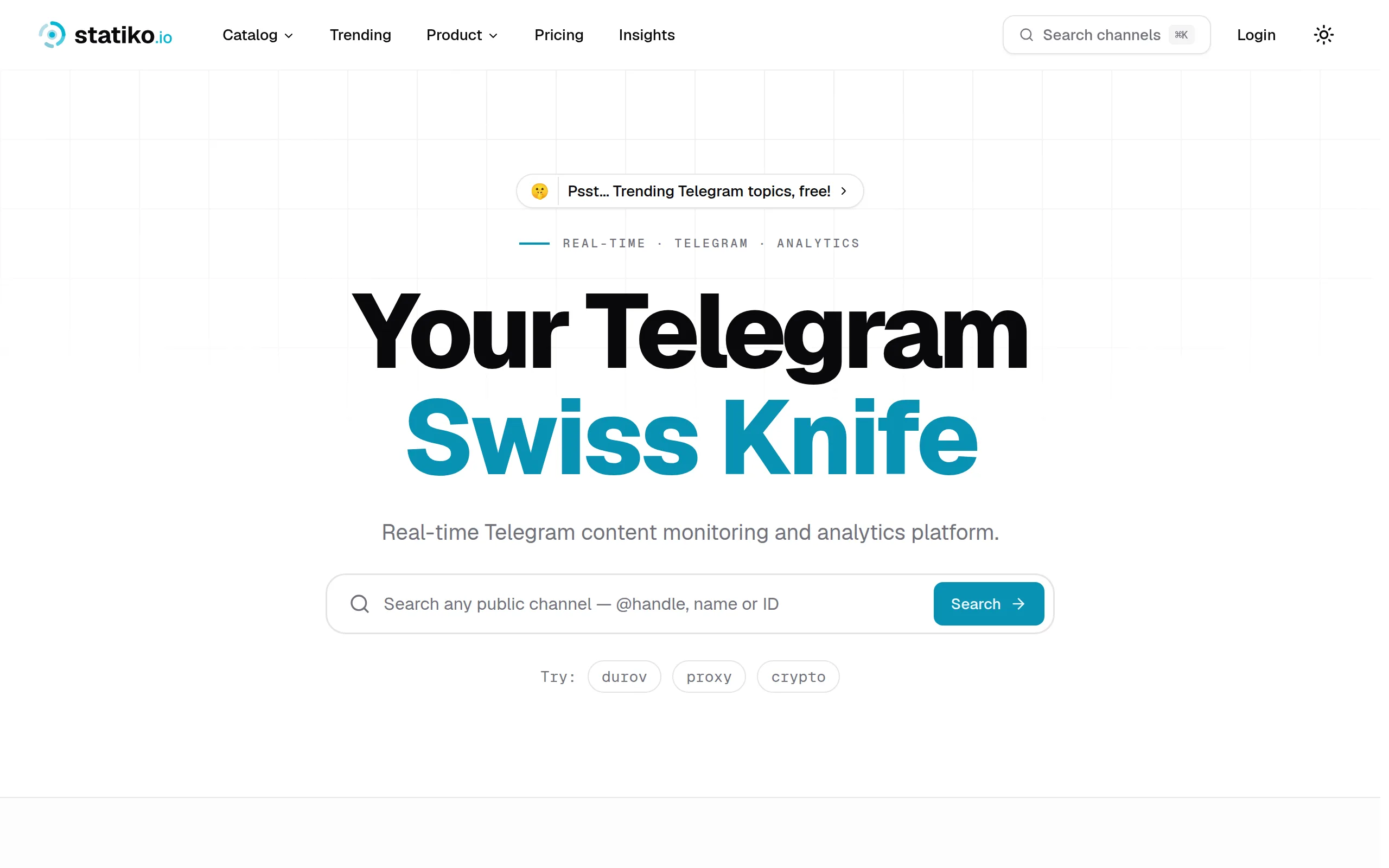
Monitor any Telegram channel in real time - track posts, edits, deletions, and growth with AI recaps 📡

Shibui
AI website builder - describe your business, pick a niche template, edit by chatting, and publish instantly ✨

Pro Service
Find verified home service professionals, compare quotes, and pay securely through escrow - built for Brazilians across the US 🏠
RankGrow
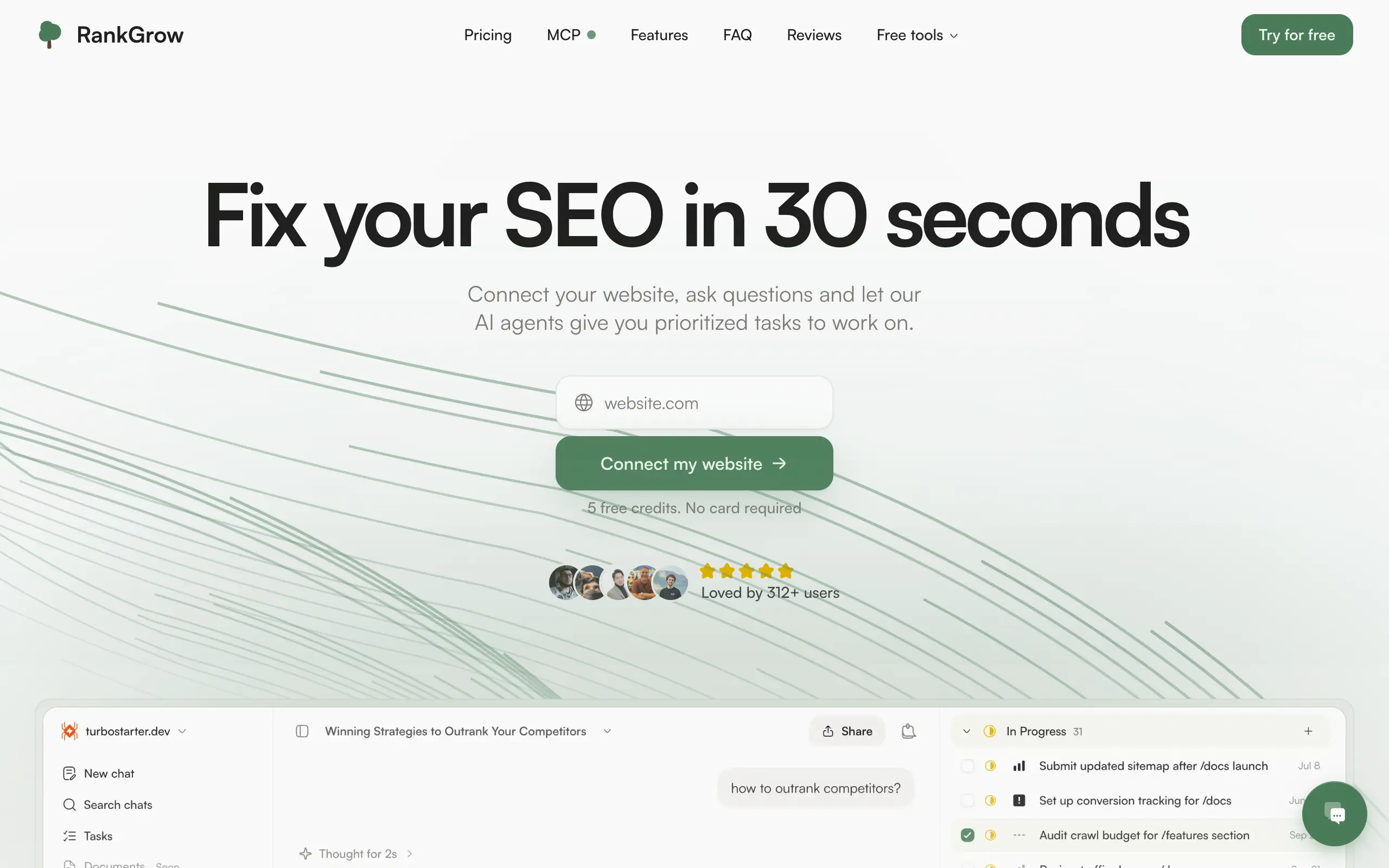
Fix your SEO with AI agents - connect Search Console, get prioritized tasks, and grow organic traffic 📈
SyncReads
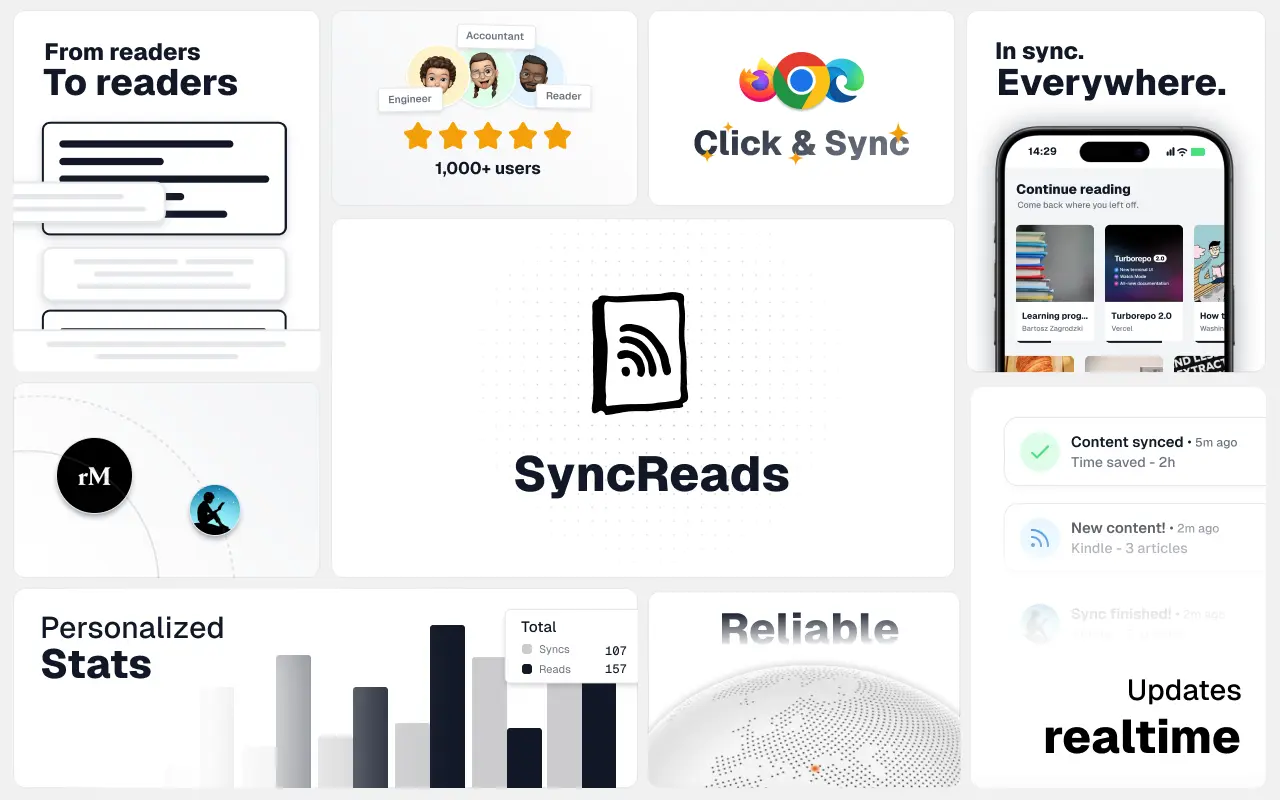
Sync your favorite content for distraction-free reading, save time and replace multiple apps. Anytime, anywhere 🔄
Socialcrawl
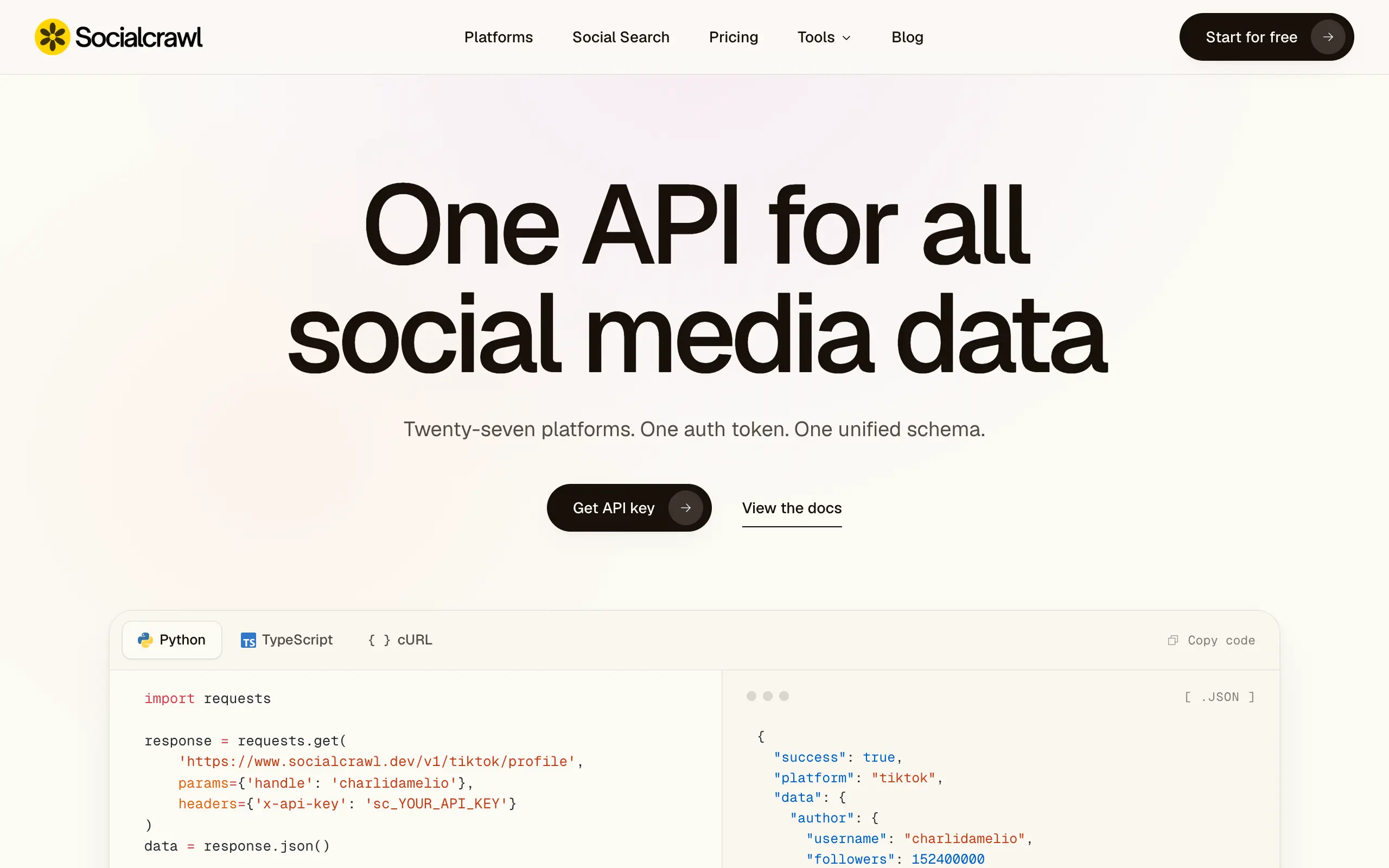
Get clean, structured data from 21 platforms like TikTok, Instagram, and YouTube with a single request 📊
Statiko
Monitor any Telegram channel in real time - track posts, edits, deletions, and growth with AI recaps 📡
Shibui
AI website builder - describe your business, pick a niche template, edit by chatting, and publish instantly ✨
Pro Service
Find verified home service professionals, compare quotes, and pay securely through escrow - built for Brazilians across the US 🏠
RankGrow
Fix your SEO with AI agents - connect Search Console, get prioritized tasks, and grow organic traffic 📈
SyncReads
Sync your favorite content for distraction-free reading, save time and replace multiple apps. Anytime, anywhere 🔄
Socialcrawl
Get clean, structured data from 21 platforms like TikTok, Instagram, and YouTube with a single request 📊
Statiko
Monitor any Telegram channel in real time - track posts, edits, deletions, and growth with AI recaps 📡
Shibui
AI website builder - describe your business, pick a niche template, edit by chatting, and publish instantly ✨
Pro Service
Find verified home service professionals, compare quotes, and pay securely through escrow - built for Brazilians across the US 🏠
RankGrow
Fix your SEO with AI agents - connect Search Console, get prioritized tasks, and grow organic traffic 📈
SyncReads
Sync your favorite content for distraction-free reading, save time and replace multiple apps. Anytime, anywhere 🔄
Socialcrawl
Get clean, structured data from 21 platforms like TikTok, Instagram, and YouTube with a single request 📊
Statiko
Monitor any Telegram channel in real time - track posts, edits, deletions, and growth with AI recaps 📡
Shibui
AI website builder - describe your business, pick a niche template, edit by chatting, and publish instantly ✨
Pro Service
Find verified home service professionals, compare quotes, and pay securely through escrow - built for Brazilians across the US 🏠
RankGrow
Fix your SEO with AI agents - connect Search Console, get prioritized tasks, and grow organic traffic 📈
SyncReads
Sync your favorite content for distraction-free reading, save time and replace multiple apps. Anytime, anywhere 🔄
Socialcrawl
Get clean, structured data from 21 platforms like TikTok, Instagram, and YouTube with a single request 📊
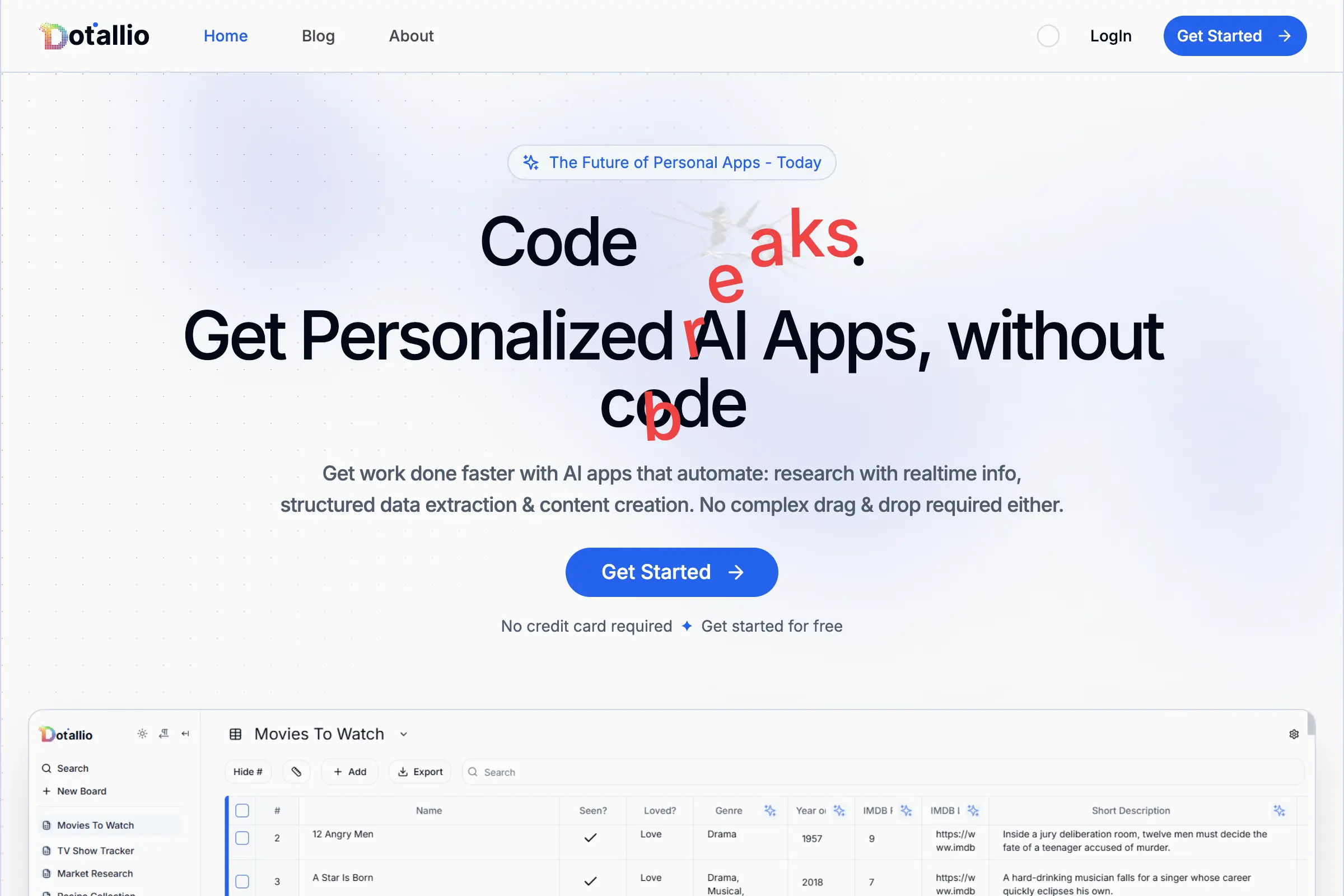
Dotallio
Personalized AI apps that automate research, data extraction, and content creation without code 🤖
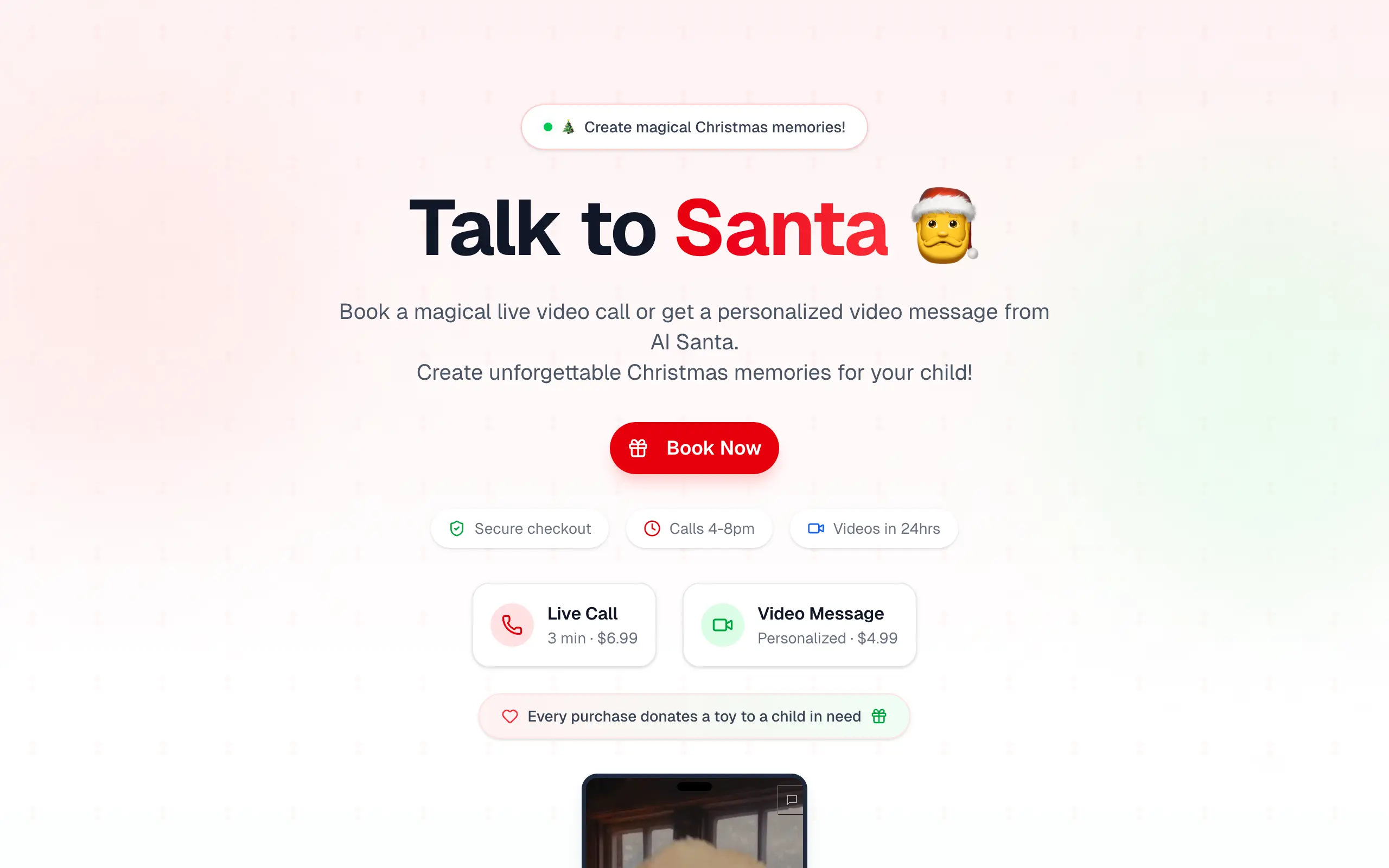
Talk to Santa
Enjoy a magical live video chat or receive a unique AI-generated video greeting from Santa Claus 🎅
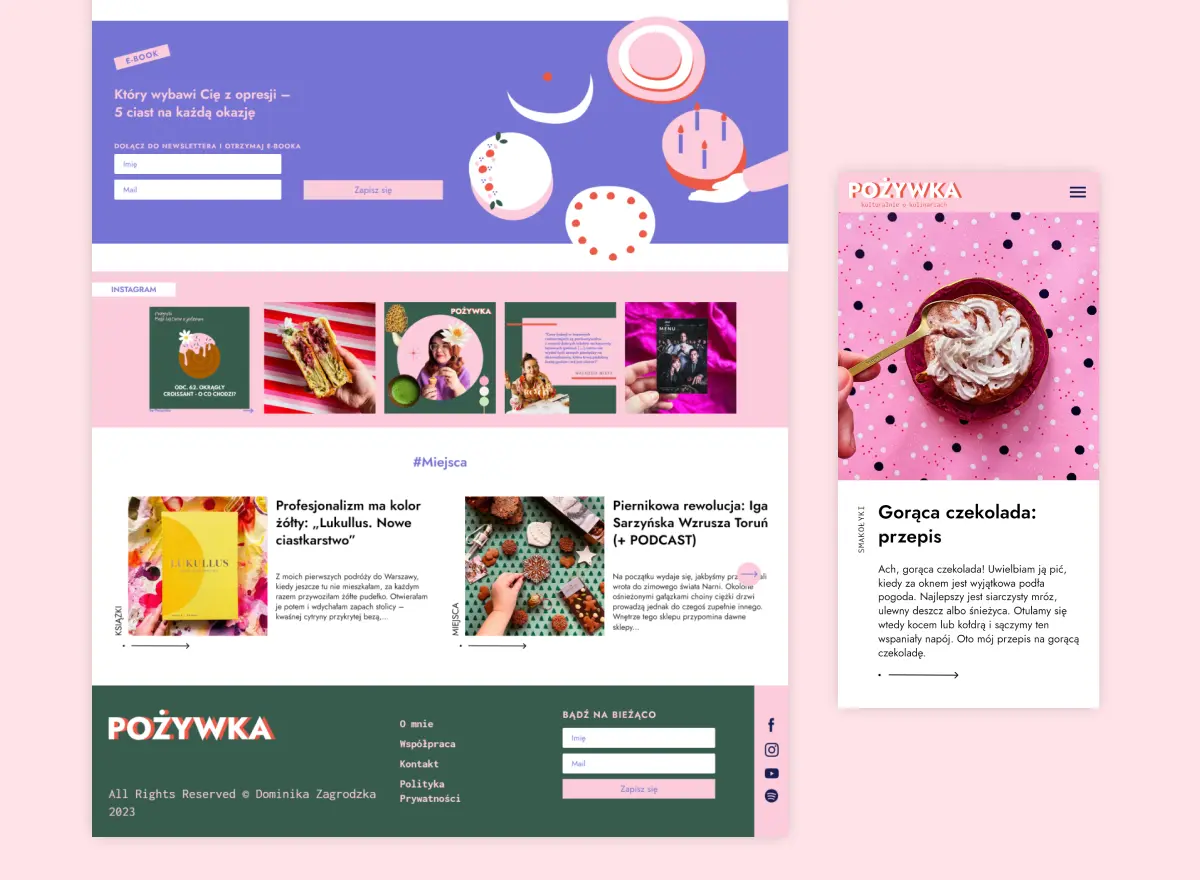
pozywka.pl
Scalable blog for food journalist, focused on performance and user experience 🌭
zagrodzki.me
Personal blog and portfolio of Bart Zagrodzki, where he shares his knowledge and work 💼
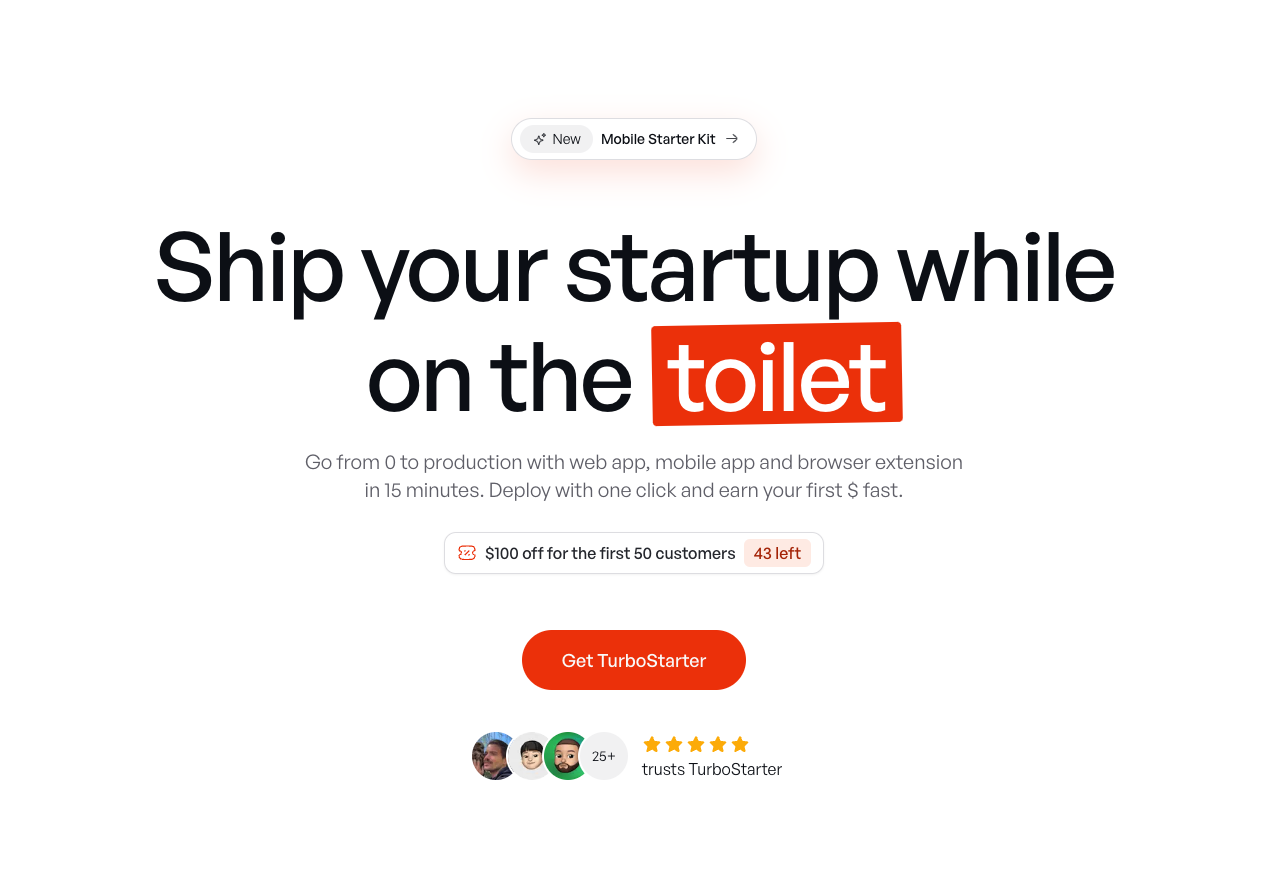
TurboStarter
Ship your startup everywhere. In minutes.
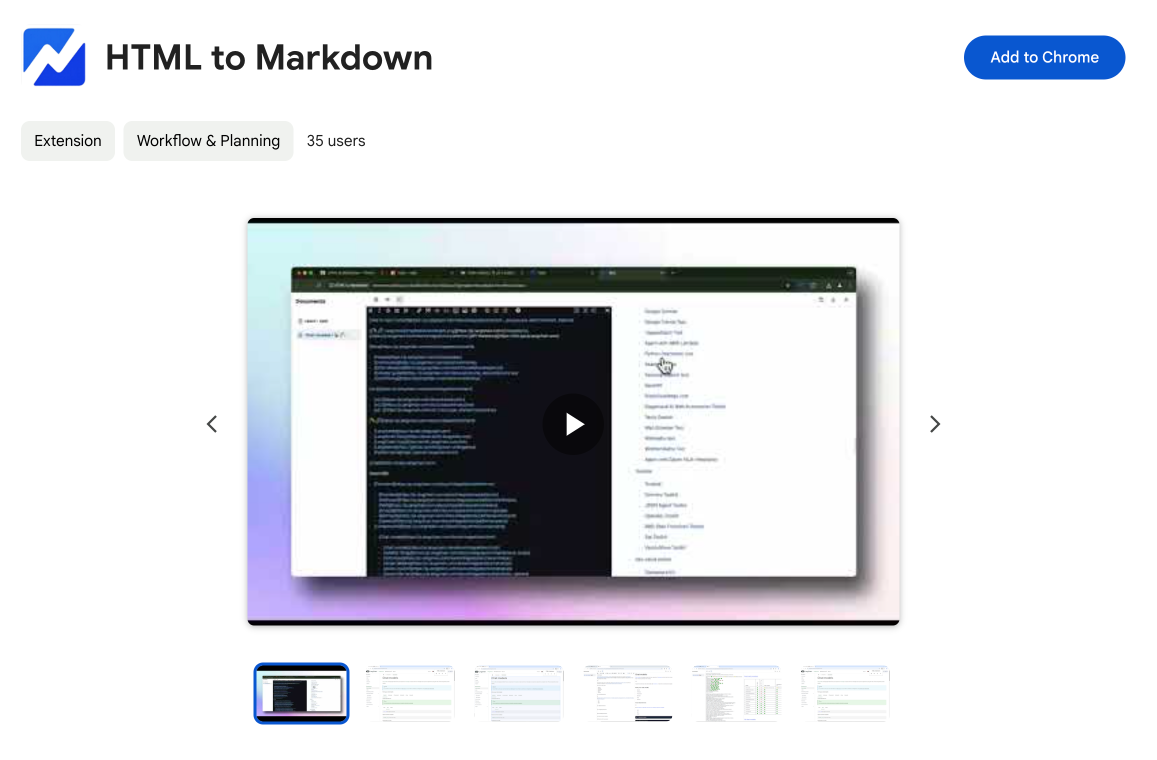
HTML to Markdown
Convert HTML to Markdown with ease, directly in your browser 📄
Dotallio
Personalized AI apps that automate research, data extraction, and content creation without code 🤖
Talk to Santa
Enjoy a magical live video chat or receive a unique AI-generated video greeting from Santa Claus 🎅
pozywka.pl
Scalable blog for food journalist, focused on performance and user experience 🌭
zagrodzki.me
Personal blog and portfolio of Bart Zagrodzki, where he shares his knowledge and work 💼
TurboStarter
Ship your startup everywhere. In minutes.
HTML to Markdown
Convert HTML to Markdown with ease, directly in your browser 📄
Dotallio
Personalized AI apps that automate research, data extraction, and content creation without code 🤖
Talk to Santa
Enjoy a magical live video chat or receive a unique AI-generated video greeting from Santa Claus 🎅
pozywka.pl
Scalable blog for food journalist, focused on performance and user experience 🌭
zagrodzki.me
Personal blog and portfolio of Bart Zagrodzki, where he shares his knowledge and work 💼
TurboStarter
Ship your startup everywhere. In minutes.
HTML to Markdown
Convert HTML to Markdown with ease, directly in your browser 📄
Dotallio
Personalized AI apps that automate research, data extraction, and content creation without code 🤖
Talk to Santa
Enjoy a magical live video chat or receive a unique AI-generated video greeting from Santa Claus 🎅
pozywka.pl
Scalable blog for food journalist, focused on performance and user experience 🌭
zagrodzki.me
Personal blog and portfolio of Bart Zagrodzki, where he shares his knowledge and work 💼
TurboStarter
Ship your startup everywhere. In minutes.
HTML to Markdown
Convert HTML to Markdown with ease, directly in your browser 📄
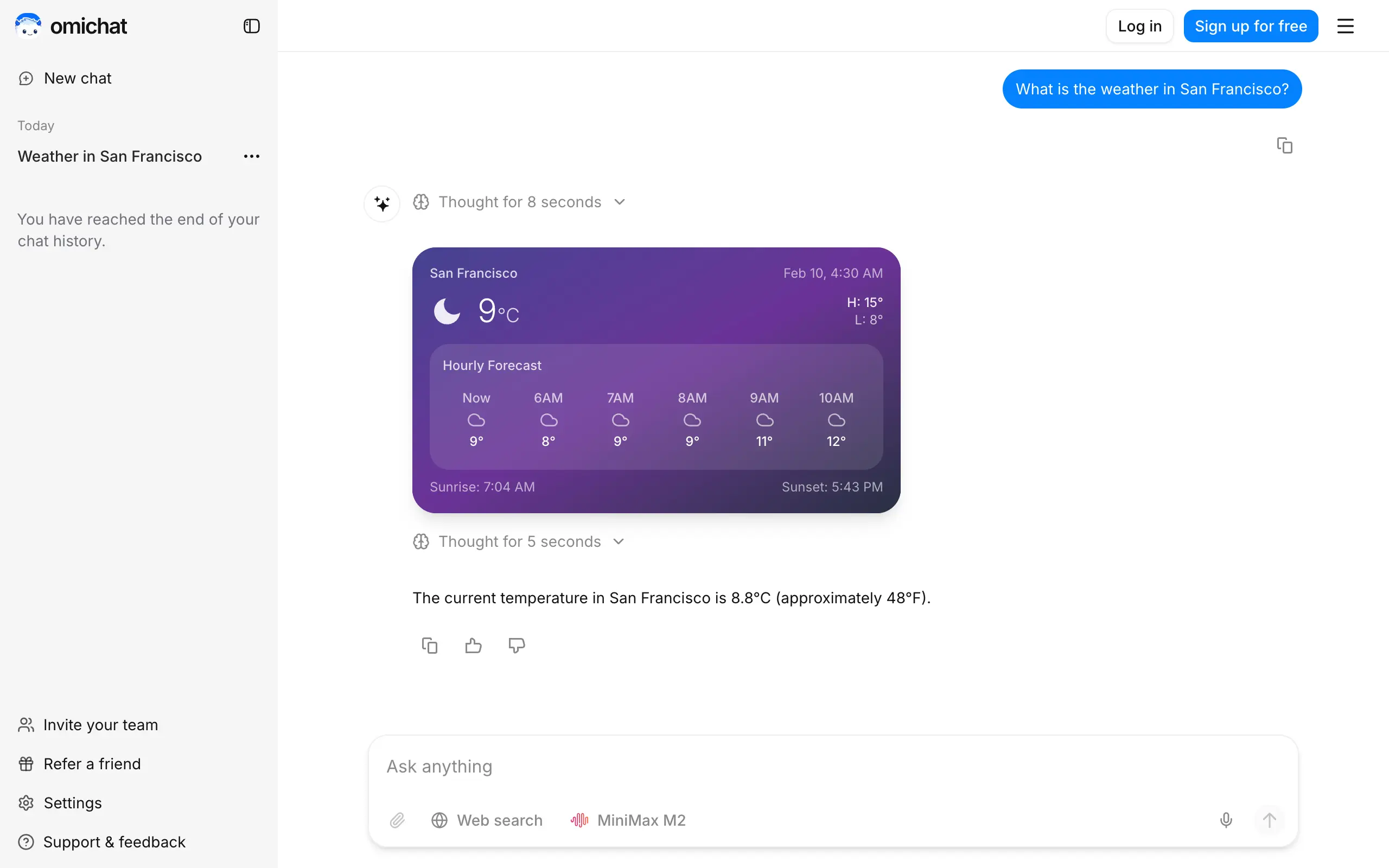
Omichat
Chat with 50+ AI models, including ChatGPT and Claude, in one place - switch models anytime without losing context 🤖
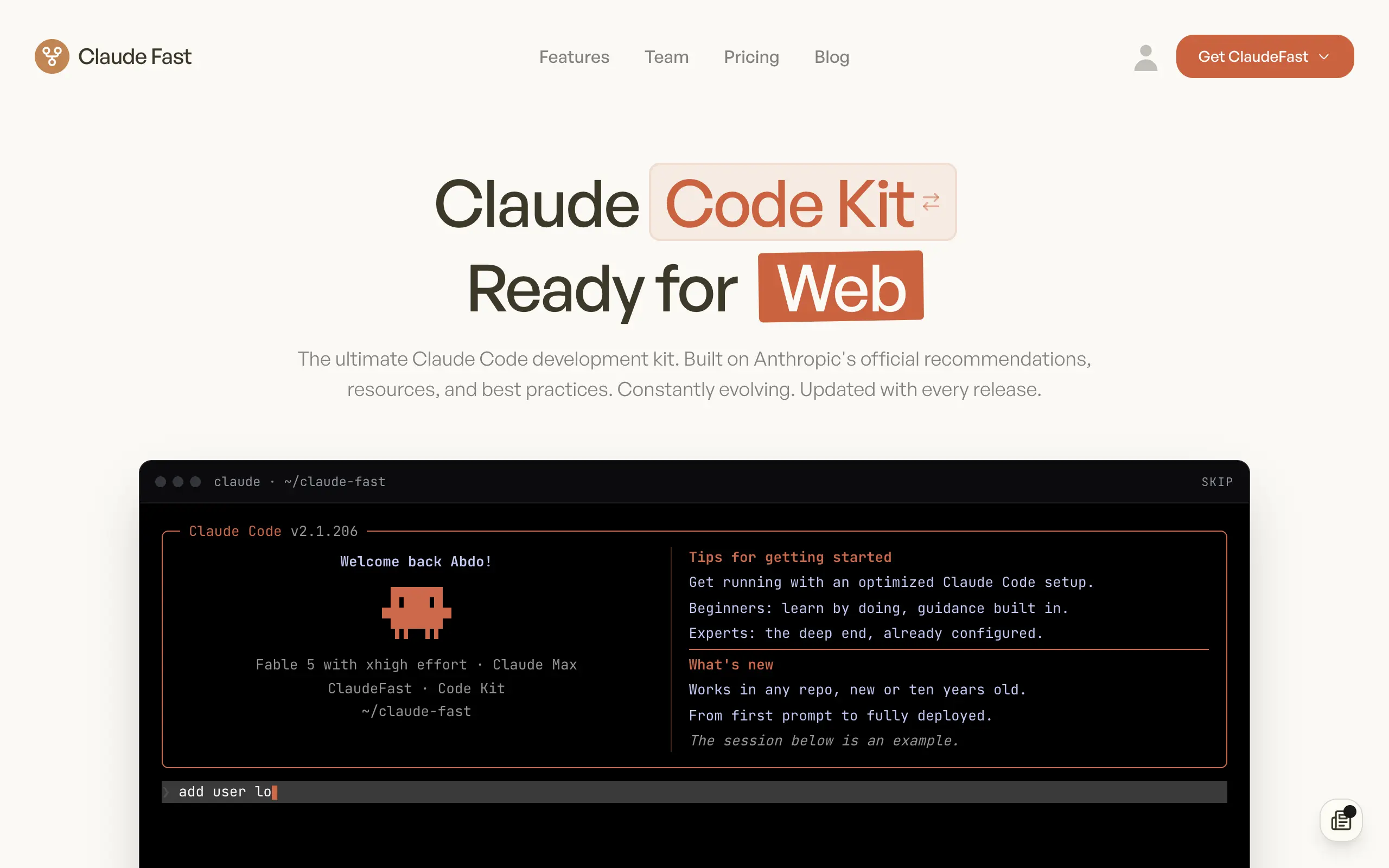
Claude Fast
Supercharge your Claude Code with 6x effective context window and specialized AI agents 🤖
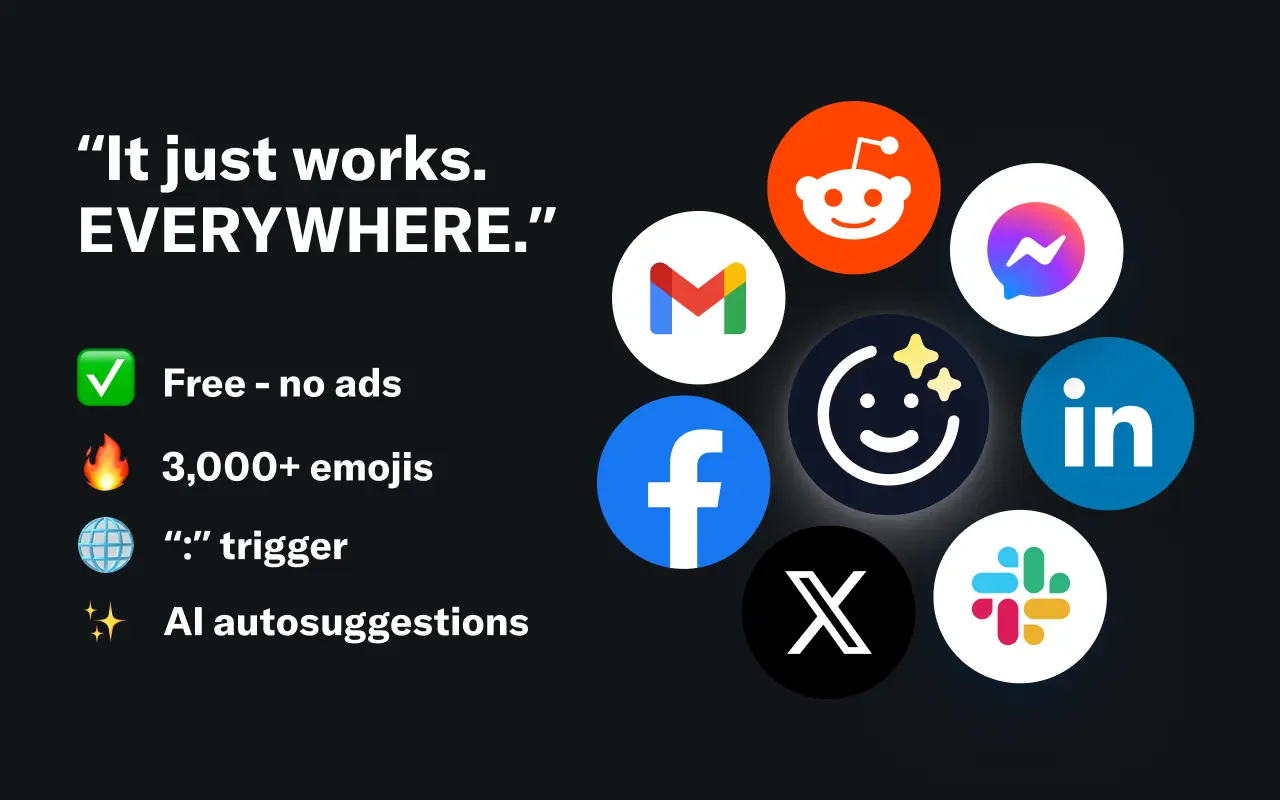
EmojAI
AI-powered emoji picker with smart, context-aware suggestions 🤖
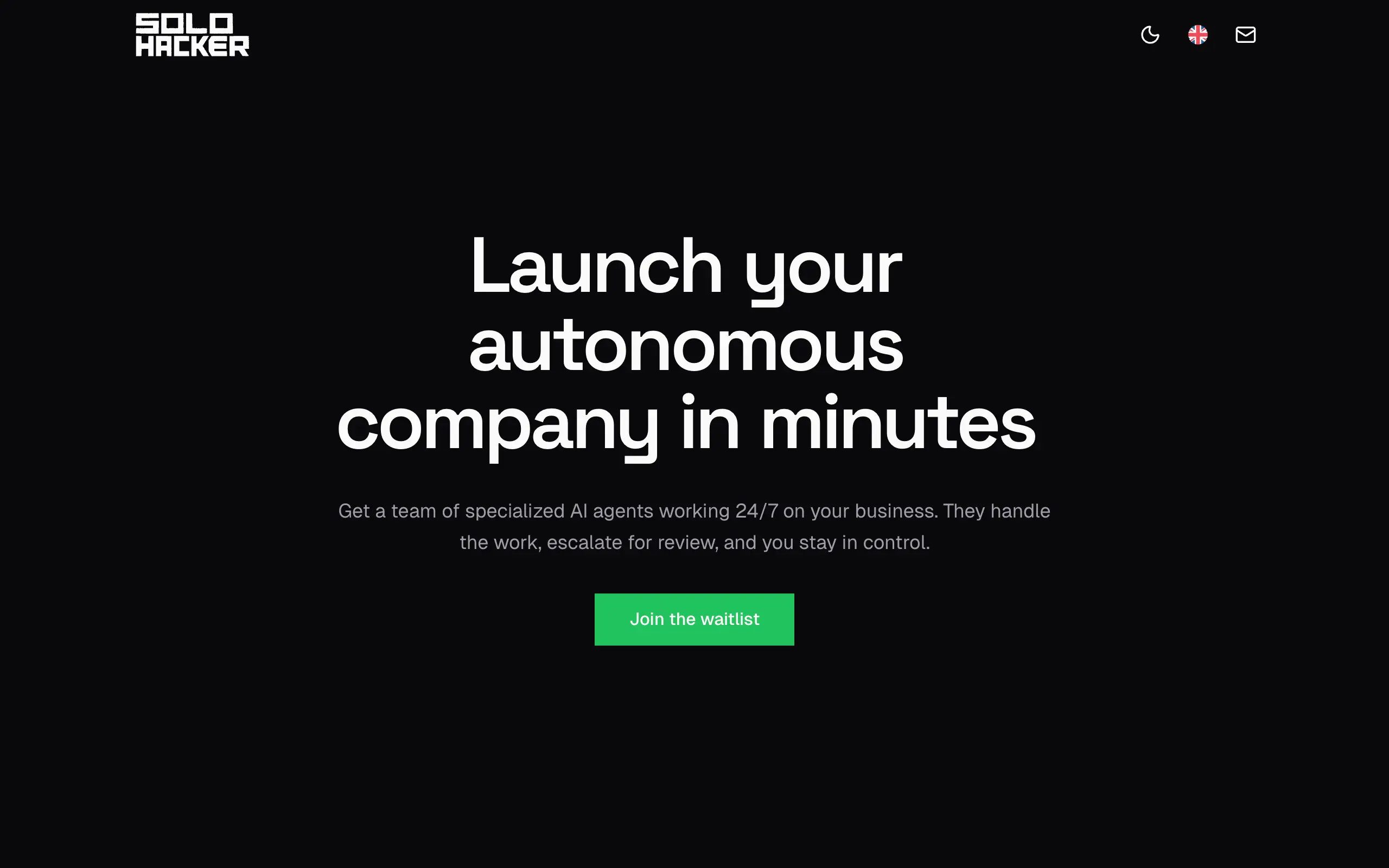
Solohacker
Autonomous company launcher - AI agents work 24/7, escalate what matters, and you stay in control 🤖
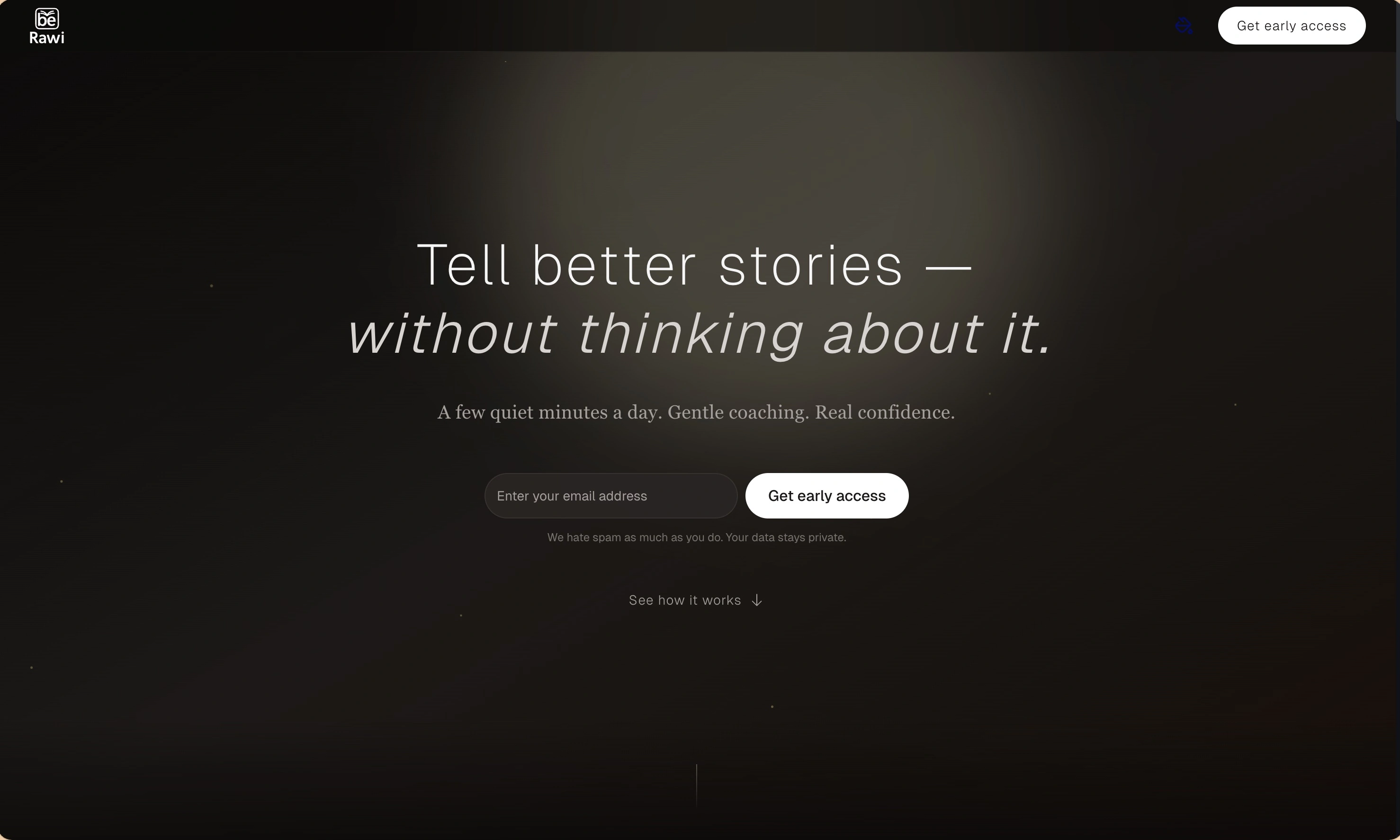
BeRawi: Storytelling Coach
Practice storytelling daily with instant feedback to sound clearer, more engaging, and confident 🎤
Omichat
Chat with 50+ AI models, including ChatGPT and Claude, in one place - switch models anytime without losing context 🤖
Claude Fast
Supercharge your Claude Code with 6x effective context window and specialized AI agents 🤖
EmojAI
AI-powered emoji picker with smart, context-aware suggestions 🤖
Solohacker
Autonomous company launcher - AI agents work 24/7, escalate what matters, and you stay in control 🤖
BeRawi: Storytelling Coach
Practice storytelling daily with instant feedback to sound clearer, more engaging, and confident 🎤
Omichat
Chat with 50+ AI models, including ChatGPT and Claude, in one place - switch models anytime without losing context 🤖
Claude Fast
Supercharge your Claude Code with 6x effective context window and specialized AI agents 🤖
EmojAI
AI-powered emoji picker with smart, context-aware suggestions 🤖
Solohacker
Autonomous company launcher - AI agents work 24/7, escalate what matters, and you stay in control 🤖
BeRawi: Storytelling Coach
Practice storytelling daily with instant feedback to sound clearer, more engaging, and confident 🎤
Omichat
Chat with 50+ AI models, including ChatGPT and Claude, in one place - switch models anytime without losing context 🤖
Claude Fast
Supercharge your Claude Code with 6x effective context window and specialized AI agents 🤖
EmojAI
AI-powered emoji picker with smart, context-aware suggestions 🤖
Solohacker
Autonomous company launcher - AI agents work 24/7, escalate what matters, and you stay in control 🤖
BeRawi: Storytelling Coach
Practice storytelling daily with instant feedback to sound clearer, more engaging, and confident 🎤

Connect with like-minded people
Join our community to get feedback, support, and grow together with 1,000+ builders on board, let's ship it!
Join usShip your startup everywhere. In minutes.
Don't burn tokens on setup and start building features on day one.