SafeCircle Campus
A discreet campus support hub for trusted check-ins, late-return coordination, emergency contacts, and anonymous wellbeing resources.
Why a campus safety app needs to feel like support, not surveillance
Students do not experience safety as a single “emergency button” problem. Their needs range from asking a friend to confirm they got home safely, to finding discreet mental health resources, to knowing who to contact during an urgent situation. Yet most campus safety systems are fragmented across university websites, physical security offices, student organizations, and generic messaging apps.
SafeCircle Campus is a campus safety app concept built around trusted circles, discreet check-ins, late-return coordination, emergency contact access, and anonymous wellbeing resources. Its opportunity is not to replace emergency services or campus security. Instead, it creates a privacy-conscious support layer that helps students take small, proactive actions before situations escalate.
The primary value proposition is simple:
Help students stay connected to people they trust, access the right support quickly, and retain control over how much personal information they share.
This positioning matters. A student safety platform can easily become intrusive if it defaults to continuous location tracking, mandatory identity sharing, or institutional monitoring. SafeCircle Campus should differentiate itself by delivering opt-in, consent-based campus support that respects student autonomy.
Product positioning
SafeCircle Campus should be positioned as a trusted campus support hub, not a surveillance tool, crime-reporting replacement, or emergency dispatch system.
The campus safety app market opportunity
The broader campus safety market includes emergency notification systems, blue-light phones, access control tools, security dispatch platforms, mental health services, and student engagement apps. Many of these tools solve important operational problems for institutions. However, they often do not address the daily, lower-friction safety behaviors students already use.
Students frequently rely on informal workflows such as:
- Texting a roommate when they leave a party
- Sharing a live location in a consumer messaging app
- Asking a friend to call after a late shift
- Searching social media for peer support resources
- Saving screenshots of campus emergency numbers
- Looking for anonymous wellbeing help without contacting the institution directly
These workarounds reveal a meaningful product gap. Students want support that is:
- Immediate enough for real-world moments
- Private enough for sensitive circumstances
- Social enough to involve trusted friends
- Practical enough to use in seconds
- Campus-aware enough to surface local resources
- Optional enough to avoid feeling monitored
A well-designed campus safety app can turn these fragmented behaviors into a consistent, secure, and student-centered experience.
The gap between institutional safety tools and student behavior
Traditional university safety software is often designed for administrators, security teams, and compliance workflows. Student-facing experiences may be limited to alerts, directory listings, incident reporting, or one-way emergency communication.
That leaves several unmet needs:
-
Peer-led check-ins
Students often want reassurance from a trusted friend before they need formal help. -
Time-bound safety coordination
A late-return plan should expire when the student is safely home. It should not become permanent location monitoring. -
Discreet resource discovery
Students may need to explore mental health, domestic violence, sexual health, substance-use, housing, or financial support resources privately. -
Context-aware escalation
A missed check-in should have clear, user-defined next steps instead of automatically creating a high-stakes security event. -
Trust-based communication
Students should choose who receives information, what information is shared, and for how long.
SafeCircle Campus can fill this gap by creating an experience that starts with care coordination, not institutional control.
Why the timing is strong
Several long-term trends make a campus wellbeing platform increasingly relevant:
- Students expect mobile-first support experiences.
- Universities face growing pressure to improve student retention and wellbeing.
- Mental health awareness has become a core part of campus life.
- Students increasingly understand the privacy implications of location-sharing technology.
- Campus teams need better ways to direct students toward verified resources without overwhelming them.
- AI-assisted resource navigation can improve discovery when used with strong safety boundaries and human-reviewed content.
For market research, validate claims with current sources such as annual student mental health reports, higher-education retention research, university safety disclosures, and public health guidance. Avoid making unverified claims about incident rates, mental health prevalence, or crime statistics without citing a reputable source.
Who SafeCircle Campus should serve first
A broad campus audience is possible over time, but the first product should focus on a tightly defined group with frequent, urgent, and repeatable coordination needs.
Primary audience: undergraduate and graduate students
The core user is a student who regularly moves between residence halls, classrooms, social events, work shifts, libraries, transit stops, and off-campus housing. They may live independently for the first time, have inconsistent schedules, and rely heavily on peers for informal support.
Important segments include:
- First-year students learning a new environment
- Students living in off-campus housing
- International students adapting to unfamiliar systems
- Students working late shifts
- Students commuting by public transit or walking at night
- Students attending social events where they want a check-in plan
- Student organization leaders coordinating group travel or events
- Students seeking anonymous wellbeing resources
Their underlying job to be done is not simply “keep me safe.” It is more specific:
When I am in a situation where I want someone to know my plan, help me set up a simple, private check-in so I can get support quickly if I need it.
Secondary audience: trusted peers and family members
SafeCircle Campus is a network product. The person creating a late-return plan may be a student, but the value also reaches roommates, close friends, partners, siblings, and selected family members.
These trusted contacts need a low-friction experience:
- A clear check-in request
- An understandable expected return time
- Explicit instructions for what to do if a check-in is missed
- Only the information the student chose to share
- No need to download a complex administrative app
A web-based contact view or lightweight guest experience can reduce activation friction. However, it must preserve security through verified links, expiration windows, and clear consent records.
Institutional audience: student affairs and campus support teams
Institutions may become the paying customer, but they should not automatically become the owner of sensitive student data. This distinction is central to SafeCircle Campus’s credibility.
Potential institutional buyers include:
- Student affairs departments
- Campus wellbeing teams
- Residence life offices
- Counseling and psychological services
- Campus safety communications teams
- Student success offices
- Colleges seeking a differentiated student support benefit
The institutional value is strongest when the platform provides aggregated, privacy-preserving insights and a verified resource directory rather than individualized surveillance data.
Students
Get private check-ins, trusted-circle coordination, and discreet access to support resources.
Trusted contacts
Receive simple, consent-based updates and clear guidance when a check-in is missed.
Institutions
Offer a verified support layer without turning student wellbeing into constant monitoring.
Core features for a trusted campus support hub
The best minimum viable product does not need every safety feature imaginable. It needs a narrow set of high-confidence workflows that students will use repeatedly.
Trusted circles with granular permissions
Trusted circles are the foundation of SafeCircle Campus. A student should be able to create separate groups for different contexts, such as roommates, close friends, family, or a student organization.
Each circle should support permission controls including:
- Who can receive check-in notifications
- Who can view a shared plan
- Who can see a temporary location
- Who can receive a missed check-in alert
- Who can be designated as an escalation contact
- When access automatically expires
The interface should make privacy decisions understandable. Avoid legalistic language and vague permissions such as “allow all access.” Instead, use plain descriptions such as “Share your live location with Maya until 11:30 PM.”
Scheduled check-ins and late-return coordination
The primary workflow should be fast enough to complete while someone is leaving a library, event, workplace, or transit stop.
A student could create a plan with:
- A destination or safe-arrival label
- An expected arrival time
- A selected trusted circle or individual contact
- An optional temporary location-sharing setting
- A predefined missed-check-in action
- A one-tap “I’m safe” confirmation
For example, a student leaving a late study session might set a 20-minute return plan. Their roommate gets an alert only if the student does not confirm by the chosen time. The student stays in control because the plan ends automatically after confirmation or expiration.
This approach is more humane than defaulting to persistent tracking. It also reduces notification fatigue.
Flexible escalation pathways
Not every missed check-in is an emergency. Phones die, buses run late, people lose track of time, and students may simply be unable to respond immediately. The escalation model should be configurable and proportionate.
A thoughtful escalation flow could include:
- A private reminder sent to the student
- A grace period selected by the student
- A notification to one trusted contact
- A prompt for the contact to call or message the student
- Clear options to contact local emergency services when there is an immediate threat
The product should never imply that it can guarantee safety or replace emergency response. If an interface offers emergency information, it should clearly distinguish between local emergency numbers, campus safety services, and non-emergency support options.
Emergency design requirement
Do not automatically dispatch police, campus security, or emergency services based only on a missed check-in. Escalation should require clear user configuration and, where possible, human confirmation.
Anonymous wellbeing resource directory
The wellbeing directory is a major differentiator because many students need support before they feel ready to identify themselves. The resource experience should offer anonymous browsing without requiring a profile, login, location history, or disclosure of a personal situation.
Resource categories may include:
- Mental health and counseling
- Crisis support
- Sexual violence support
- Relationship and domestic violence support
- Substance-use resources
- Housing and food assistance
- Academic support
- Financial assistance
- Disability and accessibility services
- Identity-based student centers
- Peer support and student organizations
Each listing should be verified by an authorized campus administrator or editorial workflow. A resource page can include operating hours, access instructions, eligibility, accessibility information, confidentiality notes, and the appropriate contact method.
This is a content quality challenge as much as a software challenge. Outdated hours or incorrect crisis guidance can harm trust. Build a clear review cadence and publication ownership model from day one.
Private safety plans and quick actions
Students should be able to prepare personal safety plans before they need them. These might include:
- A chosen emergency contact
- Preferred communication method
- Medical or accessibility notes stored only if the student opts in
- A personal safe-word workflow with trusted contacts
- Saved campus and local support numbers
- Transportation backup options
- Instructions for trusted contacts if the student misses a check-in
Quick actions should prioritize clarity over feature density. A single home screen can offer:
- Start a check-in
- Share a temporary plan
- Confirm safe arrival
- Find support
- View emergency options
Verified campus resource management
The administrative side should be intentionally limited. Campus staff need tools to update resources, create awareness campaigns, and understand broad adoption patterns. They do not need a dashboard showing every student’s movements.
Useful administrator capabilities include:
- Resource directory editing and approval workflows
- Scheduled expiry reminders for resource verification
- Campus-specific emergency and non-emergency contact configuration
- Multilingual content management
- Accessibility review checklists
- Aggregate adoption metrics
- Opt-in campaign creation for orientation or wellbeing weeks
SafeCircle Campus’s competitive advantage
The strongest competitive advantage is not a longer list of safety features. It is a disciplined product philosophy: consent-first coordination for everyday campus safety and wellbeing.
Generic location-sharing apps are familiar, but they are not built around time-bound student safety plans, campus resources, or structured escalation. Traditional campus safety products may provide alerting and incident workflows, but they can feel institutional, reactive, or surveillance-oriented.
SafeCircle Campus sits between those categories.
| Capability | Consumer location apps | Traditional campus safety tools | SafeCircle Campus | Student privacy focus |
|---|---|---|---|---|
| Time-bound trusted check-ins | Partial | Limited | Strong | Strong |
| Verified campus wellbeing resources | Limited | Partial | Strong | Strong |
| Institutional emergency workflows | Limited | Strong | Partner-led | Configurable |
| Consent-based data minimization | Variable | Variable | Core principle | Core principle |
The USP in one statement
SafeCircle Campus is a privacy-first campus safety app that helps students coordinate trusted check-ins and discover discreet support resources without requiring continuous surveillance.
Strategic differentiation principles
To protect the USP, the product should commit to the following principles:
-
Temporary by default
Location sharing and plans should expire automatically. -
Student-controlled by default
Students decide who sees what, when, and why. -
Support before escalation
The product should encourage low-stakes check-ins before assuming a crisis. -
Anonymous access where possible
Resource discovery should not require unnecessary identity collection. -
Institutional separation
University administrators should not receive private check-in data by default. -
Verified local relevance
Campus resource information should be accurate, reviewed, and context-specific.
Recommended tech stack for SafeCircle Campus
A campus support platform handles sensitive data, real-time notifications, user permissions, and potentially location information. The technical architecture should prioritize privacy, reliability, and maintainability over premature complexity.
Application architecture
A practical stack for an initial release could include:
- Next.js for the web application and server-rendered marketing pages
- React for interface development
- TypeScript for safer application logic
- Tailwind CSS for fast, consistent interface design
- PostgreSQL for relational data, permissions, audit records, and resource directory content
- Prisma for type-safe database access
- Expo and React Native for iOS and Android mobile apps
- Firebase Cloud Messaging for push notification delivery
- Sentry for error monitoring and production diagnostics
For a faster SaaS foundation, TurboStarter can accelerate work on authentication, billing, application structure, and production-ready SaaS patterns.
Why web and mobile should work together
A native or cross-platform mobile app is important for push notifications, background task handling, location permission controls, and fast “I’m safe” actions. A responsive web application remains valuable for:
- Anonymous wellbeing resource browsing
- Institutional administration
- Trusted-contact guest access
- SEO-friendly campus support pages
- Orientation and onboarding flows
The product should not force every visitor to download an app before they can find support information.
Data model essentials
The data model should explicitly separate user identity, circle membership, check-in plans, notification events, location shares, and institutional resource content.
Core entities may include:
type CheckInPlan = {
  id: string;
  creatorId: string;
  circleId?: string;
  status: "scheduled" | "confirmed" | "expired" | "escalated";
  expectedAt: Date;
  gracePeriodMinutes: number;
  locationSharingEndsAt?: Date;
  escalationPolicyId?: string;
  createdAt: Date;
  confirmedAt?: Date;
};

type CircleMemberPermission = {
  circleId: string;
  memberId: string;
  canReceiveCheckInAlerts: boolean;
  canViewTemporaryLocation: boolean;
  canReceiveEscalations: boolean;
};
The important technical decision is to avoid treating location history as a default product asset. Store only the minimum data required for an active safety plan, encrypt it, apply short retention periods, and delete it automatically when the purpose ends.
Trade-offs to consider
A fully native mobile app can offer stronger background capabilities and a more polished platform-specific experience. However, it increases development cost because iOS and Android behavior around notifications, permissions, and background location differs.
React Native with Expo is a strong early-stage trade-off because it supports faster iteration with a shared codebase. Before committing, validate whether the needed background location behavior and notification reliability fit the selected Expo workflow.
A managed backend can speed up launch, but a sensitive product may eventually need more direct control over data residency, logging, encryption, and access patterns. Start with a well-documented managed service if needed, but design the system so it can evolve without rewriting core privacy controls.
Privacy, security, and accessibility requirements
Trust is not a marketing layer for SafeCircle Campus. It is part of the product architecture.
Privacy by design
The product should follow data minimization principles:
- Collect only data needed for the active workflow
- Make location sharing opt-in and time-limited
- Provide a clear way to stop sharing immediately
- Explain who receives each notification
- Delete expired plan data according to a documented retention policy
- Avoid selling, advertising against, or profiling sensitive user data
- Limit internal staff access through role-based permissions
- Maintain auditable access logs for sensitive administrative actions
The onboarding experience should avoid coercive consent. Students should not have to grant location access merely to browse wellbeing resources or create a non-location check-in.
Security controls
Minimum security controls should include:
- Encryption in transit and at rest
- Multi-factor authentication for administrators
- Secure session management
- Rate limits for invitation and notification endpoints
- Device and session revocation
- Security event logging
- Dependency scanning
- Regular penetration testing
- Incident response procedures
- Backup restoration testing
For campus buyers, prepare a security overview that clearly explains architecture, data subprocessors, retention periods, breach response procedures, and access control practices.
Accessibility and inclusive design
Campus support software must work for students with different access needs. Accessibility should be treated as a release requirement, not a later enhancement.
Build toward WCAG-aligned practices:
- Keyboard-accessible navigation
- Screen reader labels for every interactive control
- High contrast support
- Text alternatives for status indicators
- Clear language and plain-English permission prompts
- Adjustable text sizing
- Reduced-motion preferences
- No reliance on color alone to convey urgency
- Multilingual resource support where campus needs justify it
Consider students who may be in unsafe environments. A discreet interface mode, neutral notifications, and low-visibility app labeling can be valuable when designed carefully.
Monetization strategies for a campus safety platform
SafeCircle Campus should avoid monetization models that compromise trust. Advertising, data brokerage, and behavioral targeting are incompatible with a product centered on wellbeing and safety.
Institution-funded SaaS subscriptions
The primary model should be annual B2B SaaS contracts with colleges, universities, and campus systems.
Potential pricing dimensions include:
- Active student population
- Number of campuses
- Number of managed resource directories
- Administrative workflow requirements
- Single sign-on needs
- Custom implementation and training
- Premium analytics or integrations
A pilot could be priced as a limited-scope semester or academic-year program. The pilot should include success metrics, privacy commitments, implementation support, and a defined conversion path to a full contract.
Premium implementation services
Institutions may need help with:
- Resource directory migration
- Policy configuration
- Accessibility audits
- Orientation campaign design
- Security reviews
- SSO implementation
- Staff training
- Custom integrations with existing support systems
These services can generate early revenue and improve adoption, but they should not become a distraction from the scalable software product.
Student-paid options should be handled carefully
A direct-to-student premium tier may seem attractive, but charging for core safety features can create equity concerns. If a consumer tier exists, keep essential check-ins and emergency resource access free.
Possible optional upgrades could include enhanced family coordination or expanded non-campus safety planning, but only after validating that they do not undermine the institution-funded model or create unequal access to core support.
Risks and mitigation strategies
A safety-related product carries higher stakes than a typical productivity app. The team should identify and mitigate risk before scaling marketing claims.
Mitigate this with unambiguous in-product language. Show relevant emergency options prominently, explain that SafeCircle Campus does not dispatch responders, and avoid promises that imply guaranteed protection.
Make time-bound sharing the default, publish plain-language privacy explanations, and ensure students can use anonymous resources without institutional tracking. Independent privacy review can strengthen credibility.
Use redundant notification monitoring, delivery status tracking, sensible fallback methods, and careful wording that never implies a recipient definitely received an alert.
Assign content owners, require verification dates, send automated renewal reminders, and archive listings that are not confirmed by a defined deadline.
Set product boundaries early. Offer aggregate analytics and verified communications instead of individual movement dashboards or unrestricted access to private student activity.
Legal and policy considerations
The exact legal obligations depend on deployment geography, institutional contracts, data categories, and the age of users. Engage qualified legal counsel before launch, especially around student records, health-related information, location data, consent, and cross-border processing.
Important operating questions include:
- Is the product handling student education records?
- Are any health details collected or inferred?
- What is the lawful basis for processing location data?
- How will users request data deletion or export?
- What happens when a student leaves an institution?
- Which data can an institution access under contract?
- How are mandatory reporting obligations handled?
- How are minors treated in dual-enrollment programs?
Do not market the platform as legally compliant with any specific framework unless that claim has been independently reviewed and substantiated.
A practical go-to-market strategy
The best initial market is likely a small set of institutions where student wellbeing leaders already recognize the limitations of generic safety tools. Focus on early adopters that can run a pilot with a defined student segment.
Start with a focused pilot
A strong pilot could target one of these groups:
- First-year residence hall students
- Students working late shifts
- Graduate students with evening lab schedules
- Students enrolled in commuter programs
- International student communities
- Peer mentor and resident assistant programs
A pilot should answer practical questions:
- Do students create check-ins without being prompted?
- How often do they invite trusted contacts?
- What percentage of plans are confirmed on time?
- Which support resource categories receive the most visits?
- Do students understand the privacy settings?
- Does the system reduce, rather than increase, anxiety?
- Can campus staff keep resources updated without heavy operational burden?
Build distribution through trusted campus channels
Campus safety messaging is sensitive. Students are more likely to adopt through trusted communities than through fear-based campaigns.
Promising distribution partners include:
- Residence life staff
- Student orientation teams
- Student government
- Peer support programs
- International student offices
- Campus counseling centers
- Student organizations
- Campus transit teams
- Parent and family programs
Messaging should emphasize autonomy, trusted connections, and easy access to support. Avoid campaigns that overstate campus danger or encourage students to monitor one another.
How to build the MVP in phases
A phased roadmap reduces risk and helps the team validate the most important assumptions before building expensive real-time infrastructure.
Define the safety and privacy principles. Write explicit product boundaries for location data, emergency claims, institutional access, anonymous browsing, and escalation behavior.
Interview students, resident assistants, counselors, and student affairs leaders. Map the moments when students currently ask someone to check in or search for discreet support.
Build the first workflow around scheduled check-ins, trusted contacts, safe-arrival confirmation, and a verified resource directory.
Test with a small pilot group. Measure completion rates, comprehension of privacy controls, notification reliability, and qualitative trust feedback.
Add configurable escalation policies, campus administration tools, multilingual resources, and carefully scoped institutional integrations.
Complete security reviews, accessibility testing, operational playbooks, and a clear support process before expanding campus-wide.
MVP success metrics
Avoid vanity metrics such as app downloads alone. Measure whether the product actually becomes a trusted habit.
Useful early metrics include:
- Check-in plan creation rate
- Safe-arrival confirmation rate
- Median time from plan creation to confirmation
- Trusted-contact invitation acceptance rate
- Resource directory engagement
- Resource verification freshness
- Notification delivery success rate
- User-reported clarity of privacy settings
- Student retention after the first month
- Support tickets related to confusion or unwanted sharing
Qualitative interviews are especially important. A product can show strong engagement but still create anxiety if notifications, escalation prompts, or location controls feel unclear.
Final recommendations for SafeCircle Campus
SafeCircle Campus has a credible opportunity because it solves a real behavioral gap between generic consumer tools and institution-led campus safety systems. The product should not compete by claiming to be the most powerful tracking or emergency platform. It should win by being the most trusted and usable way for students to coordinate everyday safety and access support.
The strategic priorities are clear:
- Build time-bound, consent-based check-ins before building persistent location features.
- Treat the anonymous wellbeing directory as a high-quality, verified content product.
- Keep institutional visibility aggregated and privacy-preserving by default.
- Design escalation flows that are proportionate, configurable, and clear.
- Make accessibility, security, and privacy visible parts of the product experience.
- Prove value through focused pilots before pursuing broad university deployments.
A successful launch depends as much on trust design and campus partnerships as on engineering quality. If SafeCircle Campus makes students feel supported rather than watched, it can become a meaningful part of the modern campus wellbeing stack.
More 💡 Other SaaS ideas
Discover more innovative other SaaS ideas that are trending in 2026. Each idea is AI-generated with market validation and growth potential to help you find your next profitable venture faster than competitors.
Your competitors are building with TurboStarter
Below are some of the SaaS ideas that have been generated and built with our starter kit.
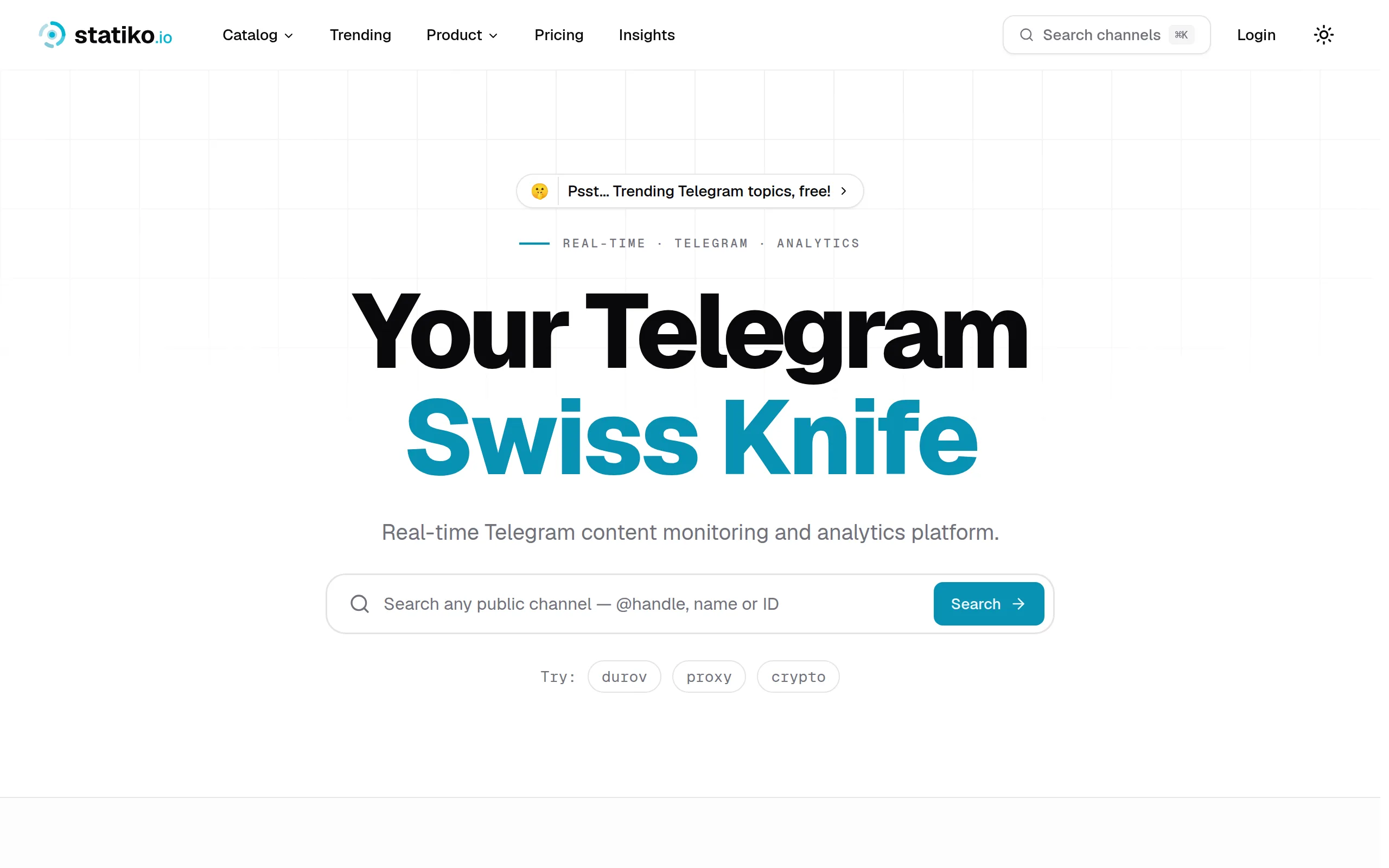
Statiko
Monitor any Telegram channel in real time - track posts, edits, deletions, and growth with AI recaps 📡
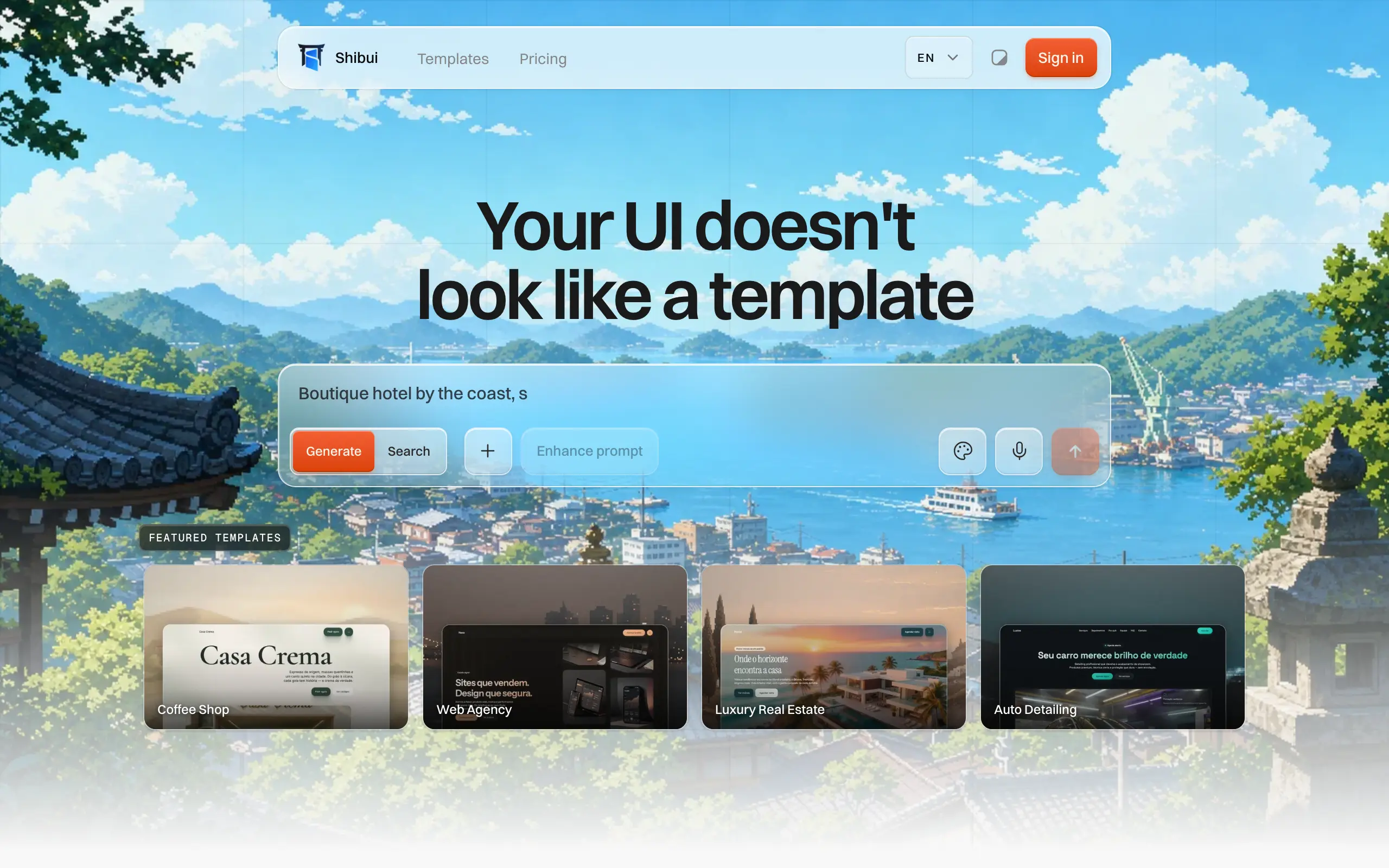
Shibui
AI website builder - describe your business, pick a niche template, edit by chatting, and publish instantly ✨
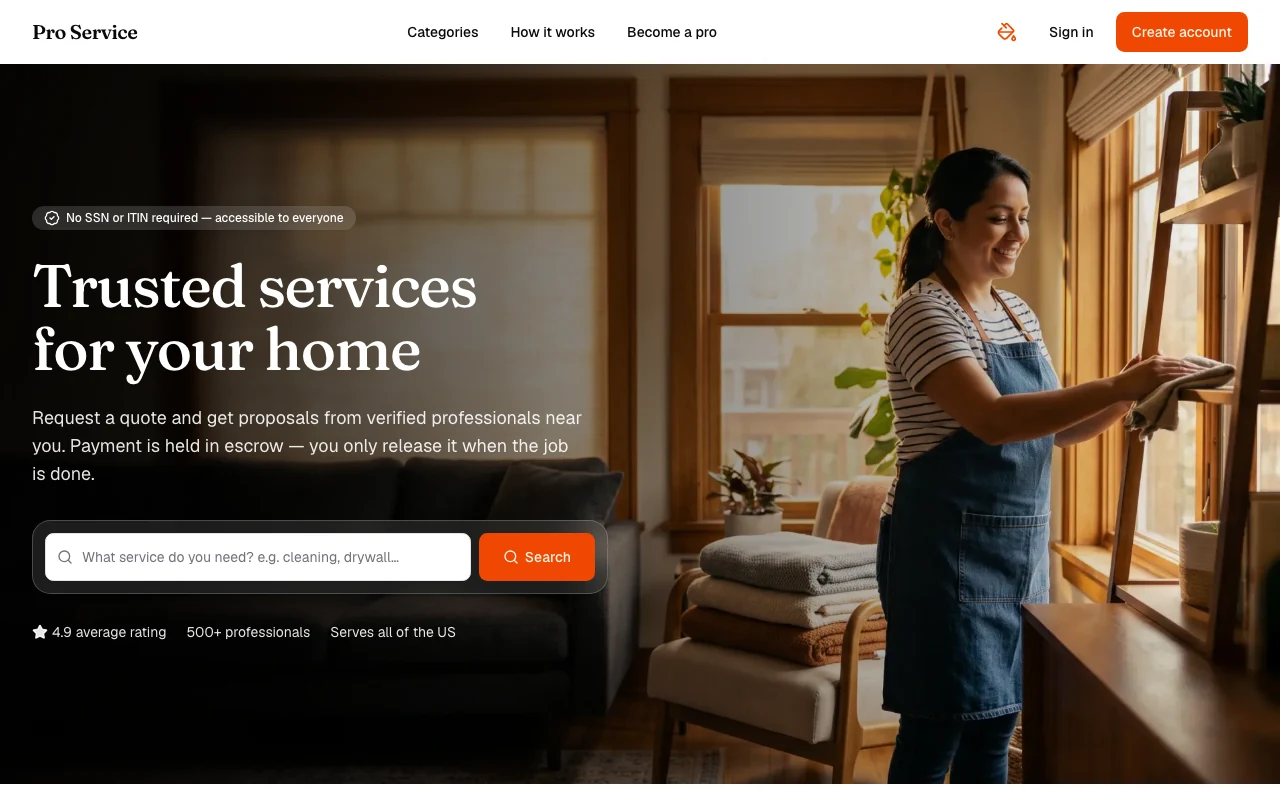
Pro Service
Find verified home service professionals, compare quotes, and pay securely through escrow - built for Brazilians across the US 🏠
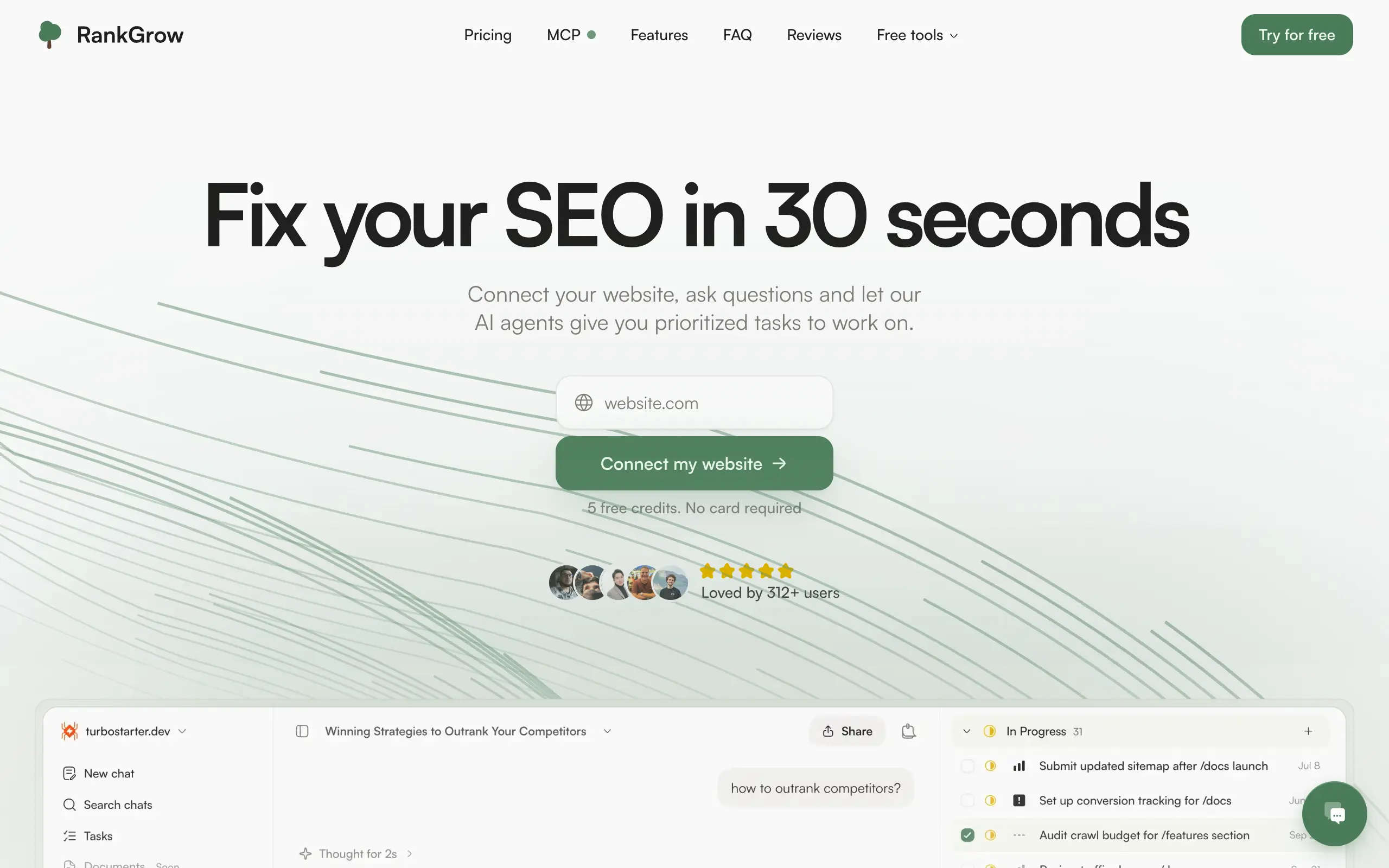
RankGrow
Fix your SEO with AI agents - connect Search Console, get prioritized tasks, and grow organic traffic 📈
SyncReads
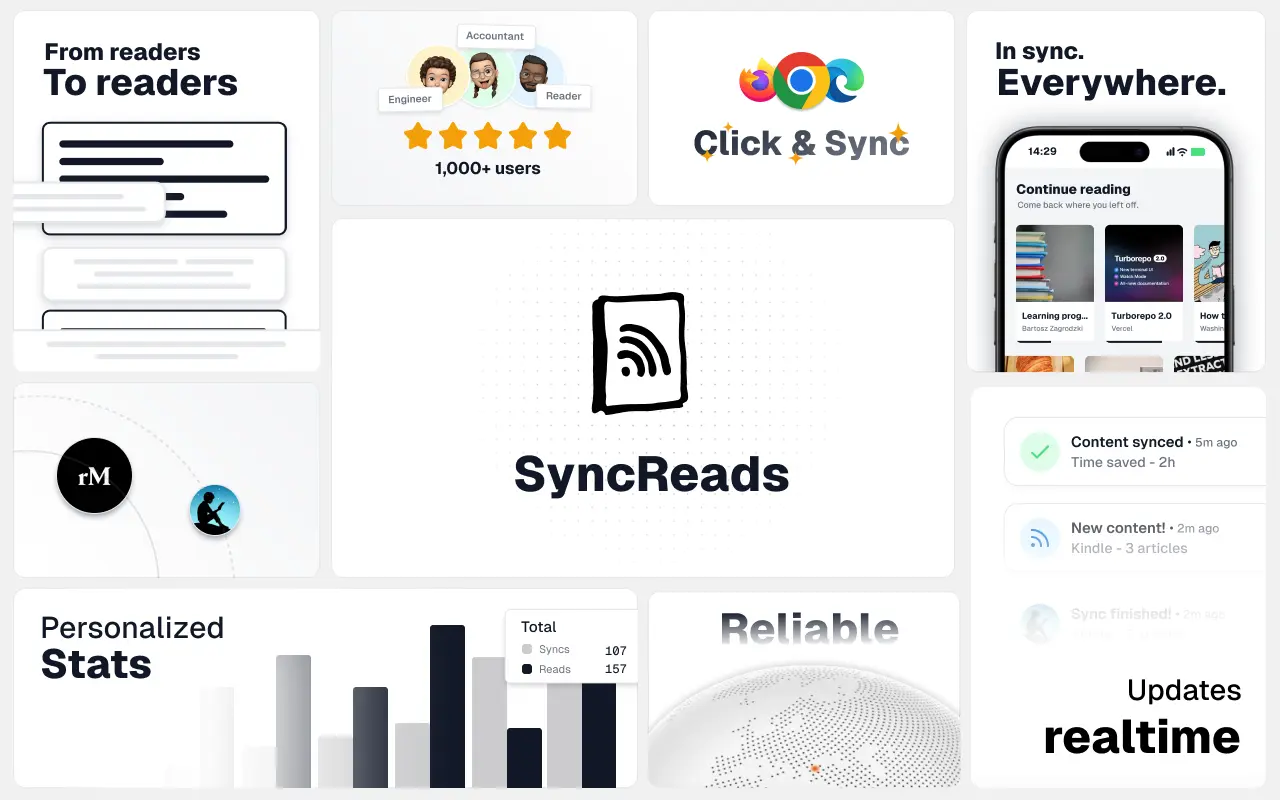
Sync your favorite content for distraction-free reading, save time and replace multiple apps. Anytime, anywhere 🔄
Socialcrawl
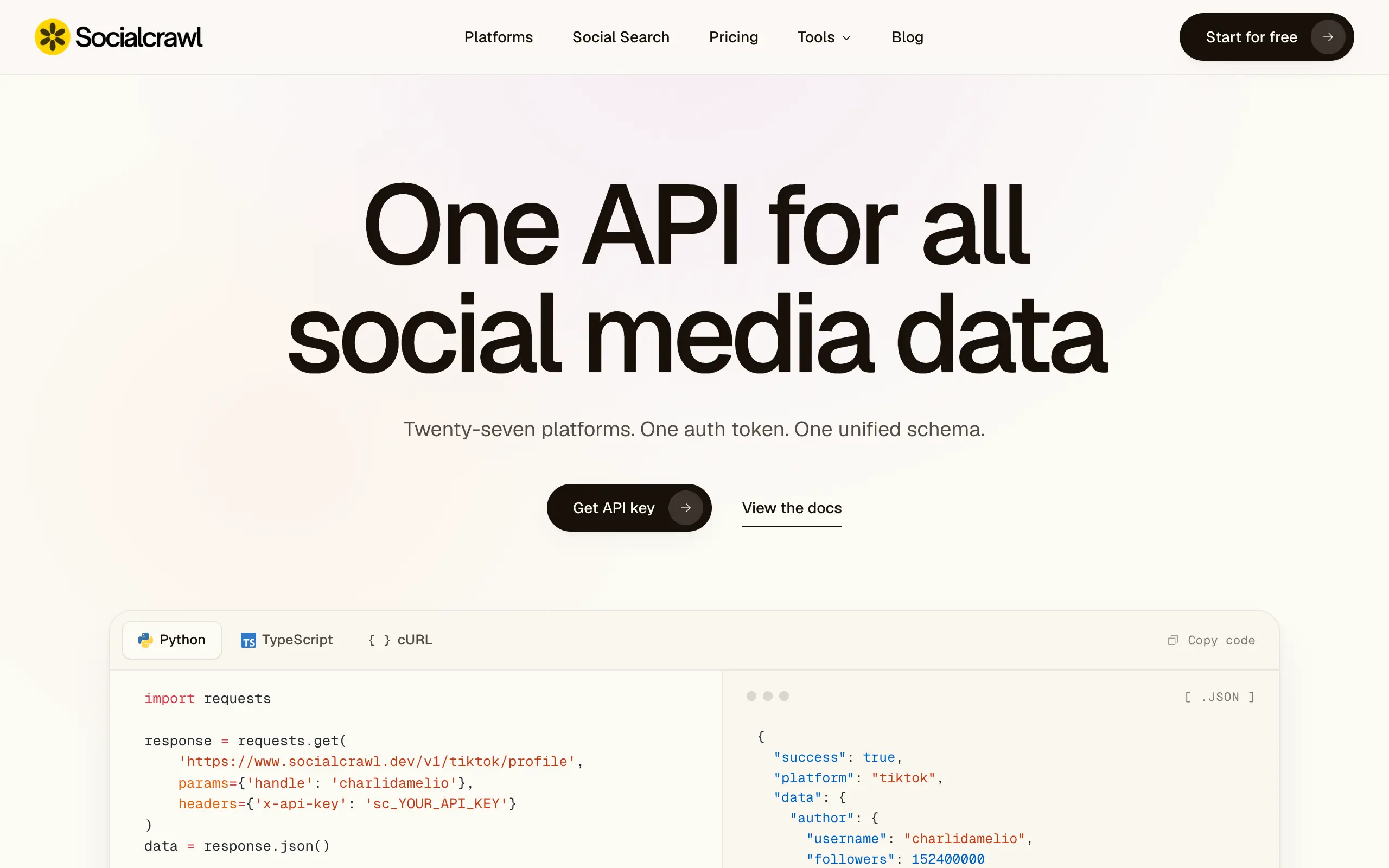
Get clean, structured data from 21 platforms like TikTok, Instagram, and YouTube with a single request 📊
Statiko
Monitor any Telegram channel in real time - track posts, edits, deletions, and growth with AI recaps 📡
Shibui
AI website builder - describe your business, pick a niche template, edit by chatting, and publish instantly ✨
Pro Service
Find verified home service professionals, compare quotes, and pay securely through escrow - built for Brazilians across the US 🏠
RankGrow
Fix your SEO with AI agents - connect Search Console, get prioritized tasks, and grow organic traffic 📈
SyncReads
Sync your favorite content for distraction-free reading, save time and replace multiple apps. Anytime, anywhere 🔄
Socialcrawl
Get clean, structured data from 21 platforms like TikTok, Instagram, and YouTube with a single request 📊
Statiko
Monitor any Telegram channel in real time - track posts, edits, deletions, and growth with AI recaps 📡
Shibui
AI website builder - describe your business, pick a niche template, edit by chatting, and publish instantly ✨
Pro Service
Find verified home service professionals, compare quotes, and pay securely through escrow - built for Brazilians across the US 🏠
RankGrow
Fix your SEO with AI agents - connect Search Console, get prioritized tasks, and grow organic traffic 📈
SyncReads
Sync your favorite content for distraction-free reading, save time and replace multiple apps. Anytime, anywhere 🔄
Socialcrawl
Get clean, structured data from 21 platforms like TikTok, Instagram, and YouTube with a single request 📊
Statiko
Monitor any Telegram channel in real time - track posts, edits, deletions, and growth with AI recaps 📡
Shibui
AI website builder - describe your business, pick a niche template, edit by chatting, and publish instantly ✨
Pro Service
Find verified home service professionals, compare quotes, and pay securely through escrow - built for Brazilians across the US 🏠
RankGrow
Fix your SEO with AI agents - connect Search Console, get prioritized tasks, and grow organic traffic 📈
SyncReads
Sync your favorite content for distraction-free reading, save time and replace multiple apps. Anytime, anywhere 🔄
Socialcrawl
Get clean, structured data from 21 platforms like TikTok, Instagram, and YouTube with a single request 📊
Dotallio
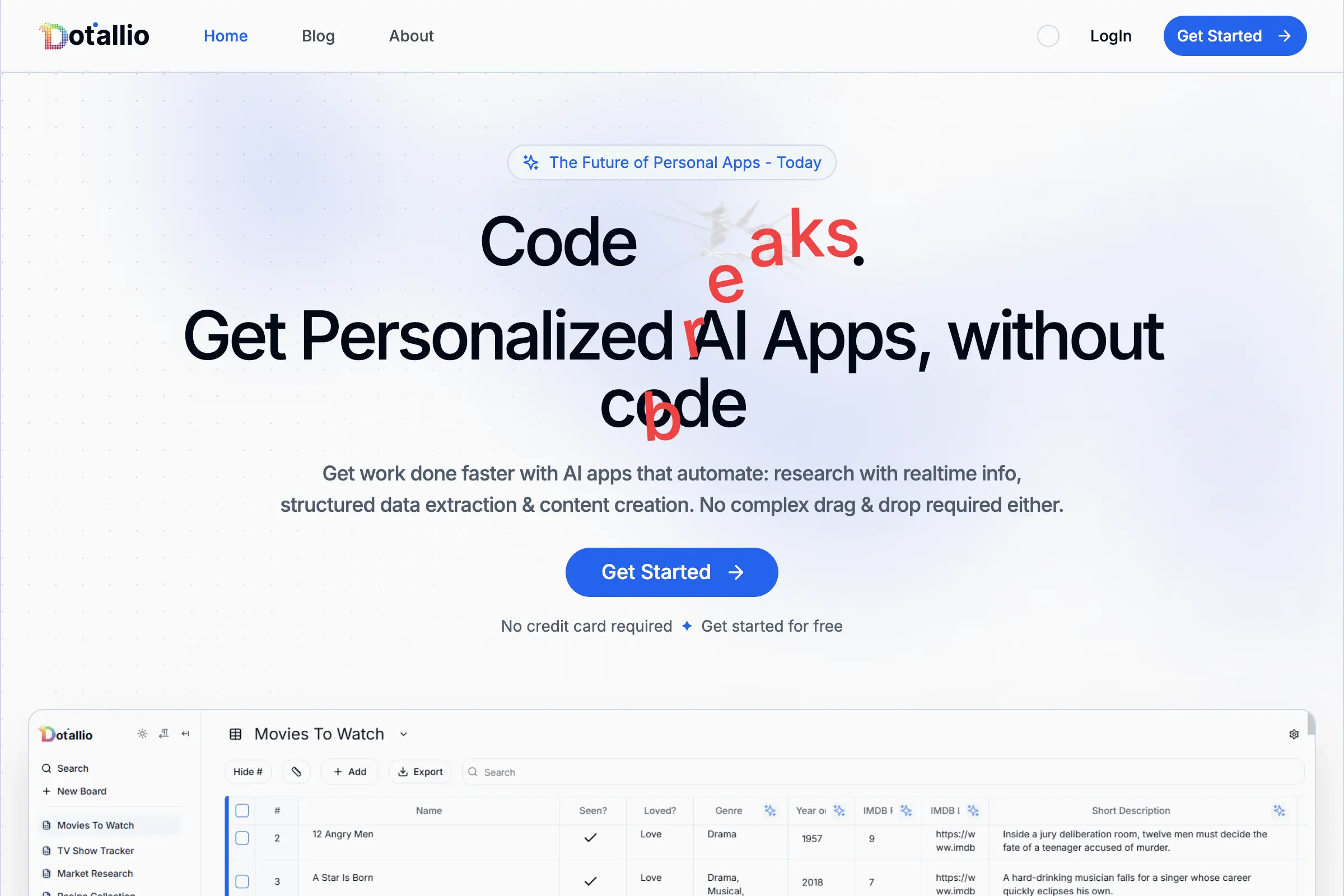
Personalized AI apps that automate research, data extraction, and content creation without code 🤖
Talk to Santa
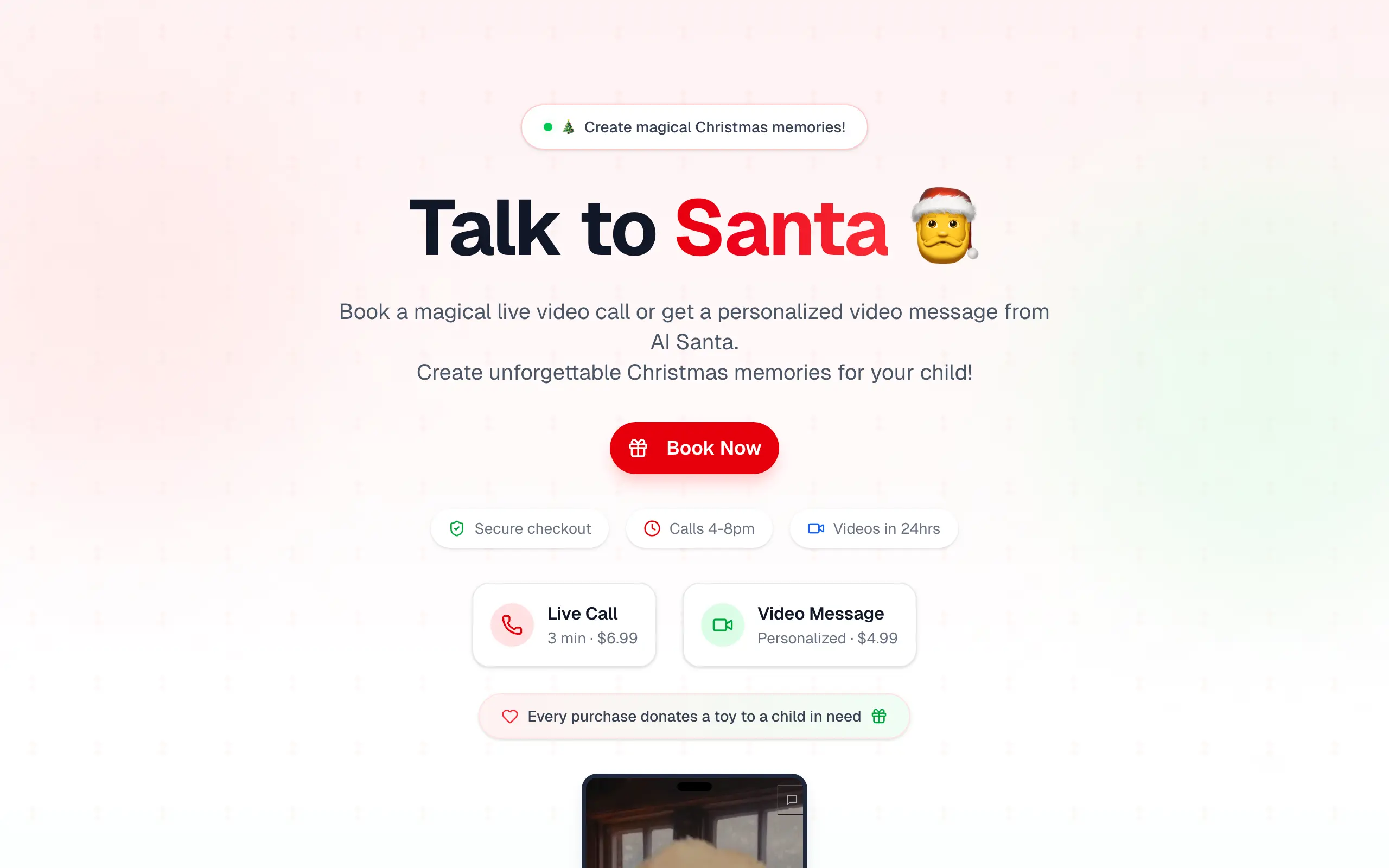
Enjoy a magical live video chat or receive a unique AI-generated video greeting from Santa Claus 🎅
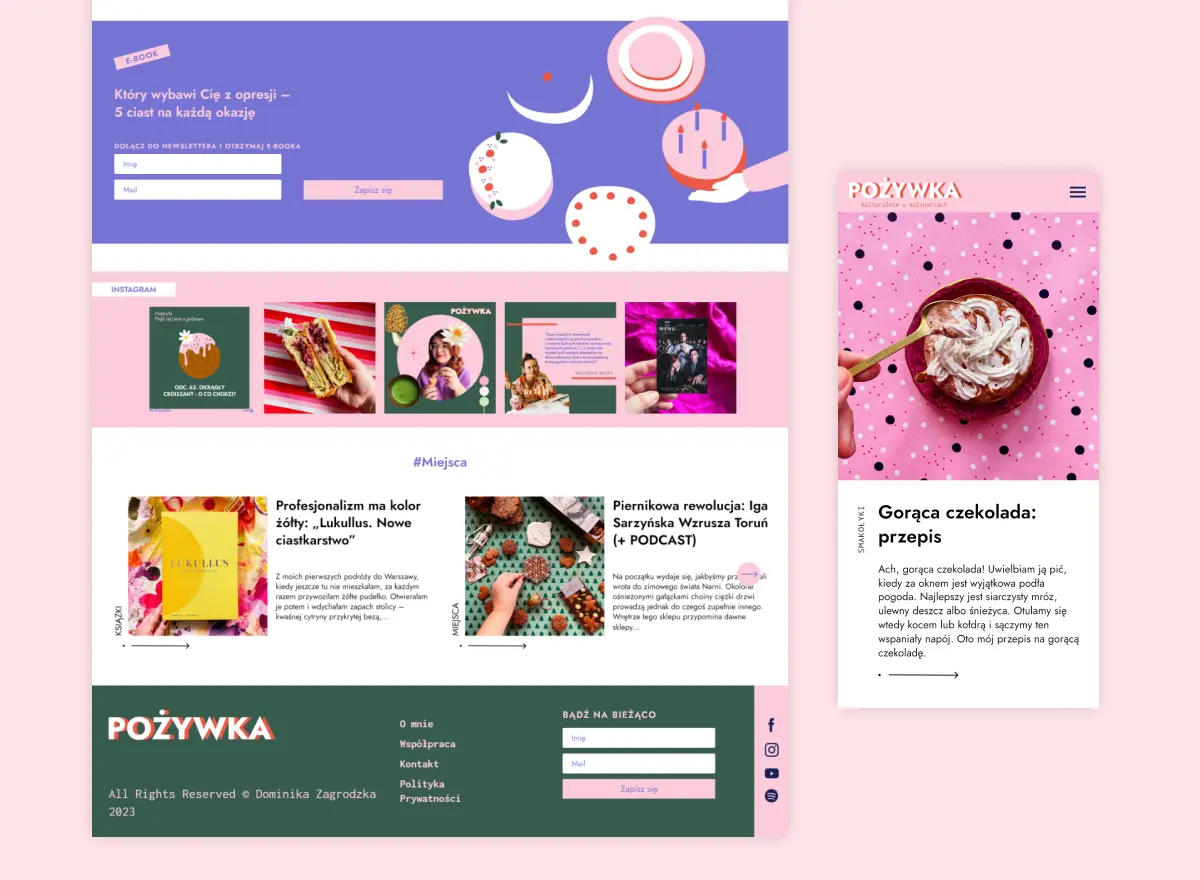
pozywka.pl
Scalable blog for food journalist, focused on performance and user experience 🌭
zagrodzki.me
Personal blog and portfolio of Bart Zagrodzki, where he shares his knowledge and work 💼
TurboStarter
Ship your startup everywhere. In minutes.
HTML to Markdown
Convert HTML to Markdown with ease, directly in your browser 📄
Dotallio
Personalized AI apps that automate research, data extraction, and content creation without code 🤖
Talk to Santa
Enjoy a magical live video chat or receive a unique AI-generated video greeting from Santa Claus 🎅
pozywka.pl
Scalable blog for food journalist, focused on performance and user experience 🌭
zagrodzki.me
Personal blog and portfolio of Bart Zagrodzki, where he shares his knowledge and work 💼
TurboStarter
Ship your startup everywhere. In minutes.
HTML to Markdown
Convert HTML to Markdown with ease, directly in your browser 📄
Dotallio
Personalized AI apps that automate research, data extraction, and content creation without code 🤖
Talk to Santa
Enjoy a magical live video chat or receive a unique AI-generated video greeting from Santa Claus 🎅
pozywka.pl
Scalable blog for food journalist, focused on performance and user experience 🌭
zagrodzki.me
Personal blog and portfolio of Bart Zagrodzki, where he shares his knowledge and work 💼
TurboStarter
Ship your startup everywhere. In minutes.
HTML to Markdown
Convert HTML to Markdown with ease, directly in your browser 📄
Dotallio
Personalized AI apps that automate research, data extraction, and content creation without code 🤖
Talk to Santa
Enjoy a magical live video chat or receive a unique AI-generated video greeting from Santa Claus 🎅
pozywka.pl
Scalable blog for food journalist, focused on performance and user experience 🌭
zagrodzki.me
Personal blog and portfolio of Bart Zagrodzki, where he shares his knowledge and work 💼
TurboStarter
Ship your startup everywhere. In minutes.
HTML to Markdown
Convert HTML to Markdown with ease, directly in your browser 📄
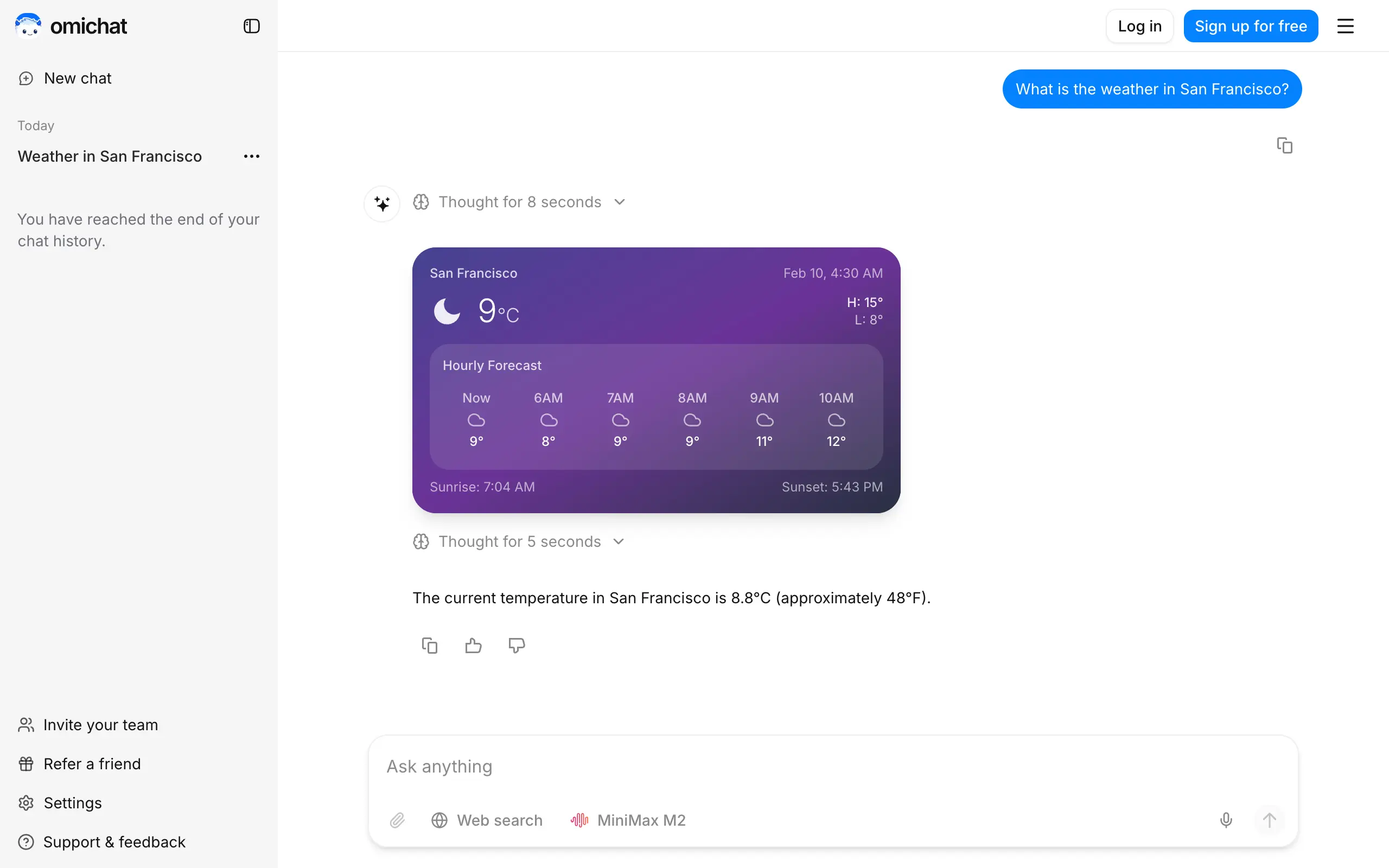
Omichat
Chat with 50+ AI models, including ChatGPT and Claude, in one place - switch models anytime without losing context 🤖
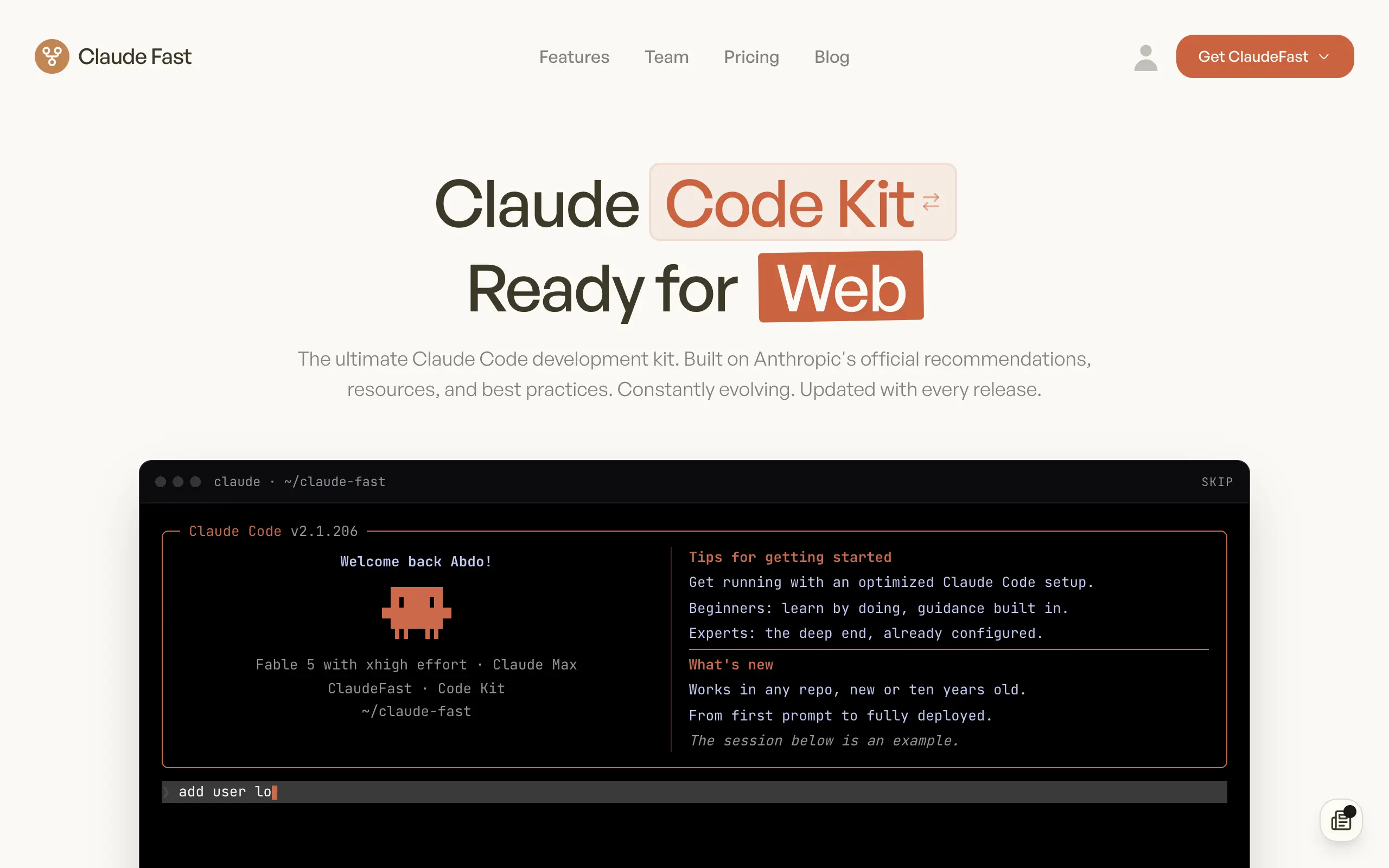
Claude Fast
Supercharge your Claude Code with 6x effective context window and specialized AI agents 🤖
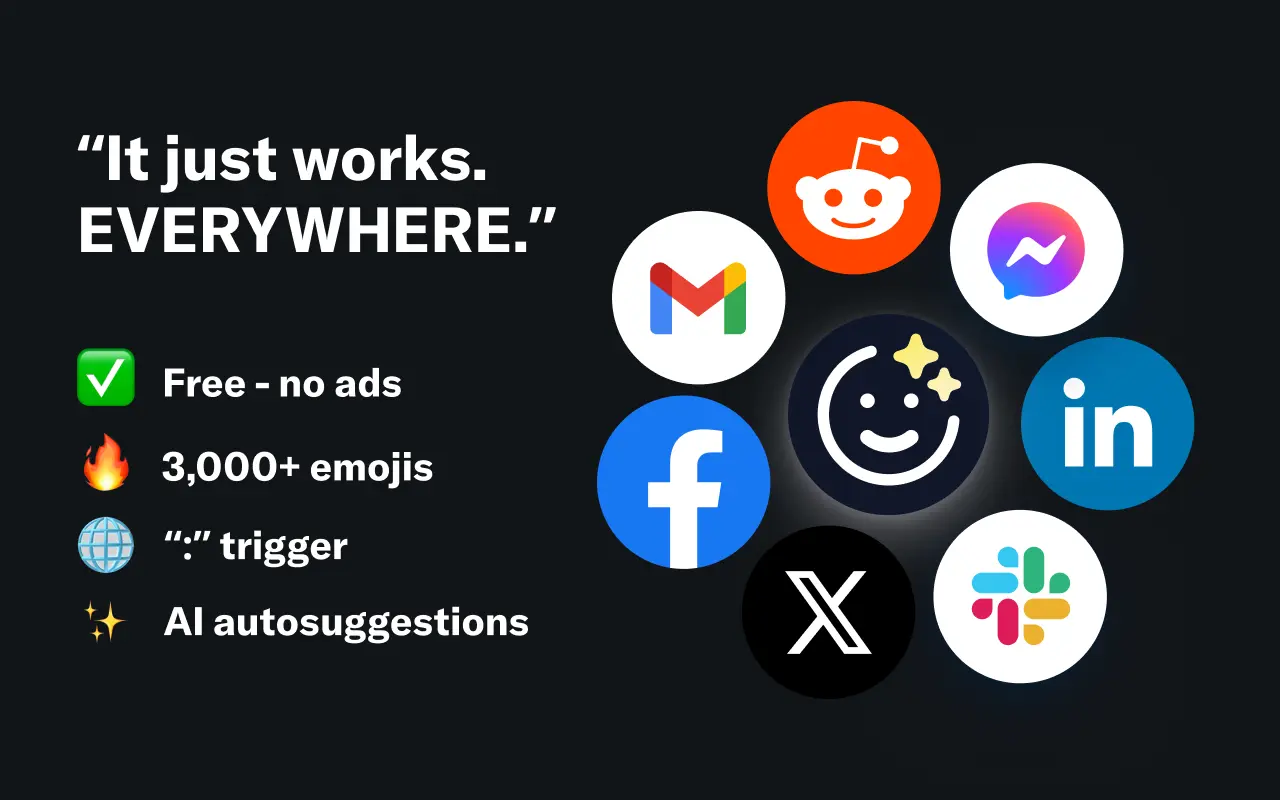
EmojAI
AI-powered emoji picker with smart, context-aware suggestions 🤖
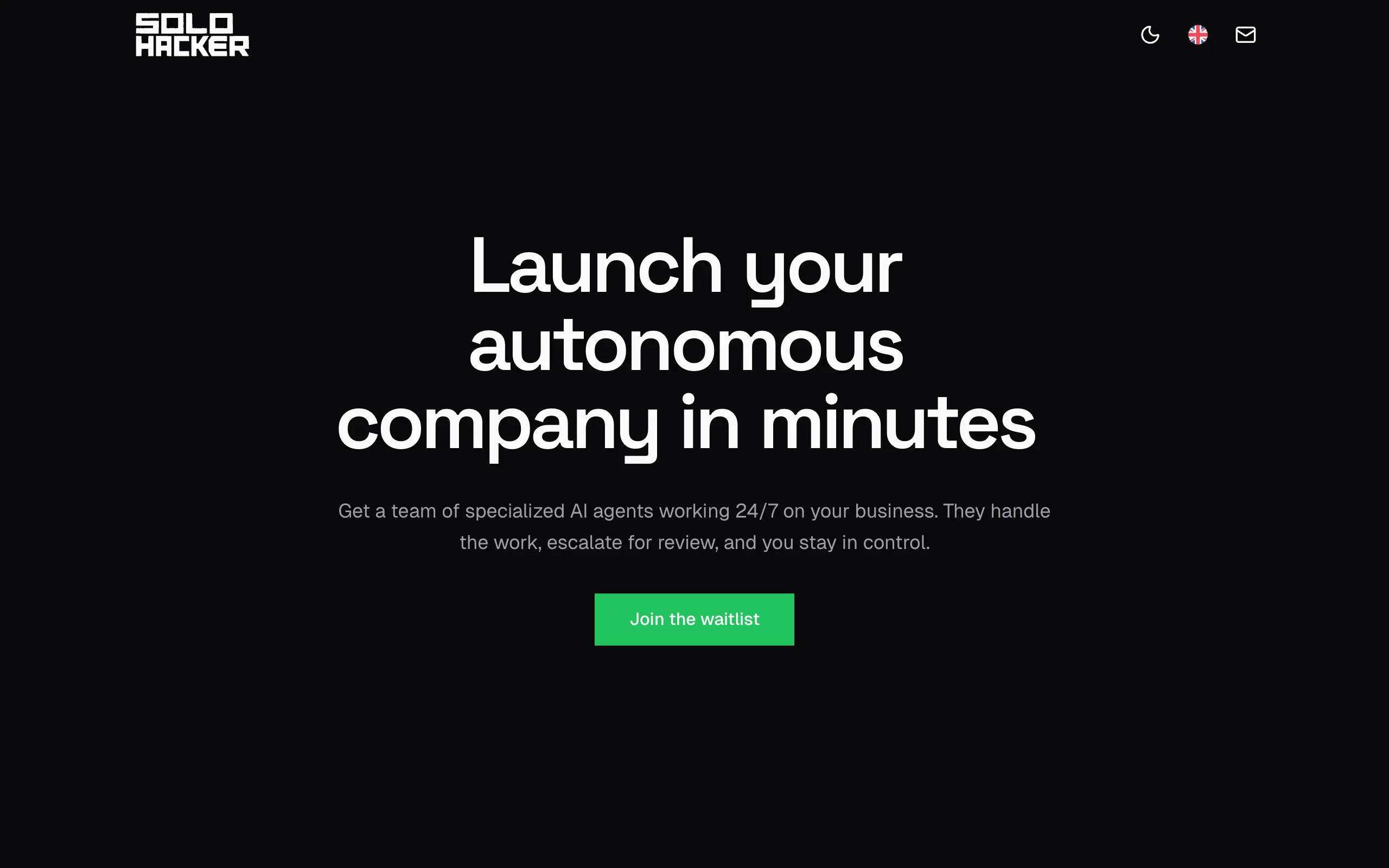
Solohacker
Autonomous company launcher - AI agents work 24/7, escalate what matters, and you stay in control 🤖
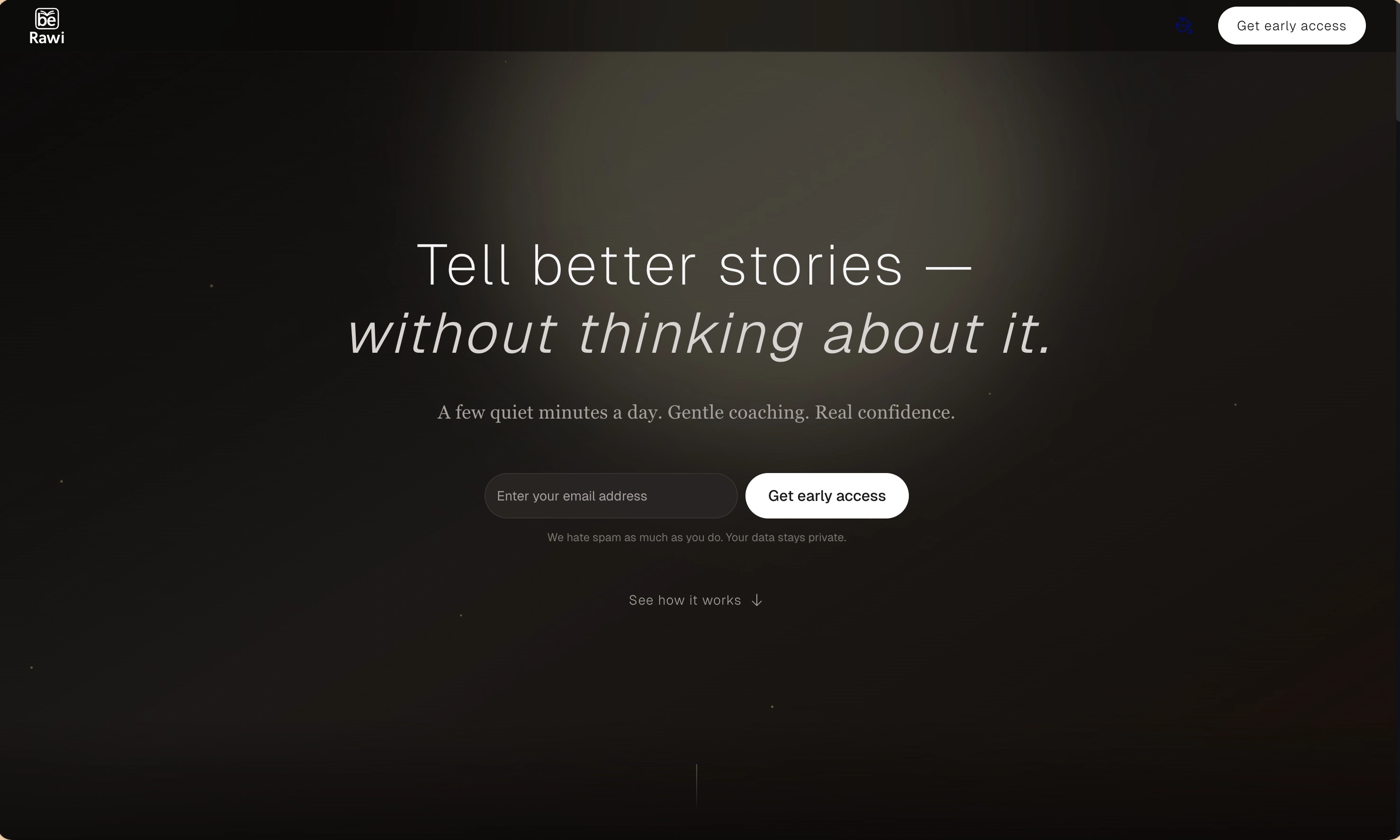
BeRawi: Storytelling Coach
Practice storytelling daily with instant feedback to sound clearer, more engaging, and confident 🎤
Omichat
Chat with 50+ AI models, including ChatGPT and Claude, in one place - switch models anytime without losing context 🤖
Claude Fast
Supercharge your Claude Code with 6x effective context window and specialized AI agents 🤖
EmojAI
AI-powered emoji picker with smart, context-aware suggestions 🤖
Solohacker
Autonomous company launcher - AI agents work 24/7, escalate what matters, and you stay in control 🤖
BeRawi: Storytelling Coach
Practice storytelling daily with instant feedback to sound clearer, more engaging, and confident 🎤
Omichat
Chat with 50+ AI models, including ChatGPT and Claude, in one place - switch models anytime without losing context 🤖
Claude Fast
Supercharge your Claude Code with 6x effective context window and specialized AI agents 🤖
EmojAI
AI-powered emoji picker with smart, context-aware suggestions 🤖
Solohacker
Autonomous company launcher - AI agents work 24/7, escalate what matters, and you stay in control 🤖
BeRawi: Storytelling Coach
Practice storytelling daily with instant feedback to sound clearer, more engaging, and confident 🎤
Omichat
Chat with 50+ AI models, including ChatGPT and Claude, in one place - switch models anytime without losing context 🤖
Claude Fast
Supercharge your Claude Code with 6x effective context window and specialized AI agents 🤖
EmojAI
AI-powered emoji picker with smart, context-aware suggestions 🤖
Solohacker
Autonomous company launcher - AI agents work 24/7, escalate what matters, and you stay in control 🤖
BeRawi: Storytelling Coach
Practice storytelling daily with instant feedback to sound clearer, more engaging, and confident 🎤

Connect with like-minded people
Join our community to get feedback, support, and grow together with 1,000+ builders on board, let's ship it!
Join usShip your startup everywhere. In minutes.
Don't burn tokens on setup and start building features on day one.