ScreenToService
Turn UI screens and user flows into API contracts, database schemas, and backend starter tasks, helping frontend teams build secure, testable services.
ScreenToService is a product concept for turning interface designs and user journeys into practical backend plans: API contracts, database schemas, validation rules, and implementation tasks. Its strongest promise is not that it can guess a complete production backend from a screenshot. It is that it can help frontend and backend teams agree on the service a screen needs—then generate a structured, reviewable starting point for building it.
That distinction matters. A polished interface can conceal complicated questions: Which data does the screen need? Which fields can a user edit? What happens when a request fails? Which actions require authorization? ScreenToService can make those questions visible earlier, when changing a contract is cheaper than changing a finished implementation.
For teams exploring a UI-to-API contract generator, the opportunity is to connect product intent with backend engineering. A useful version of ScreenToService would turn screens and user flows into a traceable set of proposed services, schemas, and tasks, while keeping engineers in control of architectural and security decisions.
What ScreenToService does
ScreenToService is a software-as-a-service idea that converts UI screens and user flows into backend artifacts. A team could provide design inputs, describe user actions, and answer clarifying questions. The product would then create a draft contract and backend plan that developers can review and adapt.
A typical output might include:
- API operations, such as listing, viewing, creating, or updating a resource
- Request and response shapes, with field types and validation rules
- Database entities and relationships
- Authentication and authorization assumptions
- Error cases and loading or empty-state requirements
- Test scenarios and acceptance criteria
- A prioritized set of backend starter tasks
- Exportable specifications for a team’s preferred tooling
The product should treat each generated artifact as a proposal, not an unquestionable source of truth. Screens reveal some requirements, but they do not reveal everything. A UI may show a customer name, for example, without specifying whether that name comes from a customer table, an external system, or a denormalized search index.
The best ScreenToService experience would make uncertainty explicit. It would show what was inferred, what is missing, and which decisions require human input.
Who is ScreenToService for?
The initial audience should be teams that regularly translate product designs into backend work. They have enough engineering experience to evaluate generated contracts, but they still lose time coordinating requirements across roles.
Frontend engineers
Frontend engineers often begin implementing an interface before the API is available. They may create mock data, invent field names, and make assumptions about pagination or error handling. Those decisions can be useful for prototyping, but they can also become informal contracts that the backend later has to accommodate.
ScreenToService could help frontend developers articulate their needs in a format backend engineers can inspect. Instead of sending a design link and a vague request for “the endpoints for this page,” a developer could share proposed operations, data shapes, and unresolved questions.
Backend engineers
Backend engineers are a high-value audience because they must turn product behavior into services that are secure, reliable, and maintainable. A UI-derived draft can help them identify likely entities and operations more quickly, especially when requirements are spread across mockups, tickets, and conversations.
The product should save them from repetitive translation work without pretending to replace system design. Backend engineers should be able to reject a proposed schema, adjust authorization rules, and explain why a screen should use an existing service rather than a newly generated one.
Product designers and product managers
Designers and product managers can use ScreenToService to expose implementation implications while a workflow is still being shaped. A screen that appears simple might require several permissions, a new entity, or a special validation rule. Seeing those implications early can help a team decide whether to simplify a flow or prioritize additional backend work.
The product must remain accessible to non-engineers. If it presents only raw OpenAPI or SQL, it may fail to bring product stakeholders into the conversation. A visual, plain-language review layer can make the generated contract useful across roles.
Agencies, consultancies, and product studios
Client-facing teams often move between projects with different stacks, conventions, and levels of documentation. A repeatable process for turning designs into implementation-ready backend plans could reduce discovery overhead and improve handoffs.
For this audience, exports and templates are particularly important. An agency might need a client-ready requirements summary alongside a technical specification, while its developers need tasks that fit an existing issue tracker.
Early-stage SaaS teams
Small teams have limited time for specification and coordination. A structured draft can help founders and engineers move from a prototype to a more complete implementation without requiring a full-time business analyst.
However, early-stage teams also have limited capacity to adopt new tools. ScreenToService must deliver value in a short session and work with their existing design and development workflow.
The market opportunity and product gap
Many teams already use tools for individual parts of this workflow: interface design, API documentation, schema management, code generation, task tracking, and prototyping. The opportunity for ScreenToService is not to replace every one of those tools. It is to connect the steps that are often handled through manual interpretation.
The gap can be described as a translation problem:
- A design communicates what a person can see and do.
- Product conversations explain why the workflow exists and which rules apply.
- Backend architecture defines how data and operations should work.
- Tickets divide the work into deliverable tasks.
- Tests verify expected behavior and important edge cases.
When these sources are disconnected, teams can discover mismatches late. A field in the interface may not exist in the API. An action may lack a clear permission rule. A validation requirement may be implemented differently in the client and server.
ScreenToService can occupy the layer between visual intent and engineering implementation. Its differentiation should be traceability: a team can follow a generated API field back to the screen, user action, or requirement that motivated it. That is more useful than producing a schema in isolation.
Why the timing is favorable
Several software development trends make this concept timely:
- AI-assisted development is normalizing generated drafts. Developers increasingly use AI tools for code and documentation. Teams still need ways to inspect, constrain, and validate the output.
- API-first practices remain valuable. A clear contract helps separate client and server development and makes integrations easier to test.
- Design systems and component libraries are more mature. Reusable UI patterns can provide clues about common behaviors, though they do not remove the need for product-specific requirements.
- Security expectations are rising. Teams need to consider authorization, data exposure, and validation as part of API design rather than after implementation.
These trends do not prove demand for ScreenToService. They suggest a problem worth testing. Market validation should come from interviews, prototype usage, and evidence that teams will pay to reduce delays or rework—not from broad claims about AI adoption.
Core features for a useful ScreenToService product
The first version should focus on a small set of connected capabilities. A large feature list is less valuable than a reliable workflow that produces outputs developers trust.
1. Bring in screens and user flows
Users need a practical way to supply design context. Possible inputs include:
- Uploaded screenshots or exported frames
- Written descriptions of screens and interactions
- A structured flow builder
- Design-file integrations, added after validating demand
- Existing product requirements or acceptance criteria
A screen alone is ambiguous. The product should ask users to identify the relevant action and its intent. For example, a “Save” button could create a new record, update an existing record, submit a workflow for approval, or save a draft locally.
A guided intake should capture at least the user role, the action being performed, the expected result, and any known constraints.
2. Extract and clarify requirements
ScreenToService should turn input into a reviewable set of requirements before generating a backend plan. This step can use AI to suggest interpretations, but users need a clear way to correct them.
Useful questions might include:
- Who can see this data?
- Is this action available to every user or only a specific role?
- Can the record be edited after submission?
- What should happen when a field is missing?
- Is the list paginated, searchable, or filterable?
- Does the interface need a real-time update?
- What should the user see if the service is unavailable?
The quality of this clarification step may be a stronger competitive advantage than the model used to generate a draft.
3. Generate an API contract
Once requirements are reviewed, ScreenToService can propose operations and data shapes. The output should be predictable and editable, with support for common patterns such as:
- Collection and detail endpoints
- Create, update, and delete operations where appropriate
- Filtering, sorting, and pagination
- Consistent error responses
- Authentication requirements and permission notes
- Request validation and response examples
An export to the OpenAPI Specification can make the output portable across API tooling and development workflows. The product should avoid locking a customer into a proprietary contract format.
A contract should also distinguish confirmed requirements from assumptions. For example, “The list is paginated” may be confirmed, while “The default page size is 20” may be a suggested convention awaiting approval.
4. Propose a database schema
A schema generator should infer candidate entities and relationships from confirmed requirements, then explain its reasoning. It should not blindly create a table for every screen or visible field.
For example, a profile screen and an order screen might both display a customer name. Those screens do not necessarily imply separate customer records. A useful tool should help teams recognize shared concepts, distinguish stored values from derived values, and flag questions that could change the data model.
Schema output could include:
- Entity names and field types
- Primary and foreign keys
- Required versus optional fields
- Uniqueness constraints
- Relationship cardinality
- Index suggestions with explanations
- Migration notes and unresolved design decisions
The product should make database-specific exports optional. A relational schema, document model, and existing service boundary can lead to different designs even when the UI is identical.
5. Create implementation tasks
A technical contract becomes more actionable when it is divided into work. ScreenToService could generate starter tasks for:
- Backend routes or service methods
- Database migrations
- Input validation
- Authorization checks
- Unit and integration tests
- API documentation
- Frontend integration
- Error and empty-state handling
Tasks should reference the requirements and contract elements they implement. This creates a useful audit trail and makes it easier to spot missing work. Integrations with project-management tools can come later; exporting a clean task list is enough for an early product.
6. Provide a review and change workflow
Generated artifacts will change as the design evolves. ScreenToService should show what changed between versions and which dependent artifacts may need review.
If a field changes from optional to required, for example, the product could identify related request schemas, validation rules, tests, and UI states. Change awareness helps maintain trust because users can assess the consequences rather than regenerate everything and compare manually.
7. Support validation and test planning
A strong product should generate test scenarios alongside its contract. The scenarios should cover normal behavior and meaningful failure cases, such as:
- A valid request from an authorized user
- A missing or malformed required field
- A request from a user without permission
- A record that does not exist
- A duplicate value where uniqueness is required
- A service error or timeout
Test suggestions are not a replacement for a testing strategy. They are a way to help teams notice gaps before implementation and make expectations more concrete.
How the product can stand apart
ScreenToService enters a landscape that includes design tools, API specification tools, code generators, AI coding assistants, and project-management platforms. A clear positioning statement is essential.
| Product category | Typical strength | Common limitation | ScreenToService opportunity | Best role in the workflow |
|---|---|---|---|---|
| Design tools | Communicate visual layout and interactions | Backend behavior may remain implicit | Connect a screen action to a proposed service requirement | Source of interface context |
| API design tools | Define and document API contracts | Usually start after requirements are understood | Help derive a first contract from reviewed UI behavior | Contract review and publication |
| Code generators | Produce code from schemas or specifications | Depend on input quality and project conventions | Improve the quality and traceability of the input | Implementation acceleration |
| AI coding assistants | Draft code from prompts and repository context | Results may be difficult to audit across artifacts | Provide a structured, reviewable specification before code | Developer assistance |
| ScreenToService | Connect UI intent to contracts, schemas, and tasks | Must earn trust in its inferences and exports | Preserve traceability across the handoff | Requirements-to-backend bridge |
The defensible advantage is not simply “AI that reads screenshots.” That capability can be copied and may produce unreliable results without context. A stronger advantage combines:
- Traceable requirements that link artifacts to the screen or decision that motivated them
- Domain-aware clarification that asks useful questions instead of hiding uncertainty
- Stack-aware output that respects a team’s conventions
- Security-aware defaults that prompt users to review access and data exposure
- Collaborative review that makes designers, frontend engineers, and backend engineers part of the same process
Over time, a company could build reusable templates for common product patterns, such as invitations, billing settings, or approval flows. Those templates should accelerate work without forcing every customer into the same architecture.
Recommended technical architecture and tech stack
A practical architecture should separate the product interface, project data, generation workflow, and export layer. The system should support iterative review rather than a single prompt that produces a large, unverified answer.
Frontend and application layer
React is a suitable choice for a collaborative web application with complex forms, artifact previews, and revision views. TypeScript can improve safety across the client and server, particularly when shared contract types are useful. A team can choose a framework such as Next.js if it wants integrated routing and server-rendering capabilities, or use a lighter application setup if the product is primarily authenticated and interactive.
The trade-off is architectural complexity. A full-stack framework can accelerate delivery, but teams should avoid putting all generation logic in UI routes if it needs durable background processing.
Backend and data storage
A relational database such as PostgreSQL is a strong default for storing organizations, projects, users, screens, requirements, contract versions, and review decisions. These relationships and audit records benefit from structured data and transactions.
A document store might be useful for some generated artifacts, especially when output shapes evolve. One reasonable approach is to store core product entities relationally and keep versioned artifact content in JSON fields or object storage, depending on size and query needs. The right choice depends on retrieval, versioning, and collaboration requirements—not on a preference for a particular database trend.
For data access, a typed ORM can speed up product development, but it should not obscure migrations or database behavior. Teams should inspect generated migrations and test schema changes just as they would in any production application.
Contract and validation layer
Use a standard format for API exports where practical, and validate generated output before presenting it as ready to use. A TypeScript validation library such as Zod can help validate internal payloads at runtime. It should complement, not replace, explicit API contract validation and review.
A generation pipeline might follow this sequence:
- Normalize the screen and user-flow inputs.
- Build a structured requirements representation.
- Identify missing decisions and ask clarifying questions.
- Generate a draft contract and schema.
- Run deterministic validation checks.
- Present assumptions, conflicts, and warnings.
- Save an immutable version after user approval.
This approach is more robust than asking a language model to generate every artifact in one step. Deterministic checks can catch structural errors, while human review handles domain and architecture decisions.
AI and orchestration
A model can help interpret natural-language requirements, summarize screen context, suggest data entities, and draft explanations. The system should constrain its outputs to defined schemas and validate them before saving.
Important design choices include:
- Keeping prompts and generation versions observable
- Recording which inputs informed each output
- Separating model suggestions from confirmed user decisions
- Allowing regeneration of a single artifact rather than the entire project
- Providing a fallback editing path when AI output is wrong
- Avoiding unnecessary transmission of sensitive customer data
Model providers, pricing, latency, and data-handling terms change over time. ScreenToService should abstract the model integration enough to evaluate providers without making the product dependent on one model’s proprietary output format.
Security and privacy
Design files and product requirements can contain sensitive information. The product needs clear access controls, secure storage, tenant isolation, and a data-retention policy. It should minimize the amount of confidential context sent to external services and explain how customer data is handled.
Generated APIs also create a risk of false confidence. ScreenToService should highlight security decisions that cannot safely be inferred from a screen, including authorization, sensitive field exposure, and rate-limiting needs. The OWASP API Security project is a useful authoritative reference for building a review checklist, though the product should not claim that generated output is automatically secure.
Suggested stack trade-offs
- TypeScript across the application can reduce type mismatches, but teams still need runtime validation at system boundaries.
- PostgreSQL is a strong fit for relational project and collaboration data, but storing large artifacts may call for object storage.
- Background jobs support longer generation and export tasks, but add operational complexity.
- AI provider abstraction supports flexibility, but excessive abstraction can slow an MVP before a second provider is needed.
- Open standards improve portability, but exports still require testing against real customer workflows.
For teams that want to accelerate the SaaS foundation rather than build authentication, billing, and application plumbing from scratch, TurboStarter can be evaluated as a starting point. The choice should depend on how well its structure matches the product’s deployment, customization, and compliance needs.
Monetization strategy
ScreenToService has several plausible revenue models. Pricing should reflect the value of collaboration and delivery, not just the number of generated tokens.
Free trial or free tier
A limited free tier can help individual developers test a project before inviting teammates. Useful limits might apply to active projects, saved versions, exports, or collaboration features. The free experience must still demonstrate the product’s core value; an artificial restriction before users see a useful output can undermine adoption.
Per-seat subscriptions
Per-seat pricing is familiar to teams using collaborative software. It works best when multiple roles actively review artifacts. A drawback is that a team may avoid inviting designers or reviewers if every occasional contributor increases cost.
Usage-based generation
Charging by generation volume can align revenue with AI and processing costs. It can also make bills unpredictable, especially when users iterate on drafts. If used, usage pricing should be transparent, with clear limits and cost estimates.
Team and enterprise plans
Larger organizations may pay for centralized templates, role-based access, audit history, private deployment options, or integrations with internal systems. These capabilities should be developed in response to validated buyer needs rather than added prematurely.
A practical pricing hypothesis
An initial pricing model could combine a free individual plan with a paid team plan based on collaboration and project limits. Enterprise features can be introduced once customer interviews show that security controls, administration, or procurement requirements are blocking adoption.
Before choosing a price, interview teams about their current workflow. Ask what a delayed API contract costs them, who owns the budget, how often the problem occurs, and what they already pay for adjacent tools. Interest in a demo is not the same as willingness to pay.
Risks and how to mitigate them
Generated artifacts can be wrong
A model may invent fields, misunderstand an interaction, or propose an inappropriate relationship.
Mitigation: Show the evidence and assumptions behind every suggestion. Require review before export, validate output against schemas, and make editing straightforward.
Screens are incomplete specifications
A mockup rarely captures all business rules, permissions, error cases, or data-retention requirements.
Mitigation: Use guided questions and label unknowns. Treat a screen as one input among several, alongside product requirements and engineer review.
Developers may distrust generated code or contracts
If early outputs are inconsistent, technically weak, or difficult to customize, experienced engineers may reject the product.
Mitigation: Prioritize contract quality, portability, traceability, and predictable exports over impressive-looking code generation. Test outputs with working engineers on real projects.
The product could become an unfocused platform
Trying to support every design tool, programming language, database, and project tracker at launch can exhaust a small team.
Mitigation: Begin with one core input workflow and a small number of export formats. Expand based on repeated customer requests and actual usage.
Security recommendations may be mistaken for security guarantees
A generated authorization note does not prove that an implementation is secure.
Mitigation: Use precise language. Present security checks as prompts and review requirements, not certification. Explain where expert review is needed.
AI costs and quality can vary
Generation costs, speed, and output quality may change with providers and models.
Mitigation: Track cost per successful workflow, cache stable intermediate results where appropriate, and design the product so model changes do not break its artifact format.
The buyer and user may be different
A developer may use the product, while an engineering manager or CTO approves the purchase. A tool that serves only one role may struggle to spread across a company.
Mitigation: Demonstrate team-level outcomes such as clearer handoffs, fewer ambiguous requirements, and reusable project history. Make review simple for occasional contributors.
How to validate the idea before building too much
The first objective is to test whether the workflow solves a frequent, costly problem—not whether a model can generate an impressive demo.
Start by interviewing frontend and backend engineers, product designers, and technical leads. Ask them to walk through a recent feature from design handoff to API implementation. Look for concrete examples of assumptions, duplicated effort, delayed integration, or late contract changes.
Then test a narrow prototype:
- Use one representative product flow, such as a list and detail view.
- Allow users to add screenshots or describe screens manually.
- Ask a short set of structured questions about actions, roles, and data.
- Produce an editable API draft, schema outline, and task list.
- Have engineers evaluate accuracy, usefulness, and revision effort.
Measure whether users can reach a reviewed contract faster than with their current process. Also observe where they correct the output. Corrections are valuable product research: repeated corrections reveal missing context, weak inference, or an opportunity for better templates.
Avoid relying on vanity metrics such as generated artifacts or sign-ups alone. More meaningful early signals include whether teams return for a second project, invite collaborators, export artifacts into their workflow, and trust the generated drafts enough to review rather than discard them.
Actionable implementation steps
Choose a narrow initial customer. Start with a specific team profile, such as small product teams using a modern TypeScript stack or agencies building SaaS applications. A focused audience makes product and integration decisions easier.
Map the current handoff. Document how that audience moves from interface design to service implementation. Identify the artifacts they already use and the decisions they repeatedly miss.
Define the minimum useful output. Choose a compact deliverable set, such as a reviewed OpenAPI draft, a relational schema proposal, and linked backend tasks. Avoid generating production code until users trust the underlying contract.
Build a structured intake and review flow. Let users provide screens, describe actions, identify roles, and answer clarifying questions. Make assumptions visible before generation.
Validate every generated artifact. Use deterministic checks for structure and consistency. Keep model output editable and distinguish suggestions from confirmed decisions.
Run design-partner pilots. Work with a small number of teams on real, non-sensitive workflows. Observe their corrections and compare the result with their existing handoff process.
Track adoption and willingness to pay. Measure repeat projects, collaborator invitations, exports, review time, and paid conversion. Use interviews to understand why customers keep or abandon the product.
Expand integrations only after the core loop works. Add design-platform, repository, and task-tracker integrations when customer evidence shows that they remove meaningful friction.
The ScreenToService opportunity
ScreenToService can occupy a valuable position between product design and backend implementation. Its best version will not claim that a screenshot contains every requirement or that AI can replace engineering judgment. It will help teams turn interface intent into explicit, reviewable service contracts, data models, and implementation work.
The most credible product strategy is to start with traceability and useful drafts. Let teams see where an API operation came from, which assumptions remain unresolved, and what needs human approval. Then make the output portable and easy to adapt to existing engineering conventions.
If early users repeatedly reuse ScreenToService across projects, export its artifacts into their workflow, and invite both frontend and backend collaborators, the idea will have evidence of practical value. From there, templates, integrations, and enterprise controls can deepen the product without losing its central purpose: making the path from screen to service clearer, safer, and easier to test.
Frequently asked questions
ScreenToService is a SaaS concept for converting UI screens and user flows into draft API contracts, database schemas, validation considerations, and backend implementation tasks. Its outputs should be reviewed and adapted by engineers.
No. A screenshot can suggest visible data and interactions, but it cannot reliably specify business rules, data ownership, authorization, system boundaries, or operational requirements. ScreenToService should ask clarifying questions and label assumptions rather than claim that a screenshot is a complete specification.
Frontend and backend engineers, product designers, technical product managers, agencies, and early-stage SaaS teams may benefit when they frequently translate designs into backend work. The best initial audience is the group with a repeated, costly handoff problem and the authority to adopt a new workflow.
A useful MVP can generate an editable API contract, a database schema proposal, and traceable backend tasks from a reviewed set of screens and requirements. These structured outputs are easier to evaluate than a large volume of unreviewed production code.
Teams should treat generated security guidance as a review aid, not a guarantee. Engineers need to verify authentication, authorization, data exposure, validation, and rate-limiting requirements against the application’s actual threat model and implementation.
More 💡 Other SaaS ideas
Discover more innovative other SaaS ideas that are trending in 2026. Each idea is AI-generated with market validation and growth potential to help you find your next profitable venture faster than competitors.
Your competitors are building with TurboStarter
Below are some of the SaaS ideas that have been generated and built with our starter kit.
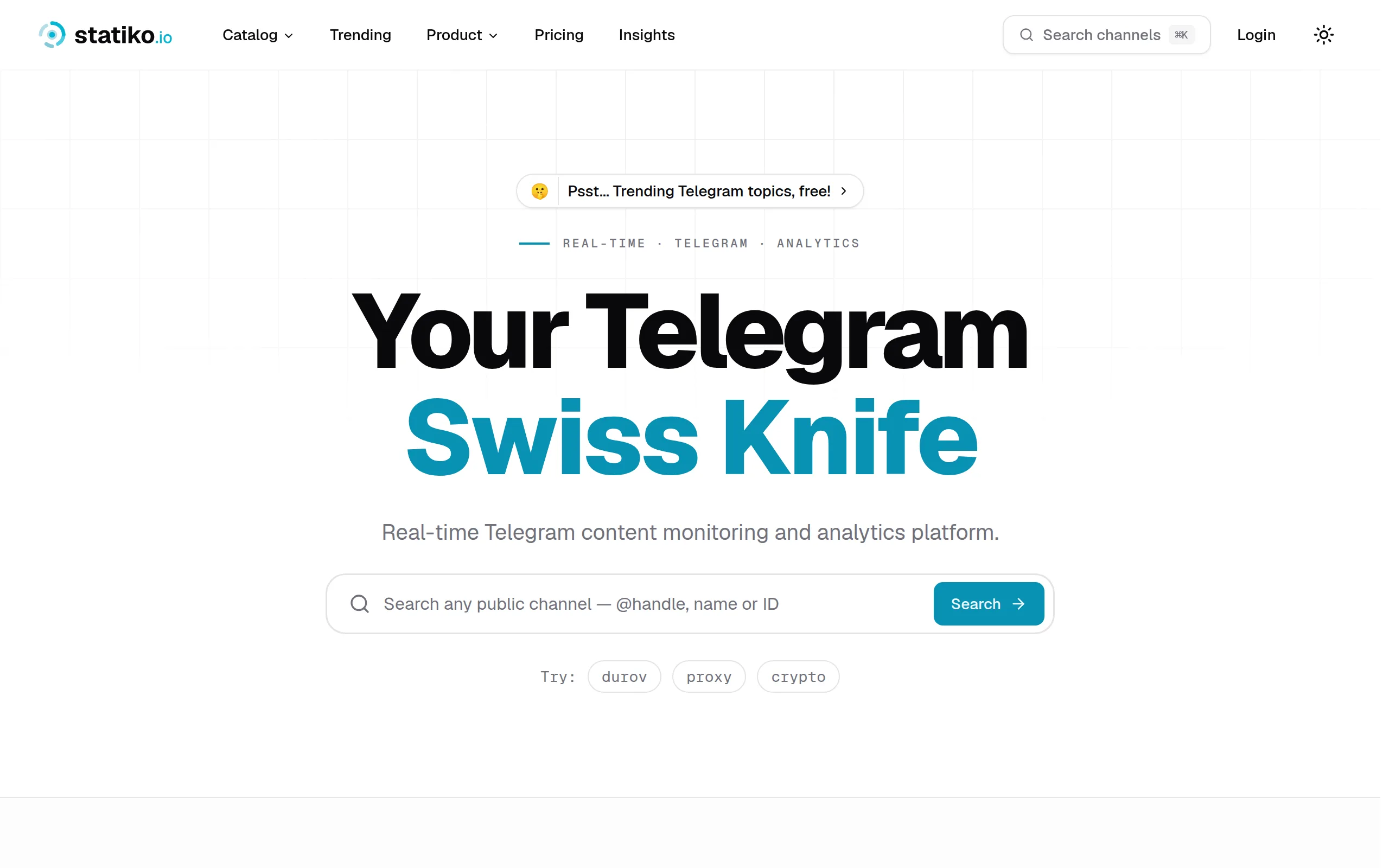
Statiko
Monitor any Telegram channel in real time - track posts, edits, deletions, and growth with AI recaps 📡

Shibui
AI website builder - describe your business, pick a niche template, edit by chatting, and publish instantly ✨

Pro Service
Find verified home service professionals, compare quotes, and pay securely through escrow - built for Brazilians across the US 🏠
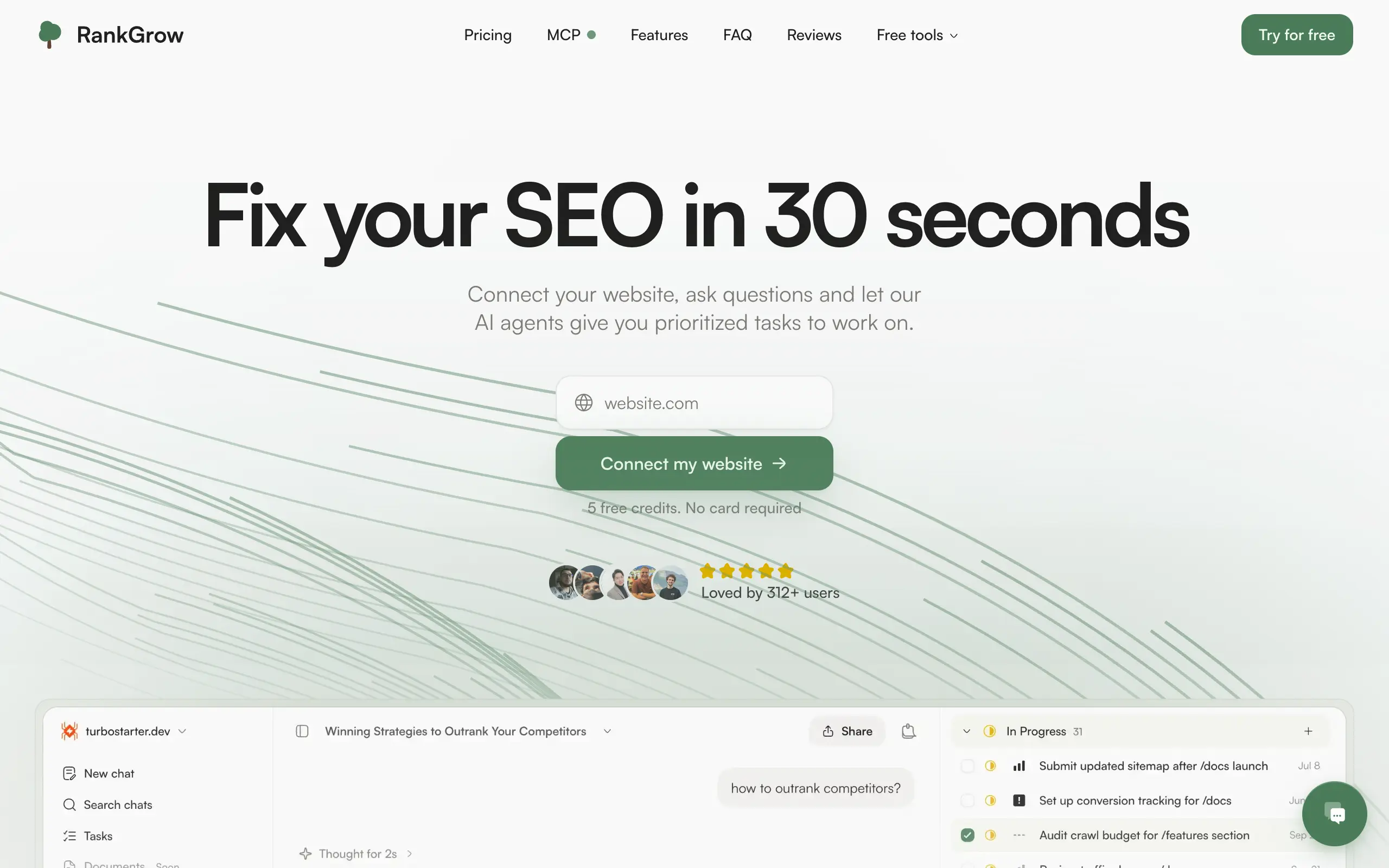
RankGrow
Fix your SEO with AI agents - connect Search Console, get prioritized tasks, and grow organic traffic 📈
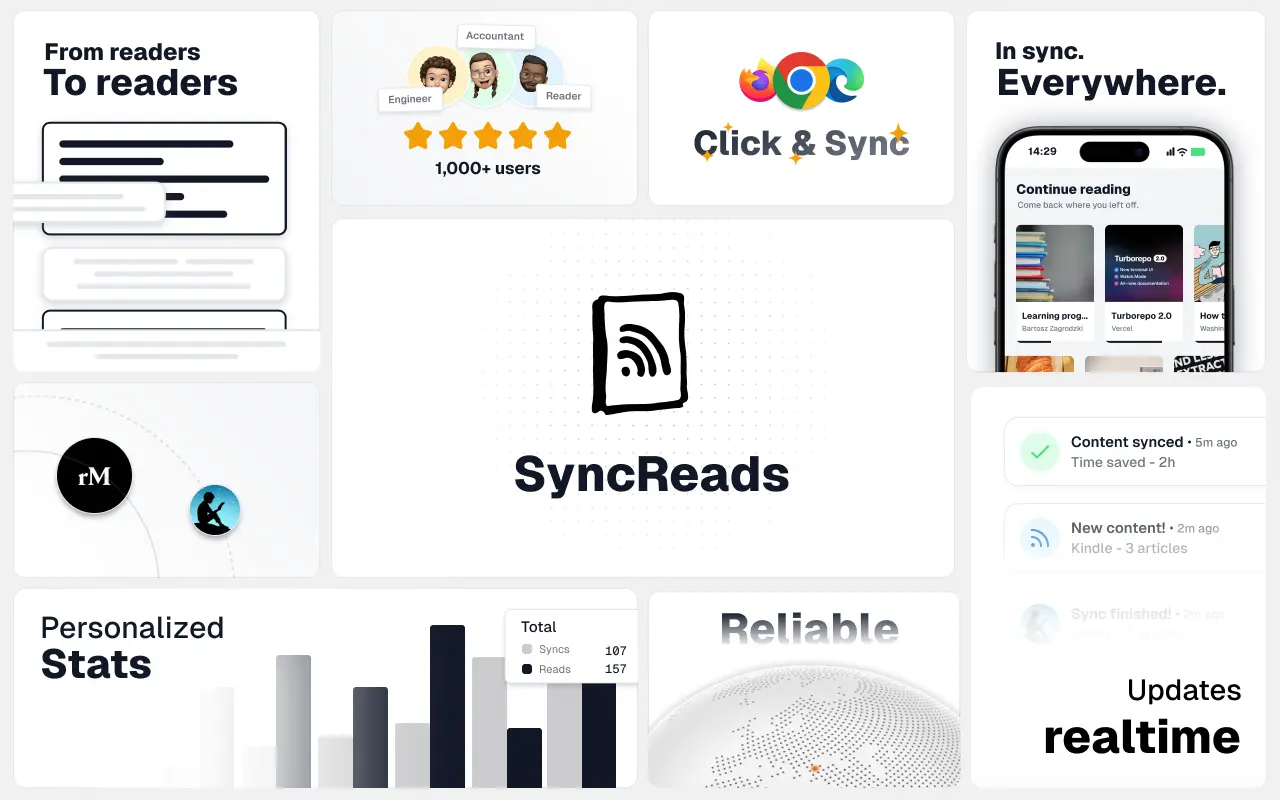
SyncReads
Sync your favorite content for distraction-free reading, save time and replace multiple apps. Anytime, anywhere 🔄
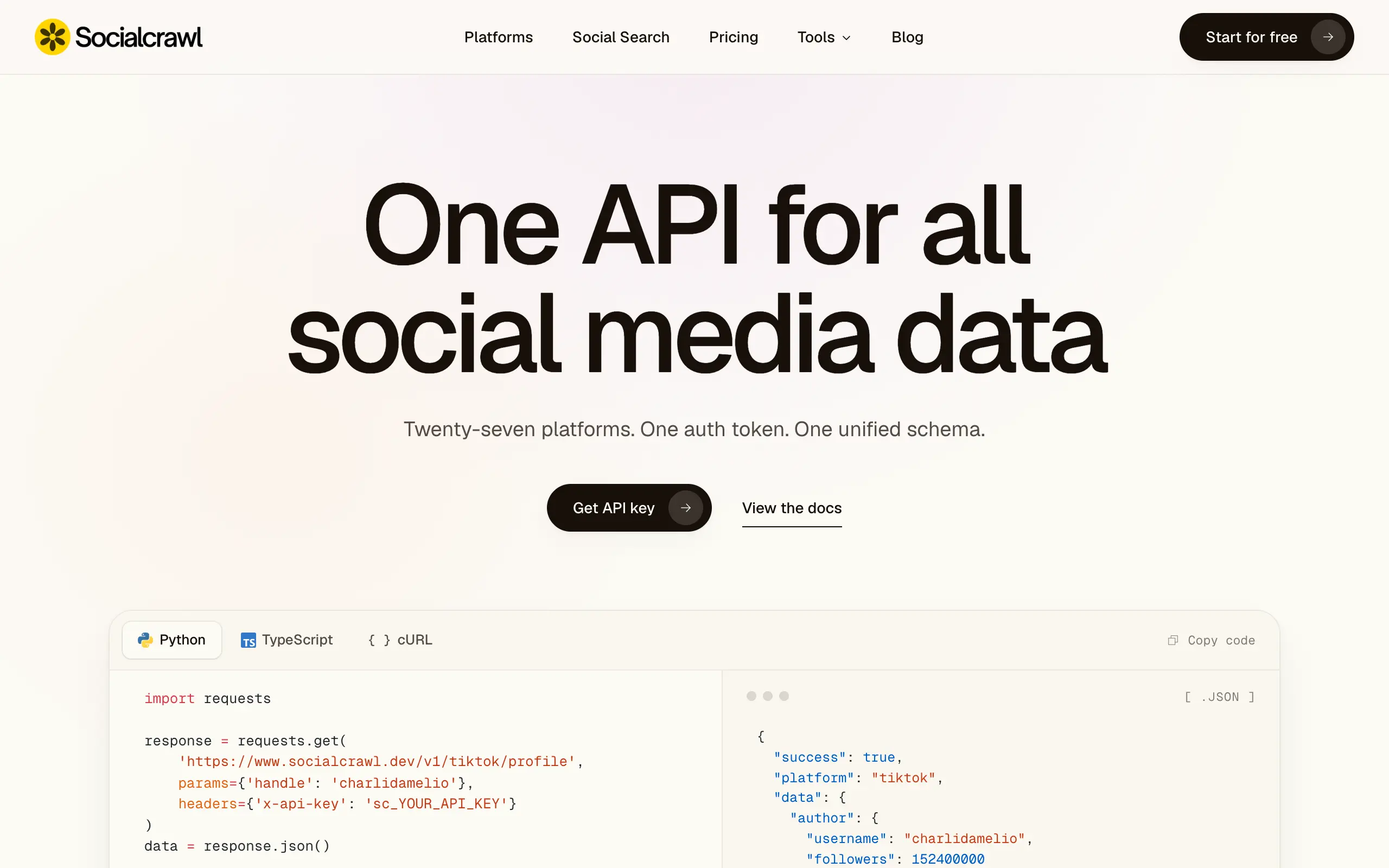
Socialcrawl
Get clean, structured data from 21 platforms like TikTok, Instagram, and YouTube with a single request 📊
Statiko
Monitor any Telegram channel in real time - track posts, edits, deletions, and growth with AI recaps 📡
Shibui
AI website builder - describe your business, pick a niche template, edit by chatting, and publish instantly ✨
Pro Service
Find verified home service professionals, compare quotes, and pay securely through escrow - built for Brazilians across the US 🏠
RankGrow
Fix your SEO with AI agents - connect Search Console, get prioritized tasks, and grow organic traffic 📈
SyncReads
Sync your favorite content for distraction-free reading, save time and replace multiple apps. Anytime, anywhere 🔄
Socialcrawl
Get clean, structured data from 21 platforms like TikTok, Instagram, and YouTube with a single request 📊
Statiko
Monitor any Telegram channel in real time - track posts, edits, deletions, and growth with AI recaps 📡
Shibui
AI website builder - describe your business, pick a niche template, edit by chatting, and publish instantly ✨
Pro Service
Find verified home service professionals, compare quotes, and pay securely through escrow - built for Brazilians across the US 🏠
RankGrow
Fix your SEO with AI agents - connect Search Console, get prioritized tasks, and grow organic traffic 📈
SyncReads
Sync your favorite content for distraction-free reading, save time and replace multiple apps. Anytime, anywhere 🔄
Socialcrawl
Get clean, structured data from 21 platforms like TikTok, Instagram, and YouTube with a single request 📊
Statiko
Monitor any Telegram channel in real time - track posts, edits, deletions, and growth with AI recaps 📡
Shibui
AI website builder - describe your business, pick a niche template, edit by chatting, and publish instantly ✨
Pro Service
Find verified home service professionals, compare quotes, and pay securely through escrow - built for Brazilians across the US 🏠
RankGrow
Fix your SEO with AI agents - connect Search Console, get prioritized tasks, and grow organic traffic 📈
SyncReads
Sync your favorite content for distraction-free reading, save time and replace multiple apps. Anytime, anywhere 🔄
Socialcrawl
Get clean, structured data from 21 platforms like TikTok, Instagram, and YouTube with a single request 📊
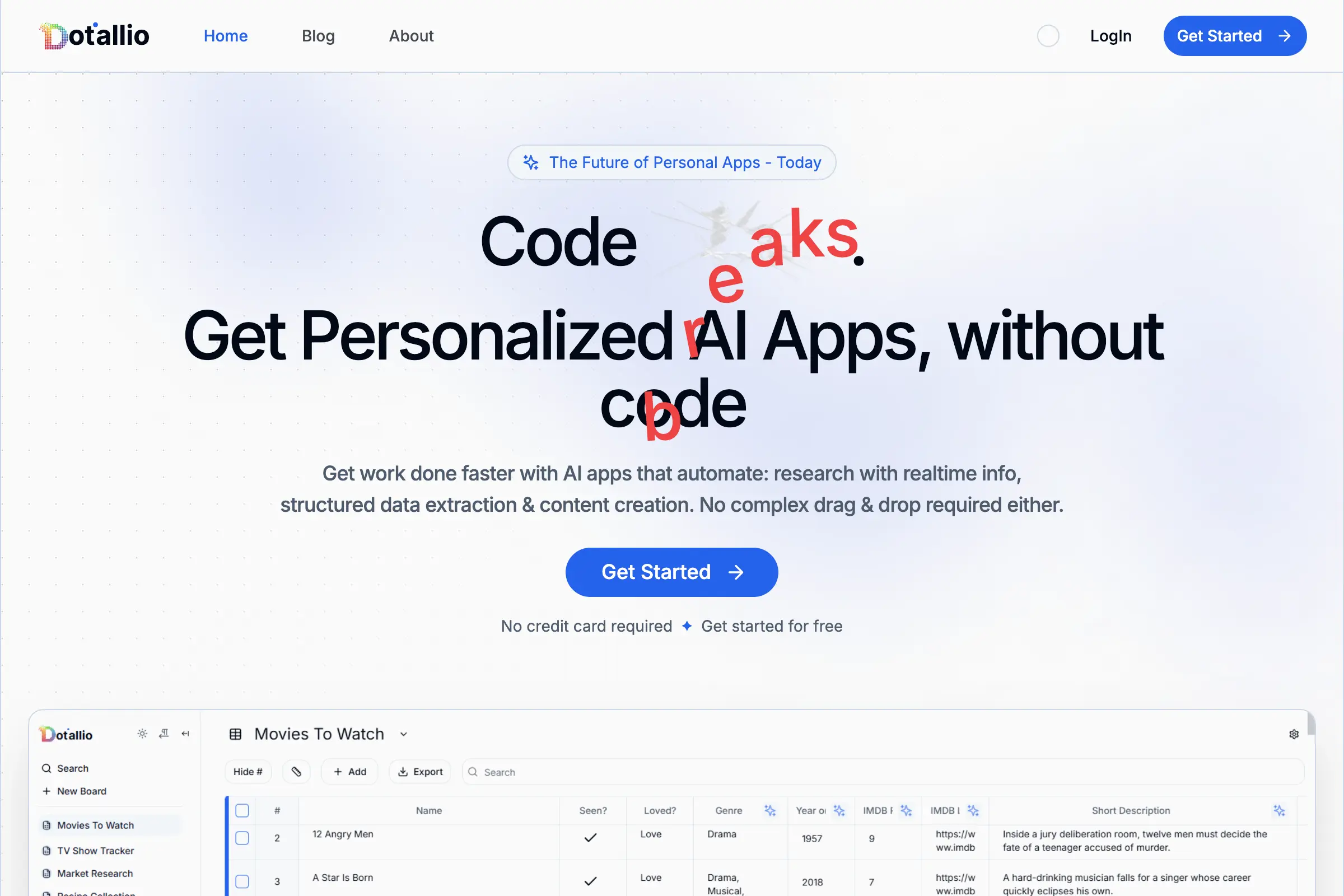
Dotallio
Personalized AI apps that automate research, data extraction, and content creation without code 🤖
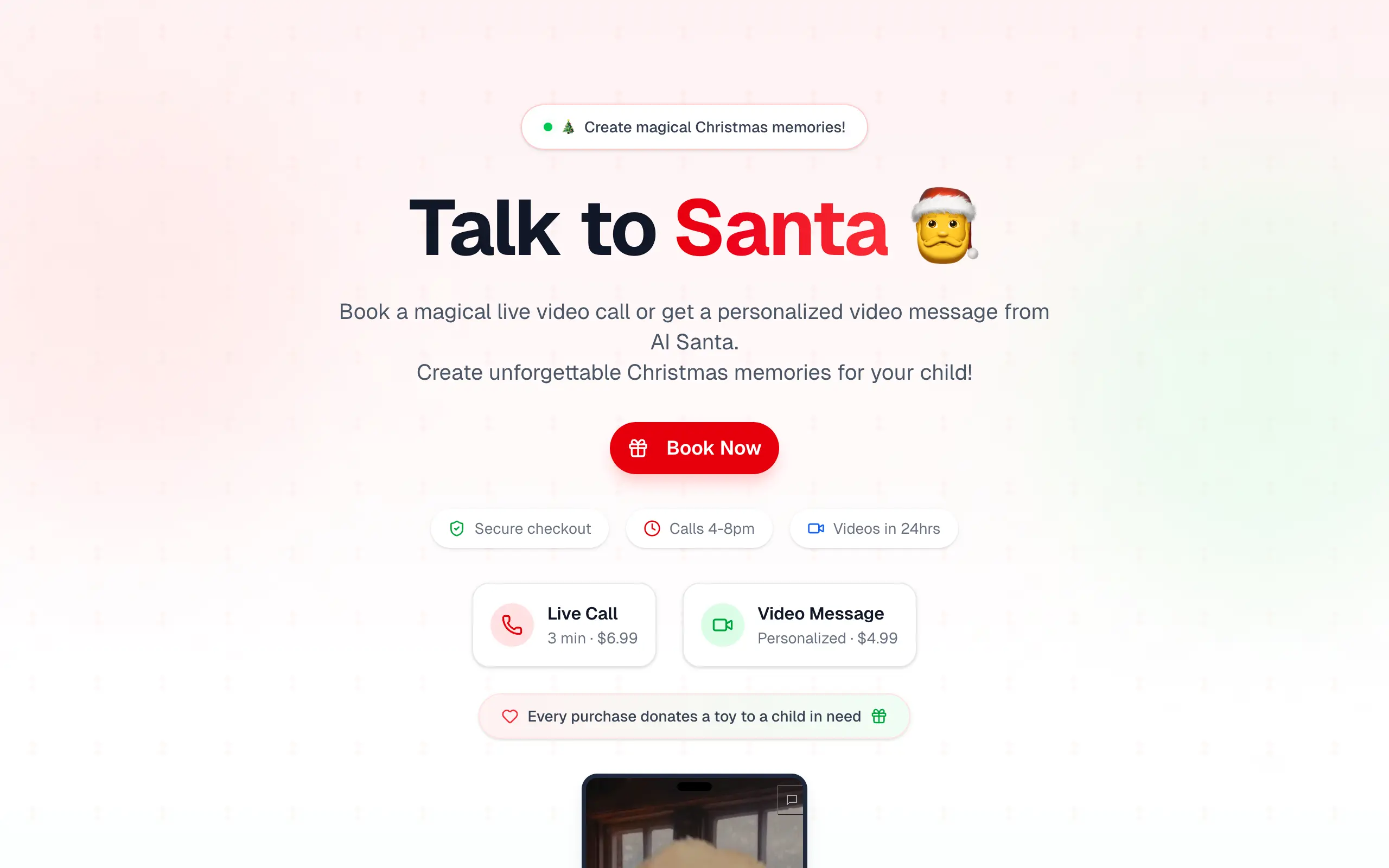
Talk to Santa
Enjoy a magical live video chat or receive a unique AI-generated video greeting from Santa Claus 🎅
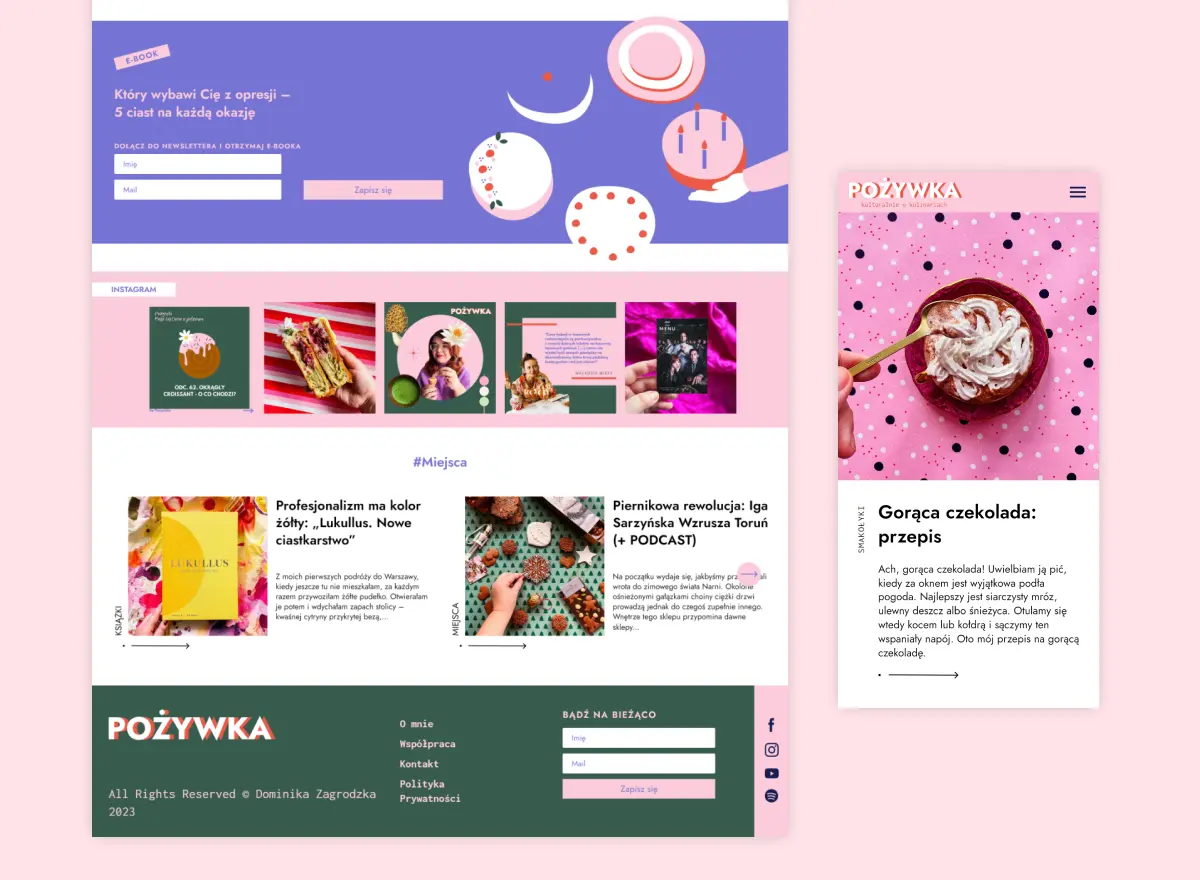
pozywka.pl
Scalable blog for food journalist, focused on performance and user experience 🌭
zagrodzki.me
Personal blog and portfolio of Bart Zagrodzki, where he shares his knowledge and work 💼
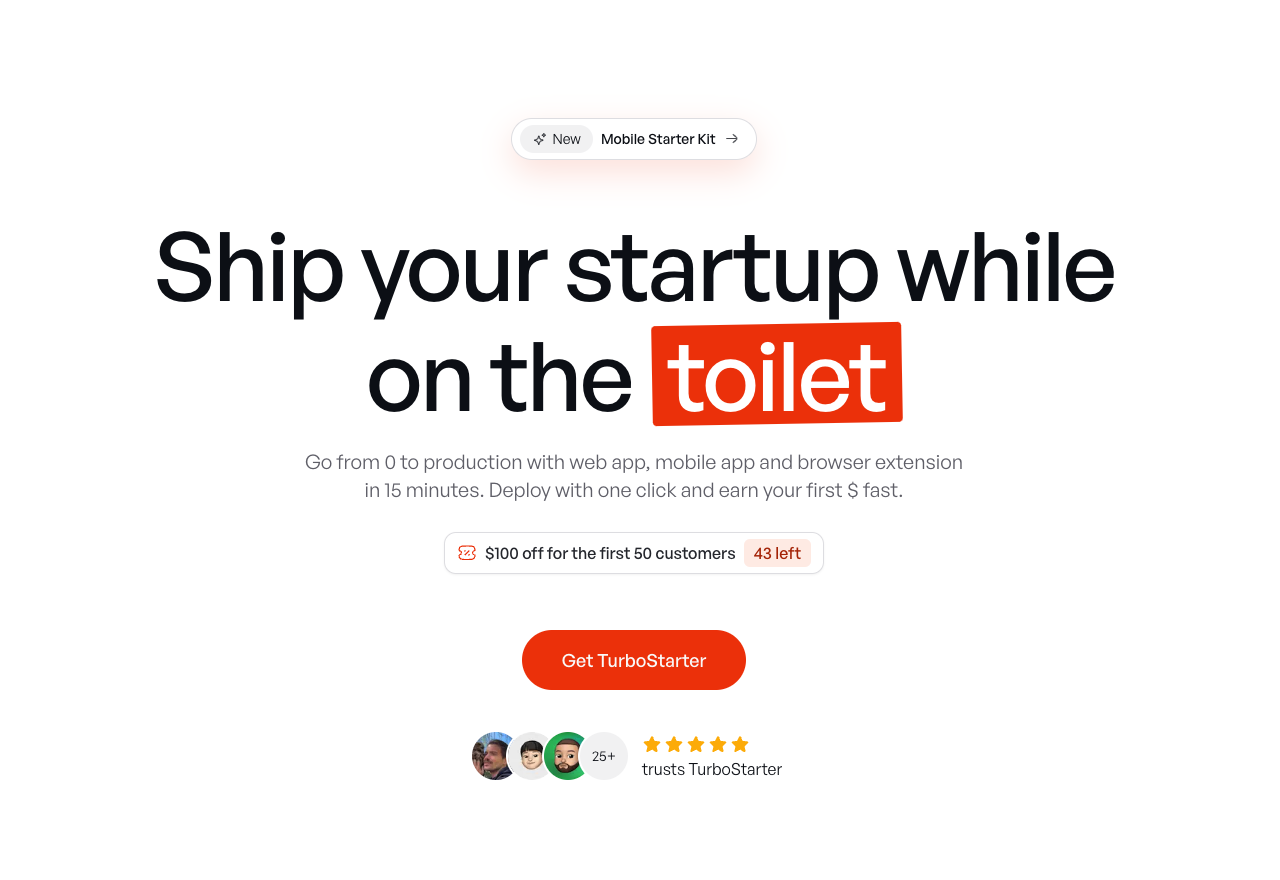
TurboStarter
Ship your startup everywhere. In minutes.
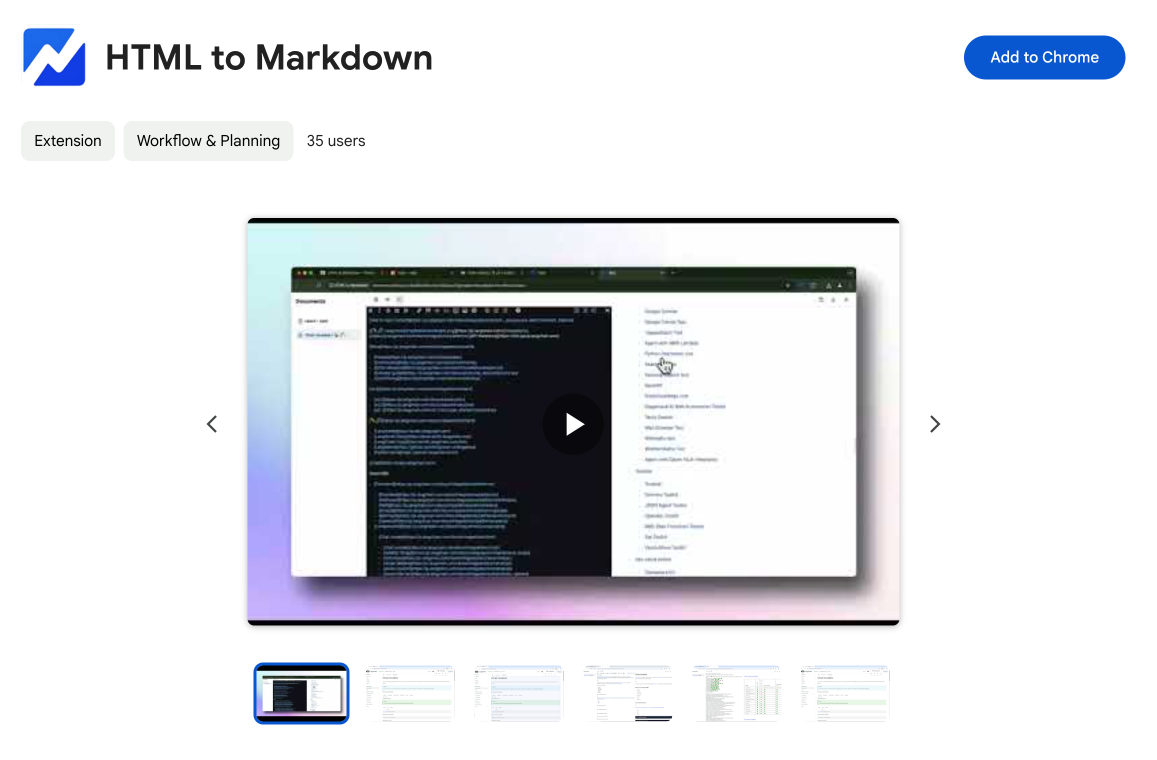
HTML to Markdown
Convert HTML to Markdown with ease, directly in your browser 📄
Dotallio
Personalized AI apps that automate research, data extraction, and content creation without code 🤖
Talk to Santa
Enjoy a magical live video chat or receive a unique AI-generated video greeting from Santa Claus 🎅
pozywka.pl
Scalable blog for food journalist, focused on performance and user experience 🌭
zagrodzki.me
Personal blog and portfolio of Bart Zagrodzki, where he shares his knowledge and work 💼
TurboStarter
Ship your startup everywhere. In minutes.
HTML to Markdown
Convert HTML to Markdown with ease, directly in your browser 📄
Dotallio
Personalized AI apps that automate research, data extraction, and content creation without code 🤖
Talk to Santa
Enjoy a magical live video chat or receive a unique AI-generated video greeting from Santa Claus 🎅
pozywka.pl
Scalable blog for food journalist, focused on performance and user experience 🌭
zagrodzki.me
Personal blog and portfolio of Bart Zagrodzki, where he shares his knowledge and work 💼
TurboStarter
Ship your startup everywhere. In minutes.
HTML to Markdown
Convert HTML to Markdown with ease, directly in your browser 📄
Dotallio
Personalized AI apps that automate research, data extraction, and content creation without code 🤖
Talk to Santa
Enjoy a magical live video chat or receive a unique AI-generated video greeting from Santa Claus 🎅
pozywka.pl
Scalable blog for food journalist, focused on performance and user experience 🌭
zagrodzki.me
Personal blog and portfolio of Bart Zagrodzki, where he shares his knowledge and work 💼
TurboStarter
Ship your startup everywhere. In minutes.
HTML to Markdown
Convert HTML to Markdown with ease, directly in your browser 📄
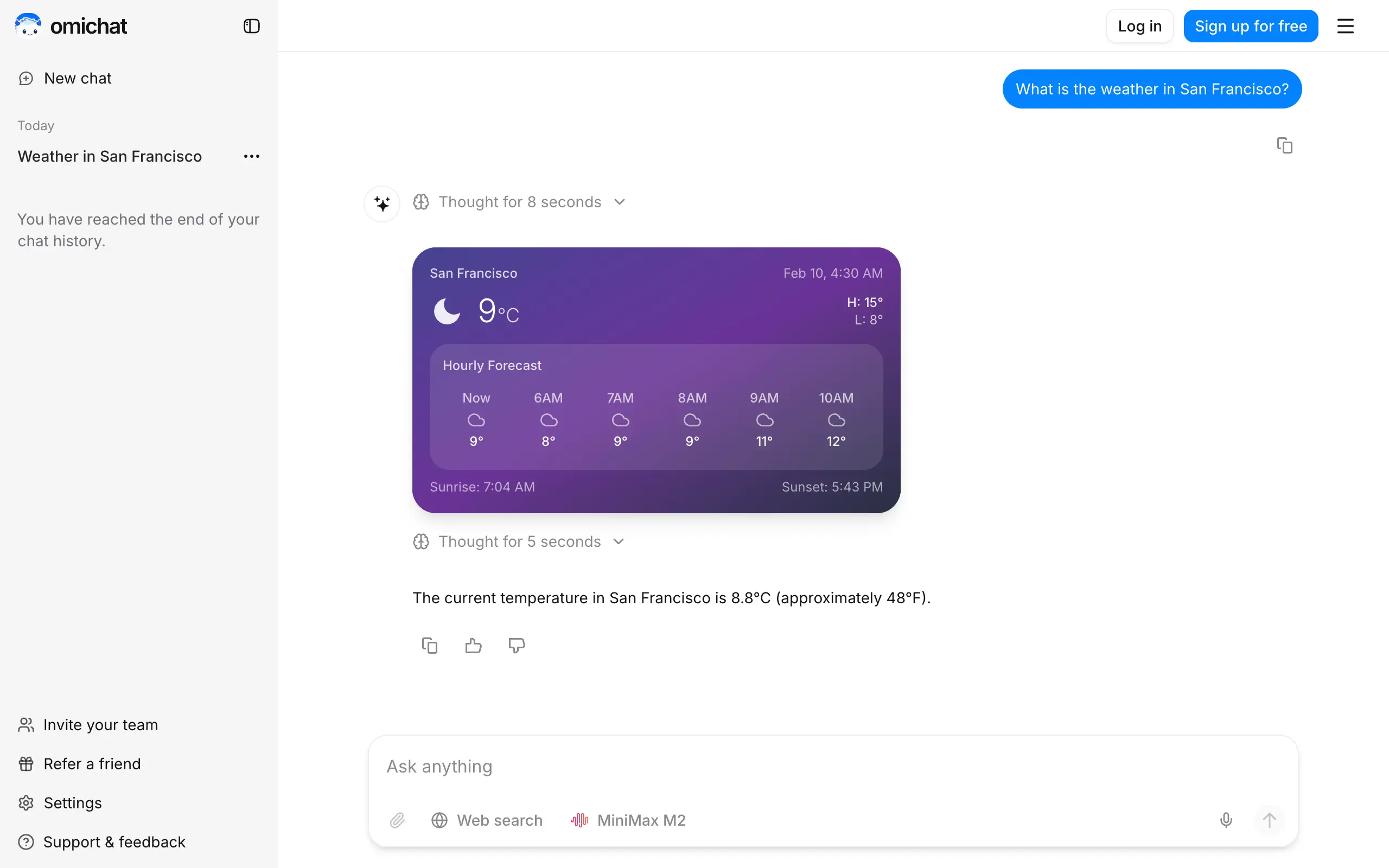
Omichat
Chat with 50+ AI models, including ChatGPT and Claude, in one place - switch models anytime without losing context 🤖
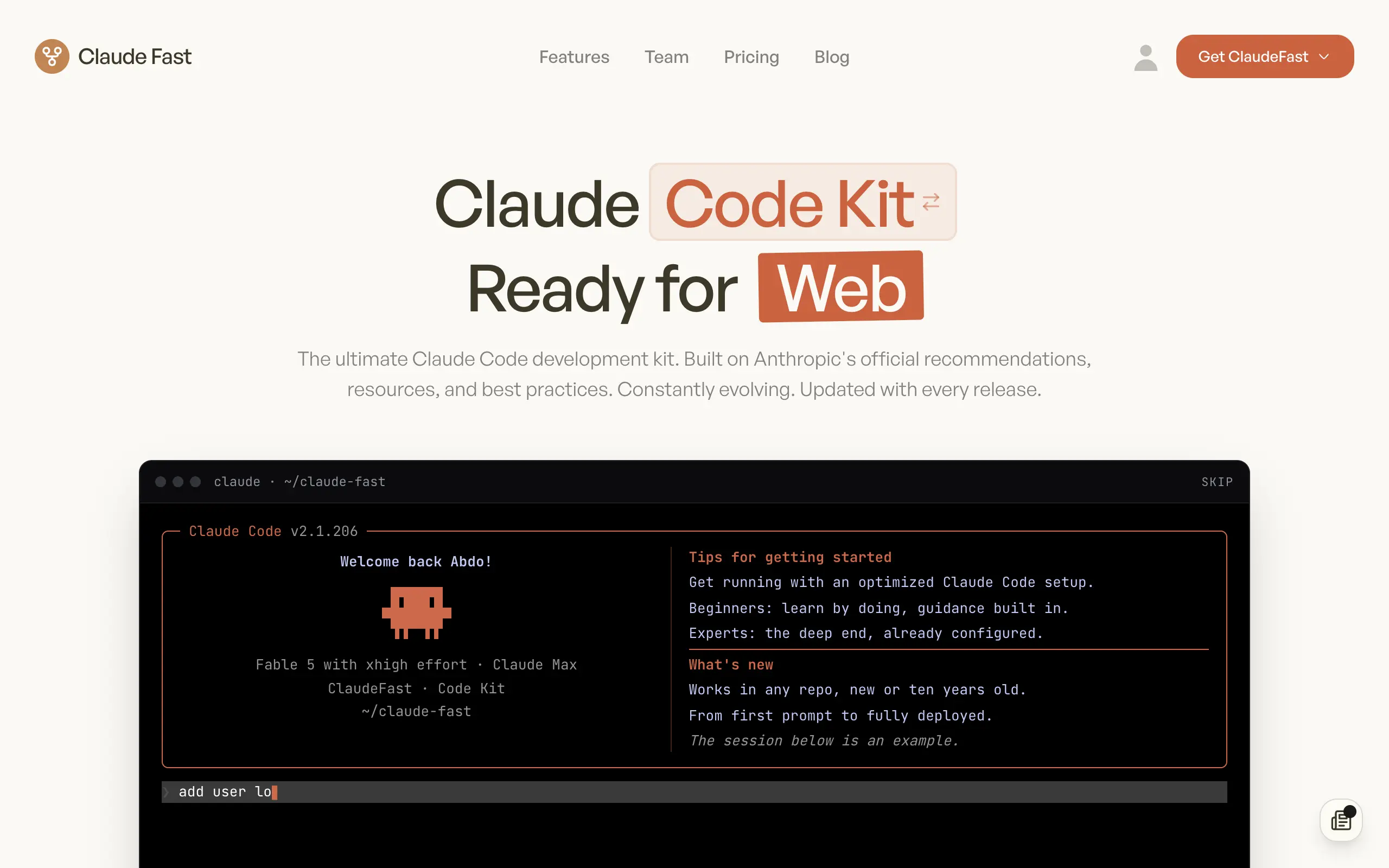
Claude Fast
Supercharge your Claude Code with 6x effective context window and specialized AI agents 🤖
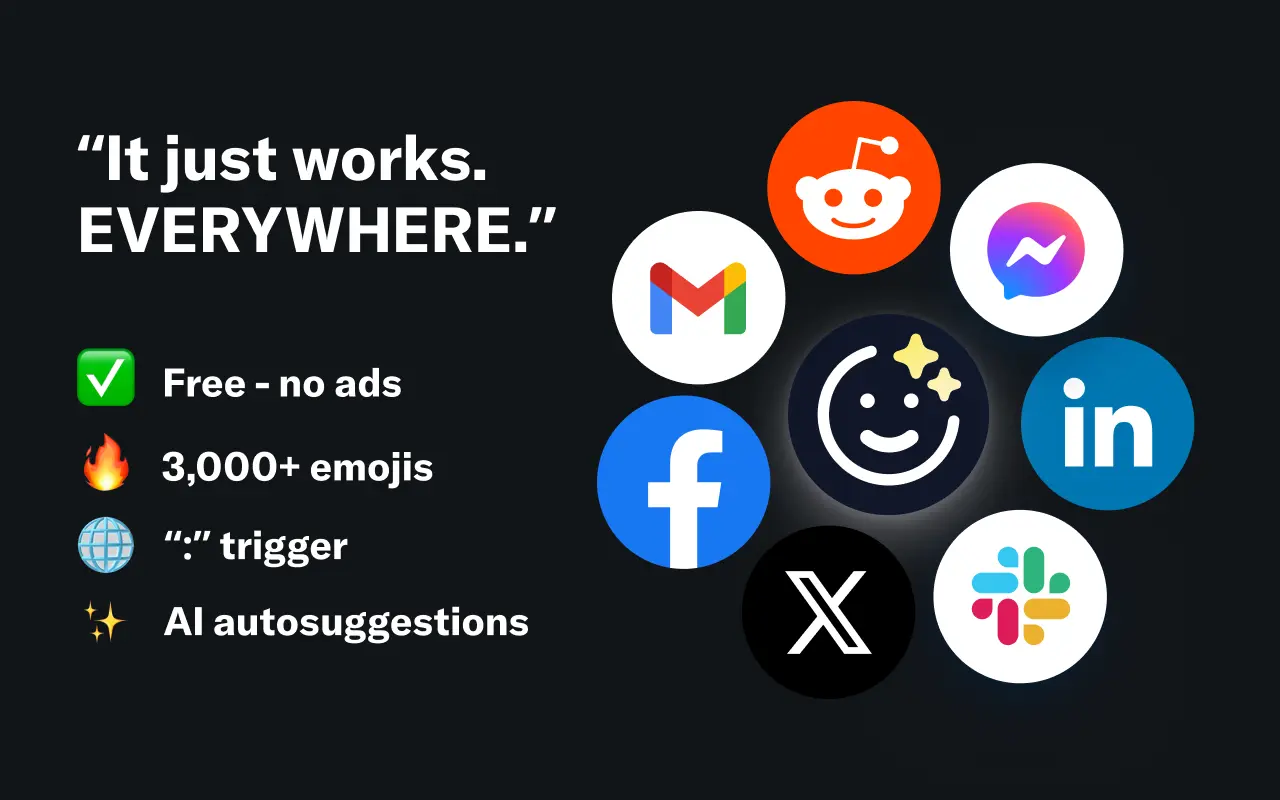
EmojAI
AI-powered emoji picker with smart, context-aware suggestions 🤖
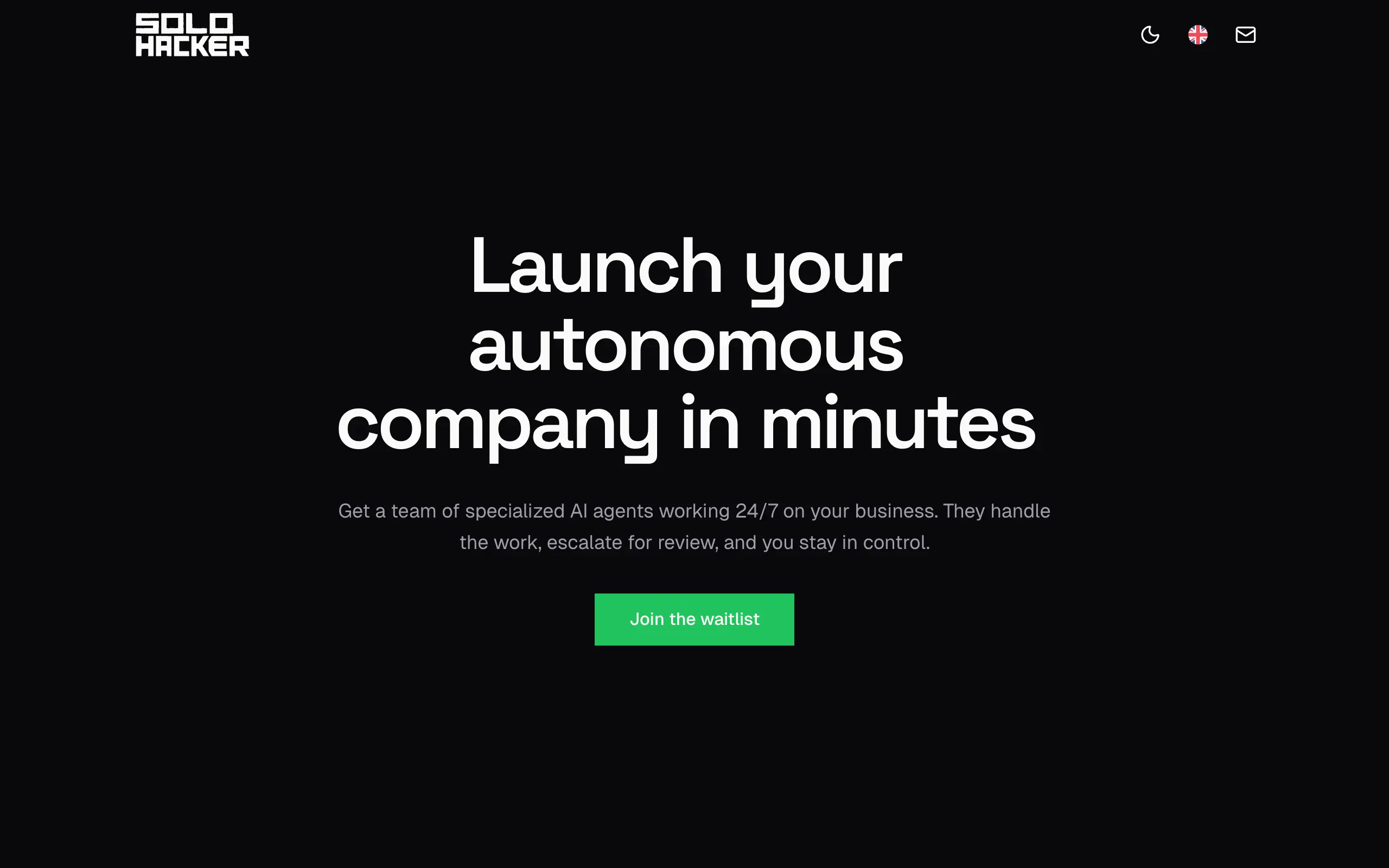
Solohacker
Autonomous company launcher - AI agents work 24/7, escalate what matters, and you stay in control 🤖
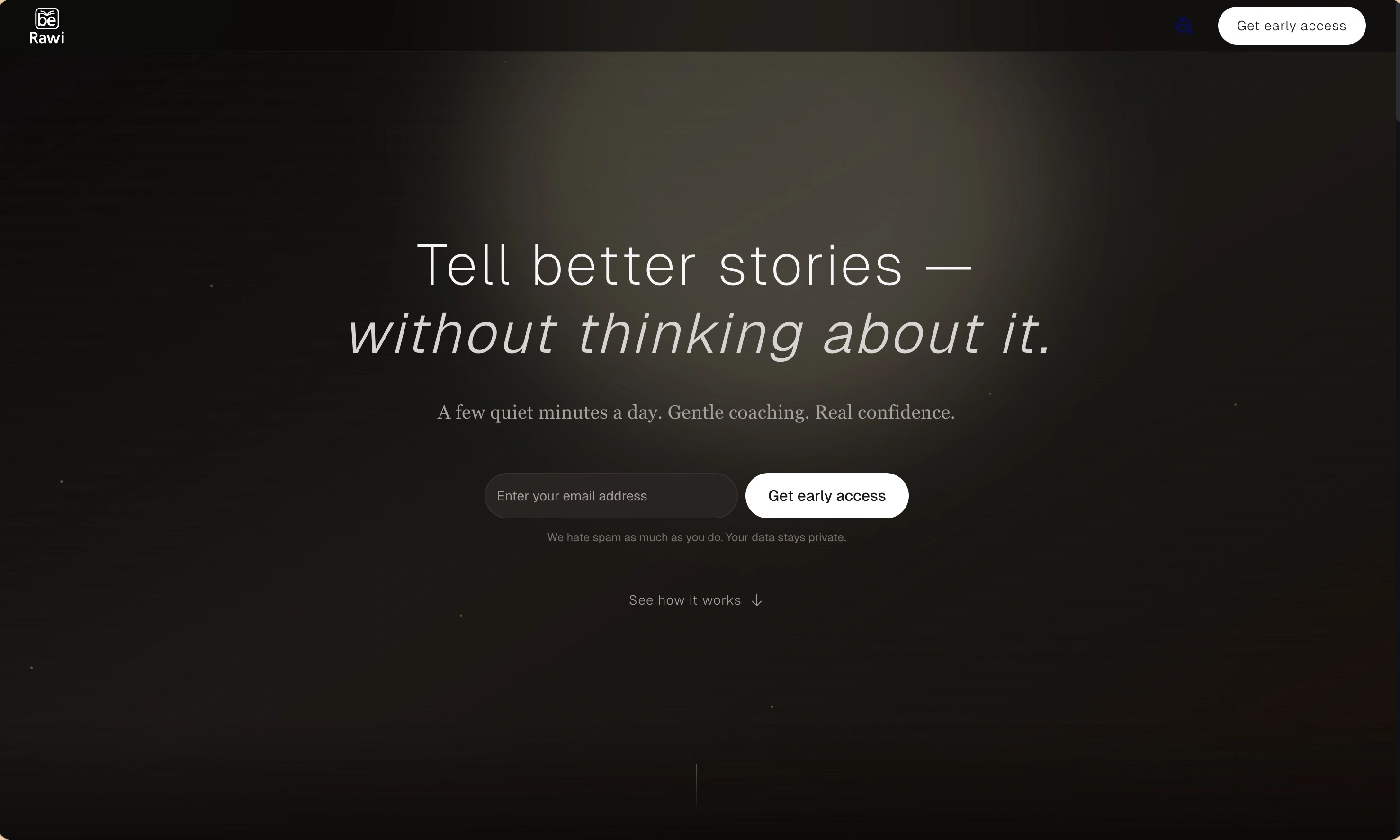
BeRawi: Storytelling Coach
Practice storytelling daily with instant feedback to sound clearer, more engaging, and confident 🎤
Omichat
Chat with 50+ AI models, including ChatGPT and Claude, in one place - switch models anytime without losing context 🤖
Claude Fast
Supercharge your Claude Code with 6x effective context window and specialized AI agents 🤖
EmojAI
AI-powered emoji picker with smart, context-aware suggestions 🤖
Solohacker
Autonomous company launcher - AI agents work 24/7, escalate what matters, and you stay in control 🤖
BeRawi: Storytelling Coach
Practice storytelling daily with instant feedback to sound clearer, more engaging, and confident 🎤
Omichat
Chat with 50+ AI models, including ChatGPT and Claude, in one place - switch models anytime without losing context 🤖
Claude Fast
Supercharge your Claude Code with 6x effective context window and specialized AI agents 🤖
EmojAI
AI-powered emoji picker with smart, context-aware suggestions 🤖
Solohacker
Autonomous company launcher - AI agents work 24/7, escalate what matters, and you stay in control 🤖
BeRawi: Storytelling Coach
Practice storytelling daily with instant feedback to sound clearer, more engaging, and confident 🎤
Omichat
Chat with 50+ AI models, including ChatGPT and Claude, in one place - switch models anytime without losing context 🤖
Claude Fast
Supercharge your Claude Code with 6x effective context window and specialized AI agents 🤖
EmojAI
AI-powered emoji picker with smart, context-aware suggestions 🤖
Solohacker
Autonomous company launcher - AI agents work 24/7, escalate what matters, and you stay in control 🤖
BeRawi: Storytelling Coach
Practice storytelling daily with instant feedback to sound clearer, more engaging, and confident 🎤

Connect with like-minded people
Join our community to get feedback, support, and grow together with 1,000+ builders on board, let's ship it!
Join usShip your startup everywhere. In minutes.
Don't burn tokens on setup and start building features on day one.